Wan v2.6 Image to Image
Blend up to three reference images into one edited scene
Edit images using reference photos
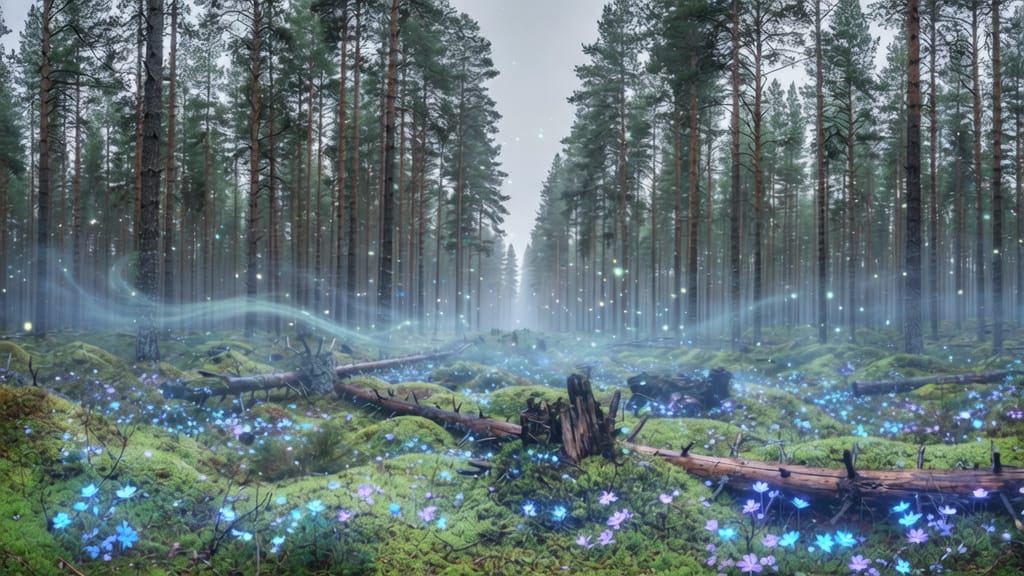
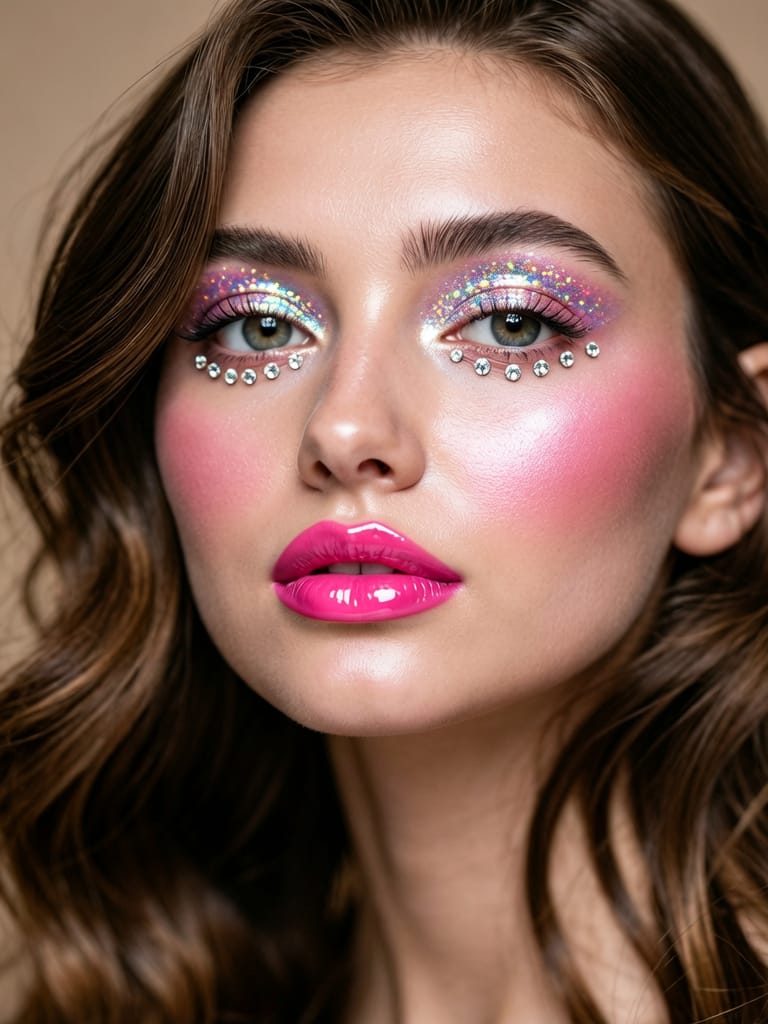
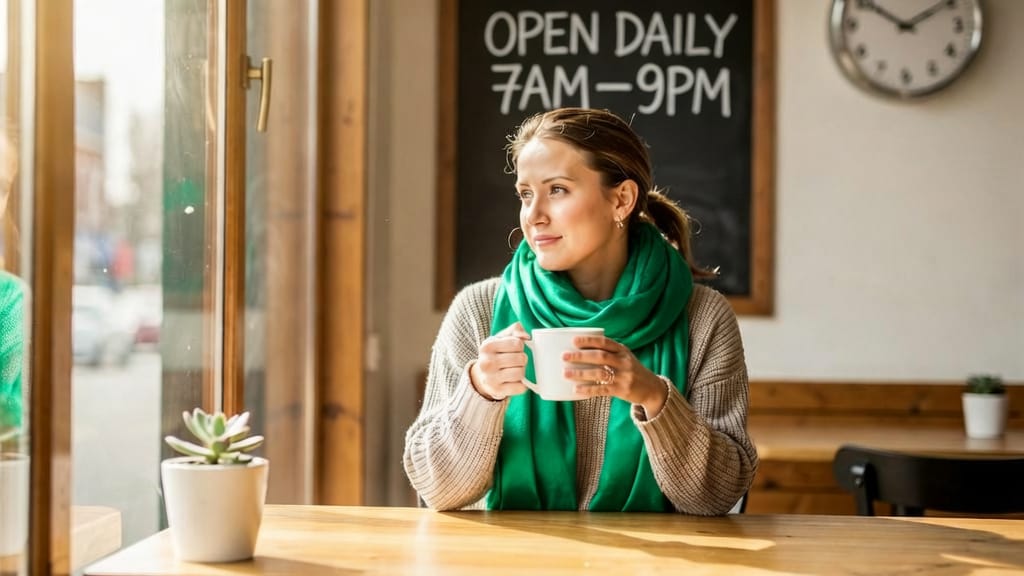
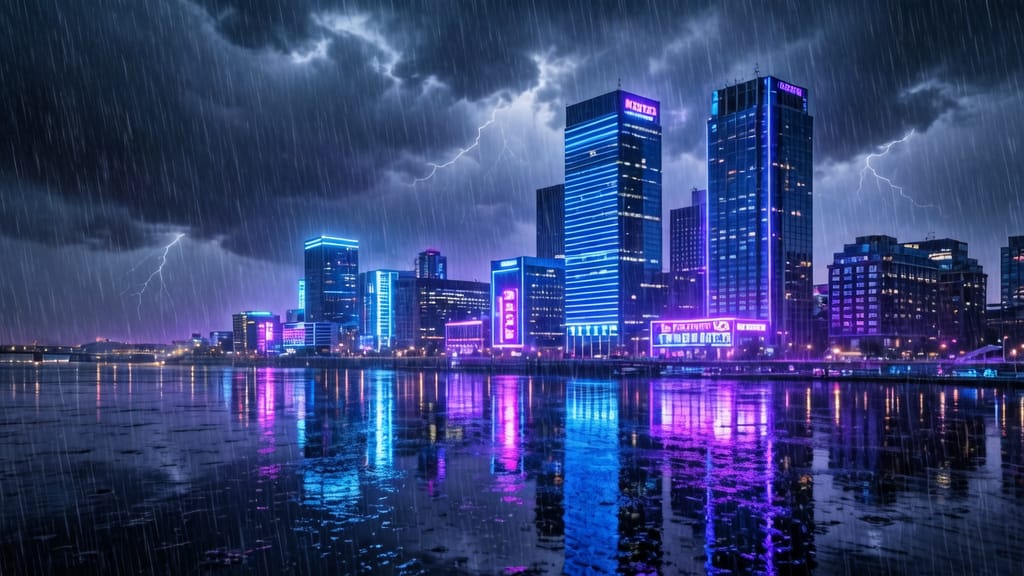
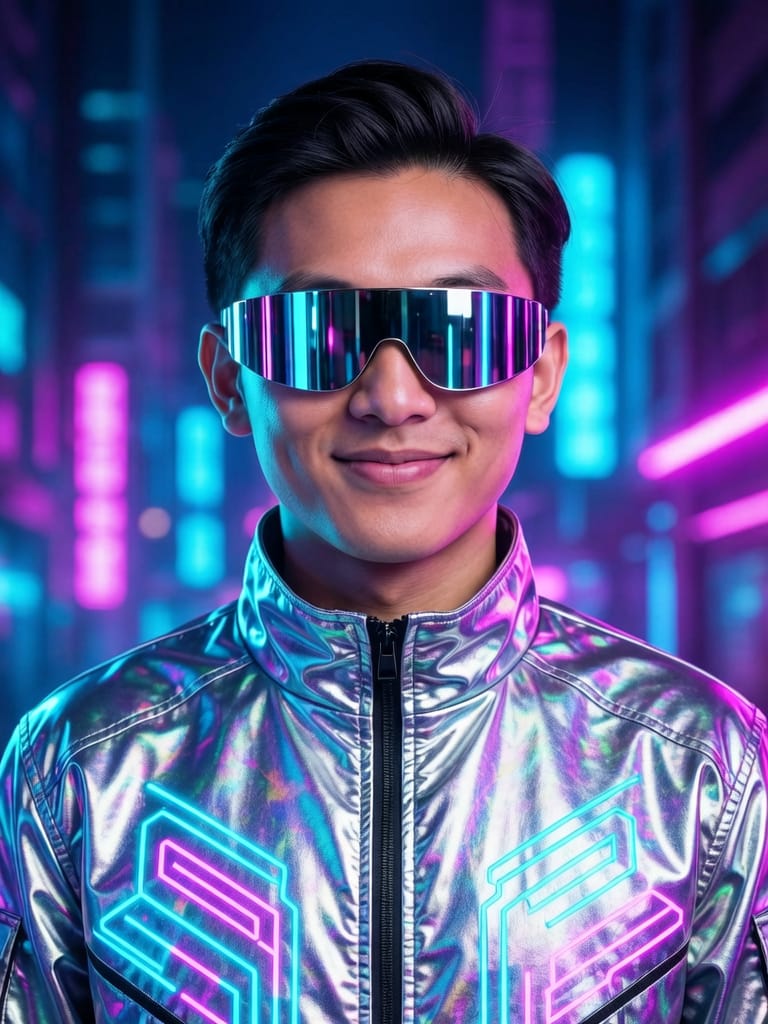
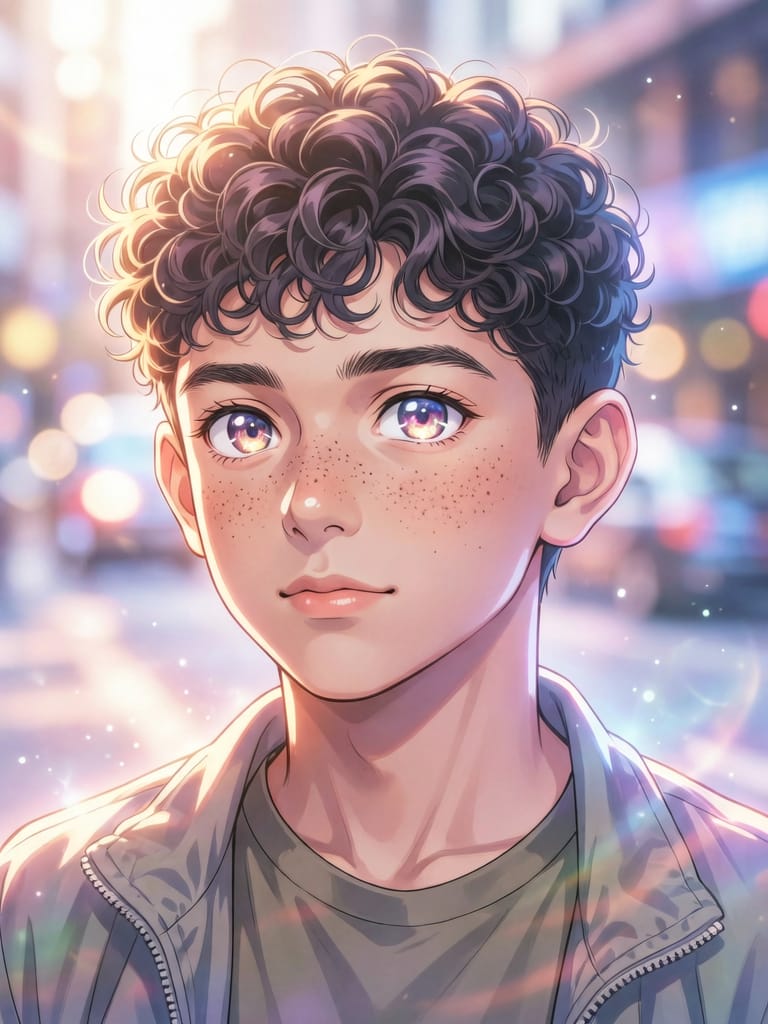
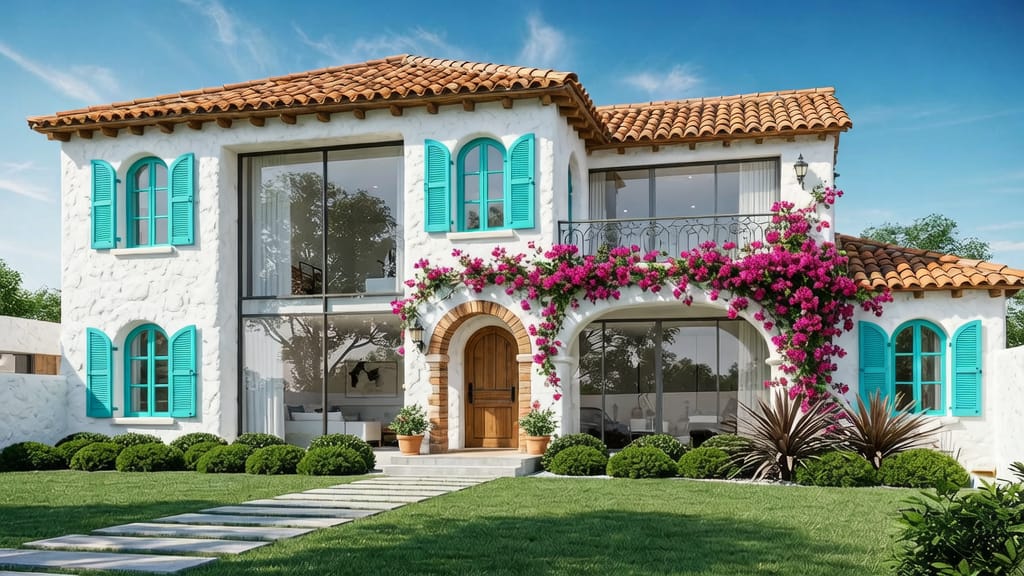
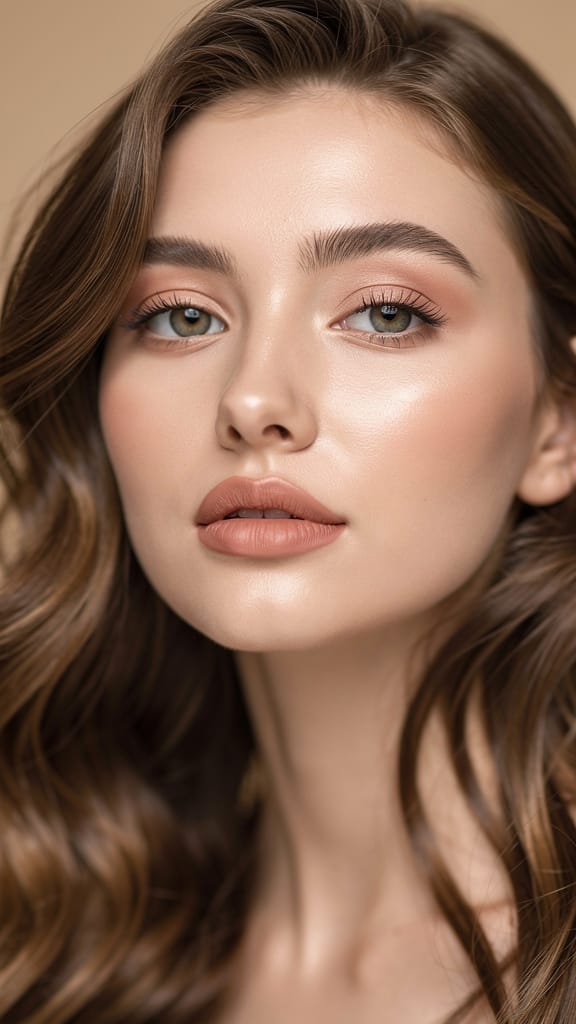
MAKEUP TRANSFORMATION
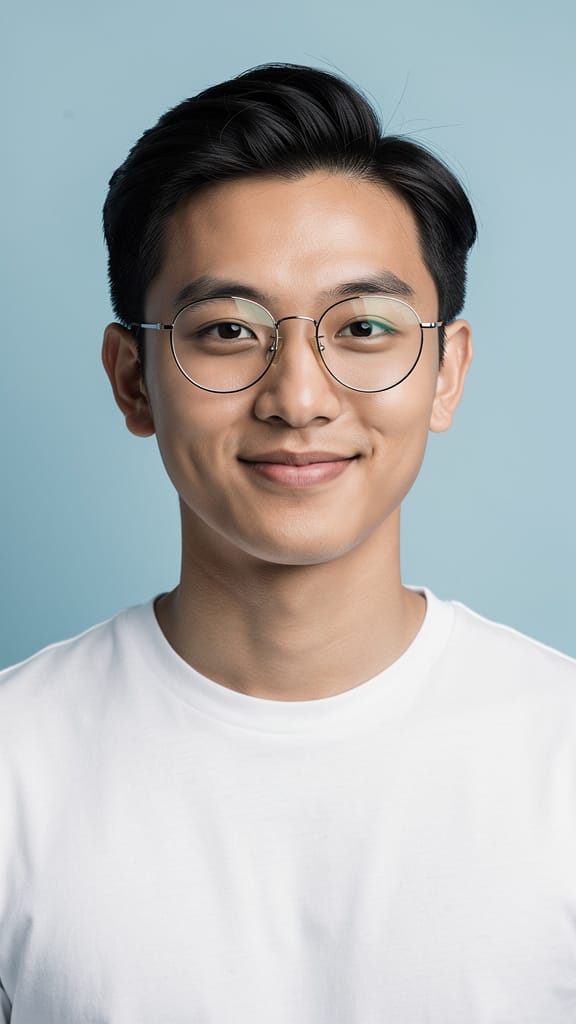
FASHION STYLE SWAP
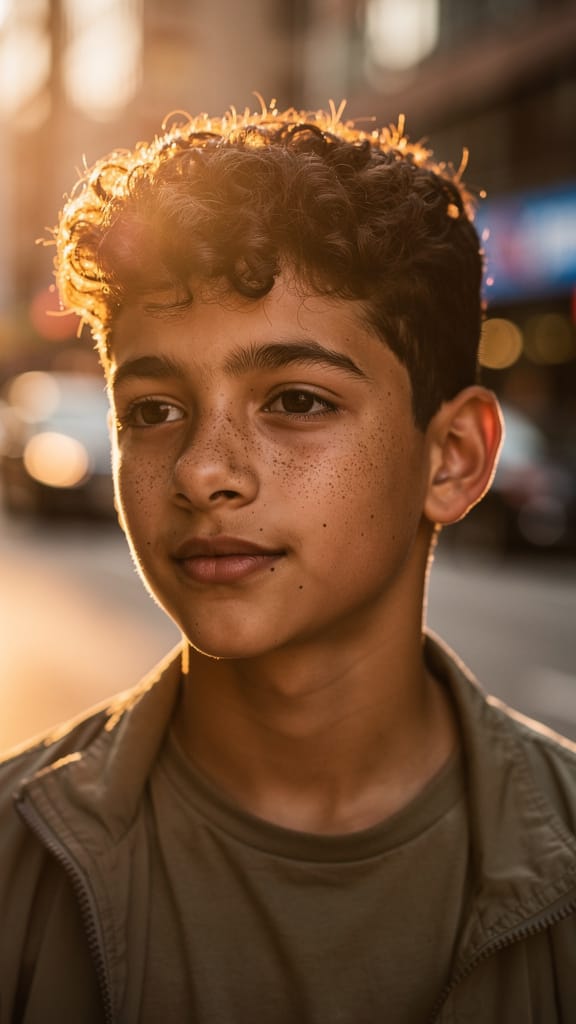
ARTISTIC STYLE TRANSFER
Wan v2.6 Image to Image is an image-editing and composition model that lets you combine and transform up to three reference images using nothing more than a written description. Instead of generating pictures from scratch, it works with the visuals you already have — a character, an object, a location, a texture, or a style — and merges them into a single new image that follows your instructions. If you can point to elements across a handful of photos and describe how they should come together, this model turns that idea into a finished frame.
The defining feature is its multi-image referencing system. You supply between one and three reference images, and in your text prompt you refer to each one directly as 'image 1', 'image 2', and 'image 3'. Order matters, so you always know which picture the model is pulling from. This makes complex composites straightforward to describe: you might place a character from one image into a setting from another while holding an object drawn from a third. A sample instruction reads, 'Place the wizard from image 2 in the ancient library from image 3, holding and studying the magical crystal orb from image 1,' complete with directions about purple and blue lighting on his face, floating candles, ancient books in the background, and a highly detailed fantasy art style. The model reads all of that and assembles a coherent scene.
Because the prompt does so much of the creative work, the model rewards descriptive writing. You can specify lighting, mood, art style, composition, and fine details, and the model will honor them. Prompts can run up to 2,000 characters, giving you plenty of room to be specific, and both English and Chinese are supported. For creators who prefer to keep their prompts short, there is a built-in prompt optimization feature that automatically expands and refines simple instructions before generation. It adds a few seconds of processing time but noticeably improves results when you feed it a brief idea rather than a fully detailed paragraph. You can leave it on for convenience or turn it off when you want your exact wording respected.
Who benefits? Concept artists and illustrators can quickly test how a character reads in different environments or props. Designers can composite product shots, mood boards, and style studies without manual masking and layering. Filmmakers and storyboard artists can pre-visualize scenes by dropping actors, sets, and objects into a single frame. Marketers and social creators can remix existing brand imagery into fresh visuals. Anyone who currently spends hours in a layered editor cutting elements out and blending them together can describe the same result in a sentence.
The reference images you upload should be JPEG, JPG, PNG (without transparency), BMP, or WEBP files, each between 384 and 5,000 pixels on any side and no larger than 10MB. Output images are delivered in PNG format. You control the shape and size of the result through a set of aspect-ratio presets — square, portrait 4:3, portrait 16:9, landscape 4:3, landscape 16:9, and a high-definition square option — or you can request exact custom dimensions. The total output resolution sits in a defined range so images stay sharp without becoming unwieldy, roughly between a 768×768 and a 1280×1280 pixel budget.
Beyond composition and sizing, you have several creative controls. A negative prompt lets you list things you want to keep out of the image — common examples include low resolution, deformed shapes, or extra fingers — helping you steer away from typical generation flaws. You can generate up to four variations at once, which is useful for quickly comparing options and picking the strongest result. A seed control gives you reproducibility: reusing the same seed produces more consistent results across runs, so once you land on a look you like, you can iterate on it without starting over. There is also a built-in content moderation option that checks both your inputs and outputs, on by default, to keep generations appropriate.
Style-wise, the model is flexible. Because it draws directly from your reference images and your written direction, it can lean photorealistic, painterly, cinematic, or fully illustrative depending on what you feed it and ask for. The example images showcase dramatic fantasy art with atmospheric lighting, which highlights the model's strength at mood and detail when you describe them clearly. You can borrow the style from one image and the background from another, mixing and matching visual sources into a unified aesthetic.
A few best practices follow naturally from how the model works. First, be explicit about which reference image supplies which element — the numbered referencing system is only as good as the clarity of your prompt. Second, describe lighting, style, and composition rather than assuming the model will guess; the richer your description, the closer the result. Third, if you are working from a short idea, keep prompt optimization on to fill in the gaps, but switch it off when you need your precise phrasing honored. Fourth, use the negative prompt to head off recurring artifacts. And when you find a result you love, note its seed so you can build on it.
As for limitations: the model requires at least one reference image and accepts no more than three, so it is built for editing and composition rather than pure text-to-image generation. Reference images must fall within the supported formats and size limits, and PNG files with transparency are not accepted. Output resolution is capped within its defined range, so it is optimized for crisp, shareable images rather than very large print files. Within those bounds, Wan v2.6 Image to Image is a fast, controllable way to turn a collection of reference pictures and a clear description into a single, cohesive new image.
Generate using the most advanced image editor
Add the image that you want change
Upload image
Add the image that you want to edit or transform
A woman kneeling in darkness, illuminated by a warm, radiant beam of light emerging from her raised hand.
Write your changes
Describe the edits you want - style changes, object removal, or enhancements
Start sharing
Download your professionally edited image
Beyond the prompt: A new level of control
WEATHER & MOOD CHANGE
Exhibits dynamic environment editing by shifting the mood and atmosphere of realistic landscapes for cinematic storytelling or creative marketing.
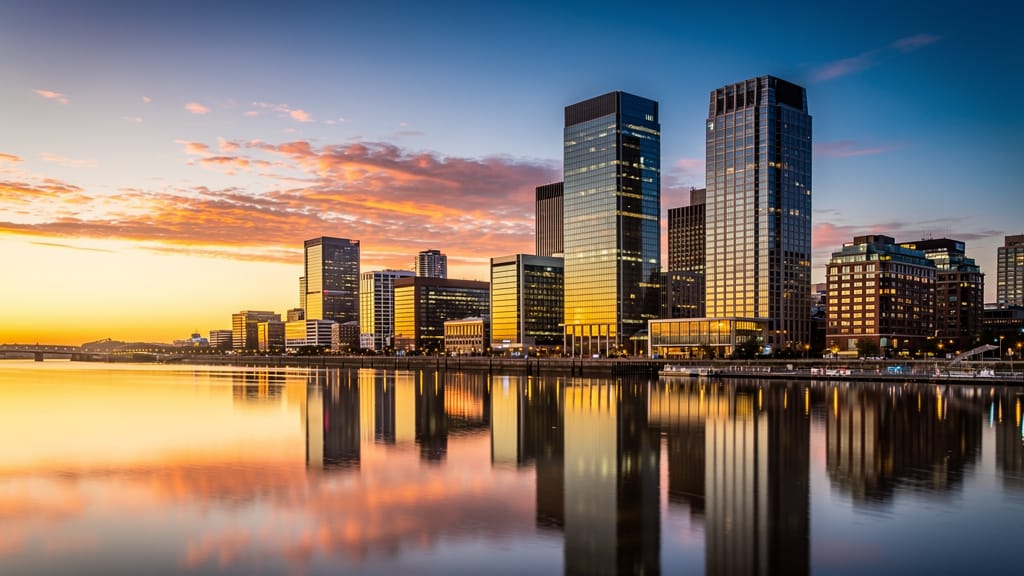
ARCHITECTURAL STYLE FUSION
Showcases how the model can reimagine buildings by blending global architectural aesthetics for use in design visualization or travel inspiration.
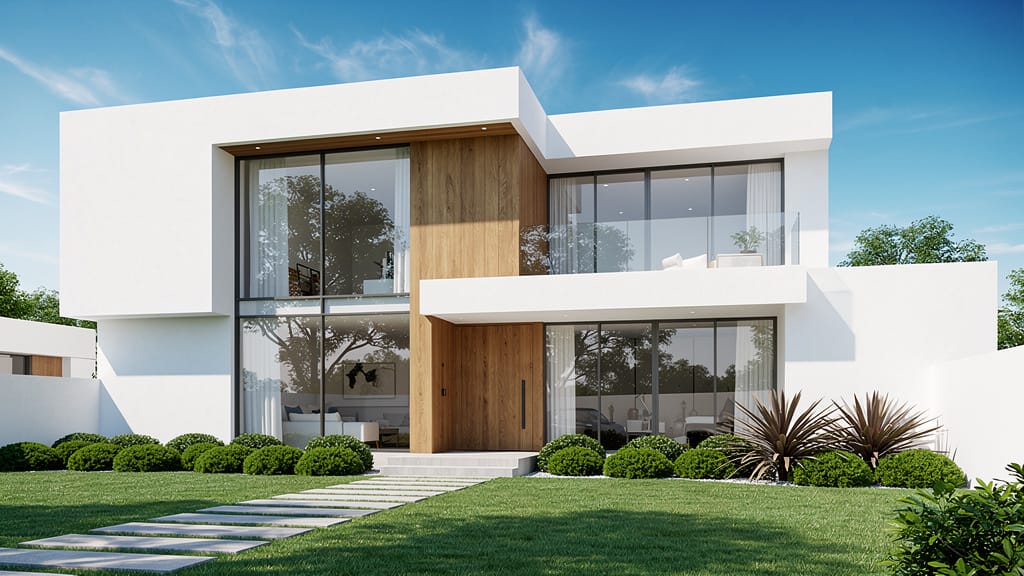
NATURE ENHANCEMENT & SURREALISM
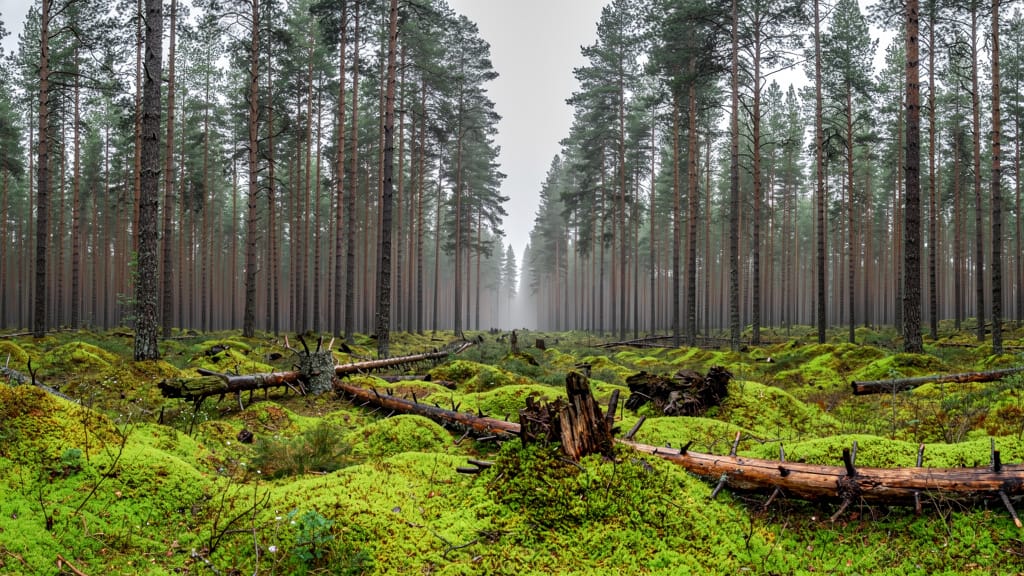
Demonstrates high-impact environmental editing by transforming realistic nature photos into dreamlike fantasy scenes for concept art or editorial visuals.
Compare with similar models
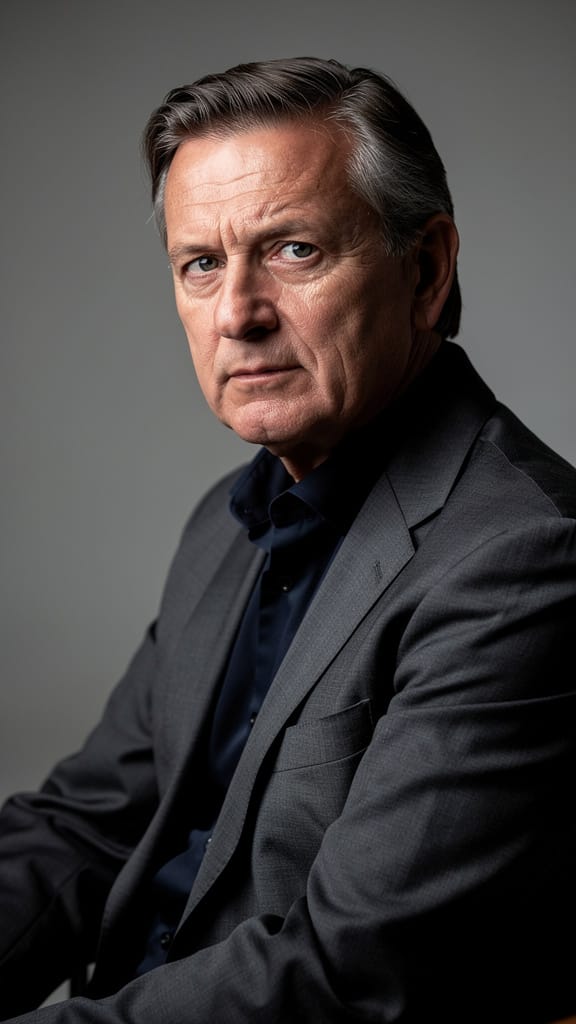
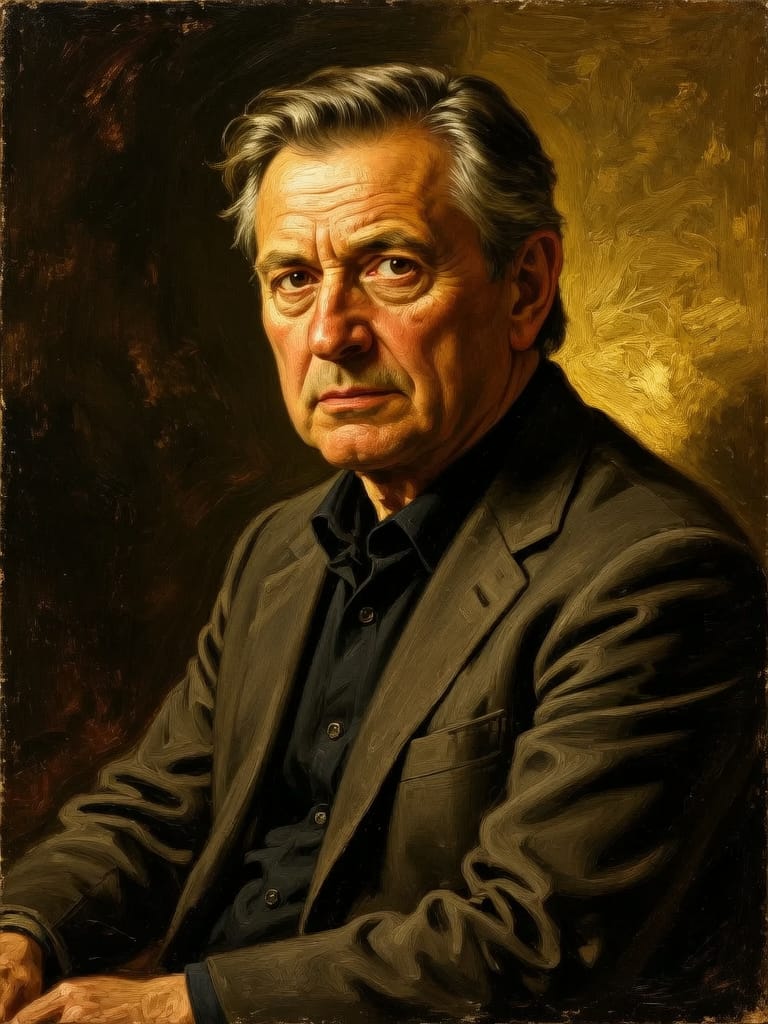
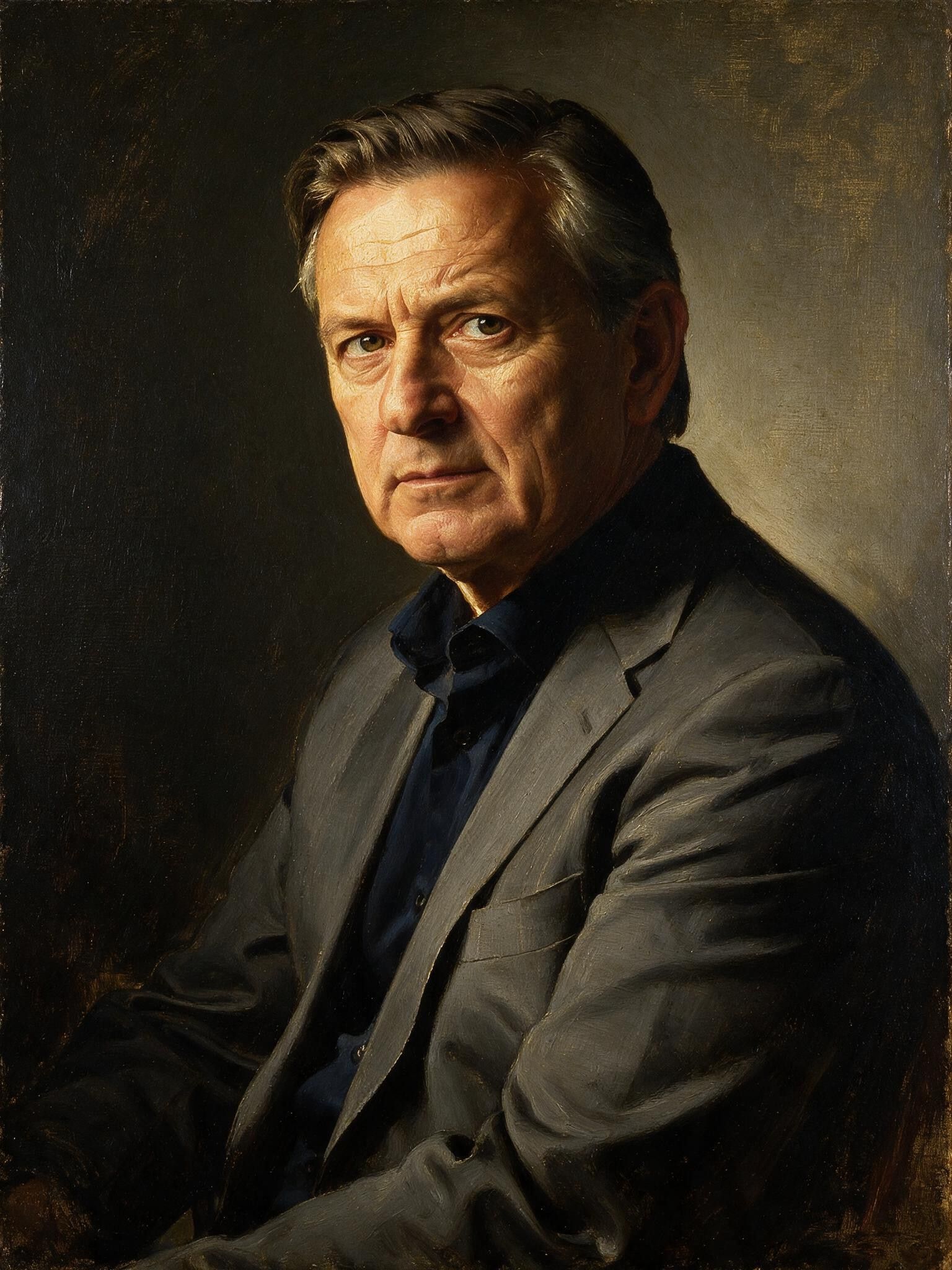
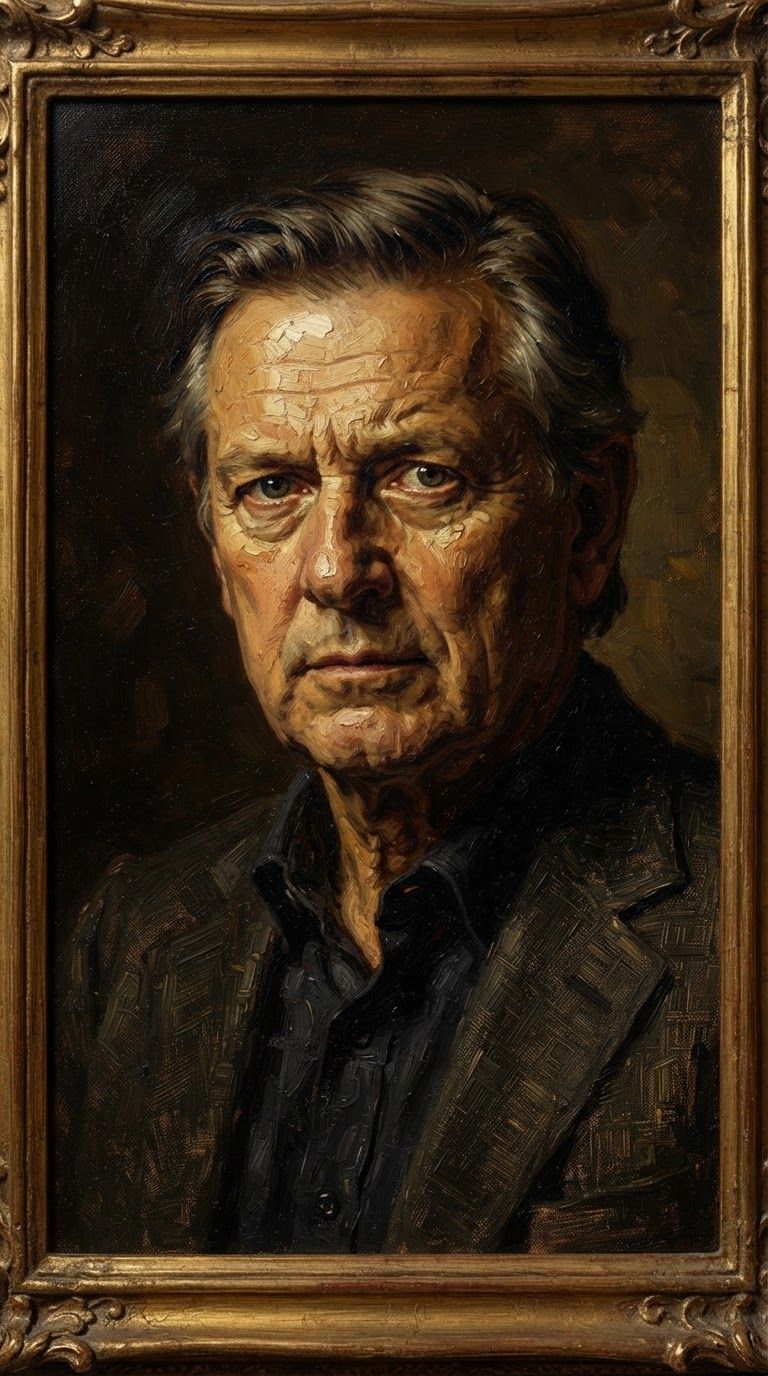
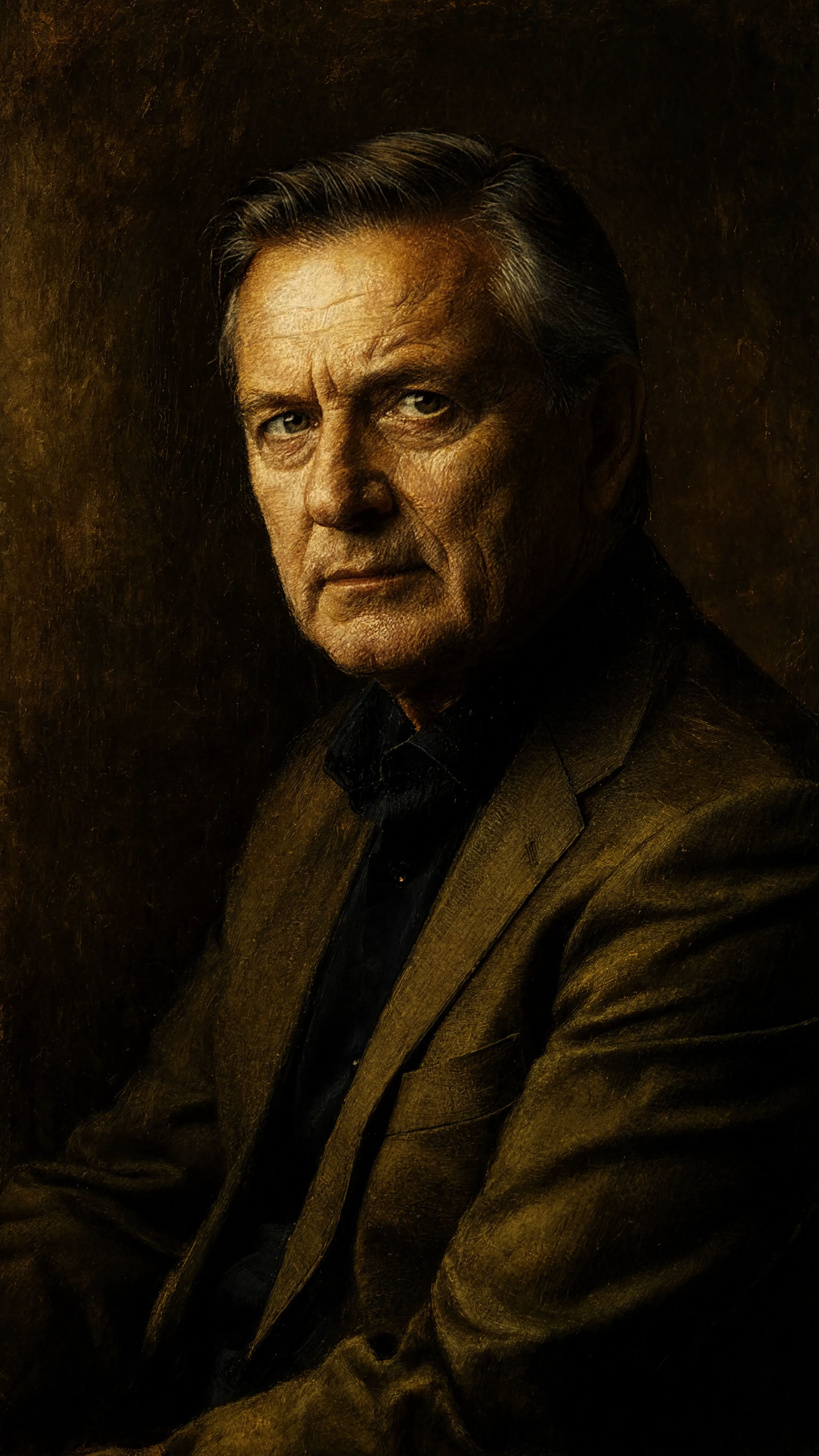
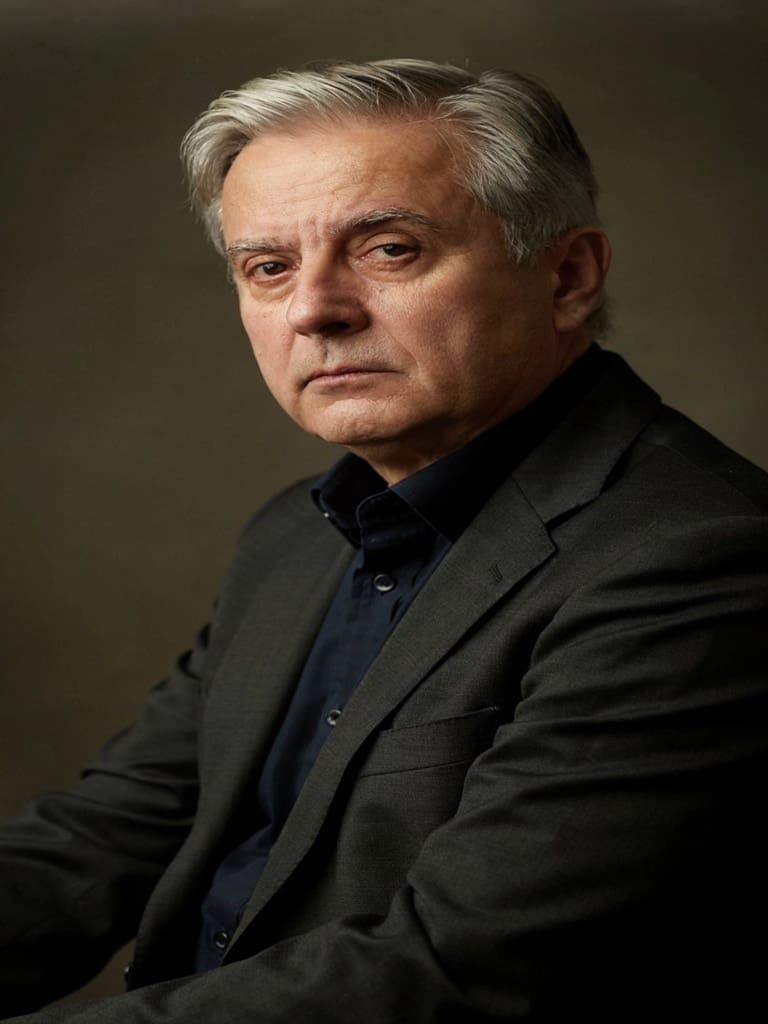
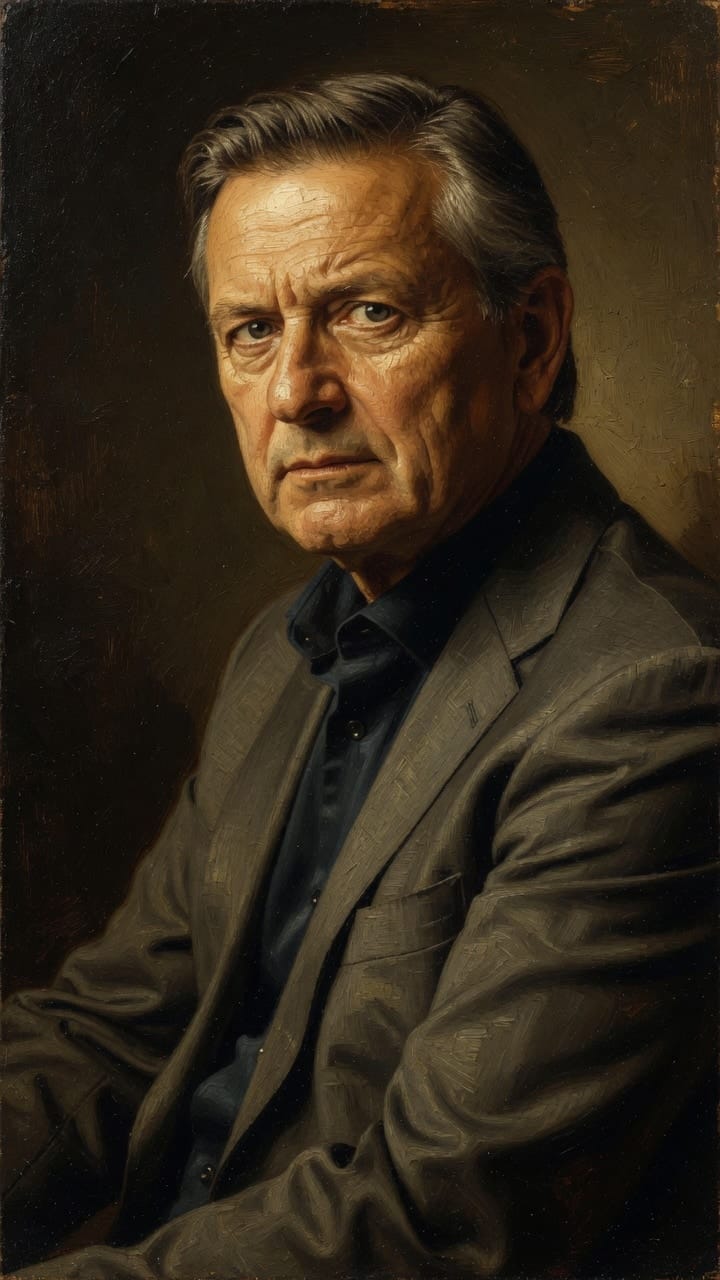
“Transform into a classical oil painting in the style of Rembrandt. Add visible impasto brushstrokes with thick paint texture. Apply warm golden undertones and dramatic chiaroscuro lighting with deep shadows. Enhance the dramatic contrast while preserving facial structure and expression. Add subtle canvas texture visible through the paint layers.”
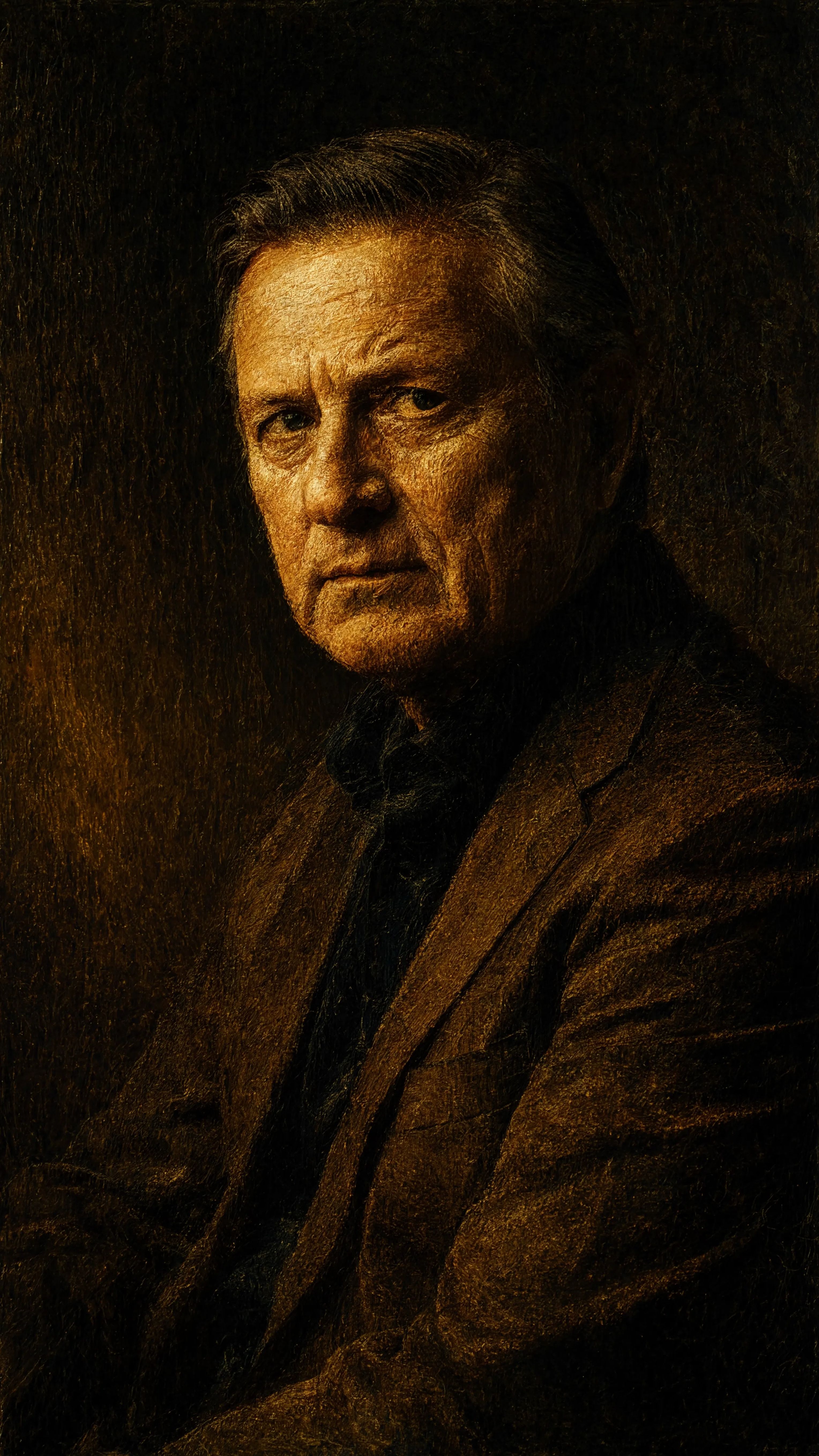
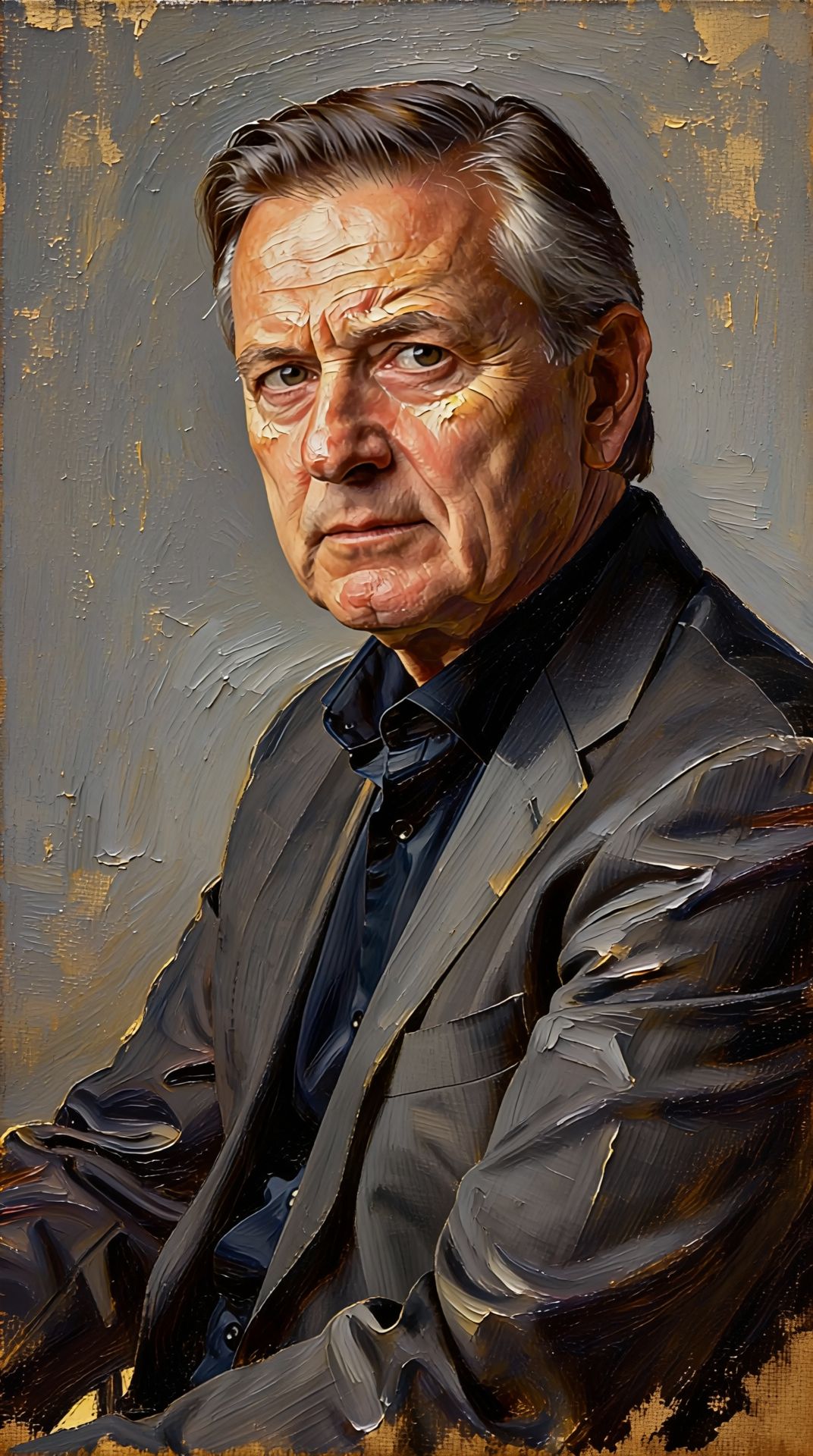
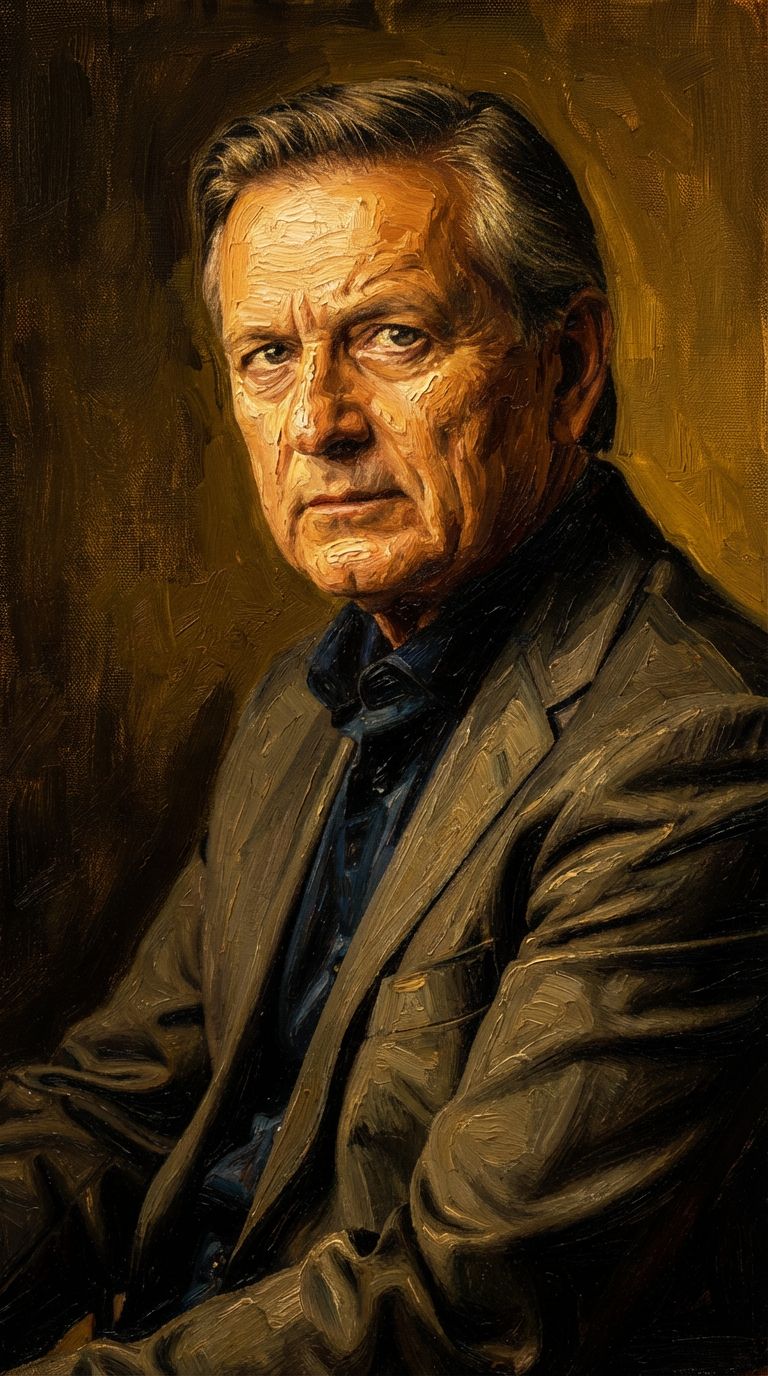
Experience perfection with Wan v2.6 Image to Image
Switch to reasoning-guided synthesis today. Be the first in your industry to deliver native 4K results at 10x the speed.
Frequently Asked Questions
Similar Models
Gemini 3.1 Flash Image Preview
Ultra-fast Google image editing
0.7 credits
Grok Imagine Image Editing Quality
High-quality AI image editing
0.1 credits
Seedream
Fast intelligent multi-image editing
0.3 credits
Nano Banana Lite Edit
Fast efficient image editing
6 credits
Reve 2.1
Remix images with text prompts
1.5 credits
Seedream 5.0 Pro Image Editing
Precise region-based image editing
0.3 credits
Ideogram V4.0q Image to Image
Prompt-guided image restyling edits
0.1 credits
Vidu
Image generation with reference consistency
0.2 credits
Nano Banana Pro
State-of-the-art image editing
1.2 credits