Grok Imagine Image Editing Quality
Swap wardrobe, weather, and lighting on any photo with a single sentence
High-quality AI image editing
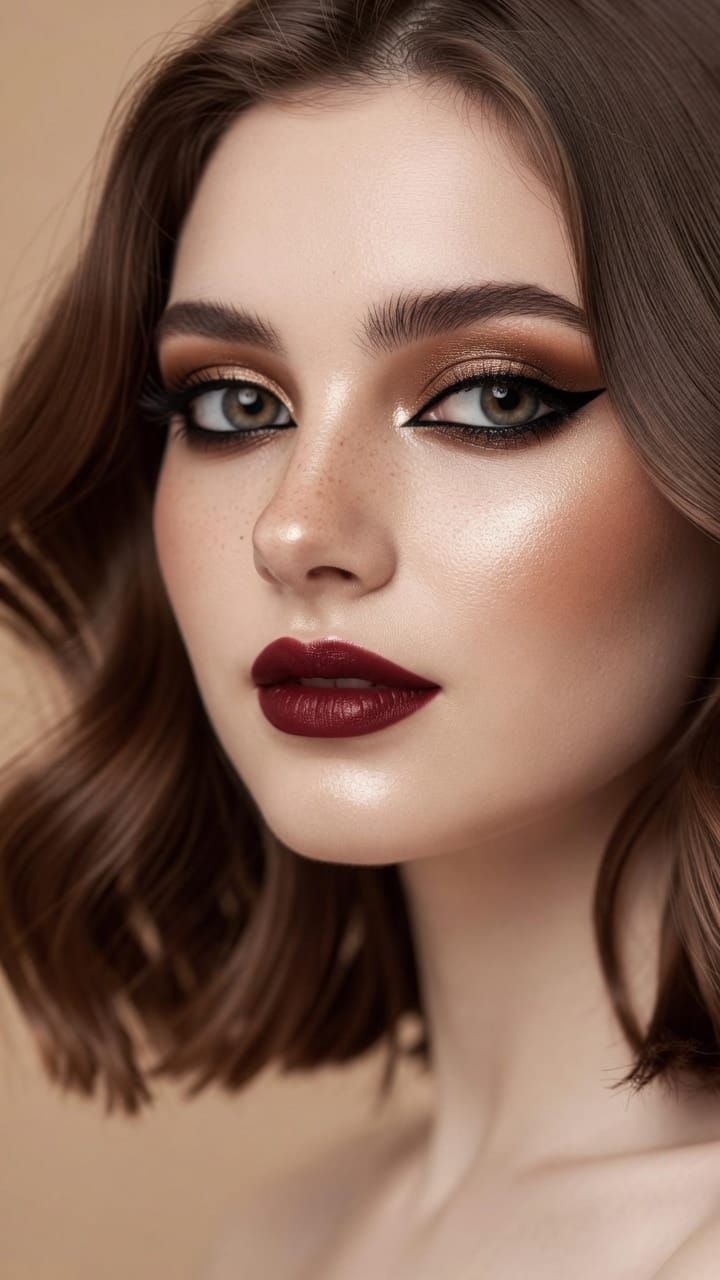
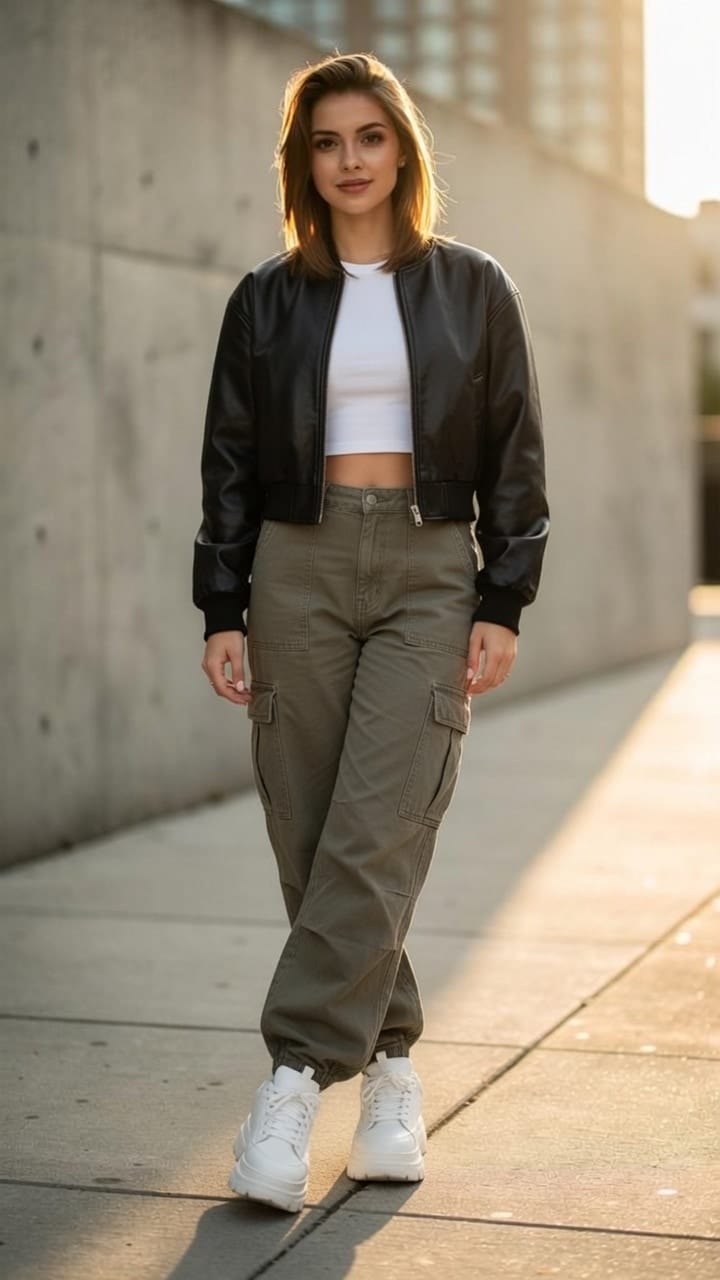
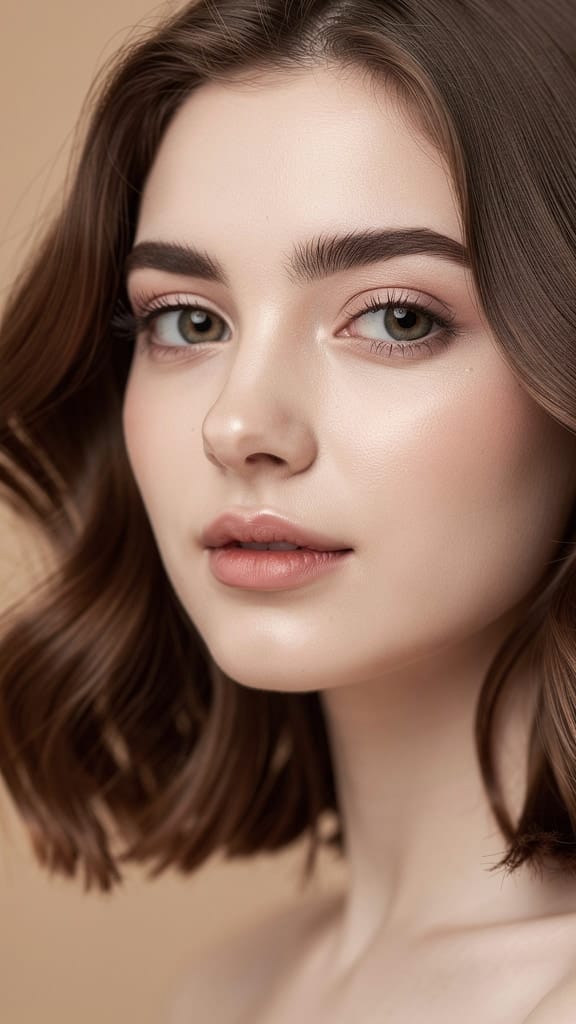
MAKEUP TRANSFORMATION
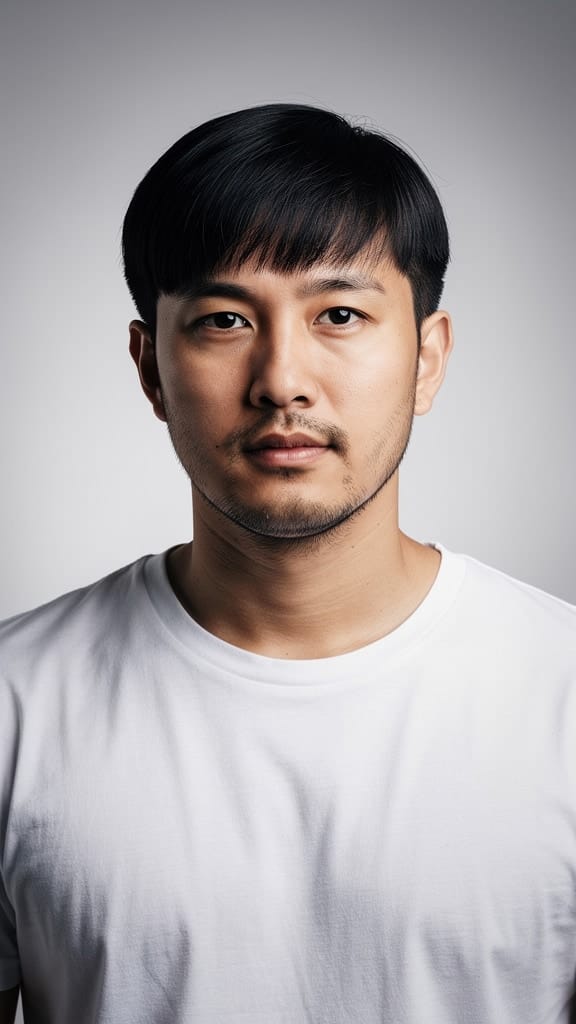
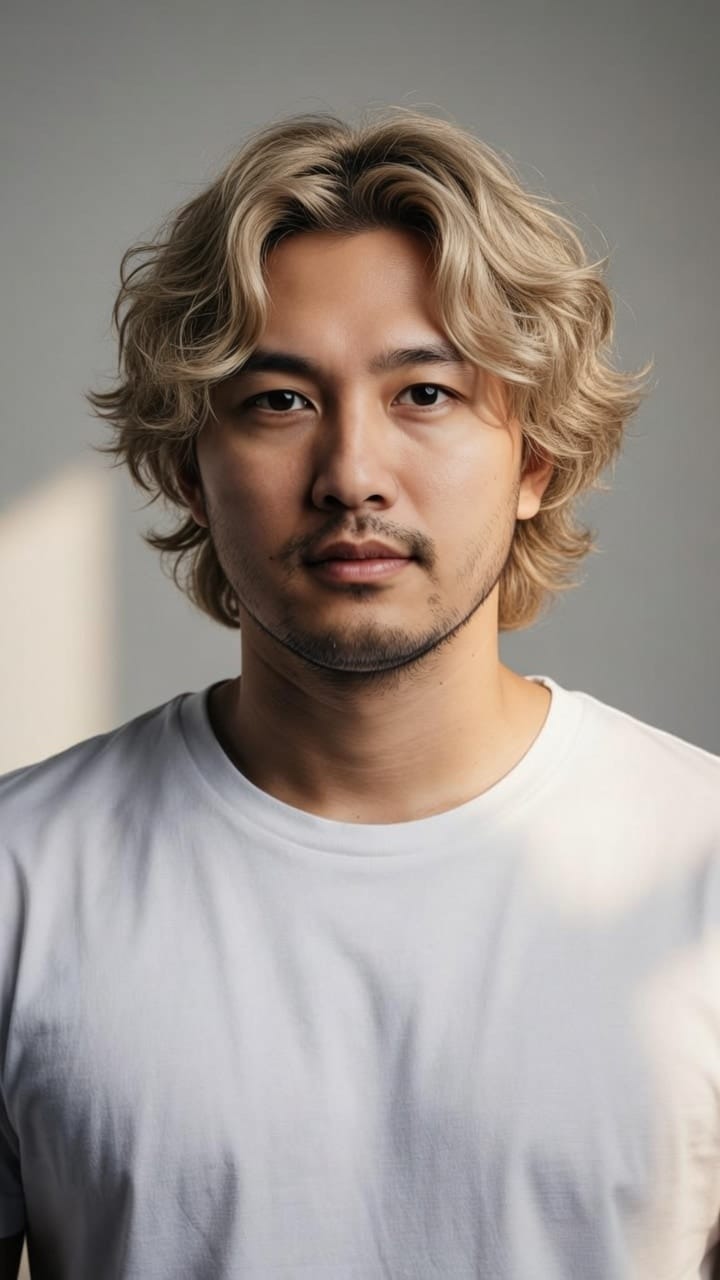
HAIR RESTYLE
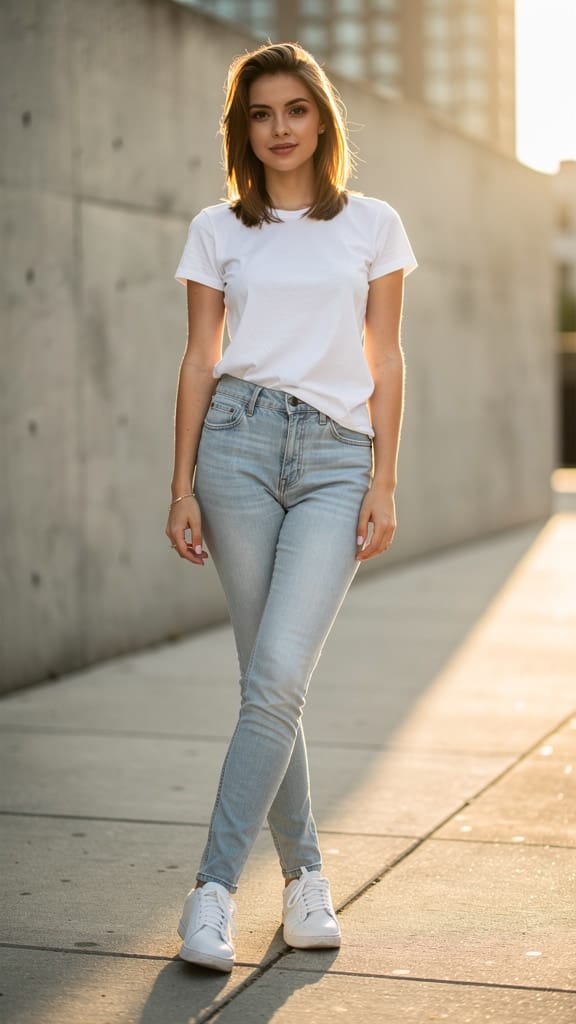
FASHION RESTYLE
Grok Imagine Image Editing Quality is an advanced image editing model from xAI that lets you transform existing photos using nothing more than a written instruction. Rather than starting from a blank canvas, you begin with one or more images you already have and describe the changes you want in plain language. The model interprets your request and re-renders the image with your edits applied, keeping the parts you didn't mention intact while updating exactly what you asked for. This makes it a natural fit for creative professionals who want precise, prompt-driven control over their visuals without wrestling with layers, masks, or manual selection tools.
The model excels at natural-language edits that would otherwise require significant manual retouching. Ask it to make a person wear a yellow jacket, change the weather to bright midday sunlight, or make a scene more realistic while keeping a stylized game-like vibe, and it handles the transformation for you. Because it reads your prompt as a full description rather than a single keyword, you can combine multiple changes into one instruction — altering clothing, lighting, atmosphere, and mood all at once. Prompts can be quite detailed, giving you room to spell out precisely what you want changed and what you want preserved.
A standout feature is support for multiple reference images in a single edit. You can supply up to three images at once, which opens the door to compositing, blending, or editing that draws on several visual sources at the same time. Whether you're merging elements, using one image to influence another, or working across a small set of related shots, this flexibility helps you achieve results that a single-image workflow can't.
On the output side, the model gives you meaningful control over the final look. You can choose between standard resolution and a higher-resolution mode when you need extra detail and crispness for larger displays or print-oriented work. Aspect ratio is fully adjustable, with a generous range of options spanning wide cinematic framings like 2:1, 20:9, and 16:9, classic formats such as 4:3, 3:2, and square 1:1, and tall vertical shapes ideal for social and mobile content like 9:16, 9:19.5, and 9:20. By default the model preserves the aspect ratio of your first input image, so your edits stay true to the original framing unless you deliberately choose to reshape them. You can also pick your preferred file format, choosing between JPEG, PNG, and WebP depending on whether you prioritize compatibility, transparency support, or efficient file sizes.
Another helpful control is the ability to generate several variations from a single request. You can ask for up to four edited images at once, which is ideal for exploring different interpretations of the same instruction, comparing options side by side, and picking the version that best matches your vision. This turns a single prompt into a small set of creative alternatives rather than a one-shot result.
Grok Imagine Image Editing Quality is well suited to a wide range of creative roles. Photographers and retouchers can use it to adjust wardrobe, lighting, and environment without a full reshoot. Designers can iterate on concept visuals, quickly testing how a product, outfit, or scene looks under different conditions. Filmmakers and content creators can reframe and restyle stills for storyboards, thumbnails, and promotional assets, taking advantage of the wide aspect-ratio range to produce material tailored for different platforms. Marketers and social media teams benefit from the ability to rapidly generate on-brand variations and adapt a single hero image into multiple formats. Because edits are driven by everyday language, teams without deep image-editing expertise can still make sophisticated changes simply by describing what they want.
The model is built around a quality-focused editing approach, meaning it prioritizes clean, high-fidelity results that respect the structure and content of your source image. It's designed to make the edit you asked for feel natural within the existing scene — matching lighting, perspective, and context — rather than pasting in obvious changes. This is especially valuable for edits involving people, clothing, and environmental conditions, where believability matters most.
There are a few practical considerations to keep in mind. The model works from the images and prompt you provide, so clear, specific instructions tend to produce the best results — describing both what you want changed and what should stay the same helps guide the outcome. You can include up to three input images per edit, so plan your compositions accordingly. Higher resolution delivers more detail but is best reserved for when you genuinely need it. As with any generative editing tool, results can vary between attempts, which is exactly why generating multiple variations at once is such a useful habit — it lets you quickly surface the strongest option. Finally, generations are expected to comply with xAI's usage terms, so edits should stay within the platform's content guidelines.
Overall, Grok Imagine Image Editing Quality is a versatile, language-driven editing tool that combines multi-image input, flexible framing, resolution choice, and batch variations into a workflow that feels intuitive for creative professionals. It turns detailed written requests into polished edits, letting you reshape wardrobe, weather, mood, and more while keeping the heart of your original image intact.
Generate using the most advanced image editor
Add the image that you want change
Upload image
Add the image that you want to edit or transform
A woman kneeling in darkness, illuminated by a warm, radiant beam of light emerging from her raised hand.
Write your changes
Describe the edits you want - style changes, object removal, or enhancements
Start sharing
Download your professionally edited image
Beyond the prompt: A new level of control
STYLE TRANSFER
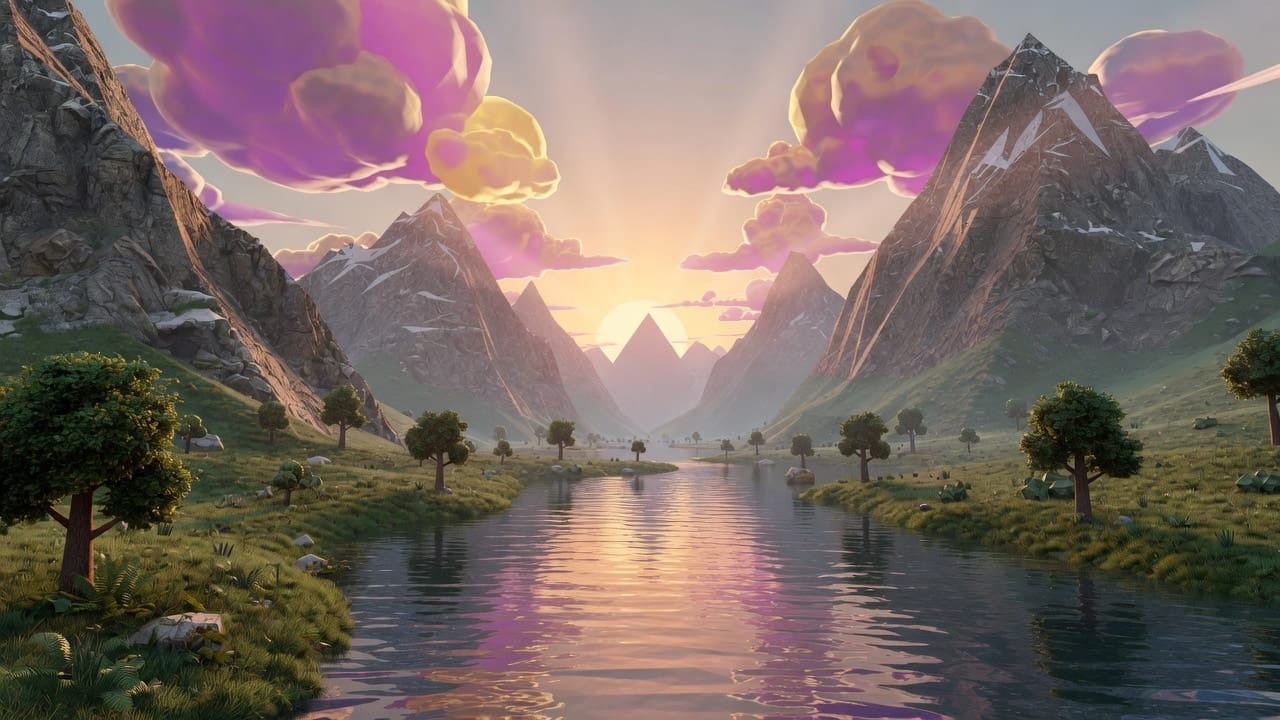
Converts a stylized or game-like landscape into a photorealistic version while retaining the original composition and mood. Showcases the model's realism-enhancement strength.
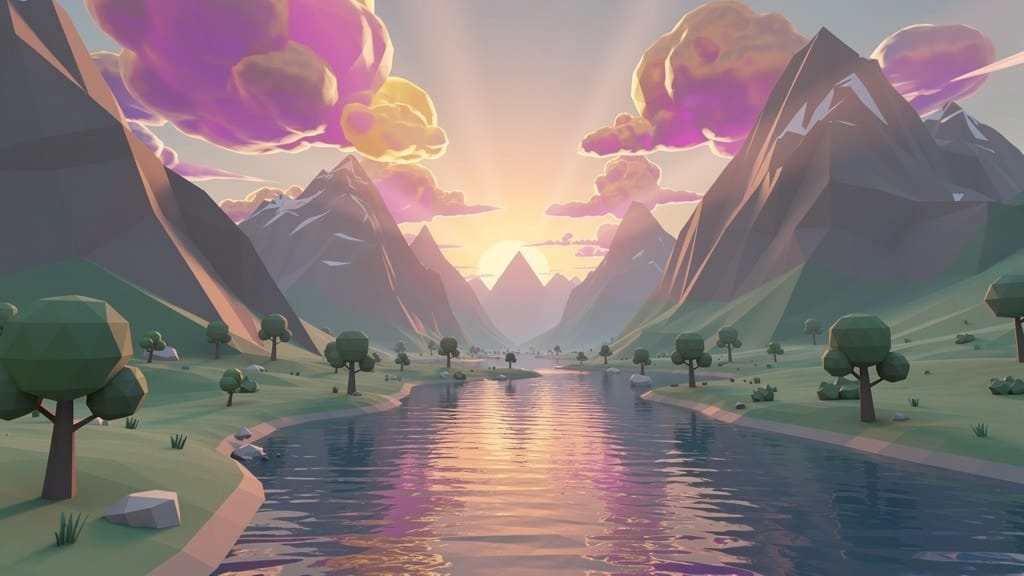
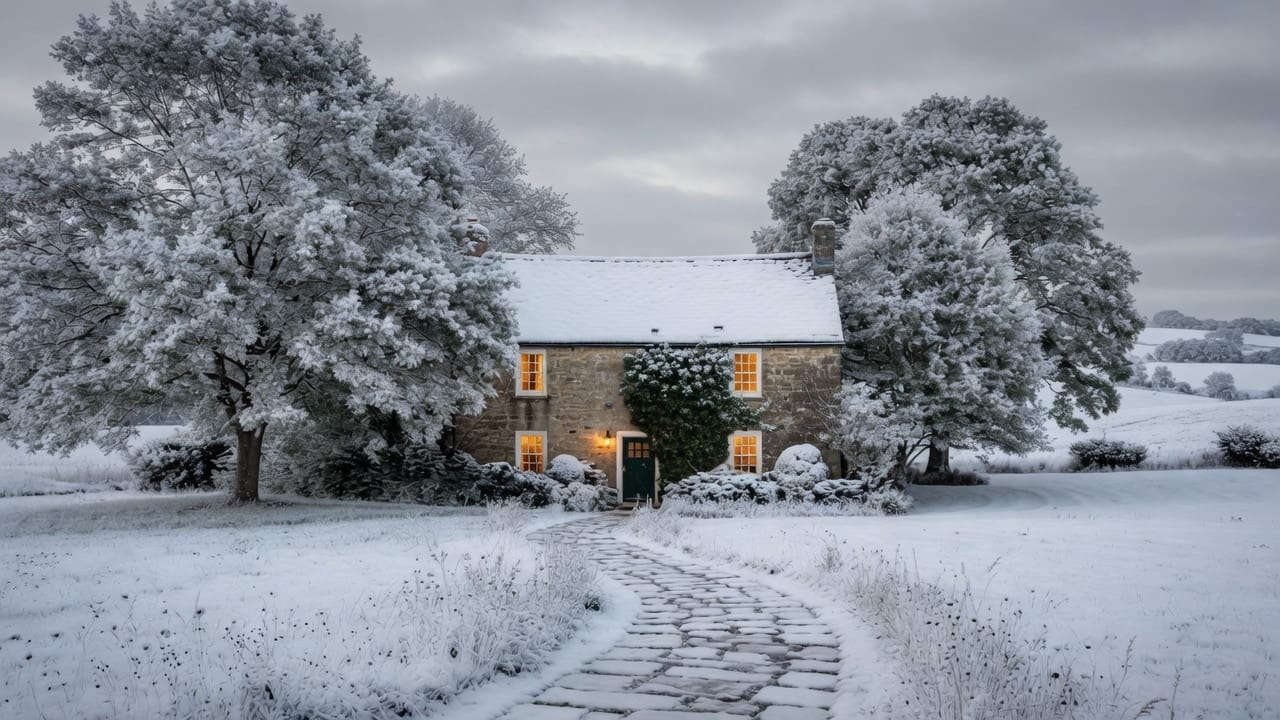
SEASON CHANGE
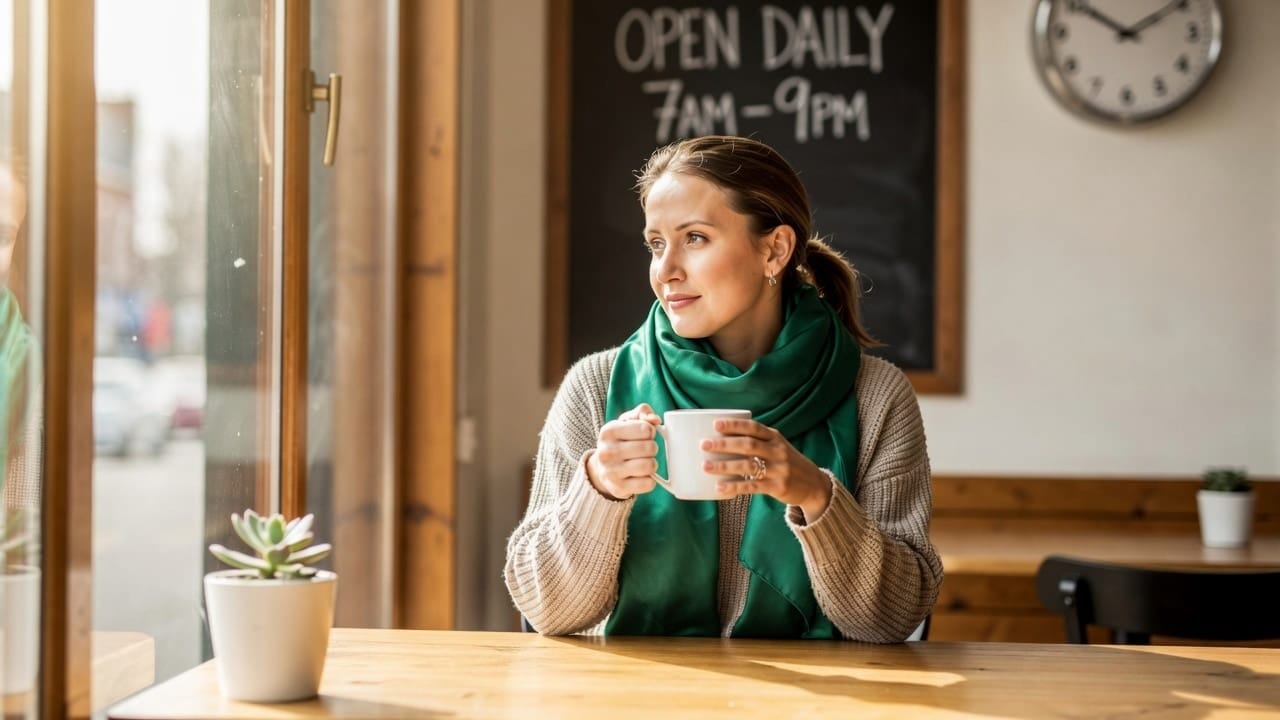
Reimagines an outdoor landscape into a different season while keeping the structures and layout consistent. Useful for real estate, travel and environmental visualization.
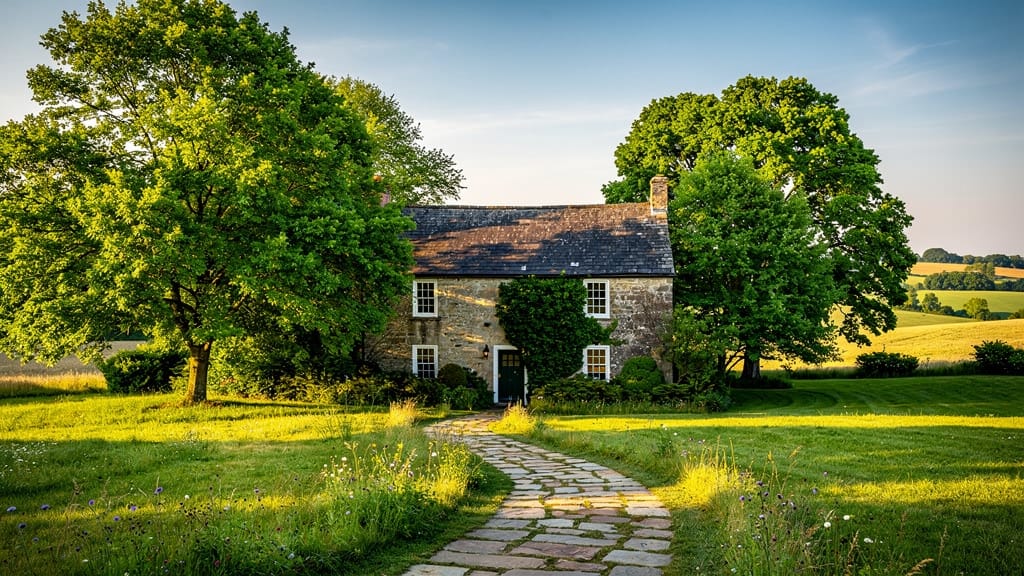
TYPOGRAPHY OVERLAY
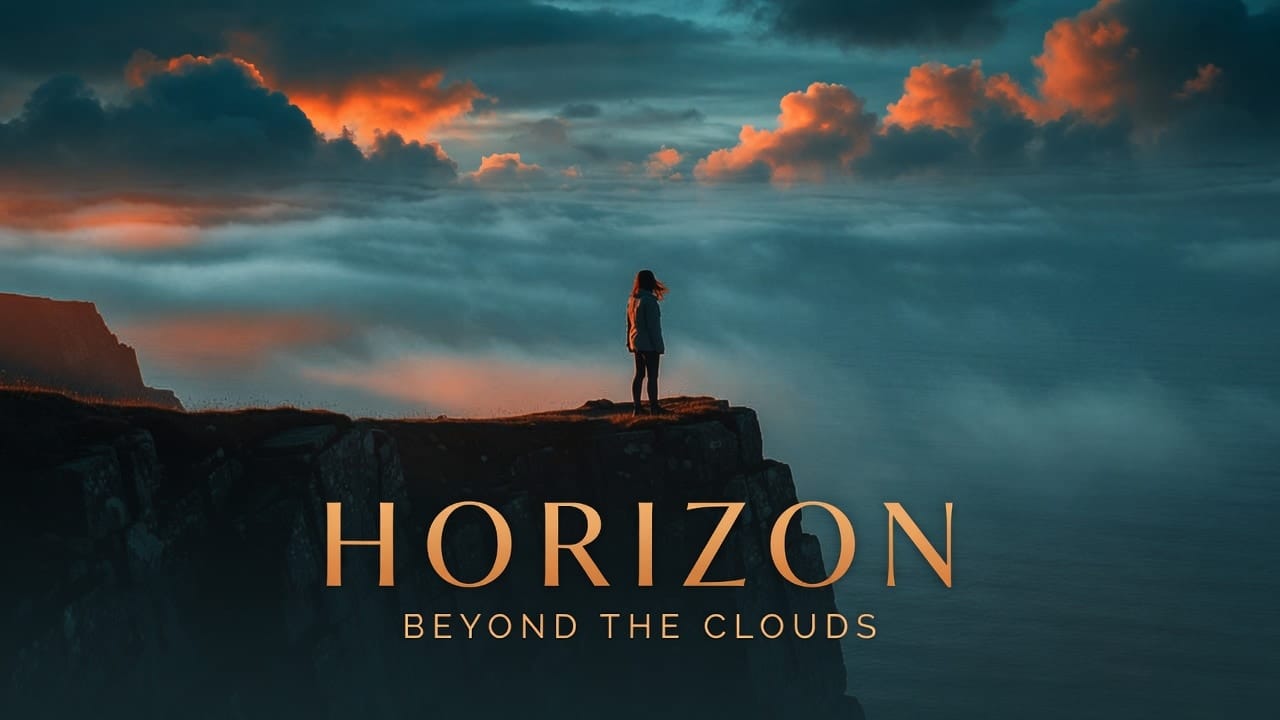
Adds stylized integrated typography and a cinematic color grade to a wide scene, turning a photo into a polished movie-poster style graphic. Highlights the model's typography capability.
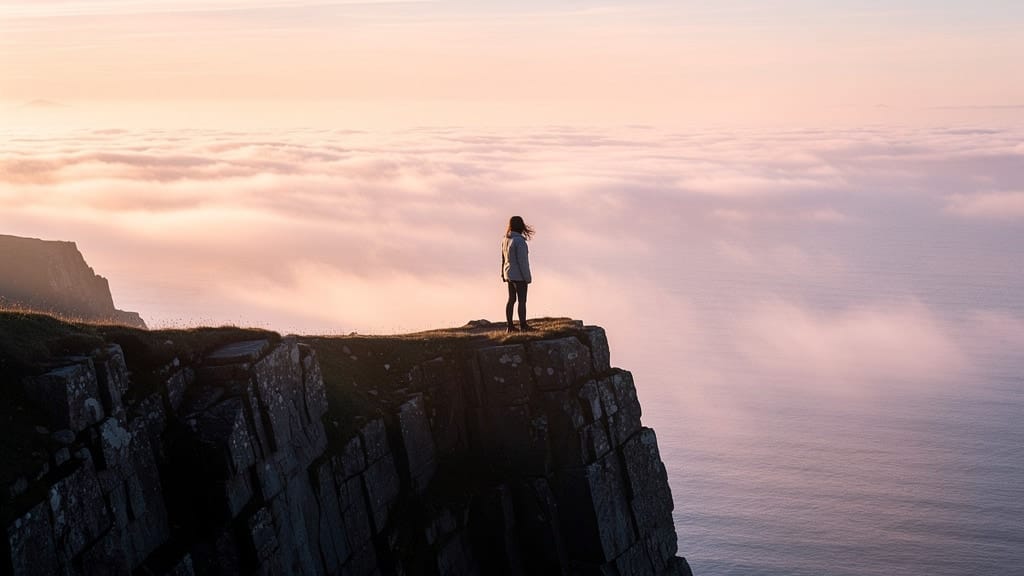
Compare with similar models
“Transform into a classical oil painting in the style of Rembrandt. Add visible impasto brushstrokes with thick paint texture. Apply warm golden undertones and dramatic chiaroscuro lighting with deep shadows. Enhance the dramatic contrast while preserving facial structure and expression. Add subtle canvas texture visible through the paint layers.”
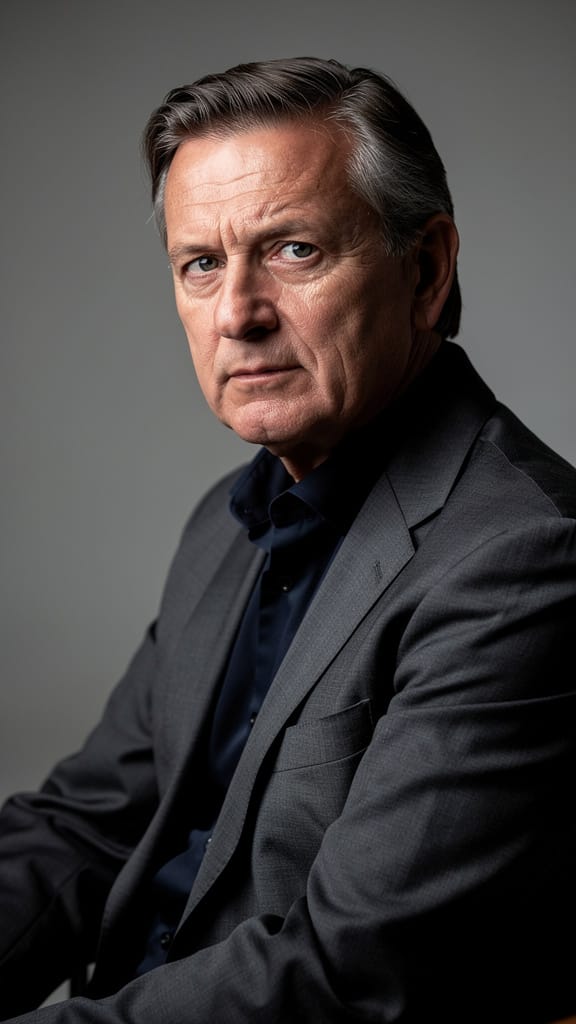
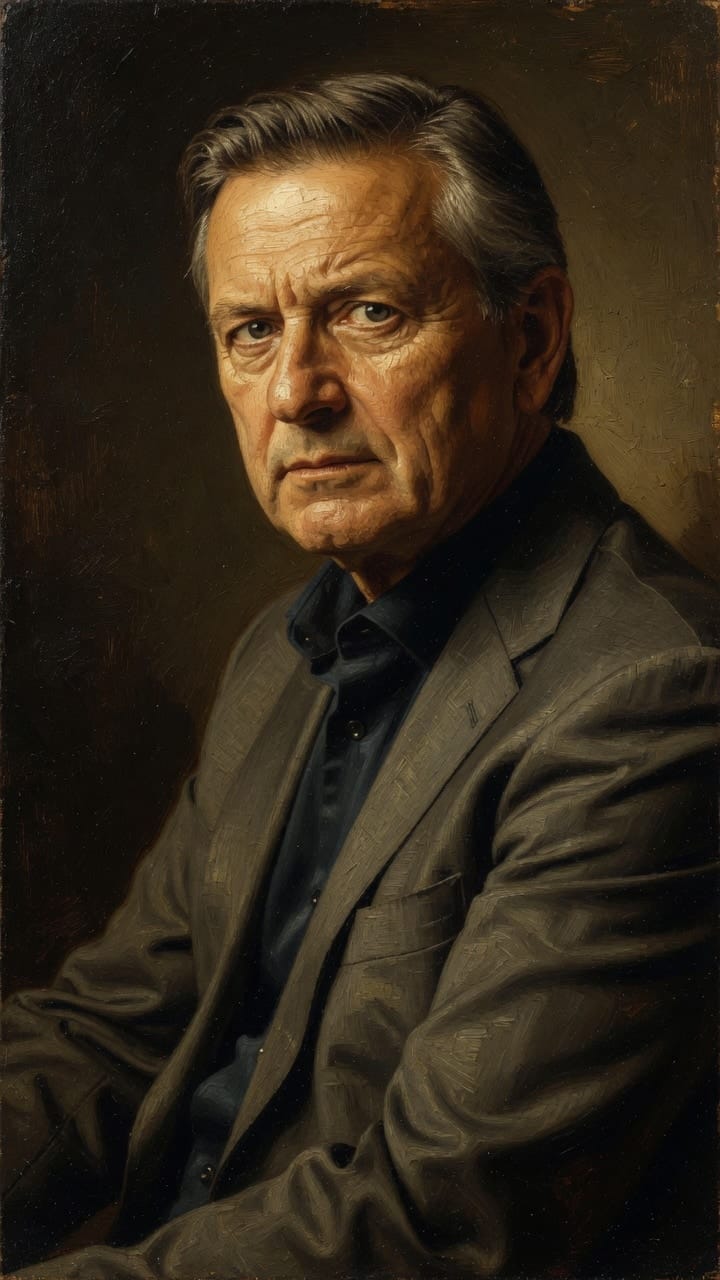
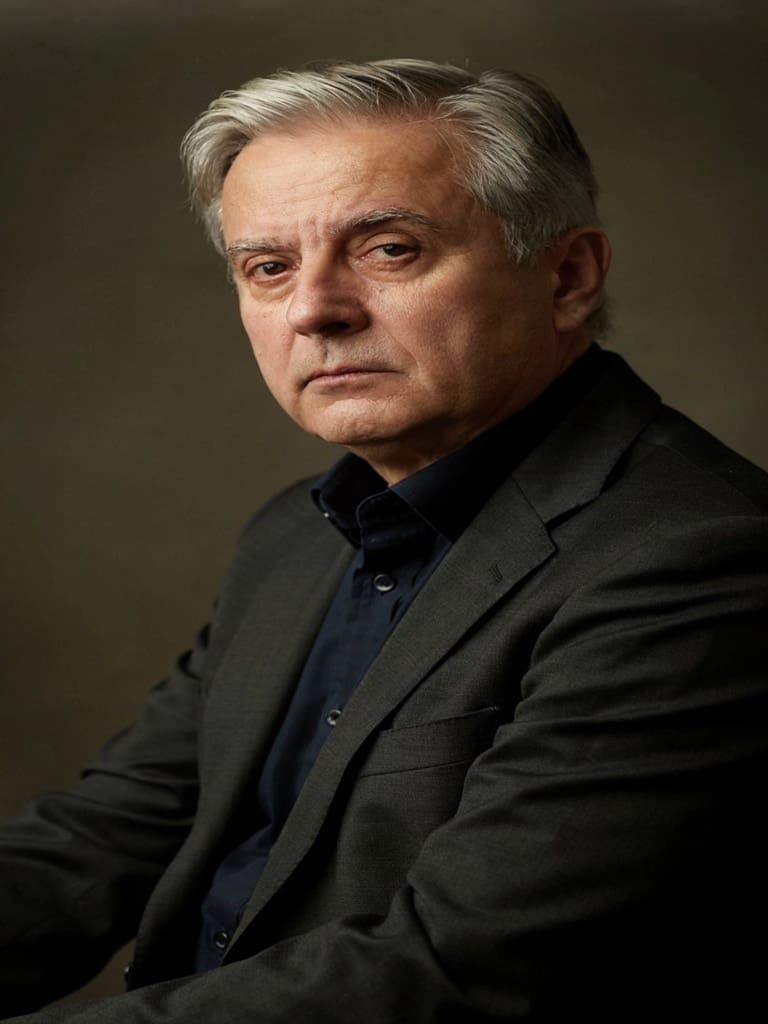
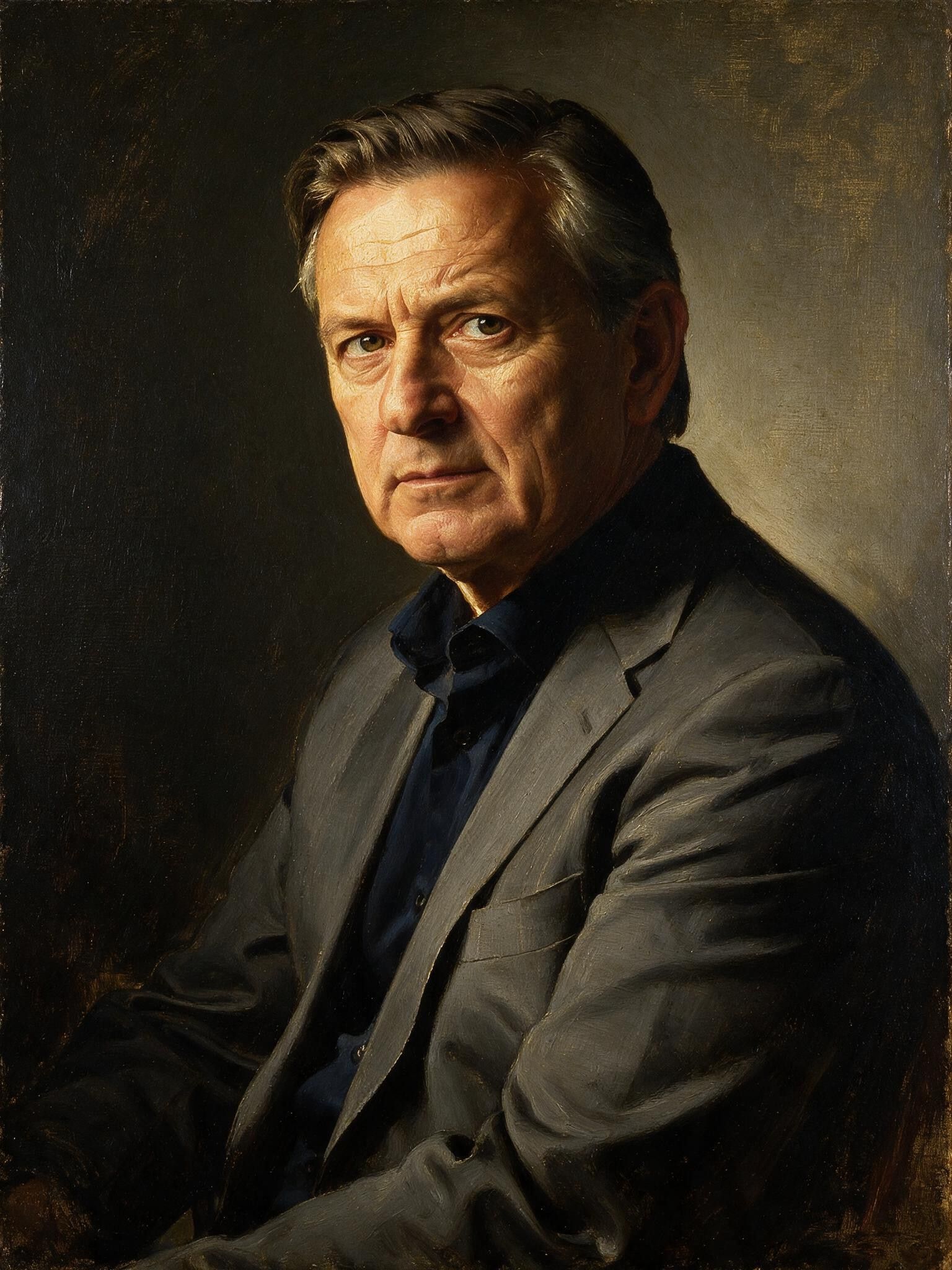
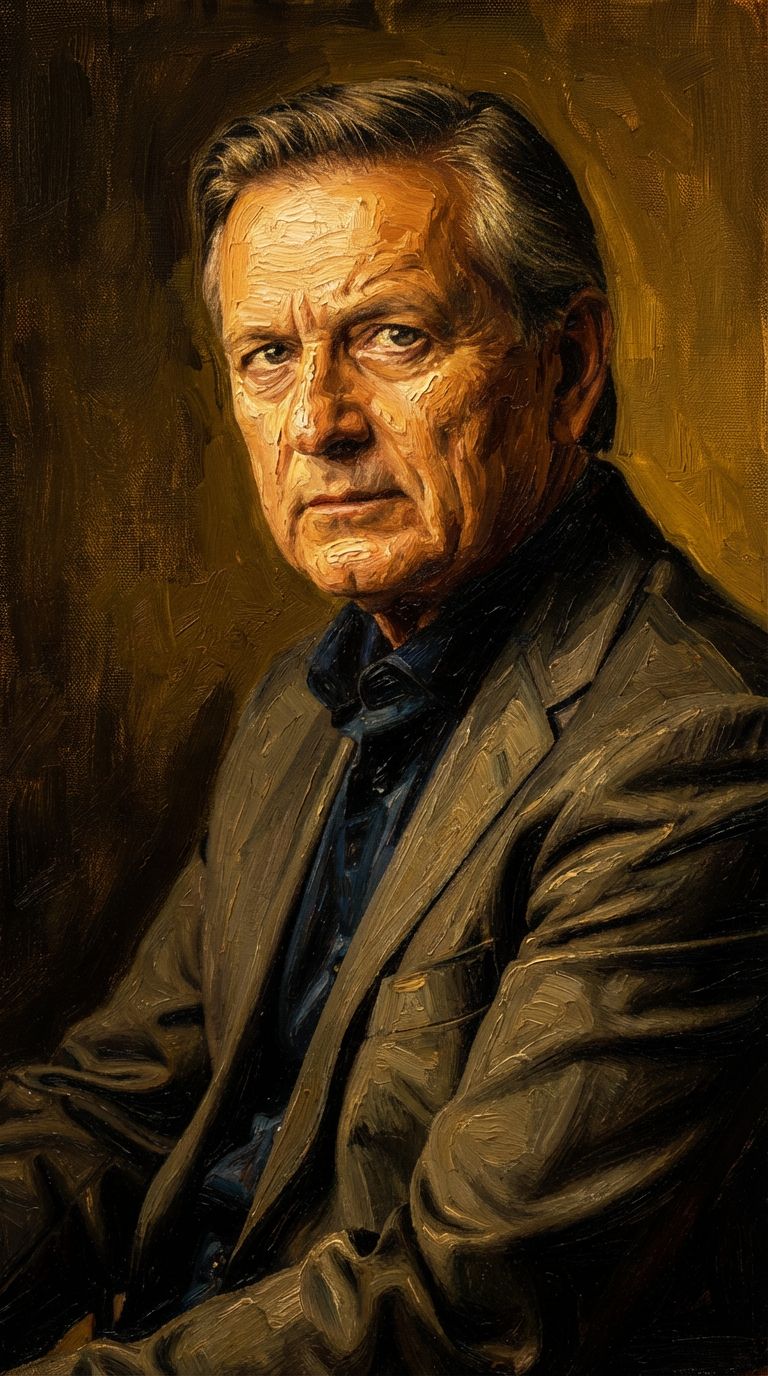
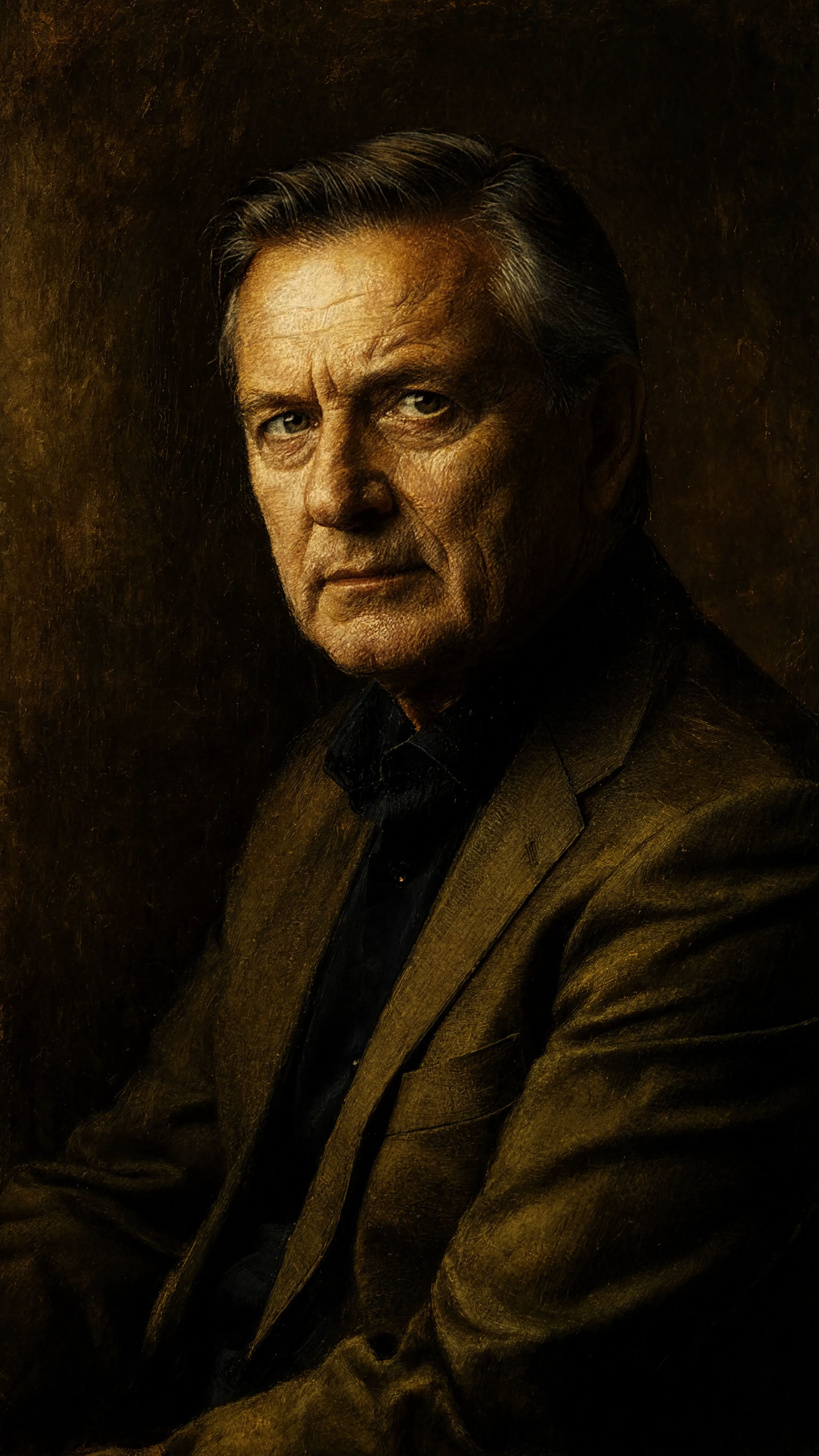
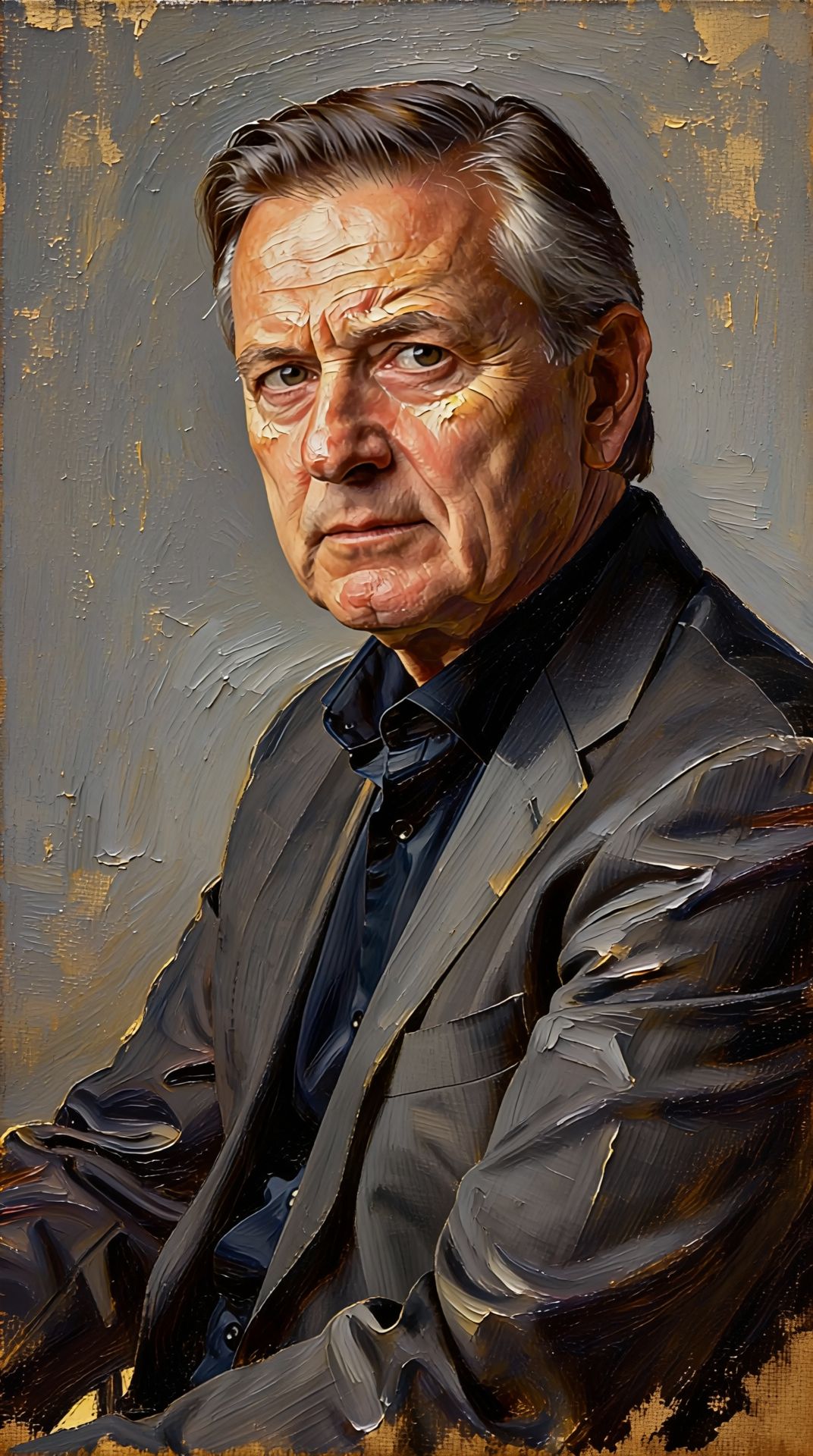
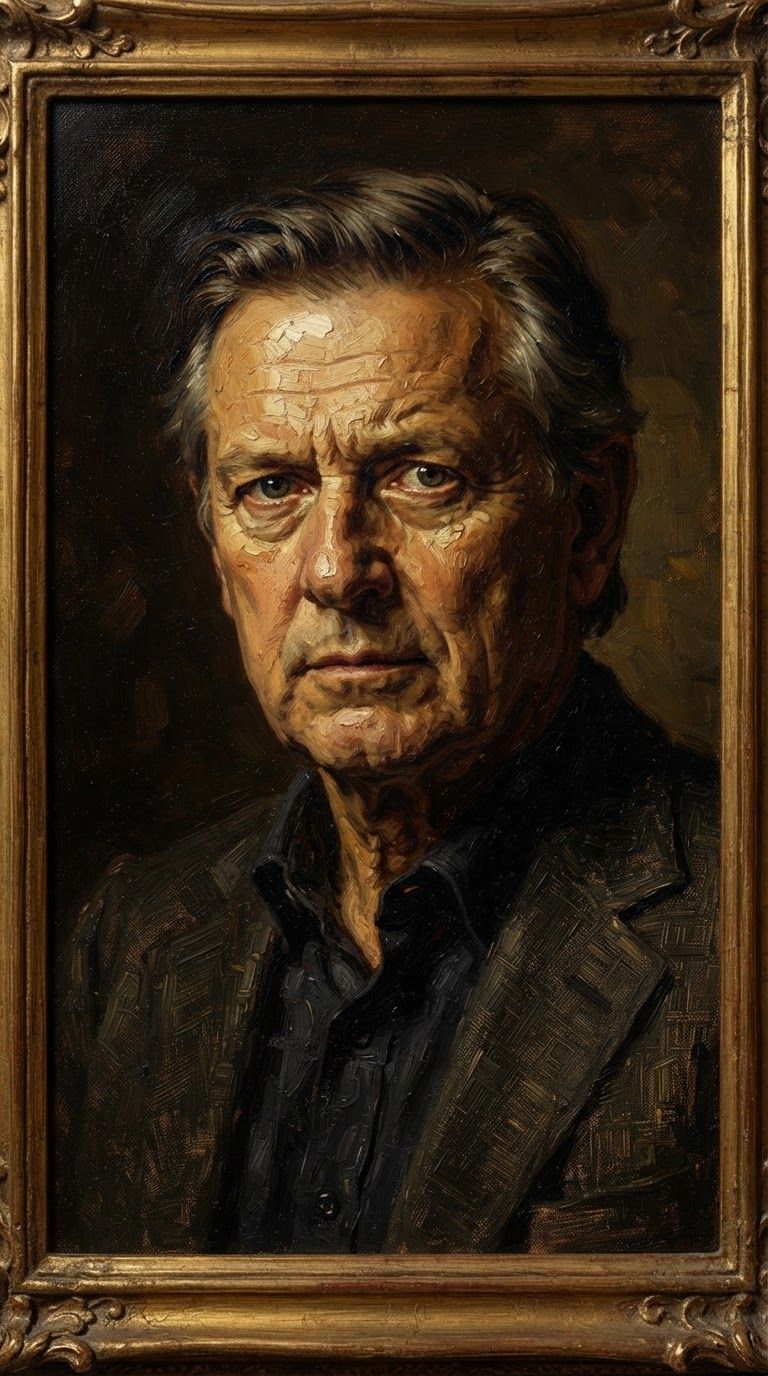
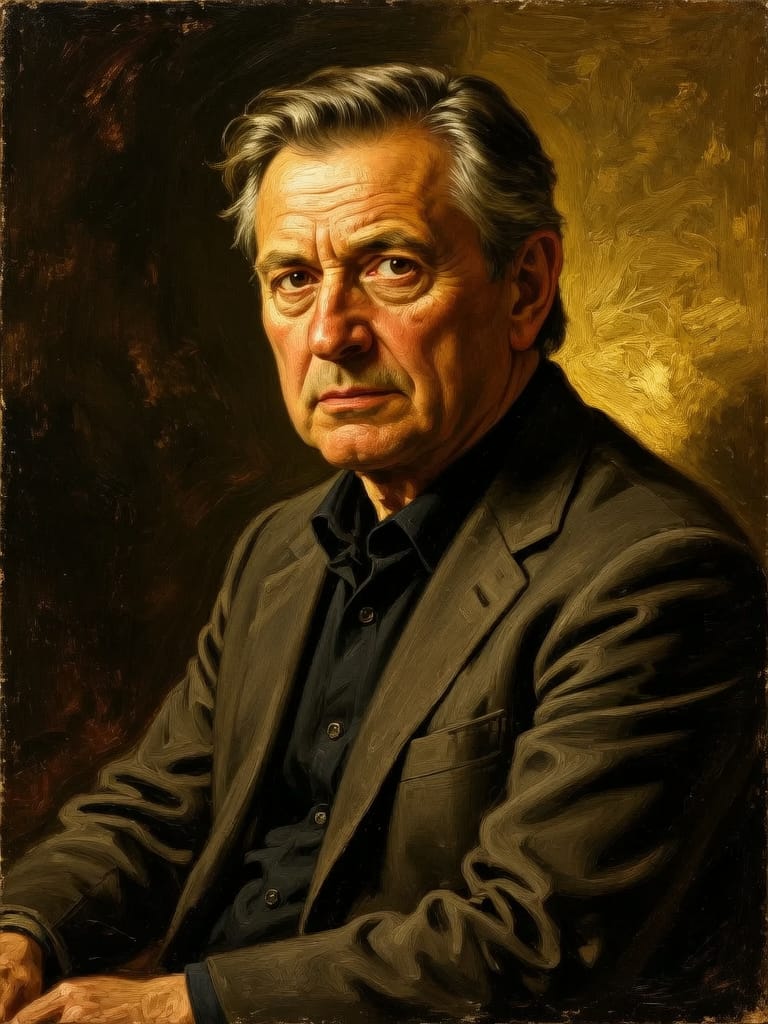
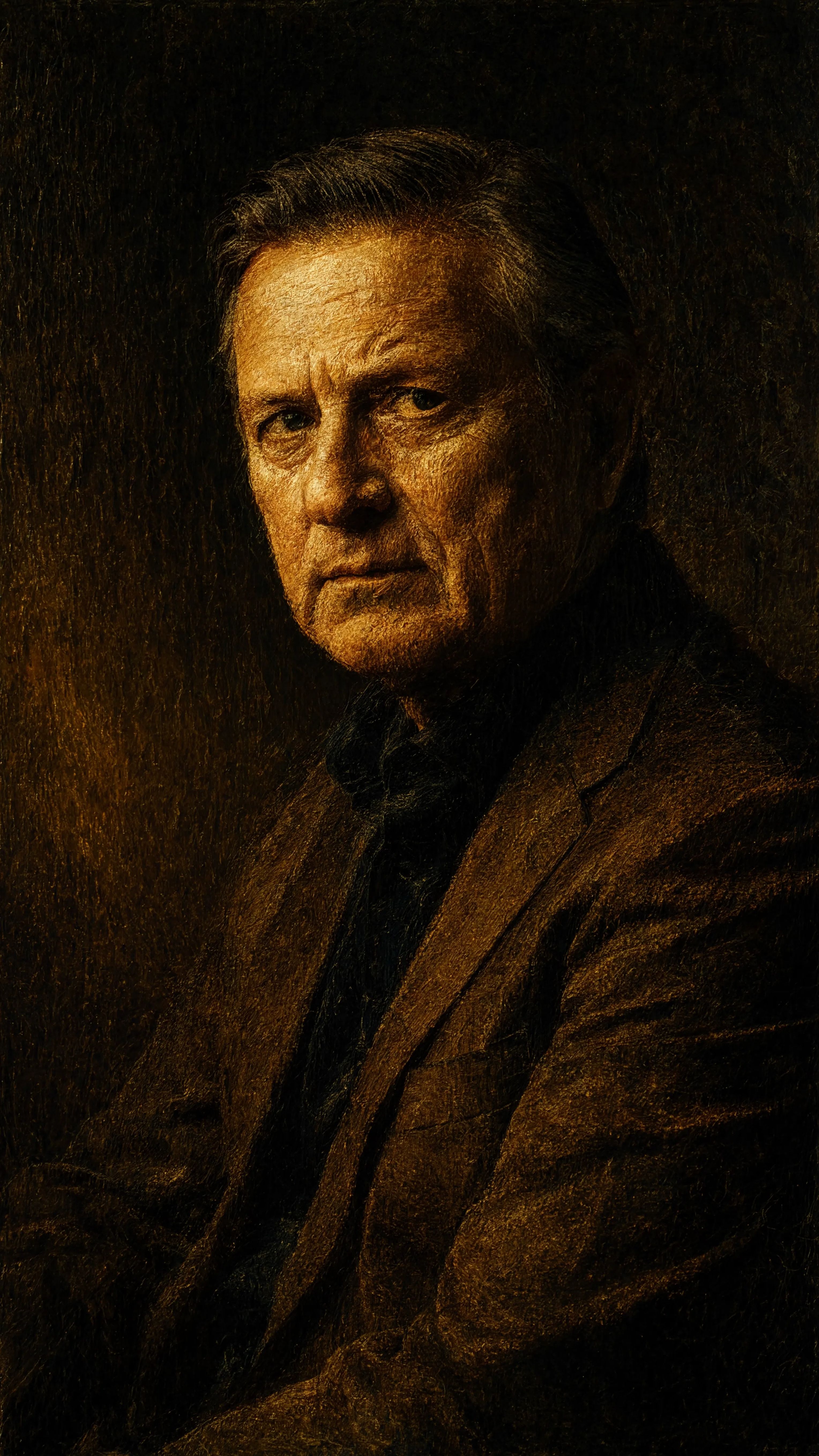
Experience perfection with Grok Imagine Image Editing Quality
Switch to reasoning-guided synthesis today. Be the first in your industry to deliver native 4K results at 10x the speed.
Frequently Asked Questions
Similar Models
Seedream 5.0 Pro Image Editing
Precise region-based image editing
0.3 credits
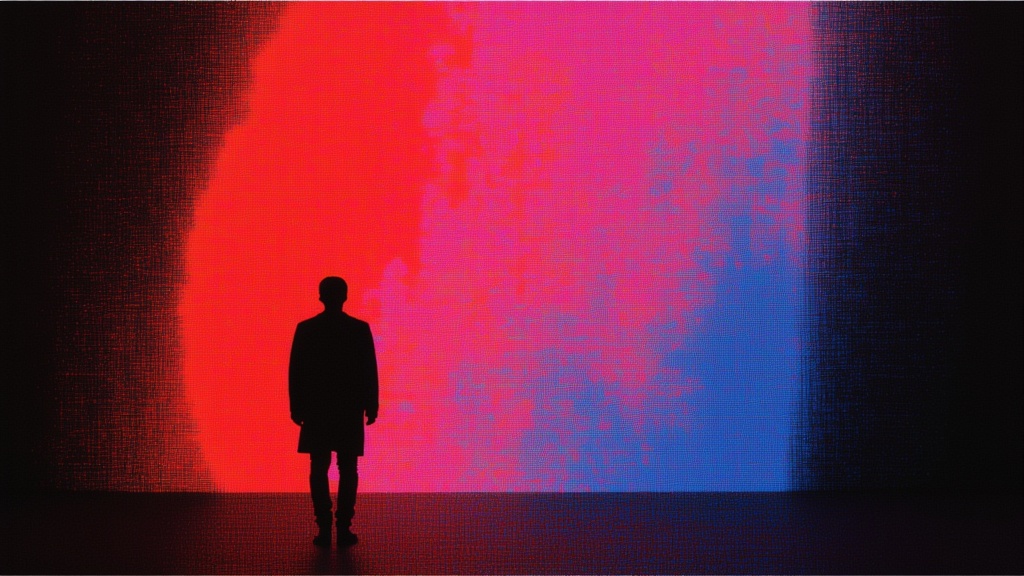
Vidu
Image generation with reference consistency
0.2 credits
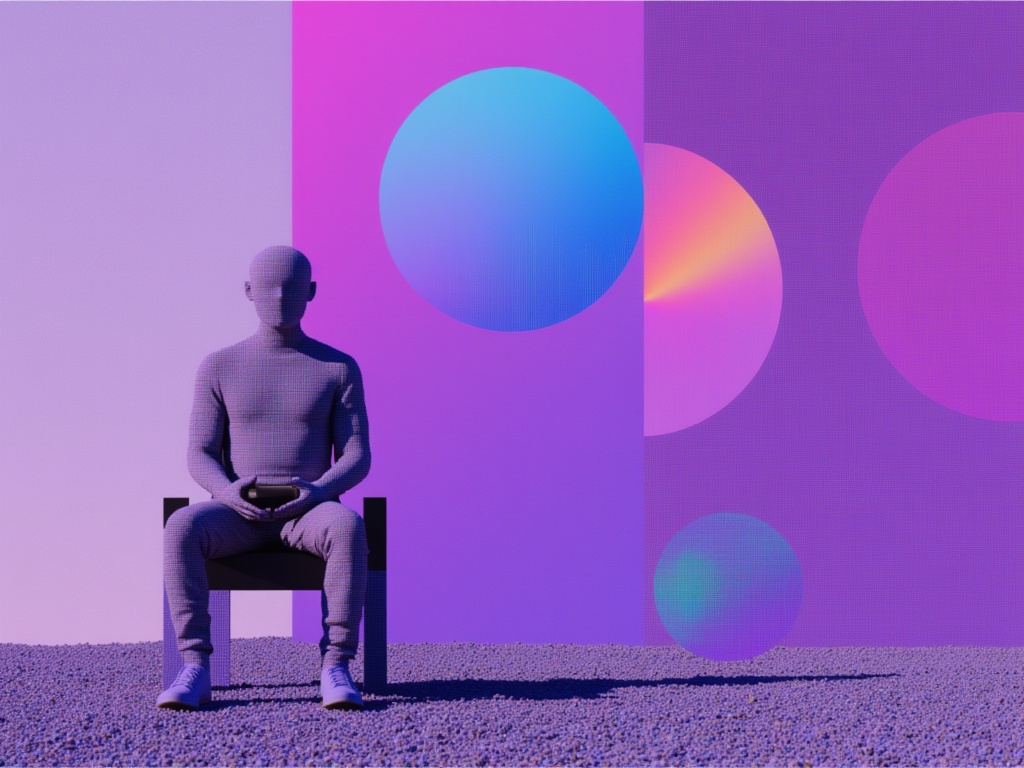
Reve 2.1
Remix images with text prompts
1.5 credits
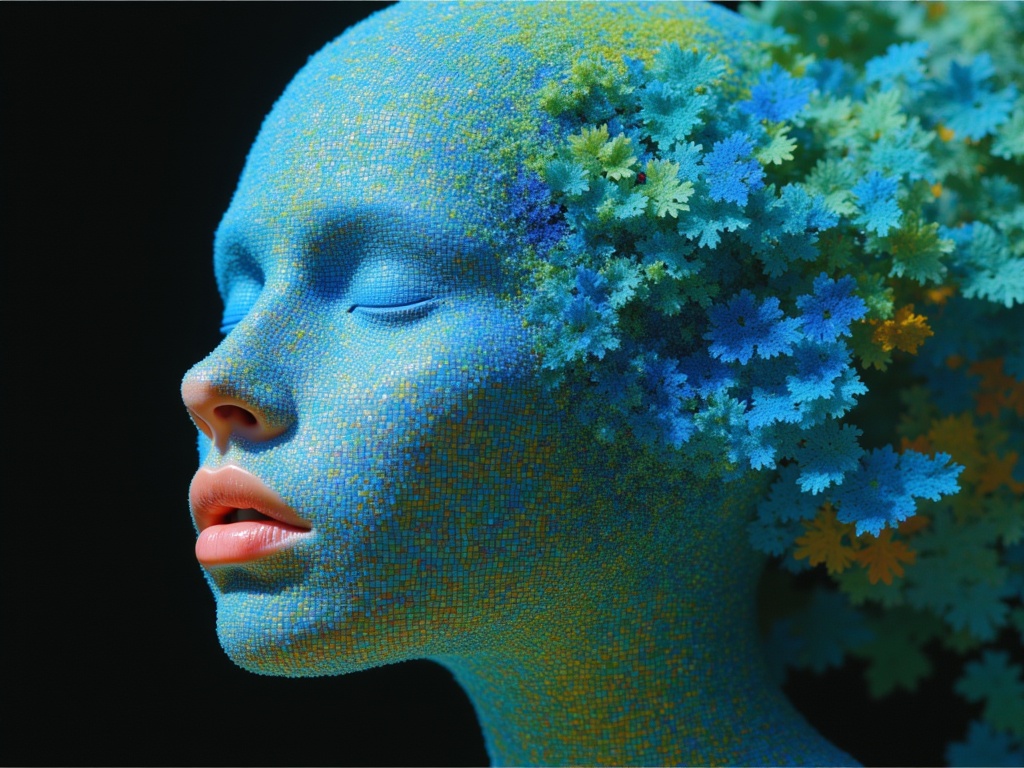
Ideogram V4.0q Image to Image
Prompt-guided image restyling edits
0.1 credits
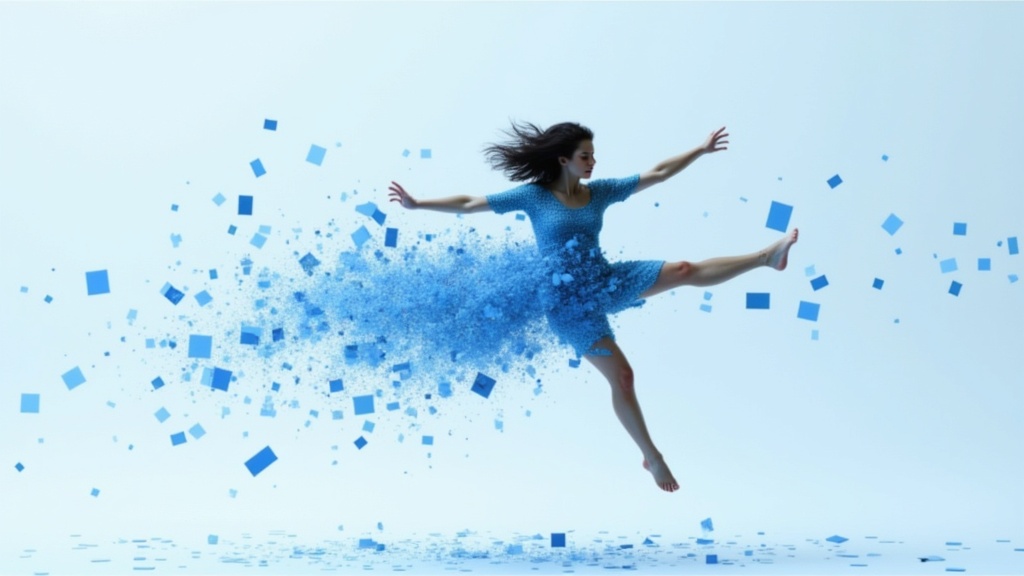
Gemini 3.1 Flash Image Preview
Ultra-fast Google image editing
0.7 credits
Wan v2.6 Image to Image
Edit images using reference photos
0.3 credits
Reve 2.1
Edit images with text prompts
1.3 credits
Seedream
Fast intelligent multi-image editing
0.3 credits
Nano Banana Pro
State-of-the-art image editing
1.2 credits