Seedream
Blend up to 10 photos into one edited image with a single prompt
Fast intelligent multi-image editing
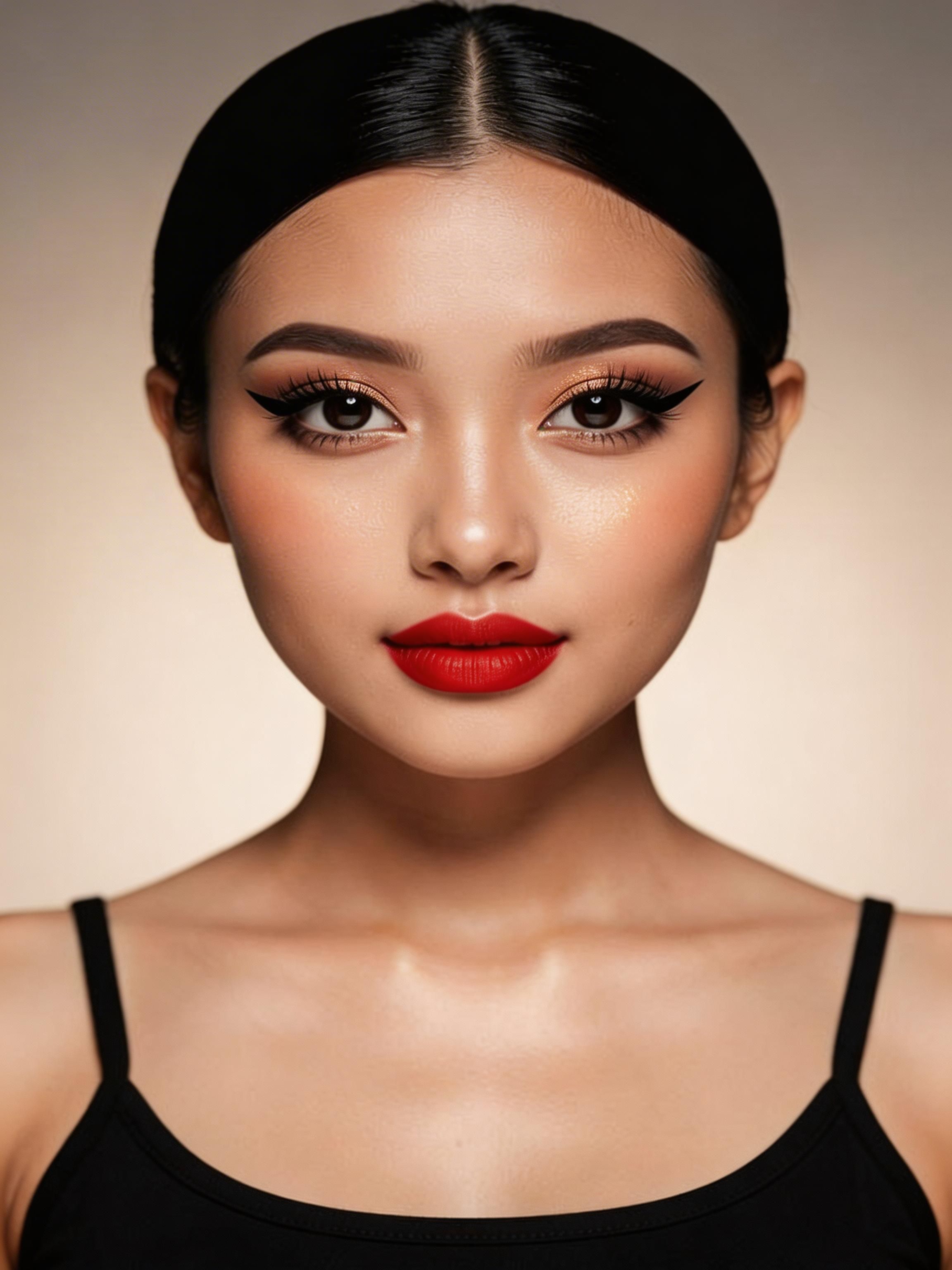
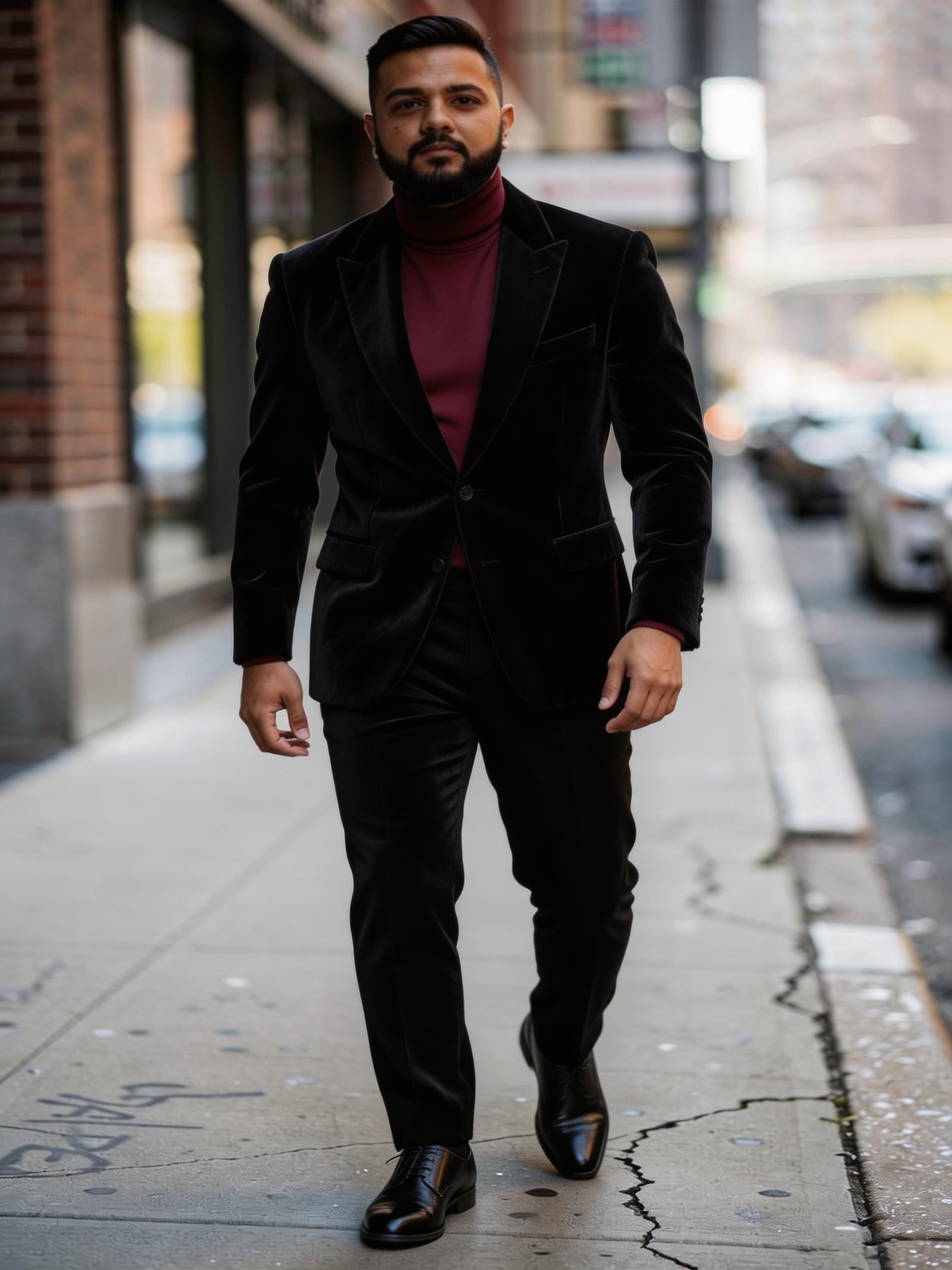

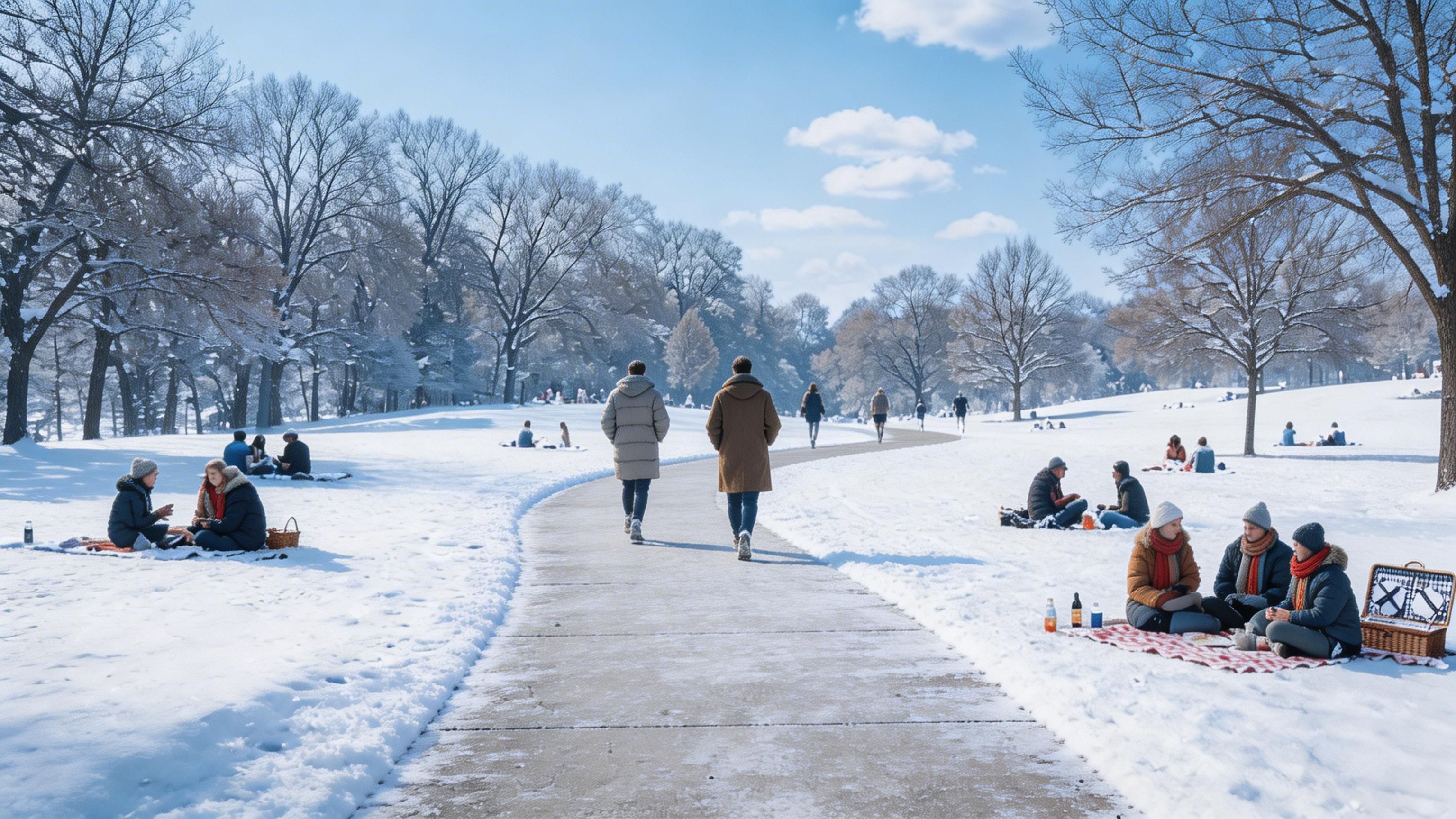
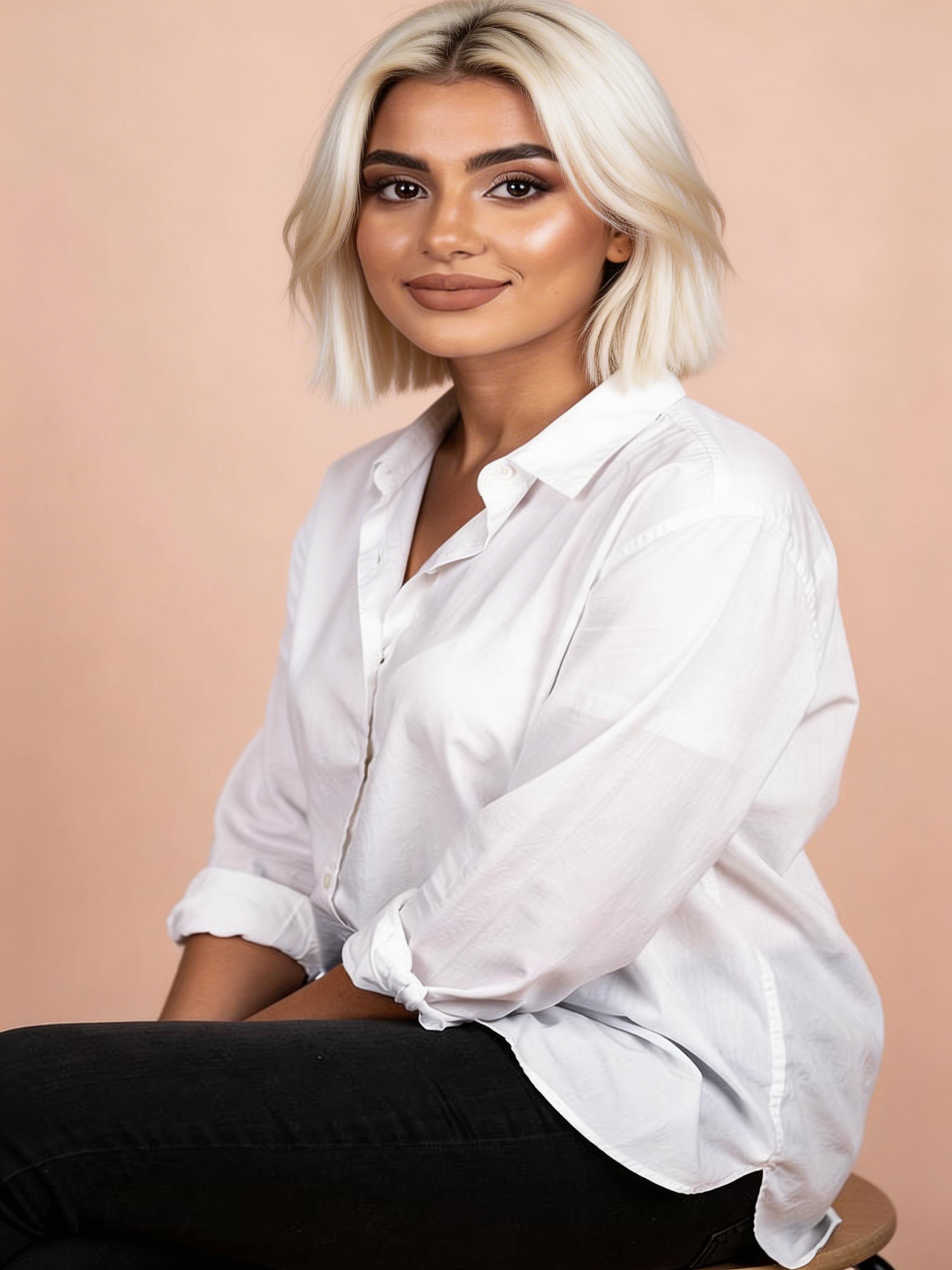
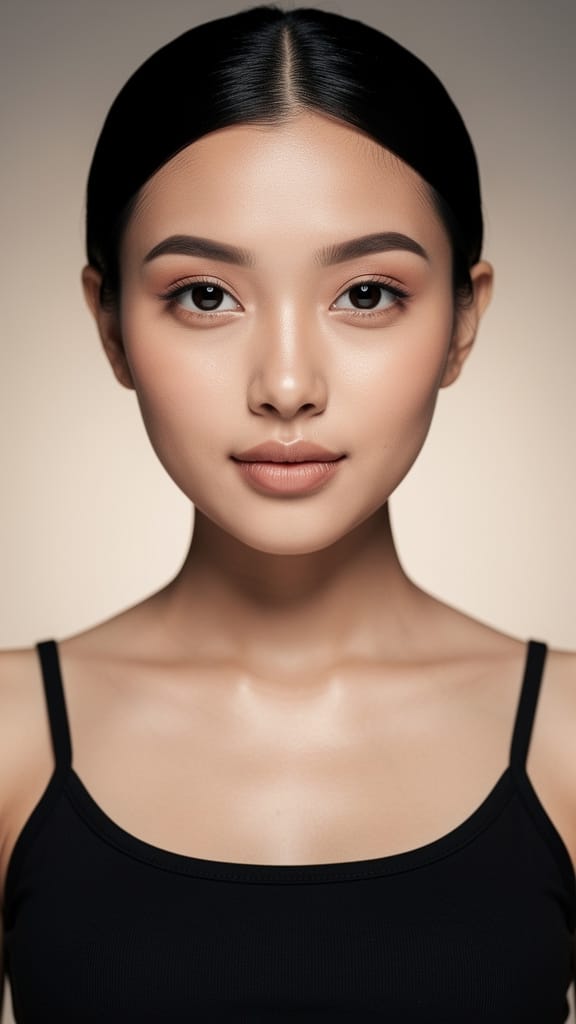
VIRTUAL MAKEUP APPLICATION
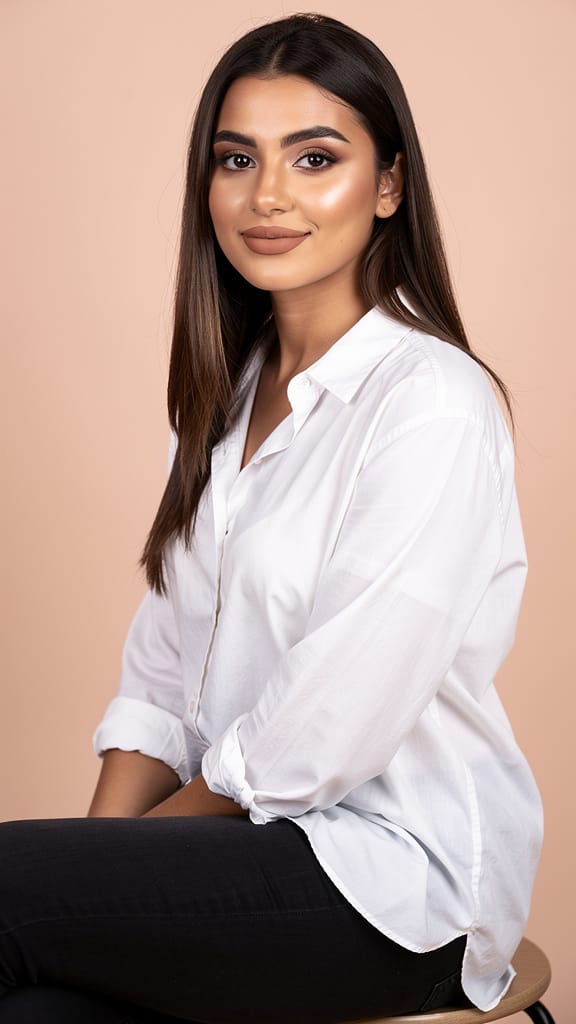
HAIRSTYLE CHANGE
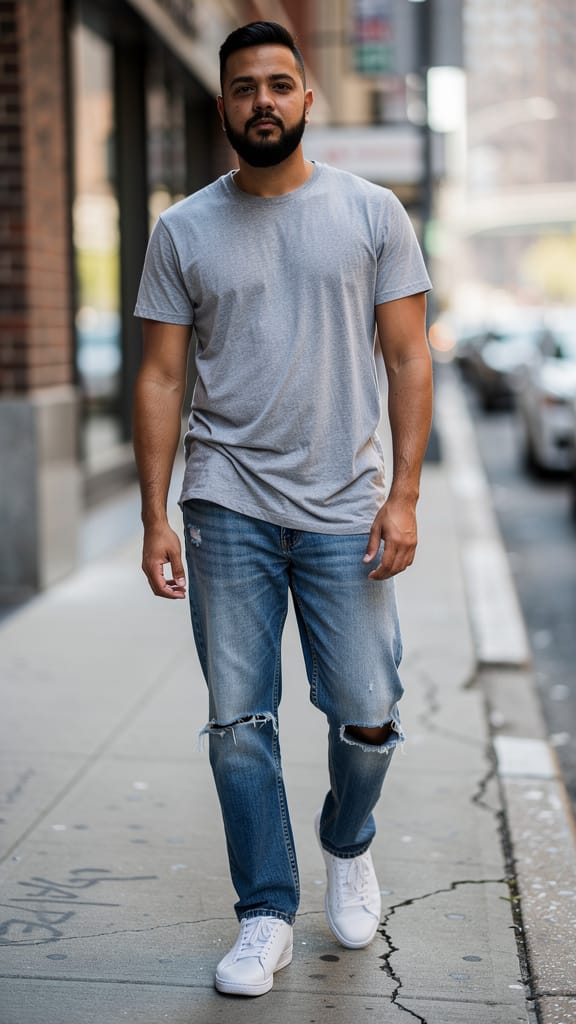
FASHION OUTFIT SWAP
Seedream is an intelligent image editing model built on the fast Lite version of Seedream 5.0, developed by ByteDance. Instead of starting from a blank canvas, Seedream works from the images you already have — combining, transforming, and refining them according to a written instruction. Feed it one picture or several, describe the change you want in plain language, and it returns a polished result that reflects your direction with impressive precision.
What sets Seedream apart is its ability to reason across multiple source images at once. You can supply up to 10 reference images in a single edit, and the model understands how they relate to one another. A prompt can reference them individually — for example, telling the model to take the product from one image, apply a logo from another, and swap in a texture or backdrop from a third. This makes it a natural fit for compositing work that would otherwise require hours of manual masking and layer blending in traditional editing software. Everything happens through a written description, so the creative decisions stay in your hands while the model handles the pixel-level execution.
Seedream excels at the kind of intelligent editing tasks that creative professionals face daily. It can replace objects within a scene, seamlessly render a logo or graphic onto a product surface with a specific material finish (such as frosted glass), remove unwanted text or clutter, and even design and place new text like a catchy tagline directly into the composition. Because it interprets your instructions holistically, a single prompt can carry out several changes at once — swap this, add that, clean up here, and write something new over there — all in one generation.
The model outputs high-resolution images. By default it produces detailed results in a roughly 2K range, and you can push toward larger sizes up to a 4K range when you need extra crispness for print or large-format display. You also have control over the shape of your output, choosing from familiar formats such as square, portrait, and landscape orientations, or letting the model automatically select an appropriate resolution. If you request a size that falls outside the supported range, the model gently scales it to fit, so you always get a usable result.
Seedream is designed with creative iteration in mind. You can ask it to run several separate generations from the same prompt, giving you a spread of interpretations to choose from — useful when you want options rather than a single answer. It also supports multi-image generation, where a single run can return multiple variations, letting you gather a range of outcomes quickly and pick the direction that best matches your vision. A built-in safety checker is enabled by default to keep results appropriate.
Who benefits most from Seedream? Product designers and marketers will find it especially valuable for mockups and packaging concepts — dropping a logo onto a bottle, changing a product's material, or cleaning up a reference photo into a finished ad. Brand and social media creators can use it to generate on-image copy and taglines that sit naturally within a design. Photographers and retouchers can lean on it for object replacement and clutter removal without meticulous manual selection work. Concept artists and illustrators can combine disparate references into a single cohesive image, and e-commerce teams can rapidly produce clean, consistent product visuals from raw source shots.
The key to getting the most from Seedream is writing clear, structured prompts. Because the model can handle multiple images and multiple instructions in one pass, it rewards specificity. Referring to your inputs in an ordered way — describing what should happen to each — helps the model apply your changes exactly where you intend. Naming the material, texture, or finish you want (like matte, glossy, or frosted glass) guides the model toward a convincing look. And if you want new text in the image, spelling out the exact wording and where it should appear yields the most reliable placement.
There are a few practical considerations to keep in mind. Seedream accepts up to 10 input images per edit; if you send more, only the most recent 10 are used, so it's best to curate your references down to the ones that matter. Output sizes are bounded by the supported range, meaning very small or very large dimensions will be scaled to fit within those limits. As an editing model, Seedream always works from at least one source image plus your text instruction — it's built to transform and combine what you give it rather than to conjure a scene from nothing. When you want anywhere from a single refined result to a batch of variations, you can dial the number of generations up or down to match your workflow.
In short, Seedream turns complex, multi-step image editing into a conversation. Describe what you want changed, added, removed, or combined, hand it the relevant pictures, and it returns a finished, high-resolution composite that would otherwise demand significant manual effort. Its blend of multi-image understanding, precise object and text handling, and flexible output options makes it a versatile companion for anyone who works with visuals every day.
Generate using the most advanced image editor
Add the image that you want change
Upload image
Add the image that you want to edit or transform
A woman kneeling in darkness, illuminated by a warm, radiant beam of light emerging from her raised hand.
Write your changes
Describe the edits you want - style changes, object removal, or enhancements
Start sharing
Download your professionally edited image
Beyond the prompt: A new level of control
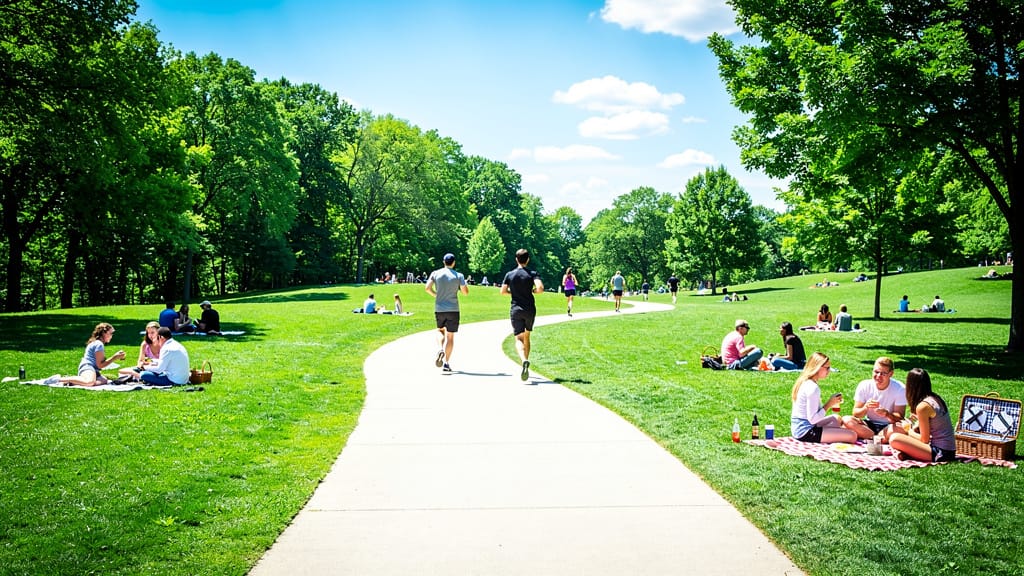
LANDSCAPE SEASON CHANGE
Demonstrates realistic environmental editing for travel, real estate, or creative storytelling by instantly altering the season and ambiance of a landscape scene.
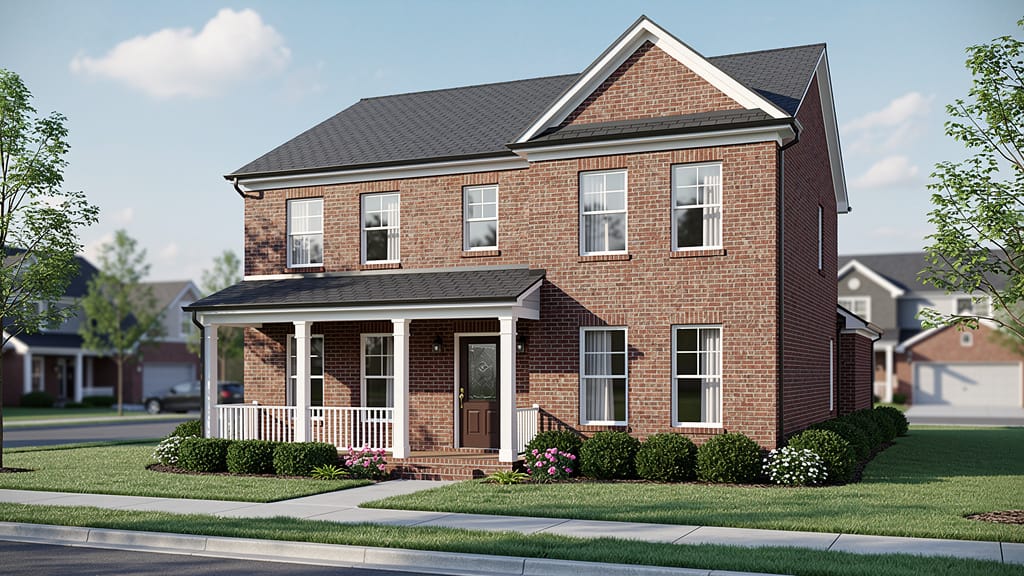
ARCHITECTURAL RESTYLE
Highlights the model’s ability to update architectural exteriors, envisioning renovations or new design trends for marketing and visualization.
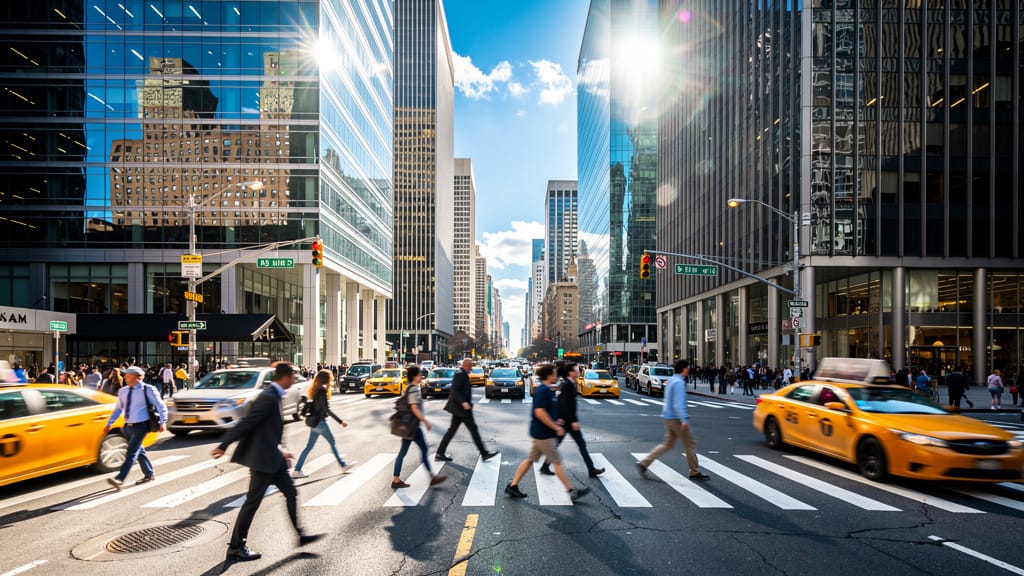
ARTISTIC STYLE TRANSFER
Showcases advanced artistic editing, turning real photographs into unique artworks to elevate travel, editorial, or creative branding materials.
Compare with similar models
“Replace the white background with a modern corporate office environment. Add floor-to-ceiling windows with city skyline view in soft focus. Match the lighting to suggest natural window light from the same direction. Maintain the subject's professional appearance and lighting consistency. Add subtle depth of field to the new background.”












Experience perfection with Seedream
Switch to reasoning-guided synthesis today. Be the first in your industry to deliver native 4K results at 10x the speed.
Frequently Asked Questions
Similar Models
Reve 2.1
Edit images with text prompts
1.3 credits
Grok Imagine Image Editing Quality
High-quality AI image editing
0.1 credits
Nano Banana Lite Edit
Fast efficient image editing
6 credits

Wan v2.6 Image to Image
Edit images using reference photos
0.3 credits
Ideogram V4.0q Image to Image
Prompt-guided image restyling edits
0.1 credits
Nano Banana Pro
State-of-the-art image editing
1.2 credits
Reve 2.1
Remix images with text prompts
1.5 credits
Vidu
Image generation with reference consistency
0.2 credits
Seedream 5.0 Pro Image Editing
Precise region-based image editing
0.3 credits