Nano Banana Lite Edit
Edit photos with a prompt in under two seconds
Fast efficient image editing
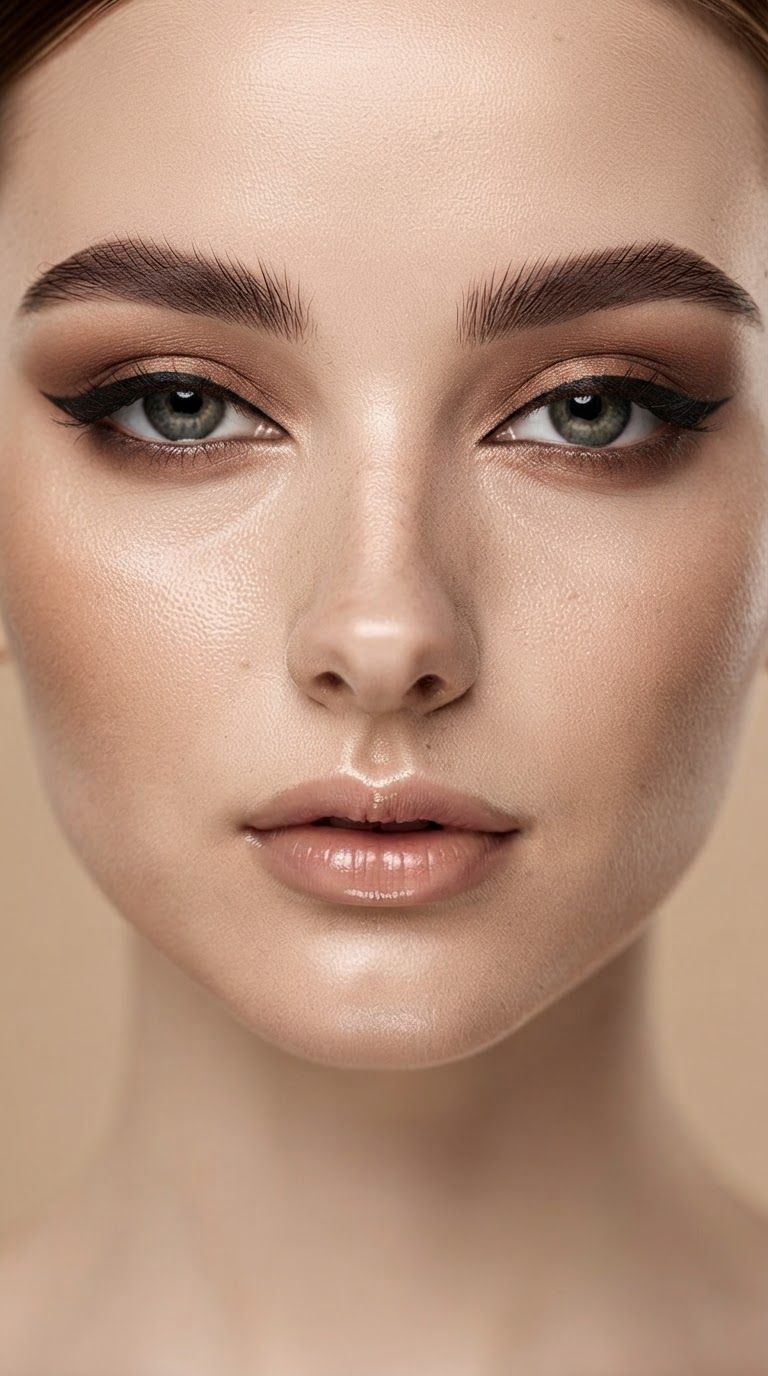
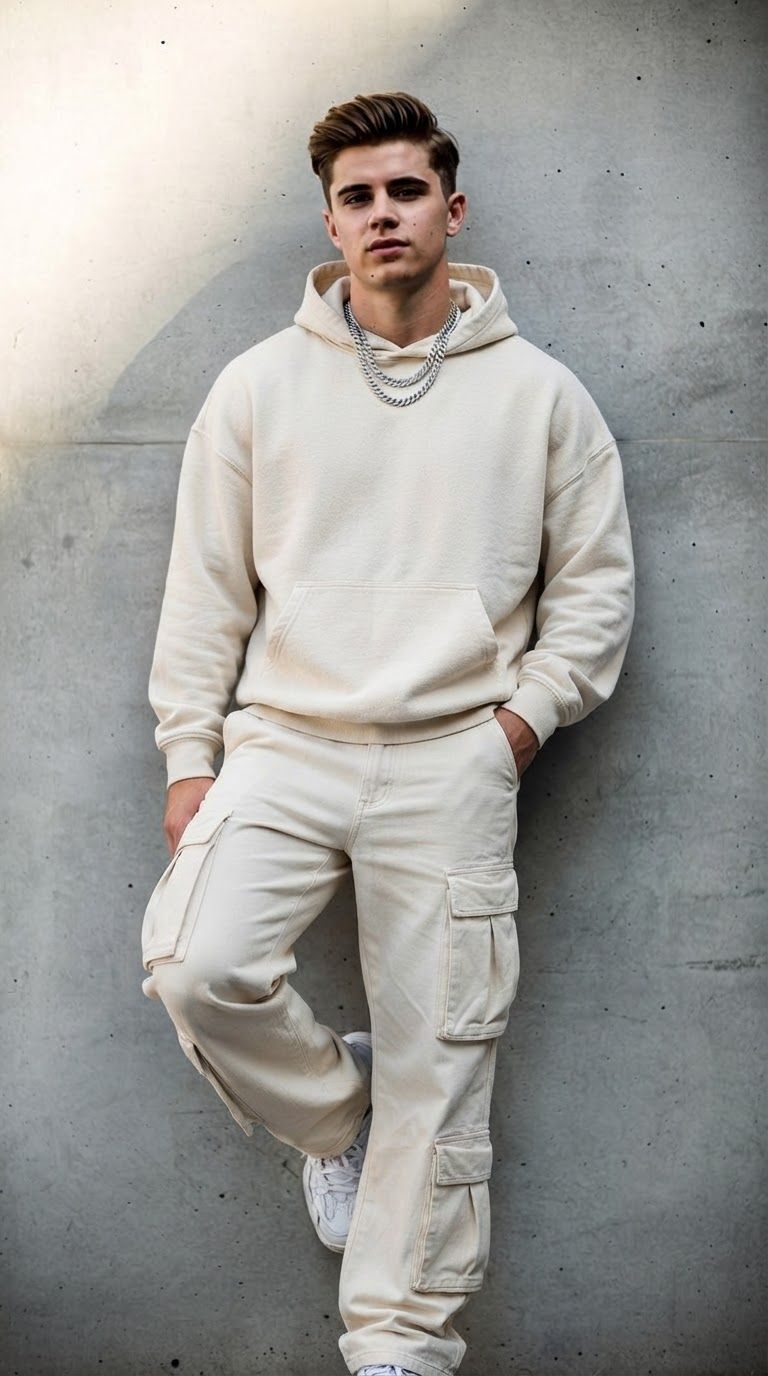
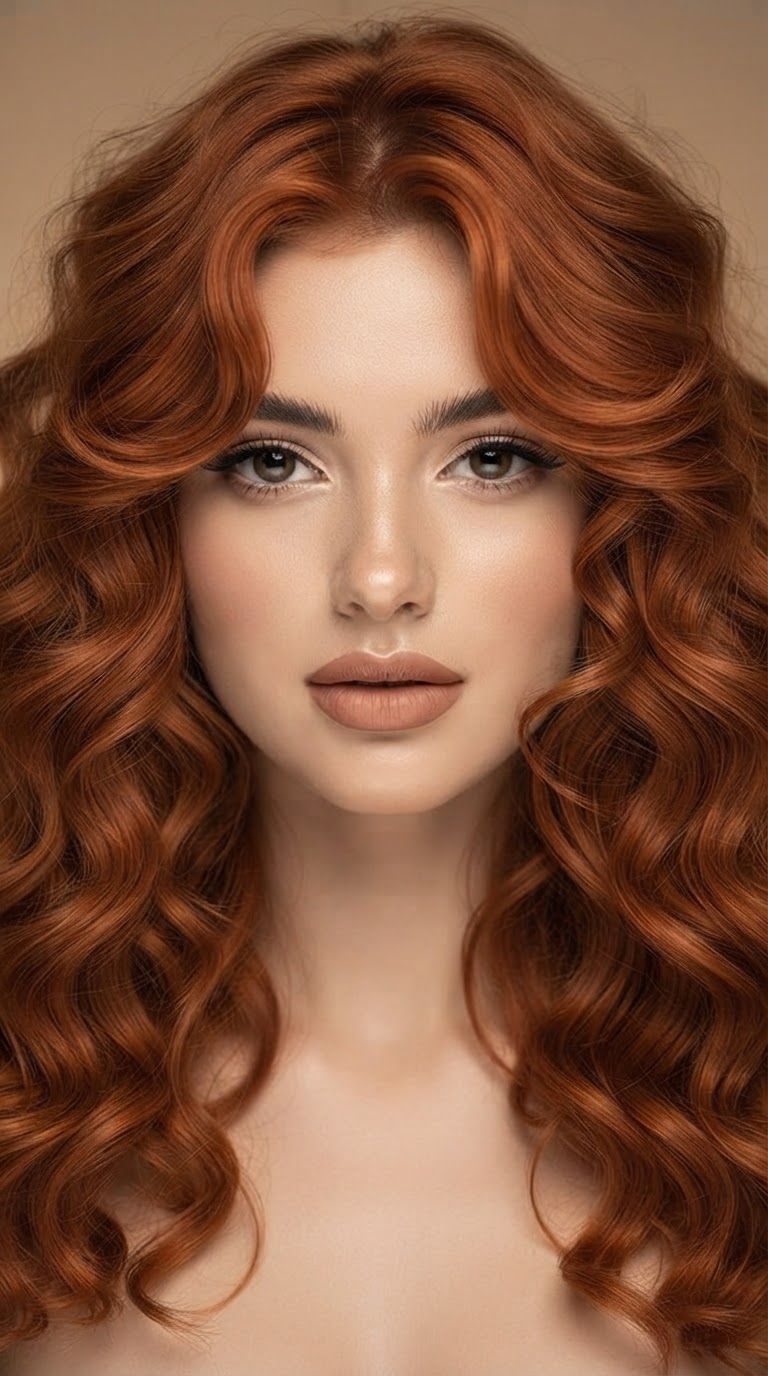
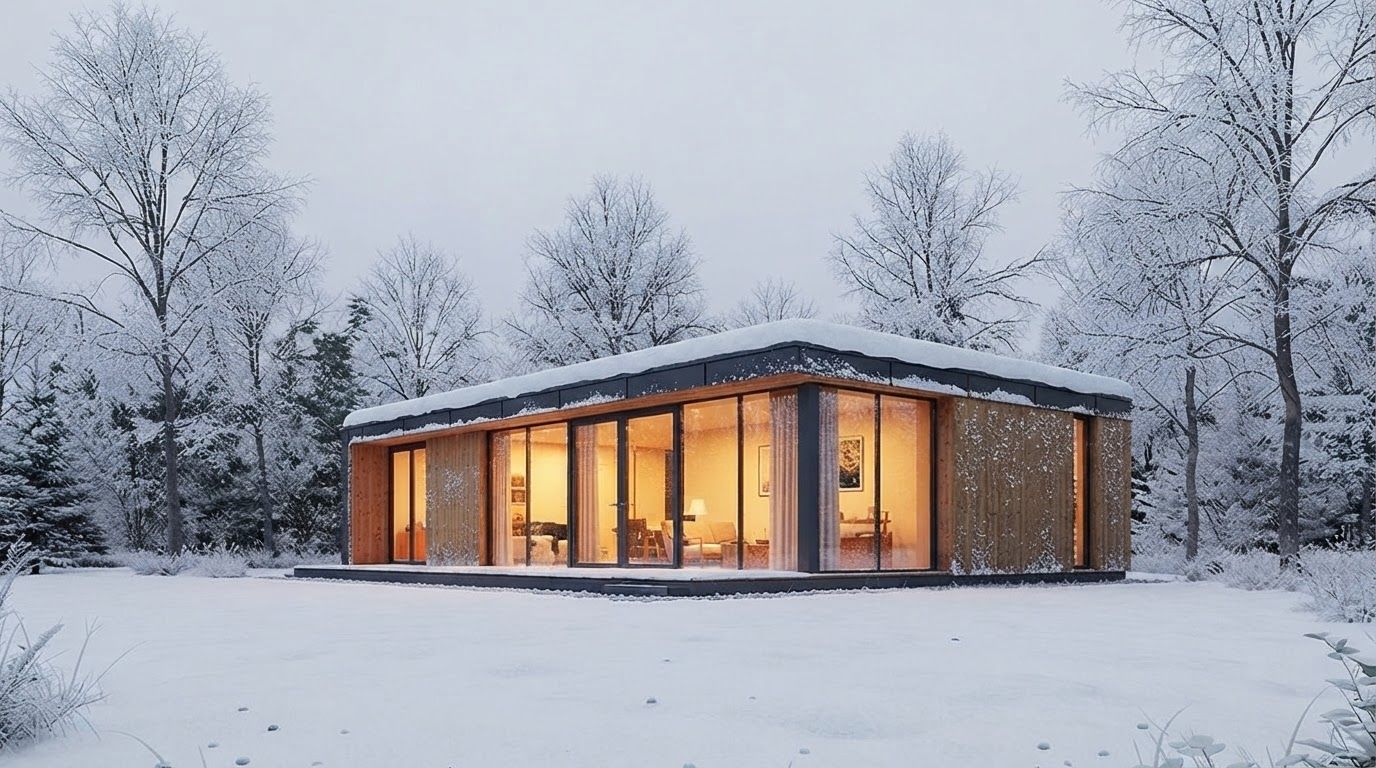
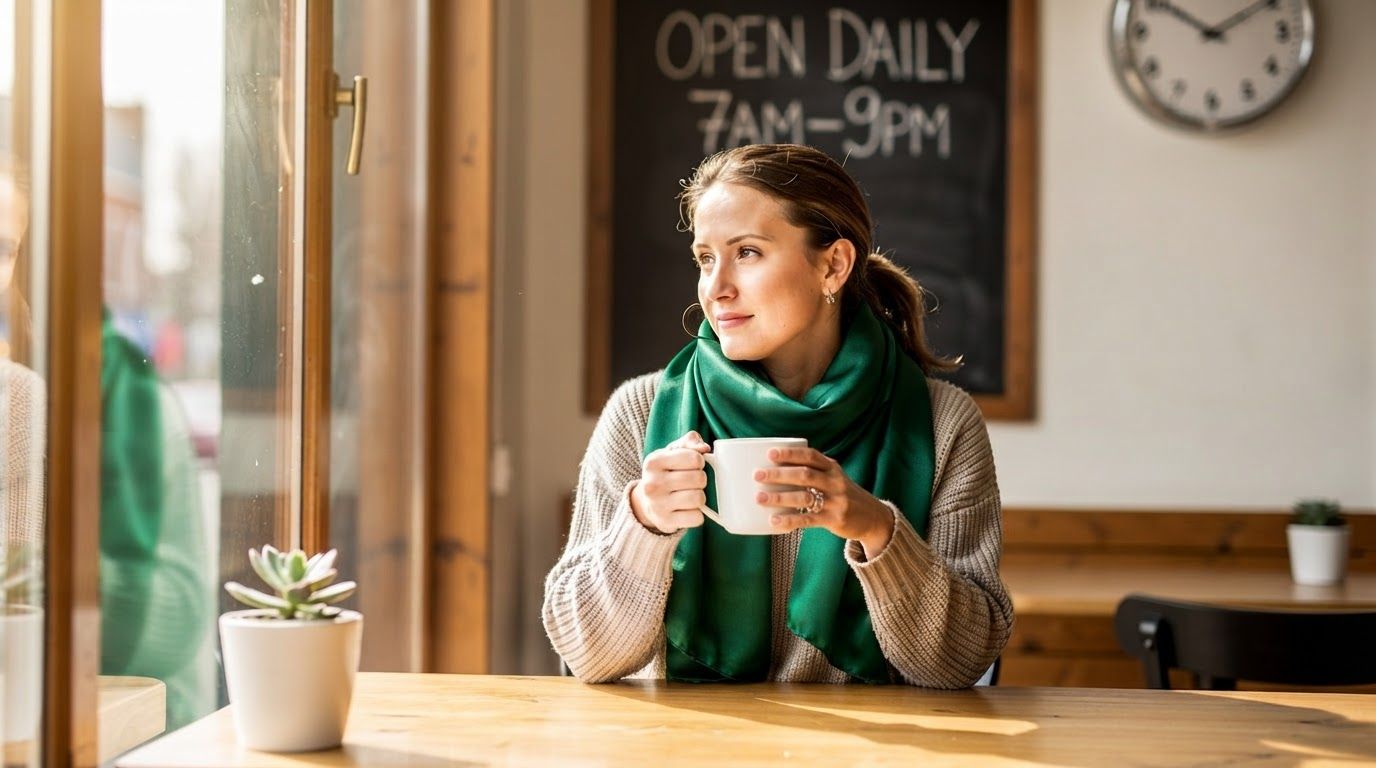
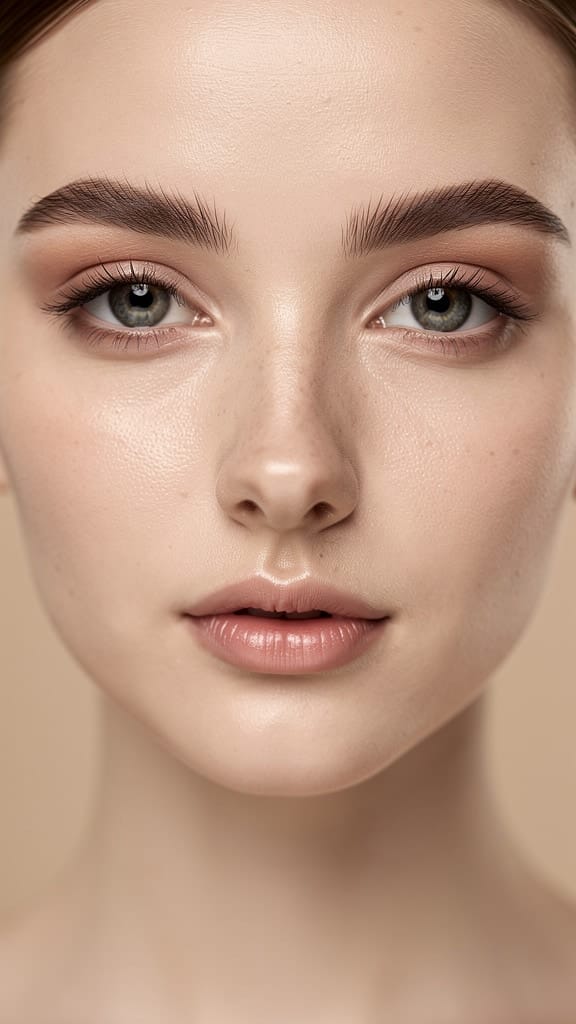
TRANSFORMACIÓ DE MAQUILLATGE
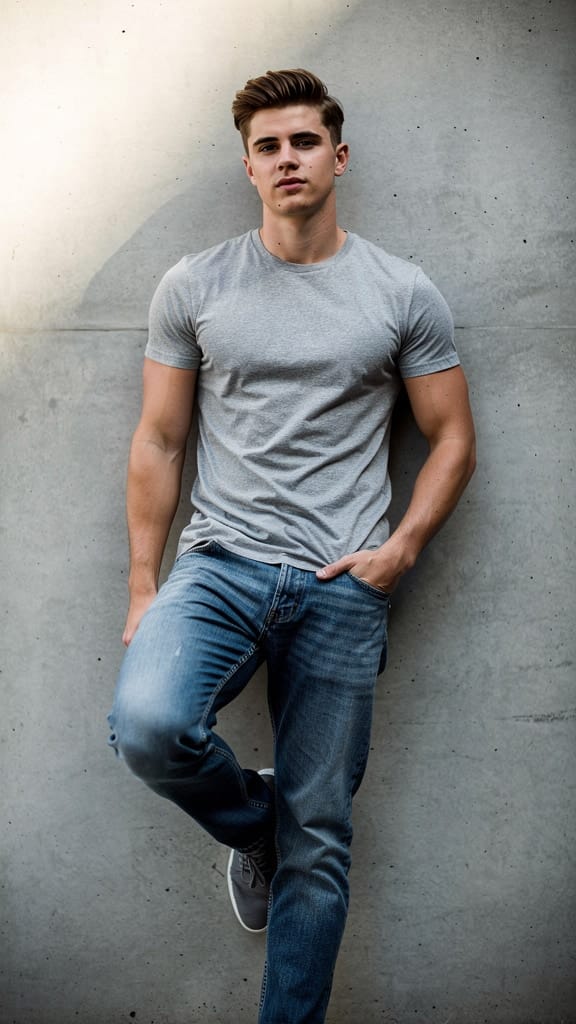
RESTILITZACIÓ DE MODA
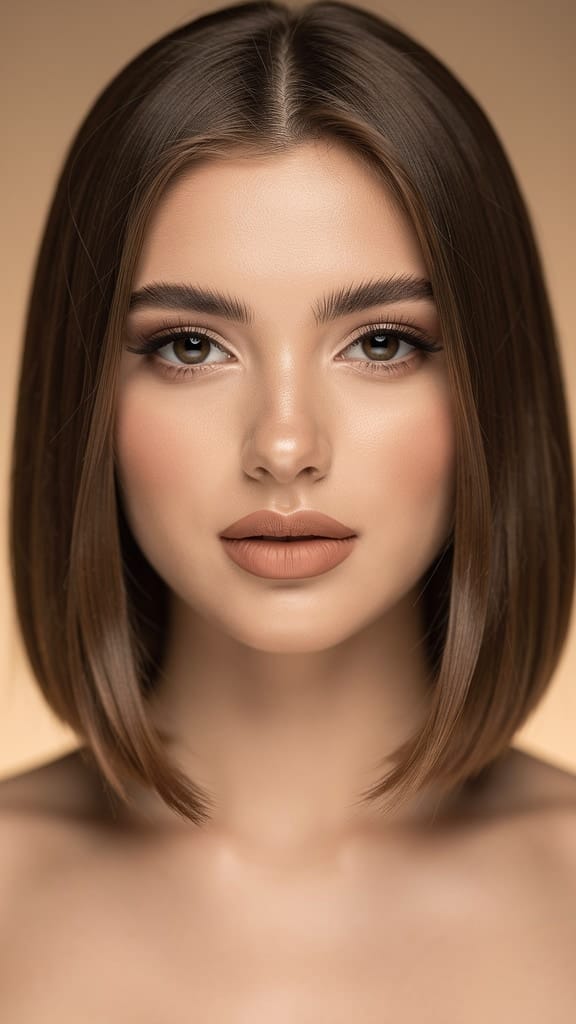
RESTILITZACIÓ DE CABELL
El Nano Banana Lite Edit és el membre centrat en l'eficiència de la família d'imatges Nano Banana, dissenyat per a creadors que volen fer canvis ràpids, guiats per prompts, a les seves fotos i obres d'art sense haver d'esperar. Li proporciones una o més imatges més una instrucció en llengua natural, i et retorna un resultat editat en menys de dos segons. Aquesta velocitat és el punt clau: està dissenyat per a aquell tipus de retocs ràpids i iteratius on proves una idea, la mires, ajustes la redacció i proves de nou, tot en el flux d'una sola sessió de treball.
Al seu nucli, es tracta d'un model d'edició d'imatges. En lloc d'iniciar des d'un llenç en blanc, agafa imatges existents i les transforma segons la teva direcció escrita. Demana-li que "fes una foto de l'home conduint el cotxe per la costa de Califòrnia" i reinterpreta el material font en aquella escena. Com que accepta múltiples imatges d'entrada alhora, pots combinar o referenciar diverses imatges en una sola edició, útil quan vols barrejar elements, traslladar un subjecte a un nou entorn o guiar el model amb més d'una referència visual.
Una de les característiques destacades és el suport per a edicions locals ràpides en múltiples tornades. En lloc de regenerar tota la imatge des de zero cada vegada, pots fer canvis dirigits a través d'una sèrie d'etapes: ajusta un detall, després un altre, i un altre, mantenint l'impuls. Això fa que sembli menys una màquina escurabutxaques i més un soci d'edició receptiu que segueix el teu ritme.
El model genera imatges a una resolució fixa de 1K (1024×1024 píxels), i pots modelar l'encadrament amb un rang inusualment ampli de raons d'aspecte. Es suporten catorze raons, des de les opcions quotidianes com quadrat (1:1), retrat (4:5, 3:4, 2:3, 9:16) i paisatge (16:9, 3:2, 4:3, 5:4, 21:9) fins a formats panoràmics i verticals realment extrems: 4:1, 1:4, 8:1 i 1:8. Aquestes raons extremes obren la porta a baners ultra-ampls, composicions alts com gratacels i disposicions no convencionals que la majoria d'eines d'edició no poden produir de manera nativa. També hi ha una opció automàtica que deixa que el model esculli una raó adequada per a tu quan no vulguis decidir.
El control creatiu va més enllà de l'encadrament. Pots generar fins a quatre variacions alhora, donant-te opcions per comparar i triar en un sol pas. Pots dirigir l'aspecte general i la personalitat de la sortida amb una instrucció d'estil persistent: una mica de direcció que modela l'estil i el to del model a través de la teva sol·licitud, pràctica quan vols una estètica consistent. Un control de llavor et permet fixar i reproduir un resultat concret, així si trobes alguna cosa que t'agrada pots tornar-hi o fer petites variacions al voltant. També pots triar el format del fitxer de sortida: PNG, JPEG o WebP, segons si necessites qualitat compatible amb transparències, mides de fitxer més petites o lliurament optimitzat per a web.
Per a moments en què vulguis que el model ràsoni amb més cura a través d'una edició complexa, hi ha un mode de pensament opcional amb dos nivells: un ajust lleuger i mínim, i un altre més deliberat i alt. Activar-lo permet que el model treballi la sol·licitud amb més atenció abans de produir la imatge, cosa que pot ajudar amb instruccions que impliquen diverses parts mòbils. També hi ha un control de moderació de contingut amb diversos nivells d'estrictesa, perquè puguis ajustar com de permissiu és el filtratge per al teu projecte.
Qui en beneficia més? Creadors de continguts que necessiten un flux constant de visuals editats, gestors de xarxes socials que produeixen moltes variacions d'un mateix concepte, dissenyadors que fan maquetes ràpides d'idees i qualsevol que valori el temps de resposta per sobre de la màxima resolució. Com que és el model lleuger i orientat a l'eficiència de la família, brilla en fluxos de treball d'alt volum: retocs en lot, iteracions sobre feedback de clients en temps real o generació de desenes d'opcions d'encadrament per al mateix subjecte. La resposta en menys de dos segons significa que pots explorar molt més direccions en el mateix temps que trigaria un model més pesat a renderitzar-ne una.
Cal entendre els compromisos. És un model lleuger i prioritzant velocitat, així que la seva sortida fixa de 1K el fa ideal per a web, xarxes socials i treballs de vista prèvia més que per a impressió en gran format on necessites la màxima densitat de píxels. El model també inclou un ajust experimental que limita cada ronda de prompting a una sola generació i ignora qualsevol imatge intermèdia; això manté el comportament previsible i centrat, tot i que pot afectar la qualitat de generació en alguns casos. Com amb qualsevol editor guiat per prompts, les instruccions clares i específiques produeixen els millors resultats: descriu exactament què vols canviar i què ha de romandre igual per ajudar el model a encertar l'objectiu.
En resum, el Nano Banana Lite Edit és una eina d'edició àgil per a persones que pensen ràpid i iteren sovint. Combina girades ràpides amb un encadrament realment flexible, entrada multi-imatge i controls creatius suficients per mantenir el teu estil consistent, tot dirigit a mantenir-te en un ritme creatiu fluid i ininterromput.
Genera amb l'editor d'imatges més avançat
Add the image that you want change
Puja una imatge
Afegeix la imatge que vols editar o transformar
A woman kneeling in darkness, illuminated by a warm, radiant beam of light emerging from her raised hand.
Escriu els teus canvis
Descriu les edicions que vols: canvis d'estil, eliminació d'objectes o millores
Comença a compartir
Descarrega la teva imatge editada professionalment
Més enllà de la indicació: un nou nivell de control
CANVI DE FONS
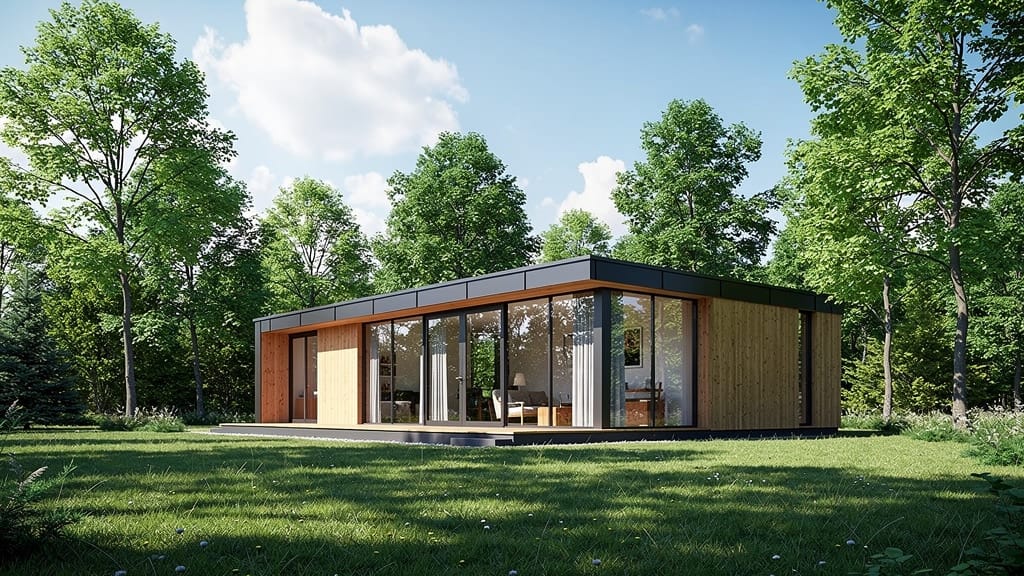
Substitueix un fons pla o interior per un paisatge ample cinematogràfic mantenint el subjecte en primer pla, genial per a contingut de viatges i màrqueting de lifestyle.
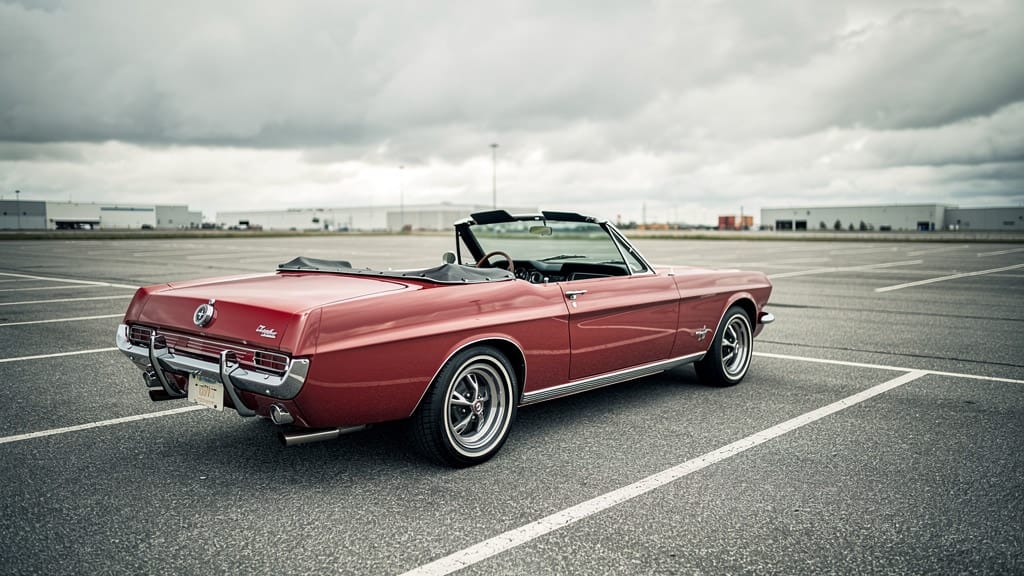
TRANSFERÈNCIA D'ESTIL
Aplica un degradat de color d'estil cinematogràfic a una imatge ample de paisatge, transformant fotos ordinàries en escenes cinematogràfiques ombrívoles per a cineastes i creadors de continguts.
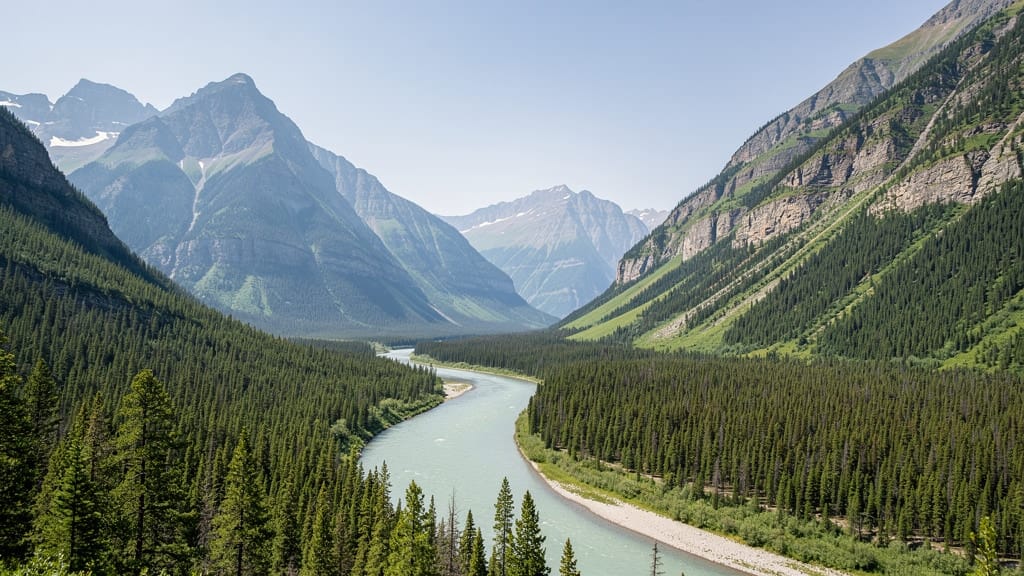
CANVI D'ESTACIÓ
Transforma l'estació d'una escena arquitectònica o exterior, convertint imatges d'estiu en una versió nevada d'hivern per a campanyes estasionals i visuals immobiliàries.
Compara amb models similars
“Transform into a classical oil painting in the style of Rembrandt. Add visible impasto brushstrokes with thick paint texture. Apply warm golden undertones and dramatic chiaroscuro lighting with deep shadows. Enhance the dramatic contrast while preserving facial structure and expression. Add subtle canvas texture visible through the paint layers.”
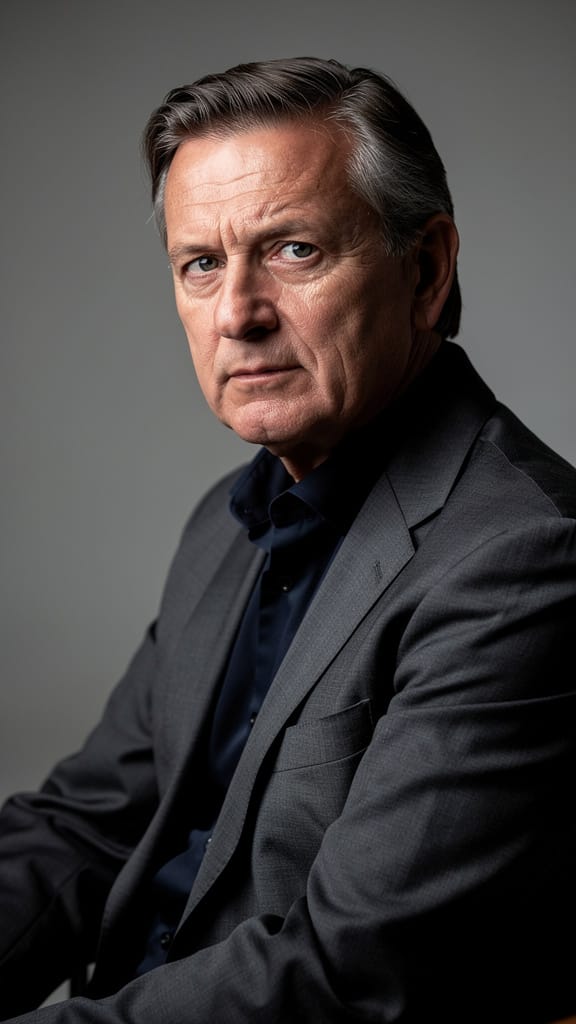
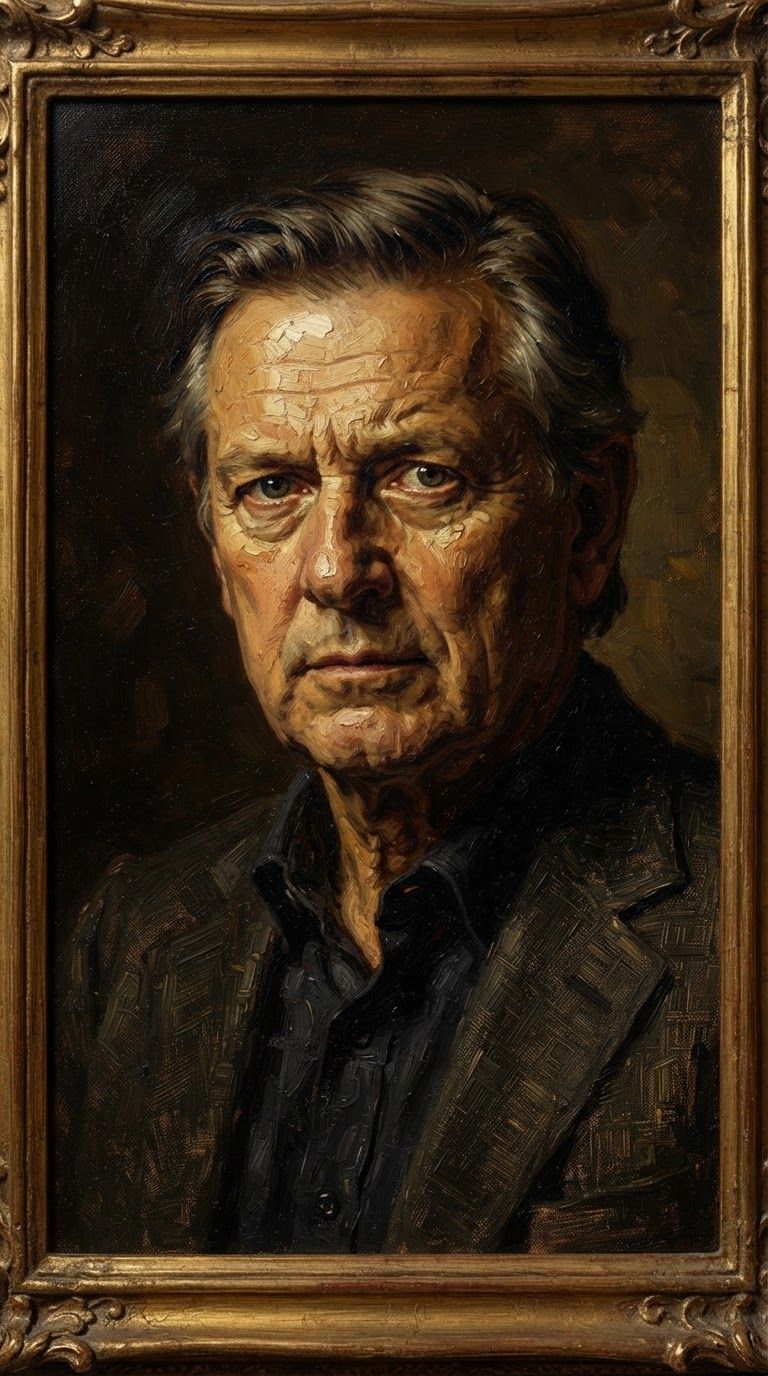
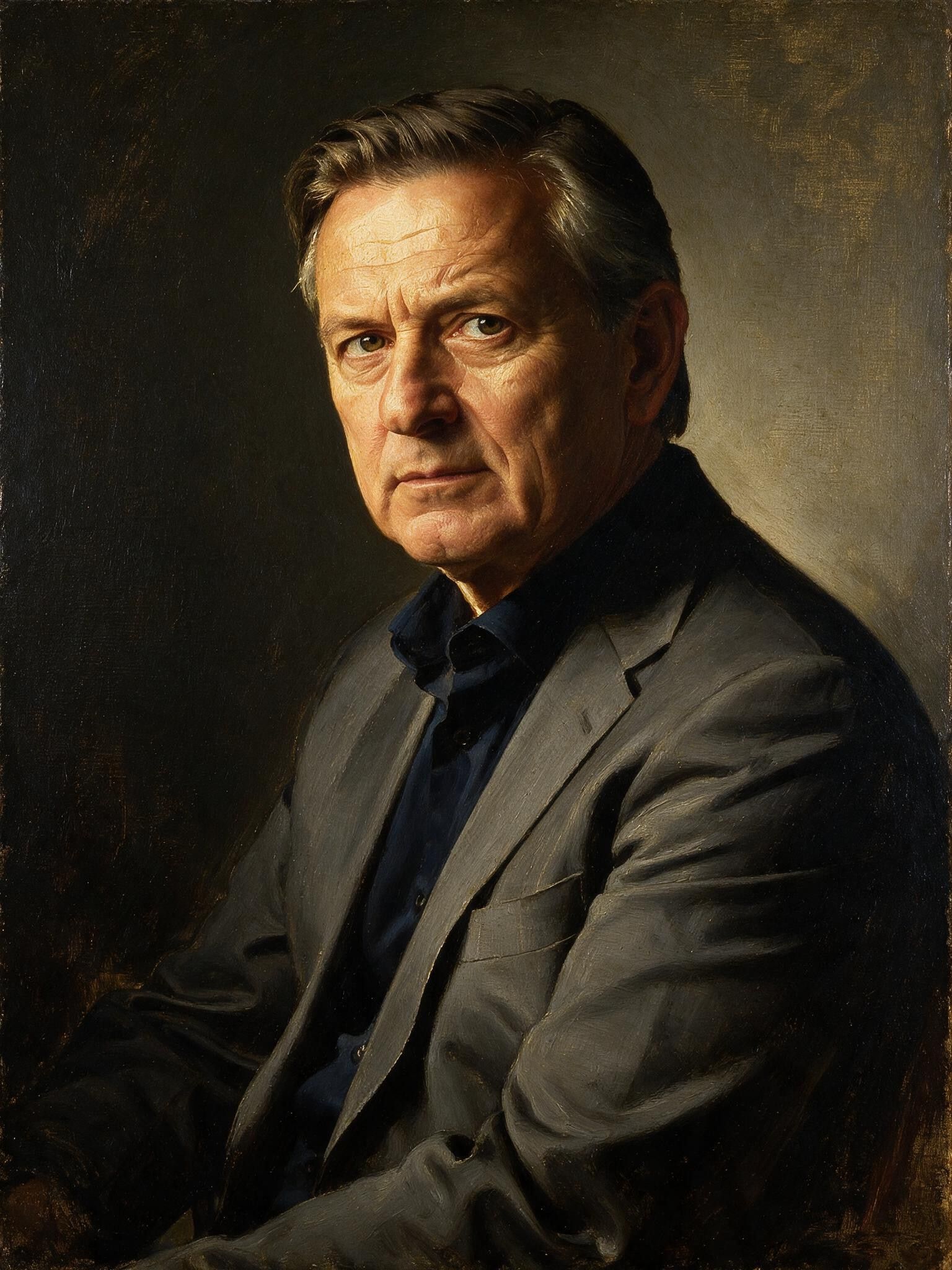
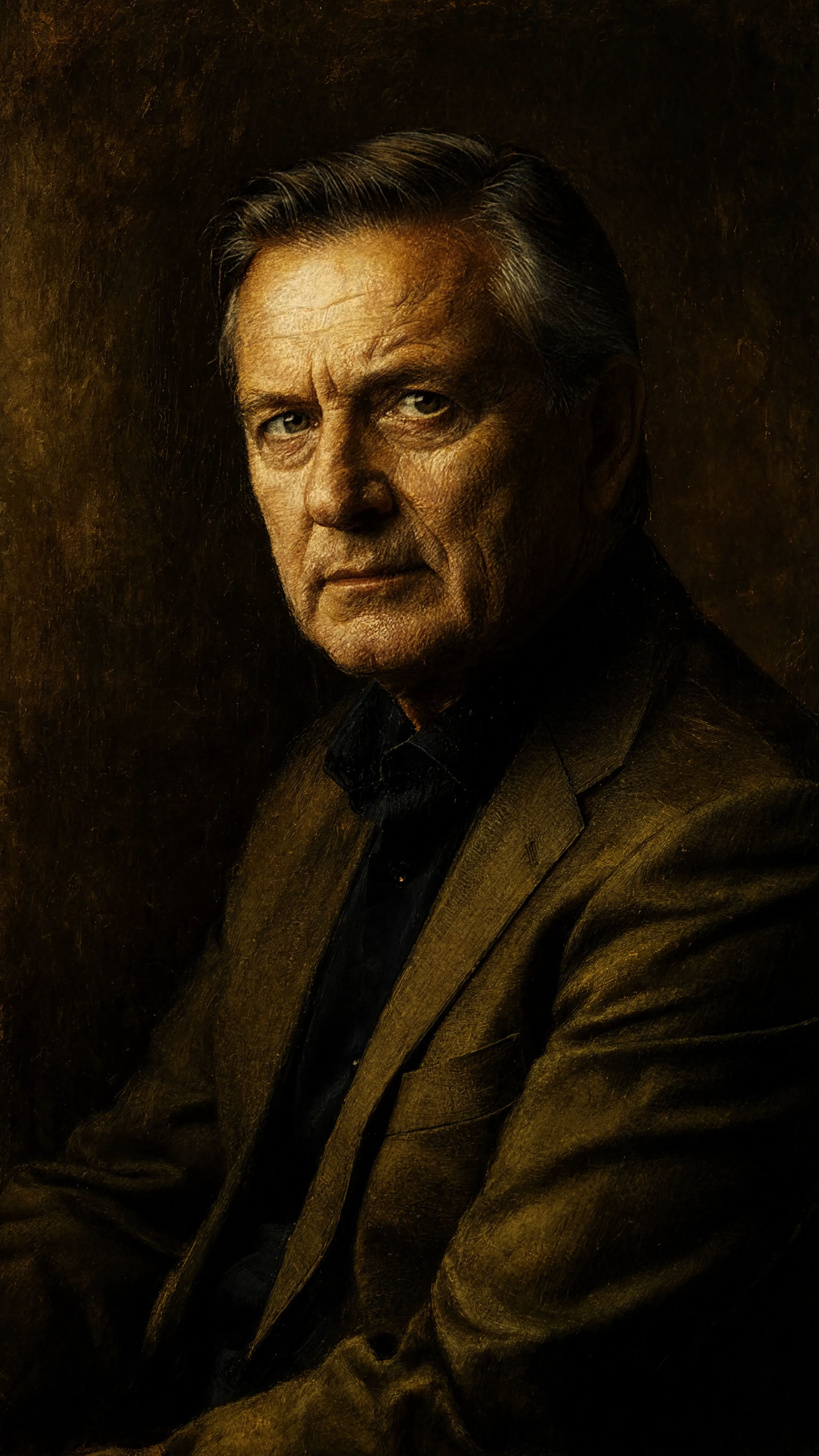
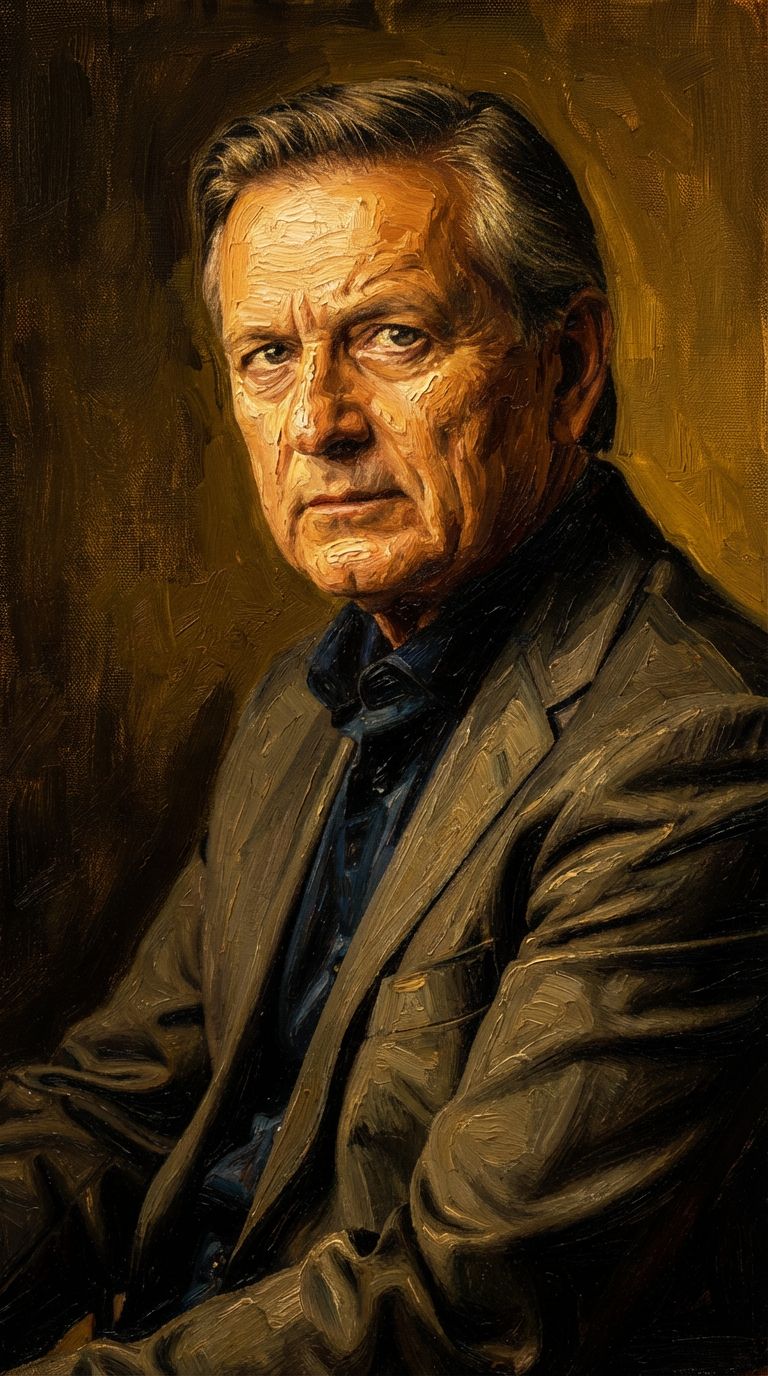
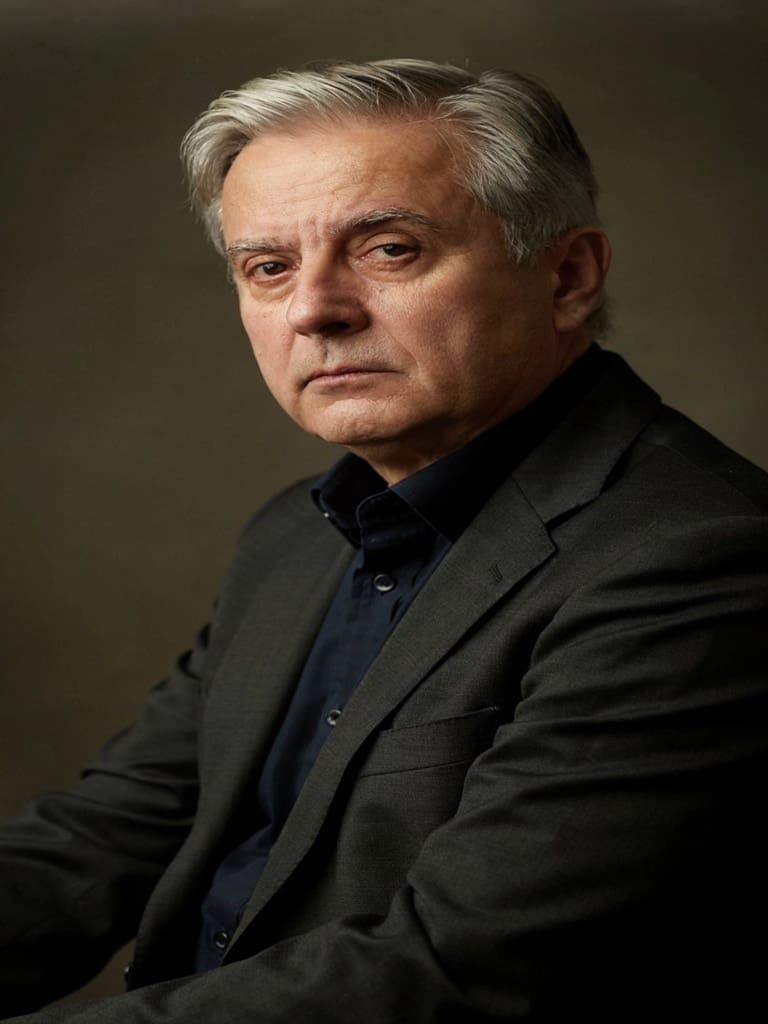
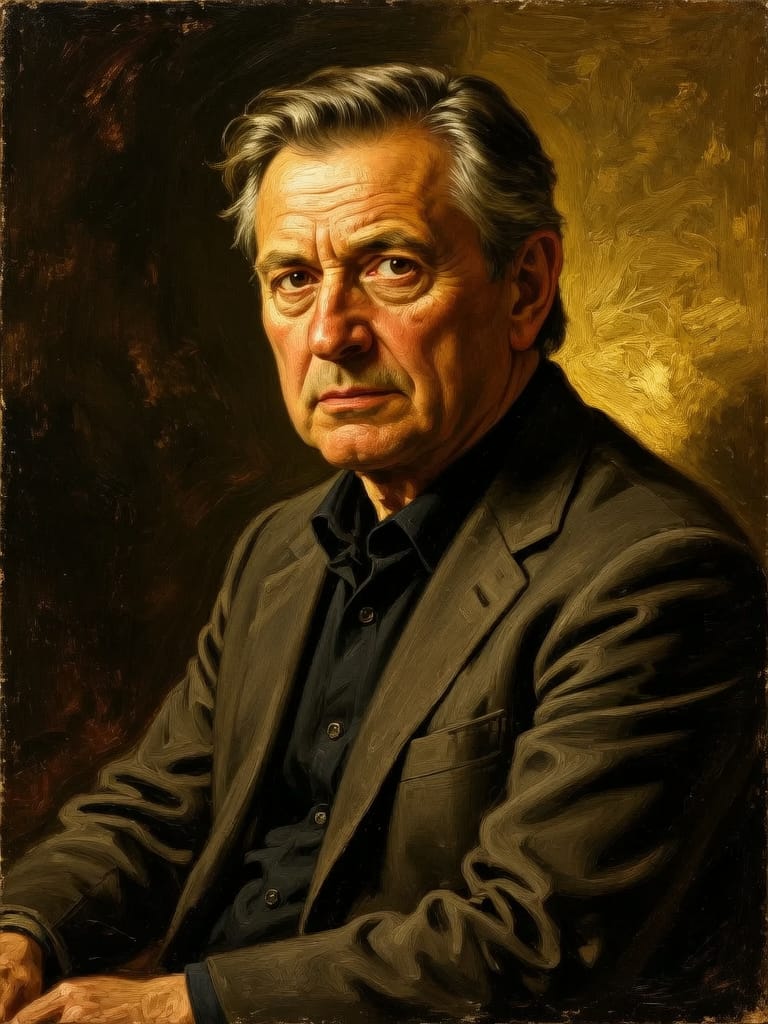
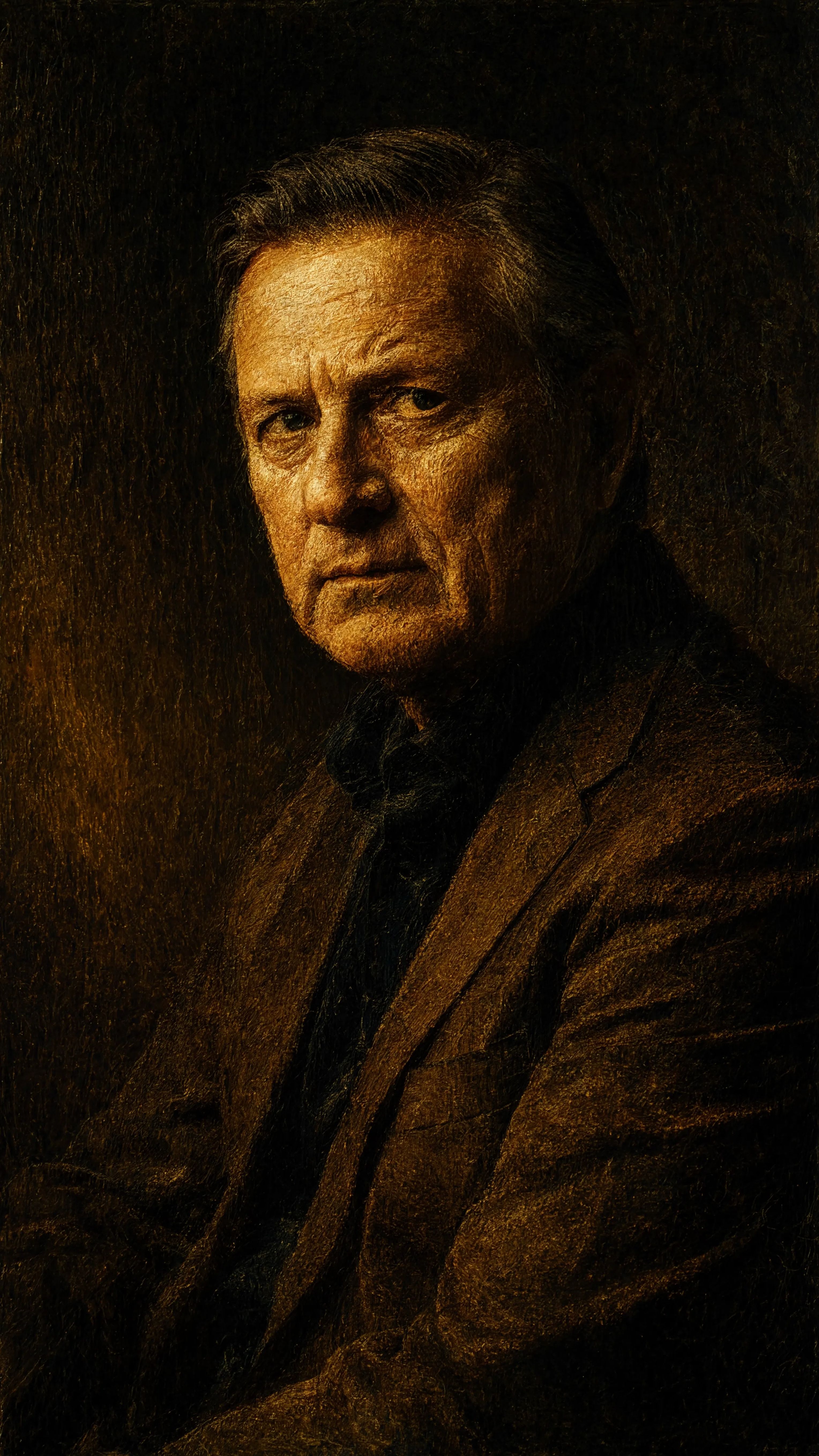
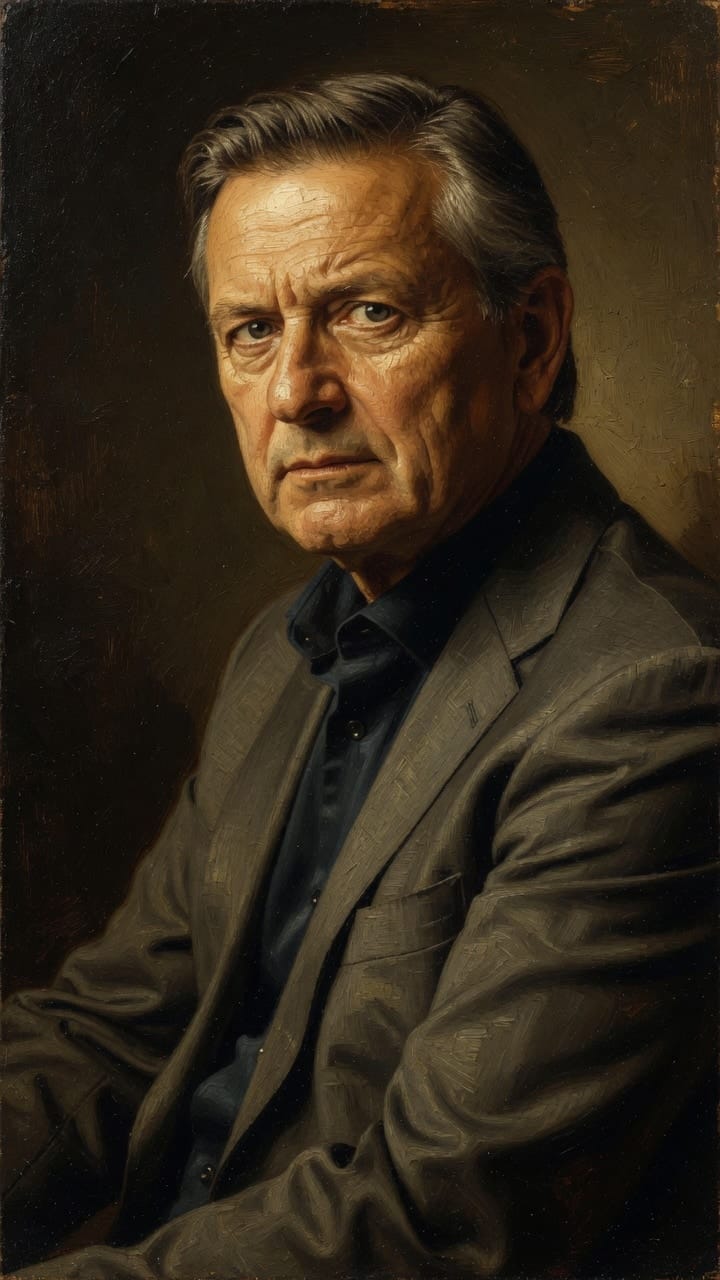
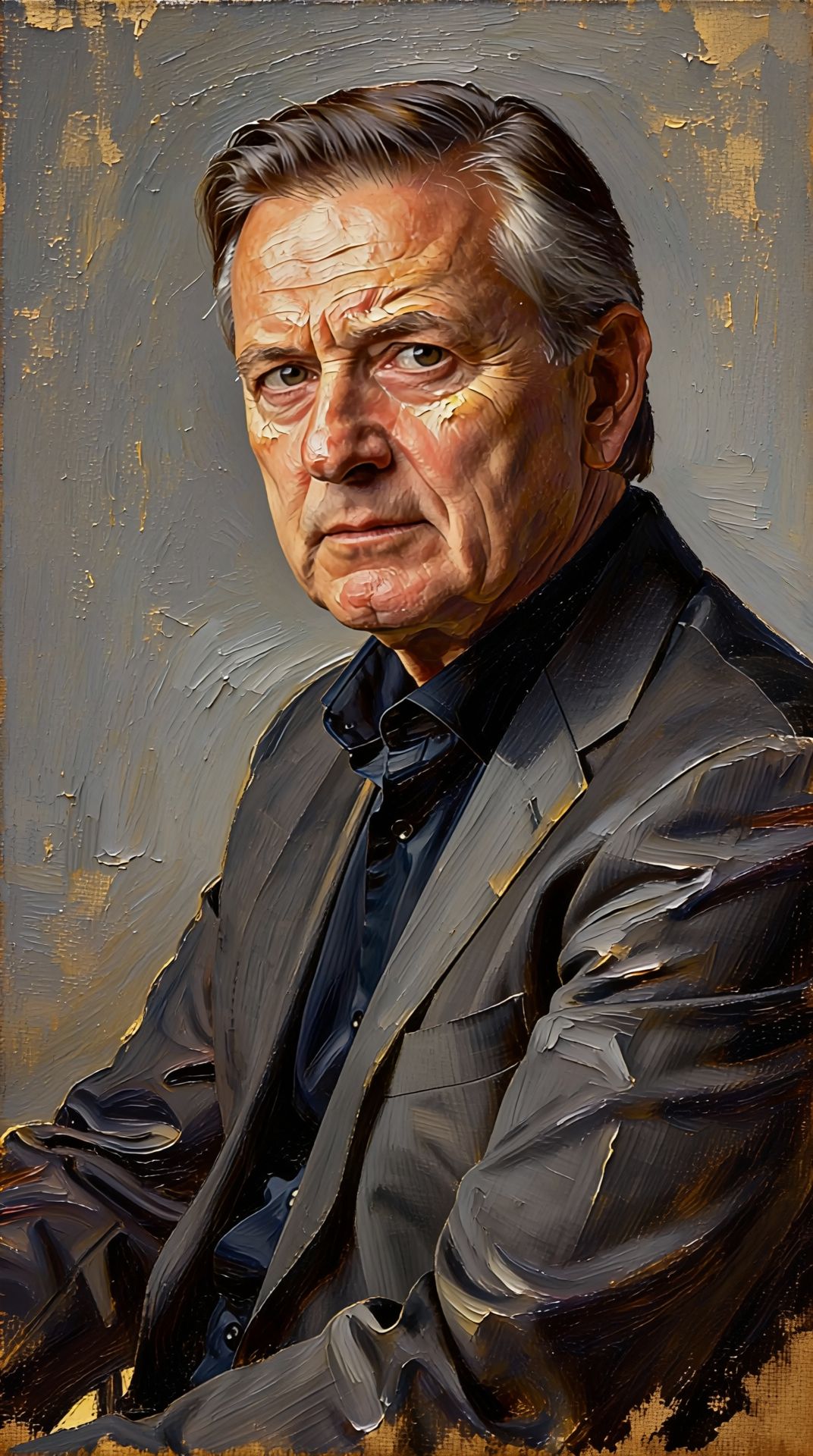
Viu la perfecció amb Nano Banana Lite Edit
Passa't avui a la síntesi guiada per raonament
Preguntes freqüents
Models similars
Wan v2.6 Image to Image
Edit images using reference photos
0.3 crèdits
Grok Imagine Image Editing Quality
High-quality AI image editing
0.1 crèdits
Nano Banana Pro
State-of-the-art image editing
1.2 crèdits
Gemini 3.1 Flash Image Preview
Ultra-fast Google image editing
0.7 crèdits
Vidu
Image generation with reference consistency
0.2 crèdits
Seedream
Fast intelligent multi-image editing
0.3 crèdits
Reve 2.1
Remix images with text prompts
1.5 crèdits
Ideogram V4.0q Image to Image
Prompt-guided image restyling edits
0.1 crèdits
Seedream 5.0 Pro Image Editing
Precise region-based image editing
0.3 crèdits