Reve 2.1
Combine up to 8 reference photos into one edit with legible text
Remix images with text prompts
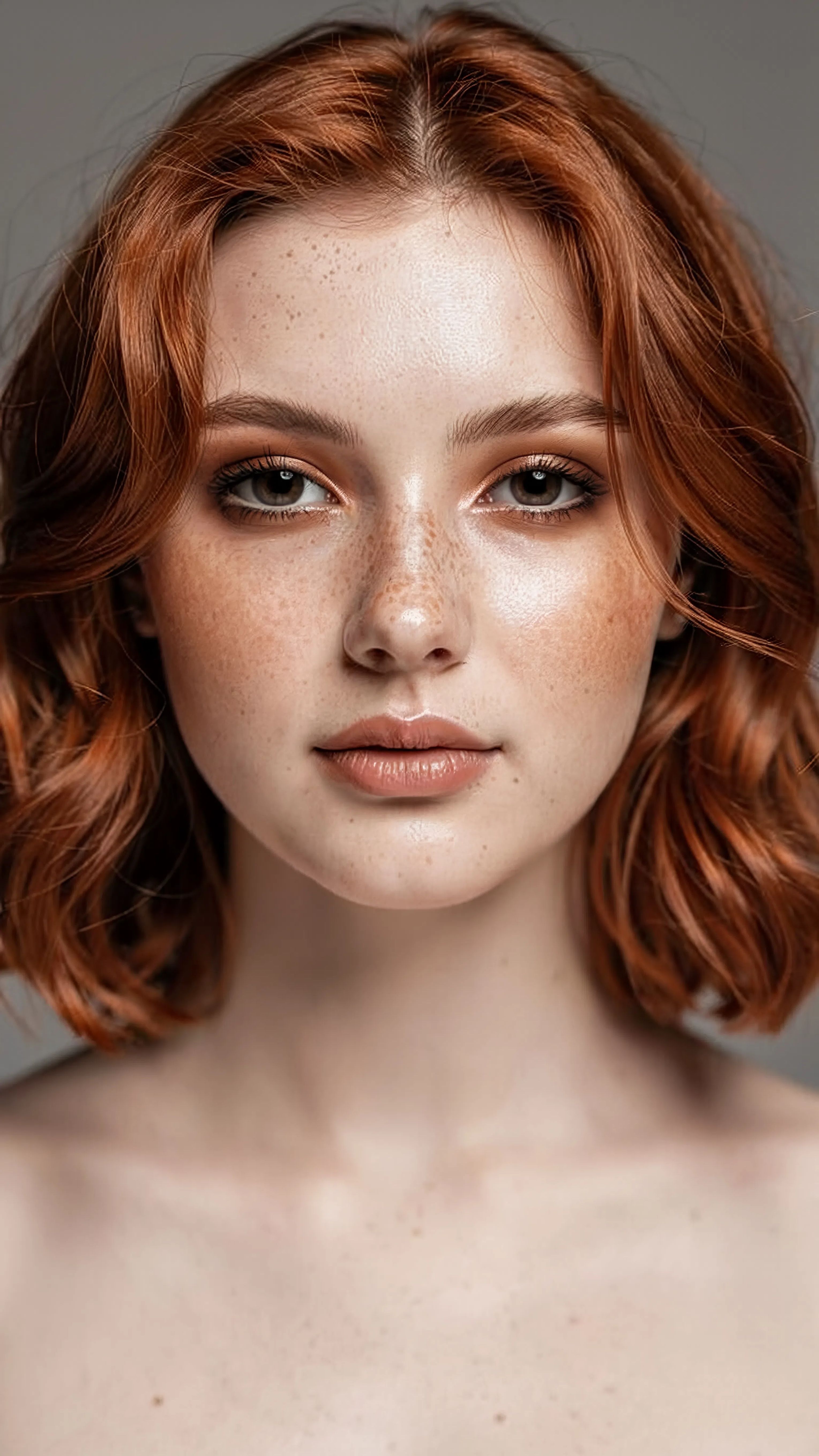
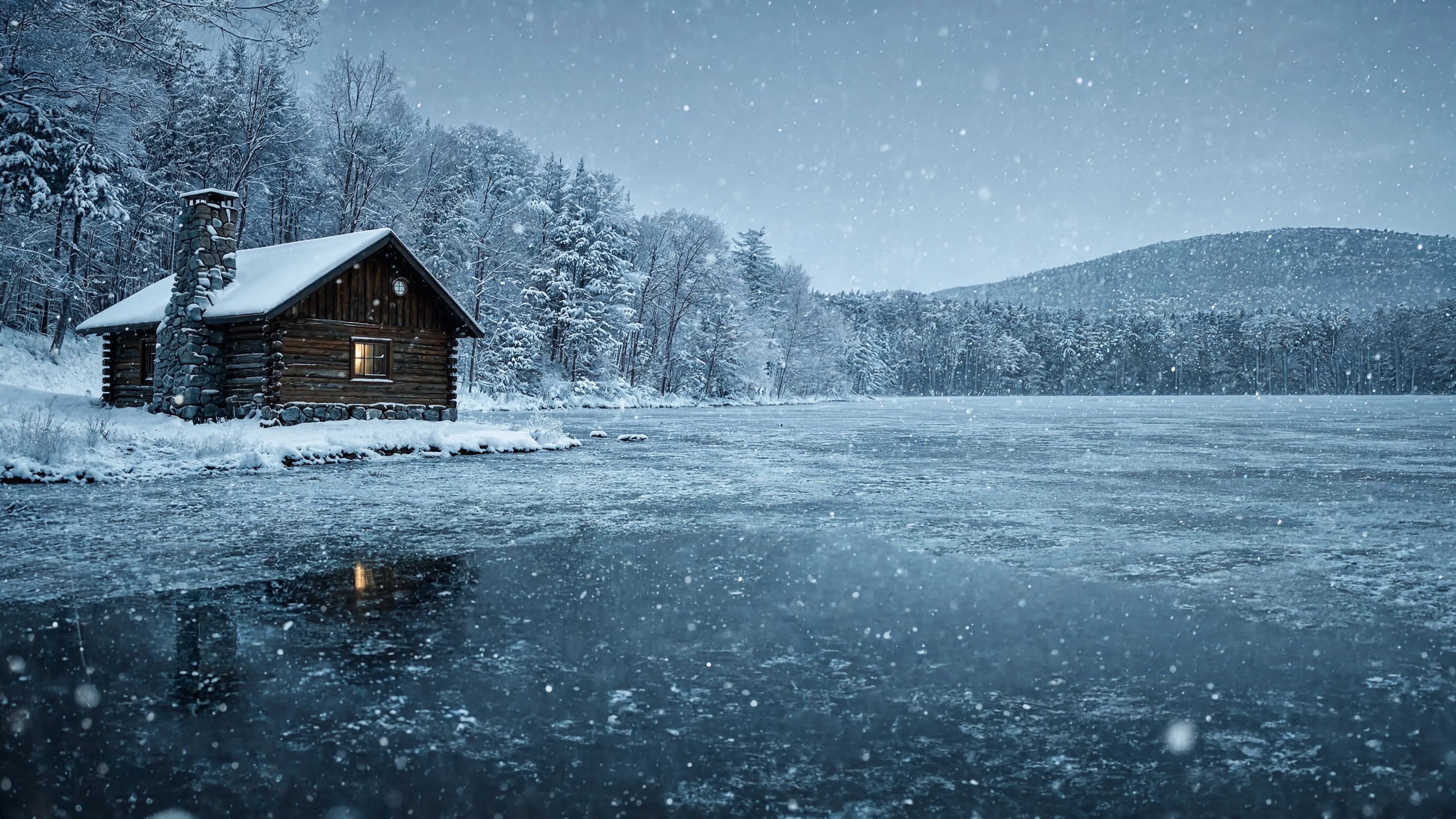
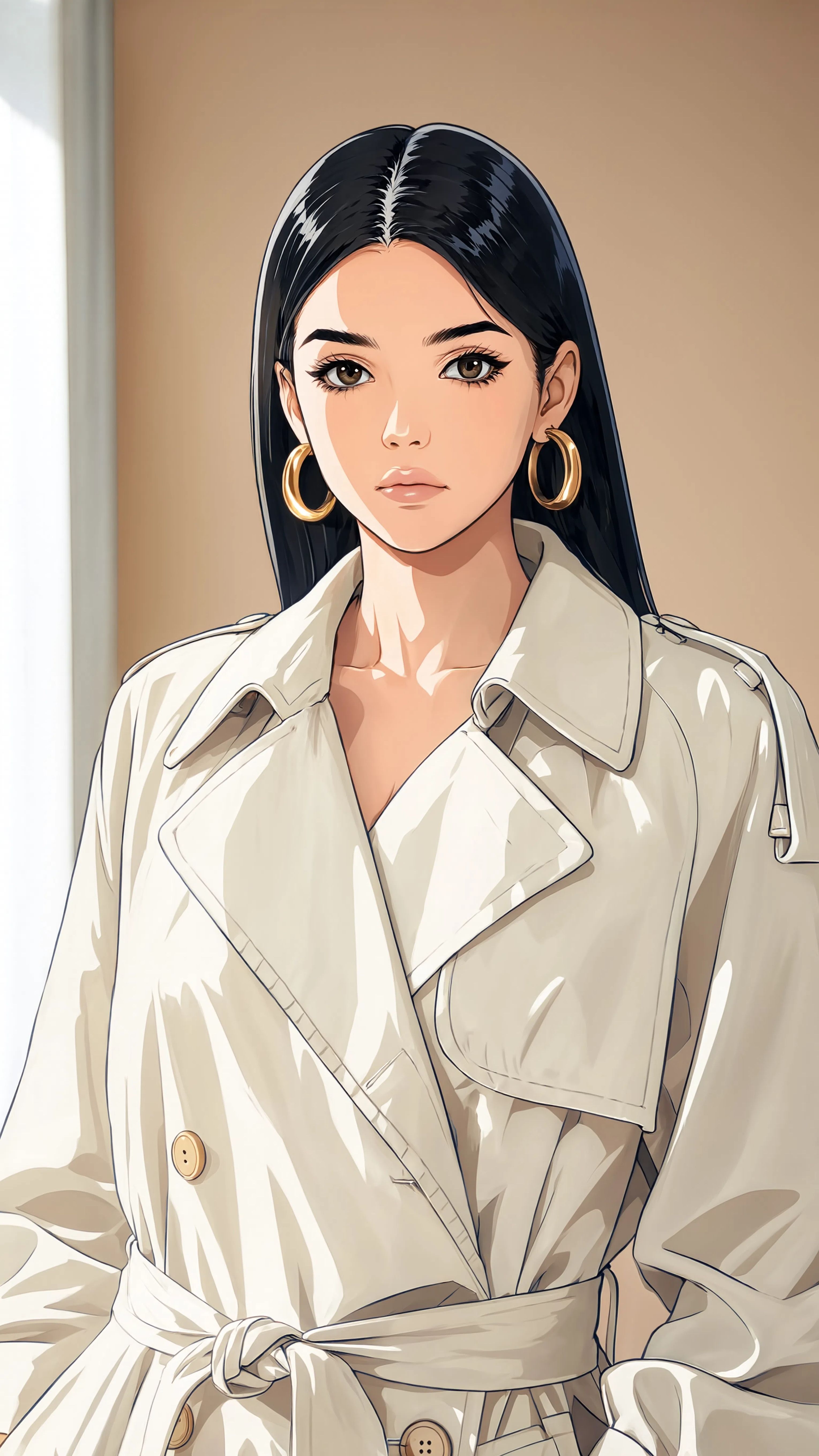
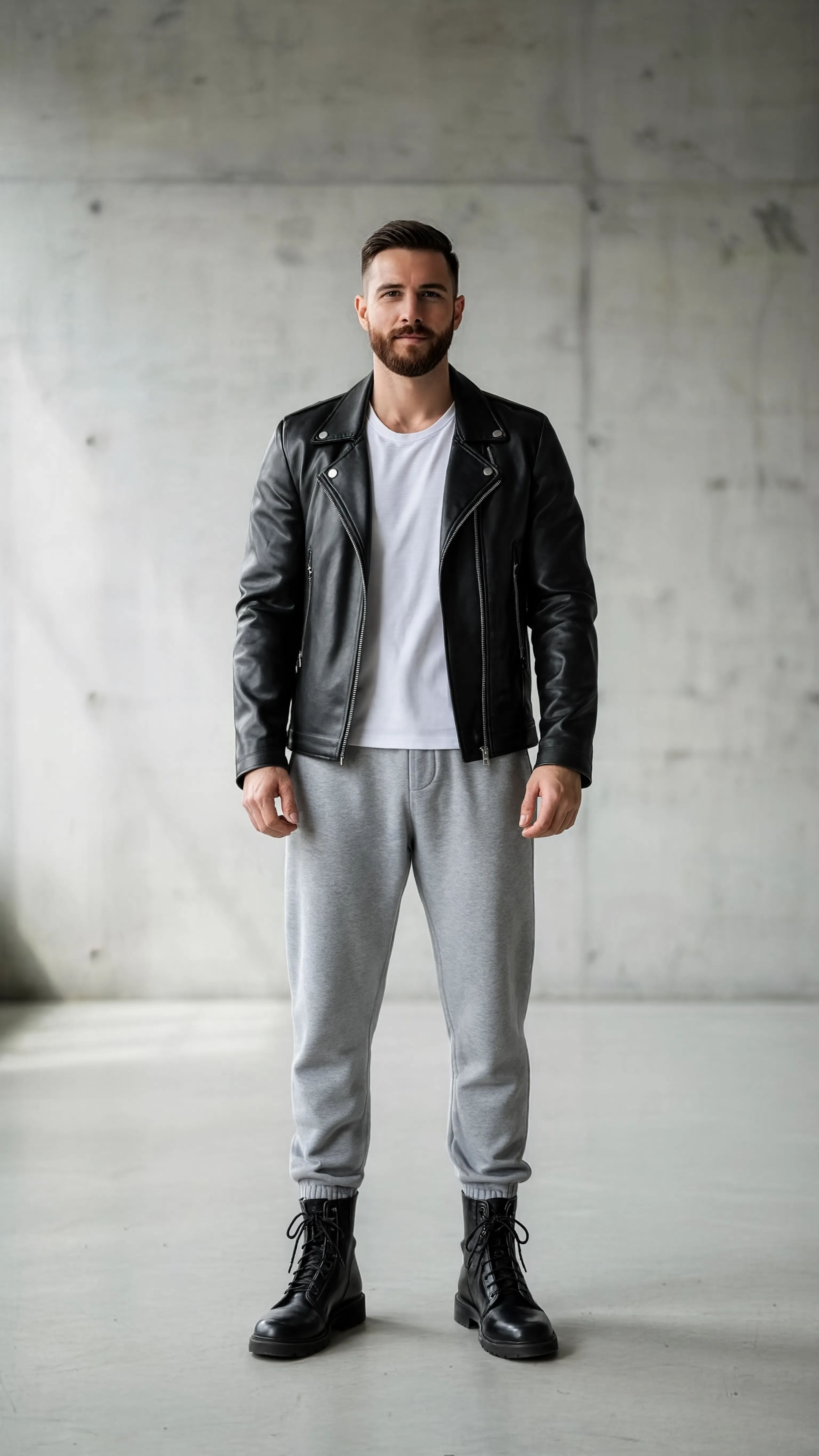

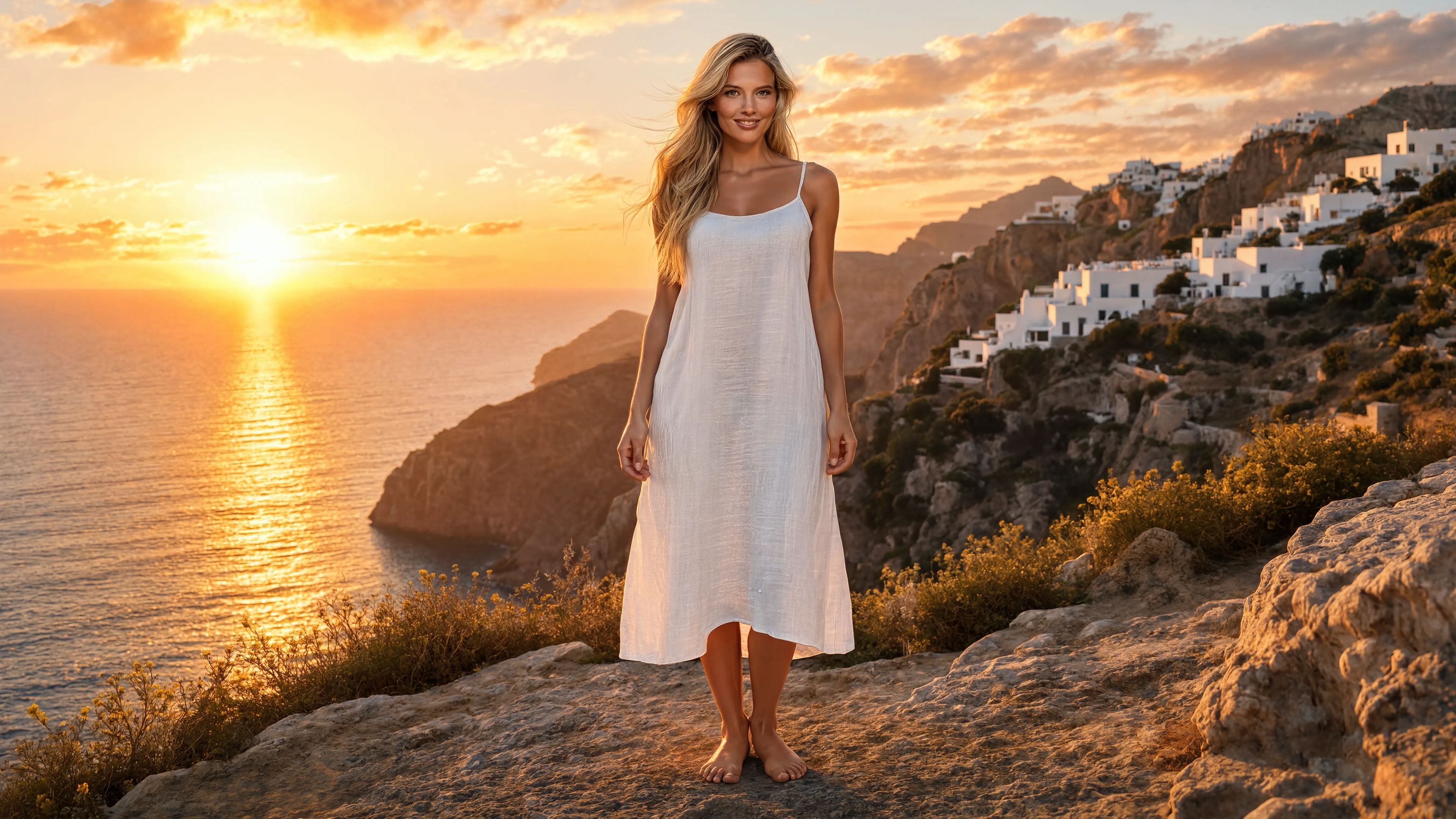
اسٹائل ٹرانسفر
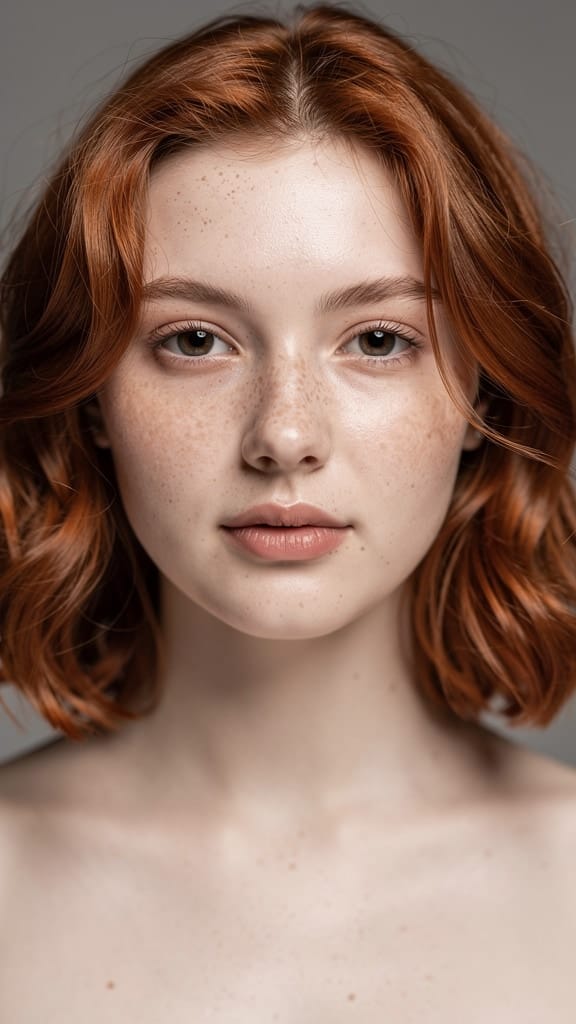
میک اپ ٹرانسفارمیشن
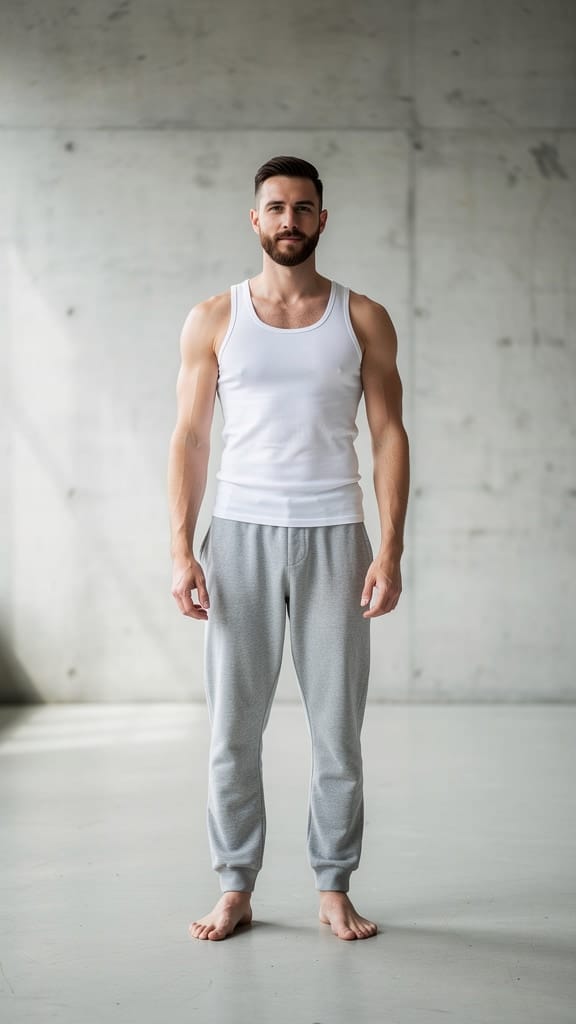
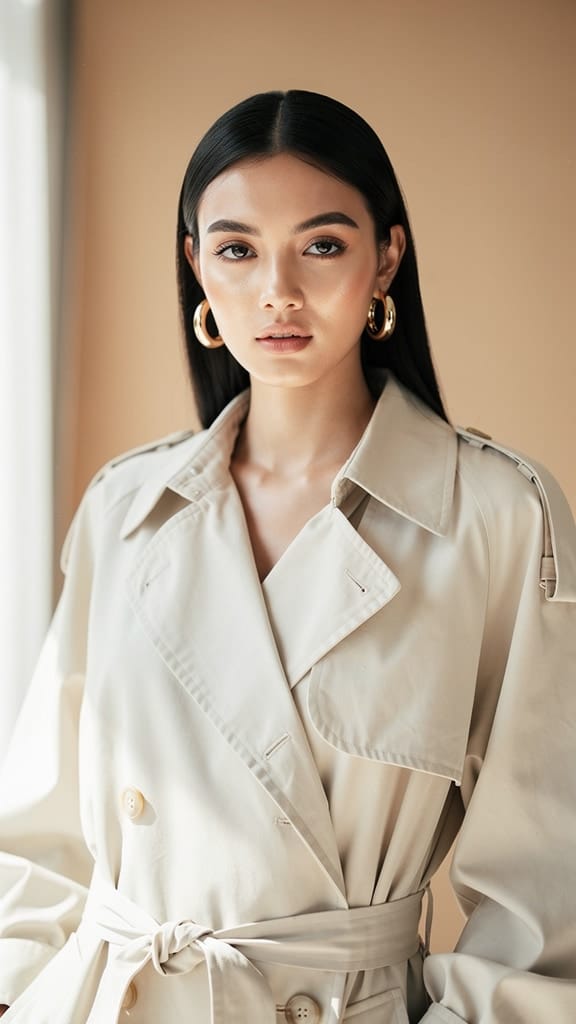
آؤٹفٹ تبدیل کریں
Reve 2.1 ایک امیج ری مکسنگ ماڈل ہے جو موجودہ تصاویر کو سادہ زبان میں دی گئی ہدایات کے ذریعے بدلتا اور یکجا کرتا ہے۔ خالی کینوس سے شروع کرنے کے بجائے، آپ اس میں ایک یا زیادہ ریفرنس تصاویر دیتے ہیں اور بتاتے ہیں کہ کیا تبدیلی چاہیے — لباس بدلنا، اشیاء شامل کرنا، پس منظر تبدیل کرنا، یا سین کو نیا انداز دینا — اور یہ آپ کی ہدایت کے مطابق ایک پروفیشنل نئی تصویر تیار کرتا ہے۔ اس کی خاصیت یہ ہے کہ یہ آپ کی پرامپٹ کی پابندی، لے آؤٹ اور کمپوزیشن کی سمجھ، اور درست ٹیکسٹ رینڈرنگ میں مہارت رکھتا ہے، اس لیے یہ ان تخلیق کاروں کے لیے بہترین ہے جنھیں بلکل ان کی وضاحت کے مطابق ایڈٹ چاہیے۔
Reve 2.1 کے دل میں ایک لچکدار ریفرنس سسٹم ہے۔ آپ ہر جنریشن میں ایک سے آٹھ ریفرنس تصاویر فراہم کر سکتے ہیں، اور پھر اپنی ہدایت میں براہ راست اِسی کو پوائنٹ کر سکتے ہیں۔ چونکہ ہر ریفرنس اس ترتیب کے مطابق نمبرڈ ہوتا ہے جس میں آپ نے شامل کیا، آپ ٹھیک بتا سکتے ہیں کہ کس سورس سے ماڈل نے کیا لینا ہے — مثلاً، کپڑے ایک تصویر سے، ہیٹ دوسری سے، اور دونوں تیسرے سبجیکٹ پر۔ یہ اس وقت خصوصی طور پر مفید ہے جب مختلف تصاویر کے عناصر کو ملا کر ایک ہی حقیقت پسند سین بنانا ہو۔ ایسی پرامپٹ جیسے- "ماڈل کو کپڑے اور ہیٹ پہنا دیں۔ سین میں بلی شامل کریں اور بیک گراؤنڈ وکٹورین دور کی عمارت میں بدل دیں" — بالکل وہ ملٹی اسٹیپ، ملٹی ریفرنس ایڈیٹنگ ہے جو اس ماڈل کے لیے بنی ہے۔
Reve 2.1 میں بیلٹ ان لے آؤٹ انٹیلیجنس ہے، یعنی یہ صرف عناصر کو اکٹھا نہیں کرتا بلکہ انہیں اس سمجھ کے ساتھ ترتیب دیتا ہے کہ سین کی کمپوزیشن کیسے ہونی چاہیے۔ کپڑے قدرتی طور پر سبجیکٹ پر آتے ہیں، شامل کی گئی اشیاء بھی مناسب جگہ پر نظر آتی ہیں، اور پس منظر بدلتے وقت امیج کا توازن برقرار رہتا ہے۔ اس کے ساتھ اس کی درست ٹیکسٹ رینڈرنگ اسے ڈیزائن ورک کے لیے شاندار بناتی ہے جہاں واضح لکھائی ضروری ہو — جیسے پوسٹرز، پروڈکٹ ماک اپس، ٹائپوگرافک لے آؤٹس، اور اسٹائلائزڈ گرافکس جن میں ٹیکسٹ پڑھا جا سکے، نہ کہ بگڑی ہوئی لکھائی ہو۔
Reve 2.1 آپ کو آؤٹ پٹ کی شیپ پر ٹھوس کنٹرول دیتا ہے۔ آپ وسیع اسپیکٹرم میں سے اسپیکٹ ریشو منتخب کر سکتے ہیں — الٹرا وائیڈ پینورامک فارمیٹس اور سینیمیٹک وائیڈ اسکرین سے لے کر اسکوائر اور اسٹوری/سوشل فیڈ کے لیے لمبے ورٹیکل فریم تک۔ اگر آپ فیصلہ نہیں کر پاتے کون سا فارمیٹ مناسب ہے تو آٹو آپشن کے ذریعے ماڈل خود آپ کی درخواست اور ریفرنس کے مطابق اسپیکٹ ریشو منتخب کر لیتا ہے۔ آپ ایک ہی بار میں چار تک ورژنز بھی بنا سکتے ہیں جن سے آپ مختلف تشریحات دیکھ اور انتخاب کر سکتے ہیں۔ آؤٹ پٹ عام تصویری فارمیٹس میں دستیاب ہے، اس لیے آپ اپنی ورک فلو کے لحاظ سے درست فائل منتخب کر سکتے ہیں، چاہے مزید ایڈیٹنگ کے لیے لاس لیس چاہیے ہو یا فوری شیئرنگ کے لیے ہلکا فارمیٹ۔
یہ ماڈل وسیع رینج کے ان پٹ امیج فارمیٹس لے سکتا ہے جیسے PNG، JPEG، WebP، AVIF اور HEIF، لہذا آپ متفرق ڈیوائسز اور لائبریریز سے سورس میٹریل بغیر کنورٹ کیے امپورٹ کر سکتے ہیں۔ ریفرنس امیجز بڑی بھی ہو سکتی ہیں، اور ماڈل ہائی ریزولوشن سورسز کے ساتھ آرام سے کام کرتا ہے، اس لیے آپ کی تفصیل ایڈٹ میں بھی موجود رہتی ہے۔ آپ کی ہدایات بھی کافی تفصیلی ہو سکتی ہیں، جس سے آپ ایک ہی پرامپٹ میں مشکل اور کئی اسٹیپ والے چینجز بیان کر سکتے ہیں بجائے بار بار چھوٹے ایڈٹس کے۔
Reve 2.1 سے سب سے زیادہ فائدہ کون اٹھا سکتا ہے؟ فوٹوگرافرز اور ری ٹچرز اس سے شوٹس کو دوبارہ اسٹائل یا بیک ڈراپس بدل سکتے ہیں، بغیر مکمل دوبارہ شوٹ کے۔ ای کامرس اور پروڈکٹ ٹیمیں ماڈلز کو نیا لباس پہنا سکتی ہیں، پروڈکٹس کو نئے ماحول میں رکھ سکتی ہیں، اور کیٹلاگ تصاویر سے لائف اسٹائل ورژنز بنا سکتی ہیں۔ گرافک ڈیزائنرز اور مارکیٹرز تیزی سے اسٹائلائزڈ گرافکس اور ٹائپوگرافک پیسز بنا سکتے ہیں، جہاں الفاظ درست اور صاف رہیں۔ آرٹ ڈائریکٹرز اور کونسپٹ آرٹسٹ کسی سین کے مختلف ورژنز فوراً آزما سکتے ہیں، موڈ بورڈ ریفرنسز کو اکٹھا کرکے یونائیفائیڈ امیج بنا سکتے ہیں۔ کانٹینٹ کری ایٹرز اور سوشل میڈیا مینیجرز ایک ہی مرکزی تصویر کو مختلف اسپیکٹ ریشوز اور اسٹائلز میں مختلف پلیٹ فارمز کے لیے ڈھال سکتے ہیں۔
چونکہ Reve 2.1 خاص طور پر ری مکسنگ کے لیے بنایا گیا ہے، اس کے بہترین نتائج ایسی صورت میں آتے ہیں جب آپ کے پاس واضح ریفرنس میٹریل ہو اور آپ مطلوبہ تبدیلیاں تفصیل کے ساتھ بیان کریں۔ جتنا زیادہ آپ اپنی ہدایت واضح کریں گے — بتائیں کس ریفرنس سے کیا لینا، کیا شامل یا نکالنا ہے، اور حتمی سین کیسا ہو — ماڈل اتنا ہی مخلصانہ رزلٹ دے گا۔ اس کی مضبوط پرامپٹ پابندی تفصیلی ڈائریکشن کا صلہ دیتی ہے، اس لیے اپنی پرامپٹ کو ماہر اسسٹنٹ کو دی گئی بریف کی طرح سمجھیں تو سب سے قابل بھروسہ آؤٹ پٹ ملے گا۔ اگر آپ اسٹائلائزیشن یا تخلیقی تبدیلی آزمانا چاہتے ہیں، تو ماڈل امیج کا موڈ، دور یا اسٹائل بدلنے کی صلاحیت رکھتا ہے، ساتھ ہی مین سبجیکٹ پہچانی بھی جاتی ہے۔
کچھ عملی چیزیں یاد رکھنا ضروری ہیں۔ Reve 2.1 ہمیشہ کم از کم ایک ریفرنس امیج اور پرامپٹ مانگتا ہے — اسے اس طرح ڈیزائن کیا گیا ہے کہ یہ صرف موجودہ تصاویر کو بدلتا ہے، خالی پرامپٹ سے خود کبھی امیج نہیں بناتا۔ آپ ایک ریکویسٹ میں آٹھ تک ریفرنسز ملا سکتے ہیں، جو زیادہ تر کمپوزنگ کے لیے کافی ہیں، اور ہر سورس کا فائل سائز مناسب ہونا چاہیے۔ اگر آپ کو آپشنز چاہیے تو ایک ساتھ کئی ورژنز بنانا اچھی عادت ہے کیونکہ بعض اوقات ایک بہترین پرامپٹ کی بھی کئی درست تشریحات ممکن ہیں۔ مجموعی طور پر، Reve 2.1 ایک پائیدار، سمت دوست ٹول ہے ان سب کے لیے جن کا کام درستگی اور پڑھنے کے قابل ایڈیٹنگ کے ساتھ تصاویر کو بدلنے، اکٹھا کرنے اور نئے اسٹائل دینے سے جڑا ہے۔
سب سے جدید امیج ایڈیٹر کے ساتھ تخلیق کریں
Add the image that you want change
تصویر اپ لوڈ کریں
وہ تصویر شامل کریں جسے آپ ایڈٹ یا تبدیل کرنا چاہتے ہیں
A woman kneeling in darkness, illuminated by a warm, radiant beam of light emerging from her raised hand.
اپنی تبدیلیاں لکھیں
آپ جو ترامیم چاہتے ہیں انہیں بیان کریں - انداز میں تبدیلیاں، اشیاء کا ہٹانا، یا بہتری
شیئر کرنا شروع کریں
اپنی پیشہ ورانہ طور پر ایڈٹ شدہ تصویر ڈاؤن لوڈ کریں
پرامپٹ سے آگے: کنٹرول کی ایک نئی سطح
پس منظر تبدیل کریں
سادہ بیک ڈراپ کو سینیمیٹک وائیڈ لینڈ اسکیپ سے بدلتا ہے، جس میں روشنی اور اینگل ملتا ہے۔ لائف اسٹائل اور ٹریول کانٹینٹ کے لیے پرفیکٹ۔
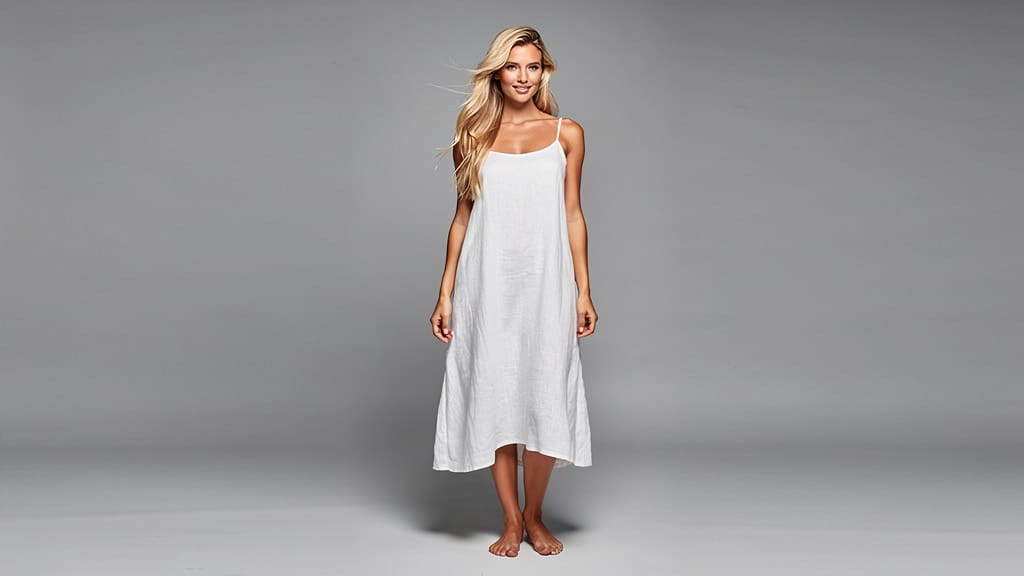
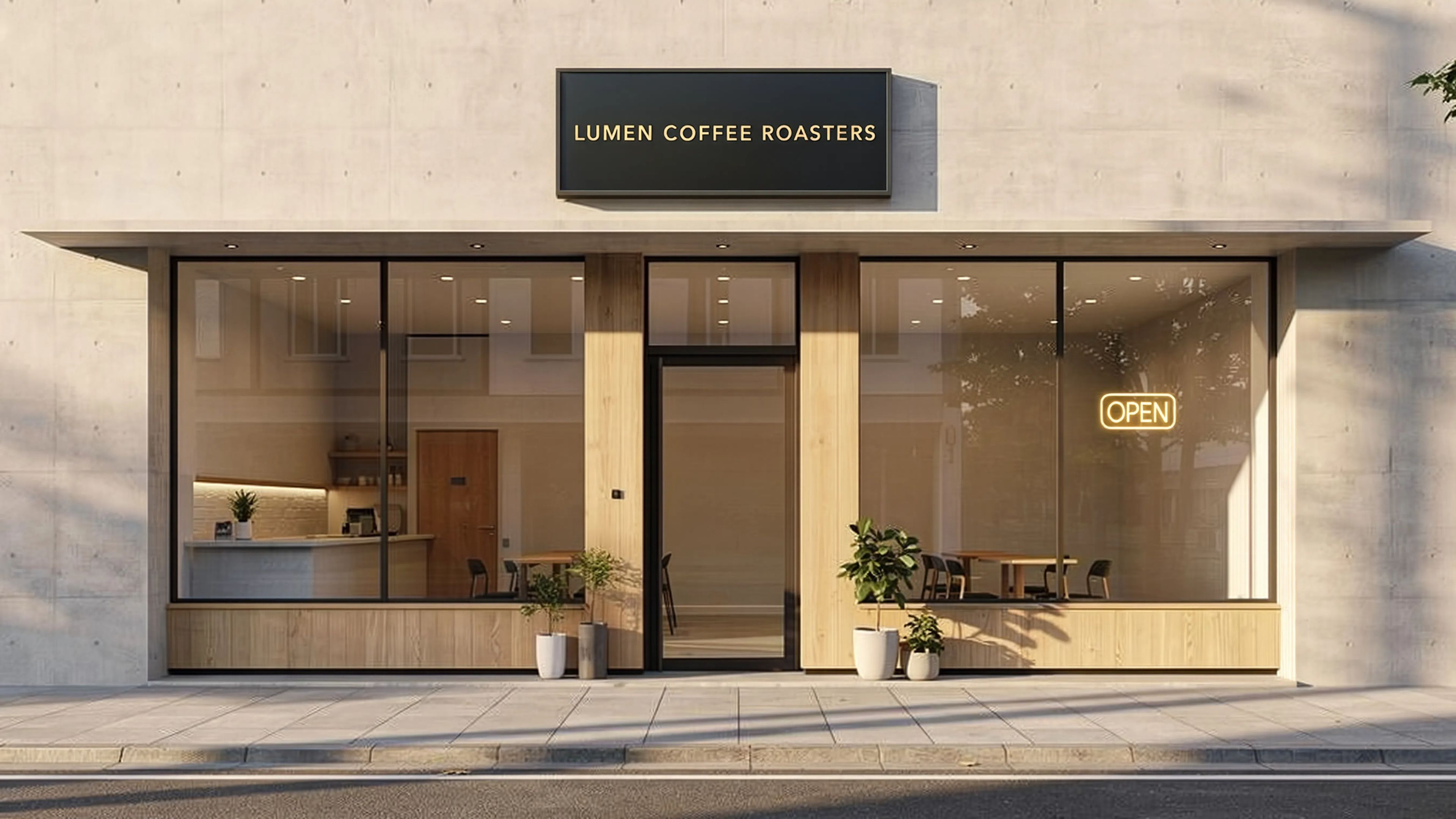
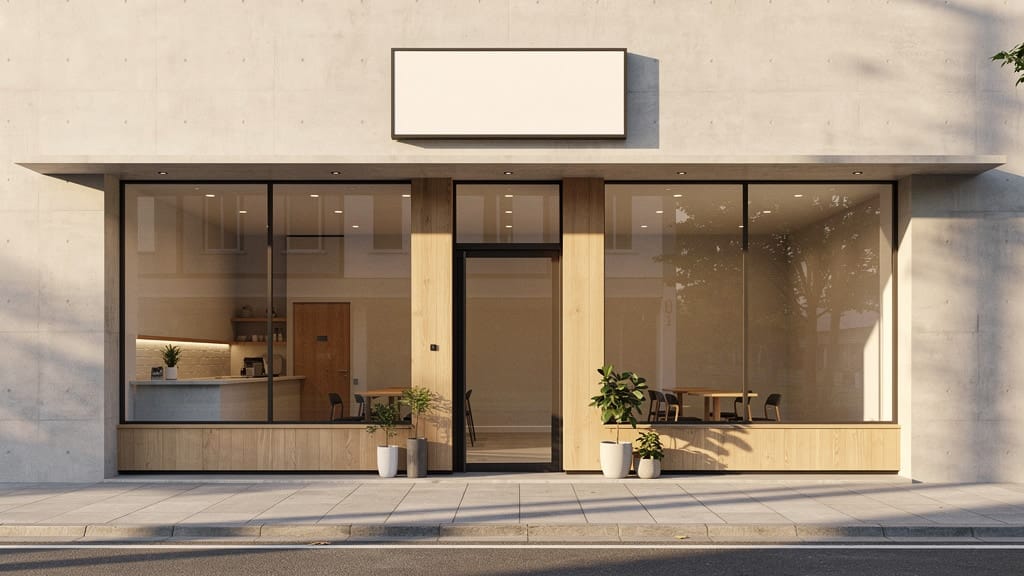
ٹیکسٹ رینڈرنگ
وسیع آرکیٹیکچرل سین میں سگنیج پر درست اور صاف ٹائپوگرافی شامل کرتا ہے۔ ماڈل کی درست ٹیکسٹ رینڈرنگ طاقت دکھاتا ہے۔
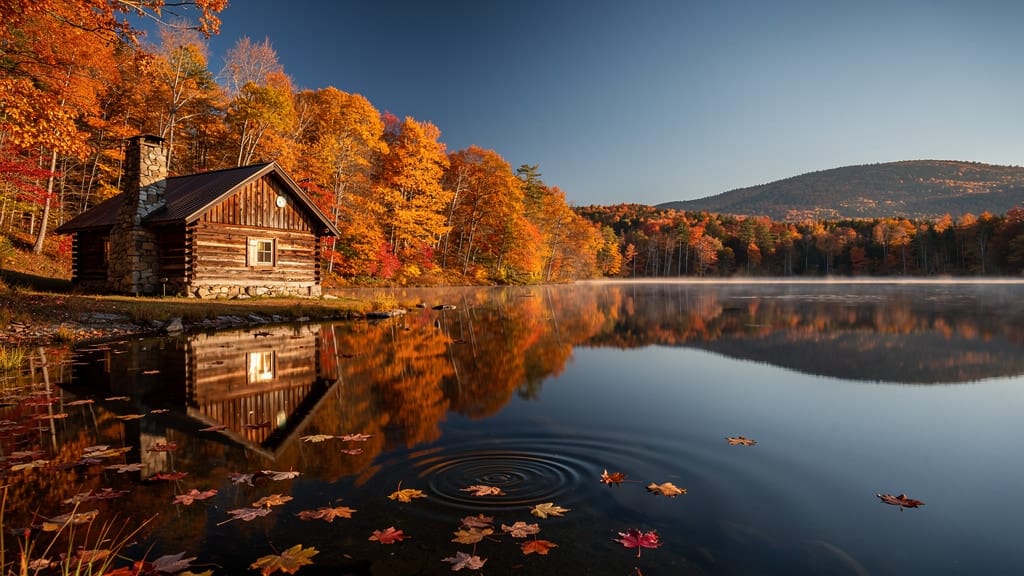
موسم کی تبدیلی
پوری لینڈ اسکیپ کو ایک موسم سے دوسرے میں تخلیق کرتا ہے، جبکہ کمپوزیشن اور ساخت محفوظ رہتی ہے۔ رئیل اسٹیٹ اور سیاحت کی ویژولز کے لیے مثالی۔
ملتے جلتے ماڈلز کے ساتھ موازنہ کریں
“Transform into a classical oil painting in the style of Rembrandt. Add visible impasto brushstrokes with thick paint texture. Apply warm golden undertones and dramatic chiaroscuro lighting with deep shadows. Enhance the dramatic contrast while preserving facial structure and expression. Add subtle canvas texture visible through the paint layers.”
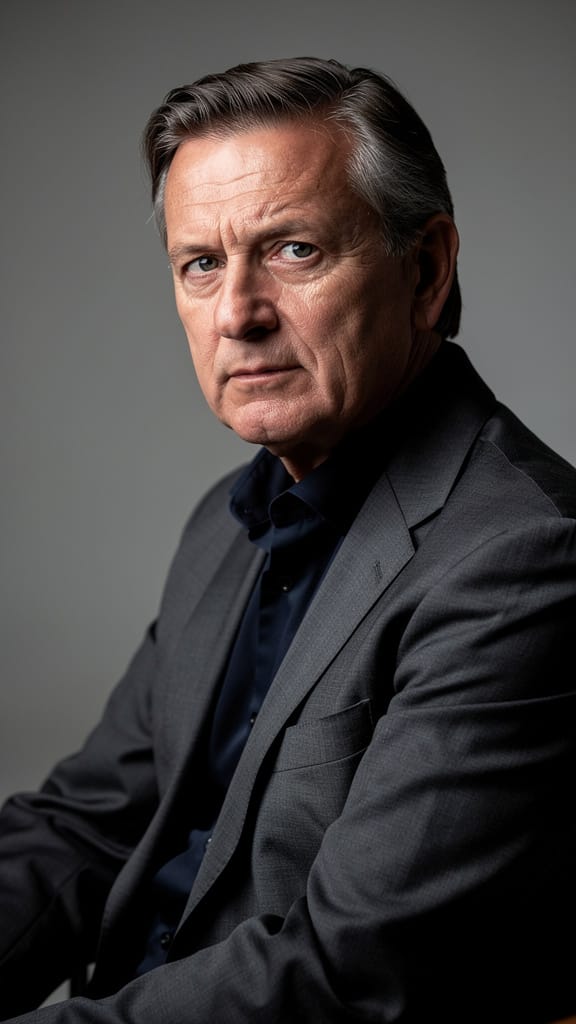
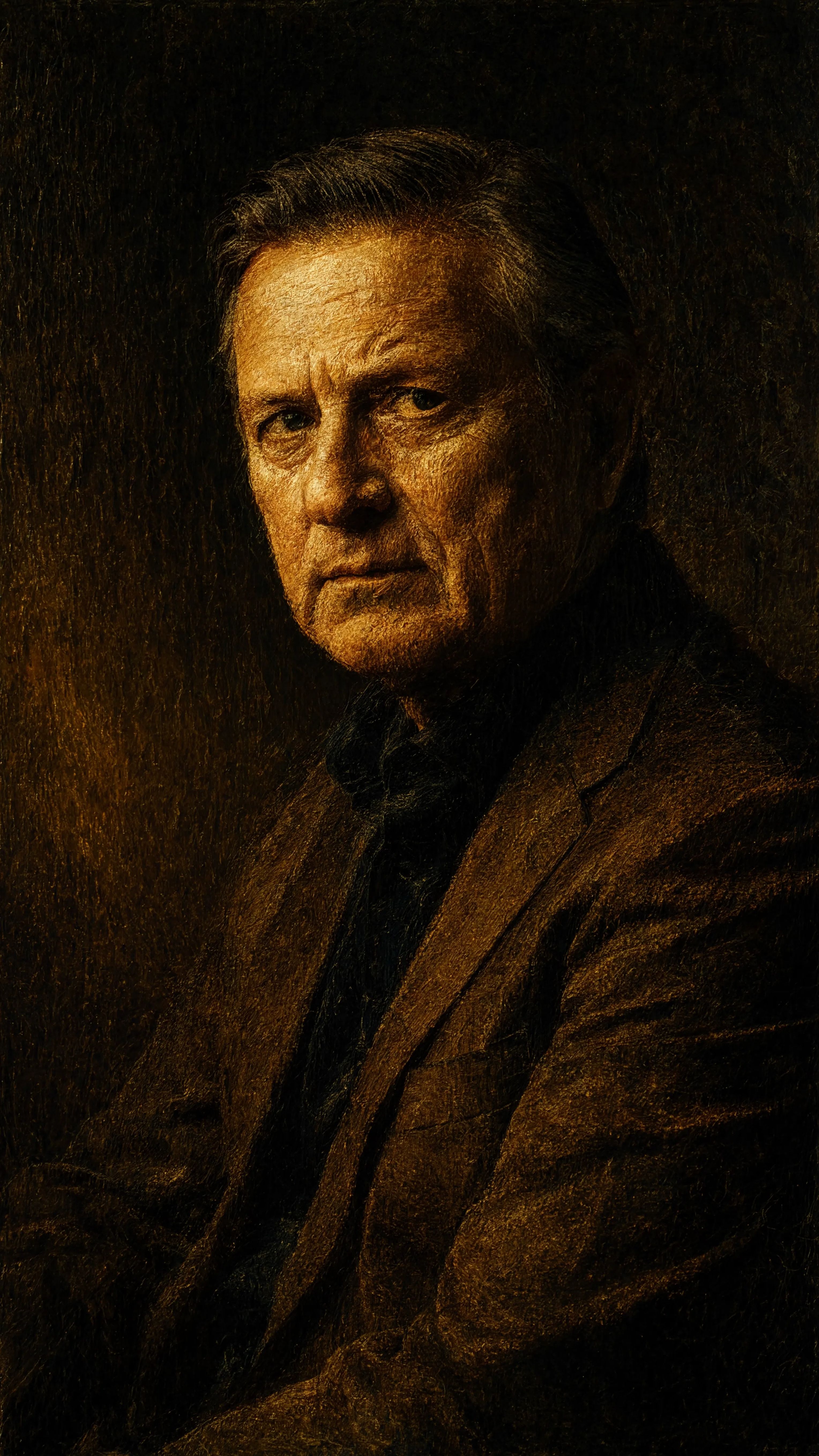
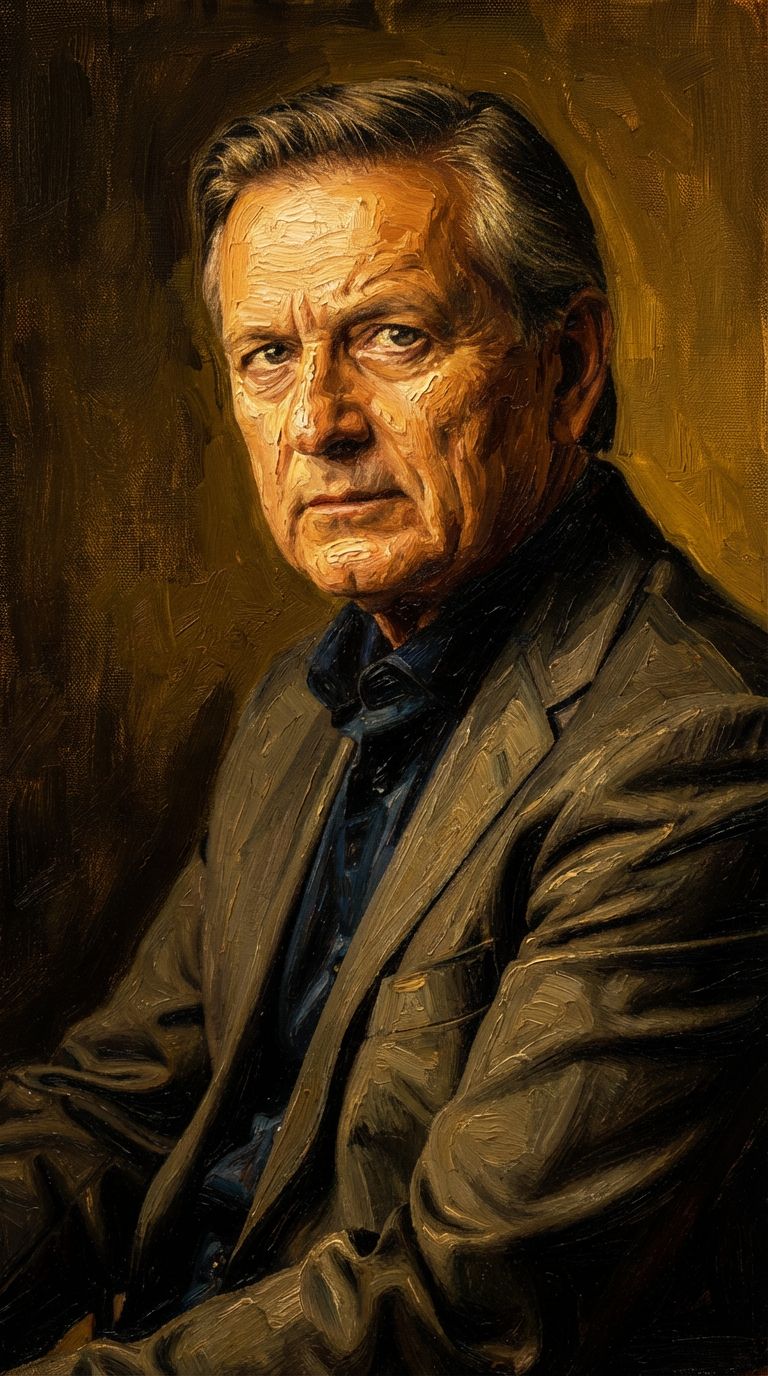
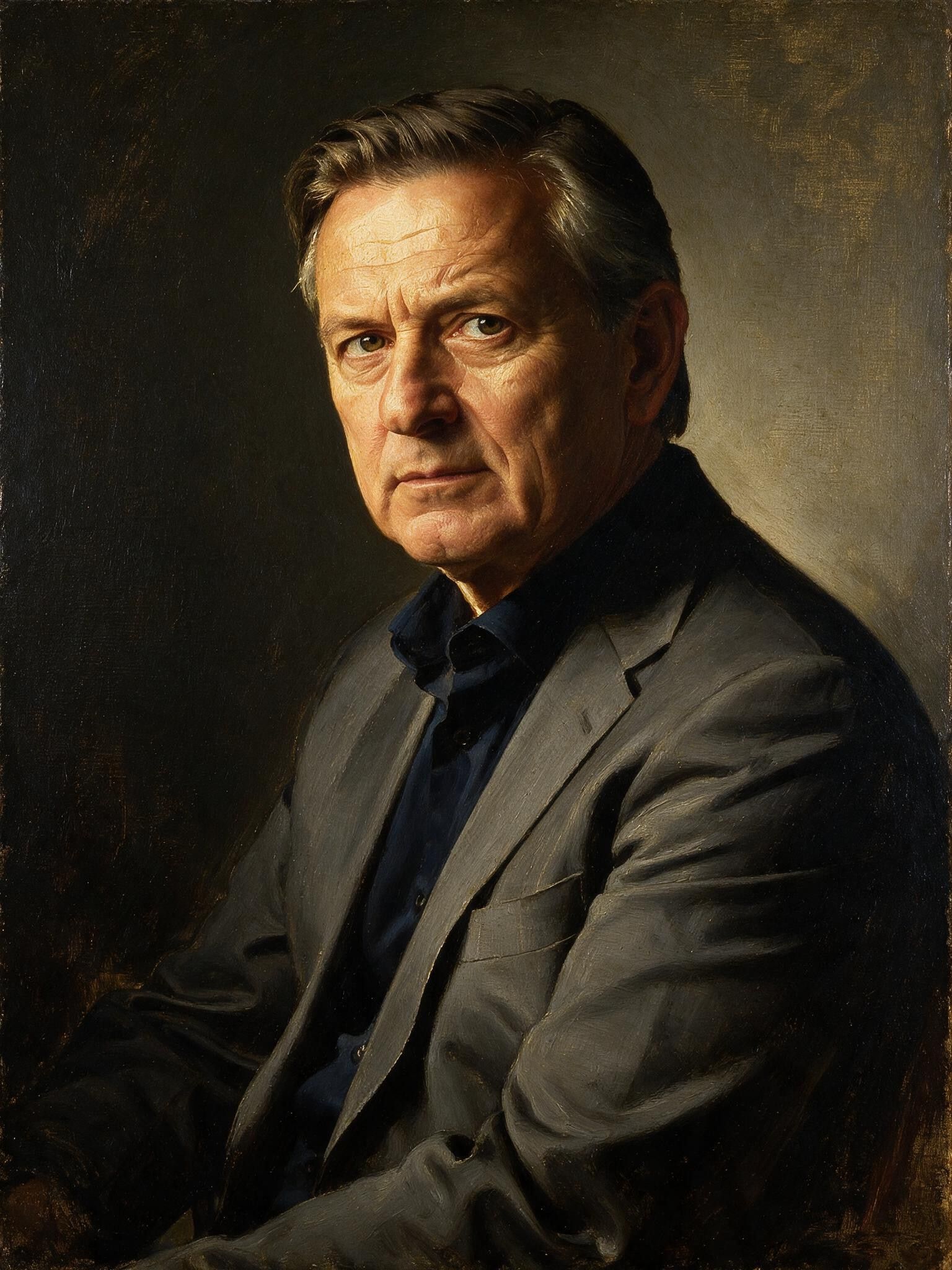
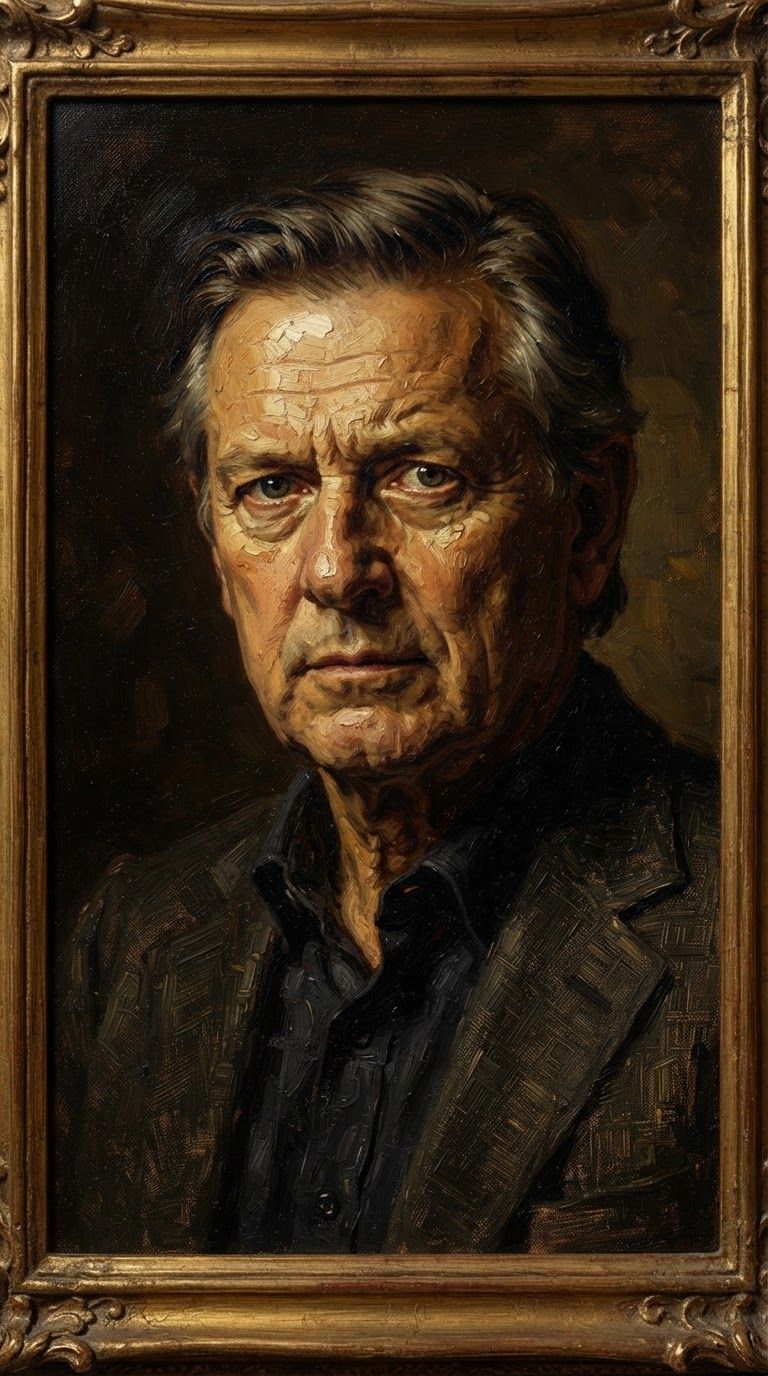
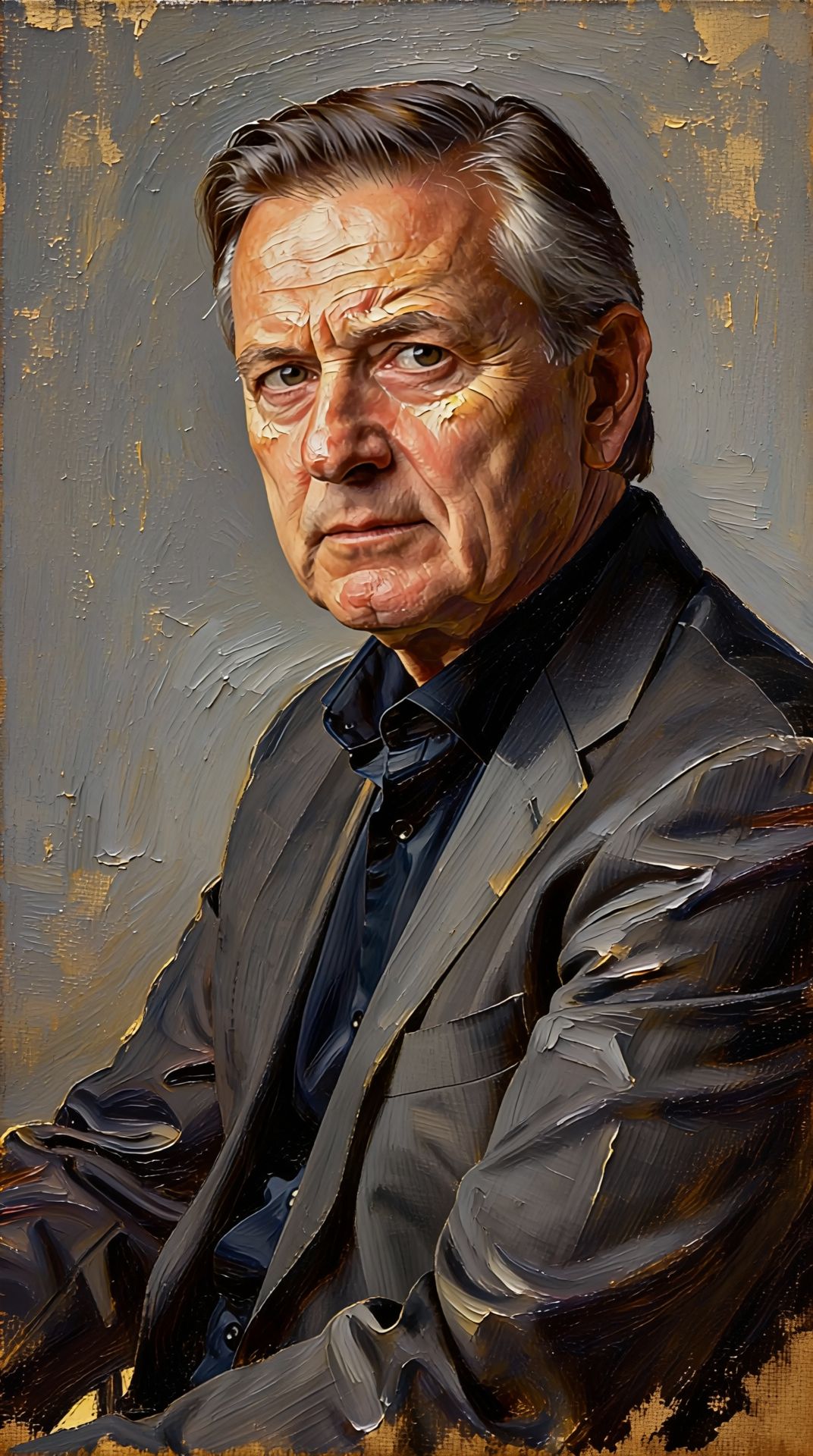
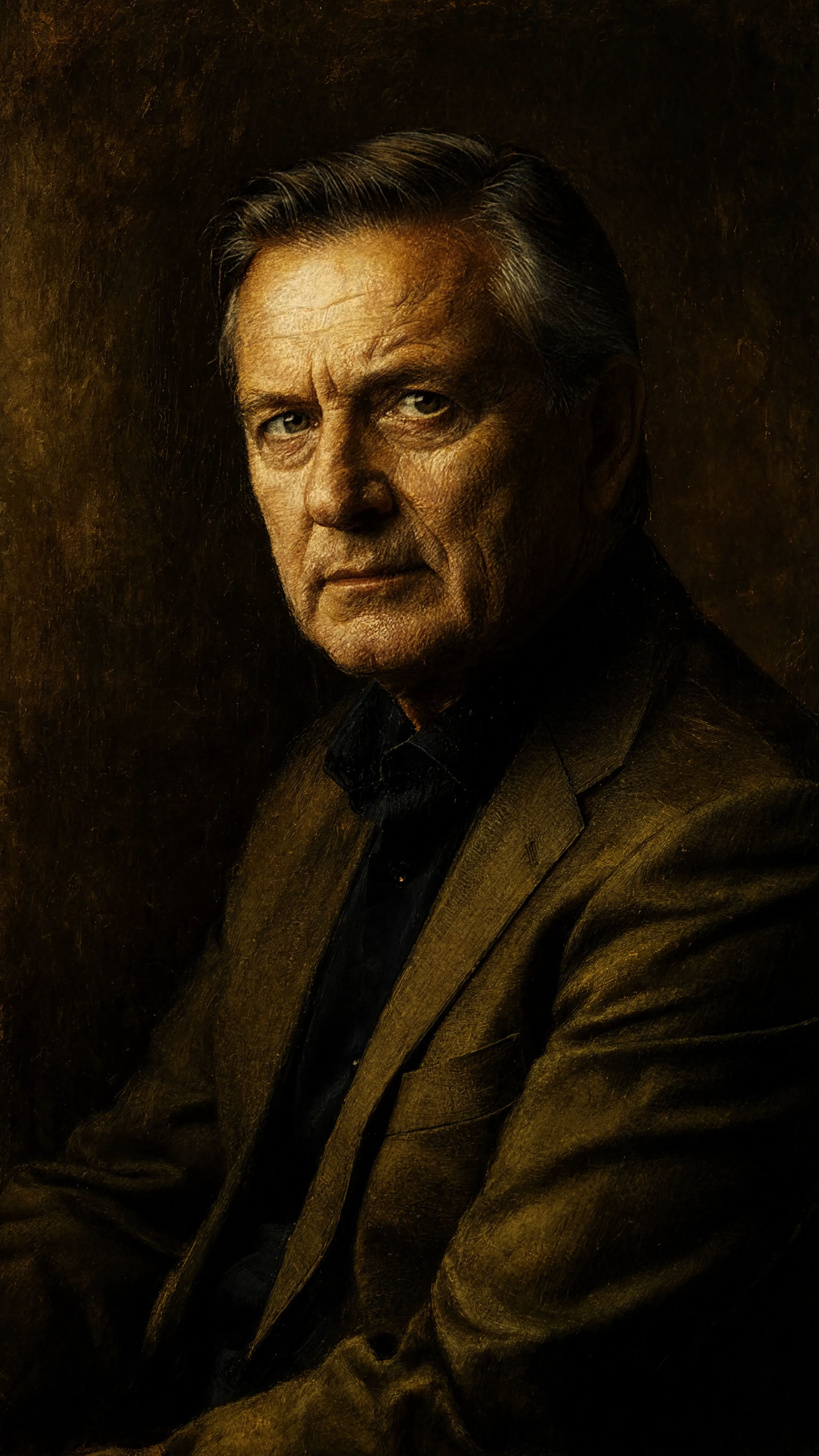
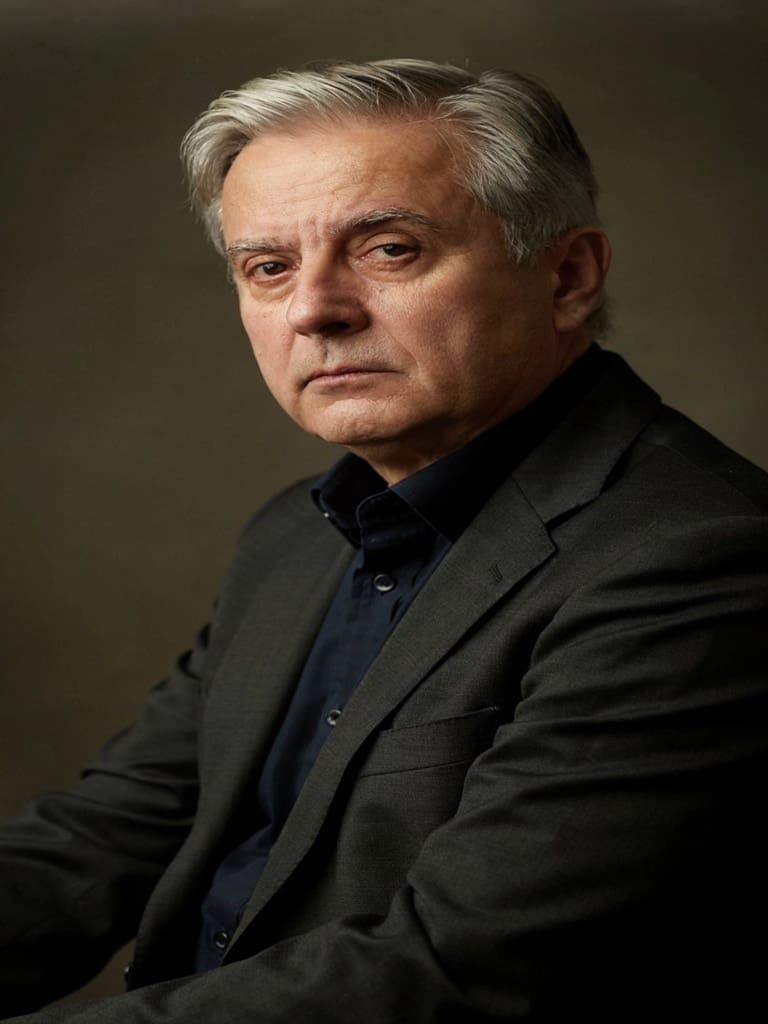
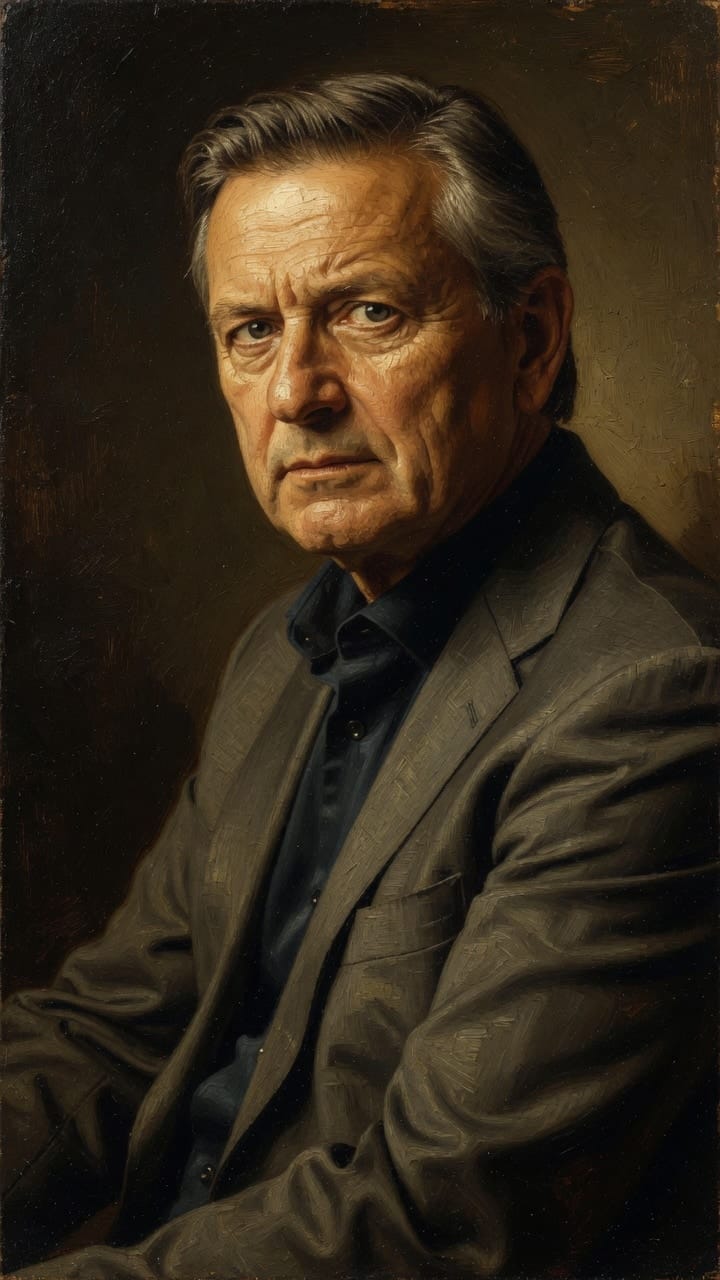
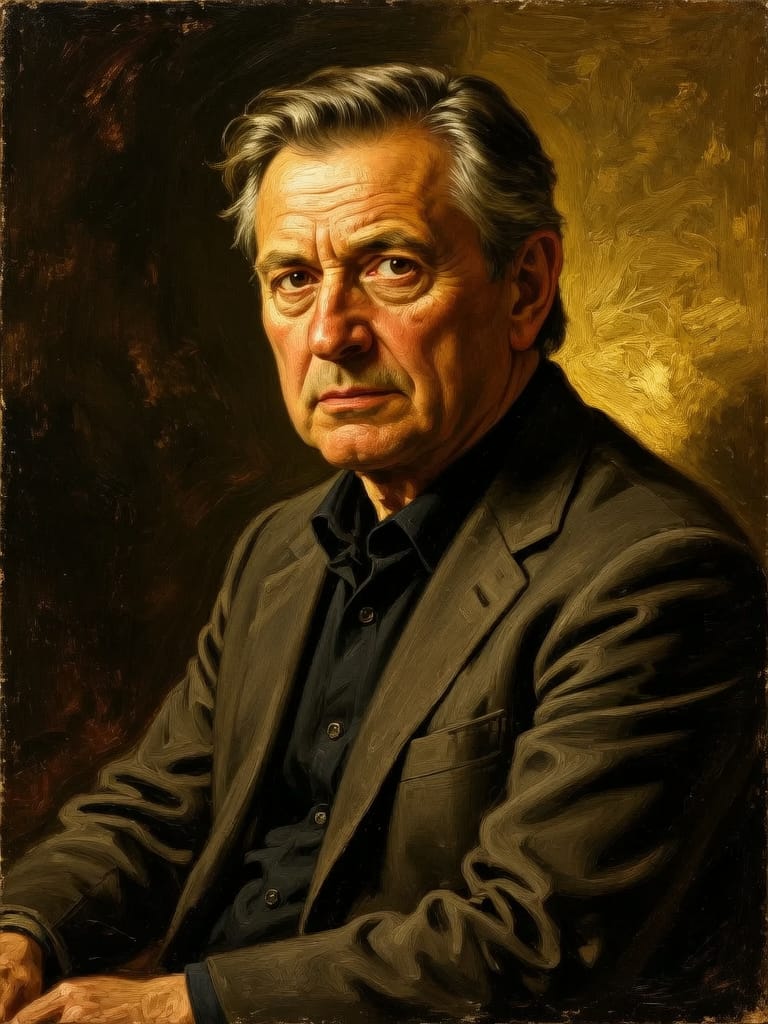
Reve 2.1 کے ساتھ کمال کا تجربہ کریں
آج ہی ریزننگ پر مبنی سنتھیسس پر سوئچ کریں
اکثر پوچھے جانے والے سوالات
ملتے جلتے ماڈلز
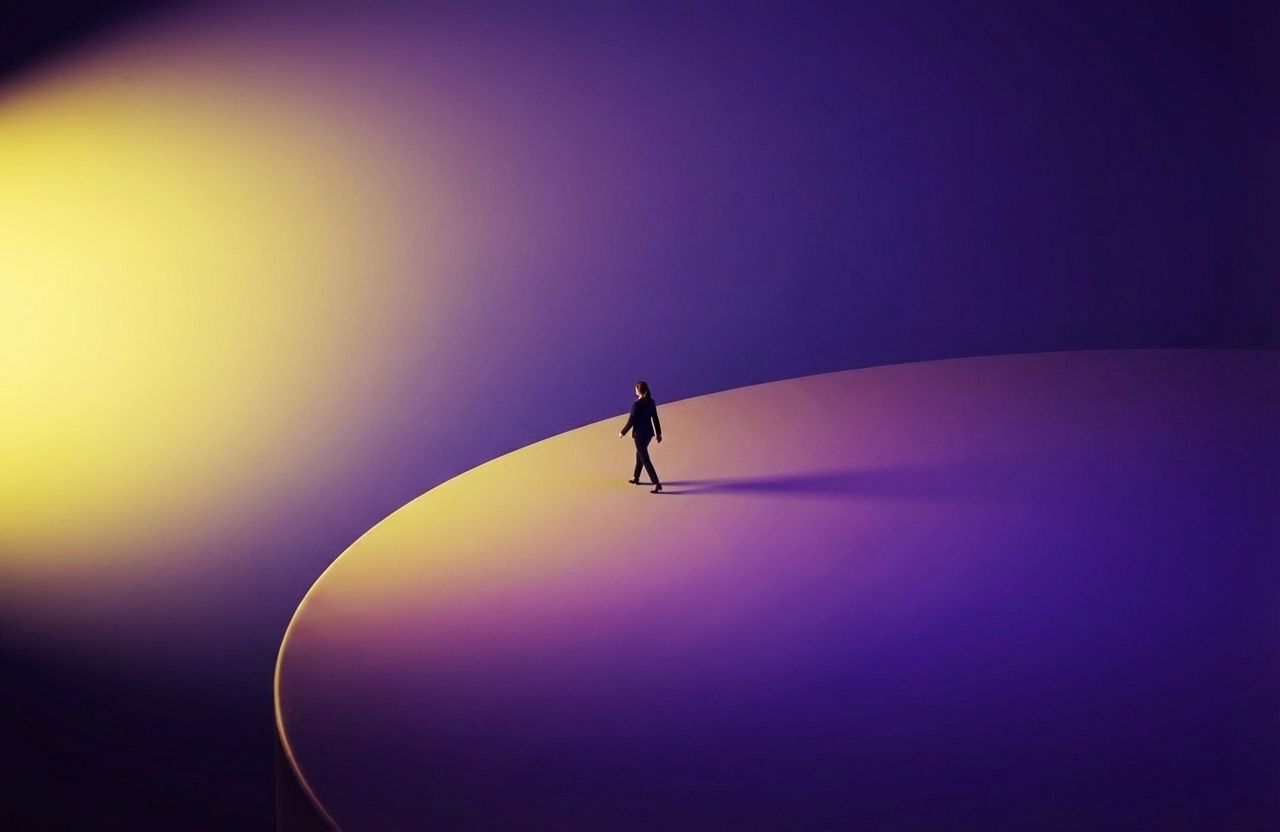
Wan v2.6 Image to Image
Edit images using reference photos
0.3 کریڈٹس
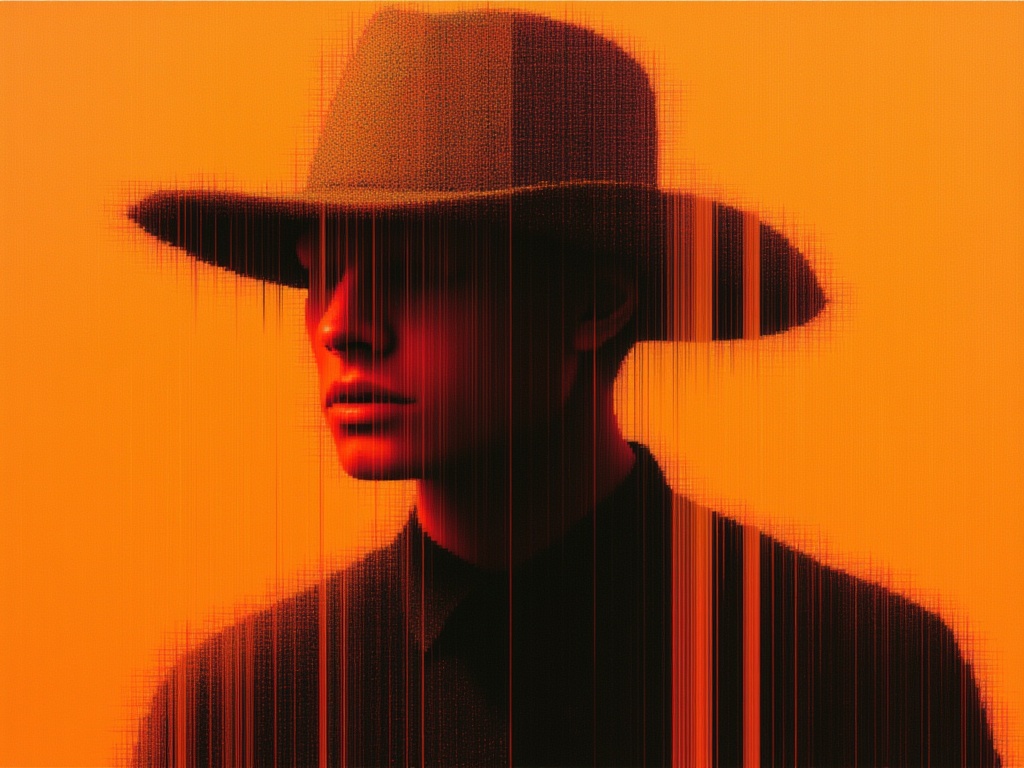
Seedream 5.0 Pro Image Editing
Precise region-based image editing
0.3 کریڈٹس
Grok Imagine Image Editing Quality
High-quality AI image editing
0.1 کریڈٹس
Nano Banana Pro
State-of-the-art image editing
1.2 کریڈٹس
Gemini 3.1 Flash Image Preview
Ultra-fast Google image editing
0.7 کریڈٹس
Seedream
Fast intelligent multi-image editing
0.3 کریڈٹس
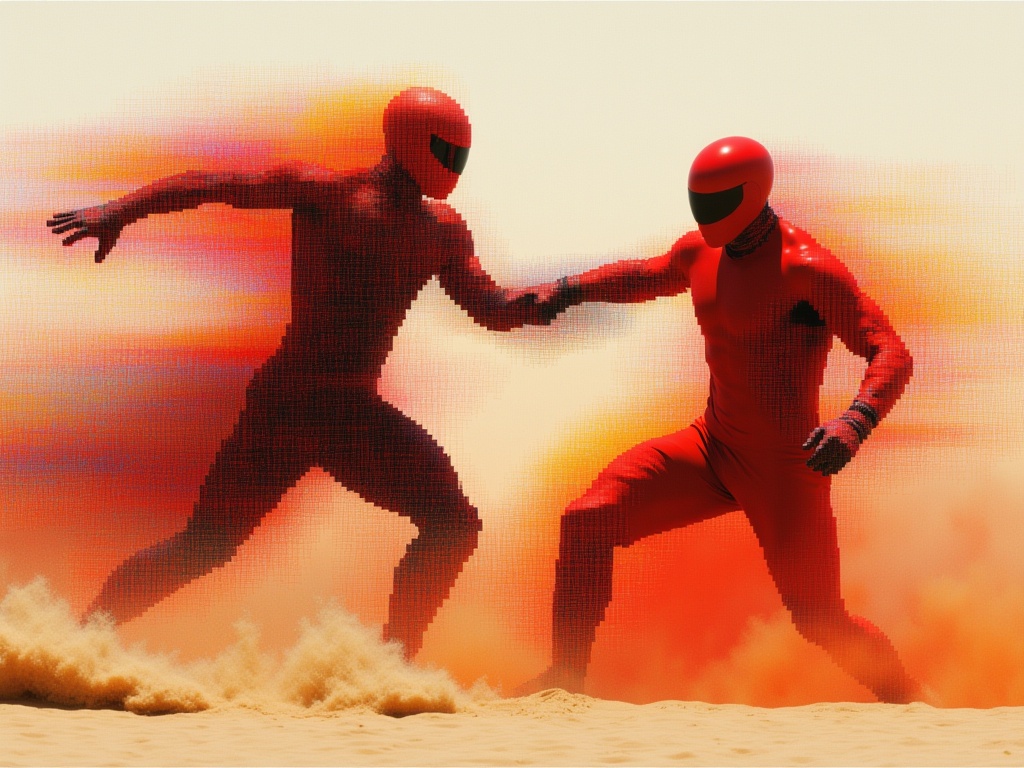
Reve 2.1
Edit images with text prompts
1.3 کریڈٹس
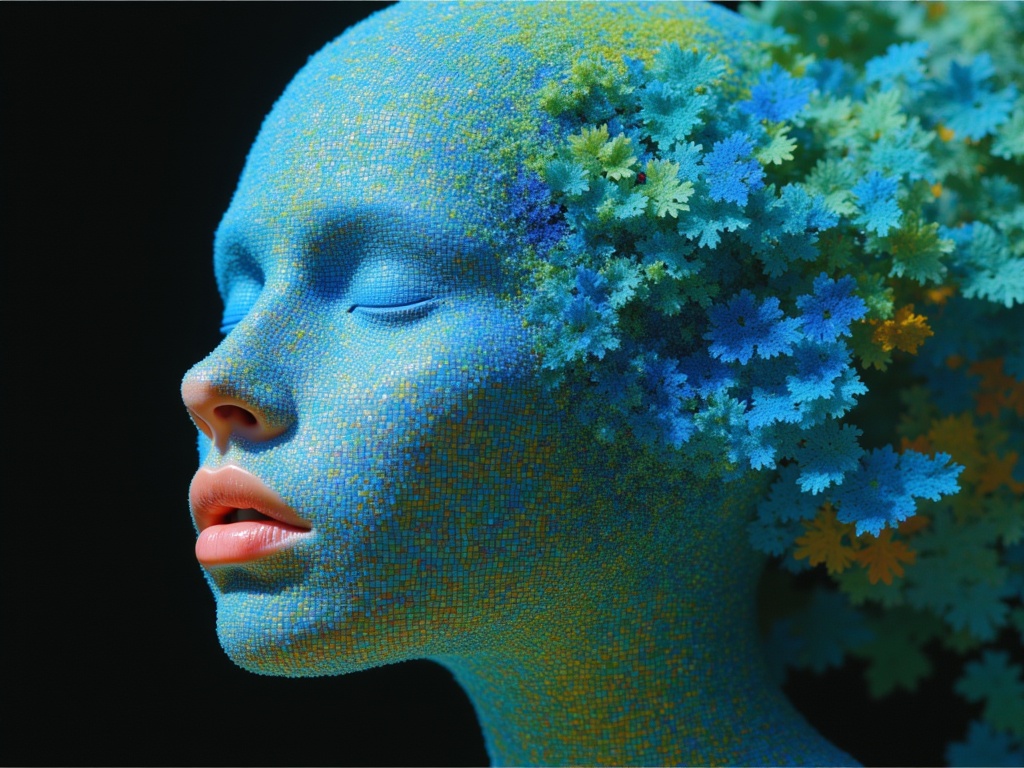
Ideogram V4.0q Image to Image
Prompt-guided image restyling edits
0.1 کریڈٹس
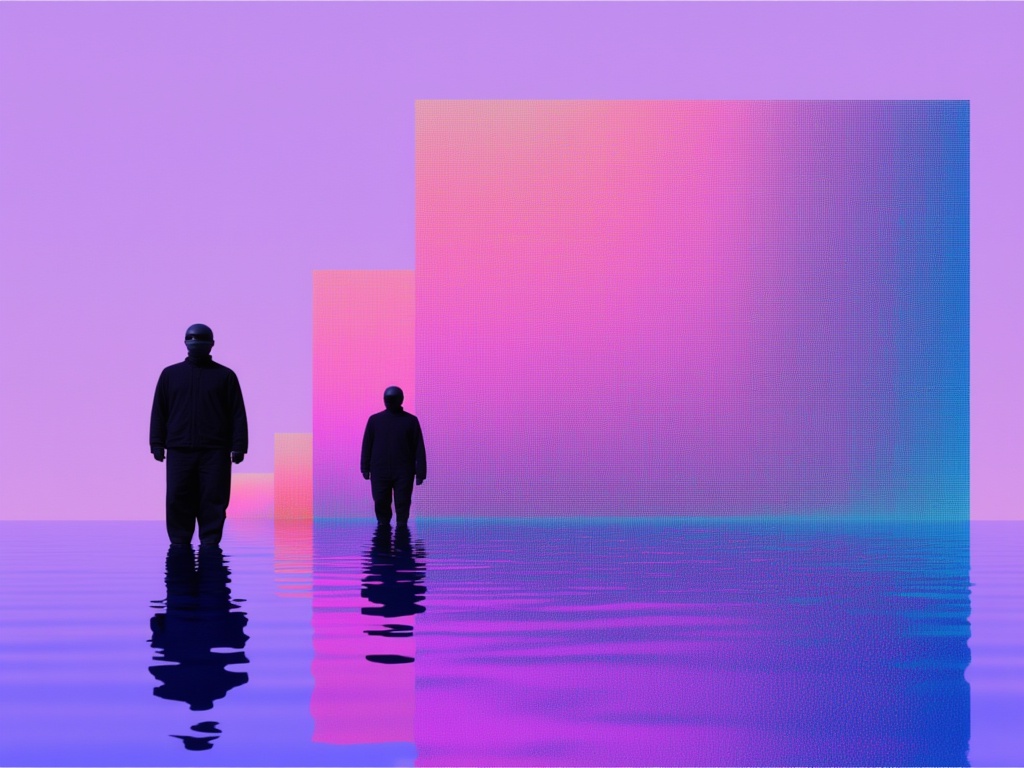
Nano Banana Lite Edit
Fast efficient image editing
6 کریڈٹس