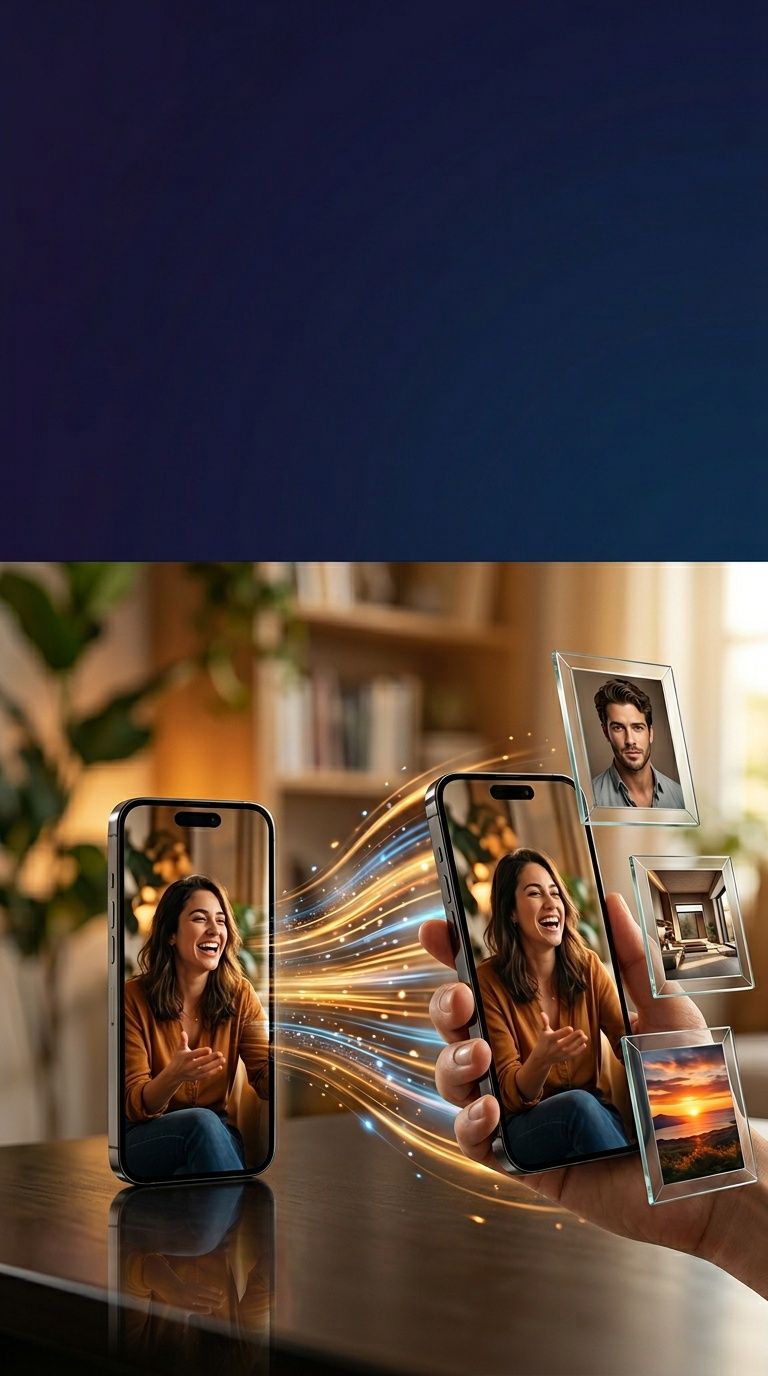
Upload a product photo, still, or logo. ShortGenius animates it into a family-safe, on-brand ad.
100,000+ videos generated
by creators worldwide




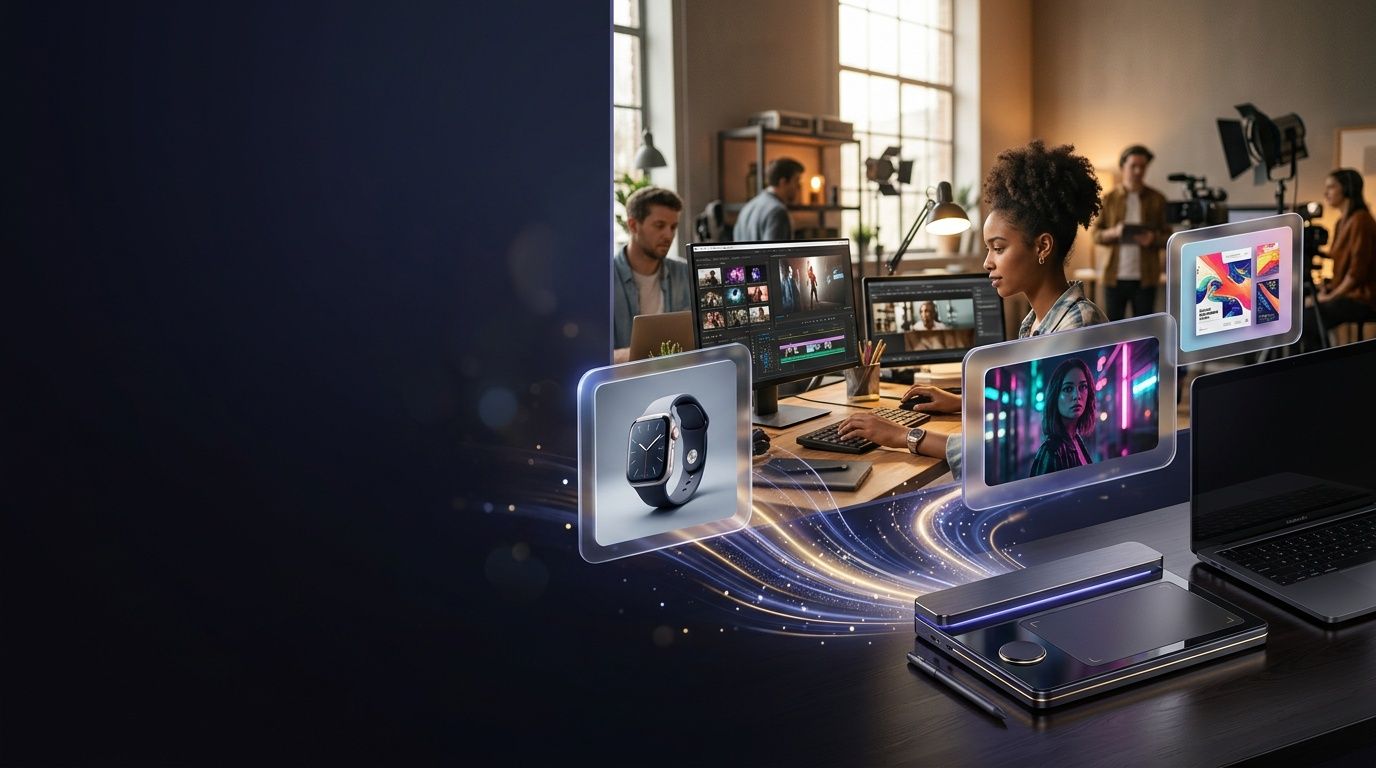
What you can create
Four workflows shipping on ShortGenius every day.
Our image-to-video generator is used most for four things. Each is a complete pipeline, not a single clip.
Ecommerce product animation
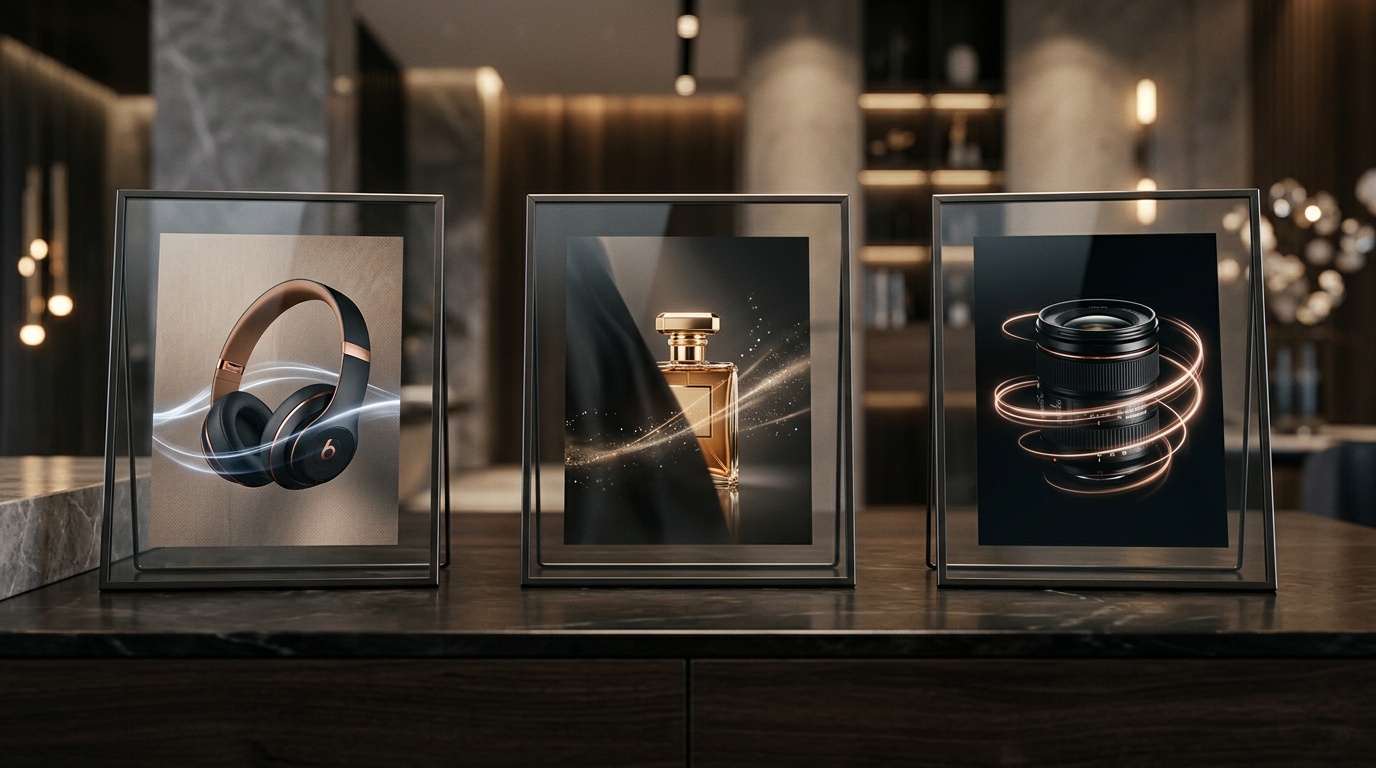
Turn a white-background product photo into a scroll-stopping 9:16 ad. Slow push-in on the hero, a parallax reveal of the key feature callout, a voiceover hook, and a CTA endcard — shipped in four minutes, ready for Meta and TikTok Shop.
Real-estate listing videos
Drop 8–12 listing photos into one project. Ken Burns on the kitchen, slow pan across the living room, a rise on the backyard shot, agent voiceover over the top. Publish to Zillow video, Instagram Reels, and YouTube from one render.
Before-and-after ads
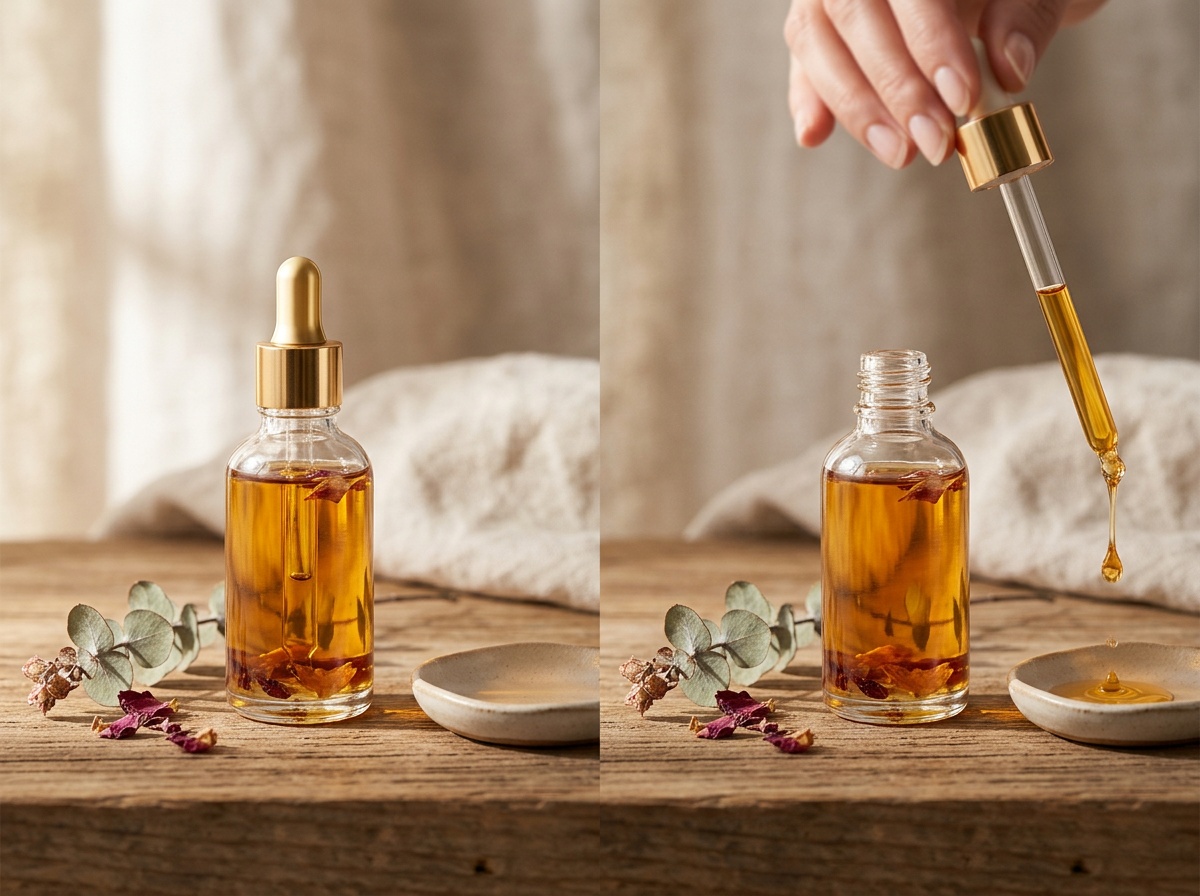
Two images, one swipe transition. ShortGenius aligns the framing, matches the zoom, and lets you caption each side with on-brand type. Works for skincare, fitness, home-remodel, SaaS dashboard comparisons, and coaching testimonials.
Logo reveals and brand stings
Upload a transparent-PNG logo, pick a reveal preset, and add a three-second voice tag. Ship a 5-second pre-roll you can reuse across every YouTube upload, podcast open, and post-roll CTA — consistent brand mark, no freelance motion designer required.
Feature deep-dives
Three places the image-to-video workflow earns its keep.
The detail that tells you whether this is the right tool for your ad pipeline, or whether you should keep shopping.
From still image to ad-ready motion
A single product photo becomes a three-beat ad: a slow push-in that holds on the hero, a parallax reveal that surfaces the feature callout, and a CTA endcard that closes the loop. The source image stays on-model through every frame — labels readable, colours true, shapes intact — because ShortGenius moves a virtual camera instead of re-generating pixels.
The hardest problem with most animate image AI tools is subject drift. Upload a clean photo, ask for a slow zoom, and the model quietly re-generates the label, warps the text, or swaps a logo colour halfway through the clip. That is unusable for ecommerce, real-estate, or brand work — the whole point of animating a real photo is that the real photo needs to stay intact.
How to turn an image into a video with ShortGenius
Five steps from a still image to a finished, captioned, multi-aspect ad — most users ship in under four minutes.
- 1
Upload your image
Drop in a product photo, hero still, brand logo, or any high-resolution image. ShortGenius accepts JPG, PNG, WebP, and HEIC up to 25 MB. You can upload one image for a single-scene animation or drag in a batch to build a multi-scene ad.
- 2
Pick a motion preset or write one
Choose from 20+ camera presets — slow push-in, dolly zoom, left-to-right pan, orbit, parallax, tilt-up — or describe the movement in plain English ("gentle rise on the product, soft parallax on the background"). Our image-to-video AI reads the composition and keeps subjects on-model while the camera moves.
- 3
Layer voiceover, captions, and music
Script the voiceover in the sidebar, pick from 400+ brand-safe voices across 29 languages, and ShortGenius auto-times the animation to the narration. Add burned-in captions, licensed royalty-free music, and on-brand text overlays in one pass.
- 4
Chain multiple images into a scene list
For a full ad, add as many images as you need and assign a motion style plus a line of script to each. The editor stitches scenes with clean cuts, cross-dissolves, whip-pans, or match-cuts — whichever fits the beat of your voiceover.
- 5
Render and export brand-safe 4K
Hit render. You get a 4K MP4 in 9:16, 1:1, 16:9, and 4:5 aspect ratios — ready to cross-post to TikTok, YouTube Shorts, Instagram, Facebook, or drop onto a Shopify product page. Every output is watermark-free on paid plans and passes platform ad-policy review.
Motion controls that respect your asset
Twenty-plus camera presets — push-in, push-out, dolly, orbit, left pan, right pan, tilt-up, tilt-down, parallax, Ken Burns, 2.5D depth, handheld shake — plus a freeform motion prompt when none of the presets fit. Subject lock keeps your product, face, or logo where you put it. The virtual camera does the moving.
Scene transitions stay clean: cuts, cross-dissolves, whip-pans, and match-cuts, beat-matched to your voiceover. No shimmering diffusion artefacts between scenes, no melted frames between a product shot and a lifestyle still. Chain up to 40 images into one render and assign a different motion style to each.
4K output that ships straight to social
Every render produces a 4K MP4 in 9:16, 1:1, 16:9, and 4:5 aspect ratios in a single pass. Captions burn at platform-safe positions, voices sync to the animation beat, and licensed royalty-free music fills the bed. Cross-post the result to TikTok, YouTube, X/Twitter, Facebook, Instagram, or drop it onto a Shopify product page — and the file is cleared for commercial use out of the box.
Because ShortGenius was built family-safe and brand-safe on purpose, every voice, track, and stock asset in the library is commercially licensed, and the model refuses NSFW, deepfake, and celebrity-likeness prompts at generation time. That is the difference between a tool your legal team will bless and one they will quietly ask you to stop using.

Pricing
Free to try. One simple paid tier.
The free tier ships three watermark-free previews every month so you can evaluate motion quality and subject lock on your own images. Pro unlocks 60 renders a month, 4K export, multi-scene projects, commercial licensing, and cross-posting to TikTok, Meta, YouTube, X, and Instagram.
Free
$0
forever
- 3 videos per month, watermark-free preview
- All motion presets and subject lock
- 9:16, 1:1, 16:9, 4:5 aspect ratios
Pro
$69
per month
- 60 renders per month, 4K MP4 export
- Multi-scene projects up to 3 minutes
- Voice cloning, UGC avatars, commercial license
- Cross-post to TikTok, Meta, YouTube, X, Instagram
Related tools and models
If your source material is text rather than an image, start with the text-to-video generator — it runs the same pipeline but generates the underlying footage from a script. For ad-ready assets with actors and hooks baked in, the AI video ad generator layers UGC talent, script variants, and social scheduling on top of the same render engine. And if you want to dig into how subject lock, parallax, and 2.5D depth actually work under the hood, read up on the image-to-video models we run.
FAQ
Image to Video AI — FAQs
ShortGenius accepts JPG, JPEG, PNG, WebP, and HEIC files up to 25 MB each, at any resolution from 512 px on the short edge up to 8K. Transparent PNGs are preserved through the animation, which matters for logo reveals and product cut-outs on coloured backgrounds.
Animate your first image in the next four minutes
Upload a product photo, listing still, or logo. Pick a motion. Render. Paste it into your ad account — or ship it straight to TikTok, Reels, or Shorts from the same project.
No credit card required.