Ideogram V4.0q Image to Image
Restyle any photo while its composition stays locked in place
Prompt-guided image restyling edits
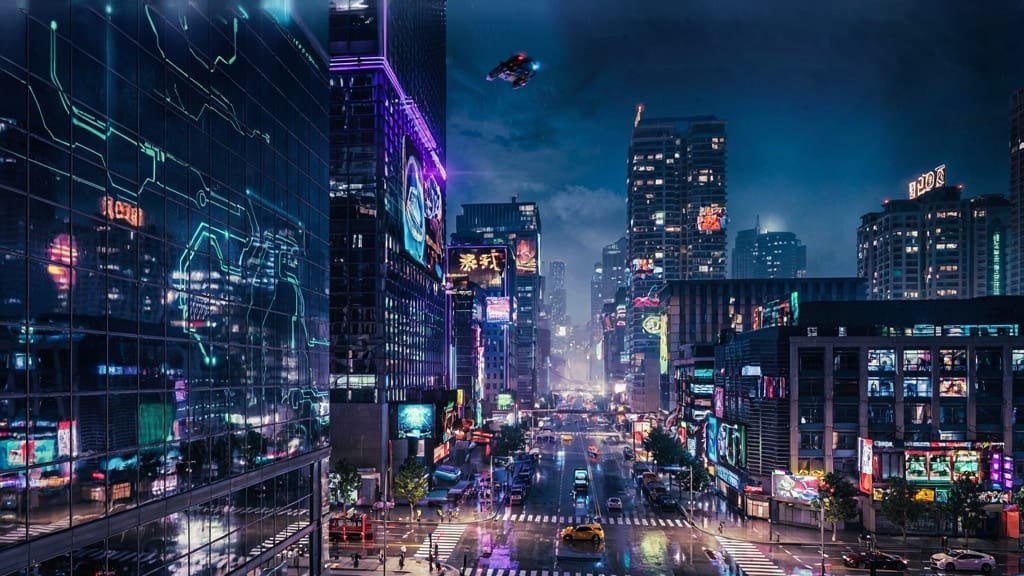
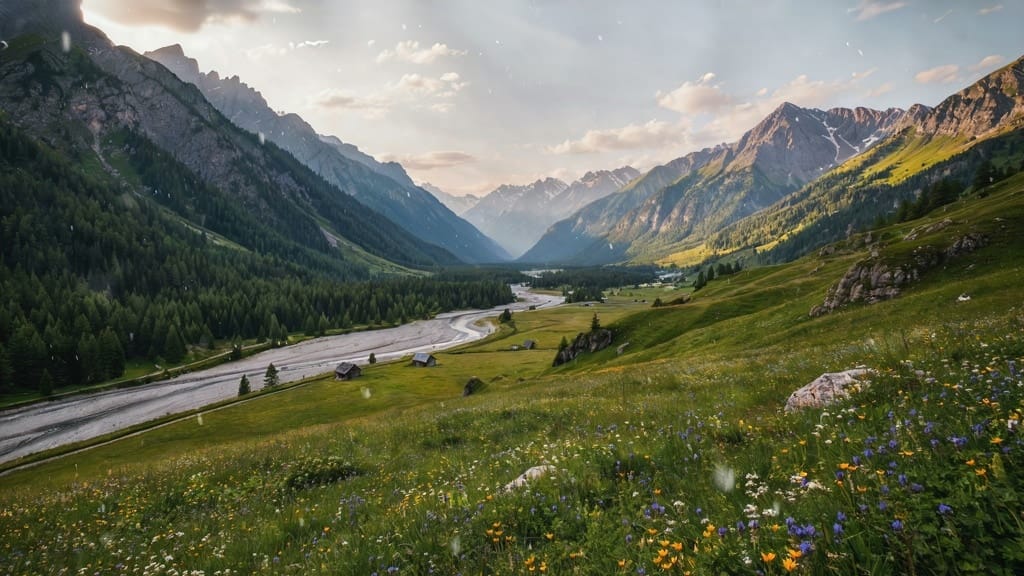
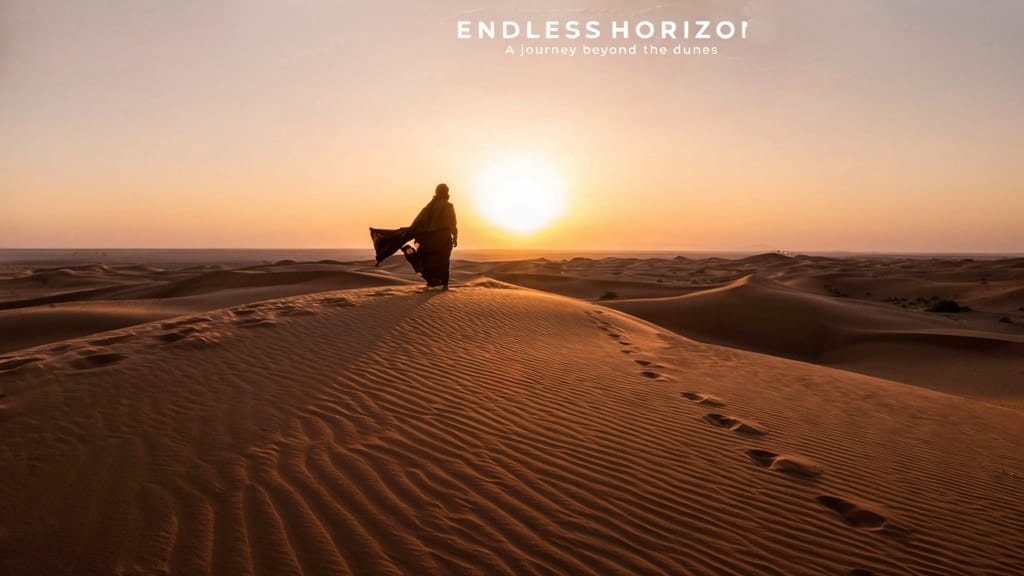
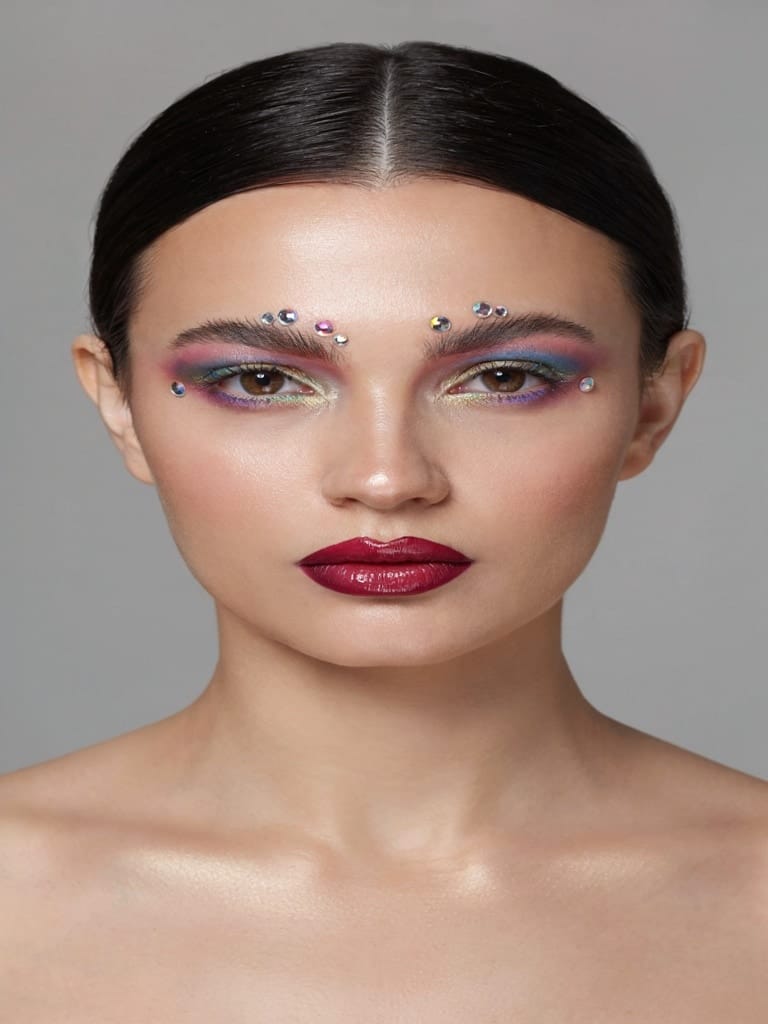
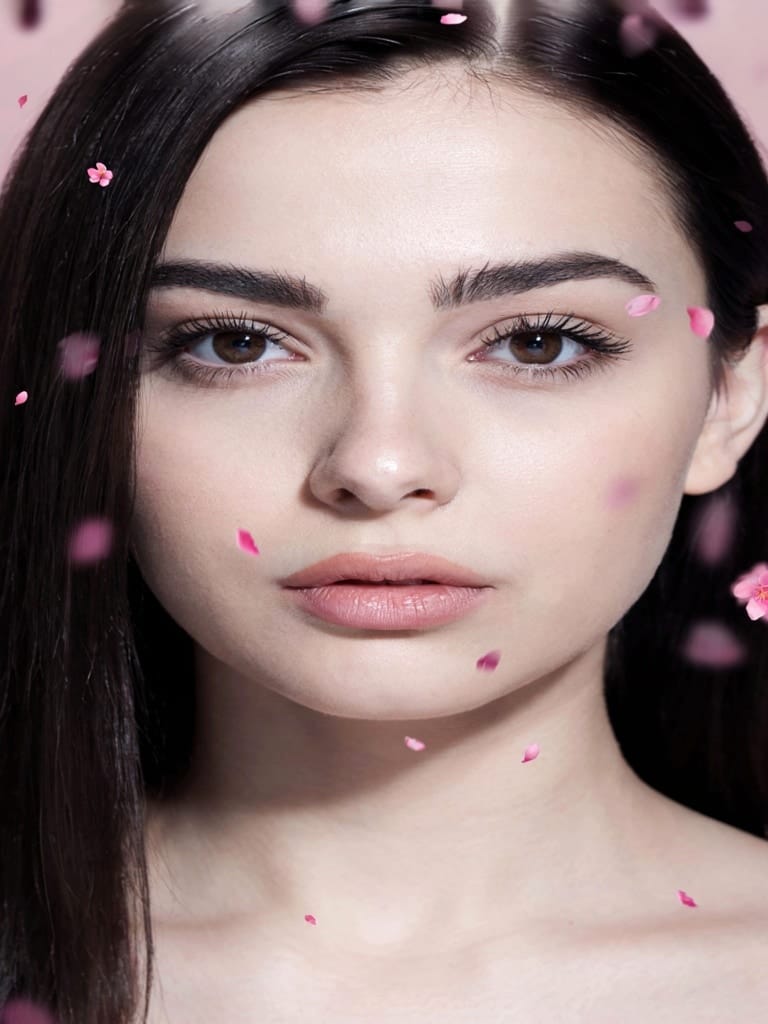
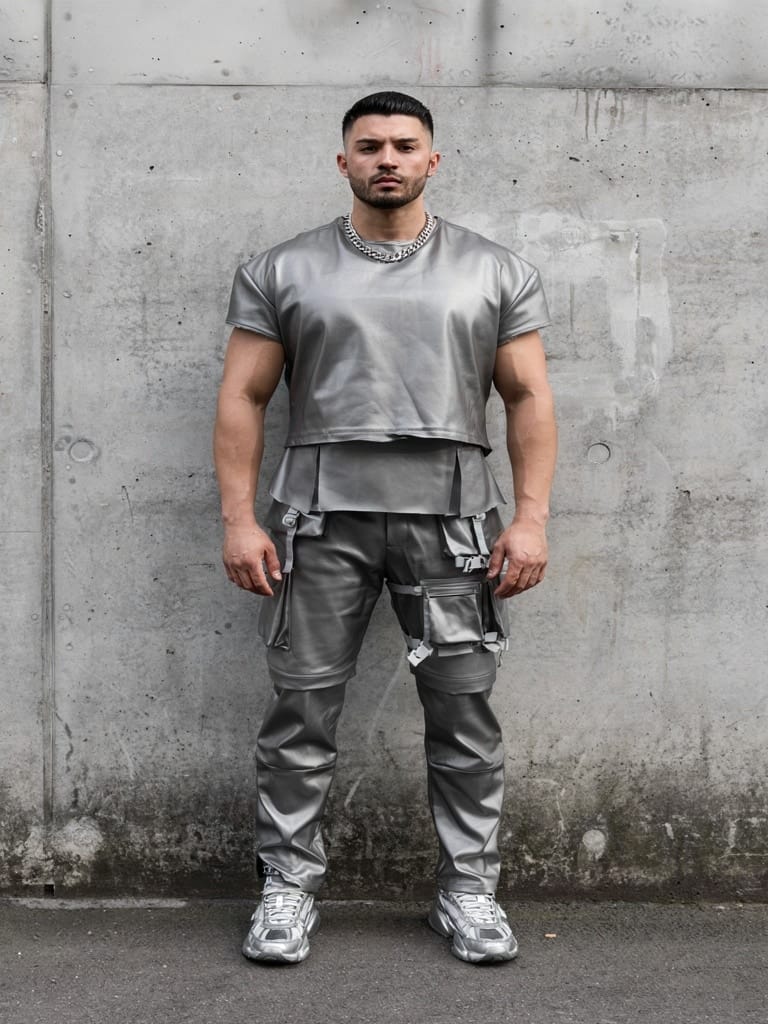
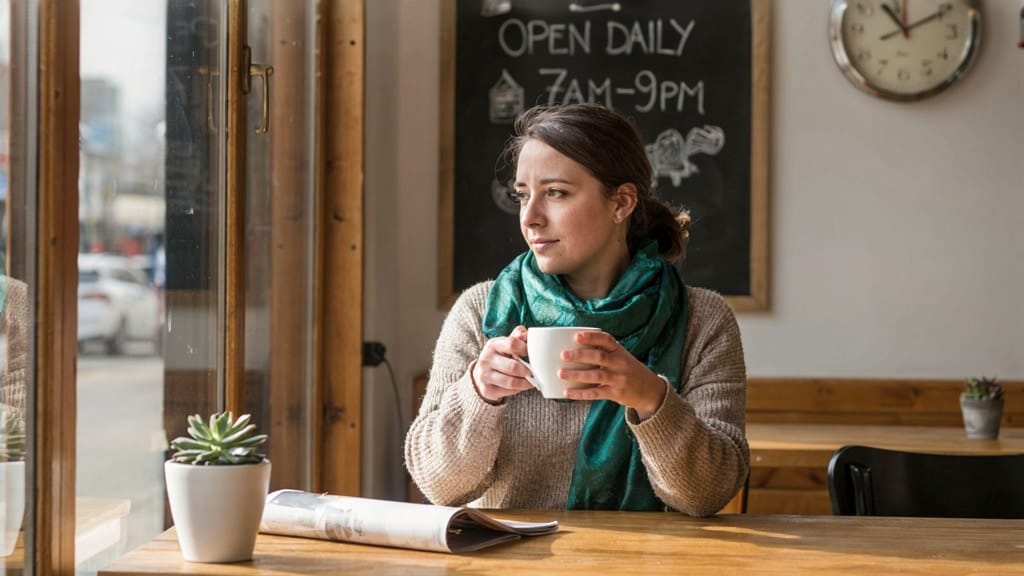
STYLE TRANSFER
MAKEUP RESTYLE
FASHION RESTYLE
Ideogram V4.0q Image to Image lets you take an existing picture and reinvent it with nothing more than a text prompt. Instead of starting from a blank canvas, you feed the model an image you already have and describe the look, mood, or subject you want. The result is a fresh version that keeps the core structure and composition of your original while restyling and reworking it to match your words. It's a tool built for creators who want prompt-faithful, high-fidelity edits without losing what made the source image work in the first place.
At its heart, this model is about transformation with control. You decide how far the edit should stray from the original. Keep the transformation gentle and the output hugs the source closely, preserving layout, framing, and key shapes. Push it further and the model reimagines the scene more freely while still honoring your text prompt. That single dial — how strongly to transform the input — is what makes the model so versatile. A product photo can become a painterly illustration, a rough sketch can bloom into a finished render, or a plain background can be swapped for a misty forest at sunrise, all while the essential composition holds together.
Ideogram is known for three things that carry directly into this image-to-image workflow: realism, typography, and stylized art. Whether you're aiming for a photographic look, clean and legible text integrated into a design, or a bold stylized aesthetic, the model handles all three comfortably. That makes it a strong fit for designers who need type to read correctly inside an image, illustrators exploring different treatments of the same base composition, and photographers or marketers looking to restyle assets quickly.
The model gives you meaningful creative controls beyond the transformation strength. You can choose how the model interprets and enriches your prompt: leave your wording untouched for maximum control, let a fast expansion step add natural detail, or invoke Ideogram's Magic Prompt for the richest, most elaborate interpretation of your idea. This prompt expansion is especially handy when you have a short description but want the model to fill in atmospheric and stylistic detail on its own.
You also control the trade-off between speed and polish. A turbo setting renders quickly for fast iteration, a balanced setting sits in the middle, and a quality setting takes more care for the most refined output. There's an additional acceleration option layered on top for further tuning of generation behavior. Together these let you move fast while exploring ideas, then dial up the fidelity once you've locked in a direction.
Output sizing is flexible. By default the model matches the dimensions of your input image automatically, so your edit comes back at the same shape and scale you started with. If you'd rather target a specific format, you can pick from common presets — square, portrait, and landscape orientations — or set custom dimensions. The model supports very large outputs, up to roughly 25 megapixels and as much as 8192 pixels per side, so it comfortably handles high-resolution work. You can export in either JPEG or PNG depending on whether you need a compact file or a lossless one.
If you want options, you can generate up to four variations from a single prompt and input image in one go, giving you a small spread of interpretations to choose between. For reproducibility, the model reports the seed it used, and you can supply your own seed to lock in a particular result or return to it later — invaluable when you find a version you like and want to make small refinements without starting over.
A built-in safety checker is enabled by default and flags content that may be sensitive, so your generations stay appropriate for professional contexts. The model also returns the exact prompt it used, which is useful when prompt expansion has enriched your original wording and you want to see what actually drove the result.
Who benefits most? Graphic and brand designers can restyle mockups or refresh visuals while keeping typography crisp and readable. Illustrators and concept artists can take a base composition and rapidly explore alternate styles, moods, and finishes. Photographers and marketers can transform existing shots — changing setting, lighting feel, or artistic treatment — without reshooting. Filmmakers and storyboard artists can rework reference frames into stylized versions that match a project's visual language. Because the model preserves structure while restyling, it's ideal any time you want to evolve an image rather than replace it entirely.
A few practical notes. The transformation strength is the most important control to understand: at the maximum it effectively ignores the input image and generates purely from your prompt, while lower values keep the composition intact — so if the output drifts too far from your source, ease that dial back down. The automatic sizing keeps your output faithful to the input's proportions, but if you need a specific aspect ratio, set it deliberately. And when using prompt expansion, remember that the model may add detail you didn't explicitly request; if you want total control over the wording, disable expansion and write a fully specified prompt yourself.
In short, Ideogram V4.0q Image to Image is a precise, flexible tool for reworking images with words. It respects the bones of your original while giving you the freedom to change its style, subject, and atmosphere — with strong results across realism, typography, and stylized art, generous resolution support, and a clean set of controls for balancing speed, fidelity, and creative direction.
Generate using the most advanced image editor
Add the image that you want change
Upload image
Add the image that you want to edit or transform
A woman kneeling in darkness, illuminated by a warm, radiant beam of light emerging from her raised hand.
Write your changes
Describe the edits you want - style changes, object removal, or enhancements
Start sharing
Download your professionally edited image
Beyond the prompt: A new level of control
SEASON TRANSFORM
Convert a lush summer landscape into a snowy winter scene while preserving the composition and terrain structure, ideal for seasonal campaign visuals.
ARCHITECTURAL RESTYLE
Reimagine a contemporary cityscape into a neon-soaked cyberpunk metropolis while maintaining the building layout, perfect for sci-fi concept art.
TYPOGRAPHY OVERLAY
Add prominent, prompt-faithful typographic text directly into a scenic image to create a finished poster, showcasing the model's strong text-rendering ability.
Compare with similar models
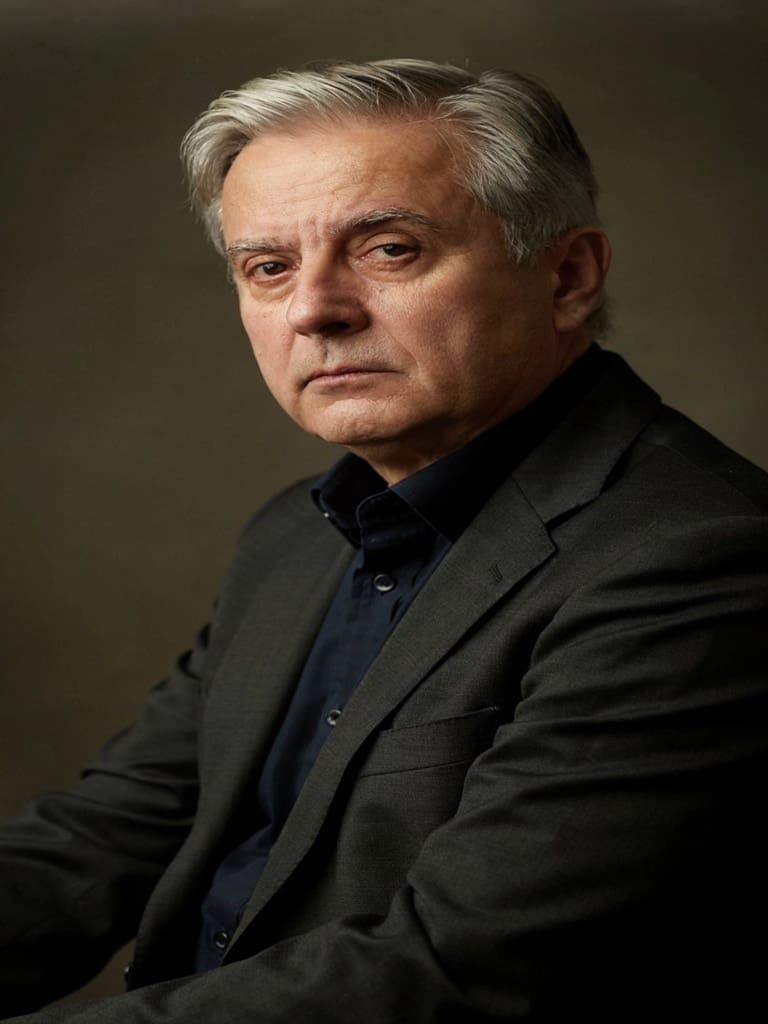
“Transform into a classical oil painting in the style of Rembrandt. Add visible impasto brushstrokes with thick paint texture. Apply warm golden undertones and dramatic chiaroscuro lighting with deep shadows. Enhance the dramatic contrast while preserving facial structure and expression. Add subtle canvas texture visible through the paint layers.”
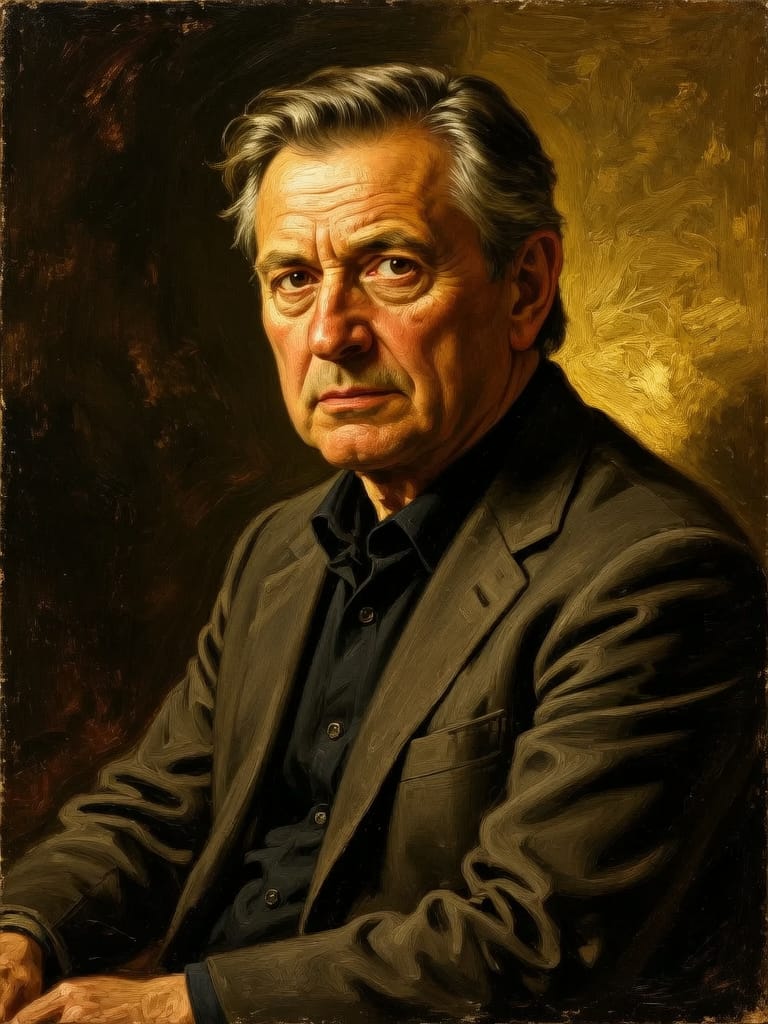
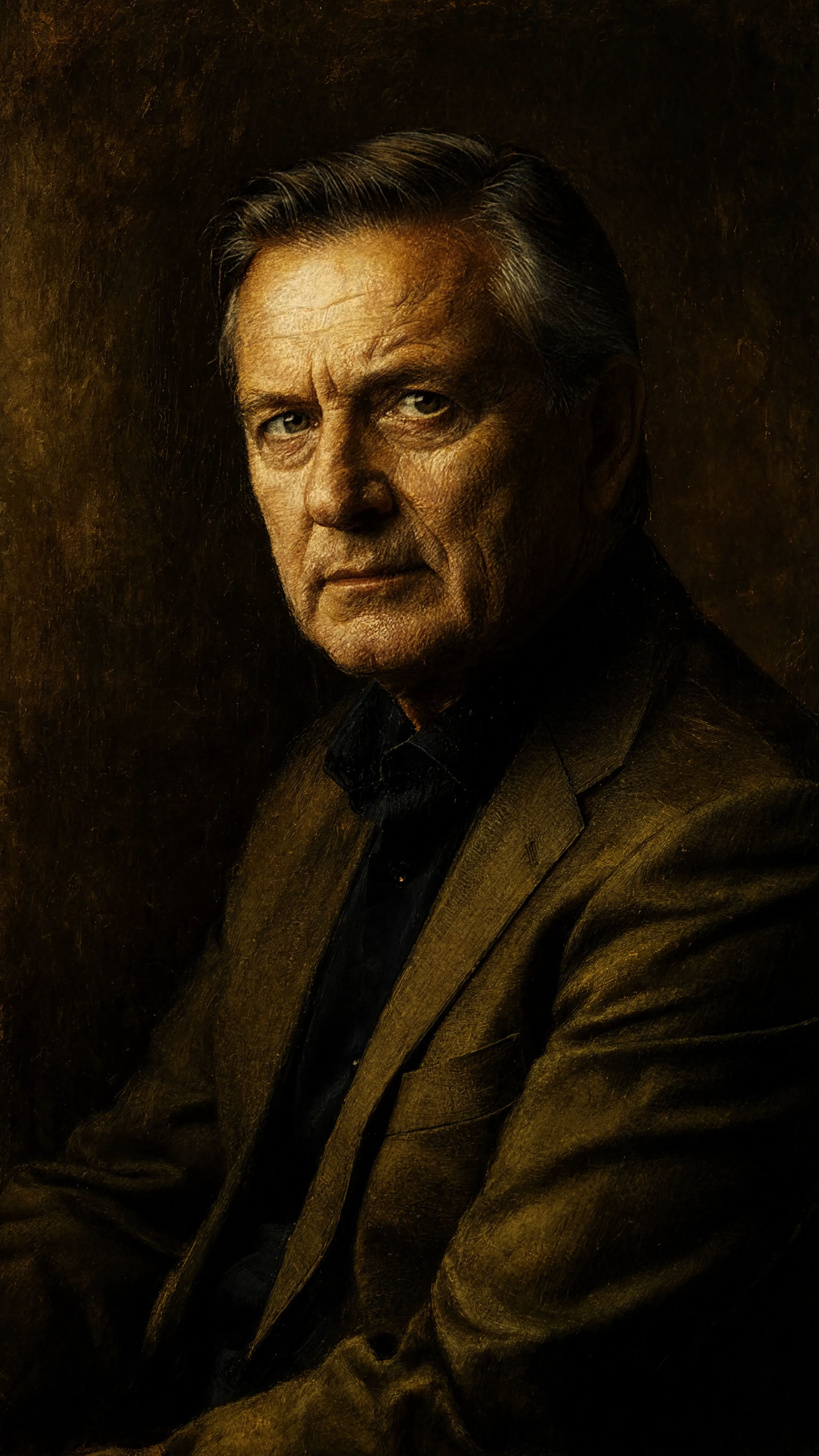
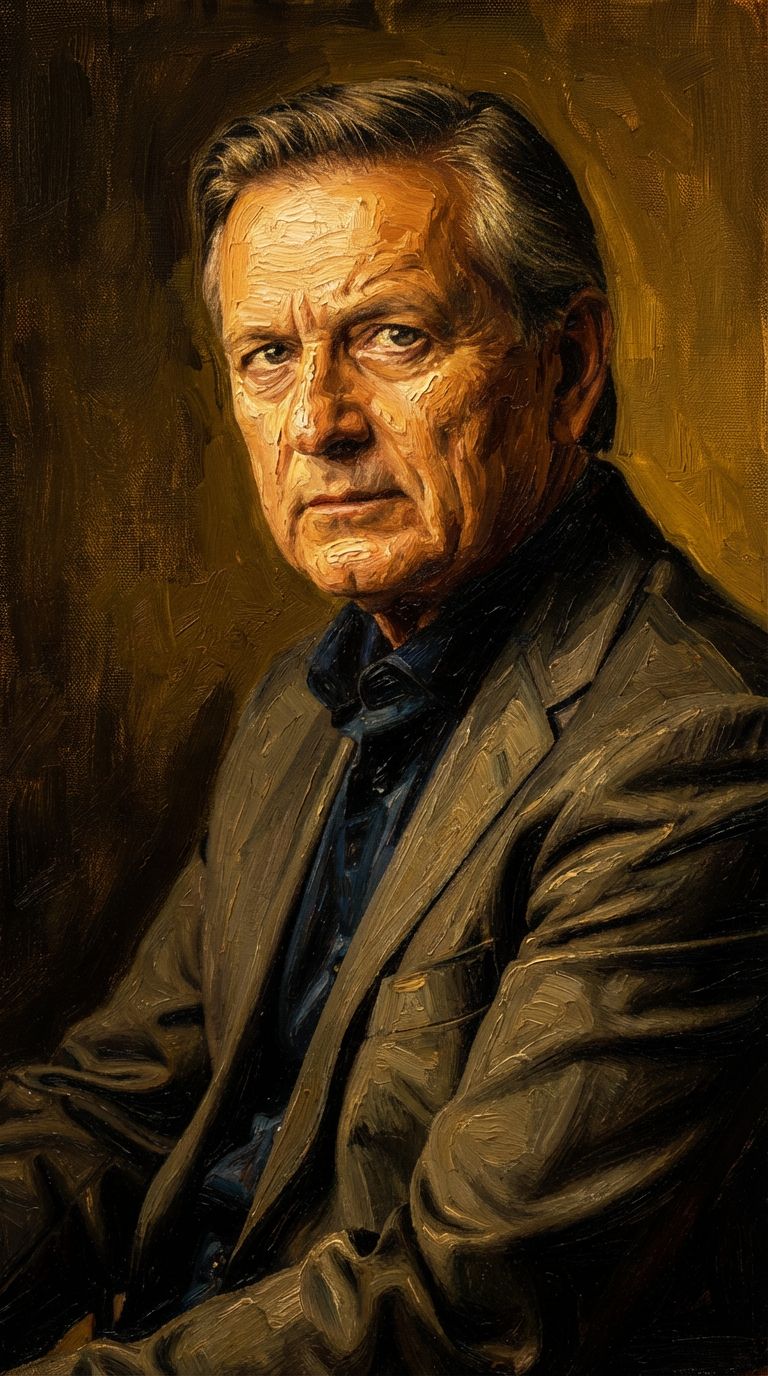
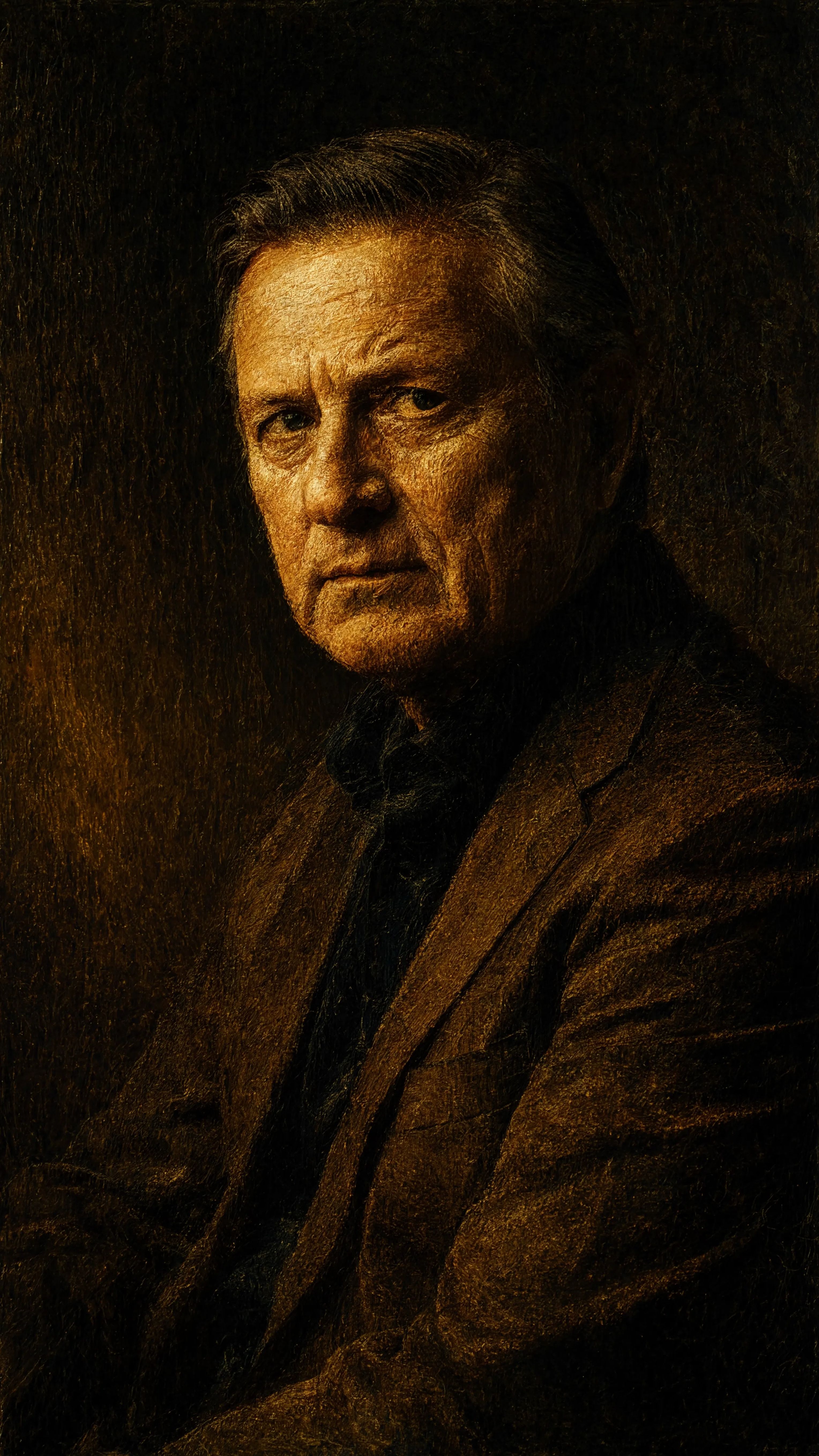
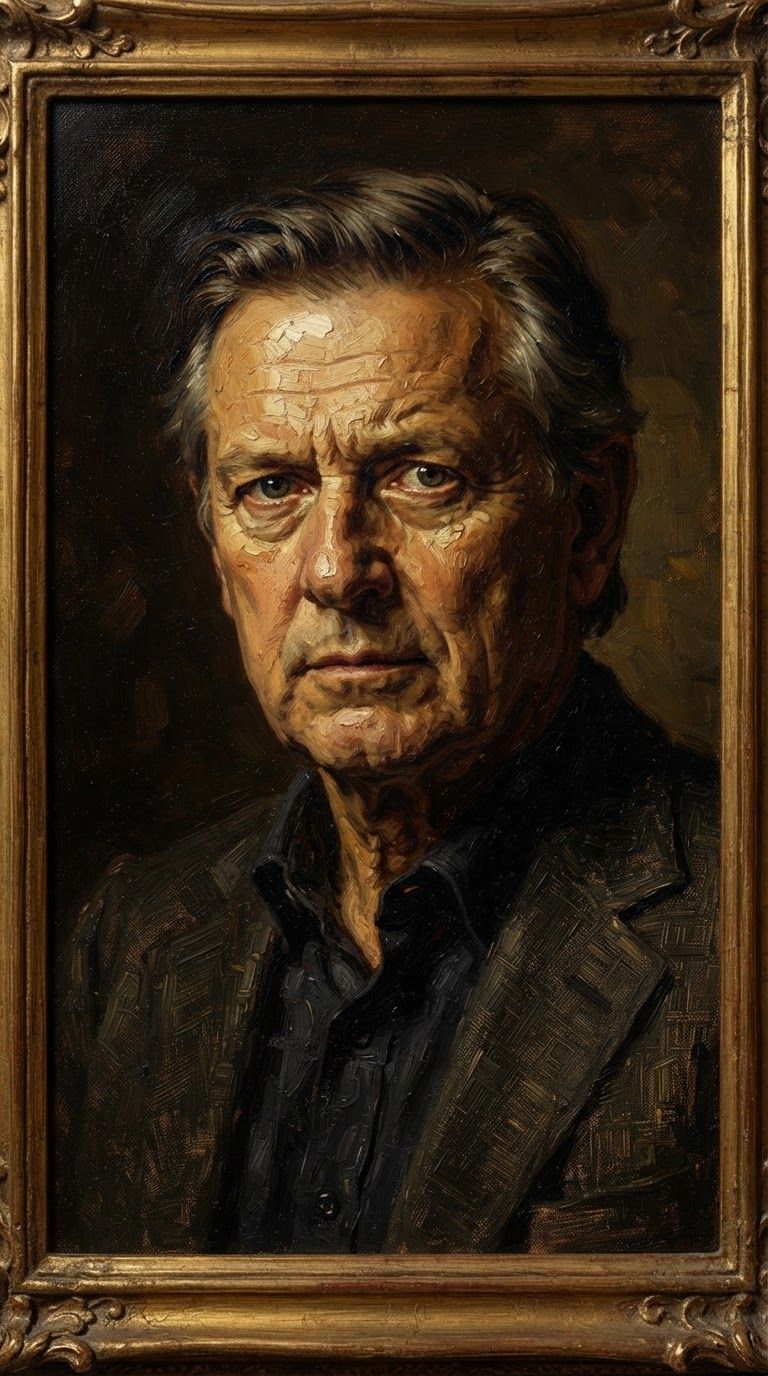
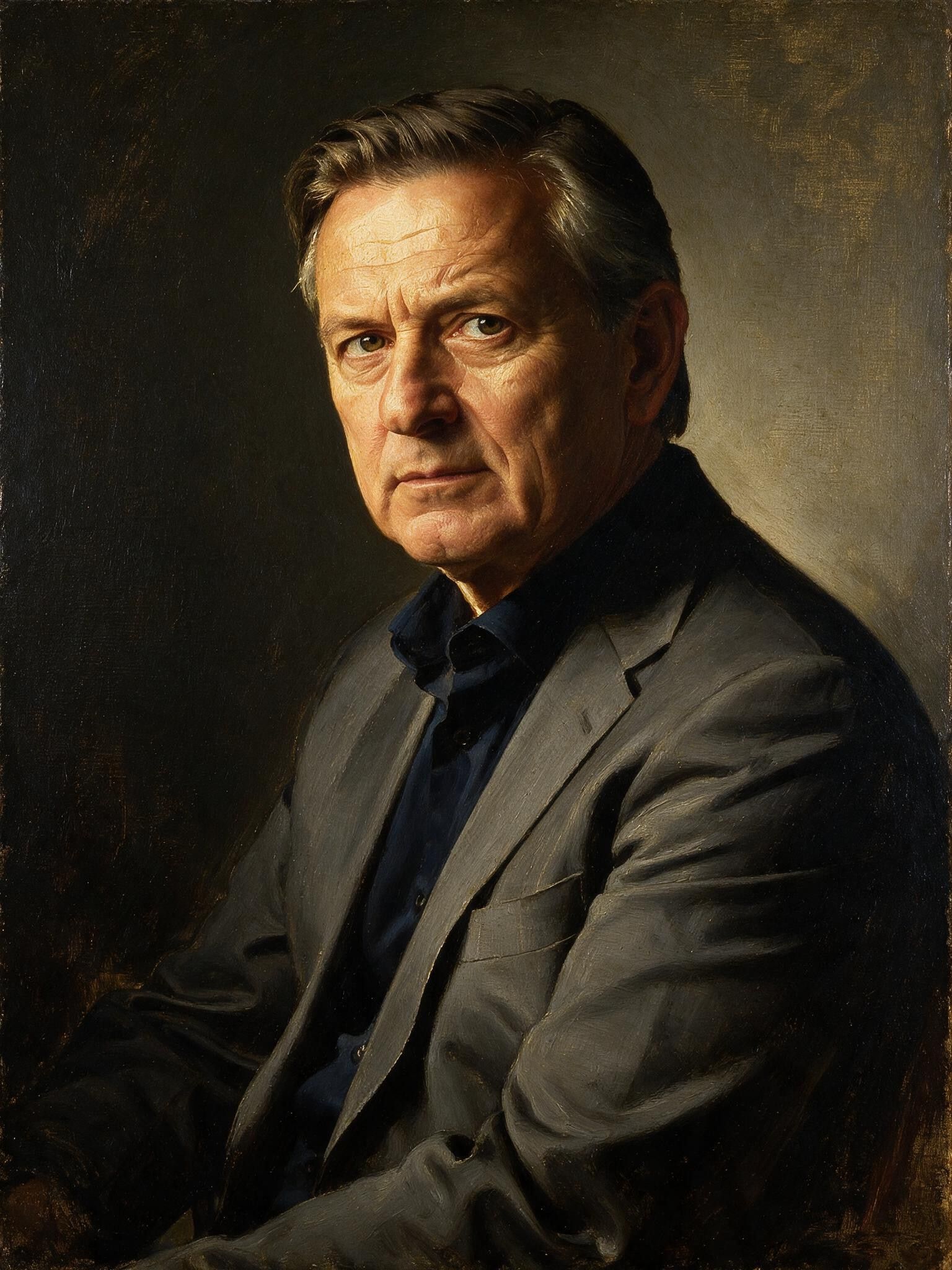
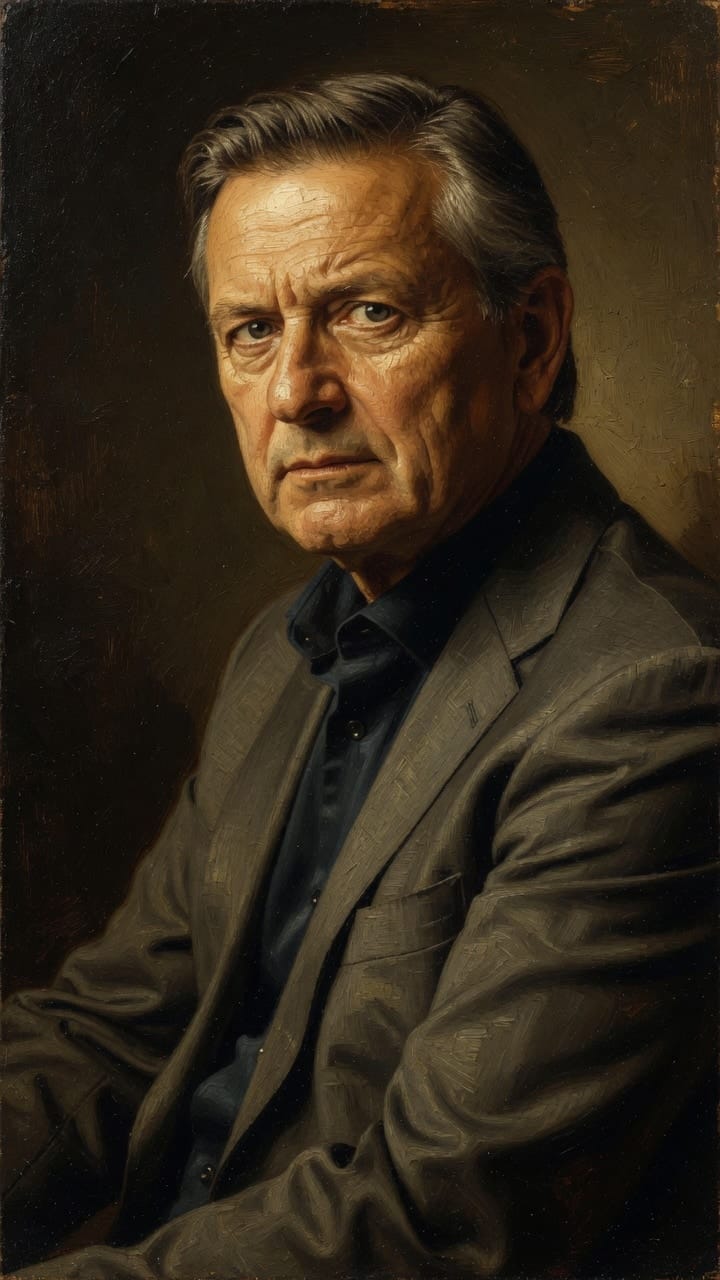
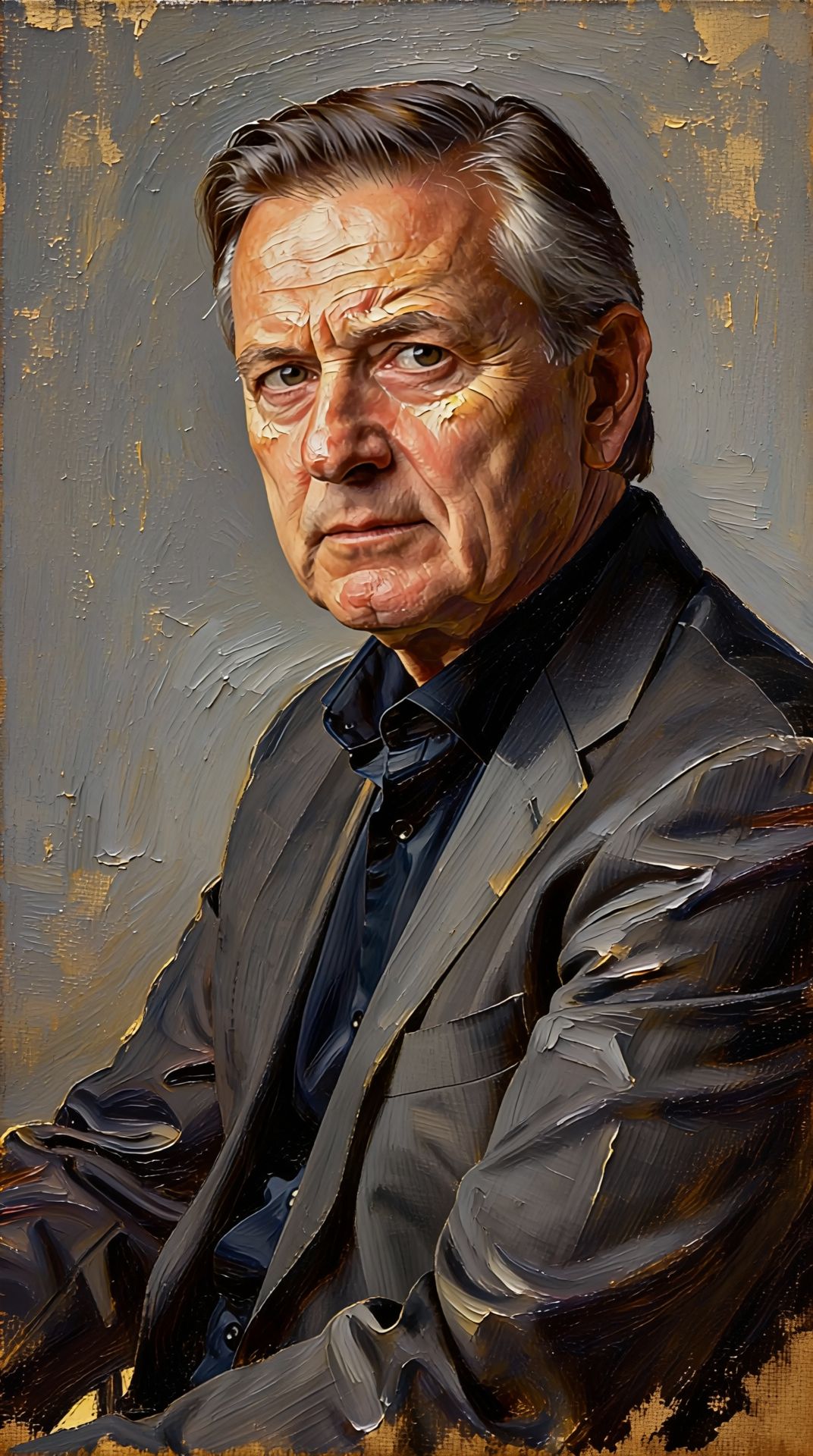
Experience perfection with Ideogram V4.0q Image to Image
Switch to reasoning-guided synthesis today. Be the first in your industry to deliver native 4K results at 10x the speed.
Frequently Asked Questions
Similar Models
Nano Banana Lite Edit
Fast efficient image editing
6 credits
Reve 2.1
Edit images with text prompts
1.3 credits
Nano Banana Pro
State-of-the-art image editing
1.2 credits
Reve 2.1
Remix images with text prompts
1.5 credits
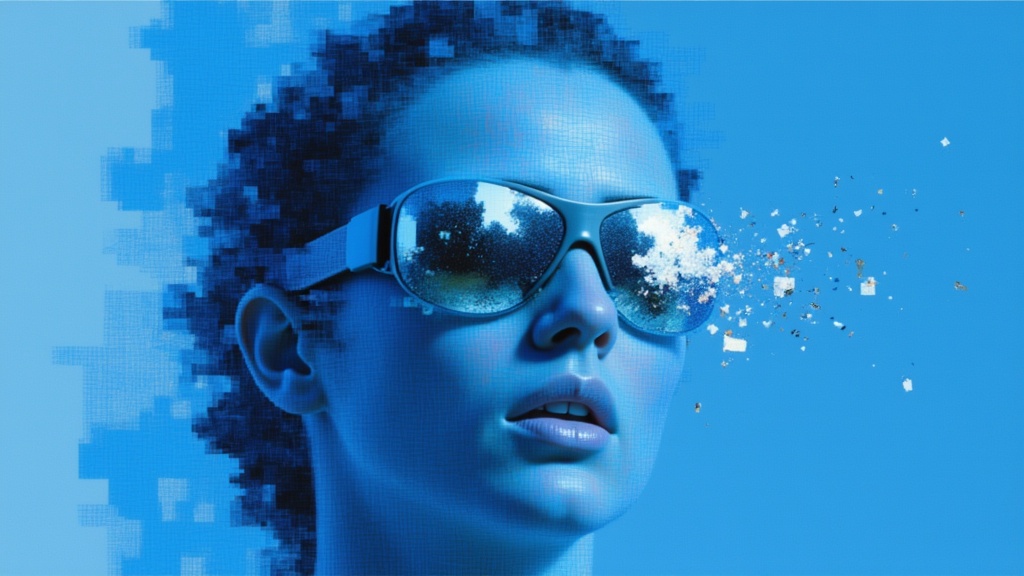
Seedream
Fast intelligent multi-image editing
0.3 credits
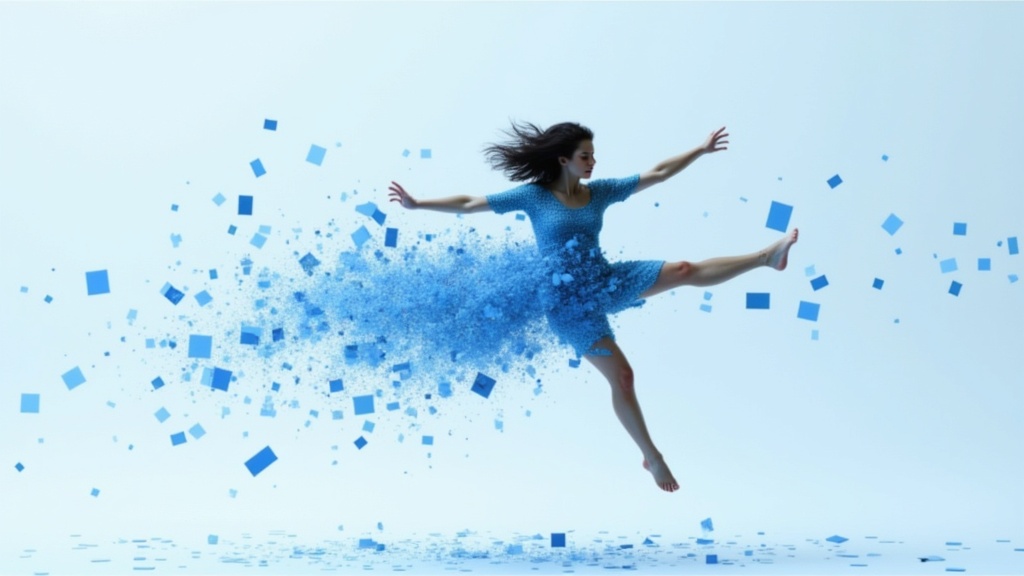
Gemini 3.1 Flash Image Preview
Ultra-fast Google image editing
0.7 credits
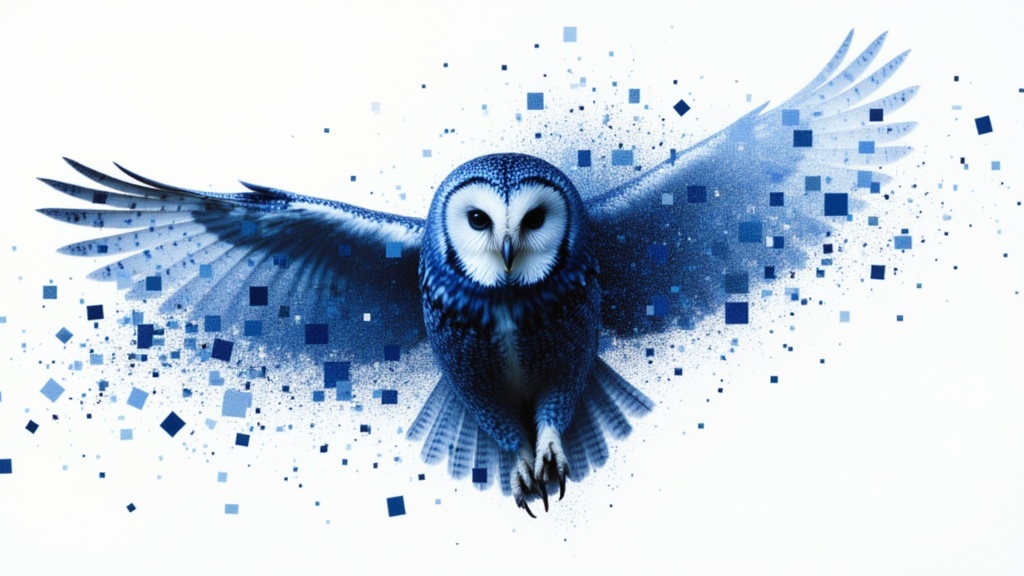
Grok Imagine Image Editing Quality
High-quality AI image editing
0.1 credits

Wan v2.6 Image to Image
Edit images using reference photos
0.3 credits
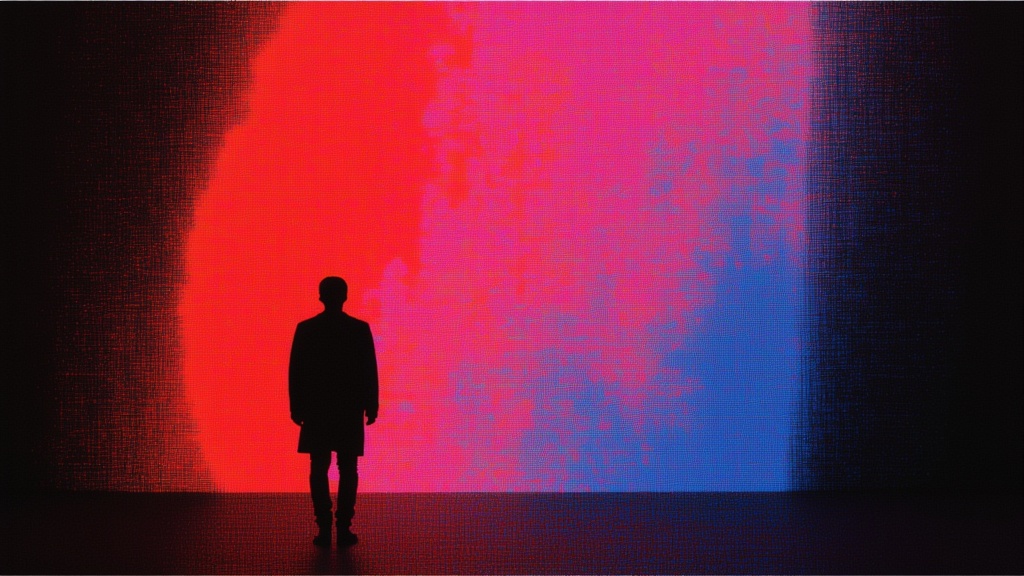
Vidu
Image generation with reference consistency
0.2 credits