Reve 2.1
Edit any image with a sentence and precise text
Edit images with text prompts
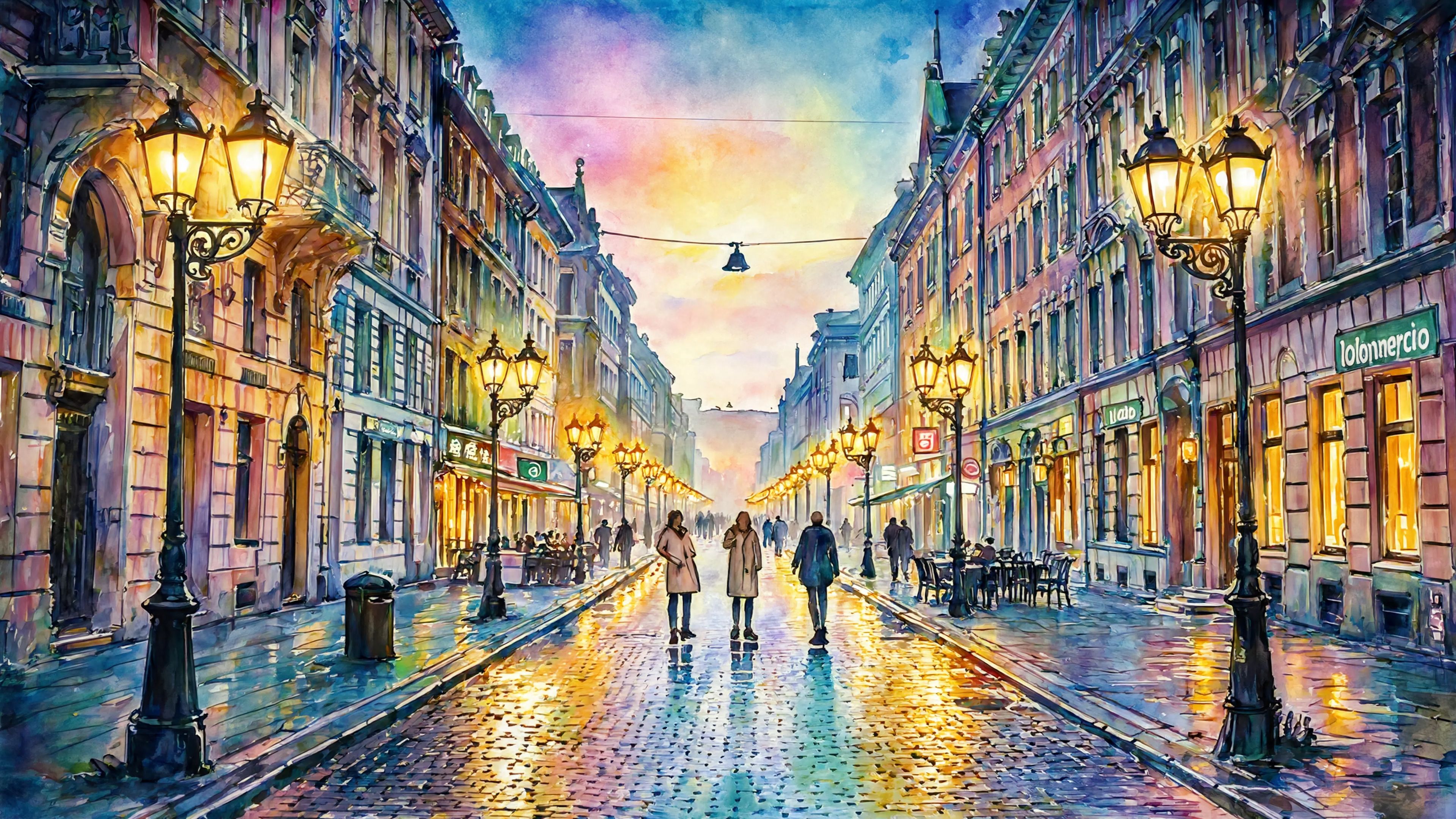
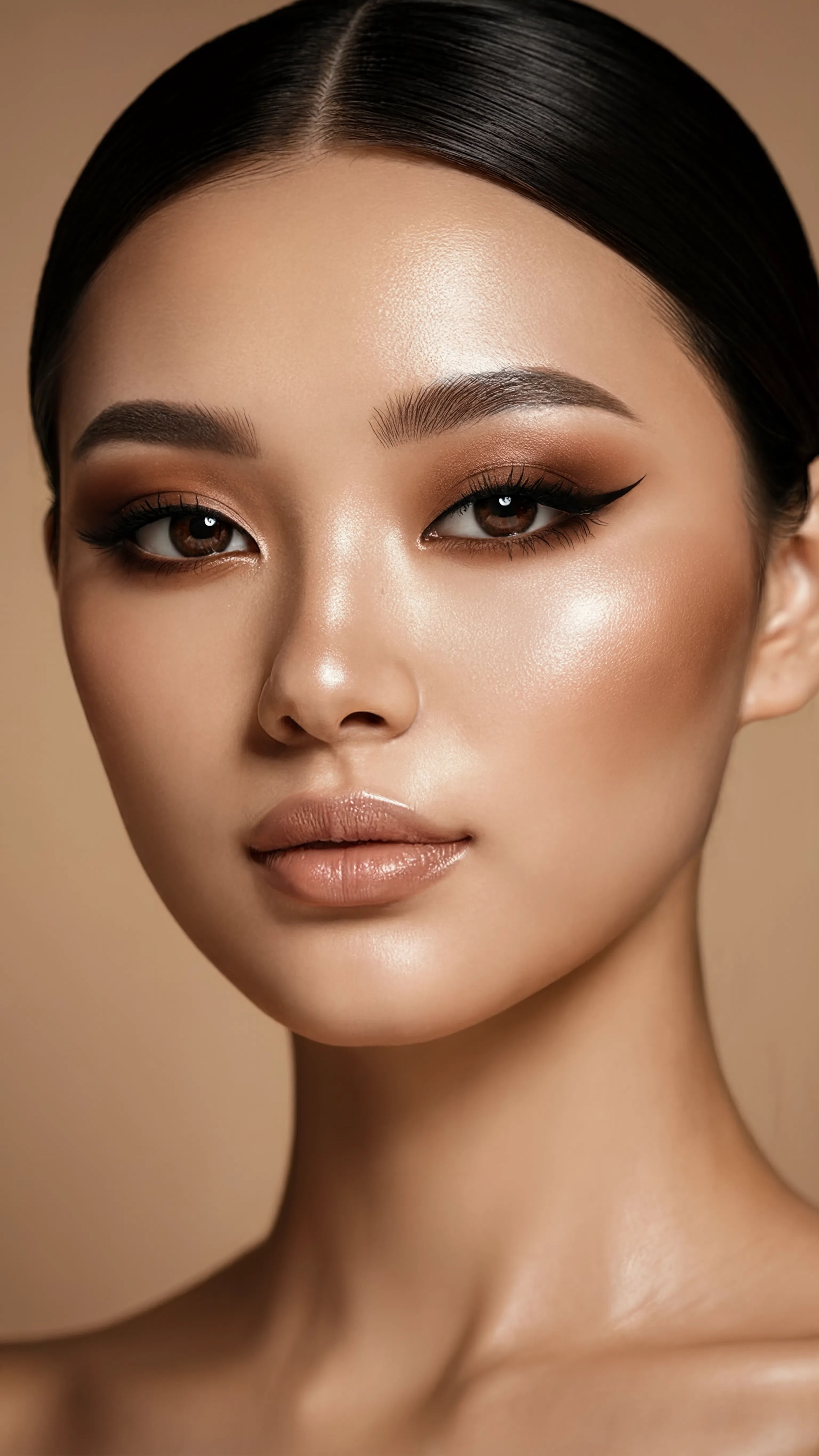
SMINKETRANSFORMATION
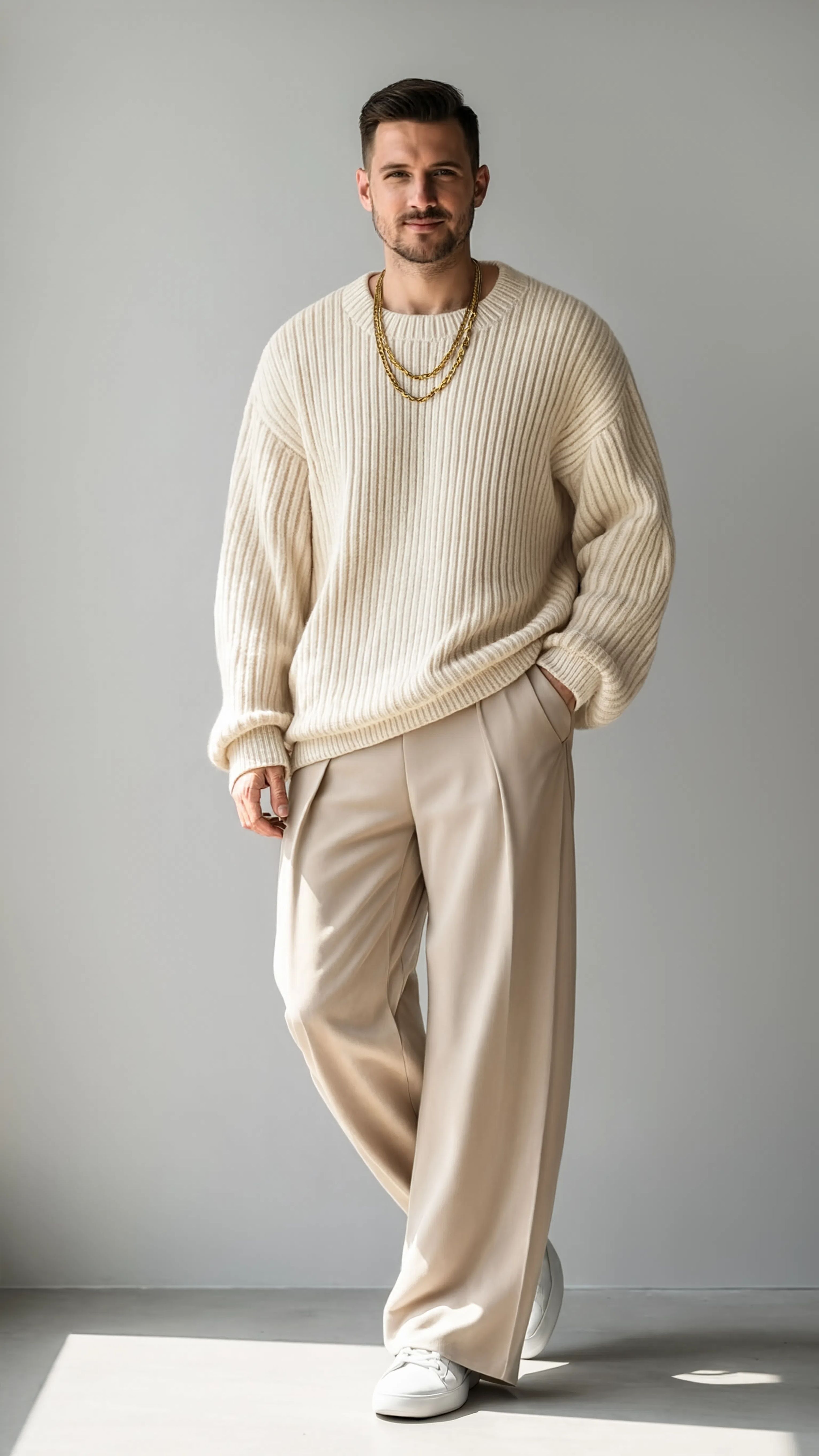
MODERESTYLING
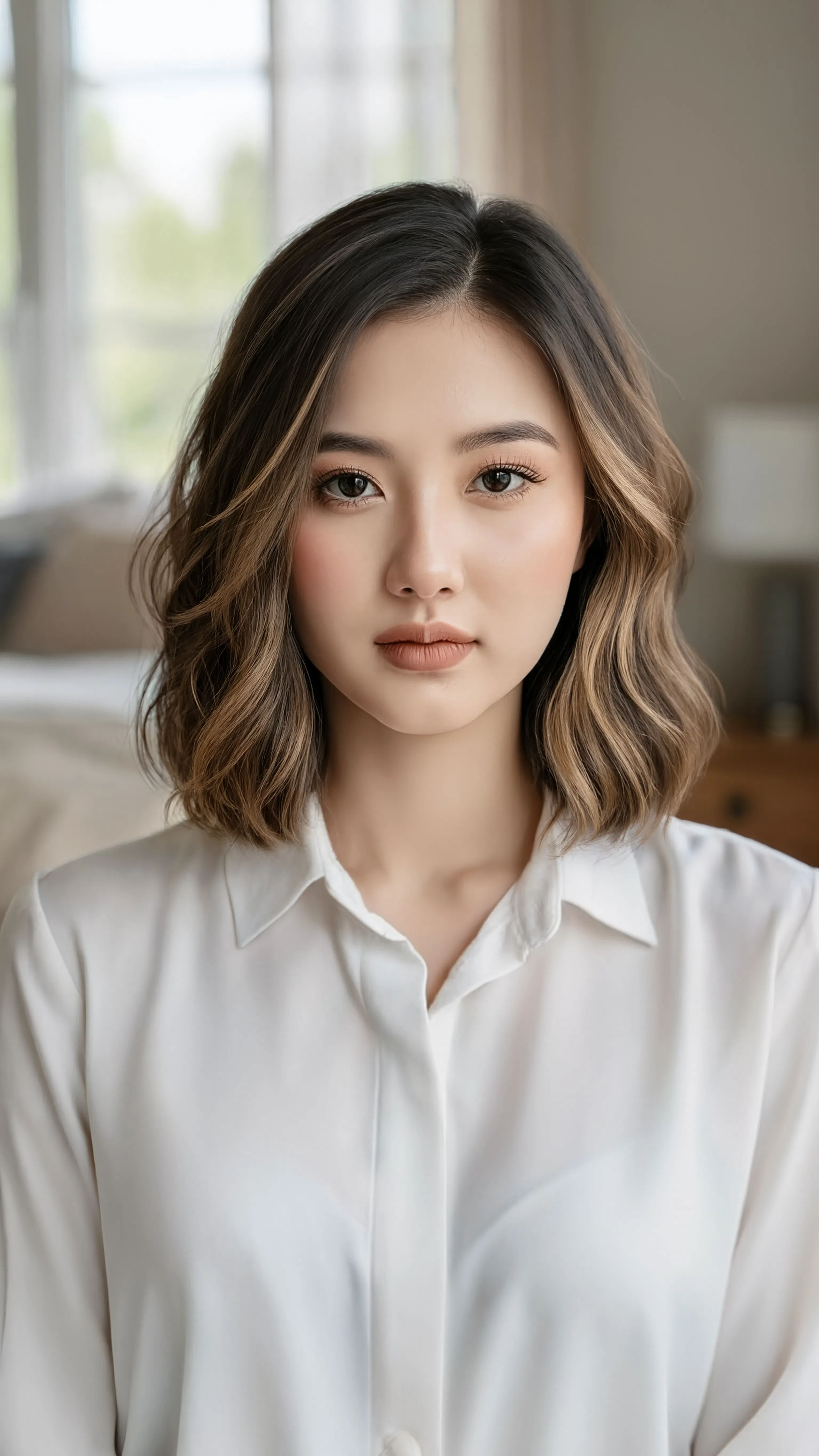
HÅRRESTYLING
Reve 2.1 er en billedredigeringsmodel, der transformerer dine eksisterende fotos og kunstværker ved blot at bruge en skriftlig beskrivelse. Upload et referencebillede, beskriv den ændring, du ønsker – uanset om det er at tilføje et nyt element, ændre layoutet eller gengive skarpt, læsbart tekst – og Reve 2.1 leverer et poleret redigeret resultat, der holder sig tro mod dine instruktioner. Bygget omkring stærk prompt-overholdelse, layout-intelligens og nøjagtig tekstgengivelse er den designet til skabere, der vil have, at deres redigeringer faktisk matcher det, de har bedt om.
Kernen i Reve 2.1 er to ting: et billede, du vil ændre, og en tekstprompt, der beskriver, hvordan det skal ændres. Prompten kan være så simpel som "Giv ham en ven" eller meget mere detaljeret, og du kan endda henvise direkte til dit referencebillede i instruktionen. Fordi modellen prioriterer prompt-overholdelse, arbejder den hårdt på at følge din beskrivelse tæt i stedet for at reinterpret den på uventede måder – en vigtig egenskab, når du har et specifikt kreativt syn i tankerne. Dens layout-intelligens betyder, at den forstår, hvordan elementer skal arrangeres og komponeres i en scene, så tilføjede eller ændrede elementer sidder naturligt i det eksisterende billede i stedet for at se klæbte på.
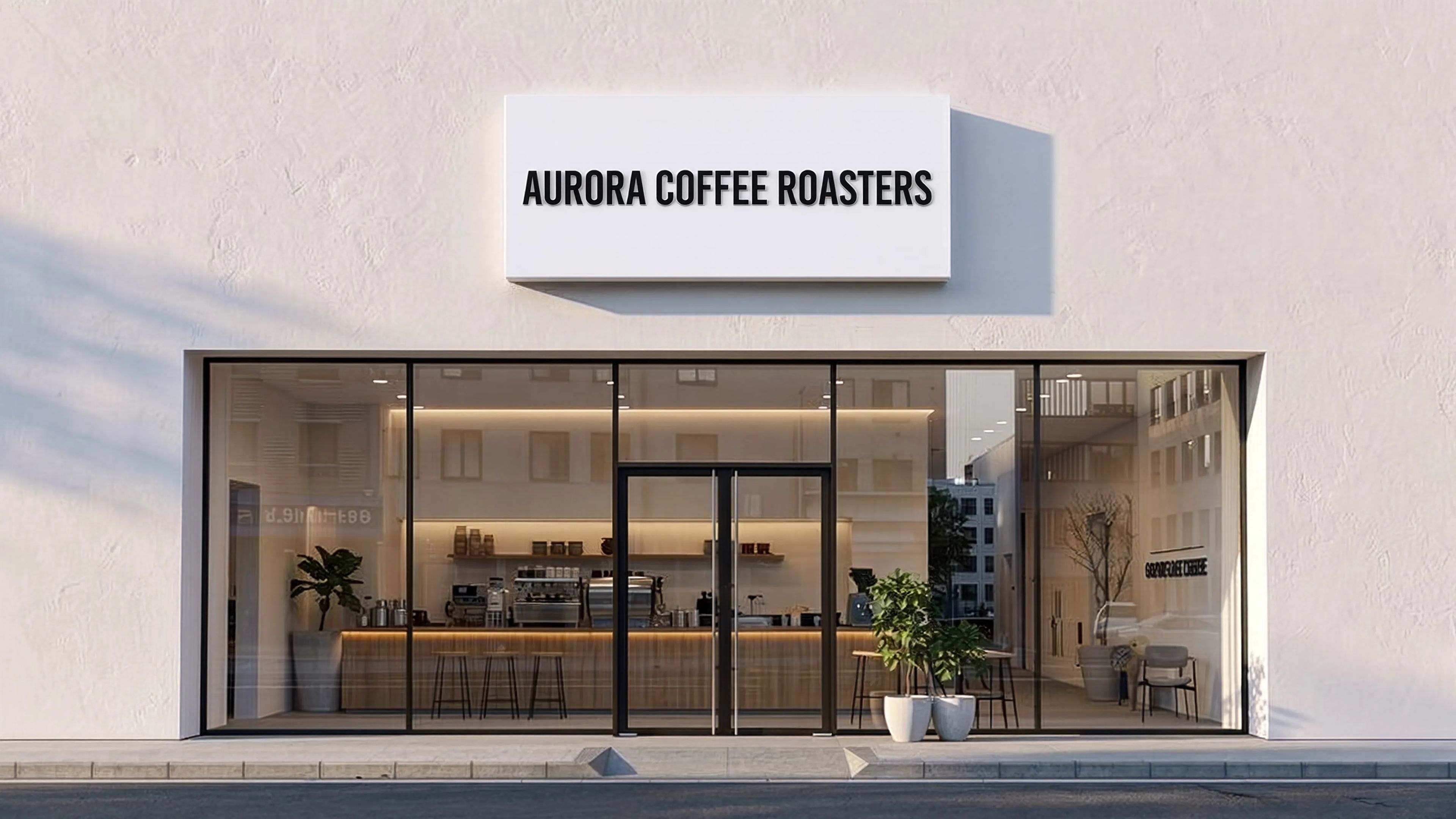
En af Reve 2.1s fremtrædende styrker er nøjagtig tekstgengivelse. Tekst har længe været en svaghed for billedmodeller, der ofte kommer ud forvrænget eller stavet forkert. Reve 2.1 er konstrueret til at producere ren, læselig tekst i redigerede billeder, hvilket gør den til et stærkt valg for alle, der arbejder på designs, der inkluderer ord – plakater, skilte, produktmockups, sociale medie-grafikker, emballagekoncepter og mere. Hvis dit projekt afhænger af, at ordene ser rigtige ud, er det her, modellen beviser sin værdi.
Modellen understøtter et bredt spektrum af inputformater og accepterer referencebilleder i PNG, JPEG, WebP, AVIF og HEIF. Dit kildebillede kan variere fra små (128 pixels på siden) til store 4096-pixels dimensioner, hvilket giver dig fleksibilitet, uanset om du finpudser en hurtig skitse eller arbejder med et højopløseligt fotografi. På output-siden kan du vælge at gemme dine redigerede billeder som PNG, JPEG eller WebP afhængigt af, om du har brug for tabfri kvalitet, mindre filstørrelser eller web-venlig komprimering.
Reve 2.1 giver dig meningsfuld kreativ kontrol over den endelige komposition. Du kan indstille aspektforholdet for dit resultat fra en omfattende liste af muligheder – alt fra ultrabrede panoramaformater som 4:1, 3:1 og 21:9, gennem standardformer som 16:9, 3:2, 4:3 og firkantet 1:1 til høje portrætorienteringer som 9:16, 2:3, 3:4 og endda ekstreme vertikale formater som 1:4. Det gør det nemt at tilpasse en enkelt redigering til forskellige destinationer, fra cinematiske bannere til vertikale stories. Hvis du ikke vil vælge, lader en automatisk indstilling modellen vælge det aspektforhold, der passer bedst til din anmodning.
Du kan også generere op til fire variationer fra en enkelt prompt på én gang, hvilket er en kæmpe tidsbesparelse, når du udforsker muligheder eller vil have et par forsøg at vælge imellem. I stedet for at køre den samme idé igen og igen får du et udvalg af resultater at sammenligne, vælge fra eller bruge som udgangspunkt for yderligere finpudsning.
Hvem nyder mest gavn af Reve 2.1? Grafiske designere vil sætte pris på den pålidelige tekstgengivelse til at skabe og iterere på layouts, der inkluderer overskrifter, etiketter eller bildetekster. Fotografer og retuschører kan tilføje, fjerne eller transformere elementer i deres optagelser med almindelige sprog-instruktioner. Markedsførere og sociale medie-skabere kan hurtigt tilpasse et enkelt billede til flere aspektforhold og variationer til forskellige platforme. Konceptkunstnere og illustratører kan udvikle deres basisbilleder ved at beskrive ændringer i stedet for manuelt at arbejde om hver detalje. Alle, der vil lave målrettede, kontrollerede redigeringer af eksisterende visuelle – uden at kæmpe med komplekse redigeringsværktøjer – vil finde denne model tilgængelig og effektiv.
Workflowet er ligetil: medbring et billede, skriv, hvad du vil have ændret, vælg eventuelt aspektforhold, outputformat og antal versioner at generere, og lad modellen gøre arbejdet. Fordi Reve 2.1 fokuserer på at følge instruktioner tro mod, jo klarere og mere specifik din prompt er, jo tættere vil resultatet matche din hensigt. At beskrive præcis, hvad der skal ændres, hvor det skal hen og hvordan det skal se ud, giver typisk de bedste resultater.
Som en billedredigeringsmodel arbejder Reve 2.1 altid ud fra et startbillede i stedet for at generere fra bunden – den er bygget til at modificere og forbedre det, du allerede har. Hold dine kildebilleder inden for den understøttede størrelsesrange og brug et af de accepterede formater for jævne resultater. Med sin kombination af prompt-tro redigering, omhyggelig komposition, pålidelig tekst, fleksible aspektforhold og batch-variationer er Reve 2.1 et praktisk, alsidigt værktøj til at forvandle en beskrevet idé til en færdig redigering.
Generér med den mest avancerede billedredigering
Add the image that you want change
Upload billede
Tilføj det billede, du vil redigere eller transformere
A woman kneeling in darkness, illuminated by a warm, radiant beam of light emerging from her raised hand.
Skriv dine ændringer
Beskriv de ændringer, du ønsker – stilændringer, fjernelse af objekter eller forbedringer
Begynd at dele
Download dit professionelt redigerede billede
Ud over prompten: et nyt kontrolniveau
BAGGRUNDSERSTATNING
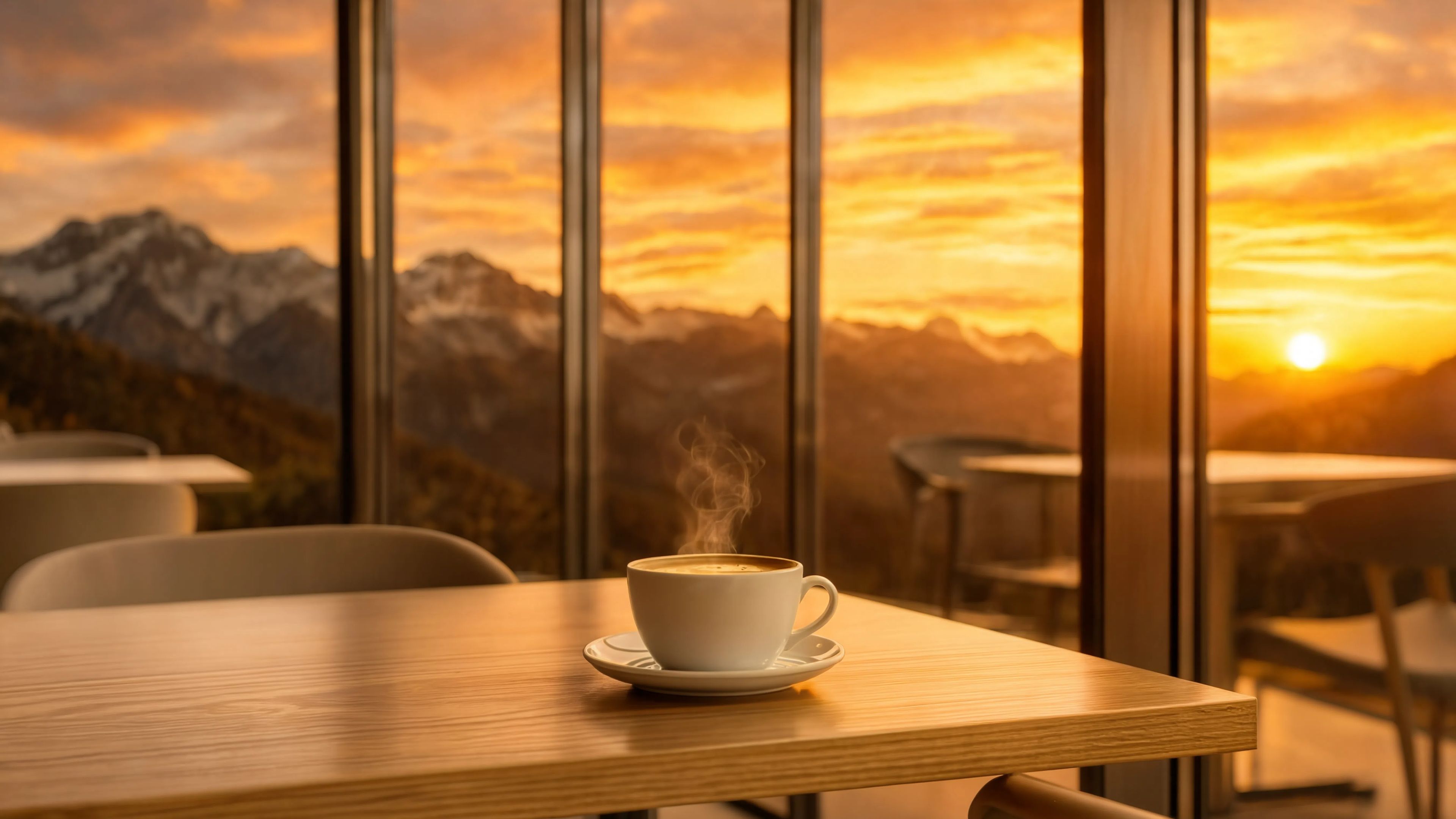
Erstatter scenens baggrund med et cinematisk landskab, mens lys og skygger matches. Perfekt til rejseindhold og livsstilsfotografi.
STILOVERFØRSEL
Konverterer en realistisk bred scene til en stiliseret kunstnerisk gengivelse, mens komposition og layout bevares. Ideel til prints og kreative plakater.
TEKSTGENGIVELSE
Tilføjer og erstatter læselig tekst på realistiske overflader med korrekt perspektiv og lys. Perfekt til skiltemockups og branding-effekter.
Sammenlign med lignende modeller
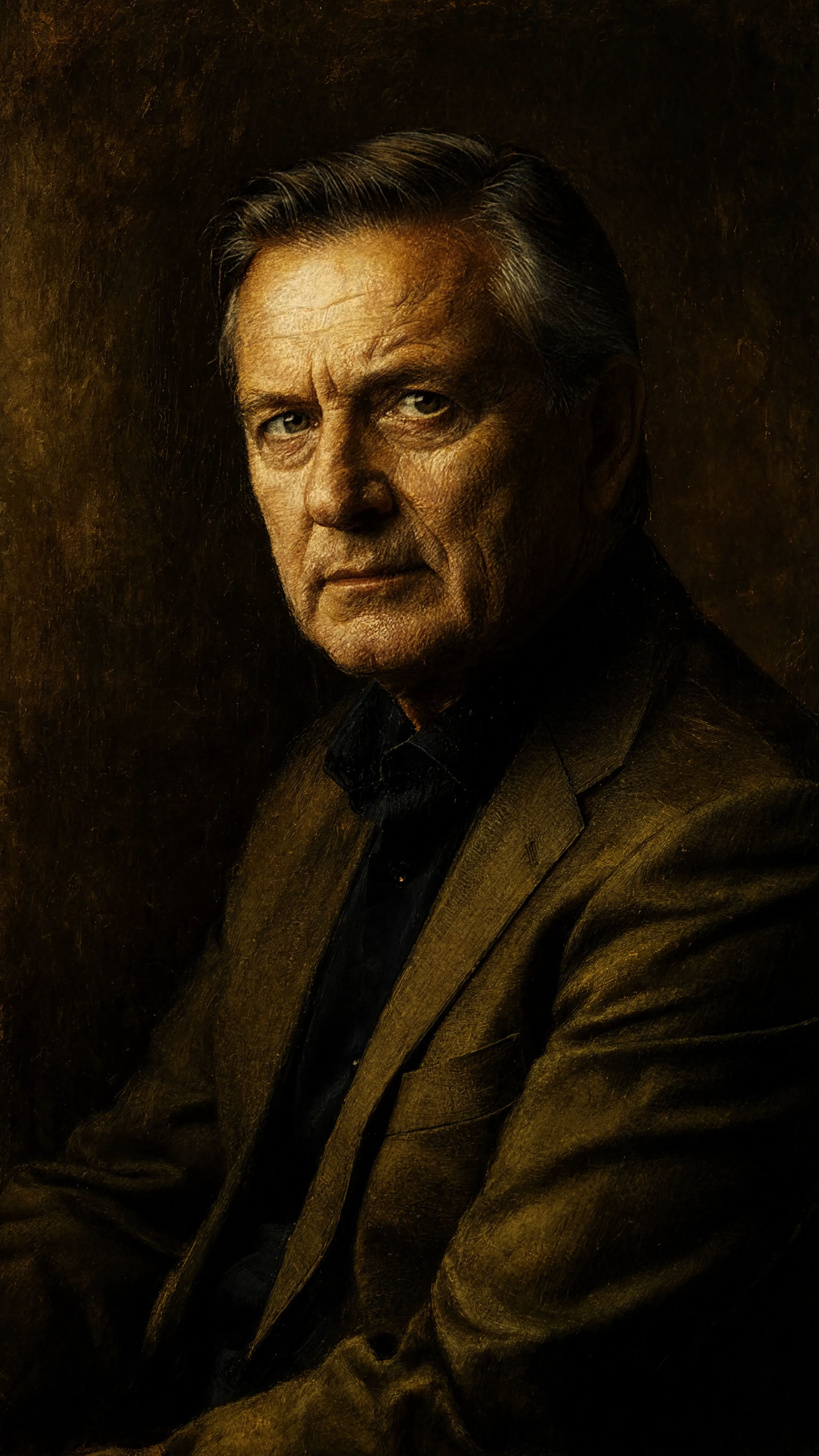
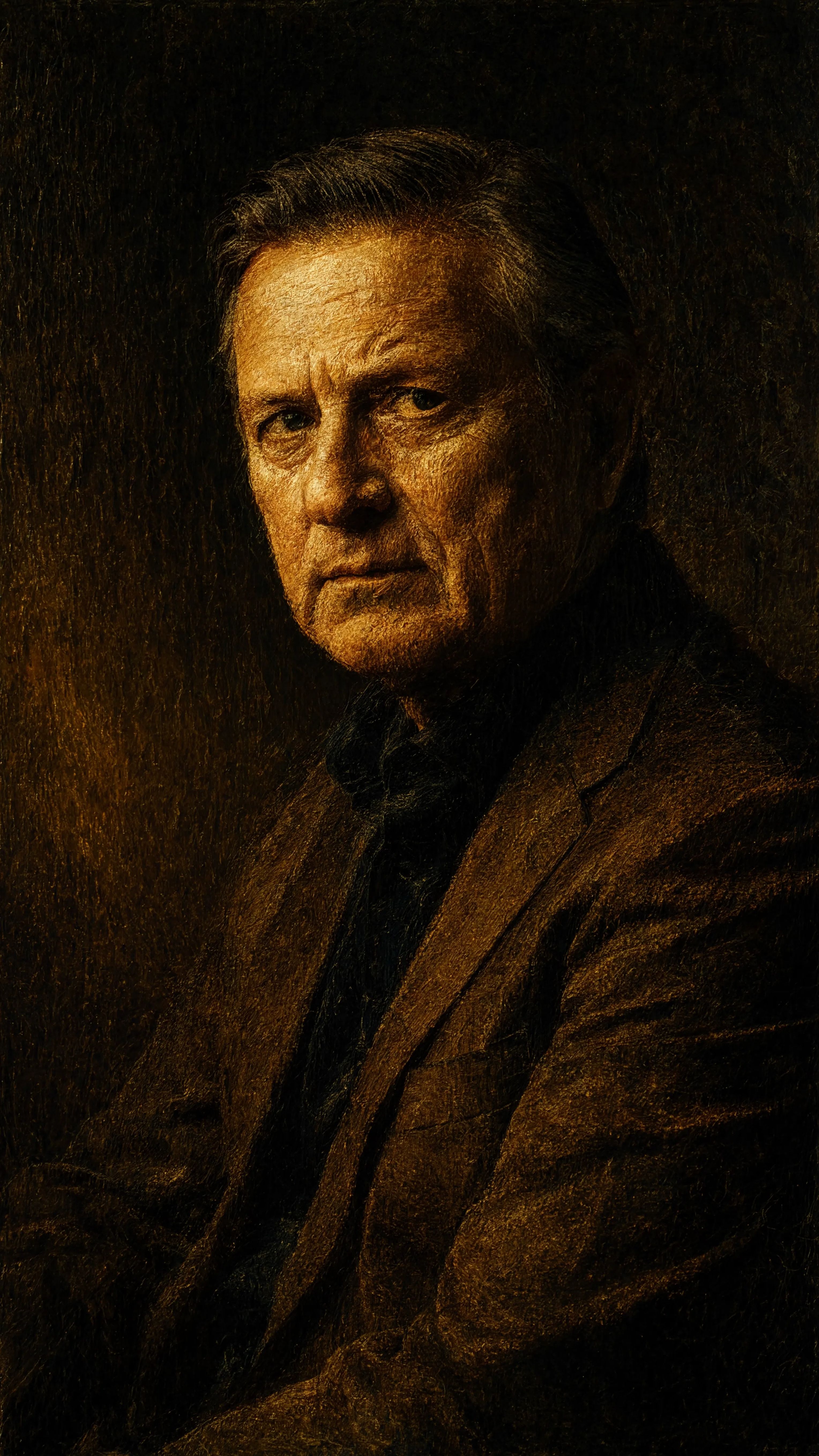
“Transform into a classical oil painting in the style of Rembrandt. Add visible impasto brushstrokes with thick paint texture. Apply warm golden undertones and dramatic chiaroscuro lighting with deep shadows. Enhance the dramatic contrast while preserving facial structure and expression. Add subtle canvas texture visible through the paint layers.”
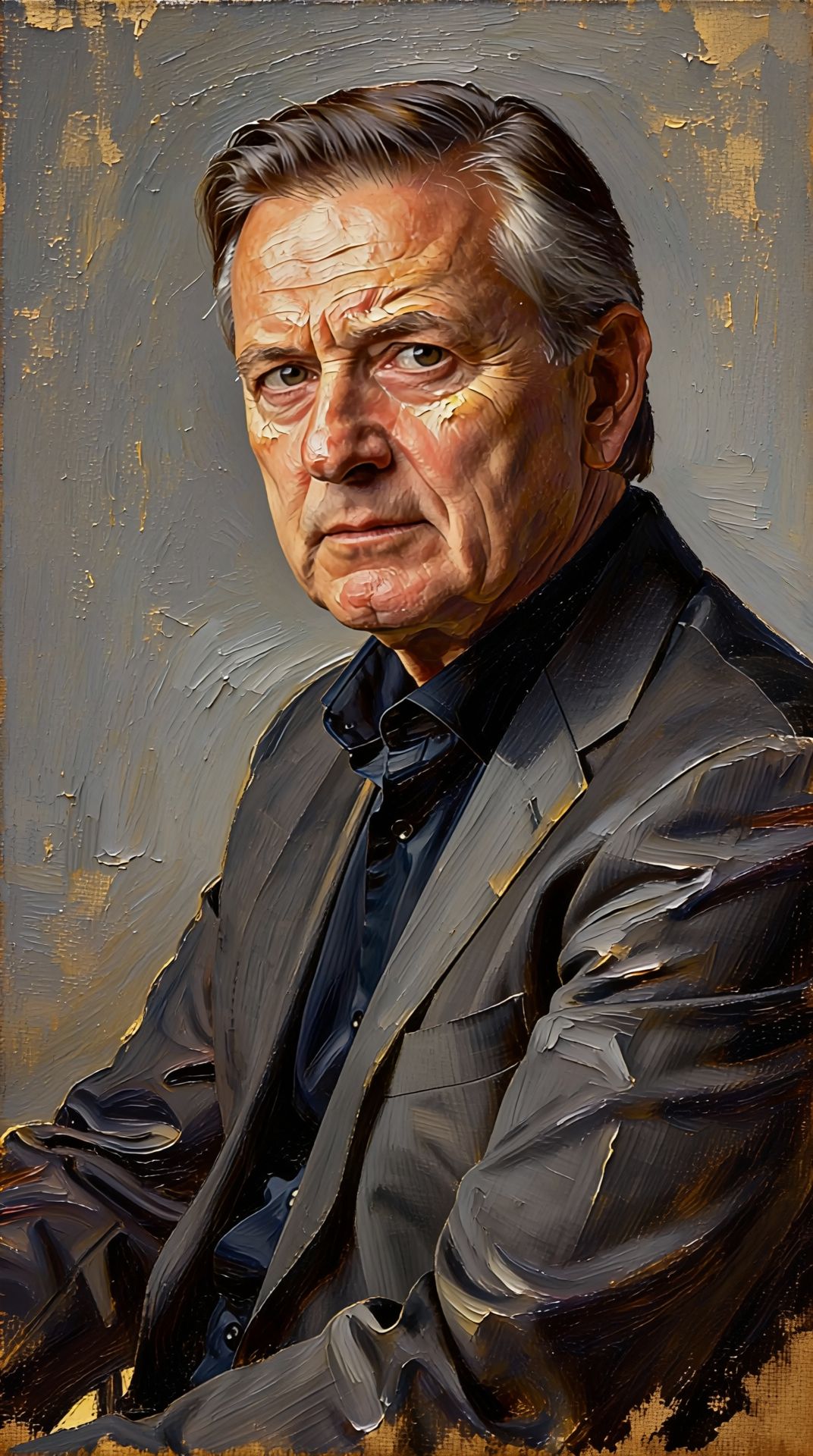
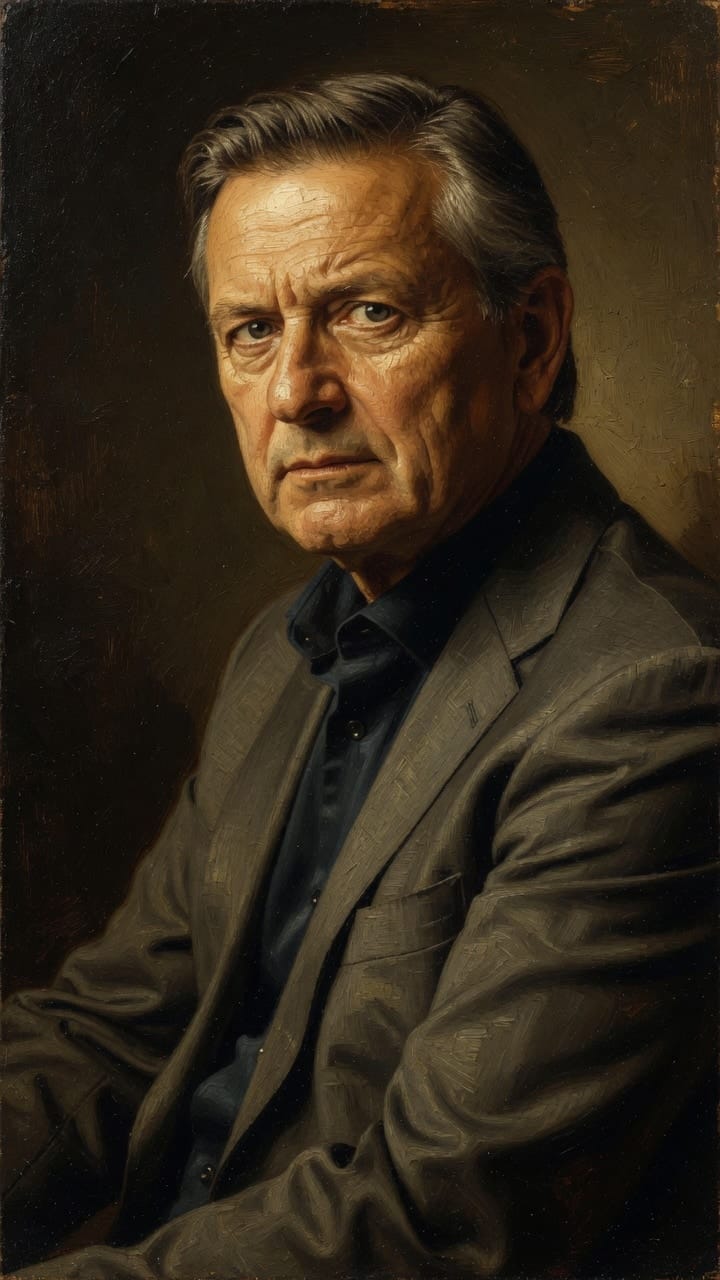
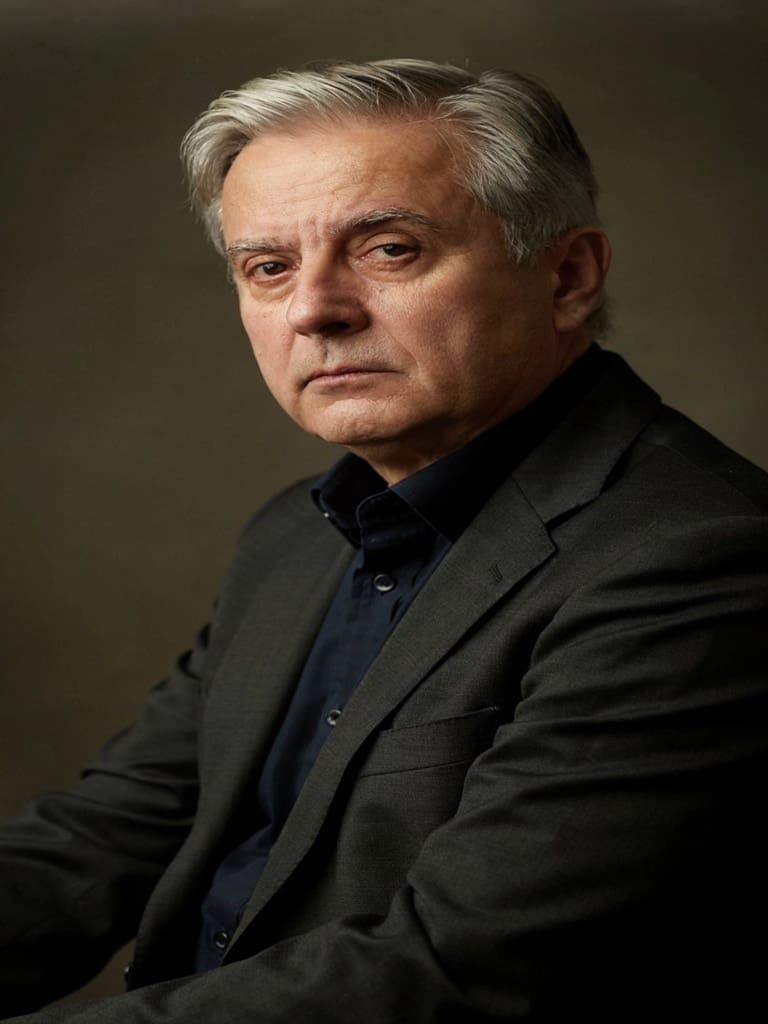
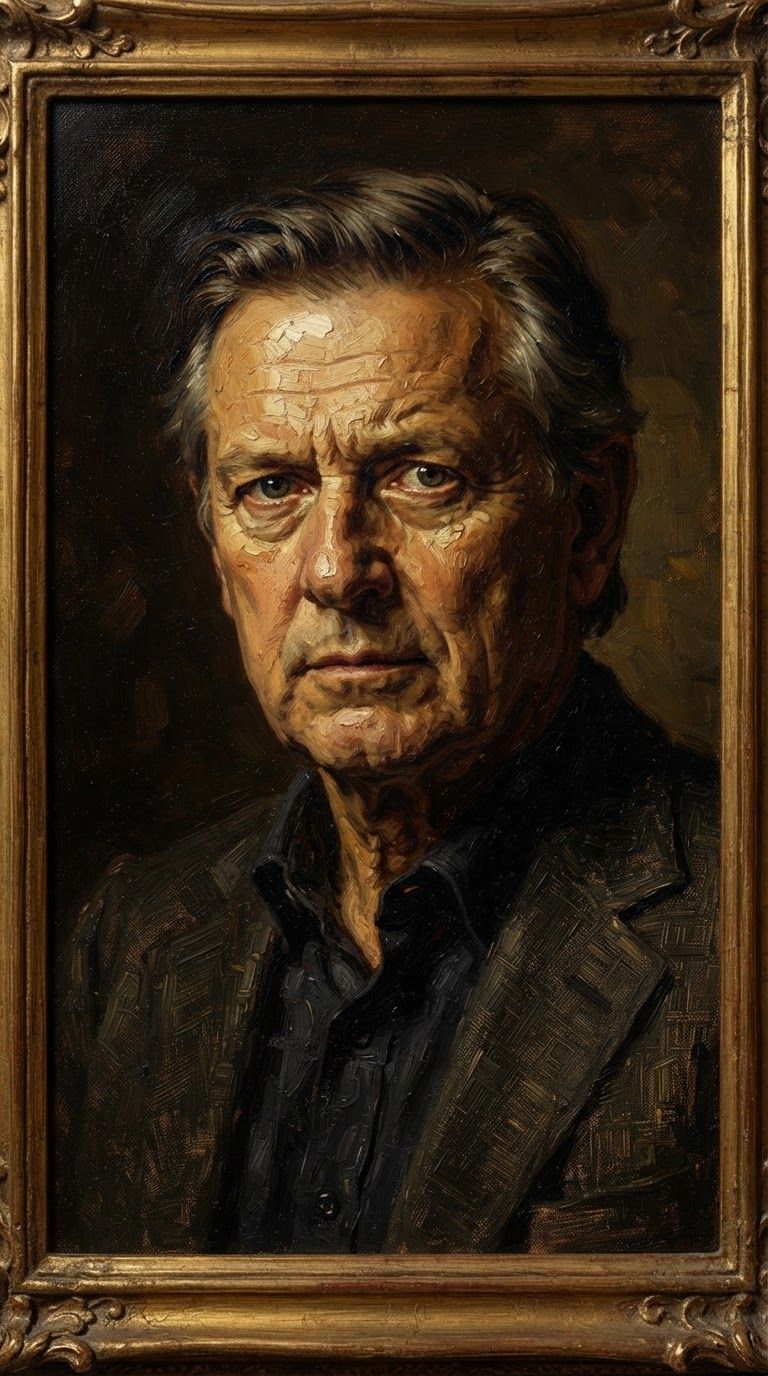
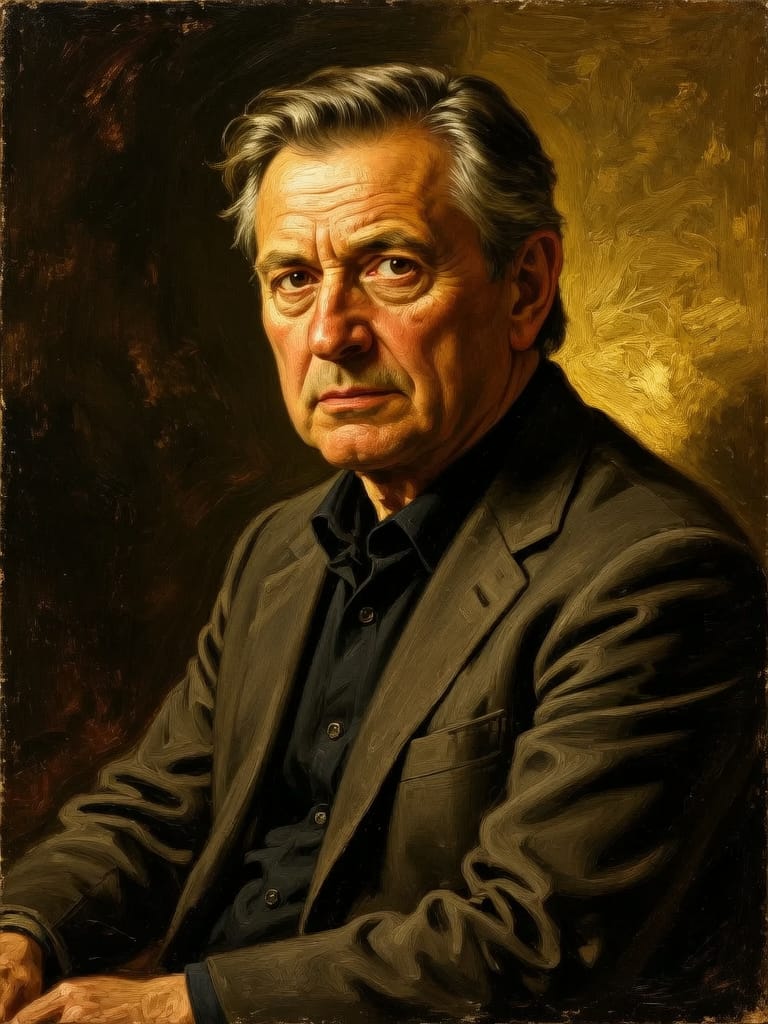
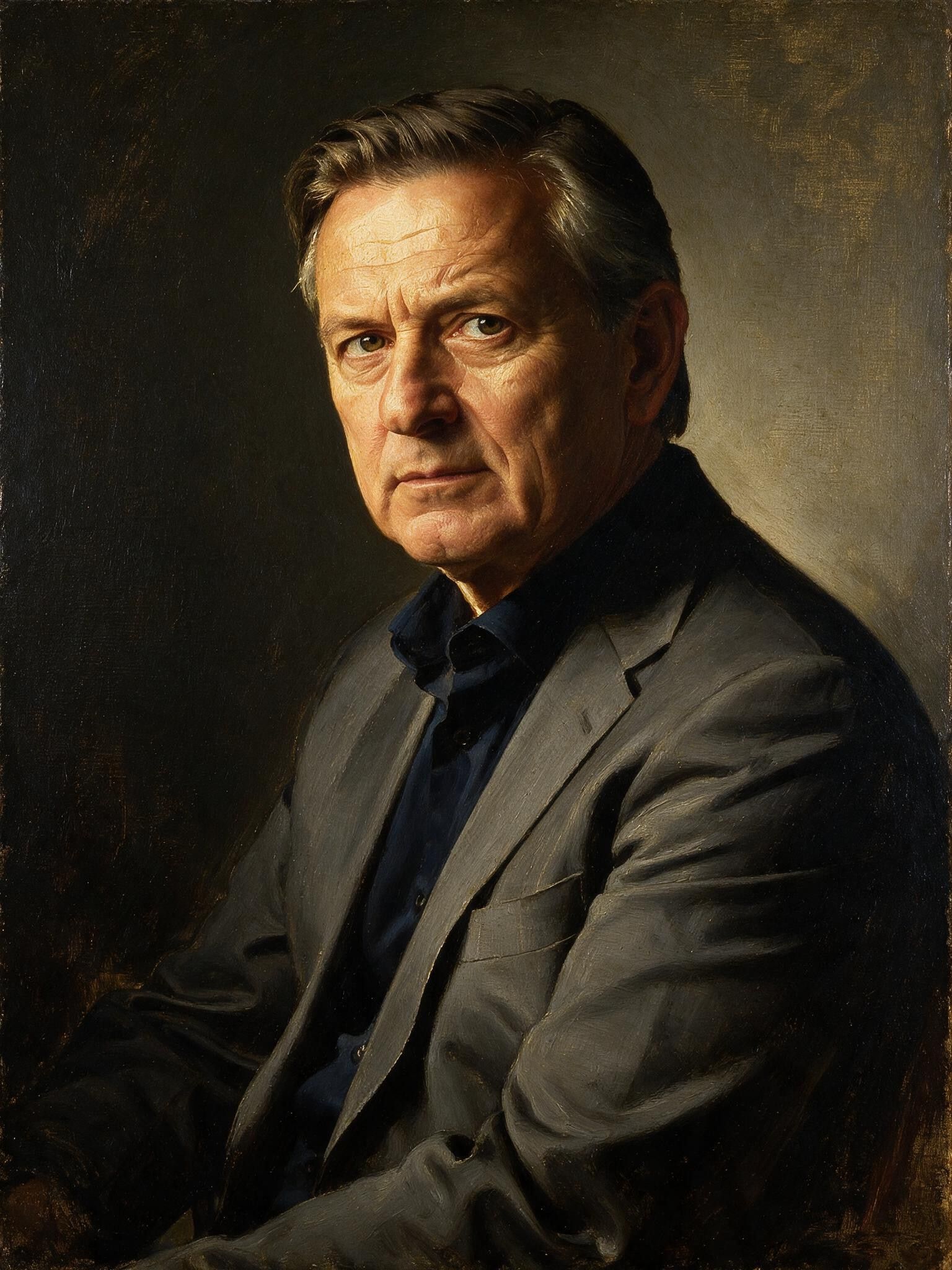
Oplev perfektion med Reve 2.1
Skift til ræsonnementsstyret syntese i dag
Ofte stillede spørgsmål
Lignende modeller
Wan v2.6 Image to Image
Edit images using reference photos
0.3 credits
Grok Imagine Image Editing Quality
High-quality AI image editing
0.1 credits
Seedream 5.0 Pro Image Editing
Precise region-based image editing
0.3 credits
Vidu
Image generation with reference consistency
0.2 credits
Reve 2.1
Remix images with text prompts
1.5 credits
Nano Banana Lite Edit
Fast efficient image editing
6 credits
Ideogram V4.0q Image to Image
Prompt-guided image restyling edits
0.1 credits
Gemini 3.1 Flash Image Preview
Ultra-fast Google image editing
0.7 credits
Seedream
Fast intelligent multi-image editing
0.3 credits