Gemini 3.1 Flash Image Preview
Edit photos with a sentence and get 4K results
Ultra-fast Google image editing


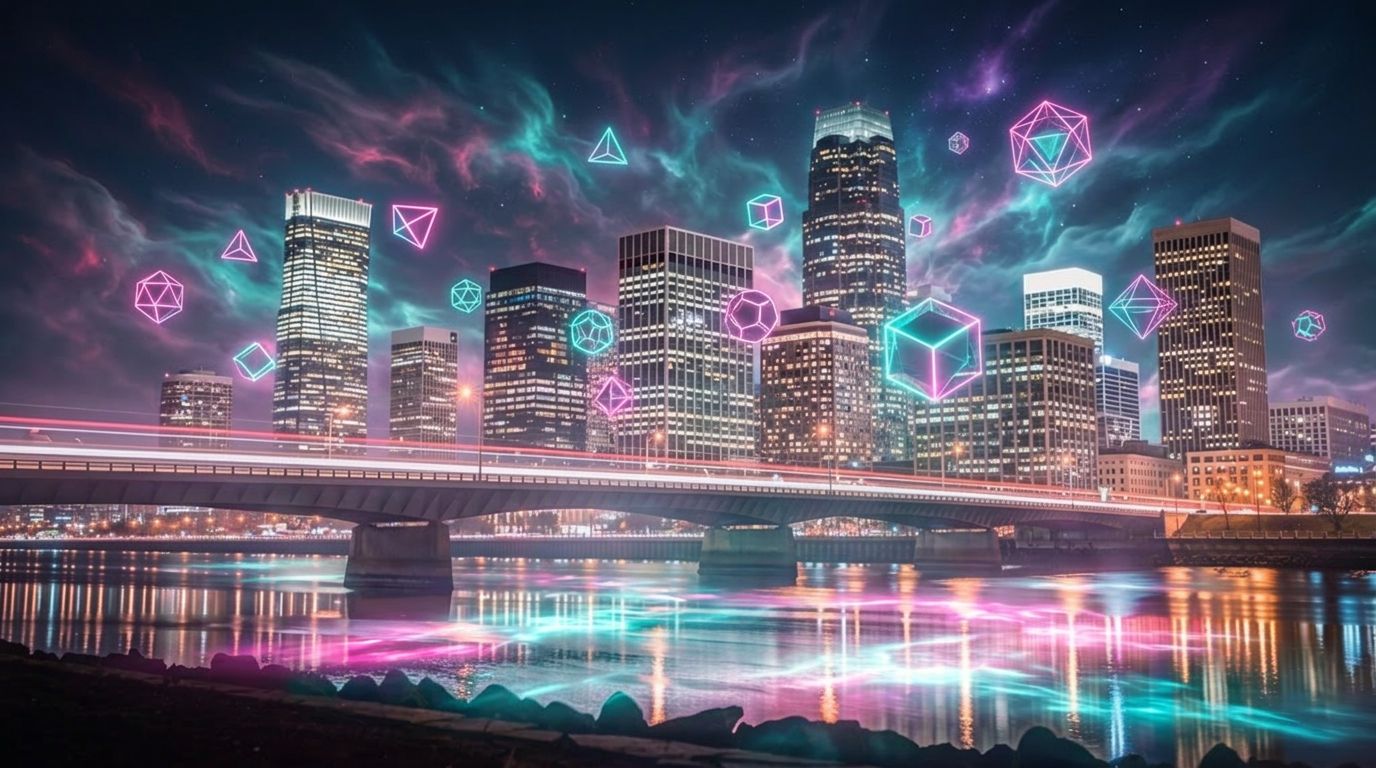

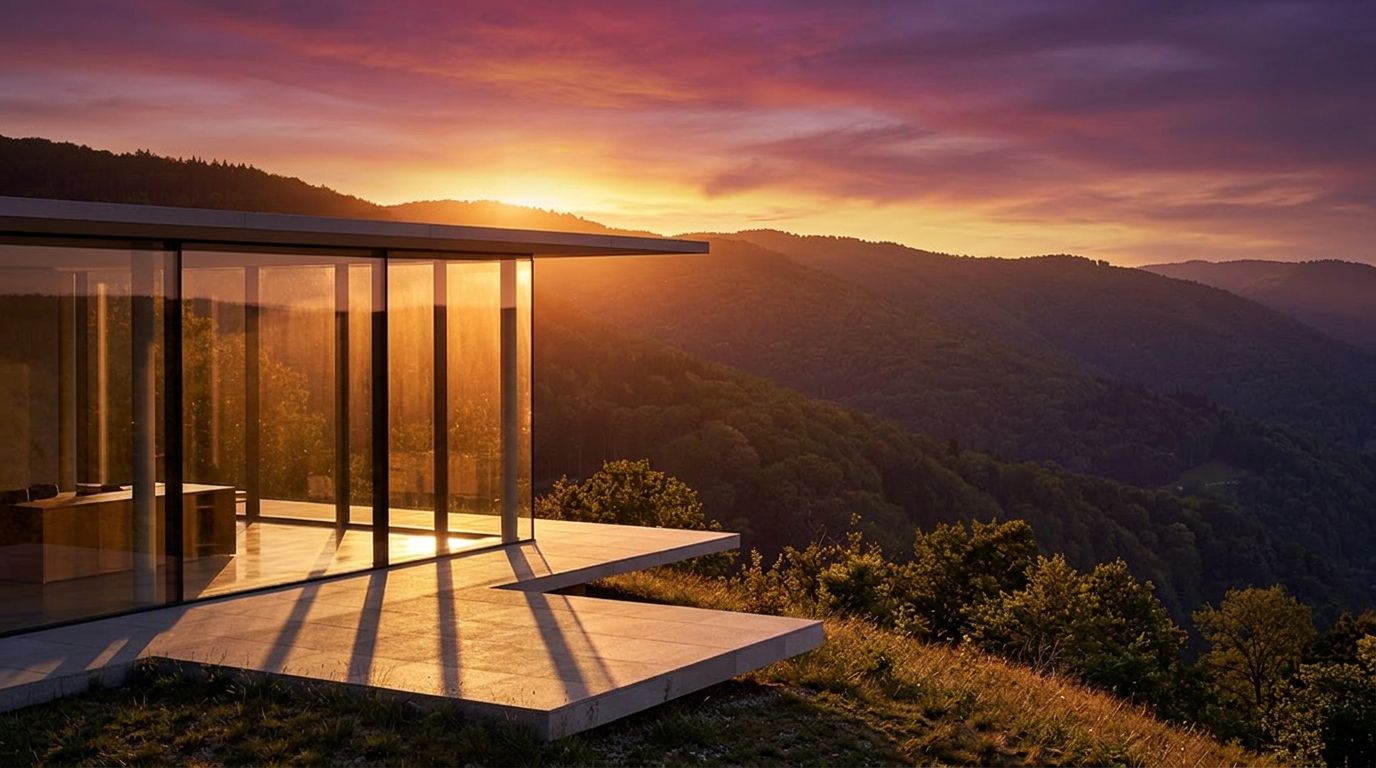

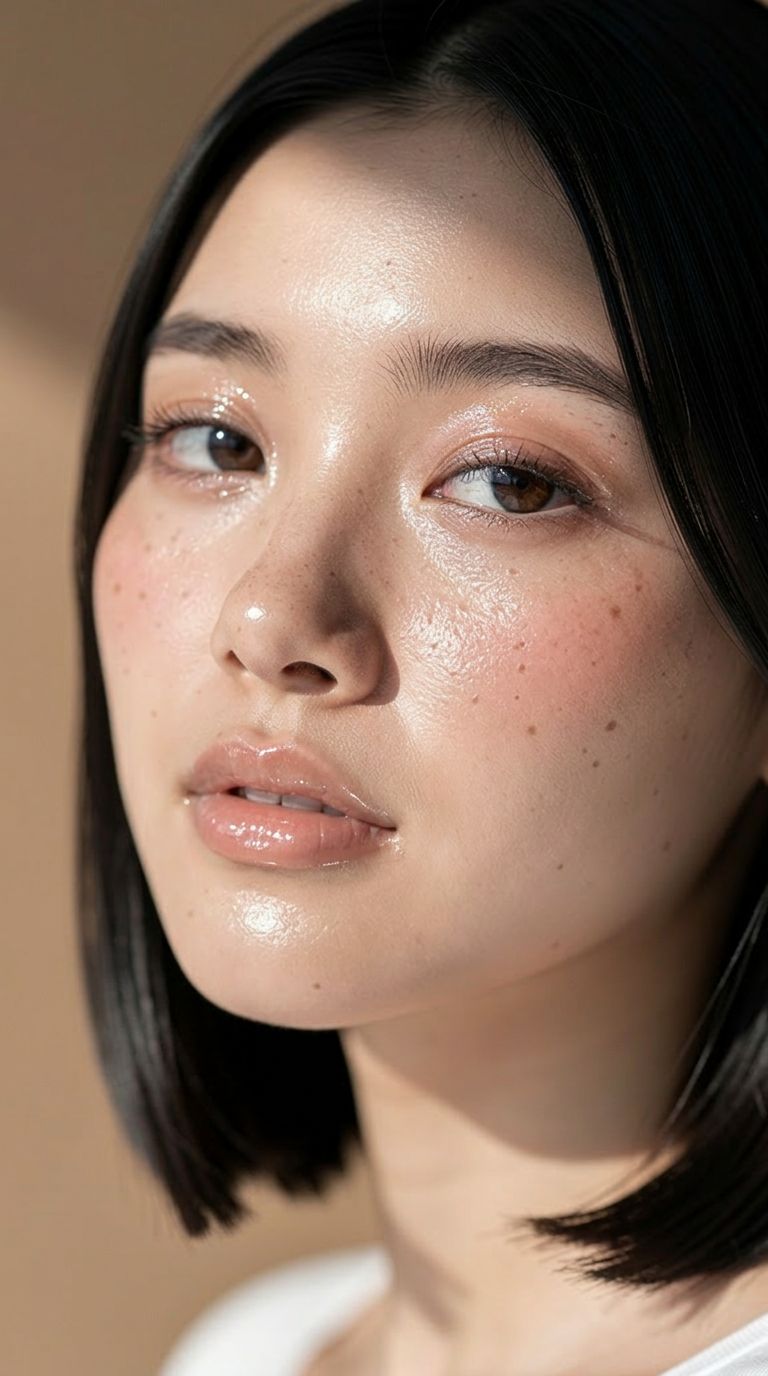
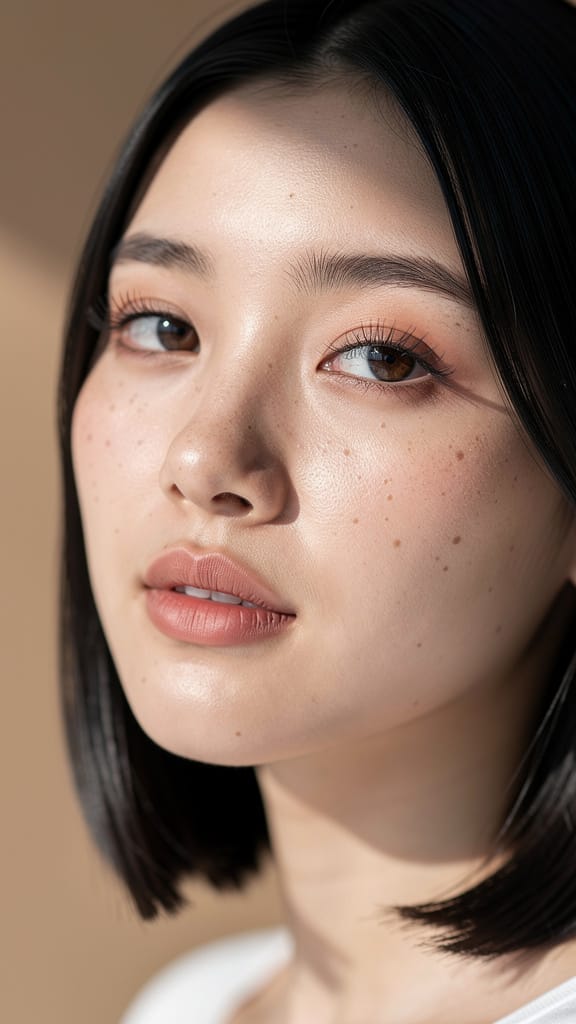
MAKEUP & SKINTONE EDIT

HAIR COLOR CHANGE
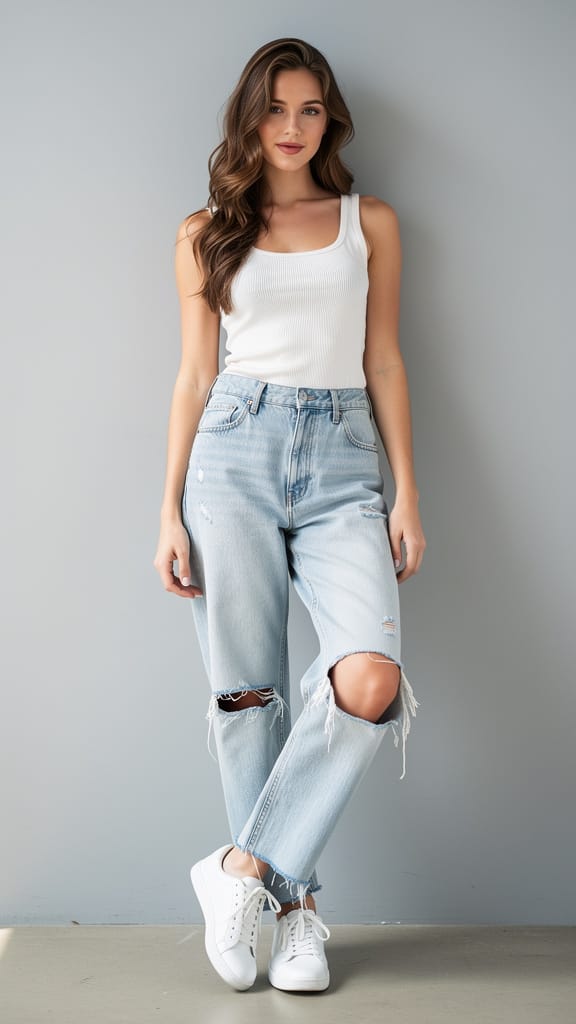
FASHION OUTFIT SWAP
Gemini 3.1 Flash Image Preview, also known as Nano Banana 2, is Google's fast image generation and editing model built for creators who want to transform, refine, and reimagine images using nothing more than a written instruction. Whether you're a designer polishing a concept, a photographer reworking a shot, or a content creator producing visuals at speed, this model turns plain-language prompts into finished imagery — quickly and with a strong sense of detail.
At its core, the model excels at image editing driven by text. You describe the change you want — for example, "make a photo of the man driving the car down the California coastline" — and the model reinterprets or edits your source image accordingly. You can supply one or more reference images to guide the result, making it ideal for compositing, style transfer, scene changes, character placement, and iterative refinement. Because it accepts multiple images at once, you can combine elements from several sources into a single cohesive picture, blending subjects and settings the way a retoucher might, but through simple written direction.
One of the standout strengths is its flexible output. You can generate images at several resolutions, from a compact 0.5K all the way up to crisp 2K and 4K, giving you room to produce anything from quick drafts to high-detail final assets suitable for print or large displays. Aspect ratio control is unusually broad: alongside the familiar formats like 16:9, 1:1, 9:16, 4:3, and 3:2, the model supports extreme ratios such as 4:1, 1:4, 8:1, and 1:8 — perfect for banners, panoramic scenes, tall vertical layouts, and unconventional canvases that most tools can't handle. If you'd rather not specify, an automatic setting lets the model choose the most fitting shape for your prompt. Output can be saved as PNG, JPEG, or WebP depending on your workflow needs.
Beyond images and text, the model can take additional context to inform what it creates. You can provide a video (including a YouTube link), an audio file, or even a PDF document as reference material, letting the model draw on richer source information when composing your result. There's also an optional web search capability, which lets the model pull in the latest information from the web when generating an image — useful when you want a result grounded in current, real-world references rather than only what the model already knows.
For creators who want finer creative direction, the model offers a system instruction feature that steers its persona and overall output style across a request. This is a way to set a consistent creative tone — a house style, a mood, or a visual approach — that carries through the images it produces. You can also generate up to four images at once, giving you a set of variations to choose from in a single pass. A seed control lets you reproduce or lock in a particular result, so once you land on something you like, you can return to it or explore nearby variations with consistency.
The model includes an optional "thinking" mode that can be set to a minimal or high level, allowing it to reason more deliberately about complex prompts and include its reasoning in the process. This can help with intricate editing tasks where the instructions require more careful interpretation. There's also a control for how many images the model produces per round of prompting, which can help keep results focused on your single intended output. Alongside the finished images, the model returns a text description of what it generated, giving you a written summary of the result.
Content safety is handled through an adjustable tolerance setting, ranging from the most strict — which blocks the majority of sensitive content — to the least strict. This lets you tune moderation to suit your project and audience while keeping generations appropriate for your use.
Who benefits most? Designers and marketers will appreciate the extreme aspect ratios and high resolutions for producing everything from social posts to wide banners and tall vertical displays. Photographers and retouchers can use the text-driven editing to reimagine scenes, swap settings, and combine reference images without manual masking. Filmmakers and storytellers can pull context from video and audio to keep concept art aligned with a project's tone. Content creators who need to move fast will value the ability to generate multiple variations quickly, lock in a favorite with the seed control, and export in whatever format their pipeline requires.
A few practical considerations are worth noting. When supplying a video, audio file, or PDF as context, each of these inputs has a size limit (YouTube links are an exception and are passed through directly). The generation-limiting option, while helpful for keeping outputs focused, is experimental and may affect quality in some cases. And enabling web search adds outside information into the mix, which is powerful for topical or reference-accurate images but is best reserved for when you specifically need current, real-world grounding.
In short, Gemini 3.1 Flash Image Preview is a fast, flexible editing and generation tool that responds to natural language, blends multiple sources, scales up to 4K, and stretches across an unusually wide range of canvas shapes — a practical everyday companion for creative work that needs to look good and move quickly.
Generate using the most advanced image editor
Add the image that you want change
Upload image
Add the image that you want to edit or transform
A woman kneeling in darkness, illuminated by a warm, radiant beam of light emerging from her raised hand.
Write your changes
Describe the edits you want - style changes, object removal, or enhancements
Start sharing
Download your professionally edited image
Beyond the prompt: A new level of control
SEASONAL SCENE SWAP
Showcases the model’s proficiency in complex scene editing, converting outdoor environments and weather—useful for marketing visuals, concept art, or travel promotions.
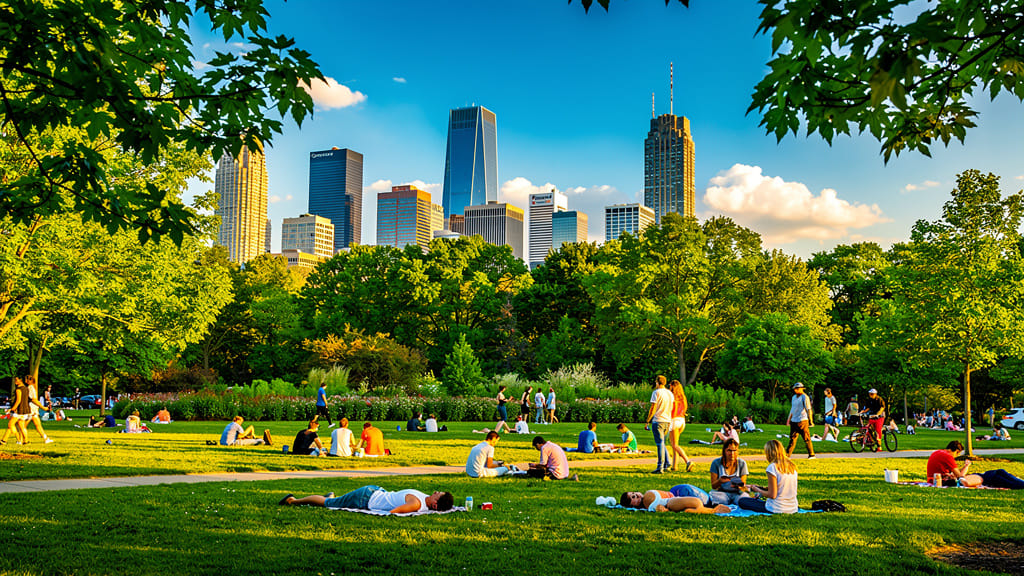
GOLDEN HOUR LIGHTING
Highlights the model’s ability to simulate advanced lighting and mood changes, turning any daylight image into a warm, cinematic golden hour shot for aesthetic social media or portfolio imagery.
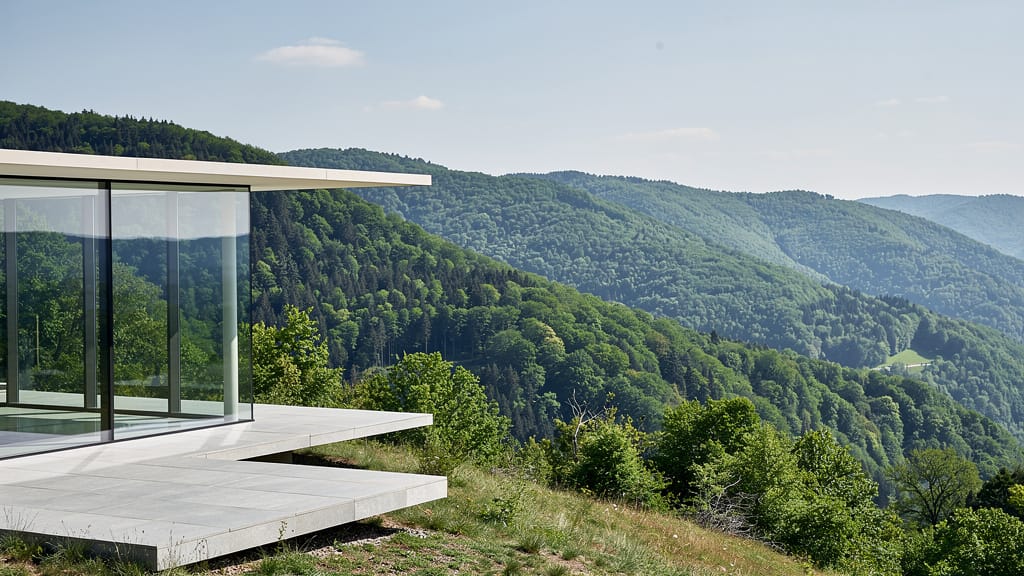
FANTASY ARTISTIC OVERLAY
Demonstrates creative overlays and fantasy scene generation, blending photographic realism with imaginative elements for album covers, digital art, or brand visuals.
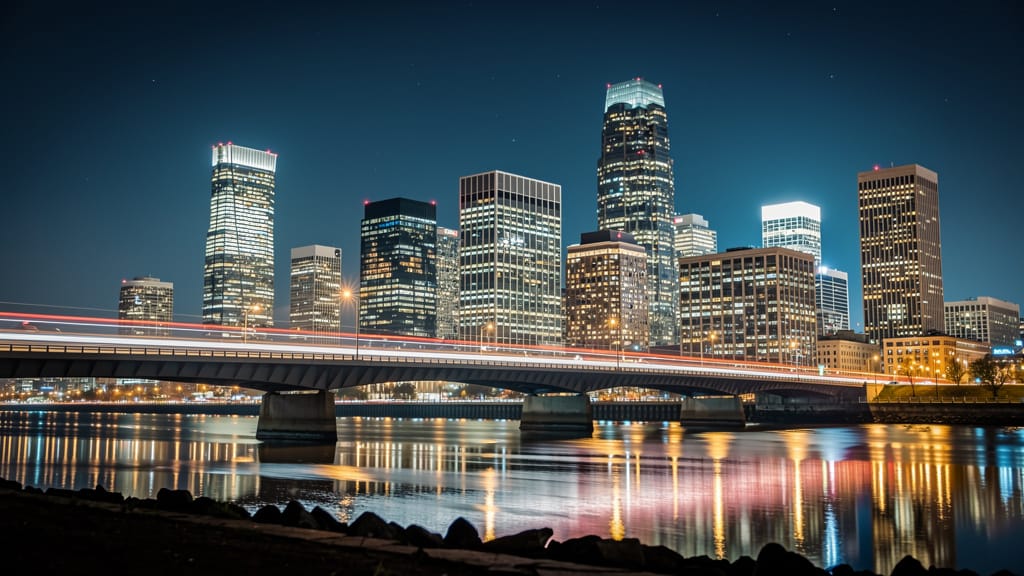
Compare with similar models
“Replace the white background with a modern corporate office environment. Add floor-to-ceiling windows with city skyline view in soft focus. Match the lighting to suggest natural window light from the same direction. Maintain the subject's professional appearance and lighting consistency. Add subtle depth of field to the new background.”












Experience perfection with Gemini 3.1 Flash Image Preview
Switch to reasoning-guided synthesis today. Be the first in your industry to deliver native 4K results at 10x the speed.
Frequently Asked Questions
Similar Models
Nano Banana Pro
State-of-the-art image editing
1.2 credits
Seedream 5.0 Pro Image Editing
Precise region-based image editing
0.3 credits
Nano Banana Lite Edit
Fast efficient image editing
6 credits
Reve 2.1
Remix images with text prompts
1.5 credits
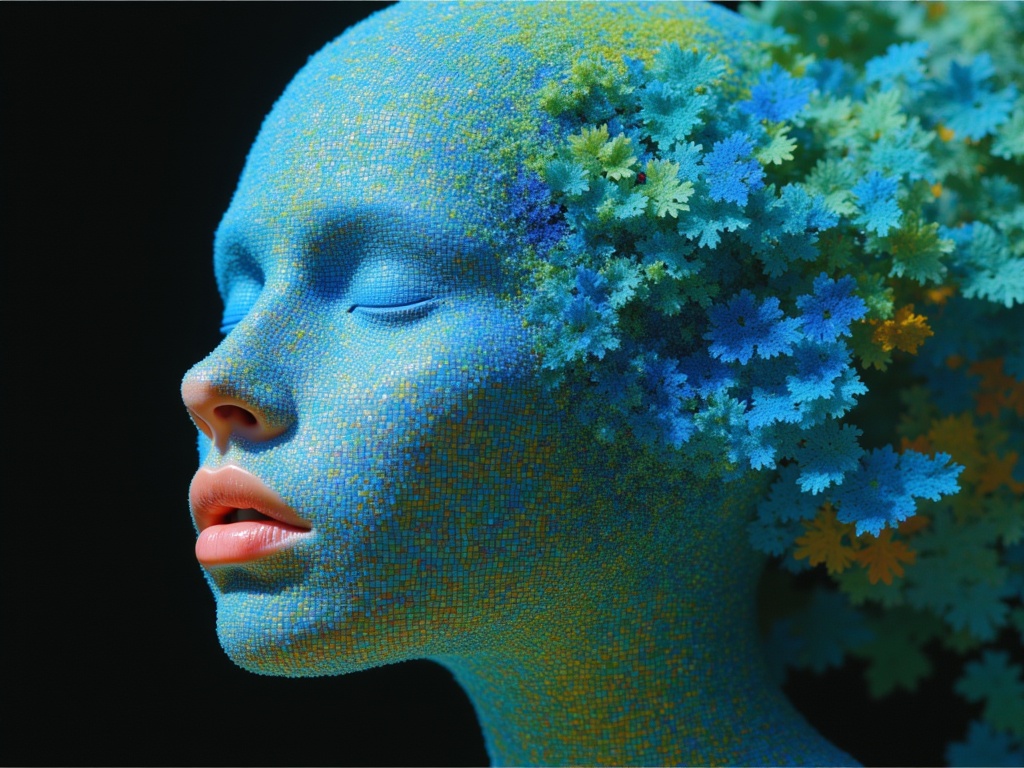
Ideogram V4.0q Image to Image
Prompt-guided image restyling edits
0.1 credits
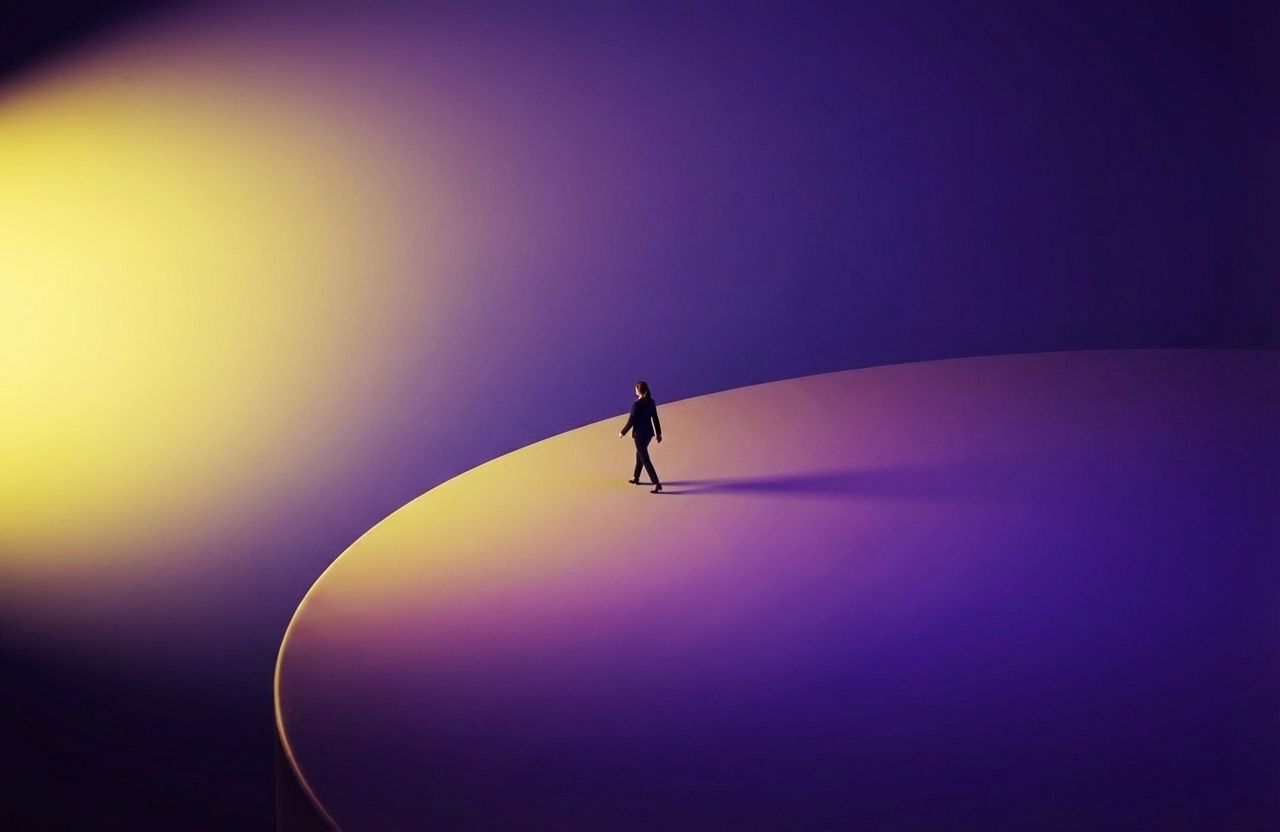
Wan v2.6 Image to Image
Edit images using reference photos
0.3 credits
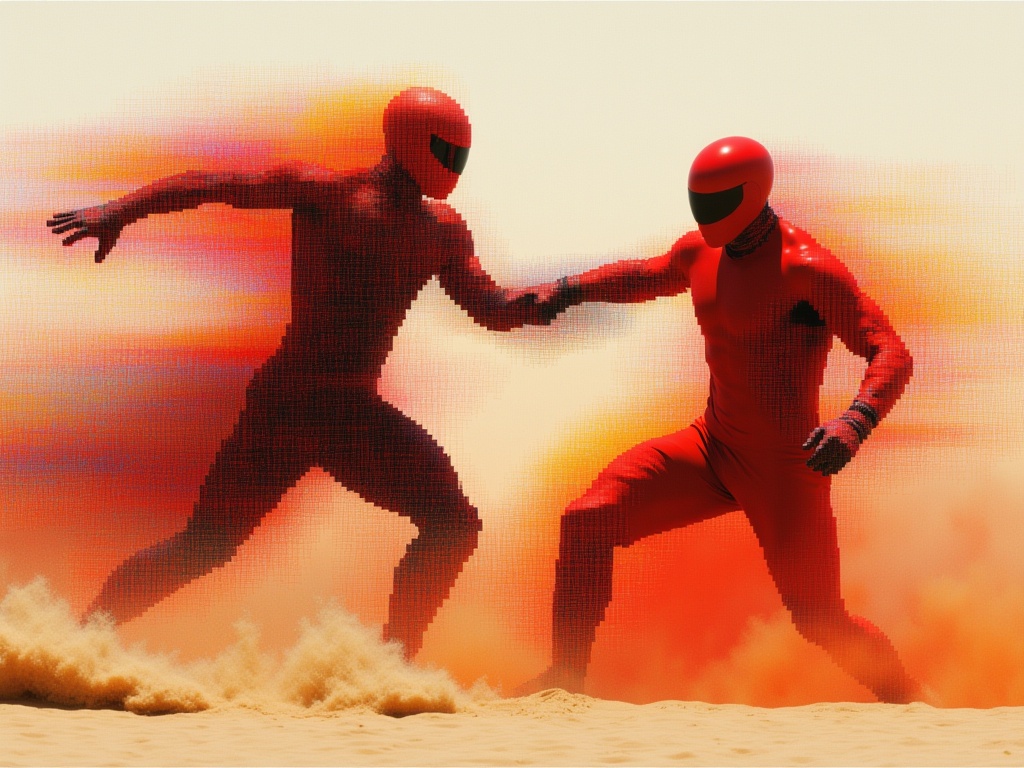
Reve 2.1
Edit images with text prompts
1.3 credits
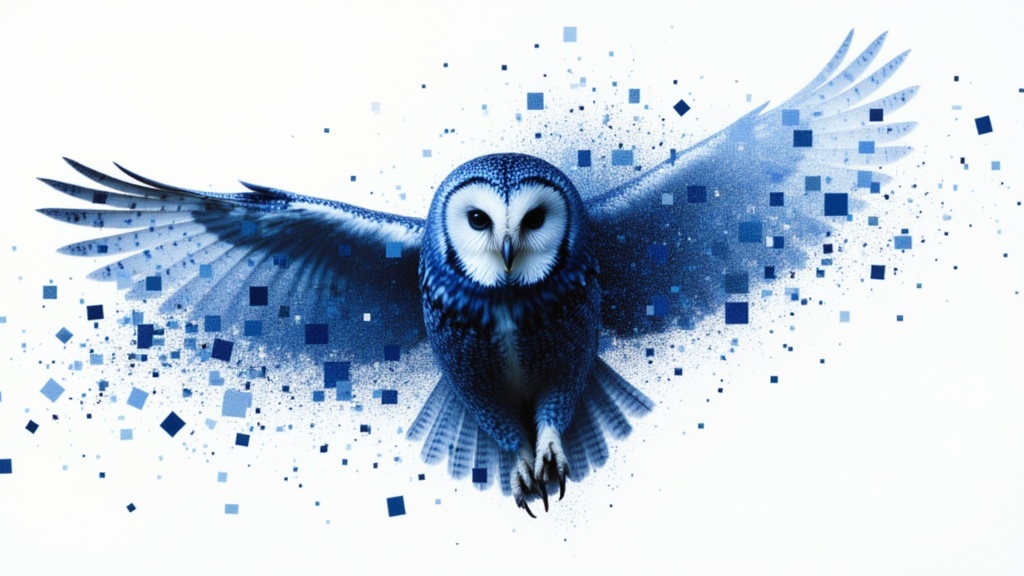
Grok Imagine Image Editing Quality
High-quality AI image editing
0.1 credits
Seedream
Fast intelligent multi-image editing
0.3 credits