Seedream 5.0 Pro Image Editing
Change one element and leave the rest of the frame untouched
Precise region-based image editing
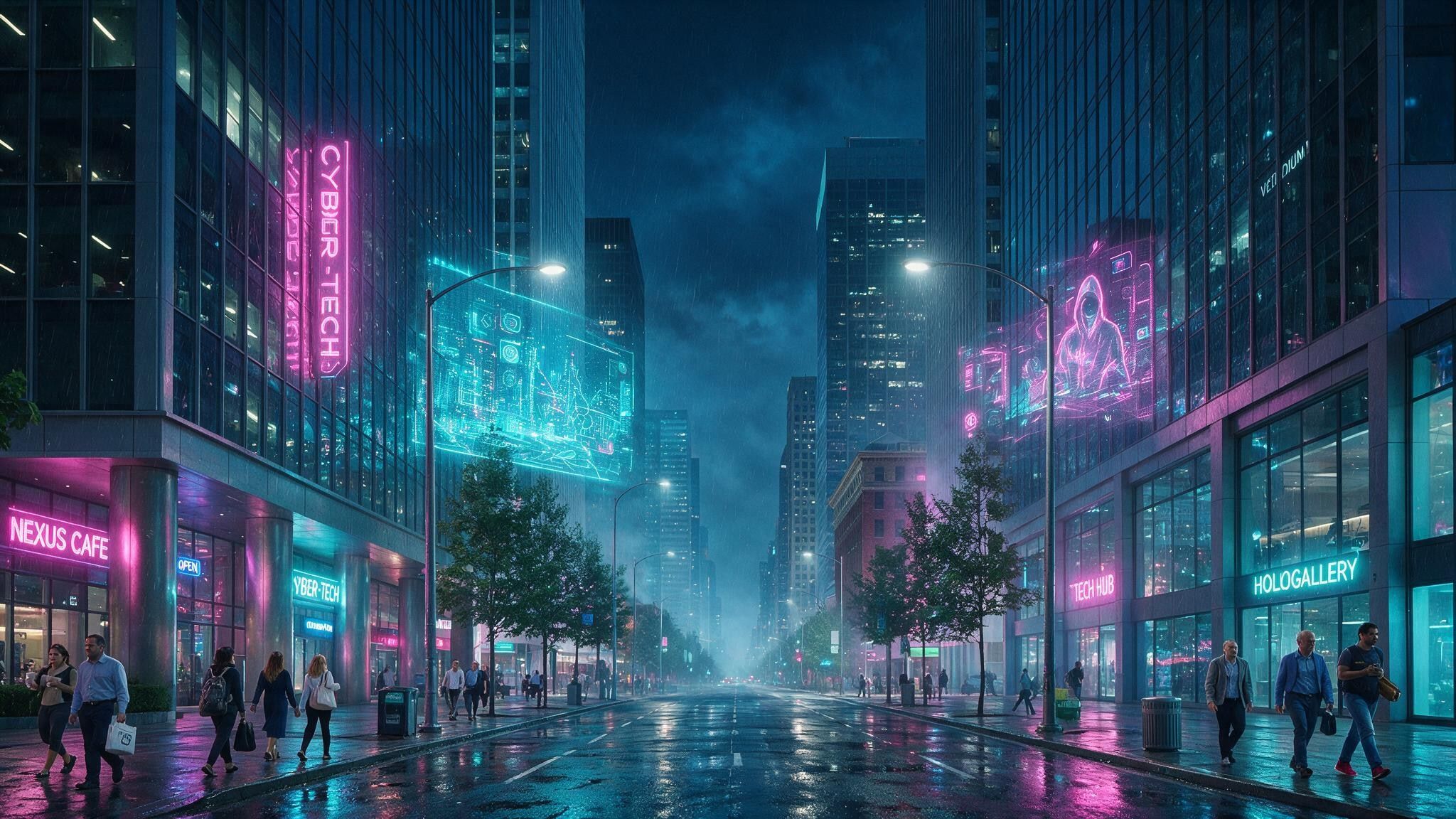
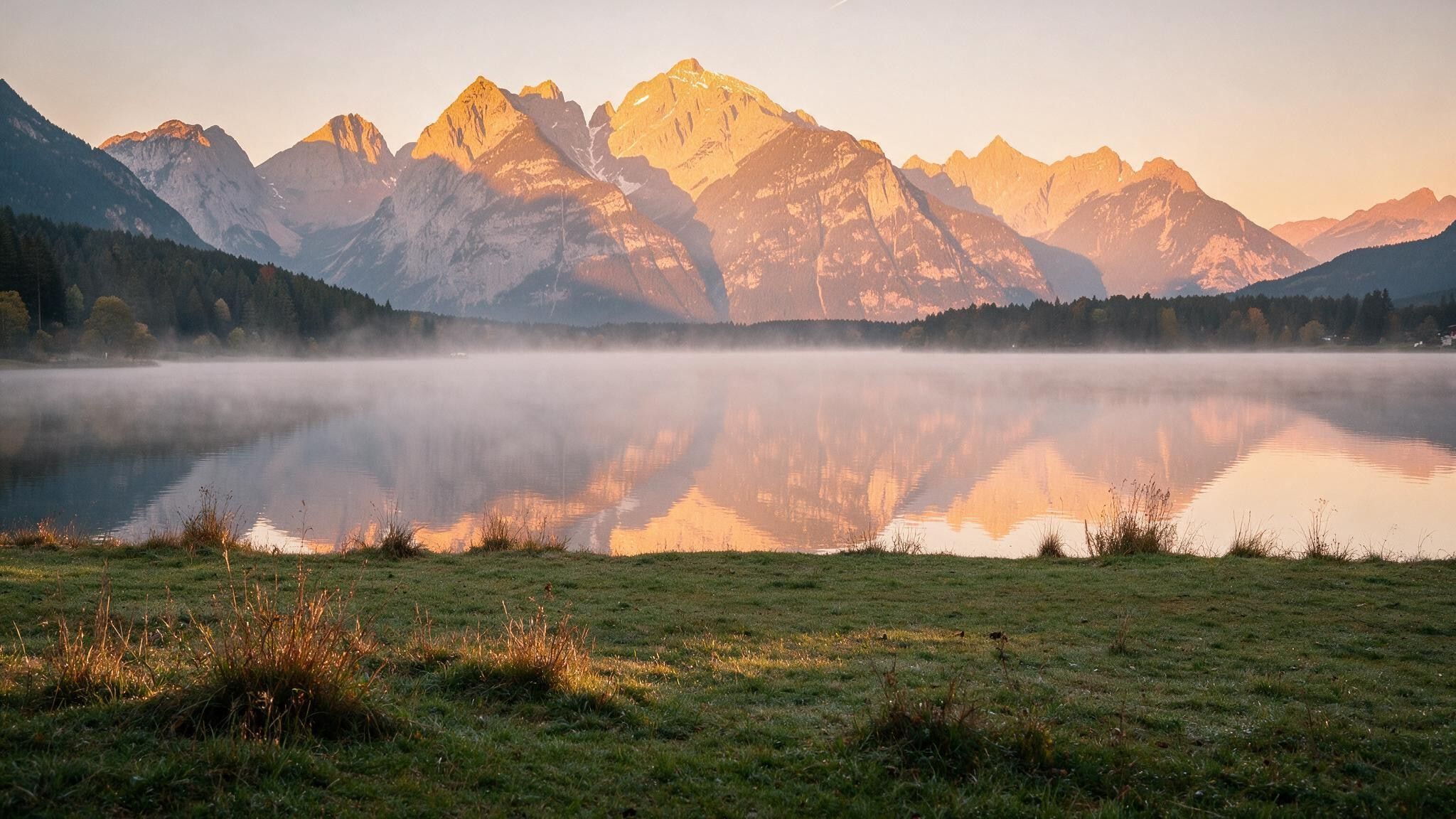
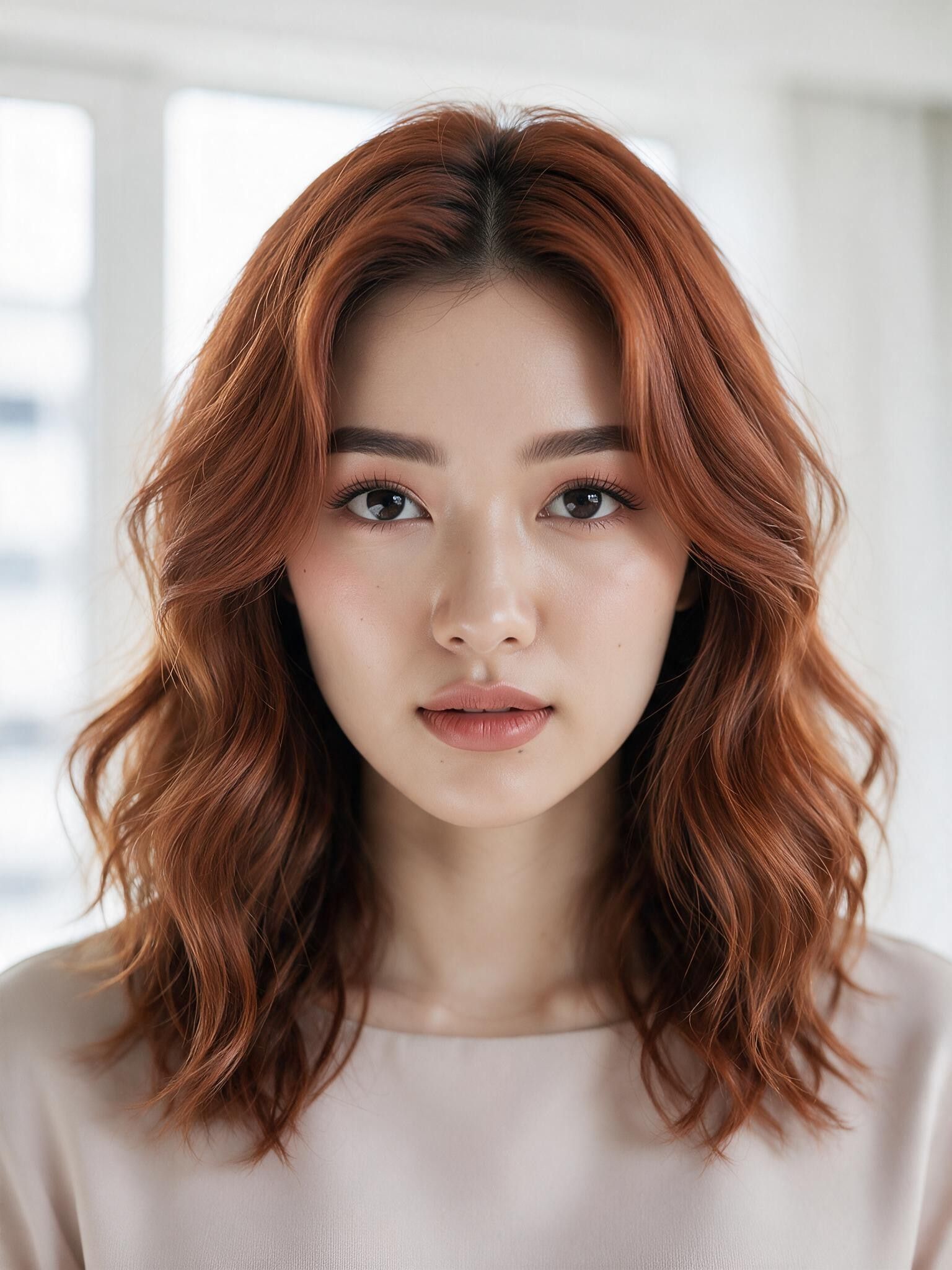
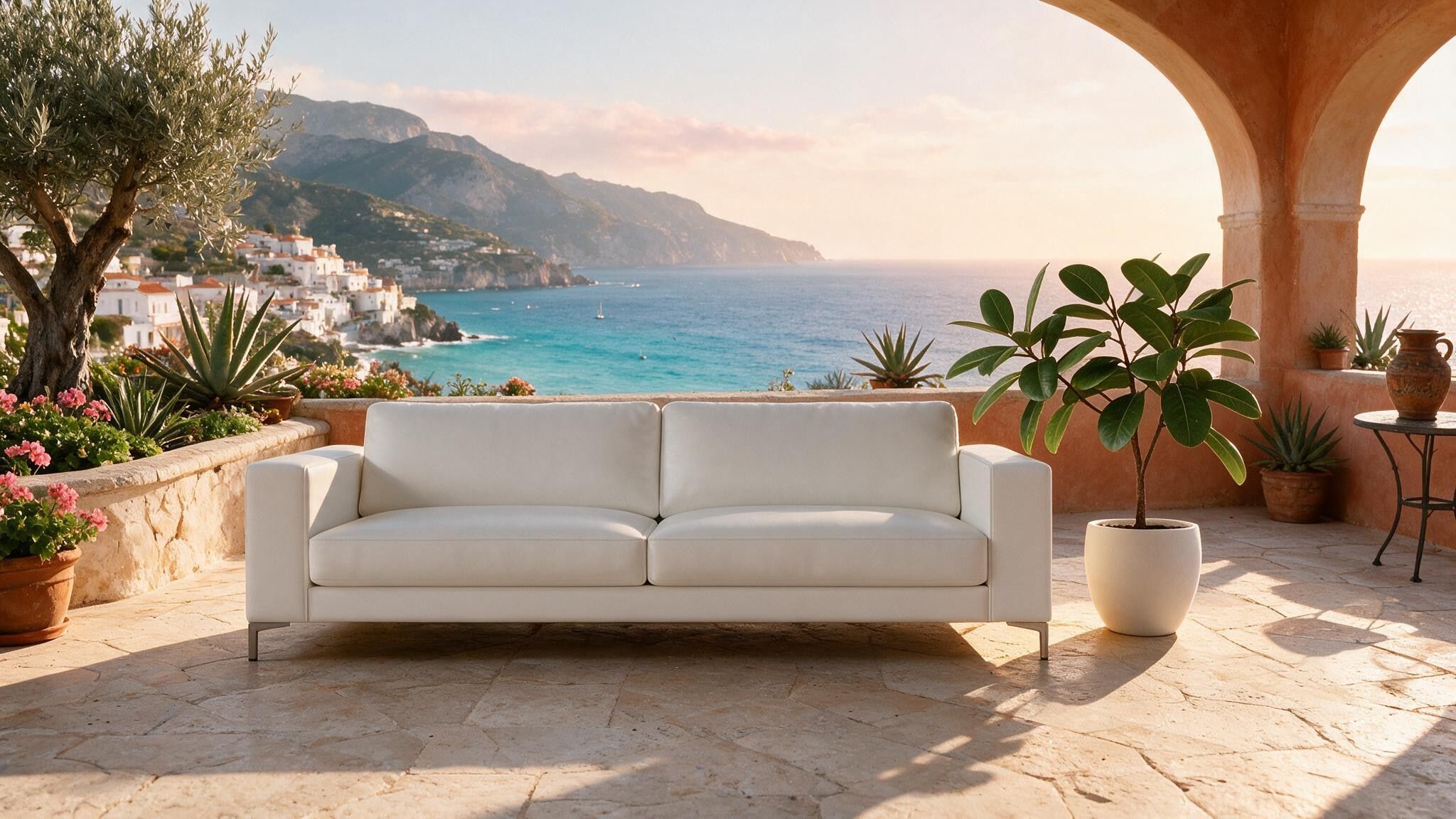
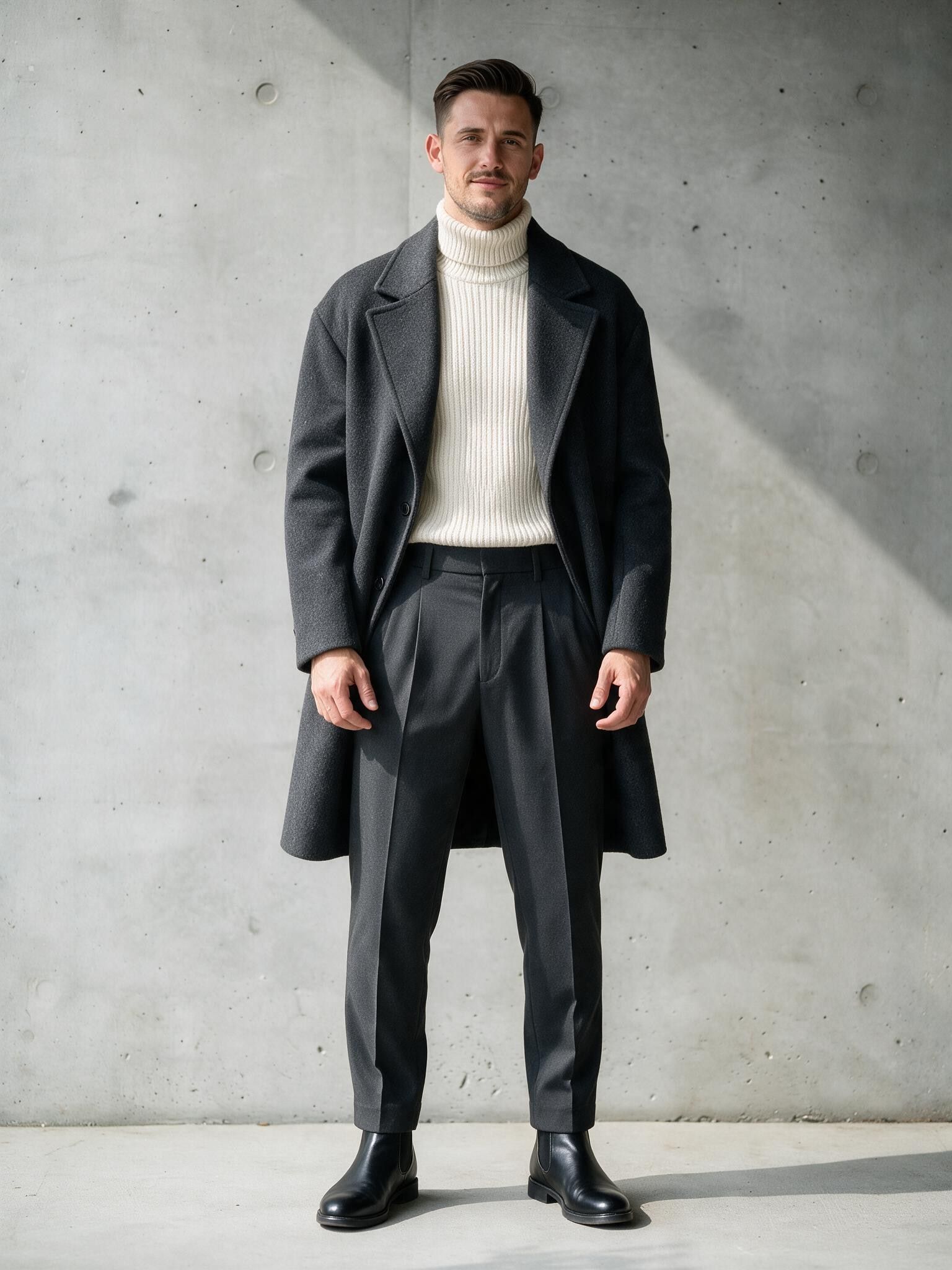

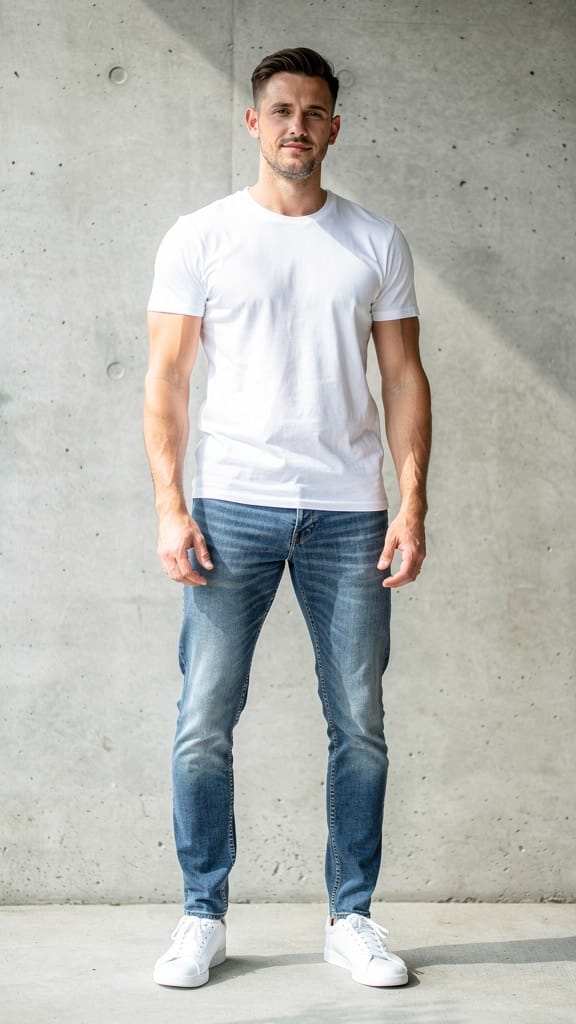
OUTFIT REPLACEMENT
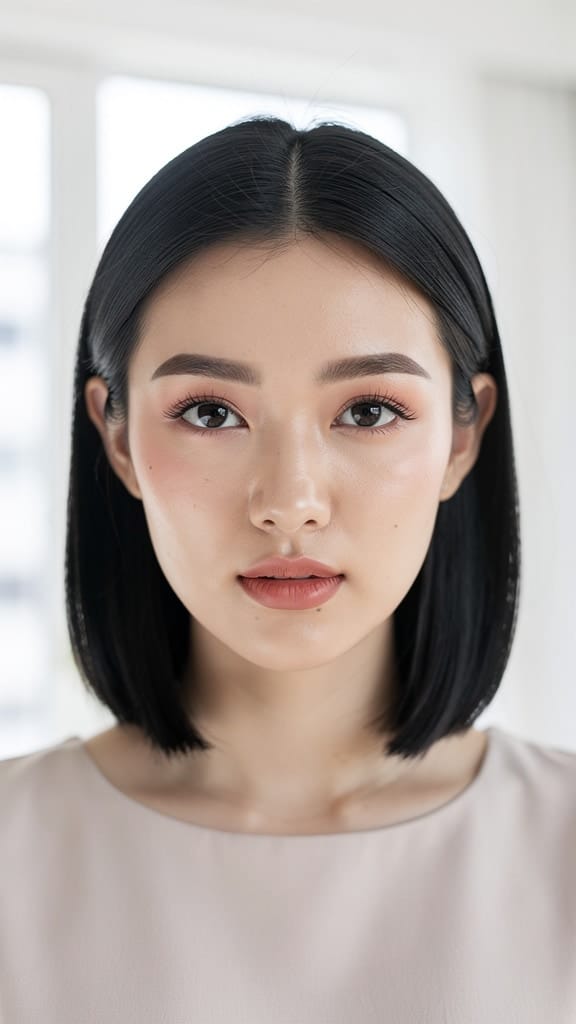
HAIR RESTYLE
Seedream 5.0 Pro Image Editing, developed by ByteDance, is a precision editing model built for creators who want to change a single element of an image without disturbing everything around it. Where many editing tools repaint an entire scene when you ask for one small change, Seedream 5.0 Pro is grounded and region-precise: it targets exactly what you specify in your prompt and keeps the rest of the frame intact. That means you can swap a product, adjust a design detail, or blend in a new element while the lighting, background, and composition you already love stay exactly as they were.
The model works from text instructions combined with one or more reference images. You upload the images you want to work with, then describe the edit in plain language. Because it understands multiple reference images at once, you can reference them directly in your prompt — for example, telling it to replace the product in one image with the product from a second image, and then render a logo from a third image into the design with a specific texture. This multi-image workflow is where Seedream 5.0 Pro really stands out: it supports up to 10 reference images in a single edit, letting you combine products, logos, styles, and elements from several sources into one cohesive result.
Beyond straightforward element swaps, the model offers layer separation and sketch completion. Layer separation means it can treat distinct parts of an image as separate components, giving you cleaner, more controlled edits when you need to isolate a subject from its surroundings. Sketch completion lets you start from a rough or partial drawing and have the model fill it out into a finished image, making it a strong companion for concept work and design iteration. Together these capabilities make it well suited to detailed, professional editing rather than blunt, all-or-nothing transformations.
Seedream 5.0 Pro is tagged for realism, typography, and stylized output, so it handles a wide creative range. You can push toward photorealistic results — useful for product mockups and marketing visuals — or lean into stylized looks for more artistic projects. Its typography strength makes it a good fit for work that involves text, logos, and branded design elements, where legibility and clean integration matter. The example workflow of seamlessly rendering a logo into a product design in a frosted glass texture shows the kind of nuanced, material-aware editing it can perform.
Who benefits most? Product designers and e-commerce teams can quickly build and revise packaging, mockups, and catalog imagery by swapping products and dropping in branding. Marketers and social content creators can adapt a single hero image into many variations without reshooting. Graphic designers and brand studios can integrate logos and typography into existing visuals with control over texture and placement. Concept artists and illustrators can lean on sketch completion to move from rough ideas to polished frames. Anyone who needs to make a targeted change to an existing image — rather than generating something entirely new — will find the region-precise approach saves time and preserves the parts of an image they want to keep.
On output, the model generates images at resolutions between roughly 1024x1024 and 2048x2048 pixels, with flexible aspect ratios ranging from tall vertical formats to wide horizontal ones. By default it produces detailed 2K-scale results and can automatically pick a suitable size for your composition, but you can also choose from common presets like square, portrait, and landscape formats, or set your own dimensions within the supported range. You can export in either JPEG for lightweight sharing or PNG when you need higher fidelity or transparency-friendly output.
Several creative controls put you in the driver's seat. You can generate multiple variations at once — up to six separate results from a single prompt — so you can compare options and pick the strongest, or reroll ideas without starting over. A built-in safety checker is enabled by default to help keep results appropriate, and can be adjusted depending on your workflow. Because the edit is driven by your text prompt, the clearer and more specific your instructions — naming which reference image to use for which element, and describing the texture, material, or style you want — the better the model can honor your intent.
A few things to keep in mind for best results. The model uses your reference images as the foundation for the edit, so the quality and clarity of what you upload directly shapes the outcome. If you provide more than 10 reference images, only the last 10 are used, so it's worth curating your inputs to exactly the ones you need. Precise, descriptive prompts that map instructions to specific figures (for example, referring to "Figure 1" and "Figure 2") tend to produce the cleanest element swaps and integrations. And because the model is designed to keep the rest of the frame intact, it excels at focused edits — if you need a completely different scene, you'll get better results by giving it a strong reference to build from rather than expecting it to invent everything from a single line of text.
In short, Seedream 5.0 Pro Image Editing is a targeted, multi-reference editing tool for creators who care about control. It changes what you ask for, protects what you don't, and blends elements from multiple sources into results that hold up for realistic, typographic, and stylized work alike.
Generate using the most advanced image editor
Add the image that you want change
Upload image
Add the image that you want to edit or transform
A woman kneeling in darkness, illuminated by a warm, radiant beam of light emerging from her raised hand.
Write your changes
Describe the edits you want - style changes, object removal, or enhancements
Start sharing
Download your professionally edited image
Beyond the prompt: A new level of control
BACKGROUND REPLACE
Replaces an entire background with a new environment while keeping the foreground subject grounded and lighting harmonized. Great for travel and lifestyle edits.
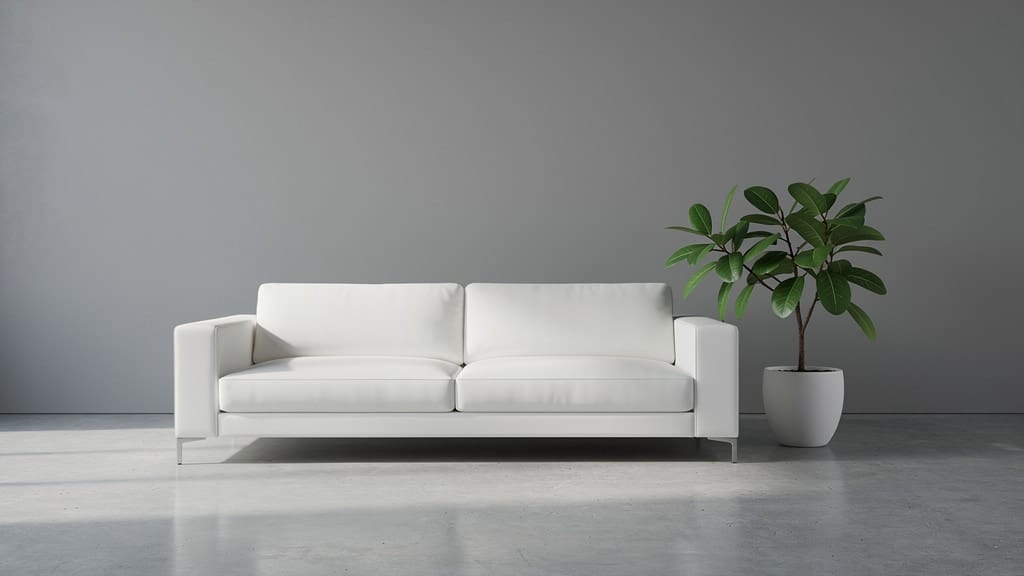
STYLE TRANSFER
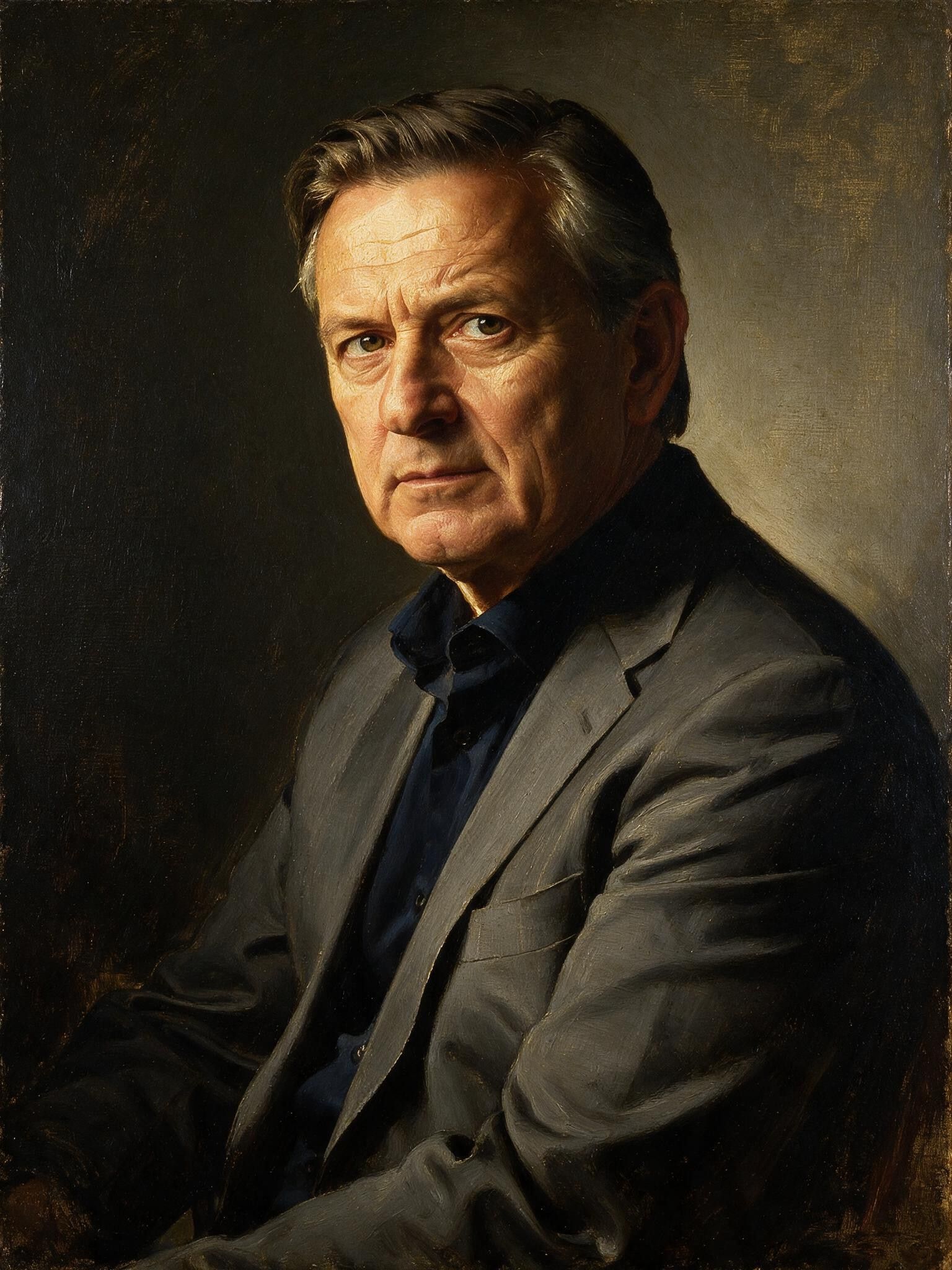
Applies an artistic stylistic transformation across a wide scene while preserving architectural structure and composition. Ideal for concept art and stylized marketing.
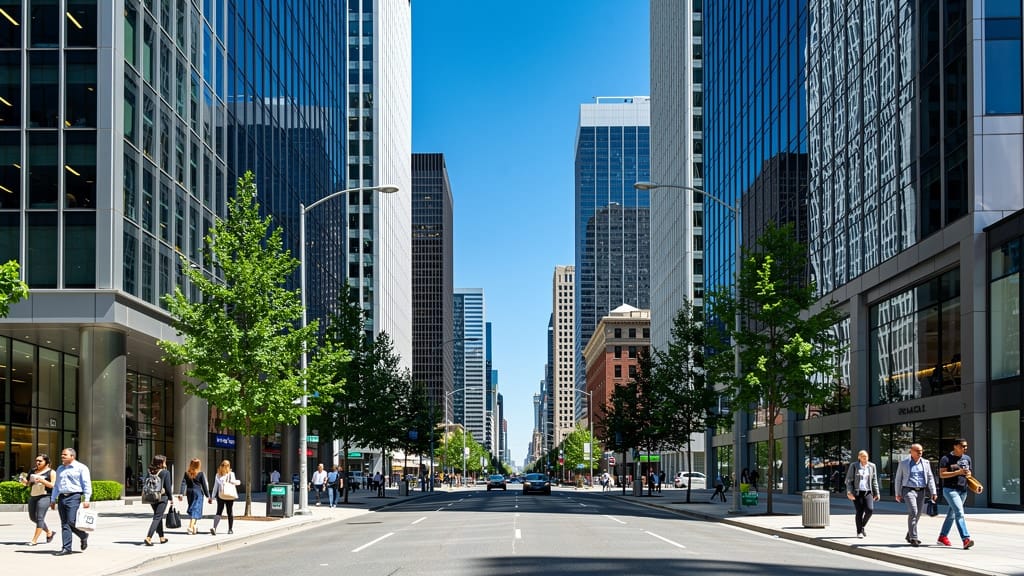
OBJECT REMOVAL
Removes unwanted objects from a wide scene while seamlessly reconstructing the background behind them, keeping the rest of the frame untouched.
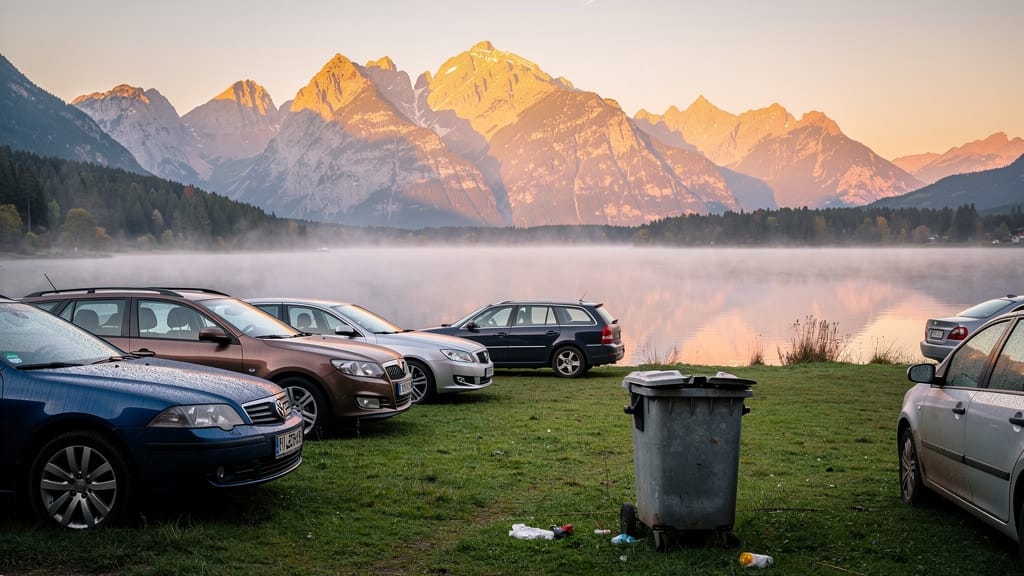
Compare with similar models
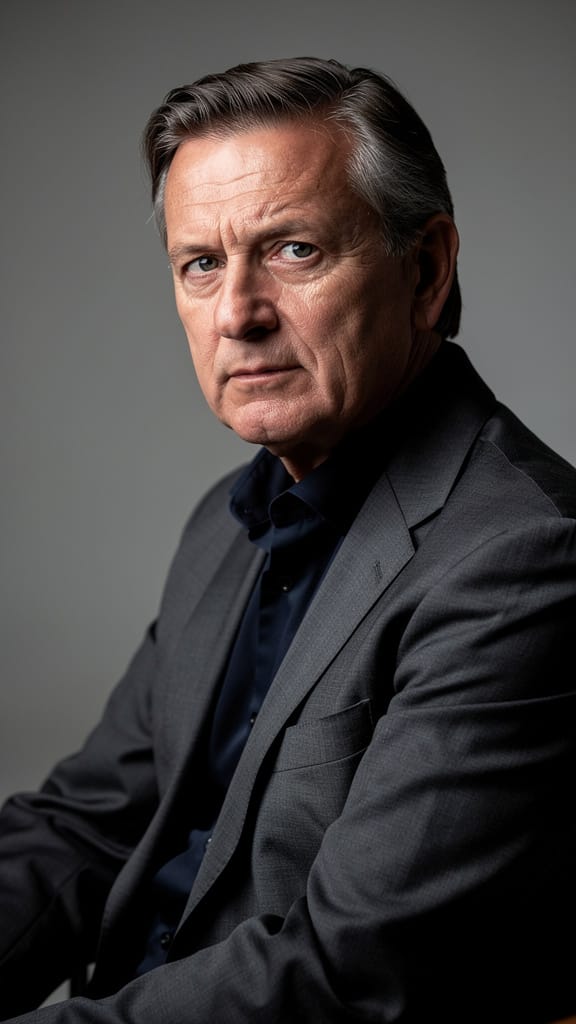
“Transform into a classical oil painting in the style of Rembrandt. Add visible impasto brushstrokes with thick paint texture. Apply warm golden undertones and dramatic chiaroscuro lighting with deep shadows. Enhance the dramatic contrast while preserving facial structure and expression. Add subtle canvas texture visible through the paint layers.”
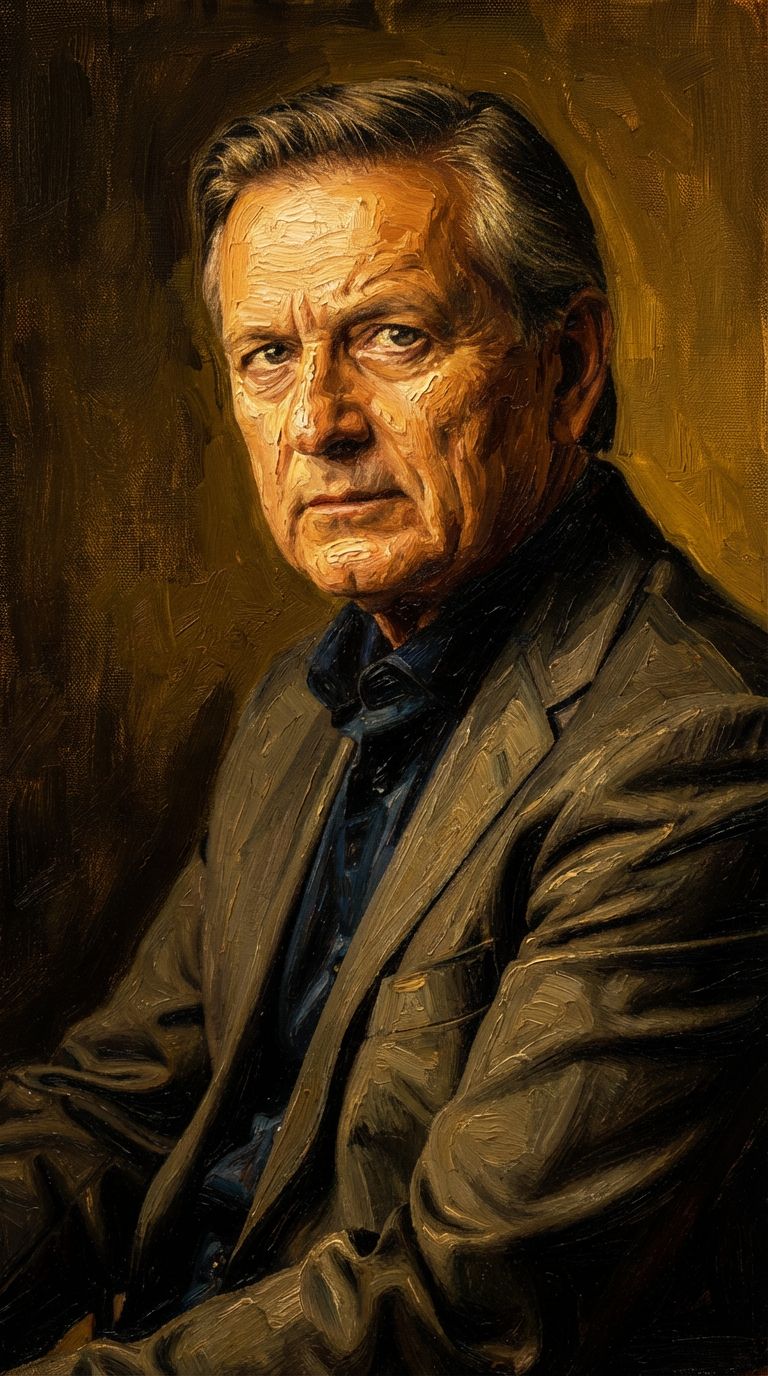
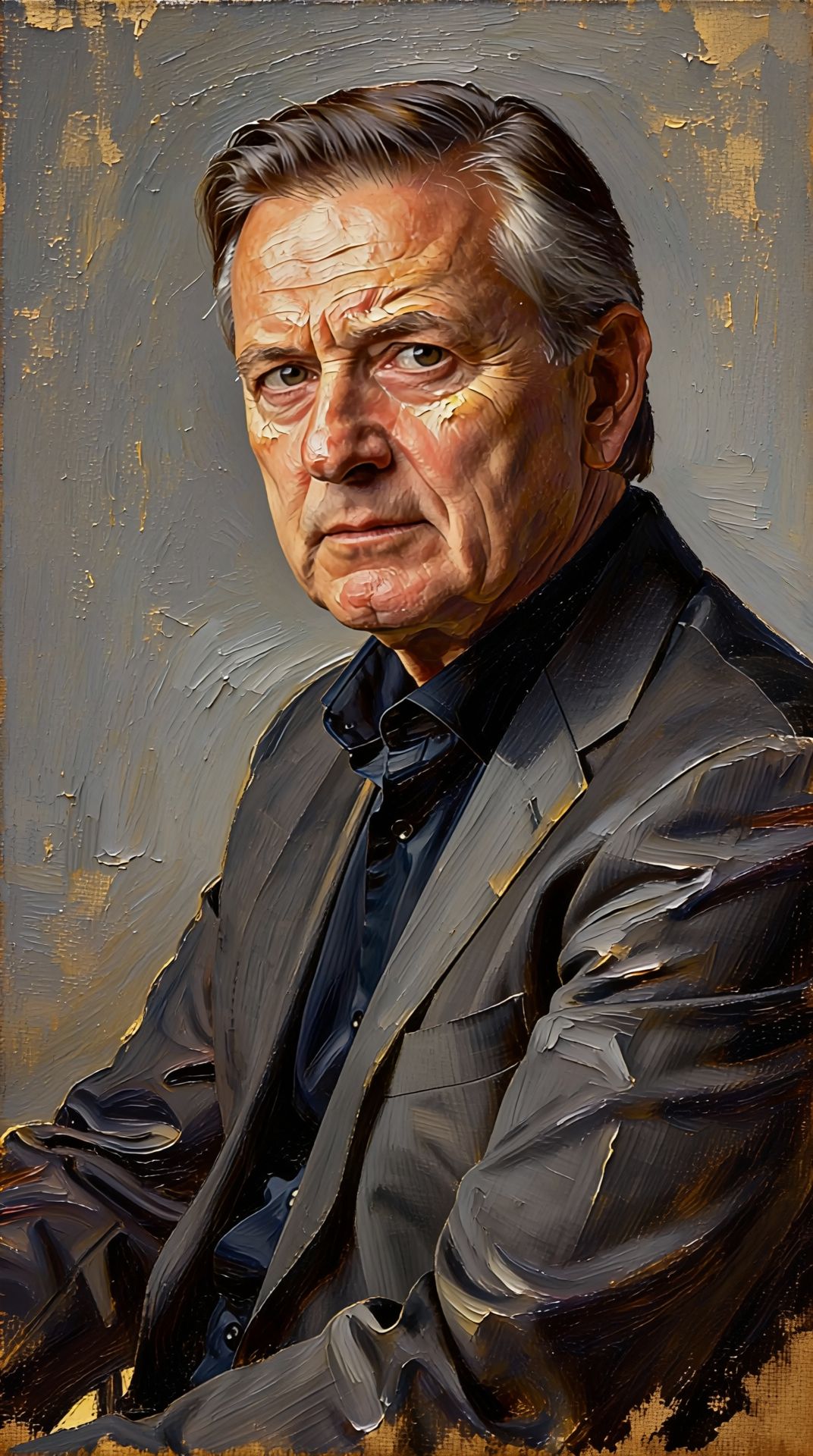
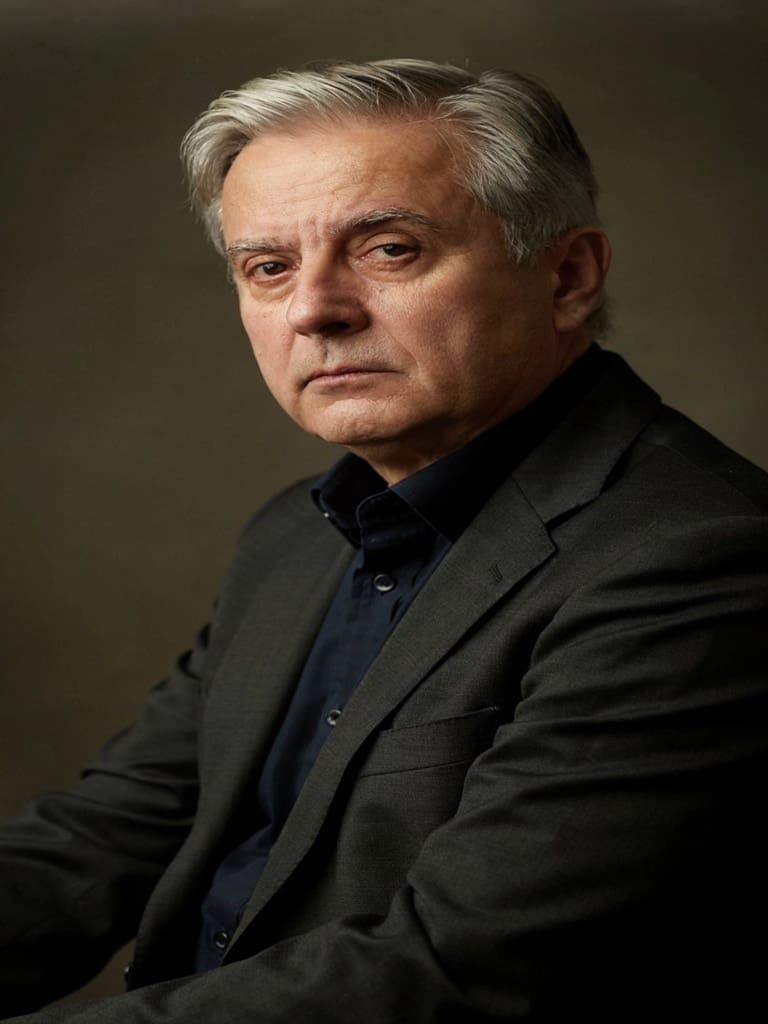
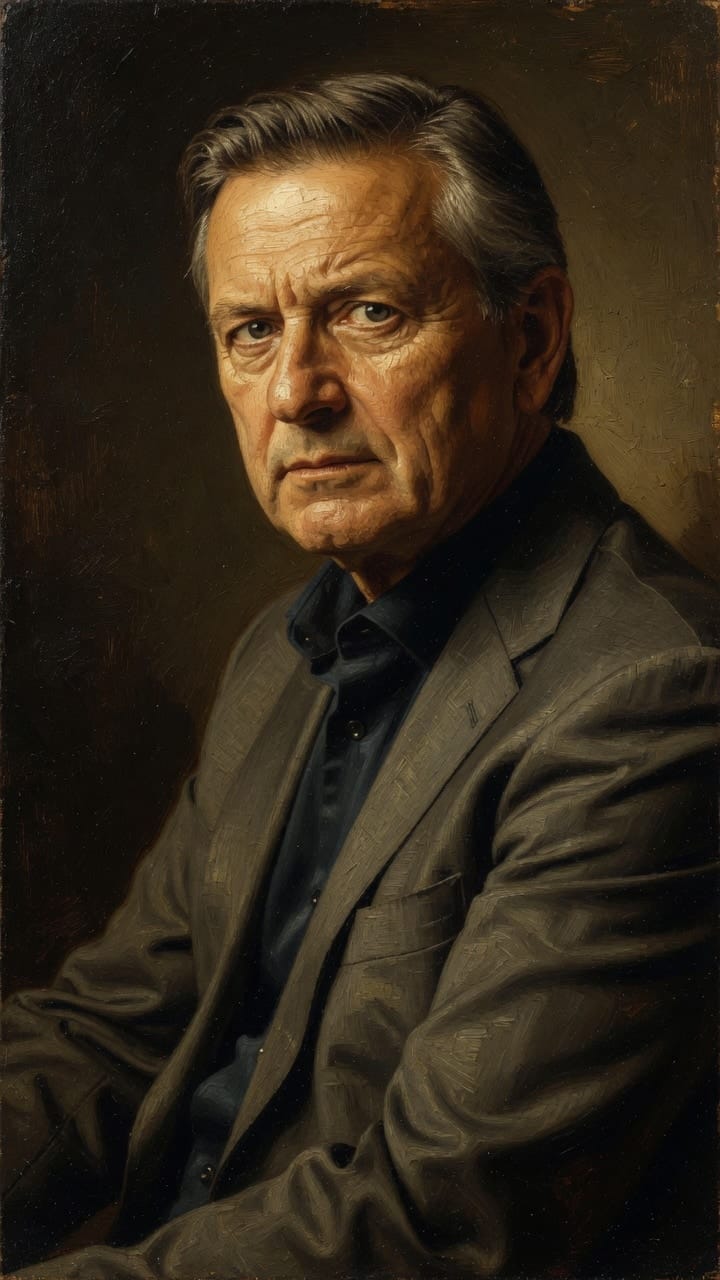
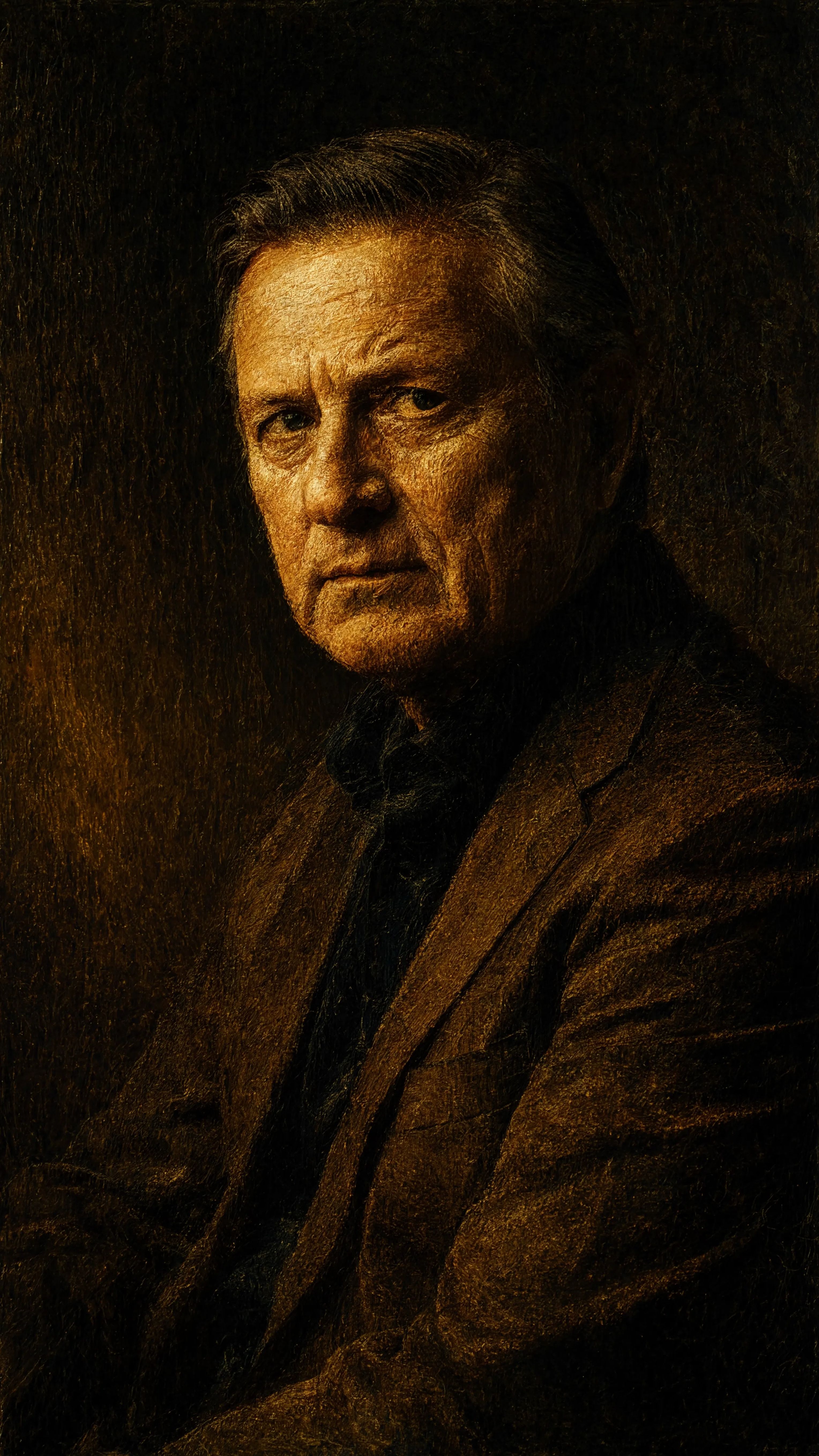
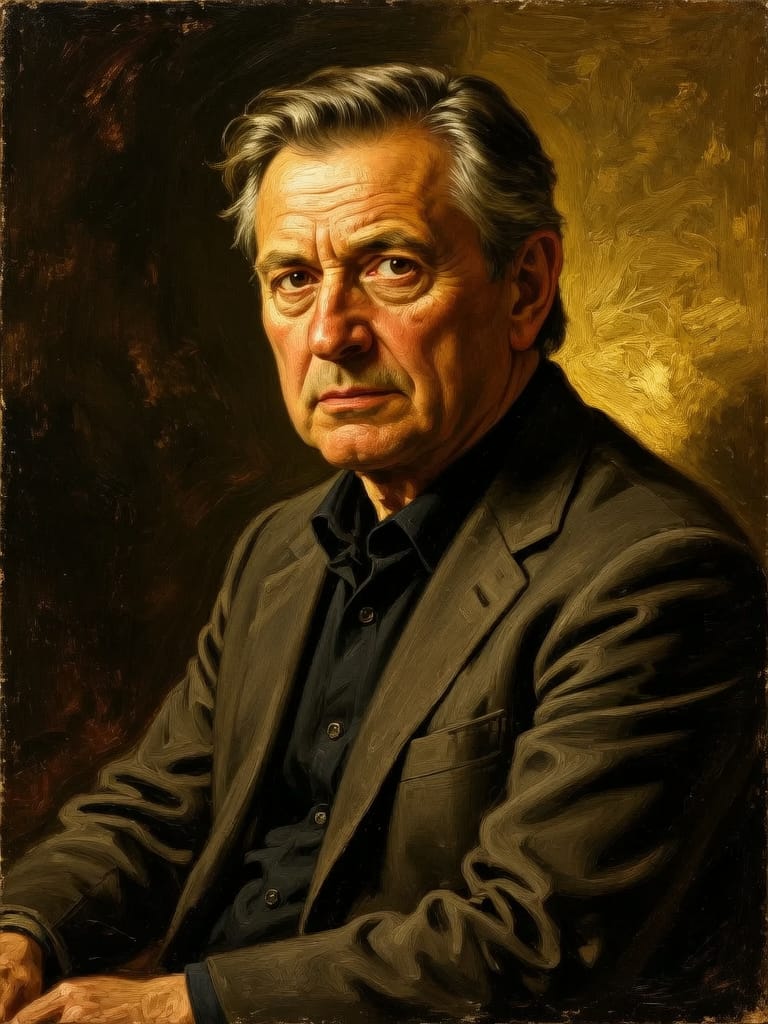
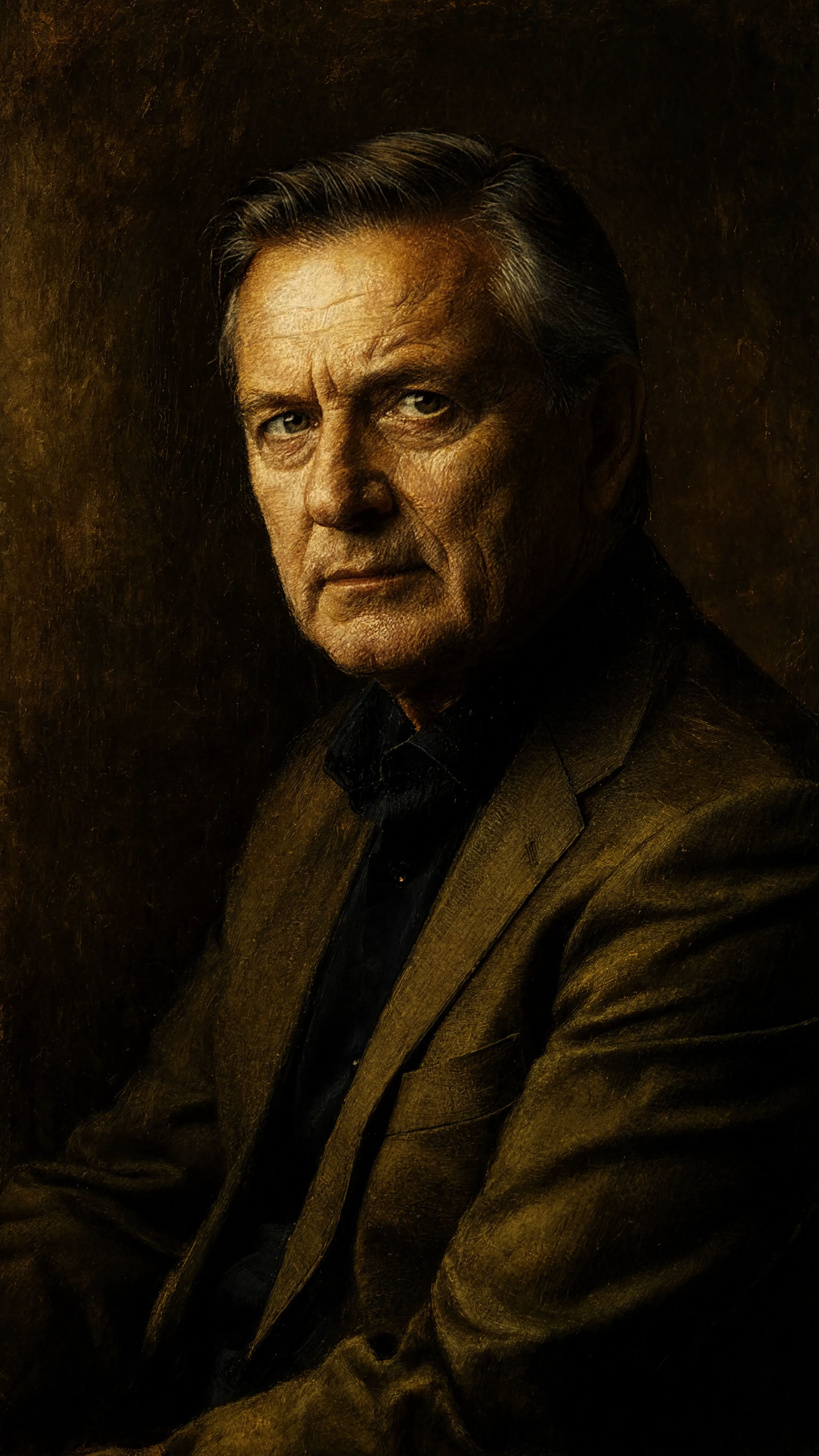
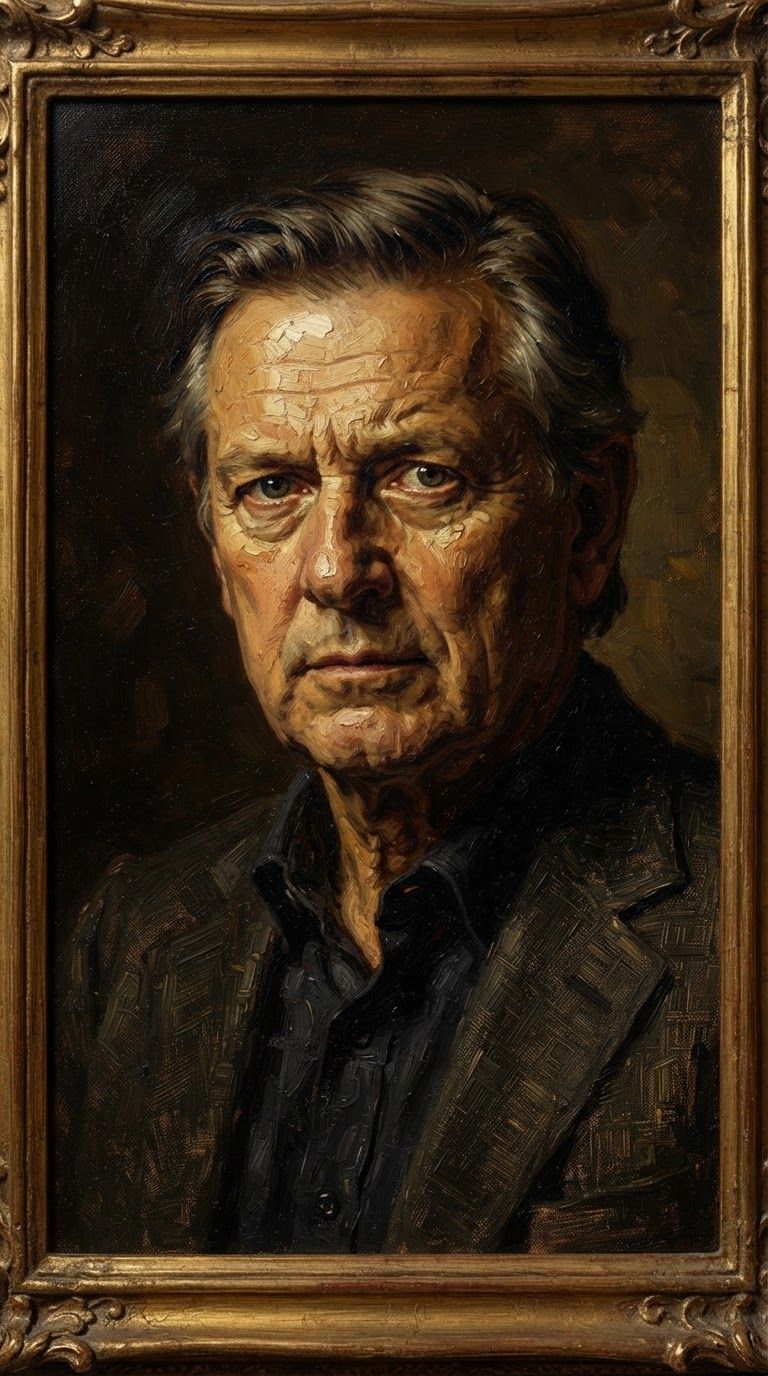
Experience perfection with Seedream 5.0 Pro Image Editing
Switch to reasoning-guided synthesis today. Be the first in your industry to deliver native 4K results at 10x the speed.
Frequently Asked Questions
Similar Models
Reve 2.1
Remix images with text prompts
1.5 credits

Wan v2.6 Image to Image
Edit images using reference photos
0.3 credits

Seedream
Fast intelligent multi-image editing
0.3 credits
Nano Banana Lite Edit
Fast efficient image editing
6 credits
Ideogram V4.0q Image to Image
Prompt-guided image restyling edits
0.1 credits
Vidu
Image generation with reference consistency
0.2 credits
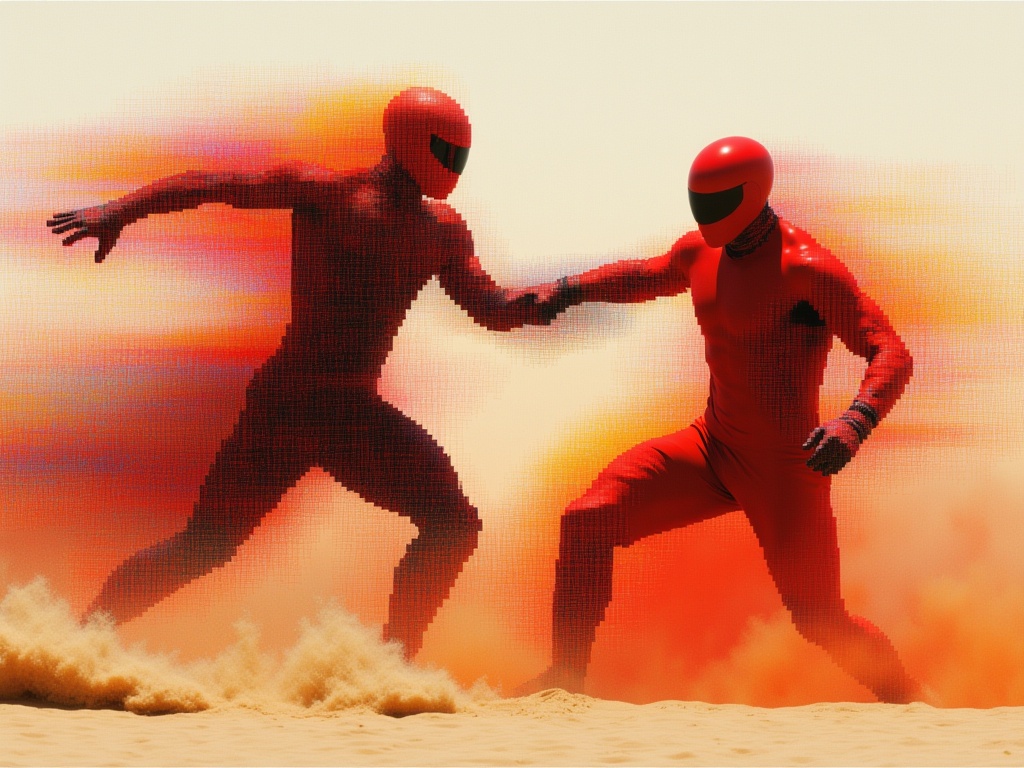
Reve 2.1
Edit images with text prompts
1.3 credits
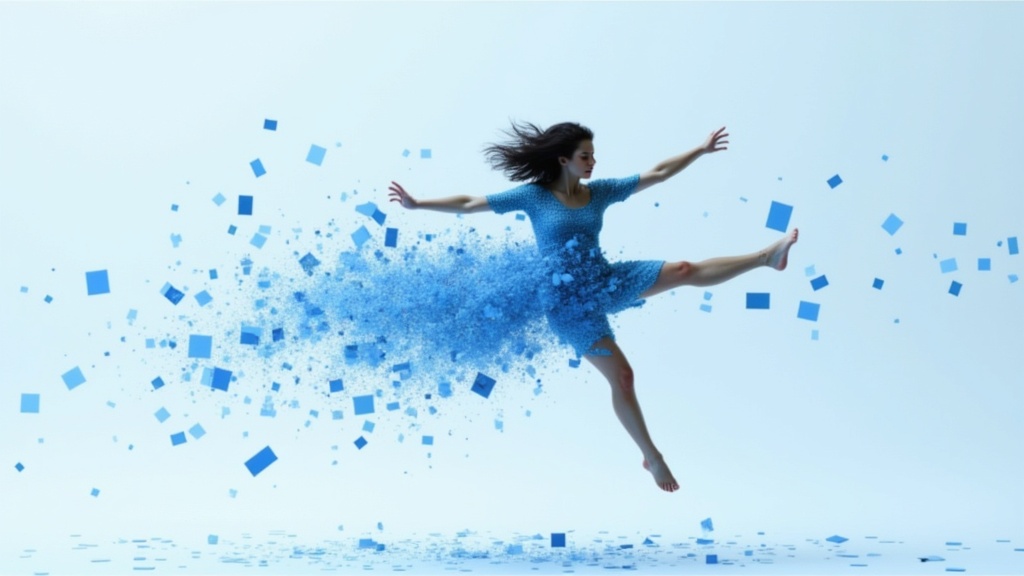
Gemini 3.1 Flash Image Preview
Ultra-fast Google image editing
0.7 credits
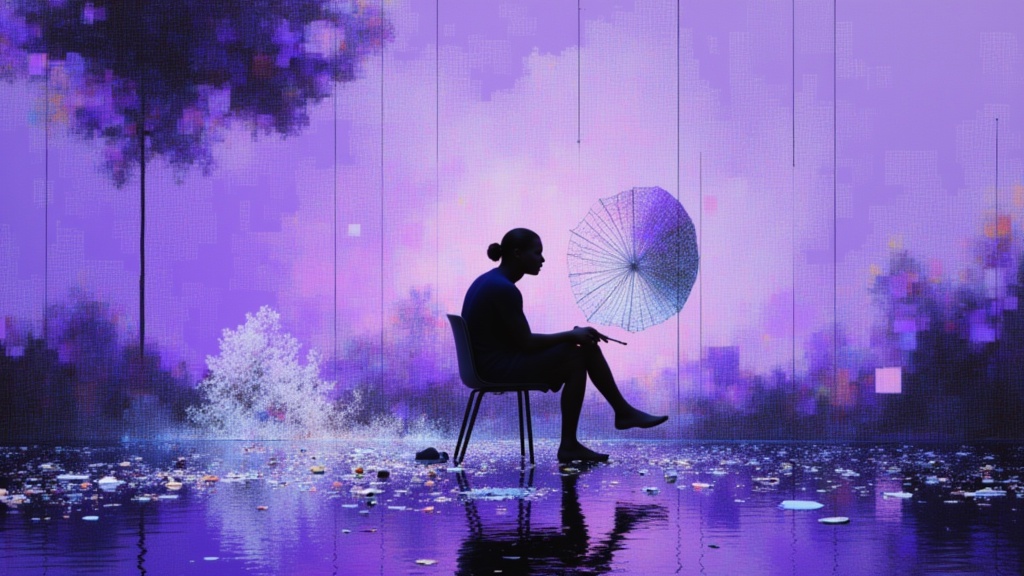
Nano Banana Pro
State-of-the-art image editing
1.2 credits