
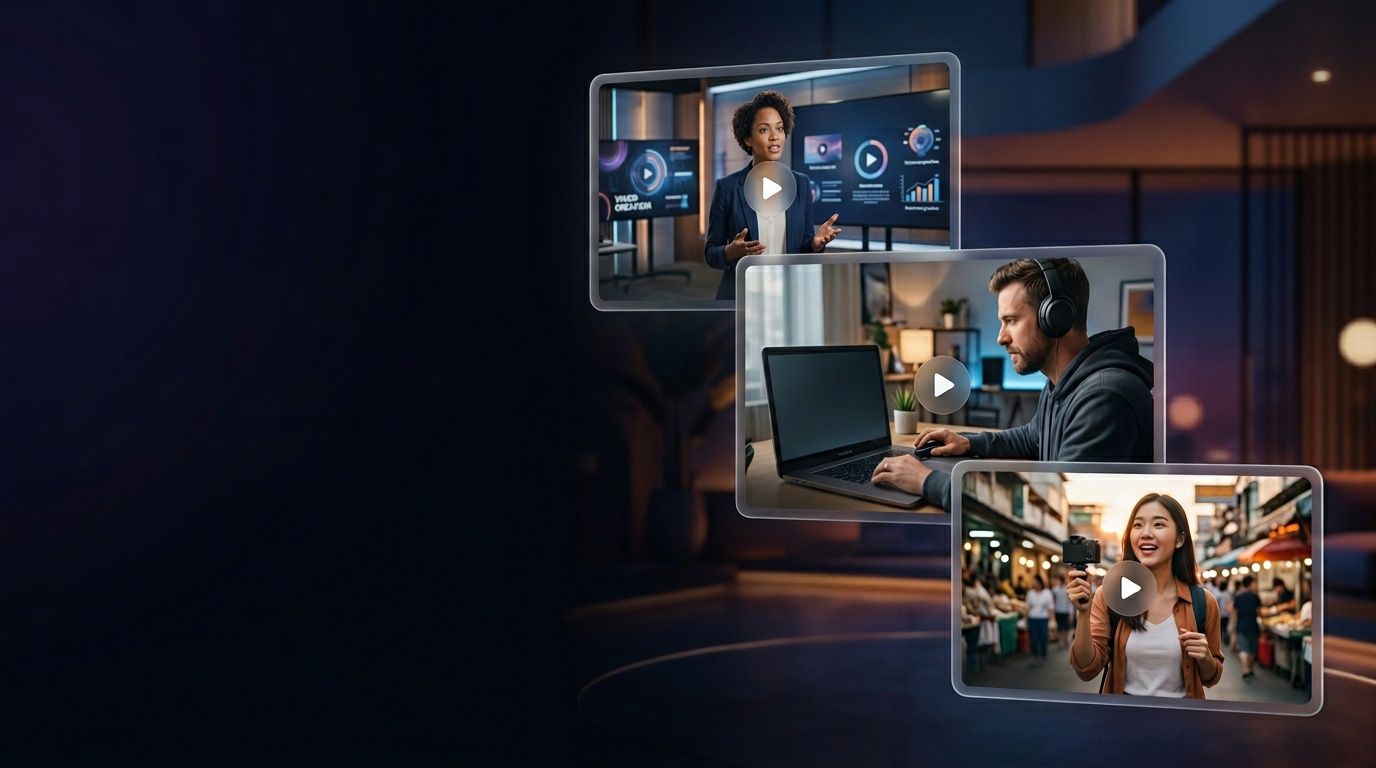
Turn a prompt, a script, or a blog post into a finished video. Free to start, no credit card required.
100,000+ videos generated
by creators worldwide






What you can create
One generator, every format.
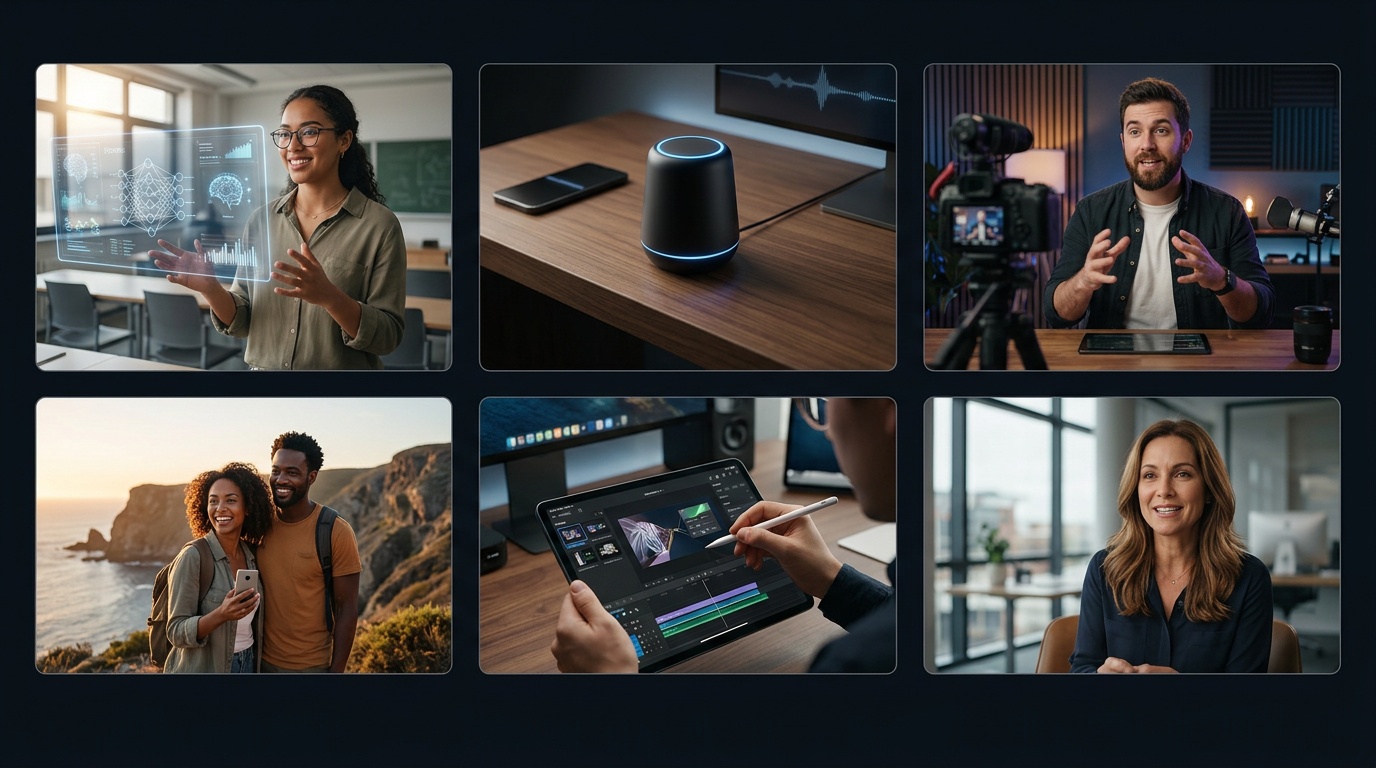
Creators, marketers, educators, small businesses, founders, and HR teams ship from the same editor. No studio, no timeline software, no waiting on a video team.
Creators and YouTubers
Turn a weekly blog, newsletter, or podcast episode into a Short, a Reel, and a TikTok in one sitting. Clone your voice once and the AI narrates the rest in your tone, freeing you from the camera on days you do not want to shoot.
Marketers and growth teams
Ship product explainers, launch teasers, founder updates, and organic social clips without waiting on a video team. Same engine as the ad generator — just with organic framing instead of paid-social presets baked in.
Educators and trainers
Convert lesson plans, slide decks, and SOPs into bite-sized video modules your learners actually finish. 40+ language voices localize a curriculum without re-recording — lip-sync stays intact when the actor switches languages.
Small businesses and agencies
Make the welcome video, the how-it-works explainer, the testimonial reel, and the social ads from the same tool. Agencies juggle brand assets for multiple clients and keep every render on-brand without per-project setup.
Founders and solopreneurs
Talk to camera without talking to camera. Cast an AI actor that sounds like your brand, script the video from a prompt, and go live in the time it used to take to book the studio. Perfect for sales enablement and investor updates.
Internal comms and HR
Onboarding videos, policy updates, weekly stand-ups, and training refreshers at a fraction of the cost of a video agency. Bring your own scripts or paste a Notion doc and we structure the scenes for you.
Feature deep-dives
Built for iteration, not rendering twice.
The three features that change the shape of a weekly content calendar: prompt-first input, scene-level control, and honest lip-sync across languages.
Prompt, script, or URL in
Paste a script for precise control, write a prompt for fast drafts, or drop a blog URL and ShortGenius adapts the article into scenes. Three inputs, one output — pick whichever matches your starting point. The model writes a real script, casts an AI actor with natural gestures, and picks b-roll that matches the narration instead of handing you a Ken Burns slideshow with a robot voice on top.
Every scene is swappable independently. Fix a missed take in seconds instead of re-rendering the entire video. Swap the actor, the visuals, the music, or the voice on any scene without touching the rest of the timeline — iterate at the speed of typing, not the speed of rendering.

300+ AI actors and 40+ languages
Diverse presenters across ages, ethnicities, and wardrobes — or clone yourself in under a minute. Every actor ships with natural gestures, not the stiff head-only avatars you see elsewhere. Record 30 seconds of clean audio to clone your voice, then script it forever. Export the same video in English, Spanish, and Japanese without re-recording and with lip-sync preserved on every actor.
Teams use the variant grid to test one script across five actors in an afternoon, or to localize a winning creative across seven markets before lunch. The actor library refreshes monthly, and you can pin an actor to a project so every new scene inherits the same face, wardrobe, and voice.
Captions, b-roll, and direct publishing
Captions, stock clips, AI-generated images, and music are selected automatically from your script. Every pick is swappable, so auto-mode is a starting draft, not a dead end. Render once and export to TikTok, Instagram Reels, YouTube Shorts, YouTube long-form, or LinkedIn in 9:16, 1:1, or 16:9 without re-rendering the source project.
Post directly to TikTok, Instagram, YouTube, and LinkedIn from inside ShortGenius, or schedule a week of content to auto-publish. Track views and watch-time from the same dashboard you generated in. Stop exporting, downloading, uploading, and retyping captions across four different apps.

How to create a video with ShortGenius
Six steps from idea to published video. Most creators finish the first render in under four minutes.
- 1
Describe the video you want
Type a prompt like "60-second explainer for a productivity app targeting freelancers" or paste a finished script. You can also drop in a blog URL and we turn the article into a scene-by-scene outline for you.
- 2
Pick an AI actor and voice
Choose a lifelike AI actor from our library of 300+ presenters, or clone yourself from a 30-second sample. Every actor ships with natural voice and lip-sync in 40+ languages — no re-recording when you go global.
- 3
Customize visuals and b-roll
ShortGenius auto-selects royalty-free stock, AI-generated images, captions, and music. Swap any clip with a single click, upload your own media, or regenerate a scene with a new prompt if it misses.
- 4
Preview and regenerate scenes
Scrub through the timeline, fix a word, or ask the editor to "make scene 3 punchier" in plain English. Regenerate individual scenes without re-rendering the whole video — a single scene takes seconds, not minutes.
- 5
Export in 9:16, 1:1 or 16:9
Render once, export to TikTok, Instagram Reels, YouTube Shorts, YouTube long-form, LinkedIn, or a landscape master file. Captions burn in automatically, and the watermark is gone on every paid plan.
- 6
Publish or schedule
Post directly to TikTok, Instagram, YouTube, and LinkedIn from ShortGenius, or schedule a week of content to auto-publish. Track views and watch-time inside the same dashboard you generated in.
Free to start, priced for creators
The free plan never expires. Pro unlocks watermark-free HD, longer renders, voice cloning, and direct publishing to every major social platform.
Free
$0/mo
- 3 videos / month, watermark-free preview
- Every AI actor and voice in the library
- Captions and b-roll in 40+ languages
- Export 9:16, 1:1, and 16:9
- No credit card required
Pro
$69/mo
- 60 generations per month, HD output
- Up to 10-minute renders
- Voice cloning and custom AI-actor twin
- Cross-post to TikTok, YouTube, X, Facebook, Instagram
- Brand assets — fonts, colors, logos
- Full commercial rights on every export
Pricing last verified 2026-04-17. Cancel any time — exported videos stay with you forever.
Why ShortGenius vs other AI video generators
Most "free AI video generator" tools cap you at a 15-second watermarked clip and then push you into a paywall before you have rendered a real video. ShortGenius is free for as long as you need it to be — generate short drafts, try every AI actor, test voice clones, and only upgrade when you want to kill the watermark or ship longer renders.
HeyGen is optimized for corporate training and internal comms, so the avatars are studio-lit and the templates default to talking-head-to-camera in a boardroom. That is the wrong shape for organic creator content and paid social. Our HeyGen alternative page walks through the specific gaps and pricing math for creators and marketers.
InVideo is long-form-first and slide-heavy — it is great if your workflow is animating stock text over Ken Burns pans, and frustrating if your workflow is prompt-in-video-out. Our InVideo alternative covers what breaks when you scale a template editor past two or three videos a week.
For a broader roundup of the category, our 2026 best AI video generators list benchmarks the whole market across pricing, quality, language coverage, and iteration speed. Pick whichever tool fits your job — and if your job is ship a video today, start free on ShortGenius and see the first render in four minutes.
Questions about the free AI video generator
Yes. The free plan lets you generate short videos, try every AI actor and voice, and export with a small watermark — no credit card required. Paid plans unlock watermark-free exports, longer renders, HD output, voice cloning, and direct social publishing.
Ship your first video today
Prompt in, video out. No card, no editing timeline, no studio. Free to try, priced for creators on every tier above.
No credit card required.