Kling O1 Image
Precision image editing
Precise, consistent reference-guided editing
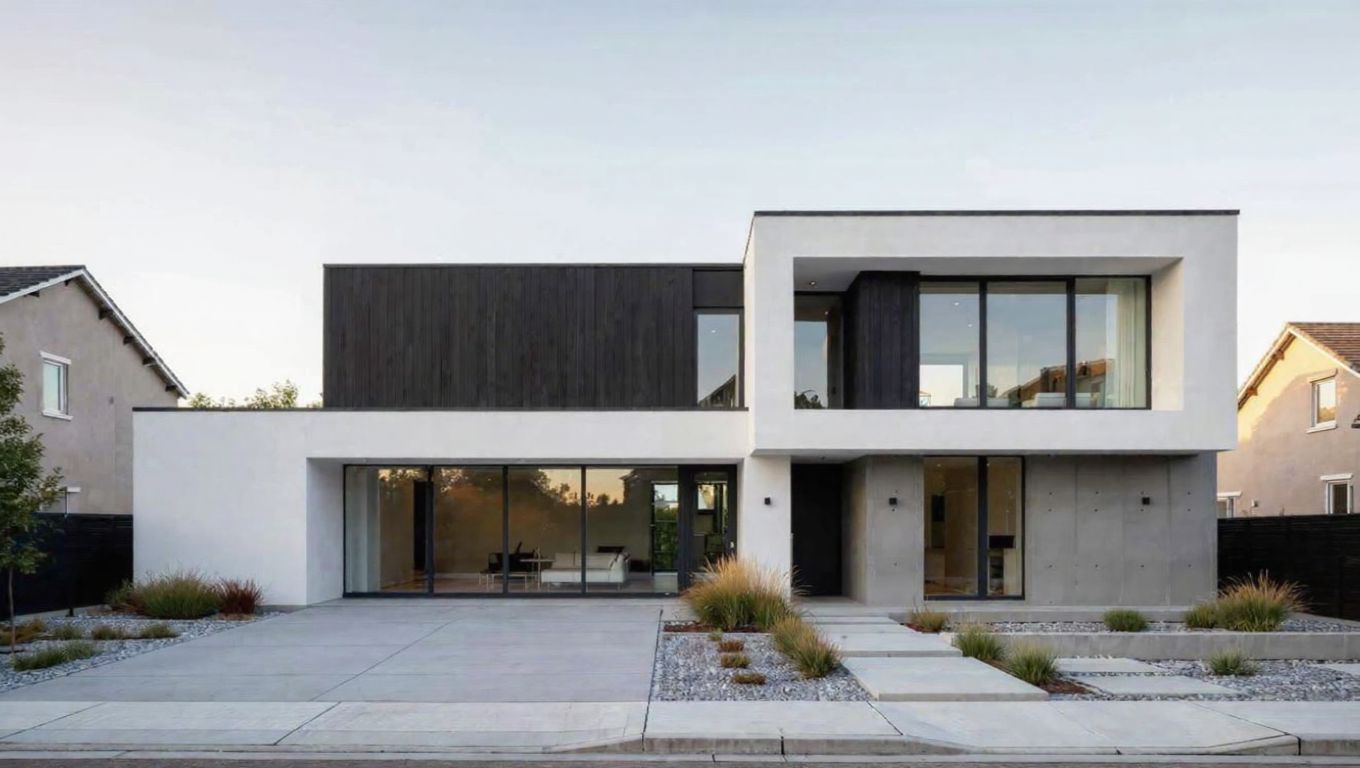
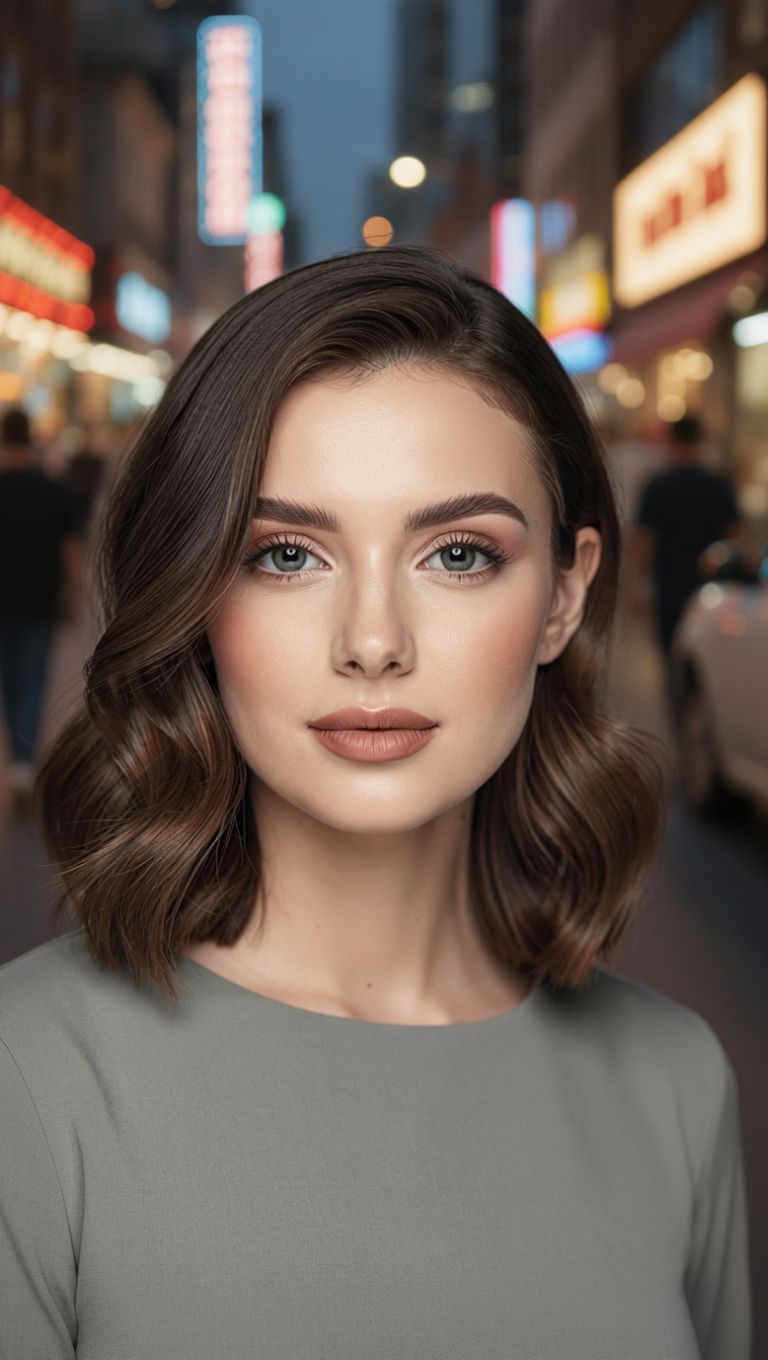
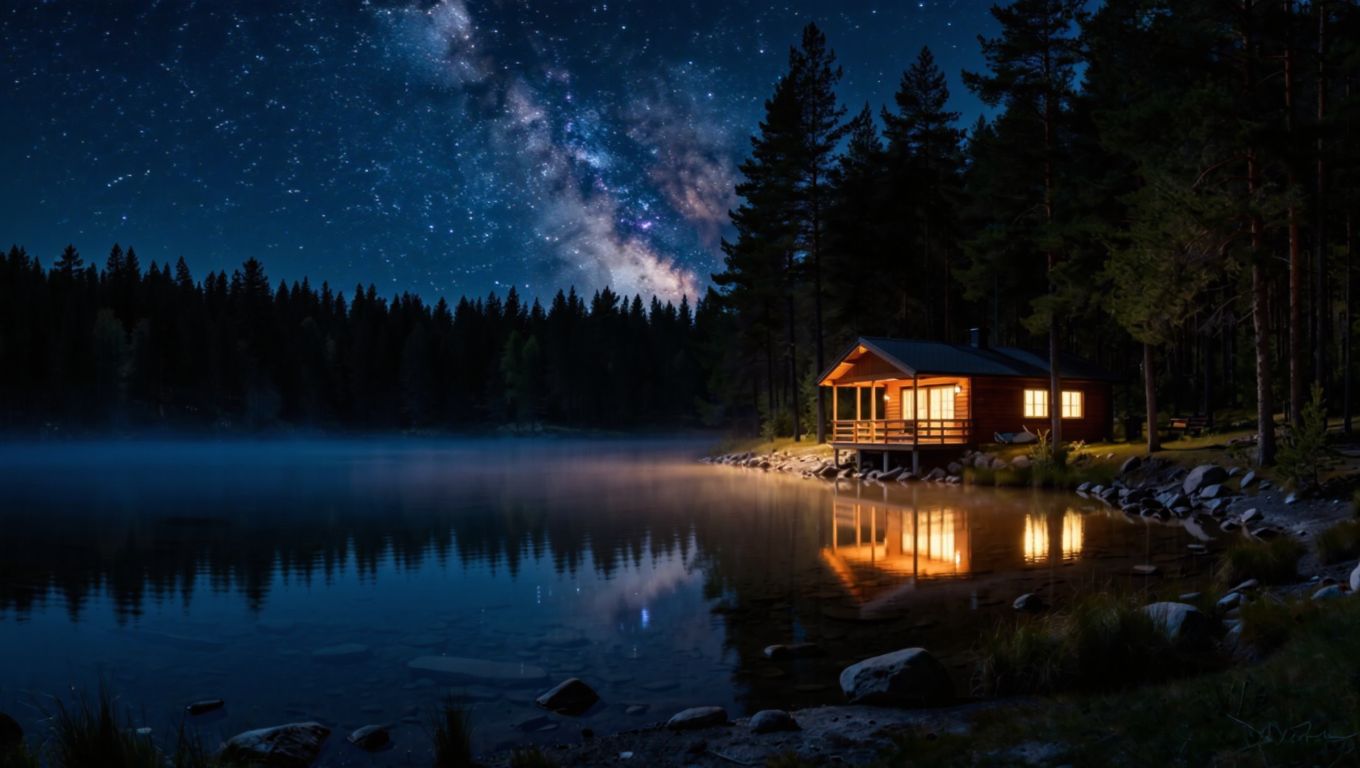
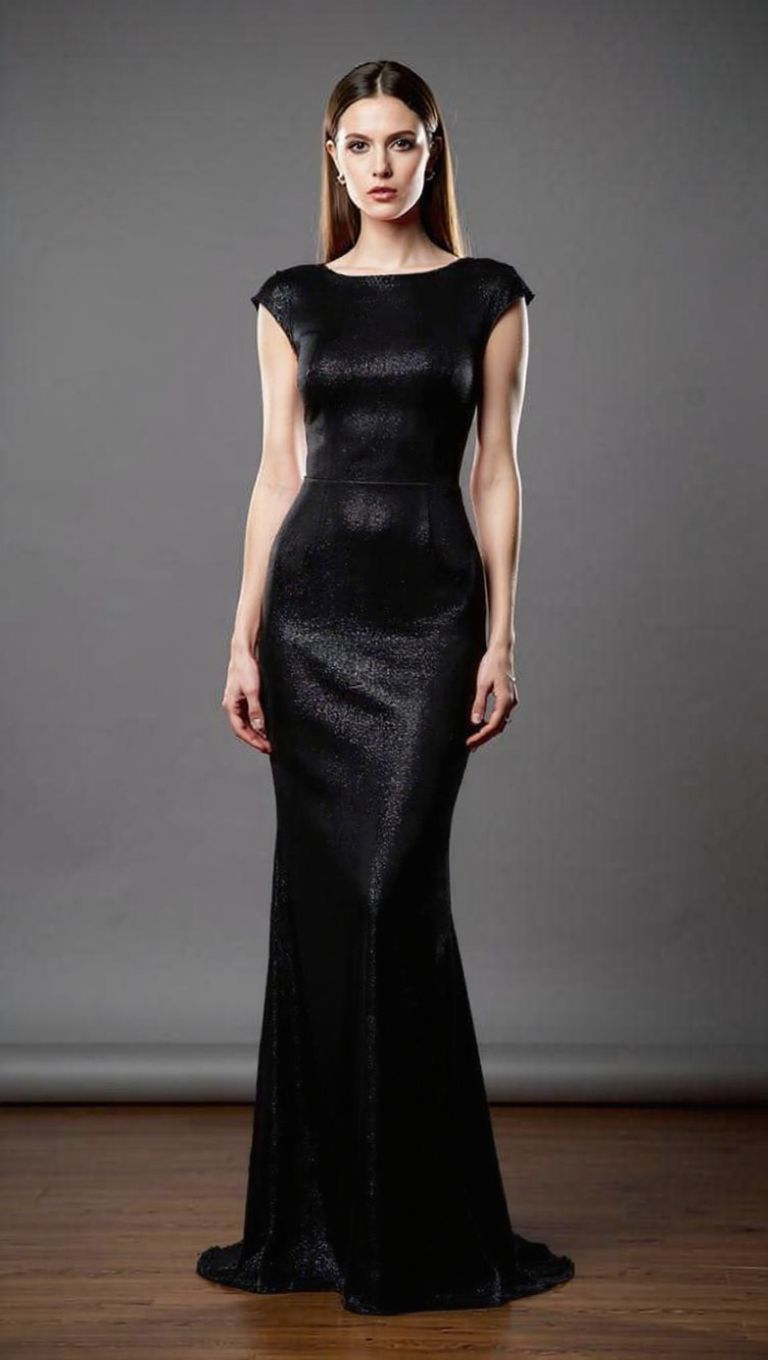
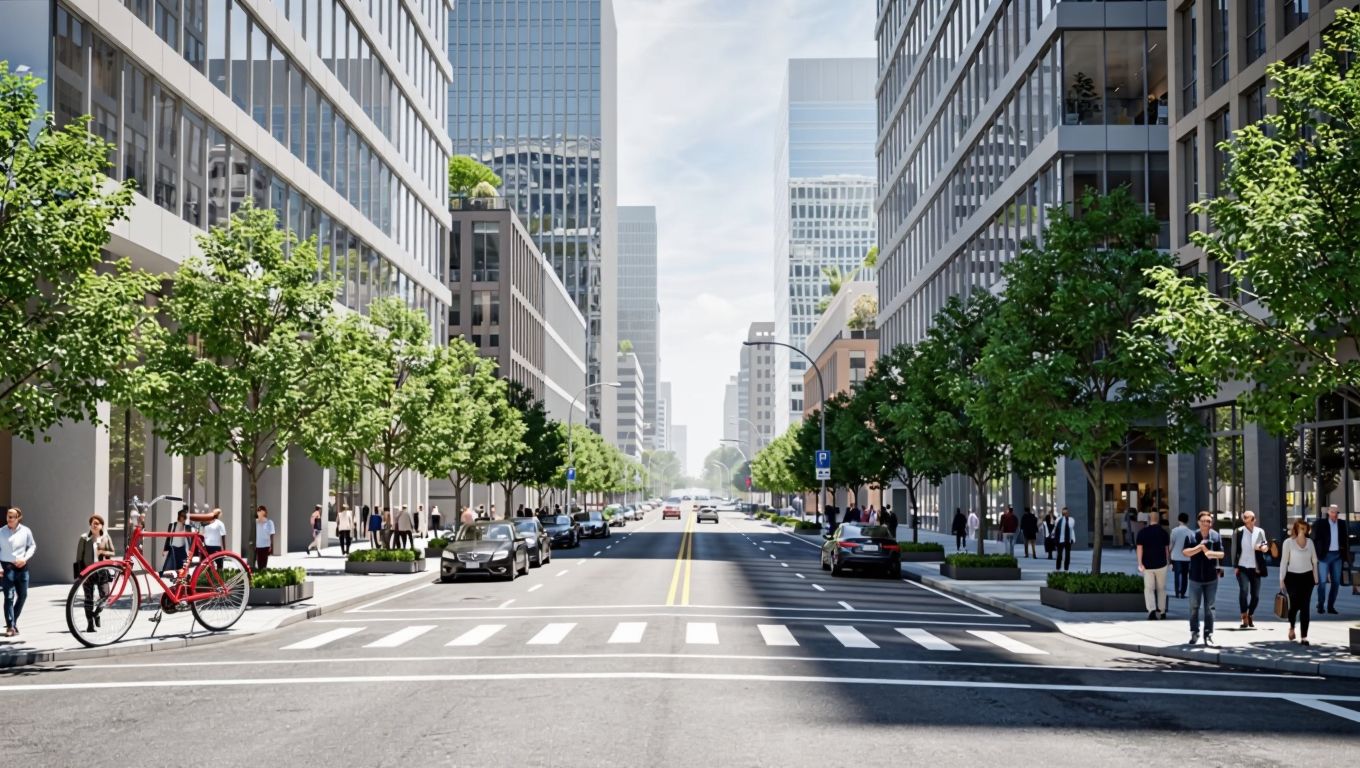
SUBJECT TRANSPLANTATION
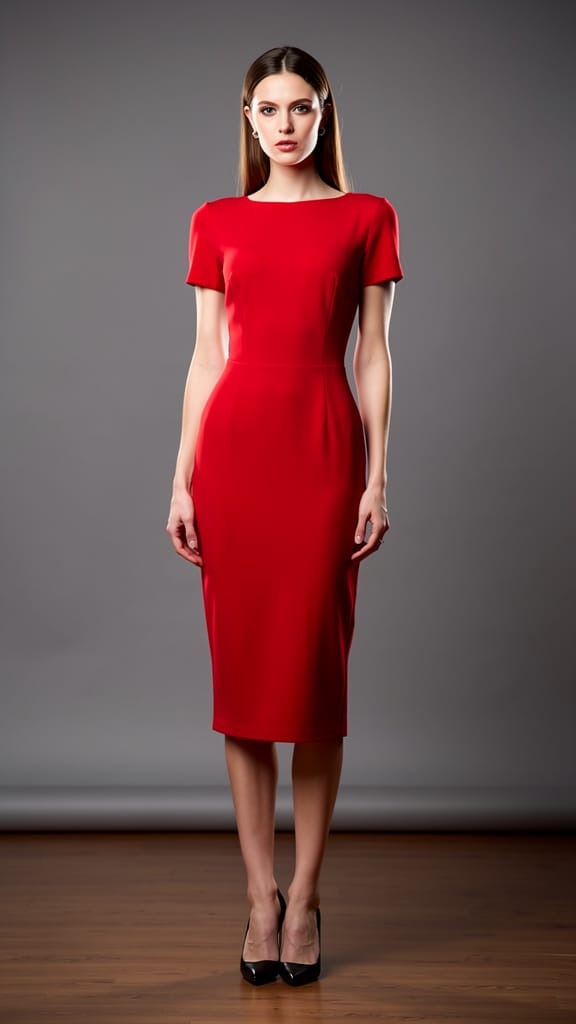
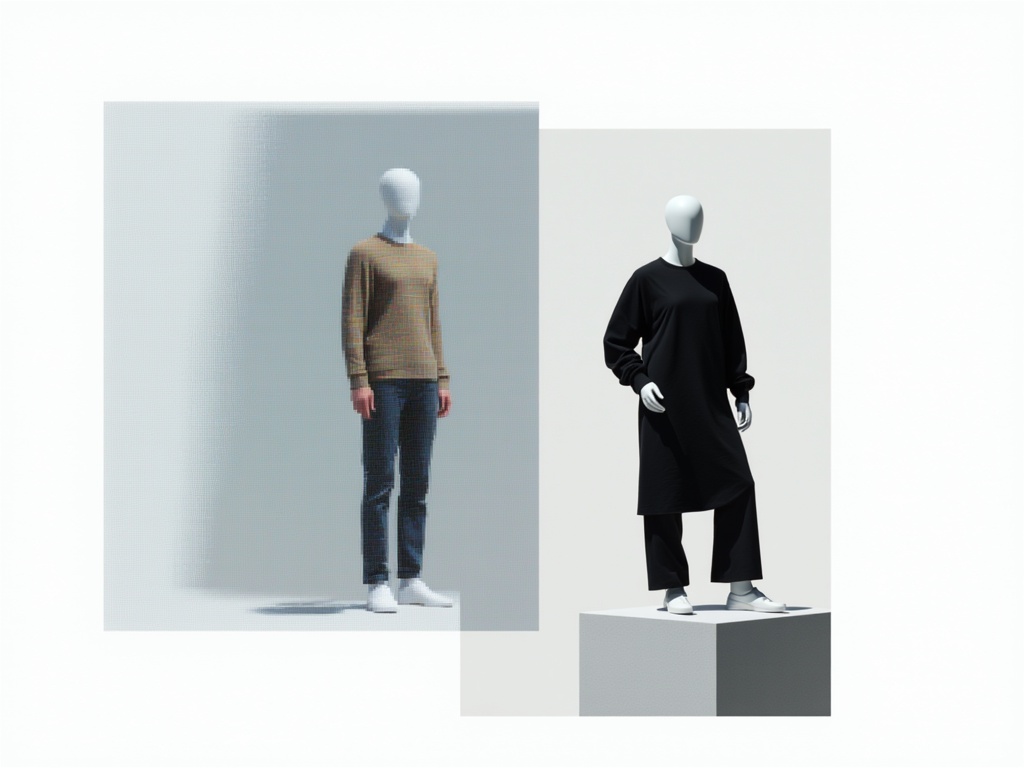
FASHION OUTFIT SWAP
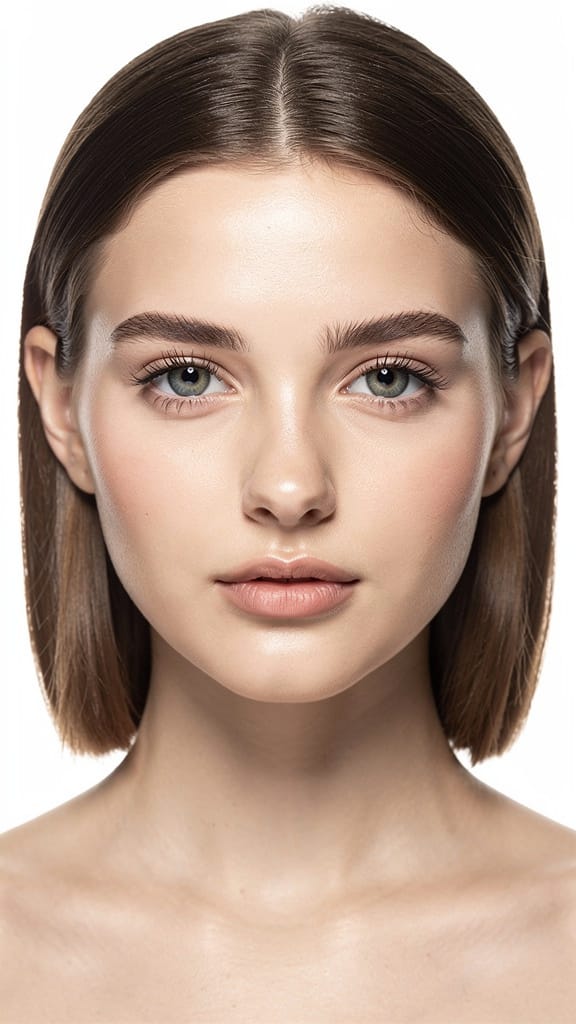
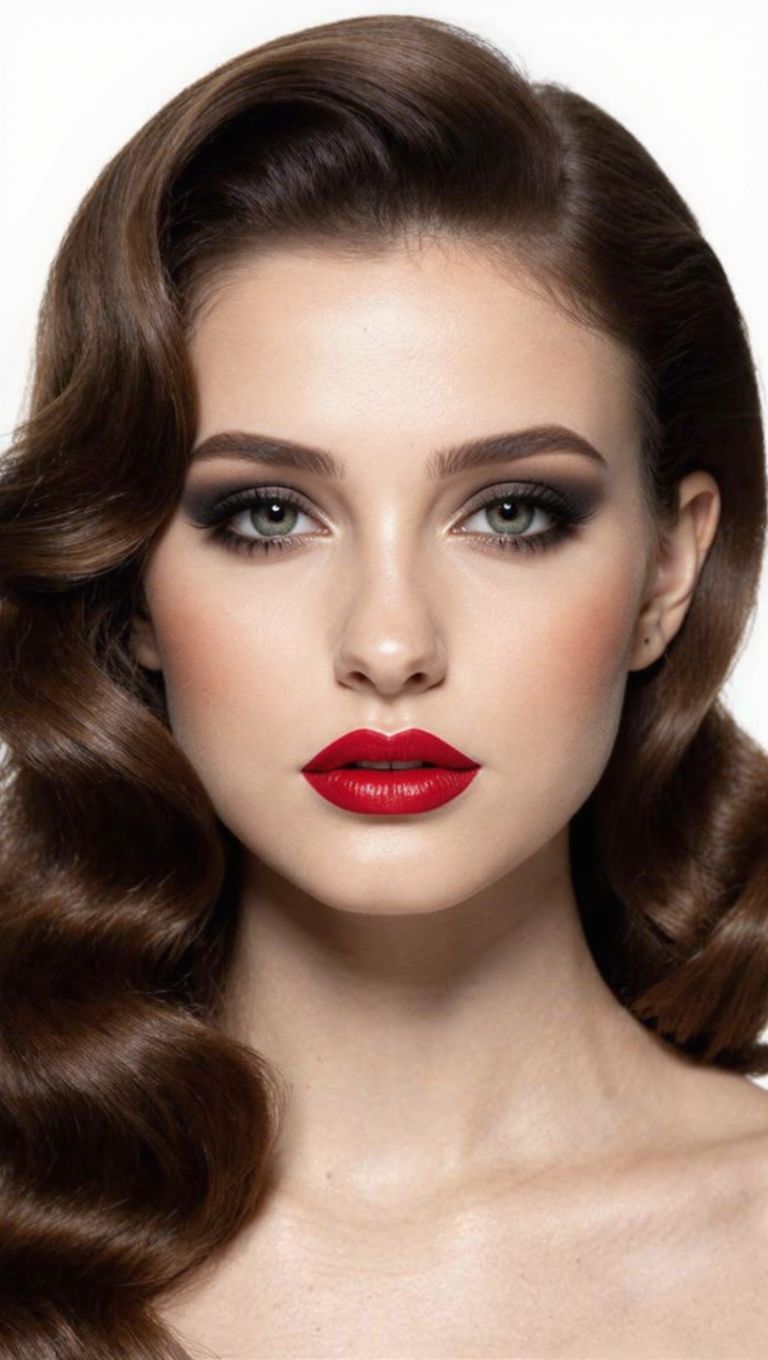
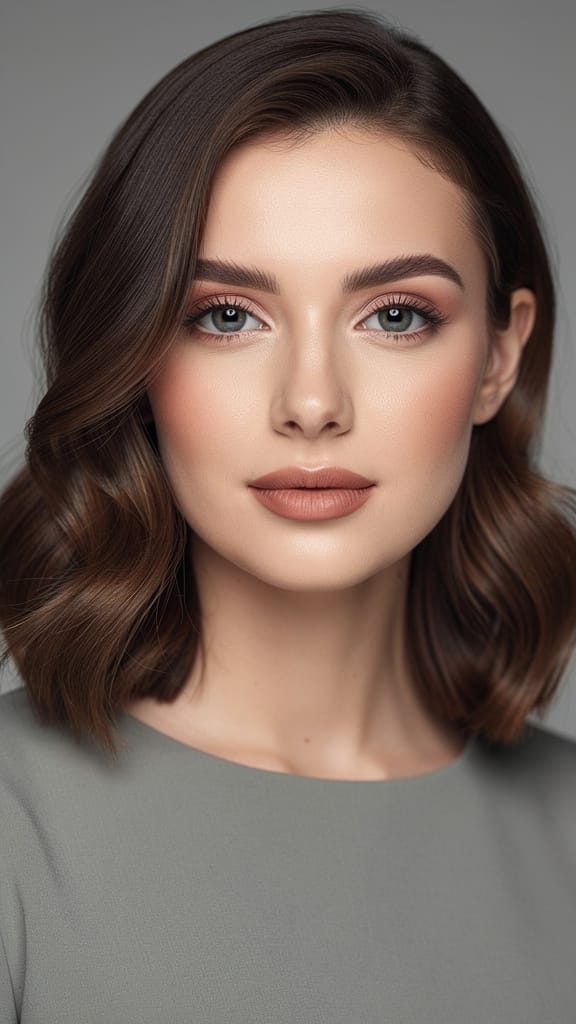
MAKEUP AND STYLE TRANSFER
Kling O1 Image is a next-generation AI tool for creative professionals seeking highly precise, reference-driven image editing and composition. Developed by Black Forest Labs, Kling O1 Image stands out in the world of AI art generators by empowering users to incorporate up to 10 visual references into a single prompt, allowing for deeply contextual, multi-image transformations. Rather than simply generating new images from scratch, Kling O1 Image excels at reimagining, transplanting, and remixing subjects and elements across different visual sources—perfect for those times when you want seamless integration and narrative logic, not just style transfer or simple overlays.
At its core, Kling O1 Image is designed for intricate, multi-reference creative workflows. Artists, designers, filmmakers, and content creators can specify which objects or subjects from their reference images should appear, and precisely where within the target image they should be placed. For example, you can instruct the tool: "Put @Image1 in the back seat of the car in @Image2 and place @Element1 on top of @Image1." This easy syntax lets you direct the composition as if you were an art director, while the AI intelligently understands context—handling layers, lighting, perspective, and style matching—without needing manual masks or complex pixel-level edits.
Kling O1 Image is especially powerful for:
- Artists seeking to blend multiple inspirations or references into a single harmonious scene.
- Designers wishing to transplant products or characters into new contexts with consistent visual logic.
- Filmmakers and illustrators who want to storyboard complex scenes by positioning specific elements across various sources.
- Content creators aiming to remix visual materials or develop detailed mockups that maintain subject fidelity and style unity.
Supported Formats and Resolutions Output flexibility is a core strength. Kling O1 Image allows you to generate images in standard or high resolution, with output sizes up to 2K (approximately 4 megapixels). You can choose between JPEG, PNG, or WebP file formats based on your quality and file size needs. Intelligent aspect ratio detection makes it straightforward to get the right proportions for your project, whether you need classic 16:9, square, portrait, or cinematic widescreen ratios—just select from the provided preset options, or let the AI determine the best fit automatically.
Creative Controls and Customization The model’s unique reference system puts you in the director’s seat:
- Reference up to 10 images in your creative prompt, using clear @Image1, @Image2, etc. syntax for easy source selection.
- Transplant subjects and elements between scenes with context-aware precision, preserving scene realism, lighting, and perspective.
- Add character or object elements for nuanced compositional control, referencing them in the prompt as needed (e.g., @Element1).
- Select aspect ratios and resolutions to match your output requirements, and generate up to 9 variations in one go—a timesaver for exploring creative options.
- No need for manual masking or drawing/selecting regions; Kling O1 Image’s understanding of your prompt and references replaces these tedious manual steps.
Quality and Performance Characteristics Kling O1 Image is built for accuracy over speed, prioritizing correct placement, context preservation, and compositional logic rather than immediate generation turnaround. Its advanced semantic understanding ensures that when you request to move a subject from one image to another, all vital elements—like matching lighting, scale, and background consistency—are taken into account.
Limitations and Considerations
- The model is ideal for image editing and recomposition rather than rapid, fully generic image generation.
- There can be a performance tradeoff due to the powerful multi-reference processing (handling up to 10 images is computationally demanding).
- It does not require or support manual regional control (masking), as its semantic referencing is designed to replace that.
- Best results are achieved when reference images are well-lit, high quality, and relevant to the desired composition—this helps maximize context preservation and output fidelity.
In summary, Kling O1 Image is a creative precision tool for any professional who needs to merge, transplant, or harmonize multiple visual sources in a single image. By focusing on compositional accuracy, semantic understanding, and automation of complex editing steps, it opens new doors for advanced creative vision without manual drudgery.
Generate using the most advanced image editor
Add the image that you want change
Upload image
Add the image that you want to edit or transform
A woman kneeling in darkness, illuminated by a warm, radiant beam of light emerging from her raised hand.
Write your changes
Describe the edits you want - style changes, object removal, or enhancements
Start sharing
Download your professionally edited image
Beyond the prompt: A new level of control
OBJECT ADDITION
Effortlessly adds objects into a scene, matching lighting and perspective for realistic results. Ideal for artists, designers, architects, or creatives looking to visualize urban environments or explore imaginative compositions.
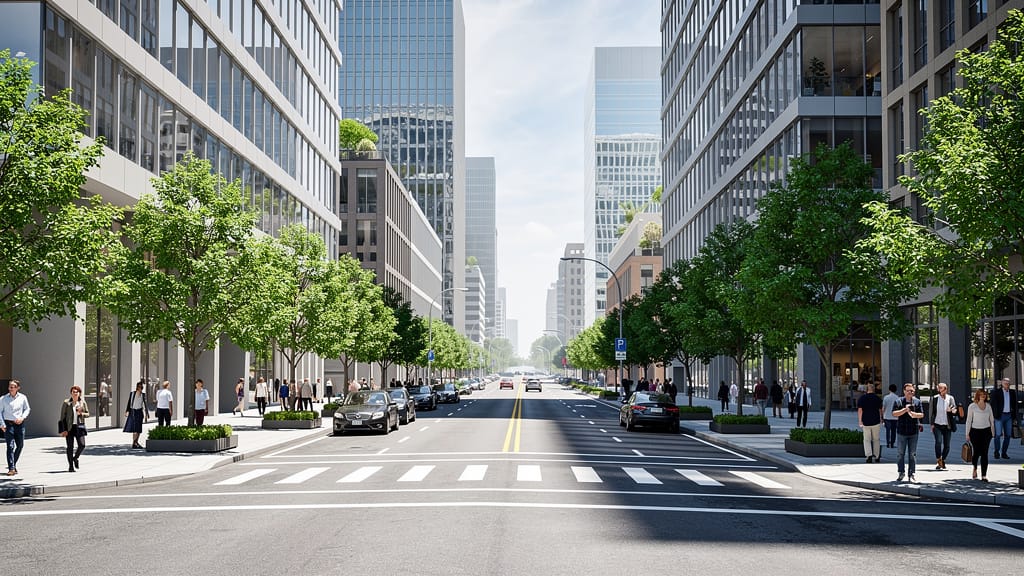
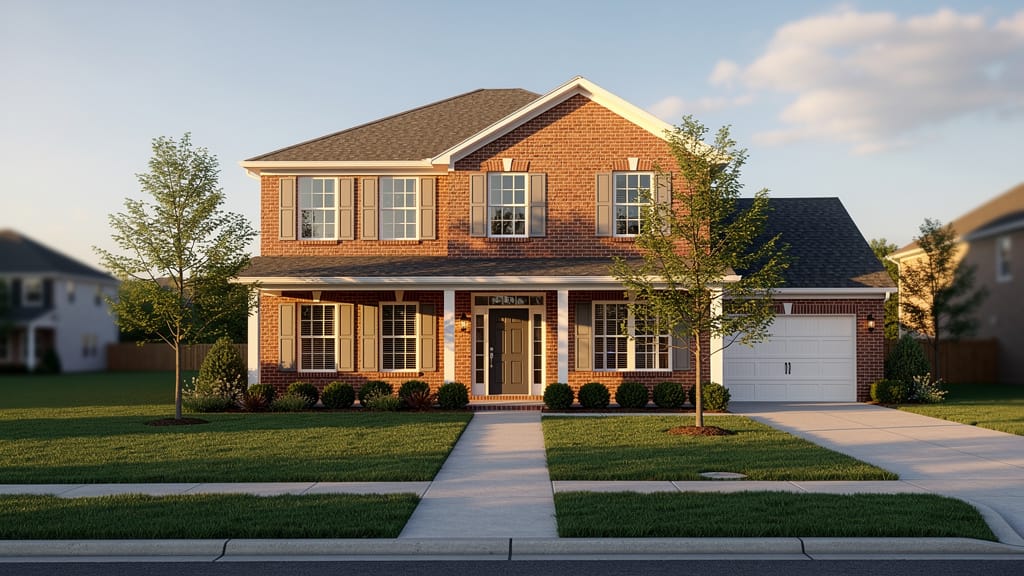
ARCHITECTURAL STYLE SWAP
Transforms architectural style of buildings, letting architects or homeowners preview renovations or style changes instantly.
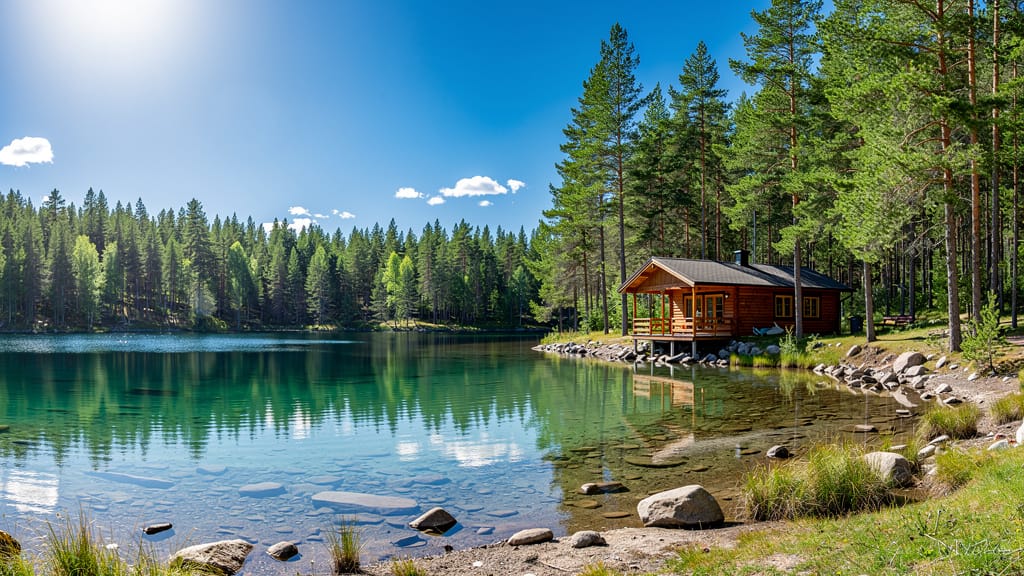
DAY TO NIGHT TRANSFORMATION
Transforms a daytime landscape into a night version with proper lighting and ambiance. Ideal for cinematic visualizations and time-of-day experiments.
Compare with similar models
“Transform into a classical oil painting in the style of Rembrandt. Add visible impasto brushstrokes with thick paint texture. Apply warm golden undertones and dramatic chiaroscuro lighting with deep shadows. Enhance the dramatic contrast while preserving facial structure and expression. Add subtle canvas texture visible through the paint layers.”
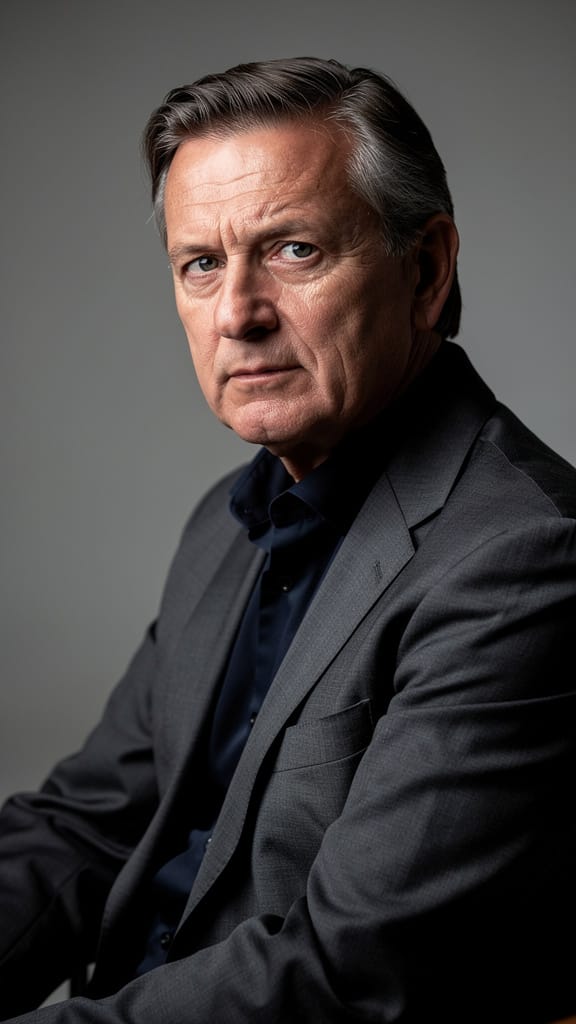
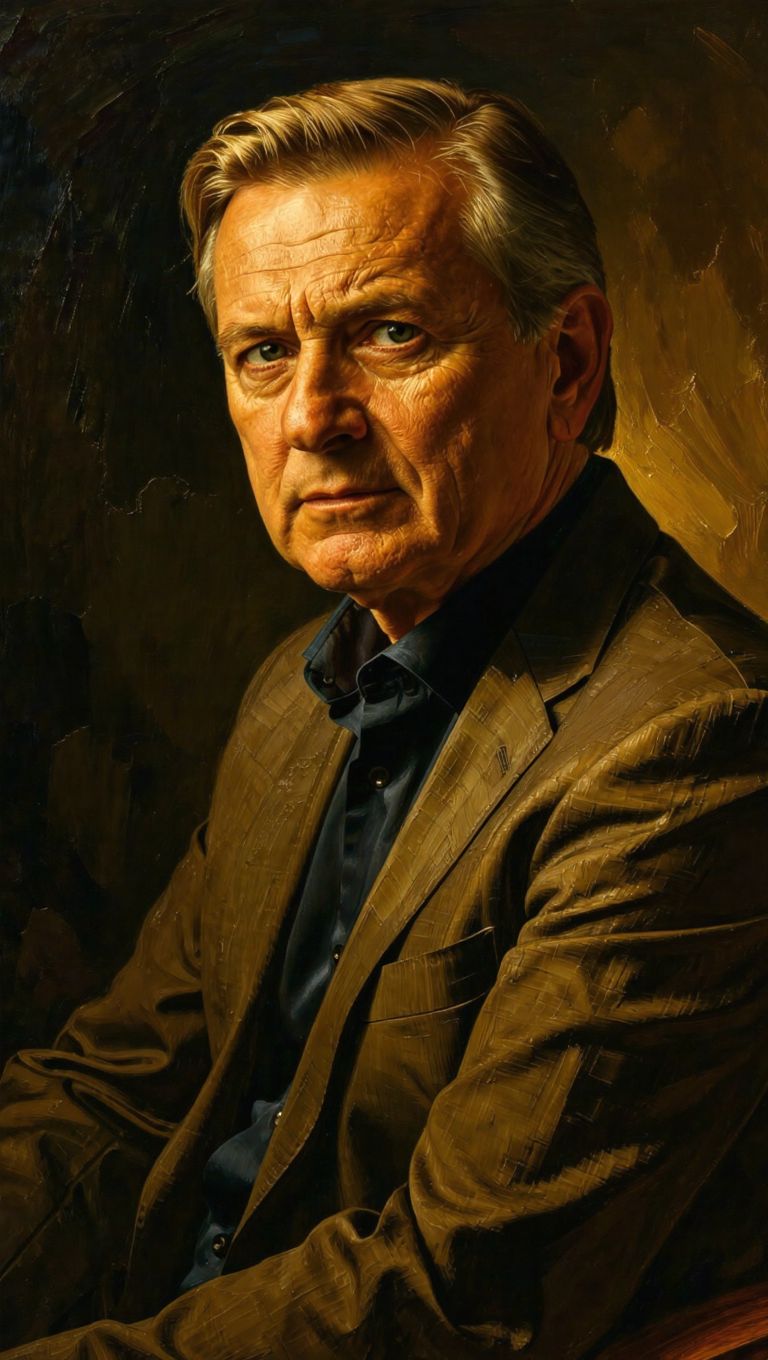
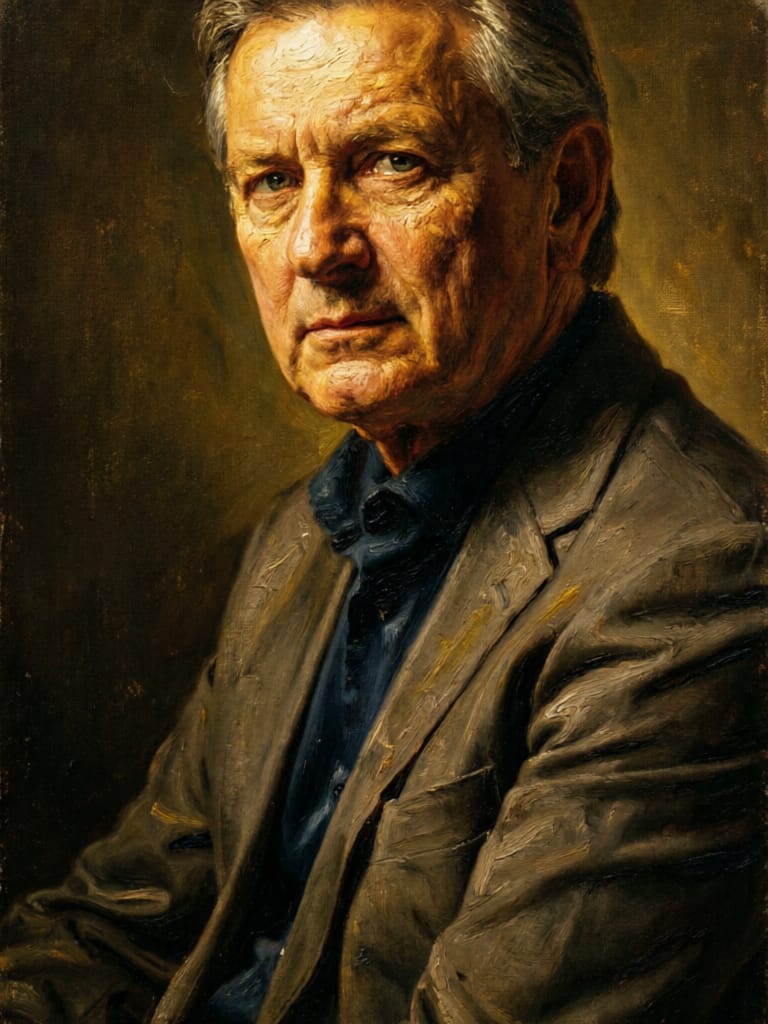
![FLUX.2 [klein] 4B LoRA output](https://shortgenius.com/cdn-cgi/image/width=3840,quality=80,format=auto/https://assets.shortgenius.com/example-model-output/10a63e77-67c3-46e6-83d3-b7b93355e72c.png)

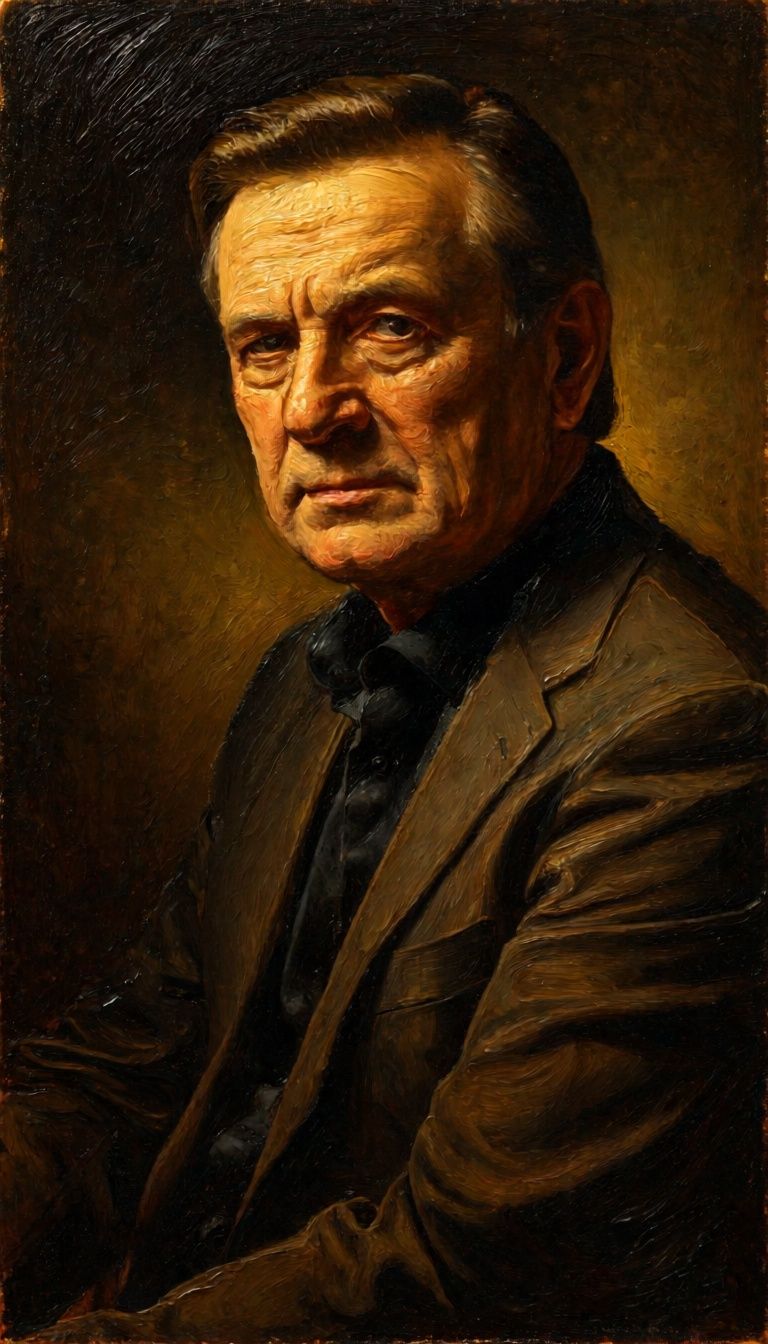
![FLUX.2 [klein] 9B LoRA output](https://shortgenius.com/cdn-cgi/image/width=3840,quality=80,format=auto/https://assets.shortgenius.com/example-model-output/cbfd8f70-6bf2-467b-918f-b020118b8db0.png)

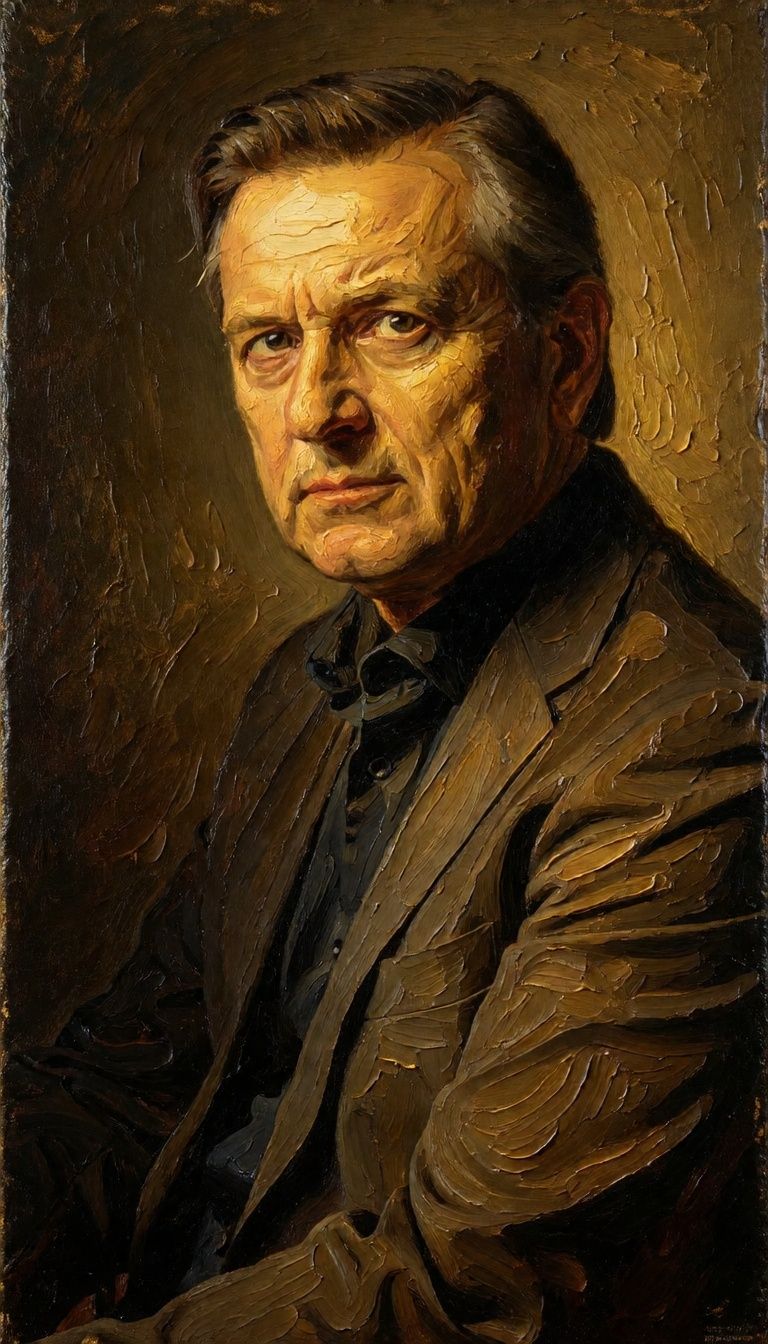

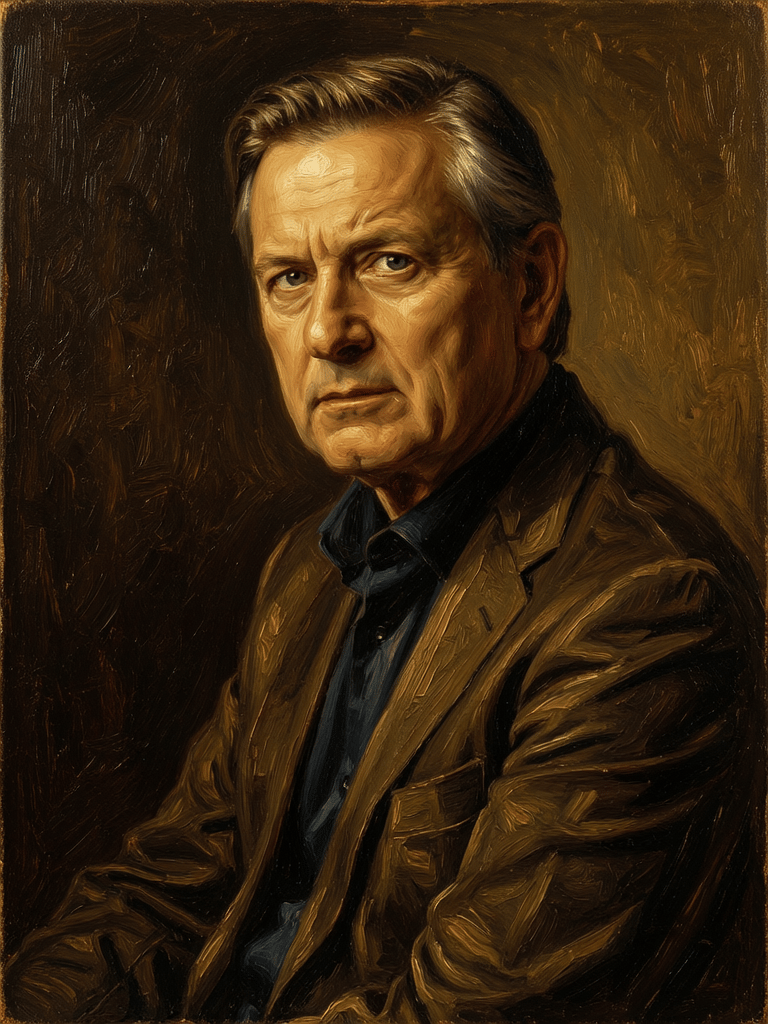
![FLUX.2 [klein] 9B LoRA output](https://shortgenius.com/cdn-cgi/image/width=3840,quality=80,format=auto/https://assets.shortgenius.com/example-model-output/cc1806c8-2af0-47e7-bd34-a95d2d180bfb.png)
Experience perfection with Kling O1 Image
Switch to reasoning-guided synthesis today. Be the first in your industry to deliver native 4K results at 10x the speed.
Frequently Asked Questions
Similar Models
Phota
Identity-preserving personalized photo editing
0.4 credits
Wan
Text-guided creative image editing
0.2 credits
Firered Image Edit V1.1
Advanced AI-powered image editing
0.4 credits
Wan
Pro text-guided image editing
0.3 credits
![FLUX.2 [klein] 9B LoRA](https://v3b.fal.media/files/b/0a928e3b/sIC-Ne9BMwZZtBvR3FwKN_9a724704a550471a9df59999e9e1017f.jpg)
FLUX.2 [klein] 9B LoRA
Precise natural language image editing
0.5 credits
Joyai Image Edit
Natural language image editing
0.8 credits
Hy Wu Edit
Edit images with reference photos
0.4 credits
![FLUX.2 [klein] 4B LoRA](https://v3b.fal.media/files/b/0a928e1f/c62zNs4MhBXgm-5w7n0C5_90bad8837ecc451e96f91da93b78f564.jpg)
FLUX.2 [klein] 4B LoRA
Edit images with text, colors
8 credits
Qwen Image 2
Unified AI image editing model
0.5 credits