FLUX.2 [klein] 4B LoRA
Precision image editing
Edit images with text, colors
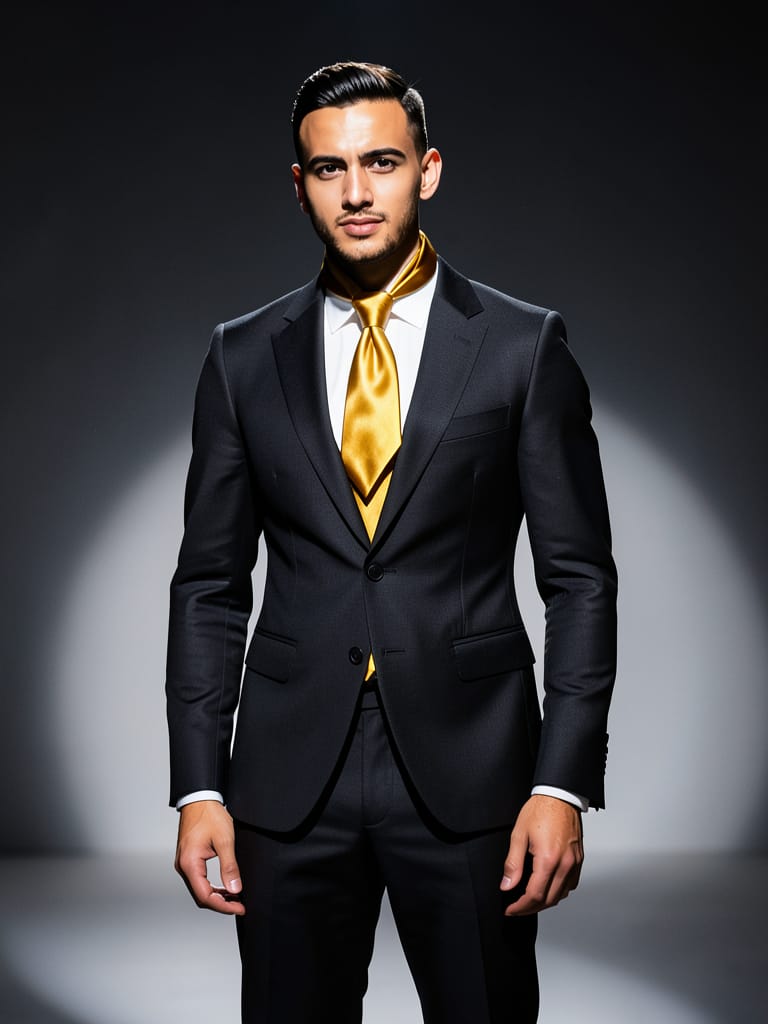
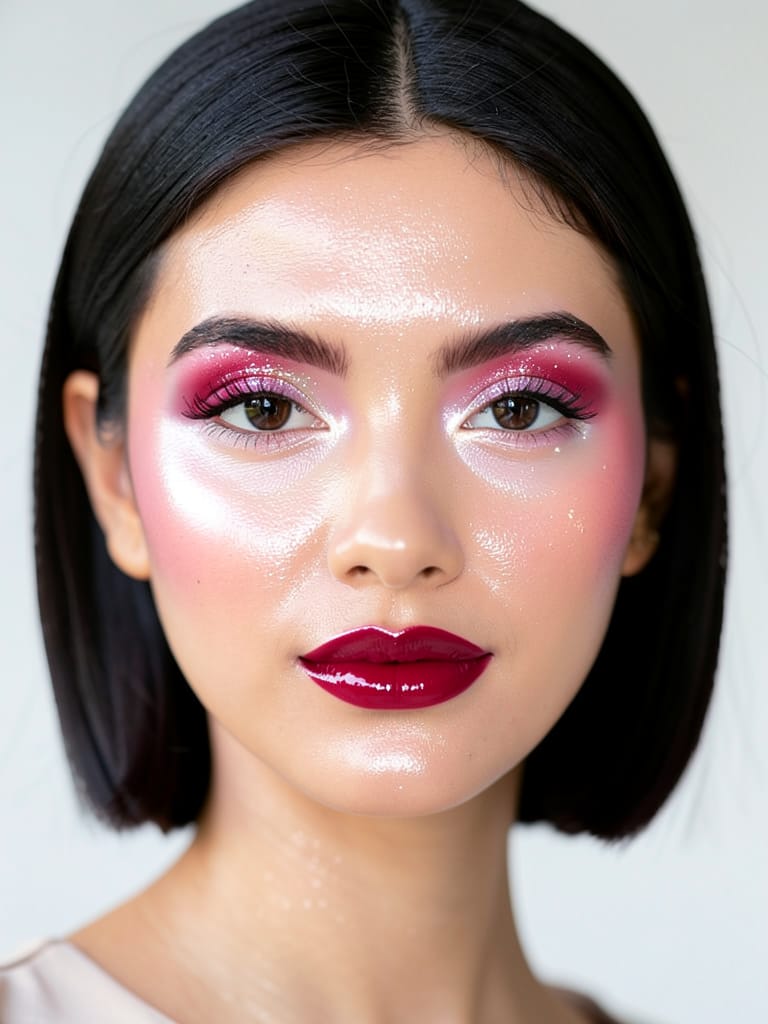
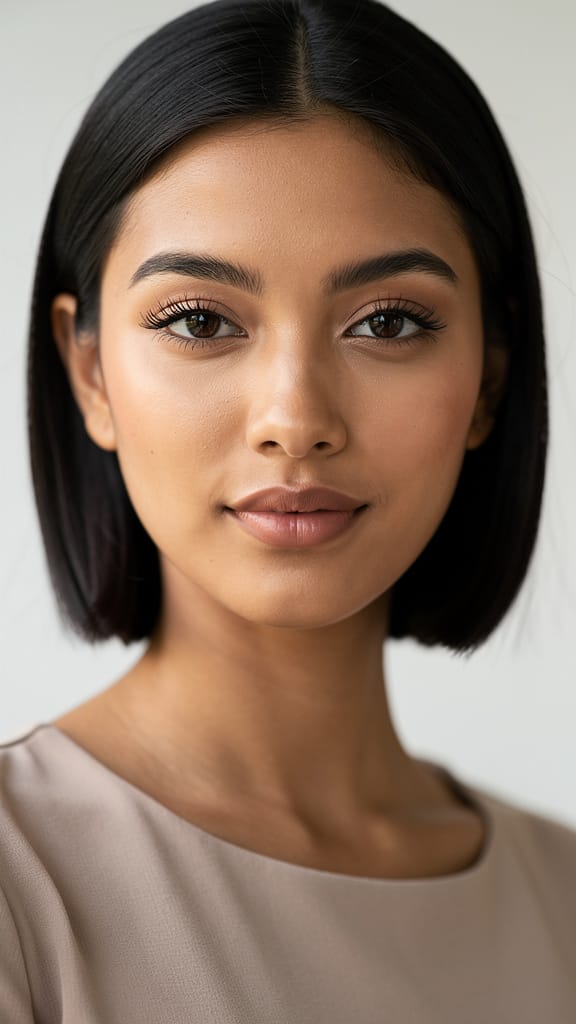
BEAUTY GLOW UP
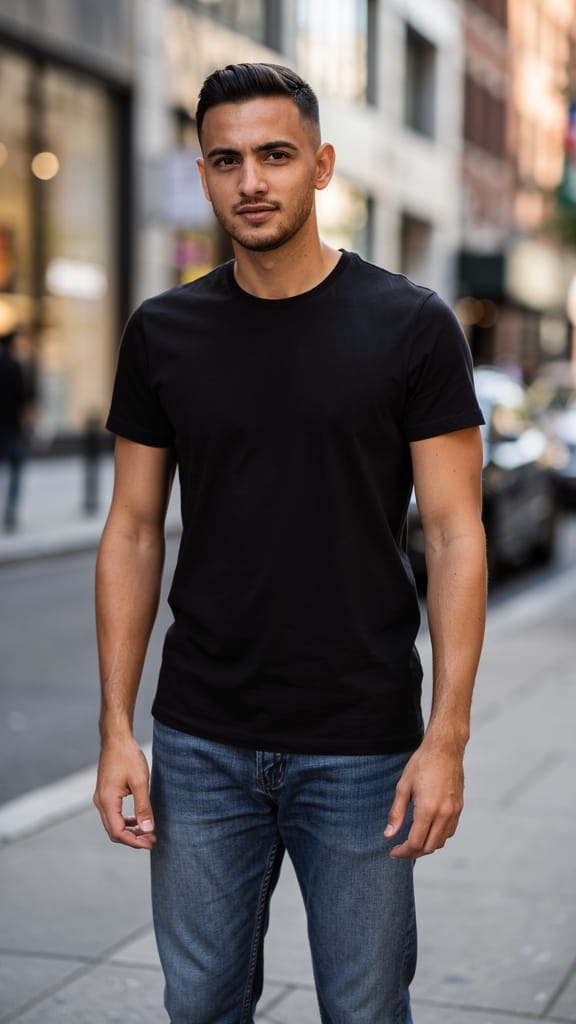
FASHION STYLE SWAP
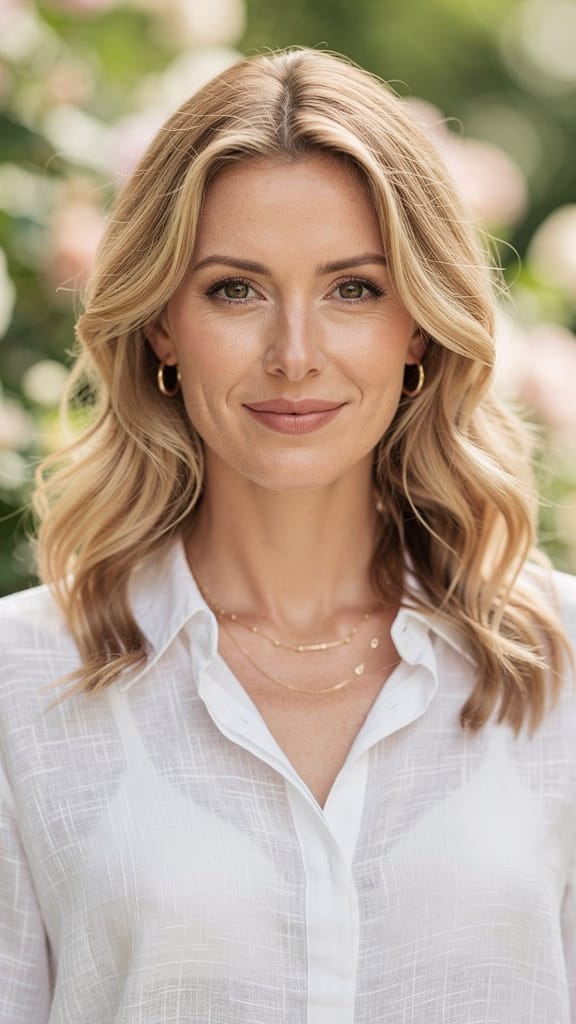
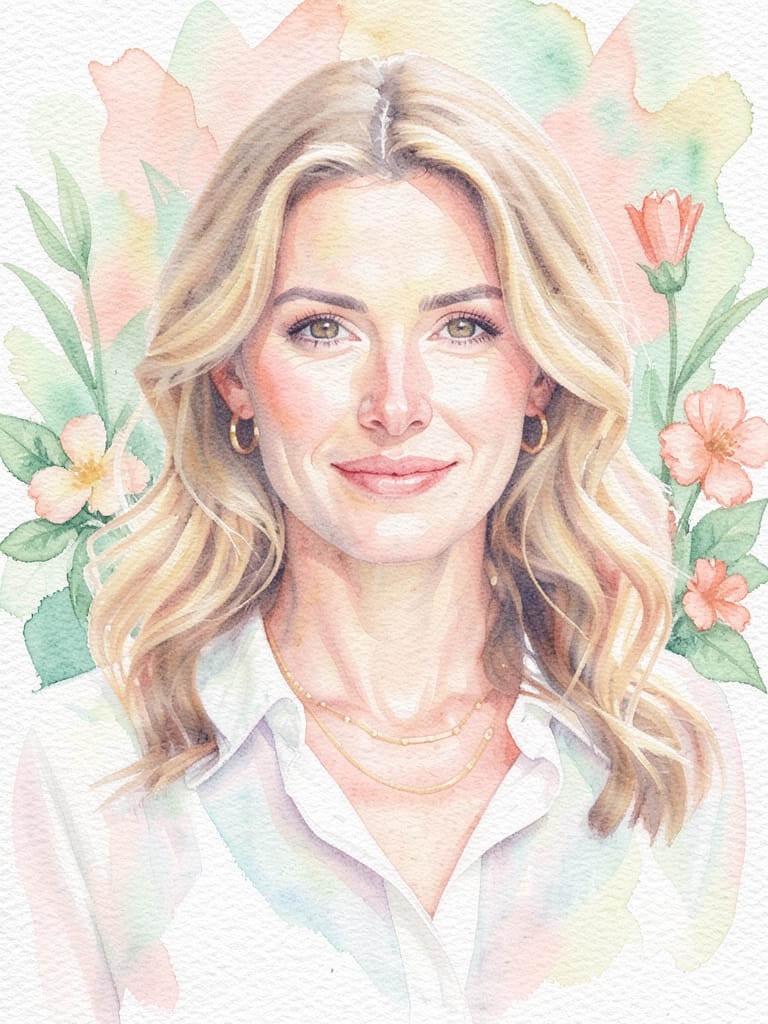
ARTISTIC STYLE TRANSFER
FLUX.2 [klein] 4B LoRA, developed by Black Forest Labs, is a sophisticated image-to-image editing model that empowers creative professionals to transform, enhance, or reinterpret images using natural language prompts. Designed for artists, designers, filmmakers, and content creators, it stands out for its ability to make nuanced visual modifications—ranging from subtle enhancements to dramatic transformations—guided by intuitive, descriptive instructions.
Creative Capabilities and Features
FLUX.2 [klein] 4B LoRA specializes in editing existing images using detailed, plain-language prompts. This means you can upload one or more images (up to four at a time), describe the changes you want—like "make this scene look realistic," "add a sunset glow," or "change the background to vivid blue"—and receive a newly crafted edit that reflects your vision. This process is precise and responsive to creative intent, making it a powerful tool for realizing specific stylistic or conceptual changes.
A distinctive feature is the ability to apply custom style weights, which allows for tailored stylistic adjustments and fine-tuned effects, ensuring that your edits can be as unique as your creative needs. Color control is also possible, with the option to specify hex colors for exact hue adjustments, giving designers and illustrators granular control over mood and atmosphere.
Ideal Use Cases and Audiences
FLUX.2 [klein] 4B LoRA is especially valuable for artists and designers looking to rapidly iterate on concepts, update visual details, or generate alternative versions of work for client presentations. Filmmakers and visual storytellers can use it to envision scene treatments, experiment with set designs, or pre-visualize mood boards. Content creators benefit by generating on-brand images for social media, marketing, editorial, and campaign work, with just a descriptive prompt.
From subtle photo corrections (like "soften lighting", "remove background distractions") to bold creative shifts ("convert to an 80s sci-fi poster", "make this a high-contrast noir"), this model provides hands-on creative control without the need for traditional manual editing skills.
Supported Formats, Resolution, and Styles
FLUX.2 [klein] 4B LoRA works with standard web image formats, supporting PNG, JPEG, and WEBP files for both input and output. You can edit images up to four at a time, and control the output file type to best suit your project’s needs.
When it comes to image resolution, the model is flexible: it can generate new images at custom sizes, limited only by certain maximum dimensions (up to 14,142 pixels on the largest side as per the documentation), or use the resolution of the image you provide by default. This enables high-quality outputs suitable for print, digital, or social media applications.
Stylistically, the model doesn’t restrict you to a fixed aesthetic. By describing your desired look in plain English, you guide the output’s character—whether aiming for realism, illustration, surreal effects, vintage filters, or any visual tone you can describe. You can also enhance or shift colors exactly, thanks to precise control via hex values, which is a boon for brand consistency and art direction.
Quality and Performance
FLUX.2 [klein] 4B LoRA performs multiple passes to refine the edit, and you can choose how many passes are made, balancing speed and detail. More passes yield more refined, detailed results, while fewer passes result in faster output. This lets users optimize for quick drafts or highly polished final versions, according to the needs of the project.
The model always checks for safety by default, scanning for and flagging the presence of explicit or sensitive content in outputs, so creative workflows remain professional and appropriate. This can be toggled for projects where unrestricted edits are required.
Creative Controls and Customization
FLUX.2 [klein] 4B LoRA offers:
- Natural language prompts to describe the desired edit, making it easy for non-technical creators to direct changes
- Adjustable detail and refinement by setting how many passes the model should take to craft the image
- Optional application of up to three custom styles to steer the generation, ideal for unique looks or brand fidelity
- Flexible choice of output format (PNG, JPEG, WEBP) for broad compatibility
- Easy multi-image editing (up to four images per session)
- Precise color tuning with hex codes
- Control over image output size, with the choice to match input or specify new dimensions for various artboard needs
- Seed setting for reproducing or exploring variation in creative outputs
Limitations, Considerations, and Best Practices
Input images are resized to standard sizes for processing, which helps deliver consistent quality. The maximum number of images edited simultaneously is four, and a maximum of three custom style weights can be applied per edit. For best results, describe your desired changes clearly and specifically. If you require high detail or nuanced changes, increasing the number of refinement passes improves the result.
The model offers automatic safety checks by default, but this can be switched off for mature projects where greater freedom is necessary. Final output quality is influenced by the level of detail in your prompt, the number of refinement passes, and the clarity of your creative guidance.
In summary, FLUX.2 [klein] 4B LoRA combines intuitive, descriptive editing with powerful customization features, helping creative professionals quickly generate and iterate on high-quality images in a responsive, artist-friendly workflow.
Generate using the most advanced image editor
Add the image that you want change
Upload image
Add the image that you want to edit or transform
A woman kneeling in darkness, illuminated by a warm, radiant beam of light emerging from her raised hand.
Write your changes
Describe the edits you want - style changes, object removal, or enhancements
Start sharing
Download your professionally edited image
Beyond the prompt: A new level of control
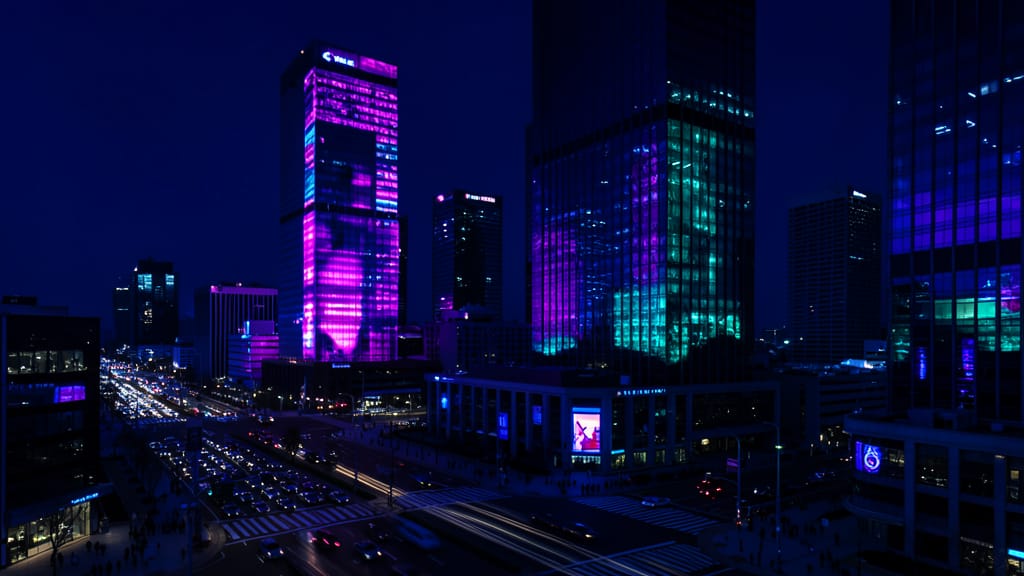
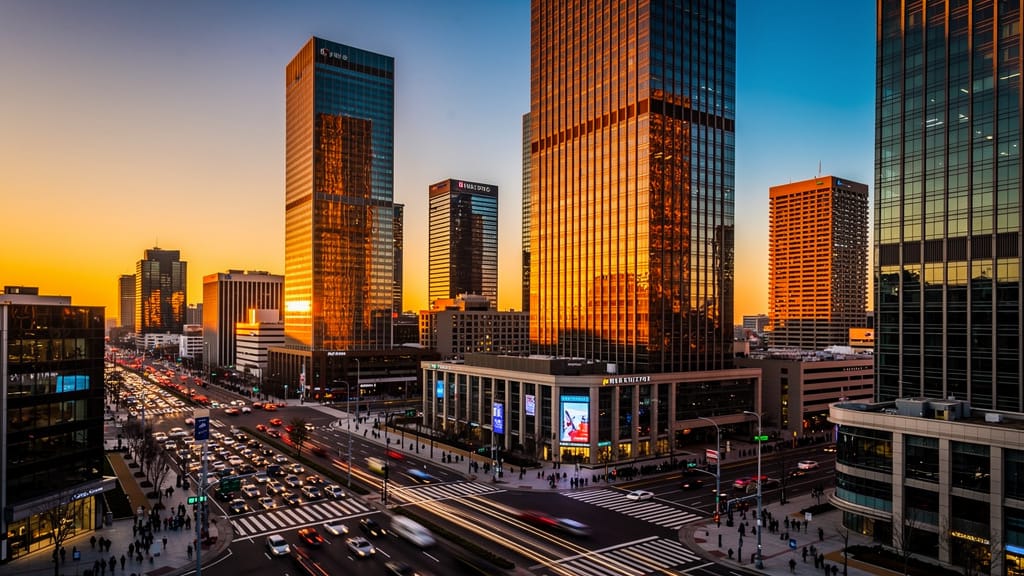
URBAN LANDSCAPE ENHANCEMENT
Highlights real-time enhancement by adjusting ambience, colors, and vibes in wide cityscape shots—useful for real estate, travel, or creative social content.
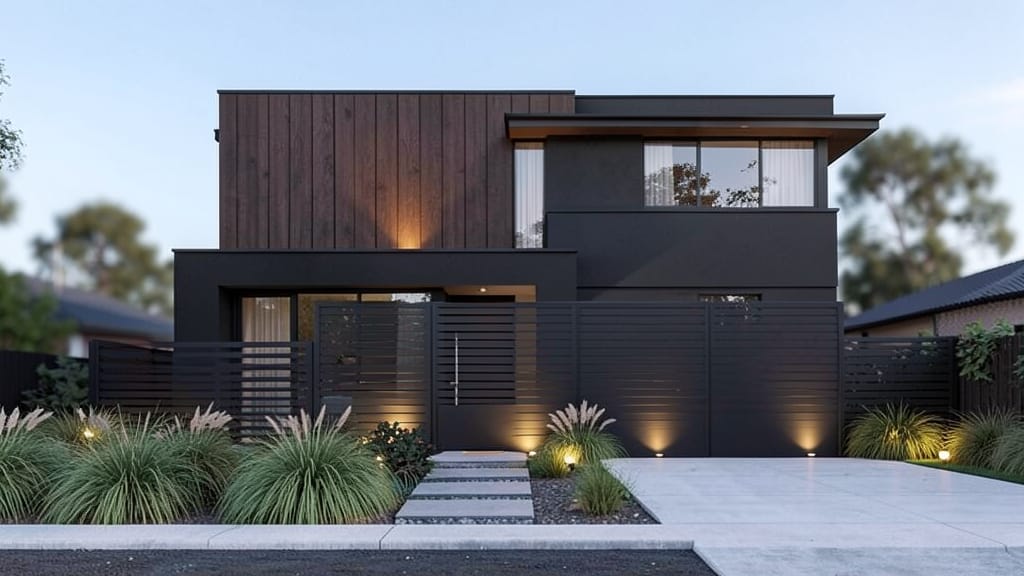
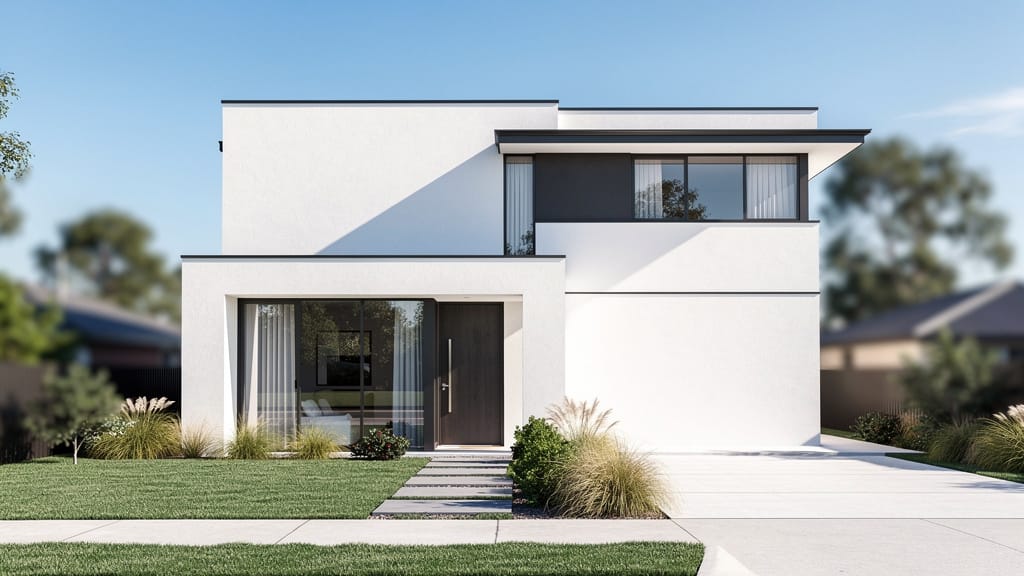
ARCHITECTURE STYLE REDESIGN
Demonstrates advanced object and material replacement for architectural renders, enabling rapid virtual redesigns for architects or home improvement brands.
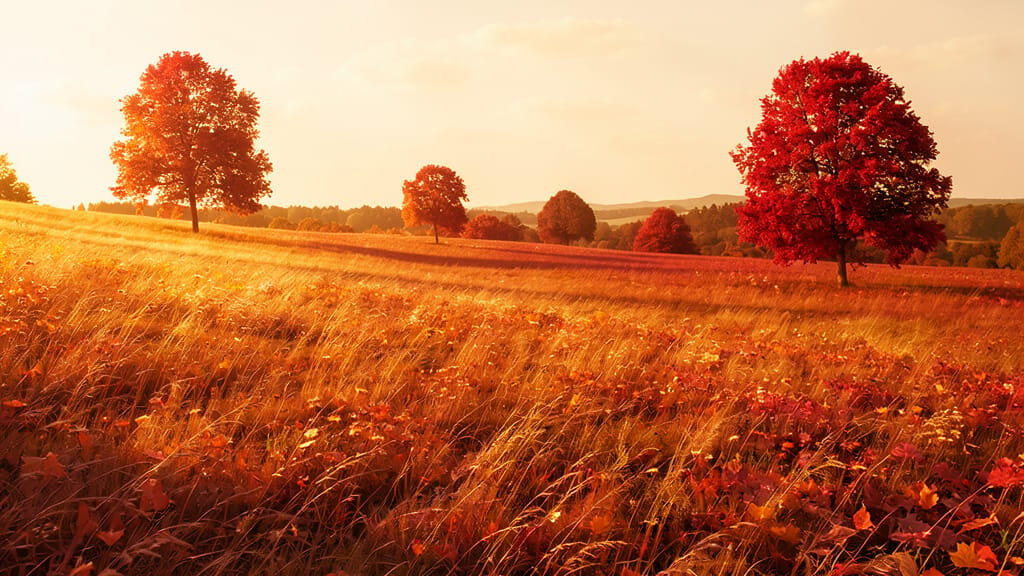
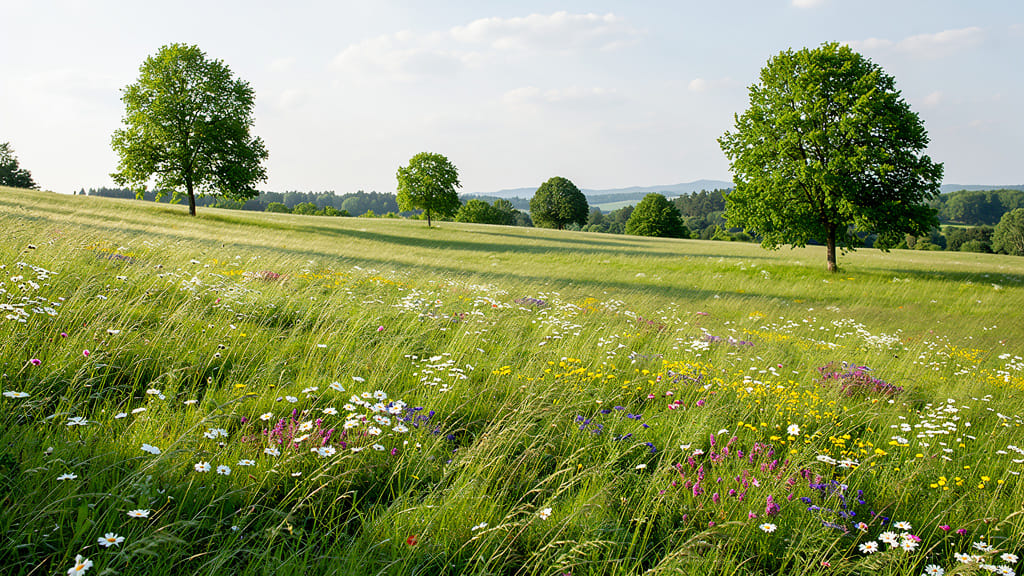
NATURE SCENE SEASONAL CHANGE
Showcases dynamic environmental editing, shifting seasons and foliage hues to create richer atmospheres in landscape photography.
Compare with similar models
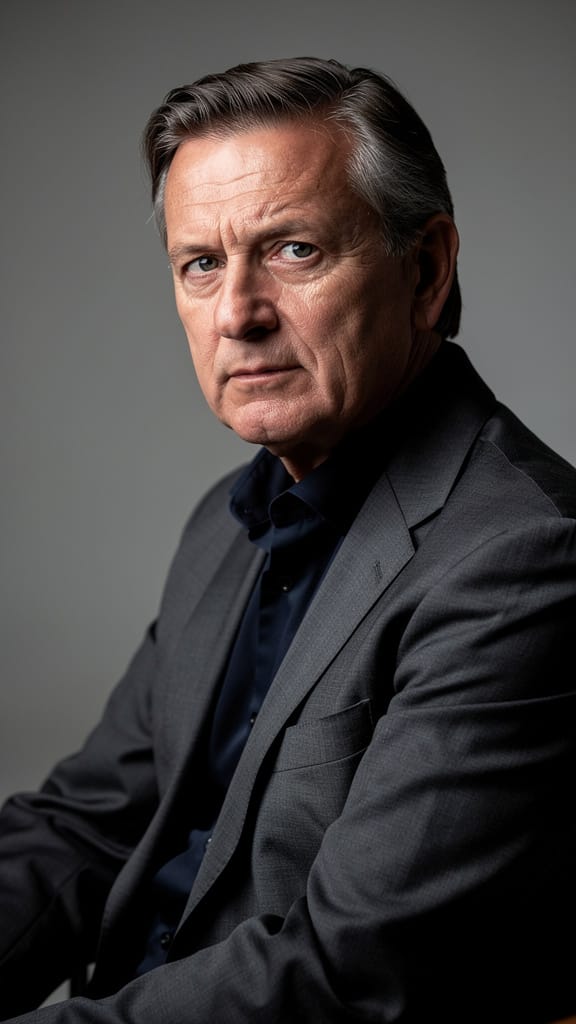
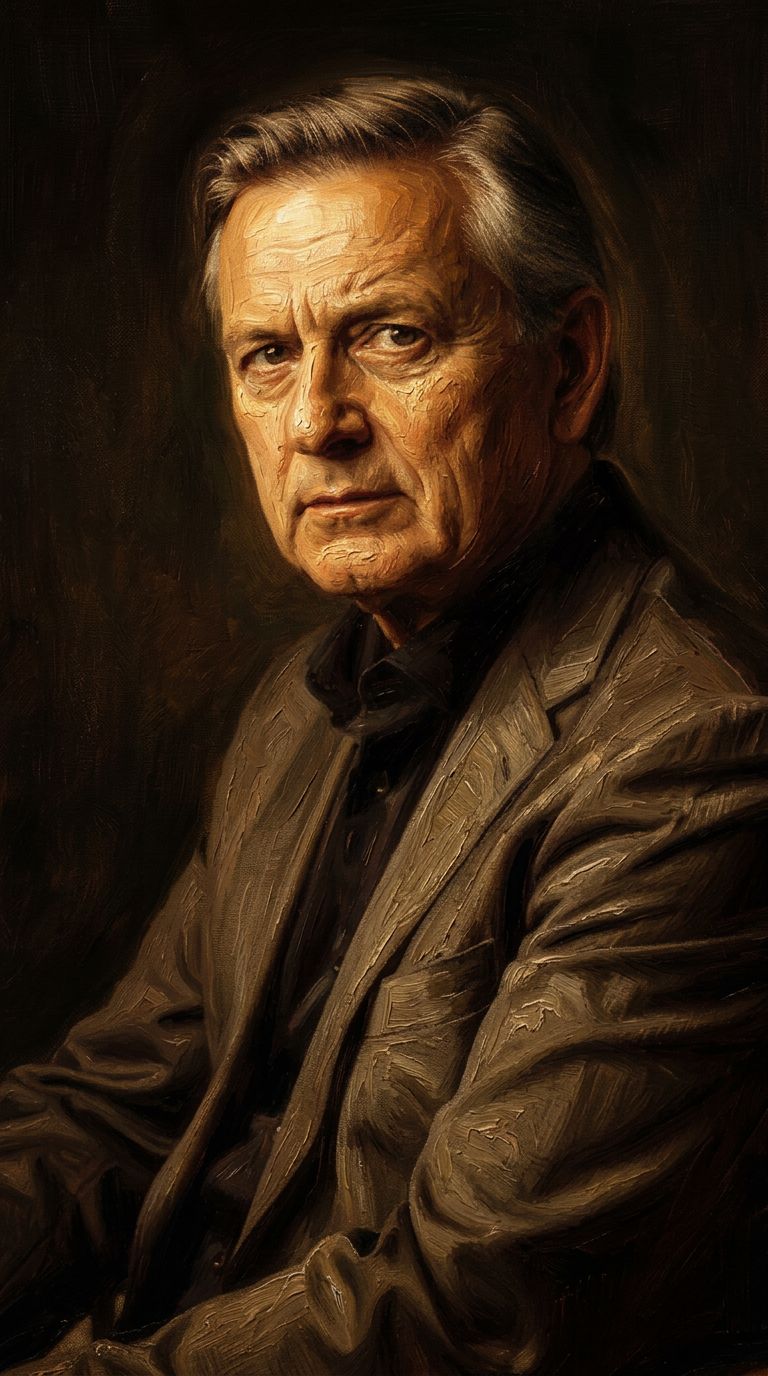
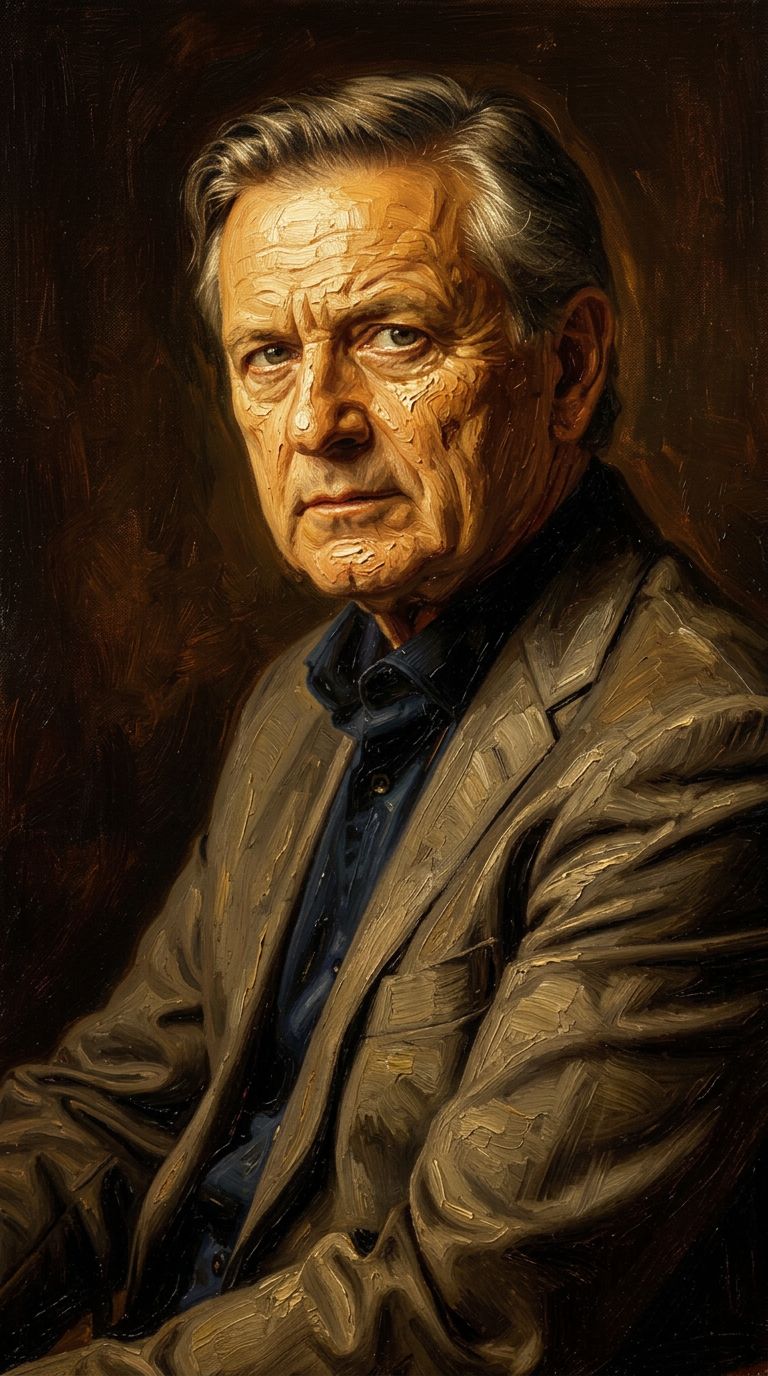
“Transform into a classical oil painting in the style of Rembrandt. Add visible impasto brushstrokes with thick paint texture. Apply warm golden undertones and dramatic chiaroscuro lighting with deep shadows. Enhance the dramatic contrast while preserving facial structure and expression. Add subtle canvas texture visible through the paint layers.”
![FLUX.2 [klein] 4B LoRA output](https://shortgenius.com/cdn-cgi/image/width=3840,quality=80,format=auto/https://assets.shortgenius.com/example-model-output/10a63e77-67c3-46e6-83d3-b7b93355e72c.png)
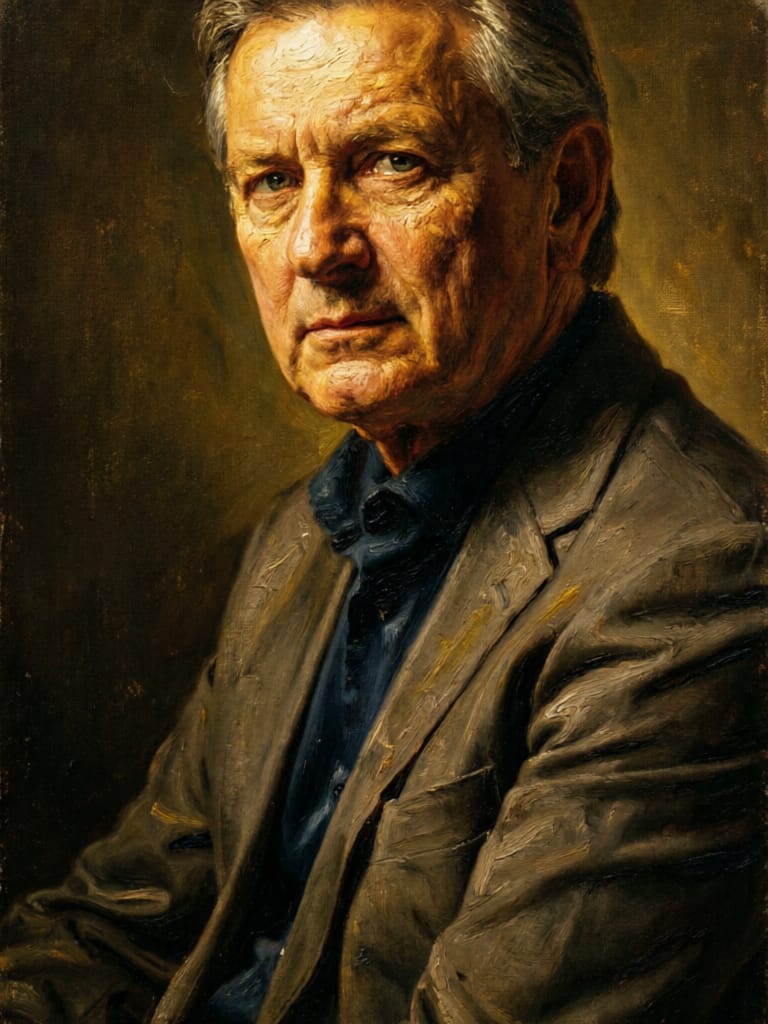
![FLUX.2 [klein] 9B LoRA output](https://shortgenius.com/cdn-cgi/image/width=3840,quality=80,format=auto/https://assets.shortgenius.com/example-model-output/cbfd8f70-6bf2-467b-918f-b020118b8db0.png)
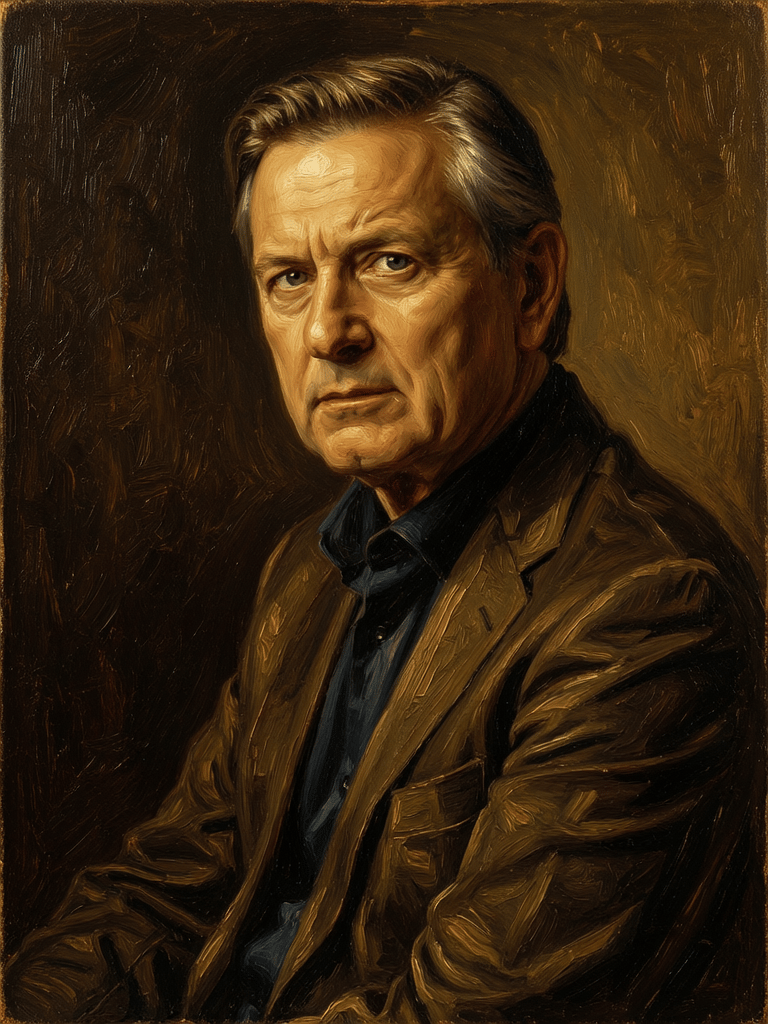



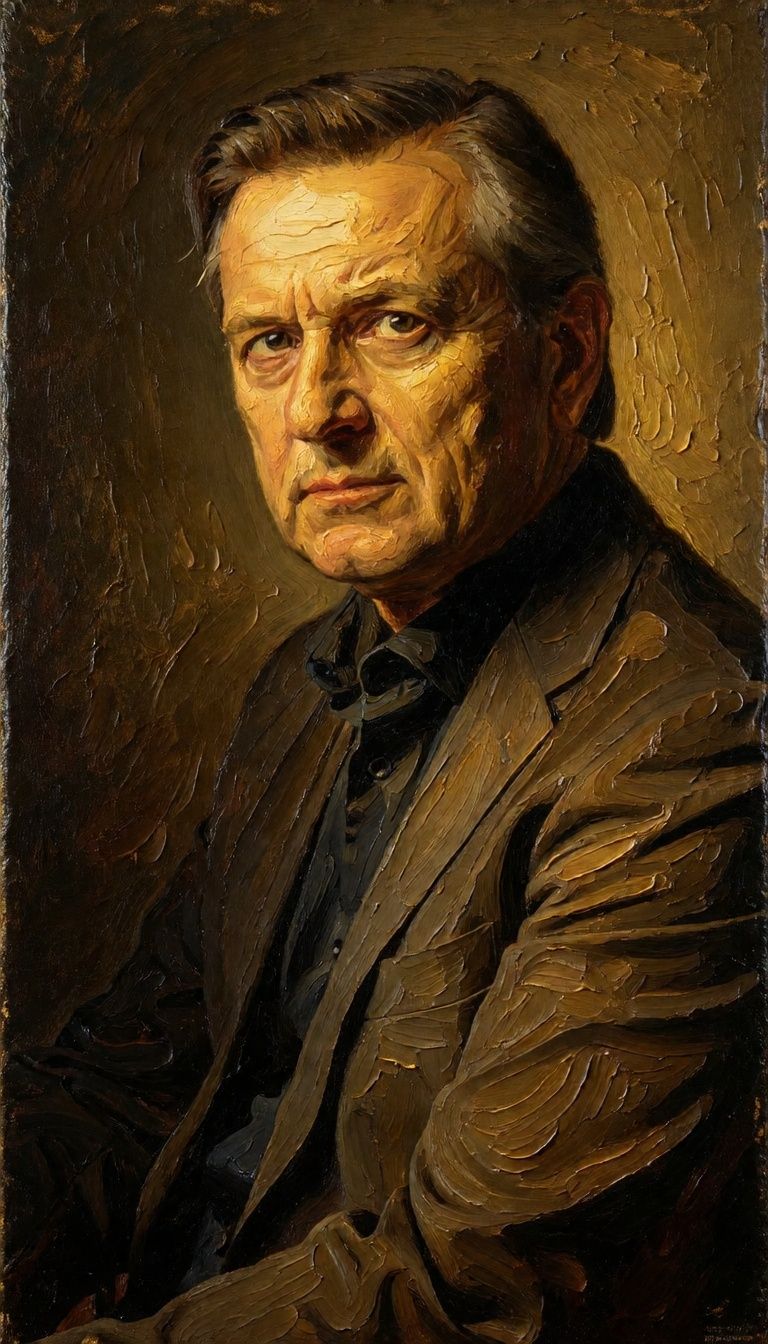
Experience perfection with FLUX.2 [klein] 4B LoRA
Switch to reasoning-guided synthesis today. Be the first in your industry to deliver native 4K results at 10x the speed.
Frequently Asked Questions
Similar Models
![FLUX.2 [klein] 9B LoRA](https://v3b.fal.media/files/b/0a928e3b/sIC-Ne9BMwZZtBvR3FwKN_9a724704a550471a9df59999e9e1017f.jpg)
FLUX.2 [klein] 9B LoRA
Precise natural language image editing
0.5 credits
Joyai Image Edit
Natural language image editing
0.8 credits
Qwen Image 2
Unified AI image editing model
0.5 credits
![FLUX.2 [klein] 9B LoRA](https://v3b.fal.media/files/b/0a928dd2/yFNW07YLHtp5zuE4eJAW1_e2f89915a1b740559b3c652b0b028296.jpg)
FLUX.2 [klein] 9B LoRA
Precise image edits, color control
0.3 credits
Wan
Pro text-guided image editing
0.3 credits
Firered Image Edit V1.1
Advanced AI-powered image editing
0.4 credits
Gemini 3.1 Flash Image Preview
Ultra-fast Google image editing
0.7 credits
Nano Banana 2
Google's advanced image editing
0.7 credits
Qwen Image 2
Unified image editing and generation
0.6 credits