FLUX.2 [klein] 9B LoRA
Precision image editing
Precise image edits, color control
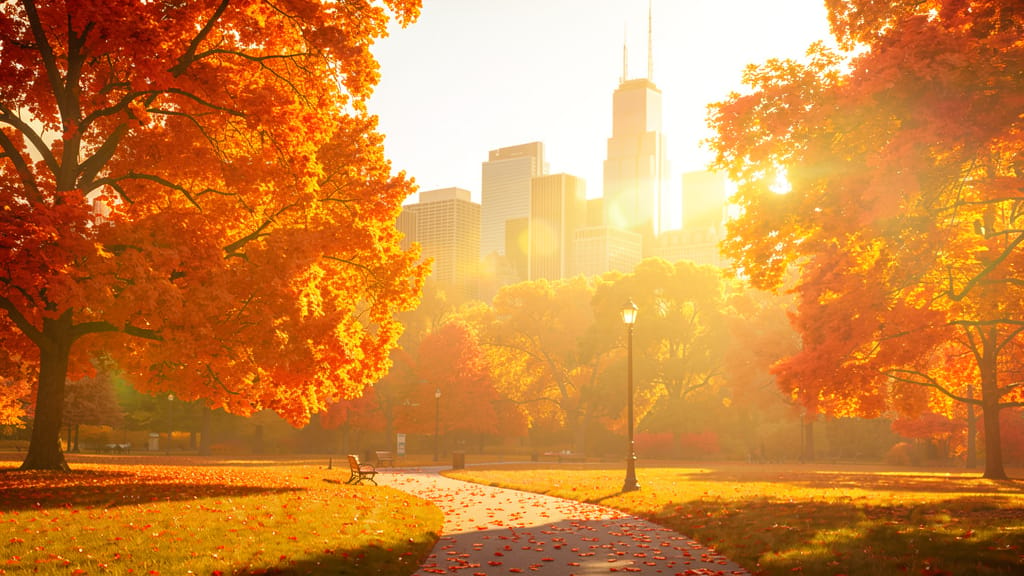
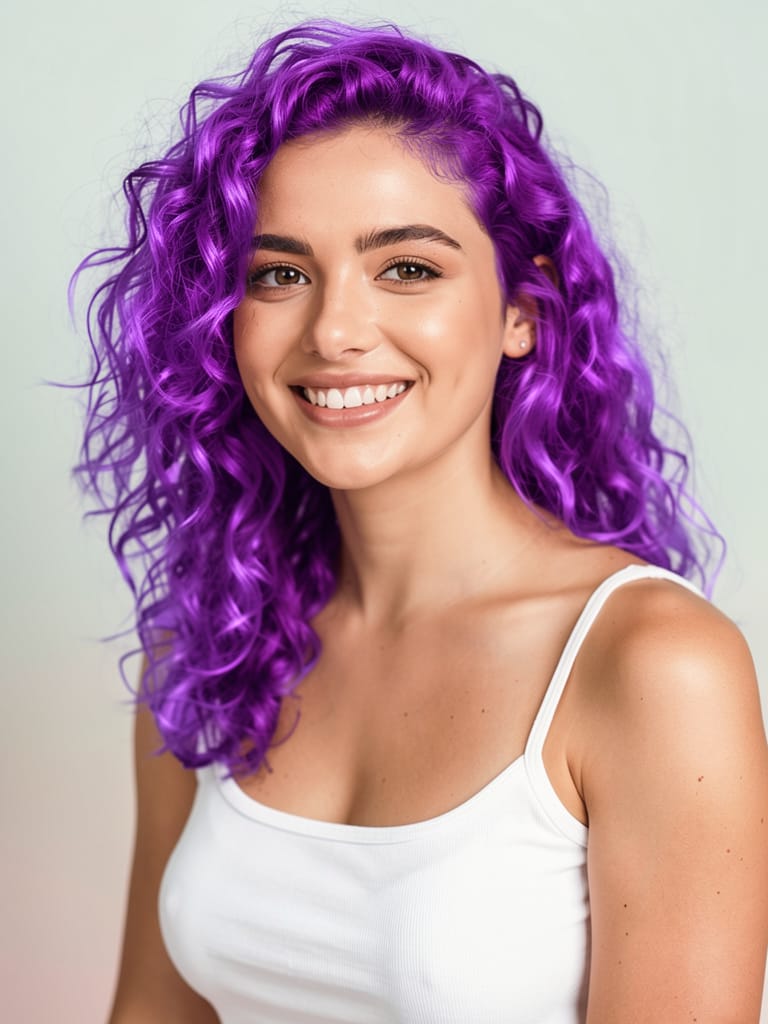
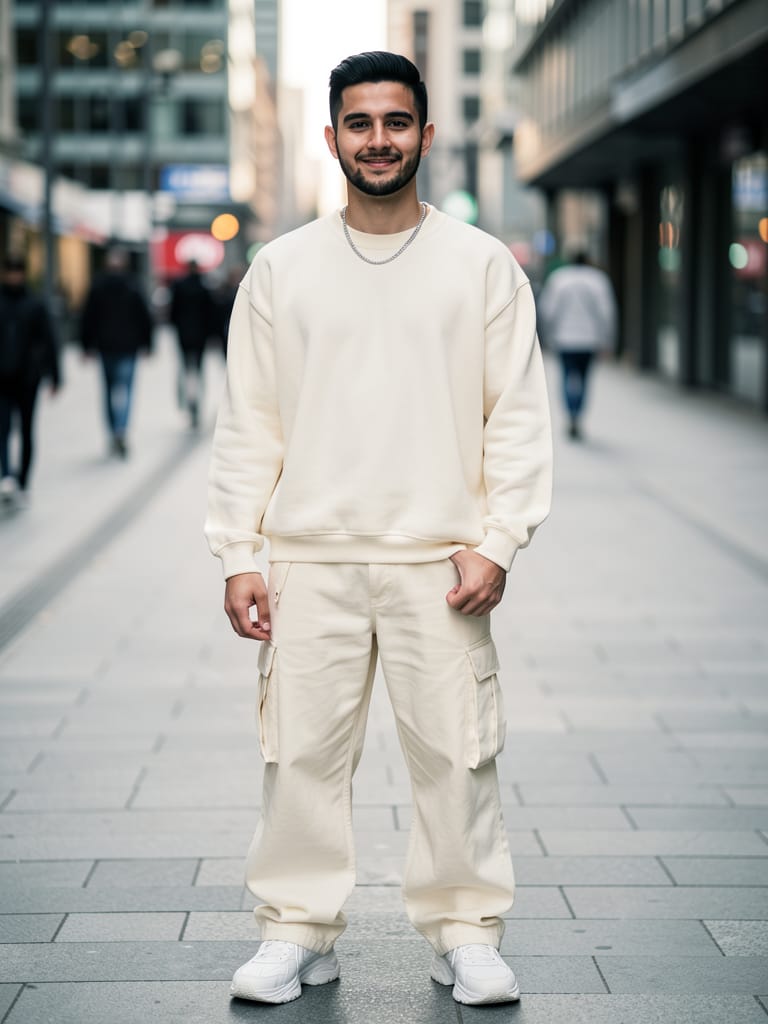
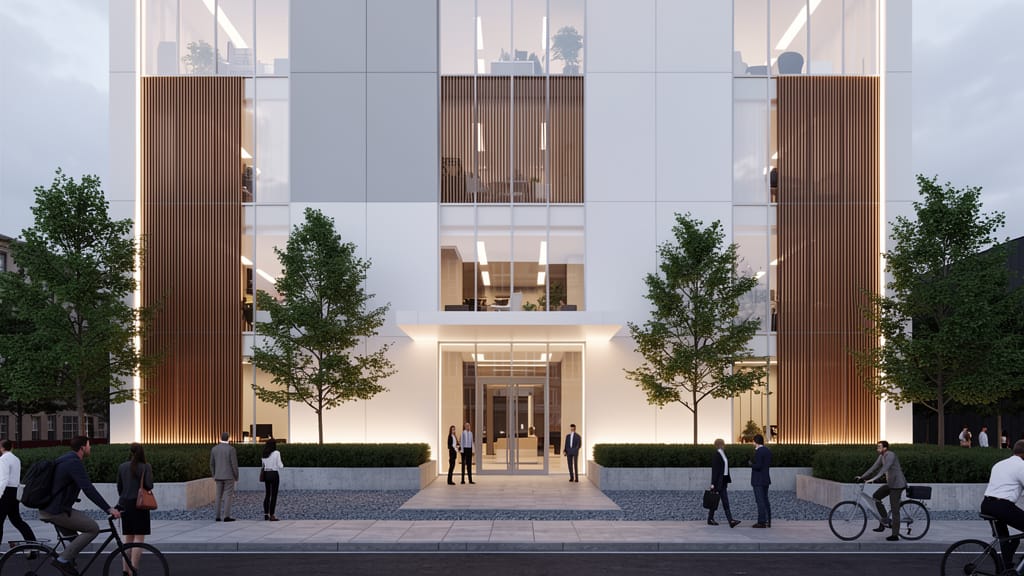
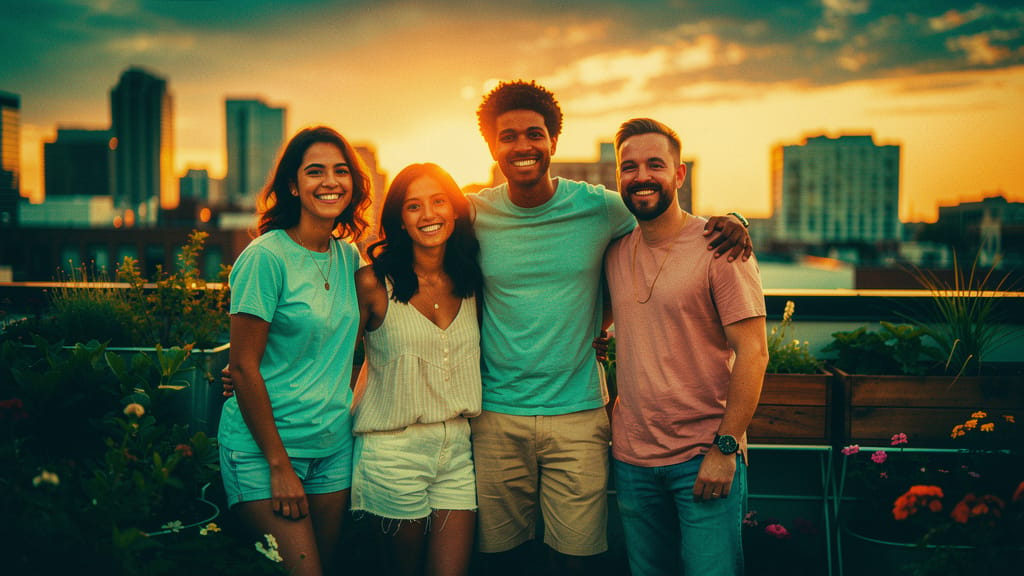

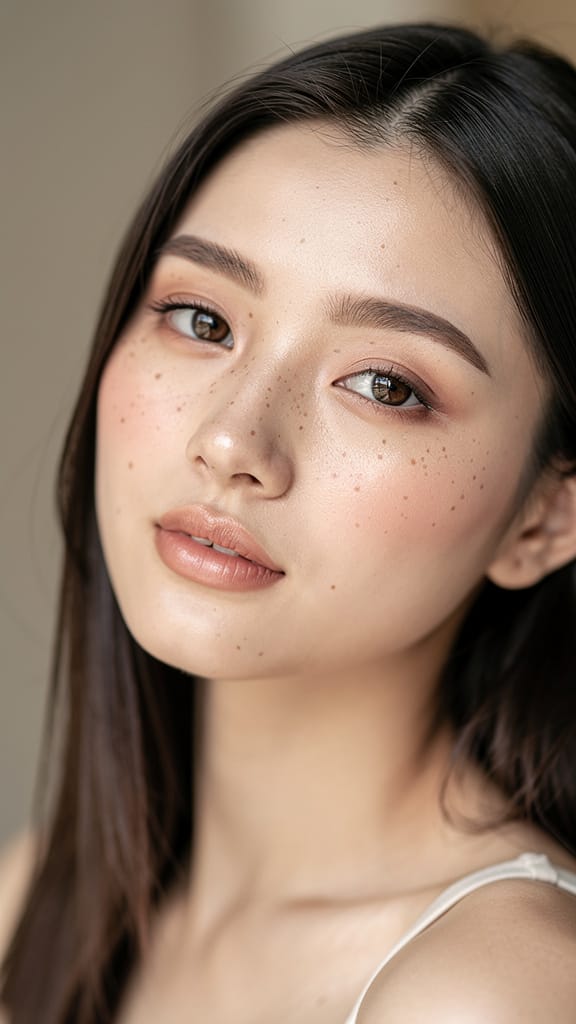
BEAUTY GLAMOUR ENHANCEMENT
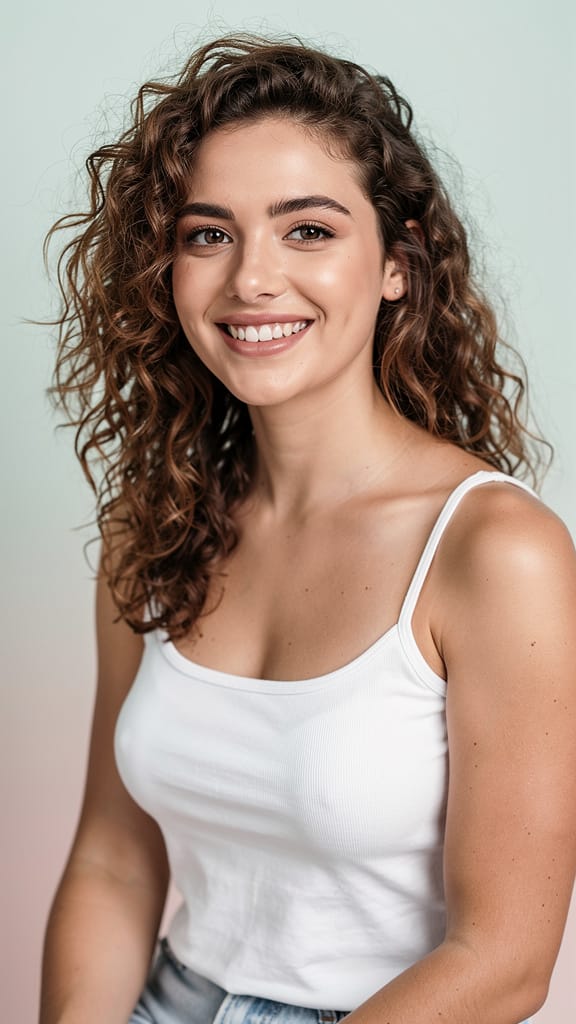
CREATIVE HAIR COLOR SWAP

FASHION OUTFIT VIRTUAL TRY-ON
FLUX.2 [klein] 9B LoRA, developed by Black Forest Labs, is an advanced creative tool for image-to-image editing, designed for artists, designers, filmmakers, and content creators seeking intuitive, precise modifications to their images. This model empowers users to transform visuals with natural language prompts and detailed color control, enabling sophisticated changes while maintaining the essence of the original content.
Ideal for a broad range of creative professionals, FLUX.2 [klein] 9B LoRA bridges the gap between imagination and the digital canvas. Whether you’re looking to enhance photos, redesign visual assets, reimagine storyboards, or experiment with contemporary mixed-media edits, this model’s capabilities are purpose-built to meet a diverse set of visual storytelling needs.
Creative professionals benefit most from FLUX.2 [klein] 9B LoRA when working on projects requiring both subtle refinement and dramatic transformation. The model supports a variety of artistic applications—ranging from commercial design mockups and concept development to editorial image editing, advertising visuals, and personal creative exploration. With the ability to edit up to four input images at once, FLUX.2 [klein] 9B LoRA can streamline workflow for moodboards, parallel design iterations, and batch content generation.
A standout feature is the model’s natural language control. By simply describing desired outcomes in everyday language, users can direct FLUX.2 [klein] 9B LoRA to execute intricate edits, such as transforming a sketch into a photorealistic image, adjusting tone and mood, or integrating specific objects into a scene. Color adjustments are exceptionally intuitive, supported by direct hex code input for precise palette management—vital for maintaining brand consistency or artistic continuity.
Resolution and format flexibility offer further creative control. Output images can match the input resolution or be customized to a suite of common aspect ratios, including square, portrait (4:3 or 16:9), and landscape (4:3 or 16:9). Formats supported include PNG, JPEG, and WebP, ensuring compatibility with a wide range of post-production tools and publishing platforms. Whether preparing assets for print, online galleries, cinematic storyboards, or social media, FLUX.2 [klein] 9B LoRA adapts to the project’s demands.
Customization is at the core of the workflow. Users can:
- Guide edits with detailed, open-ended prompts in plain language.
- Apply up to three LoRA (Low-Rank Adaptation) enhancements for specialized creative styles or effects, adding unique character or trained visual signatures to outputs.
- Generate up to four variations of a single edit simultaneously, ideal for A/B testing, rapid look development, or offering multiple options to clients or collaborators.
- Adjust the prompt adherence setting and choose the quality/detail level, striking a balance between speed and output detail as the project requires.
- Select from several export formats to match downstream needs and chosen platforms.
- Enable an integrated safety checker to help ensure that generated images remain appropriate for all audiences.
The editing process centers around creative self-expression, with best results achieved by thoughtfully crafting prompts that clarify style, desired changes, emotions, or story elements. FLUX.2 [klein] 9B LoRA intelligently interprets these instructions, combining source imagery with layered, expressive adjustments driven by the prompt and chosen visual parameters.
Key considerations for optimal use:
- Input images are resized to a standard resolution (1 megapixel) if not otherwise specified, maintaining a balance between visual fidelity and processing efficiency.
- A maximum of four images can be edited in one session, and up to three creative LoRA enhancements can be applied per edit.
- For best outcomes, be clear and explicit with prompt descriptions, especially when requesting nuanced artistic, stylistic, or thematic changes.
- The safety checker can be toggled on for projects requiring extra content review.
FLUX.2 [klein] 9B LoRA does not impose preset artistic styles; it adapts to the creative direction given in your input, making it a versatile companion for traditional, contemporary, and experimental creators alike. It’s especially valuable for:
- Artists seeking to rapidly iterate on concepts
- Designers refining campaign visuals with precise color and mood controls
- Filmmakers editing or transforming storyboards and promotional art
- Content creators generating unique, customized images for digital media, print, or merchandise
With FLUX.2 [klein] 9B LoRA, creative professionals gain an accessible, richly featured editing engine that encourages exploration, iteration, and the seamless blending of imagination with digital artistry—all guided by the simplicity of plain language and the creative specificity of direct color control.
Generate using the most advanced image editor
Add the image that you want change
Upload image
Add the image that you want to edit or transform
A woman kneeling in darkness, illuminated by a warm, radiant beam of light emerging from her raised hand.
Write your changes
Describe the edits you want - style changes, object removal, or enhancements
Start sharing
Download your professionally edited image
Beyond the prompt: A new level of control
SEASONAL LANDSCAPE CONVERSION
Allows for seamless seasonal changes to landscapes, perfect for marketing, design, or portfolio refreshes.
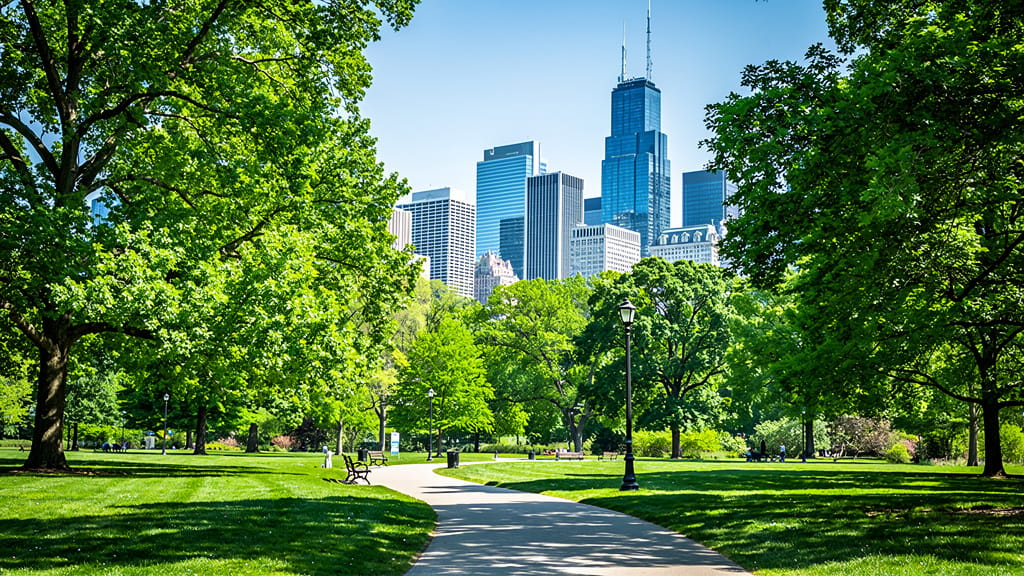
ARCHITECTURAL STYLE TRANSFER
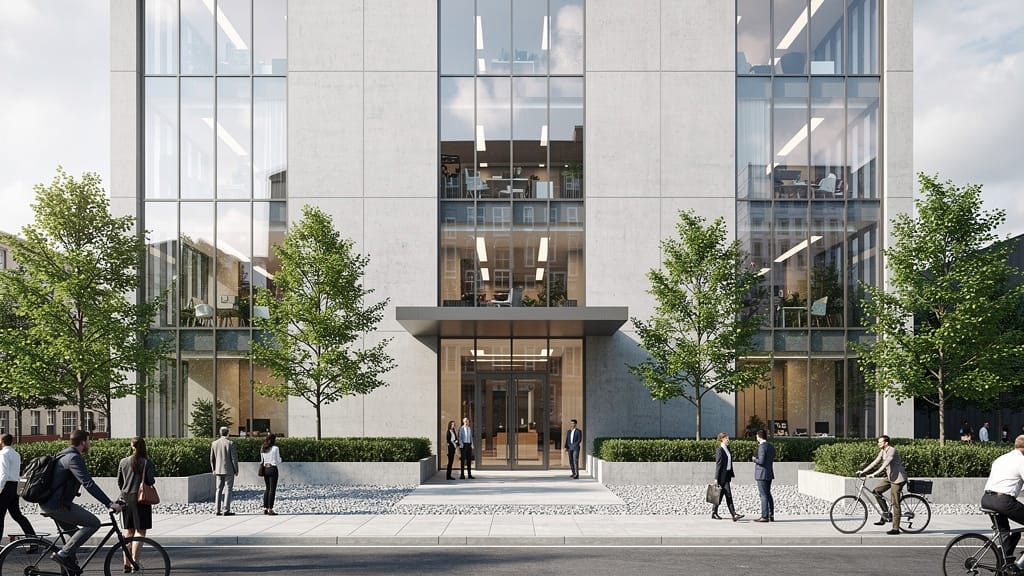
Showcases architectural surface editing and aesthetic style transfer for property renderings and conceptual presentations.
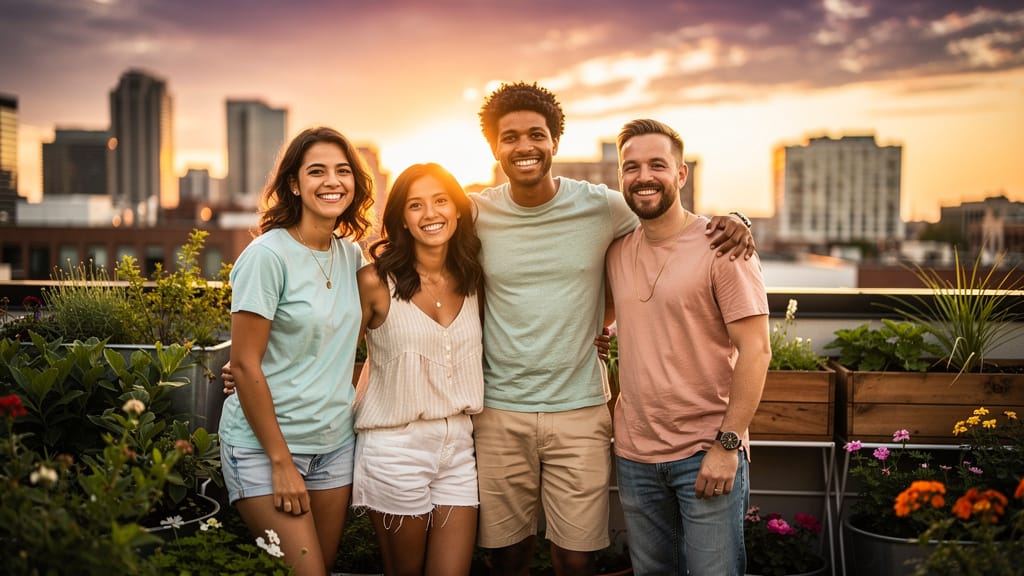
SKINTONE & PALETTE HARMONIZATION
Perfect for social media campaigns and advertising, this edit harmonizes skin tones and color palettes across multiple people for a professional, cinematic look.
Compare with similar models
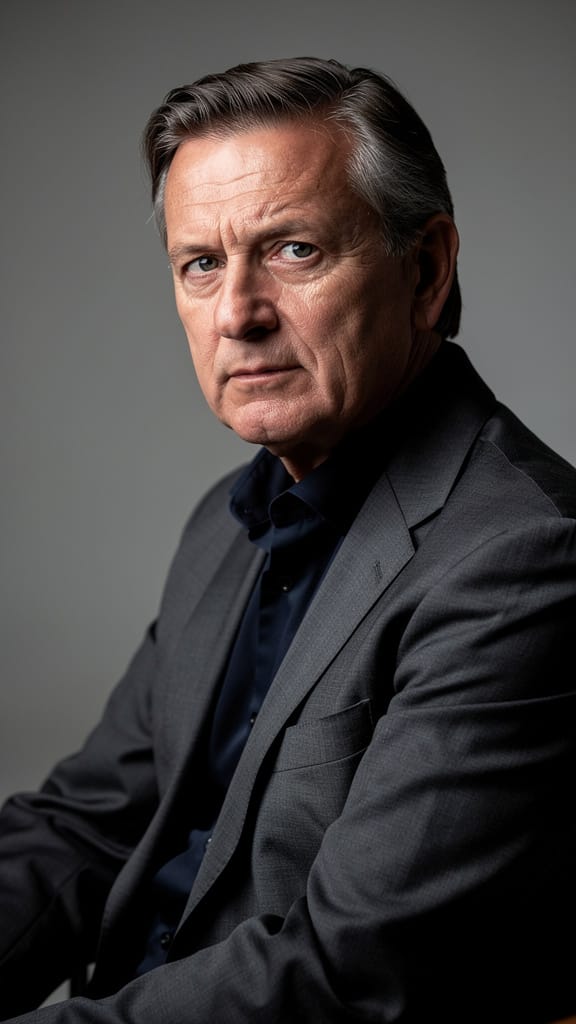
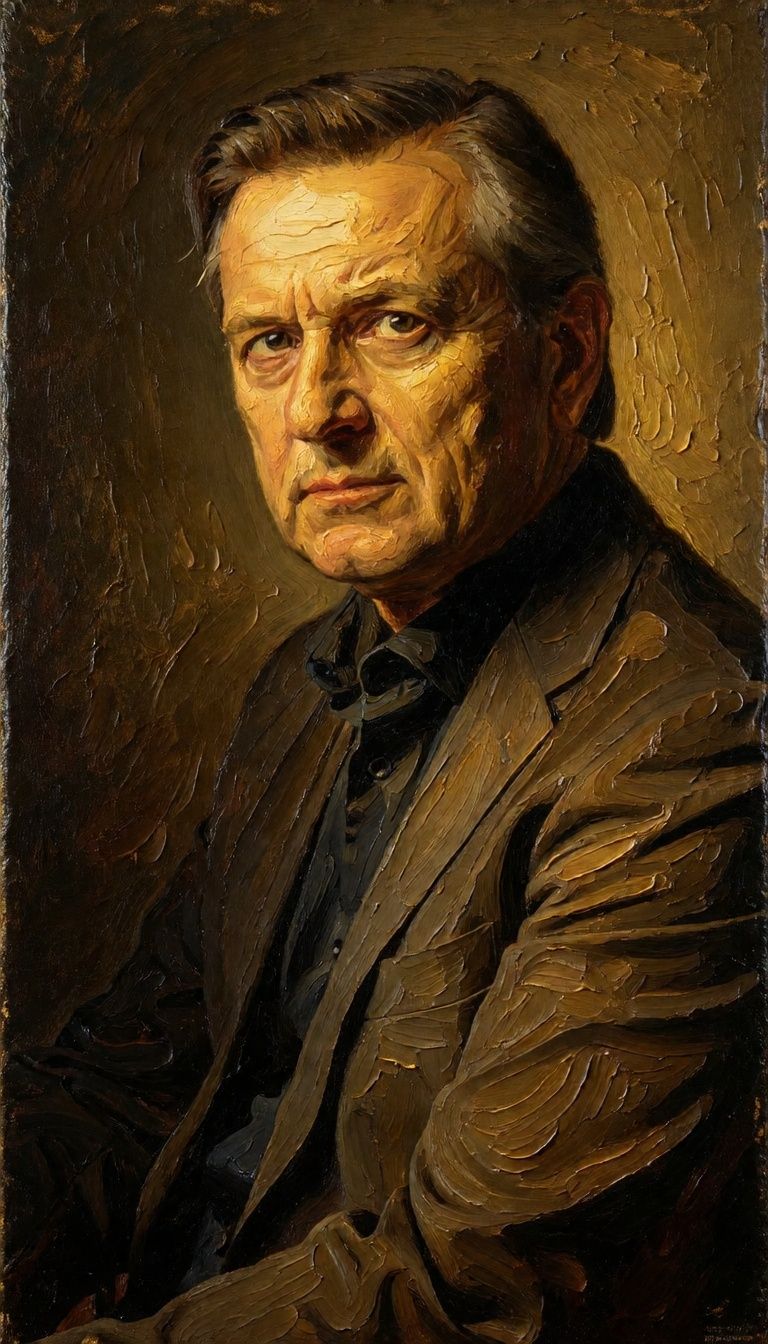
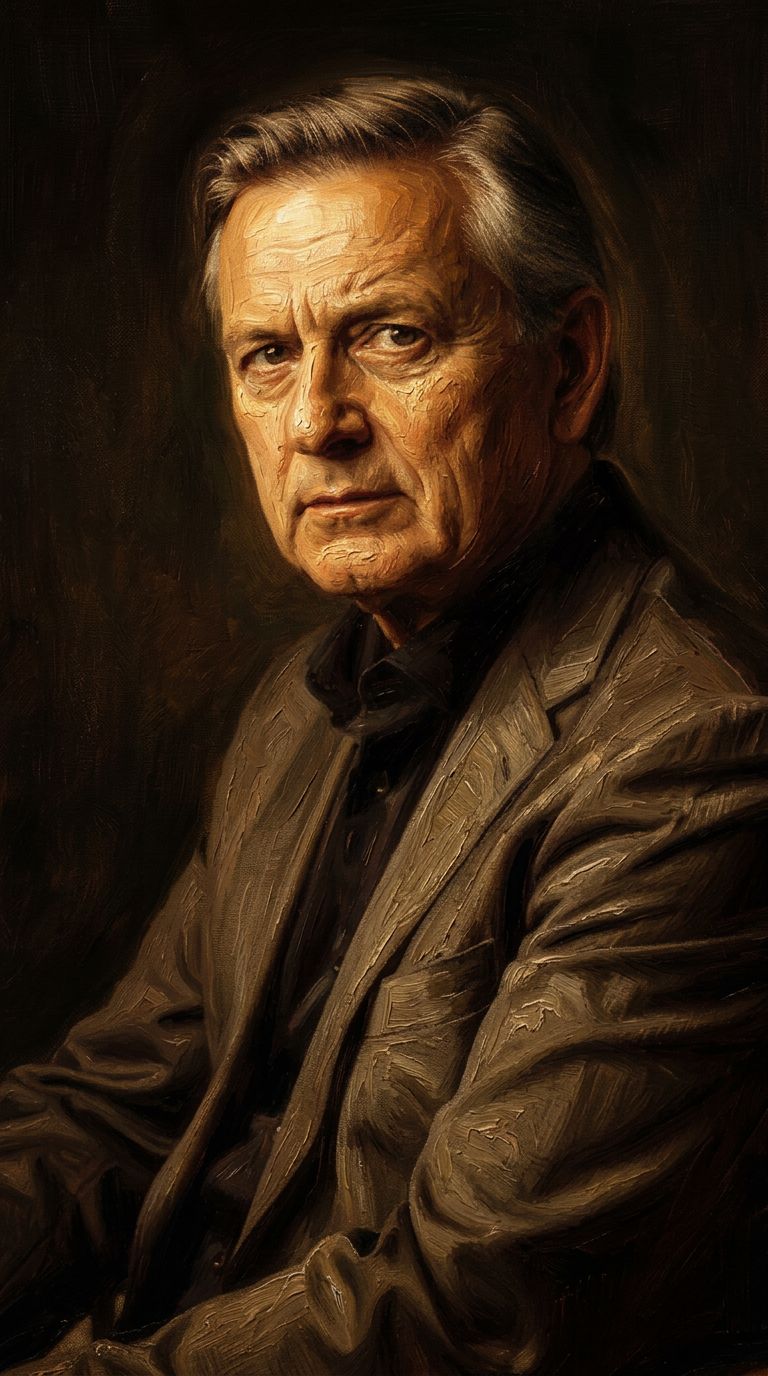
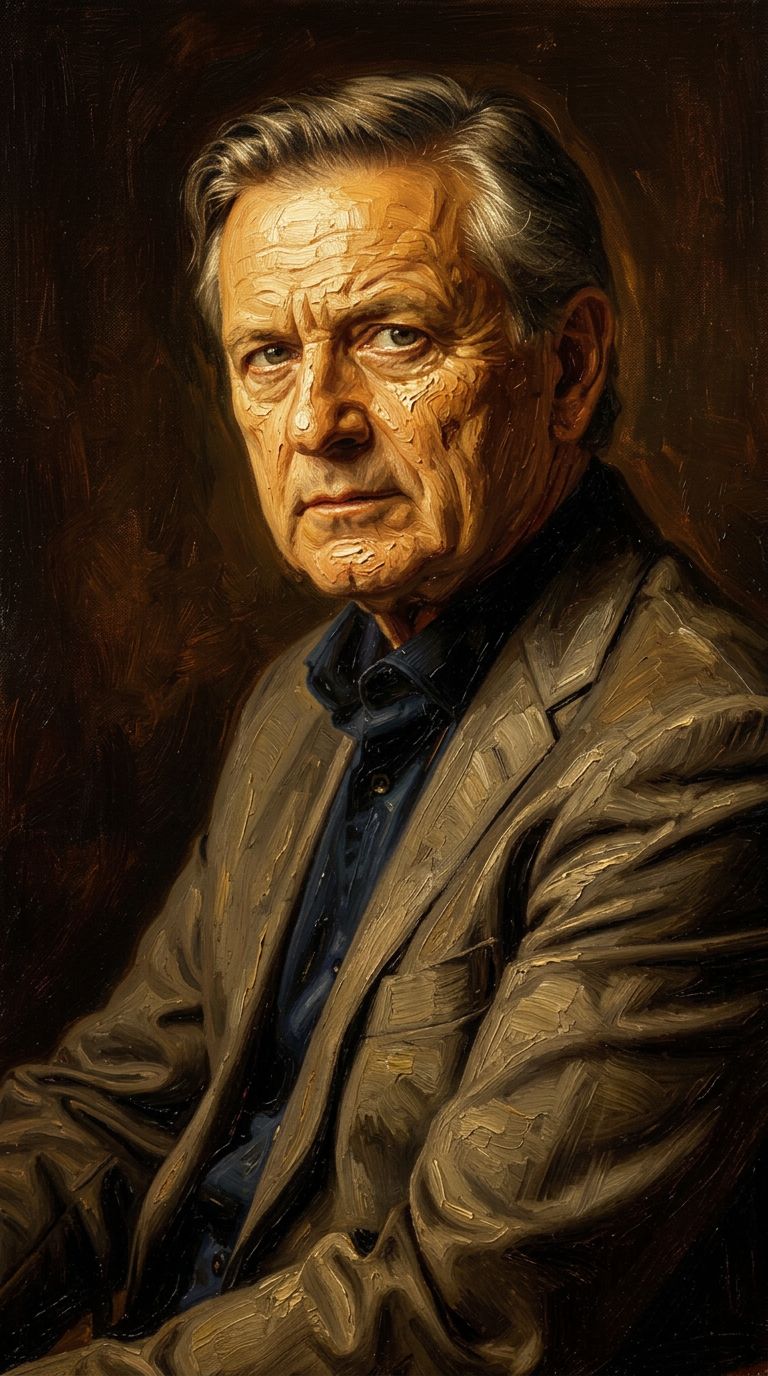
“Transform into a classical oil painting in the style of Rembrandt. Add visible impasto brushstrokes with thick paint texture. Apply warm golden undertones and dramatic chiaroscuro lighting with deep shadows. Enhance the dramatic contrast while preserving facial structure and expression. Add subtle canvas texture visible through the paint layers.”
![FLUX.2 [klein] 9B LoRA output](https://shortgenius.com/cdn-cgi/image/width=3840,quality=80,format=auto/https://assets.shortgenius.com/example-model-output/cc1806c8-2af0-47e7-bd34-a95d2d180bfb.png)

![FLUX.2 [klein] 4B LoRA output](https://shortgenius.com/cdn-cgi/image/width=3840,quality=80,format=auto/https://assets.shortgenius.com/example-model-output/10a63e77-67c3-46e6-83d3-b7b93355e72c.png)

![FLUX.2 [klein] 9B LoRA output](https://shortgenius.com/cdn-cgi/image/width=3840,quality=80,format=auto/https://assets.shortgenius.com/example-model-output/cbfd8f70-6bf2-467b-918f-b020118b8db0.png)


Experience perfection with FLUX.2 [klein] 9B LoRA
Switch to reasoning-guided synthesis today. Be the first in your industry to deliver native 4K results at 10x the speed.
Frequently Asked Questions
Similar Models
Wan
Text-guided creative image editing
0.2 credits
Wan
Pro text-guided image editing
0.3 credits
Firered Image Edit V1.1
Advanced AI-powered image editing
0.4 credits
Hy Wu Edit
Edit images with reference photos
0.4 credits
Qwen Image 2
Unified image editing and generation
0.6 credits
Nano Banana 2
Google's advanced image editing
0.7 credits
Gemini 3.1 Flash Image Preview
Ultra-fast Google image editing
0.7 credits
![FLUX.2 [klein] 9B LoRA](https://v3b.fal.media/files/b/0a928e3b/sIC-Ne9BMwZZtBvR3FwKN_9a724704a550471a9df59999e9e1017f.jpg)
FLUX.2 [klein] 9B LoRA
Precise natural language image editing
0.5 credits
Qwen Image 2
Unified AI image editing model
0.5 credits