Physic Edit
Precision image editing
Realistic physics-based image editing
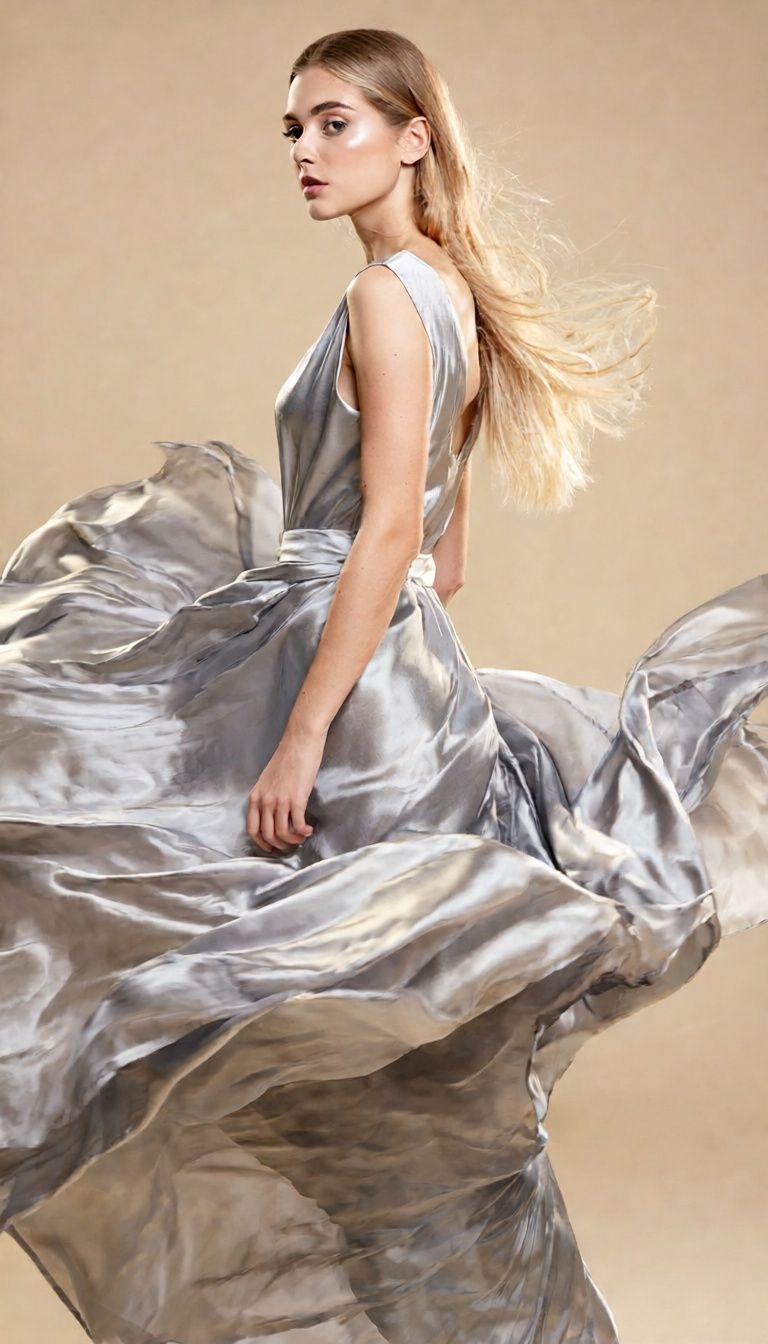
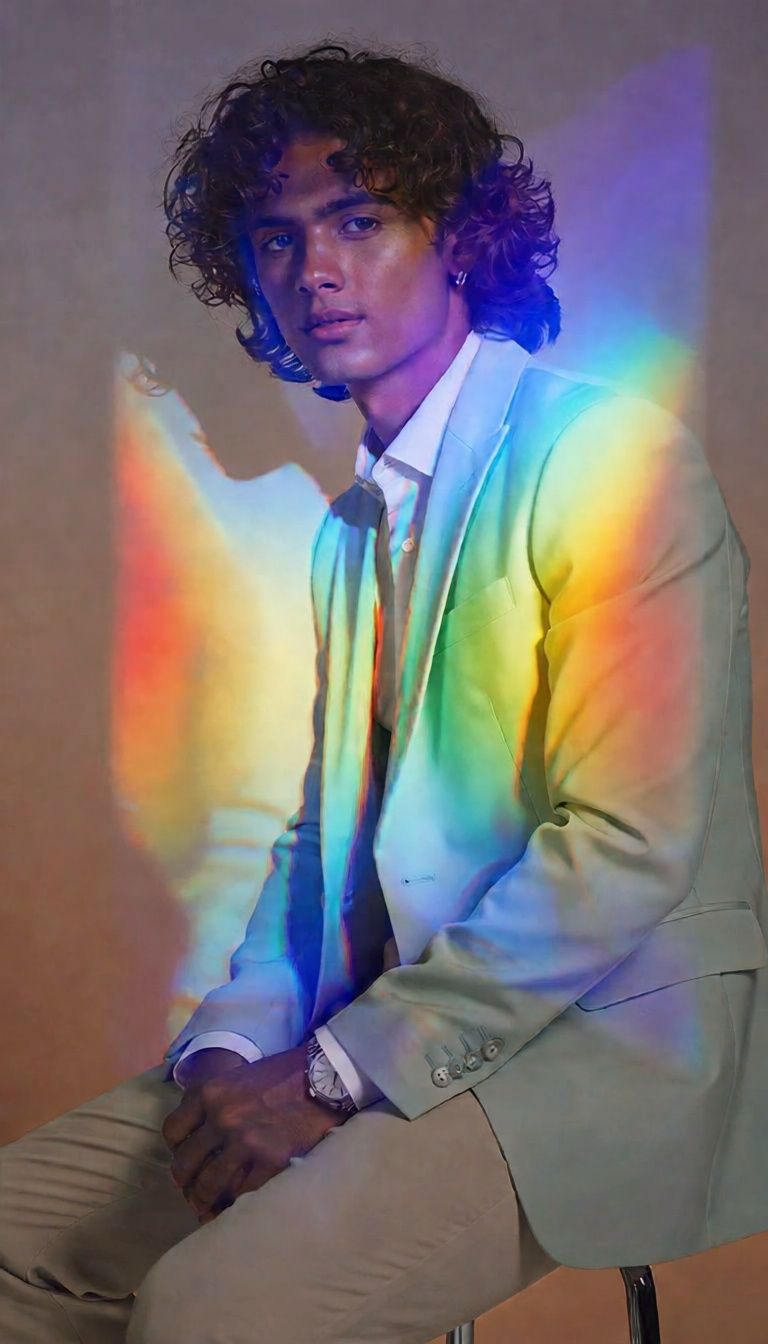
MATERIAL TRANSFORMATION
PHYSICS-BASED REFRACTION
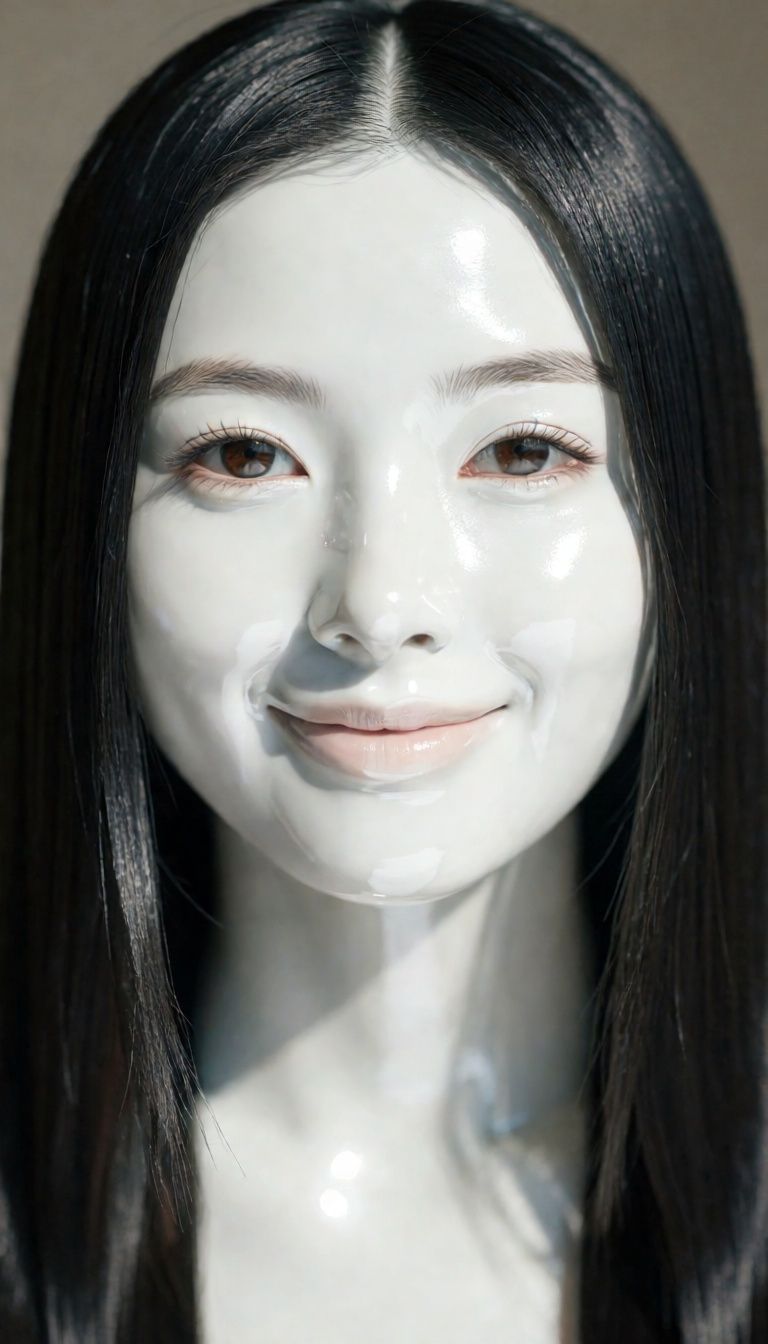
APPAREL DEFORMATION
Physic Edit is a powerful, physics-aware image editing model developed by Black Forest Labs, designed for creative professionals who seek to transform existing images using realistic, physically plausible effects. Whether you’re an artist, designer, filmmaker, or multimedia content creator, Physic Edit lets you apply detailed and sophisticated edits—such as melting, refraction, material changes, or deformations—that convincingly mimic real-world physics in your visuals.
Key Creative Capabilities
What sets Physic Edit apart is its focus on realism grounded in the laws of physics. For example, if you want to show an ice sculpture melting, you can describe exactly how water should pool beneath it, or instruct the system to realistically refract light through a translucent surface. The model produces results that not only look natural but also respect details like transparency, reflections, and changes in physical states.
You interact with Physic Edit by providing two essential inputs: an image and a written prompt describing the transformation you want to see. The prompt can be detailed, allowing for precise artistic control over how materials change, objects deform, or natural effects unfold. You can also include instructions for elements you wish to avoid (the “negative prompt”), such as telling the model what NOT to incorporate.
Who Benefits from Physic Edit?
Physic Edit is ideal for:
- Visual artists looking to push the boundaries of photo-based manipulation
- Designers and illustrators who want to demonstrate material or lighting changes
- Filmmakers and animation professionals seeking reference visuals or pre-visualization of physical effects
- Content creators and communicators who need to visualize physics-driven changes in images for educational, conceptual, or storytelling purposes
Formats, Resolutions, and Styles
Physic Edit supports standard image formats—JPEG and PNG—so you can easily export finished visuals and integrate them into professional projects. Return images are provided with information on their format, width, and height, making it straightforward to maintain clarity and resolution throughout your workflow. While the style is determined by your original image and the transformation described in your prompt, the model is built to uphold realism and believability, particularly with complex physical effects.
Quality, Performance, and Creative Controls
Physic Edit offers several creative controls so you can fine-tune how your prompt is interpreted and how much attention the model pays to your instructions. You can prioritize how closely the output should adhere to your description for predictable, reproducible results using the prompt adherence setting. There's also an optional content safety feature to ensure generated images align with appropriate standards.
For maximum quality, you can increase the detail level, which lets the model take more refinement steps to achieve higher fidelity. If you want to experiment and iterate, you can also randomize or set a seed to generate similar or reproducible results when making precise iterations on the same image and prompt.
Limitations and Considerations
Physic Edit is focused on realistic, physics-driven editing, so results are most impactful when your prompts describe plausible transformations grounded in real-world physical properties. While the model delivers sophisticated realism in physics-based effects, fantastical or highly abstract edits may not yield the best results, so it’s ideal to specify real-world materials and effects.
Safety checks can be enabled to help avoid inappropriate results, and you have control over the final format (JPEG or PNG) to ensure compatibility with your creative tools and workflow. For the best outcomes, provide clear, specific prompts and high-quality source imagery, especially when working with subtle effects like refraction, melting, or deformation.
In sum, Physic Edit brings a new level of physical realism to image editing, making it a unique creative partner for anyone needing photorealistic material changes, cinematic effects, or educational visualizations that rely on the accurate depiction of the laws of physics.
Generate using the most advanced image editor
Add the image that you want change
Upload image
Add the image that you want to edit or transform
A woman kneeling in darkness, illuminated by a warm, radiant beam of light emerging from her raised hand.
Write your changes
Describe the edits you want - style changes, object removal, or enhancements
Start sharing
Download your professionally edited image
Beyond the prompt: A new level of control
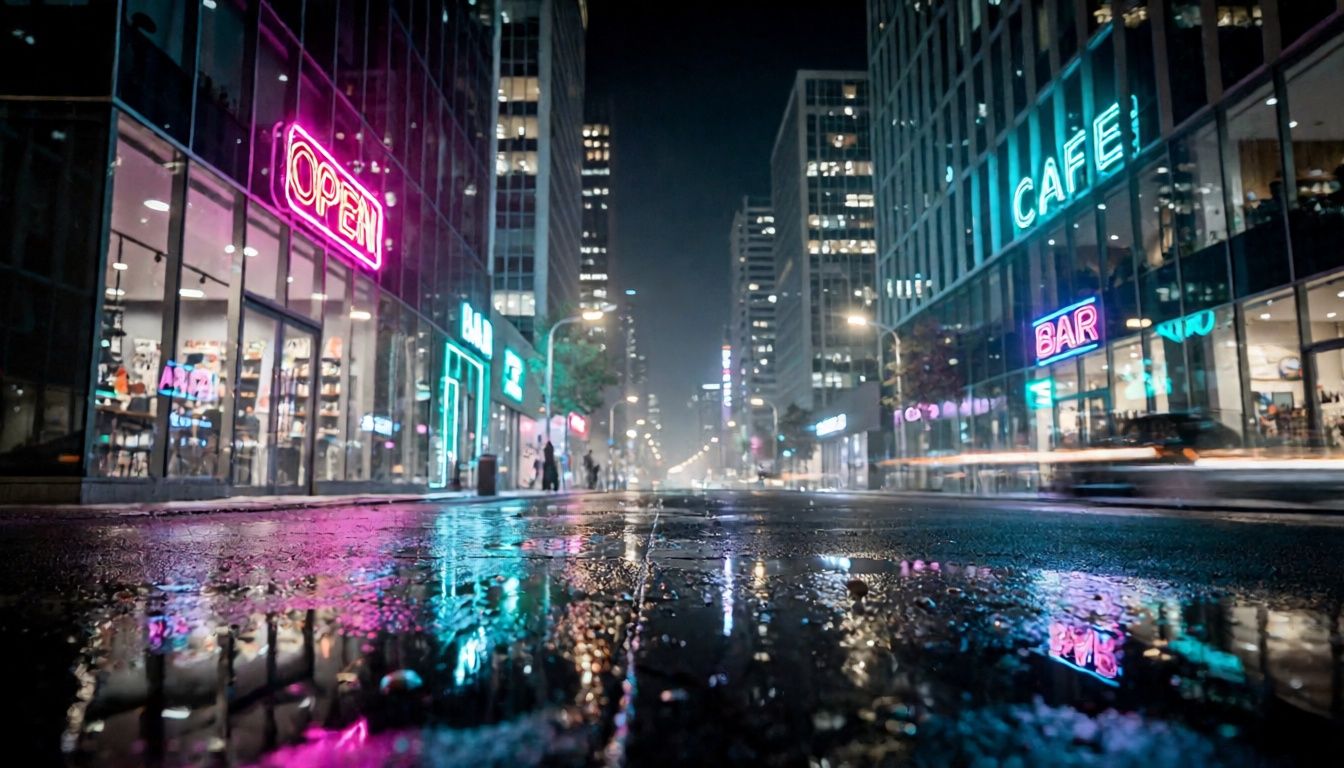
MATERIAL SWAP NIGHT SETTING
Demonstrates realistic material changes and reflective effects, ideal for urban photography enhancements and dramatic scene transformation.
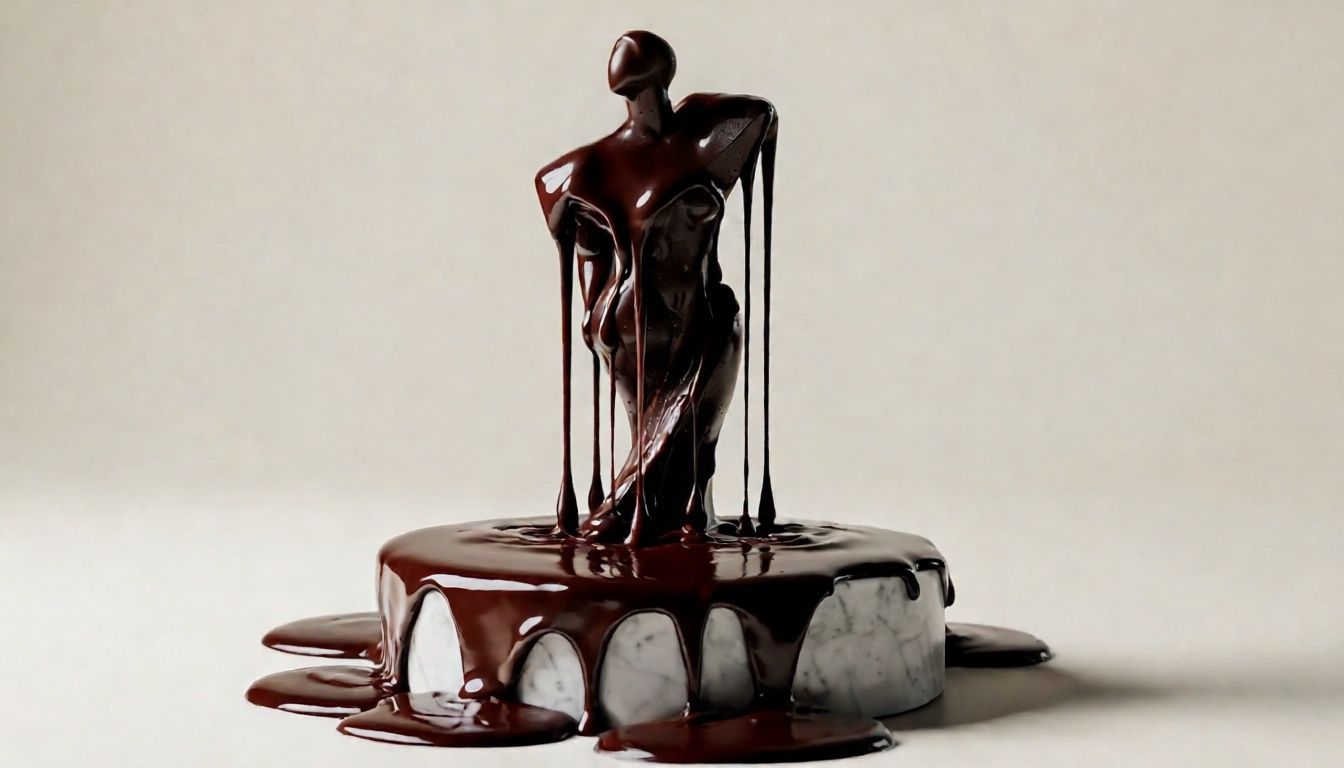
PHYSICS-DRIVEN MELTING
Showcases the ability to create highly realistic melting effects with attention to material properties, ideal for food and art visuals.
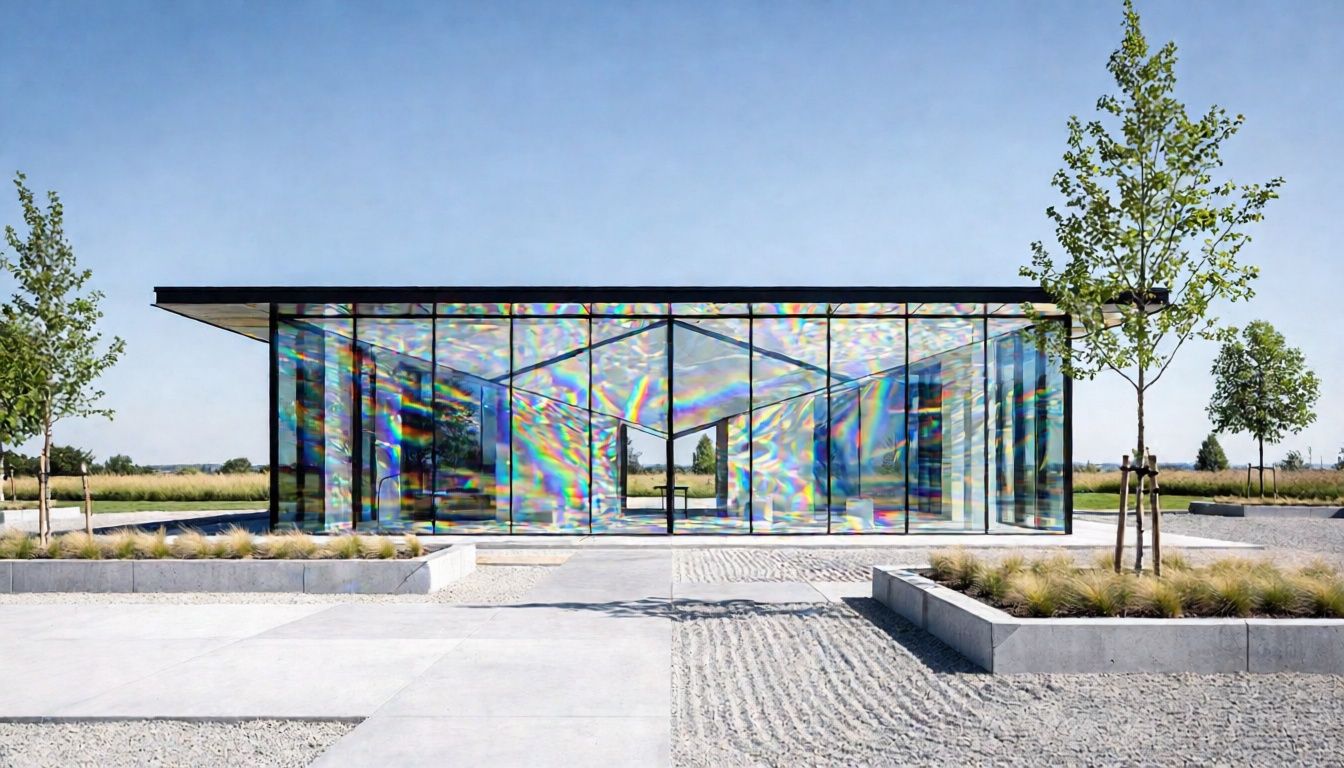
STRUCTURE REFRACTION & LIGHT PLAY
Exhibits the model's unique ability to introduce large-scale refraction with plausible light path distortion, perfect for architectural visualization or conceptual art.
Compare with similar models
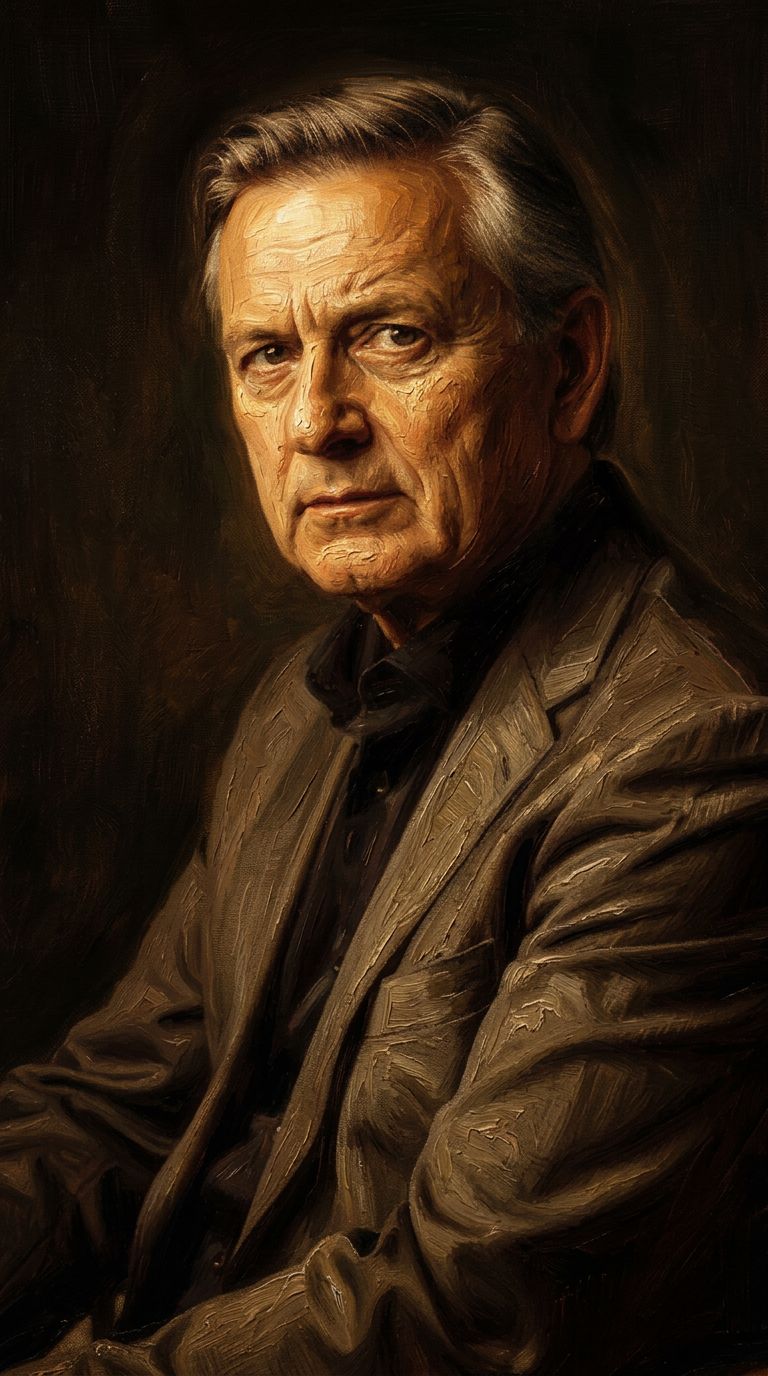
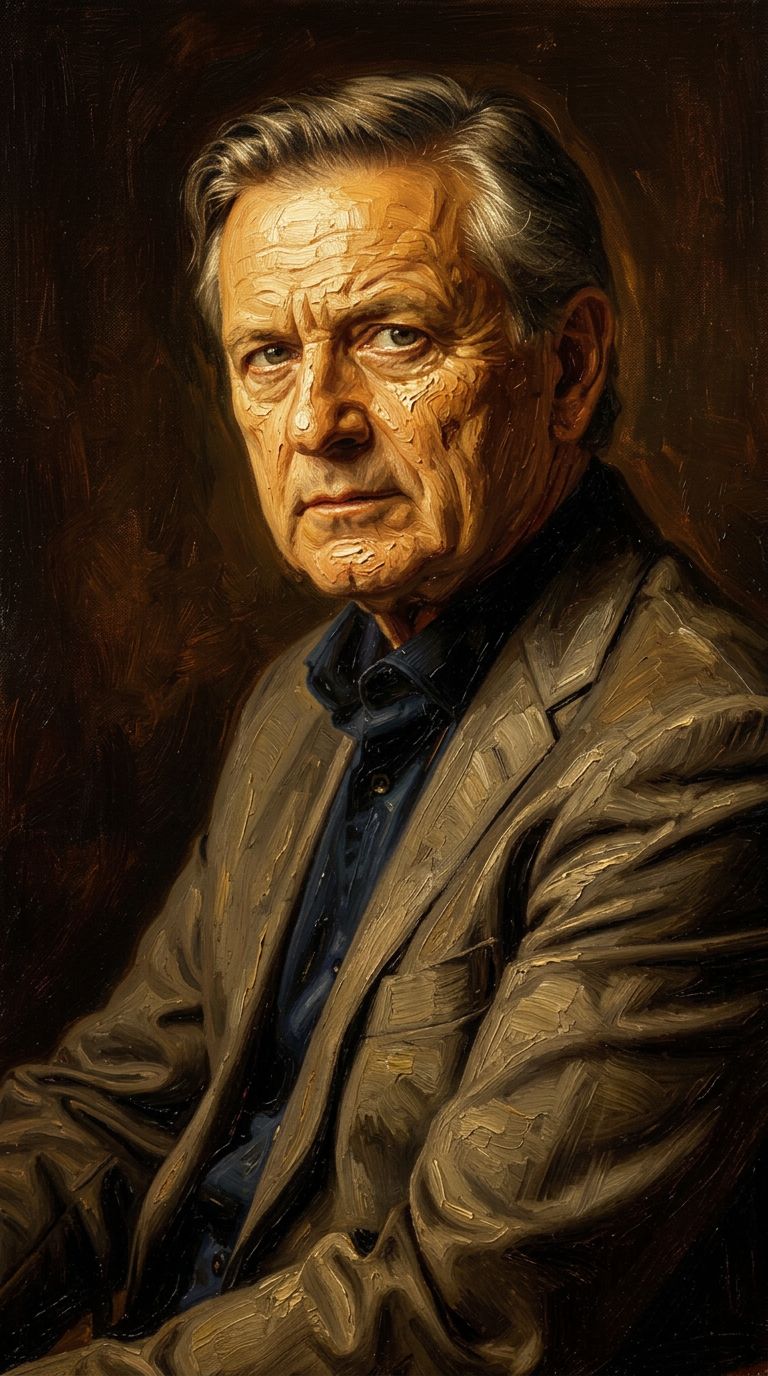
“Transform into a classical oil painting in the style of Rembrandt. Add visible impasto brushstrokes with thick paint texture. Apply warm golden undertones and dramatic chiaroscuro lighting with deep shadows. Enhance the dramatic contrast while preserving facial structure and expression. Add subtle canvas texture visible through the paint layers.”
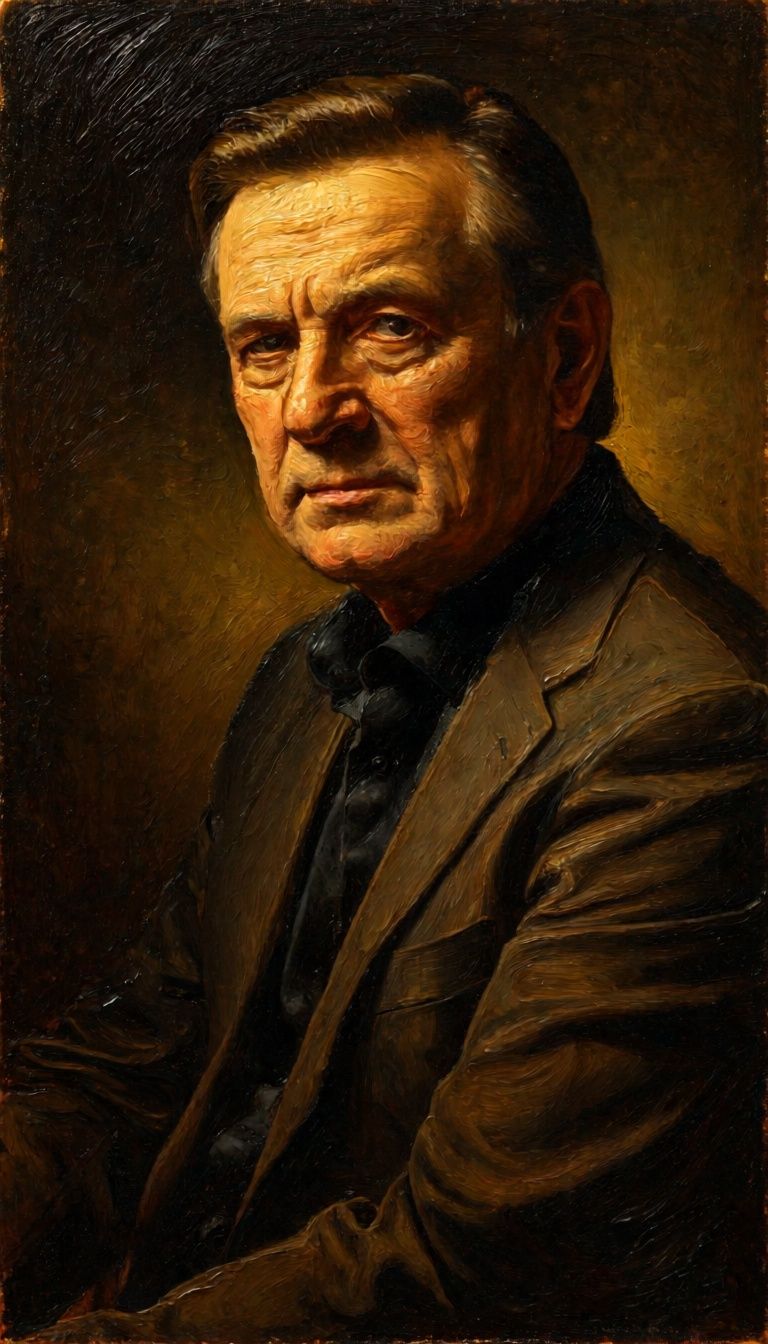
![FLUX.2 [klein] 9B LoRA output](https://shortgenius.com/cdn-cgi/image/width=3840,quality=80,format=auto/https://assets.shortgenius.com/example-model-output/cc1806c8-2af0-47e7-bd34-a95d2d180bfb.png)
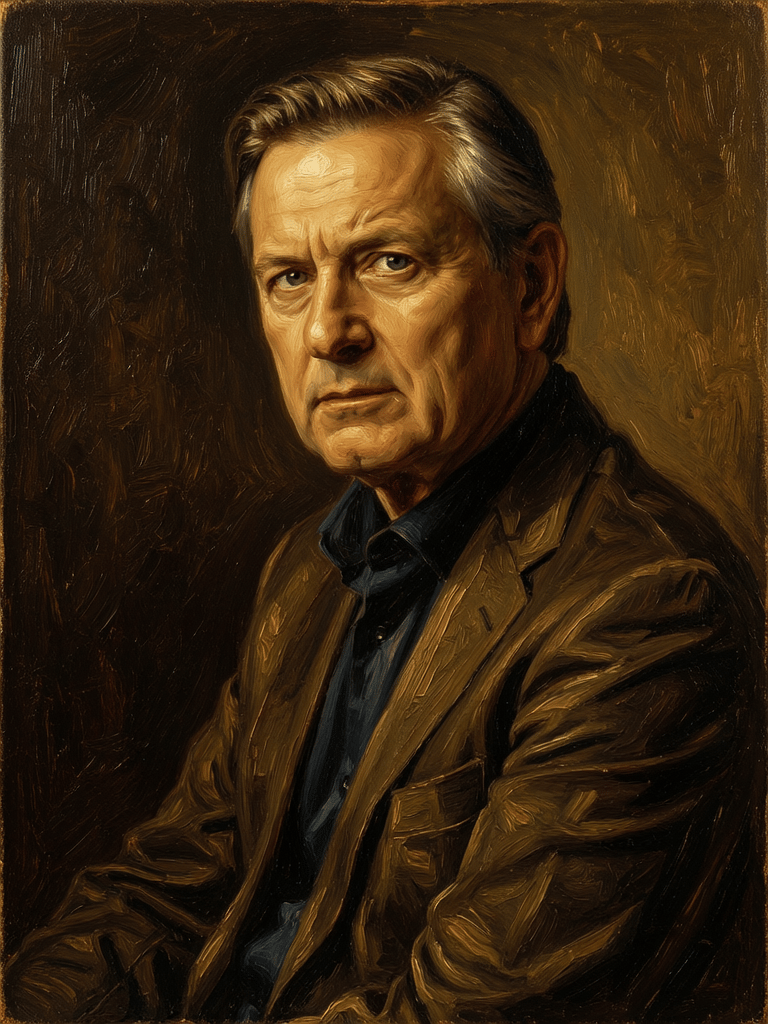


![FLUX.2 [klein] 9B LoRA output](https://shortgenius.com/cdn-cgi/image/width=3840,quality=80,format=auto/https://assets.shortgenius.com/example-model-output/cbfd8f70-6bf2-467b-918f-b020118b8db0.png)
![FLUX.2 [klein] 4B LoRA output](https://shortgenius.com/cdn-cgi/image/width=3840,quality=80,format=auto/https://assets.shortgenius.com/example-model-output/10a63e77-67c3-46e6-83d3-b7b93355e72c.png)


Experience perfection with Physic Edit
Switch to reasoning-guided synthesis today. Be the first in your industry to deliver native 4K results at 10x the speed.
Frequently Asked Questions
Similar Models
![FLUX.2 [klein] 9B LoRA](https://v3b.fal.media/files/b/0a928e3b/sIC-Ne9BMwZZtBvR3FwKN_9a724704a550471a9df59999e9e1017f.jpg)
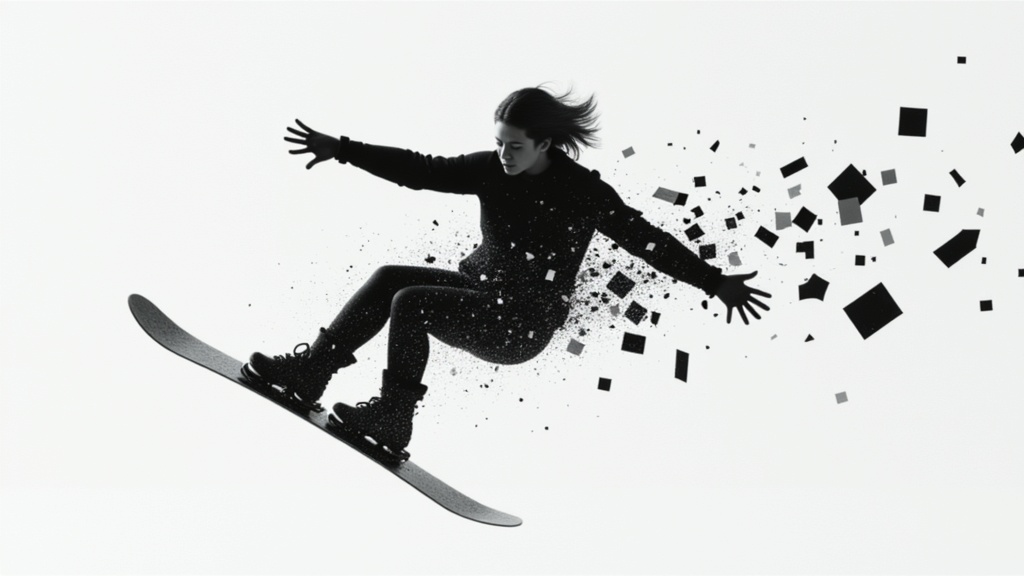
FLUX.2 [klein] 9B LoRA
Precise natural language image editing
0.5 credits
Qwen Image 2
Unified image editing and generation
0.6 credits
Phota
Identity-preserving personalized photo editing
0.4 credits
![FLUX.2 [klein] 4B LoRA](https://v3b.fal.media/files/b/0a928e1f/c62zNs4MhBXgm-5w7n0C5_90bad8837ecc451e96f91da93b78f564.jpg)
FLUX.2 [klein] 4B LoRA
Edit images with text, colors
8 credits
Wan
Pro text-guided image editing
0.3 credits
Qwen Image 2
Unified AI image editing model
0.5 credits
Joyai Image Edit
Natural language image editing
0.8 credits
![FLUX.2 [klein] 9B LoRA](https://v3b.fal.media/files/b/0a928dd2/yFNW07YLHtp5zuE4eJAW1_e2f89915a1b740559b3c652b0b028296.jpg)
FLUX.2 [klein] 9B LoRA
Precise image edits, color control
0.3 credits
Firered Image Edit V1.1
Advanced AI-powered image editing
0.4 credits