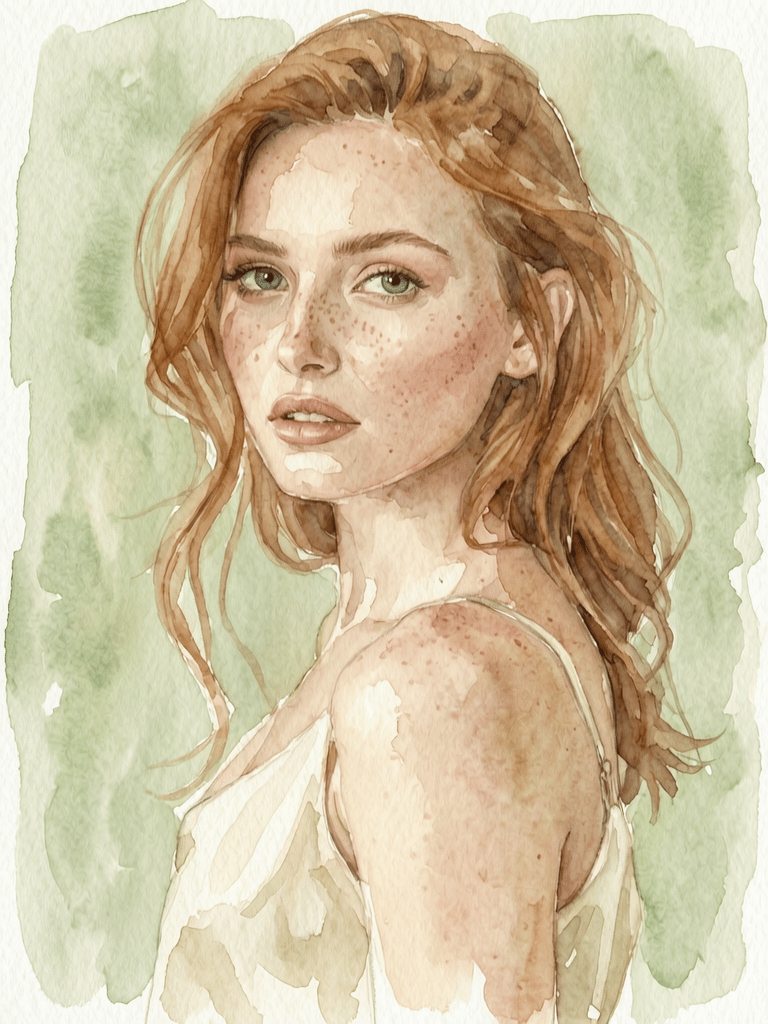
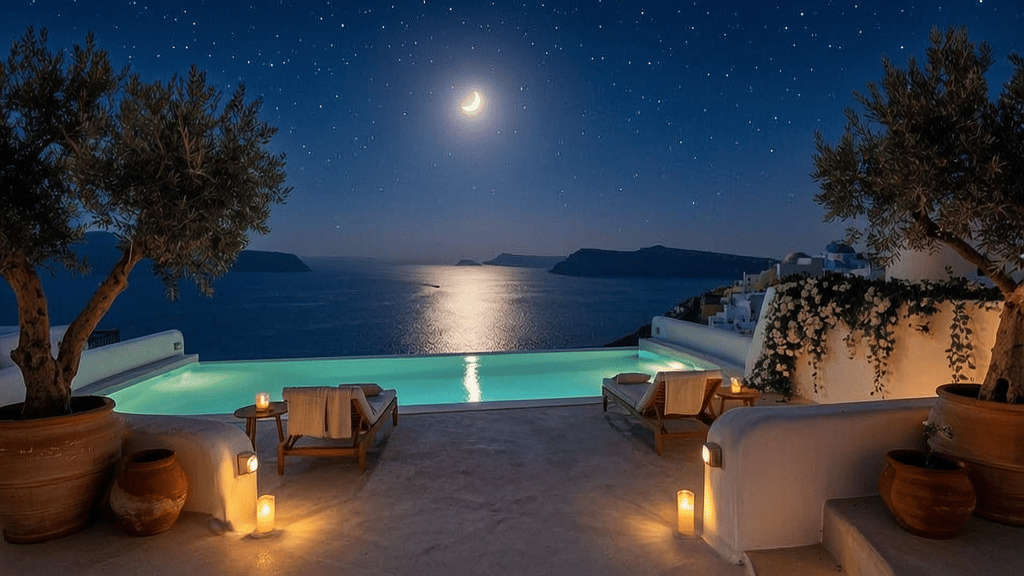
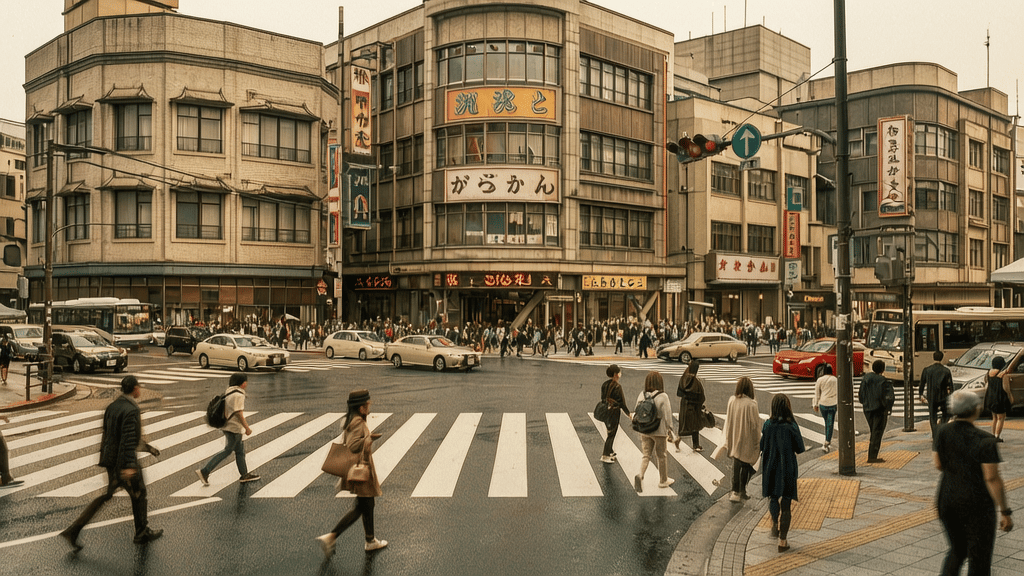
TRANSFER GAYA SENI
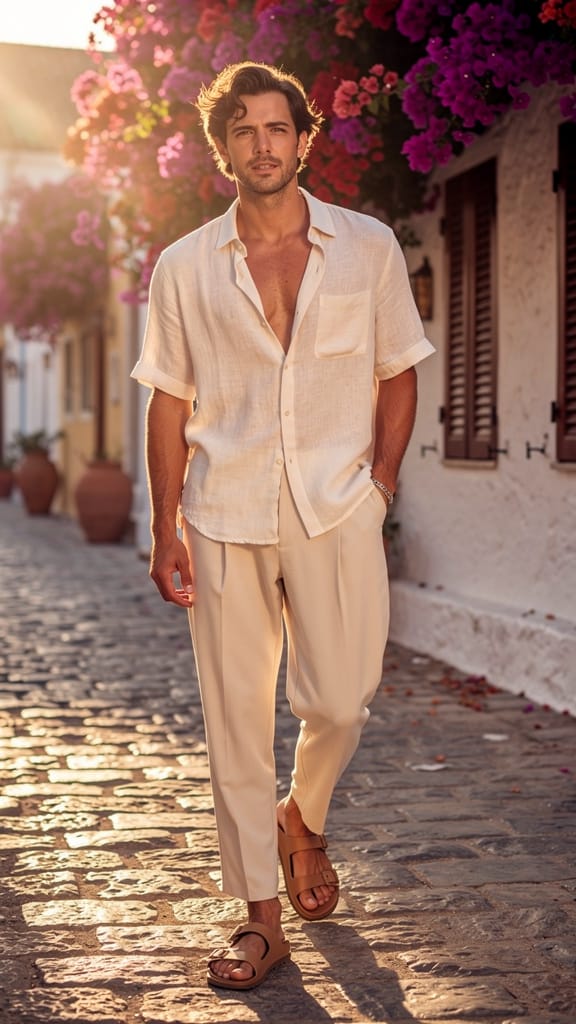
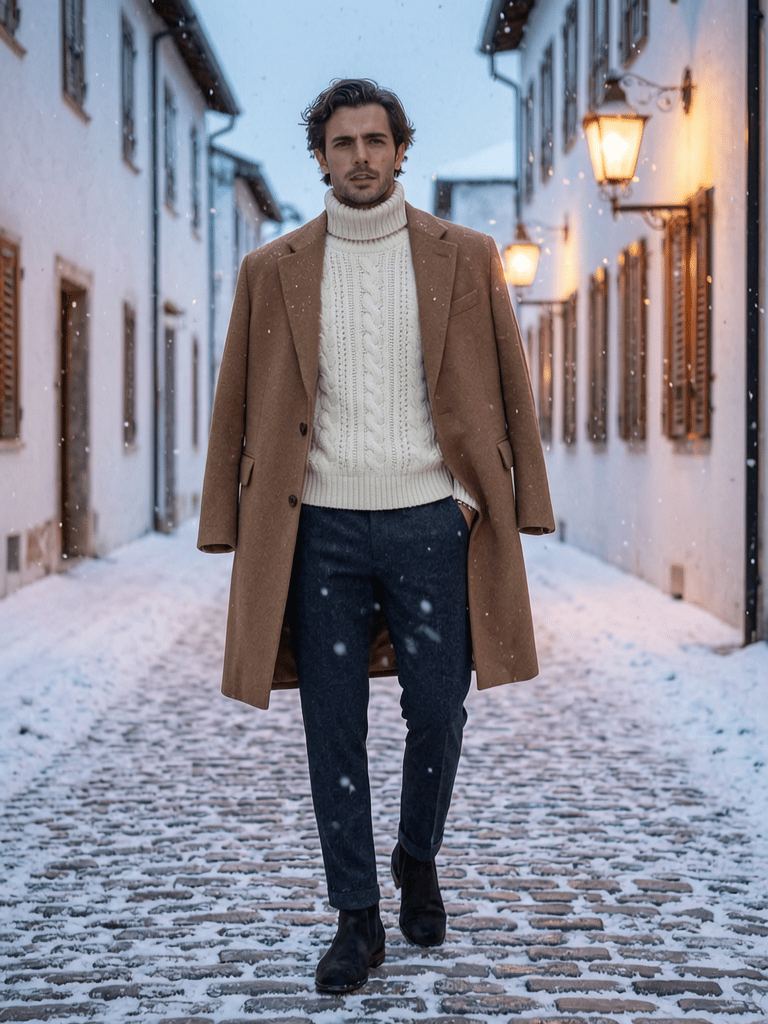
EDIT FASHION MUSIMAN
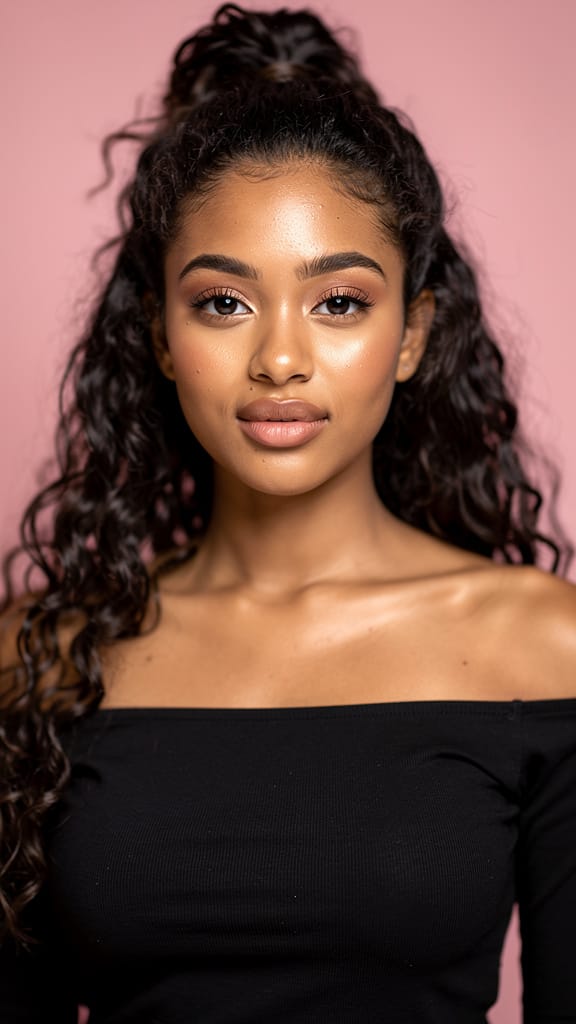
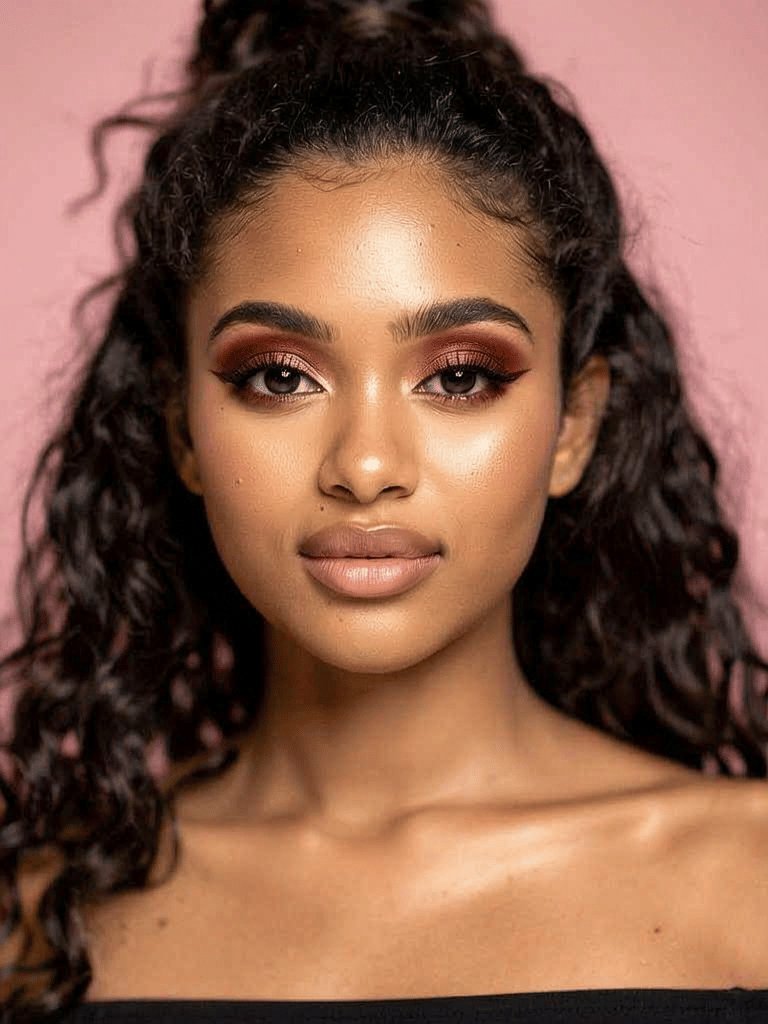
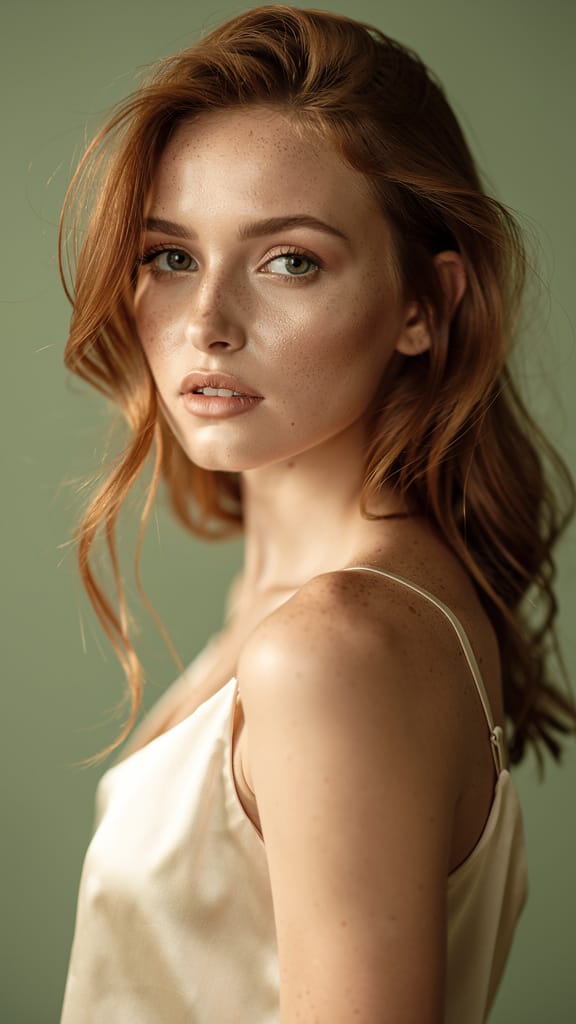
BEAUTY ENHANCEMENT EDIT
Wan 2.7 Pro Edit adalah model pengeditan gambar yang kuat yang memungkinkan Anda mengubah dan memodifikasi gambar yang ada menggunakan instruksi teks sederhana. Daripada menghasilkan gambar dari awal, model ini mengambil satu atau lebih gambar referensi yang Anda berikan dan menerapkan edit yang presisi serta setara profesional berdasarkan deskripsi tertulis Anda — menjadikannya alat yang intuitif dan serbaguna bagi siapa saja yang ingin membentuk ulang, mengubah gaya, atau membayangkan ulang karya visual mereka.
Pada intinya, model ini bekerja melalui alur kerja kreatif yang sederhana: Anda unggah gambar referensi Anda (hingga empat sekaligus), tulis prompt teks yang menggambarkan apa yang ingin diubah, dan model menghasilkan gambar baru yang mencerminkan instruksi Anda. Pendekatan berbasis teks untuk pengeditan gambar ini berarti Anda tidak memerlukan keterampilan perangkat lunak lanjutan atau berjam-jam retouching manual — Anda cukup jelaskan transformasi yang ada di pikiran Anda, dan model menangani sisanya.
Salah satu fitur unggulan Wan 2.7 Pro Edit adalah dukungannya untuk referensi multi-gambar. Anda dapat unggah antara satu hingga empat gambar referensi dan merujuknya berdasarkan nomor dalam prompt Anda — misalnya, "Ubah gambar 1 menjadi lukisan cat air" atau "Gabungkan latar belakang gambar 2 dengan subjek gambar 1." Urutan unggahan gambar Anda penting, karena model menggunakan penomoran Anda (gambar 1, gambar 2, gambar 3, gambar 4) untuk memahami bahan sumber mana yang Anda maksud. Ini membuka kemungkinan menarik untuk kompositing, pencampuran gaya, dan edit multi-sumber kompleks yang sebaliknya memerlukan upaya manual signifikan di perangkat lunak pengeditan tradisional.
Model ini mendukung prompt dalam bahasa Mandarin dan Inggris, menjadikannya mudah diakses bagi komunitas pencipta internasional yang luas. Baik Anda menulis instruksi rinci dalam salah satu bahasa tersebut, model dapat menafsirkan maksud Anda dan menerapkan edit yang sesuai pada gambar Anda.
Wan 2.7 Pro Edit menawarkan berbagai kontrol kreatif yang memungkinkan Anda menyempurnakan hasil. Anda dapat pilih dari beberapa preset ukuran output termasuk square, square HD, portrait (dalam rasio 4:3 dan 16:9), serta landscape (dalam rasio 4:3 dan 16:9), atau tentukan dimensi khusus untuk output Anda. Fleksibilitas ini dalam rasio aspek dan resolusi membuat model sangat cocok untuk berbagai konteks kreatif — dari konten media sosial yang menuntut proporsi tertentu hingga karya seni siap cetak yang memerlukan dimensi khusus. Resolusi maksimum yang didukung mencapai hingga 14.142 piksel di salah satu sisi, memberi ruang untuk output resolusi tinggi.
Fitur perluasan prompt bawaan diaktifkan secara default, yang secara cerdas meningkatkan instruksi teks Anda untuk membantu model lebih memahami dan mengeksekusi visi kreatif Anda. Ini berarti bahkan prompt yang relatif singkat atau sederhana dapat menghasilkan hasil yang kaya dan rinci, karena sistem bekerja di belakang layar untuk mengembangkan maksud Anda. Jika Anda lebih suka mempertahankan kontrol tepat atas prompt tanpa peningkatan otomatis, Anda dapat matikan fitur ini.
Anda juga dapat tentukan apa yang tidak Anda inginkan dalam hasil melalui negative prompt — deskripsi elemen, gaya, atau artefak yang ingin dihindari oleh model. Ini dibatasi hingga 500 karakter dan berfungsi sebagai pagar pengaman untuk mengarahkan output menjauh dari arah yang tidak diinginkan. Misalnya, Anda mungkin instruksikan model untuk menghindari kekaburan, palet warna tertentu, atau elemen visual spesifik yang tidak sesuai dengan brief kreatif Anda.
Untuk alur kerja yang menuntut konsistensi dan reproduktibilitas, model mendukung nilai seed. Dengan menggunakan nomor seed yang sama di berbagai generasi dengan pengaturan identik, Anda dapat reproduksi hasil yang sama — fitur tak ternilai saat mengiterasi desain, berkolaborasi dengan tim, atau membangun serangkaian edit yang kohesif secara visual. Anda juga dapat hasilkan hingga empat variasi gambar dalam satu sesi, memungkinkan Anda mengeksplorasi interpretasi edit yang berbeda dengan cepat dan pilih yang paling sesuai dengan kebutuhan Anda.
Moderasi konten dibangun ke dalam model dan diaktifkan secara default, memeriksa gambar input Anda dan output yang dihasilkan untuk membantu memastikan penggunaan yang bertanggung jawab.
Wan 2.7 Pro Edit ideal untuk berbagai profesional kreatif. Ilustrator dan seniman halus dapat gunakan untuk bereksperimen dengan transfer gaya — mengubah foto menjadi lukisan, sketsa, atau interpretasi artistik lainnya. Desainer grafis dapat prototipe konsep visual dengan cepat, uji skema warna, atau adaptasi aset yang ada untuk konteks baru. Fotografer dapat eksplorasi re-edit dramatis pada karya mereka, mengubah suasana, pengaturan, atau gaya melalui deskripsi teks sederhana. Pencipta konten yang memproduksi untuk media sosial, kampanye pemasaran, atau proyek editorial akan menghargai kecepatan dan fleksibilitas pengeditan berbasis teks, yang dapat mempercepat proses ideasi dan produksi secara dramatis. Pembuat film dan pencerita visual dapat gunakan model untuk iterasi konsep seni cepat dan pengembangan visual.
Kemampuan model untuk bekerja dengan beberapa gambar referensi secara simultan sangat kuat untuk pekerjaan komposit dan referensi silang elemen kreatif. Daripada dengan susah payah melakukan masking, layering, dan blending di perangkat lunak tradisional, Anda dapat deskripsikan kombinasi yang diinginkan dalam bahasa alami dan biarkan model mensintesis hasilnya.
Kesimpulannya, Wan 2.7 Pro Edit membawa pengeditan gambar berbasis teks setara profesional ke dalam toolkit kreatif Anda. Dengan dukungan prompt dwibahasa, referensi multi-gambar, ukuran output fleksibel, perluasan prompt, negative prompt, seed yang dapat direproduksi, dan generasi batch, ia menyediakan seperangkat alat yang komprehensif dan mudah diakses untuk mengubah gambar Anda dengan presisi dan kebebasan kreatif.
Hasilkan menggunakan editor gambar paling canggih
Add the image that you want change
Unggah Gambar
Tambahkan gambar yang ingin Anda edit atau ubah
A woman kneeling in darkness, illuminated by a warm, radiant beam of light emerging from her raised hand.
Tulis perubahan Anda
Jelaskan edit yang diinginkan - perubahan gaya, hapus objek, atau peningkatan
Mulai Bagikan
Unduh gambar yang diedit secara profesional
Di Luar Prompt: Tingkat Kontrol Baru
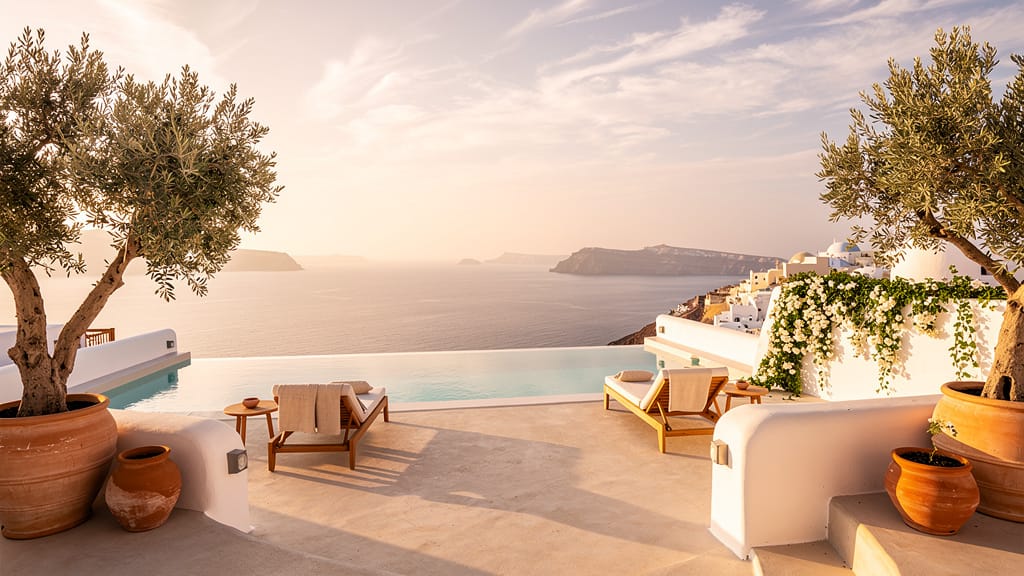
PERGANTIAN WAKTU HARI
Ubah waktu hari secara dramatis dalam foto lanskap, ubah cahaya siang hangat menjadi malam atmosferik dengan pencahayaan, pantulan, dan perubahan suasana realistis. Berguna untuk visualisasi real estate, konten perjalanan, dan pembuatan adegan sinematik.
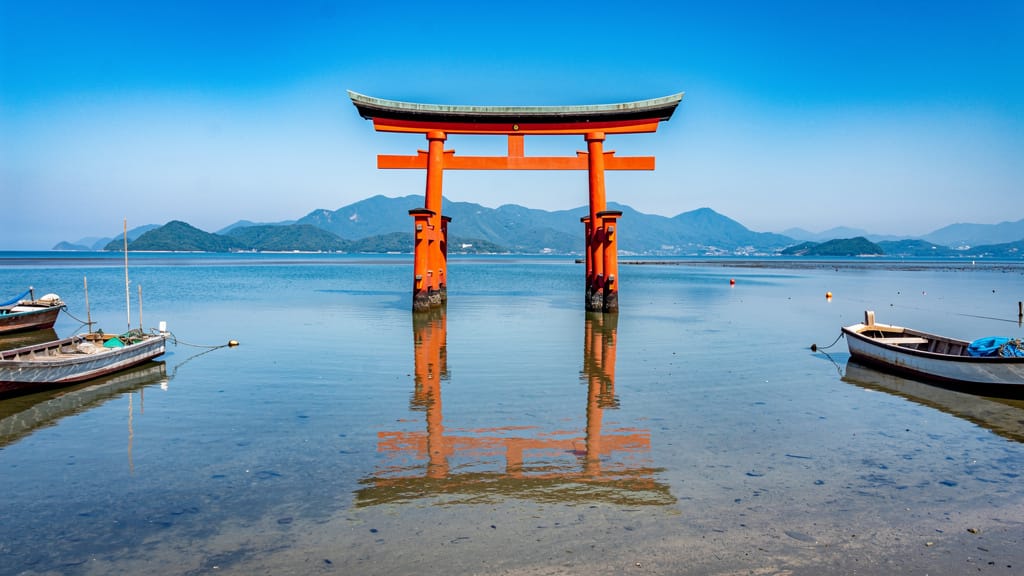
TRANSFORMASI CUACA
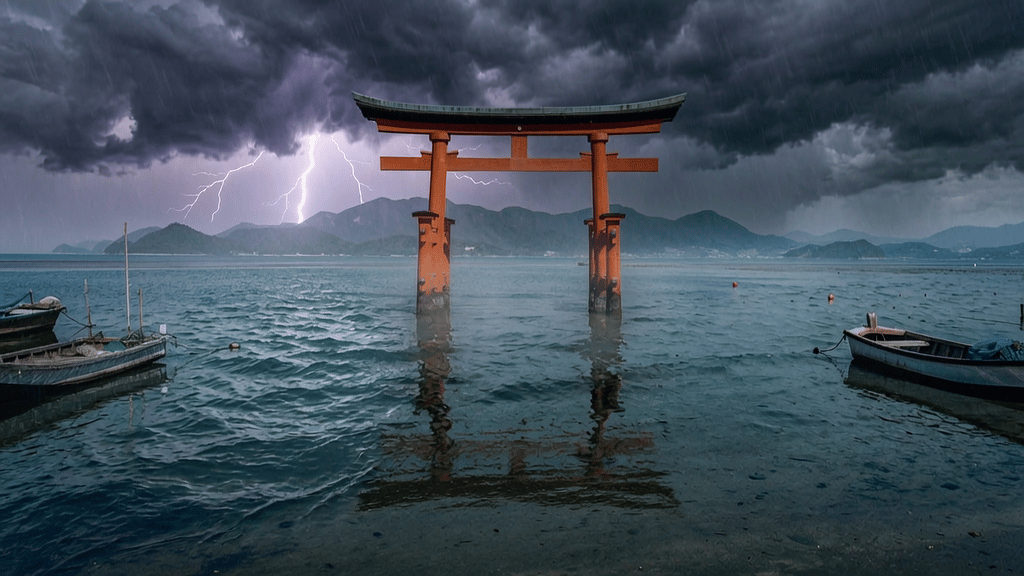
Tambahkan efek cuaca dramatis pada lanskap tenang, perkenalkan awan badai, hujan, kabut, atau fenomena atmosferik sambil mempertahankan struktur adegan dasar. Ideal untuk fotografer yang membuat variasi suasana, pembuat film yang mencari kondisi, atau seniman digital yang membangun atmosfer.
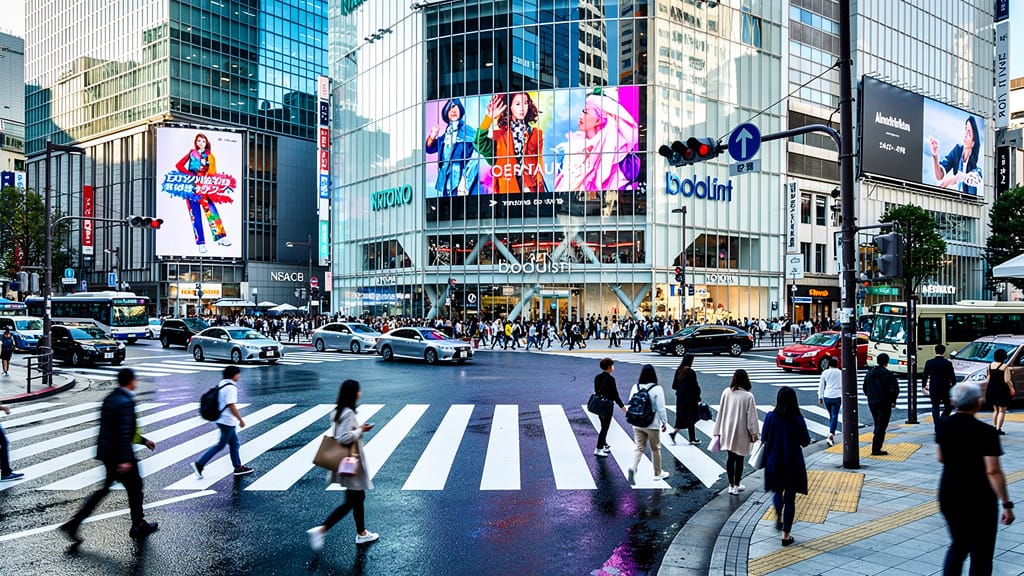
TRANSFORMASI ERA
Angkut adegan urban kontemporer kembali ke masa lalu dengan mengganti elemen modern dengan arsitektur, kendaraan, tanda, dan gradasi warna yang akurat secara periode. Bagus untuk visualisasi sejarah, konten pendidikan, atau proyek kreatif nostalgia.
Bandingkan dengan Model Serupa
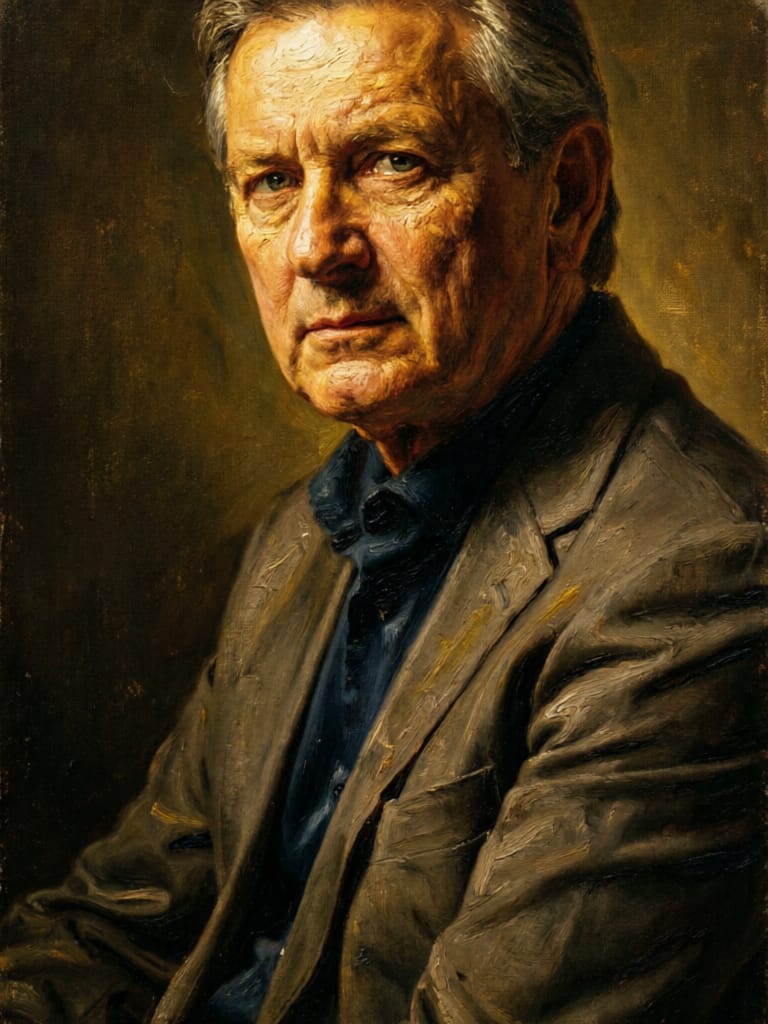
“Transform into a classical oil painting in the style of Rembrandt. Add visible impasto brushstrokes with thick paint texture. Apply warm golden undertones and dramatic chiaroscuro lighting with deep shadows. Enhance the dramatic contrast while preserving facial structure and expression. Add subtle canvas texture visible through the paint layers.”
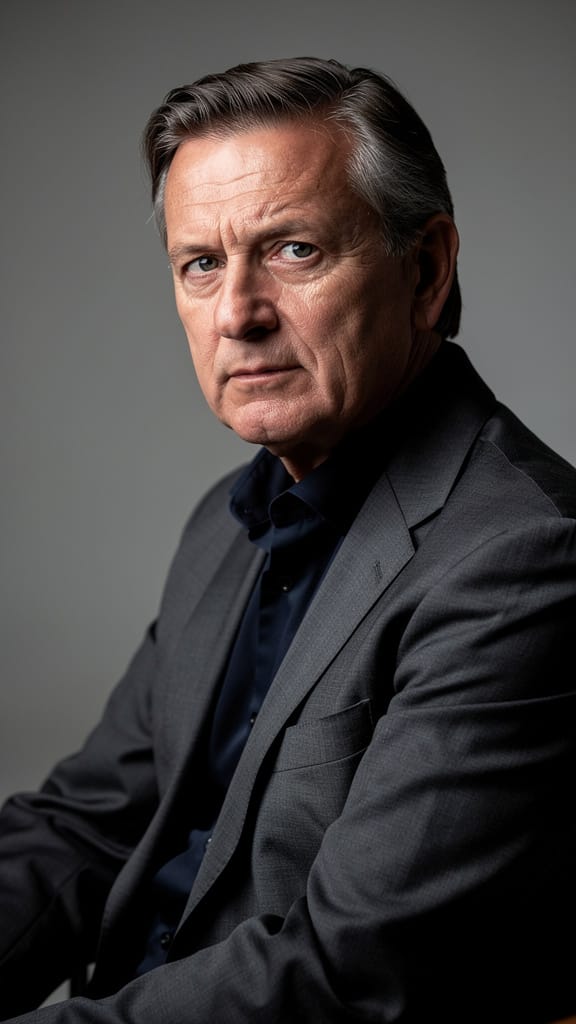

![FLUX.2 [klein] 9B LoRA output](https://shortgenius.com/cdn-cgi/image/width=3840,quality=80,format=auto/https://assets.shortgenius.com/example-model-output/cc1806c8-2af0-47e7-bd34-a95d2d180bfb.png)

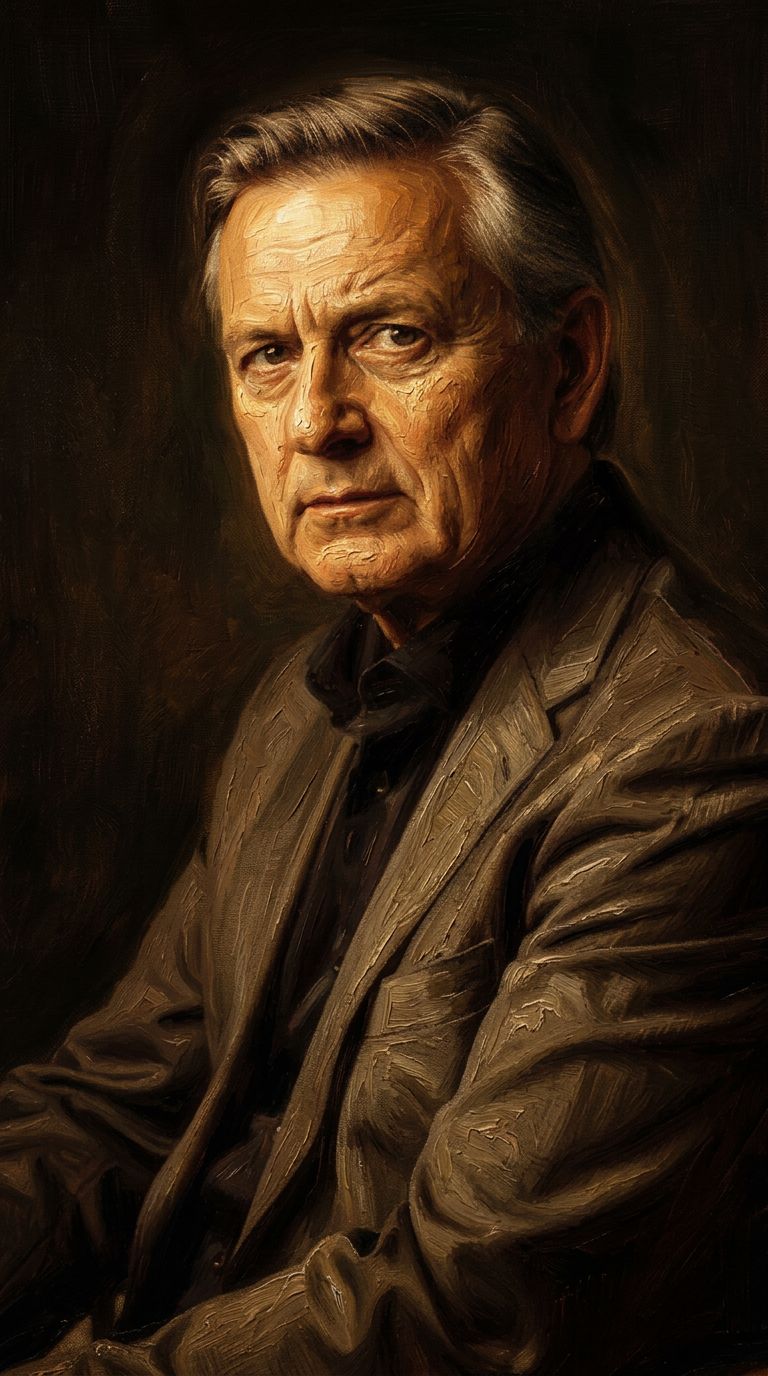
![FLUX.2 [klein] 4B LoRA output](https://shortgenius.com/cdn-cgi/image/width=3840,quality=80,format=auto/https://assets.shortgenius.com/example-model-output/10a63e77-67c3-46e6-83d3-b7b93355e72c.png)
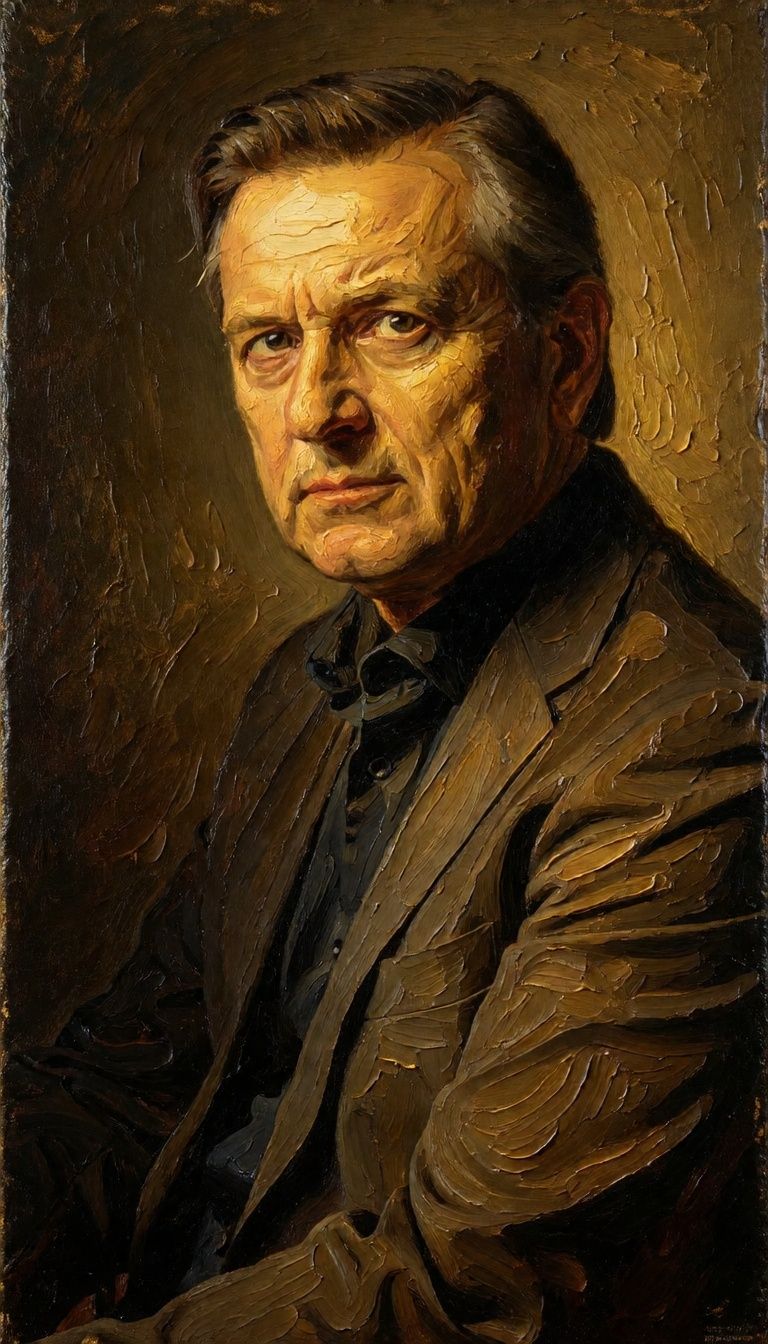


![FLUX.2 [klein] 9B LoRA output](https://shortgenius.com/cdn-cgi/image/width=3840,quality=80,format=auto/https://assets.shortgenius.com/example-model-output/cbfd8f70-6bf2-467b-918f-b020118b8db0.png)
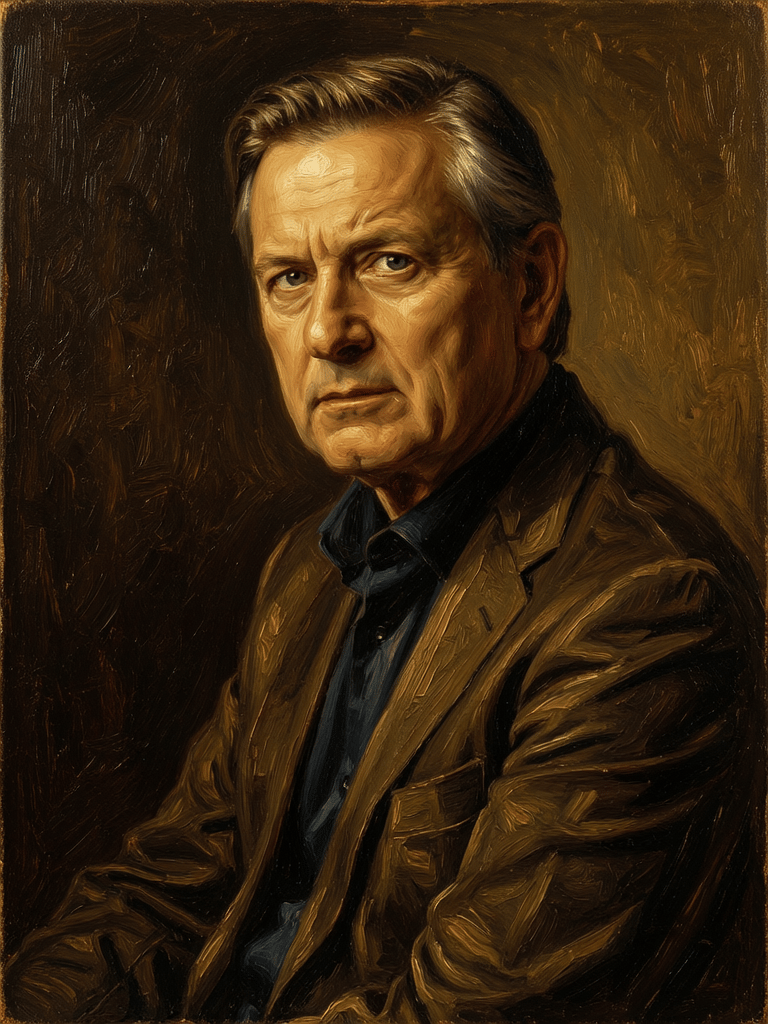
Rasakan kesempurnaan dengan Wan
Beralih ke sintesis berpandu penalaran hari ini
Pertanyaan yang Sering Diajukan
Model Serupa
![FLUX.2 [klein] 9B LoRA](https://v3b.fal.media/files/b/0a928dd2/yFNW07YLHtp5zuE4eJAW1_e2f89915a1b740559b3c652b0b028296.jpg)
FLUX.2 [klein] 9B LoRA
Precise image edits, color control
0.3 kredit
![FLUX.2 [klein] 9B LoRA](https://v3b.fal.media/files/b/0a928e3b/sIC-Ne9BMwZZtBvR3FwKN_9a724704a550471a9df59999e9e1017f.jpg)
FLUX.2 [klein] 9B LoRA
Precise natural language image editing
0.5 kredit
Nano Banana 2
Google's advanced image editing
0.7 kredit
Firered Image Edit V1.1
Advanced AI-powered image editing
0.4 kredit
Qwen Image 2
Unified AI image editing model
0.5 kredit
Qwen Image 2
Unified image editing and generation
0.6 kredit
Joyai Image Edit
Natural language image editing
0.8 kredit
Phota
Identity-preserving personalized photo editing
0.4 kredit
![FLUX.2 [klein] 4B LoRA](https://v3b.fal.media/files/b/0a928e1f/c62zNs4MhBXgm-5w7n0C5_90bad8837ecc451e96f91da93b78f564.jpg)
FLUX.2 [klein] 4B LoRA
Edit images with text, colors
8 kredit