
FIRERED IMAGE EDIT V1.1
PRECISION IMAGE EDITING
Advanced AI-powered image editing
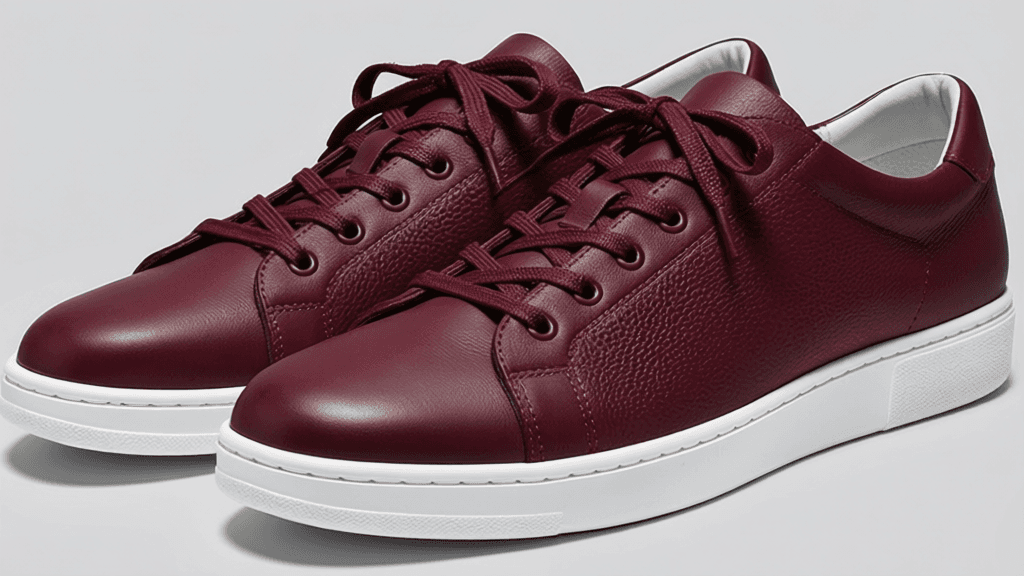
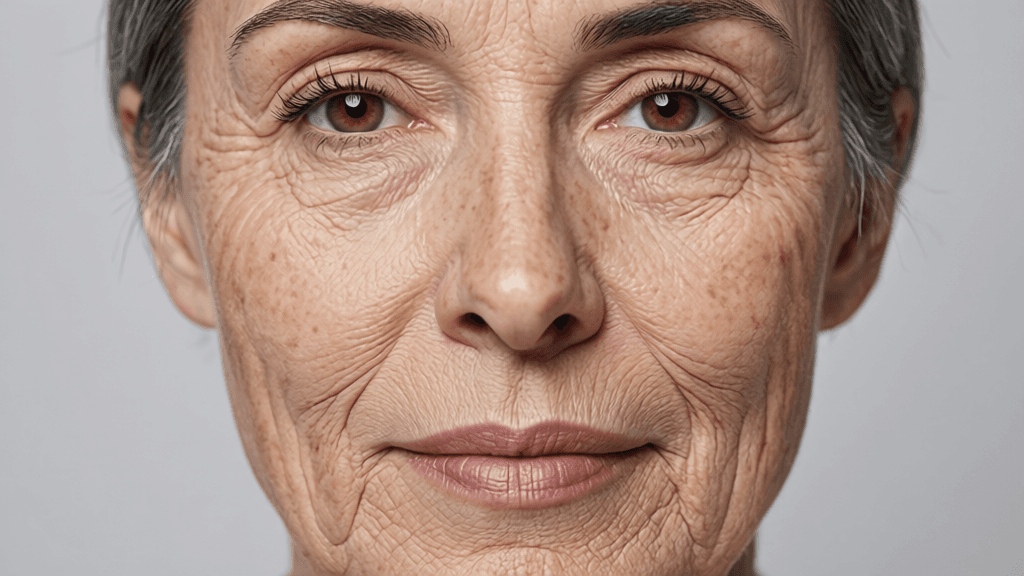

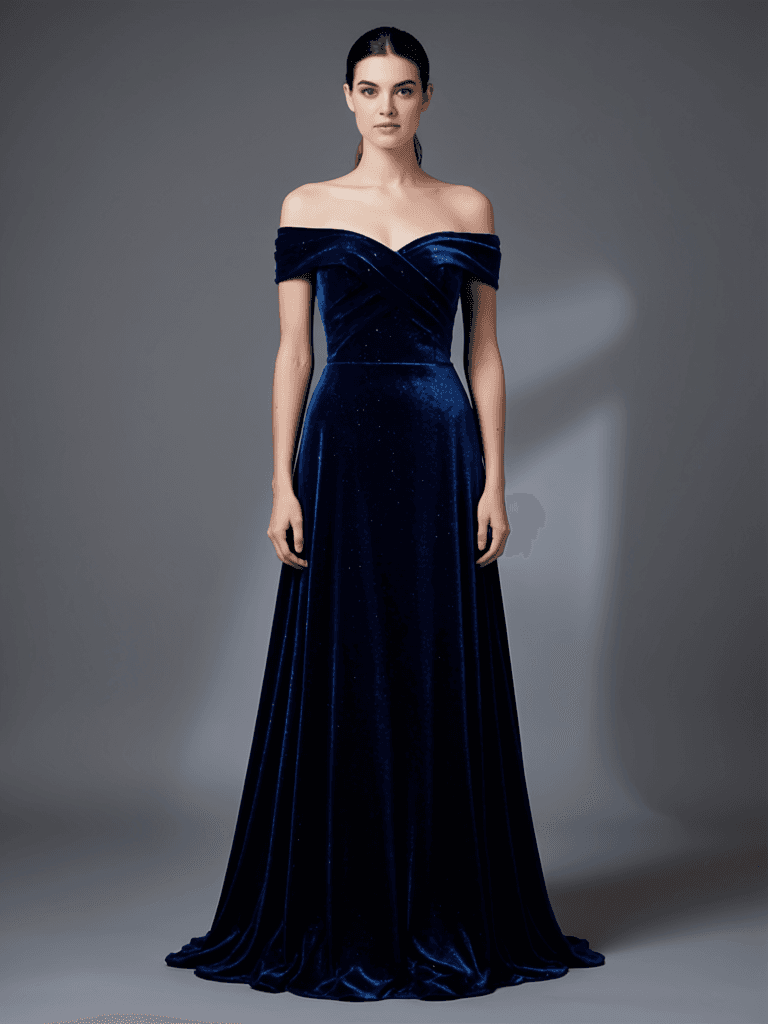
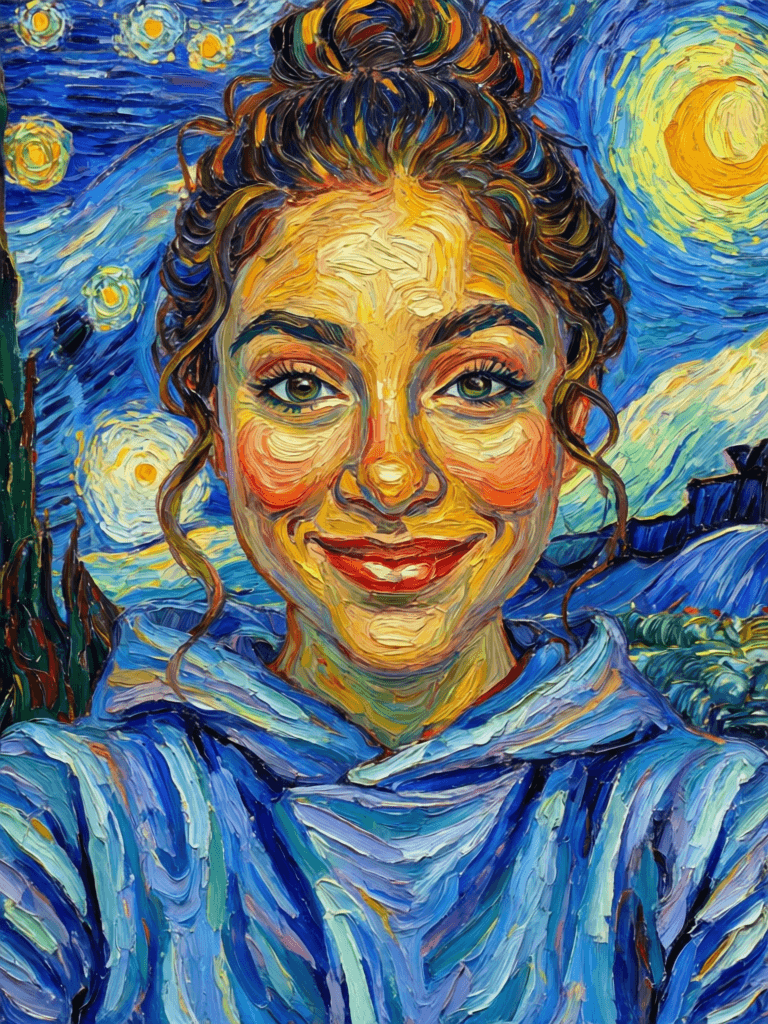
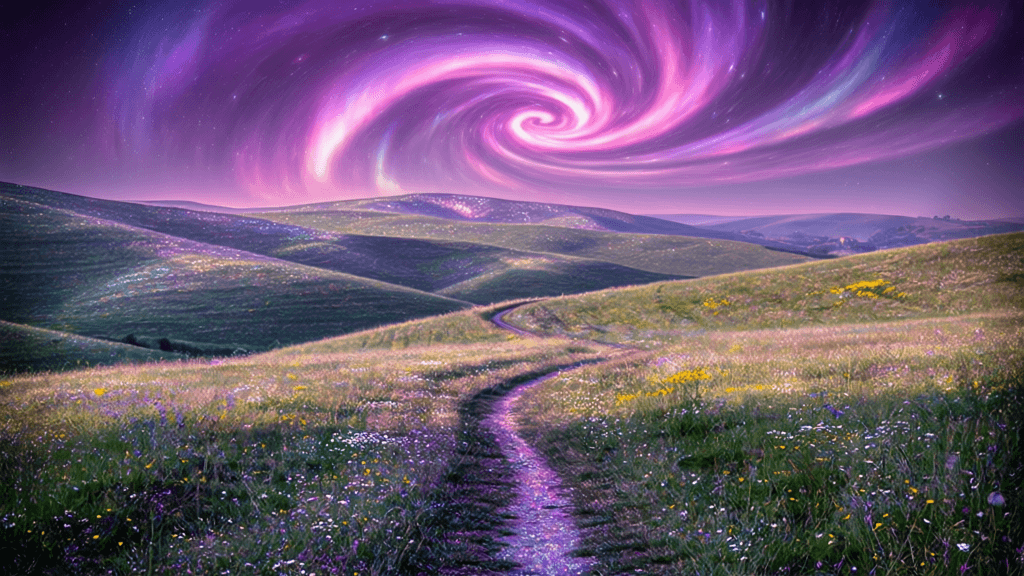
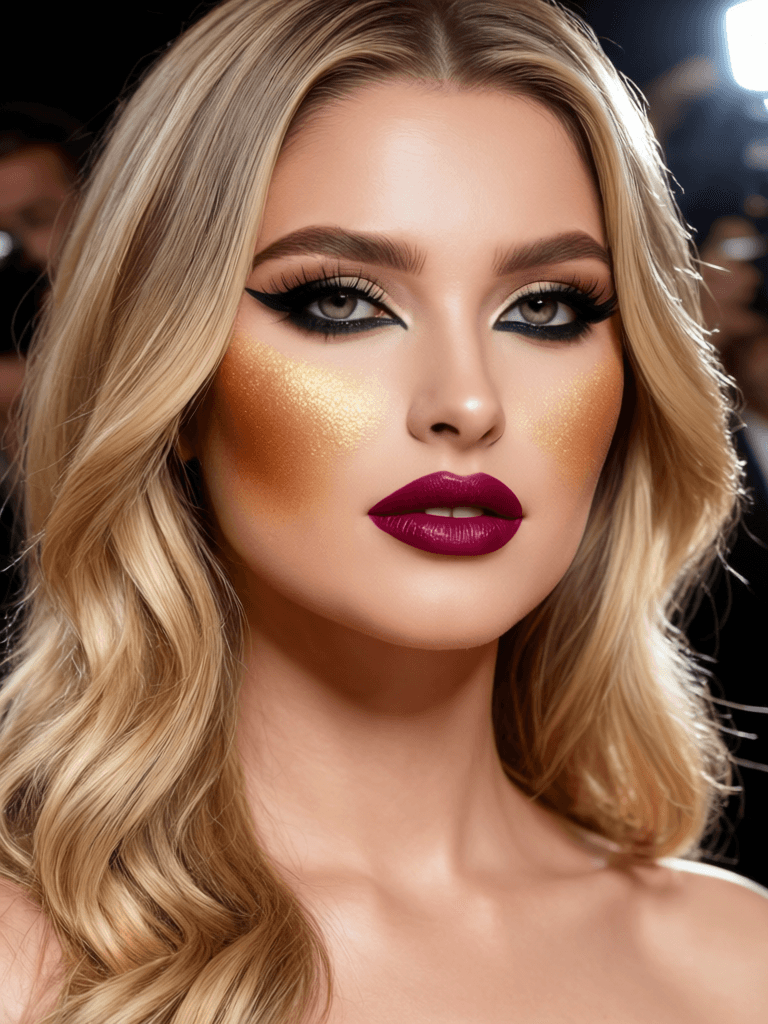
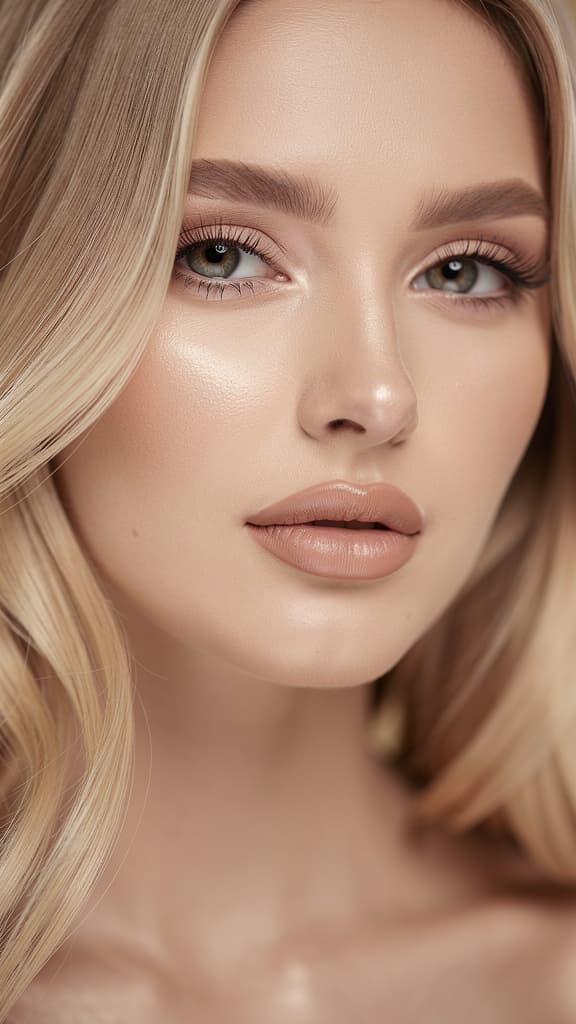
PROFESSIONAL BEAUTY LOOK
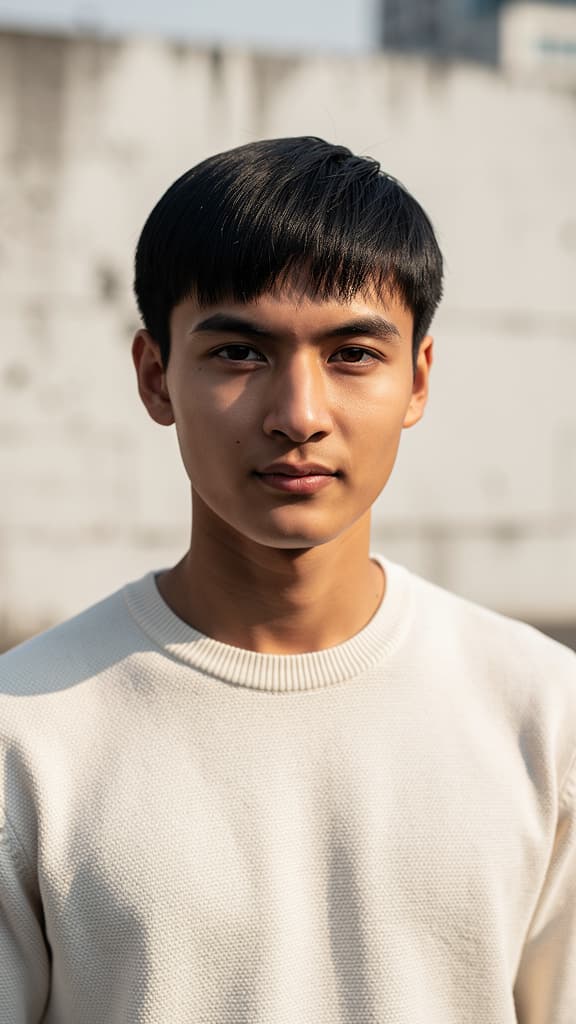
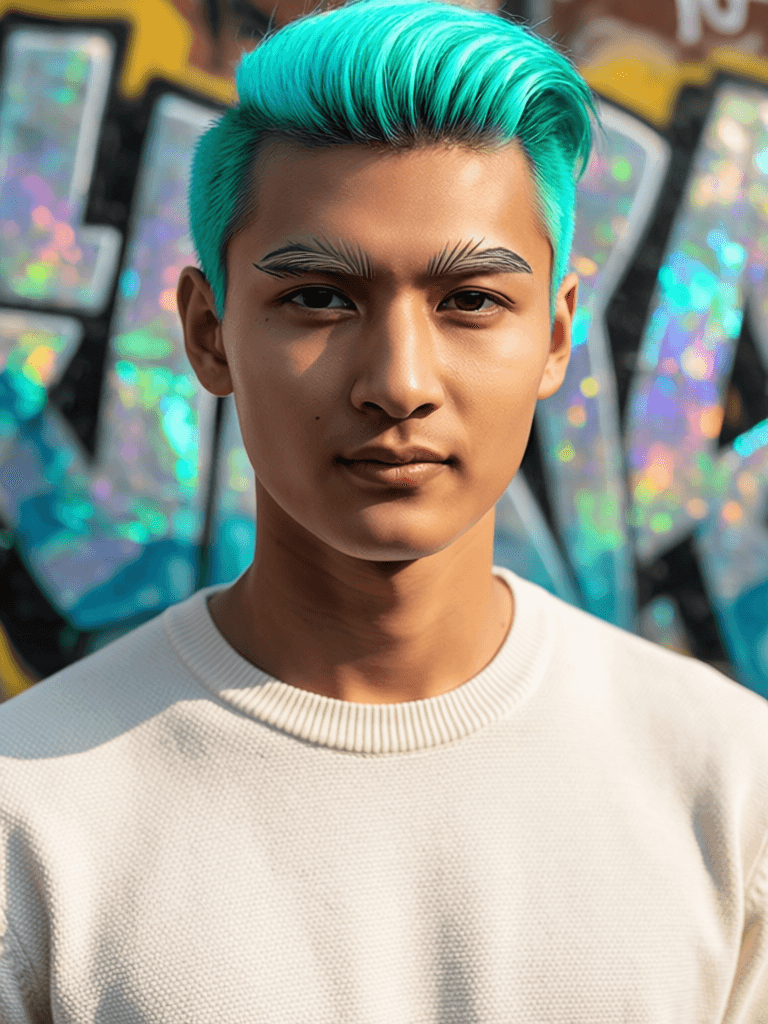
HAIR COLOR & STYLE TRANSFORMATION
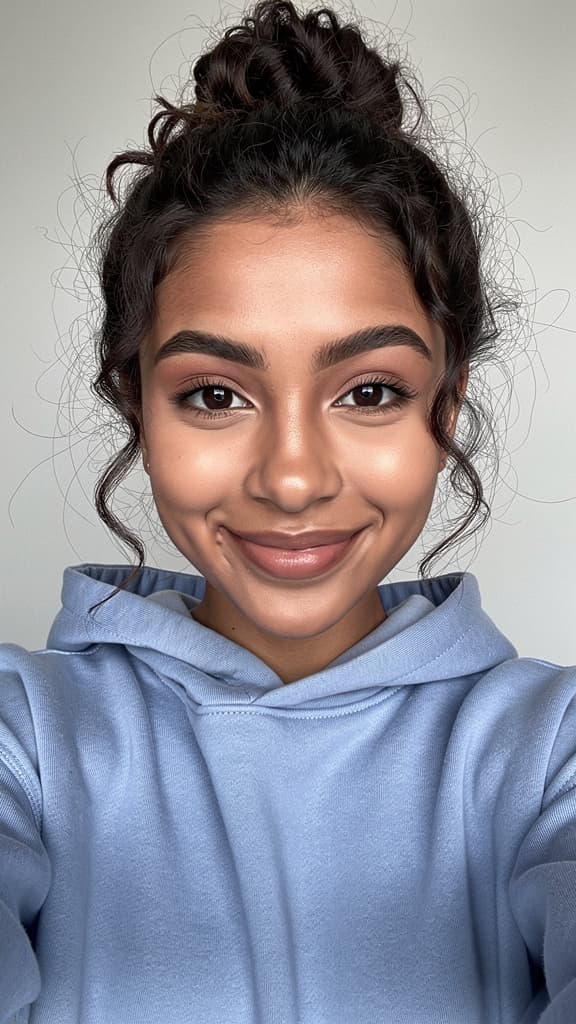
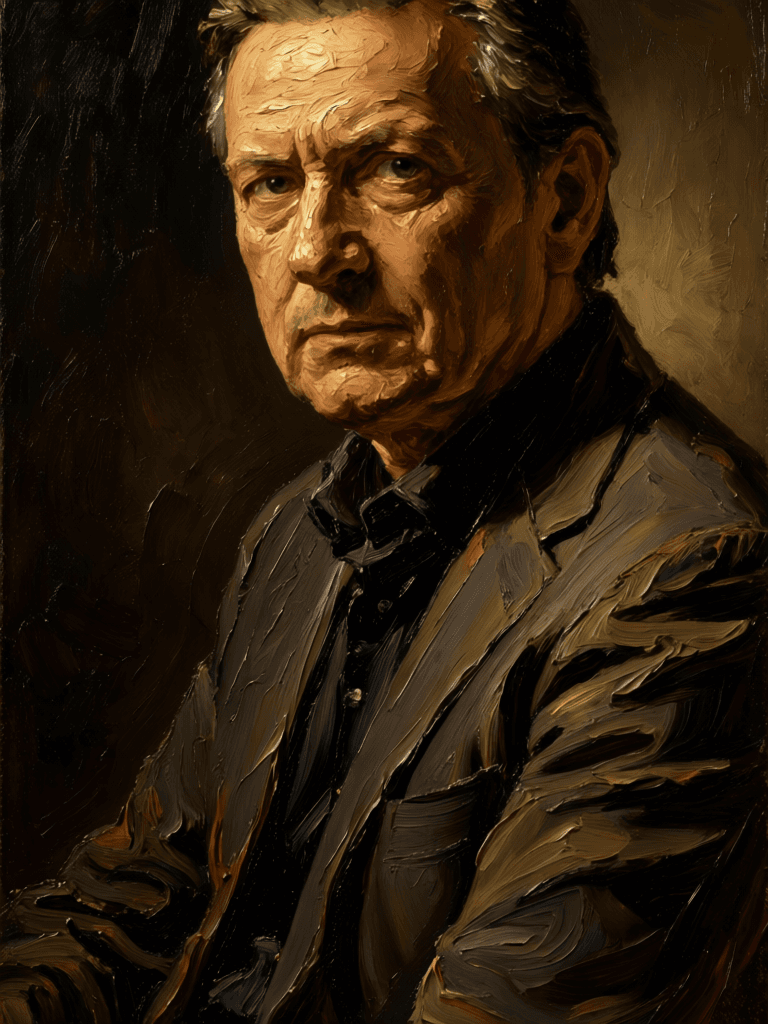
PORTRAIT STYLE TRANSFER
Firered Image Edit v1.1 is a state-of-the-art image editing model developed by Black Forest Labs. Designed for modern creative professionals, it empowers artists, designers, filmmakers, content creators, and visual storytellers to transform existing images through precise, richly detailed, text-guided instructions. By combining a source image with a natural-language prompt, users can seamlessly update styles, apply virtual makeup, transfer visual elements across images, or reimagine portraits—all while maintaining artistic intent and visual quality.
What does this model create?
Firered Image Edit v1.1 excels at advanced image-to-image editing guided by your creative vision. Users upload or reference one or more images, then provide a detailed text prompt describing the desired transformation. The model interprets these instructions and generates a new version of the image in response. Artists can shift moods, update appearances, apply styles, and compose visual narratives—turning imagination directly into reality through dynamic digital editing. The model supports both English and Chinese instructions, making it versatile for diverse global creatives.
Creative Capabilities:
- Update visual style, attire, or mood of portraits and scenes according to detailed written directions.
- Apply virtual makeup, adjust facial features, or experiment with lighting and contouring while preserving photorealism.
- Use multiple source images for reference-driven transformations (such as virtual try-on, style swaps, or art direction).
- Output images in popular professional formats like PNG or JPEG, supporting further workflow integration.
Ideal Use Cases and Audiences:
- Portrait and fashion photographers who want to refine a model’s style, makeup, or ambiance non-destructively.
- Illustrators and designers seeking to experiment with artistic reinterpretations of visual content based on text-driven ideas.
- Filmmakers and editors wishing to generate moodboards, test looks, or storyboard variations from original scenes.
- Content creators and marketers who need fast, high-quality visual adjustments for campaigns or digital platforms.
Supported Formats, Resolutions, and Styles: Firered Image Edit v1.1 produces images in either PNG or JPEG format, depending on your export preference. Output dimensions can match the size of your input image or be set to common composition ratios, such as square, landscape, or portrait (in variations like 4:3 or 16:9), as well as custom resolutions. This flexibility makes it suitable for a wide variety of print, digital, and social media projects.
Quality and Performance Characteristics: The model delivers high-quality image edits that adhere closely to your creative instructions. You can adjust the level of prompt adherence—how literally the model follows your text directions—and choose the level of detail for each edit. Increasing these settings can enhance output fidelity and detail. The option to generate multiple images at once (up to four per creative session) encourages experimentation and creative exploration, letting you choose the result that best fits your vision.
Users can also set a creative direction by including negative prompts—guiding the model away from unwanted visual elements—or lock in randomness for reproducibility with a consistent seed. For time-sensitive tasks, an acceleration setting allows control over editing speed, balancing fast iterations with maximum output quality.
A built-in safety checker (optional) can flag and filter sensitive or inappropriate content, making the model suitable for professional and public-facing applications.
Creative Controls and Customization:
- Text-based Editing Prompts: Describe the desired edit or style change in English or Chinese—use as much detail as you like.
- Reference Images: Edit a single image or use multiple references for more complex effects like virtual try-on or style swaps.
- Image Size Selection: Output can match your original or use preset dimensions common to creative production.
- Prompt Adherence: Adjust how closely the result follows your prompt—a higher setting yields more literal interpretations.
- Detail Level: Choose how many refinement steps you want to influence output detail and quality.
- Image Batch Size: Generate 1–4 images at a time for choice and variety.
- Negative Direction: Specify words or ideas you want to exclude from the result, refining control over aesthetics or mood.
- Export Format: Choose between professional PNG or JPEG outputs for seamless integration into your workflow.
- Speed Optimization: Tailor the model’s performance between speed and highest output fidelity as needed.
Limitations and Best Practices:
- Accuracy and quality improve with detailed, well-crafted prompts. Vague or ambiguous instructions may yield less predictable results.
- The model supports both English and Chinese, but other languages are not documented as supported.
- While capable of both single and multi-image inputs, it is not designed for processing large numbers of images at once.
- The built-in safety checker provides moderation, but final review of sensitive content is still recommended.
- There are no direct guarantees about style fidelity beyond the user’s creativity in prompt writing and reference selection.
Firered Image Edit v1.1 is a creative force multiplier for visual professionals. Its intuitive, text-driven controls allow even nuanced directions to become vibrant, high-fidelity imagery, bridging the gap between concept and crafted visuals. With flexibility in style, format, and accuracy, it stands out as a versatile tool for those who value both quality and creative freedom.
Generate using the most advanced image editor
Add the image that you want change
Upload image
Add the image that you want to edit or transform
A woman kneeling in darkness, illuminated by a warm, radiant beam of light emerging from her raised hand.
Write your changes
Describe the edits you want - style changes, object removal, or enhancements
Start sharing
Download your professionally edited image
Beyond the prompt: A new level of control
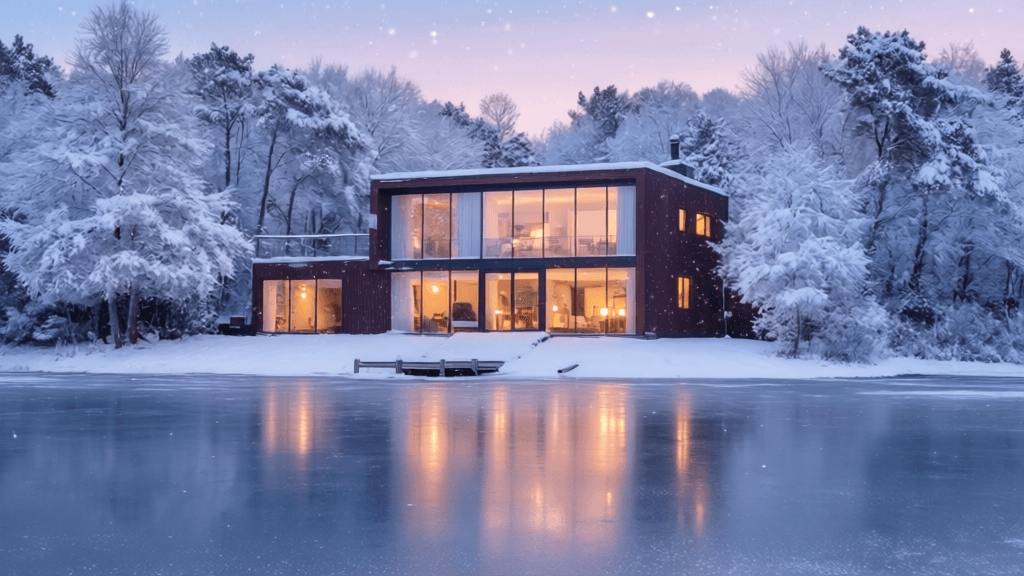
LANDSCAPE WEATHER ENHANCEMENT
Demonstrates control over complex environmental and seasonal swaps with photorealistic detail—ideal for travel, real estate, or fantasy location content.

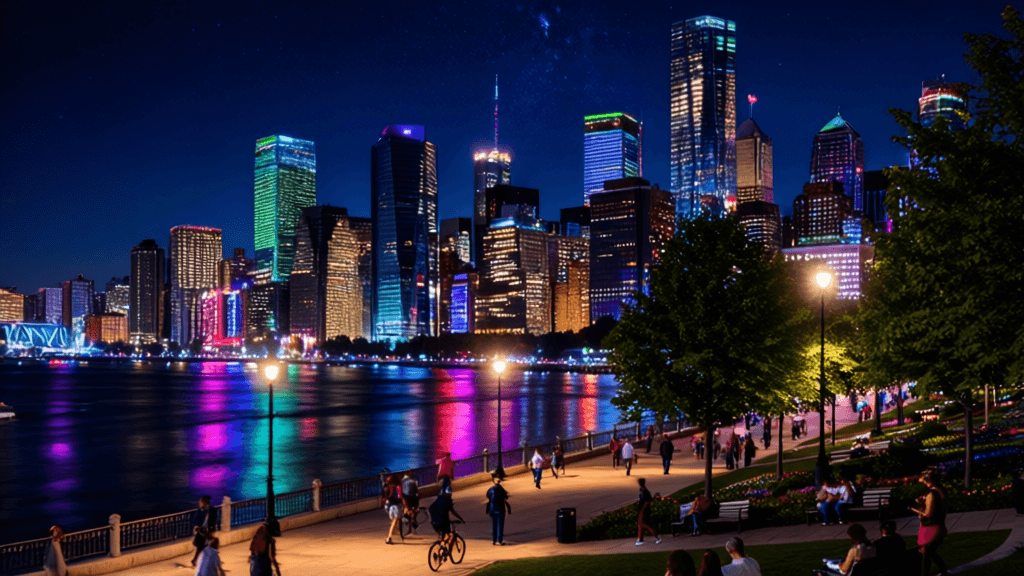
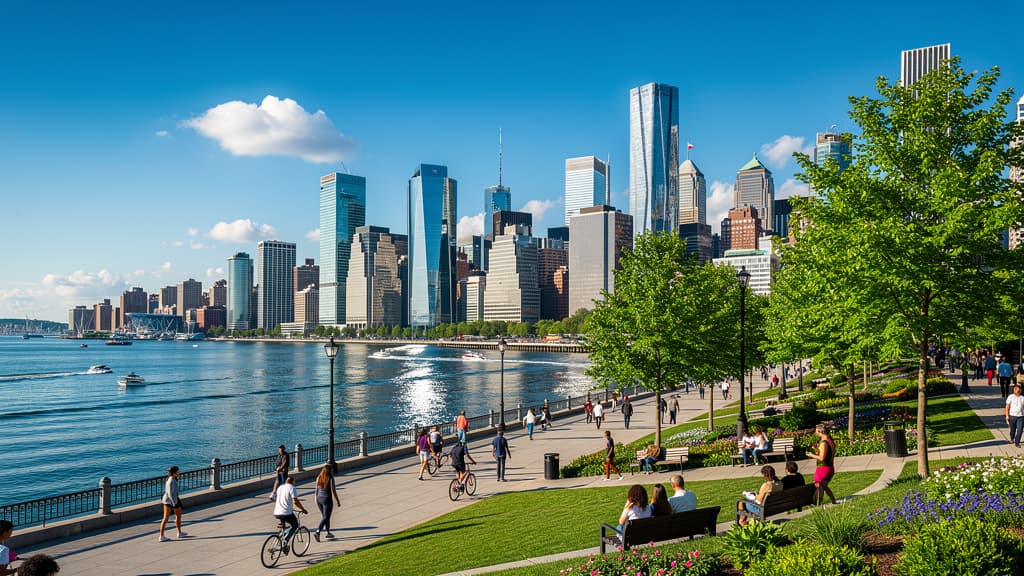
ARCHITECTURAL NIGHT CONVERSION
Converts a daytime cityscape into a vibrant nighttime scene, showcasing lighting and mood editing for architecture or nightlife promotional material.
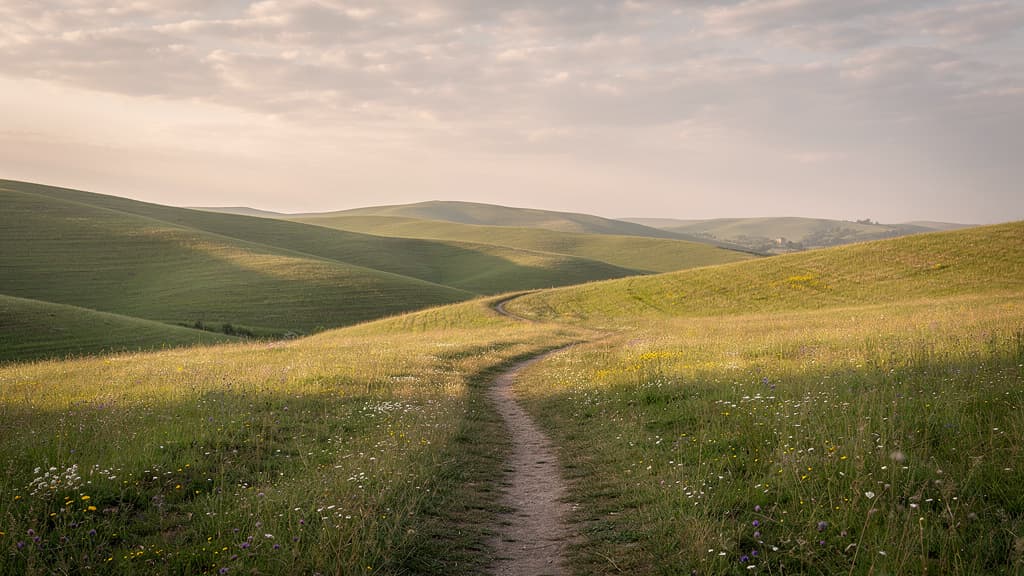
DRAMATIC LANDSCAPE REIMAGINING
Applies an imaginative, color-driven transformation to an ordinary landscape, perfect for creating fantasy backdrops or social media visuals.
Compare with similar models
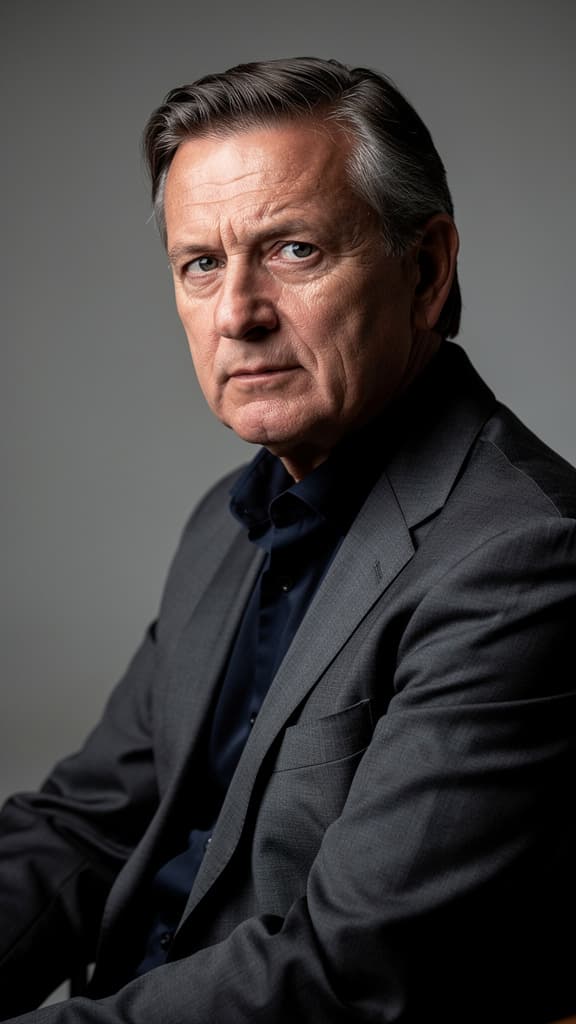
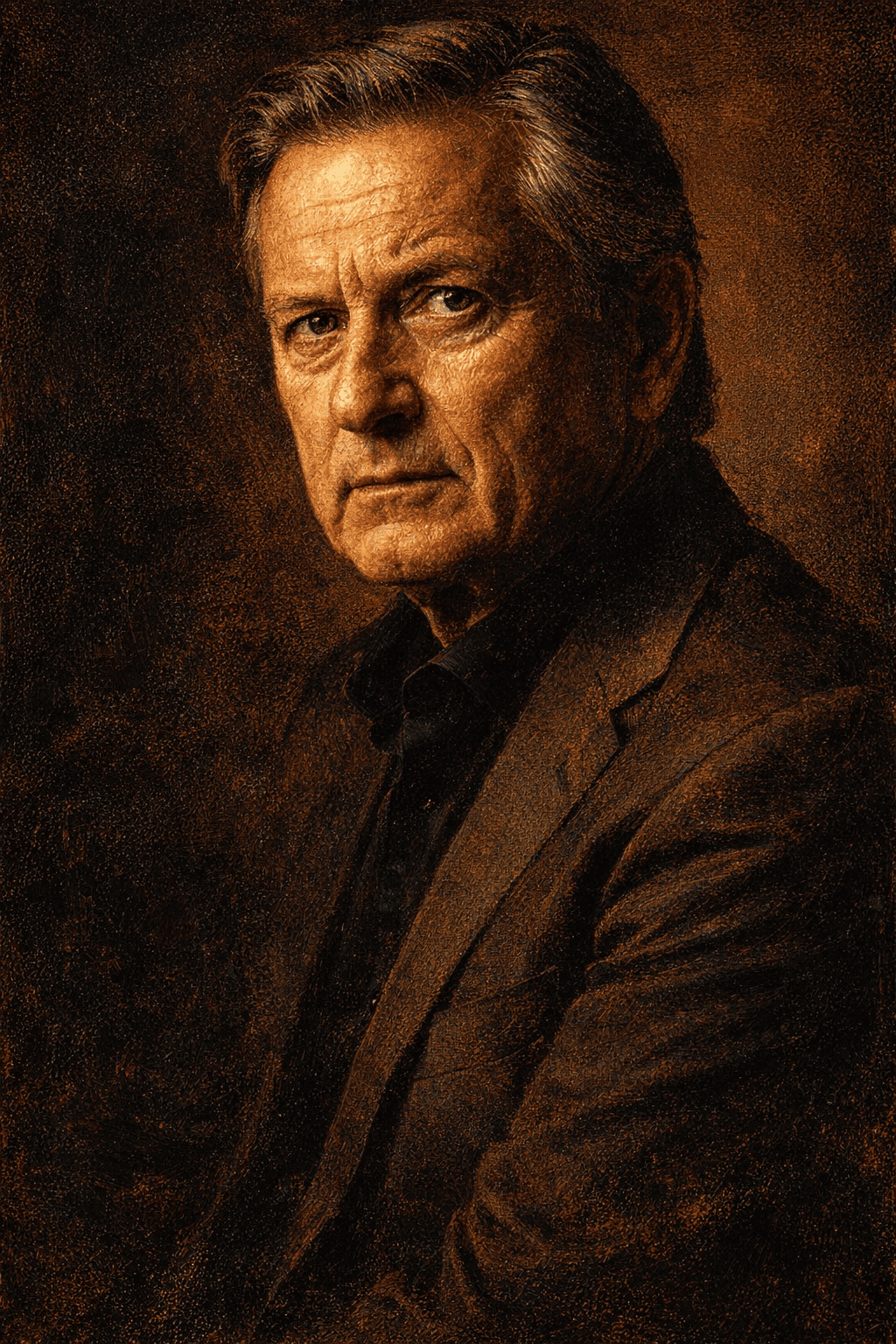
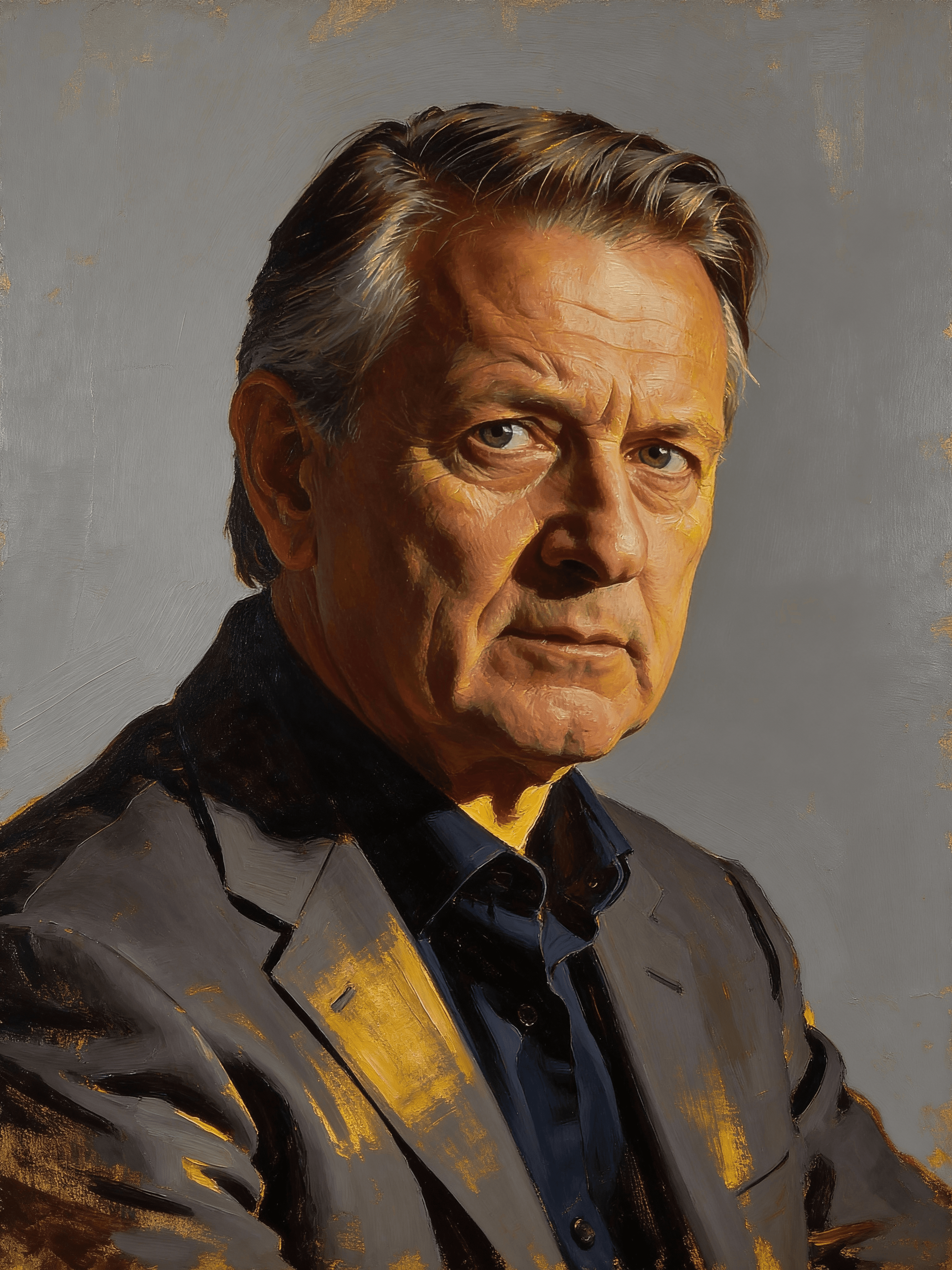
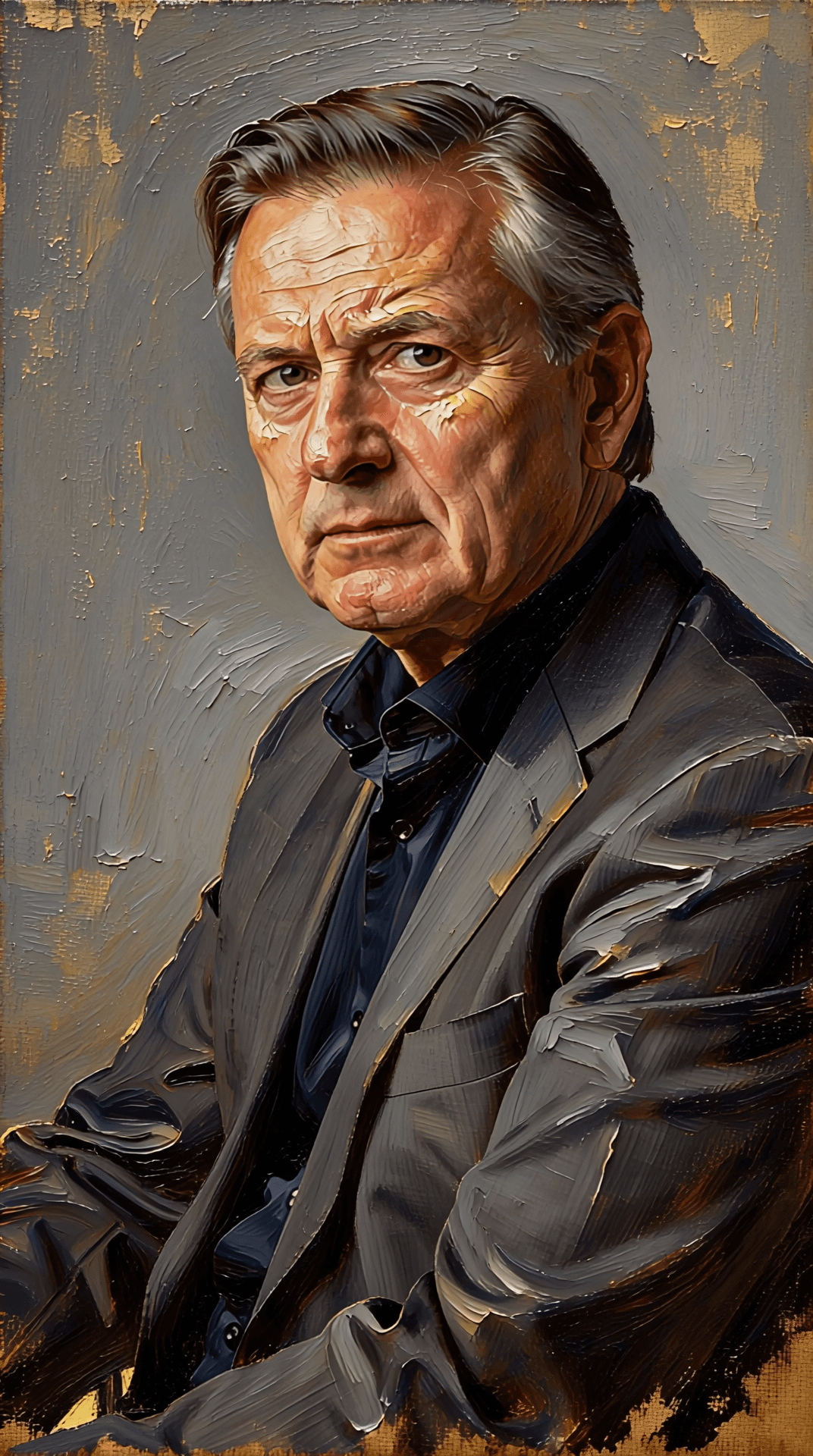
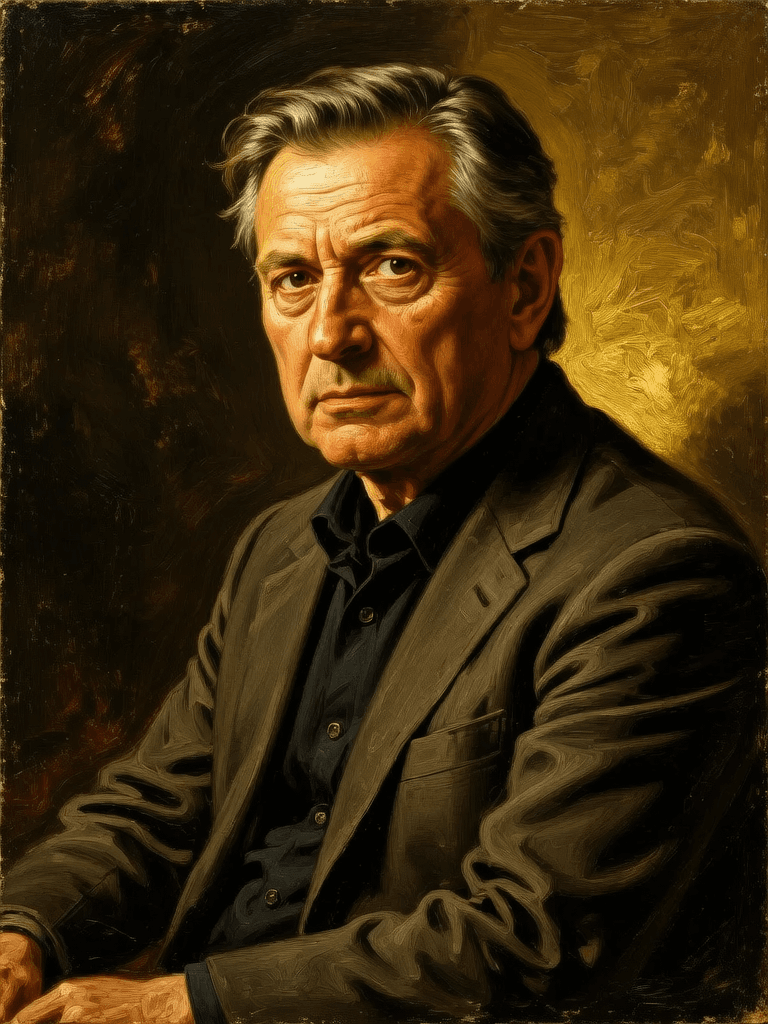
“Transform into a classical oil painting in the style of Rembrandt. Add visible impasto brushstrokes with thick paint texture. Apply warm golden undertones and dramatic chiaroscuro lighting with deep shadows. Enhance the dramatic contrast while preserving facial structure and expression. Add subtle canvas texture visible through the paint layers.”
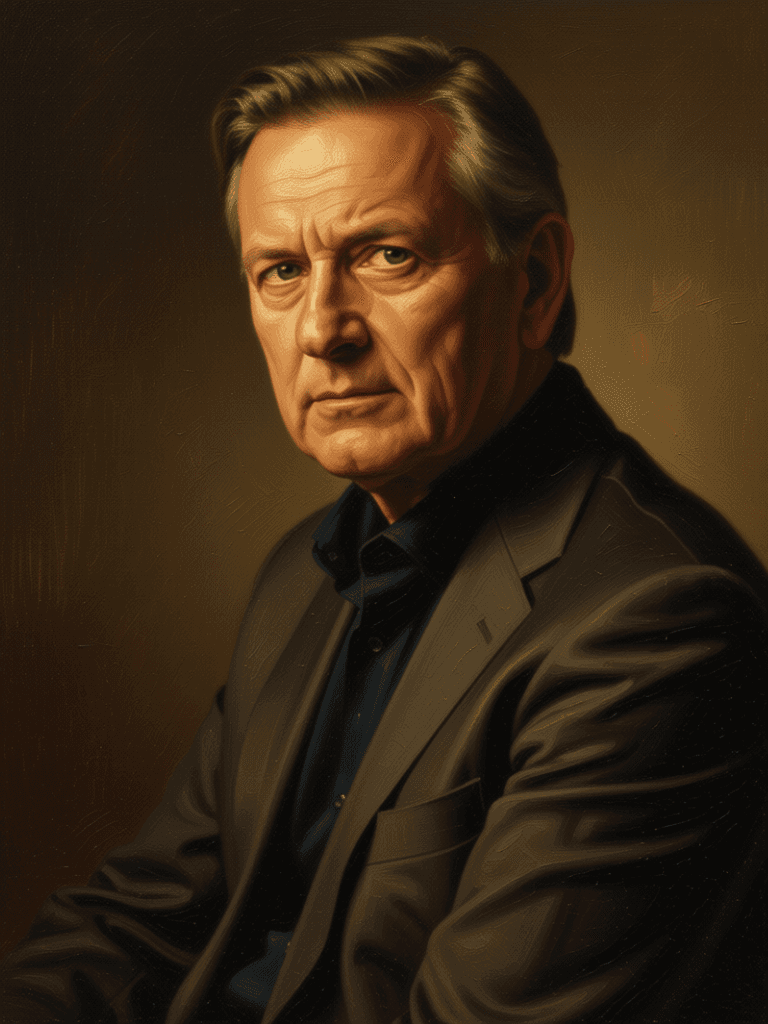
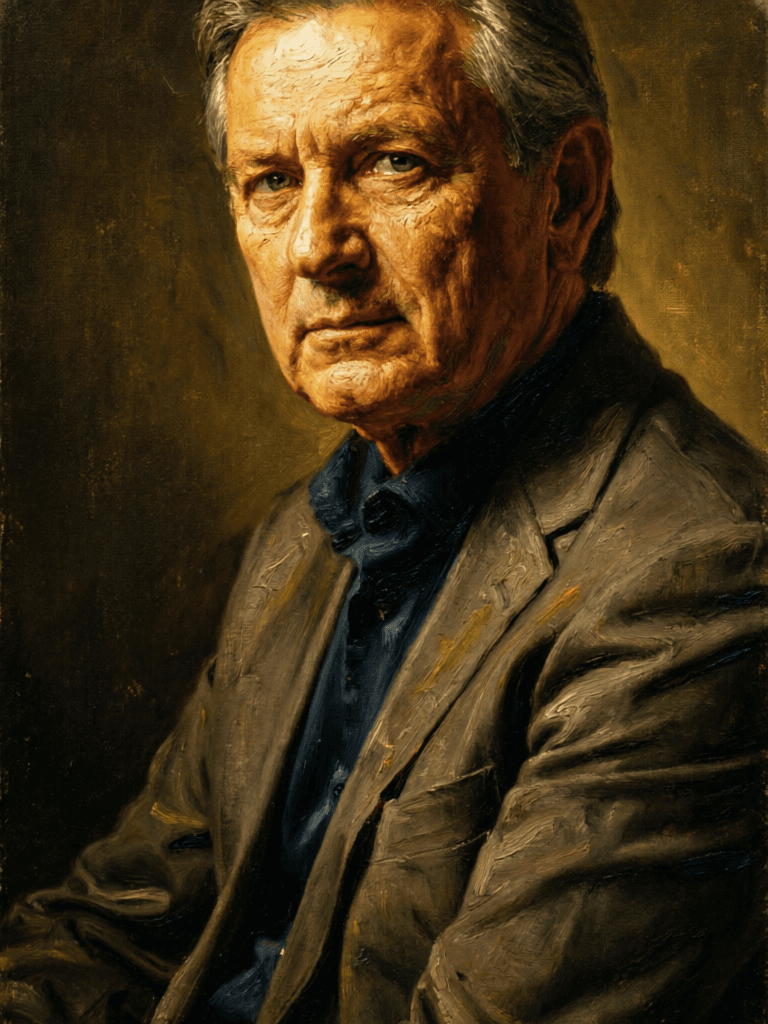
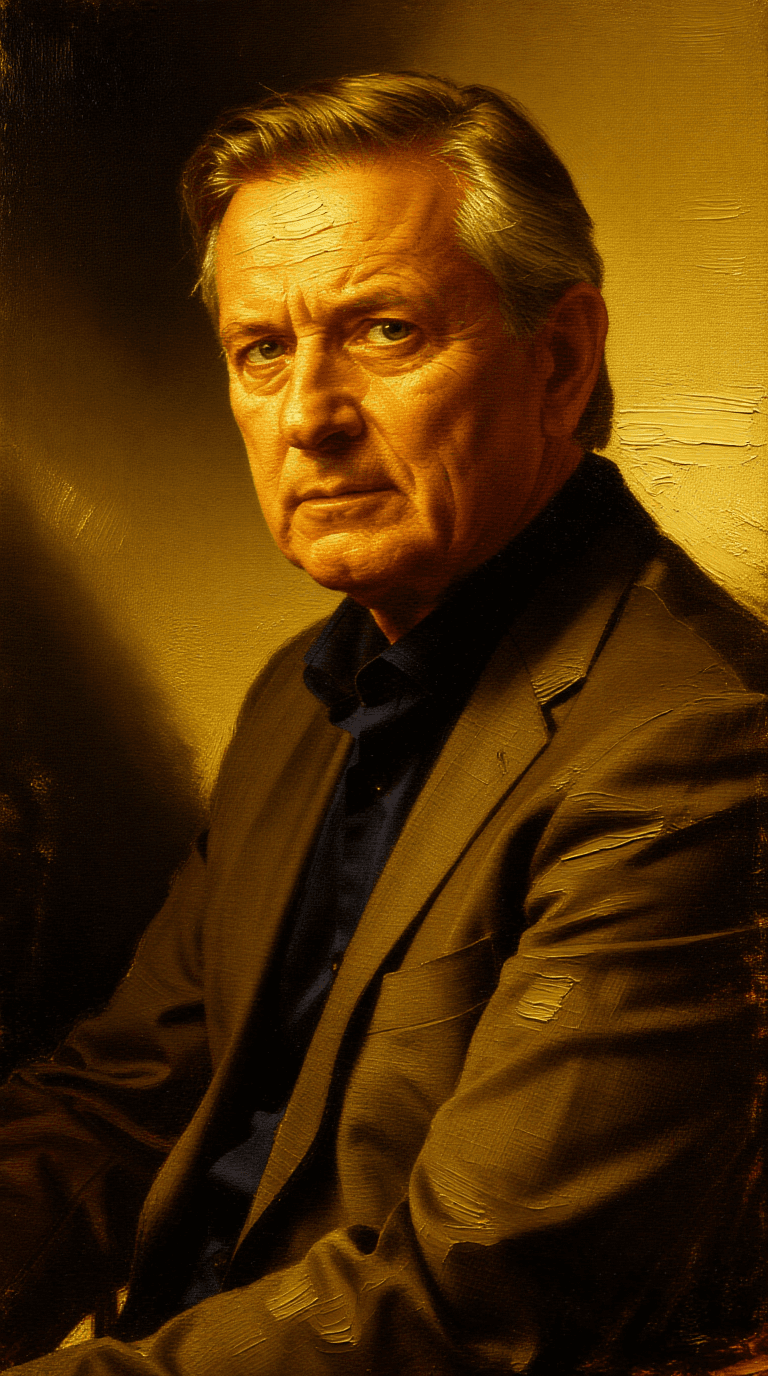
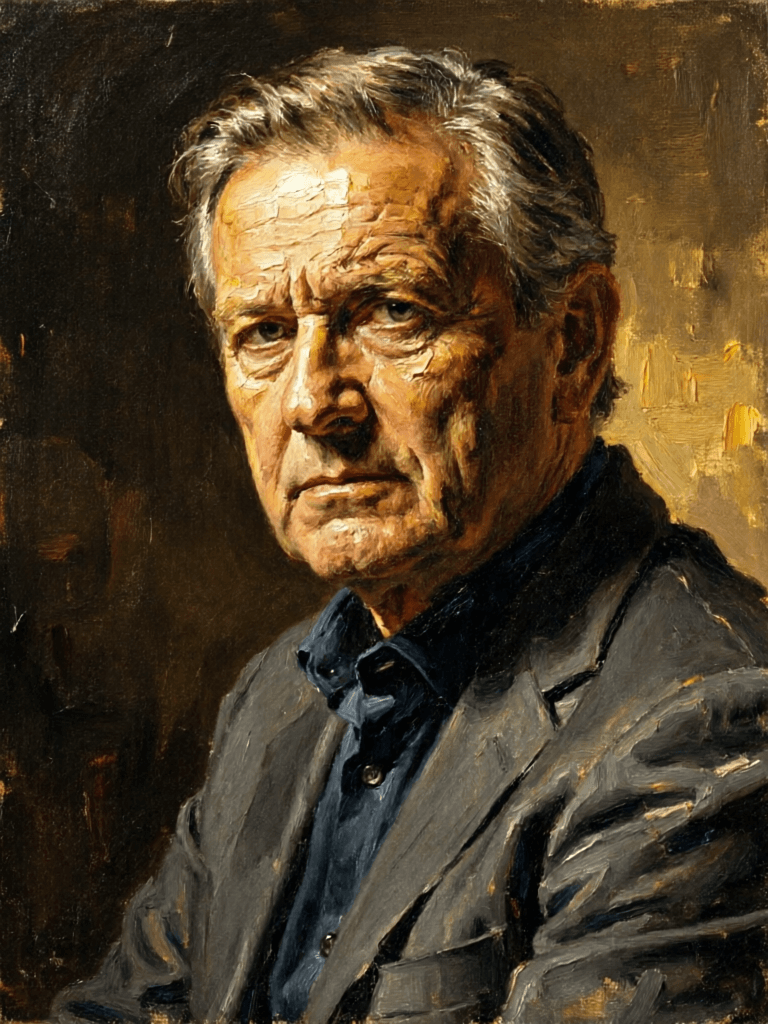
Experience perfection with Firered Image Edit V1.1
Switch to reasoning-guided synthesis today. Be the first in your industry to deliver native 4K results at 10x the speed.
Frequently Asked Questions
Similar Models
Bytedance
Unified image creation and editing
0.7 credits
Z-Image Turbo
Ultra-fast image editing model
0.1 credits
Qwen Image 2
Unified image editing and generation
0.6 credits
Vidu
Image generation with reference consistency
0.2 credits
Nano Banana 2
Google's advanced image editing
0.7 credits
Qwen Image Edit 2511
Edit images using text prompts
0.5 credits
Longcat Image
Multilingual photorealistic image editor
1.2 credits
GPT-Image 1.5
High-fidelity image editing AI
10 credits
Gemini 3.1 Flash Image Preview
Ultra-fast Google image editing
0.7 credits