PixVerse C1 Text To Video
Film-grade clips up to 15 seconds with native synced audio
Film-grade video with audio
FASHION FILM CONTENT
MUSIC VIDEO AESTHETIC
LIFESTYLE TRAVEL CONTENT
PixVerse C1 Text To Video turns a single written prompt into film-grade video, complete with native audio when you want it. Instead of stitching together silent clips and hunting for background music afterward, you describe the scene you're imagining and receive a finished shot with motion, atmosphere, and optional sound baked right in. It's built for creators who want cinematic results without a camera crew, a sound designer, or an editing timeline full of separate assets.
At its core, the model reads a text description and generates video that can reach up to 1080p resolution and run as long as 15 seconds. That length matters: many text-to-video tools cap out at just a few seconds, which forces you to plan around tiny fragments. Here you have room to let a scene breathe, establish a mood, and carry a moment from beginning to end within a single generation. You can also dial the duration down to something as short as one second when you need a quick loop, a sting, or a snappy transition.
One of the standout features is native audio generation. When you enable it, the model can produce background music, sound effects, and even dialogue alongside the visuals, so the sound belongs to the scene rather than being layered on later. For storytellers, this means a rainy street can arrive with the patter of rain, a tense moment can come with underscoring, and a character shot can carry ambient life. If you prefer to handle sound yourself, you can simply leave audio off and receive a clean silent clip to drop into your own edit.
Resolution is fully in your hands. You can choose from 360p for fast, lightweight drafts, 540p and 720p for solid everyday work, all the way up to crisp 1080p for polished, presentation-ready output. This flexibility makes it easy to iterate quickly at a lower resolution while you're refining a concept, then commit to a high-resolution render once you've locked in the look and motion you want.
Framing is just as flexible. The model supports a wide spread of aspect ratios so your video fits wherever it's going. Widescreen 16:9 is the default and works beautifully for cinematic and desktop viewing, while 9:16 is ready for vertical social feeds like short-form video platforms. You can also work in square 1:1, the classic 4:3, portrait and landscape variants like 3:4, 2:3, 3:2, and the ultra-wide, letterboxed 21:9 for a true widescreen film feel. This range lets a single idea be reshaped for a trailer, a phone screen, or a gallery wall without reworking your whole approach.
The creative direction comes entirely from your prompt. You can describe subjects, wardrobe, lighting, camera angles, mood, and level of detail, and the model responds with cinematic sensibility. The sample style leans toward hyper-detailed, atmospheric, and visually rich imagery, as seen in prompts describing dramatic lighting, glistening textures, and epic camera movement. Prompts can be quite long, giving you space to layer in specifics about composition and tone. One practical note: emoji and accented or non-Latin characters take up more room than plain English letters, so if you're writing a visually short prompt that includes those, it may reach the length limit sooner than expected.
For consistency and repeatability, the model supports a seed. Using the same seed together with the same prompt produces the same video every time, which is invaluable when you want to reproduce a result exactly, make small controlled tweaks, or compare variations while keeping everything else steady. Change the seed and you explore a fresh interpretation of the same description.
Who benefits most? Filmmakers and video creators can pre-visualize scenes, build mood reels, or generate finished B-roll and establishing shots. Social media creators and marketers can produce vertical clips tailored to feeds, complete with sound, in a single step. Designers and artists can bring concept art and storyboards to life with movement. Musicians and content producers can generate atmospheric visuals with matching audio. Because the output ranges from quick low-resolution drafts to polished 1080p, it fits both rapid brainstorming and final delivery.
A few things to keep in mind. The model works from text alone, so your results are shaped entirely by how clearly and vividly you describe what you want; detailed, specific prompts tend to produce stronger, more intentional shots. Higher resolutions and longer durations produce richer output but represent more ambitious generations, so a smart workflow is to prototype fast at lower settings and then scale up once you're happy. Audio is optional and off by default, so remember to enable it if you want sound in your final piece. And when planning a shot, keep the maximum 15-second length in mind as the outer boundary for a single continuous generation.
In short, PixVerse C1 Text To Video is a flexible, cinematic text-to-video tool that gives you meaningful control over length, resolution, framing, sound, and repeatability, all driven by plain-language descriptions. It's designed to take you from an idea in words to a finished, atmospheric clip with as much or as little polish as your project demands.
Generate using the most advanced video model
A woman kneeling in darkness, illuminated by a warm, radiant beam of light emerging from her raised hand.
Write your scenario
Describe your video scene with motion, camera angles, and mood
AI generates
Model creates cinematic motion with natural physics and lighting
Start sharing
Download and share your production-ready video
Beyond the prompt: A new level of control
CINEMATIC SHORT FILM
Pushes PixVerse C1's film-grade 1080p output with complex scene composition, realistic interior lighting, and subtle character acting — demonstrating the model's capacity for narrative-driven widescreen cinematic sequences.
EPIC NATURE DOCUMENTARY
Leverages the model's strength in large-scale environmental rendering, dramatic weather dynamics, and sweeping camera movements at full 1080p resolution — showcasing Netflix-quality documentary-style landscape cinematography with native audio.
AUTOMOTIVE COMMERCIAL FILM
Demonstrates PixVerse C1's ability to render high-speed motion, reflective metallic surfaces, and dynamic lighting on moving objects — essential for commercial-grade automotive and product videography in widescreen format.
Compare with similar models
“Cinematic reveal of a sleek black luxury sports car in a dark studio. Camera starts close on the chrome badge, slowly pulling back while orbiting 180 degrees around the vehicle. Dramatic rim lighting gradually intensifies, highlighting the car's sculptural curves and glossy finish. Reflections dance across the body as the camera moves. Dust particles float in volumetric light beams. Final wide shot reveals the full silhouette against a gradient backdrop. 8 seconds, smooth motion, 24fps cinematic quality.”
Experience perfection with PixVerse C1 Text To Video
Switch to reasoning-guided synthesis today. Be the first in your industry to deliver native 4K results at 10x the speed.
Frequently Asked Questions
Similar Models

LTX-2.3 22B
Text to video with audio
0.7 credits
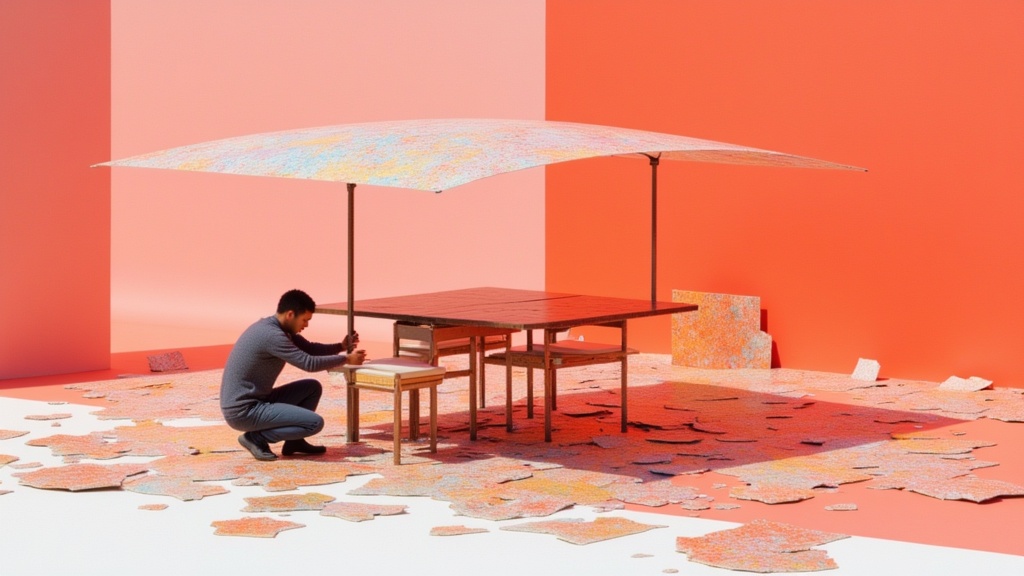
Seedance 2.0 Fast Reference to Video
Cinematic video from references
0.4 credits
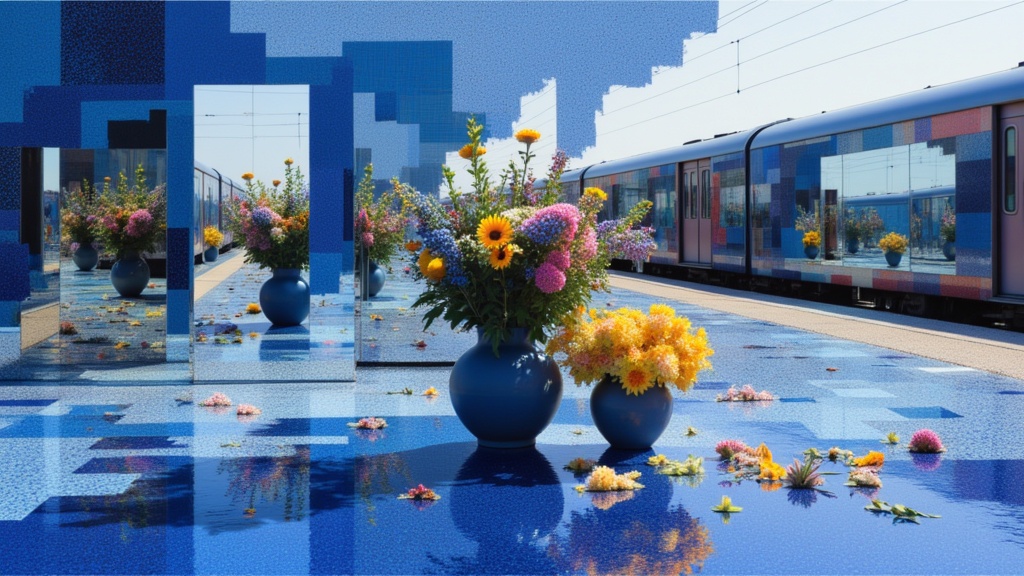
Seedance 2.0 Text to Video API
Cinematic video with native audio
1.4 credits

Veo3.1 Lite Text to Video
Fast balanced text-to-video generation
1.6 credits
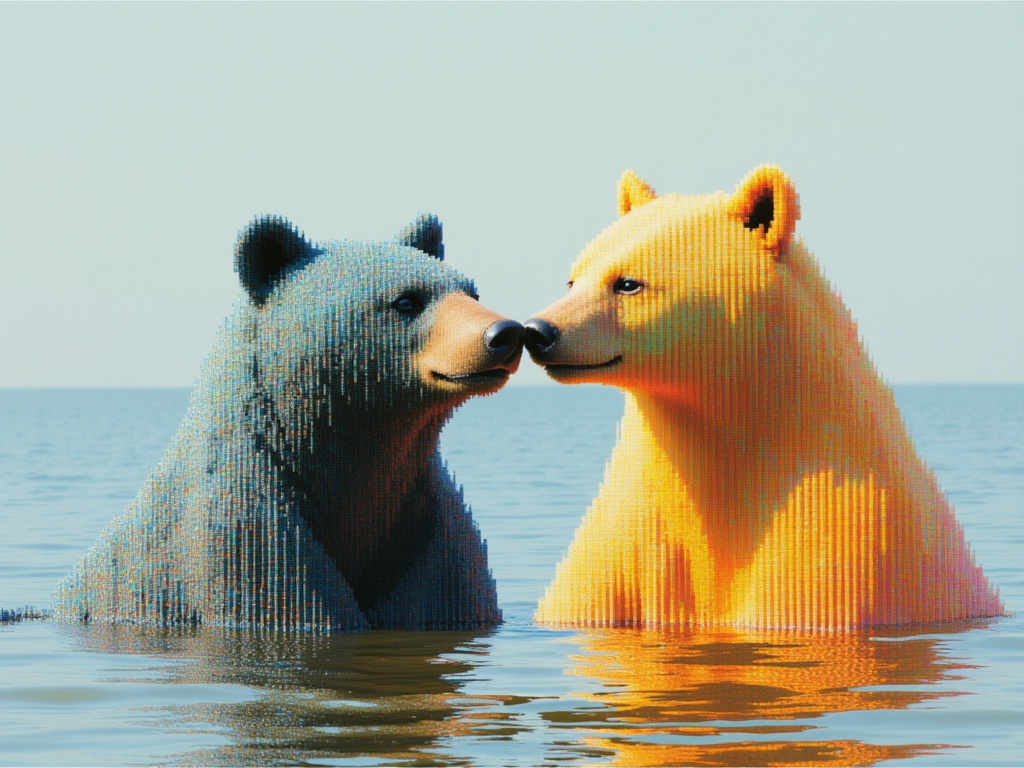
MiniMax H3 Text to Video
Frontier 2K text-to-video generation
7.3 credits
![Kling Video v3 Text to Video [Standard]](https://v3b.fal.media/files/b/0a8cfc9f/dei5OqFRB9HK8AgSHwk8f_9a5eea197b3045d1be55aedb0213f6f9.jpg)
Kling Video v3 Text to Video [Standard]
Cinematic text-to-video with audio
4.2 credits
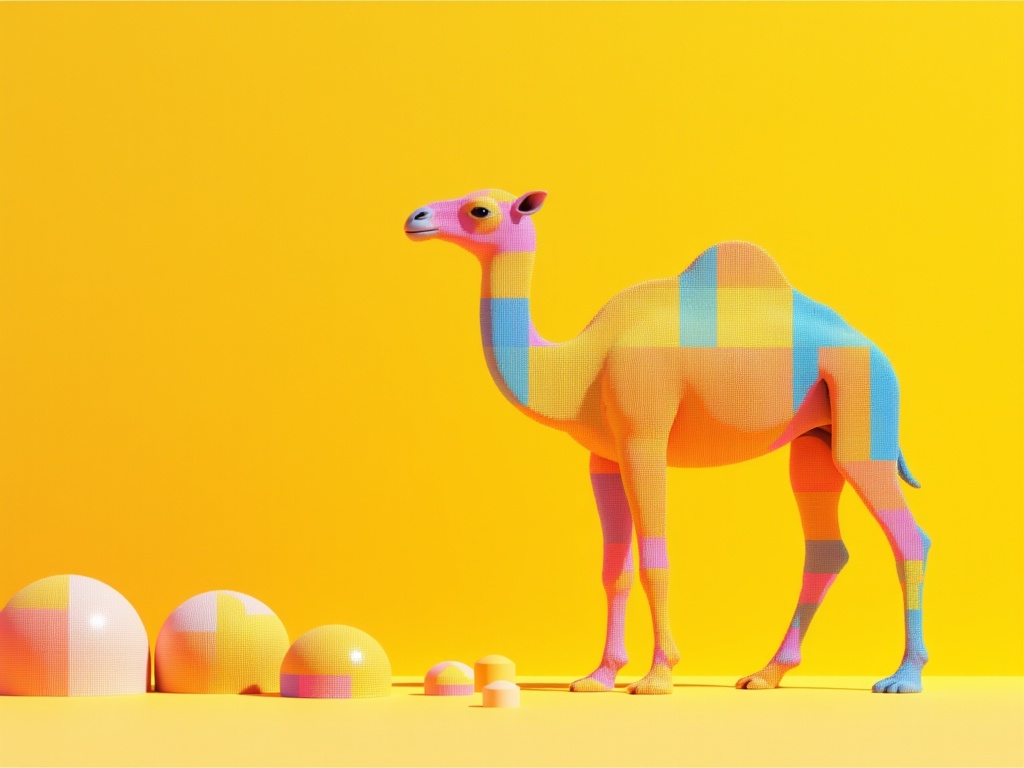
Grok Imagine Video 1.5 Text to Video
Text to video with audio
0.3 credits
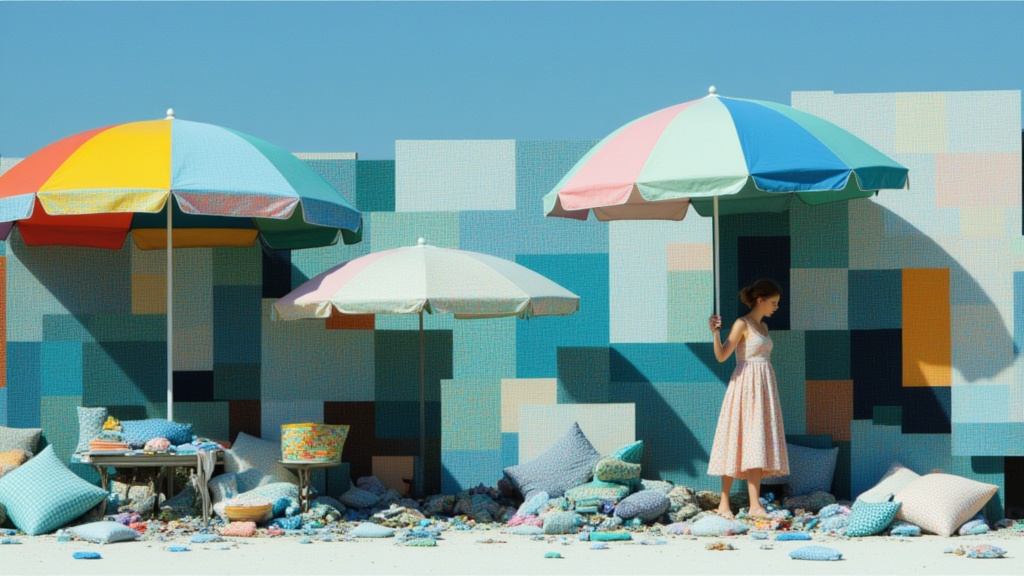
Seedance 2.0 Fast Text to Video
Fast cinematic video with audio
0.1 credits
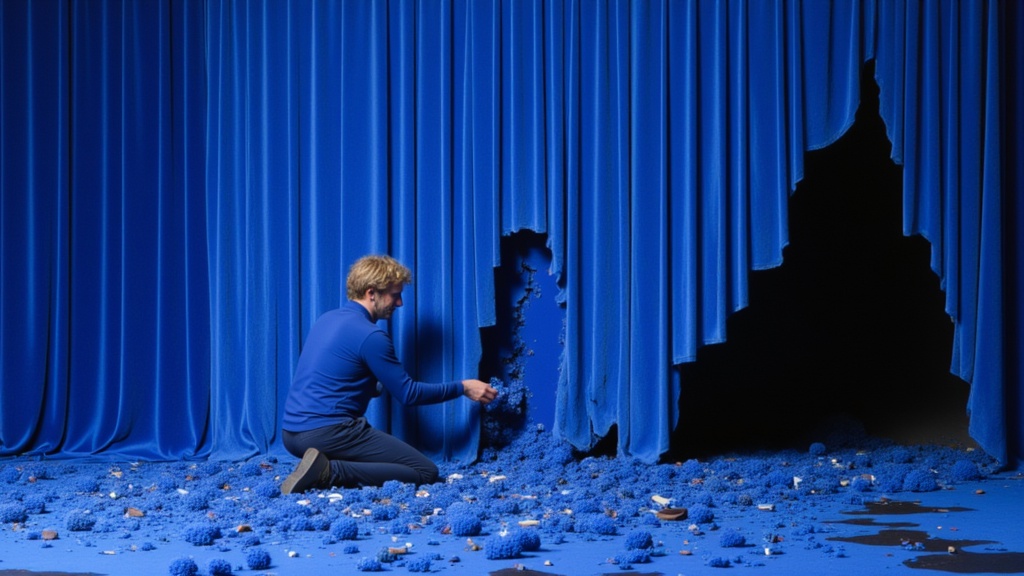
Seedance 2 Reference to Video
Cinematic video from references
10 credits