Seedance 2.0 Fast Reference to Video
Blend up to 9 images, 3 clips, and 3 audio tracks into one video
Cinematic video from references
FASHION FILM CONTENT
VIRAL TRAVEL CONTENT
Seedance 2.0 Fast Reference to Video is ByteDance's most advanced reference-driven video model, delivered in a fast tier tuned for quicker results without sacrificing creative range. Instead of generating a video from a text prompt alone, it lets you feed the model your own reference material and then choreograph how those elements come together on screen. You can combine up to nine reference images, up to three reference videos, and up to three audio clips in a single generation, mixing and matching visual and sonic sources to steer the look, motion, and sound of the finished clip.
What sets this model apart is how directly you can point to your references inside your prompt. Every image, video, and audio file you upload gets a simple handle, so you write things like @Image1, @Video2, or @Audio1 right in your description to tell the model exactly which source should influence which moment or subject. That means you are not just hoping the model picks up on a mood, you are naming the character from one image, the motion style from a clip, and the voice or ambience from an audio track, then describing how they interact. It is a workflow built for transforming and stylizing existing material, carrying characters and looks across shots, and lip-syncing performances to supplied audio.
The model outputs finished video with synchronized audio. When audio generation is turned on, it produces sound effects, ambient noise, and lip-synced speech that match the action on screen, so a talking subject moves its mouth in time with the words. If you would rather supply your own soundtrack or voice, you can provide reference audio clips and refer to them in your prompt. Note that whenever you include reference audio, you also need at least one reference image or video so the model has something visual to anchor the sound to.
You have flexible control over framing. Choose from a full set of aspect ratios including widescreen 16:9 for landscape, 9:16 for vertical and mobile-first content, 1:1 square for social feeds, ultrawide 21:9 for cinematic sequences, plus 4:3 and 3:4 options, or let the model decide automatically based on your prompt. Duration is equally adaptable: generate clips anywhere from 4 to 15 seconds, or set it to automatic so the length fits the story you have described. This range makes it easy to produce everything from a quick looping social clip to a longer narrative beat.
For output quality, you can pick between 480p for faster generation and 720p for a balanced result. There is also a quality control that lets you request a higher-quality, larger-file version when you want the cleanest possible footage, or stick with the standard version for smaller files. These settings let you trade speed and file size against fidelity depending on whether you are quickly iterating on ideas or exporting a final piece.
The supported inputs are broad and practical. Reference images can be JPEG, PNG, or WebP. Reference videos can be MP4 or MOV, and each one should sit roughly between 480p and 720p in resolution, with the combined length of your clips falling between 2 and 15 seconds. Reference audio can be MP3 or WAV, with the total audio running no longer than 15 seconds across all clips. Across every type of file combined, you can include up to twelve reference items in a single generation, giving you a rich palette to draw from while keeping things manageable for the model.
This model is a strong fit for a wide set of creative professionals. Filmmakers and video editors can use it to stylize and transform footage, extend a scene, or blend multiple takes into a single cohesive shot. Content creators and social media producers benefit from the vertical and square framing options and short, punchy durations built for feeds. Character designers and animators can lean on the reference system to keep a subject recognizable across a clip and to drive lip-sync from a supplied voice. Musicians and audio storytellers can pair a track with visuals and let the model align motion to sound. Because you can reference specific sources by name in the prompt, the model rewards deliberate, descriptive direction: the more clearly you spell out which reference does what and how the scene should unfold, the more control you get over the result.
A few practical considerations are worth keeping in mind. Reference audio always needs at least one reference image or video alongside it. Your reference videos need to fall inside the supported resolution and length windows, and your total combined audio must stay within fifteen seconds. The overall reference count across images, videos, and audio tops out at twelve files, so plan which sources matter most to your shot. Higher resolution and higher quality produce better-looking, larger files but take more time to render, while 480p and the standard version are ideal for fast iteration. As with any reference-based generation, results improve when your source material is clean, well-lit, and clearly framed, and when your prompt names each reference explicitly and describes the motion, mood, and sound you want. Used this way, Seedance 2.0 Fast Reference to Video becomes a flexible tool for turning your own images, clips, and audio into short, sound-synced videos with a look you direct.
Generate using the most advanced video model
A woman kneeling in darkness, illuminated by a warm, radiant beam of light emerging from her raised hand.
Write your scenario
Describe your video scene with motion, camera angles, and mood
AI generates
Model creates cinematic motion with natural physics and lighting
Start sharing
Download and share your production-ready video
Beyond the prompt: A new level of control
NATURE DOCUMENTARY STYLE
Demonstrates the model's real-world physics simulation and atmospheric dynamics — rendering believable weather systems, animal motion, and dramatic environmental transformations with Netflix-quality cinematic language and native audio.
HIGH-END COMMERCIAL
Showcases Seedance 2.0's precision with object physics, liquid dynamics, macro-level detail, and seamless stylized transitions — ideal for luxury product cinematography with synchronized foley and atmospheric audio.
Compare with similar models
“Cinematic reveal of a sleek black luxury sports car in a dark studio. Camera starts close on the chrome badge, slowly pulling back while orbiting 180 degrees around the vehicle. Dramatic rim lighting gradually intensifies, highlighting the car's sculptural curves and glossy finish. Reflections dance across the body as the camera moves. Dust particles float in volumetric light beams. Final wide shot reveals the full silhouette against a gradient backdrop. 8 seconds, smooth motion, 24fps cinematic quality.”
Experience perfection with Seedance 2.0 Fast Reference to Video
Switch to reasoning-guided synthesis today. Be the first in your industry to deliver native 4K results at 10x the speed.
Frequently Asked Questions
Similar Models
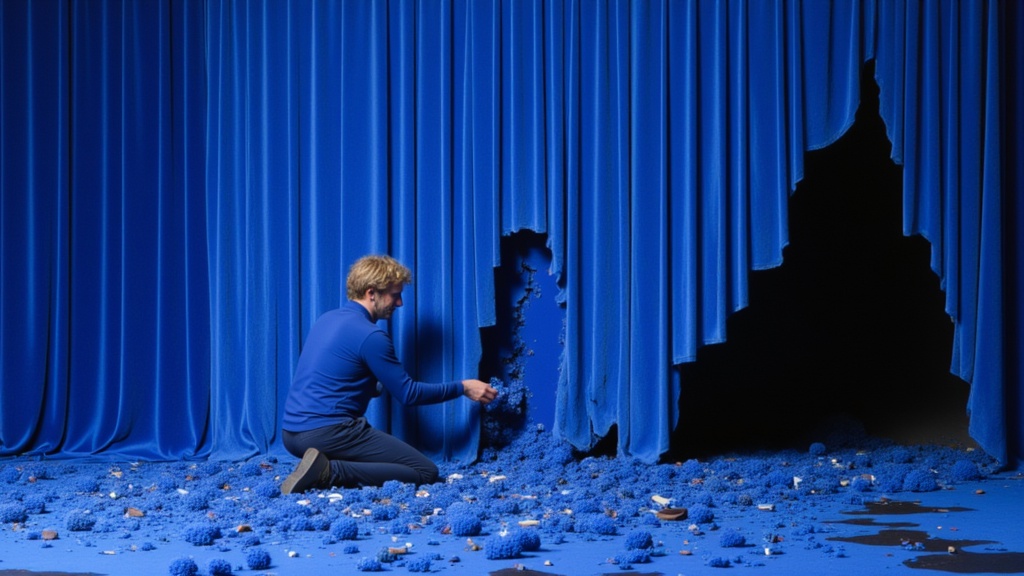
Seedance 2 Reference to Video
Cinematic video from references
10 credits
PixVerse C1 Text To Video
Film-grade video with audio
0.1 credits
Seedance 2.0 Text to Video API
Cinematic video with native audio
1.4 credits
Seedance 2.0 Fast Text to Video
Fast cinematic video with audio
0.1 credits

Veo3.1 Lite Text to Video
Fast balanced text-to-video generation
1.6 credits
MiniMax H3 Text to Video
Frontier 2K text-to-video generation
7.3 credits
Grok Imagine Video 1.5 Text to Video
Text to video with audio
0.3 credits

LTX-2.3 22B
Text to video with audio
0.7 credits
![Kling Video v3 Text to Video [Standard]](https://v3b.fal.media/files/b/0a8cfc9f/dei5OqFRB9HK8AgSHwk8f_9a5eea197b3045d1be55aedb0213f6f9.jpg)
Kling Video v3 Text to Video [Standard]
Cinematic text-to-video with audio
4.2 credits