Kling Video v3 Text to Video [Standard]
Cinematic clips with native synced audio and true multi-shot sequences
Cinematic text-to-video with audio
MUODIN PYSTYLYHYT
LIFESTYYLI MATKAPORTRETTI
Tunnelmallinen TAIDEPORTRÉETTI
Kling Video v3 Standard muuntaa kirjalliset kuvaukset elokuvamaisiksi videoiksi, joissa on sujuvaa, uskottavaa liikettä ja ääntä generoituna suoraan kuvan ohella. Se on suunniteltu luojille, jotka haluavat enemmän kuin yhden liikkuvan kuvan – se tuottaa hiottuja klippejä, jotka tuntuvat ohjatuilta eivätkä sattumalta kootuilta, kameran liikkeellä, valaistuksella ja rytmillä, jotka muistuttavat aitoa kuvausta.
Ytimessään tämä on teksti-videomalli: kuvaat haluamasi kohtauksen, ja se renderöi sen. Sellainen kehotteleva ohje kuin elokuvamainen droonikuvaus sammaleisten kivirunojen halki kultaisella tunnilla, nouseva murenevien kaarikäytävien läpi paljastaen sumuisen laakson volumetrisin valosäteisin, on juuri sellaista kerroksellista, kameraa ymmärtävää ohjeistusta, jota malli on suunniteltu tulkitsemaan. Se käsittelee tunnelmaa, mittakaavaa ja fotorealistisia yksityiskohtia, mikä tekee siitä sopivan elokuvantekijöille perustavanlaatuisten otosten rakentamiseen, konseptitaiteilijoille maailmojen visualisoimiseen ja sisällöntuottajille, jotka tarvitsevat näyttävää b-rollia tarpeen mukaan.
Yksi erikoisominaisuuksista on natiivi äänen generointi. Sen sijaan että ääni lisättäisiin erikseen, malli voi tuottaa äänen osana samaa generointia, joten valmis klippi saapuu valmiiksi sopivan äänen kanssa. Puheääntulostus tuetaan kiinaksi ja englanniksi, ja muut kielet käännetään automaattisesti englanniksi. Puhutuille tuloksille puhtaimman lopputuloksen saamiseksi suositellaan kirjoittamaan englanninkielinen puhe pienillä kirjaimilla ja varata isot kirjaimet akronyymeille tai omien nimien mukaiselle ääntämykselle. Jos haluat hiljaisen klipin – esimerkiksi kun aiot itse lisätä musiikkia tai editoida ääntä – äänen generoinnin voi yksinkertaisesti kytkeä pois päältä.
Moniotos-tuki on paikka, jossa Kling v3 Standard erottuu selvästi yhden klipin generaattoreista. Sen sijaan että yksi jatkuva otto, voit rakentaa videon useista erillisistä otoista, joilla kullakin on oma kuvauksensa ja pituutensa. Tämä mahdollistaa lyhyen sekvenssin luonnostelun – avaava leveä otto, läheisempi yksityiskohta, paljastus – ja mallin yhdistää ne yhdeksi yhtenäiseksi videoksi. Voit suunnitella nämä otokset itse täyden kontrollin saamiseksi tai luovuttaa rakenteen älykkäälle tilalle, joka päättää itse, miten video jaetaan otoihin. Tämä joustavuus tekee siitä hyödyllisen tarinaluonnosteluun, lyhyisiin narratiivisiin palasiin, montaseihin ja sosiaalisen median editteihin, jotka tarvitsevat visuaalista vaihtelua ilman manuaalista klippien kokoamista.
Kesto on täysin säädettävissä. Yhden videon pituus voi olla missä tahansa 3–15 sekunnin välillä, 5 sekuntia standardina lähtöpisteenä. Moniotossekvenssejä rakennettaessa kunkin otoksen ajoitus voidaan asettaa itsenäisesti, jopa yhdestä sekunnista viiteentoista, antaen tiukan kontrollin rytmistä ja tahdista koko teokselle.
Kuvausaspektit ovat yhtä joustavia. Malli tuottaa kolme kuvasuhdetta: leveä 16:9 elokuvamaiseen ja vaakasuuntaiseen työhön, pystysuora 9:16 puhelinalustoille kuten lyhytmuotoiselle somevideolle ja neliö 1:1 syötteille, jotka suosivat tasapainoista kehystystä. Näin voit generoida sisältöä, joka on tarkoituksenmukaisesti kohdetun alustan mukaan ilman jälkikäteen rajailua.
Luovan kontrollin saamiseksi siitä, kuinka uskollisesti malli seuraa sanojasi, on kehotteen noudatusasetus. Nosta sitä, ja malli pysyy tiukemmin kuvauksessasi; laske sitä, ja sillä on enemmän tilaa tulkita ja lisätä omia kukoistuksiaan. Tämä on kätevää, kun haluat säätää tasapainoa tarkan ohjeistuksen ja miellyttävien yllätyksien välillä. Negatiivinen kehotus antaa ohjata mallia pois ei-toivotuista ominaisuuksista – oletuksena se vältetään sumeutta, vääristymiä ja matalaa laatua – ja voit laajentaa listaa sulkemaan pois tiettyjä elementtejä, tyylejä tai artefakteja, joita et halua näkyvän.
Valmis tuloste toimitetaan standardina MP4-videotiedostona, valmiina pudotettavaksi editointiohjelmaan, suoraan jakamiseen tai yhdistettäväksi muuhun materiaaliin. Fotorealistinen, elokuvamainen ilme – huomio valaistukseen, syvyyteen ja liikkeeseen – tekee siitä vahvan sopivan laajan valikoiman luovaan työhön: pitch- ja tunnelmavideot, tunnelmalliset perustavanlaatuiset otokset, tuotanto- ja konseptivisualisoinnit, animoidut tarinaluonnokset, musiikkiohjitut montasit ja lyhytmuotoinen pystysuuntainen sisältö somealustoille.
Kuka hyötyy eniten? Elokuvantekijät ja ohjaajat arvostavat moniotosrakennetta ja kameraa ymmärtävää kehotteistusta esivisualisointiin ja sekvenssien rakentamiseen. Sisällöntuottajat ja someproducentit saavat alustavalmiit pystysuorat ja neliömuodot äänellä valmiina. Suunnittelijat ja konseptitaiteilijat voivat tuoda staattiset ideat liikkeeseen testatakseen kohtauksen tuntumaa. Ja kukapa tahansa tarinankerronnan kokeilija voi siirtyä kirjallisesta ideasta katsottavaan klippiin ilman kameraa tai editointiaikajanaa.
Muutama asia, jotka kannattaa pitää mielessä. Annat joko yhden kehotteen yhteen jatkuvaan palaan tai moniotoslistan sekvenssille – valitset yhden lähestymistavan per generointi, ei molempia yhtä aikaa. Äänen puheääntulostus on vahvin englanniksi ja kiinaksi, muut kielet ohjataan englanninkäännöksen kautta, joten suunnittele puheensisältösi sen mukaan. Koska kehotteen noudatus ja negatiiviset kehotukset muokkaavat tulosta, vähän aikaa kuvausten ja poissulkevien hiomiseen tuottaa johdonmukaisempia, kohdennettuja klippejä. Selkeällä, elokuvamaisella kehotteistuksella ja harkitulla otosrakenteen ja ajoituksen käytöllä Kling v3 Standard antaa luojille nopean polun ideasta valmiiseen, ääntä sisältävään videoon.
Generoi edistyneimmällä videomallilla
A woman kneeling in darkness, illuminated by a warm, radiant beam of light emerging from her raised hand.
Kirjoita käsikirjoituksesi
Kuvaile videokohtaustasi liikkeen, kuvakulmien ja tunnelman avulla
Tekoäly generoi
Malli luo elokuvamaista liikettä luonnollisella fysiikalla ja valaistuksella
Aloita jakaminen
Lataa ja jaa tuotantovalmis videosi
Kehotetta pidemmälle: uusi hallinnan taso
ELOKUVAMAINEN MAISEMA MATKA
Hyödyntää mallin kykyä renderöidä eeppisiä maisemia, volumetrivalaistusta ja elokuvallista liikettä droonityylisellä maisemakuvauksella ihanteelliseksi vaakaelokuvamaiseen sisältöön.
HIGH-FASHION EDITORIAALIVIDEO
Demonstroi heijastavia pintoja, dynaamista valaistusta ja siirtymiä sekä tyyliteltyä hidastusta muotiin, vangiten ammattimaisen editoriaaliluvun elokuvallisella tyylillä ja tarkalla malliohjeistuksella.
MUSIIKKIVIDEO FANTASIAASETUS
Testaa sujuvaa liikettä, musiikkivideon koreografiaa, siirtymiä ja fantastista tunnelmaa, maksimoiden mallin vahvuudet dynaamisissa, tyylitellyissä sekvensseissä moniotos-siirtymillä.
Vertaa vastaaviin malleihin
“Cinematic reveal of a sleek black luxury sports car in a dark studio. Camera starts close on the chrome badge, slowly pulling back while orbiting 180 degrees around the vehicle. Dramatic rim lighting gradually intensifies, highlighting the car's sculptural curves and glossy finish. Reflections dance across the body as the camera moves. Dust particles float in volumetric light beams. Final wide shot reveals the full silhouette against a gradient backdrop. 8 seconds, smooth motion, 24fps cinematic quality.”
Koe täydellisyys mallilla Kling Video v3 Text to Video [Standard]
Siirry päättelyohjattuun synteesiin jo tänään
Usein kysytyt kysymykset
Vastaavat mallit
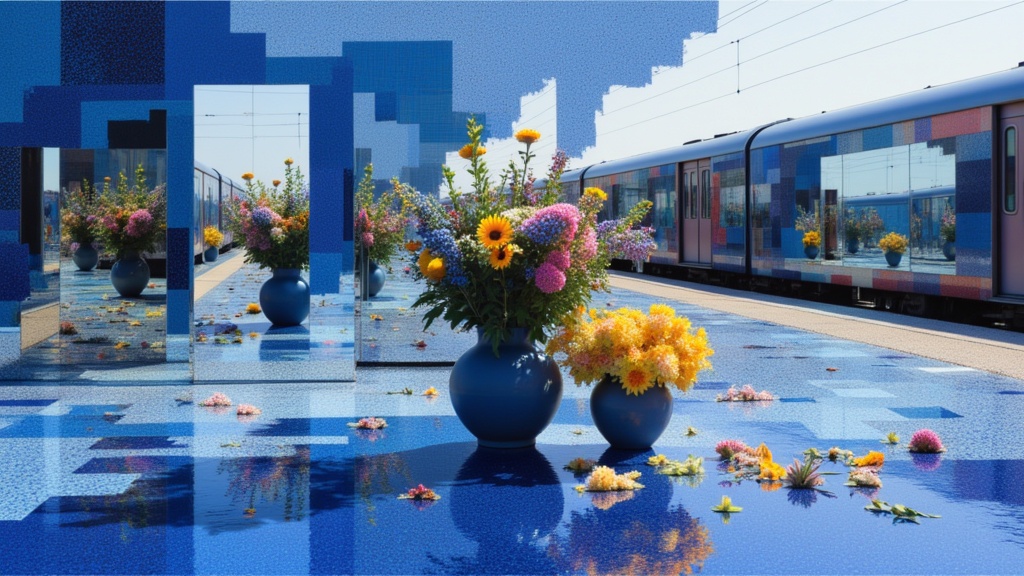
Seedance 2.0 Text to Video API
Cinematic video with native audio
1.4 krediittiä
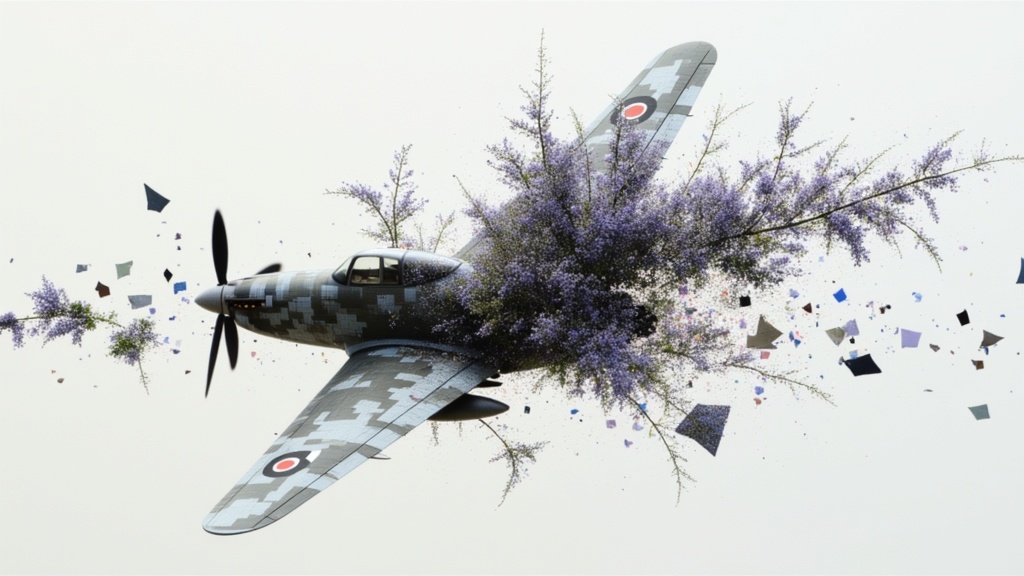
Veo3.1 Lite Text to Video
Fast balanced text-to-video generation
1.6 krediittiä
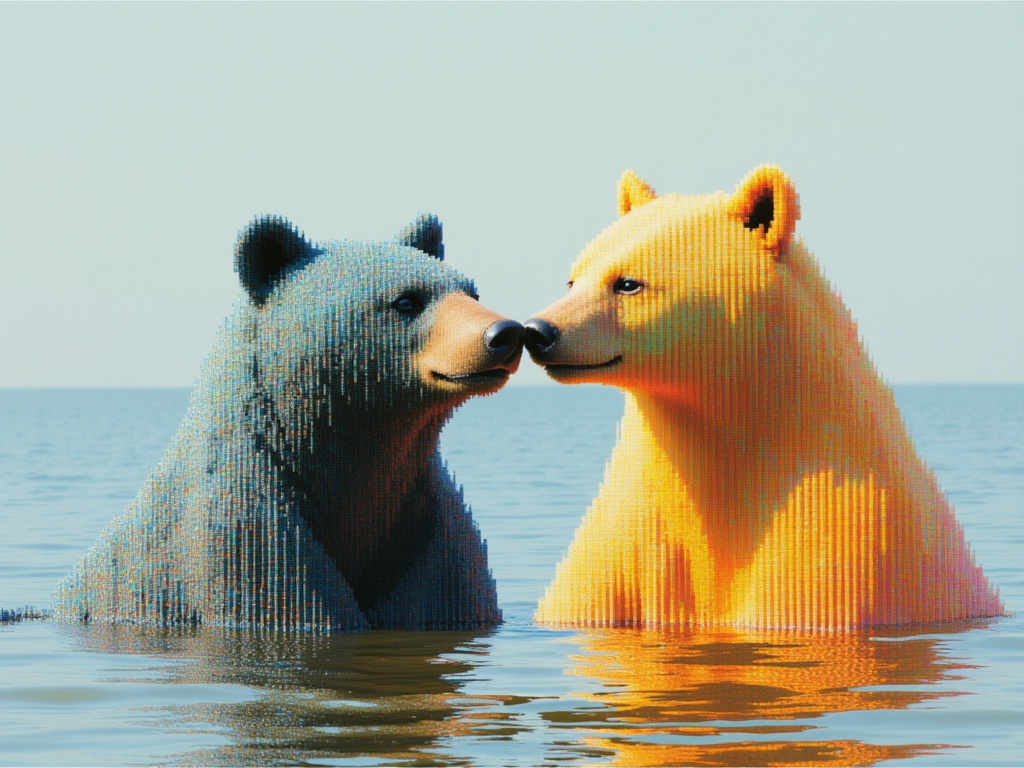
MiniMax H3 Text to Video
Frontier 2K text-to-video generation
7.3 krediittiä
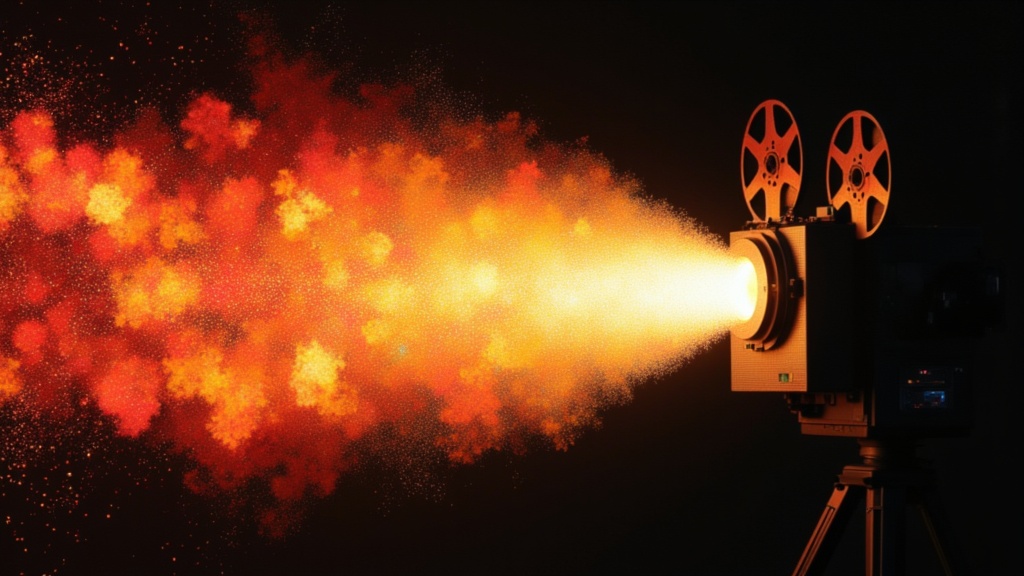
PixVerse C1 Text To Video
Film-grade video with audio
0.1 krediittiä
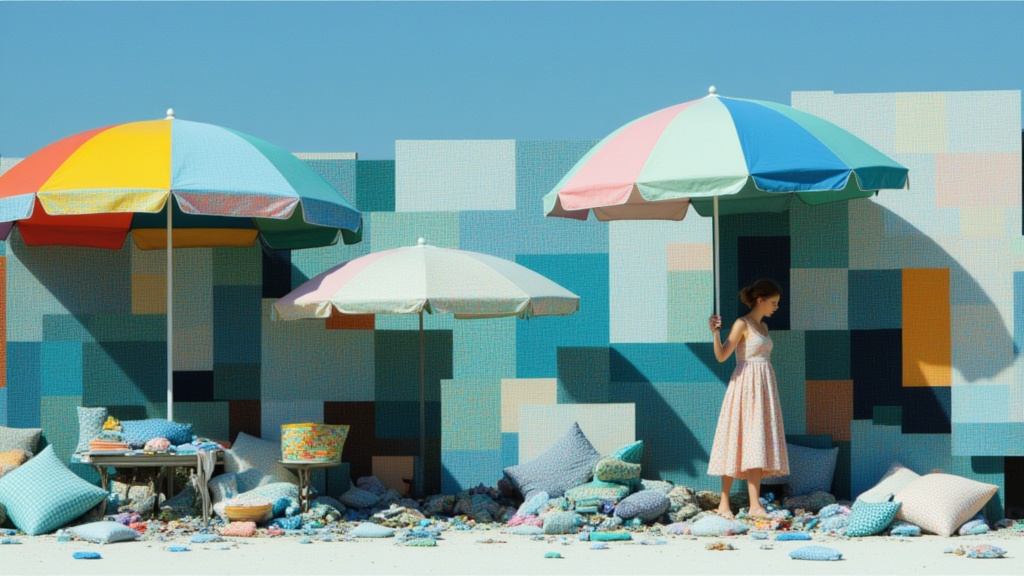
Seedance 2.0 Fast Text to Video
Fast cinematic video with audio
0.1 krediittiä
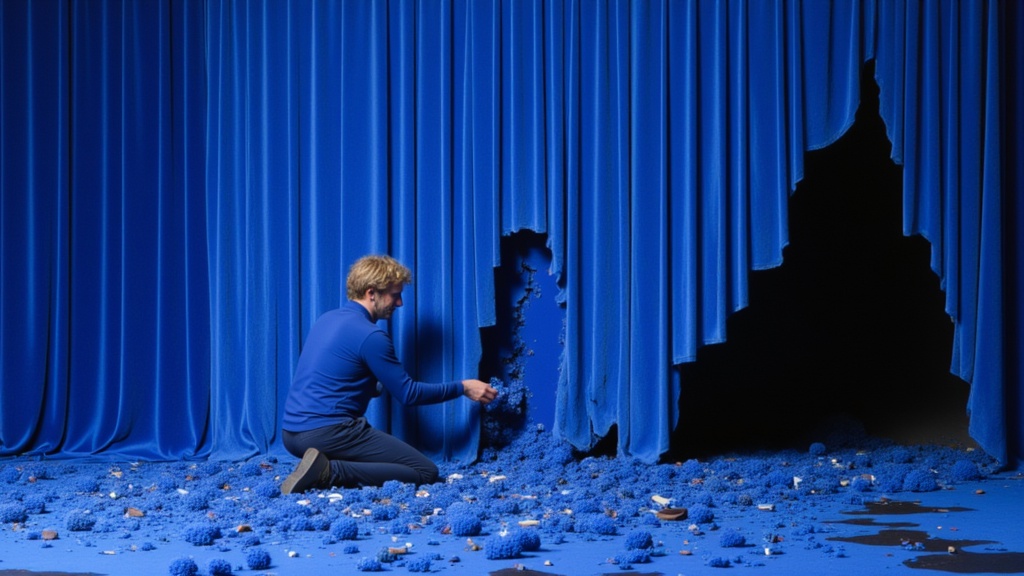
Seedance 2 Reference to Video
Cinematic video from references
10 krediittiä
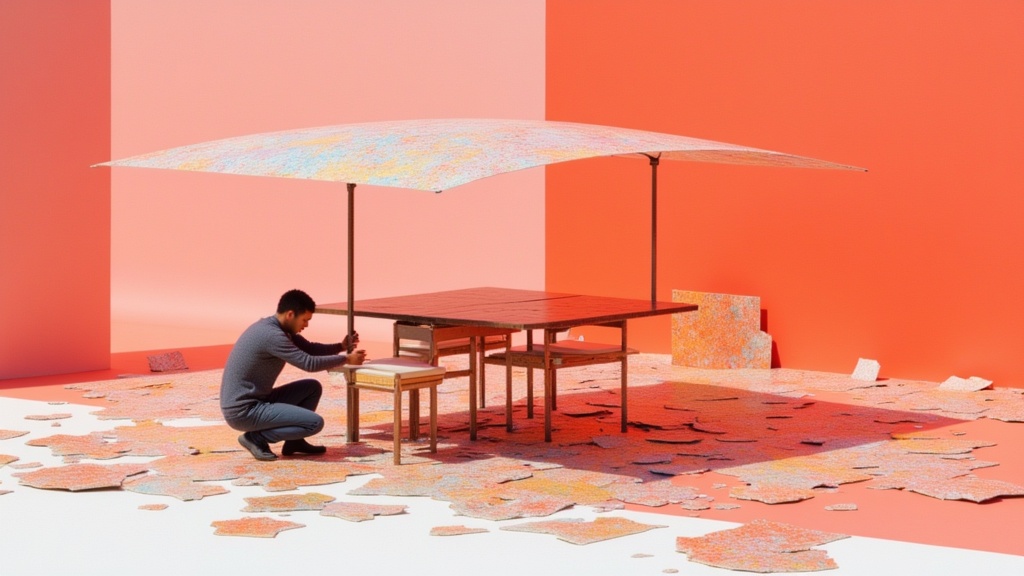
Seedance 2.0 Fast Reference to Video
Cinematic video from references
0.4 krediittiä

LTX-2.3 22B
Text to video with audio
0.7 krediittiä
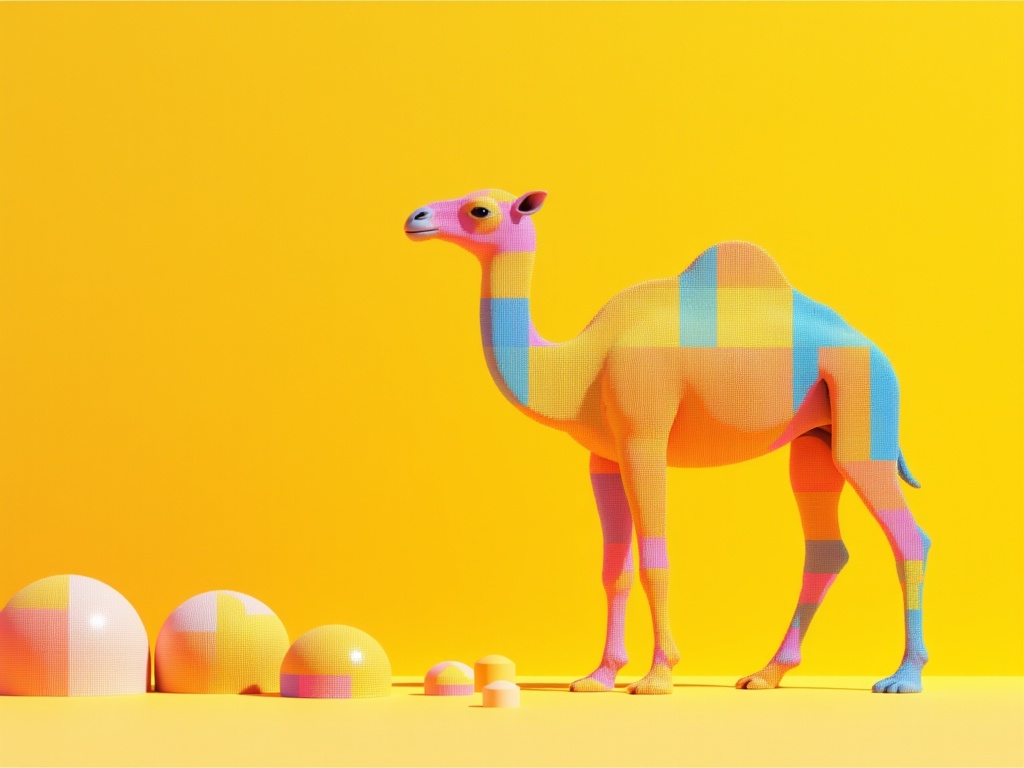
Grok Imagine Video 1.5 Text to Video
Text to video with audio
0.3 krediittiä