Fast balanced text-to-video generation
Veo 3.1 Lite Texte vers vidéo est un puissant modèle de génération texte-vidéo qui équilibre utilité pratique et capacités professionnelles. Conçu pour transformer des descriptions écrites en clips vidéo pleinement réalisés, il permet aux artistes, concepteurs, cinéastes et créateurs de contenu de donner vie à leurs visions simplement en tapant ce qu'ils veulent voir — sans caméra, sans équipe, sans logiciel de montage complexe requis.
Au cœur de Veo 3.1 Lite, il prend un prompt texte — une description écrite d'une scène, d'un moment ou d'un concept — et génère une vidéo qui correspond à votre vision. Que vous décriviez une massive baleine bleue glissant à travers de l'eau d'océan profonde cristalline avec du plancton bioluminescent dispersé autour en ralenti cinématographique, ou que vous créiez un scénario complètement différent issu de votre imagination, le modèle interprète vos mots et produit une sortie vidéo correspondante.
L'une des fonctionnalités phares de Veo 3.1 Lite est sa génération audio intégrée. Par défaut, le modèle crée un audio synchronisé avec votre vidéo, ce qui signifie que vous n'obtenez pas seulement des images silencieuses — vous obtenez un clip plus complet et immersif prêt à l'emploi. Cela est particulièrement précieux pour les créateurs travaillant sur du contenu pour médias sociaux, courts métrages, projets de synchro labiale ou tout travail où la conception sonore est importante. Si vous préférez travailler avec une vidéo silencieuse et ajouter votre propre audio plus tard, vous pouvez simplement désactiver la génération audio.
Le modèle supporte deux ratios d'aspect pour répondre à différents besoins créatifs : le format standard grand écran 16:9, idéal pour le contenu cinématographique, les vidéos YouTube et les compositions paysage traditionnelles, et le format vertical 9:16, parfait pour les plateformes de médias sociaux comme Instagram Reels, TikTok et YouTube Shorts. Cette flexibilité vous permet de créer du contenu adapté à votre plateforme ou projet spécifique sans avoir besoin de recadrer ou reformater après coup.
En matière de résolution, Veo 3.1 Lite offre deux options : 720p pour des brouillons rapides, aperçus et contenu plus léger, et 1080p pour une sortie de plus haute fidélité adaptée aux présentations professionnelles et aux livrables finaux polis. Que vous itériez sur une idée ou produisiez une pièce terminée, vous pouvez choisir la résolution qui convient à votre flux de travail.
La durée de la vidéo est un autre contrôle créatif à votre portée. Vous pouvez générer des clips de 4, 6 ou 8 secondes. Bien qu'ils puissent sembler courts, les clips vidéo courts sont les briques de base de la narration visuelle moderne — parfaits pour les publications sur médias sociaux, storyboards animés, boucles de motion graphics, visualisations de concepts et plans d'établissement. Le maximum de 8 secondes vous donne assez de temps pour capturer un mouvement et une narration significatifs en une seule génération.
Veo 3.1 Lite offre aussi une option de prompt négatif, qui vous permet de spécifier les éléments que vous ne voulez pas voir dans votre vidéo. C'est un outil puissant de raffinement créatif : si vous générez une scène de nature sereine mais voulez vous assurer qu'il n'y a pas de personnes, de bâtiments ou de superpositions de texte, vous pouvez décrire ces exclusions et le modèle les évitera. Cela vous donne un contrôle accru sur la sortie finale sans nécessiter plusieurs régénérations.
Pour les créateurs qui veulent des résultats reproductibles, le modèle inclut une option de valeur de seed. En définissant une seed spécifique, vous pouvez régénérer la même vidéo à partir du même prompt, ce qui est utile pour itérer sur un concept tout en conservant certains éléments cohérents, ou pour partager des étapes de reproduction exactes avec des collaborateurs.
Le modèle intègre une capacité d'auto-correction intelligente activée par défaut. Si votre prompt pose des problèmes de politique de contenu ou de validation, le modèle tentera automatiquement de le réécrire pour produire un résultat valide. Cela réduit les frustrations et offre une expérience créative plus fluide — le modèle collabore avec vous pour concrétiser vos idées plutôt que de rejeter simplement les prompts nécessitant de légers ajustements.
La modération de contenu est gérée par un système de tolérance de sécurité ajustable avec six niveaux. Le niveau 1 est le plus strict, filtrant la plus large gamme de contenu, tandis que le niveau 6 est le moins restrictif. Le réglage par défaut offre un équilibre modéré, mais les créateurs peuvent l'ajuster selon la nature de leur projet et leur niveau de confort.
Le modèle est reconnu pour ses forces en contenu stylisé, effets de transformation et capacités de synchro labiale, ce qui le rend particulièrement adapté aux vidéos musicales, narrations centrées sur les personnages, effets visuels artistiques et projets combinant audio parlé ou chanté avec un mouvement visuel synchronisé.
Veo 3.1 Lite convient idéalement à une vaste gamme de professionnels créatifs. Les cinéastes peuvent l'utiliser pour prévisualiser des scènes et générer des images concept avant de lancer une production complète. Les créateurs de médias sociaux peuvent produire rapidement du contenu court accrocheur. Les concepteurs et directeurs artistiques peuvent explorer des concepts visuels et mood boards animés. Les musiciens et interprètes peuvent créer des accompagnements vidéo stylisés pour leurs pistes. Les éducateurs et présentateurs peuvent concevoir des aides visuelles dynamiques. Et toute personne ayant une idée créative peut la voir prendre vie en vidéo, instantanément et sans compétences techniques spécialisées.
Les prompts que vous rédigez sont la clé de résultats exceptionnels. Un langage descriptif et cinématographique produit généralement les sorties les plus captivantes. Pensez à l'éclairage, au mouvement de caméra, à l'atmosphère et à l'ambiance en rédigeant votre prompt — plus votre description est vive et précise, mieux le modèle peut l'interpréter et la réaliser. Avec un support pour des prompts jusqu'à 20 000 caractères, vous avez largement l'espace pour décrire même les scènes les plus détaillées et ambitieuses.
A woman kneeling in darkness, illuminated by a warm, radiant beam of light emerging from her raised hand.
Décrivez votre scène vidéo avec mouvement, angles de caméra et ambiance
Le modèle crée un mouvement cinématographique avec une physique et un éclairage naturels
Téléchargez et partagez votre vidéo prête pour la production
Démontre la capacité du modèle à générer des séquences narratives riches en émotions de 8 secondes avec transitions d'éclairage nuancées et gestes humains précis — mettant en valeur ses capacités de transformation et stylisées en format grand écran.
Met en lumière la génération audio de Veo 3.1 Lite pour une conception sonore ambiante réaliste associée à une physique en ralenti détaillée — vapeur, dynamiques liquides et textures de matériaux — idéale pour storytelling commercial haut de gamme.
Pousse à fond les capacités de mouvement dynamique et audio environnemental de Veo 3.1 Lite avec mouvements rapides de sujets, changements météo dramatiques et paysages sonores naturels immersifs — parfait pour du contenu aventure grand écran.
“Cinematic reveal of a sleek black luxury sports car in a dark studio. Camera starts close on the chrome badge, slowly pulling back while orbiting 180 degrees around the vehicle. Dramatic rim lighting gradually intensifies, highlighting the car's sculptural curves and glossy finish. Reflections dance across the body as the camera moves. Dust particles float in volumetric light beams. Final wide shot reveals the full silhouette against a gradient backdrop. 8 seconds, smooth motion, 24fps cinematic quality.”
Passez à la synthèse guidée par le raisonnement dès aujourd'hui

Cinematic video from references
0.4 crédits

High-quality, fast video generation
2 crédits

Stylish text-to-video generation
0.1 crédits
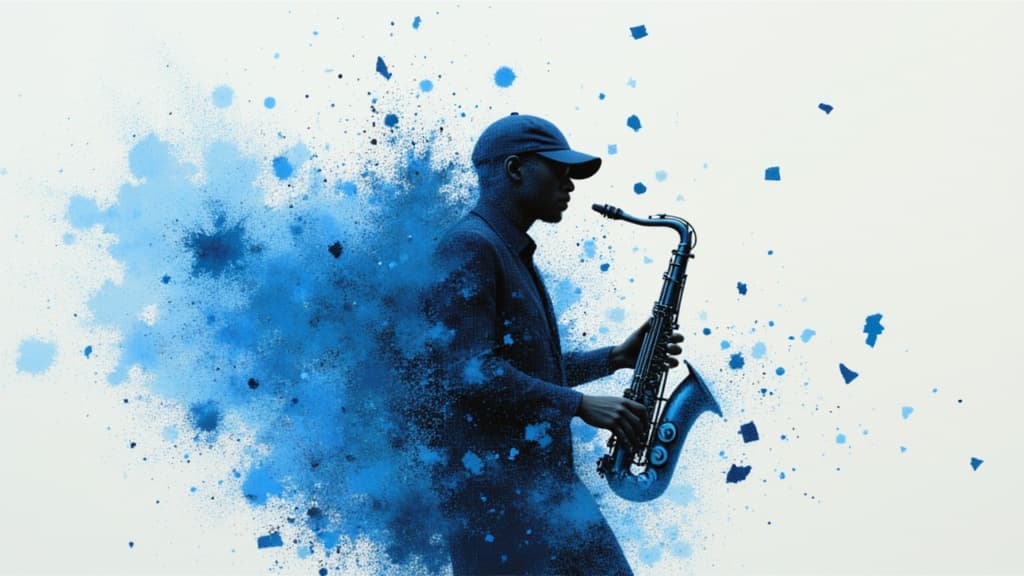
Smooth, coherent AI video generation
2 crédits
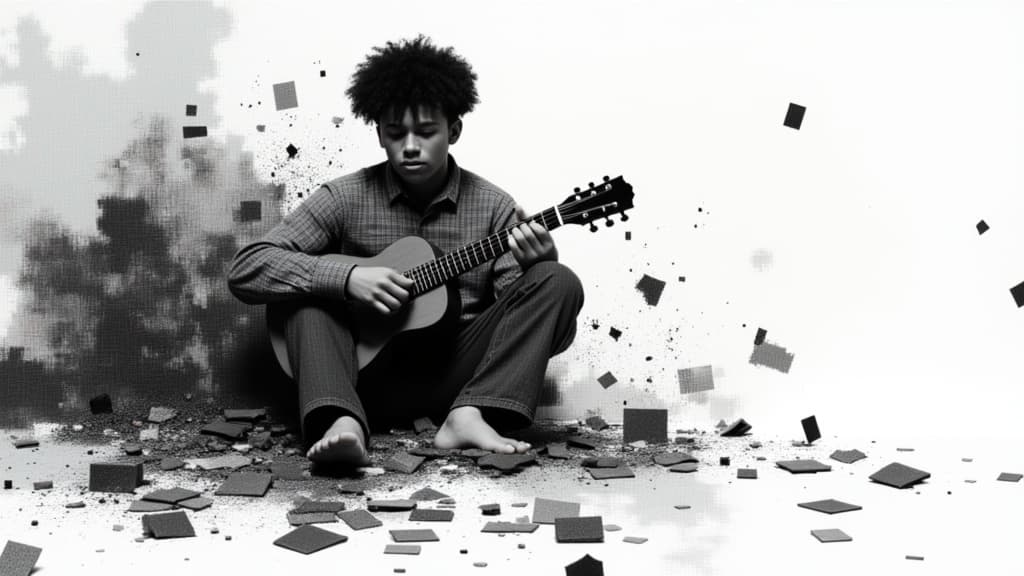
Fast cinematic video with audio
0.1 crédits
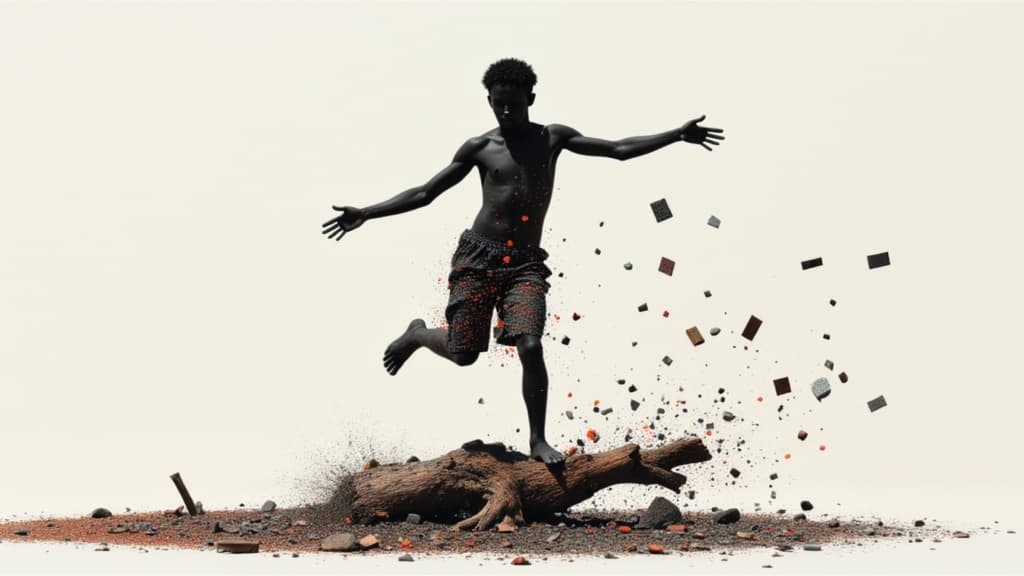
Cinematic video with native audio
1.4 crédits

Cinematic video from references
10 crédits

Fast, high-quality text-to-video
2.1 crédits
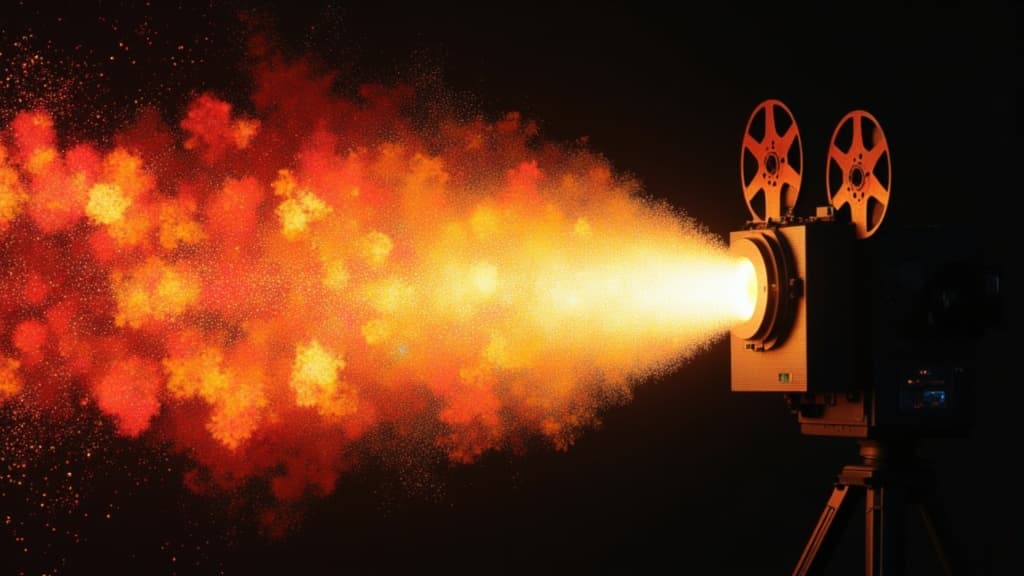
Film-grade video with audio
0.1 crédits
