Grok Imagine Video 1.5 Reference to Video
Blend up to 7 reference images into one guided clip
Video from image, audio references
PORTRAIT ANIMATION
PORTRAIT ANIMATION
TALKING PORTRAIT
Grok Imagine Video 1.5 Reference to Video is an image-to-video model from xAI that turns your reference images and a written prompt into animated video clips. Instead of starting from scratch, you feed the model one or more reference images and describe the scene you want, then let it generate motion that carries the style and content of those references forward into a finished video.
What sets this model apart is how it uses references. You can supply anywhere from one to seven reference images, and the model treats them as guides for both style and content. In your prompt, you point to specific images using simple tags like <IMAGE_0>, <IMAGE_1>, and so on. This lets you write directions such as "The person from <IMAGE_0> walks through a rainy neon-lit street," so the model knows exactly which subject or style element to pull from each image. That tagging system gives you precise creative control over how multiple visual sources combine within a single shot, which is especially useful when you want a character from one image to appear inside a setting or style drawn from others.
The model is built for stylized, transformative work and includes lip-sync capability, making it well suited for bringing characters and portraits to life with expressive, coordinated motion. Because it accepts image, audio, and text inputs, you can layer several kinds of direction at once: images to set the look, text to describe the action, and audio to guide timing and mouth movement. The output is always a video file, ready to drop into your edit or share directly.
Creative professionals will find plenty of flexibility in how the final clip is framed and paced. You can choose from a wide range of aspect ratios, including widescreen 16:9 for cinematic and desktop viewing, tall 9:16 for vertical social formats like reels and stories, square 1:1 for feeds, and several in-between options such as 4:3, 3:2, 2:3, and 3:4. This means you can generate video tailored to the exact platform or layout you have in mind without cropping or reformatting afterward. Video length is adjustable too, running anywhere from a single second up to fifteen seconds, so you can create a quick loop, a short scene, or a longer sequence depending on your project.
For output quality, the model offers two resolution choices: 480p for faster, lighter clips and 720p for a sharper, higher-detail result. Example outputs run at 24 frames per second, giving motion a smooth, film-like cadence. A 720p widescreen clip comes out at 1280 by 720 pixels, which works well for most online and preview contexts.
Who benefits most from this model? Artists and illustrators can animate their existing artwork or character designs, watching a static piece move and perform. Designers can transform reference boards and mood images into moving concept pieces. Filmmakers and video creators can prototype shots by combining a subject with a described environment, generating quick previsualization clips before committing to a full production. Content creators working across social platforms can spin reference images into short, stylized videos formatted precisely for vertical, square, or widescreen feeds. Because lip-sync is supported, anyone producing talking characters, animated avatars, or narrated shorts can pair a portrait with audio to create synced performance clips.
The best results come from thoughtful prompting. Since the model reads both your reference images and your text description, describing the action clearly while tagging the right images helps it understand exactly what should move and how. When you use multiple references, assigning each one a role in your prompt, such as one image for the character and another for the environment or style, keeps the composition coherent. Remember that you can combine up to seven images, which gives you room to build richly layered scenes, but a focused set of references with a clear prompt often produces the cleanest, most controllable results.
A few practical considerations are worth keeping in mind. At least one reference image and a text prompt are required for every generation, since the model is built around guiding its output with visual references rather than generating from text alone. Resolution tops out at 720p, so this model is aimed at stylized, transformative, and social-ready video rather than large-format high-resolution finishing. Clip length is capped at fifteen seconds, which fits short-form storytelling, loops, and social content well. Within those bounds, the combination of multi-image referencing, flexible framing, adjustable duration, and lip-sync makes it a versatile tool for turning still images into expressive motion.
In short, Grok Imagine Video 1.5 Reference to Video is a reference-driven animation tool that gives creators direct control over how their images become video. By letting you tag specific references inside your prompt, choose from a broad set of aspect ratios, adjust length and resolution, and even sync mouth movement to audio, it puts the creative decisions in your hands while handling the motion generation for you.
Generate using the most advanced video model
Add the image that you want change
Upload image
Add an optional image to guide the look, character, or environment
A woman kneeling in darkness, illuminated by a warm, radiant beam of light emerging from her raised hand.
Write your scenario
Type a prompt - Model understands the physics, lighting, and emotional intent of your scene
Start sharing
Click to generate your final output and download production grade video
Beyond the prompt: A new level of control
PARALLAX ORBIT
Demonstrates multi-image reference parallax as the camera glides through a doorway with foreground shifting faster than background. Cinematic 16:9 architecture showcase.
CAUSAL WEATHER
Highlights causal physics: rain begins mid-clip, drops ring puddle ripples and darken the pavement in sequence. A cinematic wide atmospheric transformation.
CINEMAGRAPH LOOP
A seamless loop-friendly cinemagraph where steam curls and neon reflections shimmer while everything else stays frozen. Perfect for endlessly looping landscape ambiance.
Compare with similar models
“Animate with subtle natural movements. Add gentle breathing motion to shoulders. Create natural eye blinks every 2-3 seconds. Introduce slight head micro-movements. Hair moves softly as if in gentle breeze. Maintain the warm smile with subtle lip movements. Eyes should have natural catchlight movement. Keep animation subtle and lifelike, not exaggerated. 5 seconds, smooth looping.”
Experience perfection with Grok Imagine Video 1.5 Reference to Video
Switch to reasoning-guided synthesis today. Be the first in your industry to deliver native 4K results at 10x the speed.
Frequently Asked Questions
Similar Models
Gemini Omni Flash
Multimodal references to video
10 credits
Seedance 2.0 Fast Image to Video
Cinematic video from images fast
0.1 credits
Luma Ray 3.2 Image to Video
Animate images into cinematic video
0.6 credits
Happy Horse 1.1 Image to Video
Animate image to 1080p video
2.8 credits
![Kling Video v3 Image to Video [Standard]](https://v3b.fal.media/files/b/0a8cfcdb/TywpxxNj5_vDG8AUw3Yum_e2172b5c00e64a91a434ab5a38e496f0.jpg)
Kling Video v3 Image to Video [Standard]
Cinematic image-to-video with audio
4.2 credits
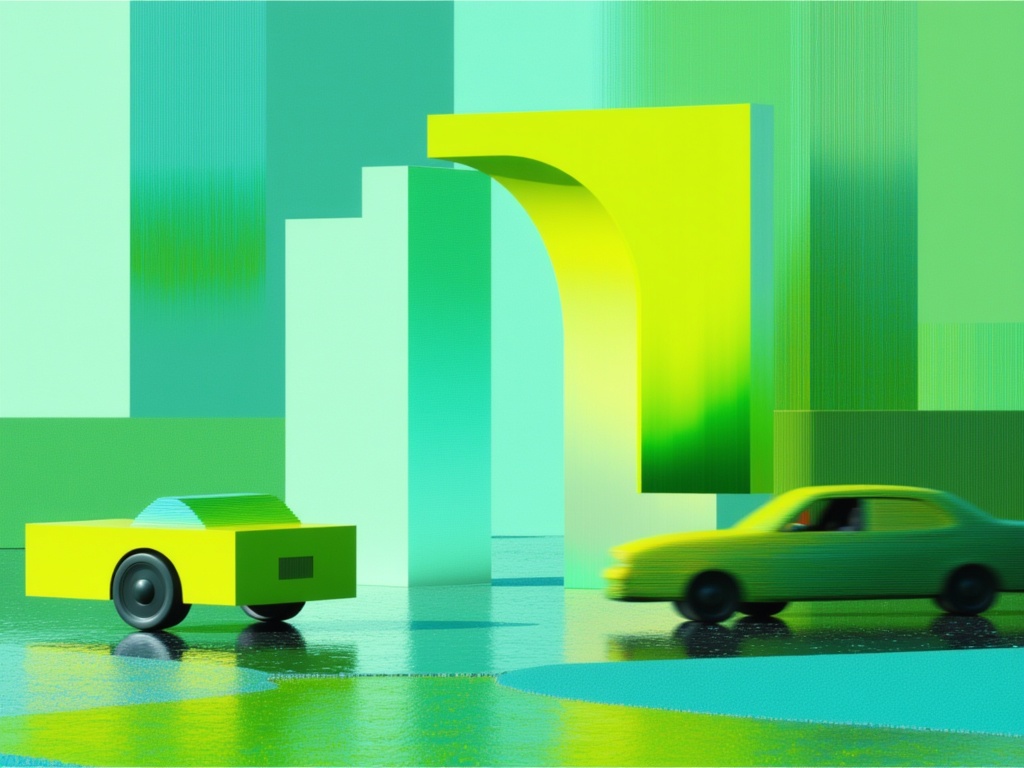
Gemini Omni Flash
Animate images into video with audio
10 credits
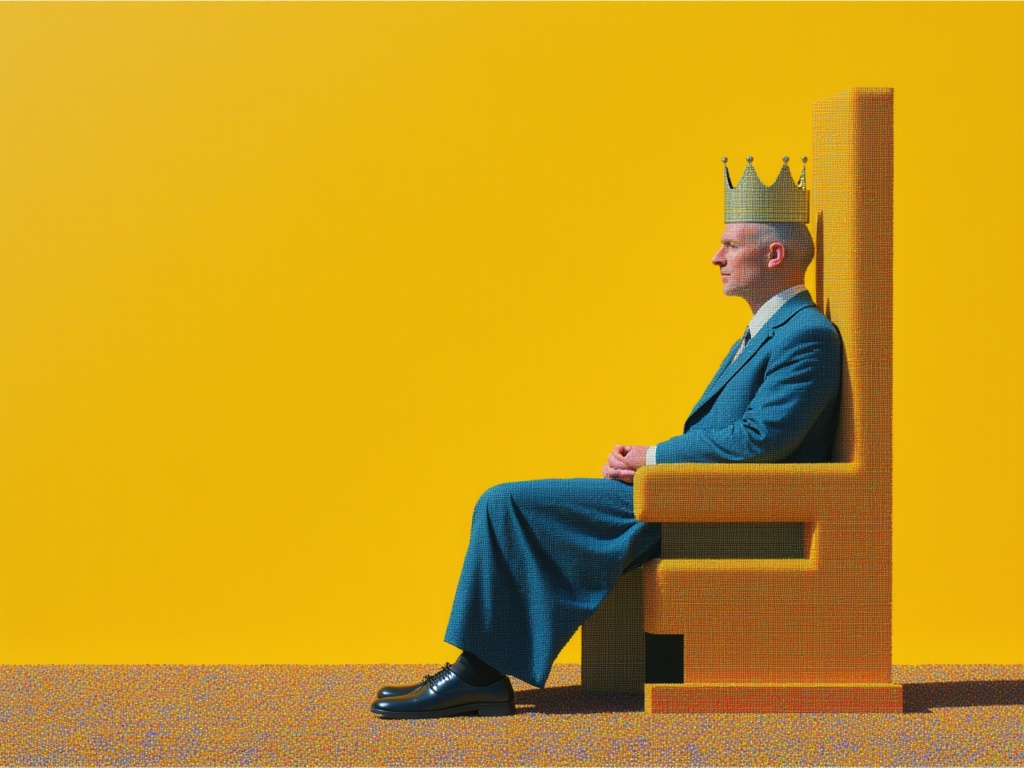
MiniMax H3 Image to Video
Animate images into 2K video
7.8 credits
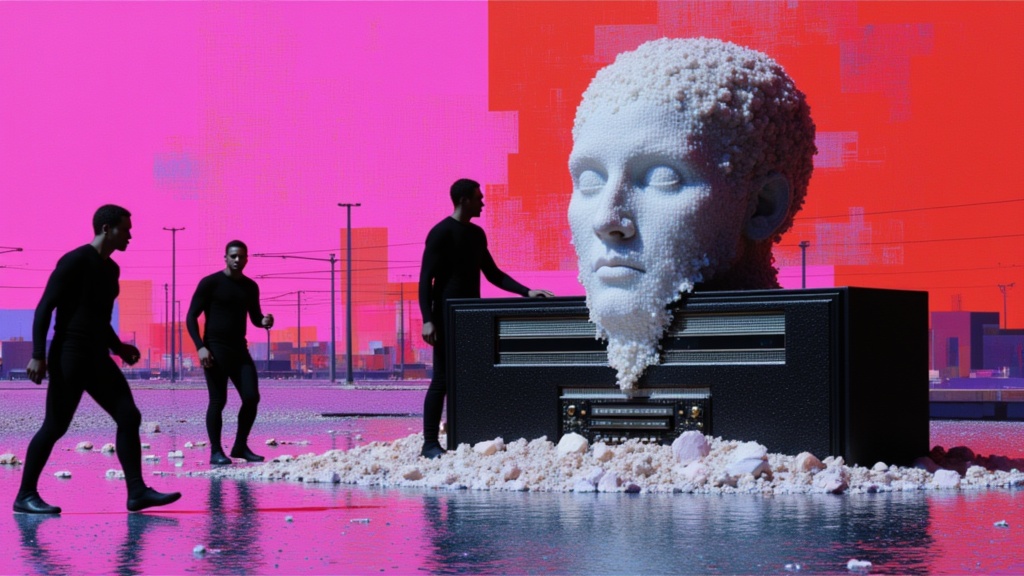
Seedance 2 Image to Video
Cinematic video from images
10 credits