Gemini Omni Flash
Blend reference images, audio, and text into video with matching sound
Multimodal references to video
PORTRAIT LIPSYNC
BEAUTY ANIMATION
FASHION PORTRAIT
Gemini Omni Flash is a multimodal video generator that turns your reference material into short videos complete with synchronized audio. What sets it apart is how many kinds of input it can weave together at once: you can hand it text describing what you want, reference images to lock in your subjects and look, plus audio and video cues to steer motion, style, and sound. From these combined references, the model produces a finished video clip with sound baked in — not a silent animation you have to score afterward.
At its heart, Gemini Omni Flash works by taking a written prompt alongside one or more reference images and generating a video that honors both. The text tells the model the story, action, and mood you're after — something like a cat playfully batting at a ball of yarn in a sunlit living room — while your reference images anchor the actual subjects, characters, or aesthetic you want to see on screen. Because the model accepts up to ten reference images, you can supply multiple visual anchors and even assign each one a specific role in your scene using inline tags in your prompt, so a particular image becomes a particular character or element in the finished shot. This gives you meaningful control over exactly who and what appears, rather than leaving it to chance.
The model is built for creators who want more than a moving picture. Because it generates audio together with the video, it's well suited to work that needs sound and motion to feel connected — stylized transformations and lip-sync are among its strengths. That makes it a natural fit for character-driven clips, expressive talking scenes, stylized reinterpretations of your source imagery, and short narrative moments where the sound needs to line up with what's happening on screen.
Who benefits? Social media creators can spin reference photos into eye-catching short-form clips that already have audio, ready to post. Filmmakers and animators can prototype scenes and test how a character or setting moves and sounds before committing to a full production. Designers and marketers can transform product shots or brand imagery into stylized motion pieces. Anyone working on lip-sync content — from animated characters to expressive avatars — can lean on the model's ability to align mouth movement and speech. And because you guide the output with plain-language prompts plus your own images, you don't need technical training to get results that reflect your creative intent.
On formats and output, Gemini Omni Flash gives you a choice of two orientations: a widescreen 16:9 landscape frame that suits cinematic and desktop viewing, and a tall 9:16 vertical frame designed for phones and short-form social platforms. Videos default to eight seconds and can be set anywhere from three to ten seconds, so you can dial in a quick loop or a slightly longer beat depending on what your project needs. Videos are produced at 720p, giving you a clean, shareable resolution for most online uses. Every generation comes back as a downloadable video file with sound included.
In terms of creative controls, you have several levers. Your text prompt is the primary steering wheel — it describes the subject, the action, the setting, the mood, and the sound you want. The prompt field is generous, giving you plenty of room to write detailed, descriptive direction rather than a few keywords. Your reference images control the visual identity of the scene, and the ability to bind specific images to specific roles means you can be precise about which reference becomes which element. The aspect ratio setting lets you match your output to its destination, and the duration setting lets you control pacing and length. Together these give you a workflow that starts from your own assets and ends with a video that looks and sounds the way you intended.
The fact that the model accepts audio and video as inputs — not just text and stills — is central to what makes it flexible. You can bring sound and existing footage into the mix to guide how the final clip moves and what it sounds like, which opens the door to transformation-style work: reimagining existing material in a new style while keeping the elements you care about. This multimodal approach is the model's defining characteristic and the reason it's grouped with stylized transformation and lip-sync workflows.
A few practical considerations. Clips are short by design — the three-to-ten-second window makes the model ideal for social posts, loops, intros, reaction moments, and quick scene tests rather than long-form sequences. You'll get the best results by writing clear, specific prompts and by choosing reference images that clearly represent the subjects and style you want, since those images do the heavy lifting on visual identity. When you're working with multiple references, taking advantage of the role-binding tags helps the model understand exactly how each image should be used. And because at least one reference image is required alongside your prompt, this is a reference-driven tool — it shines when you already have visual material to build from rather than starting from a blank page.
In short, Gemini Omni Flash is a reference-to-video model that combines text, images, audio, and video into short clips with synchronized sound, offers control over subject, motion, style, and audio, supports both widescreen and vertical framing, and lets you set clip length from three to ten seconds. It's a strong choice for creators who want to transform their own imagery into stylized, sound-carrying video and for anyone working on lip-sync and character-driven short content.
Generate using the most advanced video model
Add the image that you want change
Upload image
Add an optional image to guide the look, character, or environment
A woman kneeling in darkness, illuminated by a warm, radiant beam of light emerging from her raised hand.
Write your scenario
Type a prompt - Model understands the physics, lighting, and emotional intent of your scene
Start sharing
Click to generate your final output and download production grade video
Beyond the prompt: A new level of control
NATURE CINEMATOGRAPHY
Demonstrates cinematic landscape animation with atmospheric motion and generated ambient nature sound for wide-format storytelling.
PRODUCT MOTION
Showcases premium product animation combining reference imagery with dynamic lighting and sound for luxury commercial reels.
Compare with similar models
“Animate as a smooth 360-degree rotation on an invisible turntable. Rotate slowly and continuously, taking 6 seconds for full rotation. Light reflections should shift naturally across the metal case and crystal. Maintain consistent dramatic lighting throughout rotation. Add subtle sparkle on diamond indices as they catch light. Keep the background static and dark. Professional product video quality.”
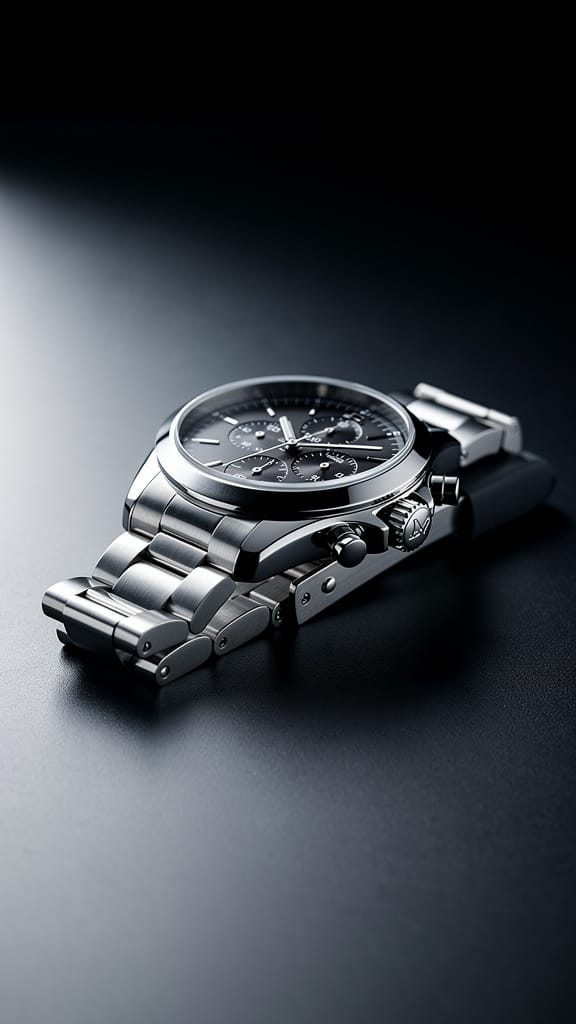
Experience perfection with Gemini Omni Flash
Switch to reasoning-guided synthesis today. Be the first in your industry to deliver native 4K results at 10x the speed.
Frequently Asked Questions
Similar Models
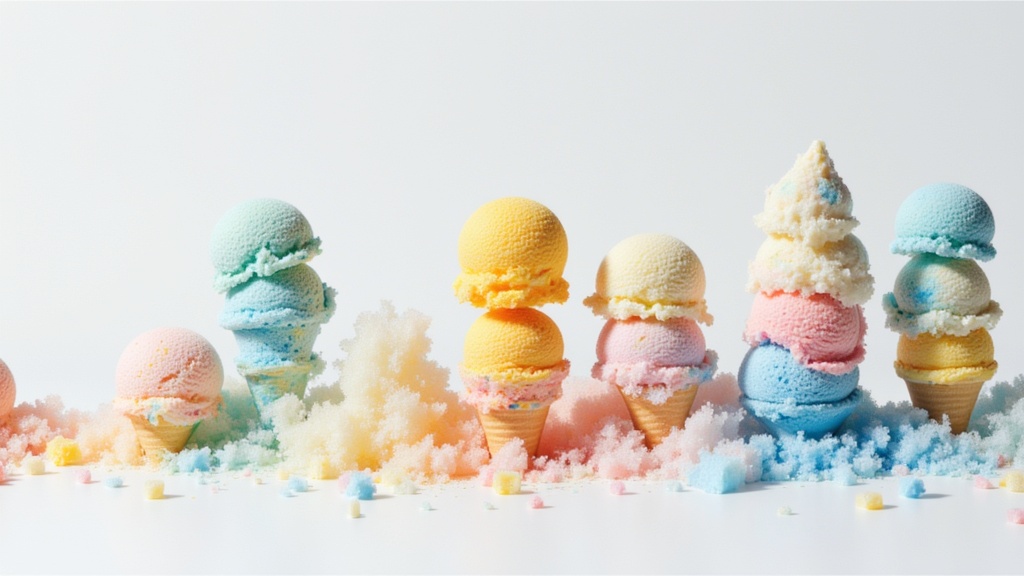
Seedance 2.0 Fast Image to Video
Cinematic video from images fast
0.1 credits
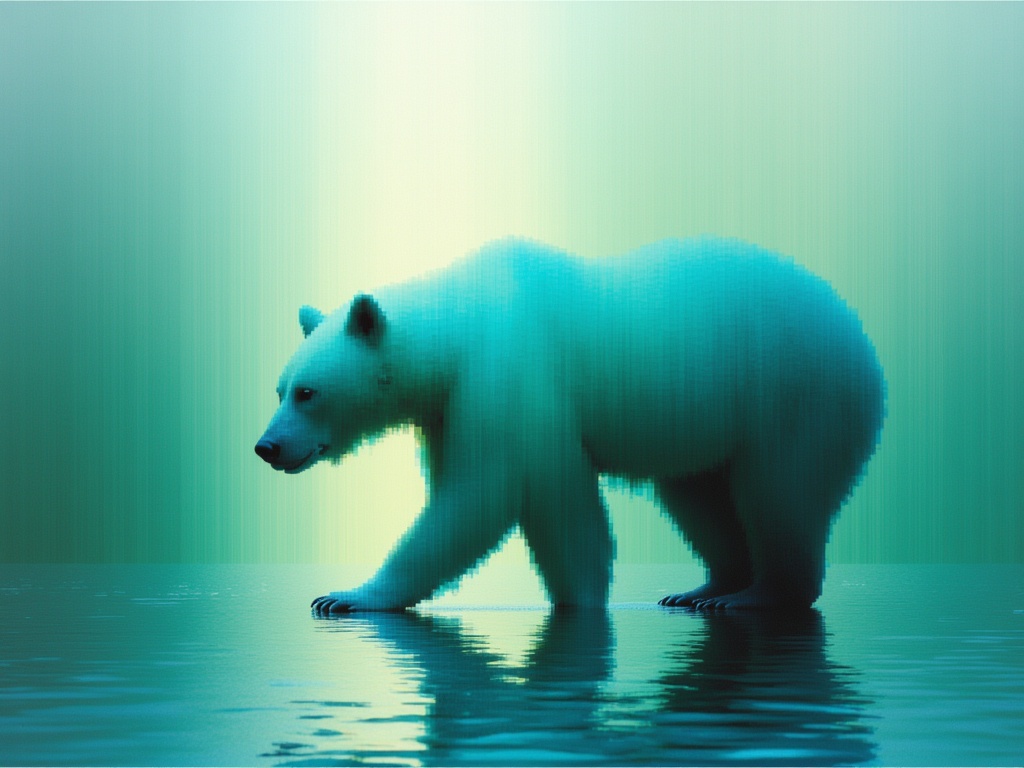
Luma Ray 3.2 Image to Video
Animate images into cinematic video
0.6 credits
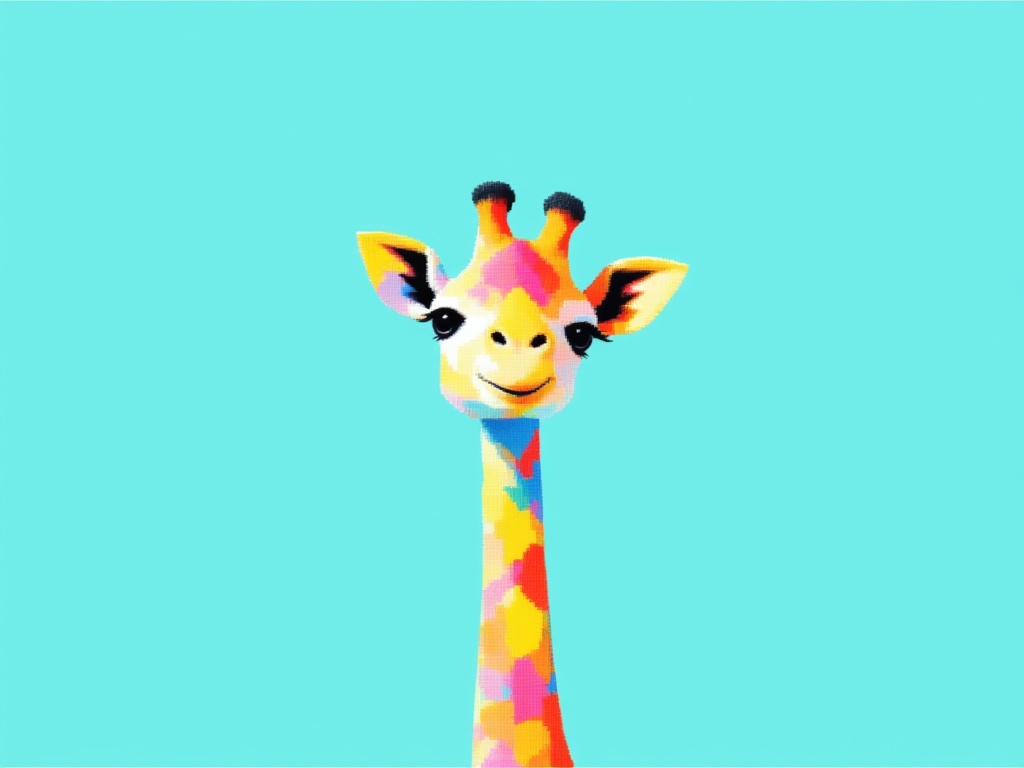
Grok Imagine Video 1.5 Reference to Video
Video from image, audio references
0.4 credits
Seedance 2 Image to Video
Cinematic video from images
10 credits
Gemini Omni Flash
Animate images into video with audio
10 credits
Happy Horse 1.1 Image to Video
Animate image to 1080p video
2.8 credits
MiniMax H3 Image to Video
Animate images into 2K video
7.8 credits
![Kling Video v3 Image to Video [Standard]](https://v3b.fal.media/files/b/0a8cfcdb/TywpxxNj5_vDG8AUw3Yum_e2172b5c00e64a91a434ab5a38e496f0.jpg)
Kling Video v3 Image to Video [Standard]
Cinematic image-to-video with audio
4.2 credits