Kling Video v3 Image to Video [Standard]
Turn a still into a cinematic clip with its own synced audio
Cinematic image-to-video with audio
ANIMASI PORTRAIT
ANIMASI PORTRAIT ARTISTIK
ANIMASI FASHION
Kling Video v3 Image to Video [Standard] mengubah satu gambar diam menjadi klip video sinematik yang bergerak lengkap dengan audio yang dihasilkan secara native miliknya sendiri. Berikan gambar awal dan deskripsi teks tentang gerakan yang diinginkan, dan ia menghasilkan footage yang halus dan mengalir yang menghidupkan adegan dengan polesan visual premium. Baik Anda menganimasikan foto produk, ilustrasi, potret, atau pemandangan, model ini dirancang untuk memberikan tampilan sinematik dan gerakan kontinu yang dulu memerlukan pengaturan produksi penuh.
Pada intinya, model ini mengambil gambar awal Anda dan prompt teks yang menggambarkan bagaimana adegan harus bergerak. Anda mungkin meminta kamera untuk perlahan mengorbit di sekitar subjek, cahaya lembut bergeser melintasi permukaan, rumput bergoyang lembut, atau bayangan bergerak elegan melintasi bingkai. Hasilnya adalah video dengan gerakan halus, kontinu, dan nuansa premium yang sesungguhnya. Karena model membaca gambar dan kata-kata Anda, Anda tetap mengendalikan kreativitas dalam hal irama, perilaku kamera, dan suasana.
Salah satu fitur unggulan adalah pembuatan audio native. Alih-alih menambahkan suara pada langkah pengeditan terpisah, model ini dapat menghasilkan audio langsung bersamaan dengan video. Ia mendukung output suara dalam bahasa Cina dan Inggris, sementara bahasa lain diterjemahkan secara otomatis ke Inggris. Saat ingin suara berbahasa Inggris, tulis dalam huruf kecil untuk menghasilkan ucapan alami, sementara huruf besar digunakan untuk akronim atau kata benda khusus agar diucapkan dengan benar. Jika lebih suka klip tanpa suara, Anda cukup matikan audio dan biarkan footage berdiri sendiri.
Model ini memberikan kontrol yang berarti atas panjang video. Anda dapat menghasilkan klip dari 3 detik hingga penuh 15 detik, dengan default 5 detik. Durasi pendek cocok untuk loop cepat, cuplikan media sosial, dan tampilan kecantikan produk, sementara durasi panjang memungkinkan membangun urutan yang lebih berkembang atau menceritakan kisah kecil dalam satu generasi.
Untuk proyek yang lebih ambisius, model ini mendukung pembuatan video multi-shot. Alih-alih satu prompt, Anda dapat menyediakan serangkaian prompt yang membagi video menjadi beberapa shot, memungkinkan Anda menyusun urutan momen berbeda dalam satu klip. Anda dapat mengarahkan struktur shot secara tepat sendiri, atau serahkan kendali ke model agar secara cerdas menentukan struktur shot. Ini memungkinkan melampaui pengambilan kontinu tunggal dan menciptakan sesuatu yang lebih mirip adegan yang diedit.
Kapabilitas kuat lainnya adalah dukungan elemen kustom. Anda dapat memberi model karakter atau objek spesifik yang ingin muncul di video dan mereferensikannya langsung dalam prompt menggunakan tag sederhana seperti @Element1 atau @Element2. Setiap elemen dapat didefinisikan melalui set gambar — gambar depan utama ditambah satu hingga tiga gambar referensi tambahan dari sudut berbeda — atau melalui video referensi pendek. Ini memungkinkan menjaga karakter, produk, atau objek tetap konsisten dan dikenali sepanjang footage yang dihasilkan, yang sangat berharga untuk pekerjaan merek, karakter berulang, dan bercerita.
Model ini juga memungkinkan Anda mengarahkan akhir klip. Bersama gambar awal, Anda dapat menyediakan gambar akhir secara opsional, memberikan model target untuk dicapai. Ini berguna saat ingin gerakan berakhir pada komposisi atau pose spesifik, daripada membiarkan akhir sepenuhnya kebetulan.
Beberapa kontrol kreatif membantu Anda menyesuaikan tampilan yang diinginkan. Pengaturan kepatuhan prompt menentukan seberapa dekat model mengikuti deskripsi tertulis versus seberapa banyak kebebasan kreatif yang diambil — nilai rendah memungkinkan interpretasi lebih banyak, nilai tinggi menjaga keselarasan ketat dengan kata-kata Anda. Anda juga dapat menggunakan negative prompt untuk mengarahkan model menjauh dari kualitas yang tidak diinginkan; secara default ia menghindari kabur, distorsi, dan kualitas rendah, dan Anda dapat menambahkan istilah sendiri untuk mengecualikan hal lain yang tidak ingin dilihat.
Model ini cocok secara alami untuk berbagai profesional kreatif. Pembuat film dan desainer motion dapat memprototipe shot sinematik dan gerakan kamera tanpa rig kamera. Pemasar dan desainer produk dapat menganimasikan fotografi produk statis menjadi klip promosi yang menarik perhatian. Ilustrator dan seniman konsep dapat menghidupkan karya seni diam mereka. Pembuat konten media sosial dapat menghasilkan video pendek yang dipoles dengan suara bawaan. Dan siapa pun yang bekerja pada karya naratif dapat mengandalkan generasi multi-shot dan elemen kustom untuk menjaga konsistensi karakter dan adegan sepanjang urutan.
Dalam hal outputnya, hasilnya adalah file video MP4 standar yang mudah diunduh, dibagikan, atau dimasukkan ke pengeditan lebih besar. Penekanan sepanjang adalah pada visual sinematik dan gerakan halus yang meyakinkan — model ini disetel untuk membuat permukaan menangkap cahaya secara meyakinkan, objek bergerak alami, dan klip secara keseluruhan terasa disengaja dan halus daripada bergetar atau buatan.
Beberapa hal perlu diingat saat bekerja. Anda menyediakan satu prompt atau urutan multi-prompt, tapi tidak keduanya sekaligus, jadi putuskan di awal apakah ingin pengambilan kontinu atau struktur multi-shot. Elemen kustom memerlukan materi referensi yang jelas — untuk elemen berbasis gambar, tampilan depan ditambah sudut tambahan membantu model memahami subjek sepenuhnya. Saat menggunakan audio dengan ucapan, ikuti panduan huruf kecil untuk ucapan dan huruf besar untuk akronim agar output suara paling bersih. Dan seperti alat generatif apa pun, prompt yang deskriptif dan spesifik tentang gerakan kamera, pencahayaan, dan irama akan membawa Anda lebih dekat ke hasil yang dibayangkan. Dengan prompting yang bijaksana dan set kontrol kaya model, Anda dapat pergi dari satu frame ke klip sinematik jadi dengan suara dalam satu langkah.
Buat dengan model video paling canggih
Add the image that you want change
Unggah gambar
Tambahkan gambar opsional untuk memandu tampilan, karakter, atau lingkungan
A woman kneeling in darkness, illuminated by a warm, radiant beam of light emerging from her raised hand.
Tulis skenario Anda
Ketik prompt - Model memahami fisika, pencahayaan, dan maksud emosional dari adegan Anda
Mulai berbagi
Klik untuk membuat hasil akhir Anda dan unduh video berkualitas produksi
Melampaui prompt: Tingkat kendali yang baru
ANIMASI PEMANDANGAN SINEMATIK
Animasi alam sinematik dengan pencahayaan dinamis dan gerakan lingkungan—sangat bagus untuk konten perjalanan atau dokumenter alam.
ANIMASI PAMERAN PRODUK
Sempurna untuk iklan produk kelas atas, menganimasikan kaca, pantulan, dan gerakan kamera untuk bercerita visual mewah.
ANIMASI SINEMATIK ARTISTIK
Menunjukkan animasi cuaca dramatis dan gerakan kamera menyapu, ideal untuk trailer sinematik atau pembuka atmosferik.
Bandingkan dengan model serupa
“Animate with subtle natural movements. Add gentle breathing motion to shoulders. Create natural eye blinks every 2-3 seconds. Introduce slight head micro-movements. Hair moves softly as if in gentle breeze. Maintain the warm smile with subtle lip movements. Eyes should have natural catchlight movement. Keep animation subtle and lifelike, not exaggerated. 5 seconds, smooth looping.”
Rasakan kesempurnaan dengan Kling Video v3 Image to Video [Standard]
Beralih ke sintesis berbasis penalaran hari ini
Pertanyaan yang Sering Diajukan
Model Serupa
Luma Ray 3.2 Image to Video
Animate images into cinematic video
0.6 kredit
MiniMax H3 Image to Video
Animate images into 2K video
7.8 kredit
Happy Horse 1.1 Image to Video
Animate image to 1080p video
2.8 kredit
Grok Imagine Video 1.5 Reference to Video
Video from image, audio references
0.4 kredit
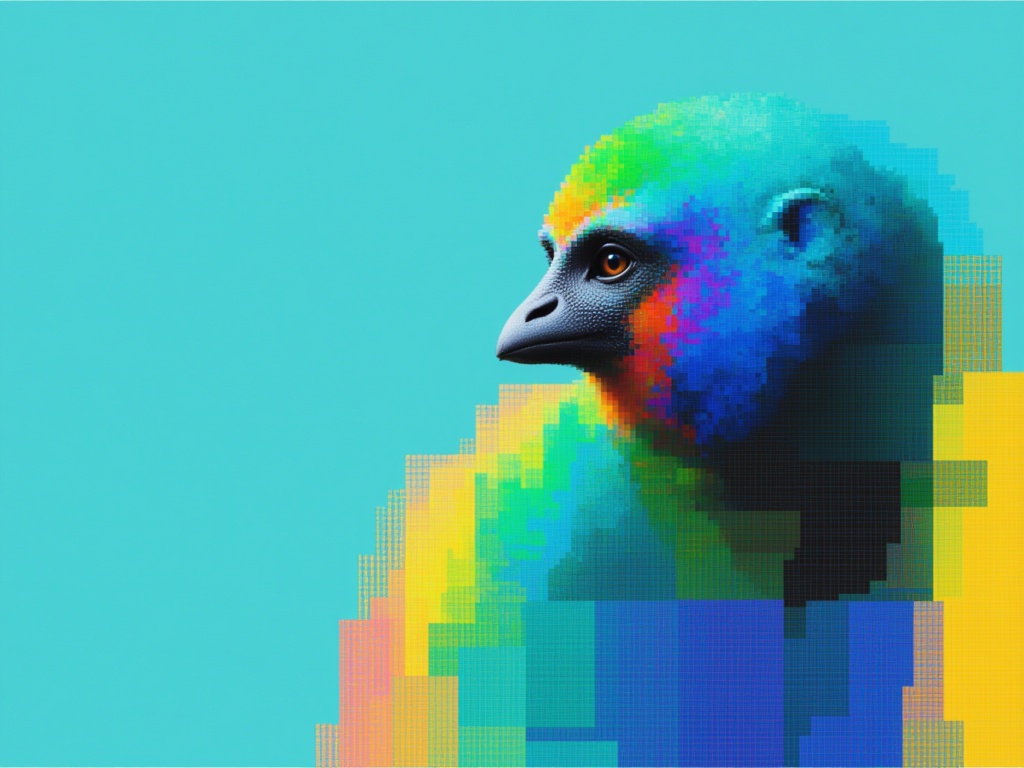
Gemini Omni Flash
Multimodal references to video
10 kredit
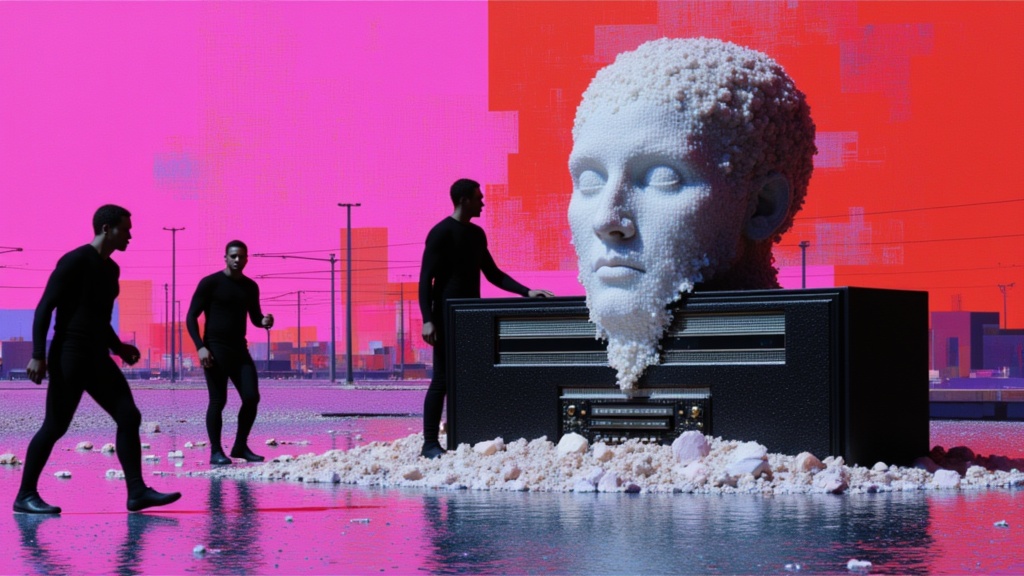
Seedance 2 Image to Video
Cinematic video from images
10 kredit
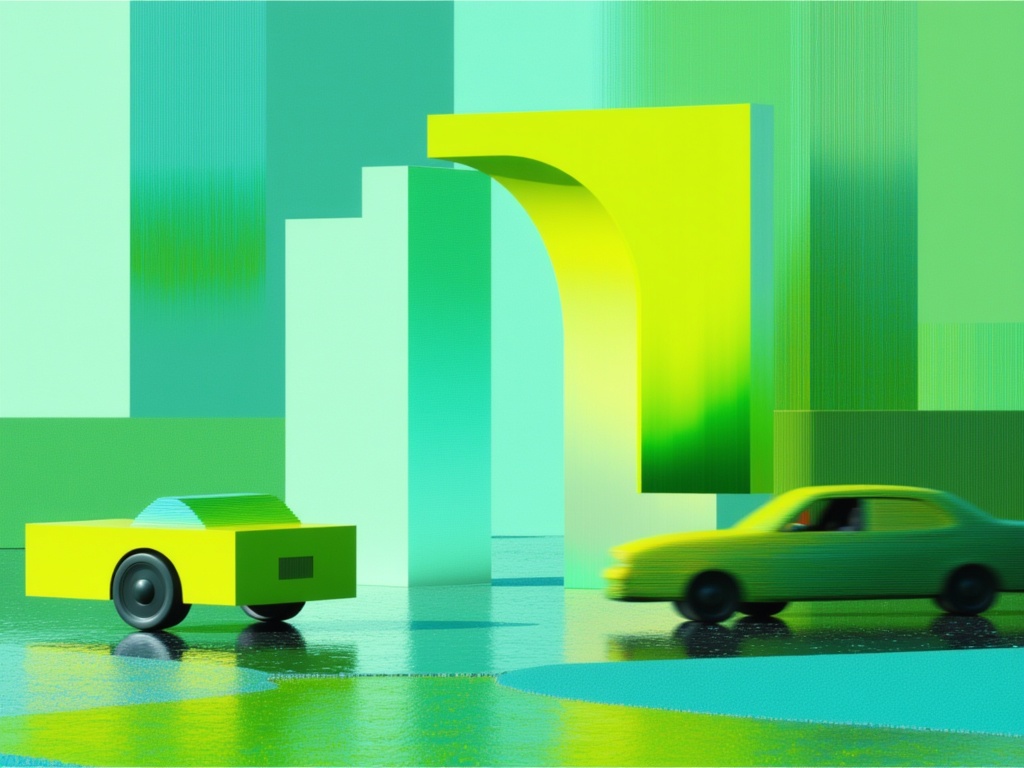
Gemini Omni Flash
Animate images into video with audio
10 kredit
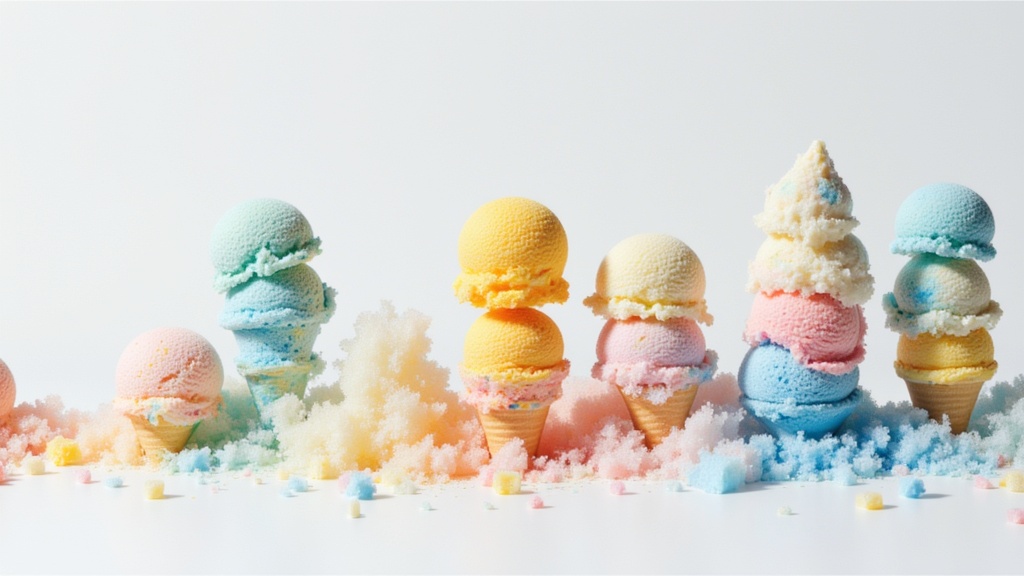
Seedance 2.0 Fast Image to Video
Cinematic video from images fast
0.1 kredit