Gemini Omni Flash
Turn a single still into moving video with its own audio
Animate images into video with audio
PORTRAIT ANIMATION
LIPSYNC PORTRAIT
BEAUTY MOTION
Gemini Omni Flash brings still images to life, transforming a single frame into fluid, coherent video complete with sound. Rather than simply adding surface-level movement, this model draws on Gemini's understanding of how scenes and subjects behave in the physical world, so the motion it generates feels grounded and believable. A dog turns its head and wags its tail, cloth sways, light shifts across a subject — the result reads as a natural extension of your original image rather than an artificial animation pasted on top.
The workflow is refreshingly direct. You provide a starting image and a text prompt describing how you want that image to move, and the model produces a finished video clip. The prompt is where your creative direction lives: describe the action, the mood, and the movement you have in mind — for example, "The dog turns its head and wags its tail in warm sunlight" — and the model animates the frame accordingly. Because it interprets natural-language descriptions, you don't need to think in technical terms. You simply describe the shot you want the way you'd describe it to a collaborator.
Gemini Omni Flash is built for creators who already have strong visual assets and want to set them in motion. Photographers can breathe life into portraits and still scenes. Illustrators and digital artists can animate their artwork without redrawing frame by frame. Filmmakers and video editors can generate short moving shots from concept art, storyboards, or reference stills. Social media creators and marketers can turn product photos, promotional graphics, and brand imagery into scroll-stopping motion content. Anyone who has a single compelling image and wants to see it move will find this a fast, approachable way to get there.
One of the model's defining features is native audio. Alongside the visual motion, it produces sound to accompany the clip, so the output is a complete audiovisual piece rather than a silent loop. This makes it especially useful for content that lives on platforms where sound matters, and it saves the extra step of sourcing and syncing audio separately. The model is also suited for lip-sync, stylized transformation, and animation, pointing to its strength at making subjects — including speaking or expressive figures — move in ways that hold together convincingly.
You have practical control over the shape and length of your output. Videos can be generated in a widescreen 16:9 format, ideal for cinematic shots, YouTube, and horizontal displays, or in a vertical 9:16 format tailored for mobile-first platforms like short-form video feeds and stories. Duration is adjustable from as short as three seconds up to ten seconds, with eight seconds as the default. That range lets you produce quick, punchy loops or slightly longer beats depending on the story you're telling. Output is delivered at up to 720p resolution, a comfortable quality level for web, social, and preview work.
Because the model extends a single frame into motion, the quality and character of your starting image directly shape the result. A clean, well-composed, high-resolution image gives the model the best foundation to work from, and the clearer your subject, the more coherent the resulting movement tends to be. Think of your input image as the first frame of your shot — everything the model generates flows outward from it. Pairing a strong image with a specific, descriptive prompt is the surest way to get motion that matches your intent. Vague prompts leave more to interpretation; detailed ones that name the subject, the action, and the atmosphere give you tighter creative control.
When writing prompts, it helps to describe motion in concrete terms — what moves, how it moves, and the mood or lighting you want to convey. Describing the sunlight, the direction of a turn, or the pace of an action guides the model toward the shot you're picturing. Since the animation is grounded in physical understanding, describing plausible, natural movements tends to yield the most convincing results, though the model's stylized capabilities also make it a fit for more expressive, artistic motion.
A few practical considerations are worth keeping in mind. The model works from one image at a time and produces short-form clips within the three-to-ten-second window, so it's designed for concise moments rather than long continuous sequences. The 720p output resolution and the two available aspect ratios cover the most common delivery needs — horizontal and vertical — but if your project requires other framing you'll want to plan your input composition accordingly. For longer narratives, creators often generate several clips and assemble them in an editor.
What sets Gemini Omni Flash apart is the combination of grounded, physically believable motion and built-in audio from just a still image and a sentence of direction. It removes the barrier between having a great image and having a great moving shot, and it does so in a way that's genuinely accessible to creators who aren't animators or motion designers. Whether you're producing a quick vertical clip for social feeds, animating a portrait for a personal project, or generating shots to slot into a larger edit, the model turns static visuals into living scenes with minimal friction. Start with your best image, describe the movement you want, choose your framing and length, and let the model handle the rest — delivering a finished video with sound that feels like a natural extension of the frame you began with.
Generate using the most advanced video model
Add the image that you want change
Upload image
Add an optional image to guide the look, character, or environment
A woman kneeling in darkness, illuminated by a warm, radiant beam of light emerging from her raised hand.
Write your scenario
Type a prompt - Model understands the physics, lighting, and emotional intent of your scene
Start sharing
Click to generate your final output and download production grade video
Beyond the prompt: A new level of control
NATURE CINEMATOGRAPHY
Brings a still landscape to life with drifting atmosphere and layered motion, showcasing coherent physical understanding of clouds, light, and terrain.
PRODUCT MOTION
Animates a static product hero shot with elegant environmental motion and reflections, ideal for premium commercial showcases.
CINEMATIC SCENE
Extends a moody urban still into a living cinematic frame with rain, reflections, and figure motion, demonstrating complex multi-element animation.
Compare with similar models
“Animate as a smooth 360-degree rotation on an invisible turntable. Rotate slowly and continuously, taking 6 seconds for full rotation. Light reflections should shift naturally across the metal case and crystal. Maintain consistent dramatic lighting throughout rotation. Add subtle sparkle on diamond indices as they catch light. Keep the background static and dark. Professional product video quality.”
Experience perfection with Gemini Omni Flash
Switch to reasoning-guided synthesis today. Be the first in your industry to deliver native 4K results at 10x the speed.
Frequently Asked Questions
Similar Models
Gemini Omni Flash
Multimodal references to video
10 credits
Happy Horse 1.1 Image to Video
Animate image to 1080p video
2.8 credits
MiniMax H3 Image to Video
Animate images into 2K video
7.8 credits
Seedance 2.0 Fast Image to Video
Cinematic video from images fast
0.1 credits
![Kling Video v3 Image to Video [Standard]](https://v3b.fal.media/files/b/0a8cfcdb/TywpxxNj5_vDG8AUw3Yum_e2172b5c00e64a91a434ab5a38e496f0.jpg)
Kling Video v3 Image to Video [Standard]
Cinematic image-to-video with audio
4.2 credits
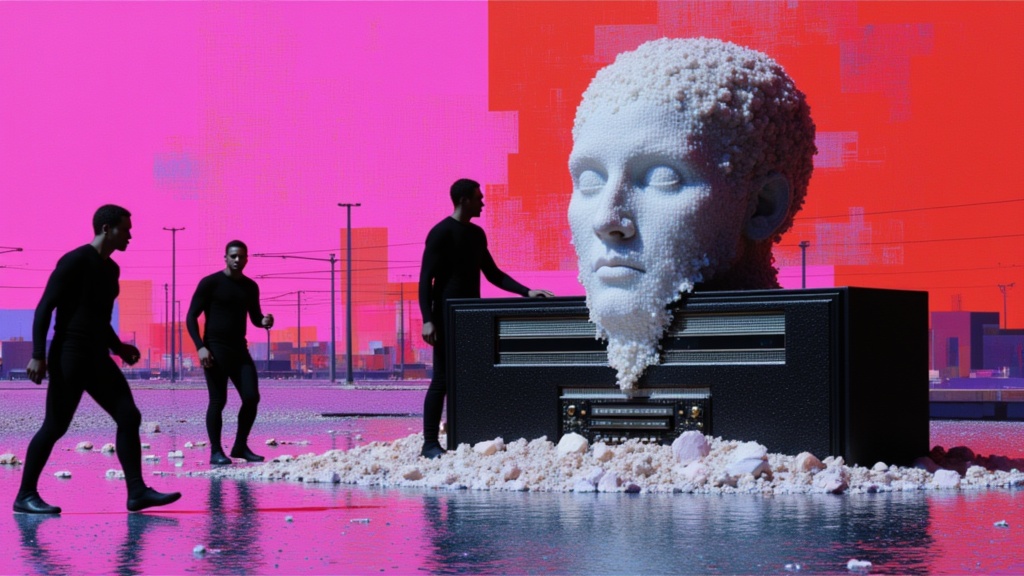
Seedance 2 Image to Video
Cinematic video from images
10 credits
Grok Imagine Video 1.5 Reference to Video
Video from image, audio references
0.4 credits
Luma Ray 3.2 Image to Video
Animate images into cinematic video
0.6 credits