Wan v2.6 Text to Image
Prompt in Chinese or English and pull up to five images per run
Flexible multilingual image generation model
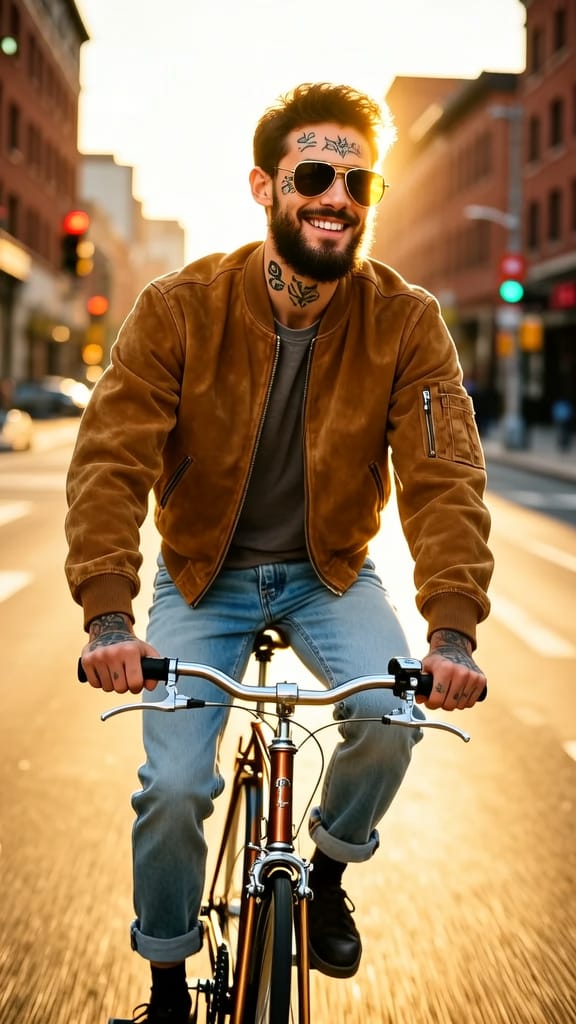
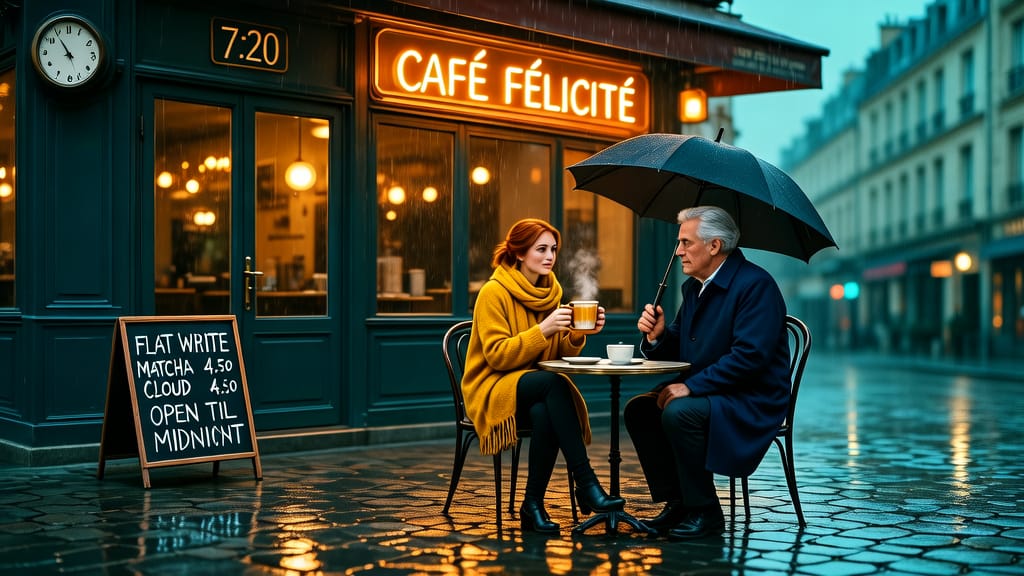
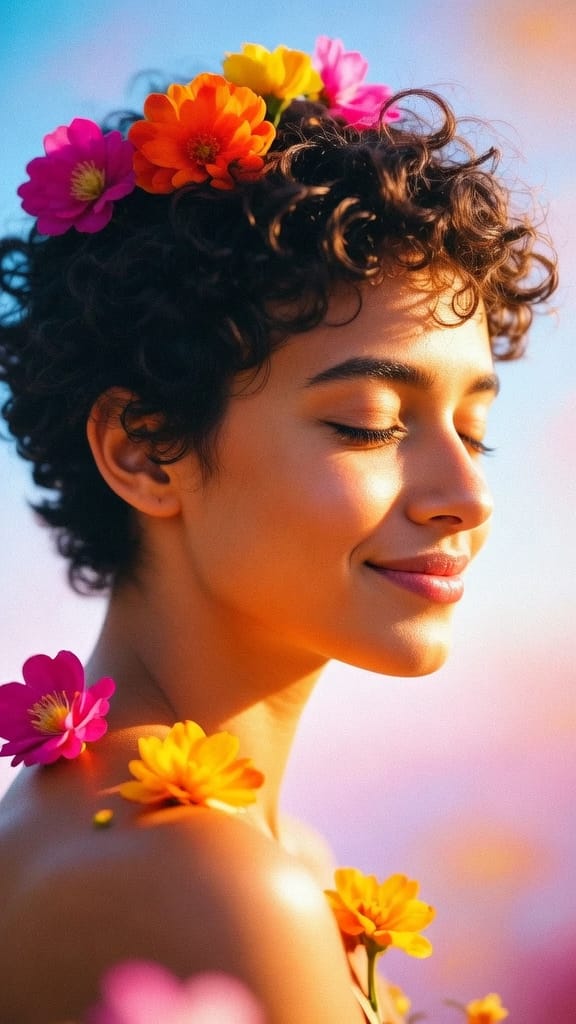
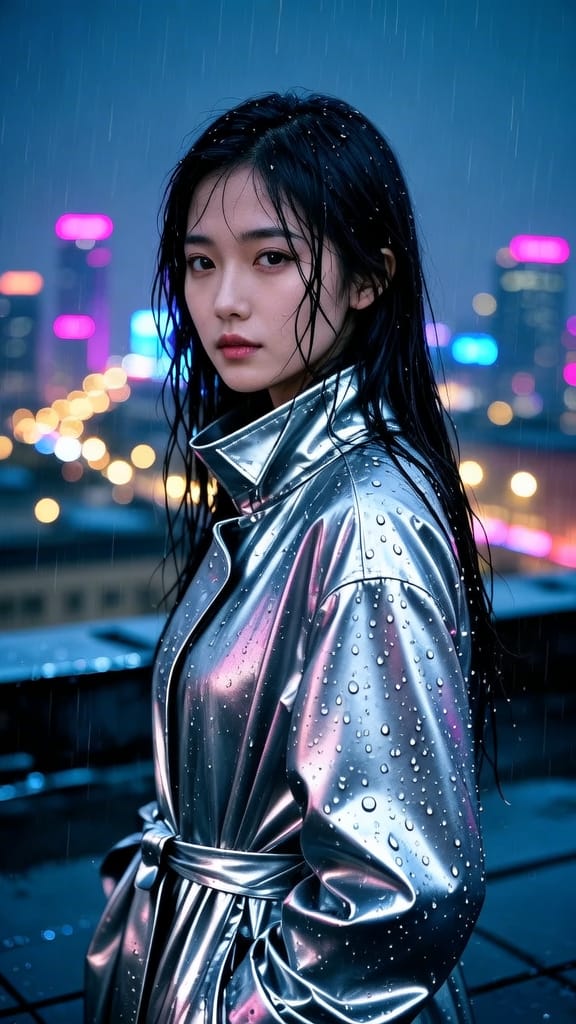
EDITORIAL FASHION PORTRAIT
LIFESTYLE BRAND CAMPAIGN
ARTISTIC PORTRAITURE
Wan v2.6 Text to Image is a versatile image generation model that turns written descriptions into finished visuals, giving artists, designers, and content creators a fast path from idea to picture. Built for both photorealistic and stylized work, it reads a plain text prompt and produces images that reflect the mood, lighting, subject, and detail you describe. Whether you're sketching out concept art, illustrating a story, building marketing visuals, or exploring creative directions, Wan v2.6 gives you a flexible starting point that responds closely to what you write.
One of the standout features of this model is its bilingual understanding. You can write prompts in either English or Chinese, and the model interprets both fluently. This makes it especially valuable for creators working across languages or cultures, and it means you can describe your vision in whatever language feels most natural without translating your ideas first. Prompts can be quite detailed too — you have room for up to 2,000 characters, so you can layer in specifics about setting, atmosphere, camera angle, artistic style, and fine visual details to steer the result exactly where you want it.
The model works from text alone, but you can also supply a single optional reference image to guide the style of your output. When you provide a reference, the model can draw on its look and feel to inform the generated image, which is handy when you want new visuals that match an existing aesthetic, brand palette, or mood board. Reference images are accepted in common formats including JPEG, PNG, BMP, and WEBP, at resolutions ranging from 384 to 5000 pixels on each side.
Controlling the outcome is straightforward. You choose the output shape and size using convenient presets — square, portrait, and landscape ratios such as square HD, portrait 4:3, portrait 16:9, landscape 4:3, and landscape 16:9 — or you can enter exact dimensions when you need a precise canvas. If you don't specify a size and you've supplied a reference image, the output matches the reference dimensions up to a 1280 by 1280 area. This flexibility means you can generate visuals sized for social posts, print layouts, widescreen scenes, or vertical mobile content without extra cropping.
Alongside your main prompt, you can add a negative prompt to describe what you want to avoid. This is a simple but effective way to clean up results — for example, steering the model away from things like low resolution, deformities, or unwanted artifacts. You get up to 500 characters for this, which is enough to fence off common issues and push the model toward the polished look you're after.
Wan v2.6 can also generate more than one image at a time. You can request up to five images in a single run, letting you explore variations of the same idea and pick the strongest result, though the model may sometimes return fewer depending on the generation. This batch approach is great for ideation sessions where you want to see multiple interpretations of a concept side by side before committing to a direction.
For creators who value consistency and repeatability, the model supports a seed control. Setting a seed lets you reproduce a particular result or make small, controlled adjustments to a prompt while keeping the overall composition stable. This is useful when you've landed on something close to what you want and only need to tweak a detail rather than start over. Every generation also reports back the seed it used, so you can save it and return to a look you liked.
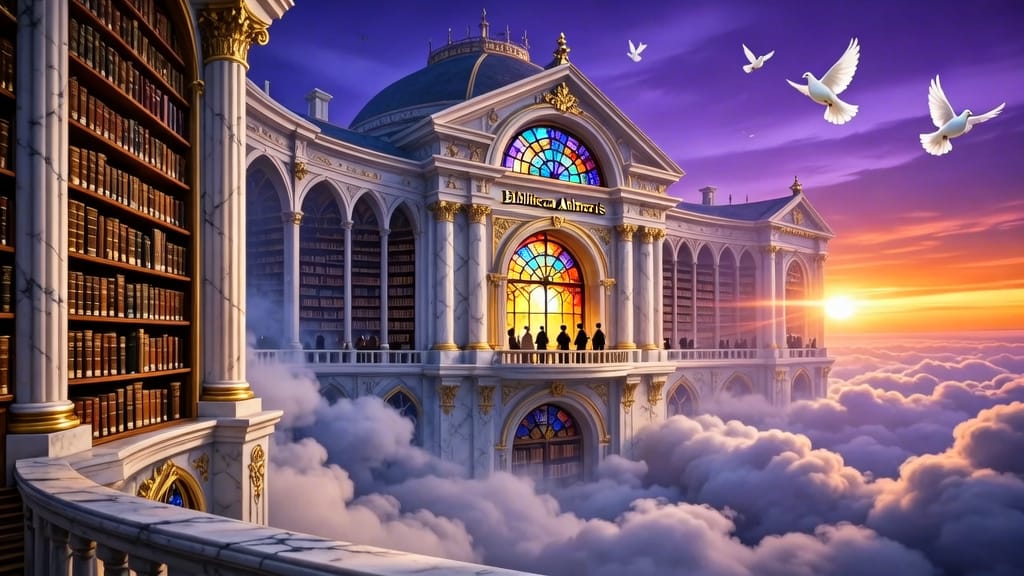
The model outputs images in PNG format, a clean, high-fidelity format well suited to further editing, layering, and integration into design work. Its example outputs lean toward rich, atmospheric scenes — think an ancient library floating among clouds with golden-hour light streaming through massive windows, rendered photorealistically. That kind of prompt shows the model's comfort with complex lighting, layered environments, and evocative detail, but it handles a wide range of subjects and styles depending on how you write your prompt.
Wan v2.6 also has a mixed text-and-image capability, meaning in certain modes it can return generated text alongside imagery. This opens up possibilities for creators who want more than a standalone picture, though the primary strength of the model remains its image generation.
Content moderation is built in and active by default, screening both the input you provide and the images produced. This helps keep generated content within safe and appropriate boundaries, which matters for professional and commercial creative work.
In terms of who benefits most: illustrators and concept artists can rapidly visualize scenes and characters; graphic designers can generate backgrounds, hero images, and stylistic explorations; marketers and social media creators can produce eye-catching visuals in the exact aspect ratios they need; and filmmakers and storytellers can build mood boards and pre-visualization frames. The bilingual prompt support broadens its reach to creators working in English- and Chinese-language contexts alike.
A few practical notes help you get the best results. Detailed, descriptive prompts tend to produce more faithful images, so it's worth spelling out lighting, style, and composition. Using the negative prompt to exclude common flaws can noticeably raise the quality of your output. Generating several images at once and comparing them is an efficient way to find the best interpretation of your idea. And saving the seed from a result you love lets you revisit or refine it later. Altogether, Wan v2.6 Text to Image is a capable, adaptable tool for turning written ideas into polished visuals across a broad spectrum of creative work.
Generate using the most advanced image model
A woman kneeling in darkness, illuminated by a warm, radiant beam of light emerging from her raised hand.
Write your scenario
Type a prompt describing your desired image with style, lighting, and composition details
AI generates
Model understands the physics, lighting, and emotional intent of your scene
Start sharing
Click to generate your final output and download production grade image
Beyond the prompt: A new level of control
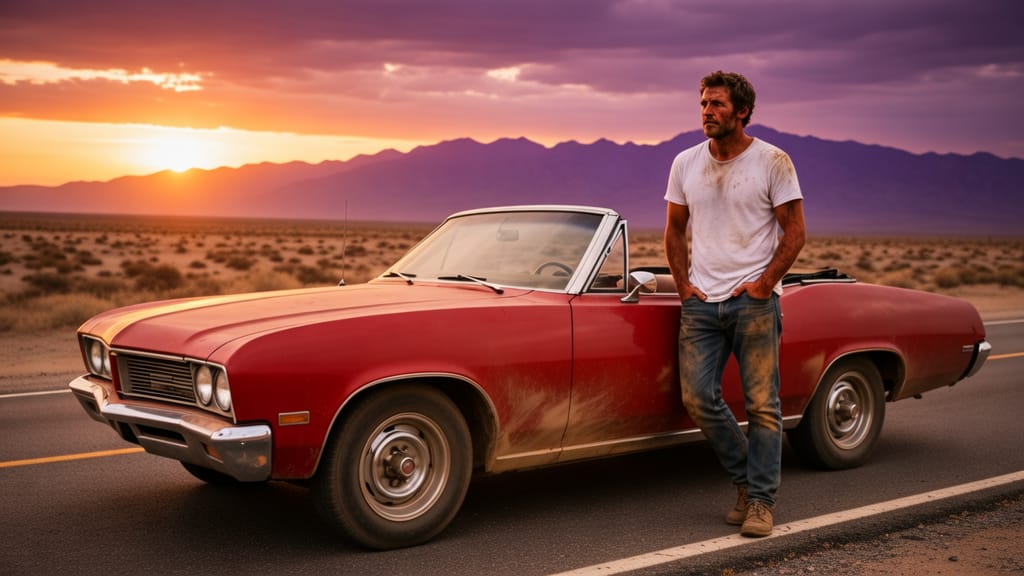
CINEMATIC SCENE CREATION
Displays the model’s ability to create cinematic, wide-angle visuals with atmospheric lighting and a trendy filmic look, perfect for storytelling.
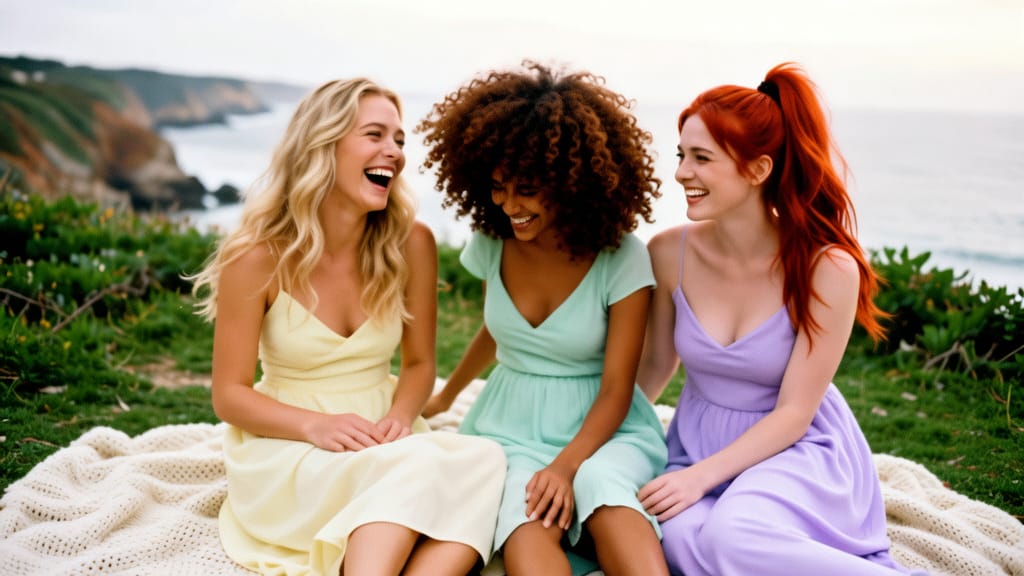
GROUP LIFESTYLE IMAGERY
Illustrates the generation of lively, aspirational scenes featuring multiple people with precise gender and styling—ideal for lifestyle branding in a modern context.
ASPIRATIONAL ARCHITECTURAL IMAGE
Highlights how the model renders architectural complexity, atmospheric light, and photorealistic details—enhancing modern, aspirational visual storytelling.
Compare with similar models
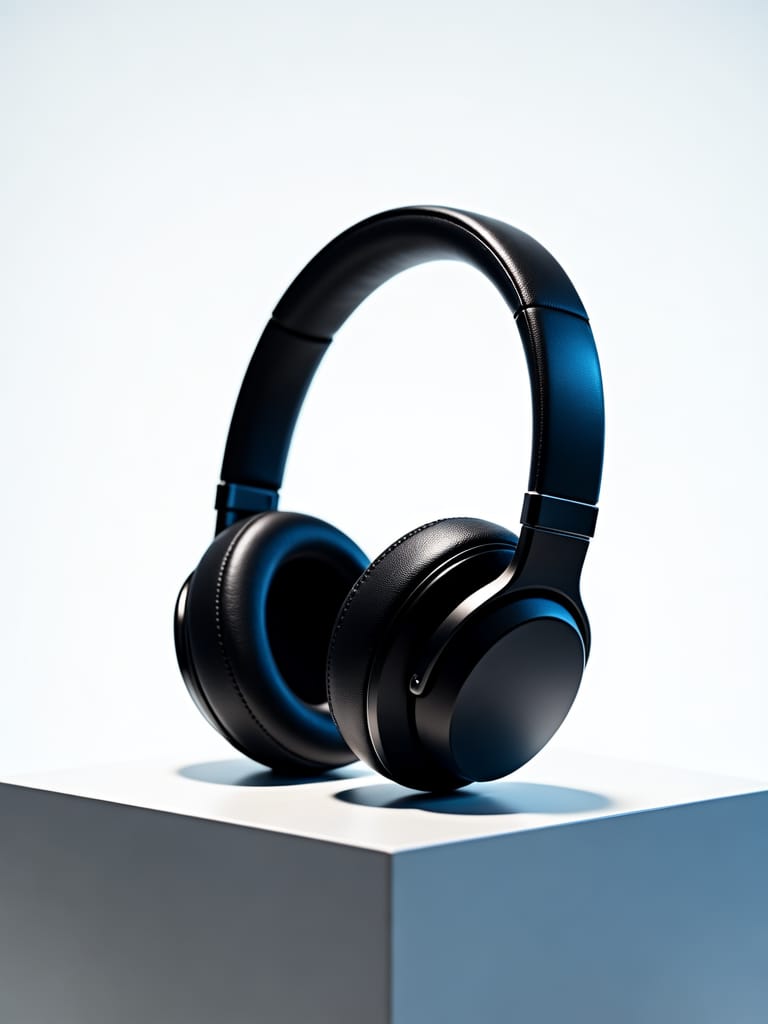
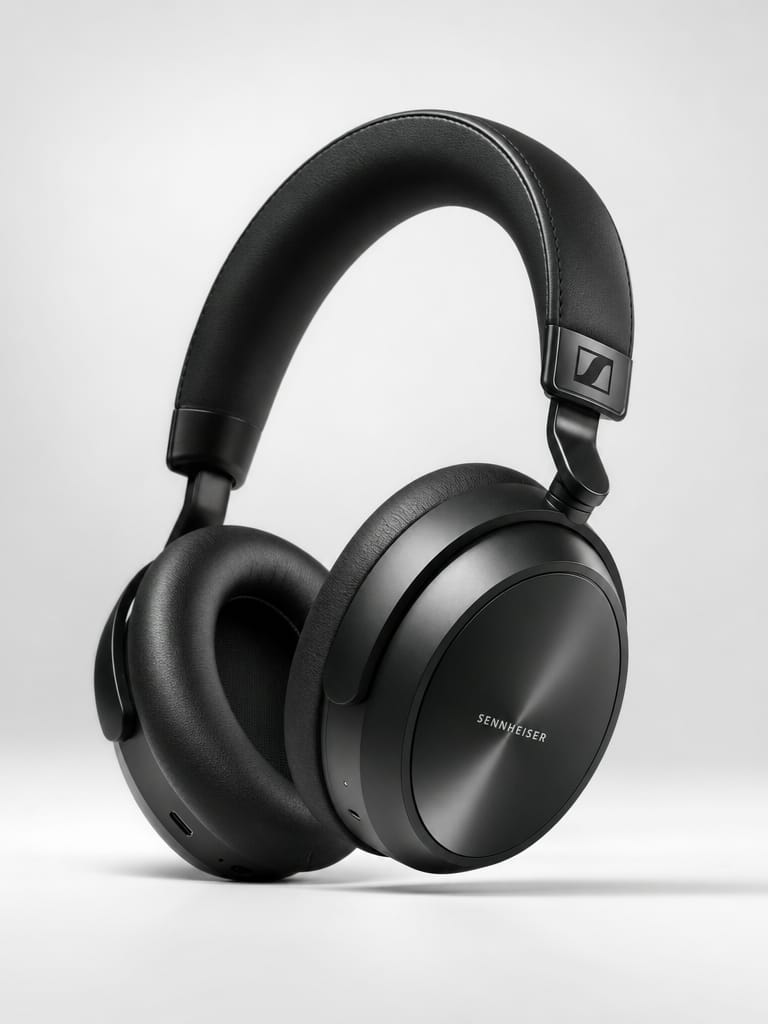
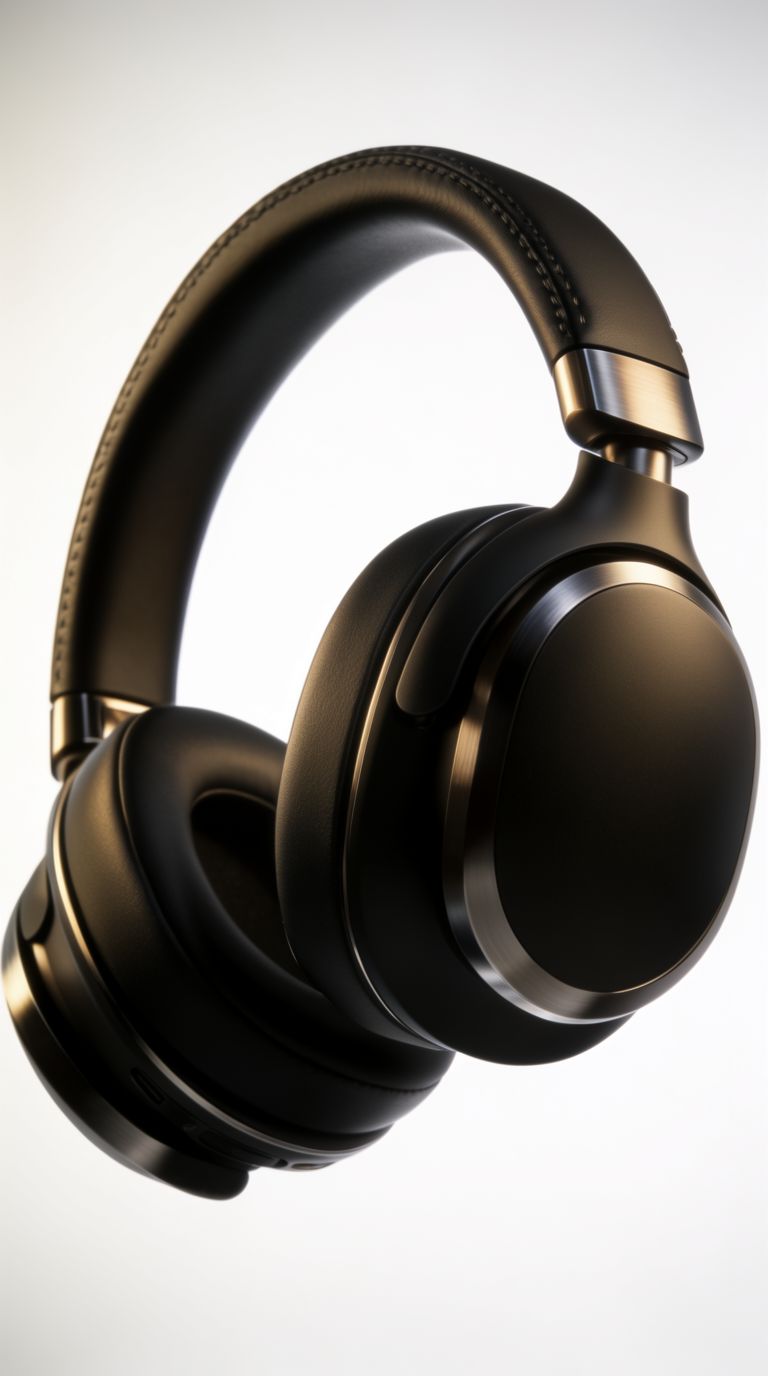
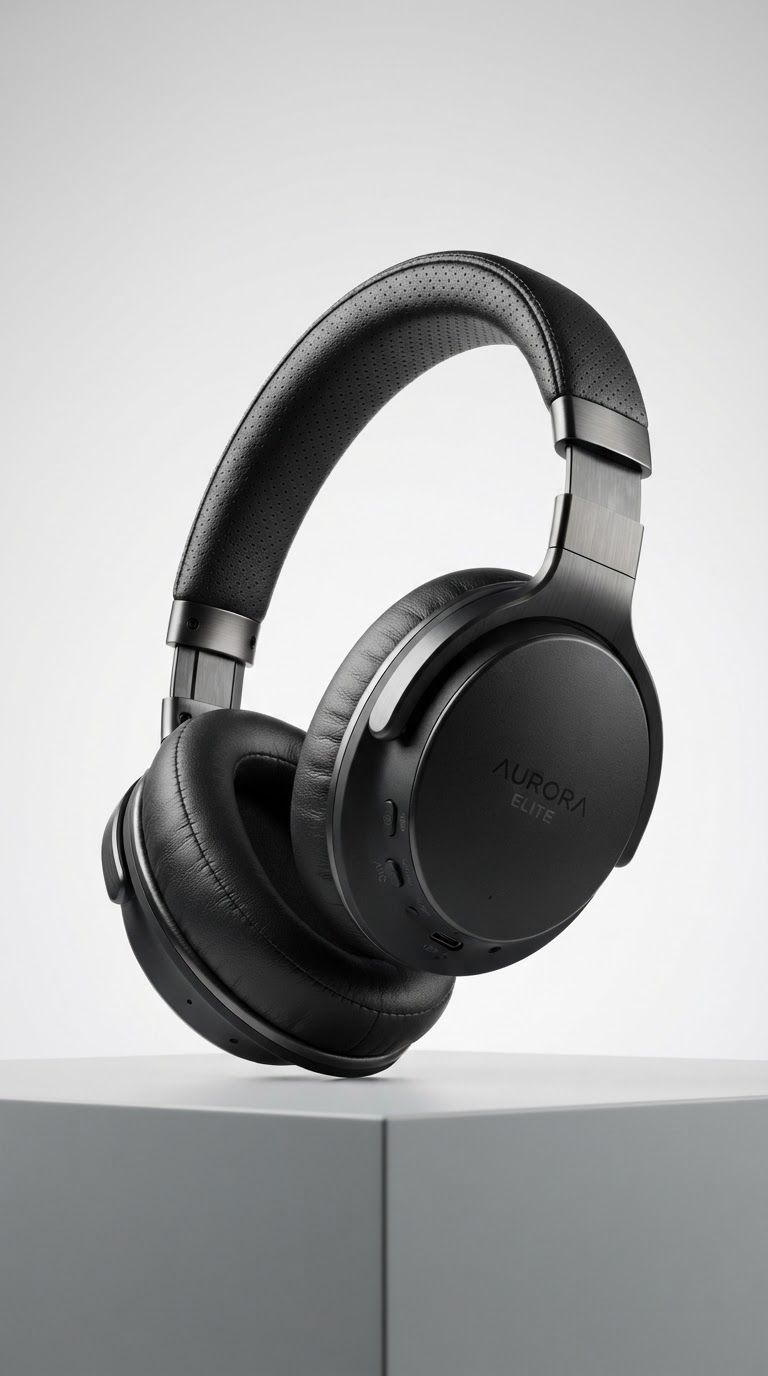
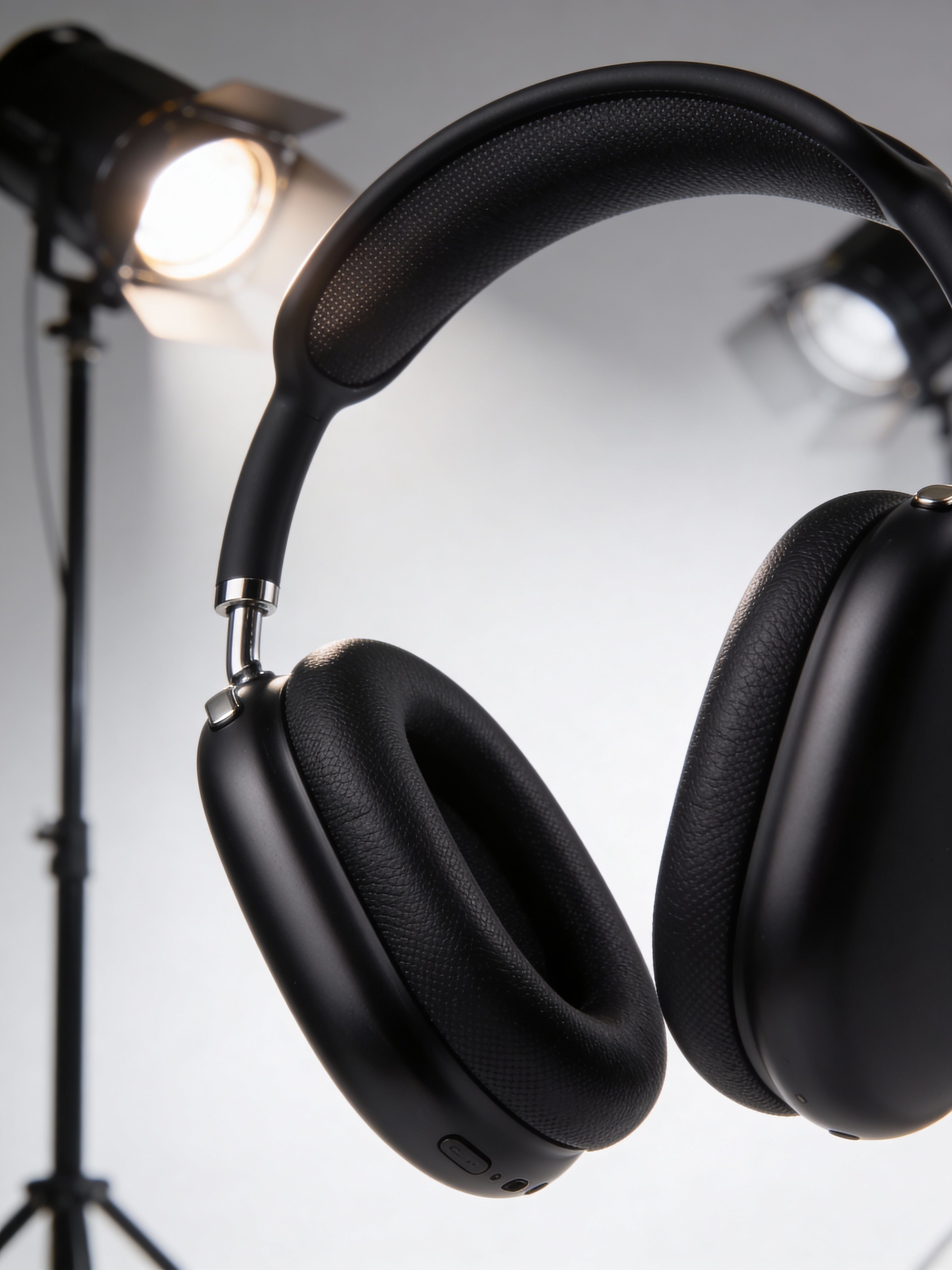
“High-end studio product photography of premium wireless over-ear headphones in matte black finish. Dramatic three-point lighting with soft key light from upper left, rim light highlighting the ear cup contours, and subtle fill. Clean white seamless backdrop with soft gradient. Sharp focus on texture details of the leather headband and brushed metal accents. Professional advertising quality, 8K resolution, photorealistic rendering.”
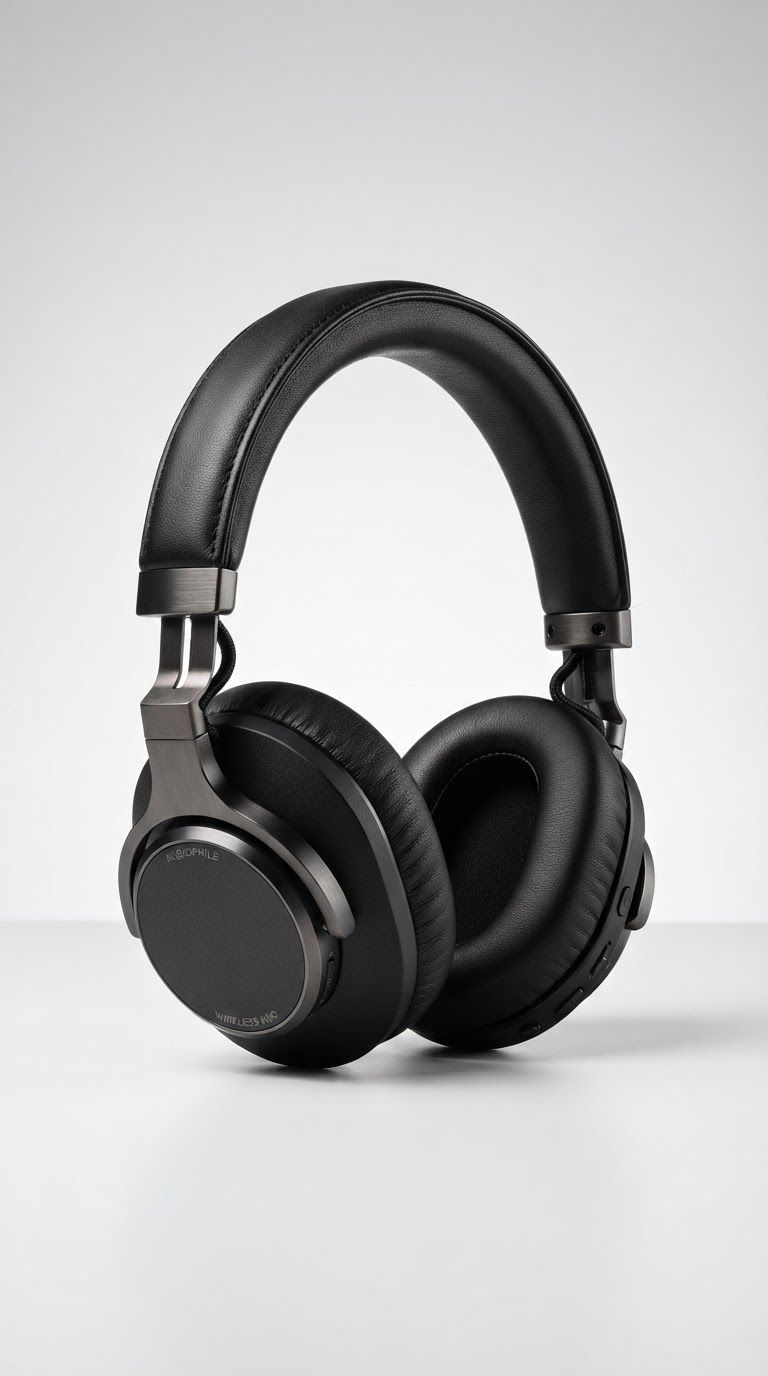
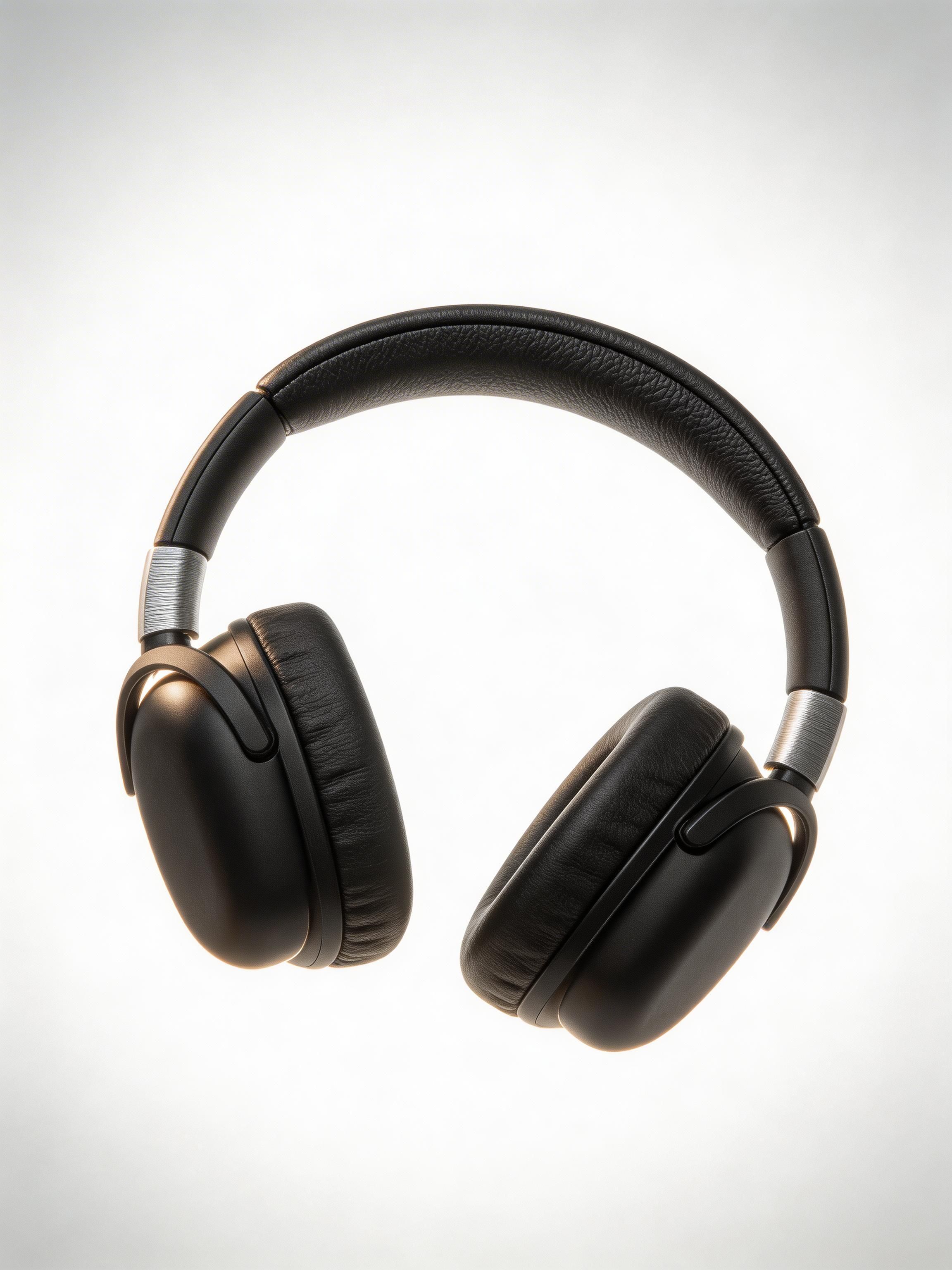
![V4.0q [fast] output](https://shortgenius.com/cdn-cgi/image/width=3840,quality=80,format=auto/https://assets.shortgenius.com/example-model-output/255567ab-4cdb-4e8f-9f6a-d0a5f412cd0b.jpg)
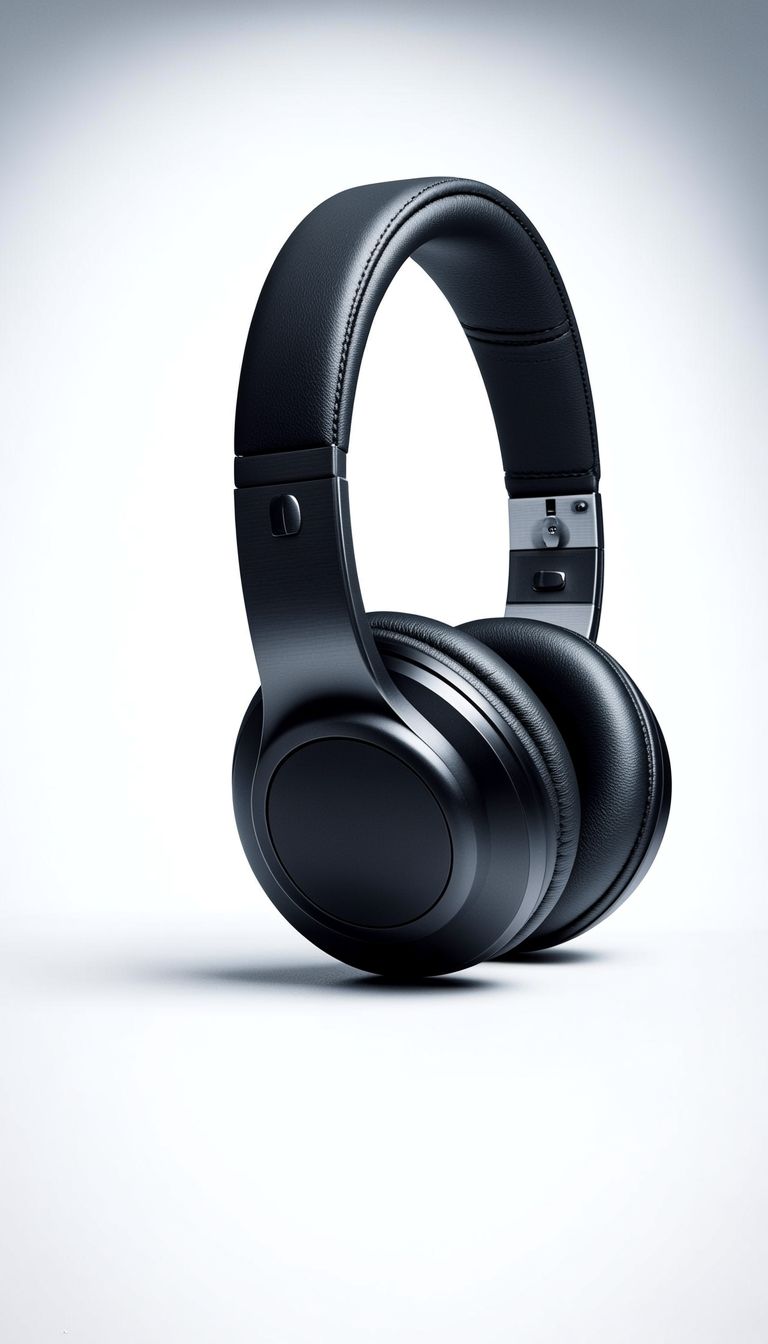
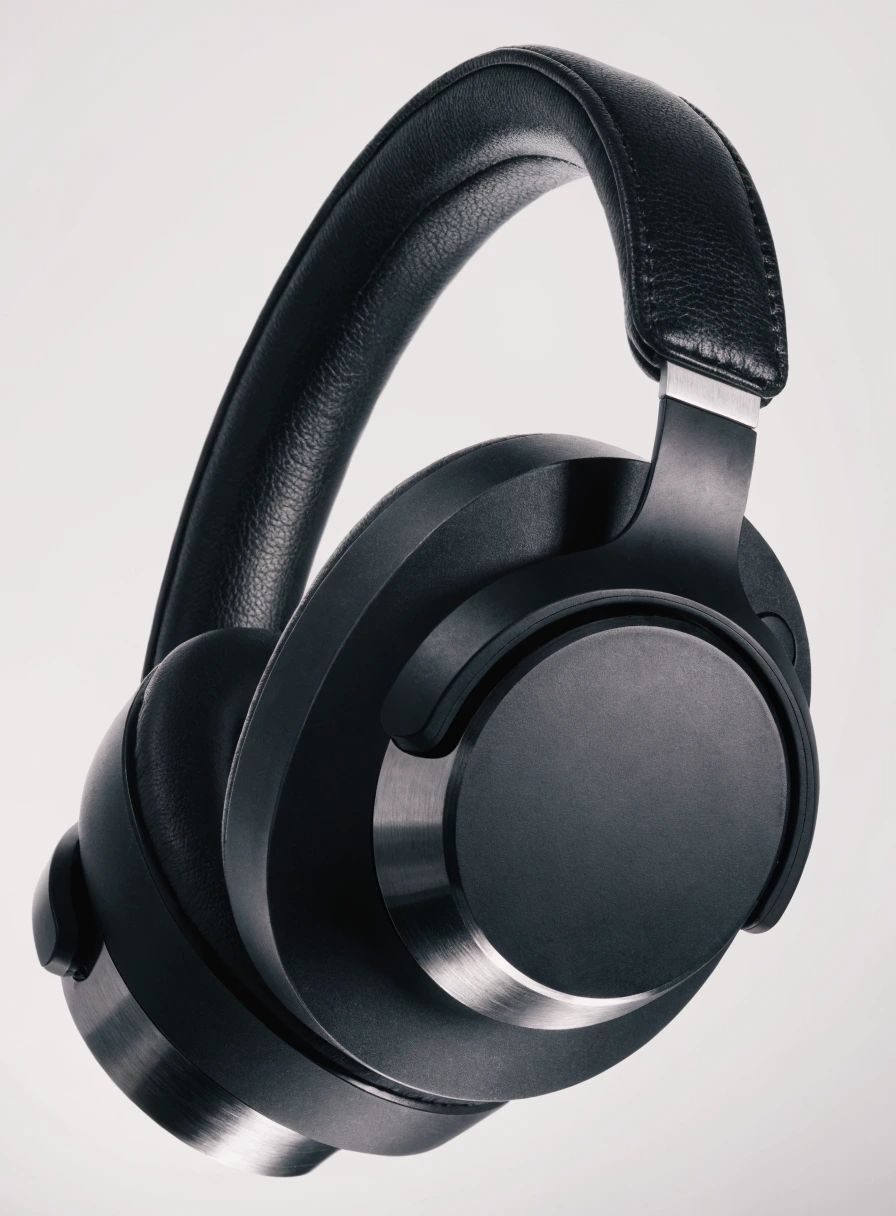
![V4.0q [instant] output](https://shortgenius.com/cdn-cgi/image/width=3840,quality=80,format=auto/https://assets.shortgenius.com/example-model-output/1a4fc6d7-04b2-4716-8cad-3df20e286c53.jpg)
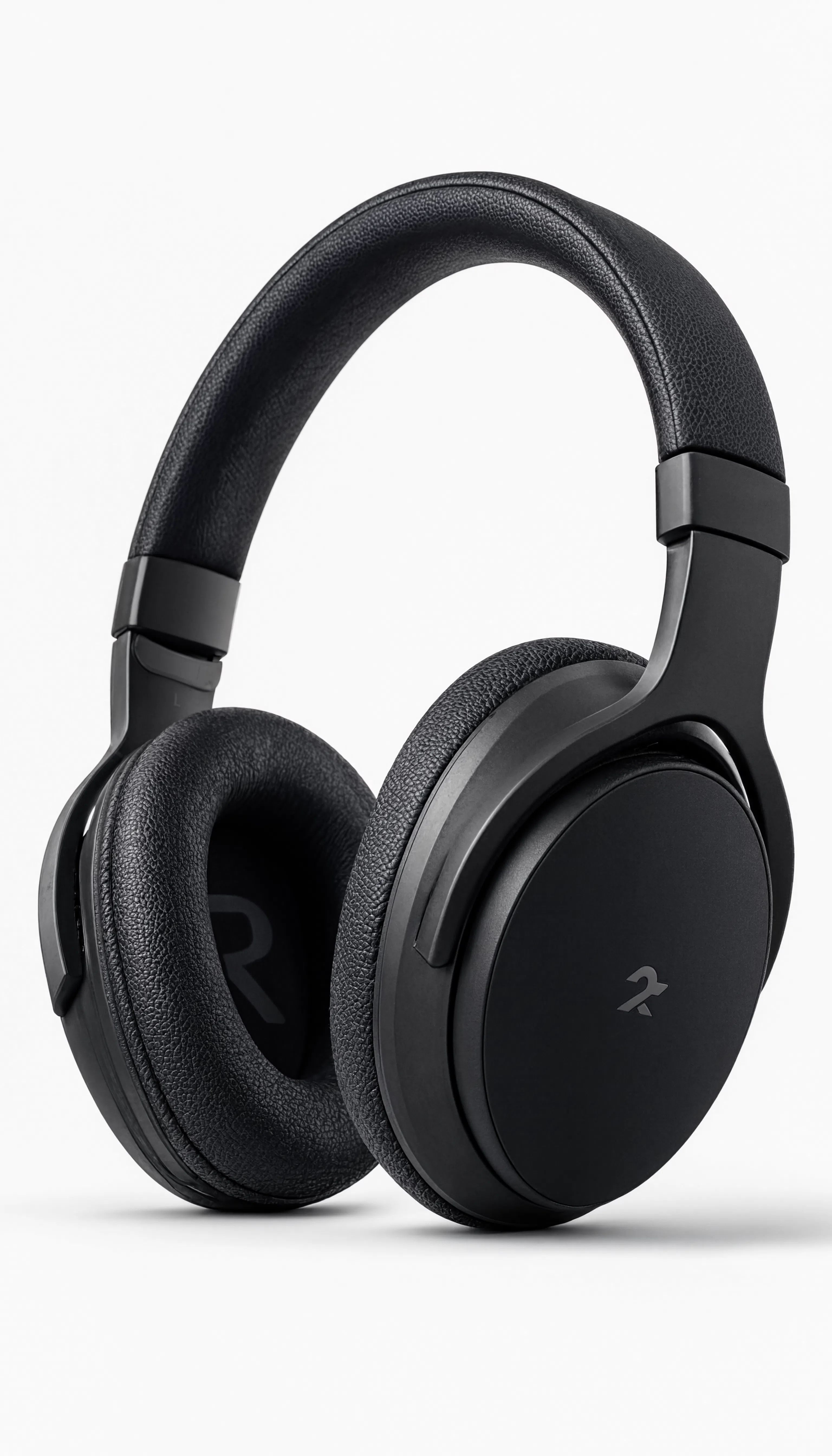
Experience perfection with Wan v2.6 Text to Image
Switch to reasoning-guided synthesis today. Be the first in your industry to deliver native 4K results at 10x the speed.
Frequently Asked Questions
Similar Models
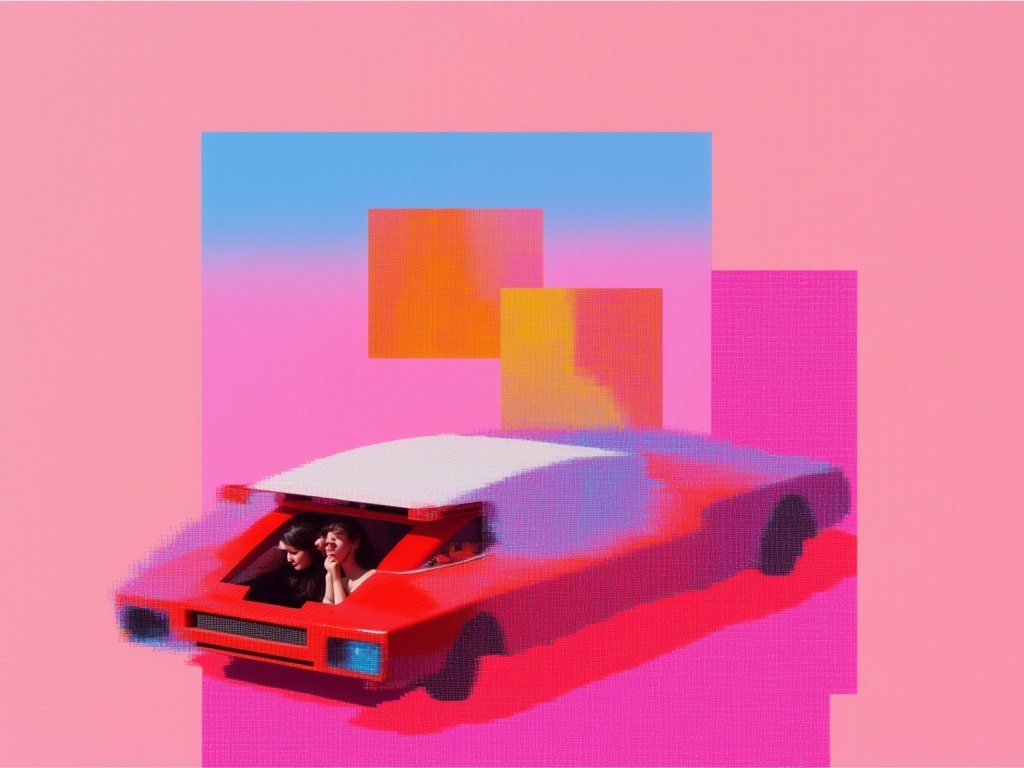
Nano Banana 2 Lite
Fast efficient image generation
6 credits
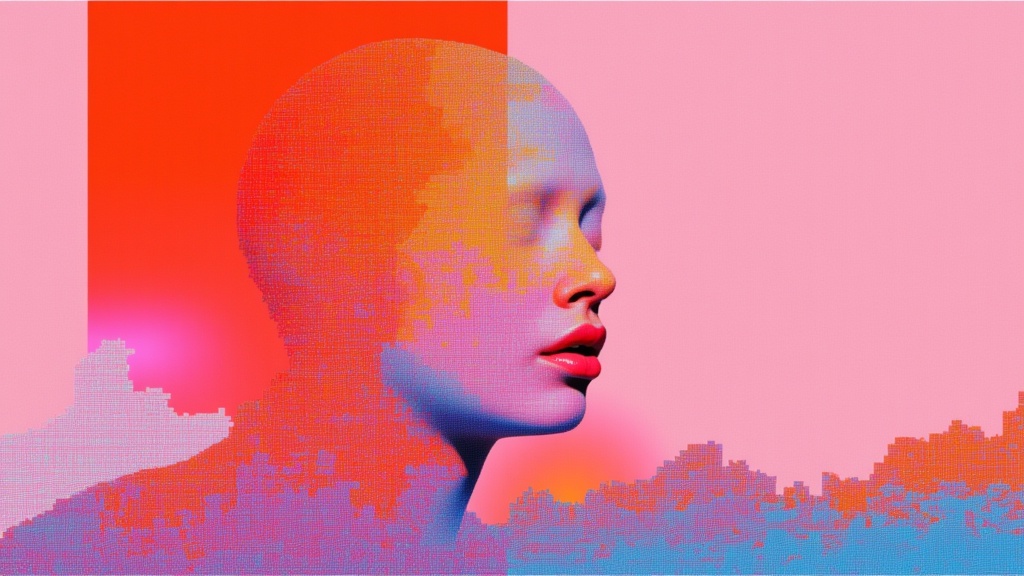
Bytedance Seedream V4.5 Text To Image
Unified image generation and editing
1.5 credits
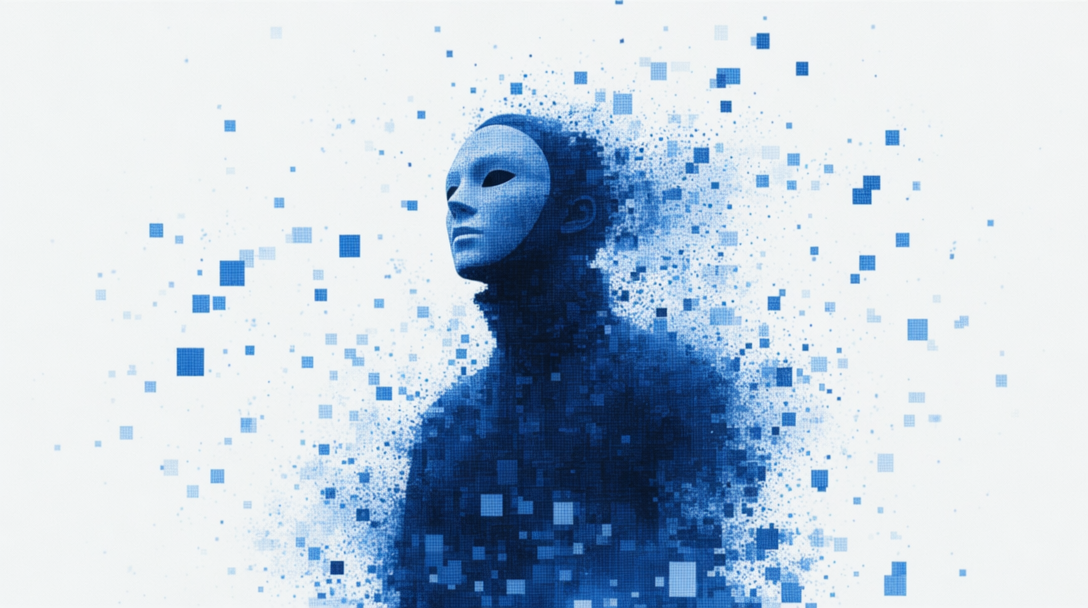
GPT Image 2 API
Detailed images with fine typography
4 credits
Reve 2.1
High-quality text-to-image with accurate text
1.3 credits
Seedream 5.0 Pro Text to Image
Flagship multilingual text-to-image generation
0.3 credits
Recraft V4.1 Text to Image
Design-first text to image generation
0.2 credits
Seedream
Fast high-quality text-to-image generation
0.3 credits
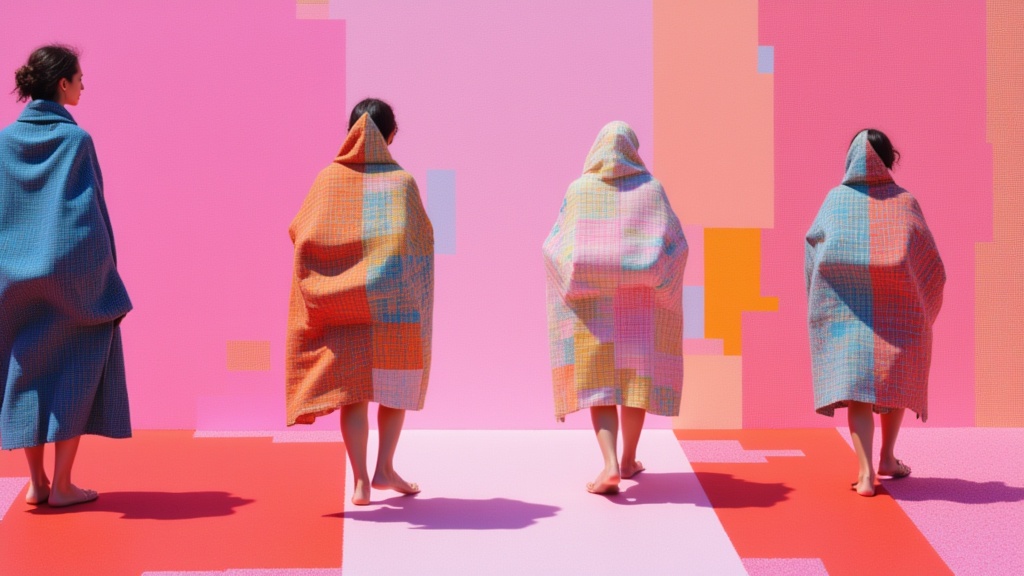
Krea 2 Large
High-fidelity text-to-image generation
0.1 credits
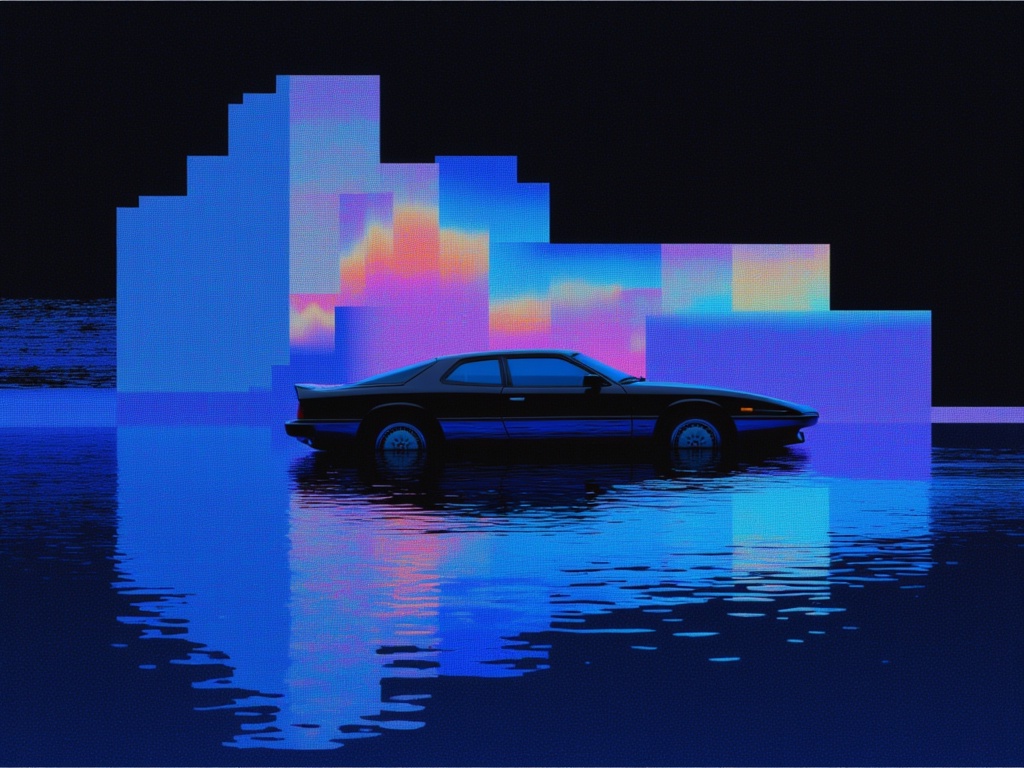
Fibo Bbq Preview
Precise structured text-to-image generation
0.2 credits