V4.0q [fast]
Legible in-image text on posters and logos in about a second
Fast text-accurate image generation

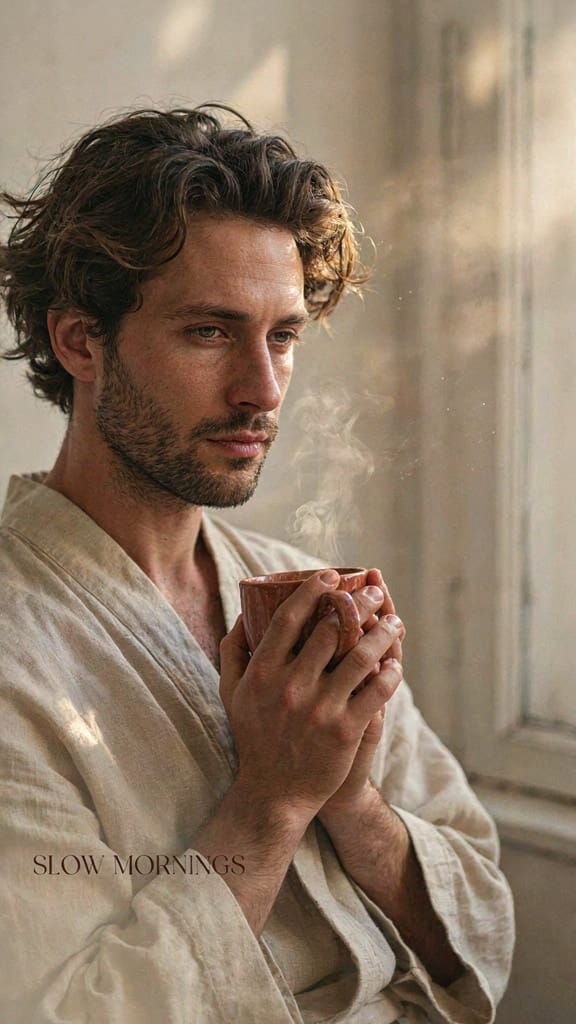
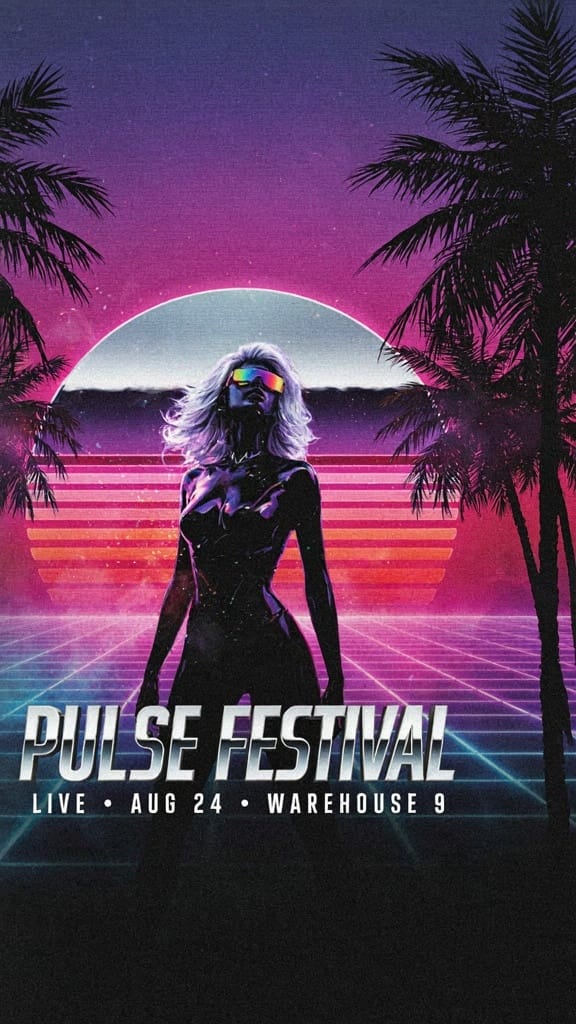
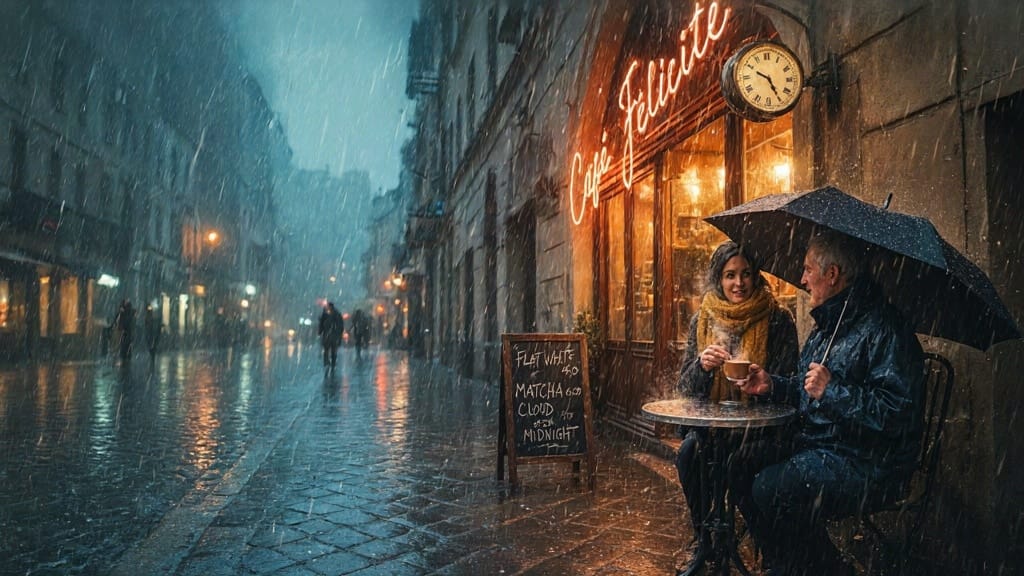
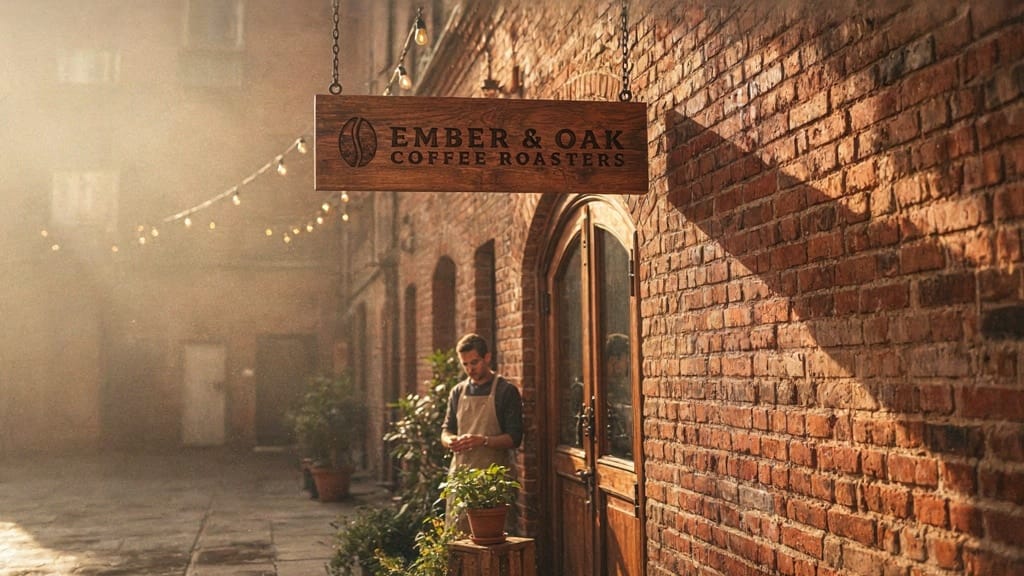
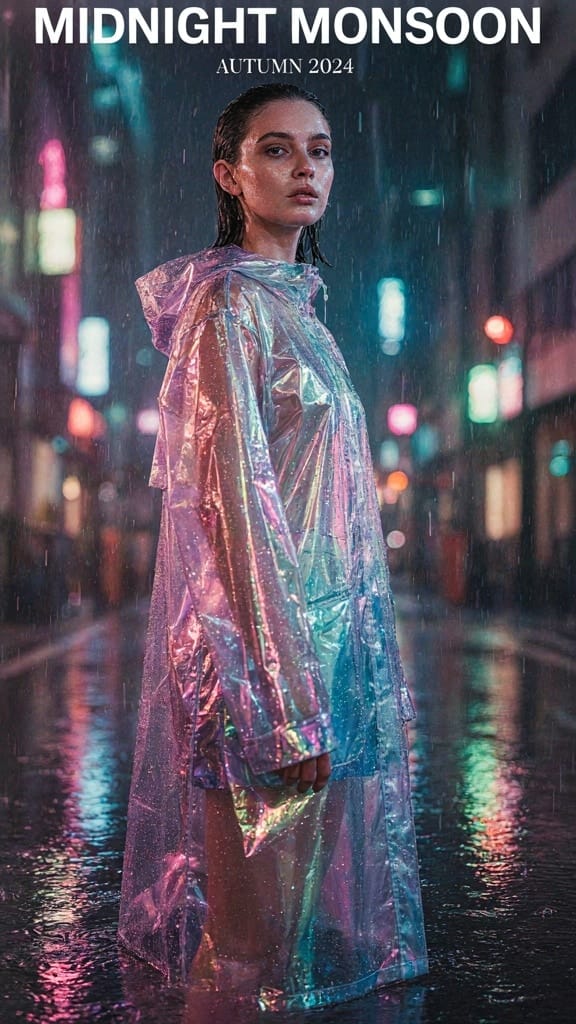
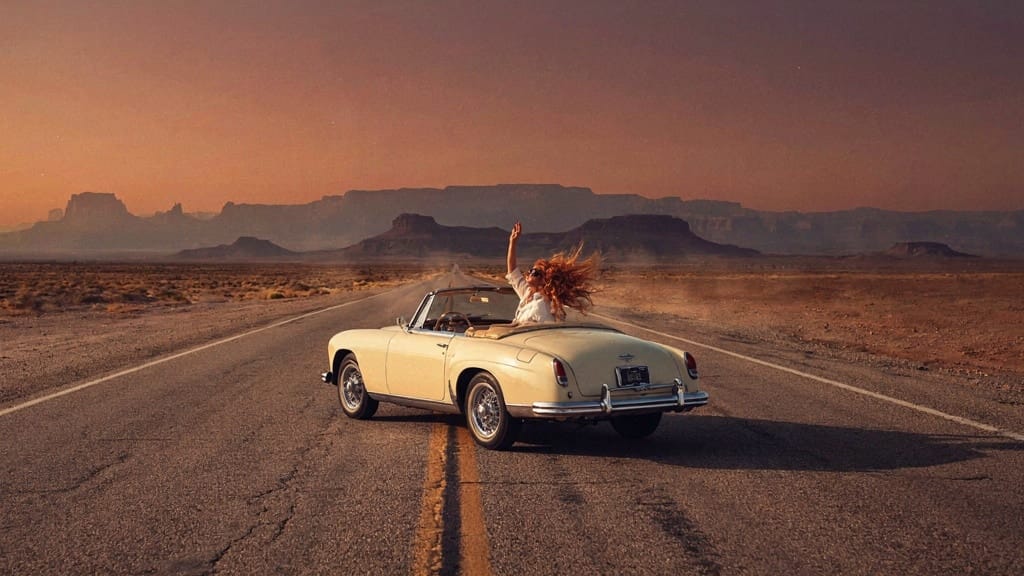
FASHION EDITORIAL POSTER
LIFESTYLE BRAND AD
MUSIC EVENT FLYER
V4.0q [fast] is the latest text-to-image model in Ideogram's V4.0q line, built to turn written prompts into crisp, ready-to-use visuals in roughly a second. Where it truly stands apart is typography: this model renders accurate, legible text directly inside your images, making it a natural fit for posters, logos, flyers, and any design where words need to look right the first time. Alongside that strength, it produces fine detail and clean results across realism and stylized looks, giving you polished output you can drop straight into a project.
At its core, the model takes a text description and generates an image from it. You describe what you want — a scene, a subject, a mood, a headline for a poster — and the model builds the visual. A quick example prompt like "A red panda perched on a mossy branch in a misty forest at sunrise" shows how it handles atmosphere, lighting, and texture, but its typography focus means it's equally comfortable with prompts that call for readable words baked into the artwork. That combination of realism, typography, and stylized rendering makes it versatile for a wide range of creative work.
The model is designed for speed and flexibility, and it gives you three rendering modes to balance how fast an image comes back against how much refinement goes into it. A turbo mode delivers the quickest results with less refinement, a balanced mode sits in the middle as a sensible default, and a quality mode spends more effort for the most polished detail. This lets you rough out ideas rapidly when you're exploring, then switch to a higher-effort setting once you've locked in a direction and want the finished piece to look its best.
Who benefits? Graphic designers and brand teams will appreciate how reliably it handles text-forward designs like logos, posters, and marketing graphics. Content creators and social media managers can generate eye-catching visuals with headlines already in place, cutting out a separate step of adding text in an editor. Illustrators and concept artists get a fast way to visualize ideas across both photographic and stylized aesthetics. Anyone who needs polished, presentation-ready imagery without wrestling with garbled lettering will find this model especially useful.
You have meaningful control over the output. Beyond the prompt itself, you can choose the image resolution and shape — square, portrait, or landscape formats — so your artwork fits the medium you're designing for, whether that's a vertical poster, a wide banner, or a square social post. You can also set a custom width and height when you need a specific size. The model supports generating up to four images from a single prompt at once, which is handy for comparing variations and picking the strongest option without starting over.
A prompt-expansion feature helps you get more from short or simple descriptions. When enabled, it automatically enriches your prompt behind the scenes to guide the model toward a fuller, more detailed result — useful when you have a rough idea but don't want to write out every specific. If you'd rather keep tight, literal control over exactly what you typed, you can turn expansion off so the model works only from your words. This gives you the choice between letting the model interpret and elaborate, or keeping things precise.
For consistency and iteration, the model supports a seed value. Reusing the same seed with the same prompt lets you reproduce a result or make small, controlled adjustments while keeping the overall composition stable — a practical way to refine an image step by step rather than starting fresh each time. You can also choose your output file format, picking JPEG for smaller, web-friendly files or PNG when you want a cleaner, higher-fidelity export. A built-in safety checker is enabled by default to help keep generated content appropriate.
In terms of what it produces, the model outputs finished images along with the seed that was used, so you always know how to reproduce or build on a result. The emphasis throughout is on crisp visuals, accurate text, and fine detail — the kind of output that's ready to use rather than needing heavy cleanup.
A few things to keep in mind. Because speed and refinement trade off against each other, the fastest mode uses less refinement, so for the most detailed and polished final pieces you'll want to lean on the higher-quality mode. Resolution and image shape choices matter for your final medium, so it's worth setting those intentionally before generating. And while the prompt-expansion feature is great for fleshing out simple ideas, turning it off gives you the most literal interpretation when precision matters. Experimenting across the rendering modes and with the seed control will help you dial in exactly the look you're after. Overall, V4.0q [fast] is a strong choice when you need attractive, text-accurate images quickly — a fast, dependable tool for designers and creators who care about typography as much as imagery.
Generate using the most advanced image model
A woman kneeling in darkness, illuminated by a warm, radiant beam of light emerging from her raised hand.
Write your scenario
Type a prompt describing your desired image with style, lighting, and composition details
AI generates
Model understands the physics, lighting, and emotional intent of your scene
Start sharing
Click to generate your final output and download production grade image
Beyond the prompt: A new level of control
CINEMATIC TRAVEL BANNER
Showcases the model's wide cinematic realism and atmospheric lighting perfect for landscape hero banners and campaign headers.
BRAND LOGO MOCKUP
Demonstrates V4.0q's precise text and logo rendering on realistic surfaces, ideal for landscape brand identity mockups.
PRODUCT HERO SHOT
Highlights the model's fine detail, realistic reflections, and polished typography for premium landscape product advertising.
Compare with similar models
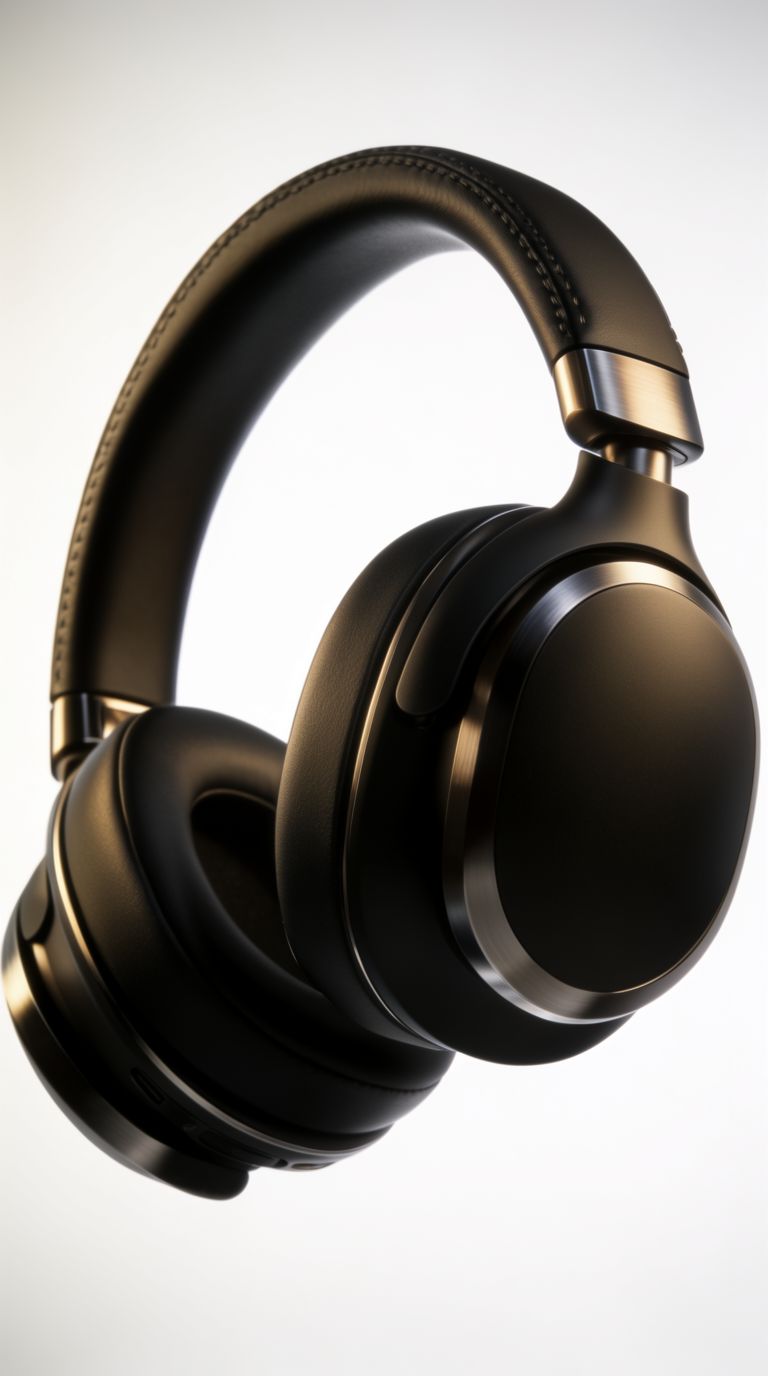
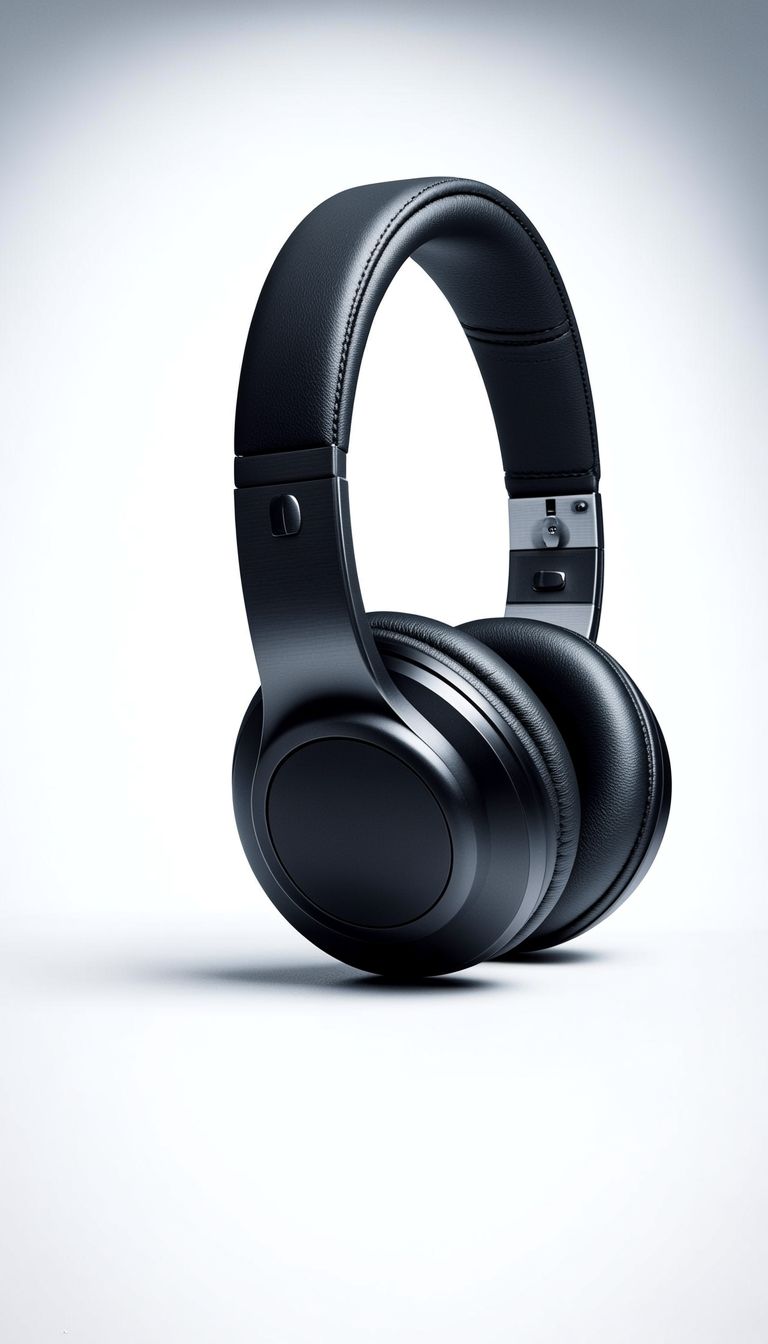
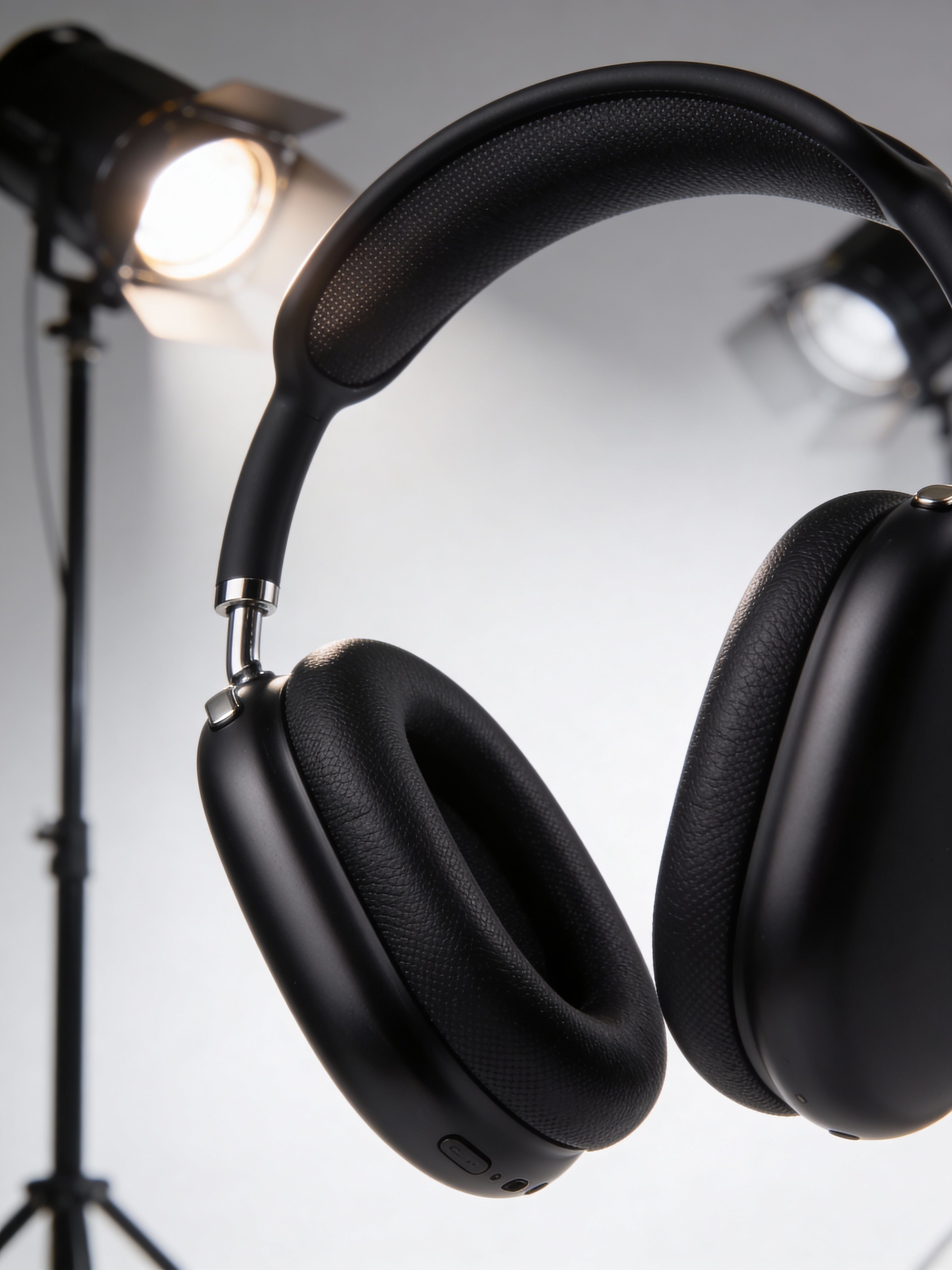
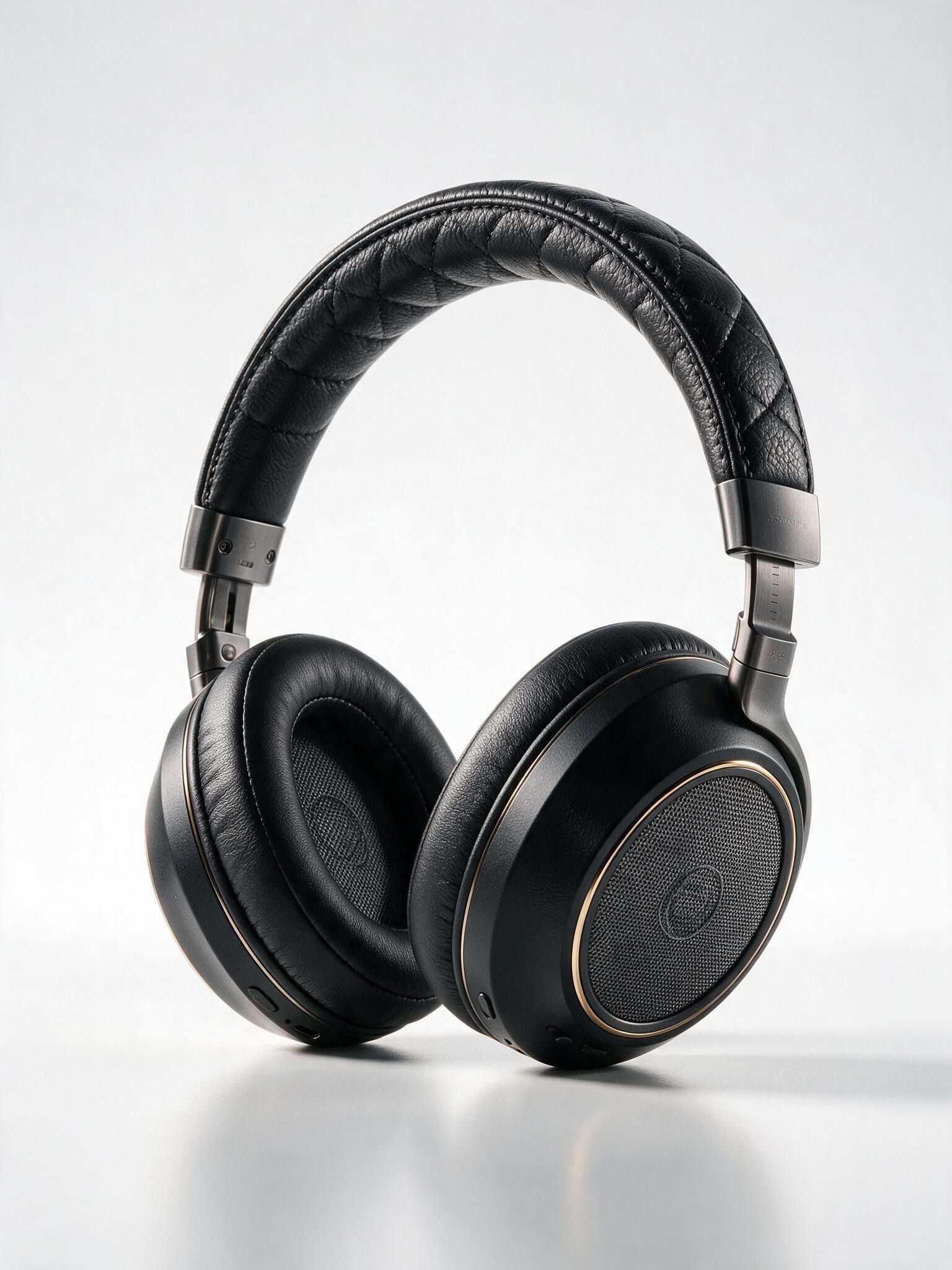
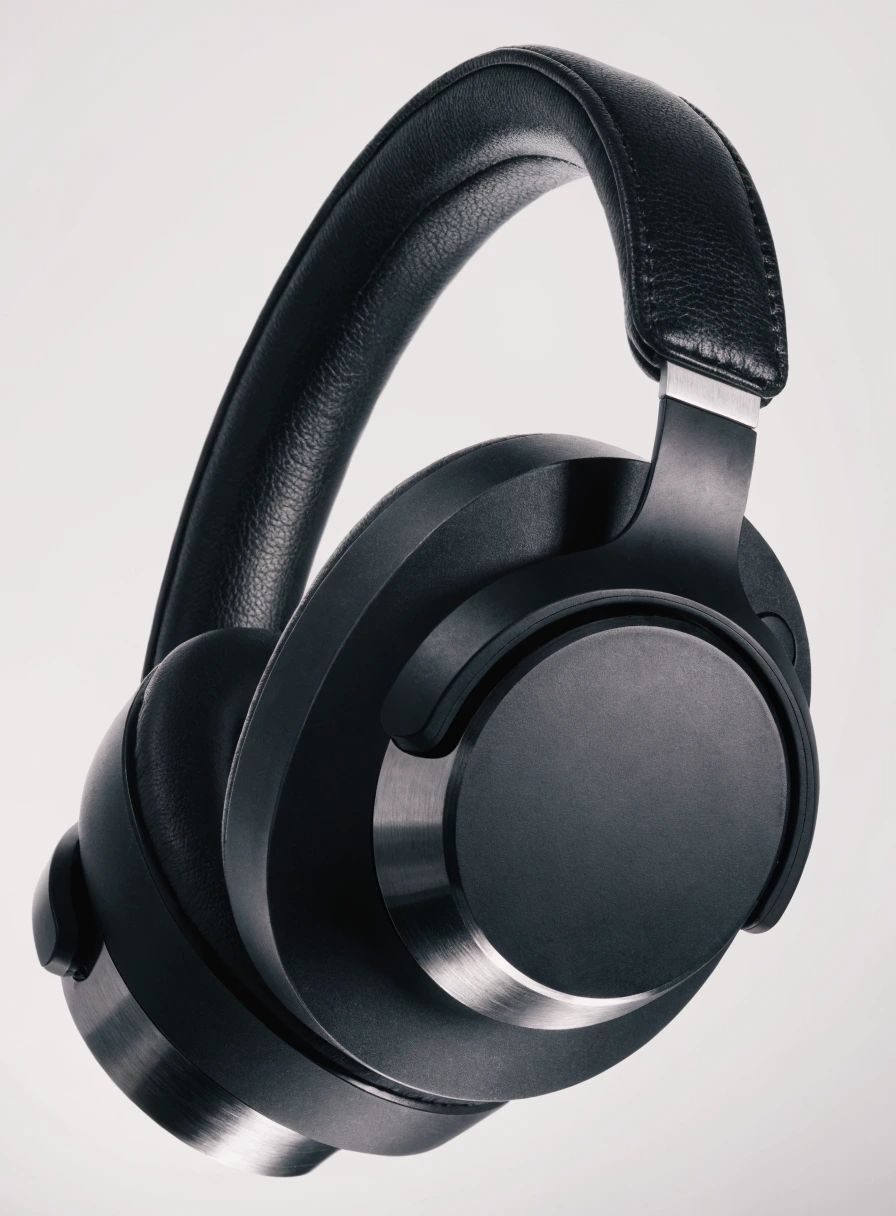
“High-end studio product photography of premium wireless over-ear headphones in matte black finish. Dramatic three-point lighting with soft key light from upper left, rim light highlighting the ear cup contours, and subtle fill. Clean white seamless backdrop with soft gradient. Sharp focus on texture details of the leather headband and brushed metal accents. Professional advertising quality, 8K resolution, photorealistic rendering.”
![V4.0q [fast] output](https://shortgenius.com/cdn-cgi/image/width=3840,quality=80,format=auto/https://assets.shortgenius.com/example-model-output/255567ab-4cdb-4e8f-9f6a-d0a5f412cd0b.jpg)
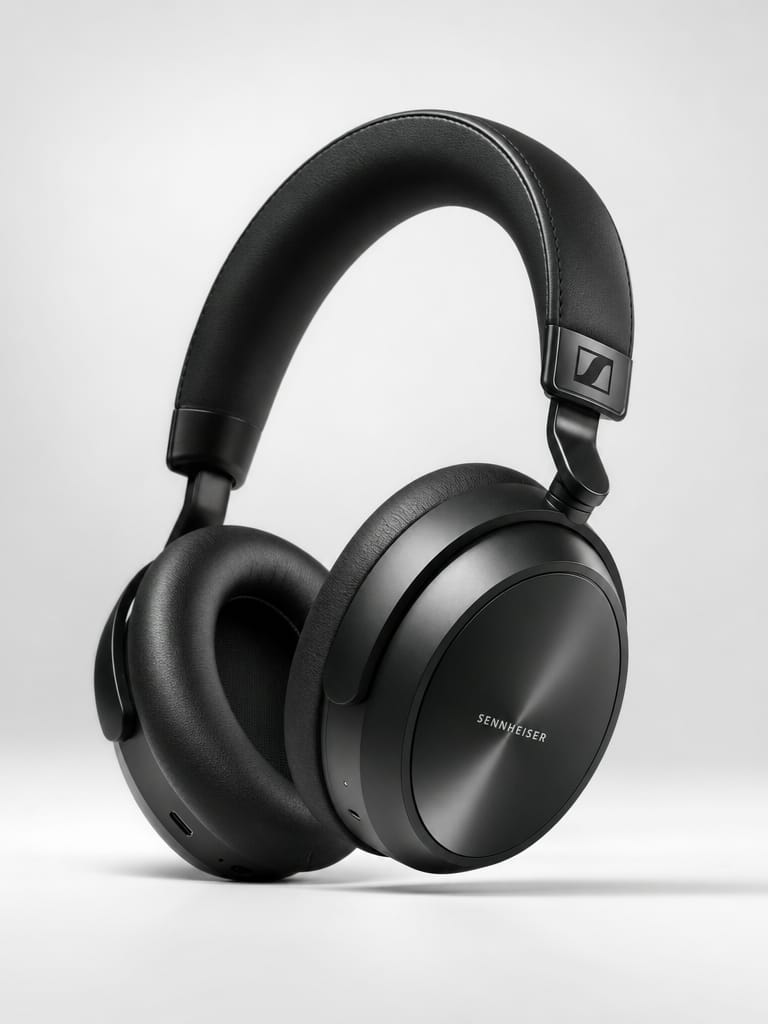
![V4.0q [instant] output](https://shortgenius.com/cdn-cgi/image/width=3840,quality=80,format=auto/https://assets.shortgenius.com/example-model-output/1a4fc6d7-04b2-4716-8cad-3df20e286c53.jpg)
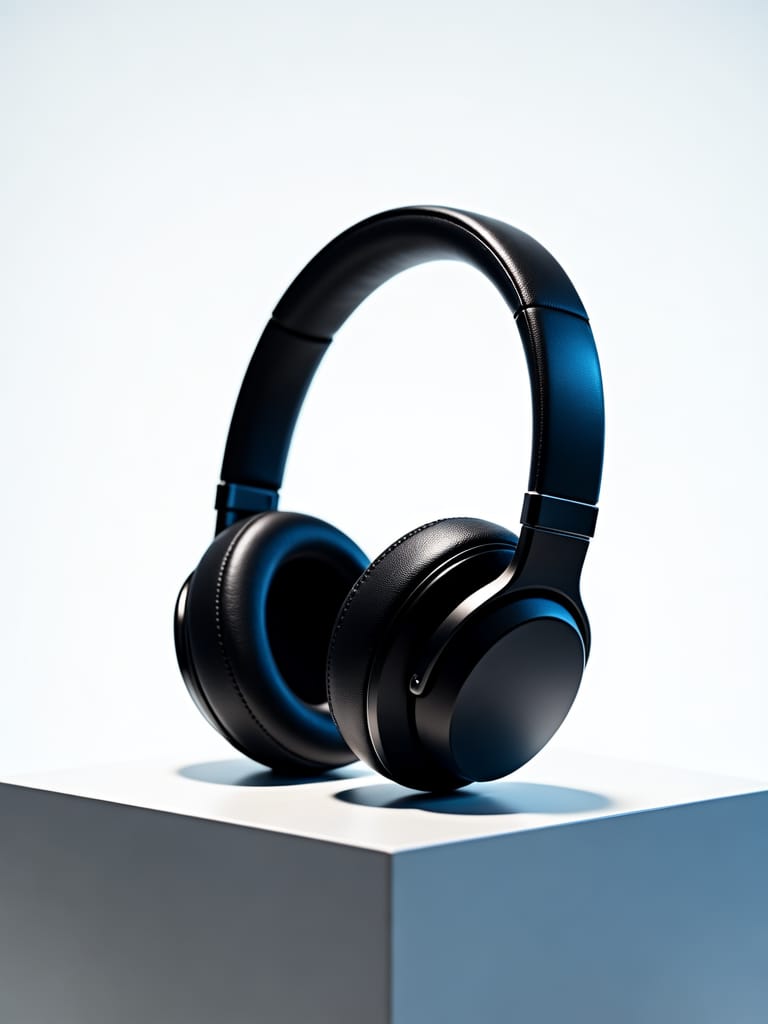
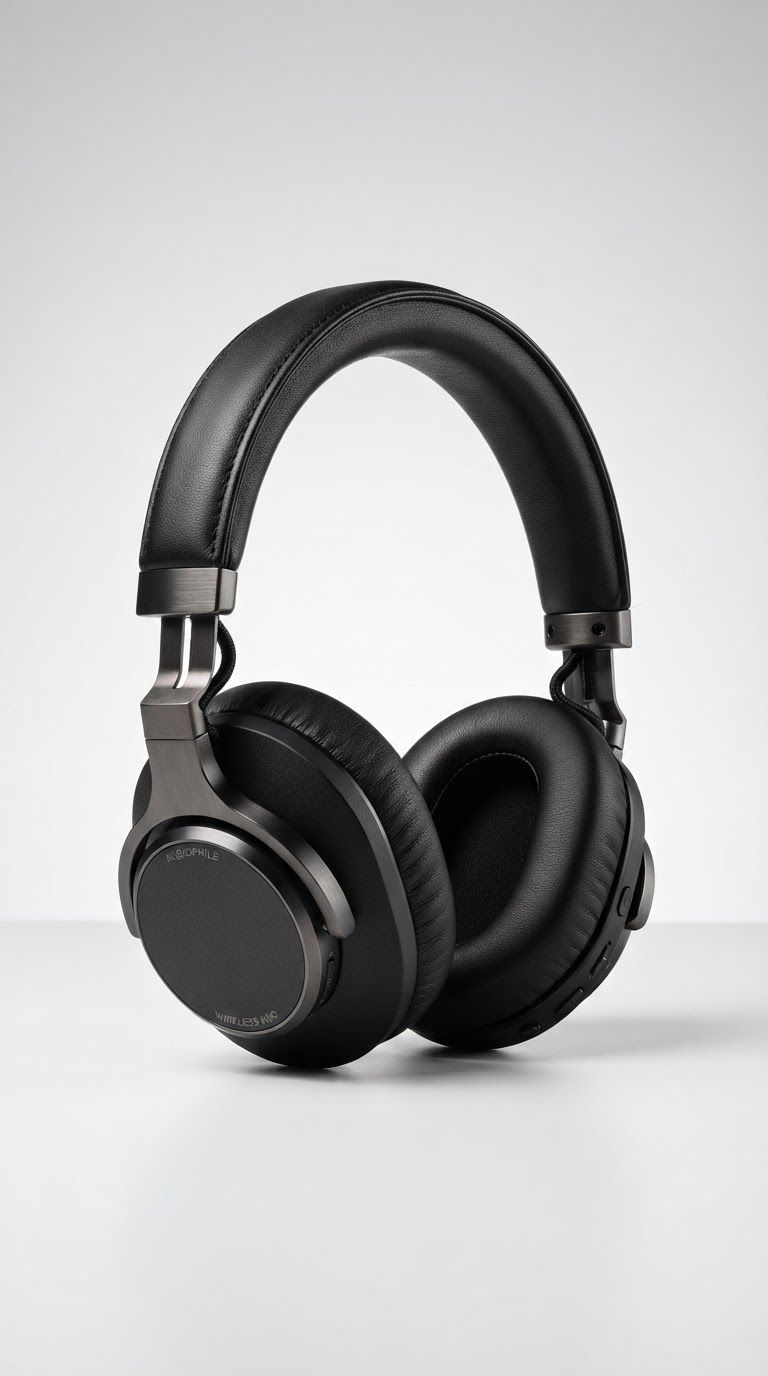
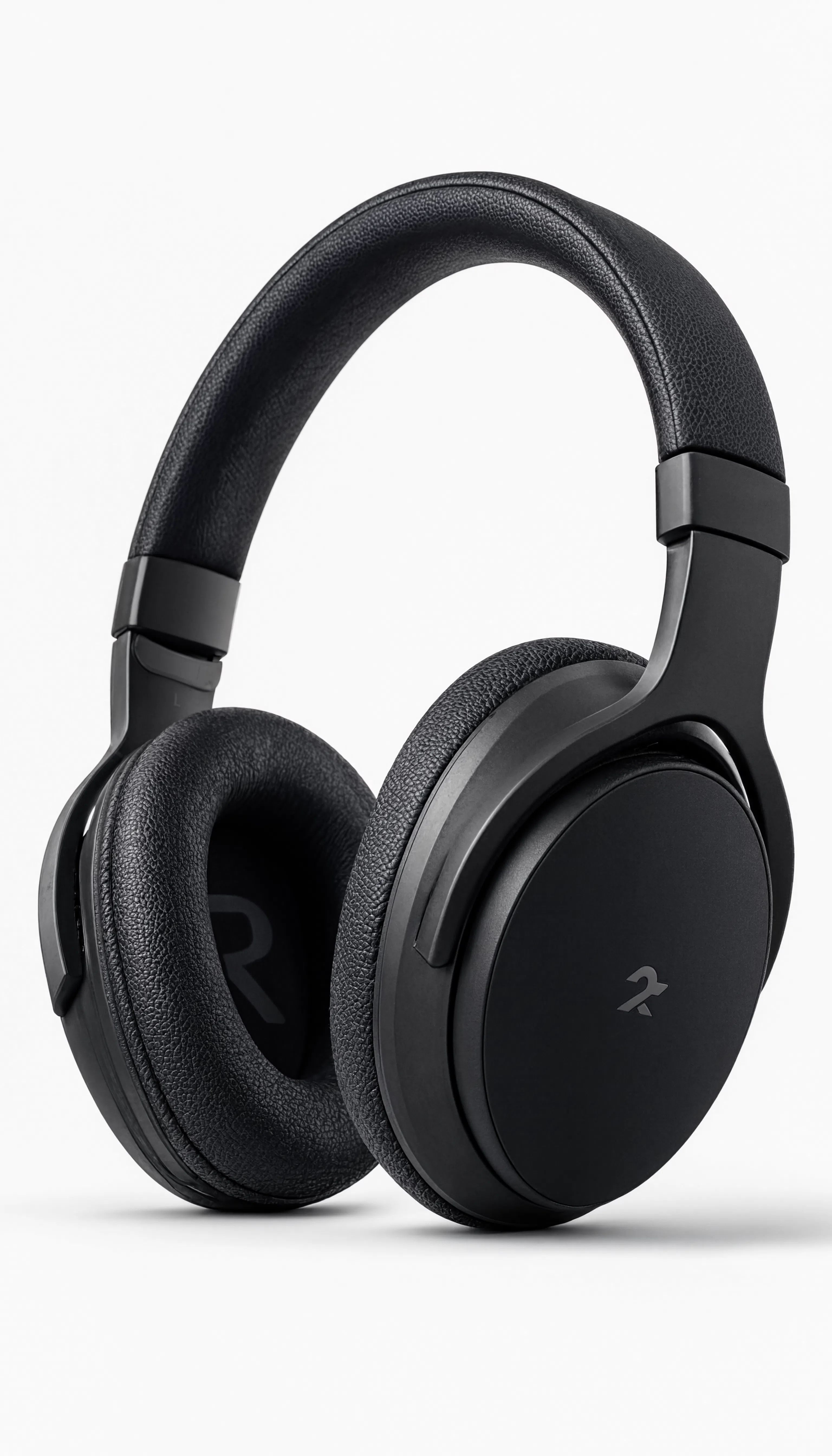
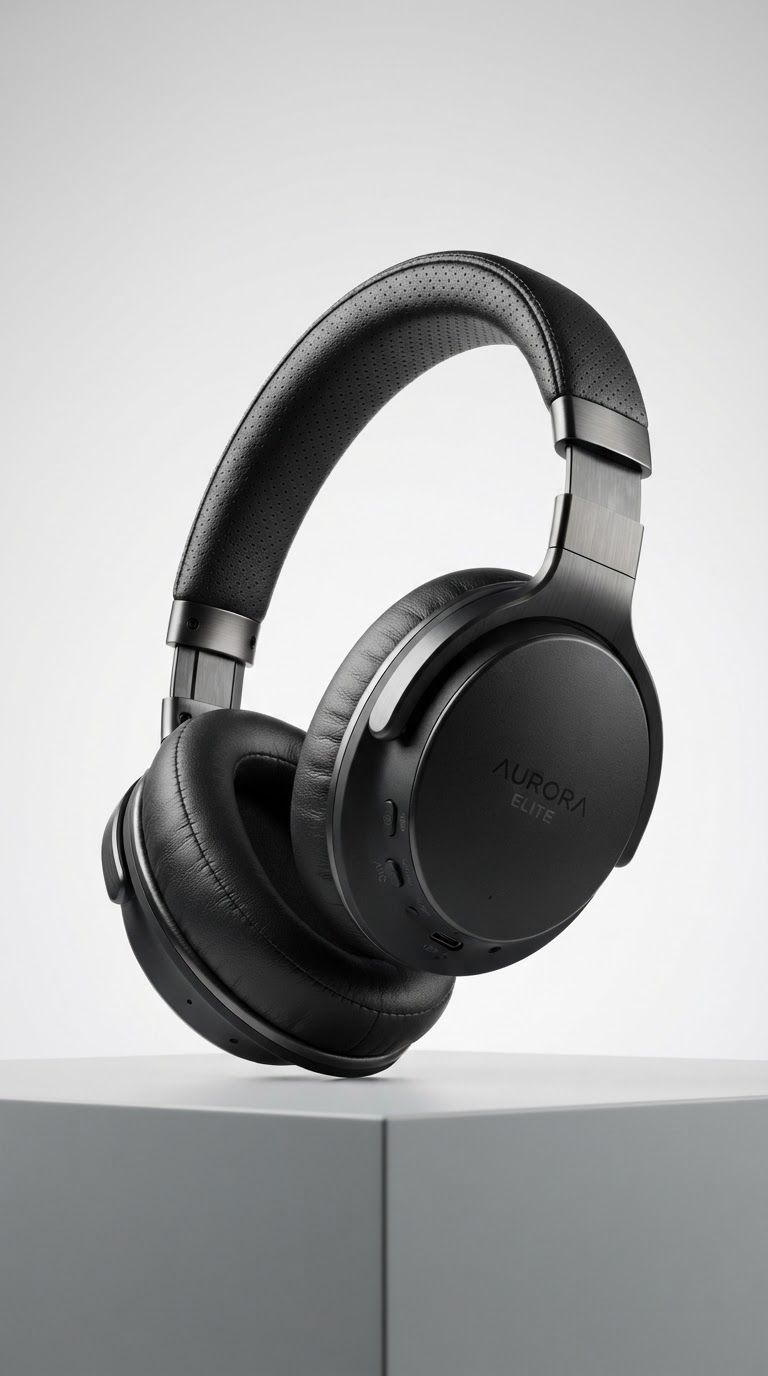
Experience perfection with V4.0q [fast]
Switch to reasoning-guided synthesis today. Be the first in your industry to deliver native 4K results at 10x the speed.
Frequently Asked Questions
Similar Models
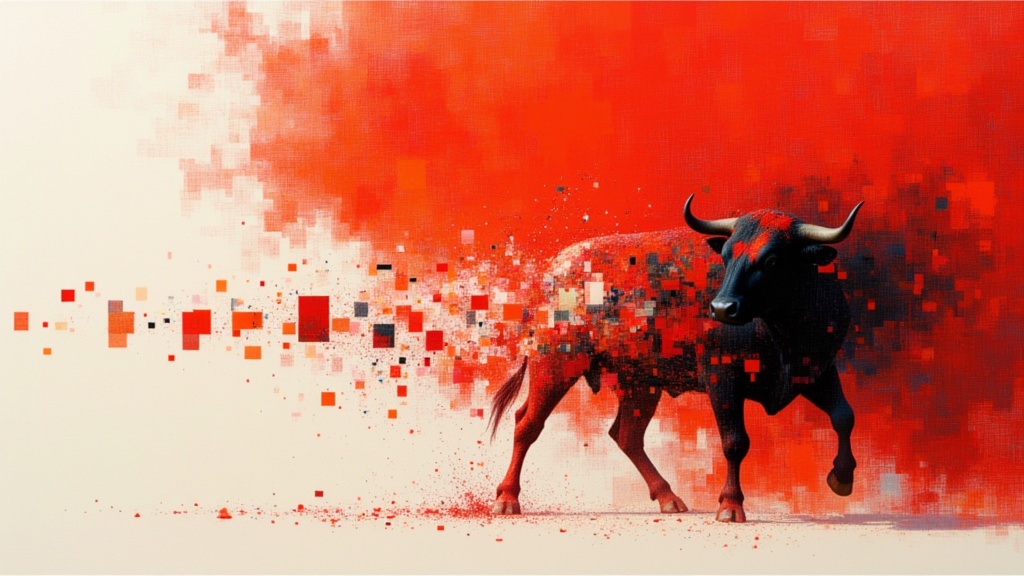
Recraft V4.1 Text to Image
Design-first text to image generation
0.2 credits

GPT Image 2 API
Detailed images with fine typography
4 credits
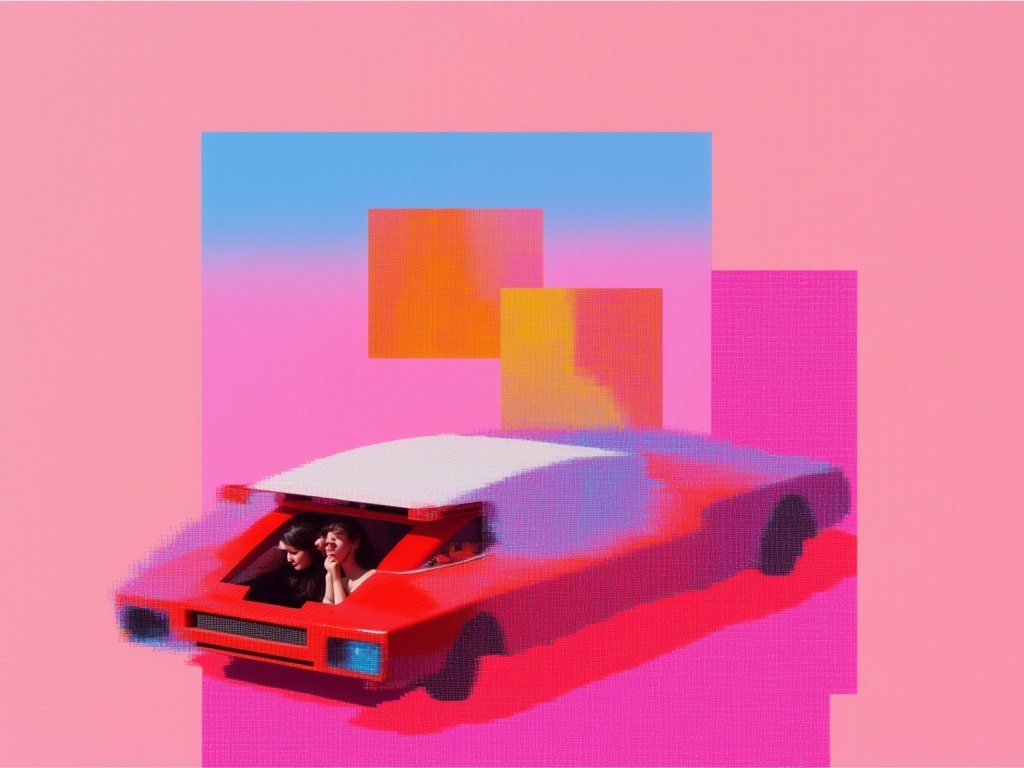
Nano Banana Lite
Fast, efficient image generation
6 credits
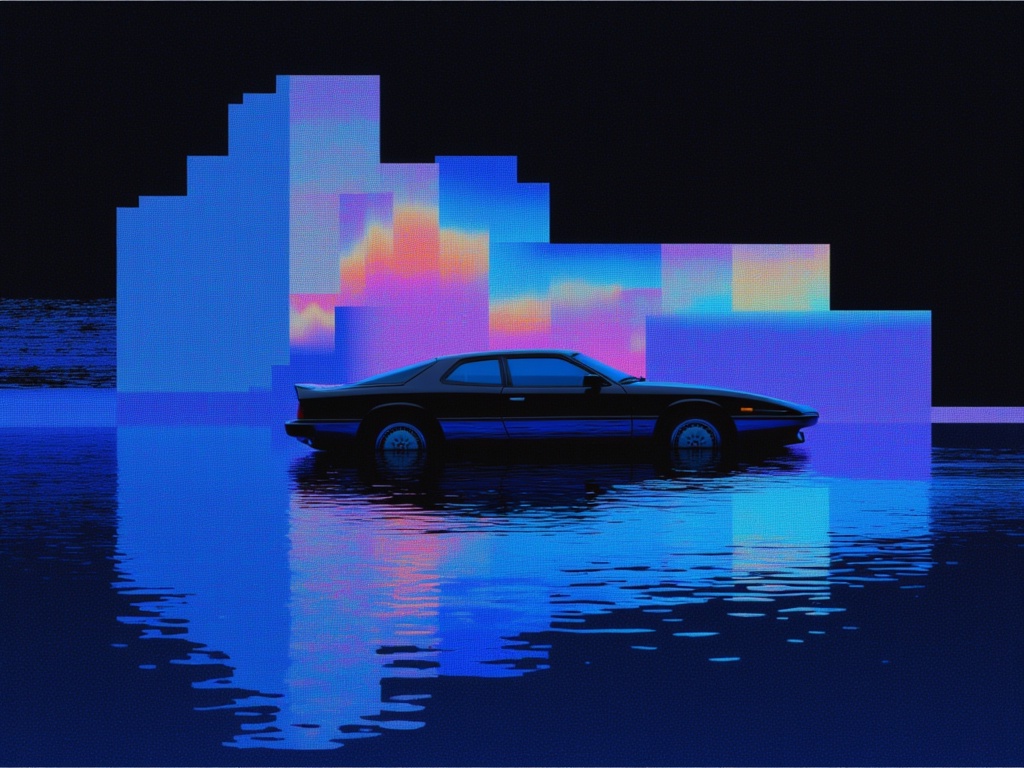
Fibo Bbq Preview
Precise structured text-to-image generation
0.2 credits
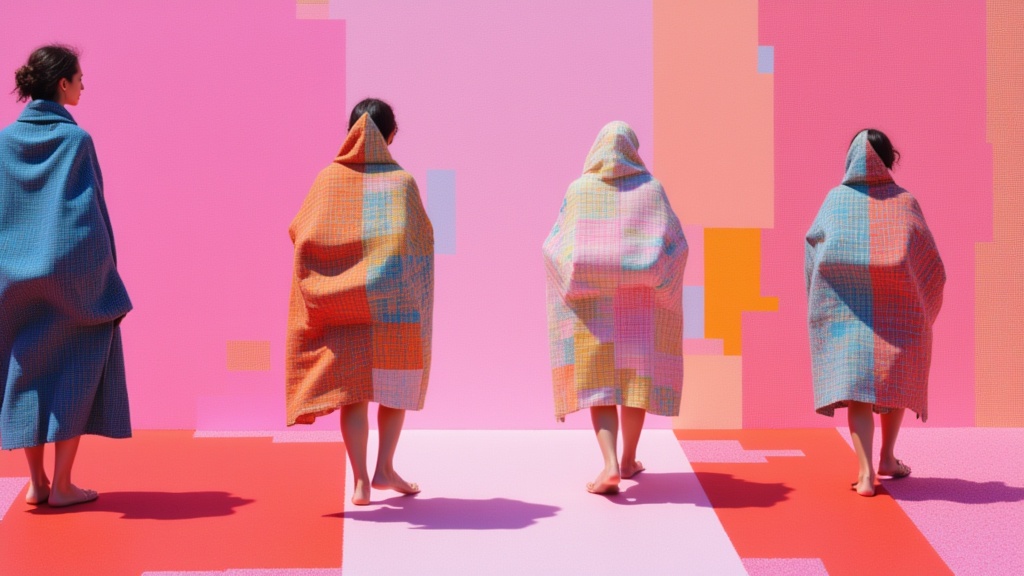
Krea 2 Large
High-fidelity text-to-image generation
0.1 credits
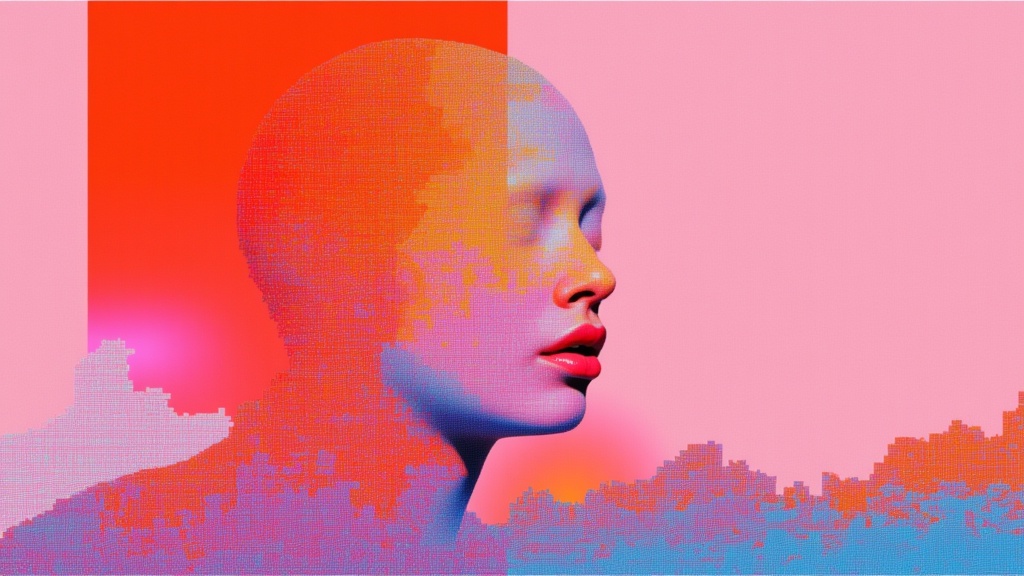
Bytedance Seedream V4.5 Text To Image
Unified image generation and editing
1.5 credits
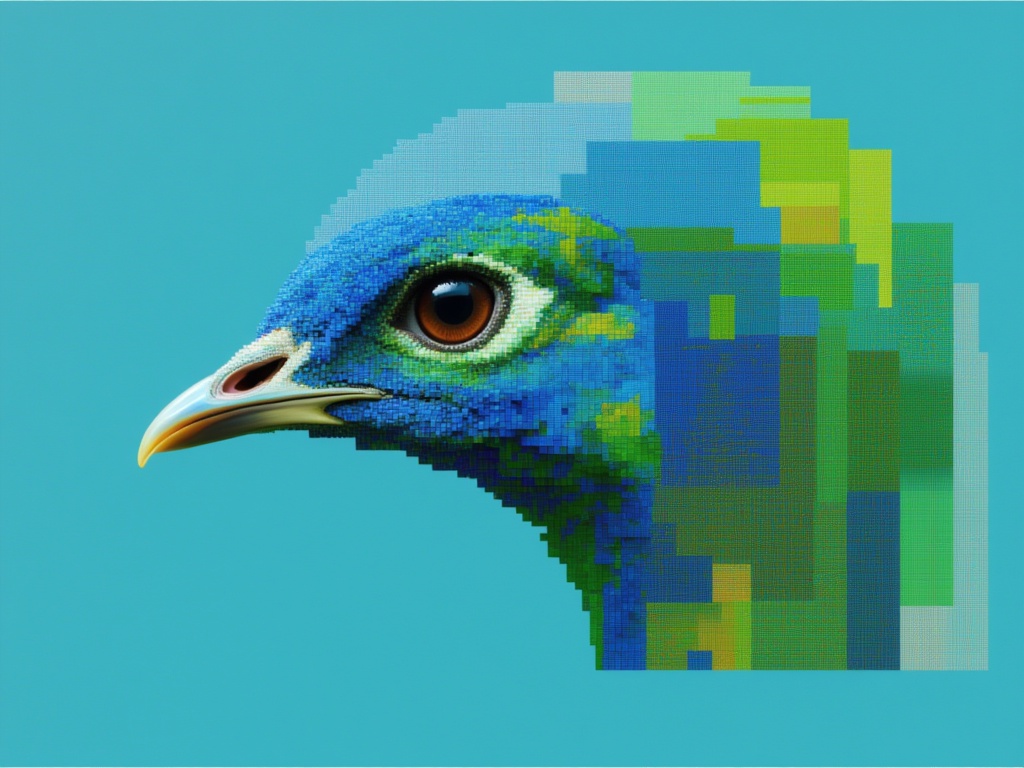
Seedream 5.0 Pro Text to Image
Flagship multilingual text-to-image generation
0.3 credits
![V4.0q [instant]](https://v3b.fal.media/files/b/0aa12d17/6liDSFFStjD4rStlm4CS1.jpg)
V4.0q [instant]
Fast text rendering image generation
0.1 credits
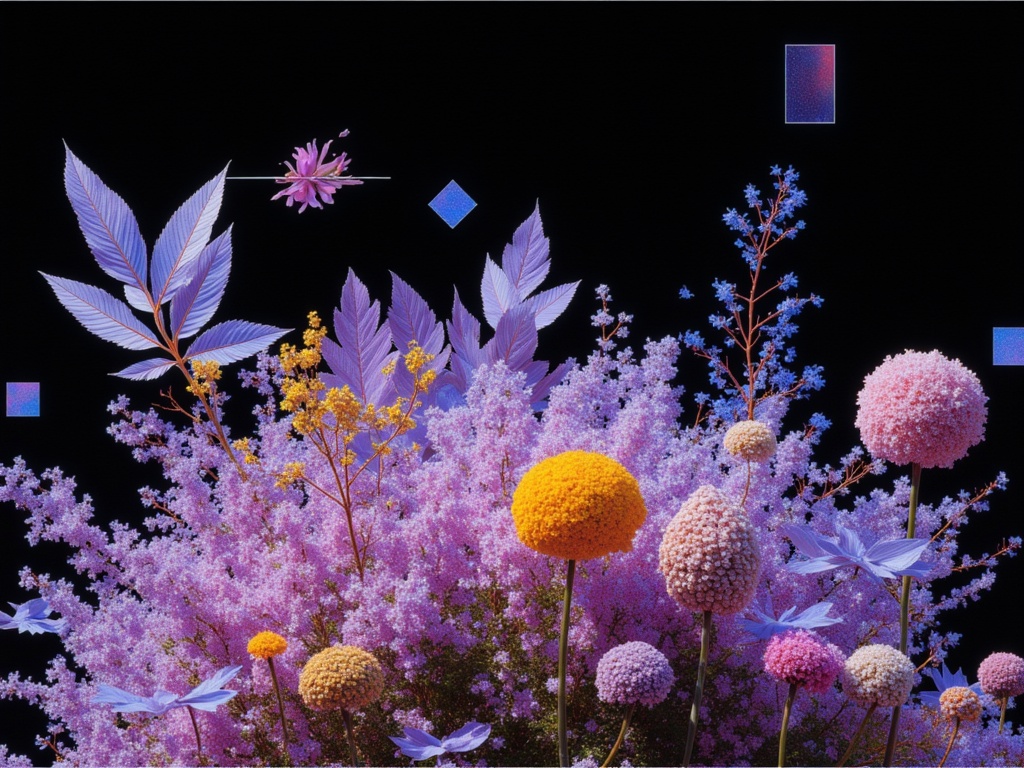
Reve 2.1
High-quality text-to-image with accurate text
1.3 credits