Goal Force
Bring images to life
Physics-driven video from images
PORTRAIT ANIMATION
FASHION PORTRAIT MOTION
Goal Force is a cutting-edge image-to-video model developed by Black Forest Labs that empowers creative professionals to bring still images to life using physics-based animation. With this tool, artists, designers, filmmakers, and content creators can take a single image and generate a short, plausible video, where objects within the image move as if governed by real-world physical laws. The unique innovation at the heart of Goal Force is its ability to specify exactly how you want an object to move—by setting the target point, force direction, and the strength of that force. The resulting video accurately reflects these physical inputs, making it ideal for anyone looking to simulate natural motion or dynamic interactions in their creative projects.
This model is exceptionally well-suited for creative professionals who depend on visual storytelling. For example, if you want to animate a scene like a hand pushing a light bulb to make it sway, a soccer ball rolling after being kicked, or the tumbling motion of a pool ball after being struck with a cue, Goal Force is designed to deliver such effects quickly and convincingly. By describing the desired interaction using simple language and a chosen image, users can control both what moves in the scene and how it moves, resulting in short video clips that feel both compelling and physically correct.
The workflow is straightforward: users start by uploading or linking to a still image, which the model automatically resizes to 832x480 pixels to ensure optimal processing. Next, a text description—such as “A hand pushes the hanging bulb, causing it to sway”—is provided to guide the animation, capturing the desired scene and interaction. The distinctive feature of Goal Force is its intuitive motion controls. As a user, you set where the force is applied, in which direction, and how intense that force should be, for any object in the image that you wish to animate. This can be achieved either by providing descriptive language or configuring motion parameters visually (where supported). Whether you aim to show a gentle nudge or a powerful collision, the model’s focus on physical plausibility ensures that movements appear natural, not arbitrary.
Creative controls go far beyond simply selecting which object to move. You can experiment with the strength and angle of the force, determine whether the interaction should look like a direct push or an indirect influence, and even allow the model to infer certain characteristics, like the object’s mass, for more organic results. There’s also a prompt adherence setting that helps you fine-tune the outcome for creative fidelity versus speed, ensuring the right balance for your project needs. For further creative control, you can exclude unwanted characteristics (such as blurriness or distortion), resulting in cleaner, higher-quality output.
Goal Force’s generated videos are returned as downloadable MP4 files, ensuring they’re compatible with virtually all standard video editing and presentation tools. These videos reflect the original input image’s content with the added dimension of rich, dynamic motion created according to your directions. The model is designed to deliver results that are both visually engaging and believably physical, making it a perfect fit for storyboards, creative experiments, explainer videos, design visualizations, and marketing content that relies on dynamic scenes.
Quality and performance of the finished videos benefit from user-adjustable settings, allowing for a tradeoff between rendering speed and fine detail. Increasing the detail and quality settings can produce results with higher visual refinement, while lower settings generate previews and drafts more quickly. Seed control is also available, allowing you to reproduce results or experiment with randomized variations for creative exploration.
Practical considerations include the model’s internal resizing (all images will be processed at 832x480 resolution), so users should choose images that suit this aspect ratio for best outcomes. The physics interactions are limited to what is described or configured by the user—the model does not autonomously invent or animate new types of complex motion beyond the provided instructions. Best results are achieved with clear and direct guidance, both in imagery (with distinct objects to move) and textual scene descriptions.
In summary, Goal Force equips creative professionals with a powerful, intuitive tool to transform static images into physics-based video clips. Whether you’re visualizing product interactions, telling a story through motion, or adding life to design concepts, this model bridges the gap between imagination and believable animation—all with just an image, a prompt, and simple physics-inspired controls.
Generate using the most advanced video model
Add the image that you want change
Upload image
Add an optional image to guide the look, character, or environment
A woman kneeling in darkness, illuminated by a warm, radiant beam of light emerging from her raised hand.
Write your scenario
Type a prompt - Model understands the physics, lighting, and emotional intent of your scene
Start sharing
Click to generate your final output and download production grade video
Beyond the prompt: A new level of control
NATURE CINEMATOGRAPHY
Exhibits wide-scene, physics-realistic environmental motion. Ideal for calming nature B-roll and landscape cinematics.
PRODUCT CLOSE-UP ANIMATION
Highlights realistic object movement and rotations, perfect for high-end product reveal videos for e-commerce or ads.
SPORTS ACTION DYNAMICS
Shows complex, physics-based object interactions in a wide landscape shot. Perfect for demonstrating active sports movement and realism.
Compare with similar models
“Animate with subtle natural movements. Add gentle breathing motion to shoulders. Create natural eye blinks every 2-3 seconds. Introduce slight head micro-movements. Hair moves softly as if in gentle breeze. Maintain the warm smile with subtle lip movements. Eyes should have natural catchlight movement. Keep animation subtle and lifelike, not exaggerated. 5 seconds, smooth looping.”
Experience perfection with Goal Force
Switch to reasoning-guided synthesis today. Be the first in your industry to deliver native 4K results at 10x the speed.
Frequently Asked Questions
Similar Models
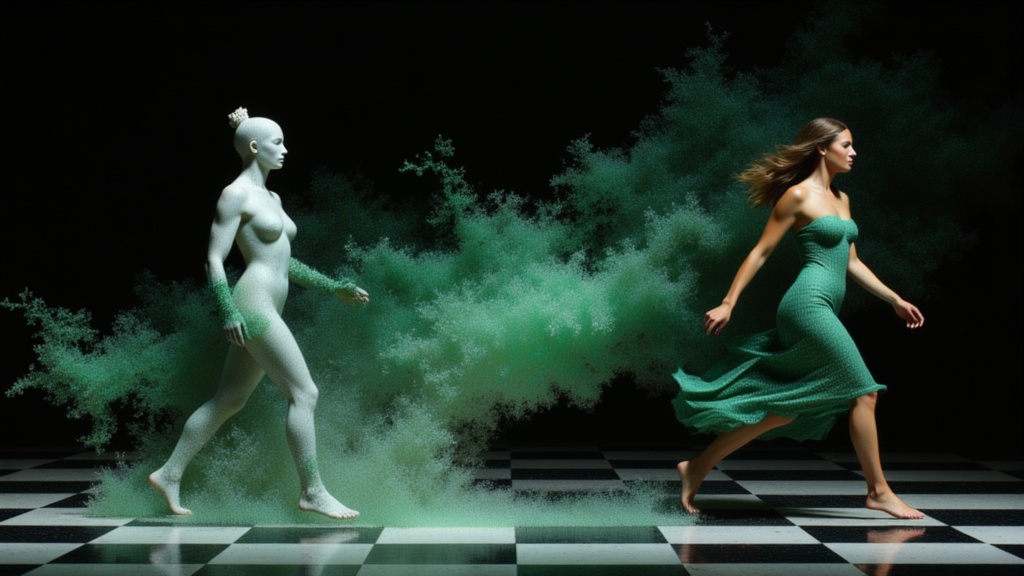
PixVerse C1 Reference to Video
Character-consistent video from references
0.1 credits

PixVerse C1 Transition
Cinematic transitions between two images
0.1 credits
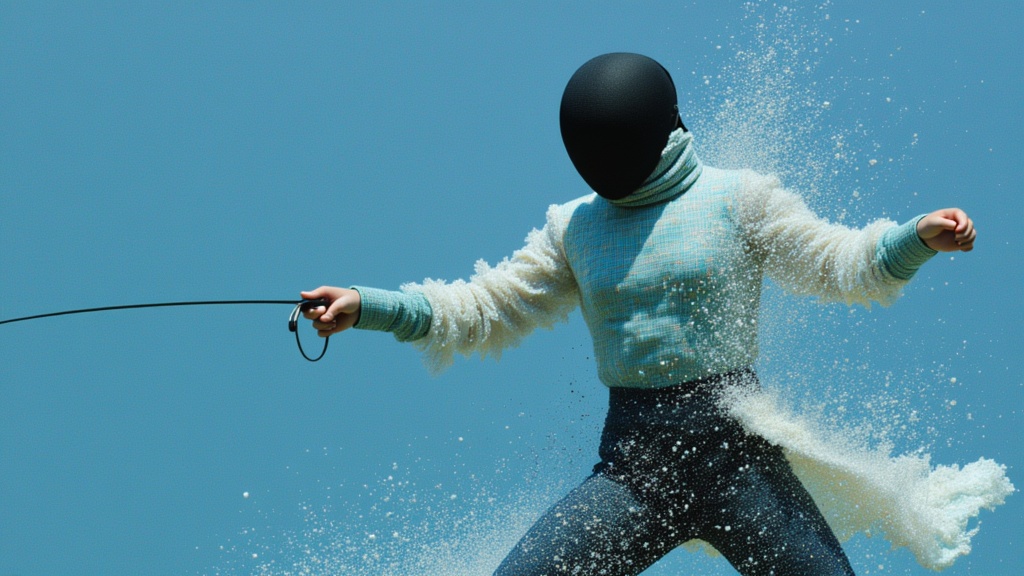
PixVerse
Animate images into styled videos
0.1 credits
Veo3.1 Lite FLF
Animate between first/last frames
1.6 credits
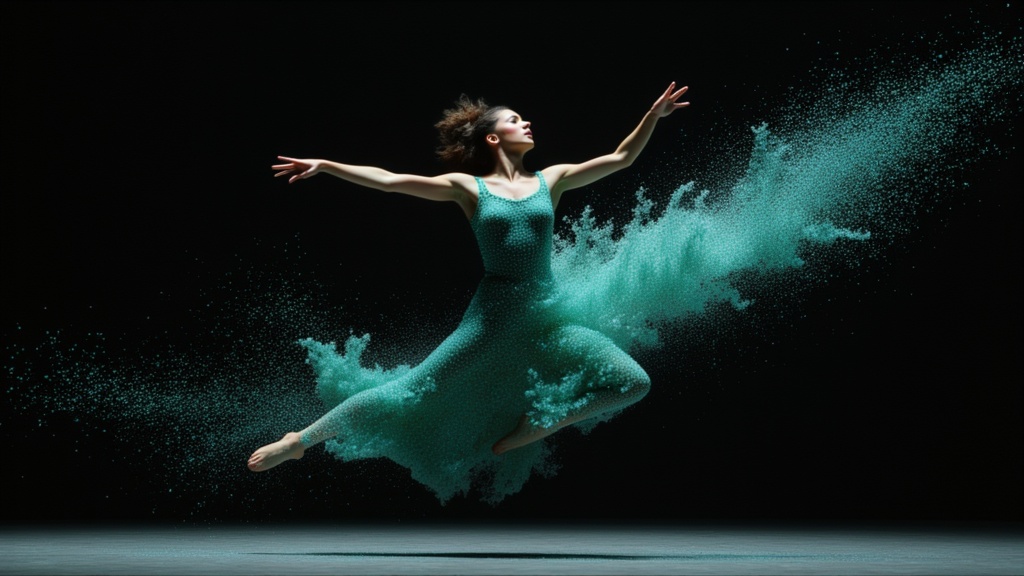
PixVerse C1 Image to Video
Cinematic video from your images
0.1 credits
PixVerse
Smooth image-to-image video transitions
0.1 credits

Seedance 2 Image to Video
Cinematic video from images
10 credits
Veo3.1 Lite Image to Video
Animate images into pro videos
1.6 credits
Wan
Animate images into smooth video
2 credits