Qwen Image 2
Edición precisa de imágenes
Unified image editing and generation
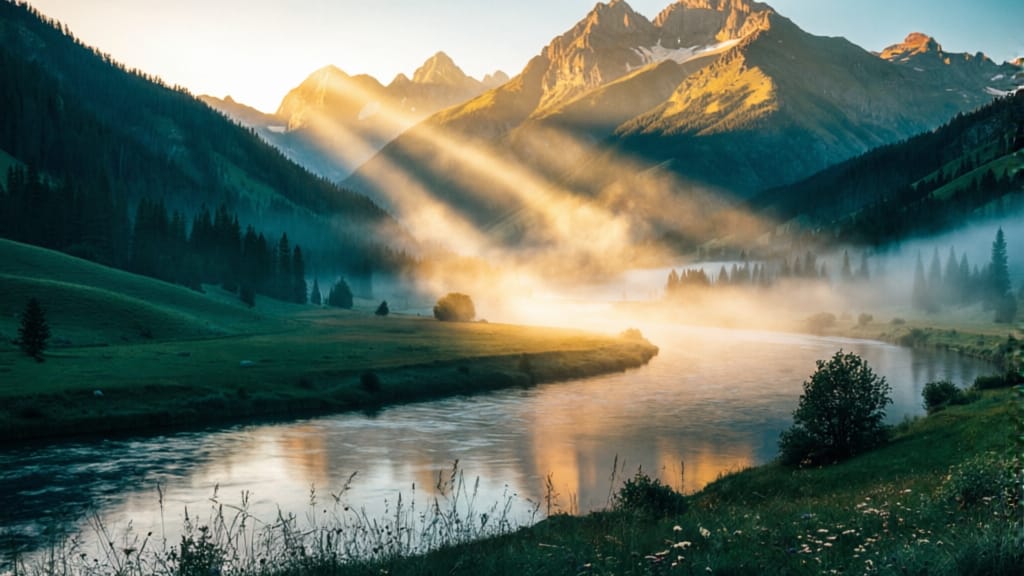
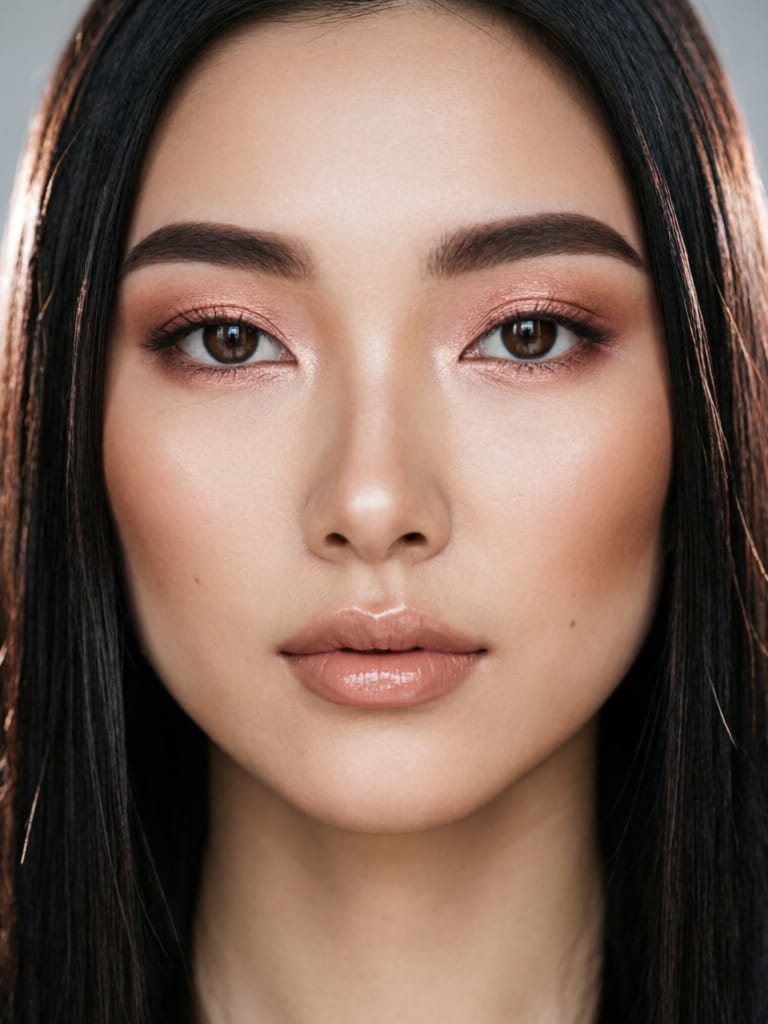
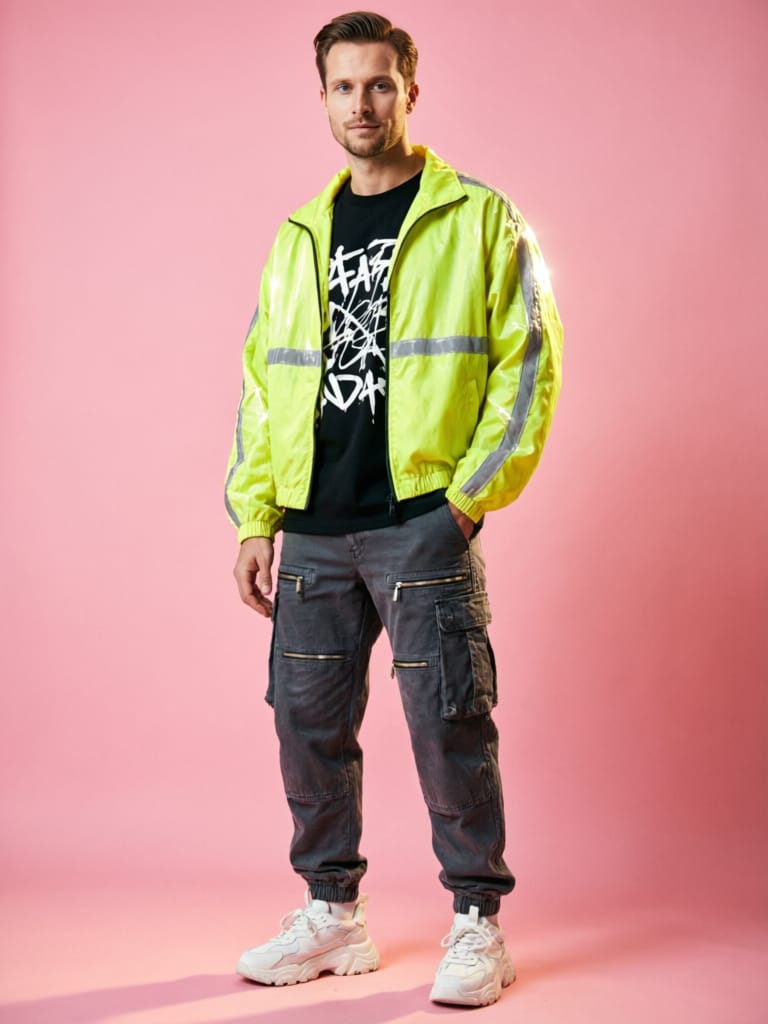
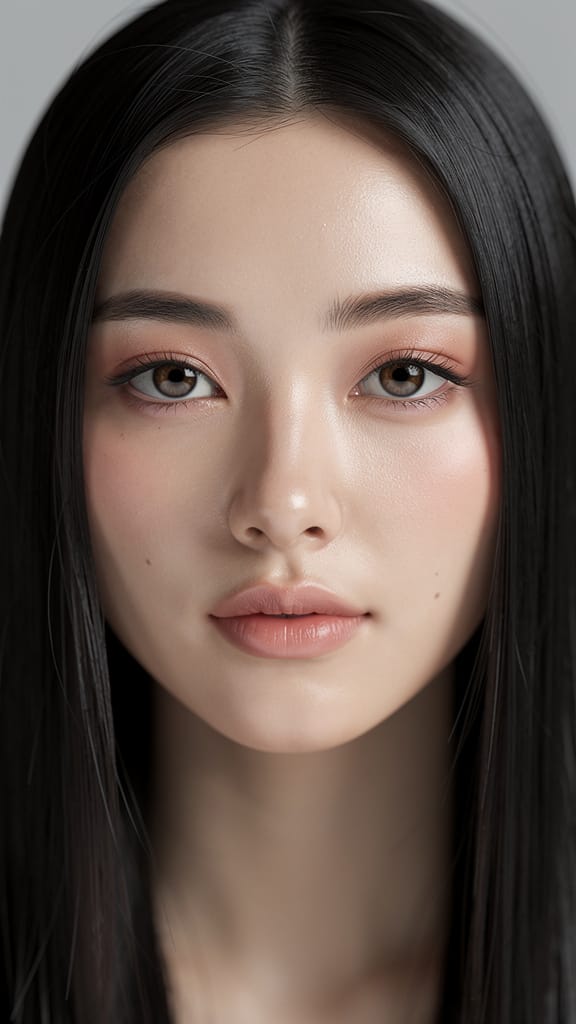
MEJORA DE MAQUILLAJE E ILUMINACIÓN
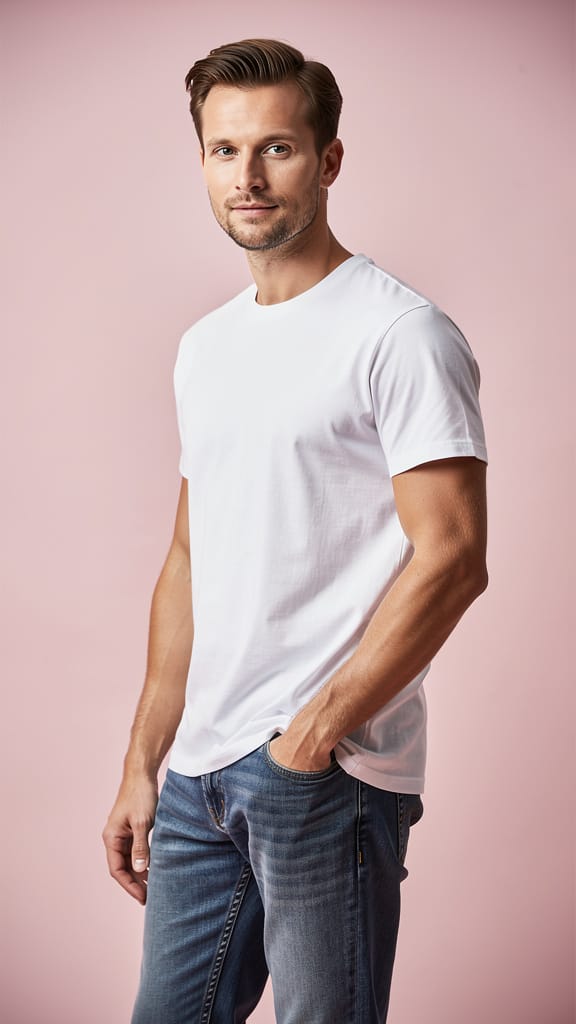
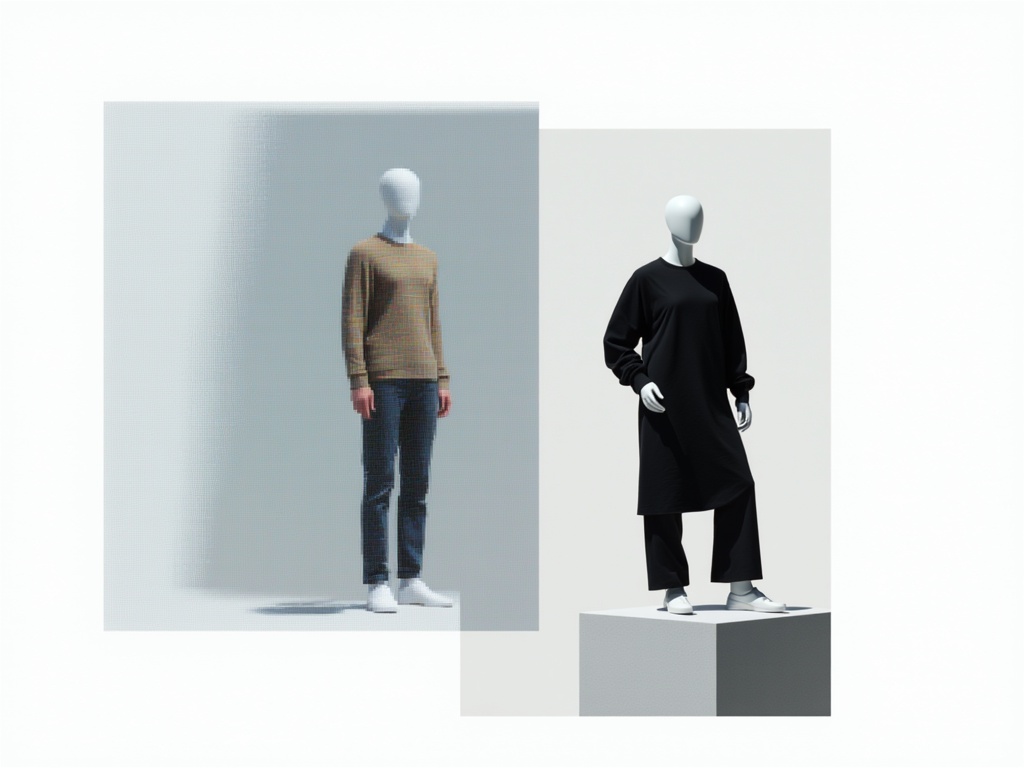
REMIX DE ESTILO DE MODA
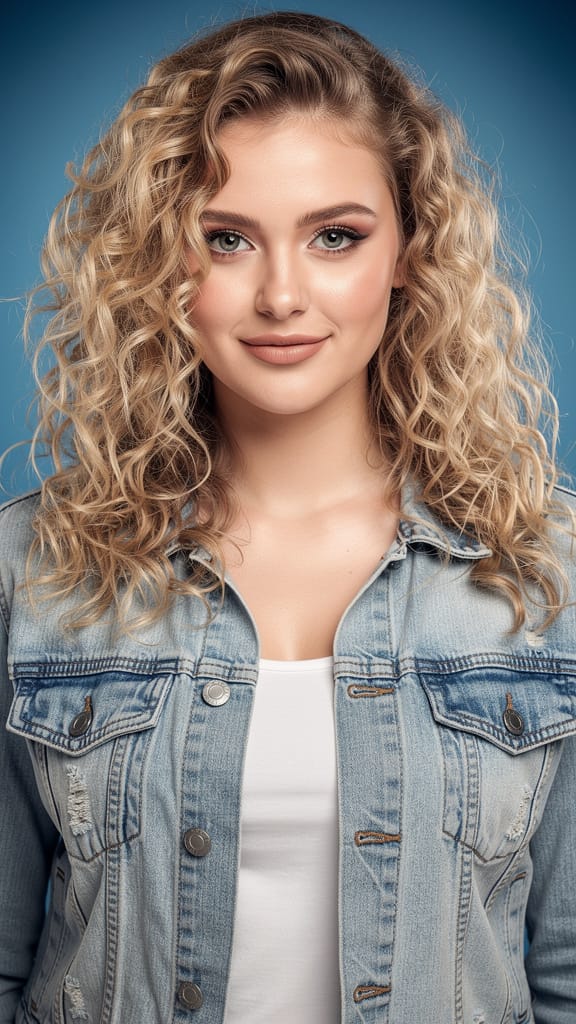
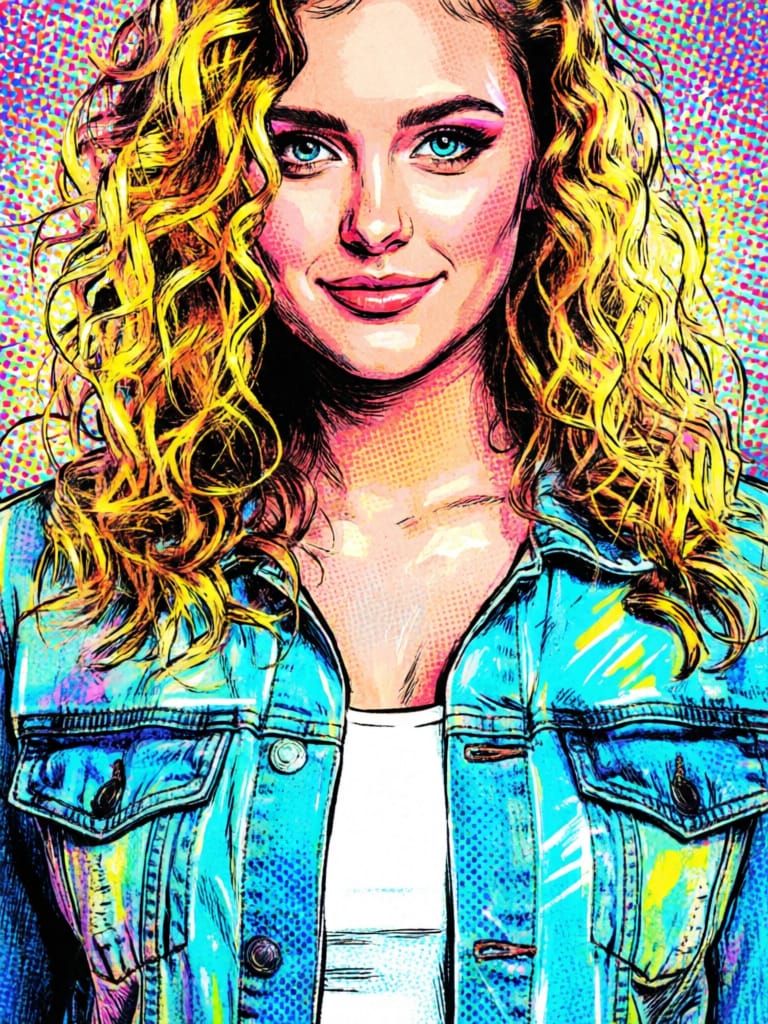
TRANSFERENCIA DE ESTILO ARTÍSTICO
Qwen Image 2 es un modelo unificado de próxima generación para edición y generación de imágenes desarrollado por Black Forest Labs, diseñado para empoderar a profesionales creativos con capacidades avanzadas para transformar, mejorar y reimaginar imágenes. Este modelo destaca por permitir tanto la generación de imágenes como la edición detallada basada en imágenes usando controles intuitivos, lo que lo hace especialmente valioso para artistas, diseñadores, cineastas y creadores de contenido visual que requieren flexibilidad y precisión.
En su núcleo, Qwen Image 2 permite a los usuarios trabajar con una a tres imágenes de referencia, usando prompts de texto simples para indicar cómo deben transformarse o combinarse estas referencias. Ya sea que quieras actualizar el ambiente o la estación de una escena (como convertir un paisaje invernal en un paraíso veraniego), aplicar transformaciones estilizadas o evitar elementos indeseados, el modelo hace que la edición compleja de imágenes sea accesible a través del lenguaje natural. Puedes especificar los cambios deseados y también establecer guías sobre lo que NO quieres que aparezca en la obra final.
El sistema acepta prompts en inglés y chino, proporcionando amplia accesibilidad para usuarios globales. El control creativo se hace accesible mediante varias opciones clave para el usuario:
-
Edición y generación basada en prompts: Guía la transformación de tus imágenes de referencia usando descripciones detalladas (o breves). Simplemente describe lo que imaginas, por ejemplo, pidiendo que "haga que esta escena de parque aparezca al atardecer" o "agregue follaje otoñal vibrante".
-
Prompting negativo: Usa esta función para evitar contenido no deseado, como errores, ruido visual o artefactos fuera de estilo, afinando no solo lo que aparece, sino también lo que se omite con cuidado.
-
Expansión optimizada de prompts: Una opción impulsada por IA ayuda a expandir tus ideas breves en prompts más detallados detrás de escenas, mejorando los resultados creativos incluso si tus instrucciones son cortas. Esto está habilitado por defecto para obtener las mejores imágenes posibles.
-
Formatos y tamaños de imagen flexibles: Elige entre PNG, JPEG o WEBP para la salida, y especifica las dimensiones para adaptarse a tu flujo de trabajo. El modelo soporta una variedad de tamaños preestablecidos (como cuadrado, retrato y proporciones de paisaje), y puede preservar la resolución de tus imágenes originales subidas siempre que la imagen final esté entre 512x512 y 2048x2048 píxeles.
-
Moderación de contenido: Controles de seguridad integrados ayudan a filtrar resultados con contenido inapropiado, brindando tranquilidad para proyectos profesionales y requisitos de editores.
-
Múltiples salidas en una sola vez: Para iteración rápida y variedad creativa, puedes solicitar de 1 a 6 versiones de cada edición, ayudándote a explorar diferentes interpretaciones o elegir la mejor opción para tu proyecto.
-
Reproducibilidad: Para consistencia en proyectos o flujos de trabajo creativos afinados, puedes generar resultados idénticos fijando el valor de "seed" aleatorio, permitiéndote revisitar y ajustar creaciones anteriores de manera confiable.
Qwen Image 2 soporta imágenes de referencia en formatos profesionales comunes: JPEG, JPG, PNG (sin transparencia) y WEBP. Las imágenes de entrada pueden tener hasta 10MB de tamaño y dimensiones de 384 a 5000 píxeles en cualquier lado, permitiendo un detalle significativo. Sin embargo, las imágenes de salida están limitadas a tamaños de renderizado final entre 512x512 y 2048x2048 píxeles para garantizar calidad y rendimiento óptimos.
Casos de uso creativos clave incluyen narración visual, transformación de ambiente o estación, adaptación de escenas para cine y animación, prototipos de diseño, reinterpretación estilizada e iteración rápida para campañas de contenido. Los controles detallados de prompt y prompt negativo permiten una dirección precisa, mientras que la capacidad de procesar múltiples imágenes de referencia habilita ediciones compuestas y transformaciones conscientes del contexto.
Mejores prácticas incluyen:
- Referenciar tus imágenes de referencia en el orden correcto dentro de tu prompt si usas múltiples fuentes.
- Especificar claramente tanto lo que quieres como lo que no quieres para evitar elementos indeseados.
- Aprovechar las opciones de generación de múltiples imágenes para comparar y seleccionar resultados ideales.
- Mantener las imágenes de referencia dentro de las guías de tamaño y formato recomendadas para un procesamiento fluido y la mejor calidad.
En resumen, Qwen Image 2 es ideal para profesionales creativos que necesitan una herramienta versátil, intuitiva y poderosa para generar y editar imágenes de alta calidad basadas en inspiración visual y textual.
Generar con el editor de imágenes más avanzado
Add the image that you want change
Subir imagen
Agrega la imagen que quieres editar o transformar
A woman kneeling in darkness, illuminated by a warm, radiant beam of light emerging from her raised hand.
Escribe tus cambios
Describe las ediciones que quieres: cambios de estilo, eliminación de objetos o mejoras
Comenzar a compartir
Descarga tu imagen editada profesionalmente
Más allá del prompt: Un nuevo nivel de control
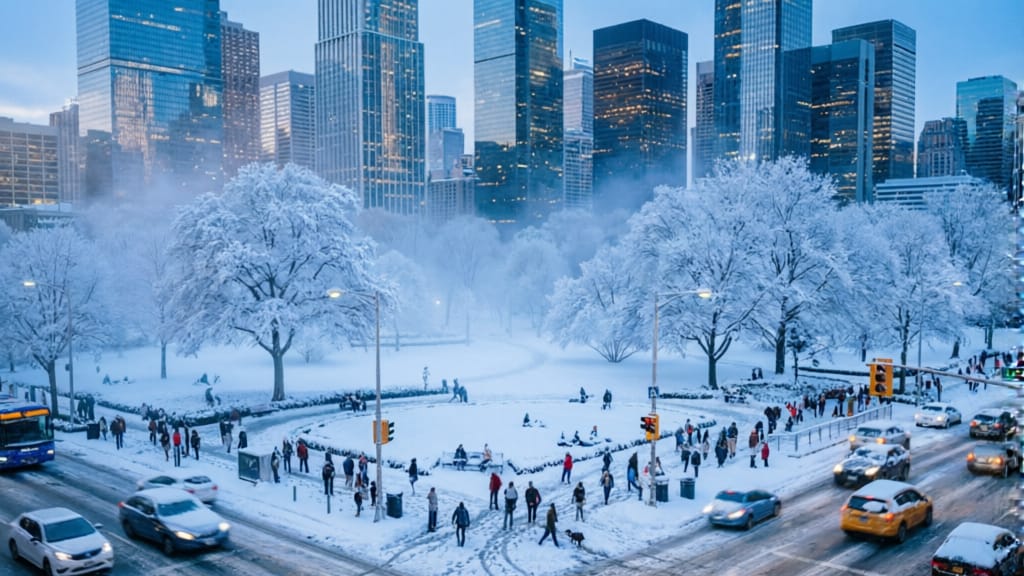
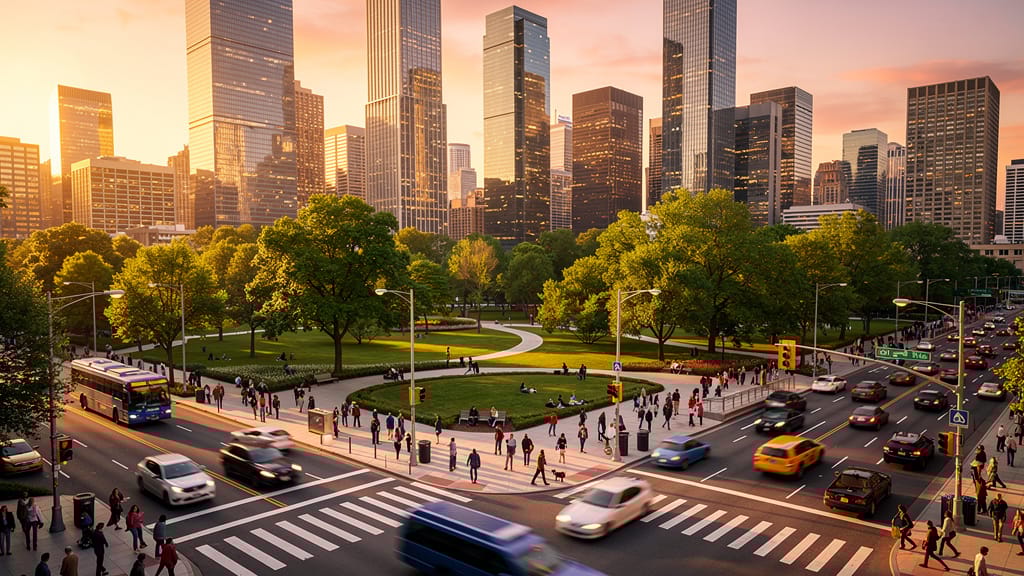
CAMBIO ESTACIONAL DE ESCENA
Muestra la capacidad del modelo para cambiar drásticamente la estación y el ambiente de una foto de paisaje, abriendo nuevas posibilidades creativas para viajes, publicidad y previsualización cinematográfica.
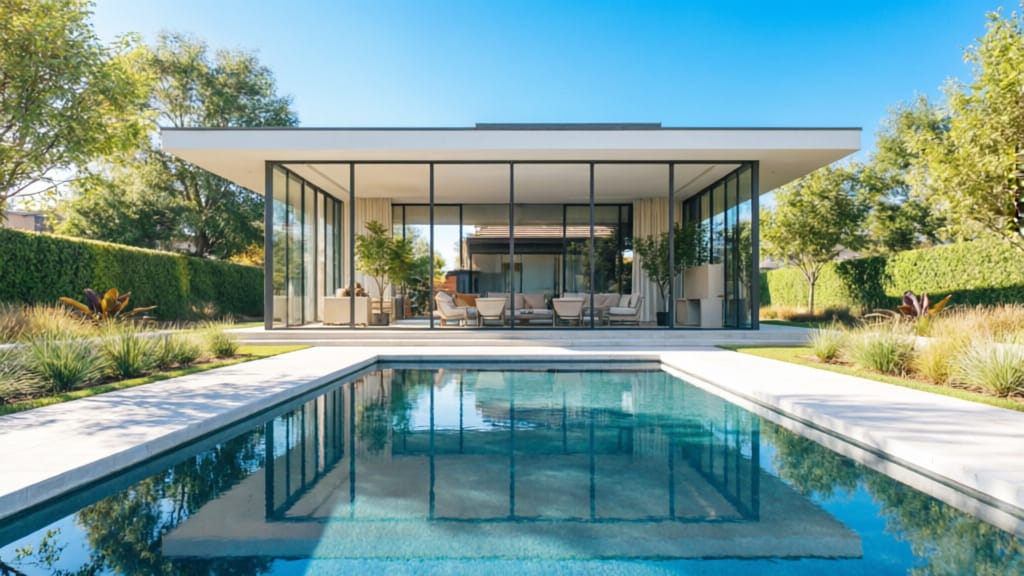
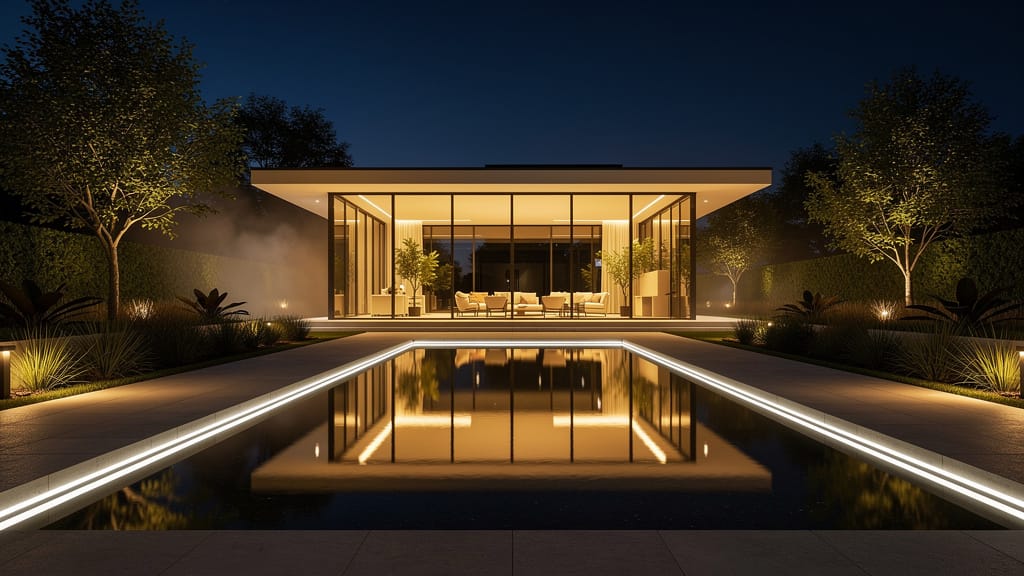
EDICIÓN ARQUITECTÓNICA NOCHE-DÍA
Demuestra transformaciones avanzadas de hora del día para fotografía arquitectónica, permitiendo reutilizar imágenes para diferentes ambientes y necesidades de marketing.
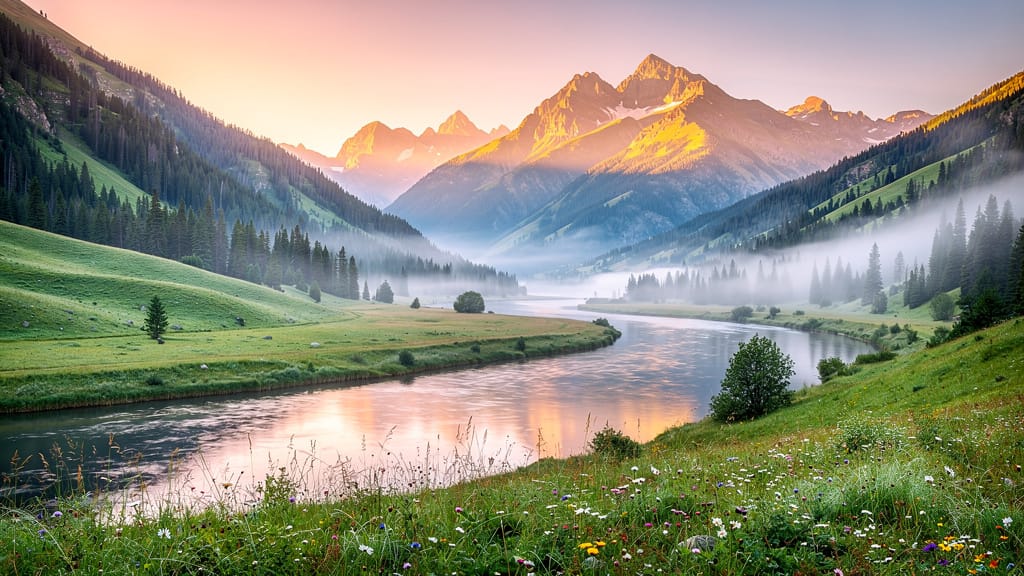
GRADUACIÓN DE COLOR CINEMATOGRÁFICA
Aplica gradación de color cinematográfica a paisajes o fotografía urbana, perfecto para narración, marketing turístico o creación de fondos de pantalla con atmósfera de película.
Comparar con modelos similares
“Transform into a classical oil painting in the style of Rembrandt. Add visible impasto brushstrokes with thick paint texture. Apply warm golden undertones and dramatic chiaroscuro lighting with deep shadows. Enhance the dramatic contrast while preserving facial structure and expression. Add subtle canvas texture visible through the paint layers.”
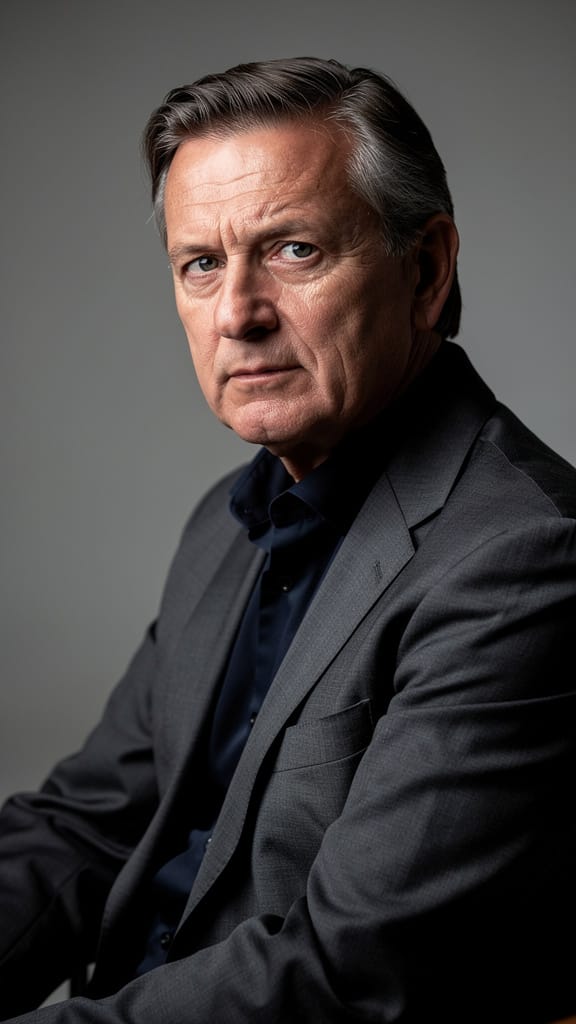
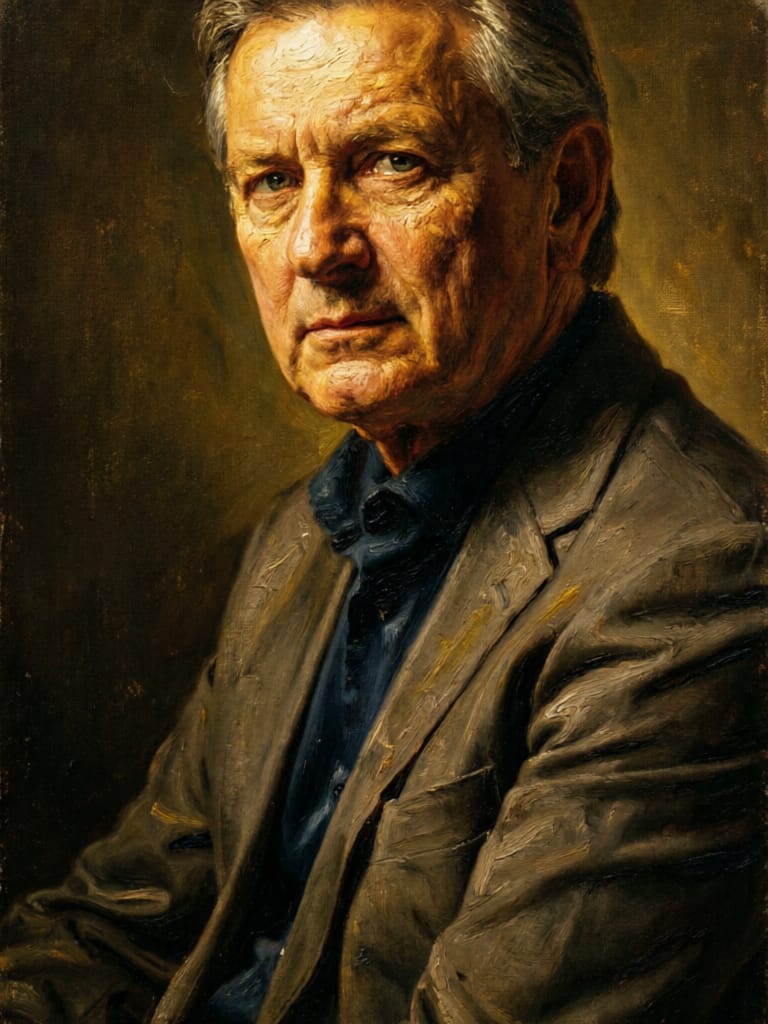
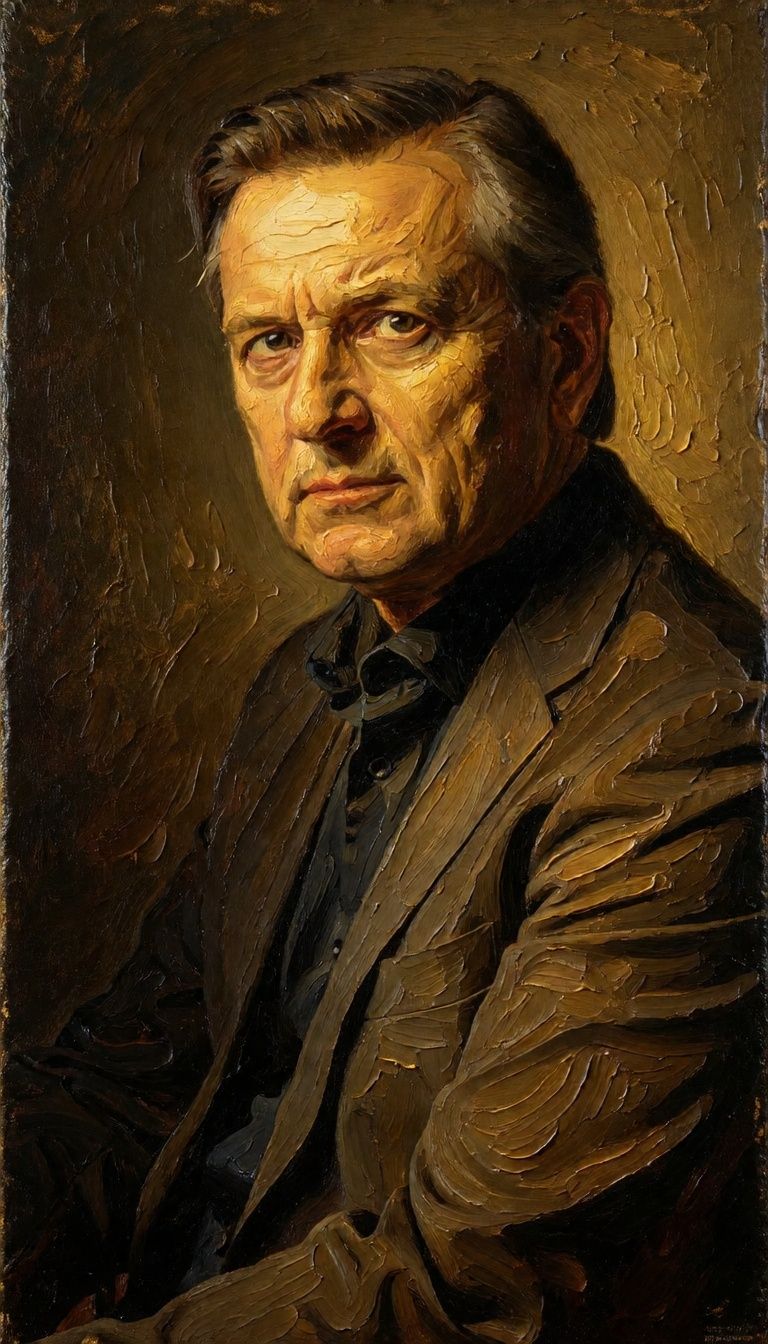

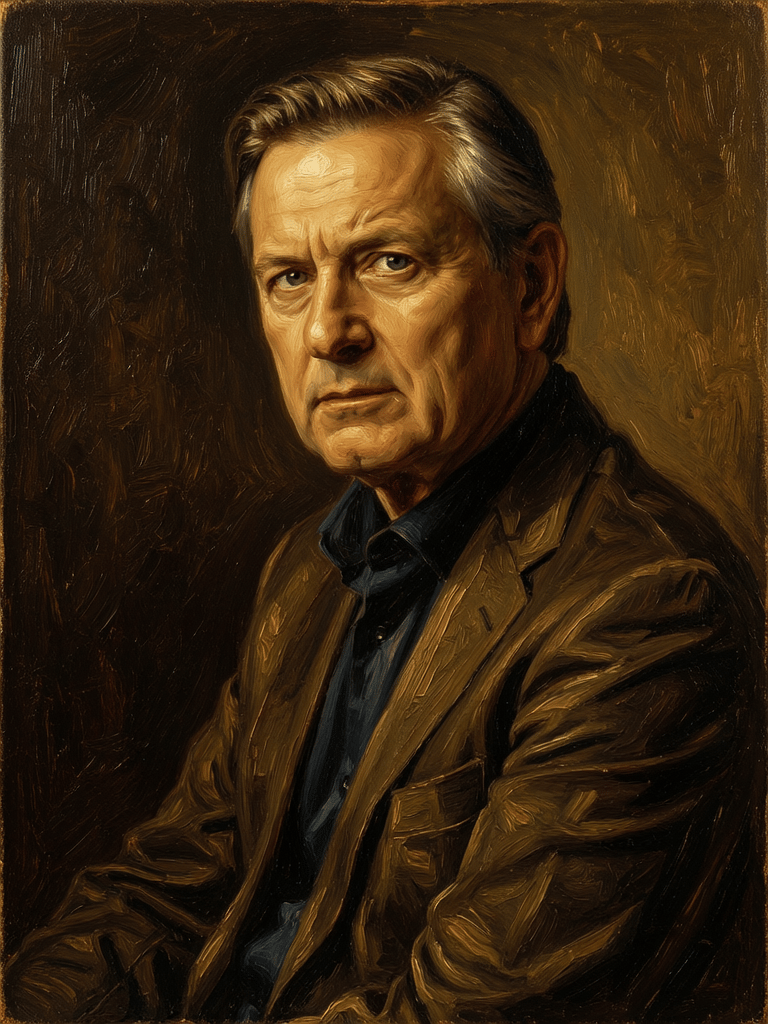


![FLUX.2 [klein] 4B LoRA output](https://shortgenius.com/cdn-cgi/image/width=3840,quality=80,format=auto/https://assets.shortgenius.com/example-model-output/10a63e77-67c3-46e6-83d3-b7b93355e72c.png)

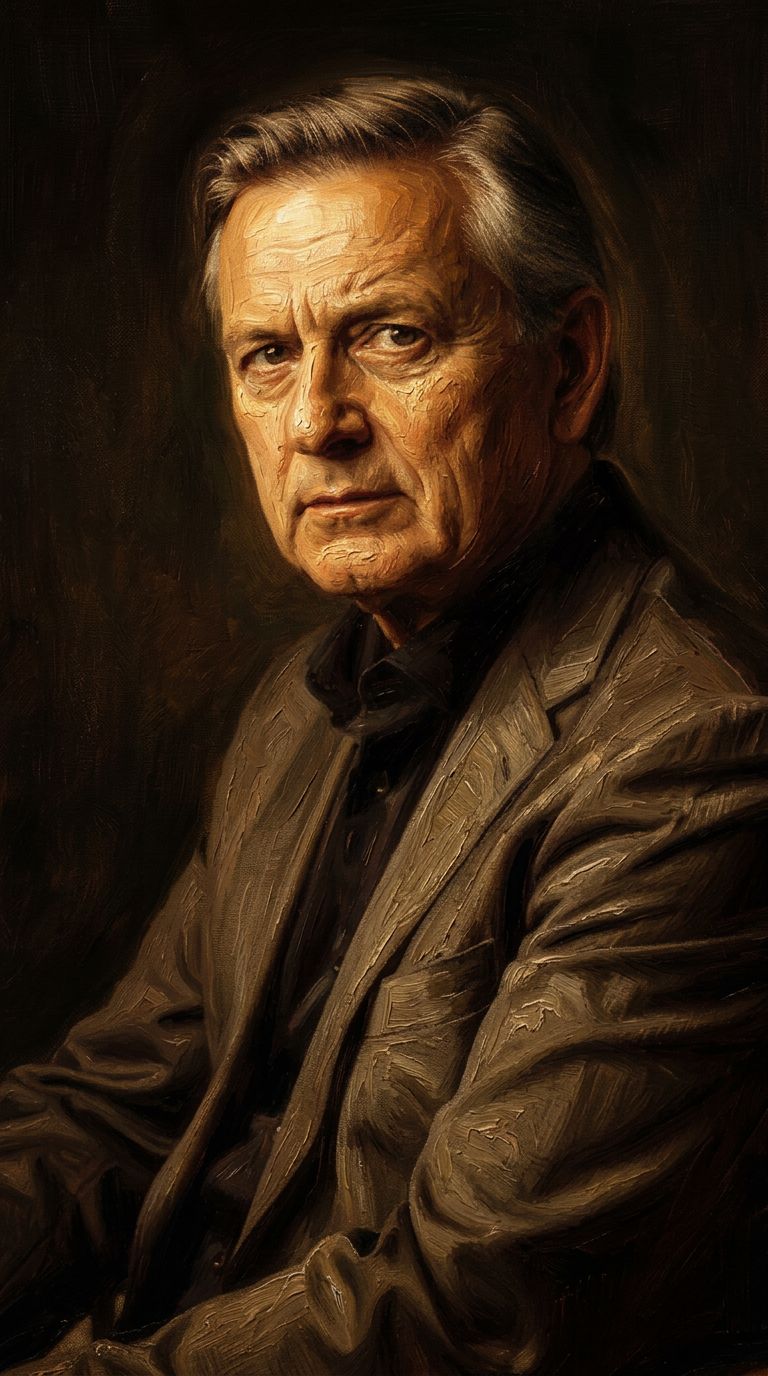
![FLUX.2 [klein] 9B LoRA output](https://shortgenius.com/cdn-cgi/image/width=3840,quality=80,format=auto/https://assets.shortgenius.com/example-model-output/cc1806c8-2af0-47e7-bd34-a95d2d180bfb.png)
Experimenta la perfección con Qwen Image 2
¡Cambia a síntesis guiada por razonamiento hoy!
Preguntas frecuentes
Modelos similares
Firered Image Edit V1.1
Advanced AI-powered image editing
0.4 créditos
Wan
Pro text-guided image editing
0.3 créditos
Nano Banana 2
Google's advanced image editing
0.7 créditos
Hy Wu Edit
Edit images with reference photos
0.4 créditos
Wan
Text-guided creative image editing
0.2 créditos
![FLUX.2 [klein] 4B LoRA](https://v3b.fal.media/files/b/0a928e1f/c62zNs4MhBXgm-5w7n0C5_90bad8837ecc451e96f91da93b78f564.jpg)
FLUX.2 [klein] 4B LoRA
Edit images with text, colors
8 créditos
Gemini 3.1 Flash Image Preview
Ultra-fast Google image editing
0.7 créditos
Phota
Identity-preserving personalized photo editing
0.4 créditos
![FLUX.2 [klein] 9B LoRA](https://v3b.fal.media/files/b/0a928dd2/yFNW07YLHtp5zuE4eJAW1_e2f89915a1b740559b3c652b0b028296.jpg)
FLUX.2 [klein] 9B LoRA
Precise image edits, color control
0.3 créditos