Qwen Image 2
Edición precisa de imágenes
Unified AI image editing model
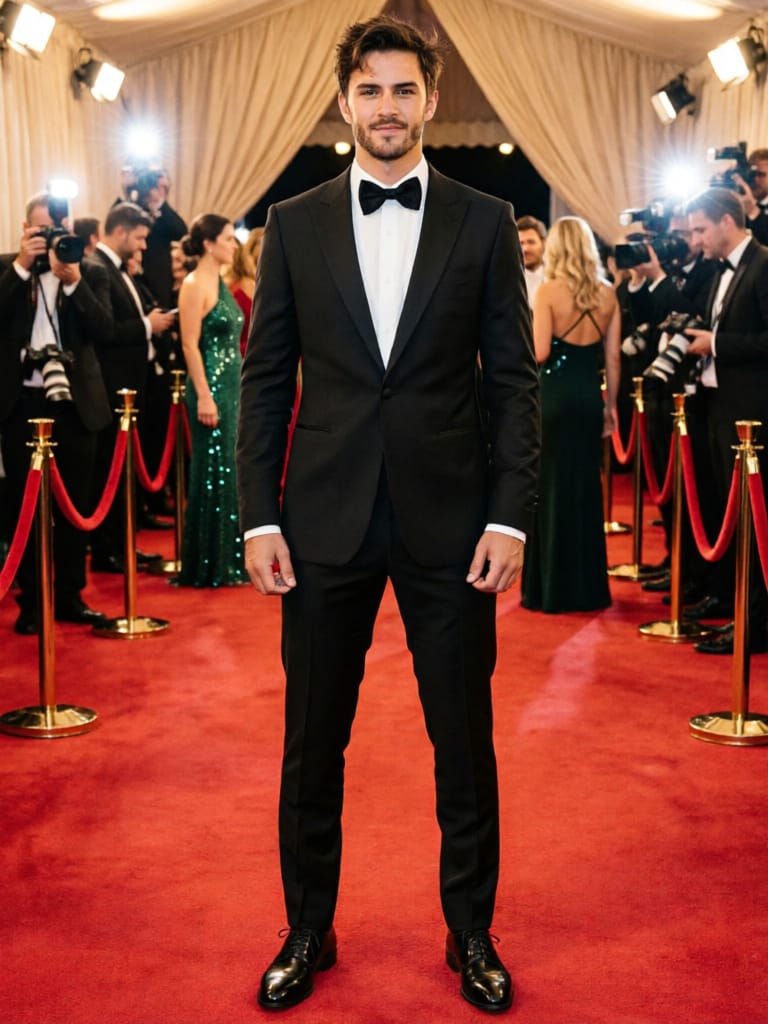
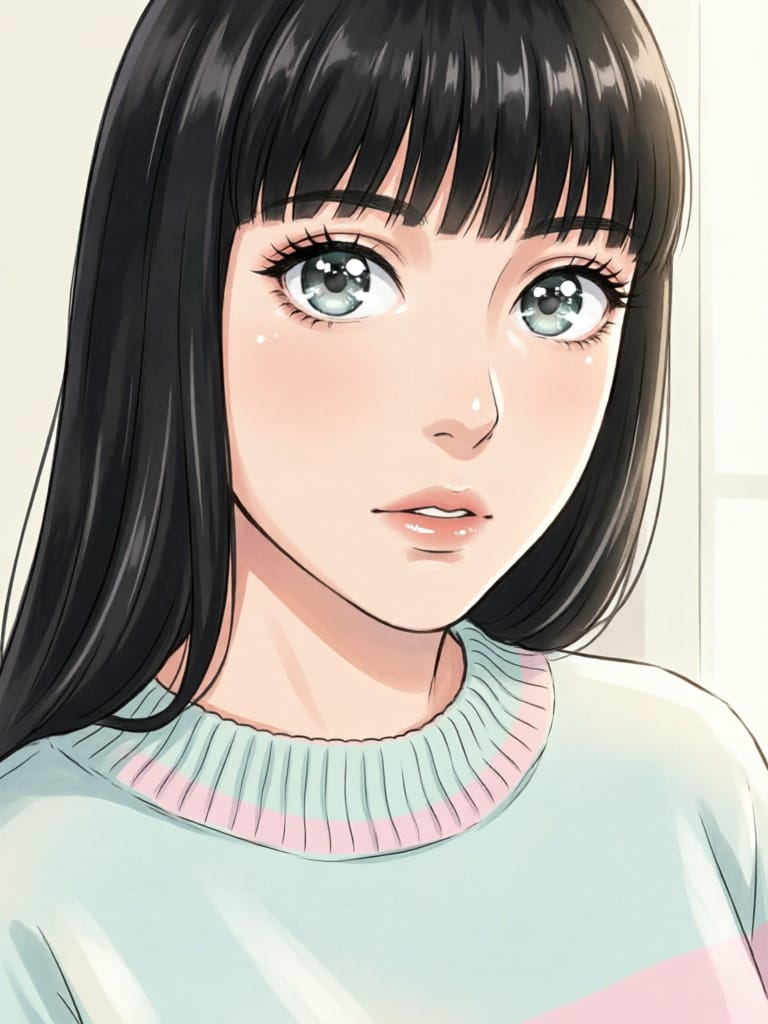
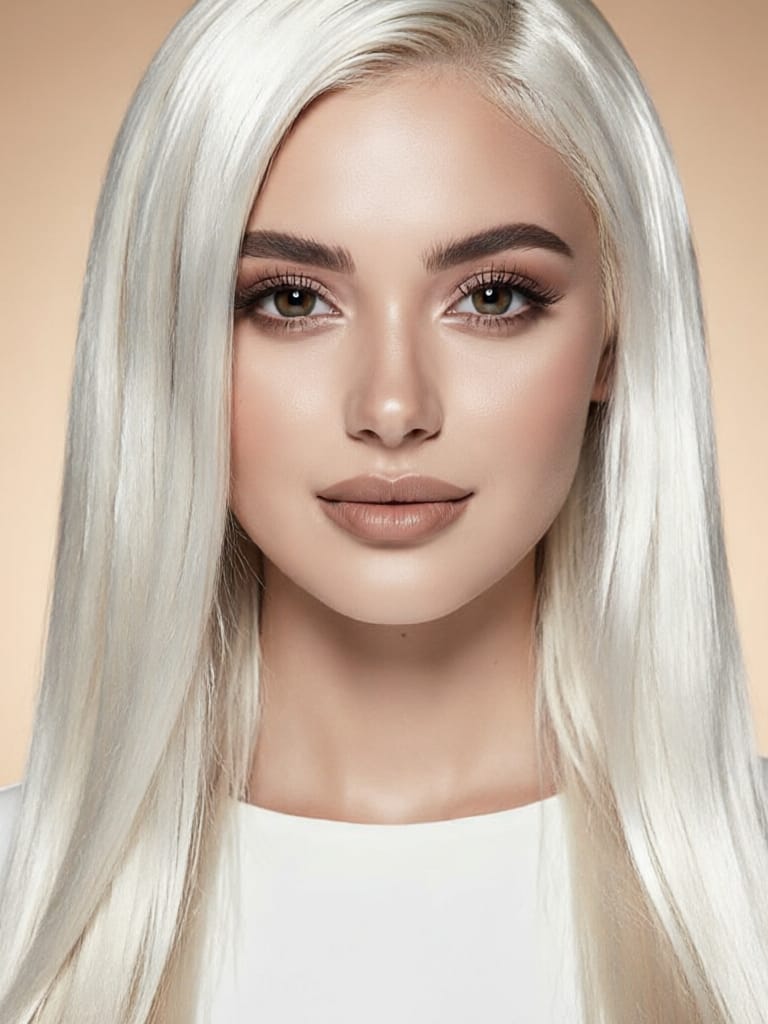
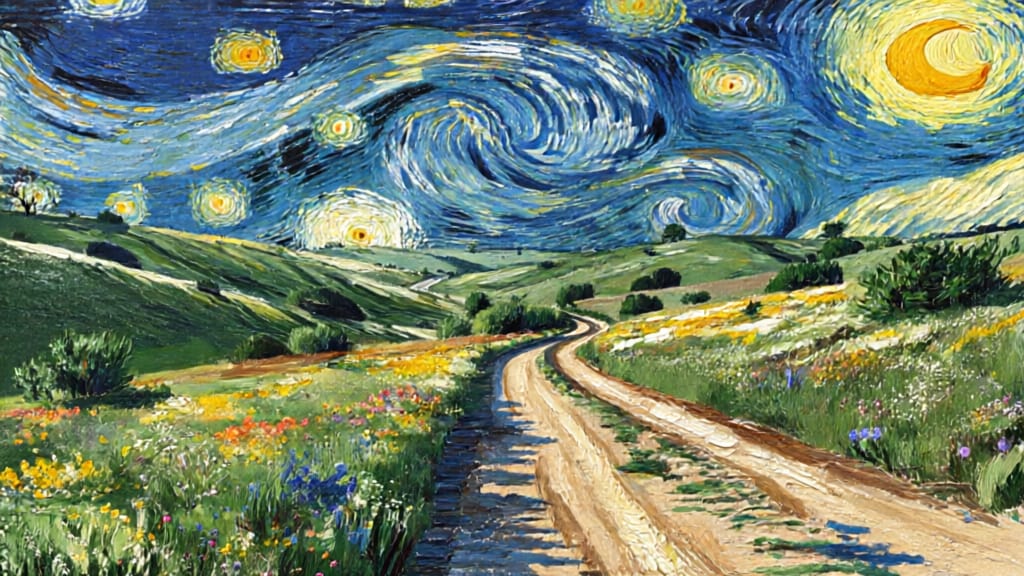
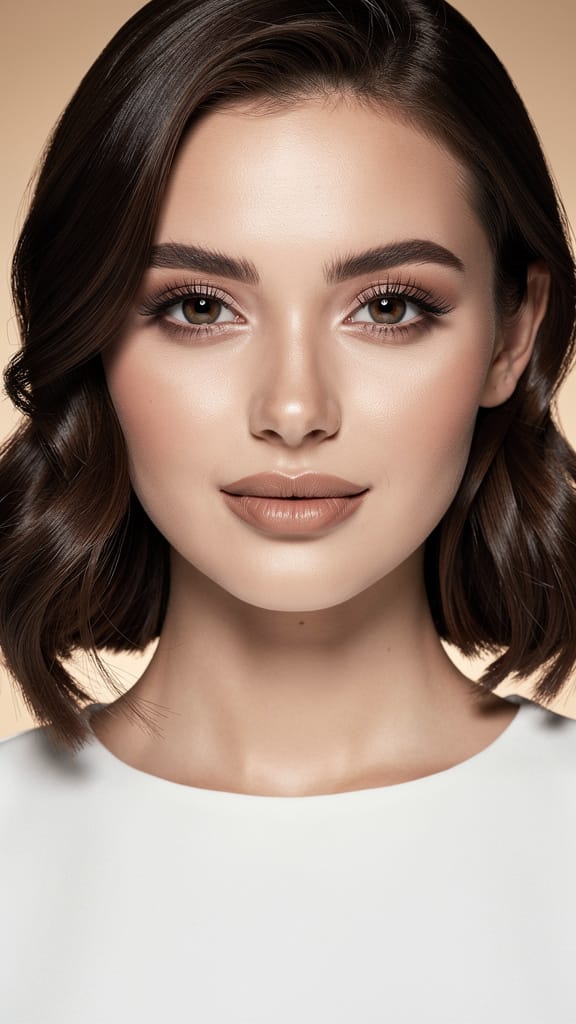
CAMBIO DE PEINADO
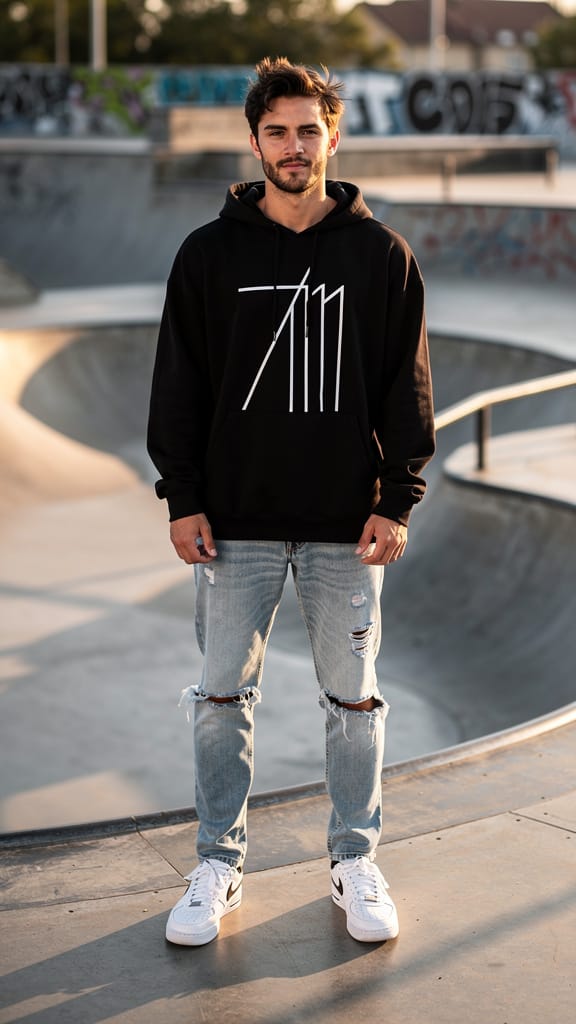
INTERCAMBIO DE ESTILO DE MODA
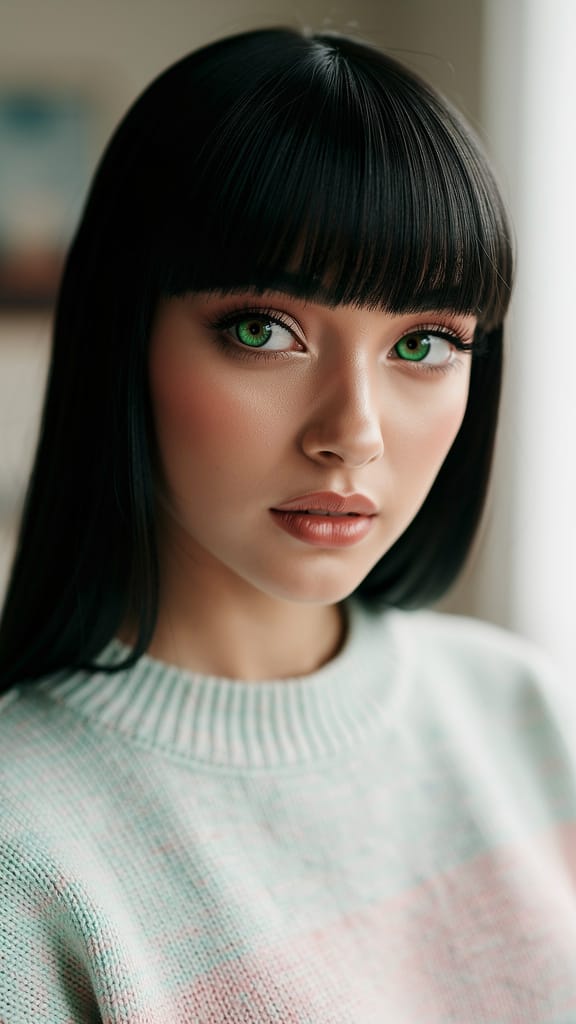
FOTO A ANIME
Qwen Image 2 es una herramienta creativa de próxima generación desarrollada por Black Forest Labs que permite a artistas, diseñadores, cineastas y creadores de contenido generar y transformar imágenes con un control y flexibilidad sin precedentes. Este modelo unificado de generación y edición combina de manera fluida capacidades avanzadas de IA con controles creativos fáciles de usar, permitiendo a los usuarios comenzar con imágenes de referencia y remodelarlas o reinventarlas usando indicaciones claras en lenguaje natural.
Qwen Image 2 destaca en la edición de imagen a imagen y transformaciones estilizadas. Ya sea que quieras hacer ajustes sutiles o cambios completos —como reemplazar un sujeto, cambiar entornos o agregar elementos narrativos—, este modelo entrega resultados refinados y coherentes guiados por tu visión. Puedes cargar entre una y tres imágenes de referencia por sesión. El modelo presta mucha atención al orden de tus imágenes: al crear tu indicación, puedes referirte a los archivos cargados como «image 1», «image 2» y «image 3» para especificar exactamente cómo aplicar los cambios. Este flujo de trabajo fomenta el control creativo, permitiendo ediciones altamente dirigidas o combinaciones imaginativas.
Qwen Image 2 entiende indicaciones detalladas de hasta 800 caracteres en inglés o chino, soportando direcciones creativas matizadas. También hay un campo opcional de indicación negativa, donde puedes especificar qué elementos excluir —como «low resolution» o «deformed»— ideal para refinar estilo, consistencia o evitar detalles no deseados.
Opciones flexibles de formato y resolución aseguran que tu salida se ajuste a las necesidades del proyecto: genera imágenes en las mismas dimensiones que tu referencia elegida, o elige entre varias proporciones, incluyendo cuadrada, retrato (4:3, 16:9) y paisaje (4:3, 16:9). Cada imagen puede crearse en resoluciones entre 512x512 y 2048x2048 píxeles, haciendo que el arte de alta resolución sea perfecto para impresión, web o aplicaciones profesionales de guiones gráficos. Las imágenes de referencia deben tener al menos 384 píxeles por lado y no superar los 5000 píxeles, asegurando resultados confiables y claros.
Puedes guardar el trabajo en formatos PNG, JPEG y WEBP, facilitando la integración de resultados en cualquier proyecto digital. Qwen Image 2 te permite producir hasta seis variaciones por sesión, ideal para explorar múltiples conceptos o comparar direcciones creativas lado a lado.
Una característica destacada es su optimización integrada de indicaciones: activada por defecto, esta configuración refina e extiende inteligentemente tus instrucciones para obtener resultados aún más consistentes e impactantes, ayudando a convertir tus ideas en visuales vívidos —incluso si tu indicación es breve. Las herramientas de seguridad siempre están activadas: la moderación de contenido verifica automáticamente lo que cargas y generas, brindando tranquilidad y ayudando a mantener el trabajo apropiado.
Este modelo es especialmente adecuado para:
- Artistas que buscan una forma rápida de iterar conceptos visuales, remixes o transferencias de estilo con inspiración del mundo real
- Diseñadores que necesitan ediciones precisas o mejoras basadas en retroalimentación
- Cineastas que buscan guiones gráficos rápidos o cambios de escena con necesidades específicas de narración visual
- Creadores de contenido listos para generar imágenes vibrantes de calidad editorial a partir de conceptos creativos, o reutilizar visuales existentes para nuevas campañas
Mejores prácticas: Para resultados óptimos, carga imágenes de referencia de alta calidad, indica claramente tus objetivos creativos en la indicación y usa la indicación negativa para excluir elementos no deseados. Refiérete a múltiples imágenes por su orden en tus instrucciones de texto (por ejemplo, «Reemplaza el fondo de image 1 con el paisaje urbano de image 2»).
En resumen, Qwen Image 2 combina una comprensión intuitiva de imágenes con IA generativa avanzada para que los profesionales experimenten libremente, iteran rápidamente y mantengan el control creativo. Ya sea que busques experimentación estilizada o edición visual precisa, abre nuevas posibilidades para la narración y el diseño —sin comprometer tu visión ni intención.
Generar con el editor de imágenes más avanzado
Add the image that you want change
Subir imagen
Agrega la imagen que quieres editar o transformar
A woman kneeling in darkness, illuminated by a warm, radiant beam of light emerging from her raised hand.
Escribe tus cambios
Describe las ediciones que quieres: cambios de estilo, eliminación de objetos o mejoras
Comenzar a compartir
Descarga tu imagen editada profesionalmente
Más allá del prompt: Un nuevo nivel de control
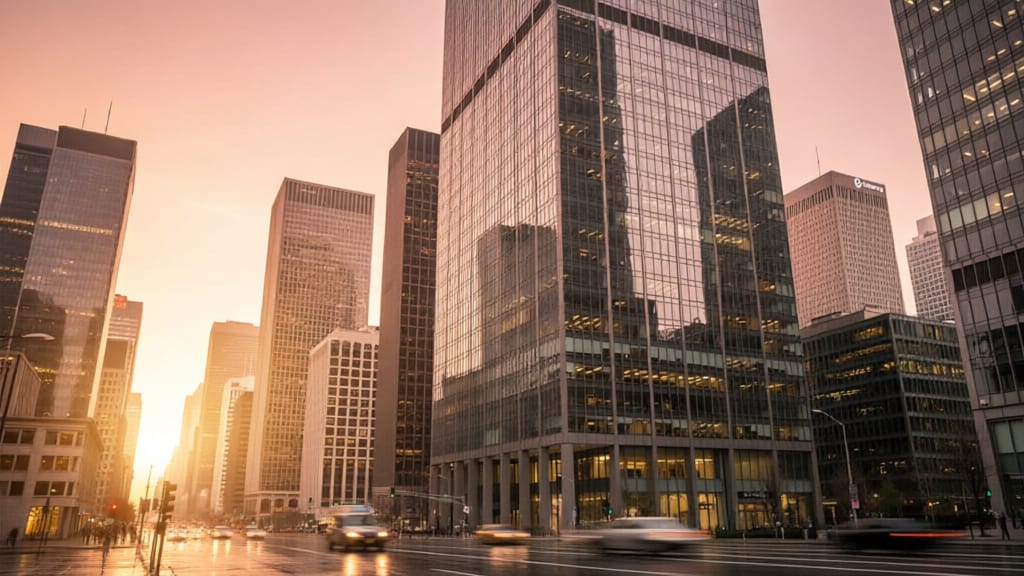
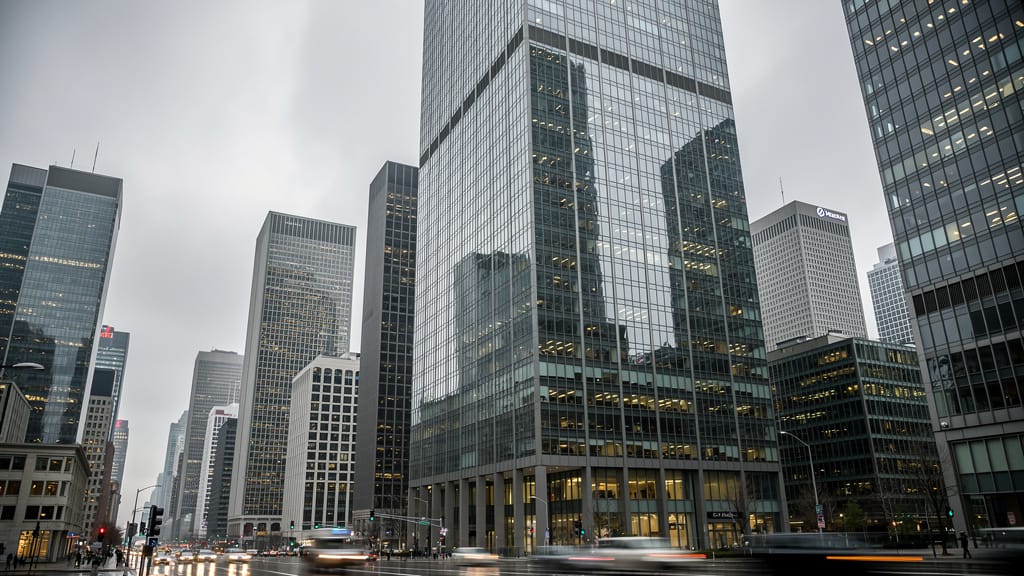
REEMPLAZO DE CIELO
Reemplaza cielos opacos o nublados en fotografía de paisajes arquitectónicos, simulando condiciones de iluminación dramáticas. Útil para marketing inmobiliario y de viajes.
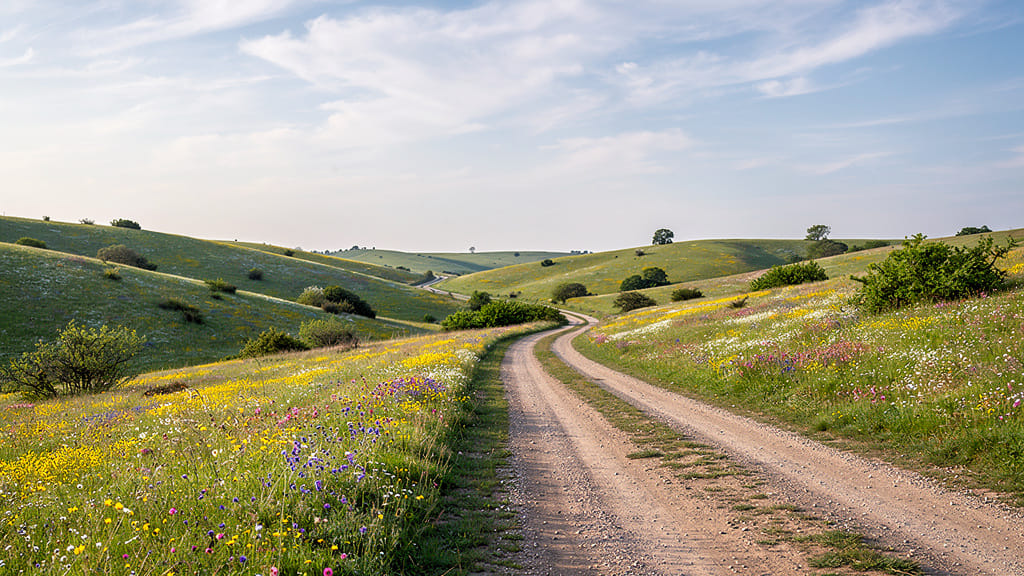
TRANSFERENCIA DE ESTILO ARTÍSTICO
Transfiere estilos pictóricos icónicos a fotografías, produciendo obras únicas a partir de escenas cotidianas. Perfecto para campañas creativas o proyectos de arte digital.
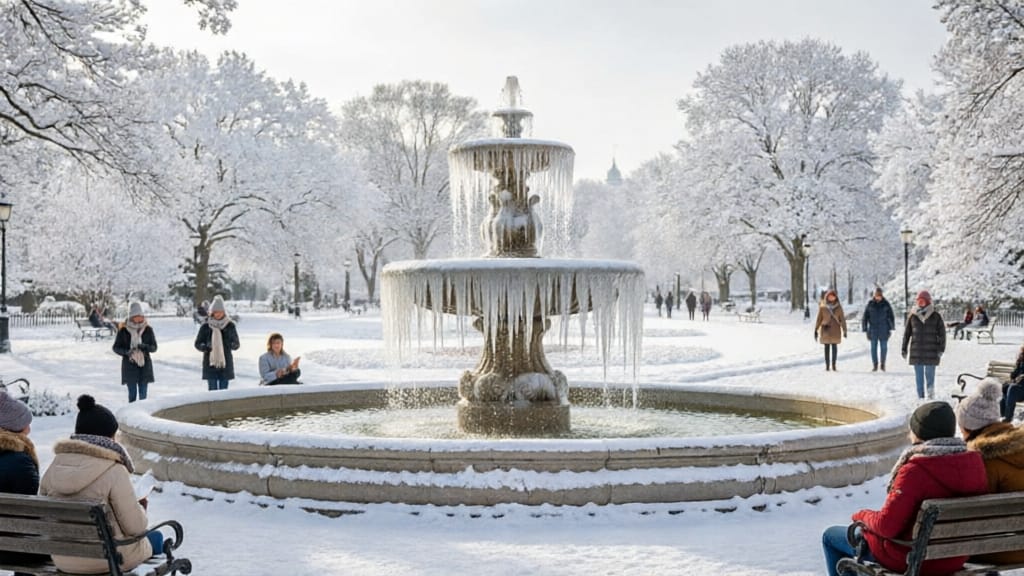
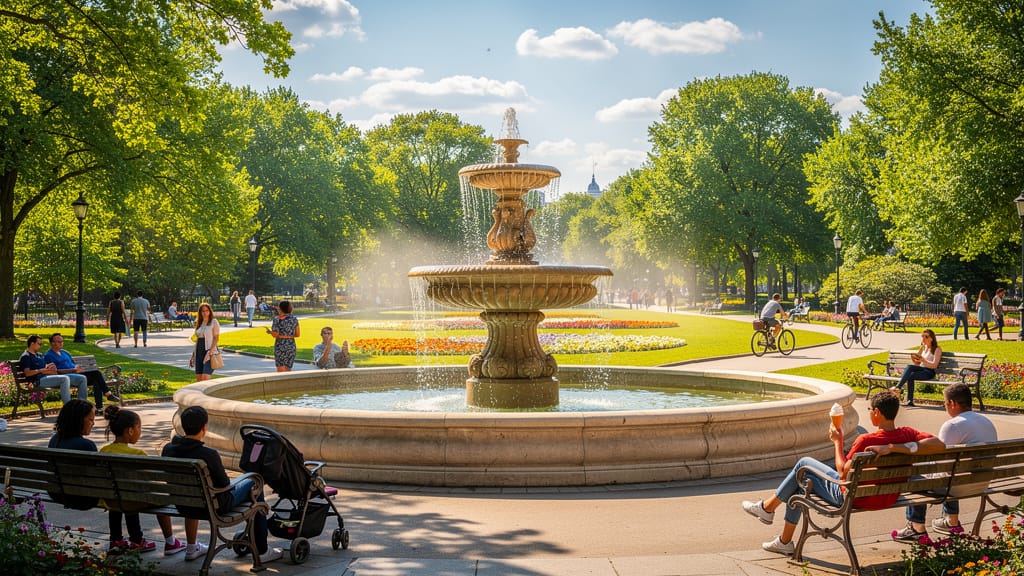
CAMBIO ESTACIONAL DE ESCENA
Simula cambios estacionales drásticos en paisajes, permitiendo visualizar entornos a lo largo del año. Importante para arquitectura, planificación urbana y contenido de redes sociales.
Comparar con modelos similares
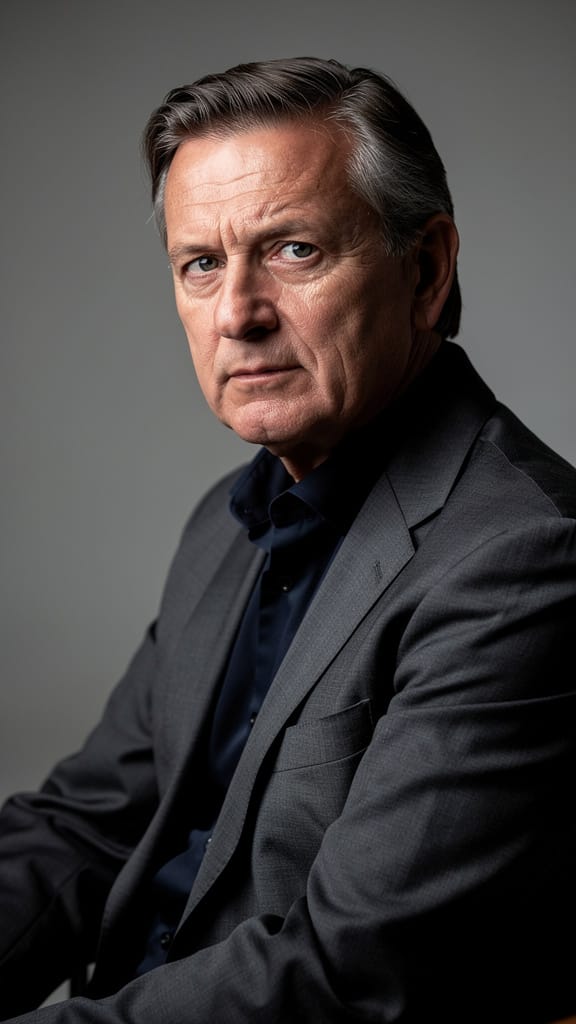
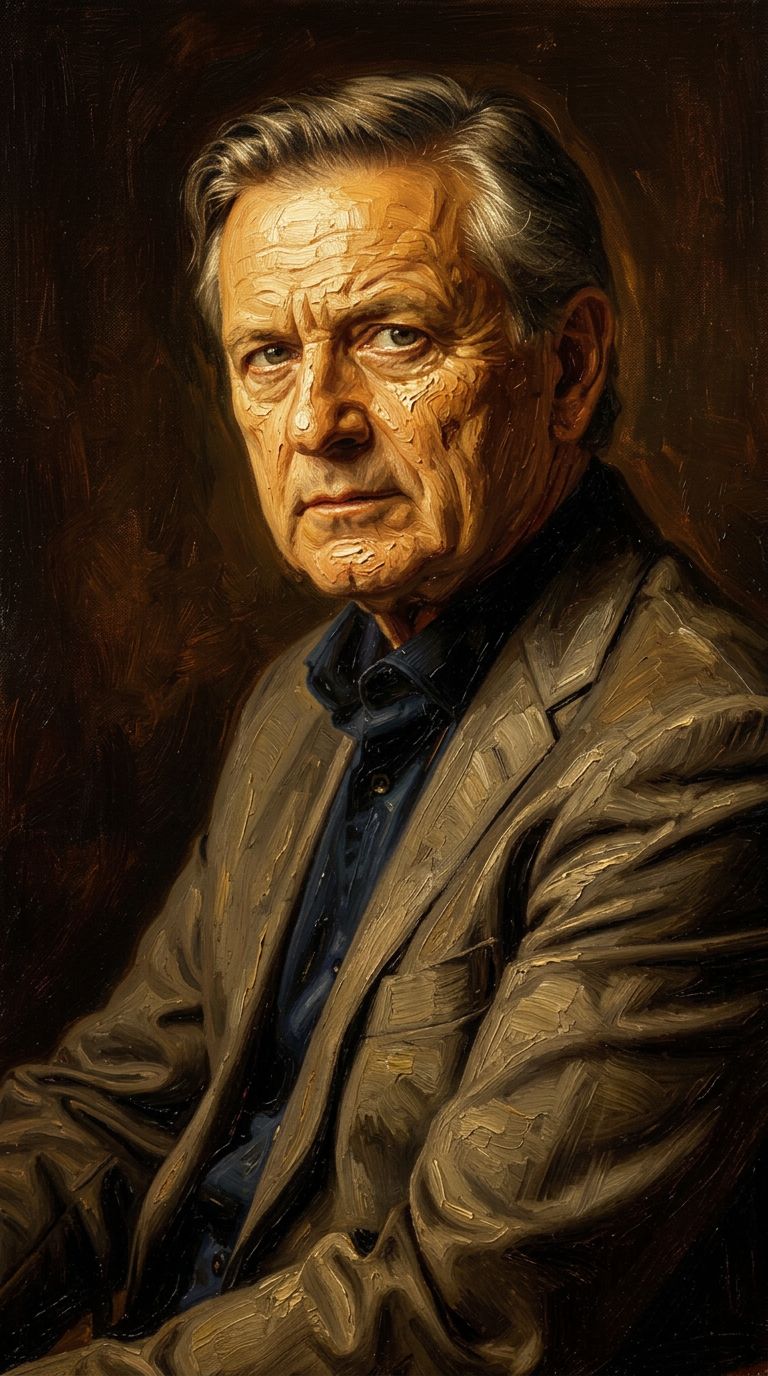
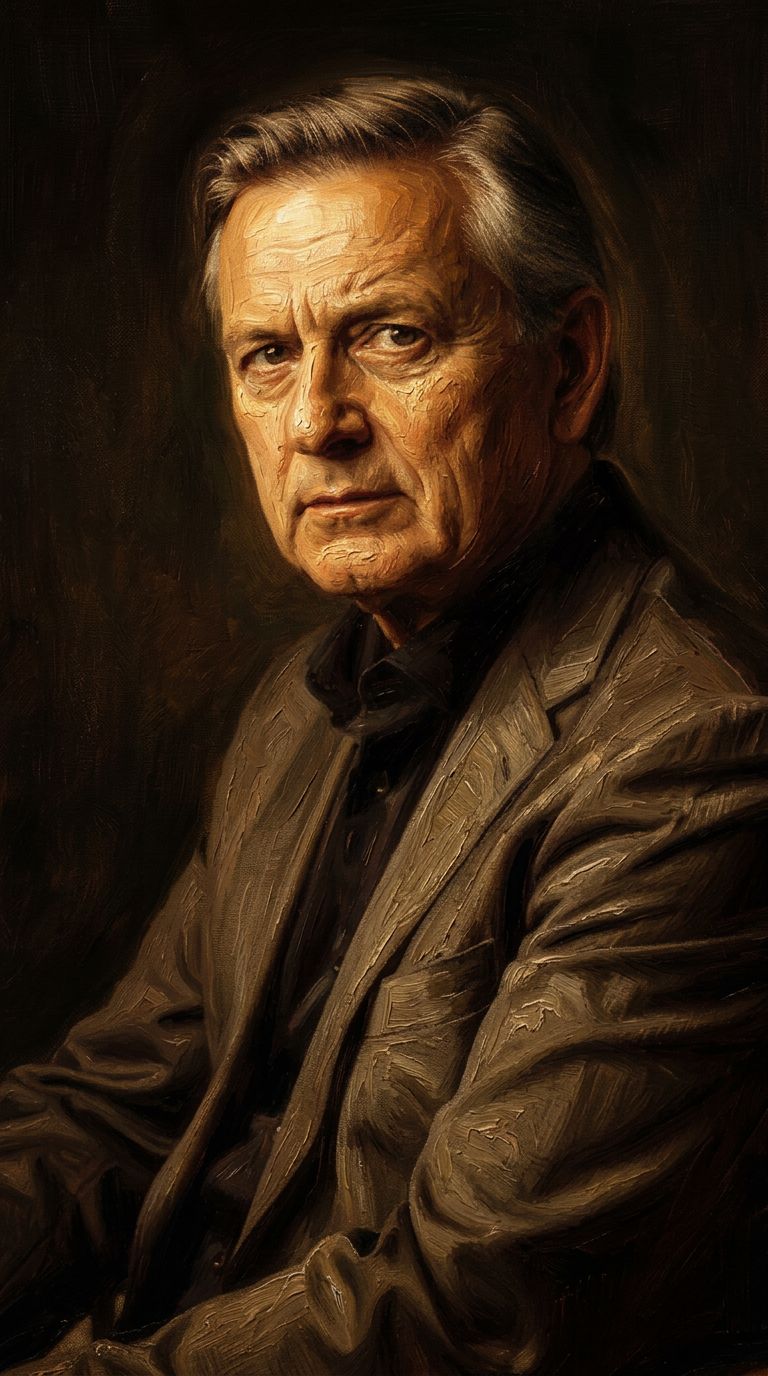
“Transform into a classical oil painting in the style of Rembrandt. Add visible impasto brushstrokes with thick paint texture. Apply warm golden undertones and dramatic chiaroscuro lighting with deep shadows. Enhance the dramatic contrast while preserving facial structure and expression. Add subtle canvas texture visible through the paint layers.”

![FLUX.2 [klein] 9B LoRA output](https://shortgenius.com/cdn-cgi/image/width=3840,quality=80,format=auto/https://assets.shortgenius.com/example-model-output/cc1806c8-2af0-47e7-bd34-a95d2d180bfb.png)
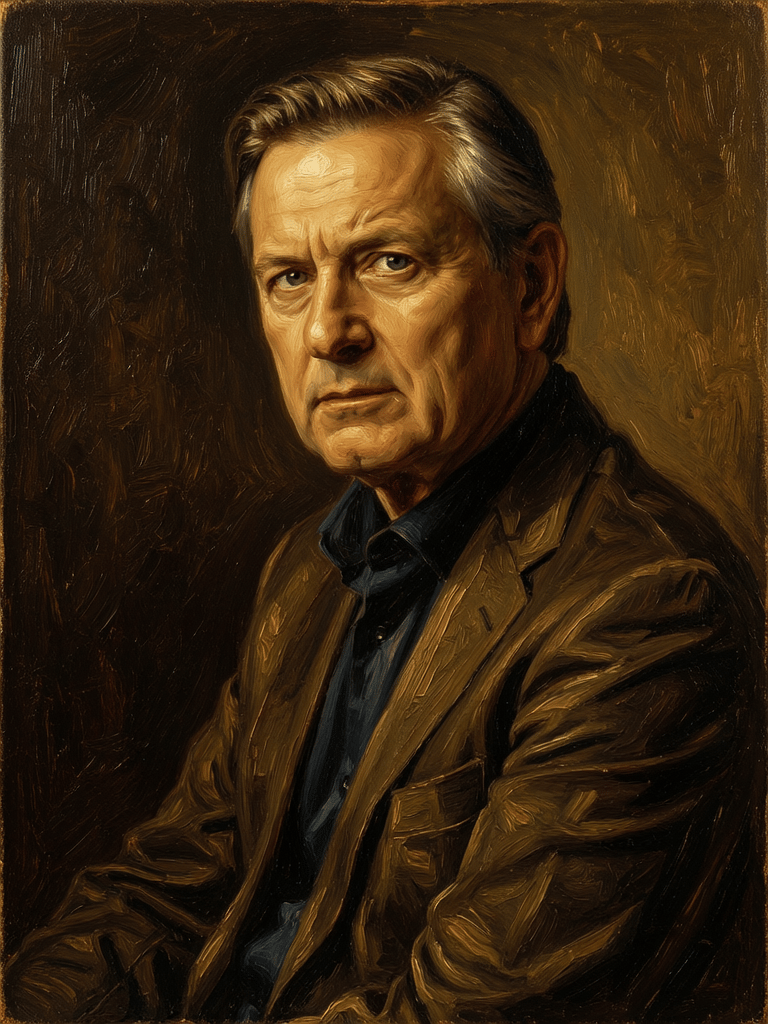
![FLUX.2 [klein] 4B LoRA output](https://shortgenius.com/cdn-cgi/image/width=3840,quality=80,format=auto/https://assets.shortgenius.com/example-model-output/10a63e77-67c3-46e6-83d3-b7b93355e72c.png)


![FLUX.2 [klein] 9B LoRA output](https://shortgenius.com/cdn-cgi/image/width=3840,quality=80,format=auto/https://assets.shortgenius.com/example-model-output/cbfd8f70-6bf2-467b-918f-b020118b8db0.png)

Experimenta la perfección con Qwen Image 2
¡Cambia a síntesis guiada por razonamiento hoy!
Preguntas frecuentes
Modelos similares
Firered Image Edit V1.1
Advanced AI-powered image editing
0.4 créditos
Gemini 3.1 Flash Image Preview
Ultra-fast Google image editing
0.7 créditos
![FLUX.2 [klein] 4B LoRA](https://v3b.fal.media/files/b/0a928e1f/c62zNs4MhBXgm-5w7n0C5_90bad8837ecc451e96f91da93b78f564.jpg)
FLUX.2 [klein] 4B LoRA
Edit images with text, colors
8 créditos
![FLUX.2 [klein] 9B LoRA](https://v3b.fal.media/files/b/0a928e3b/sIC-Ne9BMwZZtBvR3FwKN_9a724704a550471a9df59999e9e1017f.jpg)
FLUX.2 [klein] 9B LoRA
Precise natural language image editing
0.5 créditos
Qwen Image 2
Unified image editing and generation
0.6 créditos
Wan
Pro text-guided image editing
0.3 créditos
![FLUX.2 [klein] 9B LoRA](https://v3b.fal.media/files/b/0a928dd2/yFNW07YLHtp5zuE4eJAW1_e2f89915a1b740559b3c652b0b028296.jpg)
FLUX.2 [klein] 9B LoRA
Precise image edits, color control
0.3 créditos
Phota
Identity-preserving personalized photo editing
0.4 créditos
Hy Wu Edit
Edit images with reference photos
0.4 créditos