Gemini 3.1 Flash Image Preview
Edit photos with a sentence and get 4K results
Ultra-fast Google image editing


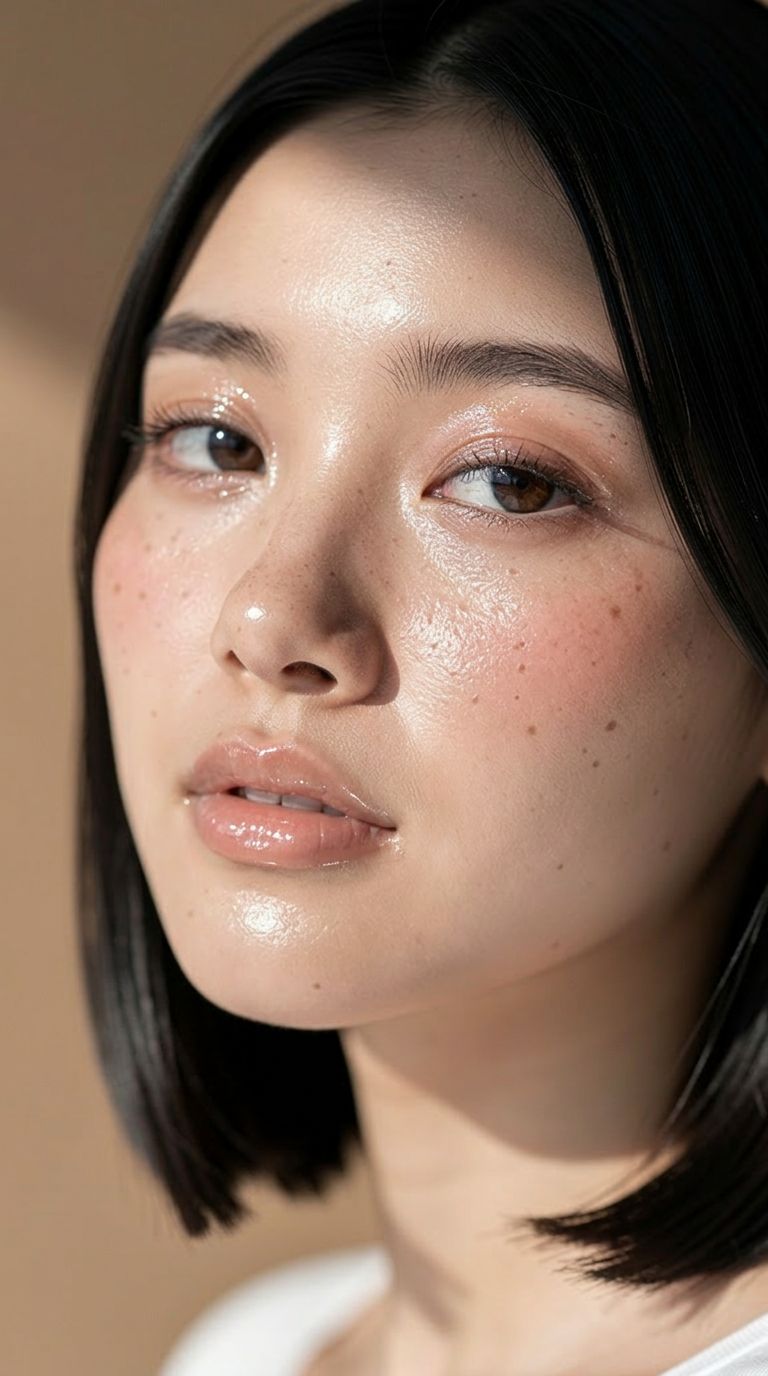

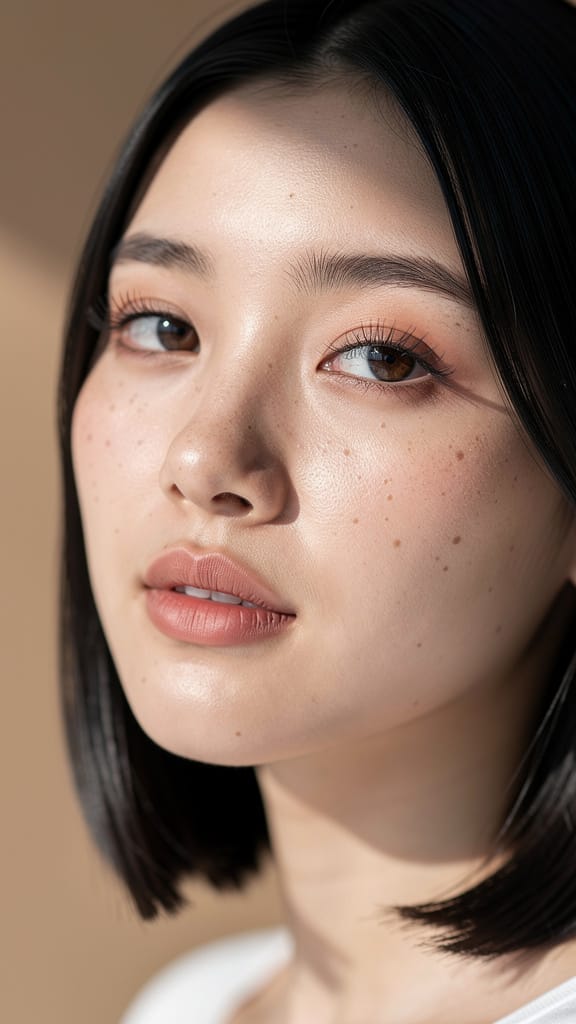
EDICIÓN MAQUILLAJE/PIEL

CAMBIO DE COLOR DE CABELLO
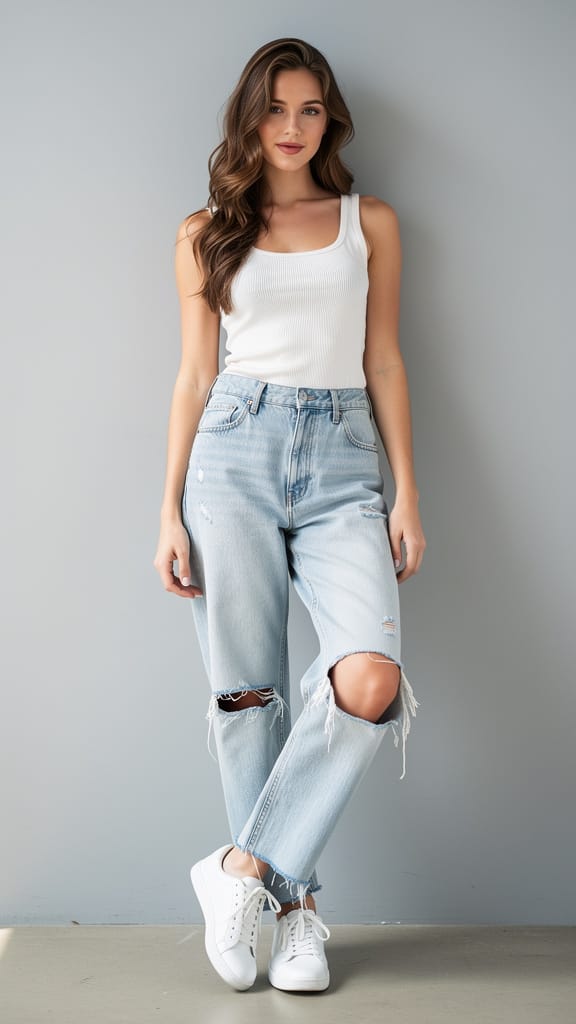
CAMBIO DE OUTFIT
Gemini 3.1 Flash Image Preview, también conocido como Nano Banana 2, es el modelo rápido de generación y edición de imágenes de Google, diseñado para creadores que desean transformar, perfeccionar y reimaginar imágenes usando solo una instrucción escrita. Ya seas un diseñador puliendo un concepto, un fotógrafo retocando una toma, o un creador de contenido produciendo imágenes a velocidad, este modelo convierte indicaciones en lenguaje natural en imágenes terminadas — rápido y con gran nivel de detalle.
El modelo destaca especialmente en la edición de imágenes impulsada por texto. Describes el cambio que necesitas — por ejemplo, "haz una foto del hombre manejando el auto por la costa de California" — y el modelo reinterpreta o edita tu imagen base según tu instrucción. Puedes proporcionar una o varias imágenes de referencia para guiar el resultado, lo que lo hace ideal para composiciones, transferencia de estilos, cambios de escena, colocación de personajes y refinamiento iterativo. Ya que acepta múltiples imágenes a la vez, puedes combinar elementos de varias fuentes en una sola imagen coherente, mezclando sujetos y escenarios como lo haría un retocador, pero guiado únicamente por texto.
Una de sus grandes ventajas es la flexibilidad del resultado. Puedes generar imágenes en varias resoluciones, desde un compacto 0.5K hasta nítidos 2K y 4K, permitiendo crear desde borradores rápidos hasta activos finales de alta calidad listos para impresión o pantallas grandes. El control de proporción es increíblemente amplio: junto a los formatos más conocidos como 16:9, 1:1, 9:16, 4:3 y 3:2, el modelo soporta rácios extremos como 4:1, 1:4, 8:1 y 1:8 — perfectos para banners, panorámicas, layouts verticales altos y lienzos poco convencionales que la mayoría de herramientas no admite. Si prefieres no especificar, la opción automática permite que el modelo elija la forma más adecuada para tu indicación. El resultado puede guardarse como PNG, JPEG o WebP, según las necesidades de tu flujo de trabajo.
Más allá de imágenes y texto, el modelo puede recibir contexto adicional para influir en lo que crea. Puedes proporcionar un video (incluyendo un enlace de YouTube), un archivo de audio o incluso un documento PDF como material de referencia, permitiendo al modelo tomar información más rica a la hora de componer el resultado. También hay una función opcional de búsqueda web, que permite al modelo incorporar información actual de internet cuando genera una imagen — útil cuando buscas un resultado basado en referencias actuales y reales, y no solo en el conocimiento previo del modelo.
Para los creadores que buscan mayor control creativo, el modelo ofrece una función de instrucción de sistema que guía su personalidad y estilo de salida durante una petición. Esto permite definir un tono creativo coherente — un estilo propio, una atmósfera o un enfoque visual — que se mantiene en las imágenes que produzca. Además, puedes generar hasta cuatro imágenes a la vez, dándote un set de variaciones para elegir en un solo paso. El control de semilla te permite reproducir o fijar un resultado específico, de modo que, una vez hayas encontrado algo que te guste, puedas volver a ello o explorar variaciones similares de manera consistente.
El modelo incluye un modo opcional de "pensamiento" que puede establecerse en nivel mínimo o alto, permitiéndole razonar de manera más deliberada sobre indicaciones complejas e incluir ese razonamiento en el proceso. Esto resulta útil en tareas de edición intrincadas donde las instrucciones requieren interpretación cuidadosa. Además, puedes controlar cuántas imágenes produce el modelo por ronda de indicación, ayudándote a mantener el enfoque en tu resultado deseado. Junto con las imágenes terminadas, el modelo entrega una descripción escrita de lo que generó, ofreciéndote un resumen textual del resultado.
La seguridad de contenido se gestiona mediante un ajuste de tolerancia configurable, que va desde el nivel más estricto — bloqueando la mayoría del contenido sensible — hasta el menos estricto. Así puedes adaptar la moderación según tu proyecto y tu audiencia, garantizando que las generaciones sean apropiadas para el uso previsto.
¿Quiénes se benefician más? Diseñadores y marketers apreciarán los rácios extremos y las altas resoluciones para producir desde publicaciones sociales hasta banners amplios y displays verticales. Fotógrafos y retocadores podrán reimaginar escenas, cambiar ambientes y combinar imágenes de referencia sin enmascarado manual. Cineastas y narradores pueden aprovechar el contexto de video y audio para mantener la coherencia visual con el tono de un proyecto. Creadores de contenido que necesitan rapidez valorarán la opción de generar varias variaciones rápido, fijar una favorita con el control de semilla y exportar en el formato que requiera su flujo de trabajo.
Algunas consideraciones prácticas: cuando utilices video, audio o PDF como contexto, estos archivos tienen un límite de tamaño (los enlaces de YouTube son la excepción y se procesan directamente). La opción para limitar generaciones, aunque útil para mantener el enfoque, es experimental y podría afectar la calidad en algunos casos. Y habilitar la búsqueda web agrega información externa, lo cual es poderoso para imágenes temáticas o de referencia precisa, pero es mejor reservarlo para casos donde realmente necesitas resultados bien anclados en lo actual y real.
En resumen, Gemini 3.1 Flash Image Preview es una herramienta de edición y generación rápida y flexible que responde al lenguaje natural, mezcla múltiples fuentes, escala hasta 4K y se adapta a una gama inusualmente amplia de formatos — un compañero cotidiano y práctico para el trabajo creativo que necesita verse bien y avanzar rápido.
Genera con el editor de imágenes más avanzado
Add the image that you want change
Subir imagen
Agrega la imagen que quieres editar o transformar
A woman kneeling in darkness, illuminated by a warm, radiant beam of light emerging from her raised hand.
Escribe tus cambios
Describe las ediciones que quieres: cambios de estilo, eliminación de objetos o mejoras
Empieza a compartir
Descarga tu imagen editada profesionalmente
Más allá del prompt: un nuevo nivel de control
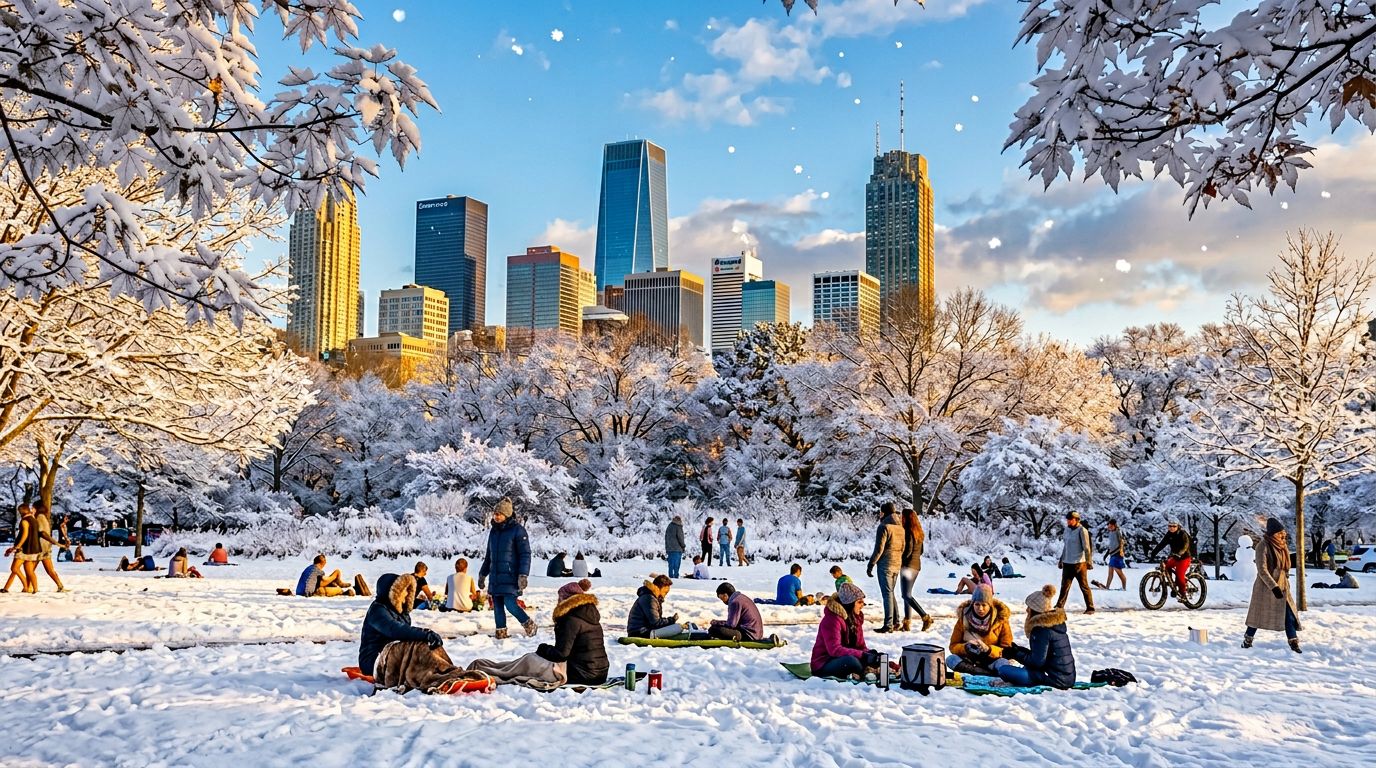
CAMBIO DE ESCENA ESTACIONAL
Muestra la destreza del modelo en la edición compleja de escenas, transformando entornos exteriores y el clima — útil para visuales de marketing, arte conceptual o promociones de viajes.
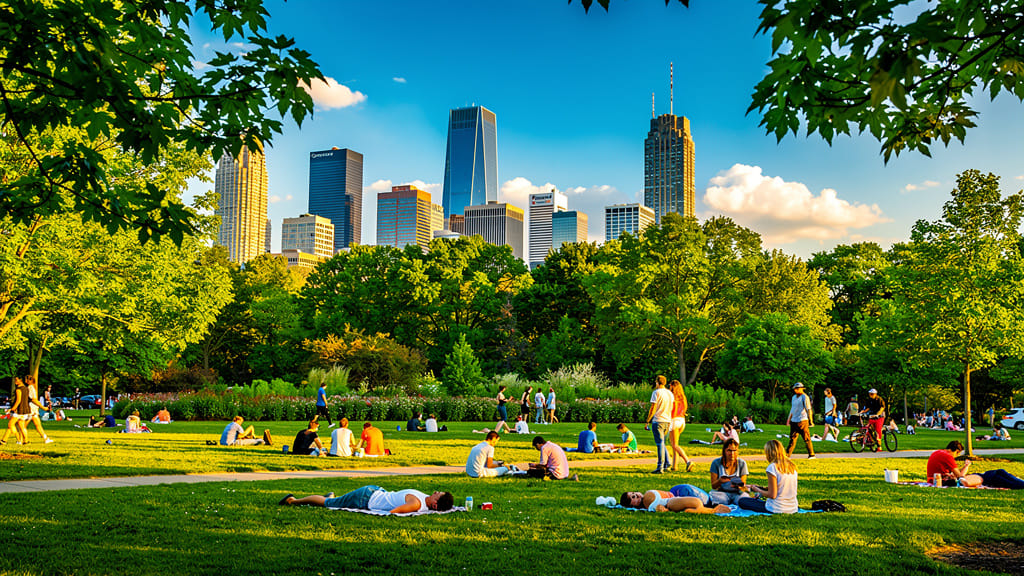
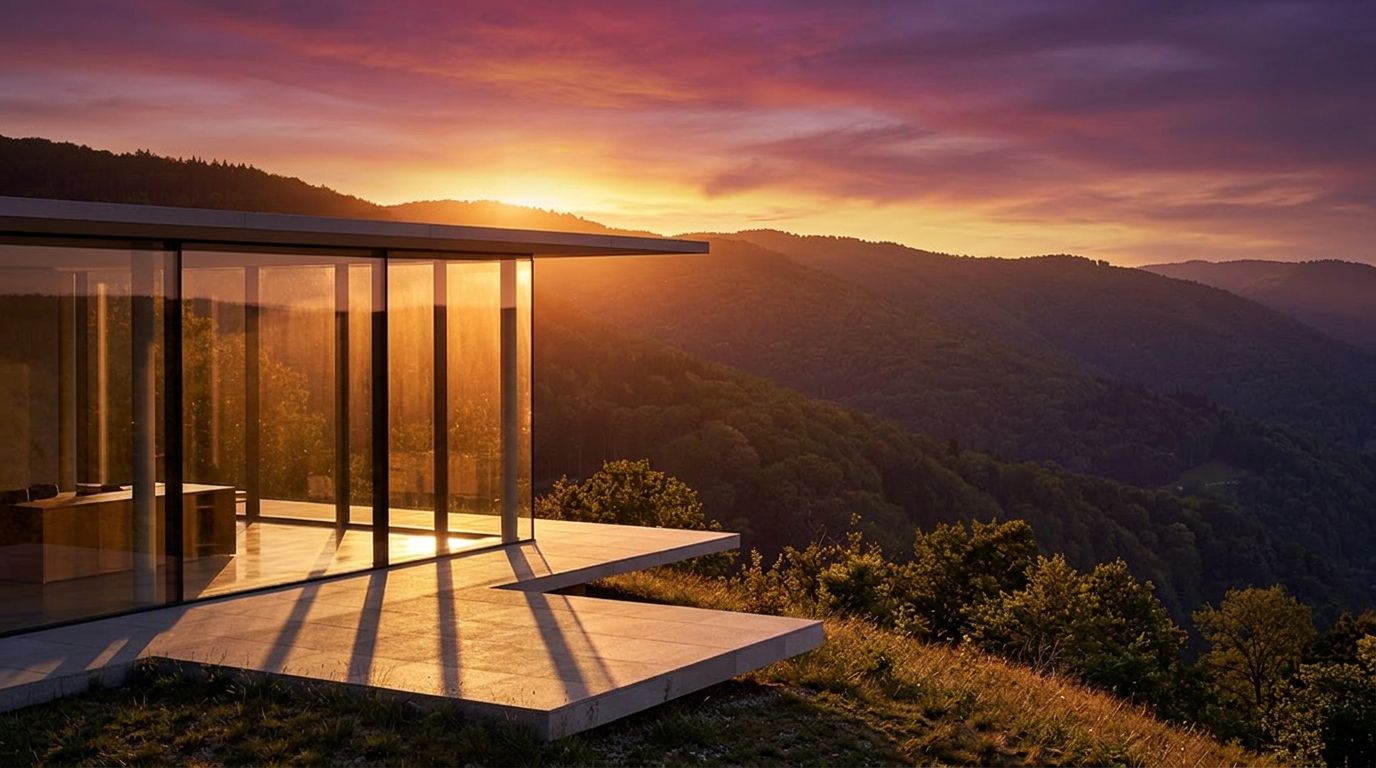
LUZ GOLDEN HOUR
Destaca la capacidad del modelo para simular cambios de iluminación y ambiente, convirtiendo cualquier imagen de día en una toma cálida y cinematográfica de golden hour para redes sociales o portafolios estéticos.
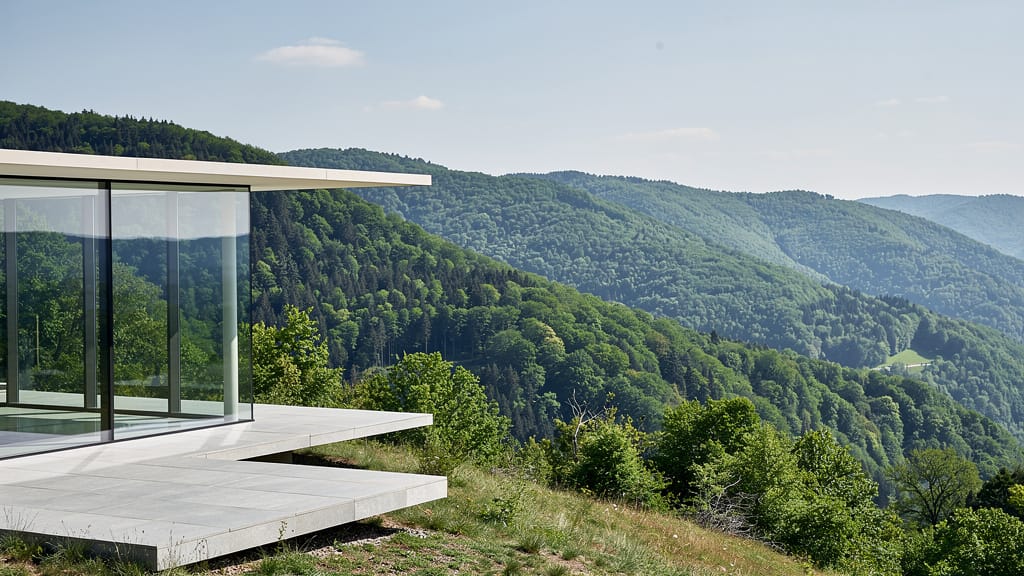
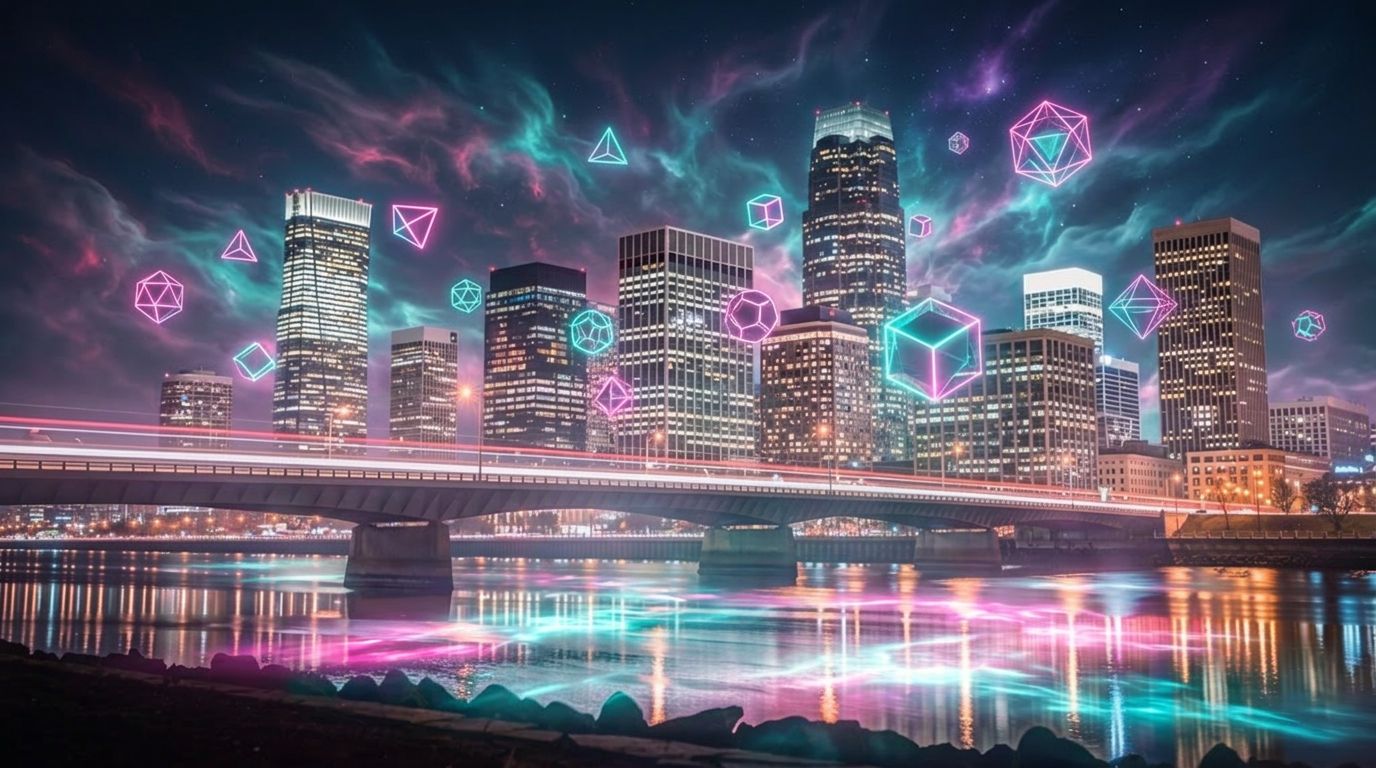
SUPERPOSICIÓN FANTASÍA
Demuestra superposiciones creativas y generación de escenas de fantasía, mezclando realismo fotográfico con elementos imaginativos para portadas de álbumes, arte digital o visuales de marca.
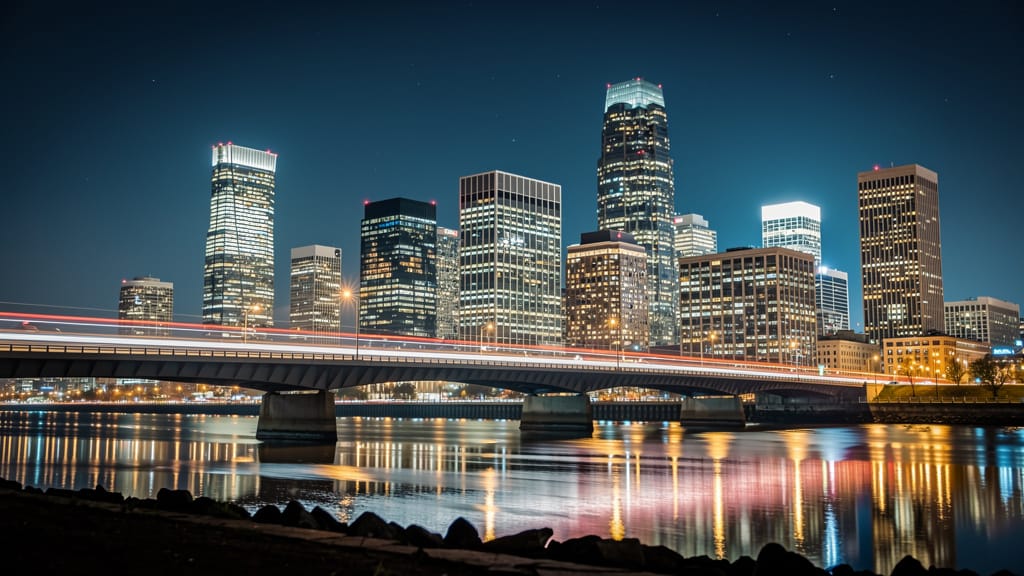
Compara con modelos similares
“Replace the white background with a modern corporate office environment. Add floor-to-ceiling windows with city skyline view in soft focus. Match the lighting to suggest natural window light from the same direction. Maintain the subject's professional appearance and lighting consistency. Add subtle depth of field to the new background.”












Vive la perfección con Gemini 3.1 Flash Image Preview
Cámbiate hoy a la síntesis guiada por razonamiento
Preguntas frecuentes
Modelos similares
Seedream 5.0 Pro Image Editing
Precise region-based image editing
0.3 créditos
Reve 2.1
Remix images with text prompts
1.5 créditos
Nano Banana Lite Edit
Fast efficient image editing
6 créditos
Wan v2.6 Image to Image
Edit images using reference photos
0.3 créditos
Reve 2.1
Edit images with text prompts
1.3 créditos
Vidu
Image generation with reference consistency
0.2 créditos
Grok Imagine Image Editing Quality
High-quality AI image editing
0.1 créditos
Ideogram V4.0q Image to Image
Prompt-guided image restyling edits
0.1 créditos
Seedream
Fast intelligent multi-image editing
0.3 créditos