10 YouTube Shorts Best Practices for 2026

Discover 10 actionable YouTube Shorts Best Practices with examples, benchmarks, and templates to boost retention, engagement, and growth in 2026.
YouTube Shorts now support videos up to 3 minutes, or 180 seconds, but the practical win is still attention, not runtime. Many high-performing Shorts still cluster around 15 to 35 seconds to protect retention, while other practitioner guidance finds that 30 to 60 seconds can work when the idea needs room to breathe Miraflow's 2026 Shorts guide. That's the first rule of youtube shorts best practices in 2026, make the idea feel complete as fast as possible, then stop before the viewer has a reason to swipe.
The shift is that Shorts are no longer a novelty format. They're a native YouTube behavior loop, viewers decide almost instantly whether to keep watching, and the system rewards the clips that hold attention. That means the best strategy isn't stuffing in more text, more hashtags, or more edits for their own sake. It's building a short video that makes sense in one glance, lands its payoff quickly, and gives the audience a clear next move.
Creators who treat Shorts like tiny long-form videos usually lose. The better approach is to design for the swipe feed, the mobile frame, and the first few seconds, then use analytics to tighten each new upload. ShortGenius fits neatly into that workflow because it can speed up scripting, hook testing, resizes, captions, and multi-platform output without forcing you to rebuild the same idea from scratch every time.
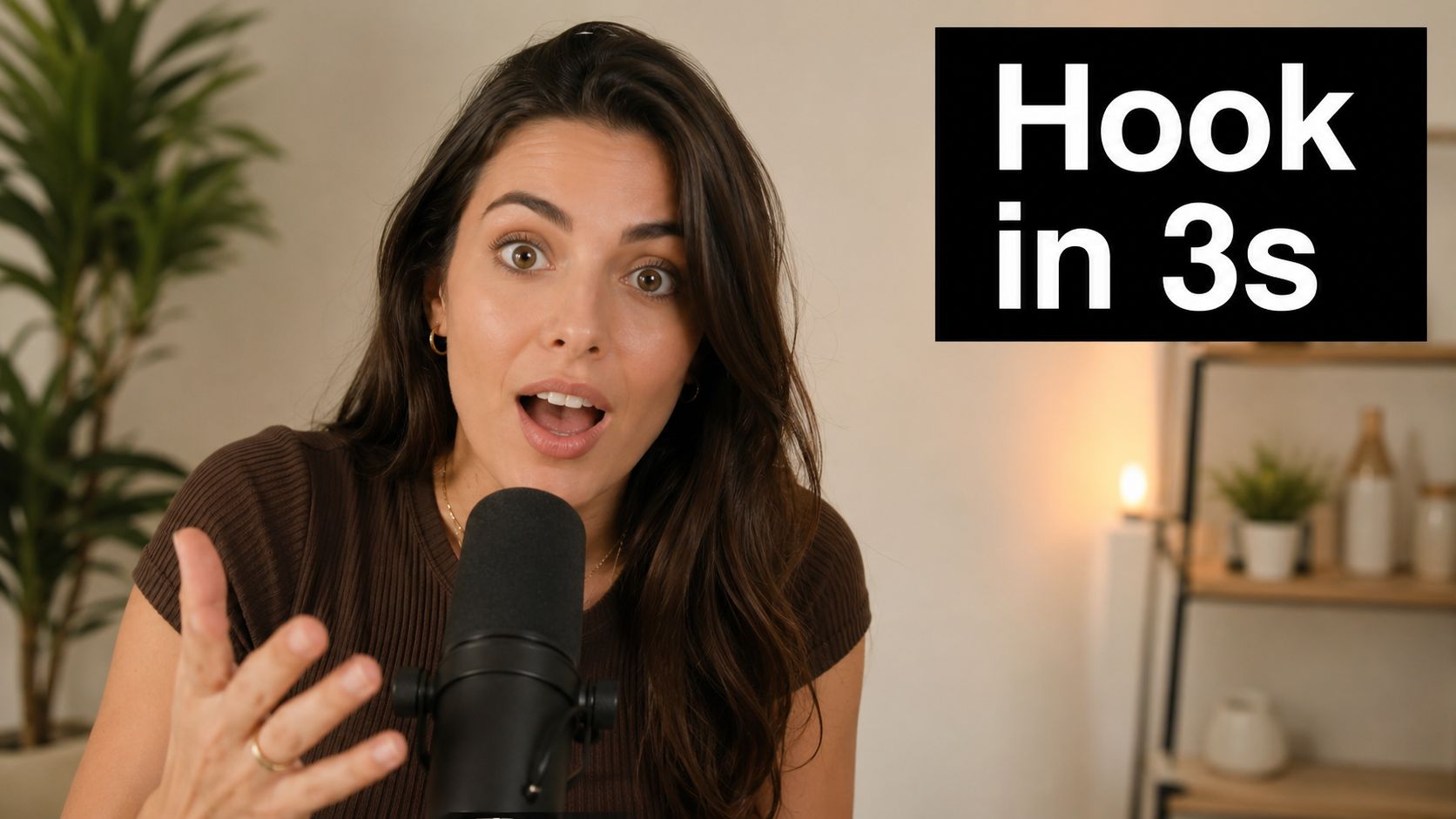
1. Hook Viewers in the First 3 Seconds
The first three seconds decide whether your Short gets a watch or a swipe. A 2026 analytics guide recommends checking the first 24 hours for a Viewed vs. Swiped Away rate above 70%, an average percentage viewed above 90%, and whether the video brings back returning viewers Joyspace's Shorts analytics guide. Another playbook says 67% of viewers decide within 3 seconds whether to keep watching, which is why the opening frame has to carry the whole promise immediately The Viral Sauce's Shorts playbook.
A strong hook does not need to be loud, but it does need to be legible. A creator doing a fitness transformation can show the after shot first. A finance creator can open with the mistake, then explain the fix. A commentary creator can start with the contrarian line and earn the explanation later. The pattern is the same, the viewer sees the point before they've had time to doubt it.
Practical rule: if the opening frame still needs context, it's too slow.
Hooks that work in practice
- Question hooks: Ask something the target viewer already wonders about.
- Reveal hooks: Show the result first, then explain how it happened.
- Contradiction hooks: Start with a statement that challenges a common belief.
- Visual shock hooks: Use motion, contrast, or a sudden transformation in frame one.
ShortGenius can help here because hook iteration is often the hardest part of production. Its preset effects, including scroll-stopper style edits, make it easier to test whether a cleaner opening, a sharper cut, or a more direct visual promise improves the first seconds. That matters more than ornate branding, because the feed does not wait for intros.
A useful internal template is simple, “Problem, payoff, proof.” The opening line names the problem, the second beat shows the result, and the third beat proves it's real. That structure works for tutorials, product clips, and creator commentary alike. If the idea can't fit that skeleton, the concept is probably too broad for Shorts.
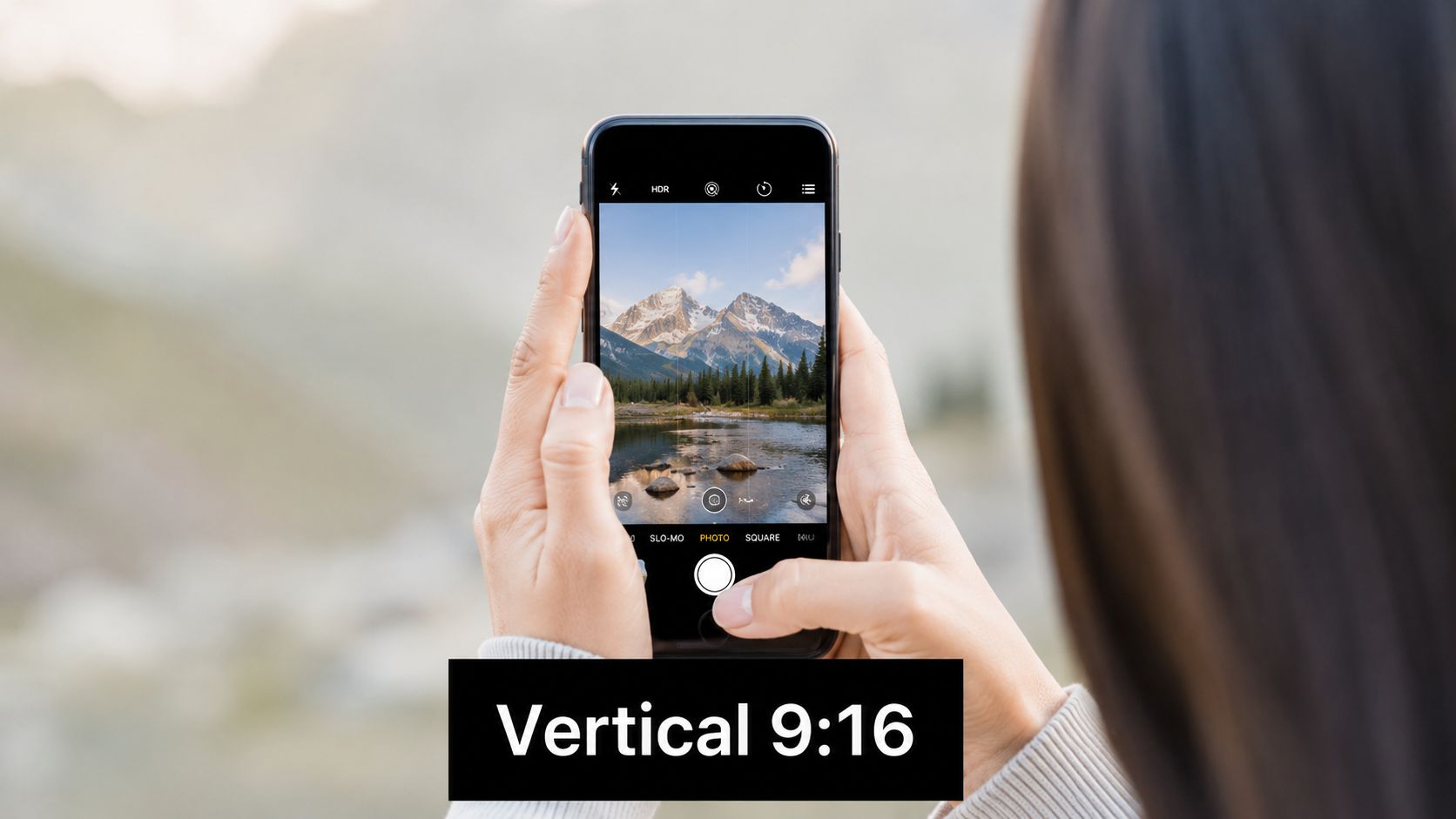
2. Optimize for Vertical Video Format
Shorts are built for 9:16 vertical framing, and that matters because the format uses the full phone screen instead of shrinking the story into a narrow strip. Most YouTube viewing happens on mobile, so the frame needs to be composed for the phone first, not adapted after the fact ShortGenius's Shorts guidance. If the video feels cropped, crowded, or letterboxed, viewers notice the format problem before they register the message.
The trade-off is straightforward. Horizontal footage can still be reused, but it needs more editing discipline. Faces should stay centered. Product labels need to sit inside the safe area. Text has to stay away from the bottom where controls live, and it should never sit so close to the edge that the YouTube UI fights with it. A cooking creator showing a pan from too far away, or a coach placing subtitles in the lower third, creates friction before the point of the clip lands.
A framing checklist that works
Start with the center of the frame. Put the face, hands, or main action there, then leave the edges calm so the app interface does not compete with the content.
Use full-screen visuals whenever possible. Black bars, tiny subjects, and low-detail shots usually get lost on a phone. If a horizontal clip matters, crop it for the vertical story before you publish it instead of uploading it unchanged.
For recurring formats, keep a repeatable layout. A beauty creator can hold close-ups in the middle third. A coach can stand centered with a clean background. A tutorial can keep labels large and high enough to stay clear of the controls. Those choices feel small, but they decide whether the viewer can follow the clip without effort.
ShortGenius helps here in a practical way. It can resize cuts, apply brand kits, and move scenes into the right format without forcing a manual re-edit for every channel. Use it when speed matters and the vertical version needs to go out before the moment passes.
The strongest vertical Shorts feel native to the feed. They are framed for the phone, not rescued for it. That cleaner composition gives the viewer an easier path into the story, and it reduces the chance of a swipe before the point is clear.
3. Use Captions and Text Overlays Strategically
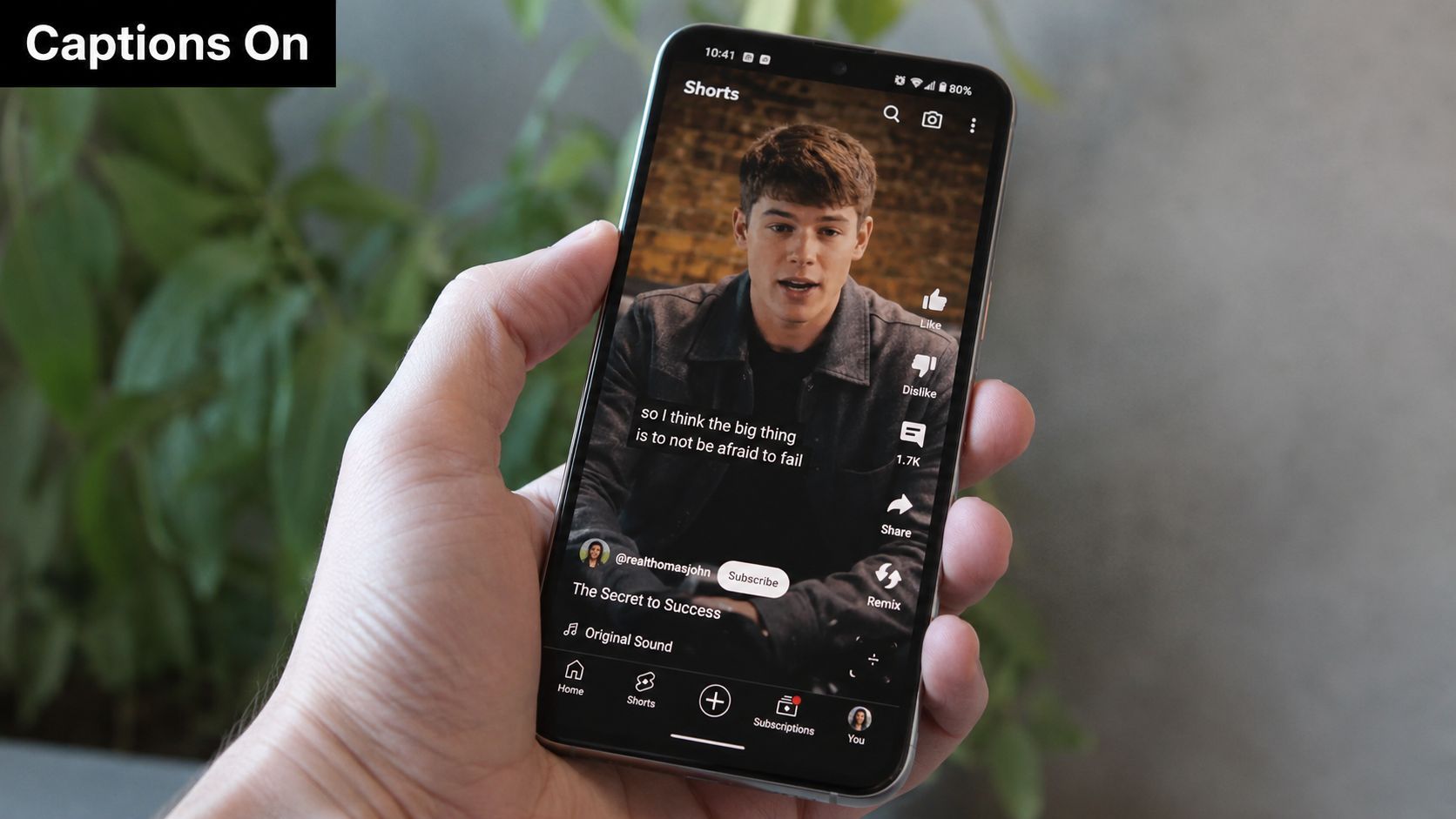
Many viewers watch Shorts muted or with the sound low, so captions are not optional decoration. They're part of the core storytelling system. The best captioning doesn't just repeat the audio, it guides attention, signals pacing, and makes the payoff easier to follow when someone is scrolling in a noisy place or watching in public.
The mistake most creators make is treating captions like subtitles from a webinar. Shorts need larger text, faster cueing, and tighter phrasing. The important line should land while the visual is still active, not after the viewer has already moved on. That means short bursts, strong contrast, and deliberate placement inside the phone-safe area. A punchline that appears too late or a product label that blends into the background will undercut the clip's momentum.
Caption rule: every phrase should either clarify the action or sharpen the emotion, never just restate what the viewer can already see.
A strong workflow is to caption the full spoken line, then trim it until only the essential words remain on screen. Educational Shorts can use one concept per caption block. Comedy clips can use timing to set up the punchline. Product videos can use simple label text for the feature, then switch to a benefit line for the payoff.
ShortGenius helps here by combining scriptwriting, captions, and visual assembly in one place, so the text layer doesn't get treated like an afterthought. That's especially useful when you're adapting one Short into multiple cuts for different audiences. You can keep the spoken line, change the text emphasis, and move the same idea through different versions without rebuilding the entire edit.
A practical micro-template works well for most channels, Hook line on screen, proof line in the middle, payoff line at the end. For example, a creator can open with “This fixed my lighting,” show the change, then end with “Same camera, different result.” That structure keeps the viewer oriented without making the video feel crowded.
Here's an image example of a phone-first caption style that keeps the focus on the message.
4. Keep the Duration Tight and Intentional
Shorts can run up to 3 minutes, but longer runtime only helps if the idea needs the space Miraflow's 2026 guide. A tight cut usually performs better because it removes padding, repeated explanations, and the habit of saying the same point twice. If the video has one tip, one reveal, or one transformation, stretching it into extra seconds usually weakens the pace.
Length still depends on the format. A recipe, quick tutorial, or product comparison may need more room than a joke or reaction. A 30-second clip can feel cramped if the viewer needs three steps to follow along. A 45-second clip can feel slow if the point is obvious halfway through. The right runtime is the shortest version that still feels complete.
A simple runtime check helps before export:
- Single insight: keep the message direct and move fast.
- Mini tutorial: give each step enough time to register.
- Transformation or reveal: build cleanly toward the payoff.
- Promotional Short: leave room for the next click or profile visit.
One practical edit rule works across formats. Remove any sentence that repeats what the visuals already show. If a cut can carry the same point, the cut usually beats extra narration. Fitness creators often show the movement instead of explaining every rep. Food creators often show the finished dish first, then jump straight into the process. ShortGenius helps teams apply that rule faster by keeping scriptwriting, captions, and visual assembly in one workflow, so runtime decisions happen while the edit is still being built. That matters when one Short needs to become several versions for different audiences.
A strong Shorts script also avoids dead air at the end. The final seconds should close the idea or direct attention to the next action. A clean handoff to another video, a profile visit, or a series continuation works better than leaving the last frame hanging. For teams using production music for shorts on, that same timing choice also keeps the audio from outlasting the point of the video.
5. Leverage Trending Sounds and Music
Audio matters because Shorts are part entertainment, part pattern recognition. A familiar sound can make a viewer stop long enough to process the visual, and that extra beat can be enough to keep them in the clip. A production-music workflow is helpful here, especially for teams building Shorts at scale, and one relevant resource on this topic is production music for Shorts.
The practical trade-off is that trend chasing can help discovery, but generic trend use can flatten the video. If everyone uses the same sound with the same pacing, the Short blends into the feed. The better move is to use the trend as a container, then make the joke, lesson, or reveal feel specific to your niche. A beauty creator can sync a transition to the beat. A software creator can use trending audio underneath a screen-recording demo. A food creator can time the reveal to the drop.
You do not need to overload the mix. If the spoken message matters, keep the music low and use it as energy rather than competition. If the Short is visual-first, let the audio carry more of the rhythm. That balance matters more than the source of the sound itself.
Trending audio also works best when it serves a repeatable format. A creator who builds the same “three mistakes” structure around different sounds can ship faster because the editing pattern is already known. ShortGenius can support that kind of repeatable output by helping creators swap scenes, voiceovers, and pacing without rebuilding the whole sequence.
6. Implement Strategic CTAs and End Screens Effectively
A good Short should not end in a dead stop. It should point somewhere. That next step might be another video, a channel page, a series episode, or a product page, depending on the goal. The strongest CTAs feel like a natural continuation of the value, not a sales interruption.
The timing matters. If you ask for an action before the viewer has gotten the payoff, you undercut your own video. If you wait too long, you miss the moment when attention is highest. The best window is after the value has landed but before the clip fully exits. That's when the viewer knows whether the content was useful, funny, or surprising, and the ask feels earned.
People respond better to CTAs that match the viewer's state, not the creator's urgency.
A few practical patterns work well.
- New viewer CTA: “Subscribe for more quick tips.”
- Returning viewer CTA: “Watch the next part on the channel.”
- Series CTA: “Tomorrow's episode finishes this.”
- Product CTA: “Tap the profile to see the full breakdown.”
The wording should stay short and specific. “Subscribe now” is weaker than “Subscribe for more Shorts like this” because the second version explains the value exchange. A tutorial creator can direct viewers to the longer version on the channel. A creator building a recurring series can use the end to set up the next installment. A brand can make the CTA about the problem it solves, not just the product itself.
ShortGenius is useful for this kind of workflow because it can streamline scene swaps, captions, and post versions across channels. That makes it easier to test one Short with a soft CTA and another with a stronger profile prompt, then keep the one that fits the audience better. The goal is not to push harder. It's to make the next action feel obvious.
7. Create Series and Consistent Content Themes
Recurring Shorts themes give a channel shape. A one-off clip can spike views, but a series teaches viewers what they can expect next and why they should come back. Theme-based output also fits repeatable production better than constant reinvention, especially for creators who need a reliable workflow instead of starting from scratch every time Kompozy's guide on recurring Shorts themes.
There is also a practical trade-off here. If every Short needs a brand-new format, production slows down fast. If the channel stays inside a clear lane, one structure can carry many topics without feeling stale. A coding creator can run “one-minute fixes.” A fitness coach can use “form check Fridays.” A teacher can build a numbered lesson series. A DTC brand can turn product demos into recurring use-case clips.
A strong series template keeps the audience oriented and keeps your workflow lean.
- Name the format clearly: use a repeatable label viewers can recognize.
- Keep the structure stable: use the same opening, pacing, and payoff style.
- Change only one variable: topic, example, or outcome.
- Post consistently: recurring content works only when viewers can predict it.
A numbered series helps viewers track progress. It also reduces planning friction for the creator, because you are filling a known slot with a new example instead of deciding from zero every time. Educational creators use this well, and agencies can apply the same approach across clients or content categories. In practice, that means fewer creative resets and faster turnaround.
ShortGenius fits this workflow because it can keep themed series organized and maintain consistent production elements across versions. That matters if you want the channel to read clearly at a glance. A channel should feel like a library with a clean shelf label, not a random pile of clips.
8. Optimize Thumbnails for Maximum Click-Through Rate
Shorts thumbnails matter most outside the feed, on search results, suggested videos, and channel pages. That means you still need a visual that works as a click prompt even when the Short isn't being swiped past in the usual flow. A strong thumbnail can create curiosity before the video starts.
The trade-off is trust. A thumbnail can be bold without being misleading. If the image promises one thing and the Short delivers another, the click might happen once, but the viewer probably won't come back. The best thumbnails make the topic obvious and the emotion clear. MrBeast-style shock expressions work because they communicate stakes instantly. Educational thumbnails work because they frame a simple promise. Product thumbnails work when the object is easy to identify and the label is legible.
Keep the design simple. Use high contrast. Limit the text to a few words. Make sure the main subject is visible at phone size. If the thumbnail is too busy, it becomes decorative instead of functional. A creator trying to cram a whole sentence into the frame usually weakens the click.
A useful visual checklist is this, one subject, one promise, one emotion. That combination is enough for most Shorts surfaces. If the image needs a paragraph of explanation, the design is doing too much.
9. Cross-Promote Across Multiple Platforms
A Short that works on YouTube can often travel well to TikTok and Instagram Reels, but the same file rarely performs equally well everywhere. Cross-posting saves time, yet the key value is distribution spread. If one platform changes how it ranks or surfaces short video, the rest of your pipeline still has somewhere to go.
The practical move is to keep the core clip stable and change the packaging. YouTube usually rewards a cleaner title and a channel-path CTA that fits search or suggested viewing. TikTok often responds better to a caption that feels native to the app. Instagram can favor a more polished look, especially when the same edit is framed with a slightly different first line or on-screen text. A creator who uploads the exact same asset everywhere leaves easy gains on the table.
A quick way to handle this is to build a platform split before you publish. Draft one master version, then create the local versions from that base.
Platform split template
- YouTube: title, description, and CTA that fit the channel journey.
- TikTok: caption that sounds native and points to the next action.
- Instagram Reels: cleaner visual polish and a tighter text treatment.
- Same footage: keep the core clip intact so production stays efficient.
A creator can test this without rebuilding the whole video. For example, a tutorial Short can keep the same opening shot and main edit, while the YouTube version uses a more direct title and the TikTok version uses a lighter caption. That small change often matters more than re-cutting the entire video. ShortGenius helps here because its AI Video workflow can turn one creative asset into multiple outputs, so you can adjust each version without manually starting over. For agencies, that reduces duplicate work. For solo creators, it means one idea can become several uploads that still feel native to each platform.
The best approach is straightforward. Make one strong Short, then adapt the title, caption, and format cues so each platform gets a version that fits how people watch there.
10. Monitor Analytics and Iterate Based on Performance Data
Analytics should tell you what to change next. If a Short loses people early, the hook failed. If viewers stay but don't finish, the pacing probably drags. If a clip gets good retention but weak conversions, the CTA or channel path needs work. The value of analytics is not the dashboard itself, it's the edit decision that follows.
The most useful metrics are the ones tied to behavior. One creator-facing guide says underperforming Shorts should be judged with stay-to-watch and average view duration, with a stated benchmark of over 80% stay-to-watch and AVD relative to video length, while other YouTube guidance emphasizes tracking performance, engagement, and subscriber conversion YouTube creator video. That combination points to a simple diagnostic habit, don't just ask whether a Short got views, ask where it failed.
A good testing system keeps one variable at a time. Test a new hook while keeping the topic stable. Test a tighter duration while keeping the opening identical. Test one caption style against another. If too many variables change at once, the result is noise. The most useful improvements usually come from small edits repeated over many uploads.
Best practice: review trends weekly, not emotionally in real time.
ShortGenius is useful here because it shortens the cycle between idea, edit, and reversion. When a hook underperforms, you can generate a new cut, swap the opening frame, or resize a variant faster than a manual workflow allows. That speed matters because Shorts are a volume-and-learning game. The teams that improve fastest are usually the ones that can test more cleanly, not the ones who guess hardest.
YouTube Shorts: 10 Best Practices Comparison
| Strategy | Implementation 🔄 | Resources ⚡ | Expected outcomes ⭐ | Ideal use cases 📊 | Key advantages & tips 💡 |
|---|---|---|---|---|---|
| Hook Viewers in the First 3 Seconds | Medium, creative testing and fast editing | Low–Medium, editing tools, presets | ⭐⭐⭐⭐, higher initial retention & engagement | Attention-grabbing content, product reveals, viral attempts | A/B test hooks; use bold visuals; avoid deceptive clickbait |
| Optimize for Vertical Video Format (9:16) | Low, framing and composition adjustments | Low, vertical templates, camera setup | ⭐⭐⭐, immersive mobile viewing, better engagement | Mobile-first tutorials, vlogs, demonstrations | Shoot vertical; keep key elements in center 70%; respect safe zones |
| Use Captions and Text Overlays Strategically | Low–Medium, timing and typography care | Low, caption tools, readable fonts | ⭐⭐⭐⭐, improved retention & accessibility | Muted audiences, educational, narration-heavy shorts | Caption 100% audio; use large readable fonts; limit overlays |
| Keep Duration Between 15–60 Seconds (Optimal 30–45s) | Medium, strict editing and condensation | Low, editing time and planning | ⭐⭐⭐⭐, higher completion rate & algorithm favor | Quick tutorials, recipes, workouts, summaries | Aim 30–45s; cut filler ruthlessly; test duration variants |
| Leverage Trending Sounds and Music | Medium, trend monitoring and audio selection | Low–Medium, music libraries, licensing awareness | ⭐⭐⭐⭐, increased discoverability and viral potential | Dance, remix, meme, trend-driven content | Jump early (48–72h); remix creatively; monitor trend lifespan |
| Implement Strategic CTAs and End Screens Effectively | Low–Medium, timing and placement testing | Low, overlays, templates, scheduling | ⭐⭐⭐, higher subscribers & video funnels | Channels aiming to convert viewers to subscribers/next videos | Use 1–2 CTAs after value delivery; keep CTAs natural and visible |
| Create Series and Consistent Content Themes | High, long-term planning and cadence | Medium–High, ongoing production and scheduling | ⭐⭐⭐⭐, stronger subscriber habits & binge potential | Niche/educational creators, episodic storytelling | Commit to schedule, name conventions; vary elements to avoid fatigue |
| Optimize Thumbnails for Maximum Click-Through Rate | Medium, design testing and iteration | Low–Medium, design tools/templates | ⭐⭐⭐, better CTR on search/suggestions & channel pages | Search-driven discoverability, channel pages, recommendations | Use high-contrast colors, 3–4 words, emotional expressions; test styles |
| Cross-Promote Across Multiple Platforms | Medium, platform-specific adjustments | Medium, scheduling tools, customization time | ⭐⭐⭐⭐, multiplied reach and platform resilience | Brands and creators seeking multi-platform growth | Customize captions/CTAs per platform; use 9:16; track platform metrics |
| Monitor Analytics and Iterate Based on Performance Data | Medium, requires discipline and interpretation | Medium, analytics tools and analysis time | ⭐⭐⭐⭐⭐, continuous improvement and optimized ROI | All creators focused on growth and optimization | Track watch time, completion, CTR; A/B test one variable; review weekly |
Next Steps to Supercharge Your Shorts
The strongest youtube shorts best practices all point in the same direction. Make the opening instantly clear, frame for mobile, keep the runtime honest, and let analytics tell you what to change next. The creators who do this well stop treating Shorts like throwaway content and start treating them like a repeatable system. That's the difference between isolated spikes and a channel that keeps learning.
A practical workflow helps more than a perfect idea. Start with one recurring format, then build a tiny production loop around it. Write the hook first. Shoot or assemble in vertical format. Add captions with intention. Finish with a CTA that matches the viewer's intent. After publish, check what happened in the first day, then make the next version cleaner. That's where the compounding happens.
ShortGenius fits that system because it brings scriptwriting, video assembly, captions, resizing, and scheduling into one workflow. For creators and teams producing Shorts across multiple channels, that reduces friction without changing the core strategy. It doesn't replace judgment, but it does make rapid iteration easier, which is exactly what Shorts reward.
If you're building a channel, an agency pipeline, or a brand content engine, start with one Short this week and tighten one variable at a time. Then use the results to shape the next cut, the next hook, and the next series.
Use ShortGenius to turn one idea into a finished Short faster, then refine it with the analytics that matter. If you want a practical AI workflow for scripting, resizing, captions, and multi-channel publishing, visit ShortGenius (AI Video / AI Ad Generator) and build your next Shorts test from there.