Fix Your Video Sync Audio for Flawless Content in 2026

Learn how to fix video sync audio issues. Our guide covers on-set prevention, AI tools, manual fixes, and troubleshooting for perfectly synced content.
Perfect video sync audio is all about making sure the sound and the picture in your video line up perfectly, with zero noticeable lag. It’s the invisible foundation of any professional video. Get it wrong, and even the best content can feel cheap and unwatchable.
Why Flawless Audio Sync Is Your Secret Weapon for Engagement
Let's be real—nothing kills a video's credibility faster than out-of-sync audio. When you see someone’s lips move a split second before you hear them speak, it completely shatters the illusion. It’s a jarring mistake that instantly pulls your audience out of the experience.
In a world where viewers decide in seconds whether to keep watching, a tiny audio delay is more than enough reason for them to scroll on. Getting your video sync audio right isn't just a technical detail; it’s a fundamental sign of respect for your audience's time and attention.
The Psychology of Sync
Our brains are hardwired to process sight and sound as a single, unified event. When that link is broken, it creates a subtle but real mental friction—a cognitive dissonance that makes viewers uneasy and annoyed.
- It Breaks Immersion: Perfect sync is what keeps a viewer lost in your story. A delay, no matter how small, reminds them they're just watching a video.
- It Screams "Amateur": Viewers subconsciously associate sync problems with low-quality, amateur production, which can seriously undermine your authority and brand.
- It Causes Frustration: Trying to follow out-of-sync dialogue is just plain difficult. This frustration quickly leads to viewers giving up and clicking away.
This isn't just a theory; it has a real, measurable impact on your video's performance. For short-form content, especially, audio sync is everything. We’ve seen countless videos with a noticeable audio lag—anything over 100 milliseconds—suffer a staggering 30-50% drop in average watch time. This tells the platform's algorithm that people don't like the video, often leading to a visibility penalty of up to 40%.
The table below breaks down just how quickly viewers perceive these delays and what it costs you.
How Audio Sync Delays Affect Viewer Behavior
| Sync Delay (Milliseconds) | Typical Viewer Perception | Impact on Watch Time |
|---|---|---|
| 0-75ms | Undetectable. Perceived as perfectly synced. | Negligible. This is the professional standard. |
| 75-125ms | Noticeable. "Something feels a little off." | Minor drop in engagement, but viewers may start to feel a subtle sense of unease. |
| 125-200ms | Obvious and distracting. "The audio is definitely lagging." | Significant drop (30-50%). High probability of viewers abandoning the video. |
| 200ms+ | Unwatchable and frustrating. | Massive abandonment rate. Triggers negative signals to platform algorithms. |
As you can see, the window for "acceptable" is incredibly small. A delay of just a few frames is often the only thing separating a viral hit from a video that goes nowhere.
A delay of just a few frames can be the difference between a viral hit and a video that never finds its audience. The algorithm notices, and so do your viewers.
This becomes even more critical when you're reaching a global audience. For dubbed content, where you're replacing the entire original audio track, perfect sync is non-negotiable. A clear understanding what dubbed means shows just how important that precise lip-sync is for making the new dialogue feel natural and believable.
Ultimately, mastering your video sync audio is a core part of a successful content strategy. It's the technical bedrock that ensures your story, your message, and your brand are seen—and heard—exactly the way you intended.
Preventing Sync Nightmares Before You Hit Record
The best way to fix a video sync audio problem is to stop it from happening in the first place. I've seen it time and time again: a few moments of prep on set can save you hours of pulling your hair out in the editing bay. Smart creators know this and build good habits into their workflow from the very start.
You don't need complicated gear or a film school degree to get this right. The most reliable methods are actually the simplest, and they work whether you're a one-person crew filming in your home studio or part of a larger production.
The Classic Slate and the Simple Clap
You’ve seen it in behind-the-scenes footage for a reason: the clapper slate is the quintessential sync tool. That iconic snap creates two things at once: a sharp visual cue on video and a clear spike in the audio waveform. When you get to your editing software, it's just a matter of lining up the exact frame the slate closes with the peak of that sound. Done. Perfectly synced.
Don't have a slate? No worries. A single, sharp hand clap on camera accomplishes the same thing. It's a free, zero-tech trick that gives you an undeniable reference point. The key is to make sure your hands are clearly visible to the camera and the clap is loud enough for your microphone to pick it up cleanly.
Getting this right from the start makes all the difference, as you can see below. Good sync practices lead to a clean workflow, while bad sync inevitably causes problems down the line.
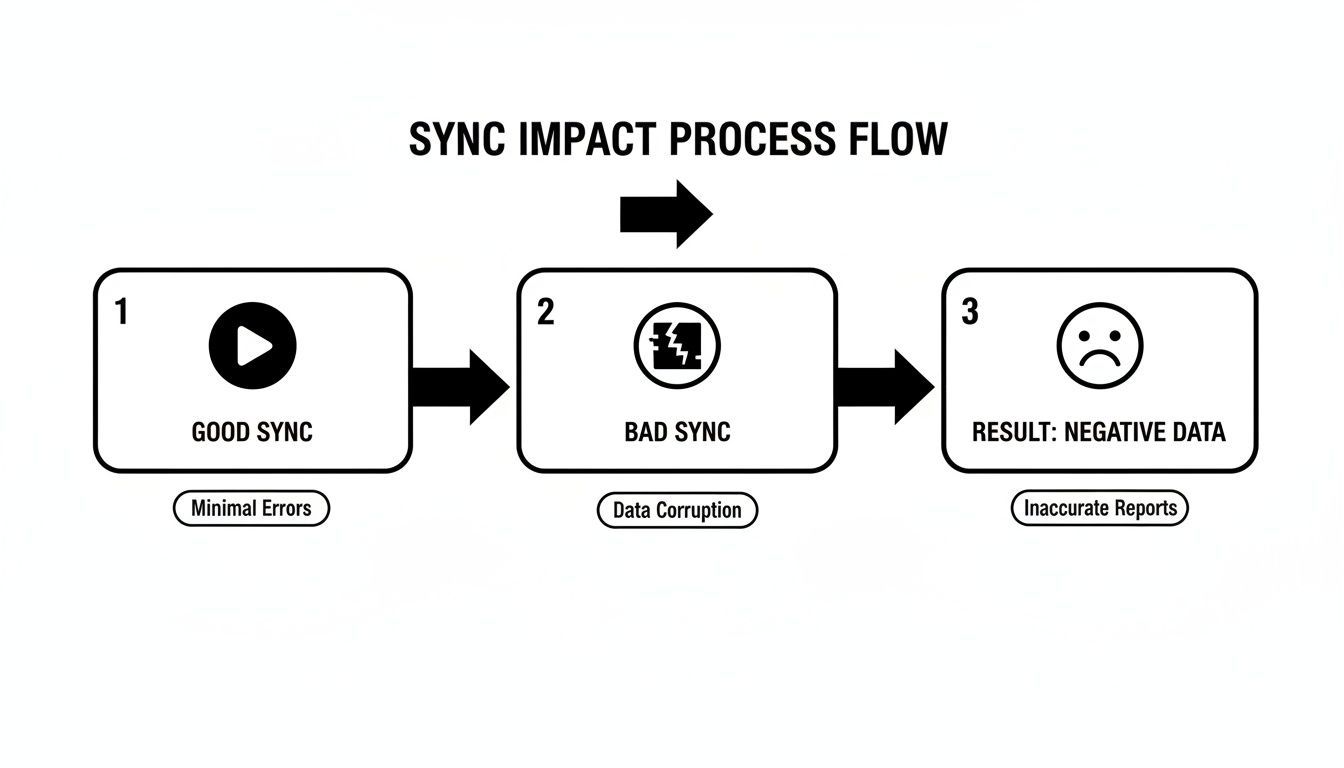
As the diagram shows, a solid sync foundation leads straight to a high-quality result. A bad start, on the other hand, just creates glitches and headaches that degrade your final video.
Leveling Up with Timecode
When you're juggling multiple cameras and external audio recorders—think interviews, live events, or short films—timecode becomes your best friend. It’s the professional standard for a reason. A timecode generator, often a small box attached to each device, sends an identical running clock signal to everything that's recording.
What this does is embed matching timestamps directly into every single video and audio file. Back in the edit, you can simply select all your clips, hit "sync by timecode," and watch your software align everything with perfect, frame-accurate precision. It's a one-click solution that eliminates all the guesswork.
Think of timecode as a unique GPS coordinate for every second of your footage. It’s an absolute lifesaver on complex shoots where precision is non-negotiable.
These on-set disciplines are the foundation of any professional video project. They ensure your files are organized and ready for a smooth edit, saving you from the technical issues that can completely derail your creative momentum. For creators looking to push their efficiency even further, exploring how to turn static assets into compelling video can be a huge step. You can see how our AI helps turn images into video, keeping everything perfectly in sync from start to finish.
Automated Syncing Tools That Work Like Magic
Even with the best on-set discipline, you’ll spend a lot of time in your editor getting your audio and video to play nicely together. Thankfully, modern editing software has turned what used to be a painstaking manual chore into a task that’s often as simple as a right-click.
Most NLEs (non-linear editors) you'd use today—from Adobe Premiere Pro and Final Cut Pro to DaVinci Resolve—have incredibly smart automated syncing features built right in. They work their magic in a few different ways, depending on what you gave them to work with from the shoot.
Waveform Analysis for Simple Syncs
The most common and accessible method is waveform analysis. This is your go-to when you've recorded with a separate audio device but also had an on-camera scratch mic running. The software essentially "listens" to both audio tracks—the low-quality one from your camera and the high-quality one from your dedicated recorder.
It intelligently scans for identical patterns in the sound waves, like the sharp, loud peak created by a hand clap or a slate. Once it finds that match, it automatically nudges the clips into perfect alignment. For a simple interview or a talking-head video, this is usually all you need. It’s surprisingly fast and accurate.
Think of waveform syncing as digital fingerprint matching. The software finds the unique sonic signature in both files and locks them together. It's a huge time-saver.
Timecode for Complex Projects
When you step up to more complex shoots with multiple cameras, timecode becomes non-negotiable. As we covered earlier, using timecode generators on set embeds a precise, matching timestamp into every single file you record.
This makes syncing in post-production almost instantaneous. You just highlight all your video and audio clips from a given scene, right-click, and tell your software to sync using timecode. Everything immediately snaps into its correct place on the timeline with frame-perfect precision. This is absolutely essential for live events, narrative films, or any shoot where even a single frame of drift is a deal-breaker.
This need for perfect alignment is a major driver in the professional audio-visual market, which is projected to hit an incredible $382.74 billion by 2031. It’s all fueled by technologies that make real-time sync possible. You can dive deeper into this trend in Mordor Intelligence's full market report.
The Rise of AI-Powered Syncing
The next frontier is AI, where the whole concept of syncing is being rethought. Newer tools, like ShortGenius, are built to handle sync from the moment of creation. When the platform generates a script and an AI voiceover, the audio is born already linked to the video scenes.
This means the task of syncing is completely eliminated. As you make edits, trim clips, or even regenerate lines of dialogue, the underlying engine ensures the narration and visuals remain perfectly locked. It's a glimpse into a more efficient future of video production, where tedious technical jobs are handled for you. For creators wanting to produce content faster, using AI to turn text into video removes one of the biggest post-production bottlenecks right from the start.
Fixing Sync Manually When Automation Gets It Wrong
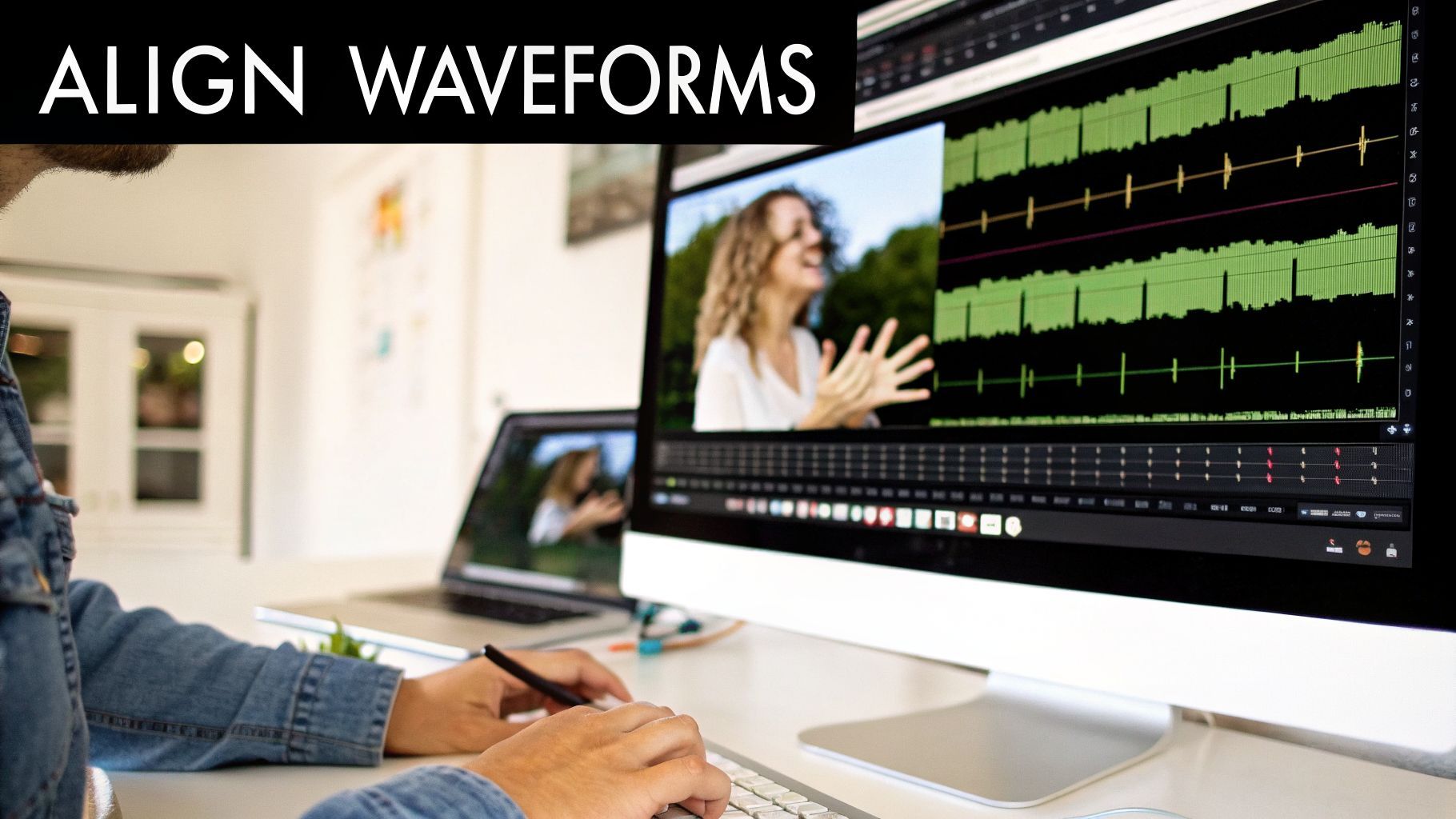
Let's be real: automated syncing is a miracle. Most of the time. But when it fails, it can leave you with a real mess. Confusing background noise, a missed slate, or a random software hiccup can throw your clips completely out of whack.
When technology lets you down, knowing how to fix audio sync by hand isn't just a backup plan—it's a fundamental skill that separates the pros from the amateurs. It might feel like a chore, but once you get the hang of it, you’ll be able to salvage footage you thought was a lost cause.
Aligning With Visual and Audio Cues
This is the classic, old-school method, and it’s still the most reliable. If you have a slate or even just a hand clap on camera, you have everything you need. In your editor, just drop the video and the separately recorded audio onto your timeline, each on its own track.
Now, the detective work begins.
- Spot the Visual: Scrub through your video frame by frame. You’re looking for that single, perfect frame where the clapperboard snaps shut or the hands make contact. That's your sync point. Drop a marker right there.
- Find the Audio Spike: Now look at your audio waveform. See that huge, sharp spike? That’s the sound of the clap. Zoom way in on your timeline to see it clearly.
- Line Them Up: All you have to do is drag your audio clip left or right until the very beginning of that audio spike aligns perfectly with the visual marker you set on your video.
Once they're matched, link the clips in your editing software immediately. Trust me, you don't want to accidentally nudge one of them out of place later. Give it a quick playback to feel the satisfaction of a perfect sync.
Using Dialogue for Fine-Tuning
But what happens when you’ve got nothing? No slate, no clap, just a talking head. Don't panic. You can still get a perfect sync by using the speaker's own words. This takes a bit more patience, but it’s a powerful trick to have up your sleeve.
The secret is to focus on words with hard, percussive sounds—specifically, words that start with a ‘P’, ‘B’, or ‘M’. These sounds, called plosives, force the speaker to press their lips together in a very distinct way before the sound comes out.
Find a clear word in the dialogue, like "perfect" or "maybe." Zoom in on your timeline and go frame-by-frame to find the exact moment the speaker's lips part to start the word. Now, line that visual cue up with the very beginning of that word’s waveform in your audio track.
This "lip-reading" technique has saved more projects than I can count. It’s the kind of hands-on skill that gives you the confidence to tackle any audio sync problem, ensuring your final cut always looks and sounds completely professional.
How to Troubleshoot Common Video Audio Sync Problems
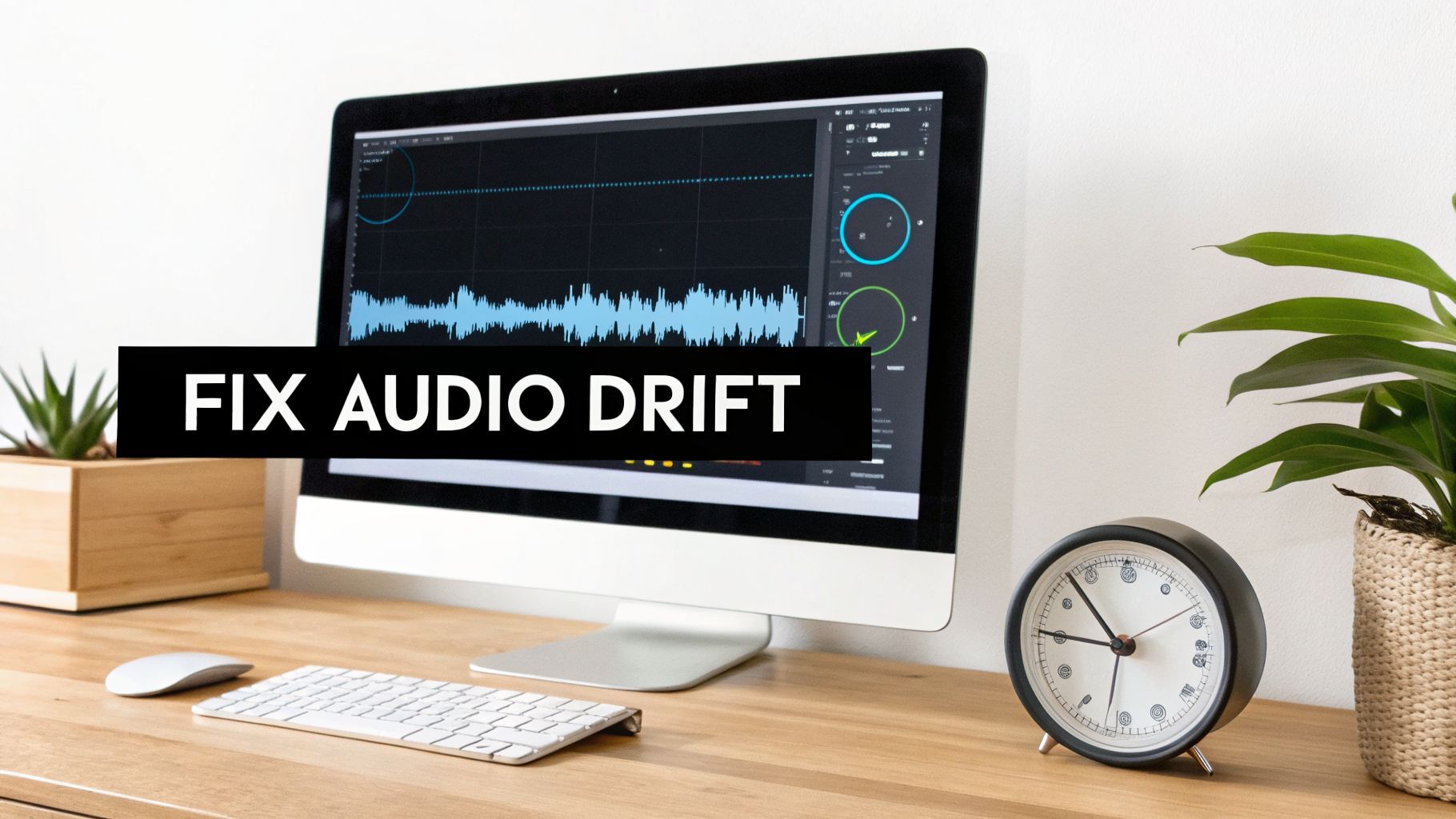
You’ve been there before. You finish a long edit, and everything looks great… until you notice the audio. It starts perfectly in sync, but as the video plays on, the sound slowly slips away from the picture.
This maddening issue is called audio drift, and it’s one of the most common headaches in video editing. The good news? It’s almost always fixable, and the culprit usually isn't your editing software—it's the video file itself.
More often than not, the problem is a Variable Frame Rate (VFR). Phones, screen recording apps, and many consumer cameras use VFR to save file space by adjusting the frame rate on the fly. Your professional editing software, however, is built for a Constant Frame Rate (CFR). This fundamental mismatch creates errors that compound over time, making your audio drift further and further out of sync.
Fixing Variable Frame Rate Issues
Trying to fix VFR drift on your timeline by slicing up your audio and nudging it back into place is a losing battle. The only real solution is to convert the video to a constant frame rate before you even start editing.
My go-to tool for this is HandBrake, a fantastic and free video transcoder. The process is simple:
- First, load your problematic video clip into HandBrake.
- Next, head over to the "Video" tab and look for the "Framerate (FPS)" setting.
- Here’s the crucial part: change the setting from "Variable Framerate" to "Constant Framerate." Make sure the FPS value matches your project timeline (e.g., 24 or 29.97).
- Finally, just hit start. HandBrake will create a clean, new CFR file that your editor can handle without any drift.
Converting to CFR isn't just a good idea—it's an essential first step when working with footage from a phone or a screen recording. This creates a stable foundation for your edit and will save you hours of frustration down the line.
Resolving Sample Rate Mismatches
But what if your frame rate is solid and things are still off? The next thing to check is a mismatch in audio sample rates.
Most video projects are set to the professional standard of 48kHz. However, your external audio recorder might have defaulted to 44.1kHz, which is the standard for music CDs. This slight difference can cause your editing software to resample the audio, introducing tiny errors that lead to drift.
The fix is to make sure all your audio files match your project's sample rate before you sync them. Most editors let you "conform" the audio. In Adobe Premiere Pro, for instance, you can right-click the audio file, go to "Modify," and then "Audio Channels" to interpret the sample rate correctly.
When you're trying to hunt down the source of a sync problem, having a deeper knowledge of the technical side helps. Taking a moment for understanding audio latency and how to fix it can give you the background needed to solve these persistent headaches for good.
If you ever doubt the importance of sync, just look at the pros. The market for professional dubbing and voice-over services is projected to hit $8.6 billion by 2034. These experts live and die by phrase-sync dubbing, which aims to keep audio within a tight 50ms window of the on-screen mouth movements. This level of precision helps retain 35% more viewers in international markets, proving that even minor sync issues can have a massive impact on your audience's experience.
Even the smallest sync problems can pull a viewer out of the experience. Here's a quick reference table to help you diagnose and fix the most frequent issues editors run into.
Quick Fixes for Common Sync Errors
| Common Problem | Primary Cause | Recommended Solution |
|---|---|---|
| Audio Drift | Video was recorded with a Variable Frame Rate (VFR). | Convert the video file to a Constant Frame Rate (CFR) using a tool like HandBrake before editing. |
| Consistent Offset | The audio and video clips weren't aligned correctly at the start. | Use a sync point (slate, hand clap) to manually align the clips on the timeline. Zoom in to the waveform for frame-by-frame precision. |
| Drift on Long Clips | A mismatch between the audio file's sample rate (e.g., 44.1kHz) and the project's sample rate (e.g., 48kHz). | Conform the audio clip's sample rate to match your project settings within your editing software before syncing. |
| Jerky Playback | The computer's hardware is struggling to play back high-resolution or uncompressed files in real-time. | Create lower-resolution proxies of your video files for smoother editing. Your NLE will use the original files for the final export. |
By keeping these common causes in mind, you can quickly identify the root of the problem and get your audio and video locked in perfectly.
What If You Could Skip Syncing Altogether?
We've spent a lot of time breaking down how to fix sync issues after they happen. But as any seasoned creator will tell you, the real pro move is to build a workflow where those problems never even get a chance to start. This is about moving from a reactive mindset of fixing mistakes to a proactive one where your tools prevent them from the get-go.
That’s the entire philosophy behind ShortGenius. We saw the hours creators were losing to tedious sync adjustments and decided to build a platform where audio and video are locked together from the very first click. It's a single, unified space for AI scripting, voice generation, and video editing, meaning sync isn't something you do—it's just something that is.
Sync Is Baked In, Not Bolted On
When you're building a video inside ShortGenius, you aren’t dealing with separate audio and video files that you have to line up later. The AI-generated voiceover is born connected to its corresponding scene. This fundamental link means perfect sync is maintained no matter how much you tweak, rearrange, or rethink your edit.
-
Effortless Trims and Swaps: Go ahead, trim that scene down or swap it out entirely. The audio automatically adjusts to the new timing. Our AI engine understands the relationship between the visuals and the narration, so you’ll never accidentally create a gap or an overlap.
-
On-the-Fly Voice Changes: Decided you need a different narrator? Maybe a new accent or a slight change in tone? You can swap the entire voiceover in seconds. The new audio track drops in with frame-perfect accuracy, matching the timing of the original without you having to lift a finger.
Think about it: you rewrite a single line, and the video's timing and visual pacing just... update. That's not a pipe dream; it's just how the system is designed to work. It completely removes that frustrating back-and-forth that eats up so much time in a traditional edit.
An integrated workflow like this makes all the common headaches we've discussed simply disappear. You won't have to second-guess variable frame rates, worry about sample rate mismatches, or perform a manual clap sync ever again. The platform handles all the technical heavy lifting behind the scenes.
For anyone serious about producing a high volume of quality content, this is the most direct route to flawless results. By creating your videos in a system designed for synchronization from its core, you sidestep the technical hurdles that trip up so many projects. You can see how this unified process feels by trying the ShortGenius AI video generator yourself. It’s the smartest way to ensure your video sync audio is perfect, every single time.
Common Sync Problems and Quick Fixes
Even with the best intentions, audio sync can go sideways. I've seen it happen to everyone, from beginners to seasoned pros. Here are a few of the most common issues that pop up and how to troubleshoot them on the fly.
My Audio Drifts Even Though I Used a Slate. What's Going On?
This one is incredibly frustrating. You do everything right on set—you get a perfect slate clap—but by the end of a long clip, the audio is noticeably out of sync.
This isn't your fault; your initial sync point was probably fine. The culprit is almost always a technical mismatch. The most common offender is Variable Frame Rate (VFR). Many phones and consumer cameras record in VFR to save space, but editing software hates it. You'll need to convert that footage to a Constant Frame Rate (CFR) using a tool like HandBrake or Adobe Media Encoder before you start editing.
Another thing to check is a sample rate mismatch between your project and your audio files. If your project is set to 48kHz but your audio was recorded at 44.1kHz, you’ll get drift. Make sure everything is conformed to the same standard.
A slate only gives you a perfect starting line. It can't fix underlying technical problems in the files themselves that cause audio to drift out of sync over time.
Help! I Forgot to Slate the Shot. How Do I Sync It Now?
Don't panic! It happens. We don't always have the luxury of a perfect workflow, but you have a couple of solid options for a rescue mission.
-
Lean on Waveform Syncing: Your editing software is smarter than you think. Most modern NLEs (like Premiere Pro or Final Cut Pro) have a feature that analyzes the scratch audio from your camera and perfectly matches it to your separate, high-quality audio recording. It's surprisingly accurate and should be your first move.
-
Go Manual with Plosives: If the automatic sync fails, it's time to get hands-on. Zoom way in on your timeline and look for a word with a hard consonant sound—think words that start with "P" or "B." Find the exact frame where the speaker's mouth forms the shape and line it up with the sharp, explosive peak on the audio waveform. It takes a minute, but it's a rock-solid technique.
How Much of a Delay Is Actually Noticeable?
Our brains are surprisingly sensitive to audio sync. A tiny delay can make a video feel "off" even if the viewer can't explain why.
Most people will subconsciously notice a delay around 75-100 milliseconds. Once you hit 125ms or more, it becomes an obvious, distracting problem that can cause viewers to click away. The professional goal is to stay within 1-2 frames of perfect sync, which keeps you well under the 70ms threshold and ensures a seamless experience.
If you're tired of wrestling with sync issues clip by clip, you might want to explore a more integrated approach. Tools like ShortGenius are designed to eliminate these problems by unifying the entire creation process—from AI scripting and voice generation to the final video edit—ensuring everything is perfectly aligned from the start. You can create perfectly synced videos in minutes with ShortGenius.