10 Key Types of Content Creation for 2026

Explore 10 essential types of content creation, from short-form video to UGC. Learn how to produce, distribute, and measure each for brand growth in 2026.
Which content format deserves your team's time this year?
A list of formats is easy to find. Choosing the right one for a specific goal is where content strategy gets expensive, or effective. Video, tutorials, carousels, live sessions, UGC, and product storytelling all work, but they do different jobs, require different production systems, and reward different distribution habits.
The pressure to choose well is higher now because production is faster than ever. AI tools have lowered the cost of drafting scripts, cutting clips, turning long recordings into short assets, and even creating AI music videos for social platforms. More output does not automatically mean more results. In practice, it often creates a different problem: teams publish across five formats, then realize none of them match the audience, channel, or buying stage they were meant to serve.
That is the gap this guide addresses.
Instead of stopping at definitions, it treats content types as operating choices. For each of the 10 formats below, the focus is on where it fits in the funnel, how to produce it without wasting effort, what to distribute first, which KPIs matter, and how to repurpose one strong idea into multiple assets without making every post feel recycled.
Scaling matters here too. A solid workflow often starts with one source asset, then branches into clips, slides, tutorials, and follow-up posts. A tool for turning one idea into multiple short video variations can speed up that process, but the tool only helps if the format choice is right in the first place.
Use this guide like a playbook, not a glossary. The goal is to help you pick formats with intent, build a production rhythm your team can sustain, and measure success by business outcome, not just output volume.
1. Short-Form Video (15-60 seconds)
If you only pick one format to get good at, pick this one first.
Video content holds a 40% share of the global digital content creation market as of 2026, which is consistent with practical experience. Short-form video is where new audiences discover you fastest, especially on TikTok, Instagram Reels, and YouTube Shorts. It works because it compresses message, emotion, and proof into a format people already expect to consume quickly.
The mistake is treating short-form like “just post more clips.” Good short-form video is built on angle variety. One idea should produce multiple opens, framings, and edits, not one upload.
What works in production
Use one message per clip. Don't try to explain your entire business, process, or worldview in 30 seconds. Pick one sharp point, open with tension in the first seconds, and resolve it clearly.
A tool like ShortGenius can help when you need to turn a single concept into several hook variations, voiceovers, and scene cuts without rebuilding the whole piece manually.
Practical rule: If the first frame doesn't create curiosity, conflict, or specificity, the rest of the video rarely gets a chance.
A few patterns consistently hold up:
- Hook with outcome: Show the result first, then explain how it happened.
- Design for silent viewing: Captions and on-screen text carry a lot of the message.
- Cut hard: Remove greetings, throat-clearing, and context that delays the point.
Distribution, KPIs, and repurposing
Post short-form where native behavior already favors it. Don't copy-paste the same caption everywhere. TikTok tolerates roughness. Instagram usually benefits from cleaner visual packaging. YouTube Shorts often rewards direct, searchable phrasing.
Track these KPIs first: hold rate, rewatches, saves, shares, profile visits, and comment quality. Views alone can fool you. A clip that gets broad reach but weak downstream action may be useful for awareness, but it's not automatically a good business asset.
For repurposing, create three variants from one winner: a tighter cut, a text-led version, and a sound-led version. If you're experimenting with audio-heavy visual formats, this guide to creating AI music videos is a useful adjacent workflow.
2. Tutorial and How-To Content
Tutorials earn trust faster than most branded content because they solve something concrete. They don't need to be flashy. They need to be clear.
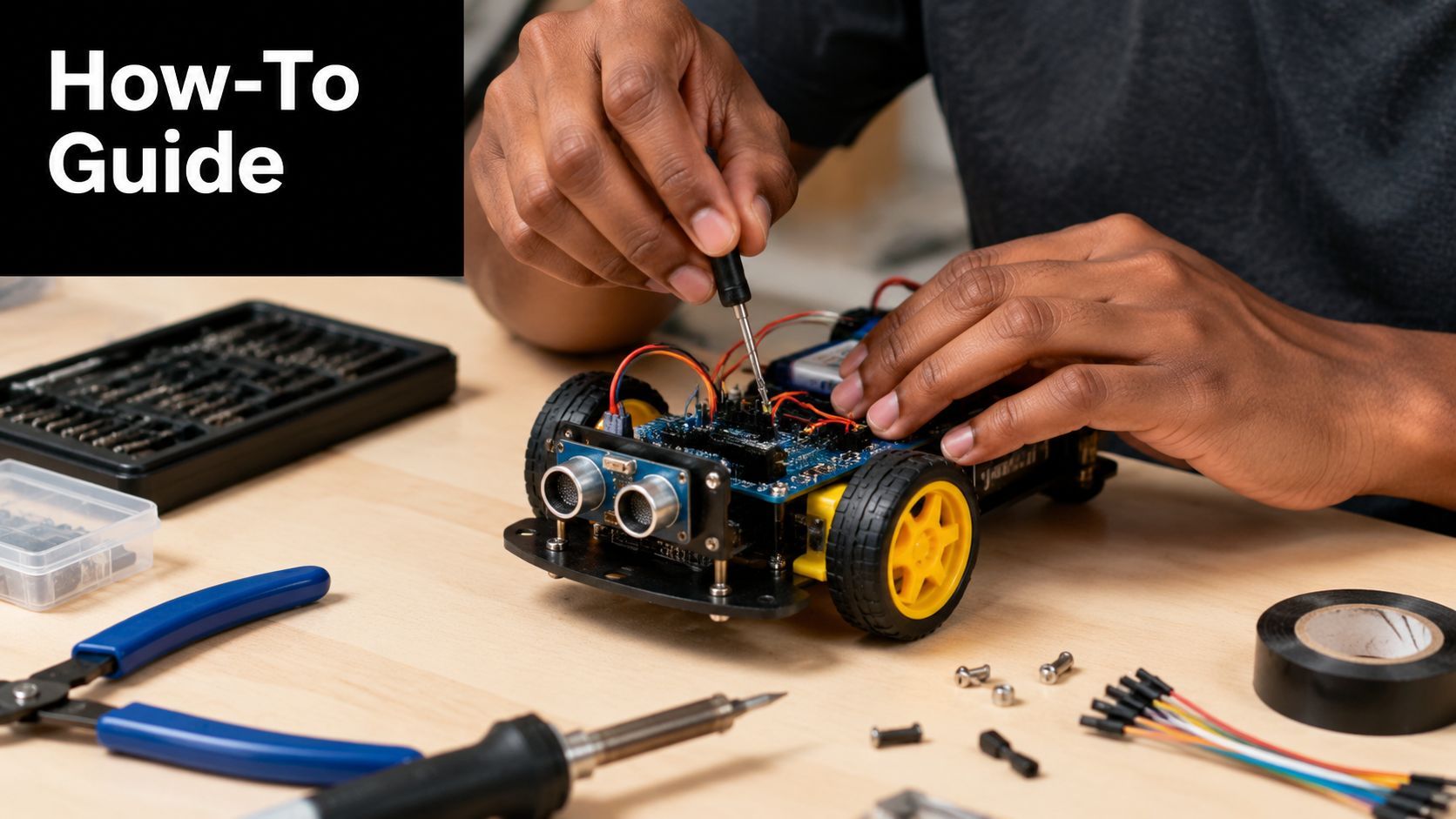
This format works especially well when your audience already knows the problem they have and wants a usable next step. That's why tutorials do well for software, design, fitness, beauty, education, and B2B workflows. They also age better than trend content because strong instructional content keeps getting discovered.
The common failure is over-explaining background and under-explaining execution. People don't want a lecture when they searched for a fix.
How to make tutorials people finish
Start by showing the end state. If you're teaching a design trick, show the finished graphic first. If you're teaching a workflow, show the output screen first. That gives the audience a reason to stay.
Then structure the middle tightly:
- State the task: Say exactly what they'll learn.
- Show the setup: Tools, materials, or starting conditions.
- Walk step by step: Keep camera framing and terminology consistent.
- Flag common mistakes: Authority is demonstrated here.
- Close with application: Tell people when to use the method.
Tutorials also benefit from stronger narration than people assume. Clear voiceover often beats casual rambling because viewers can follow the sequence without effort.
A good example of paced instructional delivery looks like this:
KPIs and repurposing moves
The KPIs that matter most are completion rate, saves, search-driven views, comments asking follow-up questions, and assisted conversions if there's a product tied to the lesson. Saves are especially valuable because they usually signal practical utility.
Repurpose tutorials into a sequence, not random fragments. Turn one full tutorial into a quick tip clip, a mistake-focused carousel, a checklist post, and a FAQ reply video. That keeps the same core knowledge working across multiple surfaces.
3. Behind-the-Scenes (BTS) Content
Behind-the-scenes content works when polished content starts feeling too finished to trust.

This is the format for showing process, not just output. Audiences want to see the storyboard wall, the retakes, the packaging table, the draft that didn't work, the team debate that changed the final concept. Brands often avoid that because they think it looks less professional. Usually the opposite happens. It makes the work feel real.
BTS is especially useful for creative studios, DTC brands, educators, agencies, and founders building a public brand. It gives context to your polished assets and makes future launches easier because the audience already understands how your work happens.
The trade-off with BTS
The upside is authenticity. The downside is drift. A lot of BTS content becomes self-indulgent because it documents activity instead of extracting a story.
Use a simple frame: what were we trying to do, what problem showed up, what changed, what did we learn? That keeps casual footage from becoming empty noise.
Show the messy middle, not just the polished ending. That's where trust usually gets built.
You also don't need premium production here. Natural lighting, handheld footage, desk audio, and quick subtitles are often enough. What matters is narrative usefulness.
What to track and how to reuse it
For BTS, watch comments, DMs, saves, and audience questions. If people ask “How did you do that?” or “Can you show that part in detail?” you've found a bridge into future tutorial content.
Repurposing is straightforward if you capture with intention. One shoot day can give you a day-in-the-life Reel, a founder talking clip, a timeline carousel, a raw voiceover montage, and a lessons-learned post. Keep BTS in a separate content library so you can pull it in during launch weeks when your audience wants more proximity to the process.
4. Carousel Posts and Slide-Based Content
Some ideas are too dense for a single post and too small for a full article. That's where carousel content wins.
Carousels force clarity. If you can't break the idea into a sequence of slides, the thinking usually isn't ready. That's why this format works well for frameworks, opinionated breakdowns, before-and-after explanations, and myth-versus-reality posts.
On LinkedIn and Instagram, carousels also create a slower consumption pattern than short video. A viewer has to choose to swipe, which means the format naturally filters for a more intentional audience.
How strong carousels are structured
The first slide does almost all the heavy lifting. It needs one sharp promise, one tension point, or one contrarian claim. If it looks like a presentation title page, people keep scrolling.
Then build the sequence with rhythm:
- Slide 1: A clear promise or provocative insight
- Slides 2 to 4: The setup, mistake, or problem
- Middle slides: The framework, examples, or proof
- Final slide: A takeaway, CTA, or next-step prompt
The mistake often made is overloading each slide with copy. A carousel isn't a blog trapped in a design template. Use short text, strong hierarchy, and one idea per slide.
KPIs and repurposing decisions
Track swipe-through behavior through platform analytics where available, plus saves, shares, profile clicks, and comments that quote a specific slide. If people reference slide five or mention “the second point,” the sequence is working.
Carousels are strong repurposing targets. Pull them from webinars, newsletters, podcast transcripts, product FAQs, customer objections, and internal training docs. They also convert well into scripts for talking-head videos because the structure is already laid out. If you need one format that sharpens your thinking before it sharpens your distribution, this is it.
5. Trending Audio and Music-Driven Content
What makes one trend post feel native and another feel painfully forced?
Usually, it comes down to fit and timing. Trending audio gives you borrowed context. The audience already knows the tone, pacing, punchline, or emotional cue, so your content starts with less explanation. That can help reach. It can also expose weak brand judgment fast.
I treat trend-based content as a packaging choice, not a core content strategy. The job is to attach a clear brand-relevant idea to a format people already recognize. If the only reason to post it is “this sound is popular,” skip it.
Trend participation works best in a narrow set of use cases:
- Fast commentary on a niche pain point. Good for brands that sell into a clear workflow, frustration, or repeated customer objection.
- Before-and-after moments. Good for fitness, design, beauty, home improvement, and product reveals.
- Founder or team personality clips. Good when the people on camera already have a credible voice and the joke fits how they speak.
- Cultural reactions with a clear point of view. Good for creators and brands that publish frequently enough to respond while the trend still matters.
The trade-off is speed versus selectivity. A trend often has a short shelf life, so production has to be light. But low effort should not mean low standards. If the sound pushes you into a tone your audience would never hear from sales, support, or the product team, the post may get views and still weaken brand memory.
That matters because marketers continue to shift budget and attention toward dynamic formats, as noted earlier. The practical takeaway is simple. Treat trends as an amplification layer for ideas you already know your audience cares about.
How to produce trend content without looking late
Build a small filtering system.
First, check age. If a sound is already saturated in your niche, you are probably late unless you have a sharp angle. Second, check relevance. The trend should map to a real customer insight, product moment, or audience tension. Third, check execution risk. Some trends require acting ability, self-awareness, or a casual brand voice. Many teams have none of the three.
I usually approve trend content only when the concept can be explained in one sentence without mentioning the audio. If the idea falls apart once the sound is removed, it is usually too thin to justify production.
KPIs and repurposing
Measure trend content earlier than evergreen content. Watch reach in the first 24 to 48 hours, then compare shares, profile visits, follows, and saves against your usual baseline. Comments matter too, but look for signal. “So true” is weaker than comments that mention a specific pain point, ask a product question, or tag a colleague.
Repurpose selectively. Keep the posts where the insight survives without the soundtrack. Those can turn into a short original-narration video, a meme-style visual, an email hook, or a sharper scripted post later. The audio may create the first spike. The underlying idea is what makes the content worth keeping.
6. Live Streaming and Real-Time Content
Live content has a different job from edited content. It builds closeness, not compression.
If short-form video is for discovery, live is for trust at depth. It works well for launches, office hours, product walkthroughs, critiques, community Q&As, creator commentary, and event coverage. People show up because they can affect the session in real time.
The reason many teams avoid live is simple. It exposes weak thinking fast. You can't hide behind editing, and that's exactly why it works when done well.
How to avoid flat live sessions
Don't go live just because the platform offers the button. Go live with a specific container. “Ask me anything” sounds open, but it often creates dead space. “Live teardown of three landing pages” or “Q&A after this week's feature release” gives the audience a reason to stay.
A practical live structure looks like this:
- Opening: State the topic and who it's for
- Core segment: Deliver one useful thing before taking questions
- Interaction block: Respond to comments by name and restate the question clearly
- Close: Tell viewers what to do next or where to find the replay
Live works best when the audience can change the content, not just watch it happen.
What to measure after the stream
Peak concurrents matter, but they're not the whole story. Also track average watch time, comment rate, replay views, and what clips come out of the session afterward. A live that feels modest in the moment can still produce excellent downstream assets.
The repurposing path is one of live content's biggest strengths. Cut highlight clips, objection-handling moments, strong quotes, and mini tutorials from the stream. One sharp answer from a live Q&A can outperform a fully scripted short when the audience hears the spontaneity in it.
7. Educational Series and Mini-Courses
What makes someone come back for part two, part three, and part seven instead of treating your content like a one-time tip?
Educational series answer that question better than almost any other format. They create momentum. The audience is not just consuming information. They are following a path toward a result, whether that is learning a workflow, fixing a recurring problem, or building a skill over time.
This format works well for consultants, educators, SaaS teams, agencies, and subject-matter creators. It is especially useful when the topic has dependencies. If the audience needs step one before step four makes sense, a series will outperform disconnected posts.
The strength of a mini-course is structure. Good series content starts with a clear promise, a defined outcome, and a sequence that reduces friction from lesson to lesson. Weak series content usually fails for a simple reason. It is a batch of related posts, not a curriculum.
Build the arc before recording anything. Map the full sequence, then define the role of each lesson:
- Lesson goal: What specific sub-problem does this part solve?
- Audience stage: Is this for beginners, active evaluators, or existing users?
- Next-step logic: Why should someone watch the next installment?
- Format fit: Should this lesson be video, slides, email, or a worksheet?
- Production load: What can be templated so the series stays consistent?
That planning work matters because series are one of the easiest content types to scale once the system is in place. Naming conventions, recurring visual structure, reusable prompts, and AI-assisted outlining can cut production time without making the content feel generic. I usually recommend scripting the first and last lesson first. If the starting point and outcome are sharp, the middle becomes easier to build.
AI tools are useful here, but only for the right jobs. Use them to draft outlines, generate lesson variations for different audience levels, turn transcripts into summaries, and convert one lesson into carousel copy or email follow-ups. Do not let AI decide the teaching sequence on its own. The sequence is where the strategic value sits.
KPIs and repurposing
Measure return viewers, lesson completion rates, saves, replies asking for the next part, email signups, and lead quality if the series supports a product or service. Educational series often bring in less raw reach than broad entertainment content, but the audience quality is usually stronger. That trade-off is worth making when trust and conversion matter more than vanity metrics.
Repurposing is where mini-courses compound. Split each lesson into short clips, quote cards, checklists, and recap posts. Then bundle the full run into a playlist, email course, webinar, sales-enablement asset, or gated resource. One well-built series can feed multiple channels for months if the original curriculum is strong enough.
8. User-Generated Content (UGC) and Community Showcases
UGC is one of the few content types that can lower production load while increasing credibility.
That only happens if you curate it well. Bad UGC programs feel lazy because brands repost anything with a tag. Strong UGC feels editorial. It reflects the audience back to itself and gives community members a reason to participate.
This format is especially strong for consumer brands, travel, beauty, fitness, creator tools, and any business where customers can visibly show use, transformation, setup, or results.
What separates strong UGC from filler
Start with a clear submission logic. Don't ask for “content.” Ask for a specific kind of proof or story. That might be a customer setup tour, a before-and-after clip, a reaction to first use, or a workflow using your product.
Then curate for variety. Include polished creators, but also feature normal customers with clear stories. That range helps the brand feel accessible.
A few operational rules matter here:
- Credit visibly: Don't make creators hunt for attribution.
- Set guardrails: Give examples of what fits your brand.
- Respond actively: Community showcases should feel reciprocal, not extractive.
KPIs and repurposing
Measure submission volume, repost performance, creator retention, referral traffic where relevant, and comment quality. For UGC, comments often tell you more than raw reach because they reveal whether the content increased trust.
Repurpose the best community clips into compilation videos, product page proof, paid social creative, and onboarding flows. Also archive top UGC by theme. You'll want fast access later when you need social proof for launches, product updates, or ad testing.
9. Storytelling and Narrative-Driven Content
What makes one post stick in memory while another gets a quick view and disappears?
Usually, it's story. Narrative gives the audience a reason to keep watching because something is at stake and something changes. That works across short video, long-form video, carousels, emails, podcasts, founder updates, and customer marketing.
Brands often miss the mark by treating storytelling as a tone choice instead of a structure choice. Strong narrative content has a clear sequence. Someone wants something. Friction appears. A decision gets made. The audience sees the result and understands why it matters.
A practical narrative frame
Use this framework when the message feels flat, too feature-heavy, or hard to explain:
- Subject: Who is the story about?
- Goal: What were they trying to do?
- Obstacle: What made that difficult?
- Decision or shift: What changed the direction?
- Outcome: What happened next?
- Takeaway: Why should the audience care?
This format works well for founder stories, customer transformations, campaign recaps, product launches, hiring stories, and internal process changes that reveal how the company operates.
The trade-off is speed. Narrative content usually takes longer to produce than commentary or trend-based posts because you need a real arc, stronger editing, and better sourcing. But it tends to earn stronger recall and better downstream performance, especially when the goal is trust, differentiation, or category education.
AI helps with production volume, not story judgment. Use it to pull interview transcripts into rough outlines, identify repeated themes in customer calls, generate first-pass scripts, and version the same story for different channels. Keep the framing, examples, and final edit human. That's the part the audience notices.
KPIs and repurposing
Track watch time, completion rate, shares, saves, comments that show identification, and downstream actions such as signups, demo requests, or reply rate. Story-led content often performs best after the first touch because people remember it and return later.
Repurposing works best when you split one narrative into multiple angles. A founder story can become a short conflict clip, a lesson-based carousel, a customer email, a podcast segment, and sales enablement material. One well-reported story should feed the whole content system, not live as a single asset.
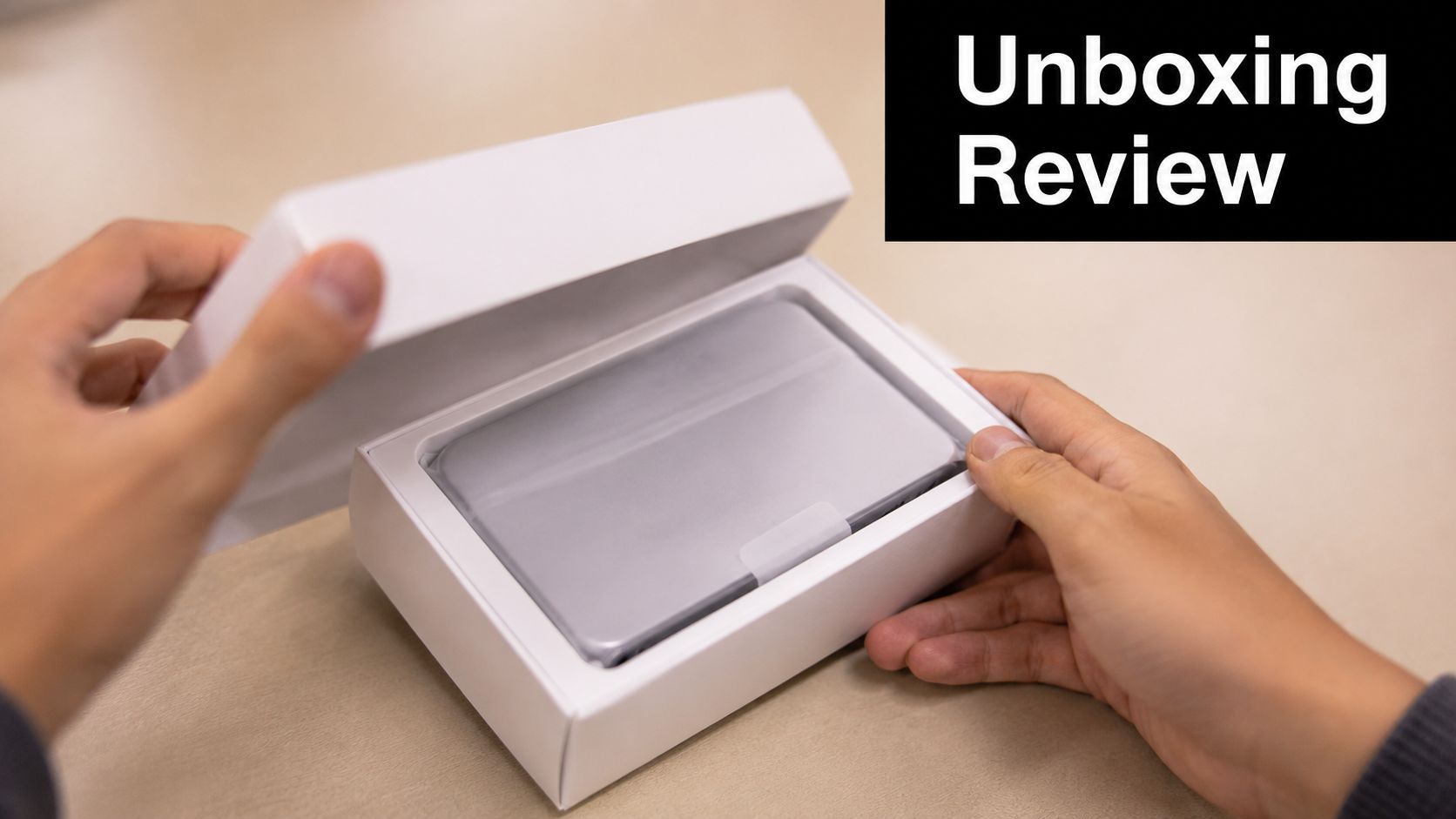
10. Product Reviews and Unboxing Content
Review content sits close to purchase intent, which makes it one of the most commercially useful types of content creation.
People watch reviews when they want help deciding. That means the audience is often more focused and more skeptical than in lifestyle or entertainment content. You can't fake authority here. Viewers want specifics, trade-offs, comparisons, and signs that the person reviewing has used the product.
What makes review content credible
Lead with context. Who is this product for, and who is it not for? That one move makes the rest of the review more trustworthy.
Then balance sensory detail with practical judgment. Show packaging, setup, interface, weight, sound, materials, and use-case performance. But don't stop at description. The value comes from evaluation.
A solid review usually includes:
- First impression: Packaging, setup, and immediate friction
- Real use case: How it performs in normal conditions
- Pros and cons: Not fake neutrality, actual trade-offs
- Comparison: Where it sits against alternatives
- Verdict: Who should buy, skip, or wait
KPIs and repurposing
Track click-throughs to product pages, affiliate or partner conversions if applicable, search visibility, watch time on comparison sections, and comments asking about alternatives. Those alternative-focused questions often reveal the next review you should make.
Repurpose review content into short verdict clips, side-by-side comparison carousels, “three things I liked, two I didn't” posts, and buying-guide summaries. Done well, review content becomes a decision-support library, not just a burst of launch coverage.
Top 10 Content Types Comparison
| Format | 🔄 Implementation Complexity | ⚡ Resource & Time Requirements | 📊 Expected Outcomes | 💡 Ideal Use Cases | ⭐ Key Advantages |
|---|---|---|---|---|---|
| Short-Form Video (15–60s) | Low–Medium, fast turnaround, trend-dependent | Low, mobile-first production, quick edits | High engagement & rapid reach; viral potential | Influencers, e‑commerce, rapid A/B testing | Algorithm-favored growth; scalable content |
| Tutorial & How-To Content | Medium, requires subject expertise and clear structure | Medium, screen recording, decent editing, possible assets | Evergreen search value, authority building, steady traffic | Educators, coaches, product support, thought leaders | Trust-building, repurposable, strong SEO |
| Behind-the-Scenes (BTS) Content | Low, candid/documentary style, minimal scripting | Low, minimal post-production, on-location capture | Strong audience connection and loyalty | Brands, studios, creators humanizing processes | High authenticity; easy and consistent output |
| Carousel / Slide-Based Content | Medium, needs design consistency and pacing | Medium, design tools and copy per slide | Increased on-post engagement and longer dwell time | Thought leadership, step-by-step guides, listicles | Delivers structured info; boosts swipe-time |
| Trending Audio & Music-Driven Content | Low–Medium, trend monitoring and quick execution | Low, rapid iterations, reuse of audio cues | Very high viral reach if timely; short lifespan | Trend-driven campaigns, Gen Z audiences, memes | Algorithmic amplification and community participation |
| Live Streaming & Real-Time Content | Medium–High, technical setup, moderation, planning | Medium–High, stable internet, multi-camera or host prep | High real-time engagement; direct monetization | Q&As, product launches, community building, gaming | Immediate interaction; high algorithm priority |
| Educational Series & Mini‑Courses | High, curriculum planning and episodic structure | High, sustained production, assets, scheduling | Long-term retention, subscriber loyalty, monetization | Course creators, coaches, in-depth skill training | Deep authority-building and higher LTV per viewer |
| User‑Generated Content (UGC) & Community Showcases | Low, curation systems and moderation needed | Low, community-sourced content reduces spend | Very high authenticity and engagement; scalable | E‑commerce, DTC brands, community-driven growth | Cost-effective social proof with strong engagement |
| Storytelling & Narrative-Driven Content | High, writing, casting, and creative development | High, cinematic production and editing | Highly memorable and shareable; deep brand impact | Brand campaigns, founder stories, emotional ads | Emotional resonance and strong differentiation |
| Product Reviews & Unboxing Content | Medium, requires product access and testing | Medium, product samples, demo setup, honest tests | High purchase intent traffic and conversion potential | Tech reviewers, affiliates, e‑commerce decision-stage | Trust-building content with monetization upside |
From Idea to Impact: Scaling Your Content Engine
How do you turn 10 content types into a system that produces results instead of a crowded publishing calendar?
The answer is format roles. Give each content type a job in the funnel, then build production around those jobs. A practical setup is one format for reach, one for trust, and one for buying intent. Short-form video often handles discovery. Tutorials, educational series, and narrative content build authority and retention. Reviews, UGC, and carousel posts help people make a decision. Teams that assign roles this way waste less time chasing every format at once.
Capacity matters as much as strategy. A three-person team should not run short-form video, live streaming, weekly tutorials, and a polished storytelling series at the same time unless they have clear reuse rules and an editing pipeline to support it. The better move is to choose a small format mix you can sustain for 90 days, measure it, then expand. Consistency beats a broad format list that collapses after three weeks.
AI has changed production speed, but it has not changed the basic requirement to choose the right format for the job. Faster scripting, editing, voiceovers, clipping, and scheduling help once the content system is sound. If the format does not match audience intent, faster production just creates more misaligned content.
I use a core-idea model for this. Start with one strong point, customer question, objection, or story. Then adapt it across formats based on intent. A product myth can become a 30-second video, a five-slide carousel, a live Q&A prompt, a tutorial, and a review angle. The topic stays the same. The packaging changes. That is how output scales without turning into repetitive noise.
The distribution plan should be tied to the format from the start. Short-form clips need frequency and testing. Tutorials need search visibility and strong retention. UGC needs outreach, permissions, and moderation. LinkedIn carousels and thought-led posts need a clear LinkedIn posting strategy if you want consistent reach from a professional audience. Distribution is not a final step. It is part of format selection.
Repurposing also needs rules. Reuse based on performance signals, not convenience. If a how-to post gets saves and comments with follow-up questions, build a series. If a BTS clip gets replies about process, turn that into a tutorial. If a trend-based post gets views but no profile visits, email signups, or product interest, let it die there. Every content type produces a different signal, and that signal should determine what gets expanded.
Teams usually slow down, not in ideation, but in maintenance. Old content needs refreshes. Series need naming consistency. Winning hooks need a second and third variation before performance drops. A content engine stays useful when someone owns the calendar, the asset library, the KPI review, and the repurposing queue.
AI tools are useful here when they reduce production drag across multiple steps. ShortGenius can support scripting, media generation, voiceovers, editing, and scheduling in one workflow. For a team trying to turn one idea into several content assets each week, that kind of setup can cut coordination time and reduce tool switching.
The goal is not more posts. The goal is a repeatable system where one good idea can travel across formats, reach different audience intents, and produce a measurable next action.
If you want a simpler way to turn ideas into videos, ads, and repeatable content series, ShortGenius (AI Video / AI Ad Generator) is built for that workflow. It combines scriptwriting, media generation, voiceovers, editing, and multi-platform scheduling so creators and teams can produce and publish faster without stitching together a stack of separate tools.