Short Form Video Production: The Complete Guide

Master short form video production end to end. Learn scripting, shooting, editing, and distribution workflows for TikTok, Reels, and YouTube Shorts.
You're staring at a content calendar that's already behind. The ideas are there, but the editor needs another product shot, the captions still need checking, and nobody knows which export was approved. Posting something today means borrowing time from tomorrow's production.
Why Short Form Video Production Now Feels Like Herding Cats
Many teams don't have a shortage of ideas. They have a shortage of clear handoffs. A concept lives in a notes app, footage sits on someone's phone, and feedback arrives through messages that never reach the person exporting the video.
The solution isn't to become more spontaneous. It's to treat short form video production as an engineering discipline, with defined inputs, review gates, and reusable components.
Give every asset a production state
Use a shared board with these stages:
- Concept: Define the audience problem, intended takeaway, supporting evidence, and desired action.
- Capture: Record or generate the material needed to prove the idea, not just illustrate the narration.
- Edit: Assemble the argument, check accessibility, and approve the core video.
- Adapt: Prepare channel-specific versions without changing the underlying message accidentally.
- Distribute: Publish, verify playback and tracking, and return useful findings to the next brief.
Each stage needs an owner and an exit condition. “Editing” is not a useful status if it covers everything from locating footage to waiting for legal approval. Separate active work from blocked work so a producer can see what needs attention.
Practical rule: Don't send work downstream with an unanswered question that only the upstream owner can resolve.
Build a cadence, not a rescue operation
Reserve recurring time for planning, capture, approvals, and distribution. Batch tasks that share a setup, such as filming product demonstrations under the same lighting, rather than batching unrelated videos just because they're due together.
Keep work in progress limited to what the team can review. A large pile of unfinished edits creates more coordination work, not more publishable content.
Solo creators can use this system to stop rebuilding their process every morning. Social managers, DTC teams, and agencies can use it to clarify responsibilities across specialists. The operating principle is the same: make the next action obvious before adding another idea to the queue.
What Short Form Video Actually Means in 2026
For production purposes, short form is better defined by its viewing conditions than by an arbitrary runtime. The viewer arrives without context, watches on a small screen, and can leave before your explanation begins. Your video has to establish relevance without asking for patience.
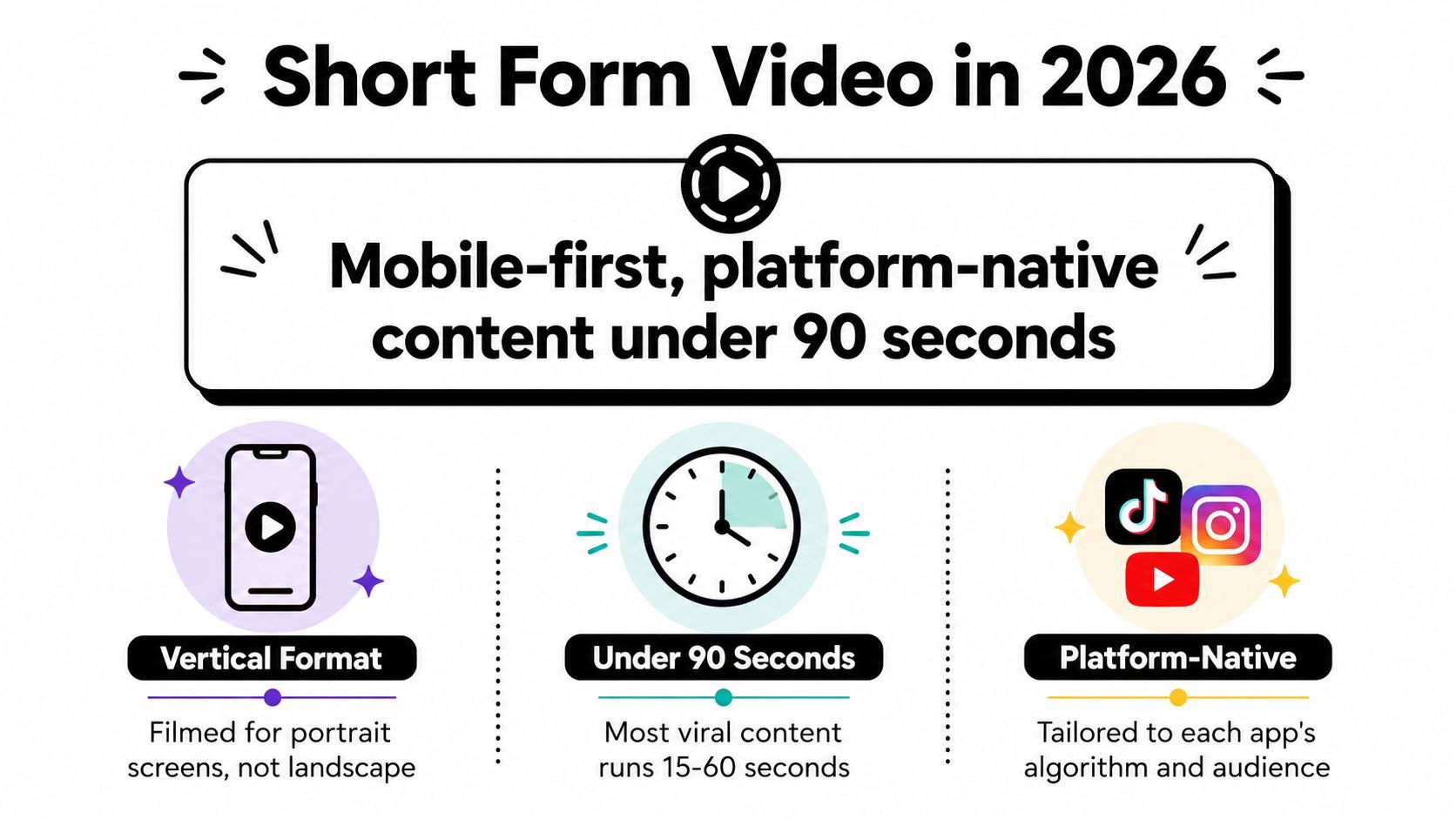
That makes mobile-first, platform-native communication the useful definition. A short clip extracted from a webinar isn't automatically a finished short-form asset. It may still depend on a question the viewer never heard or a slide they can't read.
The visual below summarizes the format's common production conventions, rather than universal platform limits.
A mainstream environment, not a universal audience
The Reuters Institute's 2024 Digital News Report found that 66% of its global sample accessed short news videos weekly, while 72% of online news-video consumption happened through platforms such as TikTok, YouTube, and Instagram, compared with 22% on publisher websites.
Those findings concern news consumption, not every entertainment or advertising category. They nevertheless establish a substantial audience accustomed to encountering video inside platform feeds.
The practical implication is distribution-first planning. Decide where the video will appear before choosing its structure. A demonstration intended for a feed needs a recognizable problem and visible result; a detailed tutorial can spend more time establishing prerequisites.
Short form video is a self-contained idea designed to make sense immediately in the environment where someone encounters it.
Choose depth deliberately
A brief bumper can reinforce a familiar message but leave little room for explanation. A longer tutorial can handle exceptions, comparisons, and objections. Feed-native short form sits between those jobs: it should resolve a bounded question without pretending to answer everything.
Don't compress an entire buying journey into a clip. Choose whether you're introducing a problem, demonstrating a solution, or answering an objection. Scope determines useful duration, not the other way around.
Scripting and Pre-Production for Retention
A script is a production specification. It tells the presenter what to say, the camera operator what to show, and the editor what evidence must survive the cut. If those instructions conflict, the team discovers the problem after capture, when fixing it costs more effort.
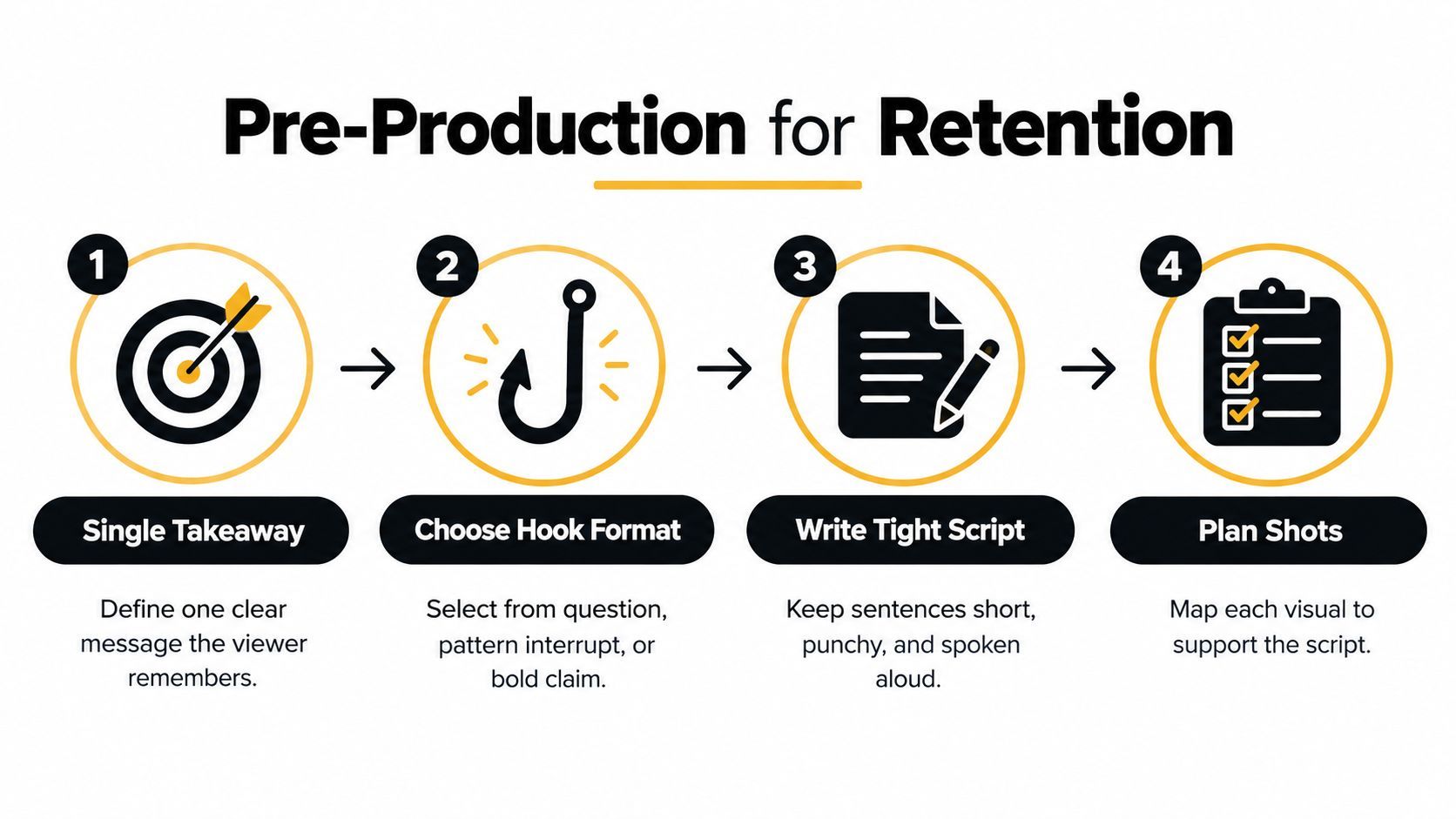
Start with a sentence describing what the viewer should understand afterward. “Learn about our product” is too broad. “See how the lid opens without putting the bag down” gives everyone a concrete job.
This planning sequence keeps the message connected to the footage.
Engineer the opening without overpromising
In mobile advertising attention research reported by VideoWeek, 15-second ads generated 2.8 times more active attention than 30-second ads. The accompanying production guidance supports establishing the visual premise within the opening 1–3 seconds.
That isn't proof that shorter always wins, especially outside advertising. It's a reason to remove setup that doesn't help someone understand the premise.
Choose an opening that the body can substantiate: a specific question, a visible obstacle, a contrasting result, or a defensible claim. A dramatic hook followed by a generic explanation creates a promise-delivery mismatch.
Turn the script into a shootable document
Use setup, tension, and payoff as editorial functions, not rigid time slots. Show the task, expose the friction, then demonstrate the resolution.
| Hook | Payoff | Caption copy |
|---|---|---|
| Show a bag slipping while someone reaches for a latch | Demonstrate the opening mechanism with the bag still held | Name the action in plain language |
| Ask whether a setting changes the result | Show a controlled comparison | Identify what changed |
| Present an easily missed error | Show the correction and resulting behavior | Explain the error without exaggeration |
Write on-screen language alongside dialogue so the editor doesn't have to invent the argument afterward. Record alternative openings while keeping the proof and conclusion comparable.
If you're commissioning a commercial video production company, Moonb's service page can be a starting point for scoping the engagement. Ask for the same practical deliverables you'd require internally: a script-to-shot map, ownership of approvals, and a defined version list.
Before capture, confirm claims, props, locations, permissions, pronunciations, and approval responsibility. A shoot is ready when the team knows what must be visible and who can authorize a change.
Shooting for Vertical Mobile Feeds
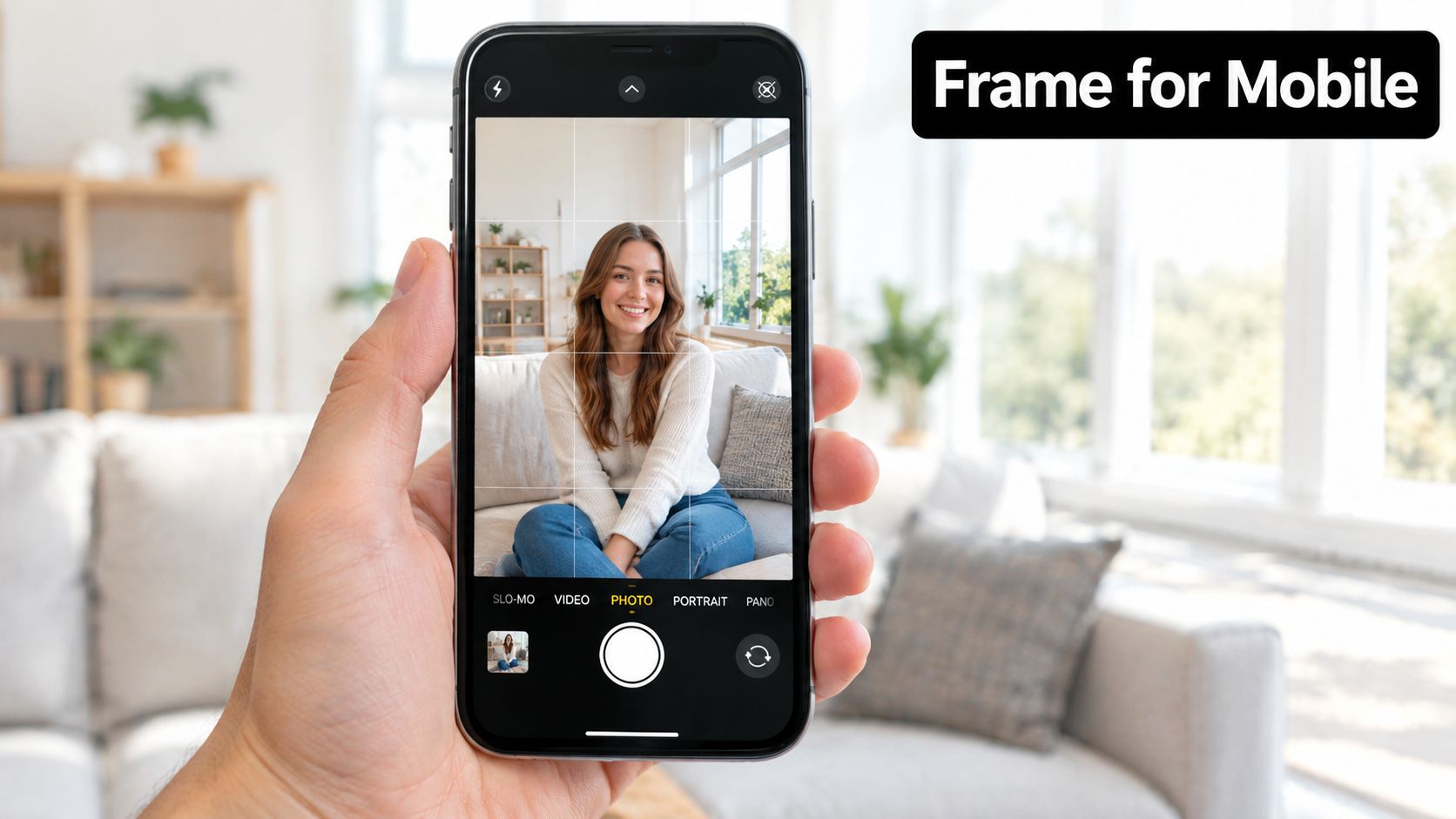
Frame the action for the device where it will be watched. A technically sharp image still fails if the product is too small or a hand hides the mechanism the script promises to explain.
Use the phone preview to judge the actual composition, not just whether the subject fits.
Match the setup to the proof
For talking-head content, prioritize a comfortable eyeline, consistent exposure, and enough separation from the background to make the speaker easy to read. For demonstrations, choose the angle that reveals the action, even if it's less flattering than the presenter's preferred angle.
Capture portrait-oriented footage when vertical delivery is the job. If the commission also requires horizontal framing, plan separate compositions or additional coverage rather than assuming every shot will tolerate a crop.
A solo creator can start with a smartphone, stable support, a microphone suited to the space, and controllable light. A small team should add monitoring and grip equipment before buying a more elaborate camera body. Control and repeatability matter more than a longer equipment list.
Protect the edit on set
Listen to dialogue through headphones. Watch for clothing noise, room reflections, changing microphone distance, and background appliances. Capture room tone and keep narration pickups acoustically consistent with the original recording.
Useful capture habits include:
- Label takes clearly: Identify the concept and opening variation before recording the performance.
- Collect purposeful coverage: Film the problem, mechanism, result, and relevant detail rather than unrelated decorative shots.
- Leave edit handles: Hold the beginning and end of an action so the editor can choose the transition.
- Check the actual take: Review focus, sound, and the critical action before dismantling the setup.
Use the embedded video as a practical reference alongside your own framing checks.
Don't confuse motion with clarity. A moving camera is useful when it reveals information. If it makes the viewer work harder to understand a simple action, lock the camera down.
Editing, Captions, and the Mezzanine Master
Start the edit with the original media and an organized project. Use proxies when playback struggles, but reconnect to full-quality files before finishing. Judge the assembly against the script's promise before adding transitions, effects, or music.
The first review should answer a blunt question: does the footage prove what the opening says? If not, a faster cut won't repair the missing evidence.
Separate finishing from delivery
Maintain a mezzanine master, a high-quality intermediate export used to create delivery versions. Keep a clean picture master, separate audio elements, and editable caption files when the workflow allows. This preserves options for localization and revisions.
The OpenClip video encoding guide recommends 9:16 at 1080×1920, with H.264 at approximately 8–12 Mbps for 30 fps or 12–16 Mbps for 60 fps, plus AAC stereo audio at 192–320 kbps. These are practical starting points, not universal platform guarantees.
Aggressive compression can damage text edges, facial detail, and motion. Higher frame rates can help demonstrations with rapid movement, but static presentations may not justify the added data requirement. Match the export to the material rather than selecting the largest setting automatically.
Preserve the source of truth. A downloaded social post is a distribution copy, not your next production master.
Treat captions as editorial content
Check automated captions against the recording, especially product names, technical terms, and negations. Identify speakers when a change of voice affects meaning, and include meaningful non-speech sounds when they carry information.
Keep text within conservative safe areas and preview it against changing backgrounds. Don't stack captions, labels, and decorative words until they compete for the same space. If the viewer can't read the text comfortably, simplify the writing or extend the shot.
This screenshot illustrates a production workspace to evaluate against those requirements.
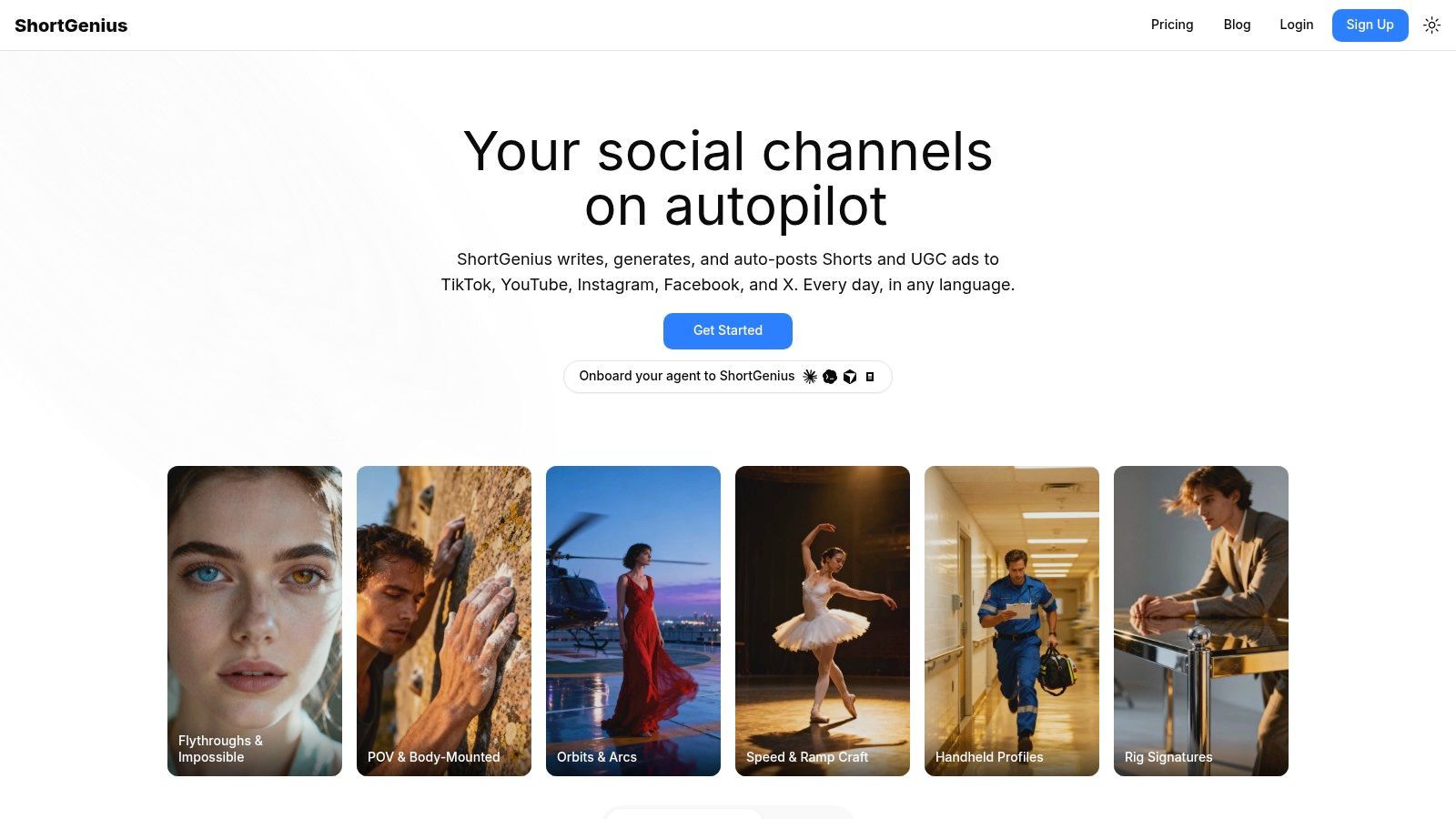
Choose editing tools by the work they remove: precise trimming, caption correction, resizing, scene replacement, and voice replacement. Automation helps assemble variants, but a human still needs to verify meaning and continuity.
Before approval, inspect small text, dark gradients, skin tones, lip-sync, and audio peaks. Then watch the export on a phone, both with sound and muted. Review the encoded file, not just the editor's preview.
Platform-Native Workflows for TikTok, Reels, and Shorts
Don't turn platform stereotypes into production rules. “TikTok must look raw” and “Reels must look polished” are starting hypotheses at best. Your audience, product, and account history should determine which treatment you test.
Build channel versions from an approved core, then change only what has a clear purpose. An opening might need different wording because the surrounding content establishes different expectations. A closing might need a different action because the destination differs.
Production Differences Across TikTok, Reels, and Shorts
The choices below are test directions, not claims about guaranteed algorithmic preferences.
| Production Element | TikTok | Instagram Reels | YouTube Shorts |
|---|---|---|---|
| Opening | Test a direct question or immediate demonstration | Test a recognizable problem or result-led visual | Test a plainly stated topic or question |
| Caption treatment | Check dense overlays against interface controls | Check labels alongside cover and profile presentation | Make technical language understandable without channel context |
| Music | Test whether it supports the delivery | Match the treatment to the account's visual identity | Preserve narration clarity and topic comprehension |
| Closing | Match the action to the available destination | Align the next step with the campaign journey | Connect the answer to a relevant next action |
| Packaging | Review the post text in context | Review cover readability and framing | Write a descriptive title that accurately names the subject |
Use a derivative specification
Record the intended opening, caption treatment, soundtrack, destination, and approval status for each version. That prevents accidental differences from contaminating comparisons.
Keep music and narration adjustable separately. Confirm rights for the intended placement rather than assuming that permission in an organic publishing environment covers paid distribution or reuse elsewhere.
For final channel checks:
- Preview placement: Verify that interface elements don't obscure necessary information.
- Validate destinations: Test the available action and confirm that it reaches the intended page.
- Confirm packaging: Check title, cover, post copy, disclosures, and account selection.
- Inspect publication: Watch the uploaded result and confirm that processing hasn't introduced an obvious problem.
Don't create extra versions merely to fill a distribution matrix. If the core edit works without alteration, reuse it. Adaptation should solve a specific viewing or campaign problem, not become a ceremonial re-edit.
Measuring What Actually Matters Beyond Views
A video can be entertaining and commercially irrelevant. Completion tells you that viewers reached the end; it doesn't establish that the right people understood the product or took a useful next step.
Dropbox's research found that product demos and explainers were the most effective video type for 40% of surveyed video and creative professionals, as reported in Wizbrand's short-form video production discussion. That supports testing educational formats, but it doesn't establish that every demonstration will outperform every entertaining clip.
Define the decision before the dashboard
Choose the intended outcome before approving the concept. For awareness, examine whether the intended audience recognizes and understands the message. For consideration, look for meaningful product exploration, qualified visits, or relevant inquiries. For direct response, define the conversion event and assess its quality.
Use platform engagement as diagnostic information, not a substitute for those outcomes.
| Observed pattern | Production question |
|---|---|
| Strong opening, weak continued viewing | Did the body deliver what the opening promised? |
| Strong completion, weak qualified traffic | Was the content relevant to a buyer's problem? |
| Qualified visits, weak conversion | Did the video set expectations the destination couldn't meet? |
| Modest reach, valuable inquiries | Is distribution the constraint rather than the concept? |
Design tests that can change a decision
Write a hypothesis, such as: showing the mechanism before explaining it will improve qualified product exploration. Change the opening while holding the offer, destination, and core demonstration steady. When several elements change together, you can't tell which change deserves credit.
There's no defensible universal minimum sample size for every account and conversion event. Establish the baseline, the improvement worth acting on, and the uncertainty you'll tolerate before setting the test's observation period. Treat uncontrolled organic comparisons as directional evidence, not clean causal experiments.
Decision rule: Stop for a clear mismatch, iterate when the diagnosis suggests a repair, and scale only when the intended outcome improves without unacceptable trade-offs.
Compare attribution definitions before combining platform reports. Document reporting windows, distinguish attributed conversions from proven incremental impact, and avoid counting the same customer repeatedly across dashboards. Faster production is useful only when the team can learn from what it publishes.
Scaling Short Form Production Without Burning Out
Sustainable output comes from removing repeated coordination work, not asking editors to move faster indefinitely. Schedule a recurring batch shoot, maintain a shared asset library, and group distribution tasks into a planned pass.
Store approved scripts, footage, permissions, caption files, voice assets, and brand treatments together. Give files names that reveal their concept and status. Keep experimental presets separate from approved production templates so a creative test does not become a brand default.
Make accessibility and localization release criteria
A review of social-media video captioning research identified 36 peer-reviewed studies across accessibility, media, education, and language-learning research. Captioning deserves design and review, not an unchecked automated export.
Translation also needs editorial judgment. A literal rendering may preserve words while losing the premise, humor, or intended action. Review regional voice preferences, text direction, cultural references, and whether the demonstration itself makes sense locally.
A checklist for the production board
- Concept approved: Audience, takeaway, evidence, and intended outcome are clear.
- Capture complete: Required actions, supporting detail, and usable sound are available.
- Edit verified: The promise matches the proof, and the approved master is identifiable.
- Accessibility reviewed: Captions, speaker identification, contrast, and necessary descriptions are checked.
- Localization approved: A qualified reviewer has checked language, presentation, and cultural meaning.
- Distribution ready: Rights, destinations, channel packaging, and tracking are confirmed.
- Learning assigned: Someone owns the review and the resulting production decision.
Use scheduling tools to reduce repetitive publishing work, not to remove approval. If an API connects your project system to generation or distribution, require clear status handling, error reporting, and protection against duplicate publication.
Scale the repeatable work and preserve human judgment at the consequential decisions. That's how a content calendar becomes manageable without making every video look identical.
ShortGenius brings AI scriptwriting, image generation, video assembly, voiceovers, captions, and editing into a shared production workflow. Visit ShortGenius (AI Video / AI Ad Generator) to build a themed series, prepare channel versions, and schedule approved content around a repeatable production cadence.