How to Post Song on Instagram: 2026 Guide

Learn how to post song on Instagram in 2026. This guide covers adding music to Stories, Reels & posts, plus copyright tips & sharing from Spotify. Get started!
You've got a song ready, a clip on your phone, and about five minutes before the moment passes. That's usually when people search how to post song on instagram. They don't want a vague overview. They want the fastest route that fits the post they're making right now.
The catch is that Instagram doesn't treat every format the same. A Story is fast but temporary. A Reel can travel far outside your followers. A Feed post looks cleaner on your profile and works better when you want something that stays put. If you pick the wrong format, the song can feel bolted on instead of doing actual work for the post.
Why Posting Songs on Instagram Matters More Than Ever
A lot of creators still treat music like decoration. On Instagram, it's closer to distribution.
In practice, the difference shows up when two accounts post similar visuals and one gets shared, saved, and replayed because the audio choice gives the post momentum. That matters because Instagram is crowded, and your music choice often decides whether someone watches past the opening seconds or scrolls straight by.
According to iMusician's Instagram analytics guide for musicians, 9.8% of Instagram's 103.7 million US users were classified as influencers in 2023, and for musicians the most important metric is engagement rate, with strong performance typically falling in the 1 to 5% range. The same source notes that Reels with strong engagement can let accounts with 500 followers compete with accounts that have 50,000, which is exactly why audio strategy matters more than follower count.
What actually matters more than followers
Follower count still matters for credibility. It just doesn't tell you whether people care enough to interact.
What matters more when you post a song on Instagram:
- Shares and saves matter because they signal that the content is worth revisiting or sending to someone else.
- Reach shows whether the post escaped your existing audience.
- View rate matters on Reels because weak retention kills distribution early.
- Comments can help, but they rarely rescue a bad audio choice.
Practical rule: If a song clip makes people rewatch, save, or DM the post, it's doing more work than a larger follower count.
Creators making visual music content also need the video side to hold up. If you're pairing a release teaser, performance clip, or lyric visual with music, MyKaraoke Video's music video production tips are useful because they focus on making short-form visuals feel intentional instead of improvised.
The format changes the outcome
Instagram gives different jobs to different placements. Stories are for immediacy. Reels are for discovery. Feed posts are for profile quality and repeat viewing from people already checking you out.
That's why “how to post song on instagram” isn't really one question. It's three questions. Where do you want the post to live, who do you want to see it, and how permanent should it be?
The Fastest Ways to Share Music in the Moment
When speed matters, use a Story. If you're reposting what you're listening to from Spotify or Apple Music, use the share feature inside that app. Both methods are quick, but they do different things.
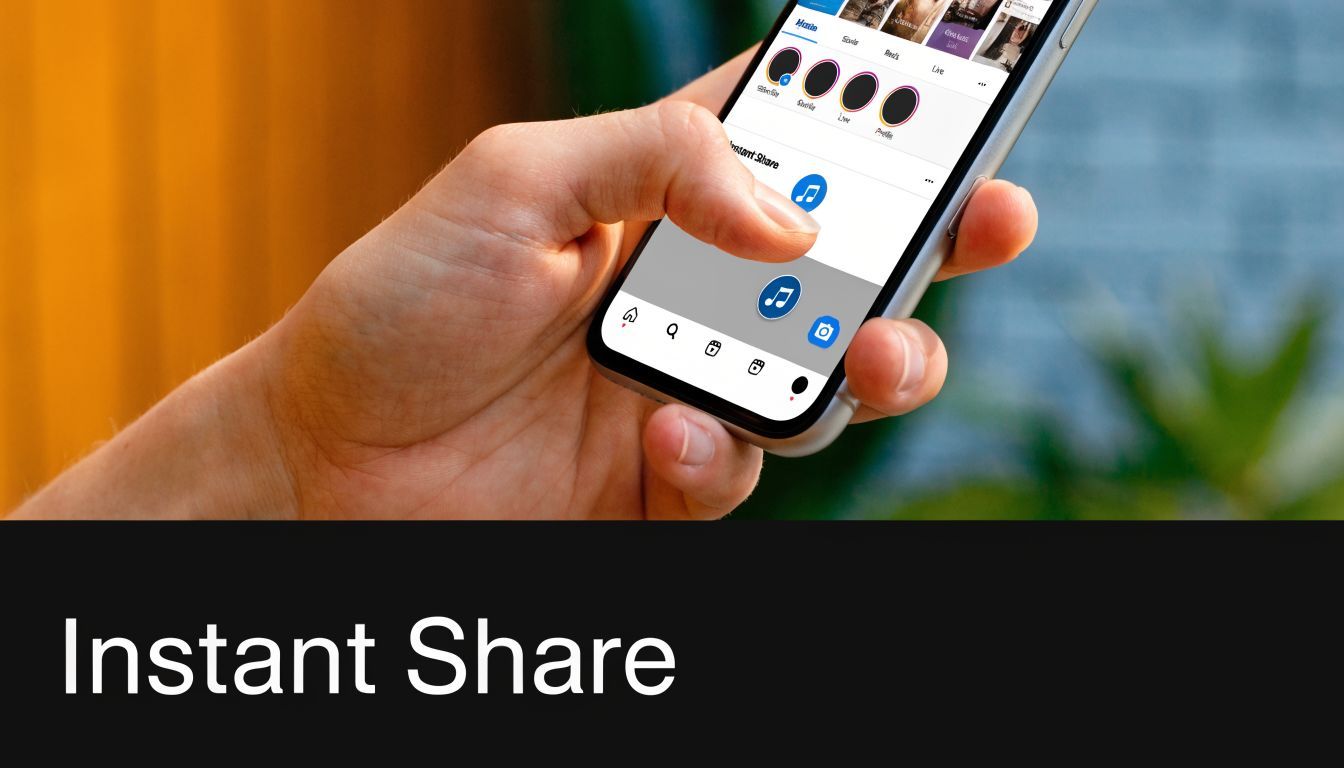
Use the Stories music sticker when you want native playback
This is the cleanest option when you want the viewer to experience the song inside Instagram without extra taps.
- Open Instagram and swipe into Story.
- Capture a photo or video, or upload one from your camera roll.
- Tap the sticker icon.
- Choose Music.
- Search for the song.
- Pick the segment that fits the visual.
- Choose the display style, such as lyrics, album art, or a minimal song label.
- Post it to your Story.
This works well for mood posts, teaser snippets, countdown content, rehearsal clips, and quick fan touchpoints. It's fast, and Instagram's interface makes the music feel native instead of pasted in.
What makes Story music work better
A few small choices make a noticeable difference:
- Pick the strongest lyric or beat change instead of the song intro if the intro takes too long to land.
- Match the visual energy to the audio. Slow pan with calm music. Faster cuts with something punchier.
- Use text sparingly so the music sticker stays readable.
- Treat Stories like a conversation. A poll, question sticker, or simple reaction prompt usually fits better than a long explanation.
If your goal is “post this now before the moment dies,” Stories beat every other format.
Share directly from Spotify or Apple Music when convenience matters most
This is even faster, but it's also more limited. When you share from a streaming app to Instagram Stories, you're usually creating a visual share card that links back to the track. It's useful for promoting listening behavior, but it isn't the same as building a polished native music post.
Typical flow:
- Open the song in Spotify or Apple Music
- Tap Share
- Select Instagram Stories
- Instagram opens with the song art added to a Story draft
- Add text, GIFs, or stickers if needed
- Publish
This is good for:
- new release announcements
- “currently listening” posts
- collaborator shoutouts
- quick promos that send people to streaming
This is not ideal for:
- profile-building content
- discovery outside Stories
- polished artist branding
- posts where timing the exact clip matters
The trade-off most people miss
Stories are great for immediacy, but they disappear. Shared cards from streaming apps are easy, but they often feel generic if you don't customize them. If the song itself is the hero, native Story music usually feels better. If the destination is the hero, a streaming share can be enough.
How to Add Music to Reels and Feed Posts
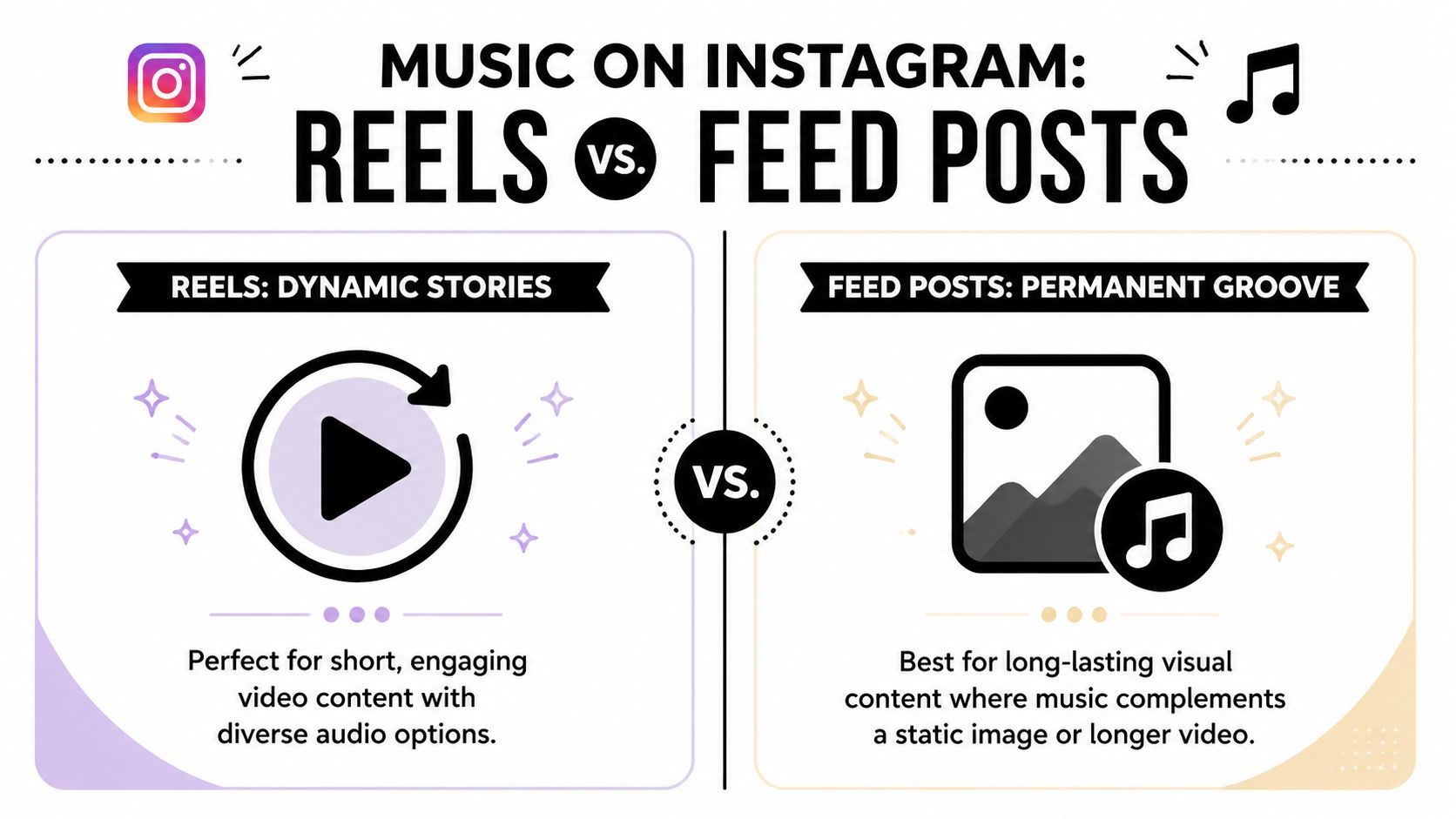
You post a song to Instagram, it looks fine, and then nothing happens. In practice, the problem is usually format choice, not effort. Reels give the song a chance to travel. Feed posts give the song a place to live on your profile. Use the wrong one and the same track can feel flat.
Add music to Reels for reach
Reels are the better choice when the goal is discovery. Instagram distributes them more aggressively than static posts, and audio affects whether the edit feels native to the platform or recycled from somewhere else.
The fastest in-app workflow looks like this:
- Tap + and choose Reel
- Record or upload your clips
- Tap the music icon
- Search for a track from Instagram's library
- Pick the segment you want to feature
- Line up your cuts with the beat
- Adjust music and voiceover levels
- Publish
The details matter more than the taps. Strong Reels usually open with motion in the first second, hit a clear beat change, and end in a way that encourages a rewatch. Weak Reels often use a good song under footage that has no rhythm, no visual payoff, and no reason to loop.
What usually works on Reels:
- hook-first openings
- short clips with obvious pacing
- edits that cut on beat changes
- a song segment that matches the visual energy
- captions that support the clip instead of explaining it
What usually underperforms:
- slow intros
- full-song thinking instead of clip thinking
- random B-roll under a popular track
- muddy audio mixes where music and speech fight each other
- exports that already look over-edited for another app
If you produce Reels at volume, manual timing becomes the bottleneck fast. Tools such as ShortGenius can help batch out beat-matched edits and alternate versions, which is useful for agencies, artists, and faceless content teams that need consistent output without hand-editing every post.
Here's a walkthrough if you want to see the posting flow in action:
Add music to Feed posts when you want permanence
Feed posts do a different job. They are better for cover art, release announcements, lyric slides, product drops, recap carousels, and branded visuals you want people to find weeks later from your grid.
To add music to a Feed post:
- Tap +
- Choose a photo or carousel
- Tap Next
- On the caption screen, tap the music note icon
- Search for your track
- Choose the clip
- Preview how it feels with the visual
- Post
This format is more limited than Reels, but it can still be effective. A static post with the right audio cue can feel much stronger than a silent graphic, especially for artist announcements or mood-driven brand posts. The trade-off is movement. If the idea depends on pacing, surprise, or transitions, Reel beats Feed almost every time.
For brands that do not want copyright headaches, this is also the point where licensed or library-safe audio planning matters. Teams producing repeatable visual posts often move toward workflows built around royalty-free music for faceless YouTube videos and similar reusable audio sources, then adapt that discipline for Instagram where account type and music availability can vary.
Instagram music post formats compared
| Feature | Instagram Stories | Instagram Reels | Instagram Feed Post |
|---|---|---|---|
| Best use | Fast sharing and updates | Discovery and reach | Permanent profile content |
| Lifespan | Temporary | Ongoing if it performs | Long-term on grid |
| Music workflow | Music sticker | Music added during Reel creation | Music added on caption screen |
| Strength | Quick and native | Strongest format for distribution | Clean portfolio feel |
| Weakness | Short shelf life | Needs tighter editing | Less dynamic than Reels |
| Good for | Reactions, teasers, daily moments | Hooks, clips, promos, performance edits | Cover art, announcements, carousels |
Navigating Music Copyright and Licensing on Instagram
Copyright is where a lot of otherwise solid Instagram posts fall apart. People assume that if a clip is short enough, or if they credit the artist, they're safe. That isn't a reliable way to work.

According to Beatoven's guide to avoiding copyright issues on Instagram Reels, Instagram's automated systems can flag copyrighted music, causing muting or takedowns, with penalties that can reach $150,000 in extreme cases. The same source notes that some creators believe clips under 15 seconds are safer, but recommends perpetual-license audio as the more scalable approach for brands and teams.
What's usually safe and what isn't
The safest everyday option inside Instagram is using music from Instagram's own library when the feature is available for your account and region. That doesn't solve every use case, but it's far safer than uploading ripped commercial audio files.
Higher-risk behavior includes:
- Uploading ripped songs from edited exports
- Assuming credit equals permission
- Reusing client audio blindly without checking rights
- Building repeatable campaigns around music you can't license
The shortest path is not always the safest path. If you need repeatable output, licensed workflow beats workaround culture.
Why brands and agencies should care more
A solo creator can sometimes absorb a muted post and move on. A team managing multiple clients can't build a system around uncertainty.
That's why a lot of serious workflows move toward licensed stock audio, owned compositions, or AI-generated tracks with clear usage terms. If you're sorting out the difference between licensed use and vague internet advice, this explainer on royalty-free music for faceless YouTube videos is useful because the underlying licensing logic carries over to short-form social content too.
One practical option for batch production is using a platform such as ShortGenius, which can fit teams that want to generate content with audio workflows that are easier to manage across publishing and scheduling. The value there isn't magic. It's having a cleaner system when you're producing at scale.
Advanced Strategies for High-Impact Music Posts
A lot of creators lump all audio together. Instagram doesn't.
The useful distinction is between music and generic sounds. That difference affects interaction quality more than is commonly assumed. According to Fanpage Karma's analysis of music use on Reels, adding licensed music increases interactions, while generic sounds don't deliver the same lift. The same analysis says creators who use trending music, marked by the small arrow icon, can see engagement rates up to 746% higher than those using non-trending or generic audio.
Use music, not filler audio
If your post relies on ambience, random sound effects, or low-effort background noise, it may still function creatively. It just won't get the same advantage as a smart music choice.
Three habits help:
- Find the hook first. Don't default to the song intro if the strongest moment is later.
- Build for replay. End the clip where the start still makes sense.
- Keep voiceovers readable. If spoken words matter, the music should support them, not fight them.
Spot trends without copying everyone else
The small arrow icon matters because it tells you that a track is picking up traction. That doesn't mean every trending audio fits your content.
A better approach is to match trend and niche. If the track is trending but feels wrong for your brand, skip it. Forced audio choices usually look forced.
Good music selection feels native to the post. Good trend selection feels native to the audience.
This is also where your profile funnel matters. A strong Reel can create interest, but your profile has to convert that curiosity. If you send viewers off-platform, clean routing matters, and these best practices for creator bio links are worth reviewing so your music posts don't create dead-end attention.
Building Your Simple Music Posting Workflow
A workable Instagram music process starts before you open the app. If you decide on the format after editing, you usually waste time resizing, re-cutting audio, or forcing the same post into a placement it was never built for.
Set one default workflow and repeat it.
Start with the goal. Story fits fast, low-friction posting. Reel fits reach and repeat views. Feed fits posts you want to keep visually consistent on your grid, where the music supports the asset instead of doing all the work.
From there, keep the order tight: choose the format, pick the exact audio moment, build the visual cut around that segment, confirm rights, then publish. Save any post that performs into a simple template with the same structure, pacing, and caption style. That is how teams post faster without making every music post feel recycled.
I use a practical rule here. If the song is the reason to watch, build a Reel. If the song adds context to a moment that is already happening, post a Story. If the visual needs to live on your profile long term, use Feed and keep the audio secondary.
For creators and teams producing at volume, tools help most at the repeatable parts: scripting, clipping, resizing, voiceover, and scheduling. ShortGenius fits that workflow if you want one place to turn ideas into ready-to-publish videos, ad creatives, and short-form posts without rebuilding the process each time.