The 12 Best AI Video Generators for Content Creators in 2026

Discover the 12 best AI video generators to create stunning content. In-depth reviews of tools like ShortGenius, Runway, and Pika for all your needs.
The world of video production has been fundamentally changed by artificial intelligence. Tasks that once demanded extensive time, specialized skills, and expensive equipment can now be accomplished in minutes using a web browser. This explosion of AI-powered tools has opened up incredible possibilities for speed and scale in content creation. However, this has also led to a crowded and often confusing market, making it difficult to determine which platforms are genuinely effective.
Finding the right tool is critical. Are you looking for a generator to create cinematic, original scenes from a simple text prompt, or do you need a comprehensive platform that handles the entire video creation process, from scripting to editing and final polish? This guide is designed to provide clarity and cut through the marketing noise.
We have rigorously tested and analyzed the market to bring you a definitive breakdown of the 12 best AI video generators available today. This is not a simple list; it's a detailed resource comparing features, pricing, and ideal use cases for each tool. For every platform, you will find an honest assessment of its strengths and limitations, complete with screenshots and direct links, to help you make an informed decision.
This article will help you find the perfect match for your specific needs, whether you are a solo creator, a marketing team, or an agency. We will cover two primary categories:
- Pure Text-to-Video Generators: Tools like Runway, Pika, and Luma AI that create entirely new video clips from text or image prompts.
- Full-Stack AI Production Suites: Platforms such as ShortGenius, Synthesia, and InVideo AI that offer end-to-end solutions, including AI scripting, voiceovers, avatar creation, and automated editing.
1. ShortGenius (AI Video / AI Ad Generator)
ShortGenius earns its top spot by offering a remarkably complete, end-to-end production environment that covers every step from initial concept to final publication. It stands out among the best AI video generators by consolidating what typically requires four or five separate tools into a single, cohesive workflow. This platform is built for creators and teams who need to produce consistent, high-quality short-form video content at scale without getting bogged down by a fractured toolchain.
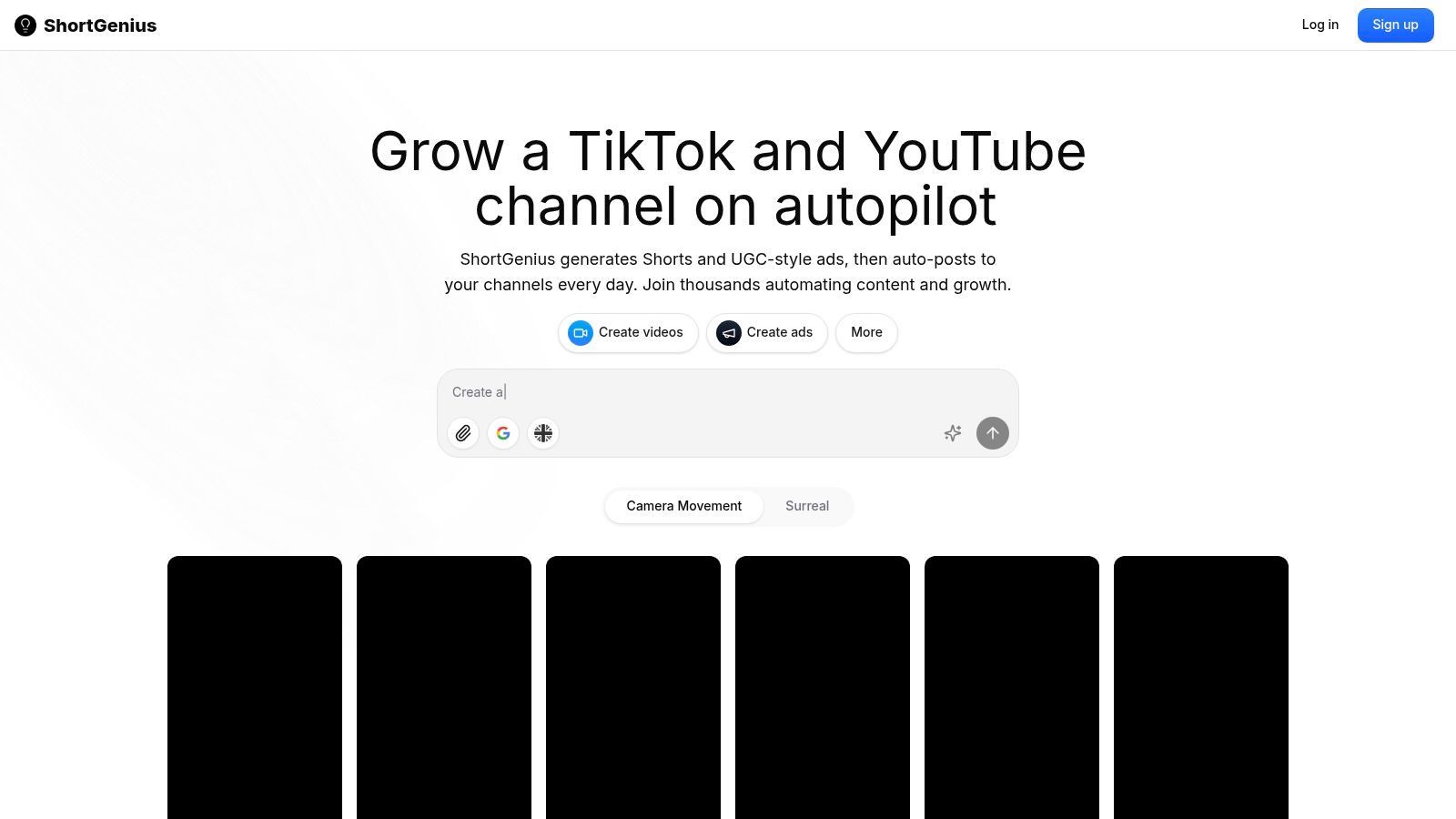
The platform’s strength lies in its automation and integration. You can generate a script, create corresponding scenes and visuals, add a natural-sounding voiceover, and assemble the final video within its editor. From there, its publishing capabilities take over, allowing you to schedule and auto-post content directly to TikTok, YouTube, Instagram, Facebook, and X. This removes immense friction from the content creation process, making it possible to maintain a demanding posting cadence.
Key Strengths and Use Cases
ShortGenius is particularly effective for social media managers, agencies, and DTC brands focused on rapid content iteration. Its ability to group videos into themed series and schedule them to post automatically (e.g., daily, twice a day) is a significant advantage for channel growth strategies.
The platform integrates a curated selection of leading AI models for text, image, video, and voice, including ElevenLabs for voiceovers and advanced image engines. This means you get professional-grade output without needing separate subscriptions or technical know-how. The editor is also packed with productivity features like quick trims, one-click brand kit application, and pre-built effects, which speeds up the review and finalization stages. For businesses, the dedicated ads workflow and the ability to create AI-powered UGC-style ads offer a direct path to scalable marketing content. To better understand the functionalities and benefits of such tools, explore this comprehensive guide on using an AI video ad creator for business growth.
Final Assessment
Website: https://shortgenius.com
- Pros: True end-to-end workflow (script, visuals, voice, publish) in one place; powerful multi-channel scheduling and auto-posting; integrates top-tier AI models for high-quality results; productivity-focused editor with series scheduling and an ads workflow.
- Cons: Pricing details are not immediately apparent and require visiting the website for current plans; while automated, outputs still benefit from human review to ensure brand alignment and avoid creative repetition.
- Best For: Social media teams, influencers, and agencies needing to scale short-form video production and automate channel growth.
2. Runway (Gen-3/Gen-3 Turbo)
Runway has established itself as a go-to creative suite for AI magic tools, and its Gen-3 and Gen-3 Turbo models solidify its position as one of the best AI video generators available. It excels at producing short, highly stylized video clips from text or images, making it a favorite among artists, advertisers, and creative studios for everything from concept visualization to final social media assets. The platform shines in its ability to generate clips with strong motion coherence and believable object physics, a common weak point for many other tools.
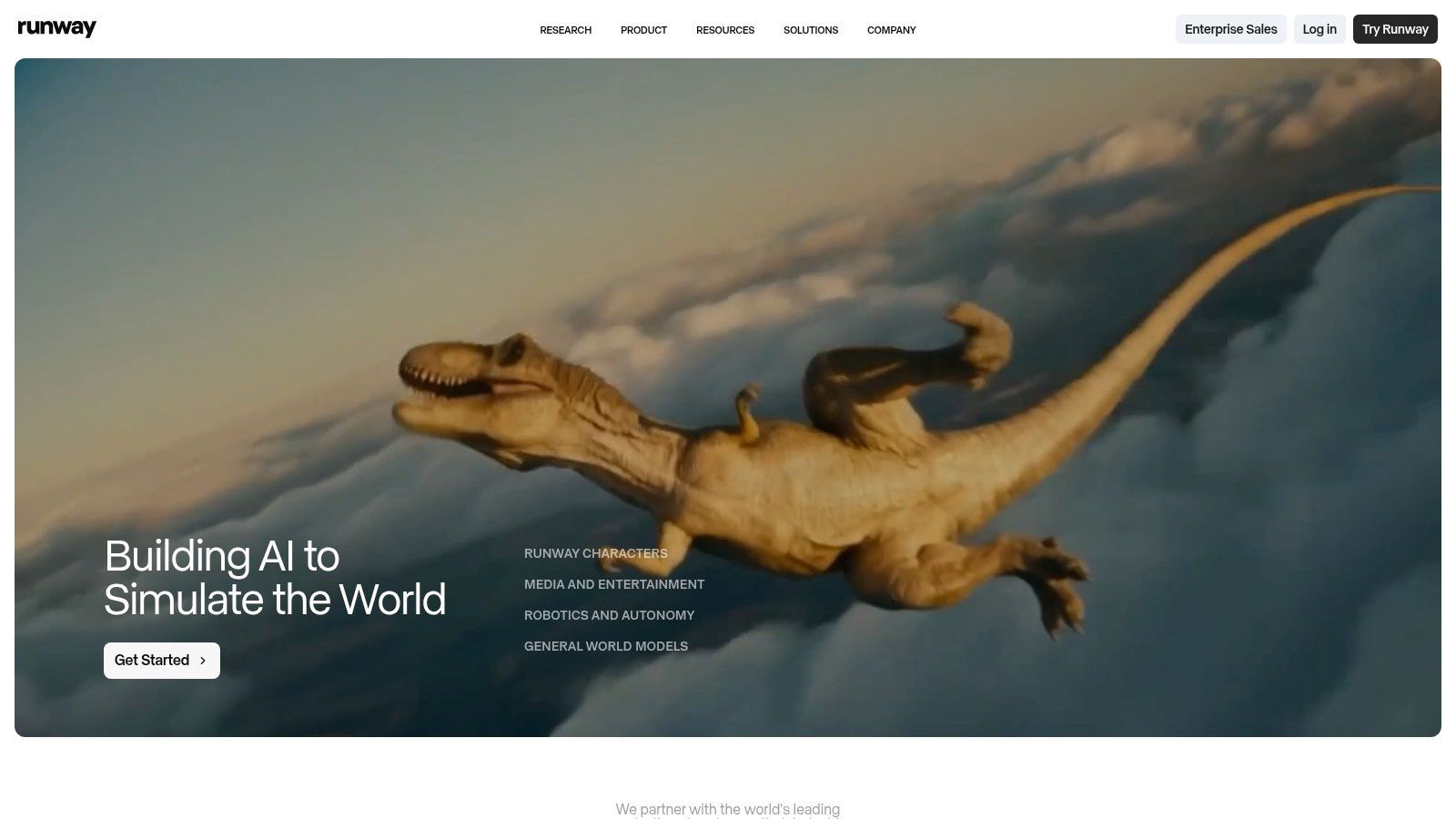
What sets Runway apart is its mature, integrated editor. Users can direct motion with keyframes, apply consistent styles, and use advanced prompt weighting to fine-tune results. The ecosystem also includes powerful features like frame interpolation (for smooth slow-motion) and content-aware extend/outpainting. These tools, combined with a robust API, allow for its integration into professional production pipelines. This makes it an excellent choice for teams needing programmatic generation for ad variations or B-roll. For those new to the technology, you can get a better sense of how these systems work by exploring different text-to-video models and their capabilities.
The pricing is credit-based and calculated per second of video generated, which can become costly for extensive projects or longer video sequences. While its photorealism has improved, achieving perfect human faces can still require some prompt engineering and multiple attempts.
Key Details & User Experience
| Category | Details |
|---|---|
| Best For | Creative studios, ad agencies, and artists needing short, stylized clips and concept previs. |
| Core Features | Text/Image-to-Video, Video-to-Video, keyframe controls, style presets, masking. |
| Pricing | Tiered subscription plans (starting at $12/month) plus credit packs for generation. |
| Pros | Excellent motion quality for short clips; mature editor with advanced controls; fast generation with Gen-3 Turbo. |
| Cons | Per-second credit pricing can get expensive; photorealistic faces may require iteration. |
Website: https://runwayml.com
3. Pika
Pika has quickly become a prominent name among the best AI video generators, recognized for its research-driven approach and rapid model updates. It is particularly popular for creating stylized animations, dynamic product shots, and quick conceptual videos. The platform is notable for its active community and competitive output quality, making it a strong choice for social media managers and creators who need to produce engaging short clips without a steep learning curve or high costs.
What distinguishes Pika is its blend of user-friendliness and growing creative control. It offers straightforward text-to-video and image-to-video functionalities, accessible through both a web app and its original Discord bot workflow. Features like aspect ratio adjustments, camera motion controls, and negative prompting give users significant influence over the final result. While many tools focus on one type of input, Pika is adept at both text and image prompts; you can explore the fundamentals of image-to-video conversion to better understand how these systems operate.
Its credit-based system is generous for casual use, but advanced generations can consume credits quickly. While Pika excels at creative and animated styles, achieving consistent photorealism, especially with human subjects, is less developed compared to top-tier enterprise platforms and may require more attempts to get right.
Key Details & User Experience
| Category | Details |
|---|---|
| Best For | Social media managers, artists, and marketers needing quick, stylized video clips for ads and ideation. |
| Core Features | Text/Image-to-Video, video stylization, camera motion controls, aspect ratio tools, negative prompting. |
| Pricing | Free tier with watermarks; paid plans start at $8/month (billed annually) for more credits and features. |
| Pros | Fast generation for short clips; strong community and rapid model updates; good output quality for its price point. |
| Cons | Credits for advanced runs can be depleted quickly; photorealistic control is less mature than some rivals. |
Website: https://pika.art
4. Luma AI – Dream Machine (Ray2/Ray3/Modify)
Luma AI's Dream Machine has rapidly gained attention as one of the best AI video generators, particularly for its impressive grasp of physics and fluid camera motion. The platform's recent Ray models generate video with a strong sense of realism and object interaction that sets it apart. It’s a powerful tool for generating original clips from text or images, but its most distinctive feature is "Modify," which allows users to transform existing live-action footage. This makes it ideal for advertisers needing to create multiple ad variations or for filmmakers looking to pre-visualize different scenes, wardrobes, or locations without a reshoot.
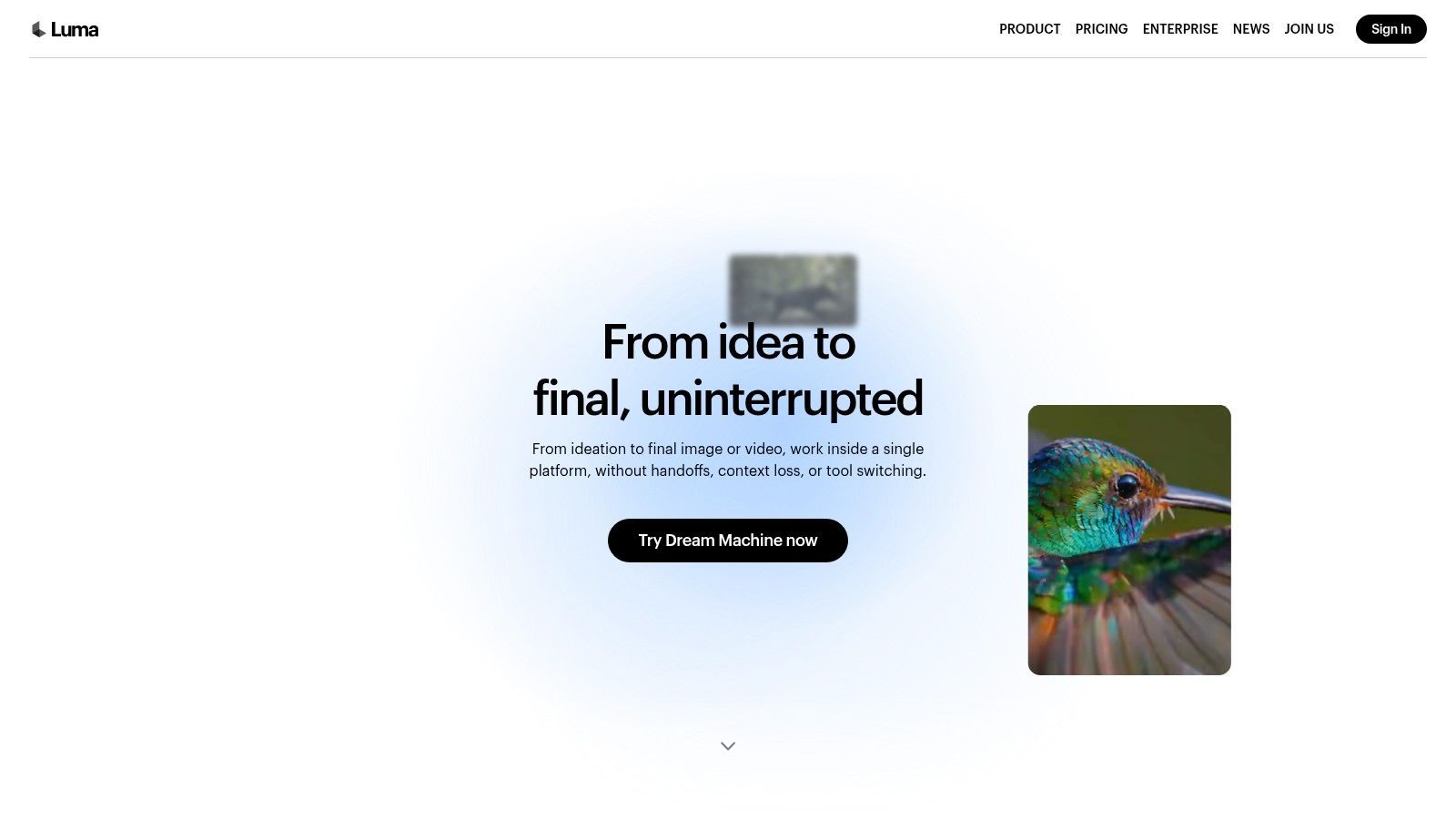
The user experience is direct, with a clean web interface and an iOS app for on-the-go creation. Dream Machine offers different generation modes, like Draft for quick tests and Fast for higher-quality outputs, with commercial rights clearly defined by subscription tier. This straightforward approach makes it accessible for both individual creators and small teams.
A key practical consideration is resource demand. During peak usage times, users on lower-tier or free plans may experience queues, which can slow down production workflows. While the motion quality is a major strength, some users report variability in coherence when working with very long or complex prompts, often requiring a few attempts to get the desired result.
Key Details & User Experience
| Category | Details |
|---|---|
| Best For | Ad agencies, social media managers, and filmmakers needing to create variations of existing footage or realistic short clips. |
| Core Features | Text-to-Video, Image-to-Video, Video 'Modify' to alter existing footage, Draft vs. Fast generation modes. |
| Pricing | Free plan with monthly credits, plus paid tiers starting around $29.99/month for more credits and priority access. |
| Pros | Excellent physics and smooth motion; 'Modify' feature is great for quick live-action variations; clear commercial terms per plan. |
| Cons | Can have long queues during peak times on lower tiers; output quality can vary with complex or long prompts. |
Website: https://lumalabs.ai/dream-machine
5. Synthesia
Synthesia is a leading enterprise-grade platform focused on creating polished, AI-driven avatar videos for corporate communication. It is specifically built for predictable, script-based content like employee training, HR onboarding, and multilingual product explainers. Instead of generating abstract scenes, Synthesia specializes in producing high-quality talking-head videos using a library of stock avatars or custom-made digital twins of real people, making it a reliable tool for businesses needing consistent, scalable video production.
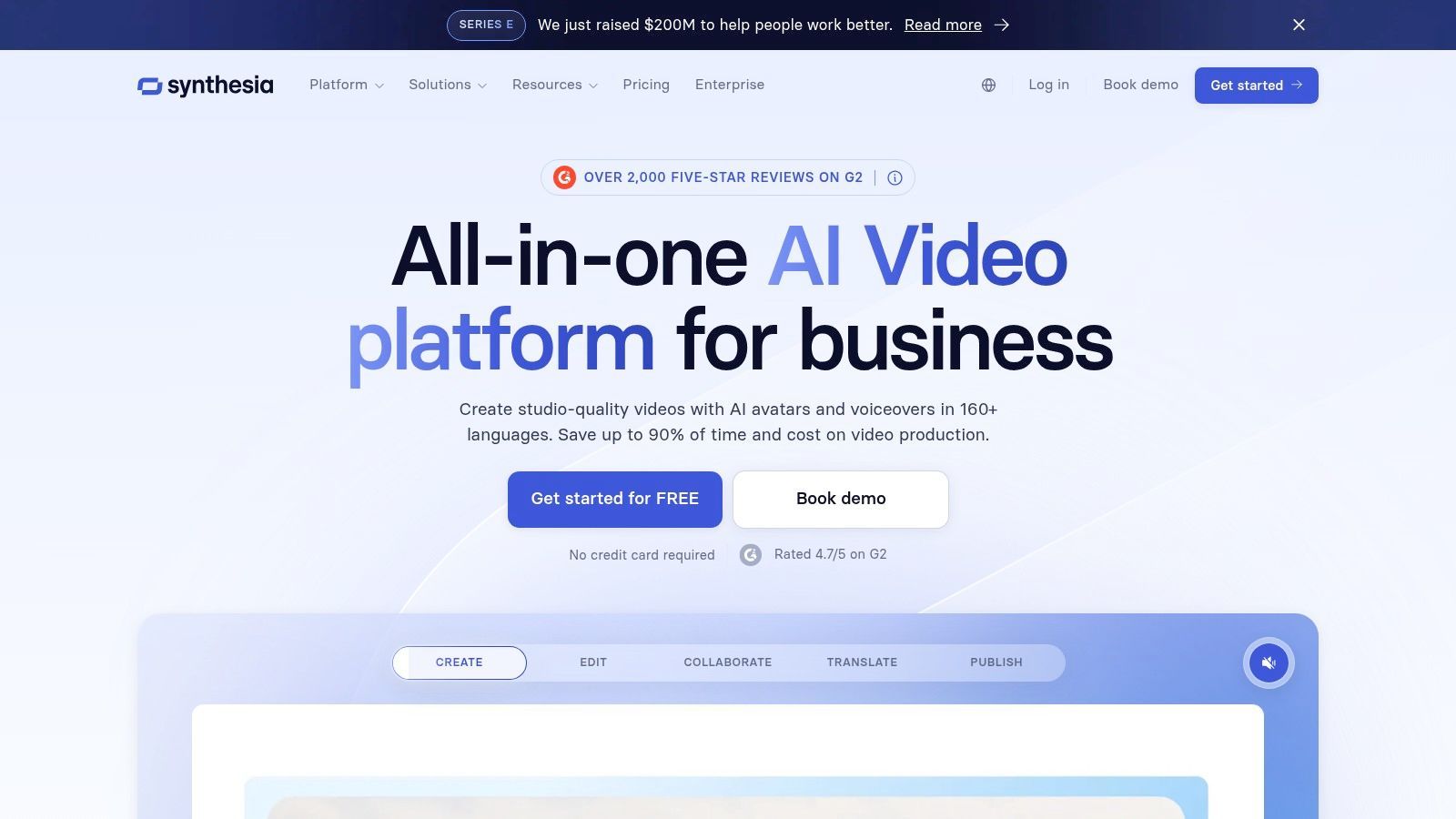
What makes Synthesia stand out is its corporate-ready ecosystem. The platform supports over 140 languages and voices, allowing companies to localize content efficiently without reshooting. Its workflow is direct: you choose an avatar, paste your script, and generate the video. For larger organizations, it offers brand asset controls, SSO integration, and SOC 2 compliance, ensuring security and brand consistency across all teams. This focus on governance and scalability makes it one of the best AI video generators for internal communications and predictable marketing content, though it is not designed for creative or cinematic video generation.
Key Details & User Experience
| Category | Details |
|---|---|
| Best For | Enterprises needing scalable training, HR, and marketing videos with a consistent look. |
| Core Features | AI avatars (stock and custom), 140+ languages, script-to-video, templates, brand controls. |
| Pricing | Starts with a "Creator" plan at $22/month; "Enterprise" plans are based on custom quotes. |
| Pros | Polished and predictable outputs for talking-head videos; scales easily across large teams. |
| Cons | Not suited for cinematic or generative video; custom avatars and enterprise features are costly. |
Website: https://www.synthesia.io
6. HeyGen
HeyGen has carved out a significant niche among the best AI video generators by focusing on high-quality, scalable avatar-based content. It excels at creating videos for corporate training, product marketing, and social media outreach where a consistent human presenter is needed. The platform’s core strength lies in its realistic AI avatars, which can be generated from a large stock library or by creating a custom digital twin of a real person, complete with voice cloning for authenticity.
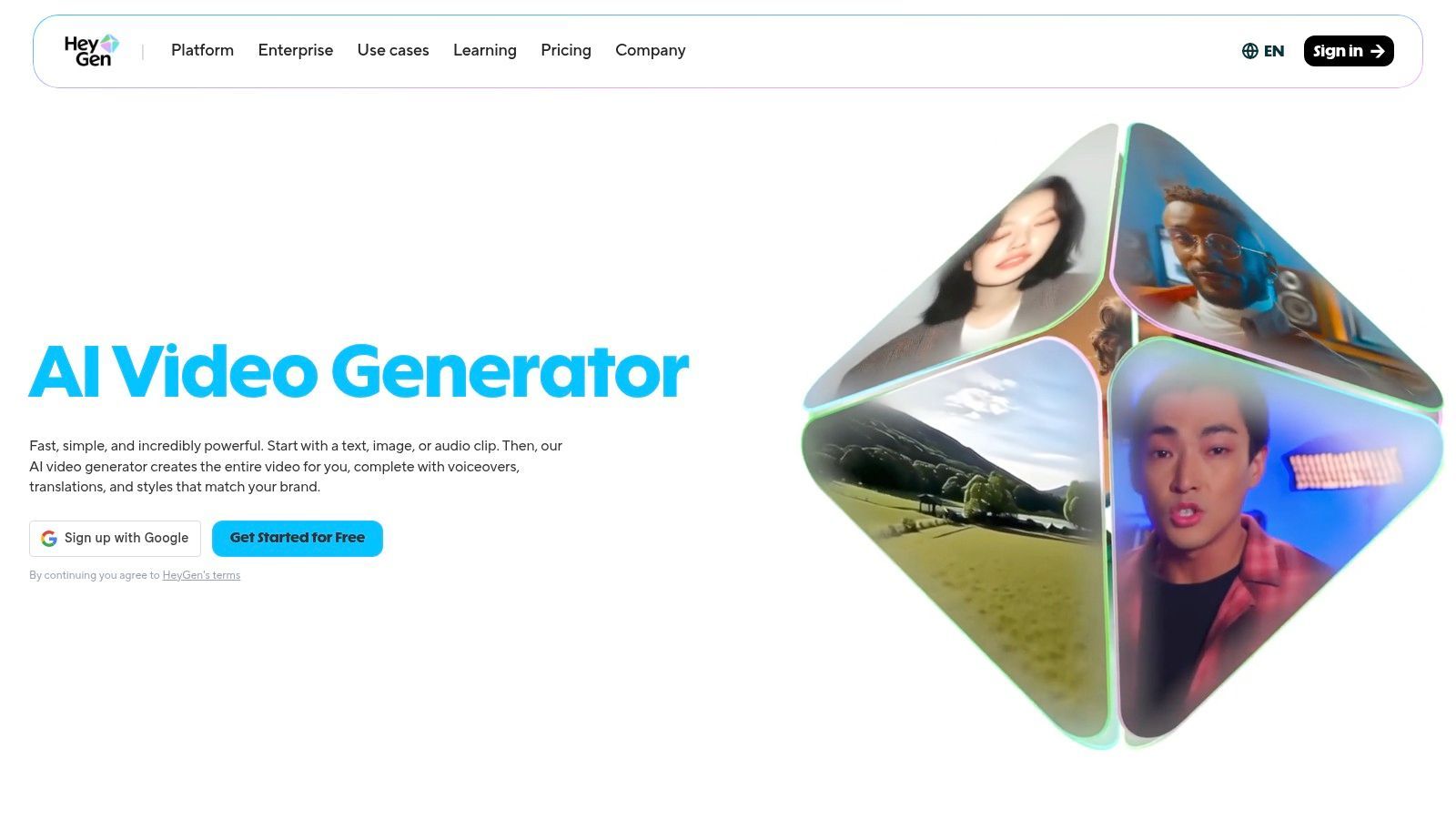
What makes HeyGen stand out is its exceptional video translation and localization feature. Users can upload a video and have the platform automatically dub it into different languages while maintaining the original speaker's voice characteristics and, crucially, syncing the avatar’s lip movements to the new audio. This makes it an incredibly powerful tool for businesses aiming to repurpose marketing or educational content for a global audience with minimal effort. Its script-to-video templates and straightforward interface allow for rapid video creation, even for users with no editing experience.
The platform operates on a credit-based subscription model, where different features, especially premium ones like instant avatars or higher-resolution outputs, consume varying amounts of credits. Some users find the credit system complex, so it's wise to review the plan details carefully before committing to a large project.
Key Details & User Experience
| Category | Details |
|---|---|
| Best For | Marketing teams, corporate trainers, and creators needing scalable avatar videos and content localization. |
| Core Features | Large avatar library, custom avatars, voice cloning, Video Translator with lip-sync, script-to-video templates, API. |
| Pricing | Tiered subscription plans (starting around $24/month) with credit-based generation. |
| Pros | Excellent video translation and lip-sync; good balance of avatar quality and speed; fast-paced feature updates. |
| Cons | Credit system can be confusing; premium features consume extra credits which can add up. |
Website: https://www.heygen.com
7. Colossyan
While many AI video generators focus on cinematic or creative outputs, Colossyan carves out a specific and valuable niche: corporate training and communication. It stands as one of the best AI video generators for businesses needing to produce consistent, high-quality learning and development content, standard operating procedures (SOPs), and internal announcements. The platform is built around a presenter-led, avatar-based video format, making it exceptionally easy to turn scripts or even existing documents into professional training modules.
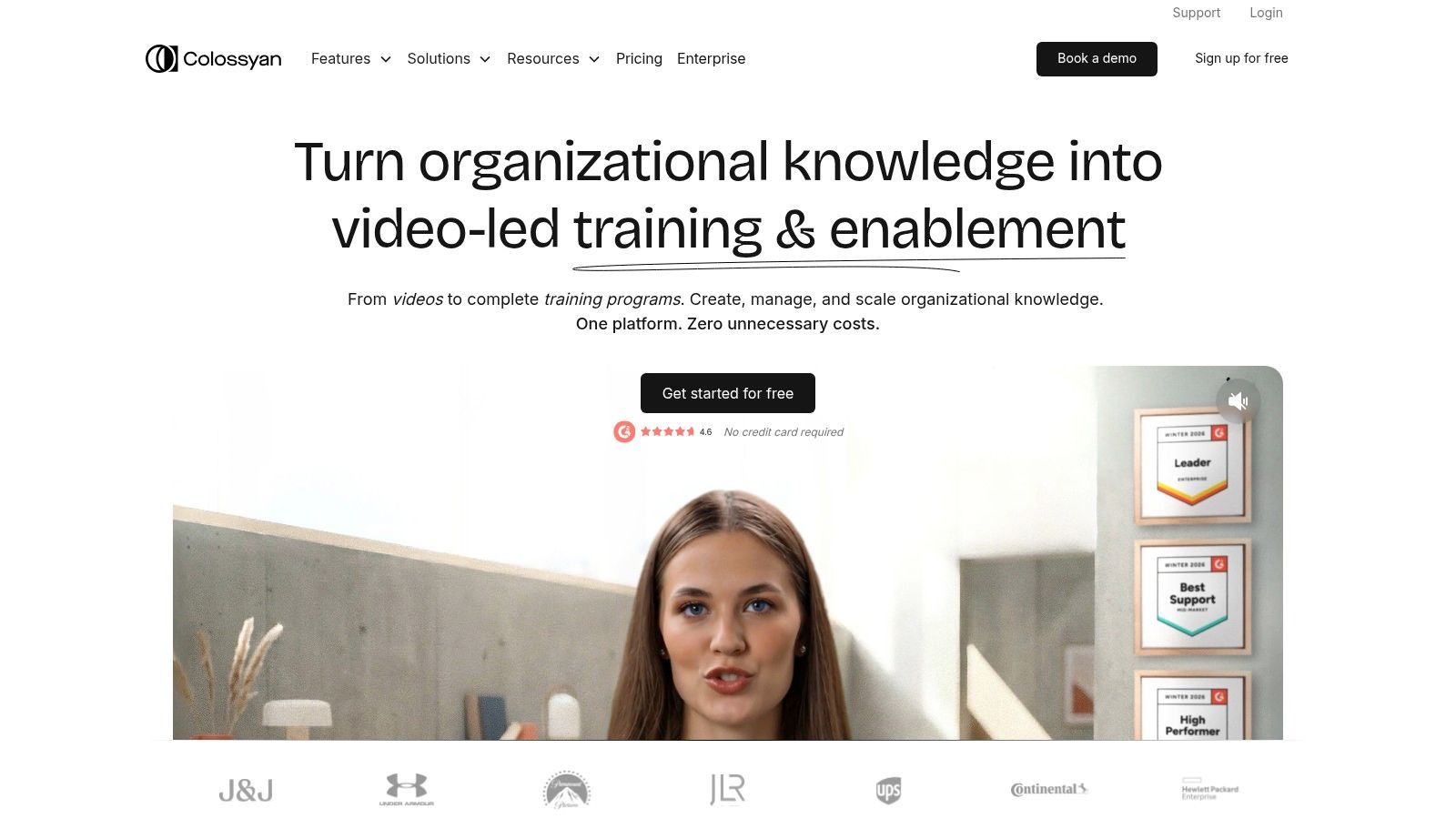
What makes Colossyan effective for its target audience is its template-first workflow and focus on brand consistency. Users can create and save brand kits with specific logos, colors, and fonts, and even develop custom avatars for a unique company look. The editor simplifies the process with scene templates and a straightforward document-to-video feature that accelerates production. Its multi-language support and automated captioning are also significant advantages for global teams aiming to distribute training materials across different regions without the high cost of traditional localization.
The platform is less suited for creative or marketing videos that require dynamic scene generation and more flexible visual styles. Pricing for custom avatars and enterprise-level team features is also on the higher end, reflecting its business-centric positioning.
Key Details & User Experience
| Category | Details |
|---|---|
| Best For | Corporate L&D teams, HR departments, and businesses creating internal training and SOP videos. |
| Core Features | Avatar-based video generation, Document-to-Video, scene templates, custom avatars, brand kits. |
| Pricing | Offers a 14-day free trial; paid plans start at $28/month, with team and enterprise tiers. |
| Pros | Purpose-built for training workflows; strong translation and localization features; brand kit ensures content consistency. |
| Cons | Not designed for creative or cinematic video; custom avatar and enterprise features can be costly. |
Website: https://www.colossyan.com
8. D-ID (Creative Reality Studio)
D-ID's Creative Reality Studio carves out a specific and valuable niche among the best AI video generators by focusing exclusively on creating talking-head videos from a single image. Instead of generating complex cinematic scenes, its strength lies in animating a still photo, syncing lip movements to a provided text script or audio file. This makes it a powerful tool for businesses and creators needing to produce explainer videos, personalized sales outreach, or training content without the cost and time of a traditional video shoot. The platform supports a wide array of languages and voices, making it ideal for global communication.
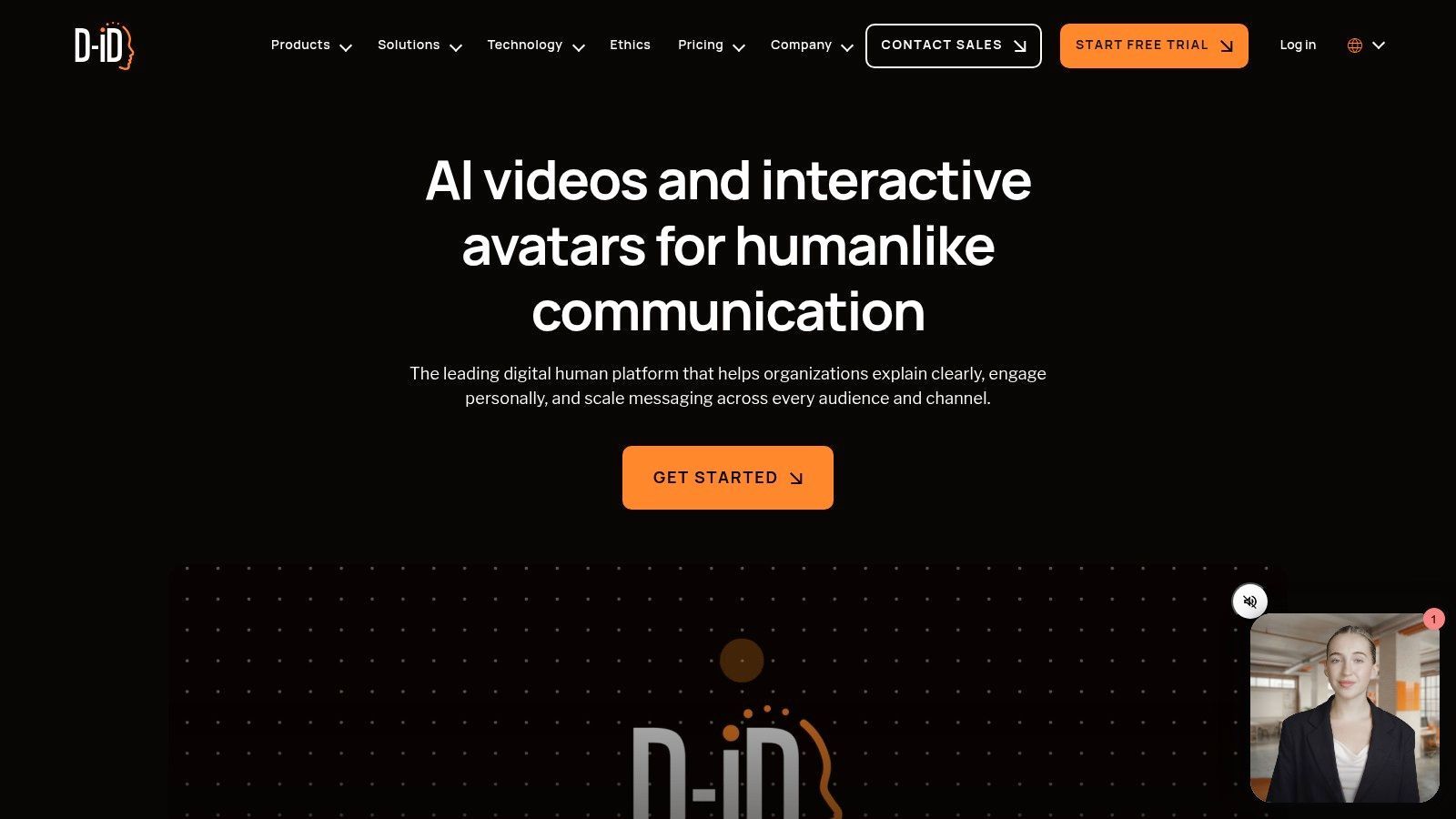
What makes D-ID stand out is its dual offering: a simple, no-code Studio for individual projects and a robust API for programmatic and real-time generation. The API allows developers to build scalable applications, such as personalized video bots for customer support or dynamic marketing campaigns where each recipient gets a unique message. The ability to create real-time agents opens up possibilities for interactive digital humans in various business contexts. While you won't be creating action sequences, for any use case centered on a speaking presenter, D-ID offers an exceptionally fast and efficient solution.
Key Details & User Experience
| Category | Details |
|---|---|
| Best For | Corporate training, personalized sales outreach, and creating digital assistants or explainers. |
| Core Features | Photo-to-talking video, text-to-speech, voice cloning, multi-language support, API for real-time agents. |
| Pricing | Free trial available; paid plans start around $4.70/month for a set number of video minutes. |
| Pros | Very fast for producing speaking presenter videos; API enables personalization at scale; competitive pricing on lower tiers. |
| Cons | Not designed for cinematic scenes or complex motion; advanced real-time features require API access. |
Website: https://www.d-id.com
9. InVideo AI
InVideo AI is built for speed and efficiency, making it one of the best AI video generators for users who need to produce social media content at scale. It excels at turning a simple text prompt or a detailed script into a complete, multi-scene video draft in minutes. The platform automatically sources relevant stock footage and images, generates a voiceover, and adds captions, creating a ready-to-publish asset with minimal manual effort. This makes it an ideal tool for marketing teams and content creators focused on rapid production for platforms like TikTok, YouTube Shorts, and Instagram Reels.
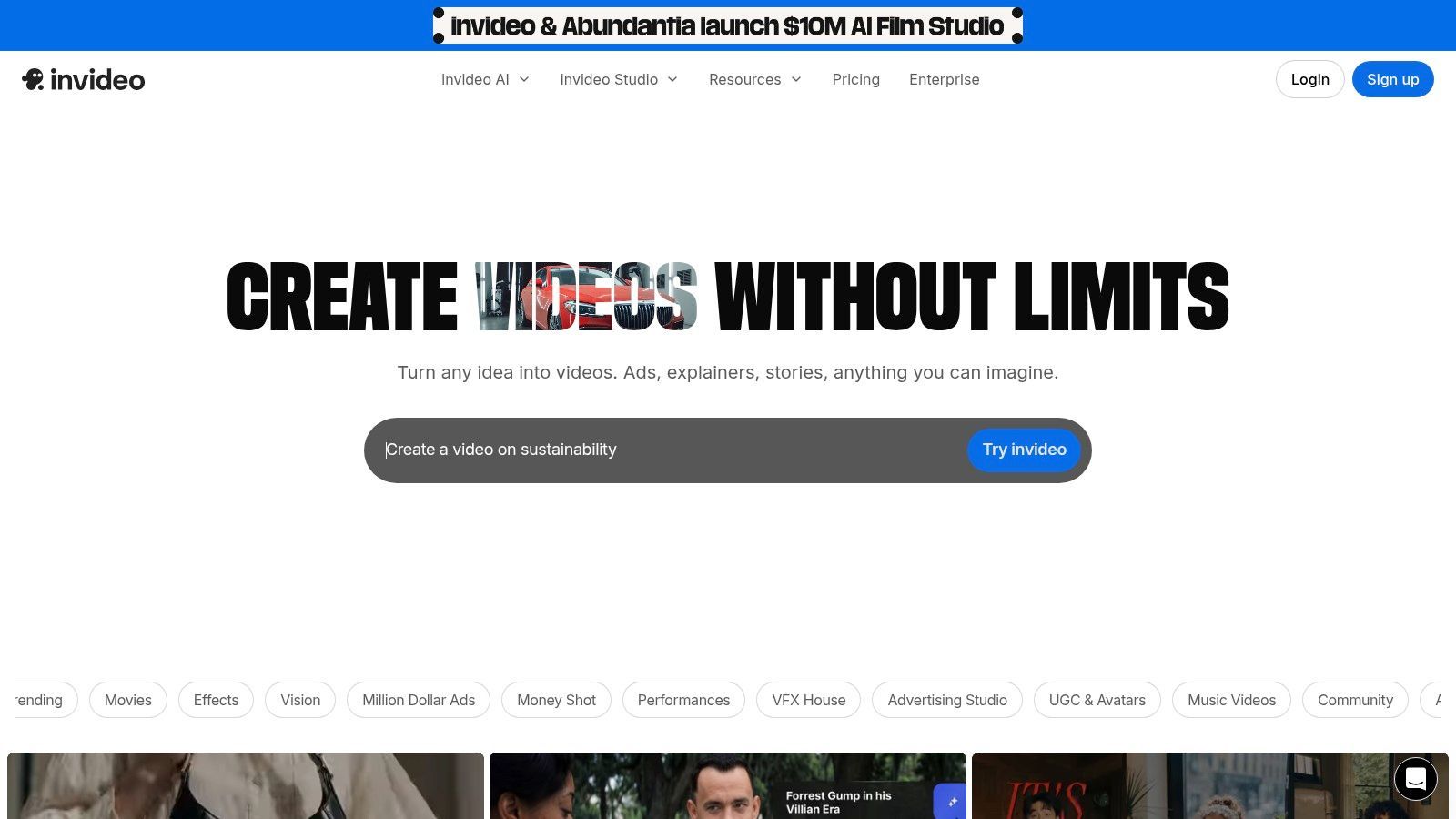
What makes InVideo AI stand out is its workflow-oriented approach. Instead of focusing on pure generative art, it provides a practical script-to-video pipeline. Users can give commands in plain language to edit the generated video, such as "change this clip to a shot of a bustling city" or "make the music more upbeat." For more granular control, the output can be opened in the separate InVideo Studio editor. This combination offers a great on-ramp for non-editors who need to create professional-looking videos without a steep learning curve.
The credit system can sometimes feel a bit confusing for new users trying to calculate the cost of their projects. While it's fantastic for assembling videos from stock assets and simple prompts, it doesn't offer the high-end generative control over physics or complex cinematic styles found in more specialized models.
Key Details & User Experience
| Category | Details |
|---|---|
| Best For | Social media managers, marketers, and creators needing fast, template-driven video production. |
| Core Features | Prompt-to-video scenes, AI voiceover and captions, vast stock library, team collaboration. |
| Pricing | Free plan available; paid plans start at $20/month (billed annually) with tiered credit allowances. |
| Pros | Extremely fast concept-to-cut workflow for short-form content; large template and asset library accelerates production; excellent entry point for non-editors. |
| Cons | Credit system can be opaque to some users; not designed for high-end generative control (e.g., precise physics or cinematic styles). |
Website: https://invideo.io
10. VEED
VEED positions itself differently from pure generative platforms, functioning as a comprehensive, browser-based video editor that integrates a suite of powerful AI tools. It is best suited for teams and creators who need a single workspace for both traditional editing and AI-assisted tasks. Instead of focusing solely on high-end video generation, VEED’s strength lies in blending AI conveniences like automatic subtitling, background noise removal, and text-to-speech with a familiar timeline editor. This makes it an outstanding choice for producing social media content, tutorials, and marketing videos from start to finish.
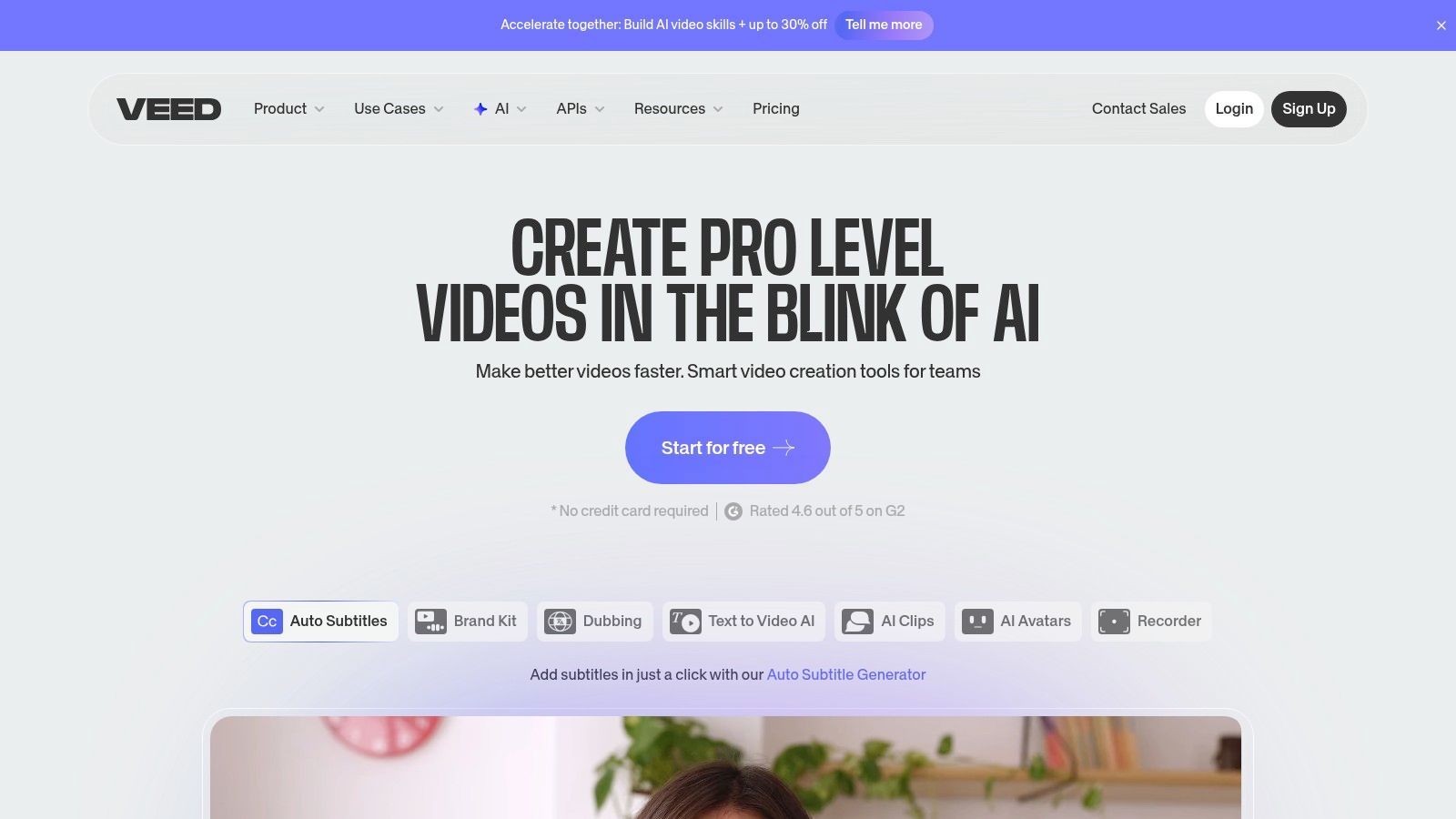
The platform's standout feature is its practical, workflow-oriented approach. Users can upload footage, trim it, add text and graphics, and then use AI to generate accurate captions or create a voiceover in minutes. Its "Gen" studio allows for the creation of short video clips from text or images, which can be useful for B-roll or quick social posts. Furthermore, VEED is built for collaboration, offering team workspaces, brand kit integration for maintaining consistency, and simple export presets for various social platforms. While its generative video quality doesn't match specialist tools like Runway, it offers one of the best AI video generator experiences for those who value efficiency and a unified editing environment.
Key Details & User Experience
| Category | Details |
|---|---|
| Best For | Social media managers, marketing teams, and content creators needing an all-in-one editor. |
| Core Features | AI subtitle/captioning, text-to-speech and cleanup tools, AI ‘Gen’ studio for short text/image-to-video generation, Template library, brand kit and team collaboration, Stock libraries and multi-platform export presets. |
| Pricing | Free plan with watermarks; paid plans (starting at $12/month billed annually) with higher limits and more features. |
| Pros | All-in-one editor for end-to-end social workflows; easy collaboration and brand consistency tools; bridges manual editing and AI assists effectively. |
| Cons | Daily limits/credits on Gen-AI features by tier; advanced generative quality is behind specialist tools. |
Website: https://www.veed.io
11. Kapwing
Kapwing positions itself as an all-in-one online video editor built for modern creative workflows, making it a practical choice for teams and creators who need more than just a generative tool. Its AI video generator is integrated directly into a familiar timeline editor, allowing users to create scenes from text prompts and immediately start editing them. This workflow is ideal for social media managers who need to quickly produce content variations with text overlays, captions, and branded assets.
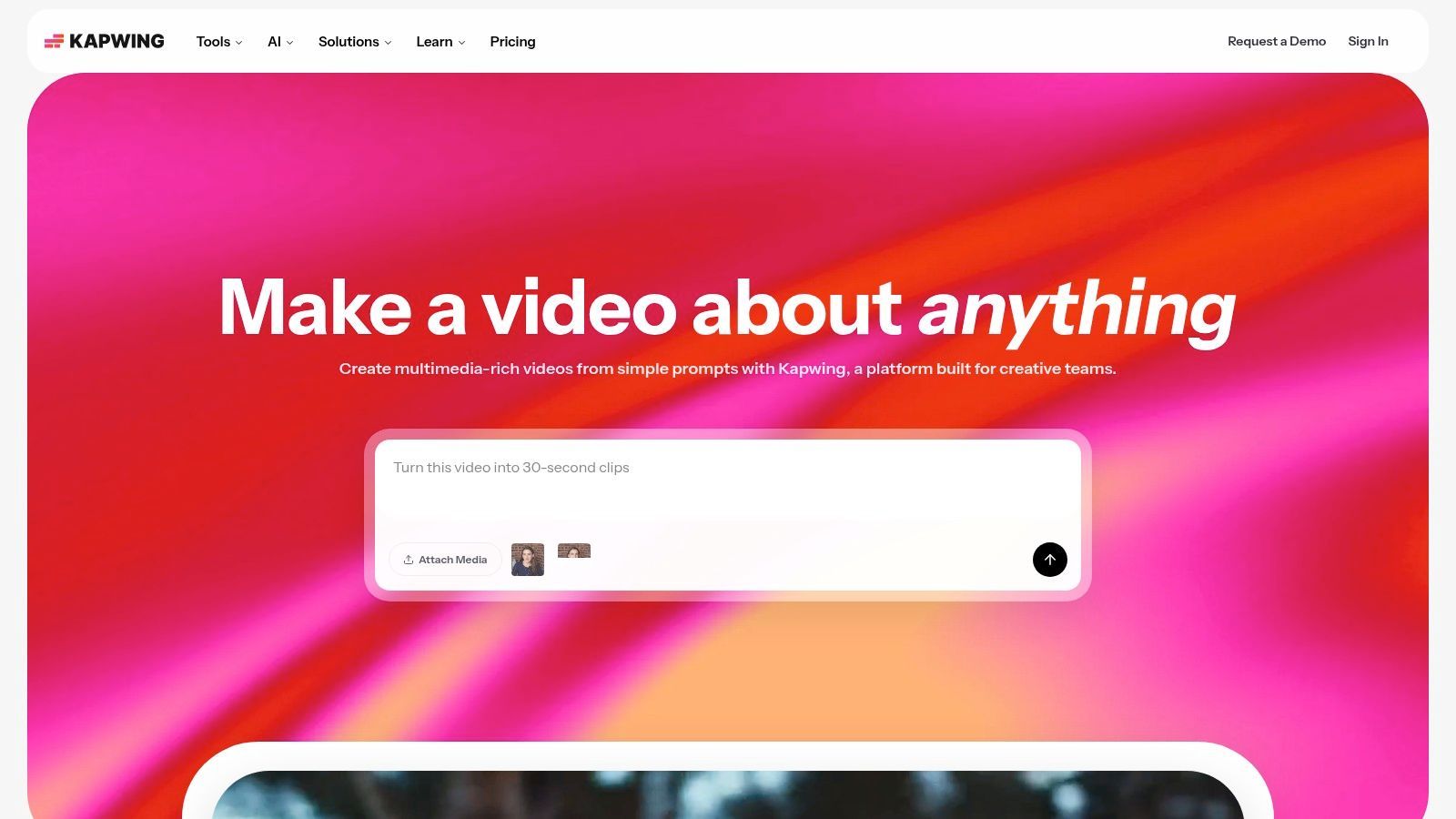
The platform’s strength lies in its repurposing toolset. Users can generate a base clip, then use AI-powered features to auto-resize it for different platforms, add subtitles, and even create AI voiceovers in multiple languages. While its AI video generation capabilities aren't as artistically advanced as dedicated models like Sora or Runway, it provides one of the best AI video generators for practical, end-to-end social media production. The ability to generate an AI image for a thumbnail or overlay and drop it directly into the project timeline is a significant time-saver.
The free tier is generous for testing but includes a watermark. Paid plans unlock higher-quality exports and expand access to the full suite of AI tools and stock libraries.
Key Details & User Experience
| Category | Details |
|---|---|
| Best For | Social media managers and marketing teams needing a fast, repeatable content creation pipeline. |
| Core Features | Integrated AI Video Generator, AI Image Generator, Auto Subtitles, AI Dubbing/TTS, Smart Resizer. |
| Pricing | Free plan with watermarks; Paid plans start at $16/month (billed annually) for more features. |
| Pros | Excellent for repurposing content across platforms; accessible for non-editors; tightly integrates AI tools. |
| Cons | Generative AI controls are basic; watermarks and resolution limits on the free tier. |
Website: https://www.kapwing.com
12. Fliki
Fliki specializes in turning text into polished, voice-narrated videos at incredible speed, making it one of the best AI video generators for content creators focused on volume and efficiency. It’s particularly effective for producing faceless YouTube videos, social media shorts, and blog-to-video conversions. The platform’s core strength lies in its tight integration of a powerful text-to-speech (TTS) engine with a stock media library and scene-based editor, allowing users to go from a script to a publishable video in minutes.
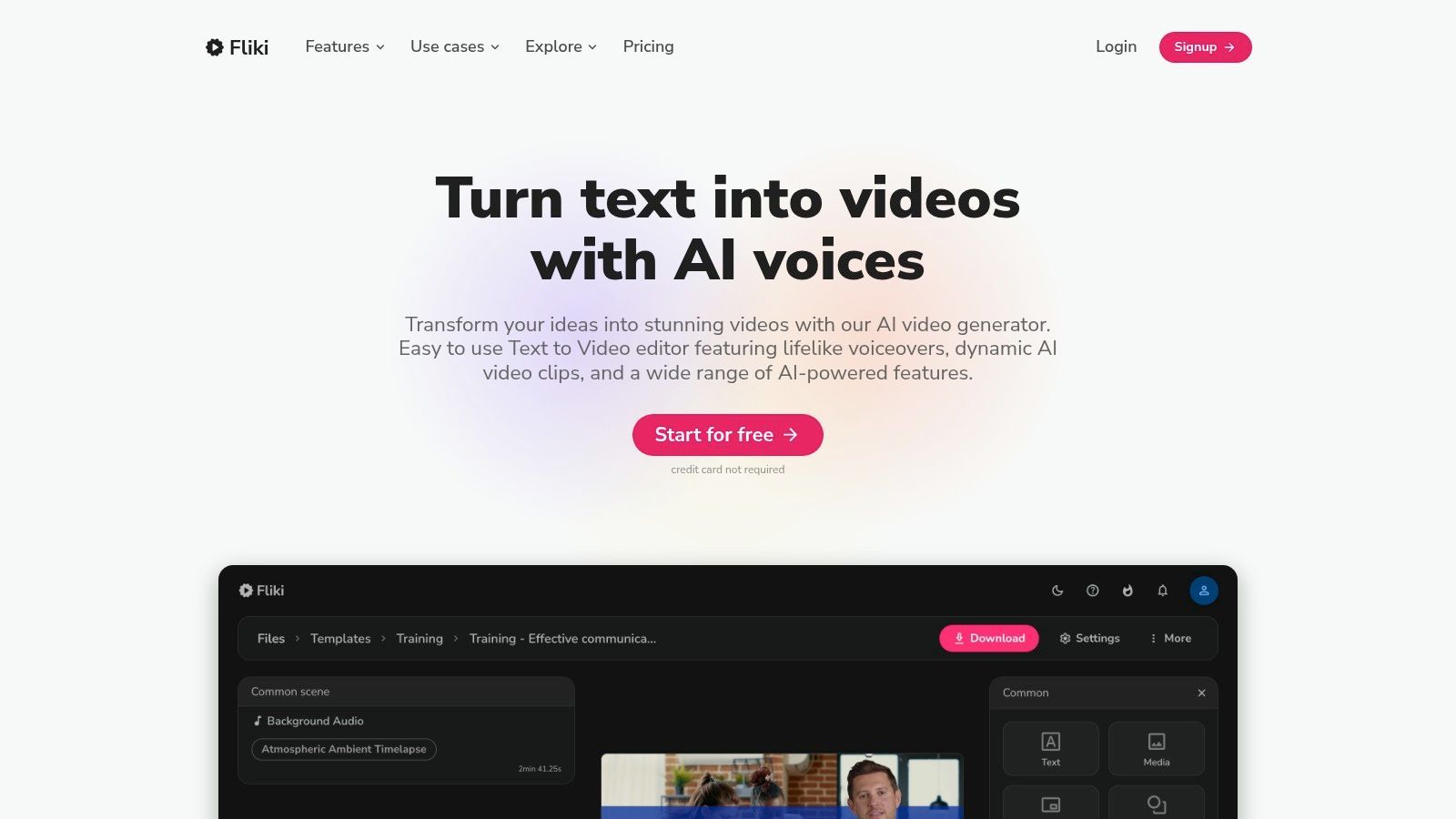
Unlike pure generative models that create every visual from scratch, Fliki assembles videos from existing stock clips, images, and basic AI-generated backgrounds, all timed perfectly to a high-quality AI voiceover. Its standout feature is the vast library of over 1,000 realistic voices across more than 80 languages and dialects, complete with voice cloning capabilities. This makes it an exceptional tool for creators looking to localize content or maintain a consistent brand voice across different channels without ever stepping in front of a camera. The workflow is simple: paste a script, blog URL, or even a PowerPoint presentation, and Fliki automatically creates scenes with suggested media that you can quickly customize.
While it lacks the deep cinematic controls and advanced motion capabilities of tools like Runway or Sora, it isn't designed for that purpose. Its focus is on production speed for informational and list-style content, which it accomplishes remarkably well.
Key Details & User Experience
| Category | Details |
|---|---|
| Best For | Faceless YouTube channels, social media managers, and marketers needing rapid creation of informational videos. |
| Core Features | Script/Blog/URL-to-Video, 1,000+ AI voices in 80+ languages, voice cloning, extensive stock media library, templates. |
| Pricing | Free plan available; paid plans start at $21/month for more features and no watermarks. |
| Pros | Extremely fast from script to final video; excellent multilingual TTS quality; great value for frequent publishers. |
| Cons | Limited cinematic and creative control; relies on stock media, which can feel generic without customization. |
Website: https://fliki.ai
Top 12 AI Video Generators: Quick Comparison
| Product | Core features | UX / Quality (★) | Value & Pricing (💰) | Target audience (👥) | Unique selling points (✨) |
|---|---|---|---|---|---|
| ShortGenius (AI Video / AI Ad Generator) 🏆 | End-to-end script→visuals→voice→publish, presets, brand kit, scheduling, API | ★★★★★ Fast editor, high-fidelity models | 💰Tiered (creator→team); high ROI for scaled workflows | 👥 Creators, agencies, social teams, DTC brands, educators | ✨Unified pipeline + multi‑channel auto-posting, model ecosystem, series scheduling |
| Runway (Gen-3/Gen-3 Turbo) | Text/image/video-to-video, frame interp, keyframes, API | ★★★★ Strong motion coherence, mature editor | 💰Credit-based per-second; can be costly for long renders | 👥 Studios, VFX, creators making stylized clips | ✨High motion realism, Gen‑3 Turbo, robust export pipeline |
| Pika | Text/image-to-video, Pikaframes/Pikascenes, prompt tools, Discord | ★★★★ Rapid iteration, stylized outputs | 💰Competitive; credits for advanced runs | 👥 Indie creators, concept artists, rapid ideation teams | ✨Fast model cadence, active community-driven styles |
| Luma AI – Dream Machine | Text-to-video, high res, Video Modify (transform footage) | ★★★★ Smooth motion, strong physics | 💰Plan-based with commercial rights; queues on low tiers | 👥 Filmmakers, ad teams, previz & footage transformation | ✨Modify live-action footage, strong realism controls |
| Synthesia | Avatar videos, 140+ languages, custom avatars, enterprise controls | ★★★★ Polished, predictable talking-head output | 💰Enterprise pricing; costly for custom avatars | 👥 Enterprise L&D, HR, product education teams | ✨Custom avatars, compliance/SSO, strong localization |
| HeyGen | Avatars, voice cloning, video translator with lip-sync, API | ★★★★ Fast localization, realistic lip-sync | 💰Competitive entry plans; premium features use extra credits | 👥 Marketers, creators localizing ads/UGC | ✨Excellent dubbing/lip-sync, rapid feature cadence |
| Colossyan | Document-to-video, training templates, branded avatars | ★★★ Good for course-style & SOP videos | 💰Tiered plans, 14-day trial; team pricing higher | 👥 L&D, HR, internal comms teams | ✨Template-first training workflows, translation focus |
| D-ID (Creative Reality Studio) | Photo→talking video, Studio + API, real-time agents | ★★★★ Fast personalized presenters at scale | 💰Per-video tiers; cost-effective for bulk personalization | 👥 Sales, support, education, personalization use cases | ✨Photo-based presenters, bulk personalization, real-time API |
| InVideo AI | Prompt-to-scene, ad/UGC templates, stock assets, TTS | ★★★ Quick concept→cut for social ads | 💰Affordable templates; credit system can be opaque | 👥 Social marketers, non-editors, small agencies | ✨Template + stock-driven rapid ad creation |
| VEED | Browser editor + AI subtitles, Gen studio, brand kit, collab | ★★★★ All‑in‑one editor bridging manual & AI | 💰Tiered plans; Gen limits on lower tiers | 👥 Teams needing editing + light generation | ✨Seamless edit + AI assists, collaboration tools |
| Kapwing | AI video generator, auto-reformat, dubbing/TTS, templates | ★★★ Accessible UI, fast repurposing | 💰Free tier (watermarks), paid removes limits | 👥 Creators, social teams, educators | ✨Auto-resize/reformat + easy template workflows |
| Fliki | Script/URL/PPT→video, 1,000+ voices, stock & translation | ★★★ Quick for faceless YouTube/shorts | 💰Good creator-tier value; export limits by plan | 👥 Podcasters, faceless creators, frequent publishers | ✨Extensive TTS catalog, rapid script→video workflow |
Making Your Final Choice: Which AI Video Generator is Right for You?
Choosing the best AI video generator depends entirely on your goals, workflow, and budget. There is no single 'best' tool for everyone. To simplify your decision, we've broken down our recommendations based on common creator profiles and objectives. Use this guidance to match your specific needs with the platform that will deliver the most value and accelerate your content creation journey. Remember to use free trials to get hands-on experience before committing to a subscription.
This extensive review has shown that the field of AI video generation is not a one-size-fits-all market. Instead, it’s a diverse ecosystem of specialized tools, each with its own strengths. From cinematic text-to-video powerhouses like Runway and Luma AI to avatar-centric platforms like Synthesia and HeyGen, your ideal solution is out there. The key is to first define what "video creation" means for you and your business before you start comparing features.
A Quick Recap for Different Needs
To make your decision easier, let's distill our findings into clear recommendations based on your primary objective. This should help you narrow down your shortlist to just one or two platforms to test drive.
-
For High-Concept, Cinematic Storytelling: If your goal is to create truly original, visually striking scenes from scratch, your focus should be on Runway and Luma AI’s Dream Machine. These are the best AI video generators for creators who want to push the boundaries of what's possible with generative art, even with their current limitations in consistency and motion. Pika is also a strong contender in this category, offering a slightly more accessible entry point.
-
For Corporate Training, Sales, and Onboarding: When you need professional, consistent, and scalable videos featuring a human presenter, the avatar platforms are your best bet. Synthesia leads the pack for enterprise-grade features and security, while HeyGen offers exceptional avatar quality and innovative features like video translation. Colossyan and D-ID are also excellent choices, providing strong alternatives with unique avatar styles and workflows.
-
For Social Media Content and Marketing Ads: Speed and efficiency are paramount for social media managers and marketers. This is where tools that combine AI with traditional editing shine. ShortGenius is built specifically for creating high-volumes of short-form video ads from simple product inputs. For general social content, InVideo AI, VEED, and Fliki offer robust text-to-video workflows that turn articles, scripts, or ideas into engaging videos with stock footage, voiceovers, and captions in minutes. Kapwing remains a fantastic all-around editor with strong AI-assisted features for quick, collaborative edits.
Key Factors for Your Final Decision
Before pulling out your credit card, ask yourself these final questions. The answers will point you directly to the right tool.
- What is my primary video type? Am I making artistic shorts, talking-head explainers, or fast-paced social ads? Your answer immediately cuts the list of 12 tools down to a manageable three or four.
- What is my technical skill level? Be honest. Do you need a simple, prompt-based interface like InVideo or Fliki, or are you comfortable with the more complex controls and settings found in Runway?
- What is my budget and expected volume? A solo creator posting weekly might be fine with a mid-tier plan. An agency producing dozens of videos for clients needs an enterprise-level subscription with generous generation credits and team features.
- How important is realism and consistency? For training modules, a photorealistic avatar from HeyGen or Synthesia is critical. For a surreal social media ad, the creative unpredictability of Pika or Luma AI might actually be a benefit.
The world of AI-driven video is moving at an incredible pace, and the tools we've covered represent the best of what's available today. By aligning your specific creative or business needs with the strengths of a particular platform, you can significantly reduce production time, scale your content output, and unlock new creative possibilities. The most important step you can take now is to pick one or two top contenders from this list and begin experimenting with their free trials. Practical experience is the ultimate guide.
Ready to create high-performing video ads and social content in seconds, not hours? ShortGenius (AI Video / AI Ad Generator) is specifically designed for brands and marketers who need to produce quality short-form video at scale. Move beyond generic templates and generate unique, on-brand content from just a product link or a few lines of text. Start your free trial today and see how quickly you can fill your content calendar.