10 Best AI Video Ad Generator Tools for 2026

Find the best AI video ad generator for your needs. We review 10 top tools for scriptwriting, avatars, editing, and distribution to scale your ad creative.
Creating one good video ad used to be expensive. A traditional 30-second ad can run anywhere from $10,000 to $50,000 according to AI video ad market benchmarks collected by Quantumrun, which is exactly why AI tools have moved from novelty to production stack.
That shift isn't small. The global AI video generator market was valued at USD 544.65 million in 2023 and is projected to reach USD 2,706.60 million by 2032 at a 19.55% CAGR, according to SNS Insider's AI video generator market report. For media buyers, creators, and lean content teams, the appeal is obvious. You need more ad volume, more hooks, more angles, more aspect ratios, and faster turnarounds for social media ads without adding a full production crew.
The promise of the best ai video ad generator is simple. Start with a script, a product URL, or even rough creative direction, then turn that into usable ads fast. However, the situation is more nuanced. Some tools are excellent at avatar-led UGC. Some are better for polished editing. A few handle campaign volume well but fall apart when you need brand consistency or distribution.
The bigger problem is workflow. Most comparison posts stop at feature lists. They don't tell you what happens after generation, when you still need to swap scenes, resize for different placements, get approvals, organize variants, and publish on schedule. That's where teams usually lose time.
This guide focuses on that full chain from script to distribution. These are the tools I'd shortlist for actual ad production in 2026, especially if you're balancing speed, creative testing, and operational sanity.
1. ShortGenius
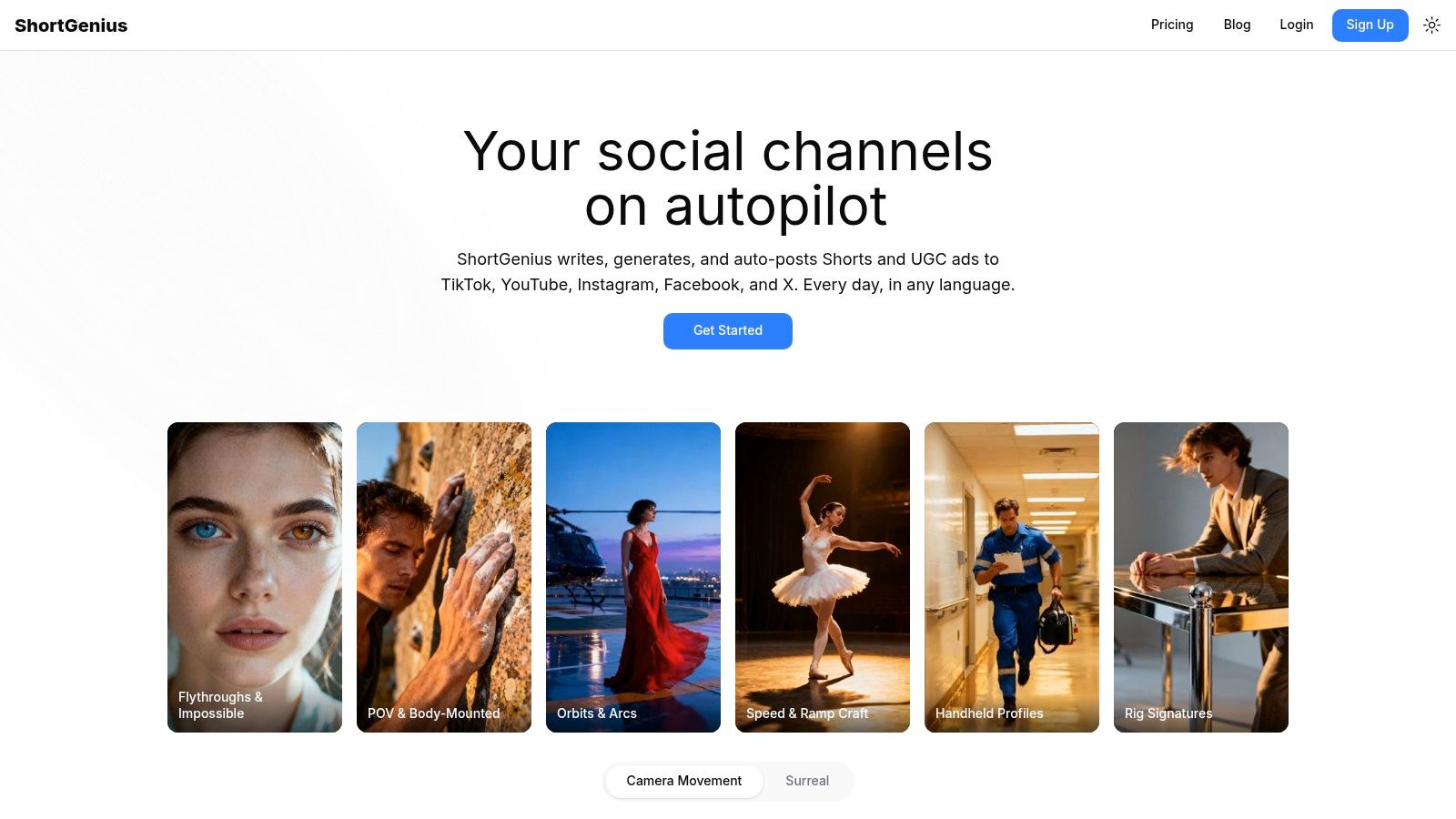
ShortGenius stands out because it covers more of the ad production chain inside one system. For teams producing short-form ads at volume, that matters more than flashy generation quality on its own. Script writing, scene building, voiceover, editing, resizing, and publishing all sit in the same workflow, which cuts down on file passing and repeated setup.
That makes it a strong fit for operators who care about throughput. In practice, the time loss usually happens after the first draft is generated. Someone needs to revise scenes, swap hooks, resize for placements, add captions, check branding, and get versions out to multiple channels. ShortGenius handles more of that connected workflow than many tools in this category.
Why it works in practice
The platform combines writing, image generation, video generation, and voice tools in one interface. That reduces the usual friction of bouncing between separate apps and subscriptions. For agencies, creators, and in-house teams running weekly content calendars, fewer handoffs usually means faster testing cycles.
A few production features are especially useful:
- Series generation: Build repeatable ad formats and recurring content lines without rebuilding every asset from zero.
- Brand kit controls: Keep visual style, intros, and basic creative rules more consistent across batches.
- Fast edits: Trim, caption, resize, swap scenes, and change voices inside the same project.
- Preset effects: Add more motion and structure than a basic slideshow-style output.
The stronger point is not one feature. It is how those steps connect.
For teams evaluating the full ShortGenius AI video ad workflow, that connection is the main reason to shortlist it.
Practical rule: The best ai video ad generator for a busy team is usually the one that removes the most manual steps after the first draft.
Mini workflow example
Start with a product angle, offer, or campaign brief. Generate a script, turn it into scenes, apply voiceover and brand styling, then cut different versions for TikTok, Reels, Shorts, and paid social placements. From there, organize the variants as a recurring series and push them toward distribution without exporting into another stack for every small change.
That workflow is where ShortGenius separates itself. A lot of tools help you make a video. Fewer help you manage the full script-to-publish process efficiently.
Trade-offs
ShortGenius still needs human review. Teams running paid social should check hooks, claims, compliance language, landing page alignment, and brand tone before anything goes live. AI can speed up versioning, but it does not replace ad judgment.
It is also not the right pick for every creative style. If the campaign depends on a highly specific avatar performance or heavy presenter-led localization, other tools may be stronger in that narrower use case. ShortGenius makes the most sense when the bottleneck is operational flow across creation, editing, and publishing.
Pricing is not listed in the supplied material, so plan to verify current tiers and team options directly on the platform.
Best for: Creators, agencies, and marketing teams that need a smoother script-to-publish workflow in one place.
2. HeyGen
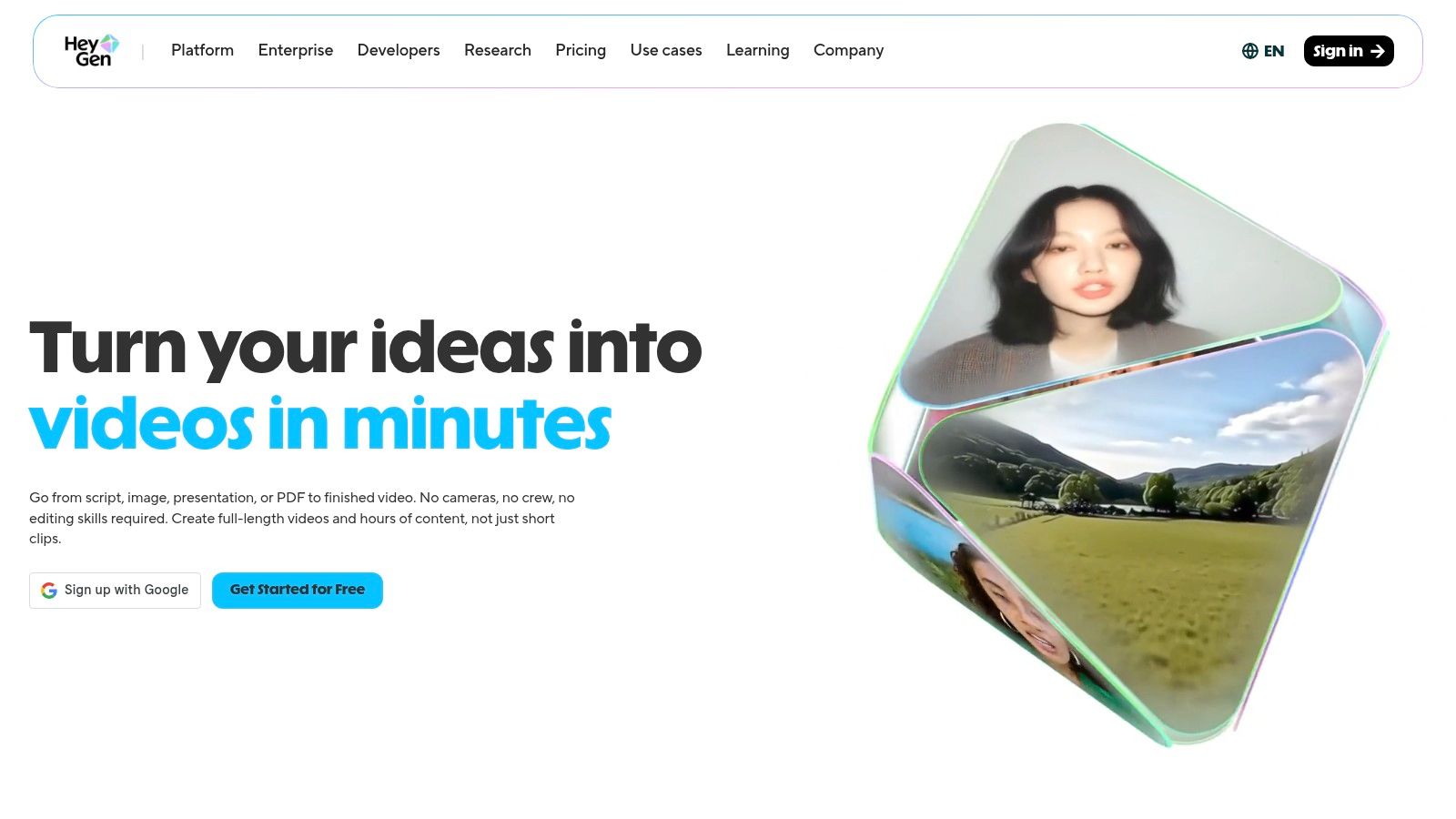
Localized video production usually slows down at the filming stage, not the editing stage. HeyGen earns its place by removing that bottleneck for teams running presenter-led ads across multiple markets.
I put it in a narrower category than all-purpose ad builders. HeyGen is strongest when the ad depends on a face, a spoken message, and fast language adaptation. That makes it useful for founder ads, spokesperson scripts, product explainers, onboarding promos, and UGC-style creative where delivery does most of the selling.
Where HeyGen fits
The core workflow is built around avatars, voice, and language versioning rather than scene-heavy editing. That changes how a team should evaluate it. If the job is to turn one approved script into multiple market-specific versions quickly, HeyGen can save real production time. If the job is to build visually layered ads with a lot of motion design and cutaway control, it will feel limiting.
A practical workflow looks like this:
- Start with a proven ad script or short sales message.
- Select an avatar or create a presenter-based setup.
- Generate one English version first and review pacing, captions, and claims.
- Duplicate it into other languages.
- Export variants for each placement and route them into the rest of your distribution stack.
That is a solid script-to-localization workflow. It is less complete as a full script-to-publish system than tools built around end-to-end ad operations.
Mini workflow example
A performance team testing the same offer in the US, Spain, and Germany can write one 20 to 30 second script, build a single presenter ad, then create localized versions without booking new talent or reshooting the spot. From there, the team can swap opening hooks, tighten subtitles for mobile viewing, and send the exports into Meta, TikTok, or YouTube workflows.
That speed is the reason to use HeyGen.
Trade-offs
Creative fatigue is the main risk. If every ad uses the same avatar framing and cadence, performance can flatten fast, especially in paid social accounts that need fresh concepts every week.
It also works best with tight scripting. Loose copy, long sentences, or weak hooks tend to make AI presenter ads feel stiff. Teams that already have strong scripting discipline usually get more from HeyGen than teams hoping the avatar alone will carry weak messaging.
There are also workflow limits to keep in mind. HeyGen helps at the script-to-presenter stage and in localization. You may still need another tool for heavier scene editing, asset versioning, approval flow, or direct distribution. For teams comparing full workflow coverage, that distinction matters.
Some users also mention support, billing, and render-delay friction. I would test it in a controlled campaign before making it central to a high-volume acquisition program.
Best for: Teams producing multilingual spokesperson ads, presenter-led explainers, and repeatable UGC-style creative at scale.
Website: HeyGen
3. InVideo AI
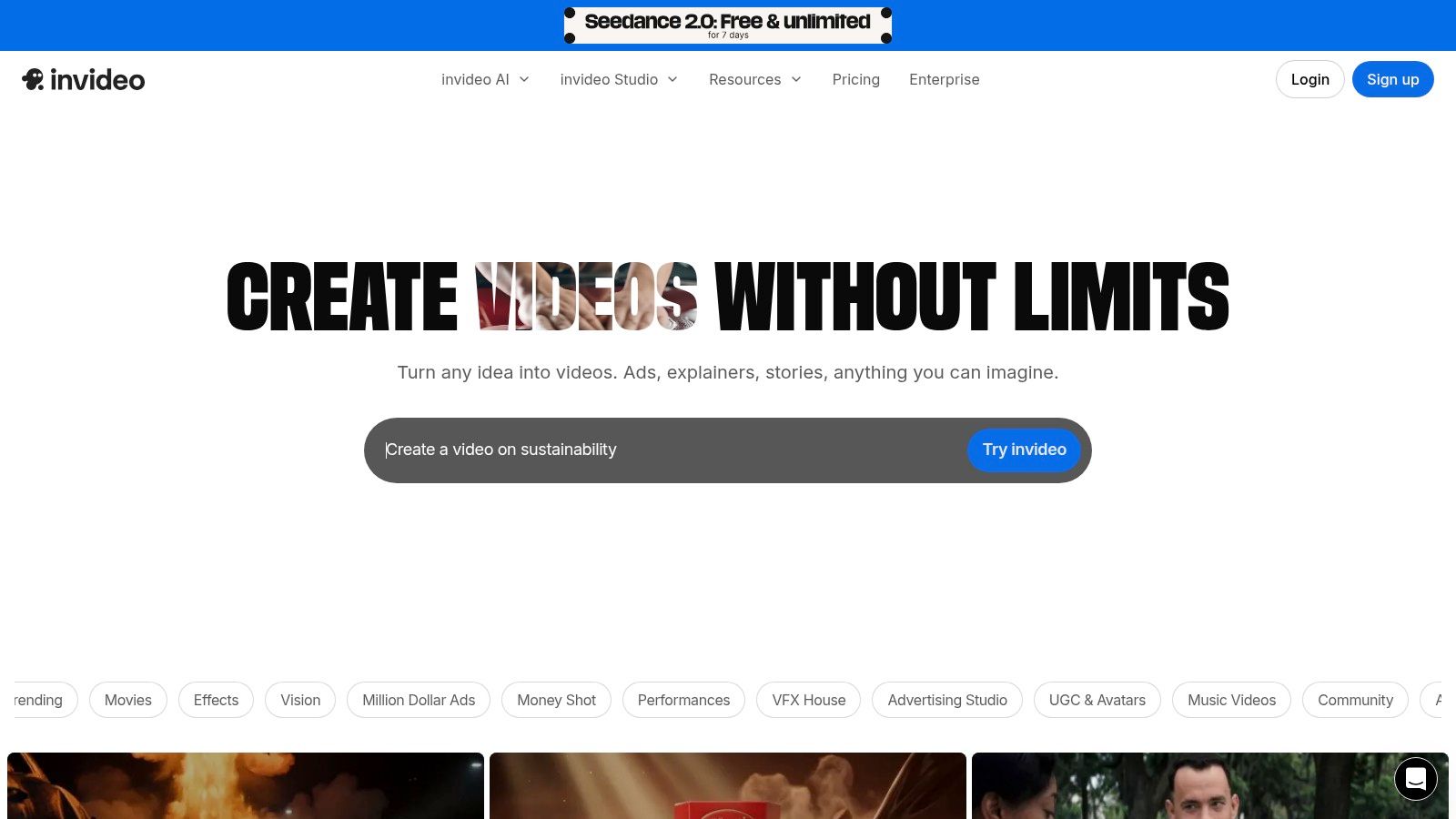
InVideo AI is a practical choice for marketers who want quick prompt-based generation plus enough editing control to keep testing. It’s one of the more accessible tools for teams that need ad output fast without living in a traditional editing suite.
This is the sort of platform that works well when you already know your offer and angle, but don’t want to spend hours building every variation manually.
Where it earns its spot
The mix of script-to-video, URL-to-video, avatars, and scene-by-scene editing makes InVideo AI flexible. It can support product ads, social cuts, YouTube-style creative, and direct response tests from the same base workflow.
The upside is iteration speed. The downside is the credit model. If your team regenerates scenes constantly, the economics can get messy fast.
A useful workflow usually looks like this:
- Start from a script or product page: Good for getting a rough first draft quickly.
- Adjust scene by scene: Better than locked one-click tools when the AI misses your angle.
- Make variants for tests: Useful for swapping hooks, CTAs, and opening visuals.
- Export by placement: Helps if you're running the same idea across short-form channels.
Mini workflow example
Take a product page, generate the first ad, replace weak scenes, tighten the script, then produce several variants with different openings for paid social. That’s where InVideo AI is most useful. Not as a final-polish studio, but as a variation engine with enough editing control to be usable.
What I wouldn’t do is assume every generated scene is production-ready. Some models produce mixed results depending on visual style and prompt clarity.
Trade-offs
The learning curve isn't high, but disciplined teams get more from it than casual users. If you treat every weak output as a reason to regenerate from scratch, credits disappear quickly. If you edit deliberately, it becomes much more efficient.
This is one of those tools where process matters almost as much as feature set.
Best for: Fast ad iteration, social video tests, and teams that want more control than one-click generators provide.
Website: InVideo AI
4. VEED AI Ad Generator
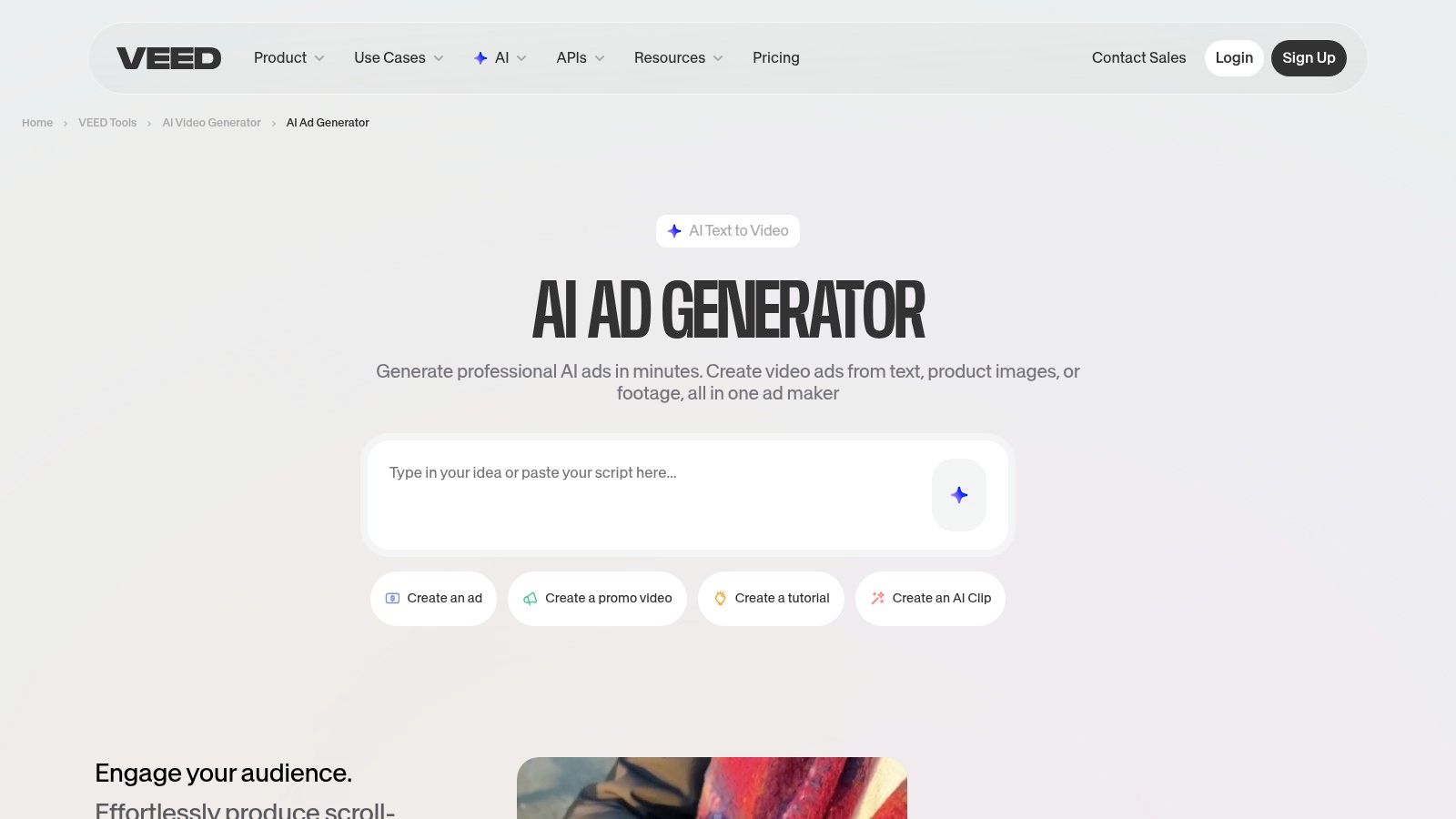
VEED is better thought of as an editor-first ad generator than a pure generation engine. That’s a strength. A lot of ad teams don’t need a tool to do everything automatically. They need a solid first draft and a fast way to finish it.
VEED’s AI Ad Generator can start from text, product images, or existing footage. Then you move into VEED’s editor for captions, voiceover, branding, and resizing. For many teams, that’s a more realistic workflow than fully automated generation.
Why editors like it
The post-generation side is where VEED stands out. If your team spends a lot of time on subtitles, reframing, and platform formatting, VEED tends to feel efficient.
Its most useful ad-production strengths are:
- Multiple inputs: Text, image, or video can all become starting points.
- Captions at scale: Helpful for short-form placements where on-screen text matters.
- Auto-resize: Important when one concept needs several aspect ratios.
- Cloud-based finishing: Good for quick collaboration and revisions.
Mini workflow example
Drop in existing product footage, use the AI tool to build the ad structure, clean up captions, apply your brand kit, then export cuts for TikTok, Reels, Shorts, and paid placements. That workflow is especially good for brands that already have assets but need to move faster in post.
Field note: VEED makes more sense when your bottleneck is editing and formatting, not ideation.
Limits to keep in mind
VEED isn’t where I’d go for highly cinematic ad creative. It’s strongest in short-form social production and fast finishing. If your concept depends on advanced generation quality rather than editing speed, other tools will feel more specialized.
There’s also some user confusion around AI credit limits and plan boundaries, so confirm usage details before scaling a campaign around it.
Best for: Teams that want AI generation plus a capable browser editor for finishing social ads.
Website: VEED AI Ad Generator
5. Kapwing AI Ad Generator
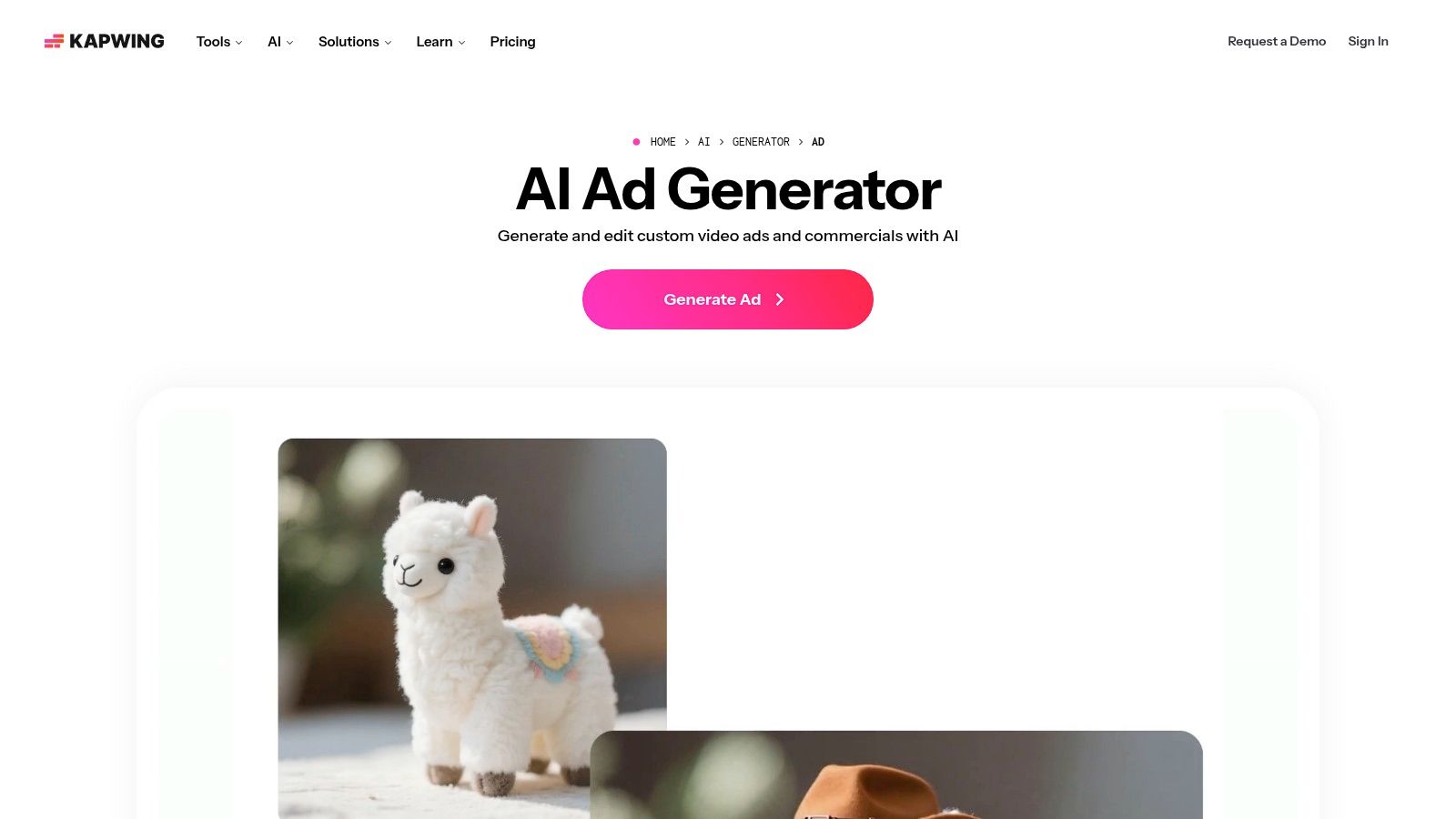
Kapwing sits in a nice middle ground. It’s not as locked as one-click ad generators, and it’s not as intimidating as a heavier editing suite. For many solo marketers and small teams, that balance is exactly the point.
Its AI ad generator can take prompts, scripts, or product images and build an initial cut. Then you open everything inside the full Kapwing editor and make the adjustments yourself.
Best use case
Kapwing is strongest when the first AI output gets you halfway there and the rest depends on light editing. If you like having a timeline, direct control over text, subtitles, and media, it feels much more usable than tools that hide everything behind automation.
What stands out:
- Editable timeline: Good if you want control without leaving the platform.
- Subtitles and voice tools: Strong fit for social-first ads.
- Brand kit and resize options: Helpful for repeatable campaign production.
- Transparent pricing pages: A practical plus when budgeting matters.
Mini workflow example
Generate an ad from a product image and short script. Open the timeline. Replace awkward scenes, retime captions, swap voice or avatar elements, then export the final cut in the needed format.
That workflow is especially useful for teams producing “good enough fast” creative rather than chasing highly stylized output.
Where it falls short
Kapwing’s avatars are improving, but if your whole strategy relies on highly realistic presenter content, dedicated avatar tools still have an edge. And if you need detailed frame-level polish, it can take longer than a more automated tool.
Still, there’s a real advantage to having generation and editing in one place. For lean teams, fewer handoffs usually beats theoretical feature depth.
Best for: Marketers who want a manageable generate-edit-export workflow in one browser tool.
Website: Kapwing AI Ad Generator
6. Waymark
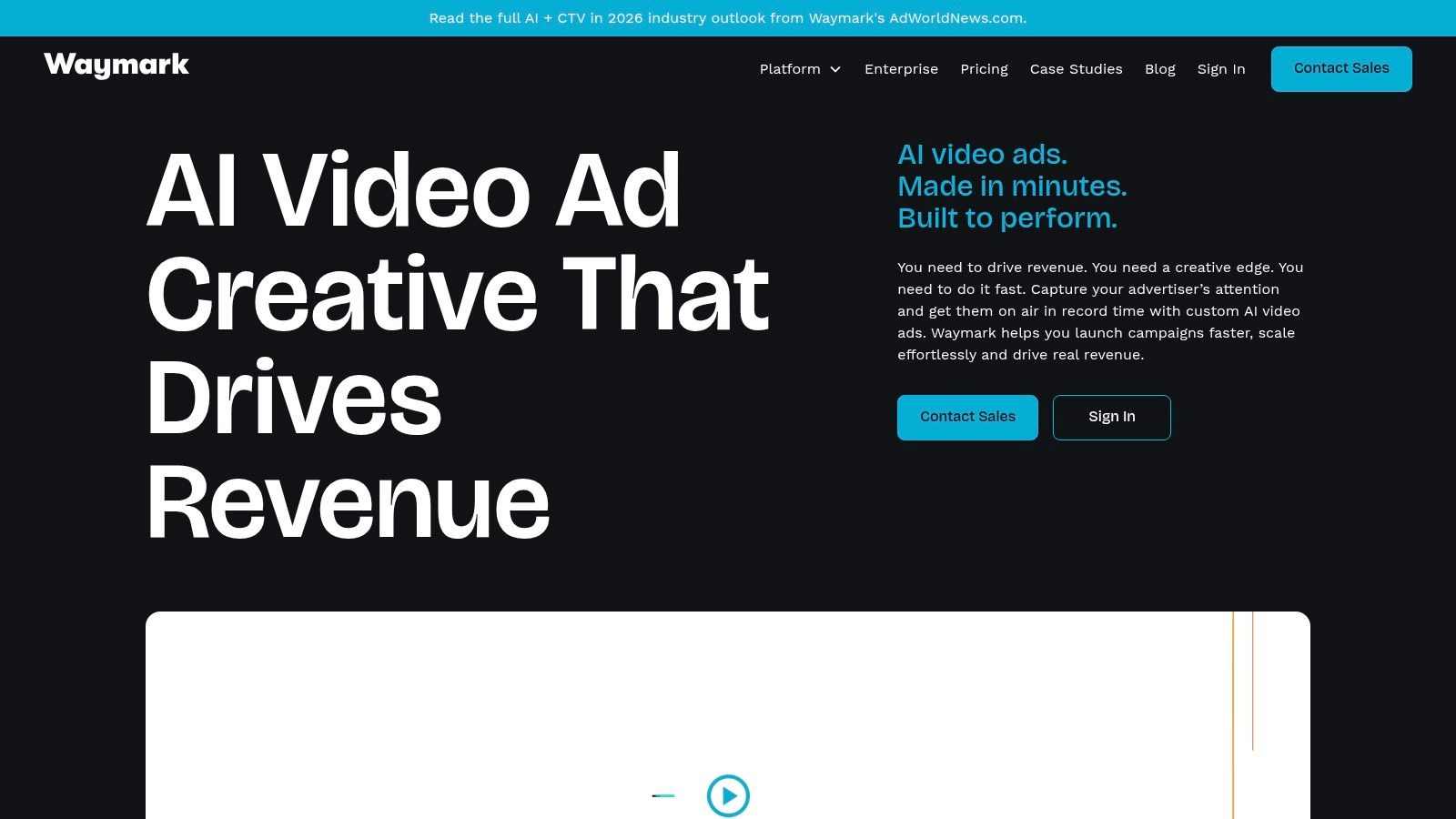
Waymark is the most specialized tool on this list. It’s built for ready-to-air commercials, especially in US local advertising, TV, OTT, and digital placements where “good enough for social” isn’t enough.
That focus makes it less flexible than some alternatives, but much more relevant if you need ad creative that feels broadcast-safe and client-ready.
Where Waymark is different
Waymark starts by extracting brand information from a website, then assembles a commercial using script generation, stock assets, voiceover, and ad-ready formatting. It’s a production shortcut for local businesses and media sellers that need polished spots fast.
If your work touches TV or OTT inventory, this matters. The standards are different from TikTok creative.
The practical strengths are clear:
- Website-to-commercial workflow: Efficient for local businesses with limited assets.
- Broadcast-oriented output: Better fit for TV and OTT than social-only tools.
- Variation support: Useful for local market versions and placement-specific cuts.
- Team and broadcaster alignment: More enterprise-ready than many creator tools.
Mini workflow example
A local advertiser gives you a website and a rough offer. Waymark pulls brand assets, builds the script foundation, generates the first ad, then your team reviews for compliance, offer language, and legal details before final delivery.
That’s a much cleaner process than building every small-market commercial from scratch.
Trade-offs
Waymark isn’t the best ai video ad generator for creators trying to pump out UGC hooks all day. It’s a more structured commercial system. Entry pricing is also typically harder to justify if you only need social ad volume.
Use it when the output standard is higher and the workflow is more formal. Skip it if your world is rapid-fire paid social experimentation.
Best for: TV, OTT, local business commercials, and broadcast-oriented ad production.
Website: Waymark
7. Adspoke AI Commercial Generator
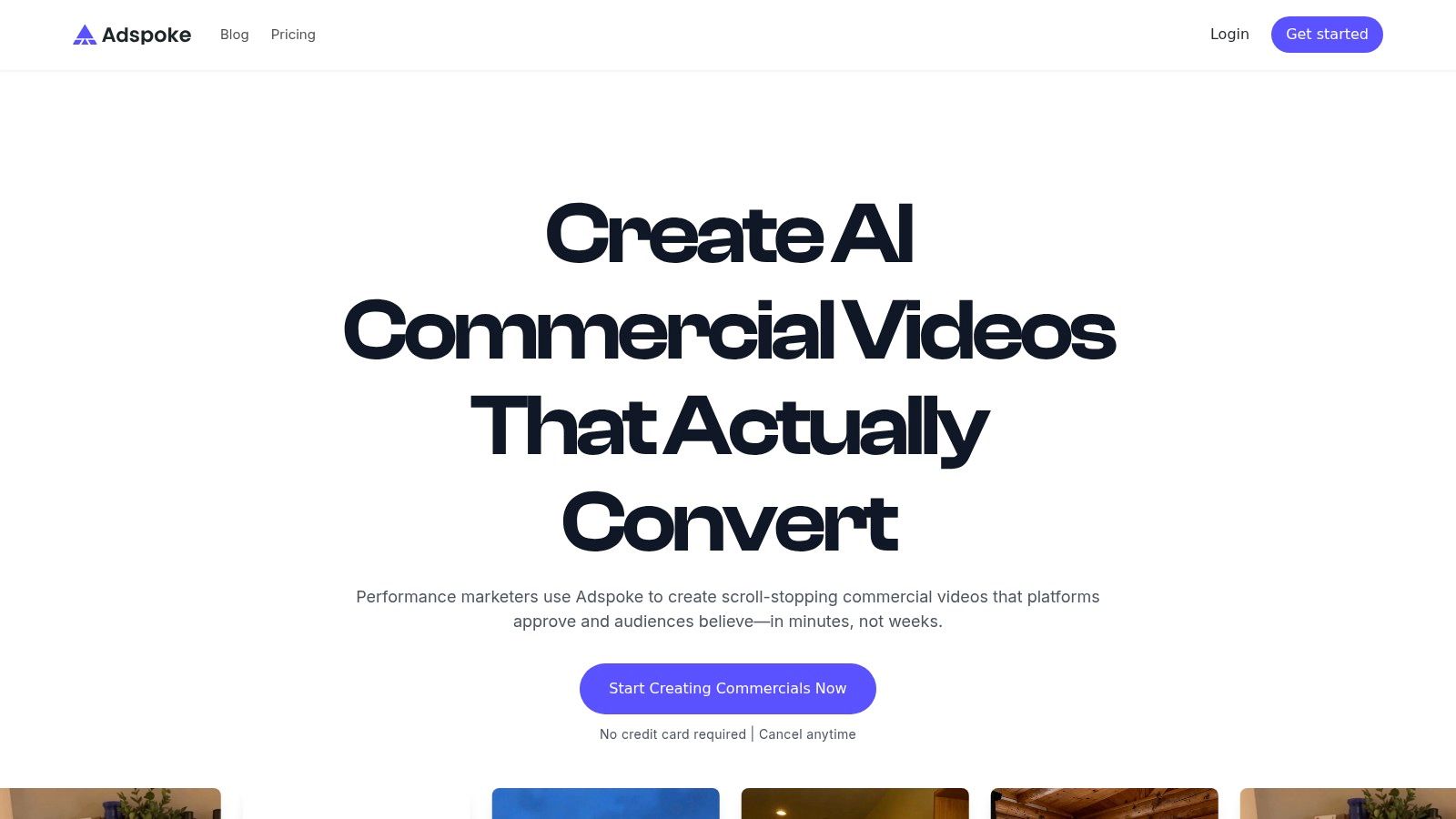
Adspoke is built with performance marketers in mind. You can tell from the positioning. It leans into believable UGC, spokesperson formats, paid-social practicality, and fast testing.
If your job is generating lots of creative angles for Meta and TikTok, that focus is useful.
What it’s good at
Adspoke is less about broad creative experimentation and more about ad testing throughput. It’s trying to help you produce new hooks, new actor variants, and new background combinations quickly enough to keep paid campaigns fed.
That gives it a clear role in a media buying workflow:
- Paid-social orientation: More relevant to direct response than broad content creation.
- UGC and spokesperson formats: Fits common performance ad patterns.
- Fast generation: Better for volume than deep polish.
- Hook testing: Useful when your team iterates around proven winners.
Mini workflow example
Take a winning offer, write several opening hooks, generate multiple avatar-led cuts, add product-focused B-roll, then launch a batch of variants for testing. That’s the kind of work Adspoke is designed to support.
It also makes sense when your creative process is tightly connected to media buying feedback rather than traditional brand production.
“If a tool helps you ship more hooks before the learning phase resets, it has value.”
What to watch
Credit-based pricing can climb once your team starts iterating heavily. That doesn’t make the tool bad, but it does mean you need discipline. Generate broadly, then refine selectively.
It also has a smaller ecosystem than long-established editing platforms. If your team depends on a lot of integrations, plugins, or external production handoffs, that can matter.
Best for: Paid-social teams testing UGC-style ads and spokesperson variants at speed.
Website: Adspoke AI Commercial Generator
8. Creatify
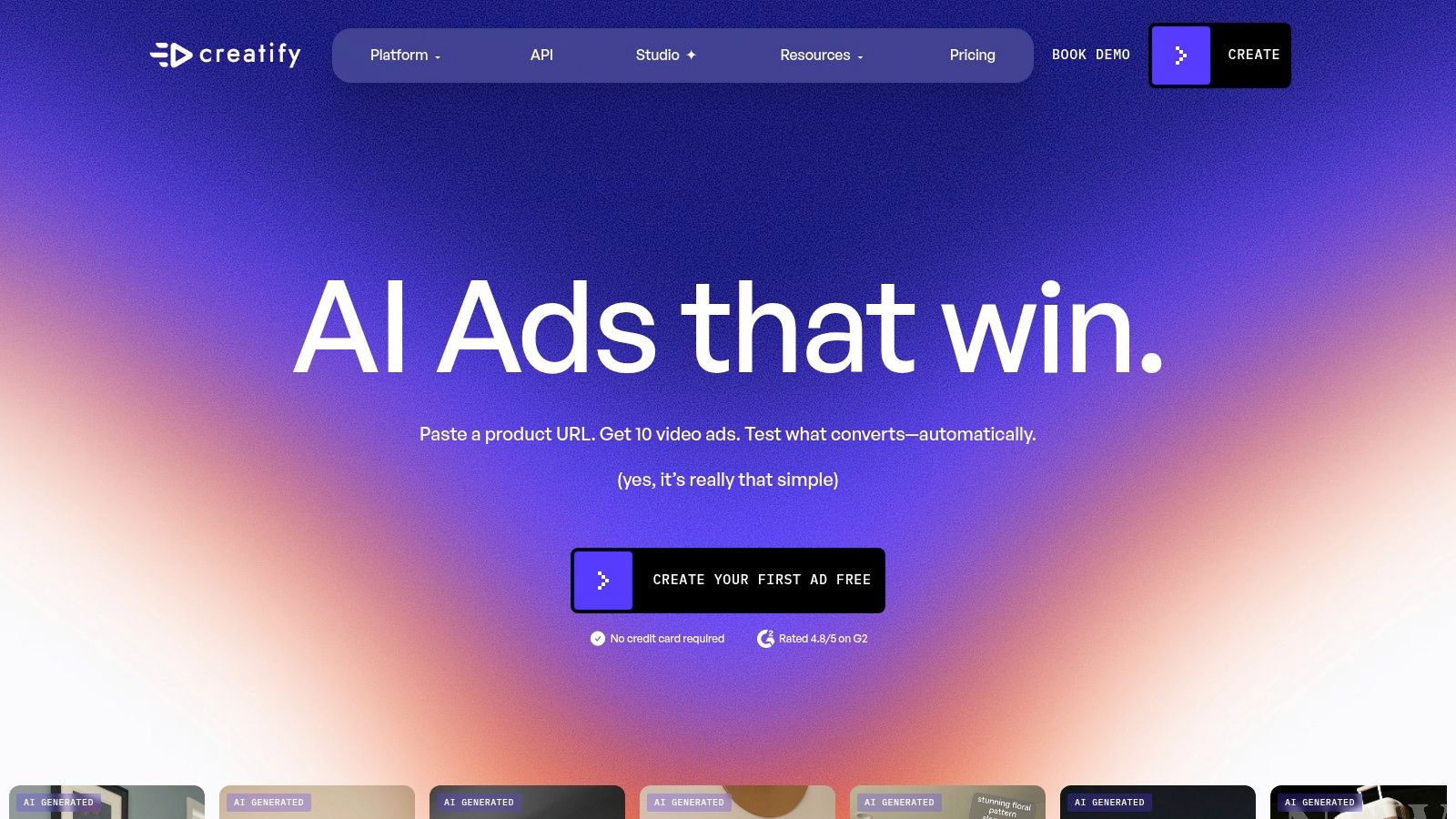
Creatify is one of the clearest fits for e-commerce and direct response teams. Paste a product URL, generate ad variants, pick avatars, and move quickly. It doesn’t try to be everything. That focus is why it’s useful.
For product-heavy workflows, speed beats complexity.
Why performance teams like it
Creatify is designed around fast testing. If your store launches products regularly or your agency needs fresh variants without a full shoot, it’s easy to see the appeal.
It also has one of the stronger cited performance claims in the category. MIT IDE’s personalized AI video ads coverage notes that Creatify reports 2.7x more leads and 1.7x ROI compared with static creatives. That’s a vendor-cited result, not a universal guarantee, but it explains why the tool gets attention from e-commerce operators.
Mini workflow example
Paste in a product page, let Creatify pull the product info, generate multiple ad concepts, choose avatar-led versions for paid social, tweak captions and text overlays, then export several cuts for TikTok, Meta, and YouTube.
This workflow works best when:
- You need many variants fast
- Your product page already has usable assets
- Your ads follow familiar direct-response structures
- Your team values speed over frame-level polish
The trade-offs
Creatify isn’t where I’d go for detailed editorial control. It’s more of a rapid ad machine than a nuanced post-production environment. That’s fine if your strategy is based on volume testing.
Public feedback on billing and support is mixed enough that I’d recommend a trial run before using it for a large campaign cycle.
Best for: E-commerce brands, dropshippers, and agencies that want URL-to-video speed for ad testing.
Website: Creatify
9. Tagshop AI
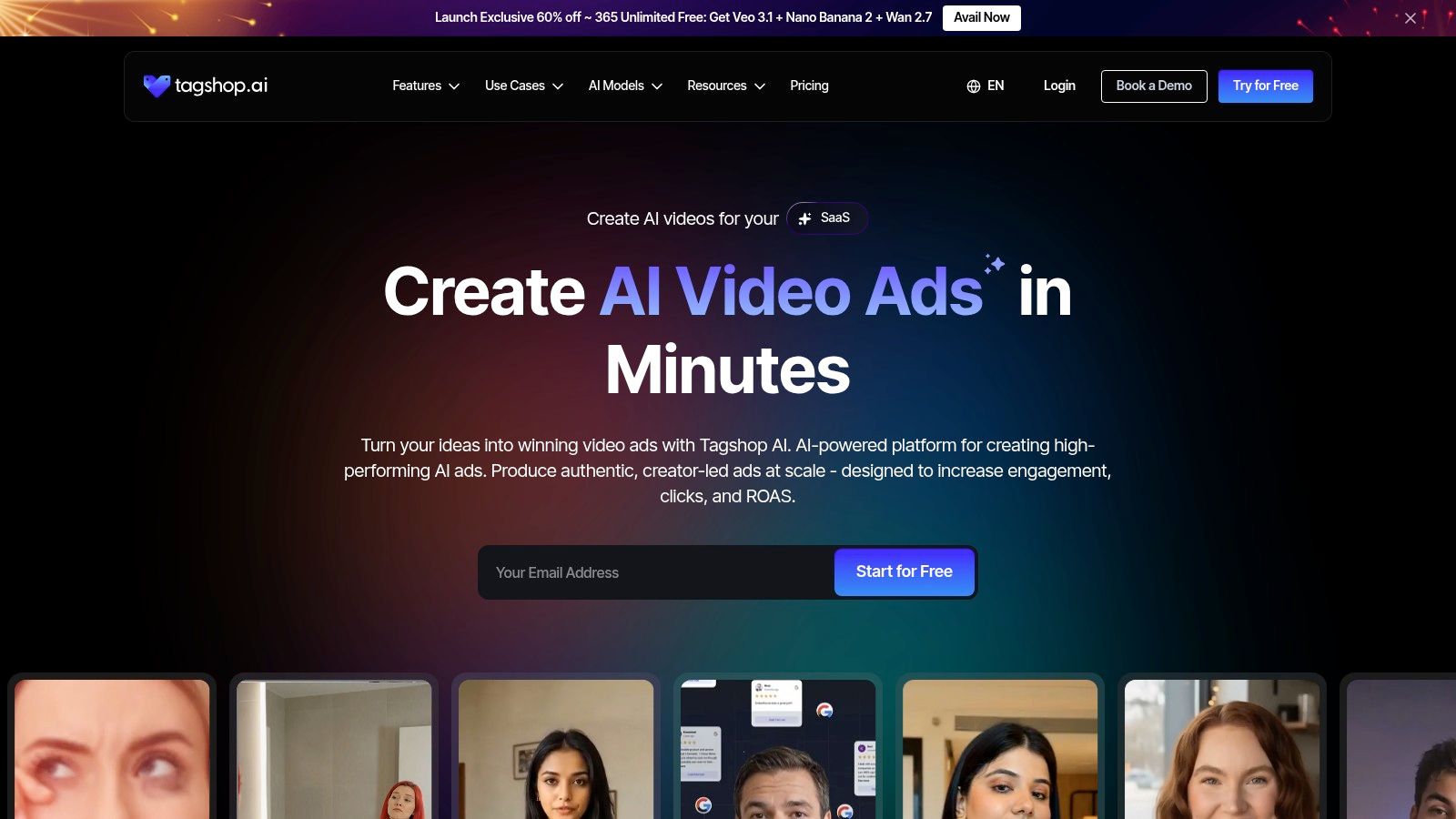
Tagshop AI is one of the more workflow-aware tools in this group. It doesn’t just focus on generation. It also leans into campaign management and publishing, which makes it more relevant for teams that want fewer moving parts.
That alone puts it in a different category from simple prompt-to-video tools.
Where Tagshop AI stands out
The platform supports URL-to-video generation, AI UGC formats, avatars, localization, campaign management, and publishing from one dashboard. If your team wants ad creation and basic operational control in the same place, that’s attractive.
Its practical value is strongest for paid-social workflows:
- Create from product URLs or scripts
- Use avatars and AI Twin formats for creator-style ads
- Localize with multilingual support
- Manage campaigns from the same dashboard
Mini workflow example
Pull a product into the platform by URL, generate several creator-style ad concepts, localize selected winners, make light caption edits, then organize and publish the campaign from one workspace.
That can save real time if your current process lives across too many separate tools.
Limits
Tagshop AI is still template- and automation-heavy. If you want advanced VFX, highly custom motion design, or unusual creative storytelling, it’s not the right fit.
Pricing also isn’t prominently shown, so I’d confirm limits before planning serious volume through it. That’s especially important because hidden cost details are a significant gap in this category. ImagineArt’s roundup on AI video ad generators highlights how little most reviews say about lock-in, overages, revision cycles, and the actual cost of getting acceptable output at scale.
That caution applies broadly, and Tagshop AI is no exception.
Best for: Brands that want AI UGC production plus light campaign management and publishing in one dashboard.
Website: Tagshop AI
10. Vokes AI
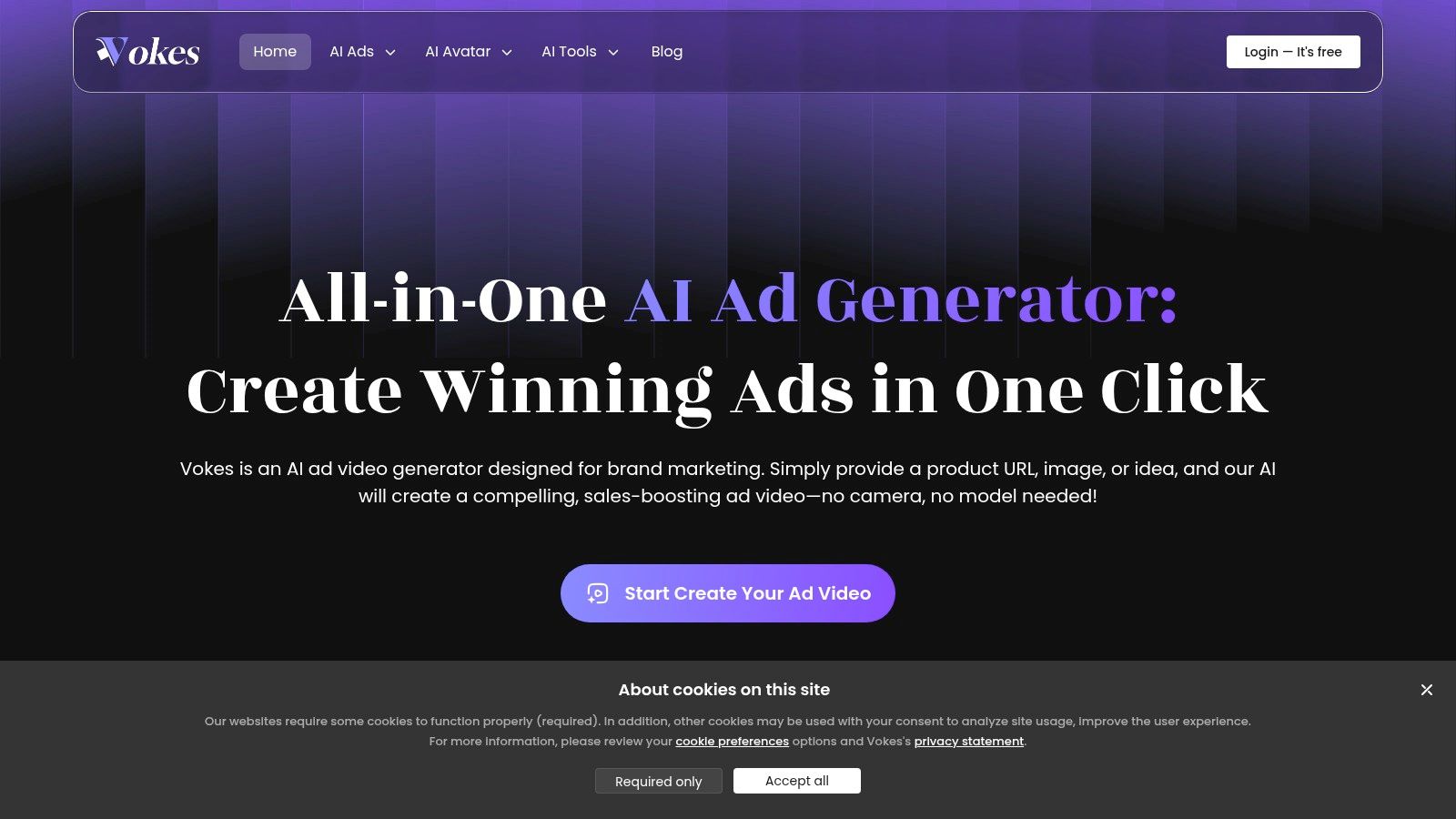
Vokes AI is a newer all-in-one option aimed at product ads, UGC-style spokesperson videos, and scalable creative cloning. That last part matters. A lot of ad teams don’t need a brand-new concept every time. They need to multiply a winner without rebuilding the whole asset.
That’s the lane Vokes AI is trying to own.
Best use case
The workflow starts with a product image or link, builds an ad, then lets you clone and adapt versions for more tests. For direct response teams, that’s a practical value proposition.
It’s especially relevant if your creative process follows a familiar pattern:
- Find a winner
- Clone the structure
- Swap hook, CTA, or presenter
- Format for more placements
- Keep testing
Mini workflow example
Upload a product link, generate an initial UGC-style ad, identify the strongest cut, then create multiple descendants of that ad with altered opening hooks, script wording, and platform formatting.
That’s a sensible paid-social workflow. It keeps the team focused on iteration instead of rebuilding.
What to consider
Vokes AI looks useful for straightforward ad testing, but it’s still a newer brand with fewer established integrations than more mature platforms. If your workflow depends on a larger ecosystem, that could become a limitation.
Pricing also isn’t surfaced prominently before signup, which means you should verify what’s included before committing to scale.
One broader concern applies here too. Integration maturity across this category is still underexplored. Airpost’s review of AI tools for video ads points to a real gap in how little most comparisons say about compatibility with existing systems, asset management, and scheduling workflows. That’s not just a product nitpick. It changes how much manual work your team still has to do after generation.
Best for: Teams that want simple product-link-to-ad workflow and scalable cloning of winning creatives.
Website: Vokes AI
Top 10 AI Video Ad Generators Comparison
| Platform | Core features | Quality & speed ★ | Value & pricing 💰 | Target audience 👥 | Standout ✨ |
|---|---|---|---|---|---|
| ShortGenius (AI Video / AI Ad Generator) 🏆 | Script → scene → voice → editor → auto-post; presets & brand kit | ★★★★★, very fast, consistent output | 💰 All‑in‑one value; contact sales for plans | 👥 Creators, agencies, marketing teams | ✨ Unified best‑in‑class models + multi‑channel scheduling & series |
| HeyGen | Lifelike avatars & voices, product‑in‑hand, API & team workspace | ★★★★☆, fast for UGC/localization | 💰 Check plans; strong localization value | 👥 Brands, localizers, agencies | ✨ Avatars + product‑in‑hand + multilingual support |
| InVideo AI | Script/URL→video, avatars & voice cloning, scene variants | ★★★★☆, rapid iteration, credit model | 💰 Credit‑based (can rise with regen) | 👥 Marketers, creators needing templates | ✨ Large template/stock library; variant A/B tools |
| VEED – AI Ad Generator | Text/image/video starts; captions, brand kit, auto‑resize, cloud editor | ★★★★, strong post‑generation editing | 💰 Plans with AI credits, confirm limits | 👥 Social creators, teams | ✨ Robust editor + captions at scale |
| Kapwing – AI Ad Generator | Text/image→ad + editable timeline; avatars, voice cloning, subtitles | ★★★★, balanced gen + hands‑on editing | 💰 Transparent pricing & FAQs | 👥 Creators, small teams | ✨ Full generate→edit→export workflow |
| Waymark | Script creation, brand extraction, TV/OTT‑safe outputs & variations | ★★★★☆, broadcast‑ready, policy safe | 💰 Higher entry price (broadcast focus) | 👥 Local businesses, broadcasters | ✨ Designed for TV/OTT & local broadcast workflows |
| Adspoke – AI Commercial Generator | Policy‑tuned avatar ads, quick B‑roll, multilingual voices | ★★★★, optimized for paid‑social tests | 💰 Credit model; cost scales with tests | 👥 Performance marketers, agencies | ✨ Policy‑tuned UGC ads & rapid A/B testing |
| Creatify | URL→video batch generation, 700+ avatars, templates for social | ★★★★, extremely fast variant creation | 💰 Good for rapid testing; check billing | 👥 E‑commerce, dropshippers, agencies | ✨ Massive avatar library + batch variant exports |
| Tagshop AI – AI Video Ad Generator | URL→video, AI Twin avatars, campaign mgmt & publishing | ★★★★☆, fast, template‑driven publishing | 💰 Pricing not prominent, confirm limits | 👥 Brands needing campaign publishing | ✨ Campaign dashboard + 75+ languages & auto‑captions |
| Vokes AI – AI Ad Video Generator | Product link/image→ads, ad cloning, auto‑format, no‑watermark exports | ★★★☆, focused on scalable tests | 💰 Pricing revealed after signup | 👥 Small brands & advertisers | ✨ Ad cloning for scale + watermark‑free exports |
How to Choose Your AI Video Ad Generator
Creative teams can generate ad variations far faster than they can review, edit, approve, and publish them. That gap is what usually decides whether an AI video ad generator saves time or adds another layer of production cleanup.
Choose the tool around your actual workflow, from script to distribution, not the strongest homepage demo.
The first filter is output type. Waymark fits teams producing TV or OTT spots with stricter delivery requirements. Creatify, Adspoke, and Vokes AI fit paid social teams that need fast variants for TikTok, Meta, and other short-form placements. VEED and Kapwing make more sense when the raw material already exists and the bottleneck is editing, captions, resizing, or turnaround speed.
Then check how much control your team needs after the first draft. One-click generation looks efficient until legal, brand, or performance feedback starts coming in. In practice, teams usually need to trim weak openings, fix captions, swap claims, adjust pacing, and resize for multiple placements. Tools with built-in editing hold up better under revision because they cut handoffs between generation and post-production.
Localization deserves its own test. HeyGen is strong when the same concept needs to be translated and presented across multiple markets with avatar-led delivery. Creatify is a better fit when the core problem is product ad volume from links or catalogs. Vokes AI fits a different workflow. It helps teams that clone and adapt winning ads once a creative angle starts to work.
A quick workflow check helps. If the process is "write script, generate draft, clean edit, export five sizes, send for approval, then publish," the best tool is the one that removes the most steps from that chain. If the process is "launch 20 paid-social tests this week," speed and variants matter more than deep editing. If the process is "turn one winning concept into multilingual versions and publish across channels," generation alone is not enough. Distribution and asset management start to matter just as much.
The greater advantage is operational fit, not feature count.
Cost is part of that. Subscription price is only the visible line item. The hidden cost comes from revision cycles, prompt retries, scattered assets, manual reformats, and the person still moving finished files into schedulers or ad platforms. A cheaper tool can become more expensive if it pushes too much work downstream.
ShortGenius stands out here because it covers more of the full production chain in one place. As noted earlier, it handles ideation, scripting, asset generation, voice, editing, and distribution in a unified workflow. For teams running recurring ad and content output, that matters more than a flashy first draft because the primary workload starts after generation.
A simple example makes the trade-off clearer. A paid social team using a narrow generation tool might create five ad drafts quickly, then move them into another editor, resize them manually, hand them off for approval, and schedule them elsewhere. A team using ShortGenius can keep more of that process in one system, which reduces context switching and missed steps. That is a better fit for agencies, creators, and in-house teams managing volume across multiple channels.
If you only need one function, another tool may be the better choice. If your team needs script creation, production, iteration, and publishing connected in one workflow, ShortGenius is the strongest final pick.
If you want one platform that takes you from ad idea to finished, scheduled content without bouncing between separate writing, editing, and publishing tools, ShortGenius (AI Video / AI Ad Generator) is a strong place to start. It is built for creators, agencies, and marketing teams that need consistent output across TikTok, YouTube, Instagram, Facebook, and X, with scripting, generation, editing, and distribution handled in one workflow.