10 Best AI Tools for Small Business in 2026

Discover the 10 Best AI Tools for Small Business in 2026, from video creation to automation. Compare pricing, use cases, pros & cons in one resource.
Enhance your small business with AI. AI adoption among small businesses in the United States reached 57% by 2025, up from 44% in 2023, with automation for content creation and marketing workflows driving much of that growth, according to Forbes coverage of AI tools for small business leaders. That lines up with what small teams need: fewer repetitive tasks, faster campaign output, and less app-hopping just to publish one piece of content.
The best AI tools for small business aren't always the flashiest ones. The tools that stick are the ones that fit a job your team already does every day, such as writing product copy, turning one idea into short-form video, replying to leads, reconciling books, or handling customer support without adding another full-time hire.
This list stays practical. It groups tools by function, calls out trade-offs, and pays extra attention to short-form video workflows because that's where many small teams hit the wall first. If you're also reviewing your broader stack, these insights from SuperX on marketing tools are a useful companion.
1. ShortGenius
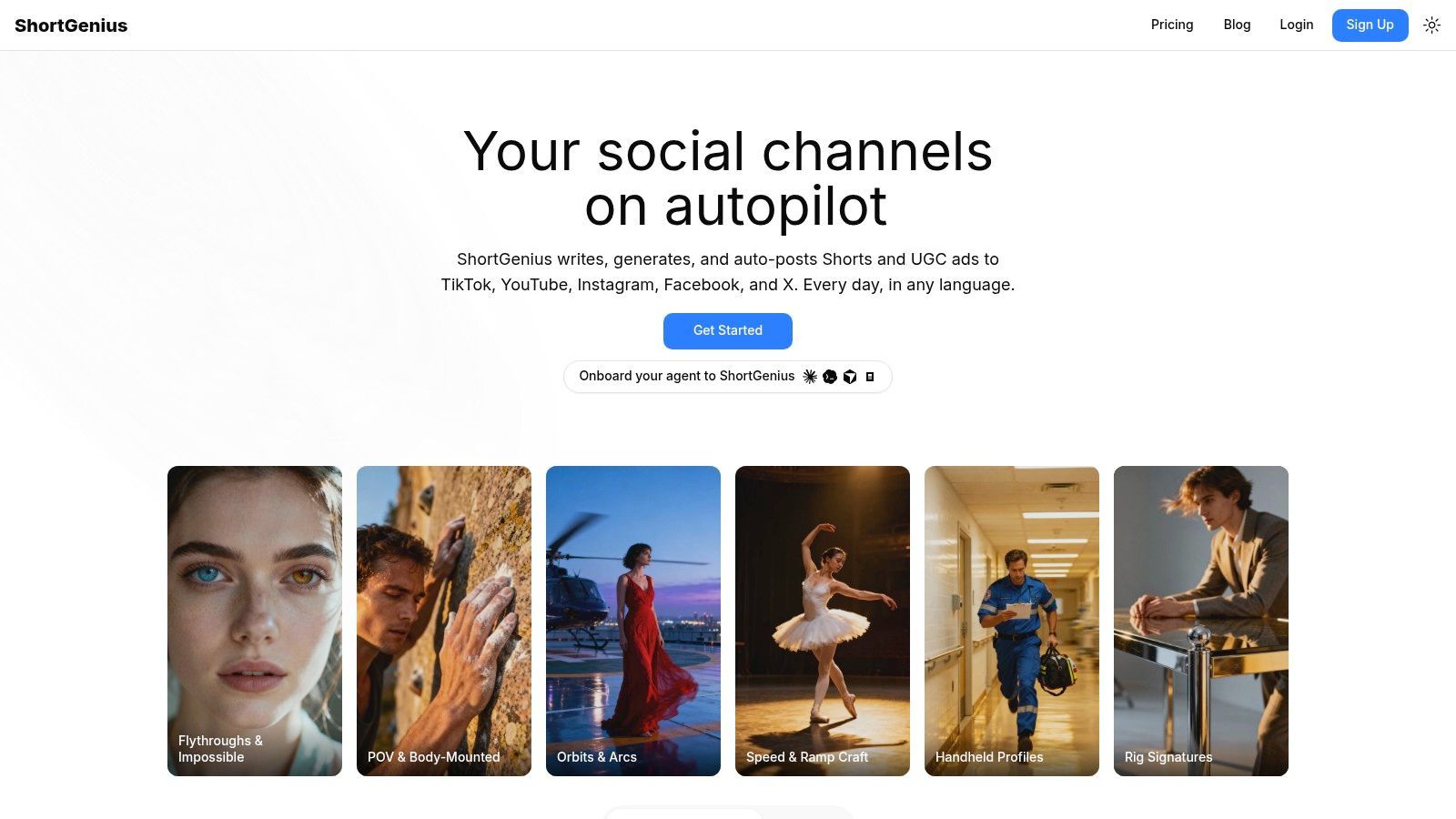
ShortGenius fits small businesses that need to produce short-form video at a steady pace without building a stack of separate writing, design, voice, editing, and scheduling tools. For teams focused on TikTok, Reels, Shorts, and paid social creative, that consolidation matters more than having the most advanced standalone app in each category.
It handles script drafts, image generation, scene building, video creation, voiceovers, edits, resizing, and publishing from one workspace. That cuts down on the handoffs that usually slow down a small team.
Where it works best
Short-form vertical video is a specific workflow, and plenty of AI roundups miss that. As noted in Salesforce's guide to AI tools for small business, small businesses are seeing strong social growth from short-form video. ShortGenius is a better fit for that use case than tools built mainly for long training videos or avatar presenters.
I see the biggest payoff when a team is publishing several times a week and reworking the same ideas into multiple versions. One product clip becomes an organic Reel, a paid ad variation, a captioned repost, and a localized version with a different voiceover. If you try to do that across five tools, asset management gets messy fast.
Practical rule: If your content calendar depends on repeatable video output, reduce tool switching first. The speed gain usually beats adding one more specialist app.
What I like and what to watch
ShortGenius includes AI models for planning and copy, image and video generation, premium voice options, multilingual output, themed series organization, an asset library, ad workflows, scheduling, and an API. That makes it useful for small teams that want one production lane for both organic content and paid creative.
The trade-off is quality control. AI can get you to a usable first draft quickly, but brand voice, factual claims, pacing, and hook quality still need review from someone on the team. The more customer-facing and conversion-focused the video is, the less you should rely on one-click output.
A few practical notes before you commit:
- Best fit: Solo operators, agencies, ecommerce teams, coaches, and in-house marketers producing recurring short-form content.
- Main advantage: One workflow from concept to published clip, instead of separate subscriptions for scriptwriting, visuals, voice, editing, and posting.
- Watch for: Plan limits and current pricing were not included in the supplied material, so verify those details before rollout.
- Implementation tip: Start with three repeatable content series, such as product demos, objection handling, and customer FAQs. That structure makes the editor, asset library, and scheduling features much more useful.
2. Microsoft 365 Copilot
If your business already lives in Outlook, Word, Excel, PowerPoint, and Teams, Microsoft 365 Copilot is less a new tool and more an extra layer inside software your team already uses all day. That's its real advantage. It reduces context switching.
Drafting emails, summarizing threads, turning notes into decks, and pulling patterns from spreadsheets all happen inside the Microsoft environment. For small businesses that already standardized on Microsoft 365, that usually beats forcing staff into a new AI workspace they'll only half adopt.
Best fit and trade-offs
Copilot works best when your documents, calendars, messages, and meetings are already in Microsoft's ecosystem. If they're not, the value drops quickly. This isn't the best first AI purchase for a company built on Google Workspace and lightweight SaaS tools.
The other catch is licensing complexity. Add-on pricing, annual commitments, and market-specific availability can make it feel heavier than a plug-and-play app.
The best Copilot rollout starts with the teams drowning in email, meeting notes, and spreadsheet cleanup. Don't start with everyone at once.
A sensible implementation approach:
- Start with sales or ops: Those teams usually get immediate value from recap, drafting, and spreadsheet support.
- Set prompt templates: Give staff a few approved prompts for proposal drafts, meeting summaries, and customer follow-ups.
- Review permissions early: Organization-aware AI is useful only if your file access and governance are clean.
3. Canva Magic Studio
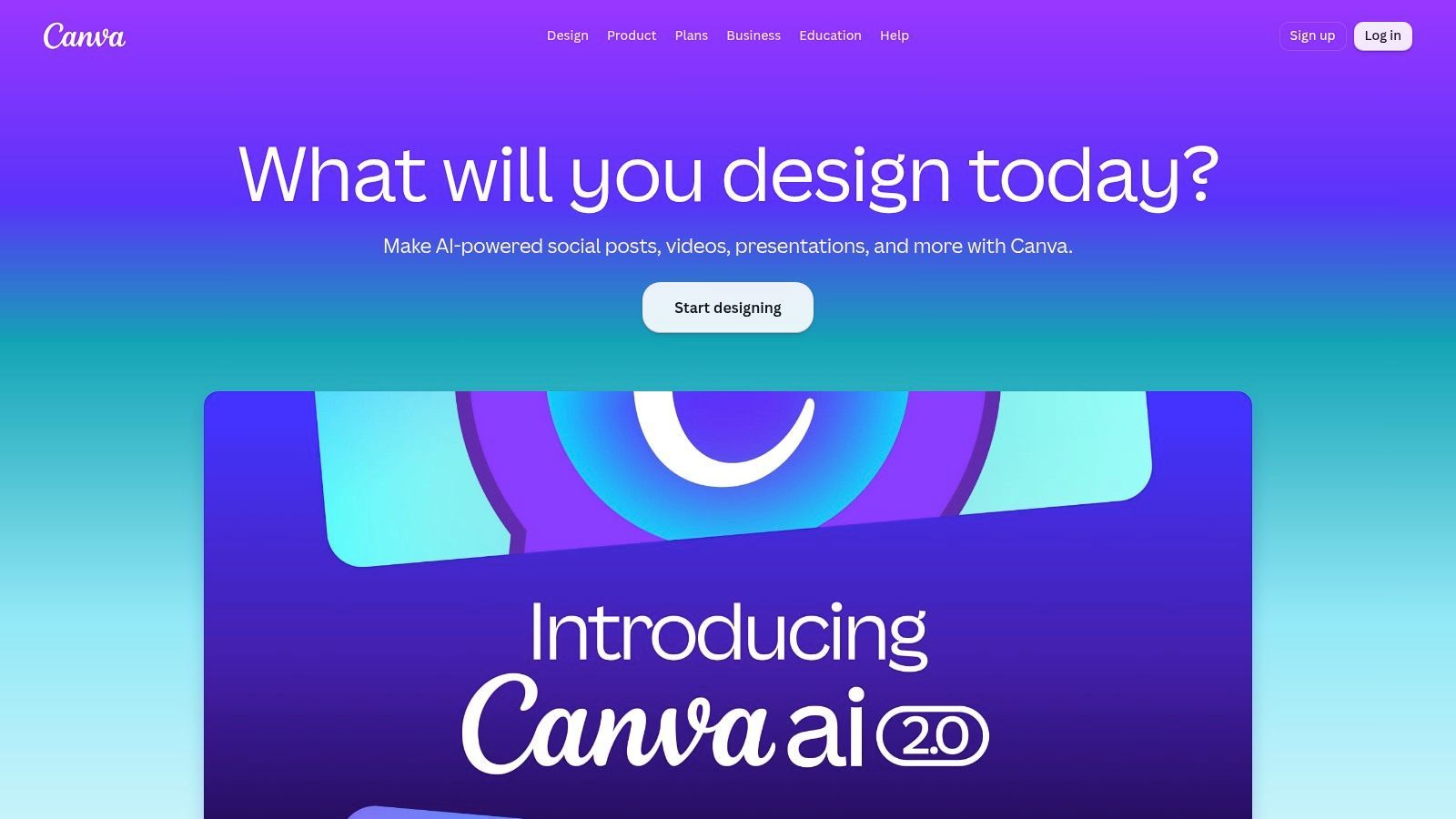
For non-designers, Canva is still the easiest creative tool to keep in daily rotation. That hasn't changed. What has changed is how much its AI layer can now handle without pushing you into design software that requires real training.
For marketing-focused content creation, ChatGPT Plus at $20 per month paired with Canva Pro at $12 to $15 per month delivers the fastest ROI benchmark in the verified data, and Canva AI remains the standard for non-designers because it covers text-to-image generation, background removal, and automatic resizing for social platforms, according to AI Buzz's roundup of AI tools for small business.
What it does well
Magic Write, Magic Design, Background Remover, Translate, and Magic Resize are the practical features. They solve everyday production work. A small business owner can turn one promo concept into multiple social sizes, a presentation, and a simple video draft without waiting on a designer.
That said, Canva still has limits. It won't replace a serious brand system or high-end motion workflow. Once your company needs strict governance, advanced collaboration control, or more original creative direction, you'll feel the ceiling.
Useful implementation advice:
- Use Brand Kit first: AI output gets better when colors, fonts, and logos are already locked in.
- Create template families: Build reusable layouts for offers, testimonials, and educational posts.
- Treat AI as first draft help: Canva gets you speed. It doesn't guarantee good taste.
4. Zapier
Most small businesses don't fail with AI because the model is weak. They fail because the output never reaches the next step in the workflow. That's why Zapier belongs on almost every serious shortlist.
In 2026, the dominant AI stack for SMBs is ChatGPT combined with Zapier, reflecting a shift toward agentic AI that connects AI-generated content and decisions with automated execution across business apps, and SMBs using that stack save an average of 10 to 20 hours per week by automating scheduling and lead response, according to AIOpsNav's overview of AI tools by function.
Why automation matters more than another generator
Zapier's AI steps, broad integration catalog, and no-code workflow builder make it the connective tissue for leads, forms, CRMs, calendars, email platforms, and internal notifications. That's especially useful when you're trying to avoid subscription sprawl but still need systems to talk to each other.
The catch is that task-heavy automations can get expensive, and messy automations stay messy if nobody owns them. No-code doesn't mean no maintenance.
A lean setup usually looks like this:
- Lead intake: Form submission to CRM, Slack alert, and follow-up email.
- Content pipeline: Approved draft to project tracker, design request, and scheduled publication.
- Operations: Booking request to calendar, confirmation email, and invoice trigger.
Zapier is best when one person owns automation hygiene. Otherwise, you end up with workflows nobody trusts enough to use.
5. Shopify Magic + Sidekick

If you're on Shopify, Shopify has an obvious advantage over third-party AI commerce tools. It already has your store data. That makes Sidekick and Shopify Magic more useful than generic assistants that can only guess from pasted context.
Product description drafting, image help, store-aware reporting, and admin assistance are the practical wins. The setup burden is low because the tools live where merchants already work.
Where merchants get value
Sidekick is most helpful when owners need answers inside admin, not another dashboard. Asking store-aware questions, generating reports, and getting help with operational actions cuts friction in a way generic chat tools usually don't.
Shopify also keeps shipping updates through Editions, which means capabilities change often. That can be good or annoying, depending on how stable you want your stack to be. For stores already deep in the ecosystem, it's usually good news.
A realistic view:
- Strong fit: DTC brands and small ecommerce teams already on Shopify.
- Weak fit: Businesses selling across custom stacks or non-Shopify storefronts.
- Best practice: Use native AI for product pages and admin support first, then expand into merchandising and campaign support.
For store owners exploring platform-native use cases, Grumspot insights on AI for Shopify are worth a look.
6. QuickBooks with Intuit Assist
QuickBooks with Intuit Assist is the kind of AI tool small businesses keep using because it helps with work owners hate doing manually. Invoices, bills, reminders, bookkeeping questions, and cash-flow visibility all sit close to the financial source of truth.
That matters. Finance AI is useful only when it's tied to real accounting data, payment status, and payroll context. Otherwise you just get polished guesses.
Where it pays off
QuickBooks works best for businesses already using the wider Intuit setup. When payments, payroll, and accounting live in one environment, Assist can surface better suggestions and reduce context switching.
The limitations are predictable. Some features are still limited by plan or rollout stage, and the value drops if you're using QuickBooks only as a basic ledger while everything else happens somewhere else.
Practical ways to use it well:
- Collections first: Start with invoice reminders and overdue follow-ups.
- Owner questions next: Use it for plain-language questions about books instead of digging through reports.
- Don't over-automate exceptions: Edge cases still need a bookkeeper or accountant to review them.
7. Mailchimp with Analytics AI
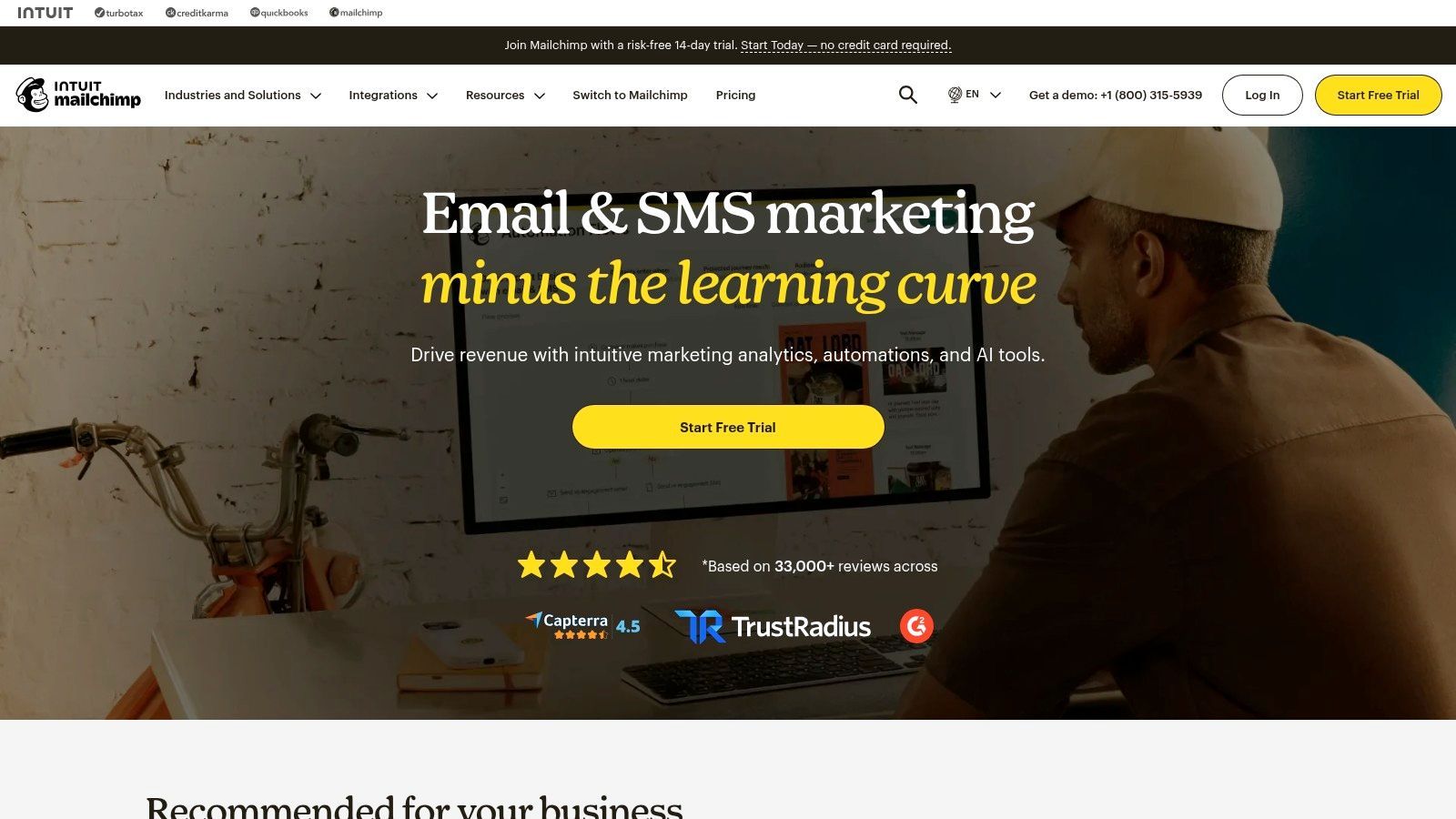
Email still matters, but small businesses often struggle less with sending campaigns than with understanding what changed and what to do next. That's where Mailchimp has become more interesting again.
Its Analytics AI layer helps explain performance changes and suggest next actions, while the rest of the platform still gives small teams templates, segmentation, testing, automations, and a familiar interface. For teams that don't want an enterprise marketing suite, that's a strong middle ground.
The practical trade-off
Mailchimp is mature and approachable. That's good. It also means costs can climb as your contact list grows, and some AI features may roll out unevenly.
I wouldn't choose it for highly complex lifecycle marketing across many brands or business units. I would choose it for a lean ecommerce or service business that wants one platform to handle email, some SMS, reporting help, and campaign automation without a steep learning curve.
A simple rollout works best:
- Clean your lists first: AI won't rescue bad segmentation.
- Use it to explain performance dips: That's often more valuable than asking it to write every campaign.
- Pair with a content workflow: Email performs better when it's fed by consistent offers and content, not one-off sends.
8. Notion AI
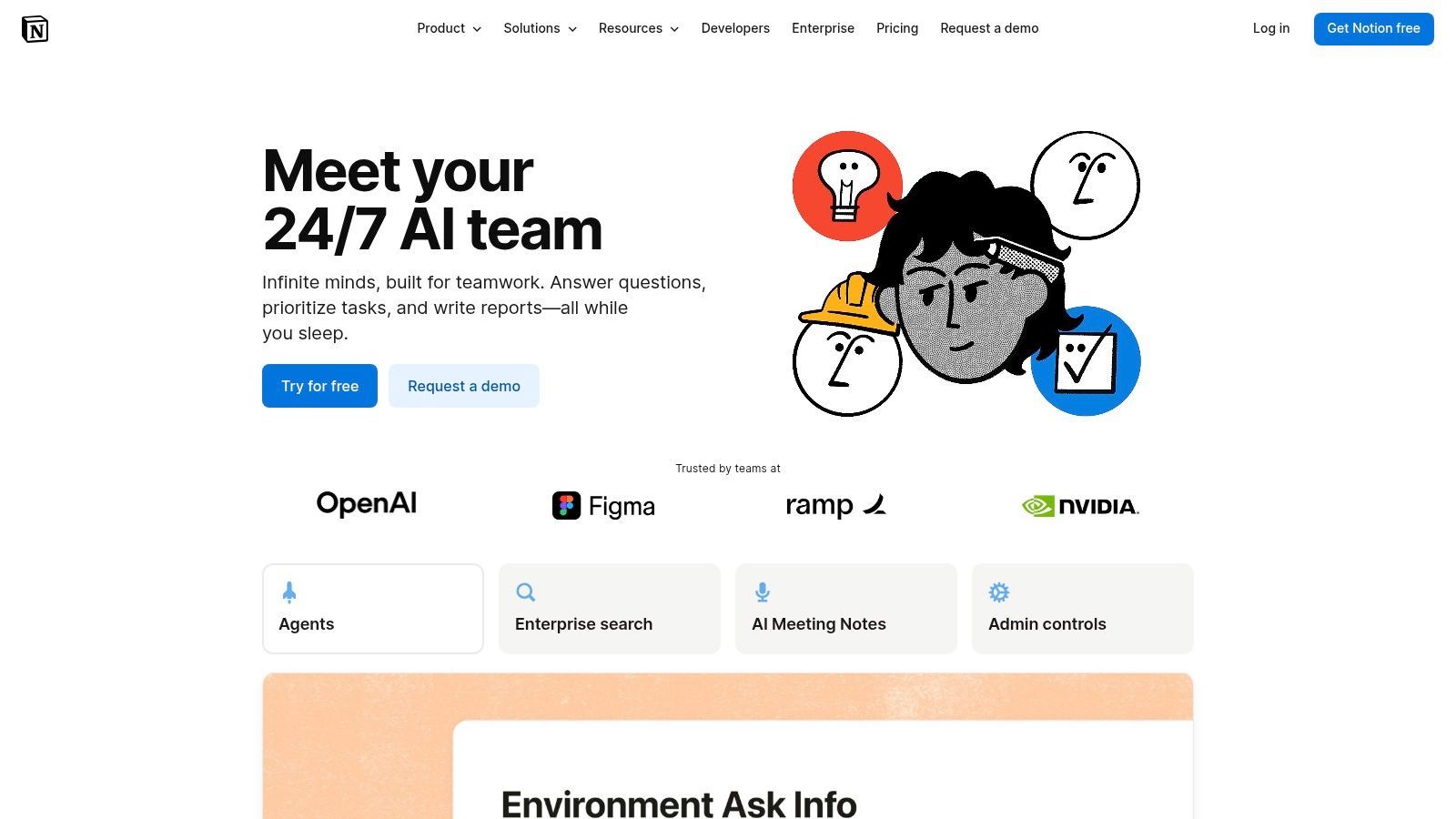
Notion AI is one of the best options for small teams trying to reduce app sprawl. Docs, wikis, notes, lightweight project tracking, search, and AI assistance all live in one place. That's more important than it sounds.
A lot of "best ai tools for small business" lists push single-purpose apps. In practice, small teams often lose time gluing them together. Verified background notes for this piece point out that many best-tool lists ignore the workflow fragmentation problem and don't answer how a solo operator should realistically manage multiple disconnected tools without adding operational drag.
Best use case
Notion AI works when your business needs one shared workspace for meeting notes, SOPs, project briefs, and quick internal search. It's less compelling if your team already has a mature project management and documentation stack elsewhere.
Custom agents and automation features are promising, but they also require budgeting discipline. Credits and higher-tier plans can surprise teams that assumed Notion would remain a simple flat-cost workspace.
Use Notion AI to centralize company knowledge first. Automation becomes more useful after the workspace is organized.
A practical setup looks like this:
- Create one operating wiki: SOPs, brand rules, onboarding docs.
- Standardize meeting templates: AI summaries work better with consistent structure.
- Connect only the tools you search: More connections aren't always better.
9. Intercom Fin AI Agent
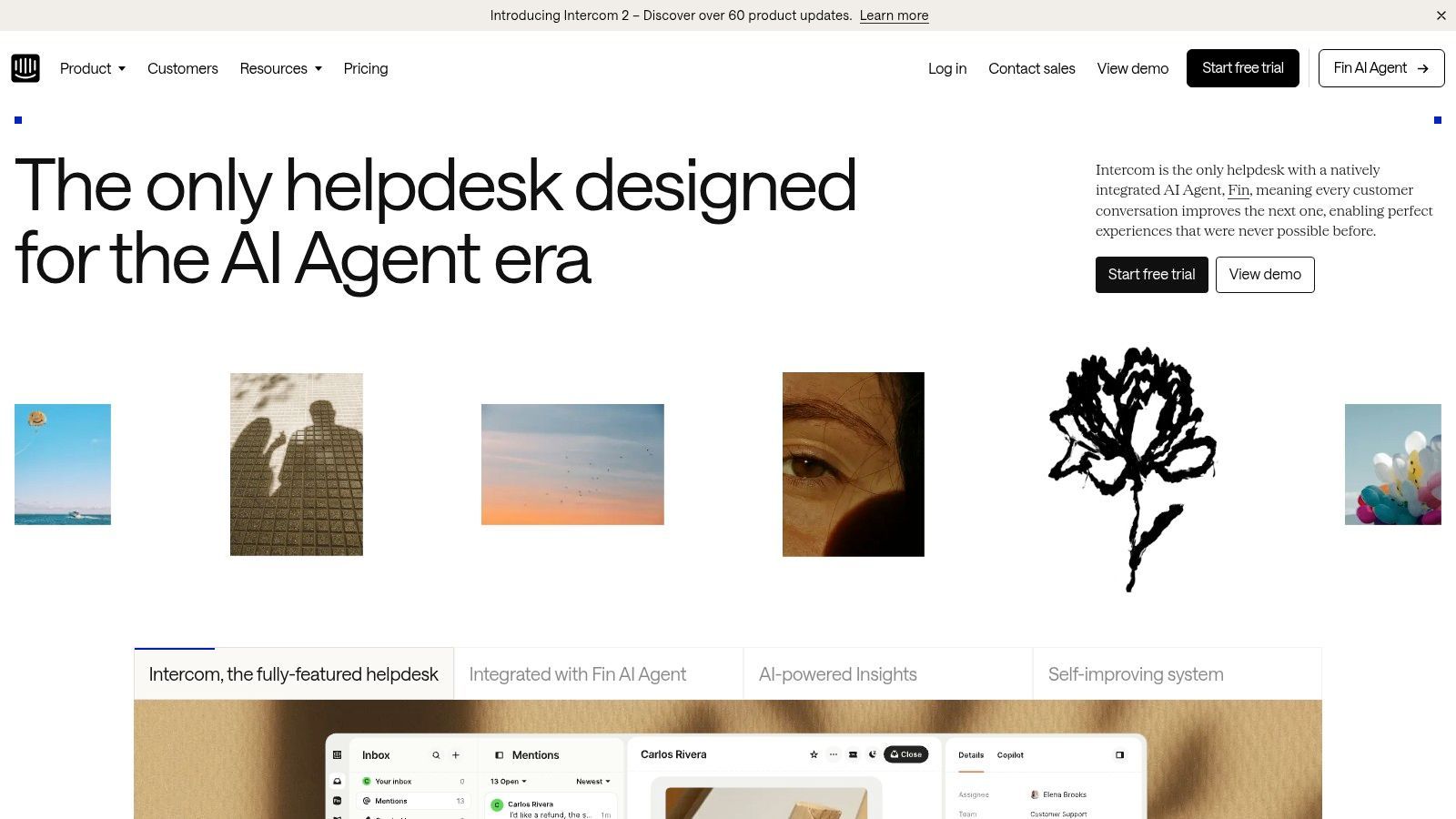
Support teams don't need AI that sounds clever. They need AI that resolves routine questions cleanly and hands off the messy ones without frustrating customers. Intercom with Fin does that better than many chatbot-first tools because it's tied to a real support platform.
Fin works across chat, email, social, WhatsApp, and SMS, and its outcome-based pricing is appealing for smaller teams that want cost tied more closely to successful resolutions than raw usage alone.
What to know before adopting it
Intercom works best when your help content is already decent. If your knowledge base is thin, outdated, or inconsistent, the AI agent will expose that quickly. That's not a flaw in the tool. It's a warning about your support operations.
The other practical consideration is variable cost. Outcome-based pricing is attractive, but total spend can still climb when volume rises and human seats remain necessary.
Use it well by focusing on three things:
- Audit your help center: Fix weak articles before rollout.
- Define handoff rules: Don't let the bot fight for conversations it should escalate.
- Start with repetitive questions: Shipping, billing, resets, policies, and basic product guidance.
10. Stripe Radar
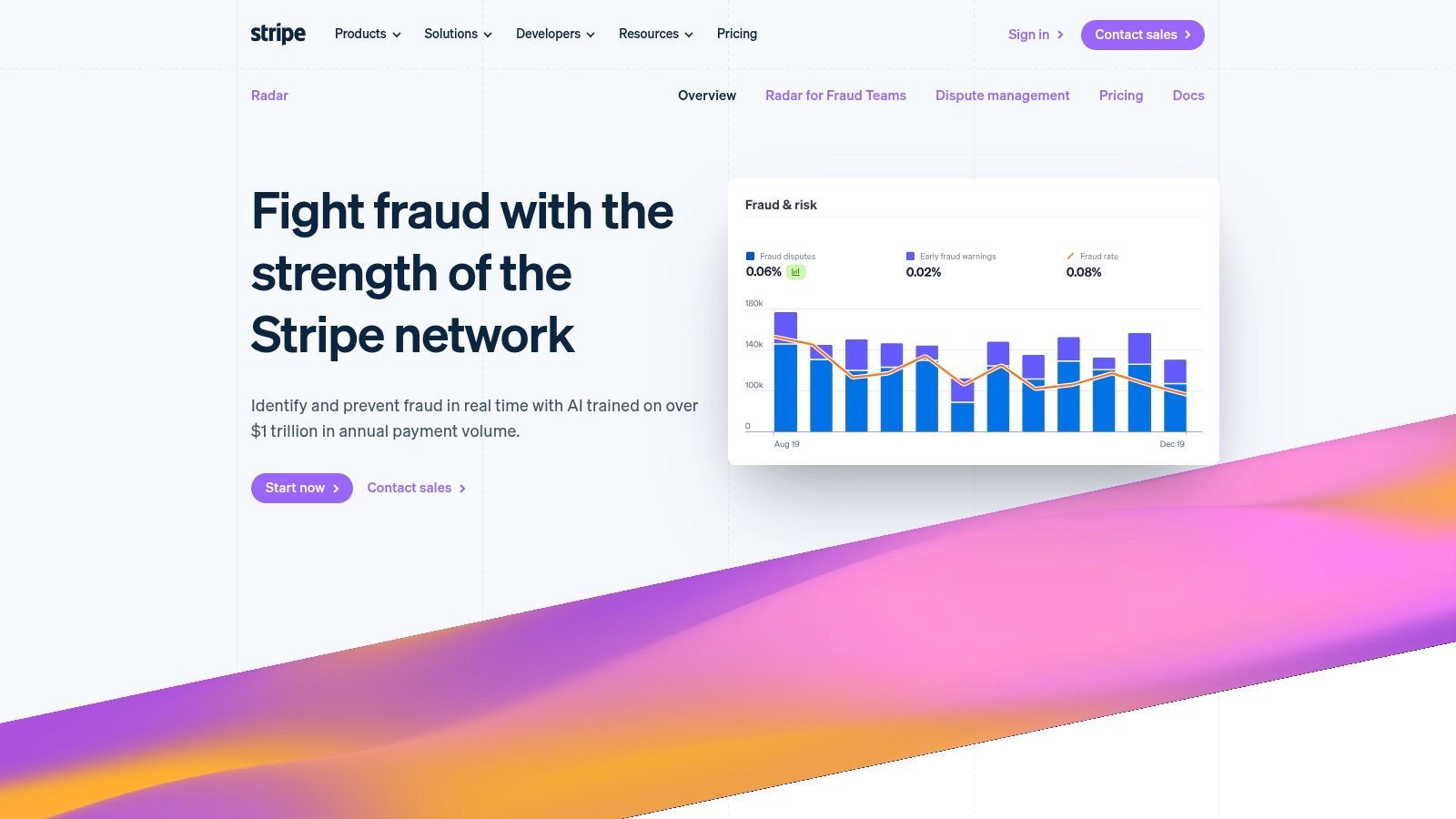
Card testing, stolen cards, and friendly fraud can wipe out profit faster than many owners expect. If a small team sells online, runs subscriptions, or pushes traffic from short-form video ads straight to checkout, Stripe Radar is one of the more practical AI tools to put in place early.
Radar uses machine learning inside Stripe to score payment risk, trigger reviews, and support custom fraud rules. That matters because the tool sits where the transaction happens. There is no separate system for staff to learn, and no extra integration project just to catch obvious bad orders.
The trade-off is clear. Radar is strongest for businesses that already use Stripe as their payment stack, and some plans add per-transaction evaluation costs. Teams with unusual fraud patterns or multi-processor setups may still outgrow it and need a dedicated fraud platform later.
For most small businesses, though, built-in coverage beats another disconnected dashboard. The main work is tuning it.
What usually works in practice:
- Review the default rules in the first month: Stripe's baseline settings are a starting point, not your policy.
- Track false declines closely: A blocked fraudulent order saves money. A blocked repeat customer costs revenue and trust.
- Check risk patterns by channel: If TikTok, Instagram Reels, or affiliate traffic converts well but triggers more reviews, adjust rules by source instead of treating all traffic the same.
- Assign one owner: Fraud tools perform better when one person checks disputes, reviews trends, and updates rules regularly.
Stripe Radar fits best under finance and payments, not marketing or support. That sounds obvious, but small teams often leave fraud settings untouched while they optimize ads, email, and video content. Fix that early. It protects margin without adding much operational overhead.
Top 10 AI Tools for Small Business, Feature Comparison
| Product | Core features | Quality & UX (★) | Price / Value (💰) | Target & USP (👥 / ✨ / 🏆) |
|---|---|---|---|---|
| 🏆 ShortGenius (AI Video / AI Ad Generator) | Script → image/video generation → editor → voiceovers → auto-schedule | ★★★★☆ Fast, unified editor; quick trims & captions | 💰 Paid tiers (trial/pricing on site); scalable enterprise/API | 👥 Creators, agencies, social teams · ✨ All‑in‑one pipeline, rich presets, multilingual, brand kits |
| Microsoft 365 Copilot | AI across Word/Excel/PowerPoint/Teams; Copilot Chat | ★★★★☆ Native Office UX; org‑aware responses | 💰 Add‑on pricing; best value if on M365 | 👥 Enterprises & existing M365 customers · ✨ Deep app integration, admin controls |
| Canva Magic Studio | Magic Write, Magic Design, Resize, image edits & templates | ★★★★☆ Very low learning curve; template-first | 💰 Freemium → Pro/Teams for higher volumes | 👥 Non‑designers, small teams · ✨ Brand Kit + instant multi‑size exports |
| Zapier | No‑code automations, AI steps, app ecosystem & BYO keys | ★★★☆☆ Reliable for simple flows; complex automations need tuning | 💰 Task‑based pricing; costs scale with runs | 👥 Ops, SMBs, builders · ✨ Vast integrations, clear AI task controls |
| Shopify Magic + Sidekick | Product copy, images, Sidekick assistant, analytics | ★★★★☆ Store‑native UX; frequent feature updates | 💰 Plan/region dependent; tied to Shopify plans | 👥 Shopify merchants · ✨ Store‑aware assistant, admin actions & reports |
| QuickBooks + Intuit Assist | Invoice/bill automation, cash‑flow insights, reminders | ★★★★☆ Accounting‑first UX; ties to payments/payroll | 💰 Plan limits; best with QuickBooks Payments/Payroll | 👥 SMB finance teams · ✨ Cross‑product data, billing automation |
| Mailchimp + Analytics AI | Email/SMS, generative copy, Analytics AI, automation journeys | ★★★★☆ Mature marketing UX; strong templates | 💰 Contact‑based pricing; scales with list size | 👥 E‑commerce & marketers · ✨ Conversational analytics + campaign tooling |
| Notion AI | Notion Agent, meeting notes, workspace search & Agents | ★★★★☆ Integrated workspace; Agents add automation | 💰 Credit‑based Agents; Business/Enterprise tiers | 👥 Teams, knowledge workers · ✨ Custom Agents + workspace automation |
| Intercom (Fin AI Agent) | Multichannel AI agent, KB integration, human handoff | ★★★★☆ Good deflection; preserves CSAT with handoff | 💰 Outcome‑based fees + helpdesk seats | 👥 Support teams · ✨ Pay‑for‑resolved outcomes, multichannel coverage |
| Stripe Radar | ML fraud detection, risk scoring, rules, reporting | ★★★★☆ Native payments protection; network signals | 💰 Tiered Radar fees; extra for evaluated txns | 👥 Online merchants & subscriptions · ✨ Network‑learned signals, easy Stripe integration |
Next Steps: Implement AI in Your Workflow
Start with the workflow that costs your team time every single week. For one business, that is short-form video production. For another, it is lead follow-up, invoicing, customer support, or reporting. Pick one process, map the steps, then choose the tool that removes the most manual work from that chain.
Small teams usually get better results by buying for a workflow, not for a category. A team may assume it needs separate AI tools for writing, design, and automation. In practice, one tighter system for a weekly promo, a short-form video pipeline, or lead-response follow-up often creates more value than three disconnected apps.
Set up the first rollout with clear boundaries. Give one tool one job. Assign one owner. Decide what success looks like before anyone starts testing. Useful measures are simple: time saved, fewer handoffs, faster publishing, fewer support repeats, or cleaner documentation that people use.
Integration usually decides whether a tool sticks. I have seen strong point solutions fail because staff still had to copy outputs into email, docs, the CRM, and the scheduler by hand. Tools such as Zapier, Microsoft 365 Copilot, Shopify Sidekick, and ShortGenius tend to work well for small businesses because they reduce that switching cost inside an existing process, especially when the team is trying to publish short-form content consistently.
Keep review standards high. AI speeds up draft production, but weak prompts, messy source data, and unchecked outputs create extra work later. Human review should stay in place for brand voice, customer messaging, approvals, finance, and policy-sensitive tasks.
The right AI tool should make a repeated task easier to run next week, not just faster today. If the setup is heavy, the outputs need constant correction, or the team avoids using it after the trial, move on.
If short-form content is the bottleneck, ShortGenius is a practical first test. It combines scripting, asset generation, editing, voiceovers, resizing, and scheduling in one workflow, which suits small teams that need to publish regularly without stitching together a larger stack.