Best AI Image Generation Tools for Creators in 2026

Compare the best AI image generation tools for creators: output quality, speed, pricing, integrations, and how to use them in ShortGenius workflows.
You've got twenty on-brand thumbnails, a handful of social graphics, and maybe a couple of ad concepts to ship by Friday. There's no time to test every generator, so the key question is not which tool is “best” in a vacuum, it's which one fits the job, the team, and the downstream workflow. For creators and marketers, best ai image generation means different things depending on whether the output is a thumbnail, a product scene, a branded social asset, or a batch of API-driven variations. This list ranks tools by production use, then by how cleanly the images move into a ShortGenius workflow for scripts, captions, resizing, and scheduling, with a useful Pinterest angle on how AI supports visual design how AI creates Pin designs.
1. ShortGenius
ShortGenius is the strongest pick when the job is not just making an image, but turning that image into a finished short-form asset. It brings image generation into the same workspace as scriptwriting, scene assembly, voiceovers, trimming, captioning, brand kits, and scheduling, which matters when the deadline is publishing, not prompting. The platform also lets teams work from a shared asset library and push content to TikTok, YouTube, Instagram, Facebook, and X without bouncing between tools. ShortGenius (AI Video / AI Ad Generator) 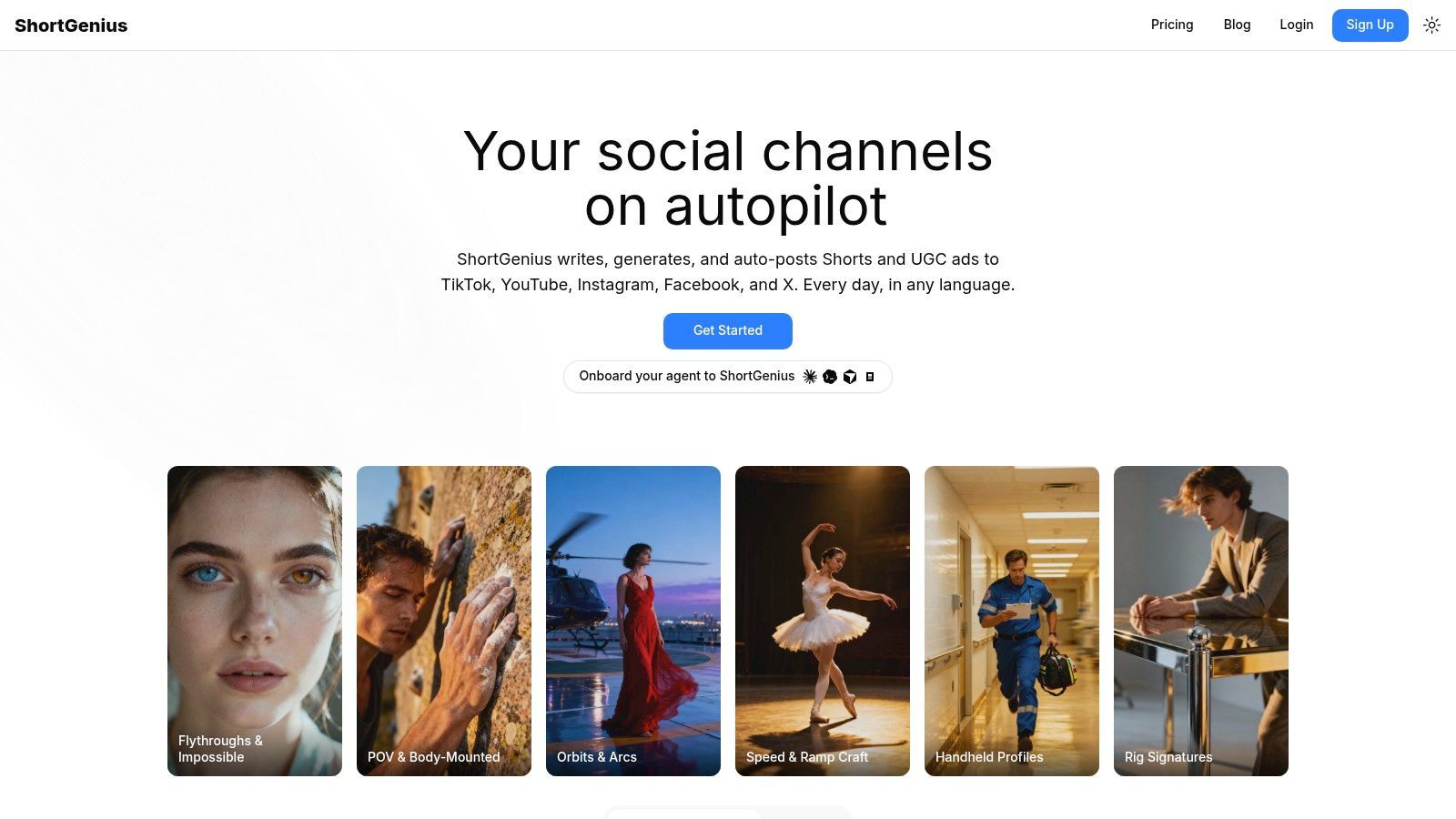
The practical advantage is workflow compression. ShortGenius connects multiple image-generation models inside one system, so you can draft a thumbnail concept, swap styles, and move the approved frame into video or ad production without separate subscriptions or API keys.
Best for batch production and distribution
If you manage recurring series, ad variants, or channel-specific visuals, ShortGenius fits because it reduces handoff friction. The series feature, preset library, brand kit application, and auto-scheduling are the parts that matter most in production, not the novelty layer. It's the most natural choice for creators who want the image to become a published post with captions and timing handled in the same place.
Practical rule: use ShortGenius when the image is only one step in the job, not the end product.
Pros
- Script-to-post in one place, with writing, image generation, video assembly, voiceover, editing, and scheduling under one roof.
- Multiple built-in models, so teams can choose a look without maintaining separate tools or keys.
- Batch-friendly publishing, which suits themed series and recurring short-form output.
- Branding and editing tools, including captions, resize, voice swaps, and brand kit application.
Cons
- Pricing details aren't fully visible in the scraped content, so you'll need to check the pricing page on the site.
- Quality still depends on prompt discipline, and branded output usually needs review before posting.
For creators, agencies, and DTC brands, the win here is less about a single perfect image and more about getting approved assets into a repeatable publishing flow.
2. Midjourney
Midjourney remains one of the best choices when the thumbnail, ad concept, or hero image has to look striking fast. Its output quality is a big reason it stays in shortlists for best ai image generation, especially for creators who care about style, mood, and immediate visual impact more than strict workflow tooling. The web and Discord experience supports rapid iteration, and the upscaling and variation tools make it useful for concepting multiple angles before a campaign goes live. Midjourney
Best for standout creative concepts
Midjourney is strongest when a creator needs a visually distinctive image to carry the click. That makes it a good fit for YouTube thumbnails, campaign moodboards, and social graphics that need attention rather than literal product accuracy. The downside is control, because it's not built like a production suite with deep brand governance or pipeline automation.
For ad teams, Midjourney is often the “make it look right” tool, not the “make it operationally ready” tool.
Pros
- High visual polish, especially for stylized scenes and photorealistic concepts.
- Fast iteration, with a strong community and shared prompting patterns.
- Useful variation tools, which help when you're testing several thumbnail directions.
Cons
- Subscription-only pricing, so there's no simple per-credit fallback.
- Less brand control than tools built around editing, templates, or enterprise workflows.
If you use Midjourney, the clean handoff is usually into ShortGenius for captions, resizing, scene assembly, and scheduled posting.
3. Adobe Firefly
Adobe Firefly is the safest fit for teams already living in Creative Cloud. Its biggest value isn't just generation, it's how the images and edits sit inside Photoshop, Illustrator, and Express, which helps when design, compliance, and handoff live in the same environment. That makes it practical for branded social graphics, campaign assets, and editorial visuals that need to stay inside an existing Adobe pipeline. Adobe Firefly 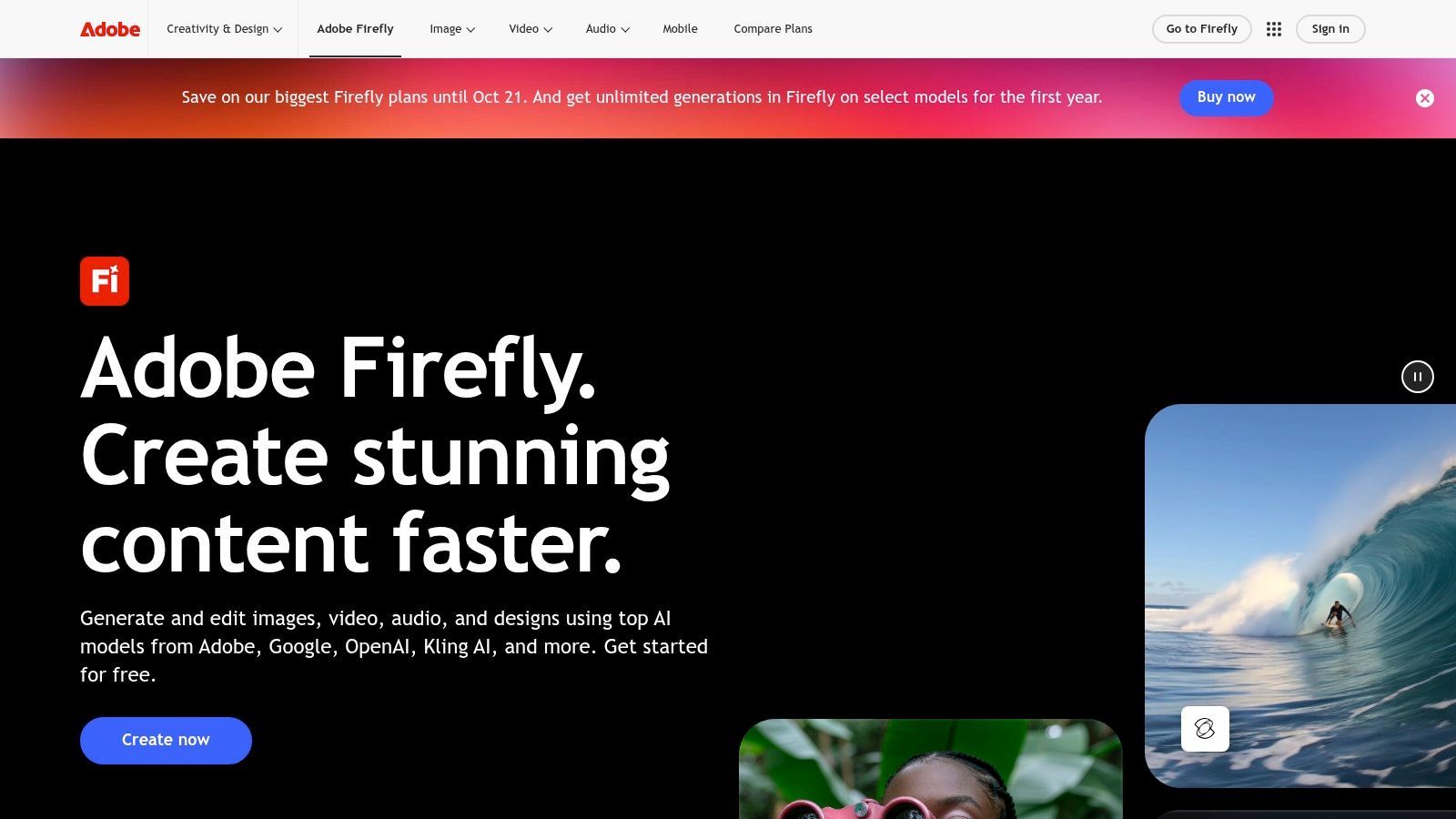
Firefly's advantage is not just image creation, but editing inside familiar tools. Generative Fill and Expand are useful when the base image is close and you need to finish the composition, not restart it.
Best for teams that edit inside Adobe apps
Firefly suits marketing departments that already approve assets in Photoshop or Illustrator. The licensing posture is clearer than many specialist generators, which matters when legal and brand teams need a workable paper trail. The trade-off is that the web-only experience won't feel as flexible or playful as a creator-first tool.
Pros
- Deep Creative Cloud integration, which reduces friction for designers.
- Business-friendly licensing posture, especially for teams that care about usage terms.
- Useful editing features, including Generative Fill and Expand.
Cons
- Credit logic can be confusing, especially for teams comparing plans.
- Some of the best results happen inside Adobe apps, not just in the browser.
If the final deliverable has to move through design review before publication, Firefly is a strong fit. After approval, those assets can move into ShortGenius for narration, captions, and scheduling.
4. OpenAI Images
OpenAI Images is a strong choice when image generation is part of a broader scripting and automation workflow. It works well for prompt-following, editing, background swaps, and inpainting, which makes it useful for creators who want to iterate in conversation rather than bounce across separate apps. OpenAI Images 
Best for prompt-led revisions and automation
This is the right tool when you want to ask for an image, refine it, and then keep working in the same system. The API route also makes sense for teams building batch content or combining image creation with other text workflows. It's less about a handcrafted art direction interface and more about getting a usable result that follows the brief.
If your workflow already starts with a script, this tool fits naturally because the image and text steps stay close together.
Pros
- Conversation-first workflow, which is convenient for fast iteration.
- Editing support, including masks, variations, and background swaps.
- API access, which helps with automation and larger workflows.
Cons
- Metered usage, so cost control depends on how often you generate.
- More iteration may be needed if you want highly stylized art direction.
For short-form content teams, the cleanest use is to generate or edit the image here, then push it into ShortGenius for voiceover, captioning, and cross-channel publishing.
5. Stability AI DreamStudio and Platform
Stability AI is a smart pick for teams that want model choice, API access, and a more technical production setup. Its Stable Diffusion family has stayed relevant because it supports flexible workflows, including text-to-image, img2img, and upscaling. Stability AI Platform
Best for teams that want control and integration
DreamStudio and the broader platform appeal to product teams, studios, and developers who want predictable integration paths. If you're building a pipeline that needs low-latency generation or repeated image variation across campaigns, the API angle matters as much as the visuals. The trade-off is that prompt tuning and model selection can take time.
Pros
- Flexible model lineup, which helps with experimentation.
- API support, useful for batch generation and product integrations.
- Transparent credit-style usage, which makes planning easier than in some opaque systems.
Cons
- Prompt tuning is often necessary, especially for precise commercial use.
- Plan names and credit rules can change, so current tiers need a fresh look before you commit.
This is one of the better tools for structured production, then ShortGenius can handle the downstream work of turning approved images into captions, scenes, and scheduled posts.
6. Leonardo.ai
Leonardo.ai is built for repeatable asset creation, which makes it a strong candidate for e-commerce, game, and 3D-adjacent visual work. It combines generation with training workflows, asset management, and editing tools, so teams can build a consistent look instead of starting over every time. Leonardo.ai
Best for repeatable branded looks
Leonardo is useful when a brand wants more control than a general-purpose generator gives but doesn't want a fully manual design workflow. The training and style-preset angle helps when your thumbnails, product mockups, or social graphics need to feel like they belong to the same campaign. The downside is that the credit system adds complexity.
Pros
- Good balance of control and quality, especially for repeated styles.
- Useful asset tooling, including background removal and upscaling.
- Team-oriented workflow, with a production feel rather than a toy feel.
Cons
- The token system can be confusing for new users.
- Better features sit behind paid access, so the free tier is limited.
Leonardo is a sensible choice for brands that need recurring visuals, then want to hand the approved set to ShortGenius for video assembly and posting.
7. Ideogram
Ideogram stands out when the image needs readable text inside the image itself. That makes it especially useful for posters, social graphics, promo visuals, and thumbnail concepts where typography is part of the composition. Ideogram
Best for text-in-image marketing assets
For marketing teams, this matters because many image models still struggle with legible text. Ideogram is a better fit when the visual has to carry a headline, label, or sign-like element without looking broken. It's less suited to complex composites that need deep production control, but it's excellent for fast collateral.
Pros
- Strong typography handling, which helps with social graphics and ads.
- Clean iteration flow, useful for quick marketing tests.
- Web app and API access, so teams can use it manually or in pipelines.
Cons
- Less control for complex scenes than specialist pro pipelines.
- API metering can add up, especially for high-volume use.
When the goal is a text-heavy visual that still feels polished, Ideogram belongs near the top of the list. It also moves neatly into ShortGenius when you want to turn the visual into a voiced and scheduled post.
8. Black Forest Labs FLUX Models
Black Forest Labs is the serious choice for studios and technical teams that want strong prompt adherence and deployment options. FLUX models are attractive because they balance photorealism with licensing paths that can work for commercial setups, including self-hosted options in some cases. Black Forest Labs 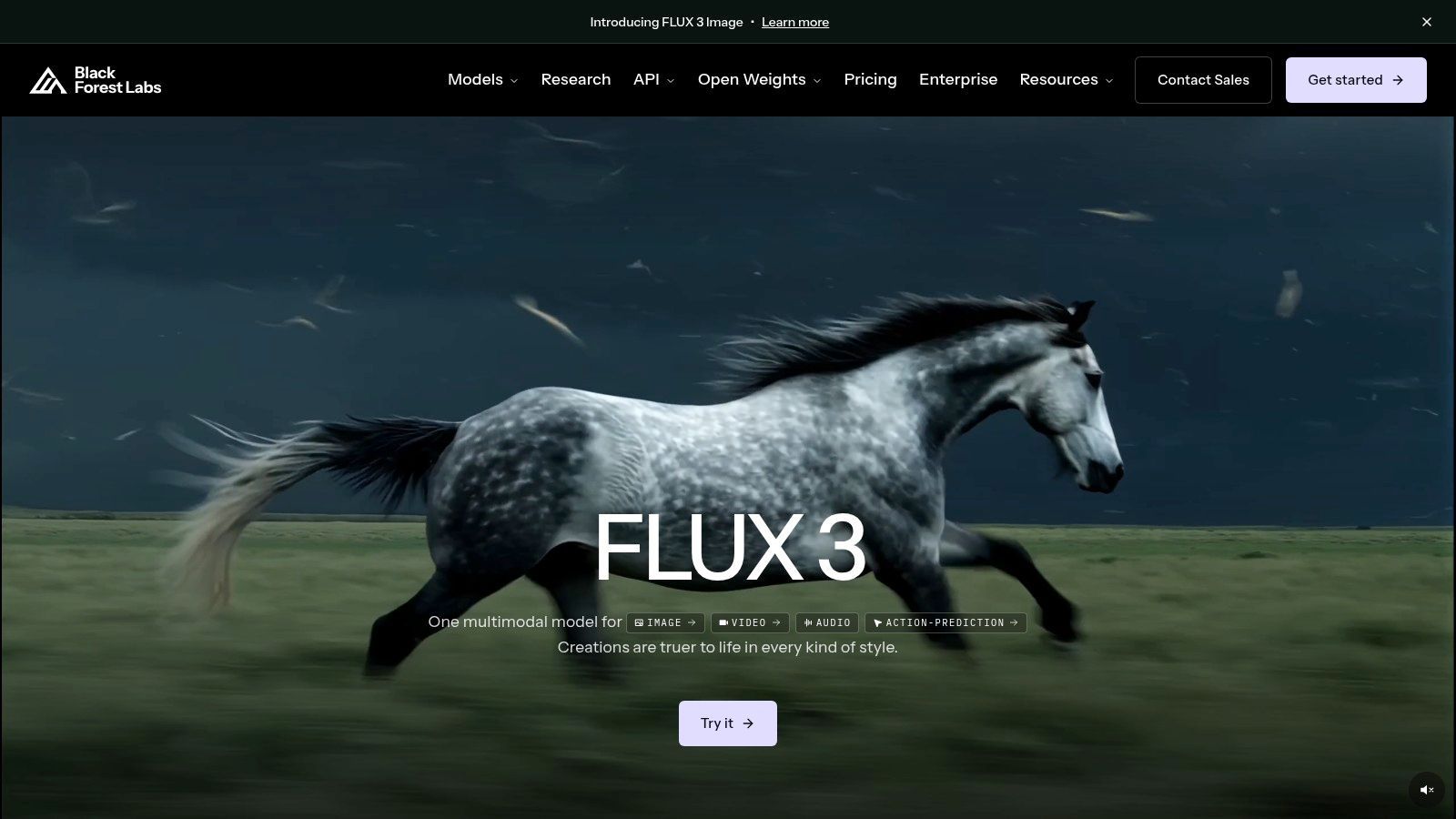
Best for deployment control
FLUX matters when the image pipeline is part of a larger product or studio system. If you need commercial flexibility, clear licensing conversations, or on-prem style control, this is one of the more practical routes. The trade-off is that licensing varies by variant, so teams need to read the fine print before they build around it.
The right model is not always the one with the flashiest demo, it's the one your team can actually deploy and keep using.
Pros
- Strong prompt following and photorealism.
- Commercial and self-hosted paths, which suit technical teams.
- Multiple variants, including open-weight and licensed options.
Cons
- Licensing can be nuanced, depending on the version.
- Exact pricing may require direct contact, which slows evaluation.
For production teams, FLUX works best as the image engine, while ShortGenius handles the packaging, narration, and publishing layer.
9. Canva Magic Media
Canva Magic Media is the easiest entry point for non-designers who need usable visuals fast. It's not the most technically advanced generator, but it's one of the most practical for social managers, small businesses, and creator teams that already build in Canva. Its real value is the way generation sits inside templates, brand kits, collaboration, and direct export. Canva Magic Media and the workflow handoff into ShortGenius make it easy to move from static design into short-form publishing.
Best for on-brand social graphics
Canva is ideal when speed and consistency matter more than pushing visual boundaries. You can generate an image, place it into a layout, resize it, and send it to a social channel without much setup. That makes it a practical option for lightweight campaign work.
Pros
- Simple all-in-one workflow, especially for non-designers.
- Template and brand kit support, which helps maintain consistency.
- Fast export and collaboration, good for small teams.
Cons
- Image quality and control lag specialist tools.
- Plan allowances can change, so capabilities need checking before rollout.
Canva is often the quickest way to get a usable asset, then ShortGenius becomes the place to add voice, captions, and scheduled distribution.
10. Krea AI
Krea AI is built for live art direction, which is why it appeals to creators who want to steer the image as they work. Real-time generation and editing feel different from traditional prompt, wait, review loops. That makes it strong for developing thumbnails, stylized concepts, and look exploration with immediate feedback. Krea AI 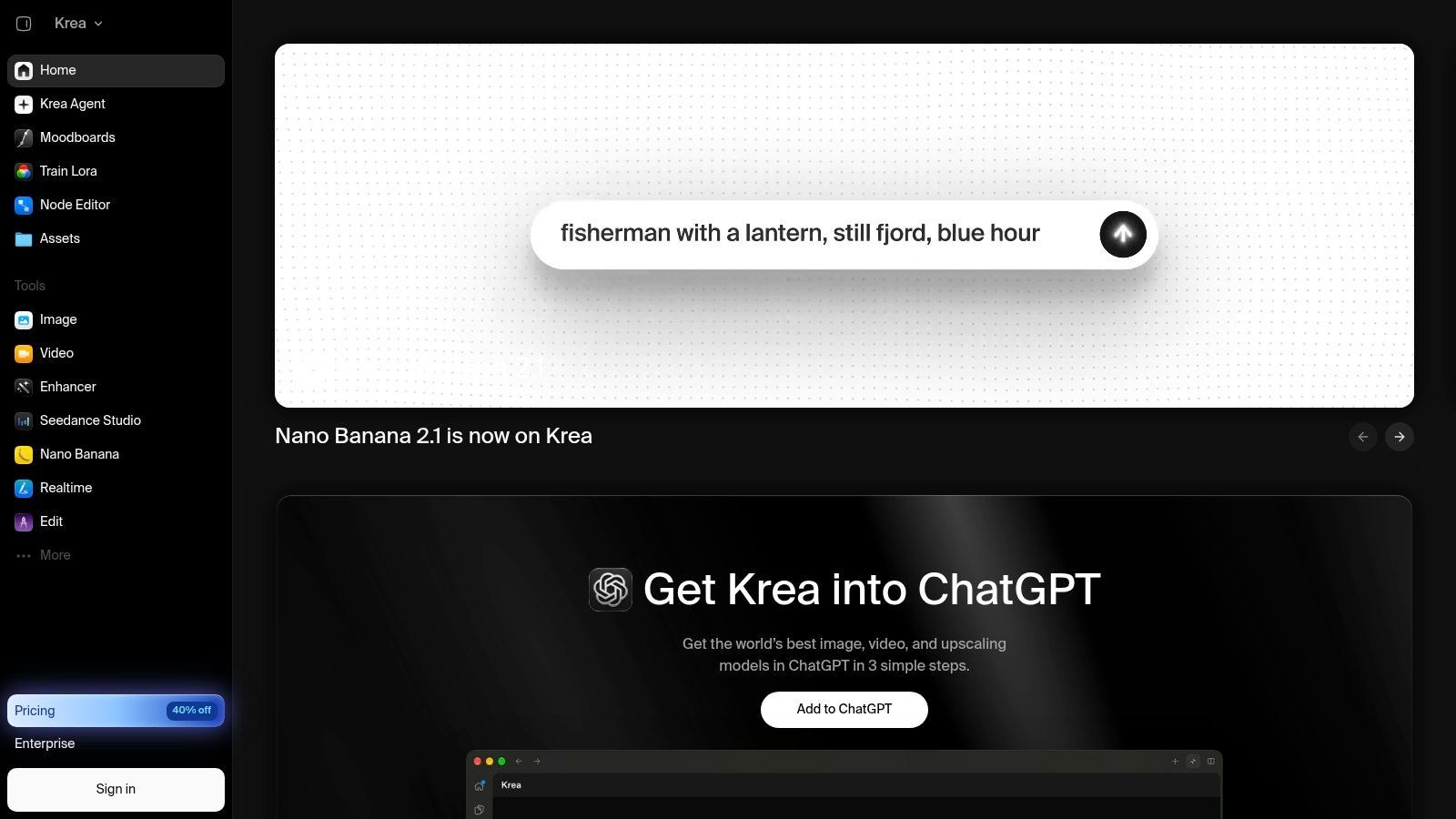
Best for direction by doing
Krea works well when the creator wants to shape the result in real time instead of waiting for a finished render. The boxes and regions controls, plus upscaling and LoRA training, make it useful for iterative creative development. It's a strong fit for concepting, but high-volume use can get expensive.
Pros
- Live iteration, which speeds up art direction.
- Multi-model access, useful for experimenting with looks.
- Useful control tools, including regions, upscaling, and training.
Cons
- Costs can rise quickly at higher volumes.
- Smaller ecosystem than the most established platforms.
Krea is excellent for look development. Once the image is approved, ShortGenius is where it becomes a captioned, voiced, and scheduled post.
Top 10 AI Image Generators, Feature Comparison
| Product | Core features | Unique selling points | Target audience | Quality / UX | Pricing / Value |
|---|---|---|---|---|---|
| ShortGenius (AI Video / AI Ad Generator) 🏆 | Script → image/video → voice → editor (trim, captions, resize) + series & auto-schedule | ✨ End-to-end script-to-post workflow; rich presets & brand kit; unified best‑in‑class models; API | 👥 Creators, social managers, agencies, e‑commerce, educators | ★★★★★ Fast editor, proven reach, multi‑channel publish | 💰 Check site; all‑in‑one value vs multiple subscriptions |
| Midjourney | Prompt-to-image, upscales, variations, web & Discord flows | ✨ High-fidelity stylized renders; large community recipes | 👥 Visual creators, thumbnail artists, concept designers | ★★★★★ Industry-leading aesthetic quality | 💰 Subscription-only (no per‑credit option) |
| Adobe Firefly | Text→image, Generative Fill/Expand, CC app integration | ✨ Enterprise controls, brand-safe corpus, seamless Creative Cloud | 👥 Adobe teams, enterprises, professional designers | ★★★★☆ Strong in-app editing & workflows | 💰 Credit system + Creative Cloud plans |
| OpenAI Images (ChatGPT/API) | Text→image, masks, in/outpainting; ChatGPT + API access | ✨ Unified with OpenAI stack for automation & prompt fidelity | 👥 Developers, automation teams, creators needing scripting | ★★★★☆ Accurate prompt following; good editing tools | 💰 Metered per image / API usage |
| Stability AI, DreamStudio | Text→image, img2img, SDXL variants, upscaling | ✨ Multiple model choices; API + optional self-hosting | 👥 Teams wanting model choice & low-latency generation | ★★★★☆ Flexible models; prompt tuning often needed | 💰 Credit-based; good value at scale |
| Leonardo.ai | Fine-tune/LoRA workflows, asset mgmt, upscaling, brand kits | ✨ Repeatable branded outputs; training & team features | 👥 E‑commerce, game/art studios, design teams | ★★★★☆ Balanced quality & control | 💰 Freemium → paid tiers; credits |
| Ideogram | Text-to-image with strong in-image typography & layout | ✨ Best-in-class for embedded text, posters & logos | 👥 Marketers, designers, ad creatives needing text graphics | ★★★★☆ Excellent typographic fidelity | 💰 Metered API/images |
| Black Forest Labs, FLUX | FLUX model family, photorealism, API & self-host options | ✨ Commercial/on-prem licensing and strong prompt adherence | 👥 Enterprises, studios needing deployment control | ★★★★☆ Strong photorealism & reliability | 💰 License & API pricing (quote/negotiable) |
| Canva Magic Media | Text→image inside Canva, templates, brand kit, direct publish | ✨ All-in-one editor + templates for non-designers | 👥 Social managers, small businesses, in-house teams | ★★★☆☆ Easy, fast for non-designers; limited fine control | 💰 Included/varying by Canva plan |
| Krea AI | Real-time generation, live updates, multi-model, LoRA, region tools | ✨ Live-as-you-type iteration; precise region/box controls | 👥 Art directors, lookdev teams, rapid iteration workflows | ★★★★☆ Fast interactive direction & iteration | 💰 Per-image/API pricing; costs can scale quickly |
Building a Repeatable Image Stack That Feeds Your Video Workflow
The best way to choose among these tools is to assign each one a production job. Use Midjourney for standout ad concepts, Ideogram for text-heavy social graphics, Adobe Firefly for Adobe-native editing, Leonardo for repeatable brand styles, and Stability AI or FLUX when the image pipeline has to fit a more technical stack. ShortGenius is the most complete option when the image is only the start of the content job, because it carries the asset into scripting, voiceover, captioning, resizing, and publication.
The smartest move is to run the same brief through two shortlisted tools before you commit. That gives you a real read on prompt adherence, style control, and how much cleanup each output needs before it can be published. Check the current pricing and licensing on each official site, because that part changes and it matters more than the demo.
For short-form pipelines, the handoff matters as much as the image itself. A strong thumbnail or ad frame should move cleanly into ShortGenius, where the team can pair it with a script, add a natural voiceover, generate captions, and schedule the post across channels. That's where the output stops being a picture and becomes a content system, which is the difference between a tool you try and a workflow you keep. If you also need text-to-video with voiceovers, the same production logic applies there too text-to-video with voiceovers.
ShortGenius brings image generation, scriptwriting, voiceovers, editing, and scheduling into one short-form workflow, so your thumbnails, ads, and social graphics don't sit in a folder after approval. If you want the best ai image generation to feed a real publishing pipeline, visit ShortGenius (AI Video / AI Ad Generator) and build the next post from prompt to publish in one place.