Unlock Cinematic Power: 8 Top B Roll Examples for 2026

Master cinematic shots with 8 top b roll examples. Elevate your video quality and learn essential techniques for stunning visuals in 2026.
Your last talking-head edit probably had the same problem most of them do. The information was solid, the audio was fine, but visually it felt flat after a few seconds. That's where b roll stops being decoration and starts doing real work.
The term itself comes from old film editing, when editors used a second reel to cover splice lines in the main reel. In digital editing, the job is broader. B roll now means the supplemental footage that supports the main action, adds context, and gives editors room to shape pacing. Adobe notes that 90% of filmmakers agree b roll is essential for enriching a story's visual narrative and maintaining viewer engagement, and that industry standards recommend changing visuals every 4 to 6 seconds to sustain attention in professional media (Adobe's explanation of b roll history and modern use).
That matters whether you shoot with a mirrorless camera, an iPhone, or an AI video tool. Good b roll examples aren't just random cutaways. They're planned proof, visual relief, and pacing control.
Below are eight b roll examples that earn their place in the edit, plus practical notes on when they work, when they don't, and how to build them fast.
1. Pan and Zoom (Push-In/Pull-Out)
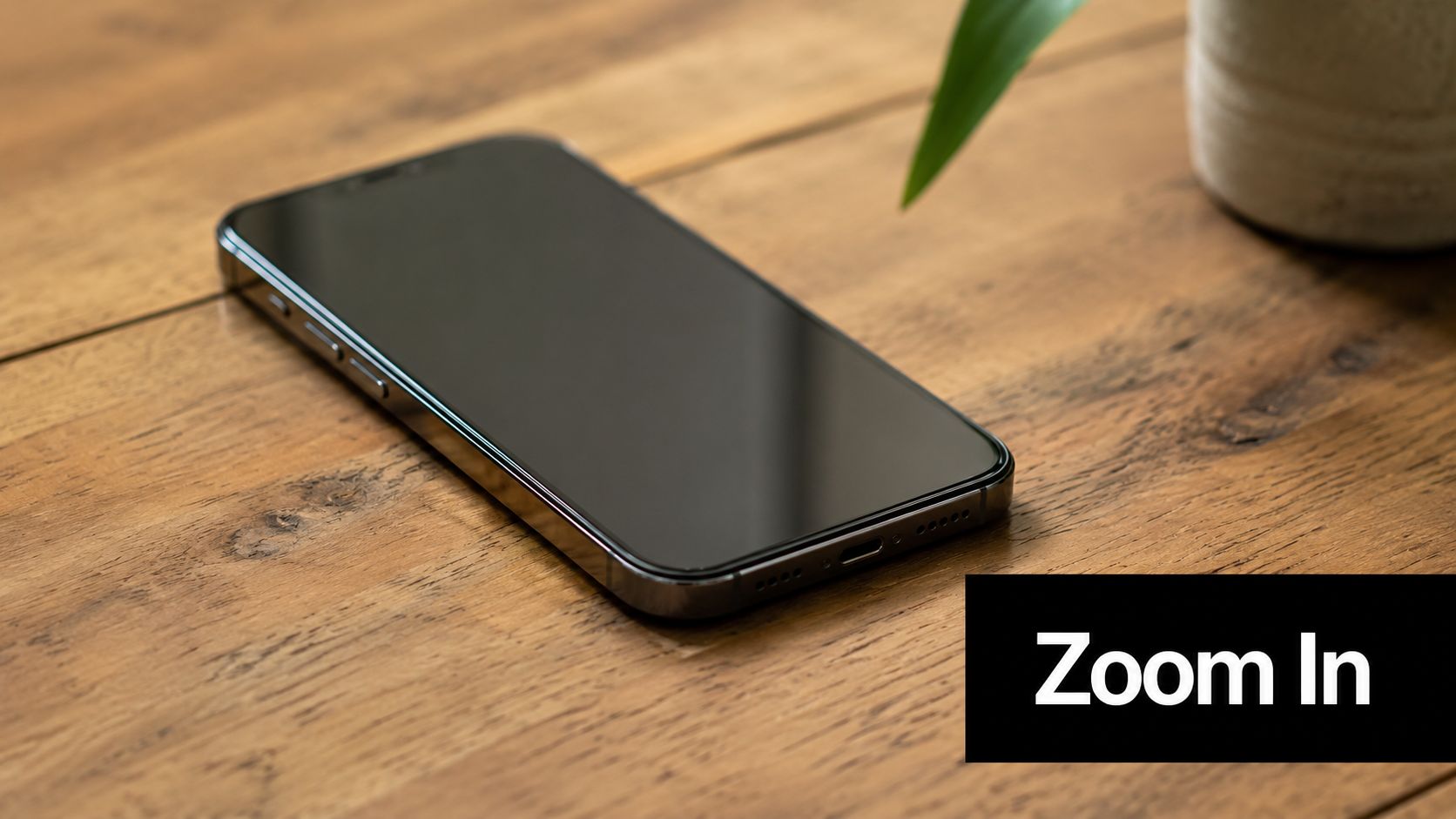
A push-in makes a simple shot feel intentional. A pull-out gives a reveal, a little breathing room, or a sense of scale. If you only have one subject, one location, and very little time, this is often the fastest way to make footage feel less static.
Use it when the audience needs direction. In a product unboxing, push in on the hinge, texture, or screen. In a tutorial, push in when the speaker mentions the exact button or menu. In a real estate clip, a slow pull-out from a sink fixture or countertop can make a tight detail shot feel more premium.
How to make it look clean
The mistake is moving too aggressively. Fast digital zooms scream “edited in post.” A controlled move feels motivated, especially if the voiceover is naming the thing you're moving toward.
A few situations where this works well:
- Product reviews: Push into ports, buttons, materials, and packaging details.
- Tutorials: Move toward the exact on-screen area or physical object being discussed.
- Lifestyle ads: Pull out to reveal context around the subject, not just the object itself.
Practical rule: If the move calls attention to itself before it calls attention to the subject, it's too much.
If you're building clips with AI-assisted editing, consistency matters more than fancy motion. Tools like ShortGenius for AI video workflows are useful here because you can apply the same movement style across multiple scenes instead of hand-tweaking each one. That keeps your edit from feeling like every shot came from a different template.
A push-in is strongest when the content has a specific focal point. It's weak when the frame has no obvious subject. Don't zoom into clutter. Reframe first, then move.
2. B-Roll Transitions (Cut, Fade, Dissolve)
You feel transition mistakes fast. A tutorial loses pace. A brand piece starts to feel over-edited. A simple shot change suddenly pulls attention away from the story.
That usually happens because the editor chose a transition for style instead of function.
Cuts, fades, and dissolves each do a different job. A hard cut keeps energy up and makes the next point land immediately. A dissolve suggests time passing, memory, or a softer emotional shift. A fade creates a stop. It works for intros, endings, chapter resets, or any moment where you want the viewer to register that one section is over.
How to choose the right transition
Start with the relationship between the two shots.
If shot B answers, clarifies, or intensifies shot A, use a hard cut. If shot B reflects on shot A, a dissolve can work. If shot B starts a new section entirely, a fade may be the cleaner choice.
A practical breakdown:
- Hard cuts: Tutorials, product demos, UGC, talking-head explainers, fast social edits
- Dissolves: Interviews, founder stories, travel edits, reflective brand storytelling
- Fades: Opens, closes, chapter cards, tonal resets
The outgoing and incoming shots have to agree on purpose, framing, or motion. If they do, even a basic cut feels polished. If they do not, no transition effect will save it.
A transition should solve an edit problem, not advertise itself.
This matters even more with B-roll because B-roll is often carrying structure, not just decoration. A cut can hide a jump in the A-roll. A dissolve can soften a topic change that would feel abrupt otherwise. A fade can give the audience a second to process a key claim before the next section starts.
One trade-off is speed versus clarity. Hard cuts keep momentum, but too many can make a thoughtful piece feel rushed. Dissolves buy breathing room, but overuse makes everything feel sleepy. Fades have the strongest punctuation, which is exactly why they get heavy-handed fast.
If you are building a lot of short scenes at once, consistency matters more than fancy presets. Tools like ShortGenius for scene-based AI video editing help keep transition rules consistent across batches, which is useful when mixing filmed clips, generated visuals, and screen captures in the same edit.
A simple rule I use in practice: if viewers notice the transition before they understand why the next shot is there, the transition is wrong.
3. Parallax Effect (Multi-Layer Movement)
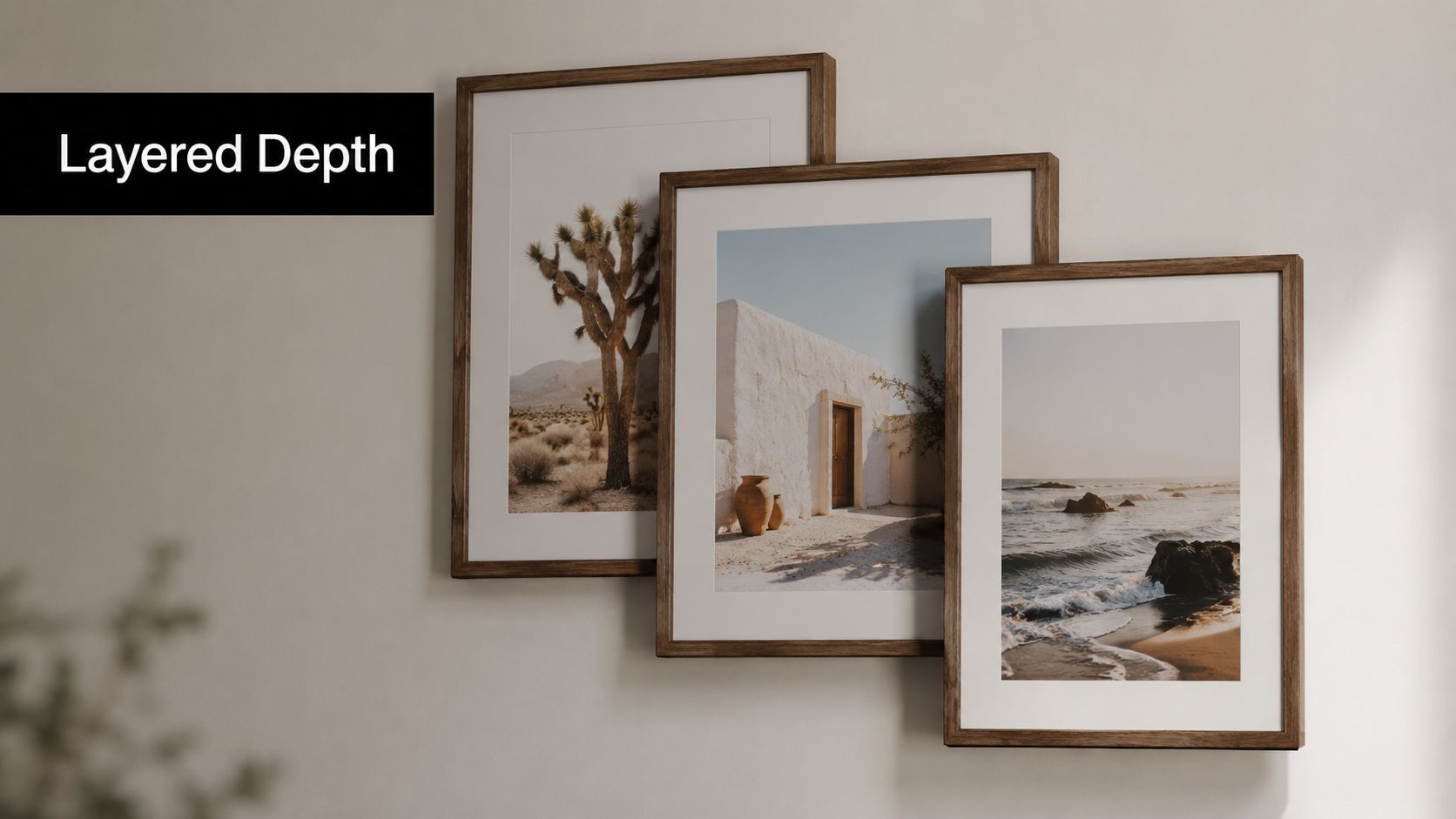
Parallax is a cheat that works because the eye reads layered motion as depth. The foreground shifts one way, the background shifts more slowly, and a flat scene suddenly feels dimensional.
This is especially useful when you don't have live footage for every beat. Maybe you have a product render, a still photo, a title card, or a generated background that feels too static on its own. Layering movement gives it life without pretending it's handheld footage.
Where parallax helps most
I like parallax in intros, chapter cards, title reveals, and explainer segments where the visual is partly informational and partly atmospheric. It's much less effective when used on every shot. If every frame has layered drift, the effect stops feeling cinematic and starts feeling like a motion template.
Good use cases include YouTube intros, product launches, podcast video backgrounds, and educational content where text needs a little motion behind it.
A few guardrails keep it tasteful:
- Separate layers clearly: Subject, background, and any text should have obvious depth hierarchy.
- Keep motion subtle: The effect should support readability, not compete with it.
- Design for vertical first: On phone screens, overcrowded layers collapse fast.
Parallax also solves a modern content problem. A lot of creators need coverage they didn't physically shoot. Existing b roll examples content usually tells people to film more than they need, but that doesn't help a solo creator who can't go capture a fresh set of inserts for every script. That gap is especially obvious for AI-driven workflows and “no-shoot” production setups described in InVideo's discussion of the modern b-roll production gap.
If you're using generated visuals, keep them honest. Parallax works best when it adds depth to a concept, not when it tries to fake documentary reality.
4. Slow-Motion B-Roll
Slow motion gives ordinary actions weight. Steam rising from coffee, tissue paper lifting out of a box, a hand brushing fabric, a runner planting for a turn. Those moments feel more expensive when they breathe a little.
The problem is overuse. If every insert is slow motion, the edit starts dragging. You lose contrast, and the moments that should feel premium stop standing out.
Best moments to slow down
Reserve slow motion for peak actions. In e-commerce, that might be the product reveal, the material detail, or the satisfying close of packaging. In fitness content, it might be a single rep that shows form clearly. In food or drink videos, pouring, slicing, and finishing actions are the obvious winners.
What usually doesn't work is slowing down setup footage that has no interesting motion. A person reaching for a laptop isn't automatically cinematic just because it's slower.
Slow motion is emphasis. Treat it like emphasis in writing. If every line is emphasized, none of it lands.
When you capture your own footage, match slow motion to the scene. Good light matters because higher frame rates can expose weak lighting fast. When you don't have true high-frame-rate footage, fake slow motion can still be useful in moderation, especially for social edits where the insert is short and covered by voiceover.
For creators working quickly, ShortGenius for AI-assisted editing and asset generation can be practical when you need to pair a narrated point with a more cinematic beat and don't have a fresh live-action clip for every line. Just don't use slow motion as a patch for weak shot selection. Strong action first, speed effect second.
5. Scrolling/Screen Recording B-Roll
Some of the most useful b roll examples aren't cinematic at all. They're screen captures. If you're talking about software, websites, analytics, e-commerce listings, social feeds, or online workflows, screen recordings are often the most credible visual proof you can use.
Many creators often undersell themselves. They'll narrate a process while showing vague stock footage of a person typing on a laptop. That looks polished for a second, then it feels generic. If you're explaining a dashboard, show the dashboard. If you're reviewing a landing page, scroll the landing page.
How to make screen b roll watchable
Raw screen captures can be dead on arrival if they're too long or too static. Viewers need guided movement. That means controlled scrolling, occasional pauses, zooms into relevant areas, and a cursor that behaves like a pointer, not like a nervous hand.
Use screen recordings for:
- SaaS demos: Feature walkthroughs, setup flows, reporting views
- Marketing content: Creative libraries, ad managers, funnel pages, analytics snapshots
- Educational videos: Slide decks, documents, course interfaces, spreadsheets
For B2B case study videos, pairing claims with concrete visual proof matters a lot. In one analysis of high-impact corporate case study productions, 85% (6 out of 7) validated abstract claims by pairing them with physical human collaboration b roll rather than showing a lone person at a laptop (Advids' examples of case study video patterns). That's a strong reminder that screen recordings are useful, but they often become stronger when paired with human context.
A dashboard alone says “software.” A dashboard plus a team using it says “change.”
6. Montage Sequences (Rapid-Fire Cuts)
Montage is your momentum tool. It compresses effort, time, variety, and progress into a sequence that feels bigger than any individual clip.
This is the style behind behind-the-scenes edits, launch recaps, day-in-the-life videos, event highlights, packing orders, travel sequences, and process storytelling. It works because every shot contributes a new piece of information. The second it stops doing that, montage turns into noise.
Building a montage that doesn't feel random
The trap is collecting a pile of decent shots and hoping music will make them cohere. It won't. A montage needs progression. Start wide, move tighter, shift location, show a change in action, or escalate energy.
A few combinations work especially well:
- Process montage: Setup, action, detail, result
- Event montage: Arrival, crowd, key moments, reactions, wrap-up
- Creator montage: Writing, filming, editing, publishing, audience response
For short-form platforms, pacing gets tricky. Traditional b-roll advice often conflicts with modern scroll behavior. There's an obvious disconnect between older guidance that assumes longer holds and the fact that short-form viewers judge a clip almost immediately. That mismatch is called out in this discussion of short-form pacing and b-roll fatigue, and it's one of the main reasons fast montage editing has become the default in Shorts, Reels, and TikTok.
If your montage feels repetitive, the problem usually isn't speed. It's sameness. Repeating the same hand motion, same angle, or same framing five times in a row kills energy no matter how fast you cut.
7. Tracking Shot (Following Movement)
A tracking shot adds immersion because the camera commits to motion with the subject. You're not just cutting to action. You're traveling with it.
That makes this one of the strongest b roll examples for vlogs, walkthroughs, fitness clips, retail content, and anything that benefits from a sense of place. A creator walking through a studio, a barista moving from grinder to machine, a realtor opening into the main living area, a trainer moving through a set. The shot gives you action and environment at the same time.
Here's a simple example of movement-led framing:
What separates smooth from messy
Tracking fails when the operator doesn't commit to a path. If the camera drifts, hesitates, or changes distance constantly, the clip feels amateur even if the subject is interesting.
A few practical habits help:
- Pre-walk the route: Know where the subject turns, stops, or speeds up.
- Keep one framing goal: Side-follow, rear-follow, or lead-follow. Don't improvise between all three in one short clip.
- Give the shot an endpoint: Doorway reveal, product handoff, destination, or stop point.
A tracking shot should feel like the viewer is being led somewhere, not dragged along.
This is also where creators overshoot badly in the wrong way. They'll record one long wandering take and assume they've covered the scene. Better coverage comes from multiple short follows with different purposes, one reveal, one side profile, one detail follow on hands or product movement.
8. Overlay Graphics and Text B-Roll
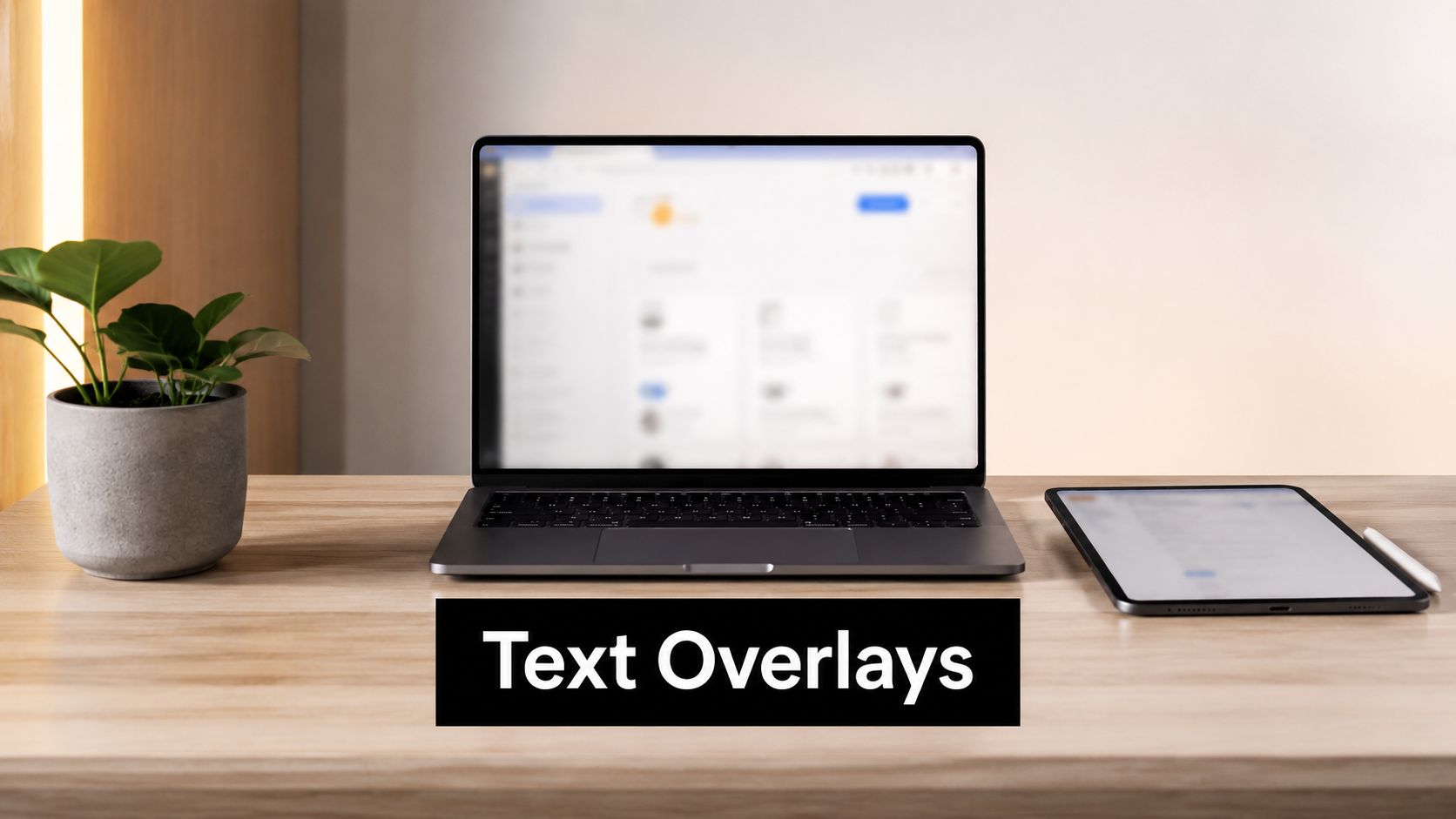
Overlay graphics turn b roll into explanation. The underlying footage provides texture and realism. The text or graphic tells the viewer exactly what matters.
This is one of the most practical formats for educators, coaches, analysts, product marketers, and anyone making information-dense content. A founder speaking over warehouse footage gets stronger when labels point to process steps. A product demo gets clearer when a callout names the feature on screen. A testimonial gets sharper when one key phrase is surfaced visually.
Make the overlay support the footage
Most overlay-heavy edits fail for one of two reasons. Either the text says what the footage already made obvious, or the text is so dense that the footage becomes irrelevant.
Use overlays when they add one of these things:
- Clarification: Naming a feature, step, or object
- Emphasis: Pulling out the key phrase from spoken audio
- Structure: Breaking a process into visual chapters
Keep styling consistent. One font system, one highlight color, one logic for animation. If every label enters differently, the edit feels stitched together from different projects.
This also happens to be a good bridge between traditional editing and AI-assisted production. If you're generating some scenes, shooting some scenes, and pulling some stock or screen assets, overlays can unify the whole package. They create a visual system across mixed footage.
Good b roll with text doesn't just “look edited.” It becomes easier to understand, easier to scan, and easier to trust.
8 B-Roll Techniques Compared
| Technique | 🔄 Implementation Complexity | ⚡ Resource Requirements | ⭐ Expected Outcomes | 📊 Ideal Use Cases | 💡 Key Advantage / Tip |
|---|---|---|---|---|---|
| Pan and Zoom (Push-In/Pull-Out) | Low, simple directional move; needs steady motion | Low, smartphone/gimbal or AI presets | ⭐⭐⭐, cinematic focus, directs attention | Product showcases, tutorials, short-form social | Keep zoom 2–3s; pair with voiceover |
| B‑Roll Transitions (Cut, Fade, Dissolve) | Low, timing matters for pacing | Low, basic editing tools or automated presets | ⭐⭐, improves flow and polish | Any content for pacing: docs, TikTok, music vids | Use hard cuts for energy; fades for emotion (0.2–0.5s) |
| Parallax Effect (Multi‑Layer Movement) | Medium, layering and timing skills required | Medium, editing software; more CPU/GPU | ⭐⭐⭐, adds perceived depth and premium look | Intros, title sequences, premium product pieces | Keep background subtle (20–30% speed diff); test mobile |
| Slow‑Motion B‑Roll | Medium, capture & lighting considerations | High, high‑frame‑rate cameras or AI-rendering | ⭐⭐⭐, dramatic emphasis; highlights detail | Product reveals, sports, emotional moments | Use for peak moments; ensure strong lighting (50–75% speed) |
| Scrolling / Screen Recording B‑Roll | Low, easy capture but needs clarity | Low, screen recorder (1080p+); editing tools | ⭐⭐⭐, clearly communicates digital workflows | App tutorials, SaaS demos, social-media explainers | Use 1080p+, vary scroll speed, highlight key UI areas |
| Montage Sequences (Rapid‑Fire Cuts) | Medium, requires pacing and clip selection | Medium, many clips, music, editing time | ⭐⭐⭐, high engagement; condenses narratives | Recaps, BTS, transformations, event highlights | Pre-select music; match cuts to beats; 0.5–2s clips |
| Tracking Shot (Following Movement) | High, planning and smooth execution needed | High, gimbal/slider/drone and space | ⭐⭐⭐, immersive, cinematic movement | Walkthroughs, product walks, action sequences | Use stabilizer, plan path, keep clips 3–8s |
| Overlay Graphics & Text B‑Roll | Medium, design + timing coordination | Medium, templates or designer + brand assets | ⭐⭐⭐, boosts retention and clarity | Explainers, data visuals, marketing & educational vids | Keep text readable 2–3s; limit overlays; use brand kit |
From Shots to Stories: Assembling Your B-Roll Strategy
You finish the edit, the A-roll is solid, and the video still feels thin. That usually traces back to one mistake. The B-roll was collected as leftover footage instead of planned proof for the script.
Build B-roll at the outline stage. Go line by line and assign a visual job to each beat. A claim about product quality needs close-ups that show materials, edges, assembly, and use. A line about software speed needs a clean screen recording that shows the actual flow. A customer result needs visible context, such as the team, process, location, or outcome, so the edit feels credible instead of padded with generic office shots.
Coverage matters too. Editors need options. If every insert has only one usable angle, the cut gets repetitive fast, and weak B-roll is usually what exposes jump cuts, rushed pacing, and repeated visuals. As noted earlier, common capture guidance recommends filming more supplemental footage than you expect to use. In practice, I treat that as a buffer for decision-making, not a quota. The goal is enough variety to solve problems in the edit.
Solo creators and small teams do not always have time to shoot extra cutaways for every script. A practical workflow mixes original footage, screen captures, stock, simple motion design, and selective AI-generated visuals. That approach works if the sources share the same visual logic. Match framing, color, motion speed, and intent. Viewers will accept mixed sources faster than they will accept random inserts.
Each B-roll shot should earn its place. One clip hides a cut. One establishes location. One demonstrates a process. One shifts energy after a dense explanation. One adds mood before a key point lands. Labeling shots this way during planning makes the final edit tighter because every insert has a clear reason to exist.
Short-form and long-form need different handling. Longer videos can hold on process shots and environmental detail because the audience is settling into the subject. Short-form needs immediate clarity. Subjects should read fast, motion should be obvious, and repeated inserts become stale within seconds. Capture a little wider and a little tighter than you think you need so you can recut for both formats without forcing the same visual rhythm everywhere.
ShortGenius is one option for teams that want scripting, asset generation, editing, and publishing in one workflow. That helps when B-roll is mapped to narration early, especially if some scenes come from AI tools and others come from a camera roll or screen recorder.
The strongest B-roll strategy is simple. Know what each shot proves, know where it fits, and collect enough variation to give yourself choices in the edit.