Top 12 AI Video Shorts Generator Tools for 2026

Discover the best AI video shorts generator to create viral content. Our review covers tools for creators, brands, and agencies to automate video production.
Short-form video dominates social media, but the constant demand for content on platforms like YouTube Shorts, TikTok, and Instagram Reels can exhaust even the most dedicated creators and marketing teams. The cycle of scripting, shooting, editing, and publishing daily is simply unsustainable for most. This is precisely the problem an AI video shorts generator is built to solve, effectively automating the entire production workflow.
These powerful platforms can turn hours of manual work into mere minutes. They handle everything from identifying the most engaging moments in your long-form videos to generating entirely new clips from a simple text prompt. Core tasks like scripting, adding voiceovers, creating dynamic captions, and even scheduling posts are managed automatically. As artificial intelligence reshapes content creation, understanding the broader landscape of how to use new AI tools for social media marketing is crucial for staying ahead of the curve.
This guide moves beyond the marketing hype to deliver an honest, in-depth analysis of the top 12 AI shorts generators available today. We’ve tested each tool to evaluate its real-world performance, unique features, practical limitations, and specific use cases. For each option, you will find direct links, screenshots of the interface, and a clear breakdown of pricing. Our goal is simple: to help you find the perfect tool to reclaim your time, defeat burnout, and scale your video content strategy effectively. Let's dive in.
1. ShortGenius (AI Video / AI Ad Generator)
ShortGenius establishes itself as a powerful, all-in-one AI video shorts generator by unifying the entire short-form content creation process. It’s built to move users from a simple idea to a published, multi-channel video series in minutes, a significant time-saver for busy creators and marketing teams. The platform consolidates scriptwriting, scene generation, voiceovers, and editing into a single, cohesive workflow, eliminating the need to jump between multiple specialized tools.
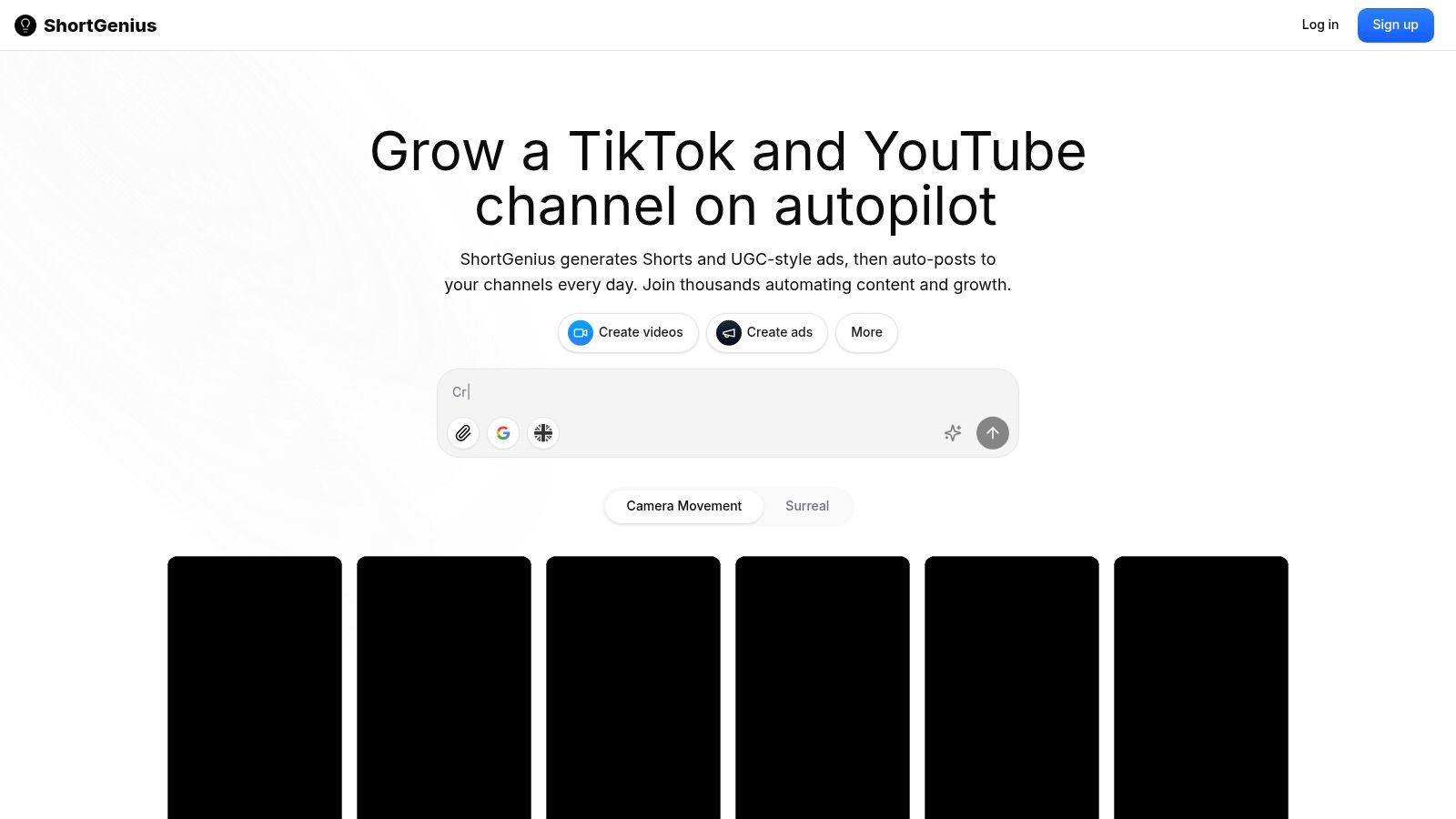
What truly distinguishes ShortGenius is its orchestration of best-in-class AI models at each production stage. It integrates leading LLMs for scripts, advanced diffusion models for high-fidelity images and video, and premium text-to-speech for lifelike narration. This multi-model approach results in a higher quality and more varied final product compared to platforms relying on a single, proprietary model.
Key Strengths & Use Cases
ShortGenius excels at producing consistent, on-brand content at scale. Its "series" feature allows users to organize videos by theme and then auto-schedule them across TikTok, YouTube Shorts, Instagram, Facebook, and X. This automation is a major asset for social media managers and agencies aiming for daily content output.
- Best For: Influencers, social media teams, agencies, and e-commerce brands needing a high volume of quality short-form video and ads.
- Standout Features: The platform offers a rich preset library, including camera movements, scroll-stopping hooks, and surreal effects, enabling a professional finish without deep editing knowledge. Its brand kit application ensures every video maintains a consistent look and feel.
- Workflow Tip: For brands, the dedicated AI ad generator workflow provides a structured process for creating persuasive short-form advertisements, which can be explored further on their site.
Practical Considerations
While the platform is designed for speed, the AI-generated content can still benefit from a final human review to fine-tune messaging and ensure it aligns perfectly with brand voice and platform compliance. Pricing information is available on the ShortGenius website and is likely subscription-based, with potential for enterprise plans to accommodate high-volume teams that require API access and advanced collaboration features.
Website: shortgenius.com
2. OpusClip
OpusClip has cemented its position as a premier AI video shorts generator, specifically for repurposing long-form content. Its core strength lies in its "one long video, ten viral clips" promise. The platform's AI analyzes lengthy videos-like podcasts, webinars, or speeches-to identify the most engaging segments. It then automatically reframes them into vertical shorts, adds dynamic animated captions, and assigns a "Virality Score" to predict each clip's potential performance.
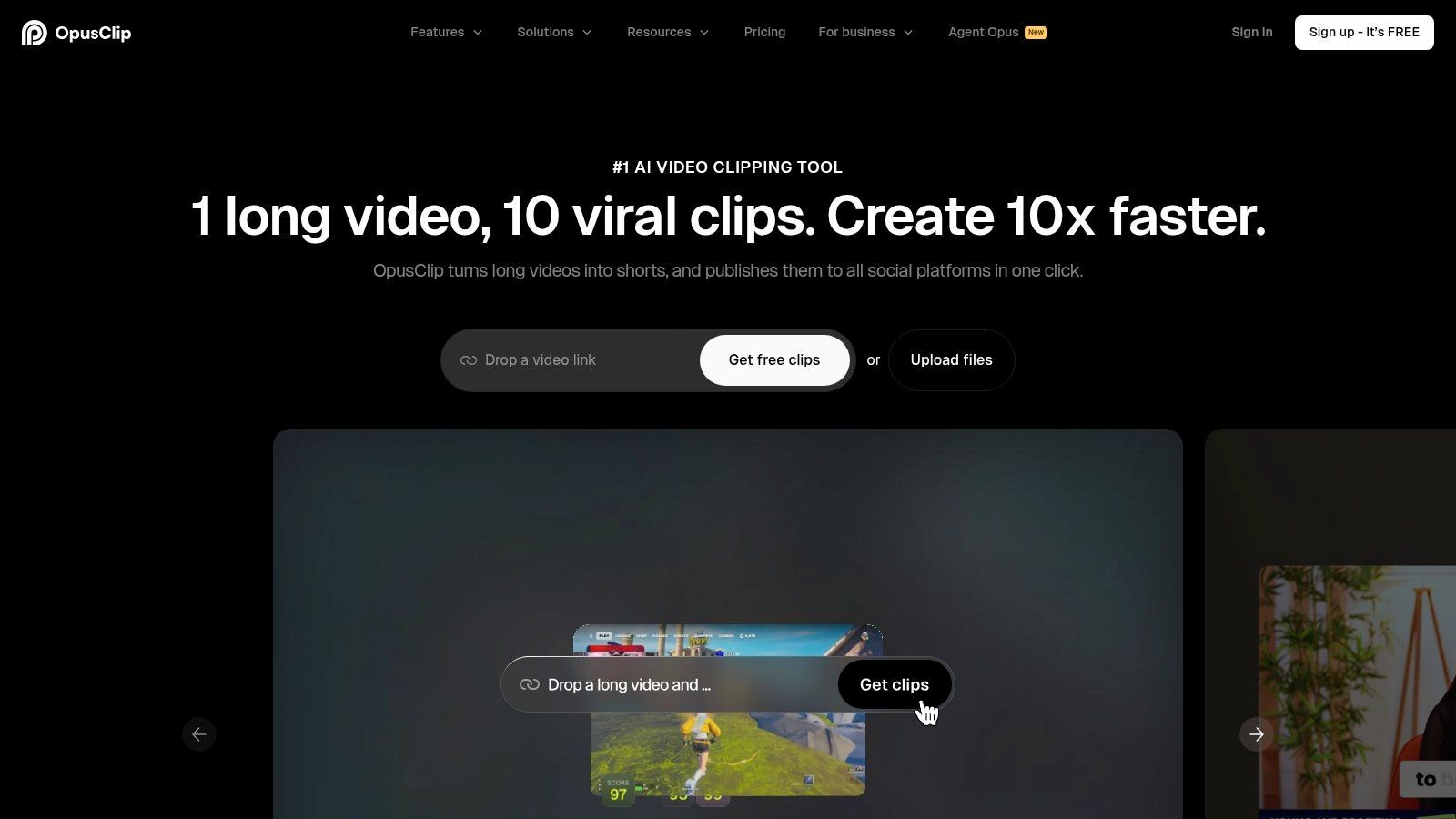
This tool is exceptionally useful for creators and marketers who need to produce a high volume of short-form content without spending hours manually editing. The AI reframing with face detection ensures the speaker always remains in focus, a critical detail for mobile viewing. For those particularly interested in mastering this workflow, there is a dedicated guide to Opus Clip AI that dives deeper into its features and best practices.
Key Features & Use Cases
- AI Virality Score™: Each generated clip receives a score from 1-100, helping you prioritize which shorts to post first for maximum impact.
- Active Speaker Detection & Reframing: Automatically keeps the main speaker centered in a 9:16 frame, a huge time-saver compared to manual keyframing.
- Brand Kit & Templates: The Pro plan allows users to create custom templates with their brand fonts, colors, and logos, ensuring content consistency.
- Direct Social Publishing: Connect your TikTok, YouTube, Instagram, and LinkedIn accounts to schedule and post clips directly from the OpusClip dashboard.
Pricing and Access
OpusClip operates on a credit-based system where processing minutes are converted into credits. A free tier is available, offering 90 minutes of free processing credits per month, perfect for testing the platform. Paid plans start with the Creator tier, providing more processing minutes and removing watermarks. The Pro plan is geared toward agencies and brands, adding team workspaces, brand templates, and social scheduling.
| Feature | Free Tier | Creator Plan | Pro Plan |
|---|---|---|---|
| Monthly Processing Credits | 90 min | 1,200 min+ | 3,600 min+ |
| AI Virality Score | Yes | Yes | Yes |
| Watermark | Yes | No | No |
| Social Media Scheduler | No | No | Yes |
| Custom Brand Templates | No | No | Yes |
| Team Workspace | No | No | Yes |
Pros:
- Excellent automation for repurposing content at scale.
- Virality score provides data-driven posting guidance.
- Pro plan offers strong brand controls and team collaboration.
Cons:
- Credit-based model can become costly for users with very high volume needs.
- Some user feedback mentions inconsistent support experiences.
Website: https://www.opus.pro
3. Klap
Klap positions itself as a smart AI video shorts generator with a powerful, globally-minded feature: multilingual dubbing. While it effectively repurposes long videos into captioned shorts, its main differentiator is the ability to automatically translate and dub clips into dozens of languages. This makes it an excellent choice for creators and brands aiming to expand their reach across international audiences without hiring voice actors or manual translators.
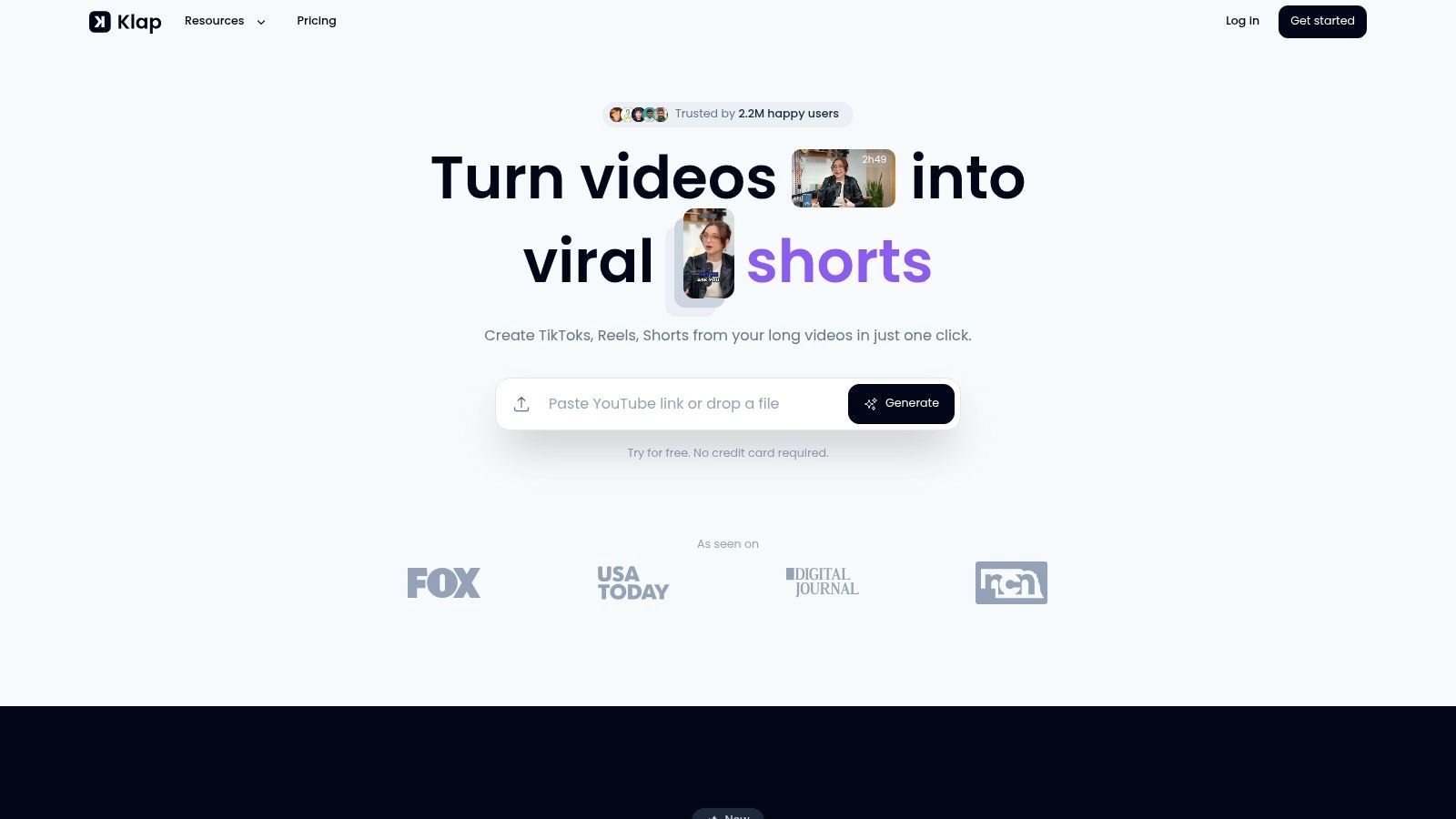
The platform analyzes your video to find the best hooks, automatically crops the frame to focus on the speaker, and generates dynamic subtitles. Its straightforward interface allows you to quickly review and export clips, making it a fast solution for producing a steady stream of content for platforms like TikTok, Reels, and YouTube Shorts. The inclusion of an API also opens doors for developers to integrate its clipping technology into custom workflows.
Key Features & Use Cases
- AI Dubbing: Automatically translates and dubs your video shorts into multiple languages, cloning the original speaker's voice for authenticity.
- Smart Auto-Clipping: The AI identifies the most engaging topics and segments from a long video to create high-potential short clips.
- Dynamic Captions & Customization: Generates animated subtitles and allows for basic customization to match your brand's aesthetic.
- 4K Export Quality: Higher-tier plans offer the ability to download clips in 4K resolution, providing a premium, polished look for your content.
Pricing and Access
Klap uses a transparent, usage-based pricing model with clear quotas for uploads, processing minutes, and generated clips. A free trial is available to test the platform's core functionality. Paid plans scale up to offer more generous limits and advanced features. The Klap Pro plan is the entry-level paid tier, while the Klap Business plan caters to heavy users with higher quotas and 4K exports.
| Feature | Free Trial | Klap Pro | Klap Business |
|---|---|---|---|
| Monthly Uploads | 3 | 10 | 30 |
| Max Upload Duration | 60 min | 90 min | 120 min |
| AI Dubbing | Yes | Yes | Yes |
| Export Quality | 1080p | 1080p | 4K |
| Watermark | Yes | No | No |
| API Access | No | No | Yes |
Pros:
- Excellent multilingual dubbing feature helps expand content reach globally.
- Straightforward pricing with clear usage quotas.
- 4K export option on the Business plan ensures high-quality output.
Cons:
- Upload and clip limits on lower tiers can be restrictive for high-volume creators.
- Advanced features like 4K and API access are locked behind the most expensive plan.
Website: https://klap.app
4. Quso (formerly Vidyo.ai)
Quso, which was previously known as Vidyo.ai, establishes itself as a complete long-to-short content repurposing suite. It’s built for creators and social media teams who need an efficient workflow from video clipping to multi-platform publishing. The platform’s strength is its integrated approach, combining AI-powered video editing with a native content planner and scheduler, aiming to reduce the number of tools needed to manage a social media presence.
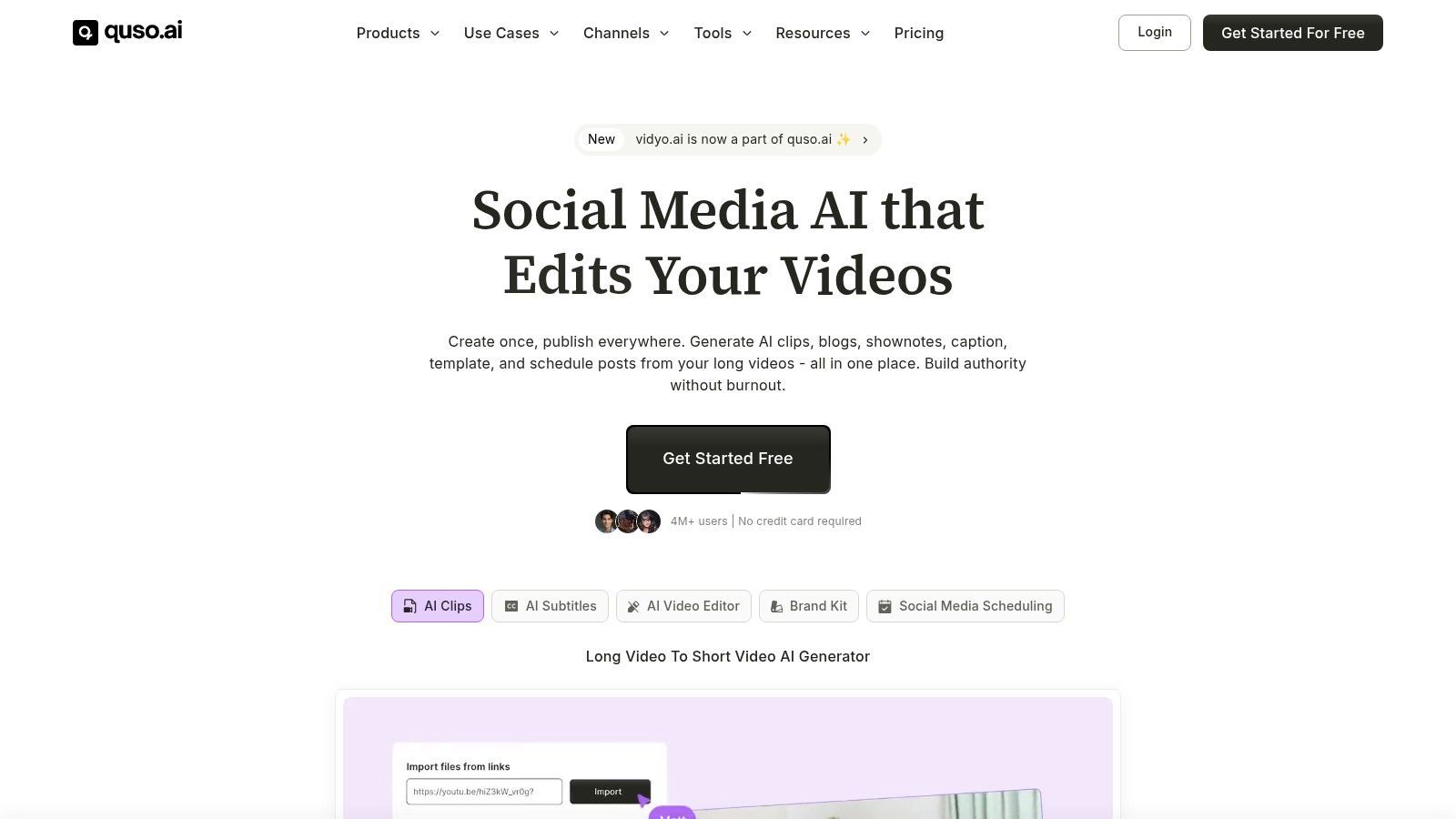
This AI video shorts generator is particularly effective for those managing multiple social channels. The AI analyzes long videos to suggest "Intelliclips," removes silences, and automatically generates animated captions. From there, users can resize clips for various platforms, apply brand templates, and schedule posts directly to their accounts, creating a seamless content pipeline from a single dashboard.
Key Features & Use Cases
- Intelliclips & CutMagic: Quso’s AI identifies highlight moments and automatically edits them, while its CutMagic feature removes filler words and long pauses to create more concise and engaging clips.
- Built-in Content Planner: A standout feature is the integrated calendar for scheduling and publishing clips to TikTok, Instagram Reels, YouTube Shorts, and LinkedIn without leaving the platform.
- Brand Kit & Templates: Users can upload brand assets like logos, fonts, and color palettes to create custom templates, ensuring all video output is consistent and on-brand.
- Multi-format Resizing: Quickly resize any clip into vertical (9:16), square (1:1), or horizontal (16:9) formats with a single click, optimizing content for different social feeds.
Pricing and Access
Quso uses a credit-based model where uploading video minutes consumes credits. A free plan is offered with 75 minutes to allow new users to test the core features. Paid plans are affordably priced, especially with annual billing, and start with the Pro plan, which offers a significant increase in monthly minutes and removes watermarks. The Growth plan is designed for heavier users and teams, adding more minutes and advanced features.
| Feature | Free Tier | Pro Plan | Growth Plan |
|---|---|---|---|
| Monthly Upload Credits | 75 min | 300 min+ | 1,200 min+ |
| Watermark | Yes | No | No |
| Built-in Social Scheduler | Yes | Yes | Yes |
| Custom Brand Templates | No | Yes | Yes |
| Filler Word Removal | No | Yes | Yes |
Pros:
- Affordable annual pricing with generous minute allowances.
- The built-in scheduler and planner greatly reduce the need for other tools.
- Strong template and brand controls support content consistency.
Cons:
- Credit model can be difficult to manage if video upload volume spikes unexpectedly.
- Some advanced analytics and team features are reserved for higher-tier plans.
Website: https://quso.ai
5. 2Short AI
2Short AI is a purpose-built AI video shorts generator that excels at extracting engaging clips from long-form YouTube content. Its core function is to analyze talk-based videos, like interviews, educational lectures, or vlogs, and automatically identify the most compelling moments. The platform then intelligently crops the video to keep speakers in frame, adds animated subtitles, and prepares clips for social media distribution.
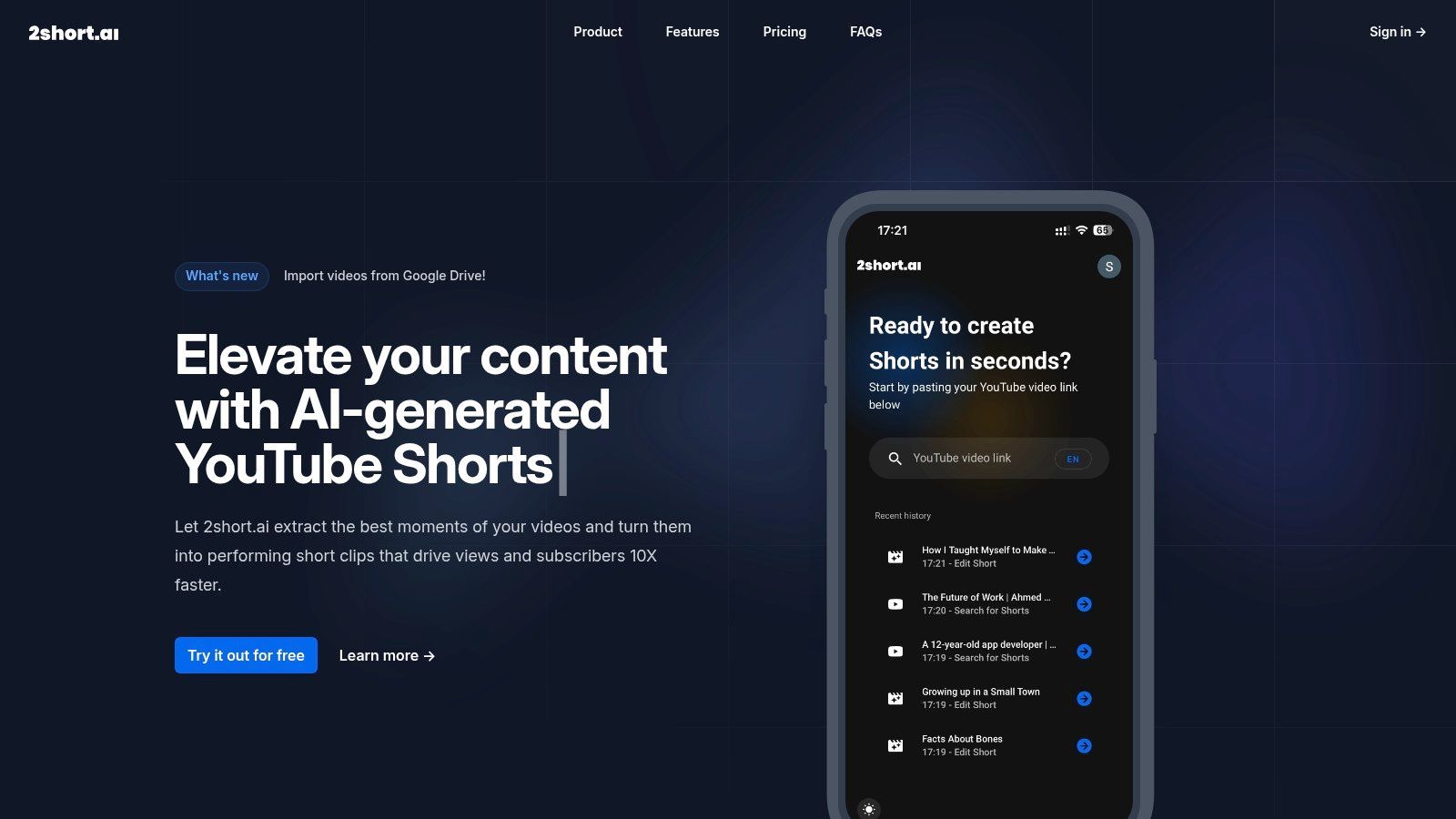
This tool is particularly effective for creators who need to quickly populate their social channels with high-quality shorts without extensive manual editing. The system’s face-tracking AI is a significant time-saver, and the generous export allowances on paid plans make it a cost-effective choice for creators focused on maximizing output from their existing video library.
Key Features & Use Cases
- AI Highlight Detection: The platform analyzes video transcripts and visual cues to pinpoint potential viral moments, presenting them for user selection.
- Face Tracking & Auto-Cropping: Automatically tracks and centers speakers within a vertical frame, which is essential for mobile-first platforms like TikTok and Instagram Reels.
- Animated Subtitles: Adds dynamic, easy-to-read captions to every clip, boosting viewer retention and accessibility.
- Multiple Aspect Ratios: Users can export clips in 9:16 (vertical), 1:1 (square), or 16:9 (widescreen) to fit various social platforms.
Pricing and Access
2Short AI offers a free plan that includes 15 minutes of AI video analysis per month, allowing users to test the workflow and features. Paid plans are structured around the number of video minutes analyzed. The Lite plan is a great starting point for individual creators, while the Pro and Premium plans offer significantly more analysis minutes and add features like Google Drive imports, making them suitable for power users and agencies.
| Feature | Free Plan | Lite Plan | Pro Plan |
|---|---|---|---|
| Monthly AI Analysis Minutes | 15 min | 5 hours | 15 hours |
| Unlimited 1080p Exports | No | Yes | Yes |
| Watermark | Yes | No | No |
| Animated Subtitles | Yes | Yes | Yes |
| Face Tracking AI | Yes | Yes | Yes |
| Google Drive Import | No | No | Yes |
Pros:
- Generous free plan is great for validating the workflow.
- Unlimited high-quality 1080p exports on all paid plans.
- Pricing model based on minutes analyzed is predictable and transparent.
Cons:
- Best suited for talk-based content; less effective for videos with heavy B-roll or fast-paced action.
- Lower-tier plans may have server-side processing limits during peak times.
Website: https://2short.ai
6. SendShort
SendShort enters the AI video shorts generator space with a focus on automation and "faceless" video creation. It combines standard repurposing features with unique templates that allow creators to produce engaging shorts without ever appearing on camera. The platform automates the addition of dynamic captions, B-roll footage, and sound effects, aiming to provide a hands-off content creation workflow that is both affordable and capable.
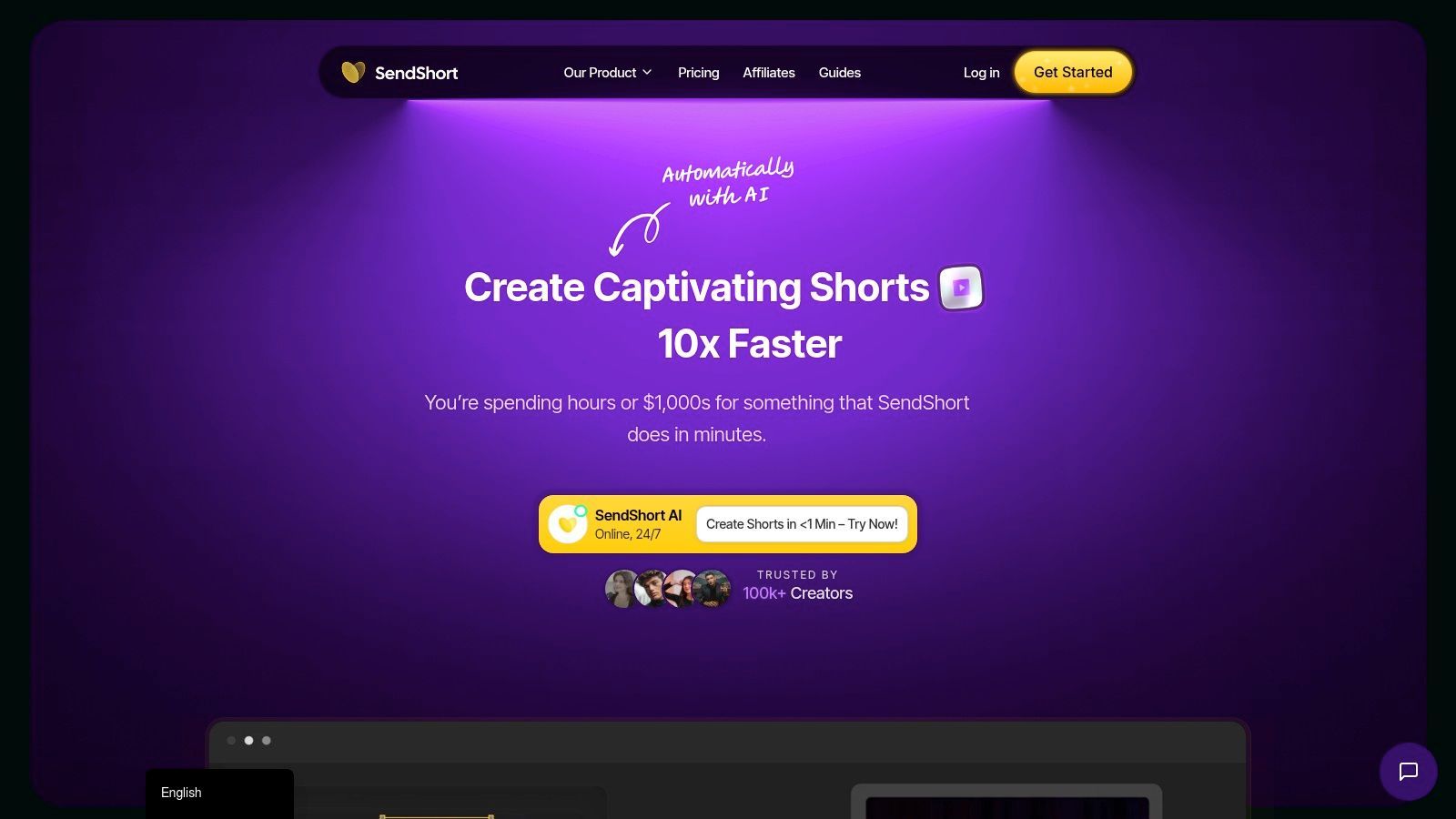
This tool is particularly well-suited for creators who want to build a content series or maintain a consistent posting schedule with minimal effort. Its higher-tier plans introduce valuable automation, such as creating content series, scheduling posts, and analyzing performance, making it a strong option for social media managers juggling multiple accounts. The availability of 4K exports on the Business plan is a notable feature for those prioritizing video quality.
Key Features & Use Cases
- Faceless Video Templates: A standout feature for creating anonymous or brand-focused content. The AI populates these templates with relevant B-roll and visuals based on the video's audio transcript.
- Auto Captions & AI Hooks: Generates dynamic, animated subtitles and suggests engaging opening lines to improve viewer retention from the first second.
- Advanced Automation Suite: The Business tier includes tools to create a series from a single long video, auto-post to social channels, and access analytics to track performance.
- High-Resolution Exports: Offers export options up to 4K on its highest plan, catering to creators who need top-tier visual fidelity for platforms like YouTube.
Pricing and Access
SendShort offers a clear, tiered subscription model with a free trial to test its capabilities. The plans are distinguished by the number of video imports, maximum video length, and access to advanced features. The Starter plan is for individuals, while the Pro plan adds more capacity. The Business plan unlocks the full suite of automation tools, faceless templates, and 4K exports.
| Feature | Starter Plan | Pro Plan | Business Plan |
|---|---|---|---|
| Monthly Video Imports | 20 | 50 | 120 |
| Max Upload Length | 60 min | 90 min | 120 min |
| Faceless Video Templates | Limited | Limited | Unlimited |
| Video Quality | 1080p | 2K | 4K |
| Auto-Posting & Scheduling | No | No | Yes |
| Series & Analytics | No | No | Yes |
Pros:
- Excellent for creating "faceless" content with dedicated templates.
- Business plan provides strong automation and analytics for serious creators.
- Offers 4K export, which is rare in this category.
Cons:
- Many of the most powerful features are locked behind the most expensive tier.
- Monthly import and length caps might be restrictive for high-volume agencies.
Website: https://sendshort.ai
7. Vizard
Vizard establishes itself as a powerful AI video shorts generator with a distinct focus on transcript-based editing. It’s designed for creators who think in terms of narrative and dialogue, allowing them to clip long videos by simply highlighting text in the auto-generated transcript. This approach speeds up the process of finding and isolating key moments from podcasts, interviews, and presentations, making it an excellent workflow for content-heavy producers.
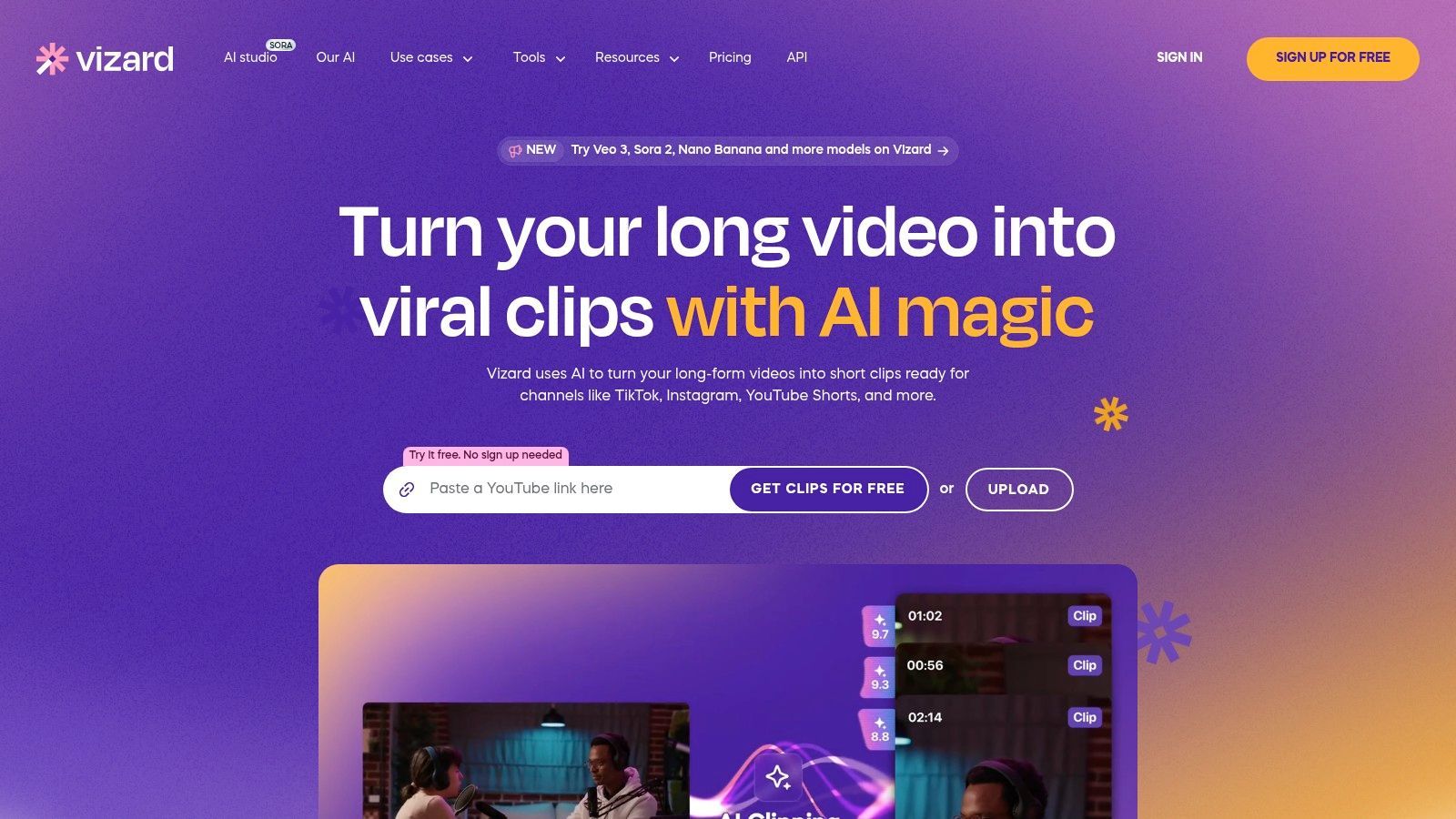
Beyond its core clipping function, Vizard offers a suite of tools that address the entire short-form content lifecycle. It suggests SEO-friendly titles and descriptions, helping with the discoverability of your shorts. For teams and agencies, its collaboration features and direct social media scheduling streamline the path from editing to publishing, positioning it as a complete repurposing solution.
Key Features & Use Cases
- Transcript-Based Editing: Select text from the transcript to instantly create a video clip, a method many find faster and more intuitive than scrubbing a timeline.
- AI Title & SEO Suggestions: The platform generates compelling titles, descriptions, and tags for your shorts to improve visibility on platforms like YouTube and TikTok.
- Team Workspace: Higher-tier plans provide a collaborative environment where team members can review, edit, and manage video assets together.
- Social Scheduling: Connect your social accounts and schedule your finalized shorts to be posted directly from the Vizard dashboard, saving a significant amount of manual work.
Pricing and Access
Vizard offers a tiered subscription model, including a free plan that provides an excellent entry point for testing its core features. The paid Pro and Business plans unlock higher processing limits, remove watermarks, and grant access to advanced features like team collaboration and social scheduling. Pricing information can be dynamic, so users may need to log in to see the most current details.
| Feature | Free Plan | Pro Plan | Business Plan |
|---|---|---|---|
| Monthly Uploads | Limited | More Uploads | Custom |
| Transcript-Based Editing | Yes | Yes | Yes |
| Watermark | Yes | No | No |
| Social Media Scheduler | No | Yes | Yes |
| Team Workspace | No | No | Yes |
| API Access | No | No | Yes |
Pros:
- Transcript-first editing is a fast and effective workflow.
- Strong community feedback praises its speed-to-clip.
- Free plan is available for getting started and testing the platform.
Cons:
- Pricing can be dynamic and may require in-app verification to view.
- Key features like team management and scheduling are locked behind higher-tier plans.
Website: https://vizard.ai
8. Munch
Munch has carved out a significant space as an AI video shorts generator, particularly favored by brands, social media managers, and agencies. Its primary function is to analyze long-form videos and extract the most compelling, shareable moments. The platform goes a step further than simple clipping by incorporating trend analysis, suggesting edits that align with what’s currently performing well on platforms like TikTok, Instagram, and YouTube.
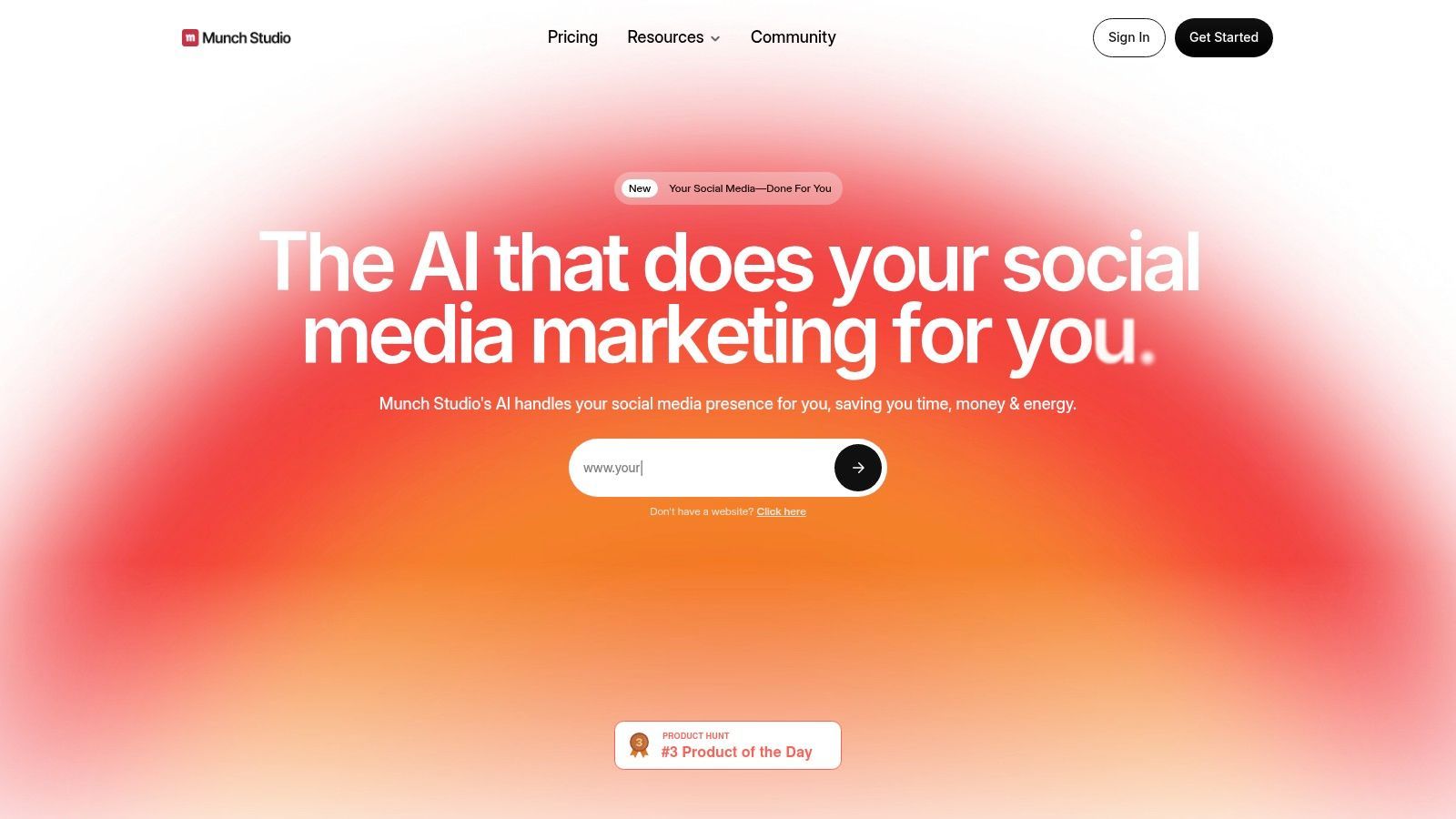
This focus on data-driven editing makes Munch a powerful tool for marketing teams aiming to maximize reach and engagement. The platform automates the entire workflow from clip generation and subtitle creation to aspect ratio adjustments, delivering ready-to-publish content. Its design is geared toward managing multiple clients or brand accounts, making it a go-to for agency-level production at scale.
Key Features & Use Cases
- AI-Driven Highlight Detection: The AI identifies moments with high engagement potential based on topical relevance and content structure.
- Trend and Tracking Analysis: Clips are generated with insights from social media trends, improving their chances of resonating with current audiences.
- Auto Captions & Optimization: Automatically generates and styles captions and reformats video for different social platforms (9:16, 1:1, etc.).
- Team & Agency Workflow: Built with features that support collaboration and managing content for multiple brand accounts from a central dashboard.
Pricing and Access
Munch offers a few subscription tiers tailored to different levels of usage. A free trial is typically available for new users to test the platform’s capabilities. Paid plans are structured based on the volume of video processing needed per month, with higher tiers offering more minutes and advanced features. The Pro and Elite plans are designed for serious creators and teams, while the Ultimate plan is aimed at agencies managing a large portfolio of clients.
| Feature | Pro Plan | Elite Plan | Ultimate Plan |
|---|---|---|---|
| Monthly Processing Credits | 200 min | 500 min | 1,000 min |
| Auto-Generated Clips | Yes | Yes | Yes |
| Social Trend Analysis | Yes | Yes | Yes |
| Auto Post to Socials | Yes | Yes | Yes |
| Multiple Brand Kits | No | Yes | Yes |
| Team Member Seats | No | Yes | Yes |
Pros:
- Strong focus on trend intelligence to improve social media performance.
- Excellent for agencies and teams managing multiple client accounts.
- End-to-end automation from clipping to social media posting.
Cons:
- Can be more complex than what a solo creator might need.
- Pricing can be higher compared to more basic repurposing tools.
Website: https://www.getmunch.com
9. VEED
VEED positions itself as an all-in-one, browser-based video editor with a strong AI toolset, making it more than just a simple AI video shorts generator. It's designed for creators and teams who need an end-to-end production workflow, from initial script generation to final hosting. The platform integrates AI across its features, including an AI Clips generator for repurposing content, an AI Reel Generator, and tools for creating AI avatars and voiceovers. This makes it a powerful option for those who prefer a single, integrated environment for all their video tasks.
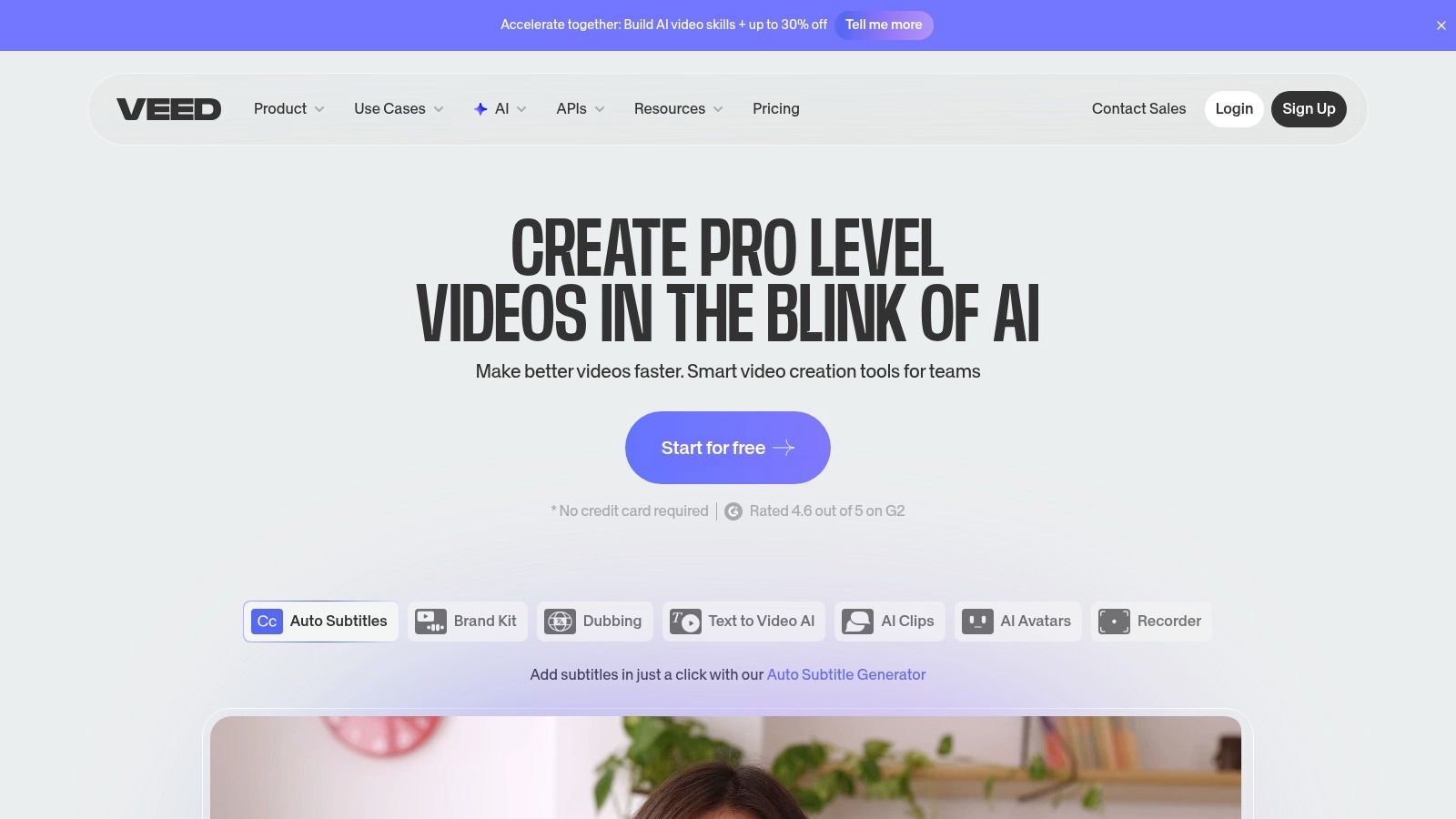
The platform's strength lies in its breadth of features. Users can generate a script, create a voiceover, remove backgrounds, correct eye contact, and even translate content into different languages with AI dubbing, all within the same interface. This removes the friction of switching between multiple specialized tools. While its core is a powerful manual editor, the AI features add significant speed and automation to the content creation process. For creators exploring different AI video modalities, learning about the recent advancements in image-to-video generation can provide context for the evolving tools available.
Key Features & Use Cases
- AI Clips & Reel Generator: Automatically find the best moments in your long videos and turn them into engaging shorts with auto-subtitles and translation.
- AI Avatars & Voice Generation: Create videos without showing your face by using customizable AI avatars and a wide range of AI-generated voices.
- Comprehensive Editing Suite: Includes background removal, eye-contact correction, a teleprompter, and a full suite of traditional editing tools.
- Team Collaboration & Hosting: Built for teams with collaborative workspaces and includes video hosting with an embeddable player, making it a full-stack solution.
Pricing and Access
VEED offers several plans, including a free tier for quick projects. The paid plans unlock more advanced features, higher export quality, and remove watermarks. Pricing details can be dynamic, so checking the website for the latest information is recommended. The Basic plan is a good starting point for individuals, while the Pro and Business plans add collaboration features, brand kits, and AI credits for more demanding users.
| Feature | Free Tier | Basic Plan | Pro Plan | Business Plan |
|---|---|---|---|---|
| Watermark | Yes | No | No | No |
| Max Export Length | 10 min | 25 min | 2 hours | 2 hours+ |
| Export Quality | 720p | 1080p | 4K | 4K |
| Auto Subtitles | Yes (Limited) | Yes | Yes | Yes |
| AI Avatars & Voices | No | No | Yes | Yes |
| Brand Kit | No | No | Yes | Yes |
Pros:
- Wide toolset goes beyond clipping, covering the entire production process.
- Completely browser-based, requiring no installation and simplifying team access.
- Frequent updates with new AI features and enterprise-level options.
Cons:
- Some user feedback questions the overall value proposition for the price.
- The sheer number of features can feel overwhelming for new users.
Website: https://www.veed.io
10. CapCut
CapCut has become an essential tool for short-form video creation, evolving from a simple mobile editor to a powerful cross-platform suite with robust AI features. Owned by ByteDance, the parent company of TikTok, it's deeply integrated with social media trends. CapCut functions as a versatile ai video shorts generator, blending manual editing control with automated AI tools, making it accessible for both beginners and seasoned creators looking for rapid production workflows.
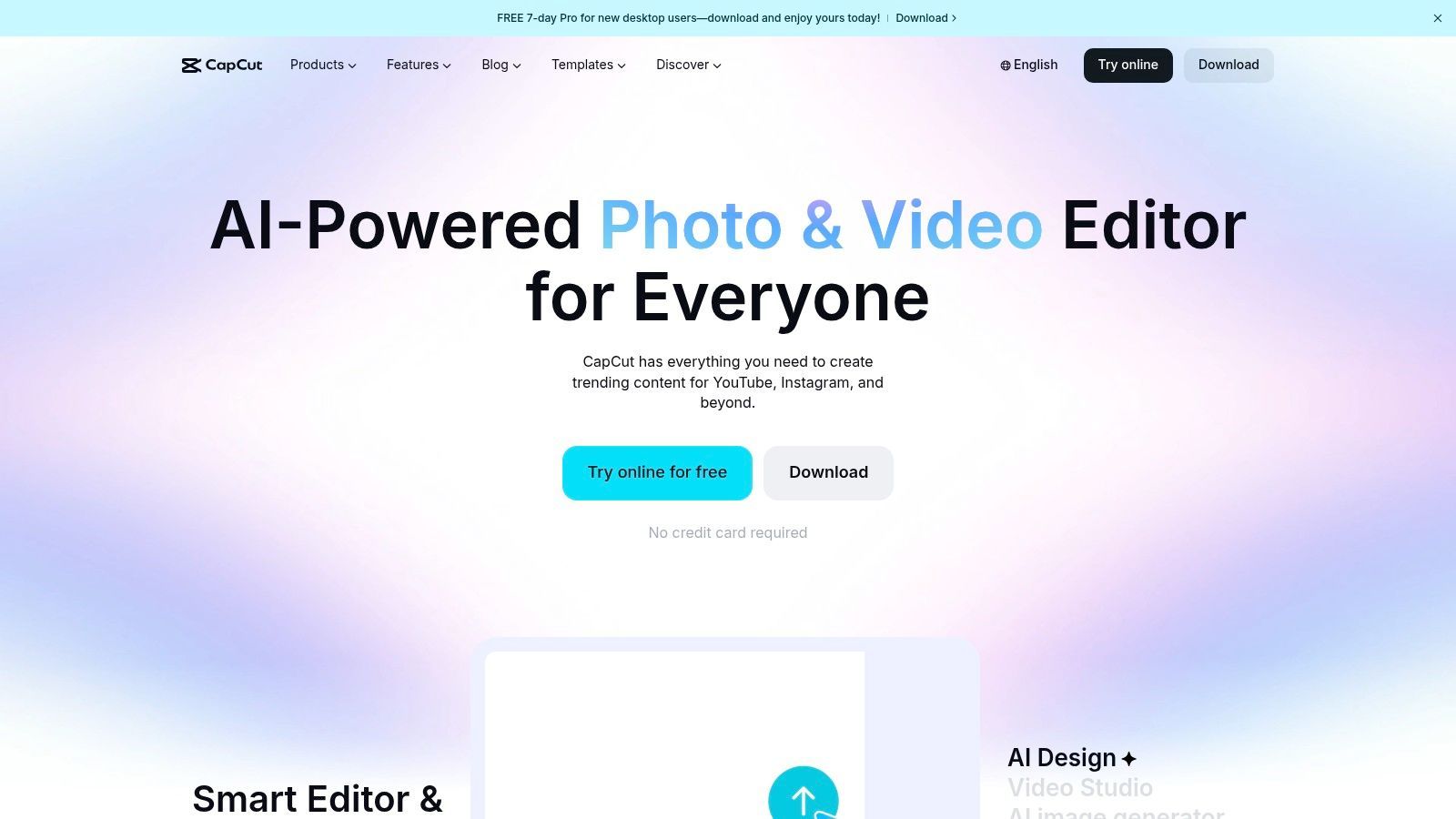
The platform is particularly known for its vast library of templates, effects, and sounds that are optimized for virality on TikTok, Reels, and YouTube Shorts. Its AI features, like auto-captions and background removal, simplify common but time-consuming editing tasks. The ability to start a project on a phone and finish it on a desktop makes it a practical choice for creators who work on the go.
Key Features & Use Cases
- Auto Captions & AI Background Removal: Instantly generate and stylize captions for accessibility and engagement. The background removal tool allows for quick green-screen effects without needing an actual green screen.
- Templates and Effects Library: A massive, constantly updated library of templates lets users quickly replicate trending video formats with their own footage.
- Multi-Platform Aspect Ratio Support: Easily switch between 9:16, 16:9, and other aspect ratios to prepare content for various social platforms from a single project.
- Cross-Device Ecosystem: Seamlessly sync and edit projects across mobile, web, and desktop applications, providing a flexible workflow for any situation.
Pricing and Access
CapCut offers a generous free version with a large set of features, making it highly accessible. The CapCut Pro subscription unlocks premium effects, templates, AI features, and additional cloud storage. Pricing can vary based on the region and whether the subscription is purchased through a mobile app store or directly on the web.
| Feature | Free Version | CapCut Pro |
|---|---|---|
| Basic Editing Tools | Yes | Yes |
| Watermark | No (by default) | No |
| Access to Templates & Effects | Limited | Full Access |
| AI-Powered Features | Limited | Full Access |
| Cloud Storage | Yes (Limited) | Increased |
| Cross-Device Syncing | Yes | Yes |
Pros:
- Extremely popular with a massive community and template library.
- Excellent cross-device workflow between mobile, web, and desktop.
- New AI features are added frequently, keeping the tool modern.
Cons:
- Pricing structures and plan details can vary by region and storefront, causing user confusion.
- The sheer number of features can feel overwhelming for absolute beginners.
Website: https://www.capcut.com
11. Wisecut
Wisecut is a specialized AI video shorts generator engineered to efficiently turn long, talking-head videos into punchy, engaging shorts. It’s particularly effective for educators, coaches, and vloggers whose content relies on direct-to-camera presentation. The platform’s main function is its automated editing intelligence, which removes silences and awkward pauses to create dynamic jump-cuts. This process keeps the viewing pace high and holds audience attention.
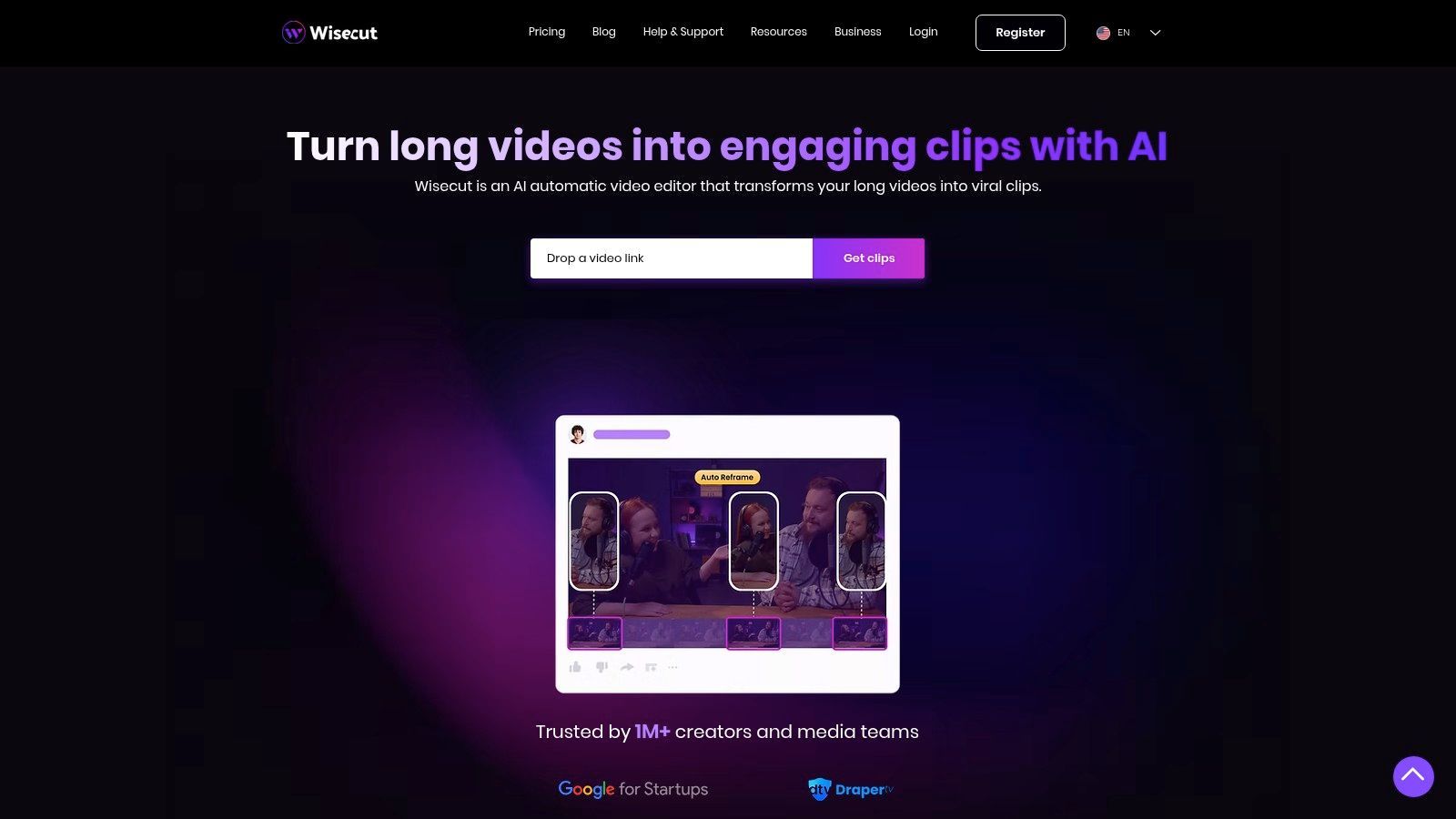
The tool goes beyond simple trimming by automatically adding background music that fits the video's mood and generating subtitles for accessibility. For creators who spend countless hours manually cutting out "ums" and "ahs," Wisecut automates the most tedious part of the editing workflow. Its facial recognition ensures that even with jump-cuts and aspect ratio changes, the speaker remains the focal point.
Key Features & Use Cases
- Automatic Silence Removal: The core engine intelligently detects and cuts out dead air, creating a fast-paced and professional-feeling video without manual timeline scrubbing.
- Smart Music & Sound Design: Wisecut analyzes your video and suggests royalty-free background music, automatically balancing its volume against your voice.
- Auto Captions & Subtitles: It generates and adds captions to your videos, with options to translate them into different languages to expand your audience reach.
- Facial Recognition Punch-Ins: To make jump-cuts feel more natural, the AI automatically punches in or slightly zooms on the speaker's face, adding visual variety.
Pricing and Access
Wisecut uses a straightforward pricing model based on video processing hours per month. It includes a free plan with a watermark, which is ideal for testing the automation features on a few videos. The paid plans remove the watermark and significantly increase the monthly hour allowance. Higher tiers also unlock 4K exports and priority support, with enterprise options available for high-volume agencies.
| Feature | Free Plan | Starter Plan | Professional Plan |
|---|---|---|---|
| Monthly Processing Limit | 30 min | 3 hours | 10 hours |
| Max Video Length | 20 min | 1 hour | 1.5 hours |
| Watermark | Yes | No | No |
| Export Resolution | 720p | 1080p | 4K |
| Auto Subtitles | Yes | Yes | Yes |
| Team Collaboration | No | No | Yes |
Pros:
- Excellent, purpose-built automation for converting talking-head content into shorts.
- Clear, hour-based processing limits make it easy to budget usage.
- API access is available for teams needing to integrate it into custom workflows.
Cons:
- More limited creative features compared to all-in-one AI editors.
- The hour-based caps require careful monitoring for users with heavy production schedules.
Website: https://www.wisecut.ai
12. Pictory
Pictory stands out as a versatile AI video shorts generator that caters to multiple content creation workflows. It excels at turning long-form text content, like blog posts or scripts, into engaging short videos. Additionally, it offers powerful features for repurposing existing long-form video, making it a flexible tool for marketers and creators who work with various source materials. Its core function is to automate the process of matching text to relevant stock visuals and adding dynamic elements like voiceovers and captions.
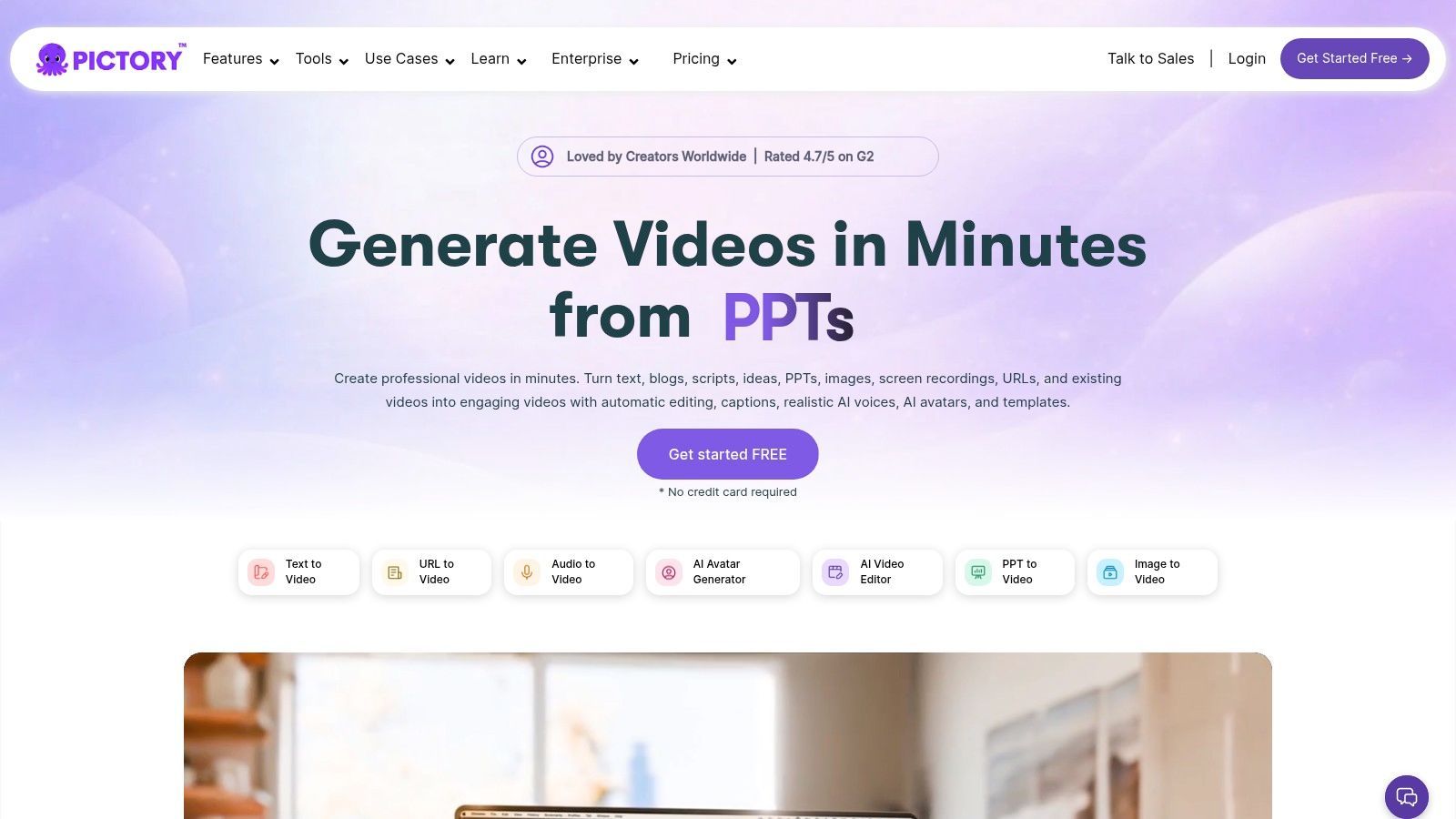
The platform is particularly useful for those looking to create video content from scratch without filming, by simply providing a script or a URL. Its integration with premium stock libraries and high-quality AI voices from ElevenLabs means users can produce professional-looking videos without needing external tools. For those curious about the underlying technology, it's worth exploring the models used for text-to-video generation to understand how it all works. The availability of an API also opens doors for businesses needing to programmatically generate videos at scale.
Key Features & Use Cases
- Multiple Input Methods: Accepts scripts, article URLs, or long videos as source material, providing a flexible starting point for any project.
- Stock Media Integration: Access to extensive video and image libraries from Getty Images and Storyblocks directly within the editor.
- AI Voiceovers & Captions: Features realistic, multi-language AI voices powered by ElevenLabs and automatically generates synchronized captions.
- API for Automation: The Teams plan includes API access, allowing for programmatic video creation and integration into custom workflows.
Pricing and Access
Pictory offers a free trial that allows users to create three video projects up to 10 minutes long each, providing a solid opportunity to test its capabilities. Paid plans are structured in tiers, starting with the Standard plan for new creators. The Premium plan adds more videos per month, brand kits, and access to premium voices and media. The Teams plan is designed for collaborative work, offering more user seats, advanced branding, and API access.
| Feature | Free Trial | Standard Plan | Premium Plan |
|---|---|---|---|
| Videos per Month | 3 projects | 30 | 60 |
| Branding Kits | No | 1 | 10 |
| Stock Library Access | Standard | Standard | Premium |
| ElevenLabs AI Voices | No | No | Yes |
| API Access | No | No | No (Teams Plan) |
Pros:
- Highly versatile, supporting both text-to-video and video repurposing.
- Built-in asset libraries and voices reduce the need for external sourcing.
- API option is a powerful feature for agencies automating at scale.
Cons:
- Pricing and promotional offers can change; it's best to check the site for current details.
- The credit/minute model might not be ideal for users who prefer unlimited experimentation.
Website: https://pictory.ai
12 AI Video-Shorts Generators: Feature Comparison
| Product | Core features ✨ | Quality ★ | Value & Pricing 💰 | Target Audience 👥 |
|---|---|---|---|---|
| ShortGenius (AI Video / AI Ad Generator) 🏆 | ✨ End-to-end editor: script→image→video→voice, presets, brand kit, series & auto-schedule | ★★★★☆ — premium voices, high-fidelity models, fast trims | 💰 Subscription + enterprise/API options (see website) | 👥 Influencers, agencies, social teams, e‑comm, educators |
| OpusClip | ✨ Auto-clipping, Virality Score, animated captions, reframing, scheduler | ★★★☆☆ — strong automation, good templates | 💰 Free tier; credit-based Pro plans | 👥 Creators, marketers, agencies |
| Klap | ✨ Auto-clips + multilingual dubbing, 4K exports, usage API | ★★★☆☆ — good global dubbing quality | 💰 Quota/usage tiers; 4K on higher plans | 👥 Global creators, brands |
| Quso (Vidyo.ai) | ✨ AI clipping, CutMagic, resize & scheduling, brand kit | ★★★★☆ — reliable repurposing & scheduling | 💰 Affordable annual tiers; minute/credit model | 👥 Social teams, solo creators |
| 2Short AI | ✨ Highlight detection, face tracking, animated subtitles, 1080p/unlimited exports | ★★★★☆ — excellent for talk-based content | 💰 Free plan; paid unlimited high-quality exports | 👥 Podcasters, interviewers, talk creators |
| SendShort | ✨ Auto captions, faceless templates, B‑roll/SFX, automation & analytics | ★★★☆☆ — good faceless workflows | 💰 Clear monthly quotas; 4K on Business plan | 👥 Hands-off creators, small businesses |
| Vizard | ✨ Transcript-led clipping, SEO/title suggestions, team workspace, API | ★★★★☆ — fast transcript-first workflow | 💰 Free plan; dynamic/team pricing in-app | 👥 Teams, marketers, agencies |
| Munch | ✨ Trend-driven highlight detection, auto-editing, publishing at scale | ★★★★☆ — agency-grade social performance tools | 💰 Contact/demo pricing; enterprise focus | 👥 Brands, agencies, marketing teams |
| VEED | ✨ End-to-end editor, AI avatars/voices, hosting, background removal | ★★★★☆ — broad feature set for production | 💰 Tiered subscriptions; enterprise options | 👥 Teams, creators needing full editor |
| CapCut | ✨ Templates, auto-captions, reframing, cross-device editing | ★★★★☆ — ubiquitous & fast for creators | 💰 Mostly free; region-dependent paid features | 👥 Mass-market creators, beginners |
| Wisecut | ✨ Silence removal, smart jump-cuts, music, facial punch-ins | ★★★☆☆ — purpose-built for talking-heads | 💰 Hour-based processing limits; API available | 👥 Educators, vloggers, coaches |
| Pictory | ✨ Text-to-video + repurposing, stock libraries, multi-lang voices, API | ★★★☆☆ — versatile repurposing & TTV | 💰 Subscription/credit models; API for automation | 👥 Marketers, teams, content repurposers |
Choosing Your AI Co-Pilot: Final Recommendations
We've explored a dozen powerful contenders in the AI video shorts generator market, from the straightforward repurposing magic of OpusClip and Klap to the all-in-one production capabilities of VEED and CapCut. The journey through these tools reveals a clear truth: there is no single "best" AI video shorts generator, only the one that best fits your specific content creation process, goals, and resources. The right choice hinges entirely on your starting point and desired destination.
Making this decision requires a clear-eyed assessment of your current workflow. Are you a podcaster buried under hours of audio, needing to extract compelling clips for social media? A tool like Quso (formerly Vidyo.ai) or 2Short AI becomes a massive time-saver. Are you a social media manager for a brand who needs to identify viral-potential moments and maintain a consistent brand aesthetic across every clip? The trend analysis and brand kit features in a platform like Munch are built for your needs.
Matching the Tool to Your Creator Persona
To simplify your choice, let's distill our findings into actionable recommendations based on common creator archetypes:
-
For the Solo Creator & Influencer: Your primary currency is time and authenticity. You need speed, ease of use, and a tool that handles the technical grunt work. OpusClip and Klap are exceptional starting points. They excel at the "one-click" workflow, turning long-form videos into a batch of ready-to-post shorts, complete with smart captions and autoframing. This allows you to focus on recording your main content, knowing the promotional assets will be generated almost automatically.
-
For the Marketing Team & E-commerce Brand: Your focus is on performance, brand consistency, and return on investment. You require more control, analytics, and collaborative features. Munch is a strong choice for its data-driven approach, identifying high-potential clips based on social trends. For teams that need to create video content from scratch using text or existing assets, Pictory and VEED provide the flexibility to build branded videos, product explainers, and promotional shorts at scale.
-
For the Agency & Production Studio: You manage multiple clients, each with a unique voice and strategy. Efficiency, collaboration, and a comprehensive feature set are non-negotiable. While managing multiple subscriptions to specialized tools is an option, a more integrated platform is often superior. A tool that combines content generation, editing, and distribution into a single dashboard can save significant overhead.
Beyond the Features: Implementation and Strategy
Selecting a tool is only half the battle. Successful implementation depends on integrating it thoughtfully into your content strategy. The most significant mistake is treating an AI video shorts generator as a simple "content vending machine." Instead, view it as a co-pilot or a hyper-efficient video editor.
Remember, these tools are force multipliers, not replacements for good ideas. The quality of your input, whether it's a well-structured podcast or a clear script, directly dictates the quality of the output.
Your role shifts from tedious manual editing to strategic curation. The AI will propose 10, 20, or even 30 clips from a single video. Your job is to be the final arbiter of quality, selecting the 3-5 clips that truly resonate, tell a compelling mini-story, and align with your channel's goals. Test the AI's output, refine your prompts, and learn which types of source content yield the best results. The goal isn't just to produce more content, but to produce more of the right content with less effort.
As you move forward, the best path is to start with a free trial. Test your own long-form content and see which AI's "creative choices" align best with your vision. The tool that feels most intuitive and produces results that require the least amount of correction is likely your ideal partner for conquering the world of short-form video.
Ready to move beyond simple repurposing and build a complete, automated content engine? If you need a single platform that handles everything from AI scriptwriting and video creation to voiceovers and social scheduling, consider ShortGenius (AI Video / AI Ad Generator). It’s designed for creators and brands who want to streamline their entire workflow, from the initial idea to the final published short. Explore how an all-in-one AI video shorts generator can transform your content strategy at ShortGenius (AI Video / AI Ad Generator).