10 AI Video Generator Tools for Every Use Case

Compare 10 AI video generator tools by features, pricing models, strengths, limitations, and best use cases to choose the right platform.
The best AI video generator tool isn't necessarily the one with the most impressive demo. A cinematic text-to-video model can produce a striking clip and still be a poor choice for a team that needs captions, resizing, approvals, scheduling, and consistent brand treatment every week. The right decision depends on the video workflow, not on a universal popularity ranking.
That distinction matters as the category expands. One industry forecast estimates the AI video generator market at USD 716.8 million in 2025, with a projection of USD 847 million in 2026 and USD 3.35 billion by 2034, representing an 18.8% compound annual growth rate over that span, according to Fortune Business Insights' AI video generator market analysis. The tools below are therefore compared as working systems, not just image-making engines.
This list evaluates generation style, editing depth, avatar and localization needs, repurposing, publishing workflows, pricing mechanics, credit transparency, customization, and likely production friction. Use your primary output as the filter. Are you making social clips, cinematic experiments, training videos, or repeatable multi-channel campaigns? A useful broader resource is this guide to top video AI tools for creators.
1. ShortGenius
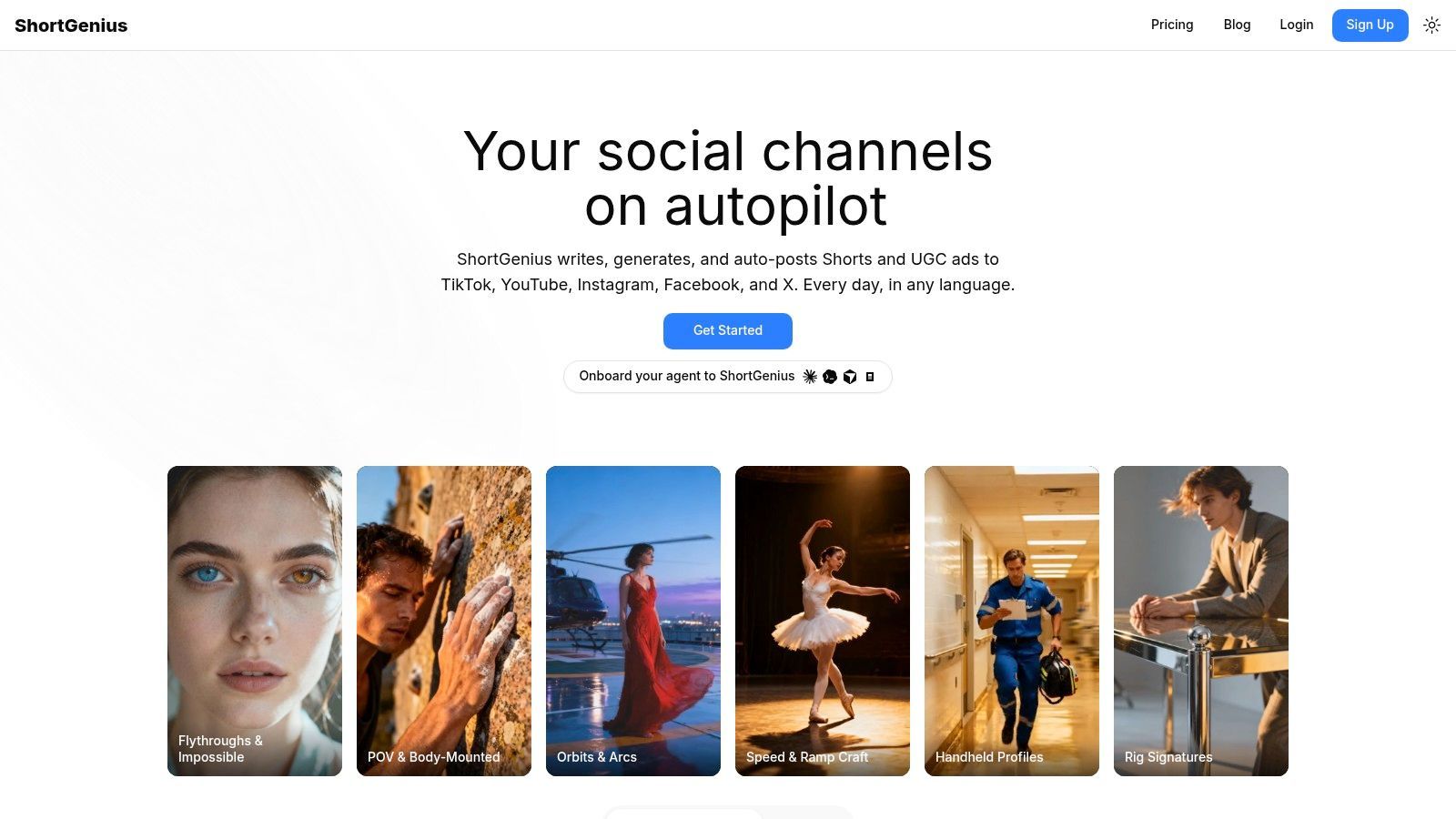
ShortGenius addresses a production bottleneck that text-to-video models do not solve on their own: turning one idea into a repeatable social campaign. Its workflow can connect scriptwriting, planning, image creation, scene building, video assembly, voiceover, editing, branding, and distribution in one AI-focused workspace. Fewer handoffs can matter more than a visually impressive first draft when a team needs to produce and publish content every week.
The platform accepts prompts, scripts, and blog posts as starting points. Its product information also lists AI actors, voice selection, visual customization, scene regeneration, and exports for 9:16, 1:1, and 16:9 formats. An advertising workflow can begin with a product URL or a short brief, then move through concept development, scriptwriting, casting, narration, editing, and export for TikTok-oriented creative. That setup supports multiple UGC-style variations without arranging a new shoot for every message or product angle.
Best for campaign throughput
ShortGenius combines trimming, captions, resizing, scene and voice swaps, brand-kit application, asset management, team workflows, an API, and series scheduling. It can also schedule posts to TikTok, YouTube, Instagram, Facebook, and X. The practical advantage is continuity across the publishing process, not a distinctive text-to-video model or cinematic visual style.
Its model-agnostic structure may suit teams that test different generation engines. Planning, image, video, and audio tools sit within the same workflow, while the platform can add models over time. That flexibility reduces dependence on one engine, although it also means buyers should examine how model choices affect credits, output consistency, and revision limits.
A useful evaluation question is simple: How many separate tools remain after the first draft? If captions, aspect-ratio changes, approvals, scheduling, and brand updates still happen elsewhere, a low generation cost may conceal a higher operational cost.
The supplied product information does not specify current subscription rates, credit allowances, commercial terms, or team permissions. Confirm those details on the ShortGenius website before purchase. Human review remains necessary for factual accuracy, brand fit, voice quality, and platform-policy compliance. ShortGenius is a practical match for influencers, social media teams, agencies, e-commerce brands, and creators producing multi-channel campaigns at regular volume. It is less suitable for filmmakers seeking granular cinematic control over individual shots.
2. Runway
Runway is built around the problem of controlled generative production, especially when a creator wants more than a one-click social template. Its text-to-video, image-to-video, and video-to-video workflows give production teams room to iterate on visual direction, while tools such as upscaling and SDR-to-HDR conversion support work that continues beyond the first generated shot.
The timeline-free approach makes experimentation faster because creators can work from prompts, references, and model outputs without first building a conventional editing timeline. Runway also offers models such as Gen-4 Turbo, team collaboration features, a developer API, and credit-based subscriptions. A free tier lets users test the system before committing, but serious usage requires active credit management.
The trade-off is control versus consumption
Runway's pricing mechanics are clearer than many model marketplaces because usage is organized around credits, with rollover available on certain higher tiers and prorated upgrades or downgrades described in its plan structure. That clarity helps teams estimate usage, but it doesn't remove the need to monitor generation volume. Heavy iteration can consume credits quickly, particularly when a team is testing multiple variations rather than accepting the first result.
A recent shift away from an “Unlimited” plan can also create confusion for people comparing older reviews with current options. Check the present plan terms rather than relying on legacy descriptions.
Runway is a strong choice for filmmakers, visual designers, production teams, and developers who value generation and transformation tools more than built-in social scheduling. It can also complement a broader workflow such as ShortGenius when a team wants cinematic experimentation alongside campaign assembly and publishing. The limitation is workflow breadth. Runway excels at making and refining visual material, but teams may still need separate systems for structured content calendars, recurring series, or channel-level distribution.
3. Pika
Pika solves a different problem from Runway. It prioritizes fast, stylized, creator-led experimentation, making it useful when a short-form concept depends on a playful transformation, a visual gag, or an unusual movement rather than a polished production pipeline.
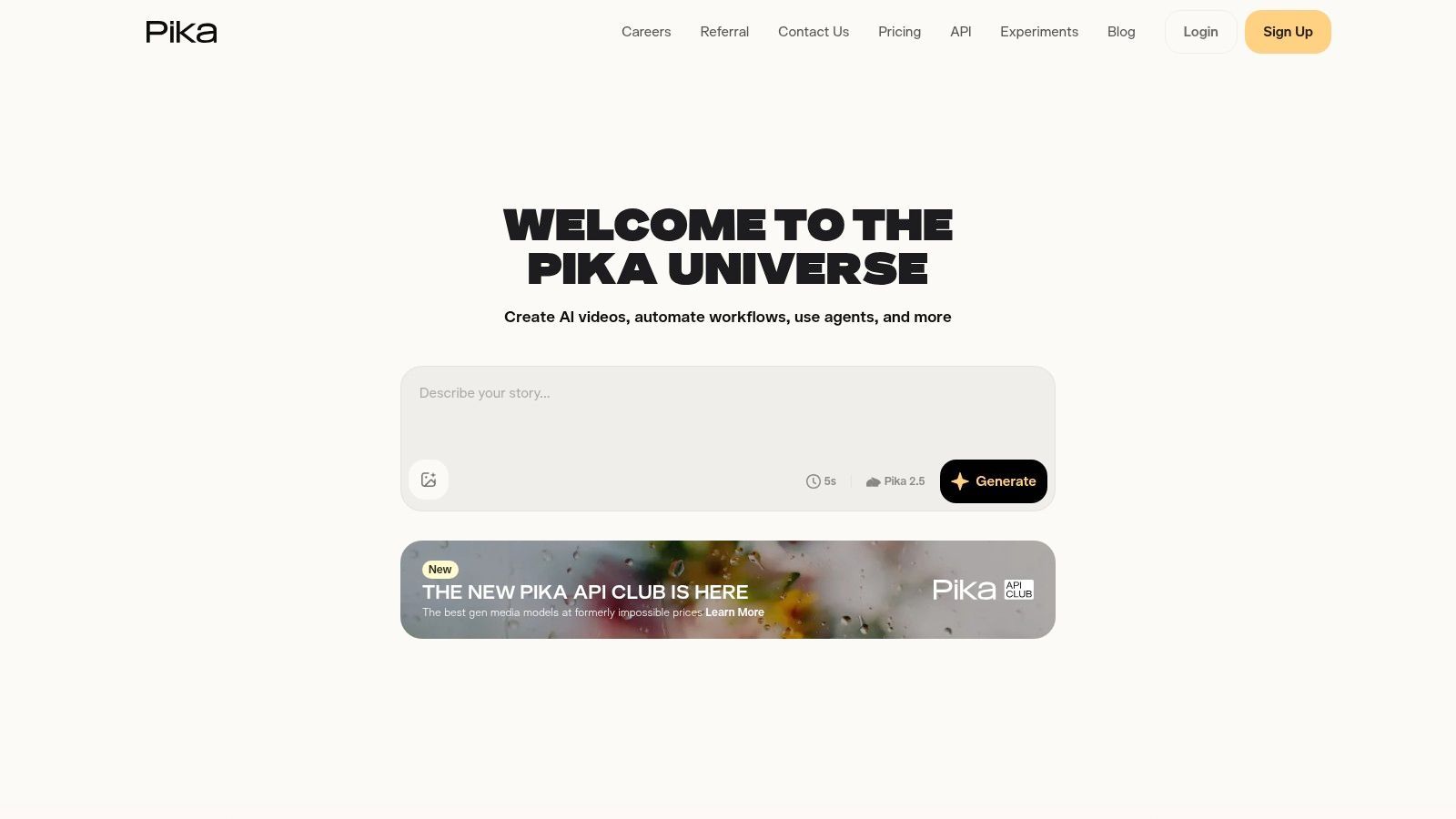
Its generation modes include text-to-video, image-to-video, Pikascenes, Pikadditions, Pikaswaps, and Pikatwists. That variety gives creators multiple ways to start from an image or idea and then push the material toward a social-first effect. Paid tiers provide access to Pika 2.5 models up to 1080p, while downloads are available without a watermark, including on the free plan according to the supplied product notes.
Transparent costs still require attention
Pika's most practical feature may be its in-product credit table. The platform shows the cost of different modes, resolutions, and generation choices, and it supports buying rollover credits. That makes budgeting more visible than a vague “unlimited creativity” promise.
The complication is that transparency doesn't equal simplicity. Credit requirements vary by mode and output setting, so a creator who moves between Pikaswaps, Pikatwists, and standard generation can find the account balance harder to forecast than expected. Teams should record the modes they use most before choosing a paid tier.
Pika fits influencers, meme creators, social editors, and marketers testing visual hooks. It isn't the natural choice for long-form instructional content, avatar-led training, or a tightly governed enterprise publishing workflow. Its advantage is speed and playful range. Its operational weakness is that the creator still has to manage the creative and credit decisions across many generation paths.
4. Luma AI Dream Machine
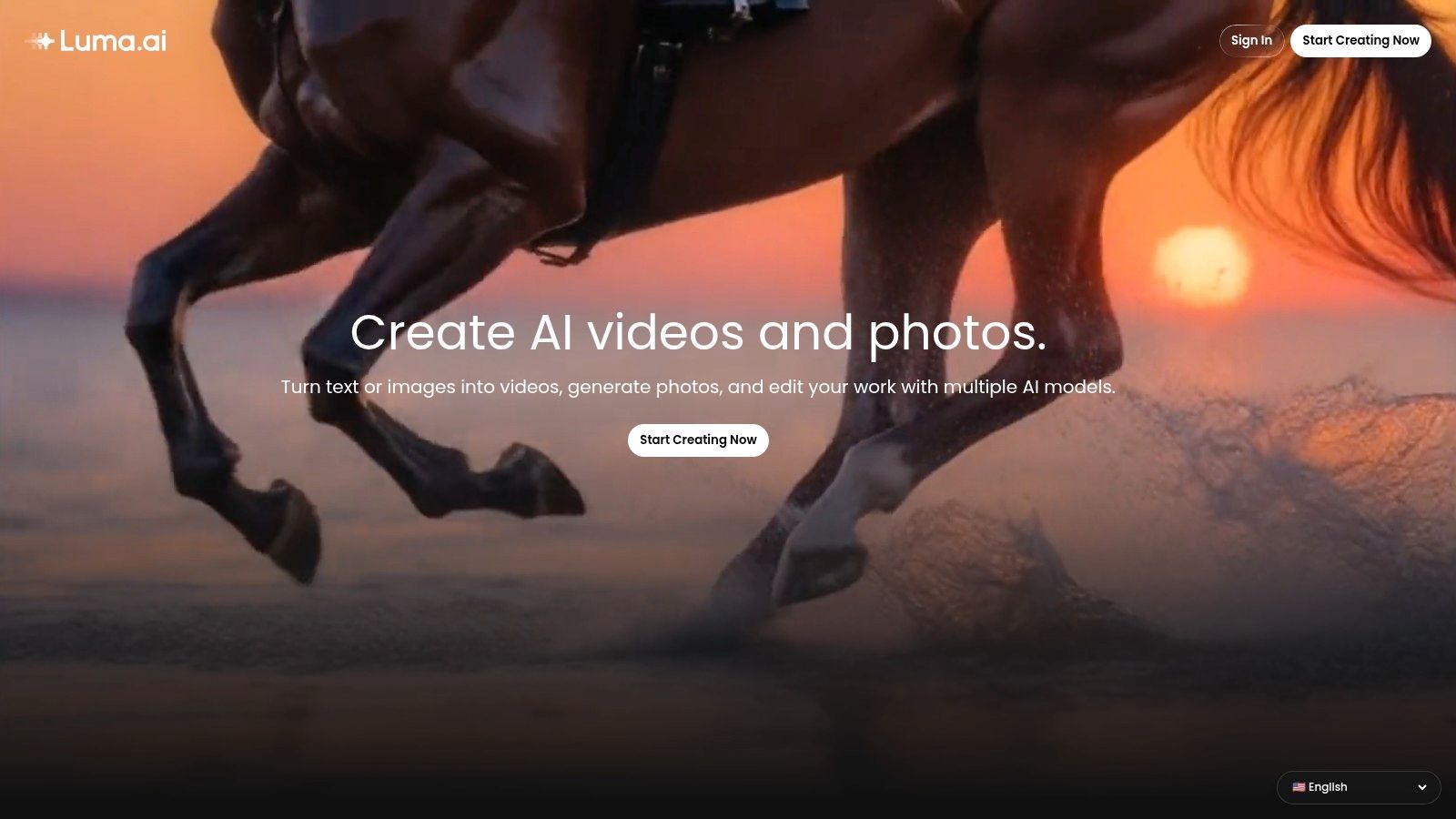
Luma AI's Dream Machine is a good fit for the problem of cinematic motion without a long-term subscription commitment. Creators can use text-to-video and image-to-video generation for social concepts, advertising treatments, and visual experiments, then pay for usage through credit packs rather than maintaining a recurring plan.
The product's practical strength is the feedback loop before generation. The interface shows the exact credit cost for a selected model, duration, and quality setting, allowing users to decide whether a variation is worth producing before spending. That matters for campaign bursts, where a team may need several generations during a short creative sprint and little activity afterward.
Pay as you go is useful, but not flat-rate
The supplied product information lists credit packs including 1,000 credits for $2.99, 10,000 credits for $19.99, and 28,000 credits for $49.99. These amounts and prices should be verified in the product interface before purchase because costs can differ by model and quality selection.
That variability is the main planning issue. Luma AI doesn't offer a simple “one credit equals one finished minute” mental model. A team comparing costs should test its intended duration, resolution, and generation mode, then calculate the cost of acceptable outputs rather than the cost of a single attempt.
Dream Machine suits independent creators, designers, agencies, and advertisers who want cinematic motion and low commitment. It is less suitable when the core requirement is captions, approval routing, brand kits, or scheduled publishing. Those users may need to export into another editing or distribution environment after generation.
5. Synthesia
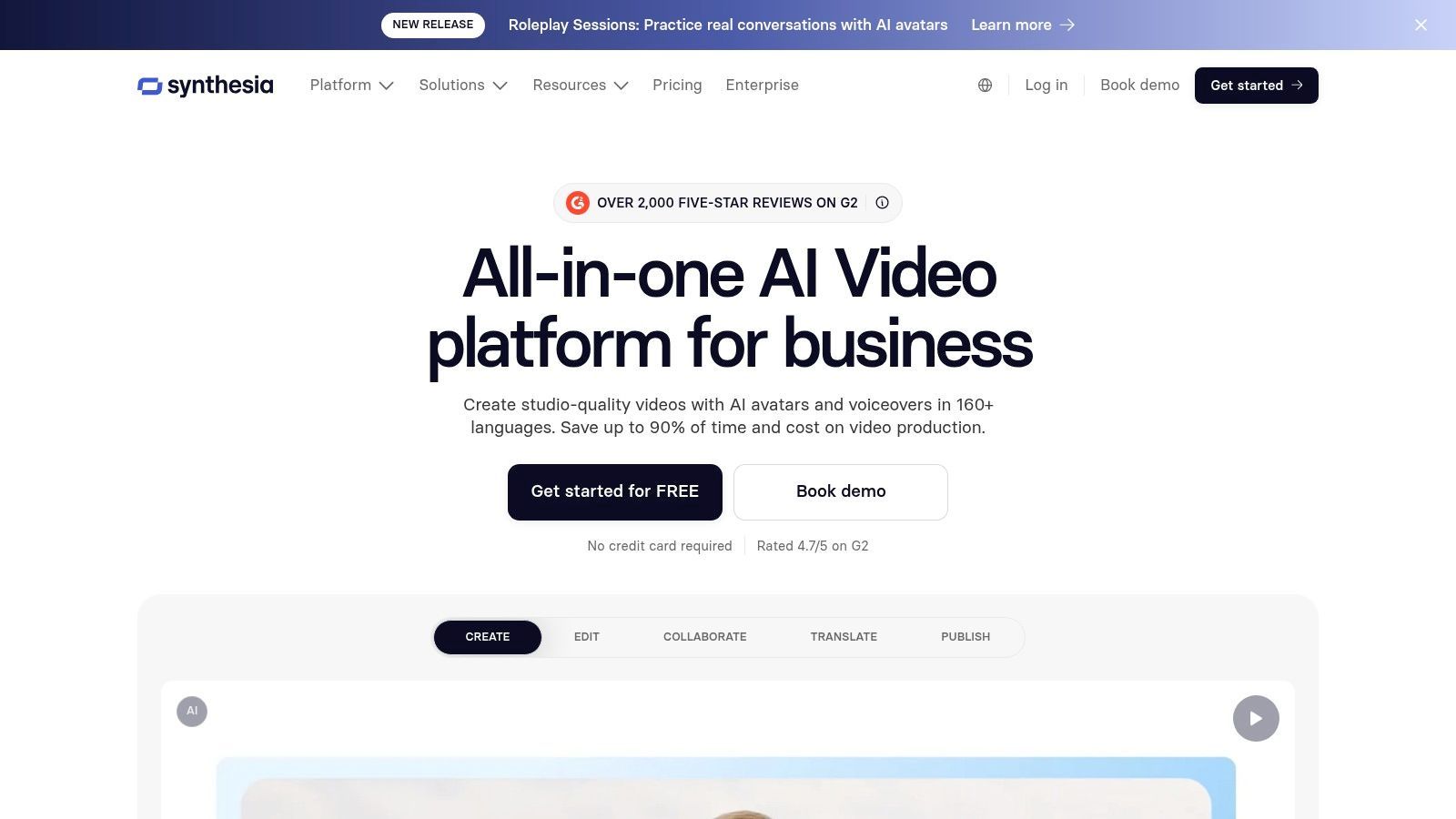
Synthesia addresses a clear production problem: repeatable presenter-led video for training, onboarding, documentation, and corporate communication. Instead of asking a team to film every update, it provides stock avatars, script-driven scenes, voice options, dubbing, translations, collaboration, brand kits, and exports designed for learning systems.
The platform is especially useful when the information changes more often than the visual format. A training team can revise a script, update a scene, and produce another version without coordinating a full recording session. LMS-friendly exports such as SCORM make the workflow more relevant to learning and development teams than a cinematic generator would be.
Predictability matters more than visual novelty
Synthesia's self-serve plans use a credit system, while enterprise options add controls such as SSO and stronger brand governance. The supplied product notes also describe a library of 125+ stock avatars, with custom or brand avatars available at higher tiers. These features make the platform practical for organizations that need consistent presenters across a large body of instructional content.
The limitation is format. Synthesia is specialized in avatar and explainer videos, not open-ended cinematic generation. It can localize and standardize communication effectively, but it won't replace a visual-effects or text-to-video platform for atmospheric product storytelling.
Choose Synthesia when clarity, localization, internal consistency, and knowledge distribution matter more than visual surprise. Reviewers should still inspect voice tone, gestures, pronunciation, and brand appropriateness before publishing. Audience trust can decline when synthetic delivery feels robotic, so human editorial review isn't optional for important communications.
6. HeyGen
HeyGen focuses on realistic avatar communication, voice cloning, and localization for marketing, sales, announcements, and training. Its talking-photo and portrait-avatar workflows are designed for teams that want a presenter without recording each variation themselves.
The product supports realistic lip-sync, voice cloning, dubbing, and multilingual production. That makes it a practical option for a sales organization adapting one announcement across markets or a marketing team creating localized versions of a short campaign. Enterprise paths add collaboration, API access, and security controls, while self-serve tiers serve individual creators and smaller teams.
Localization is powerful, but plan terms need review
HeyGen's central advantage is turnaround. Once the script, avatar, and voice direction are approved, a team can produce multiple language or audience versions without rebuilding the entire video. That reduces the repetitive work involved in regional marketing and product education.
The operational concern is pricing and credit administration. The platform's self-serve plans and credit structures have evolved, so buyers should evaluate the current limits rather than assume older plan comparisons remain accurate. Teams should also test voice cloning permissions, export requirements, collaboration roles, and API access before selecting a plan.
HeyGen is best for multilingual announcements, sales enablement, localized ads, and presenter-led training. It isn't a replacement for cinematic generation, and avatar realism doesn't eliminate the need for review. Check lip-sync, names, technical terminology, emphasis, and cultural fit. The more sensitive the message, the more valuable a human approval step becomes.
7. Colossyan
Colossyan solves the production challenge of building structured explainers quickly when the people creating them aren't professional video editors. Its script-to-scene workflow, presenter options, role-based templates, and training-oriented controls make it a natural fit for onboarding, help content, compliance communication, and internal education.
The tool's value comes from repeatability. A team can define a scene structure, assign roles, add instructional text, and create a consistent format without designing every frame from scratch. Collaboration, brand control, and LMS-suitable exports support a workflow where subject-matter experts contribute content while another person manages final approval.
Templates reduce friction and creative range
Colossyan's public pricing page and learning resources make it easier for prospective users to understand the platform before committing. Its entry-level positioning also suits educational and corporate users who need practical explainers rather than elaborate visual experimentation.
The trade-off is creative freedom. Colossyan is less suited to surreal visuals, cinematic scene construction, or heavily art-directed product films. Its structure is an advantage for training, but that same structure can feel restrictive when a creative team wants unusual camera language or open-ended world building.
Pick Colossyan for learning and development, support, onboarding, and process communication. It can be especially useful when a team produces many versions of similar instructional content. Before rollout, test a real script with technical vocabulary and multiple speakers. A clean template doesn't guarantee that every pronunciation, transition, or visual cue will work without editing.
8. Pictory
Pictory is designed for repurposing existing material, not for generating every visual from an empty prompt. It can convert scripts, articles, and long-form videos into shorter branded clips, using stock libraries, AI voices, summaries, captions, and brand kits to turn source content into social-ready assets.
That makes its workflow different from Runway, Pika, or Luma AI. The starting point is often a blog post, webinar, lesson, podcast, or long video. Pictory then helps identify the usable message, assemble supporting media, add narration or captions, and produce a shorter format for distribution.
A practical choice for content libraries
Pictory integrates stock sources including Getty and Storyblocks, supports AI voices, and includes ElevenLabs minutes on some plans according to the supplied product notes. Its minutes and AI allocations are presented clearly by plan, which helps marketing teams estimate how much source material they can process.
The limitation is aesthetic. Pictory is more of an assembly and assistance platform than a cutting-edge text-to-video synthesis engine. Its output can feel templated when a brand needs original cinematic footage, but that isn't a flaw if the goal is to multiply useful content from material the team already owns.
Pictory suits content marketers, educators, consultants, and social teams with a backlog of written or recorded material. Use it when the question is “How can we create more formats from this source?” rather than “How can we invent an entirely new visual world?” For a broader end-to-end workflow, teams can also compare it with ShortGenius for AI video production, especially when publishing and series scheduling are part of the requirement.
9. InVideo AI
InVideo AI is aimed at the problem of model experimentation without constantly switching interfaces. Its Agents and Models workspace provides access to many third-party models, while Autopilot can route work through different quality tiers and agents.
That breadth is useful for teams that want to compare frontier generation options inside one environment. The supplied product notes identify access to 200+ third-party models, including Veo, Kling, and Seedance. Because the availability and pricing of underlying models can change, the value is less about permanent access to a fixed catalog and more about centralized experimentation.
Broad access creates a budgeting problem
InVideo AI shows credits before generation and provides documentation explaining model and quality usage. That is a meaningful advantage for testing because users can compare the expected consumption before they submit a request. The free plan also includes weekly credit resets for trial workflows, according to the supplied product information.
However, credit pricing varies by model. A team that shifts from one model to another may see a different cost for a similar creative task, which makes monthly forecasting more complicated. Record the model, quality, duration, and result for representative jobs before scaling a workflow.
InVideo AI is best for creators, small marketing teams, and experimenters who want many generation paths in one workspace. It is less attractive for a team that values one tightly controlled visual system or needs deep, predictable brand governance. The platform can accelerate discovery, but someone still needs to decide which model is reliable enough for production.
10. VEED
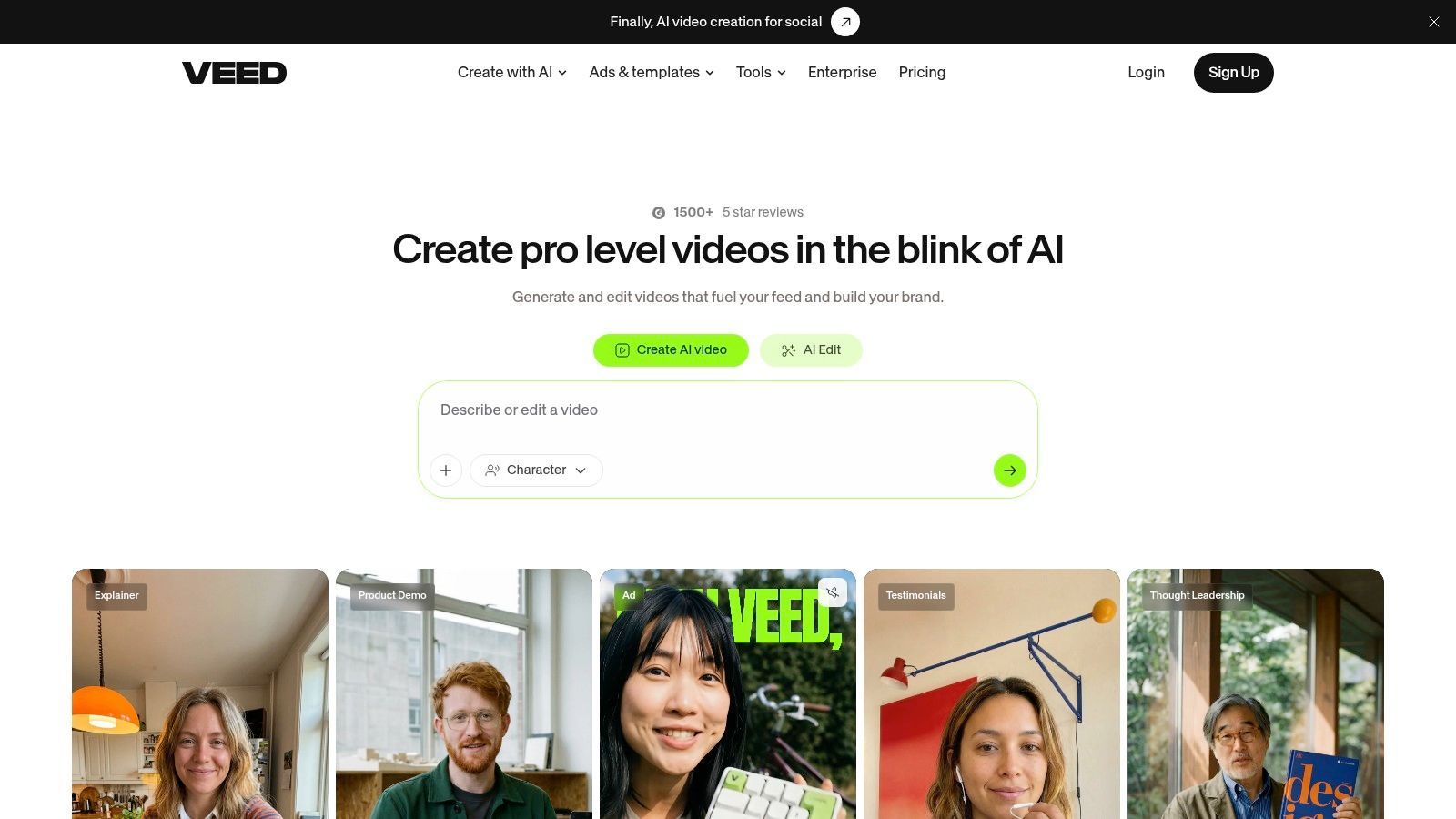
VEED combines AI generation with browser-based post-production, solving the problem faced by teams that don't want to export every generated clip into a separate editor. Users can generate through underlying models such as Veo, Kling, Seedance, and Sora, then continue in the same environment for subtitles, translation, brand assets, teleprompter work, and other editing tasks.
The generate-then-edit flow is its most important distinction. A raw AI clip rarely arrives with the exact caption timing, aspect ratio, logo treatment, language version, or call to action a campaign needs. VEED places those finishing tasks close to the generation step, which can reduce tool switching for solo creators and small teams.
Editing depth can matter more than the model
VEED's plans include AI credit bundles and add-ons, but model availability, limits, and allocations vary by tier. Credit usage also changes by model, so a buyer should compare the actual workflow rather than just the headline subscription.
The browser editor supports subtitles, translation, brand assets, and a teleprompter, making VEED a practical choice for social teams that already have footage or generated clips and need to prepare them for different channels. It isn't positioned as a full replacement for a professional desktop editor, and teams with complex finishing requirements may outgrow its browser workflow.
Choose VEED for solo creators, social media managers, and small collaborative teams that need flexible editing after generation. Test subtitle accuracy, translation quality, export settings, seat permissions, and credit consumption with a real campaign before committing. For many users, the key question isn't which model made the clip. It's whether the final edit can leave the browser ready for publishing.
Top 10 AI Video Generators, Feature Comparison
| Product | Core features | Quality ★ | Price / Value 💰 | Target 👥 | Unique selling points ✨ |
|---|---|---|---|---|---|
| ShortGenius (AI Video / AI Ad Generator) 🏆 | End-to-end: script → visuals → voice → edit → multi-channel publish; presets & brand kit | ★★★★★ | Subscription + free signup; pricing page (varies) 💰 | Creators, influencers, agencies, social teams 👥 | Model-agnostic engines, one-click multi-channel posting, series scheduling, API 🏆✨ |
| Runway | Text/image→video, video→video, Gen-4 Turbo, upscalers, timeline-free, API | ★★★★★ | Credit-based subs with rollover on tiers; clear pricing 💰 | Creators & production teams, developers 👥 | Production-grade models, SDR→HDR upscaling, timeline-free workflows ✨ |
| Pika | Multiple generation modes (Pikascenes, swaps, twists), fast iterations, no watermark (free) | ★★★★☆ | Mode-based credits; Free / Standard / Pro / Fancy plans 💰 | Short-form creators, stylized content makers 👥 | Playful modes, transparent per-mode credit tables, fast generations ✨ |
| Luma AI (Dream Machine) | Cinematic motion models (Dream Machine), UI shows exact credit costs | ★★★★☆ | Pay-as-you-go credit packs (one-time top-ups) 💰 | Experimenters, ad/social creators needing cinematic motion 👥 | High-fidelity motion, on-demand credit transparency ✨ |
| Synthesia | Large avatar library, AI dubbing/translations, brand kits, LMS exports (SCORM) | ★★★★☆ | Predictable credit system for self-serve; enterprise pricing 💰 | Enterprise L&D, training, corporate comms teams 👥 | Robust avatar & localization features, enterprise controls ✨ |
| HeyGen | Talking-photo avatars, realistic lip-sync, voice cloning, localization | ★★★★☆ | Self-serve tiers + enterprise/API options 💰 | Marketing, sales, training teams, localization use cases 👥 | Fast multilingual avatar videos with voice cloning ✨ |
| Colossyan | Script→scene assembly, role-based templates, LMS-friendly exports | ★★★★☆ | Public pricing; value-focused entry tiers 💰 | L&D, support, educational teams needing repeatable explainers 👥 | Role templating and rapid, consistent explainer production ✨ |
| Pictory | Script/article/long-video → short clips, stock libs, AI voices, brand kits | ★★★★☆ | Minutes/AI credit allocations per plan; team tiers 💰 | Marketers, educators, repurposers of long-form content 👥 | Efficient repurposing, auto-captions & summarization ✨ |
| InVideo AI | Unified access to 200+ third-party models, Autopilot, weekly free credits | ★★★★☆ | Credit-based; weekly-reset free tier for trials 💰 | Teams experimenting across many frontier models 👥 | One workspace for many models + Autopilot routing ✨ |
| VEED | Multi-model generation + full browser editor (subs, captions, translate) | ★★★★☆ | Tiered plans with AI credit bundles & add-ons 💰 | Solo creators → enterprises wanting generate-then-edit workflows 👥 | Integrated generate → edit browser experience, subtitles & translation ✨ |
Choose by Output, Not by Feature Count
Feature counts make AI video generator tools look interchangeable. They aren't. A platform that offers avatars, image generation, and editing may still be a poor fit if your team needs scheduled publishing, consistent scene treatment, or predictable credit consumption. The best choice is the one that removes the largest source of friction in your actual production cycle.
Choose ShortGenius when your primary requirement is an end-to-end, multi-channel workflow. It brings scriptwriting, visuals, voices, editing, brand controls, asset organization, series creation, and scheduling into one system. That makes it particularly relevant to influencers, agencies, DTC brands, and social teams that need repeatable output rather than isolated demonstrations.
Choose Runway or Luma AI for cinematic experimentation. Runway offers a broader production-oriented generation and transformation environment, while Luma AI's pay-as-you-go structure can suit campaign bursts and on-demand testing. Pika is the better fit for fast, stylized clips and playful social effects, especially when a creator wants to try several visual directions quickly.
For presenter-led work, use the format as the deciding factor. Synthesia, HeyGen, and Colossyan fit training, localization, onboarding, explainers, and internal communication, but they differ in avatar workflows, customization, collaboration, and enterprise controls. Synthesia leans toward mature learning and corporate use, HeyGen toward realistic avatar localization and voice workflows, and Colossyan toward structured training scenes for teams that want repeatable templates.
Pictory makes more sense when the raw material already exists. It helps transform articles, scripts, and long-form video into shorter branded content, so it should be judged by repurposing efficiency rather than cinematic originality. InVideo AI suits model experimentation from one workspace, while VEED suits teams that want broad generation options followed by browser-based editing.
Use this curated AI tools list from SupaBird as a complementary discovery resource, but don't choose from a feature list alone. Run representative prompts through the finalists. Use the same script, product description, visual reference, language requirements, and target format so the comparison reflects your real work.
Then calculate credit use at your intended resolution and duration. Check whether failed generations consume credits, whether unused credits roll over, how model switching changes cost, and whether the plan includes the exports you need. Confirm collaboration permissions, brand controls, API access, captions, localization, scheduling, and approval workflows before you treat a free tier as a production test.
Finally, review the output as an audience member, not only as a creator. Survey data cited by Demand Gen Report found that 83% of consumers had watched a video they suspected was AI-generated, with reported tells including robotic gestures, unnatural voices, and weak emotional tone. The same source reported that 36% said AI-generated video would lower their perception of a brand, while 95% of marketers said branding must be reflected and 90% said they need to edit AI output. That evidence supports a practical conclusion: the winning workflow is often human-edited AI video, not unattended automation.
Test the finalists with real brand requirements, inspect every export, and choose the tool that your team can operate consistently after the novelty wears off.
ShortGenius brings scripting, visual generation, natural voiceovers, editing, brand kits, series workflows, and multi-channel scheduling into one AI video and ad workspace. If your priority is turning ideas or product briefs into consistent social and advertising output with less tool switching, visit ShortGenius (AI Video / AI Ad Generator) and test it against your real production workflow.