Best AI Video Generator Reddit List for 2026

Searching for the best AI video generator Reddit recommendations? We've aggregated user sentiment on top 10 tools, with pros, cons, and use cases for 2026.
Most “best AI video tool” roundups miss the actual question. Which generator still feels usable after the fifth reroll, the seventh prompt tweak, and the moment you realize your workflow now needs scripting, editing, captions, and publishing too?
That's where Reddit is more useful than polished landing pages. Search any serious ai video generator Reddit thread and you'll see the same pattern. People aren't just asking which tool looks coolest in a demo. They're asking which one breaks less, wastes fewer credits, fits their budget, and helps them finish videos. Reddit discussions around AI generation costs also show a split market, where some creators talk about premium plans around $250 per month while others chase options under $15 per month because repeated clip attempts get expensive fast, sometimes up to $15 for a single 30-second try in user reports from this Reddit cost discussion.
That gap between “impressive” and “practical” matters more now because platforms are pushing for deeper engagement, not just cheap attention. Reddit's newer 6-second engaged video view optimization reportedly lifted view-through rate by 130% and video completion rates by 71% in early testing, according to HeyGen's writeup on Reddit video engagement changes. That changes what creators need from AI video tools. Fast isn't enough. The opening seconds have to hook, and the rest has to hold.
If you also care about how products get discovered in communities, this breakdown pairs well with these SaaS Reddit promotion techniques.
1. ShortGenius
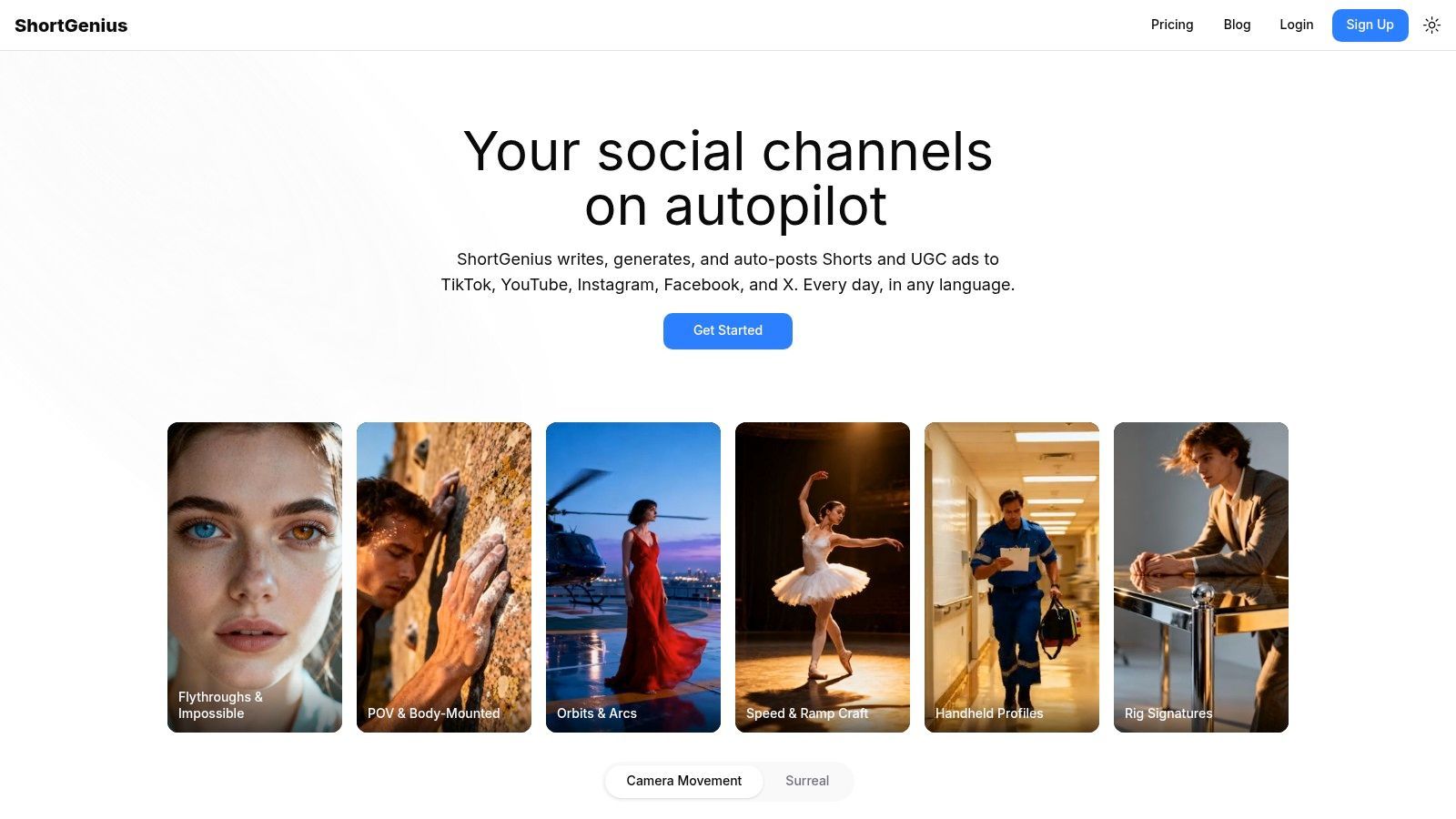
What do Reddit users want from an AI video tool after the novelty wears off? Usually not one perfect demo clip. They want a system that gets videos out the door without burning time across five tabs and three subscriptions.
That is why ShortGenius keeps making sense in practical discussions. Across ai video generator Reddit threads, the recurring complaint is workflow drag: script in one app, visuals in another, voice in a third, captions somewhere else, then manual resizing and posting at the end. ShortGenius brings those steps into one workspace, with scriptwriting, image and video generation, voiceovers, editing, captions, resizing, and publishing handled together.
Where it works best
ShortGenius fits teams and creators who publish often and care more about throughput than experimentation for its own sake. Agencies cutting paid social variations, faceless channel operators, ecommerce brands, and in-house social teams tend to hit the same wall. Production overhead grows faster than idea generation.
That is the scenario where ShortGenius is the strongest fit.
The practical advantage is the integrated stack. You can draft a script, swap scenes, update narration, trim timing, add captions, apply brand elements, resize for different platforms, and schedule posts without rebuilding the project in a second editor. For recurring content, that saves more time than an extra bump in visual novelty.
Practical rule: If you publish every week on multiple channels, pick the tool that removes handoffs first.
ShortGenius also does a better job with repeatable production than many pure generation tools. Series formats, reusable presets, and direct publishing matter when the goal is consistency, not just one-off output. That distinction comes up constantly on Reddit, and it is easy to miss if you only read landing pages.
Trade-offs to know
ShortGenius is less appealing if your main goal is cinematic tinkering. Creators who want to spend hours refining one stylized shot, testing motion behavior, or chasing a more film-like result may prefer a specialist tool.
A few trade-offs are worth keeping in mind:
- Less of a creative sandbox: It is geared toward producing usable social content fast, not endless visual exploration.
- Volume planning still matters: High-output teams should verify plan limits and test a real workflow before committing.
- Human review stays necessary: Claims, pacing, brand voice, and compliance still need a person paying attention.
My read after spending time in these threads is simple. Reddit users rarely ask for "the smartest AI video model." They ask which tool helps them publish consistently without turning the process into a part-time operations job. ShortGenius is one of the few tools built around that reality.
2. Runway
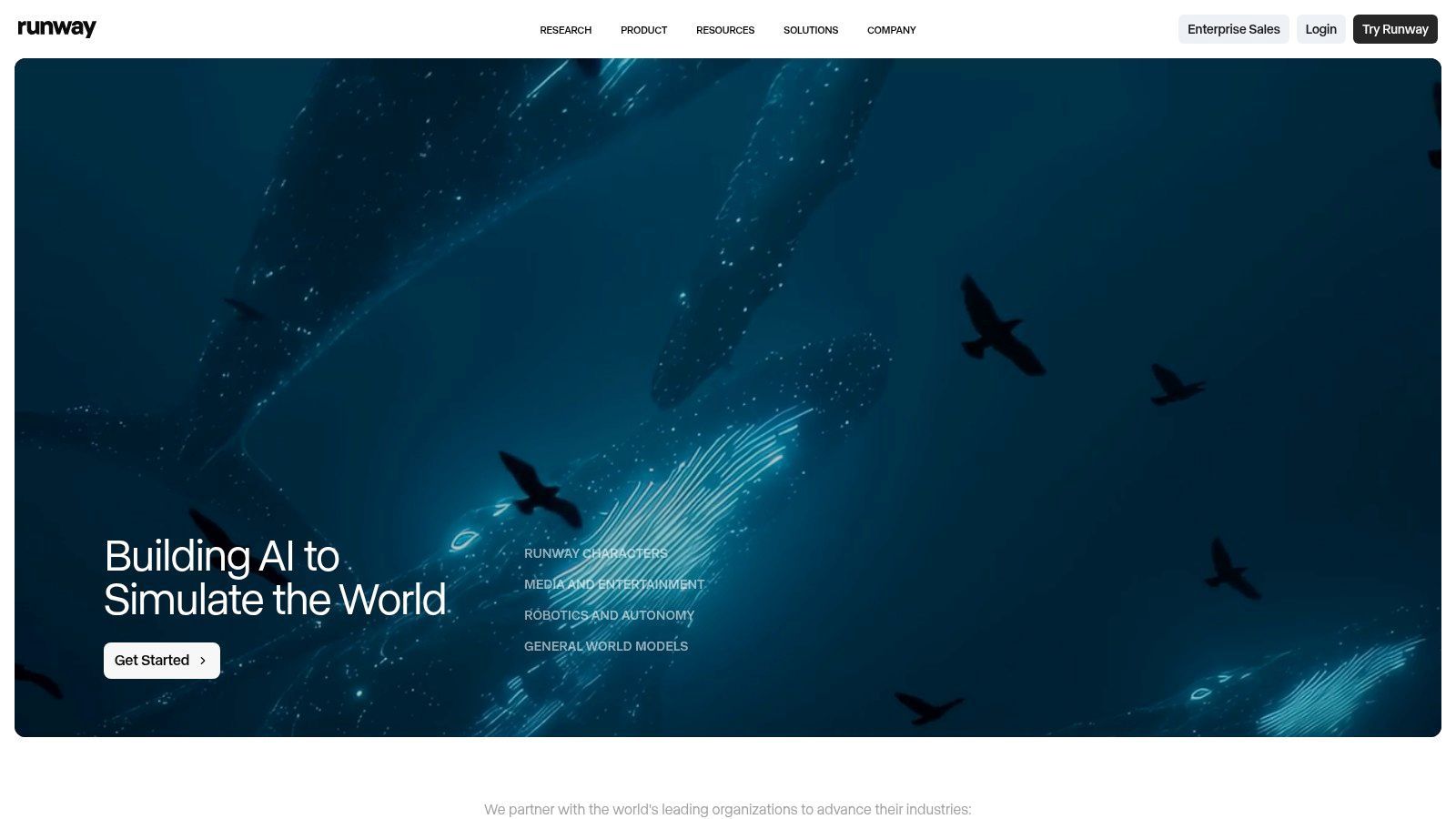
Runway is the tool people bring up when they want AI video to feel closer to a creative workstation than a toy. In ai video generator Reddit threads, it's one of the names that keeps coming back for cinematic motion, stylized outputs, and projects that need generation plus finishing in one browser-based setup.
Its appeal is simple. You can generate clips, stylize footage, work on lip-sync and text-to-speech tasks, upscale, and manage projects without immediately exporting into something else. That integrated editor matters if you hate app-hopping.
Best fit
Runway is a strong pick for:
- Cinematic short clips: Mood-heavy visuals, concept spots, fashion edits, music visuals.
- Creative testing: Multiple styles and motion ideas in one place.
- Teams that need an editor: Shared project handling is better than tools that stop at generation.
The visual quality is often what sells people. Motion tends to feel more deliberate than many lightweight social-first generators.
What Reddit users usually complain about
The downside isn't hard to guess. Cost predictability. Runway uses credits, and heavy experimentation can make the math feel slippery if you're generating often, rerolling aggressively, or working across longer sequences.
Runway is easiest to recommend when quality matters more than strict budget control.
That doesn't mean it's overpriced by default. It means creators who generate casually and creators who iterate obsessively have very different experiences. If you know you're the type who rerolls until a scene lands, watch your usage closely.
Runway is best for creators who want a serious video lab, not just a prompt box.
Direct site: Runway
3. Pika
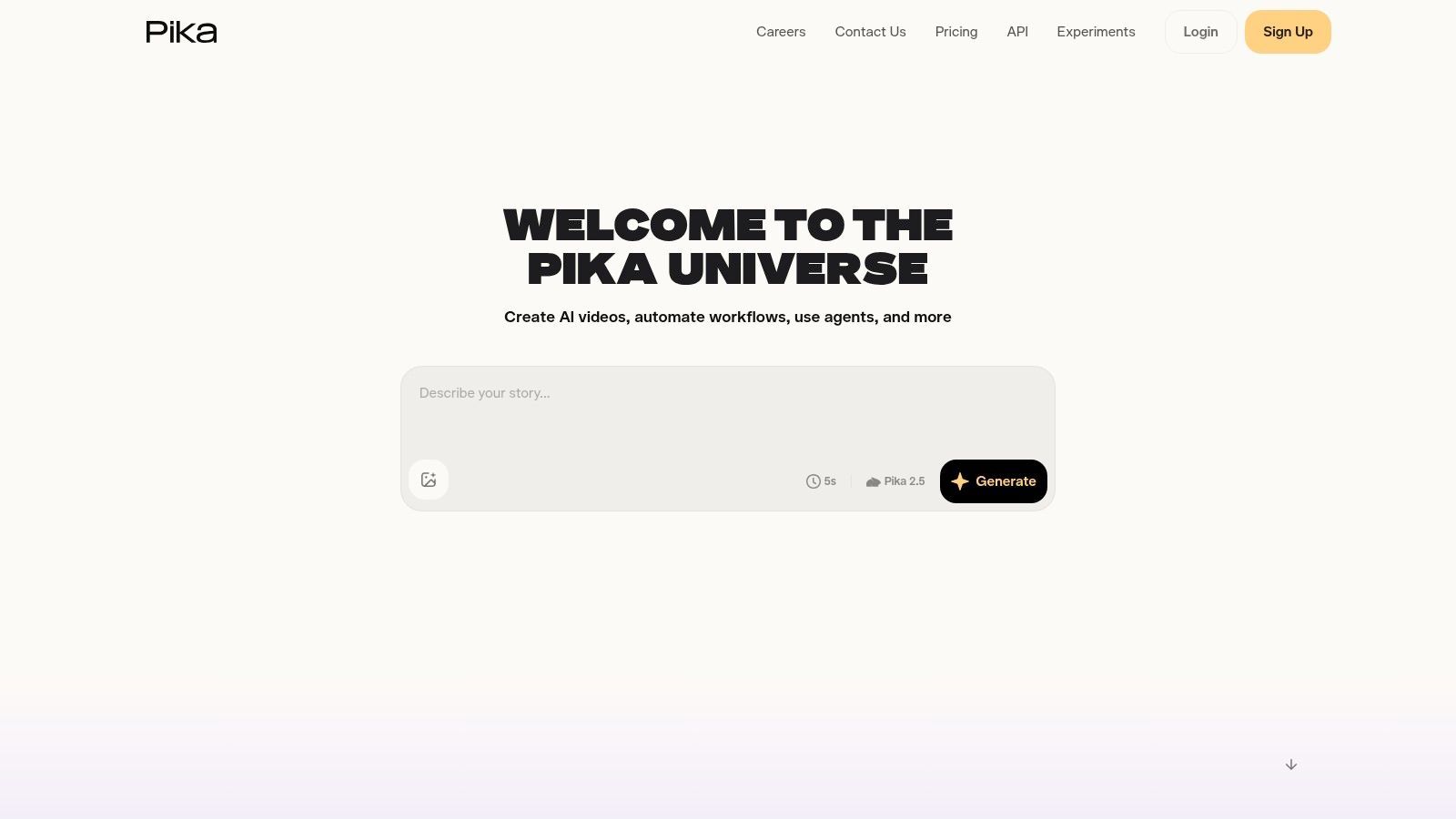
Pika has a different reputation on Reddit. It's less “full production environment” and more “fast way to test an idea before your coffee gets cold.” That's not a criticism. For social creators, speed often beats depth.
If you make short clips, stylized bits, or experimental social visuals, Pika is one of the easier places to start. Its text-to-video and image-to-video workflow is accessible, and the effects-oriented feature set fits creators who care more about momentum than obsessive control.
Why beginners keep trying it
Pika tends to click with people who want shorter feedback loops.
- Quick iteration: Easy to spin up variants fast.
- Social-friendly effects: Good for motion experiments and punchy visual moments.
- Lower-friction entry: Less intimidating than tools built for production teams.
It's a useful tool for concepting hooks, transitions, and platform-native eye candy. If your videos are built around short bursts of novelty, that can be enough.
Where it falls short
Pika isn't the tool I'd reach for when I need long-form structure, detailed scene continuity, or polished cinematic control. It's built around short clips and quick results. That's the strength and the limitation.
Photorealism and precise direction also trail more advanced tools. So if your benchmark is “convince the viewer this was shot by a real camera crew,” you'll probably hit the edges quickly.
Direct site: Pika
4. Luma
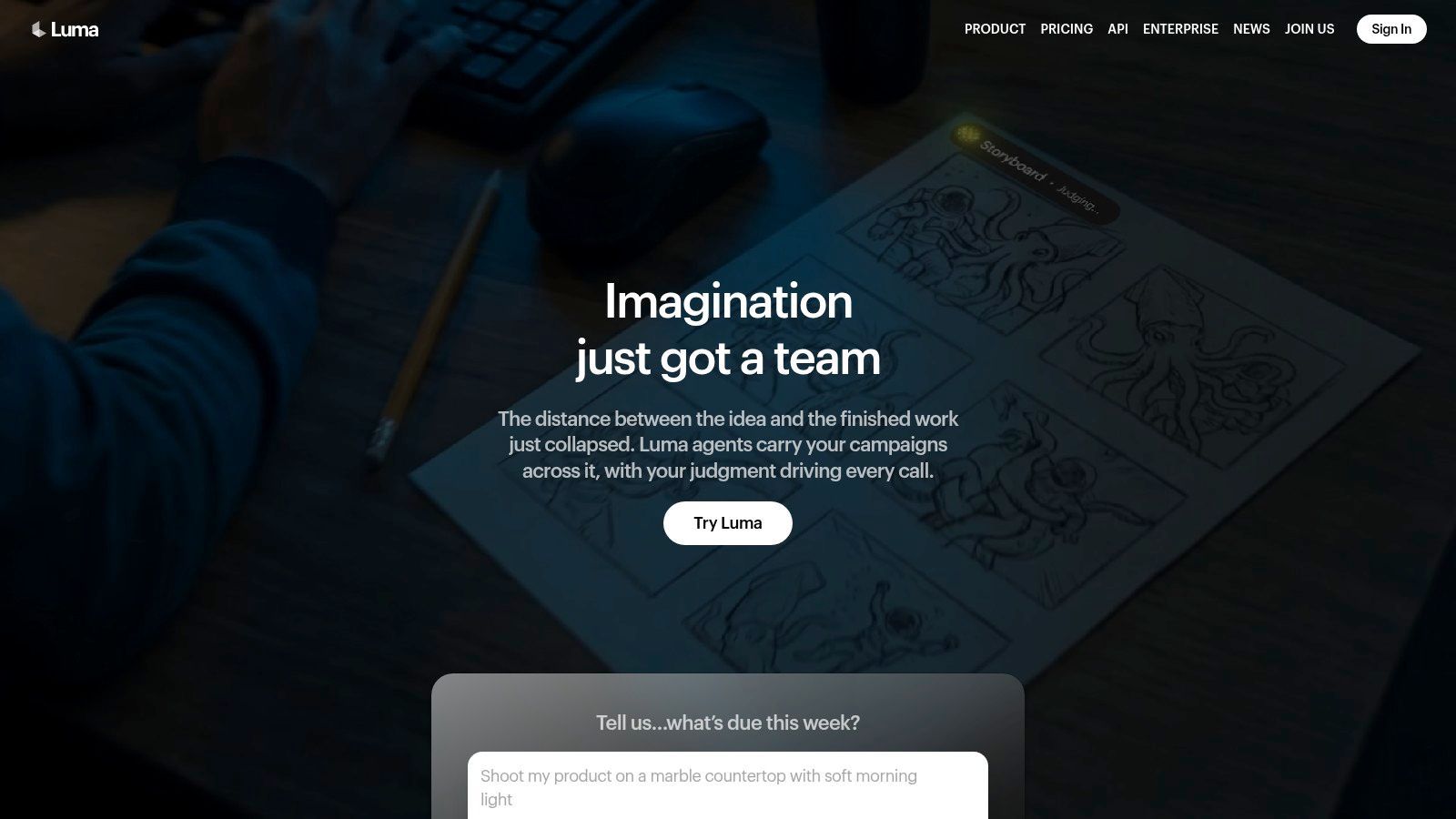
Luma still gets recommended when creators want movement that feels more cinematic than templated. Its evolution beyond Dream Machine into a broader workspace is part of the appeal. It doesn't just generate clips. It's moving toward a production environment with agents, shared workflows, and access to multiple models.
That matters if you're less interested in one-off experiments and more interested in building a repeatable creative pipeline.
Why people like it
The core draw is motion quality. Luma often gets attention for clips that feel dynamic, with stronger visual energy and more convincing movement than many lightweight generators.
Creators who care about film-like output tend to notice:
- Cinematic feel: Better fit for mood pieces and high-style visual concepts.
- Frequent updates: Product velocity matters in this category.
- Team workflow potential: Shared credits and workspaces help if more than one person touches the project.
The practical downside
Luma can feel more complex than earlier “generate and download” tools. As products add agents, plan tiers, and model routing, they often become more capable and less simple at the same time.
If you loved the idea of a straightforward free-tier playground, Luma may feel less casual now. If you want a more production-oriented environment, that shift may be a plus.
The more cinematic a tool gets, the less likely it is to feel cheap, simple, or endlessly forgiving with rerolls.
Direct site: Luma
5. Kapwing AI
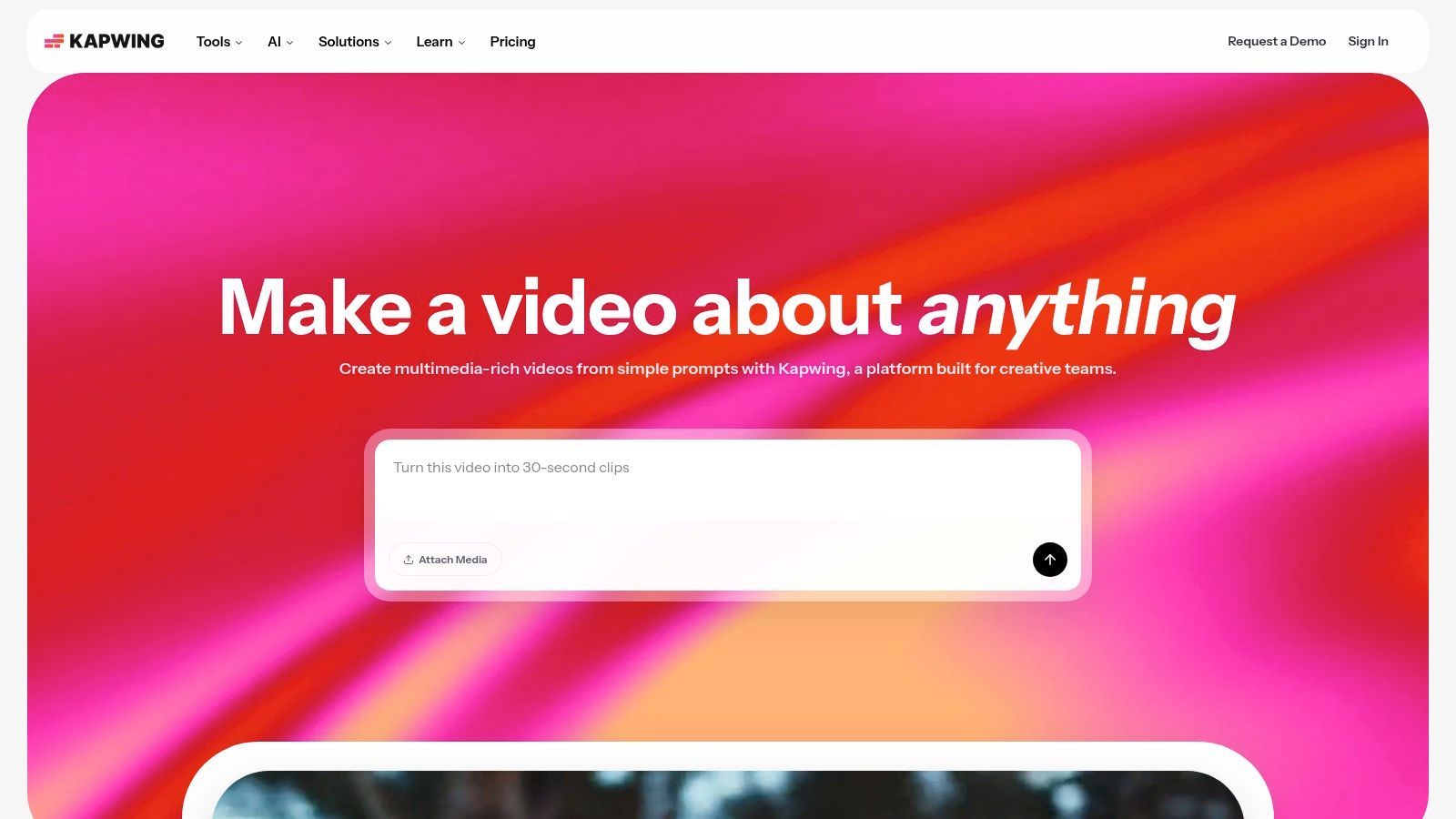
Kapwing AI is underrated in Reddit conversations because it doesn't always win the glamour contest. But a lot of creators don't need the most cinematic generator. They need a tool that helps them turn rough material into publishable video fast.
Kapwing's value is the combination of generation, editing, repurposing, captions, translation, dubbing, and collaboration in one online editor. For many teams, that's more useful than chasing the newest visual model every month.
Best for repurposing and team workflows
Kapwing is strong when the job starts with existing material. A webinar clip, a talking-head recording, a product demo, a script that needs B-roll, or a long video that needs multiple cutdowns.
Useful strengths include:
- Repurposing workflow: Good for turning one asset into several formats.
- Localization help: Translation and dubbing matter for teams publishing broadly.
- Clearer collaboration: Easier fit for social teams than many generation-first tools.
If your team has writers, editors, and marketers all touching the same asset, Kapwing often makes more sense than a pure generation tool.
Where it's not the winner
Hero-shot quality depends on the model choices inside the platform and the credits you have available. If your project lives or dies on one standout cinematic sequence, a dedicated video generator may still be the better move.
Direct site: Kapwing AI
6. InVideo AI
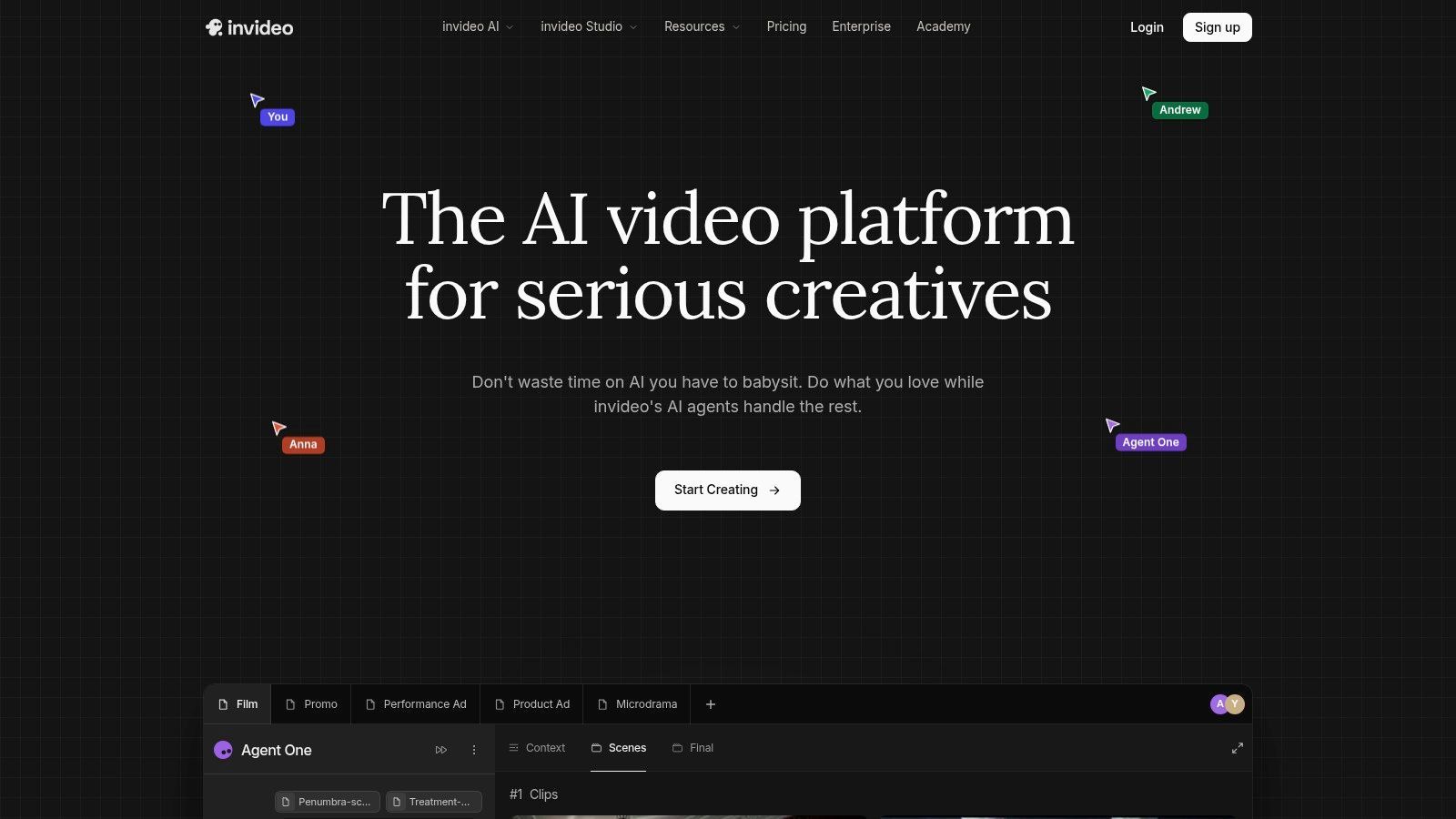
InVideo AI gets traction because it speaks marketer better than many AI video tools do. Instead of asking users to think like model hobbyists, it leans into campaign creation, ads, UGC-style workflows, and end-to-end assembly from prompt to final cut.
That framing is smart. A lot of Reddit users looking up ai video generator Reddit comparisons aren't making short films. They're trying to make ads that convert or content that ships on a deadline.
Why it fits business users
InVideo AI is useful when the project starts with a business outcome. Product promo, social ad, explainer, faceless YouTube script, or UGC-style creative testing.
Its biggest practical advantage is cost visibility by model. You can see model-related cost implications before generating, which is a relief in a category where many tools make budgeting feel vague.
There's another angle here. YouTube automation tutorials have heavily normalized using real Reddit posts for “AI animated stories,” but there's growing interest in synthetic Reddit-style storytelling that avoids copying actual user threads. A 2025 to 2026 underserved content angle highlighted in this YouTube analysis of Reddit story automation workflows points to creators wanting fictional Reddit-style narratives with the same hook structure, without the plagiarism and consent issues. InVideo AI fits that style of scripted, automation-friendly production well.
The trade-off
The strength is flexibility through many models. The weakness is that many models mean many pricing paths. Casual users can get confused if they don't pay attention to how each generation choice affects budget.
Direct site: InVideo AI
7. Synthesia
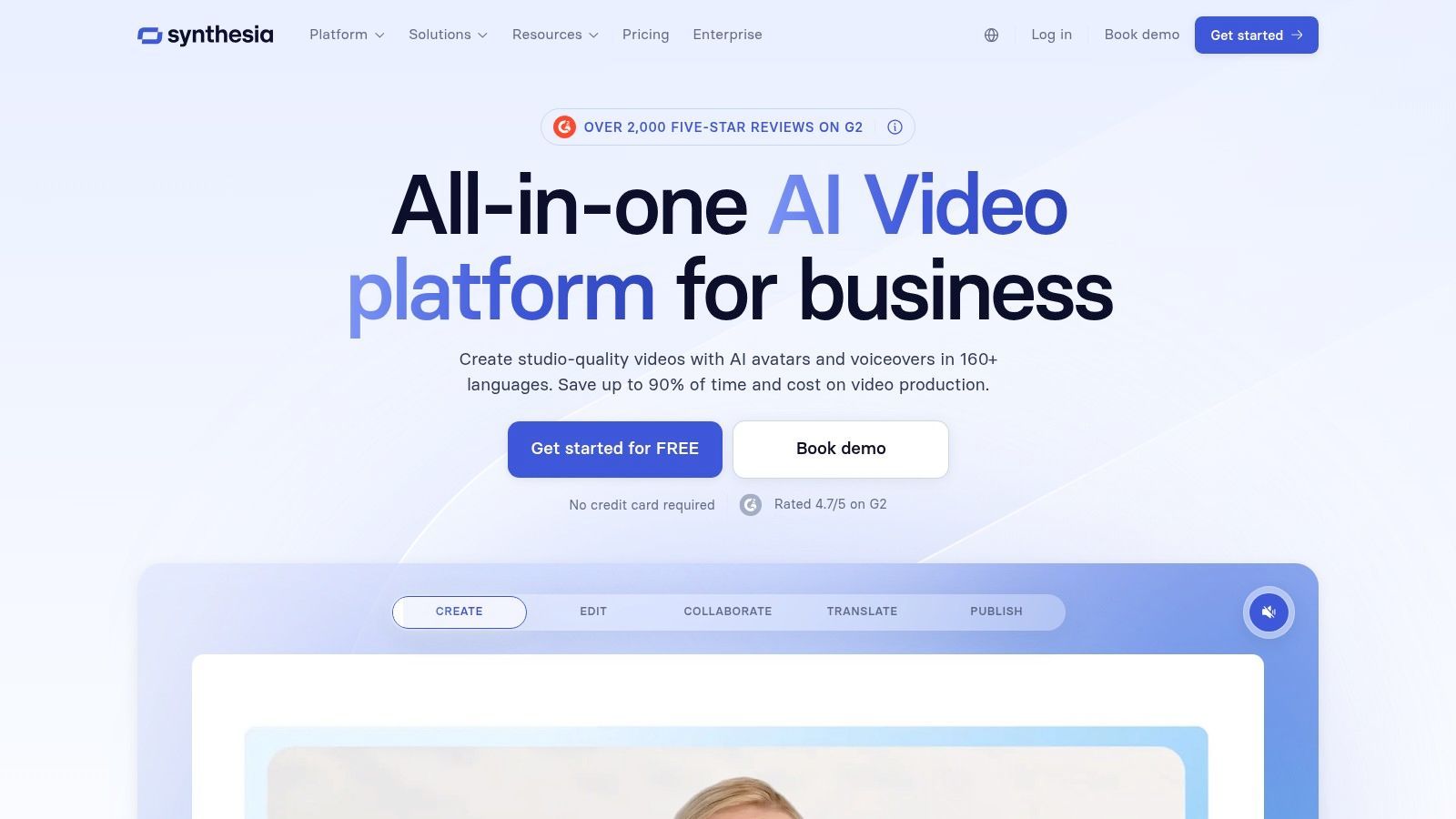
Synthesia is the wrong tool for some Reddit users and exactly the right one for others. If you want open-ended cinematic generation, this isn't the pick. If you need presenter-led training, onboarding, internal communications, or multilingual business video at scale, it's one of the safest choices.
That distinction matters because Reddit recommendation threads often blend very different jobs into one list.
Where Synthesia wins
Synthesia is strongest in structured business video.
- Training and L&D: Clear presenter formats and enterprise features.
- Localization: Large voice and avatar libraries help multinational teams.
- Governance: Better fit for organizations that care about consistency and controls.
This is the kind of platform a learning team, HR department, or enablement lead can standardize on.
Where it doesn't fit
It's not a general “make anything” video toy. It's a presenter-centered system. If your creative idea depends on surreal visuals, cinematic motion, or abstract scene generation, you'll feel boxed in.
That said, being opinionated is part of the value. Some teams don't want endless creative options. They want predictable output.
Direct site: Synthesia
8. HeyGen
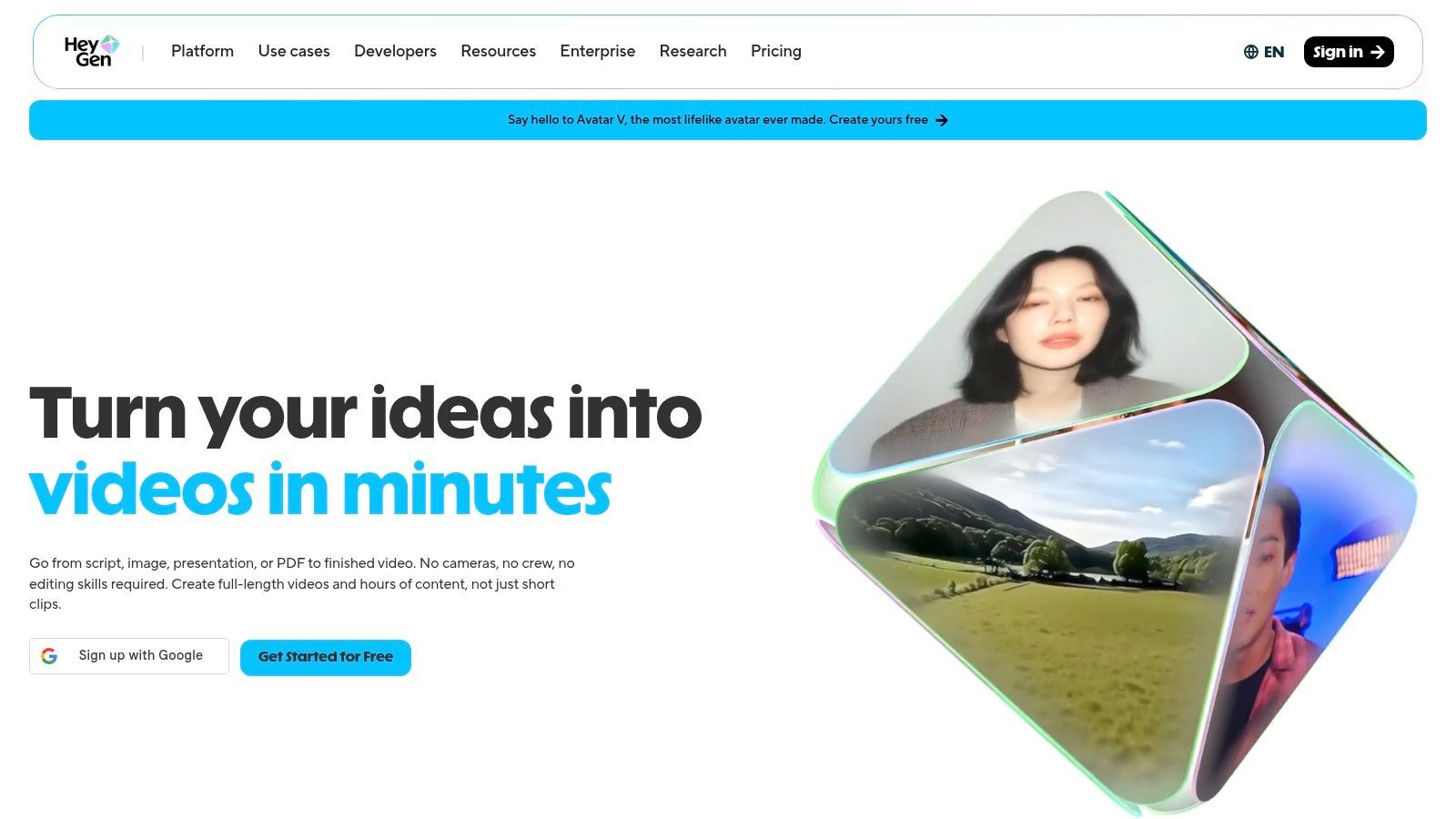
HeyGen is one of the stronger options for avatar-led explainers, sales videos, and multilingual talking-head content. People often compare it directly with Synthesia, but HeyGen tends to get more attention from marketers who care about lip-sync, dubbing quality, and quick on-brand presenter videos.
It's practical. That's the appeal.
Best use cases
HeyGen works well for:
- Sales enablement videos
- Localized product explainers
- Avatar-based updates and promos
- Fast dubbed versions of existing content
The lip-sync translation side is where many users see the value. If your team regularly adapts content for different regions, that can save a lot of manual effort.
The caution point
Credit accounting takes a minute to understand. That's not unique to HeyGen, but it matters here because avatar engines and translation workflows can feel straightforward until you start estimating usage.
Reddit discussions from disabled and faceless creators also show a wider frustration with “free unlimited” AI video claims. In one community discussion, people specifically ask for tools that are usable without expensive hardware or hidden restrictions, because many free options turn out to be rate-limited, very short clip generators, or dependent on local setups that aren't accessible in practice, as reflected in this Reddit thread about AI video help for disabled creators. HeyGen isn't pretending to be unlimited and free. That honesty is a plus.
Direct site: HeyGen
9. Colossyan
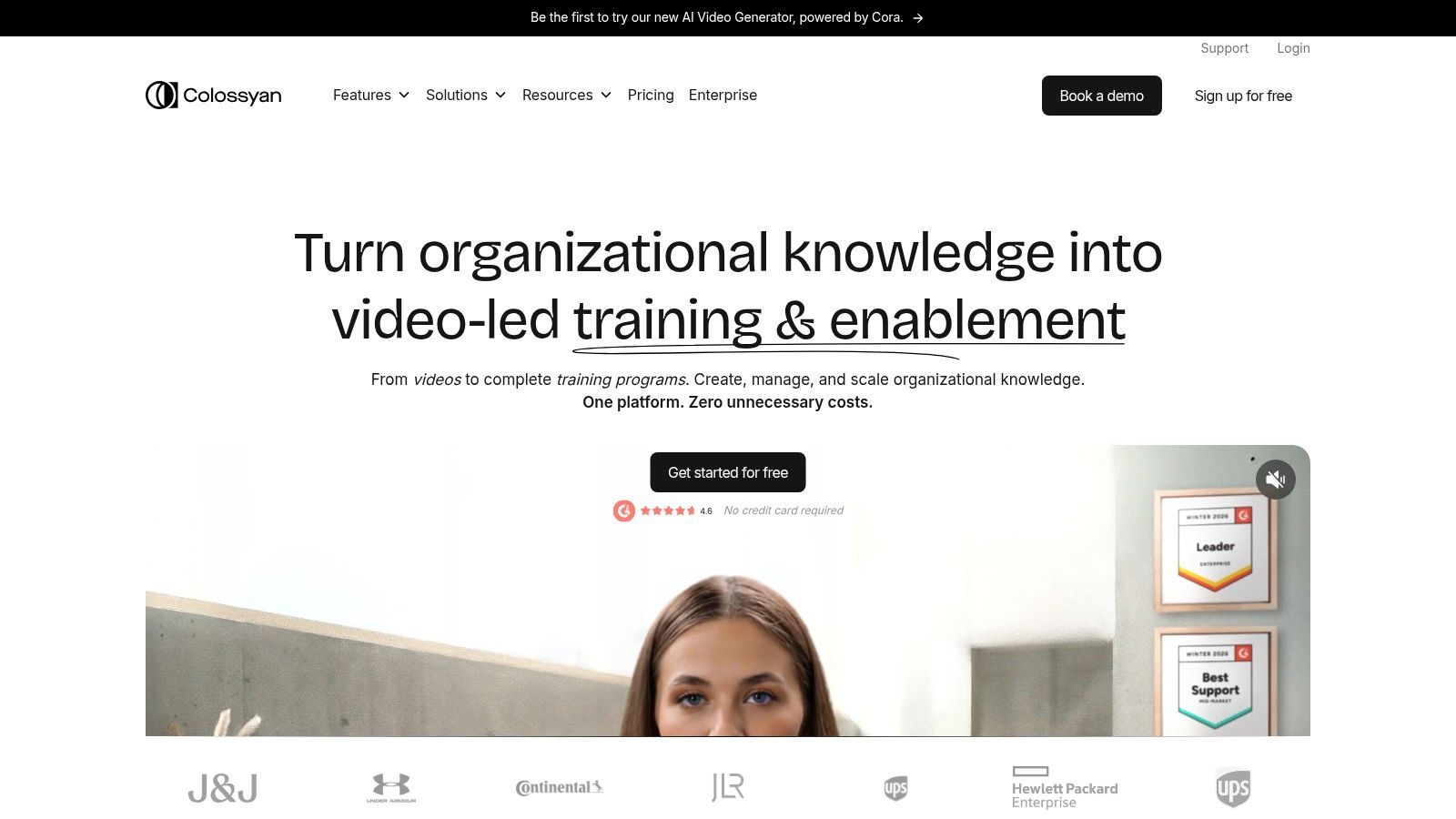
Colossyan sits in the same general business-video lane as Synthesia and HeyGen, but it feels especially tuned for training and internal education. If your company needs branching content, quizzes, translated presenter videos, and collaboration features, Colossyan is built for that reality.
This is not a tool for chasing visual spectacle. It's a tool for structured communication.
Why teams choose it
The most compelling reason to pick Colossyan is clarity of use case. Training departments, enablement teams, and internal comms leads usually don't need creative freedom for its own sake. They need consistency, localization, and interactivity.
That gives Colossyan a few obvious strengths:
- Interactive learning content: Useful for internal training flows.
- Localization support: Better for multinational orgs.
- Business-focused collaboration: Designed for team use rather than solo experimentation.
Limitation to accept
If you're a solo creator trying to make channel content, listicles, trailers, or stylized storytelling, Colossyan will feel too corporate. That doesn't make it weak. It makes it specialized.
Direct site: Colossyan
10. Fliki
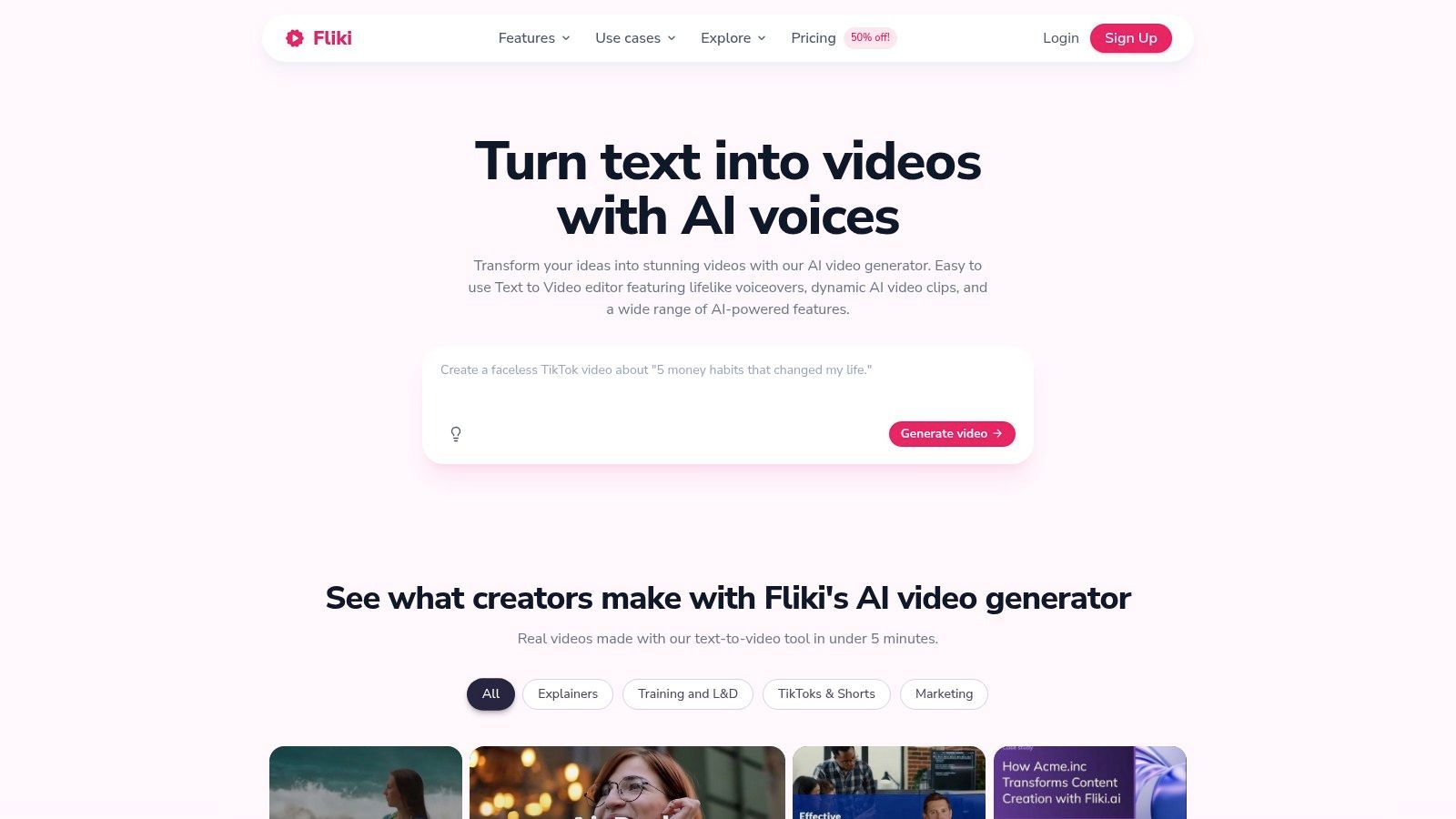
Fliki is one of the more practical picks for script-first creators. It's a good fit for listicles, explainers, tutorials, slide-based videos, faceless channel content, and multilingual voice-driven output. It doesn't try to be the most advanced cinematic generator. That's why many users find it easier to use.
For a lot of creators, especially non-editors, that trade-off is worth it.
Where Fliki shines
Fliki is strongest when your workflow begins with words. Script, blog post, slides, outline, subtitles, and voiceover-driven assembly are all comfortable starting points.
That makes it useful for:
- Faceless YouTube content
- Educational and explainer videos
- Repurposing blog content into video
- Multilingual narration-heavy formats
There's also a practical budget angle. In the same Reddit cost conversation mentioned earlier, users discussing expensive generation workflows specifically mention text-to-video alternatives like Fliki as a way to keep production costs more manageable when high-fidelity clip generation gets too expensive.
Where it hits a ceiling
Fliki won't satisfy creators who want highly specific cinematic shots, heavy visual effects, or art-directed motion sequences. The template-driven approach is efficient, but it also defines the boundaries.
If your main challenge is turning scripts into finished videos quickly, Fliki is often more useful than a more advanced generator you only half understand.
Direct site: Fliki
Top 10 AI Video Generators, Quick Comparison
| Tool | Core features ✨ | Quality & UX ★ | Pricing / Value 💰 | Best for 👥 | Standout ✨ |
|---|---|---|---|---|---|
| ShortGenius (AI Video / AI Ad Generator) 🏆 | End‑to‑end: script → image/video → voice → edit → auto‑publish | ★★★★☆ fast, polished workflow | 💰 Plans on site; scalable for teams | 👥 Creators, social managers, agencies, DTC | 🏆 Unified pipeline + presets + scheduling; 100k+ users |
| Runway | Multi‑model text/image→video, timeline editor, upscaling | ★★★★☆ cinematic fidelity | 💰 Credit model; can spike for heavy use | 👥 Solo creators & production teams | ✨ Strong motion/design + model variety |
| Pika | Fast short‑clip gen, effects, Pikascenes, credit system | ★★★☆☆ speedy for social clips | 💰 Low entry; credits & no‑watermark plans | 👥 Beginners, social creators | ✨ Quick ideation + easy effects |
| Luma (Dream Machine) | Luma + 3rd‑party models, agents, team workspaces | ★★★★☆ cinematic, physics‑aware | 💰 Agent/plan tiers; can be pricier | 👥 Teams seeking film‑y clips | ✨ Agent workflows + continuous model updates |
| Kapwing AI | Editor + AI generator, repurpose studio, captions | ★★★★☆ user‑friendly team UX | 💰 Clear pricing & credits | 👥 Social teams & creators | ✨ Repurposing/localization + collaboration |
| InVideo AI | Agents → select models, 200+ models, cost previews | ★★★★☆ marketing‑oriented workflow | 💰 Per‑model cost visibility | 👥 Marketers, ad creators, UGC teams | ✨ Transparent model costs for budgeting |
| Synthesia | 240+ avatars, 1000+ voices, localization, enterprise | ★★★★☆ mature, enterprise‑grade | 💰 Enterprise & add‑ons | 👥 L&D, onboarding, corporate comms | ✨ Large avatar/voice library + governance |
| HeyGen | Avatar engines, dubbing/lip‑sync, video agent | ★★★★☆ smooth lip‑sync | 💰 Per‑minute credits; business packs | 👥 Marketers, sales enablement teams | ✨ High‑quality dubbing & translation |
| Colossyan | Avatars, interactive branching, localization | ★★★★☆ tailored for training | 💰 Business tiers with team controls | 👥 Training & internal comms teams | ✨ Interactive learning + localization |
| Fliki | Script→video, 2,000+ voices, voice cloning, templates | ★★★★☆ excellent TTS/localization | 💰 Affordable, template‑driven | 👥 Non‑editors, explainers, channels | ✨ Multilingual TTS + fast script→video |
How to Choose Your AI Generator (and When to Pick ShortGenius)
Want a quick way to cut through Reddit noise on AI video tools? Start with the job you need done every week, not the demo clip that got upvoted.
After reading through thread after thread, the pattern is clear. Reddit users get frustrated when they compare tools that were built for different kinds of work. A cinematic model, an avatar platform, and a social video workflow tool can all produce video, but they solve different production problems.
The best filter is repeatable output. If the practical workload is short-form social posts, ad variations, faceless clips, and recurring channel content, the deciding factor is workflow. Script generation, stock or generated visuals, voiceover, editing, captions, resizing, and publishing all need to happen fast. ShortGenius stands out for that kind of production volume because it is built around throughput and consistency, not one standout render.
Visual-first projects need a different stack. Runway and Luma are better fits for mood pieces, concept visuals, stylized shots, and projects where motion quality matters more than speed. Reddit feedback on both is pretty consistent here. The upside is stronger visual output. The downside is more rerolls, more prompt tuning, and closer attention to credits.
Avatar tools are easier to choose because the use case is narrower. Synthesia, HeyGen, and Colossyan work best for training, onboarding, internal updates, sales enablement, and localized presenter-led content. If the goal is a polished on-screen spokesperson with language support and team controls, specialist avatar platforms usually beat general-purpose generators.
Pricing deserves more scrutiny than feature lists. Reddit users complain about credit burn for a reason. Some tools charge by minutes, some by generations, some by model access, and some make revision costs hard to predict. The only useful test is a real project with realistic revision cycles.
Do that before you commit.
Build one piece you would publish. A short ad, a product teaser, a talking-head explainer, or a faceless listicle is enough. You will find the friction fast. Voice quality, pacing, editing speed, caption cleanup, reroll cost, and export limitations show up immediately when the project is real.
That is the part Reddit gets right. The best AI video generator is rarely the one with the flashiest examples. It is the one that keeps your production moving after the novelty wears off.
If your priority is shipping social content and ads across channels without stitching together multiple apps, ShortGenius is the strongest pick in this group. If your priority is visual experimentation, choose Runway or Luma. If your priority is business communication, go with Synthesia, HeyGen, or Colossyan. If you also work on paid creative, Adwave's platform for video ads is a useful companion read for ad-specific workflows.