10 Best AI Video Editing Tools for 2026

Discover the top AI video editing tools for 2026. Compare features, pros, cons, and pricing to find the best AI editor for your creative workflow and projects.
You've got a hard drive full of footage, an interview that still needs transcription, and several versions to publish before the week is over. Traditionally, the bottleneck wasn't capturing video. It was scrubbing through takes, removing silences, writing captions, resizing sequences, cleaning audio, and rebuilding the same story for every platform. AI video editing tools now handle much of that repetitive work, but they don't all solve the same problem.
Some platforms generate a complete short from a prompt. Others add AI assistance to a professional nonlinear editor. Text-first tools turn a transcript into an edit, while browser-based platforms focus on captions, repurposing, and fast social publishing. The right choice depends less on the longest feature list and more on where your existing workflow slows down.
This guide reviews 10 of the best AI video editing tools for 2026, with practical attention to speed, editorial control, output quality, and the point where human review remains essential. If your first challenge is summarizing long video footage, start there, then choose the editor that fits the job.
1. ShortGenius
ShortGenius targets teams that need to turn an idea into a published short without moving through several specialist apps. Its workspace covers scriptwriting, scene and image generation, video assembly, voiceover, editing, brand controls, and distribution. That makes it an end-to-end generation and publishing tool rather than an AI feature added to a traditional editing timeline.
The workflow advantage is fewer handoffs. A team can draft a script, generate scenes, replace a voice or shot, add captions, resize the result, apply a brand kit, and group related videos into a series without repeatedly exporting files. Camera-movement presets, scroll-stopping treatments, and visual effects provide a starting structure when building a short from an empty timeline would slow production.
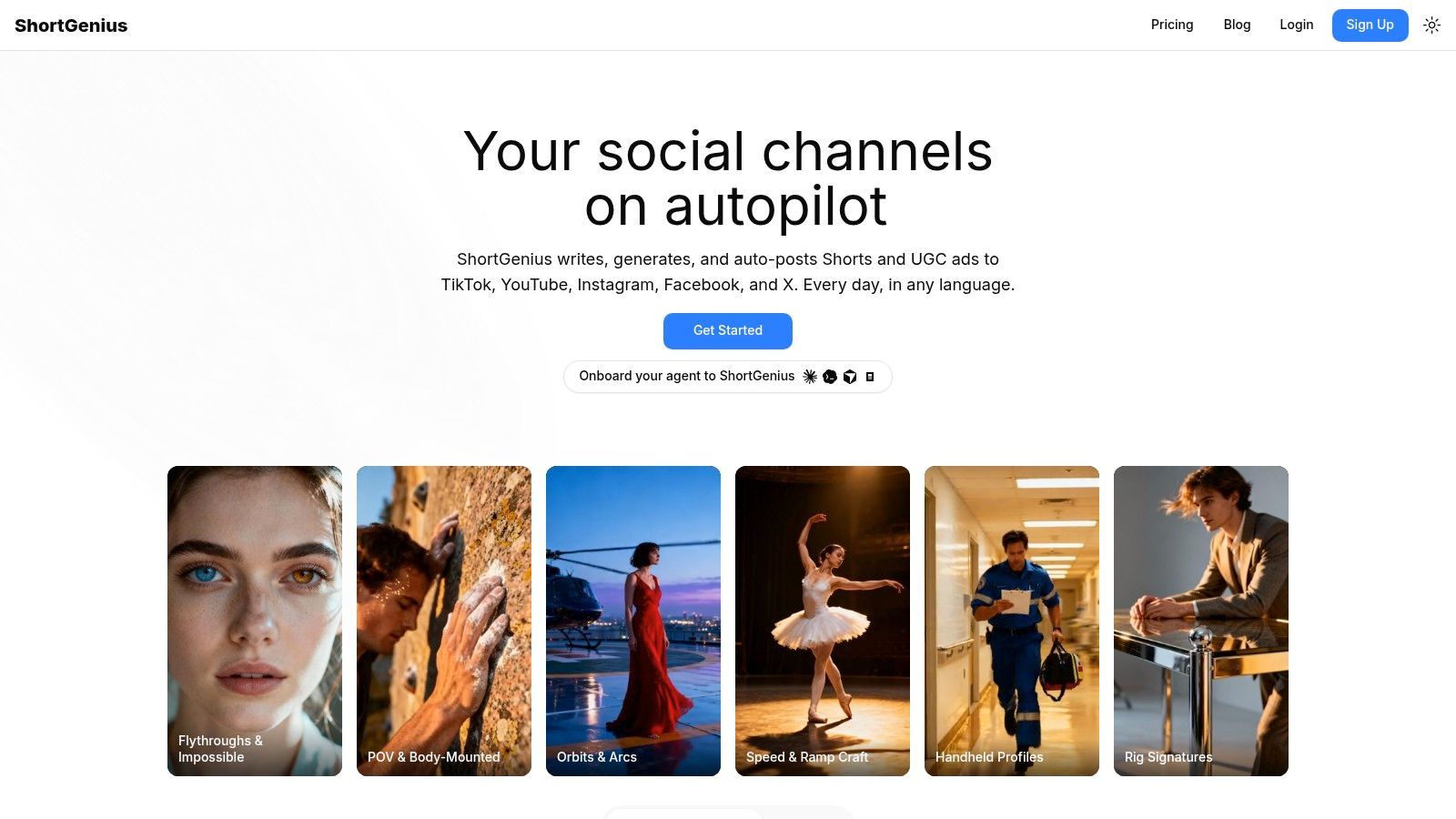
Best for script-to-post short-form production
ShortGenius fits social teams, agencies, e-commerce brands, educators, and solo creators producing recurring vertical content. Series organization supports repeatable formats, while auto-scheduling prepares posts for TikTok, YouTube, Instagram, Facebook, and X. This is useful when the production problem is consistency across channels, not detailed timeline control.
The platform says it is used by 100,000+ creators and teams, with examples spanning languages and regions. Its model layer combines language, image, video, and voice capabilities, including ElevenLabs voice technology, so users do not need to manage separate API connections or subscriptions for each function.
Practical rule: Use AI for the first production pass, then review every claim, hook, voiceover, and visual before publication.
The trade-off is reduced visibility into editorial choices. Generated scripts may require brand-specific rewriting, scenes may miss the intended emphasis, and compliance-sensitive ads still need human approval. Pricing and plan limits are not clearly shown in the available product material, so check current details on the platform before committing. For teams focused on AI revolutionizing video ads, its practical value is faster, repeatable production across multiple channels.
Pros
- End-to-end workflow: Move from writing and visuals to editing, voiceover, and scheduling in one platform.
- Cross-channel publishing: Prepare consistent versions for TikTok, YouTube, Instagram, Facebook, and X.
- Model breadth: Use writing, image, video, and voice capabilities without separate integrations.
- Series production: Batch related content while preserving brand and format consistency.
- Team operations: Manage assets, ads, scheduling, support, payments, and API-based automation in one environment.
Cons
- Pricing clarity: Confirm current plans, limits, and business costs before choosing the platform.
- Human review remains necessary: Check outputs for accuracy, tone, rights, and compliance.
2. Adobe Premiere Pro
Adobe Premiere Pro remains the practical choice when AI assistance needs to sit inside a serious editing environment. It combines a mature nonlinear timeline with text-based editing, Speech to Text, automatic captions, caption translation, Enhance Speech, and Auto Reframe for adapting horizontally oriented footage to vertical or square formats.
The transcript workflow is particularly useful for interviews, podcasts, and recorded presentations. Editors can search dialogue, remove sections from the text, and use that structure to build a rough cut before refining timing, cutaways, sound, and pacing on the timeline. Auto Reframe also reduces the manual work involved in turning a 16:9 master into social versions, although it still needs checking when a subject moves unpredictably or important visual information sits near the edge of the frame.
Best for professional teams and established post-production
Premiere Pro fits agencies, production companies, and in-house teams already using Creative Cloud. Its round-trip workflow with After Effects is a major advantage when a quick AI-assisted edit eventually needs motion graphics, detailed compositing, or a broadcast-ready finish.
AI speeds up repetitive work, but it doesn't decide whether a pause creates tension, whether a reaction shot belongs before a line, or whether a brand's visual rhythm feels right. Premiere gives experienced editors the control to make those decisions rather than hiding them behind automation.
Pros
- Professional timeline: Handle complex edits with established media and sequence controls.
- Transcript-driven assembly: Build rough cuts from searchable dialogue.
- Social adaptation: Reframe and caption existing edits for additional formats.
- Creative Cloud integration: Move efficiently between Premiere Pro and After Effects.
- Extensible workflow: Use plugins, templates, and established team practices.
Cons
- Learning curve: New editors may find it slower to learn than a browser-based tool.
- Hardware demands: Complex timelines can require capable desktop hardware.
- Finishing responsibility: AI accelerates tasks, but the editor still owns the final creative judgment.
Explore the current feature and plan details on Adobe Premiere Pro.
3. DaVinci Resolve
DaVinci Resolve is the strongest option on this list for creators who want AI assistance alongside serious color, audio, visual effects, and editing tools. Its Neural Engine supports functions such as Magic Mask, voice isolation, Smart Reframe, and text-based editing, while the broader application includes Fusion for VFX and Fairlight for professional audio.
That combination changes the workflow. Instead of exporting an edit to a separate application for grading or sound cleanup, you can keep the project inside one post-production environment. Magic Mask can help isolate people or objects, Smart Reframe can assist with format changes, and voice isolation can reduce unwanted background sound. Each result still deserves inspection, especially when a mask crosses hair, glass, fast movement, or overlapping subjects.
Best for creators who want one professional finishing environment
Resolve's color tools are a central reason to choose it. A social clip may begin as a quick AI-assisted assembly, but consistent skin tones, controlled contrast, and clean audio still determine whether the final piece feels deliberate. Resolve lets a creator take that rough cut further without abandoning the project.
The downside is density. The application is divided across multiple pages, and new users need time to understand how editing, Fusion, Fairlight, and color work together. Its best performance also depends on a capable GPU, particularly when projects contain high-resolution media, noise reduction, effects, or demanding AI operations.
“AI can find the subject. The editor still decides what the audience should feel.”
Pros
- Complete post-production suite: Edit, grade, mix, and add VFX in one application.
- AI-assisted isolation: Use Magic Mask and related tools to speed up selective work.
- Strong audio controls: Fairlight and voice isolation support dialogue-heavy projects.
- Professional color: Go beyond automated looks with detailed grading control.
- Collaboration support: Blackmagic Cloud can support distributed project work.
Cons
- Complex interface: Multiple pages create a steeper learning path.
- Performance requirements: High-end workflows benefit from stronger hardware.
- Manual refinement: AI masks and reframing need checking before delivery.
See the current application options at DaVinci Resolve.
4. CapCut
CapCut is designed around the speed and visual language of social content. Auto captions, translation, background and sticker removal, beat and lyric tools, templates, effects, and platform-oriented export options make it easy to turn raw footage into a short without first learning a traditional editing system.
The biggest workflow benefit is immediacy. A creator can work on mobile, desktop, or the web, then use templates and effects that already match the pace of TikTok and YouTube Shorts. That makes CapCut a strong fit for influencers, social managers, and teams that value rapid publishing over detailed finishing.
Best for trend-led vertical video
CapCut works well when the creative brief is clear and the edit is short. Auto captions can create a usable first pass, while background removal and social templates help build a recognizable format quickly. The editor also lowers the barrier for contributors who aren't trained in Premiere Pro or Resolve.
It's less suitable for complex narrative edits, detailed color work, or advanced sound design. The large template and effect ecosystem can also encourage sameness if every project begins from a trend-led preset. Pricing may vary by region and platform, so teams should confirm the current structure before building a high-volume process around premium features.
Pros
- Fast onboarding: New users can reach a usable social edit quickly.
- Social-native assets: Templates and effects support current short-form conventions.
- Multiple platforms: Use mobile, desktop, and web versions according to the workflow.
- Caption assistance: Generate captions and translations without a separate service.
- Team access: Shared workspaces can help social teams coordinate production.
Cons
- Limited finishing depth: Color and audio controls don't match full professional NLEs.
- Pricing complexity: Confirm regional and platform-specific plan details.
- Template dependence: Fast presets can reduce visual distinction without brand direction.
Check the current plan information on CapCut.
5. Descript
Descript treats video as an editable document. It automatically transcribes recorded material, and changes made to the transcript affect the underlying audio and video. For podcasts, courses, interviews, webinars, and screen recordings, that approach can be much faster than searching through a timeline for every unwanted phrase.
Its AI toolkit includes filler-word and silence removal, Studio Sound enhancement, captions, screen recording, multicam support, and an AI co-editor called Underlord. Underlord can help assemble drafts and apply broad cleanup instructions, but the best results come when the editor gives it a clear objective rather than expecting it to understand the entire tone of a project automatically.
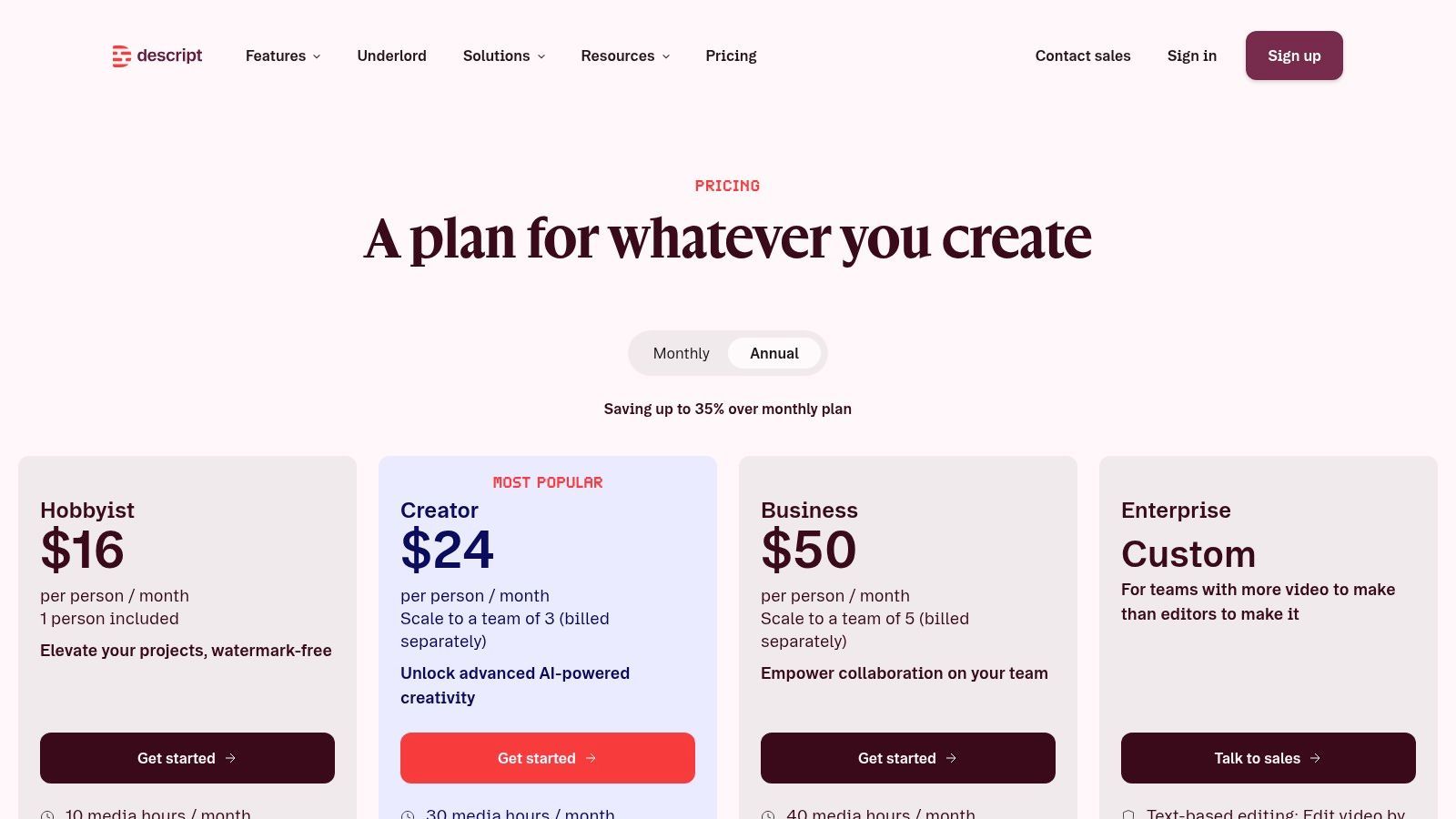
Best for dialogue-heavy content and fast repurposing
Descript is particularly effective when the spoken words carry the story. Searching a transcript is easier than scrubbing a long recording, and removing repeated phrases or dead air becomes a text-editing task. That makes it useful for turning one conversation into a main episode, short clips, quote videos, and captioned social posts.
The editor isn't a replacement for a full finishing suite. Complex compositing, detailed color grading, and advanced multicam decisions are better handled elsewhere. Credit or minute-based plans also need active management when a team processes a large amount of footage.
A careful AI transcription editing workflow should preserve the original recording and review transcript cuts against the waveform. Automated transcription can mishear names, technical language, accents, and overlapping speakers.
Pros
- Text-based editing: Cut spoken content directly from the transcript.
- Fast cleanup: Remove filler words, silence, and distracting audio problems.
- Repurposing speed: Create clips from long-form conversations without rebuilding the edit.
- Accessible interface: Nontraditional editors can work productively without mastering a dense NLE.
- Recording included: Capture screen, camera, or presentation content in the same environment.
Cons
- Finishing limits: Advanced post-production tools offer fewer features than Premiere Pro or Resolve.
- Usage management: High-volume teams need to monitor minutes or credits.
- Transcript review: Accuracy errors can change meaning if nobody checks the edit.
Visit Descript for current plans.
6. Runway
Runway is best understood as a generative video environment with editing capabilities, rather than a conventional editor that happens to include a few AI buttons. Its browser workspace brings together text-to-video, image-to-video, video-to-video, greenscreen, inpainting, motion tracking, and upscaling.
That makes it valuable during concept development. A creative team can test a visual direction, generate a missing transition, transform existing footage, or produce an advertising concept without setting up a large desktop project. It's also useful when a brief calls for visual experimentation that would be expensive or slow to shoot traditionally.
Best for concept development and generated visual effects
Runway's strength is iteration. You can move from a rough prompt to a visual reference, then refine the concept through several passes. The limitation is that visual consistency and precise control may require multiple iterations. A generated subject may change appearance, motion, or object details between outputs, which creates extra work when a sequence needs continuity.
Credit-based usage matters in practice. The most capable models can consume credits quickly, so teams should test a small representative workflow before estimating how much a campaign or content series will cost.
Pros
- Generative range: Combine text, image, and video transformations in one browser workspace.
- Rapid ideation: Explore ad concepts and visual treatments without heavy software.
- Useful effects: Greenscreen, inpainting, tracking, and upscaling support practical post work.
- Team organization: Workspaces and projects help manage collaborative experimentation.
- No heavy installation: Start projects in the browser.
Cons
- Credit consumption: High-end generations can use credits quickly.
- Consistency challenges: Characters, objects, and motion may need repeated refinement.
- Limited editorial precision: A traditional NLE remains better for exact story and timing control.
Review the current options at Runway.
7. VEED
VEED focuses on the finishing and repurposing tasks that marketing teams repeat every week. Its browser editor supports automatic subtitles, translations, AI dubbing and voice features, silence and filler-word removal, Clean Audio, stock integrations, prompt-to-video generation, collaboration, and brand controls.
The workflow is straightforward. Upload or generate a clip, remove dead space, clean the audio, apply captions and brand styling, then prepare versions for different channels. That sequence suits campaign teams that need consistent output and don't want every stakeholder installing a desktop editor.
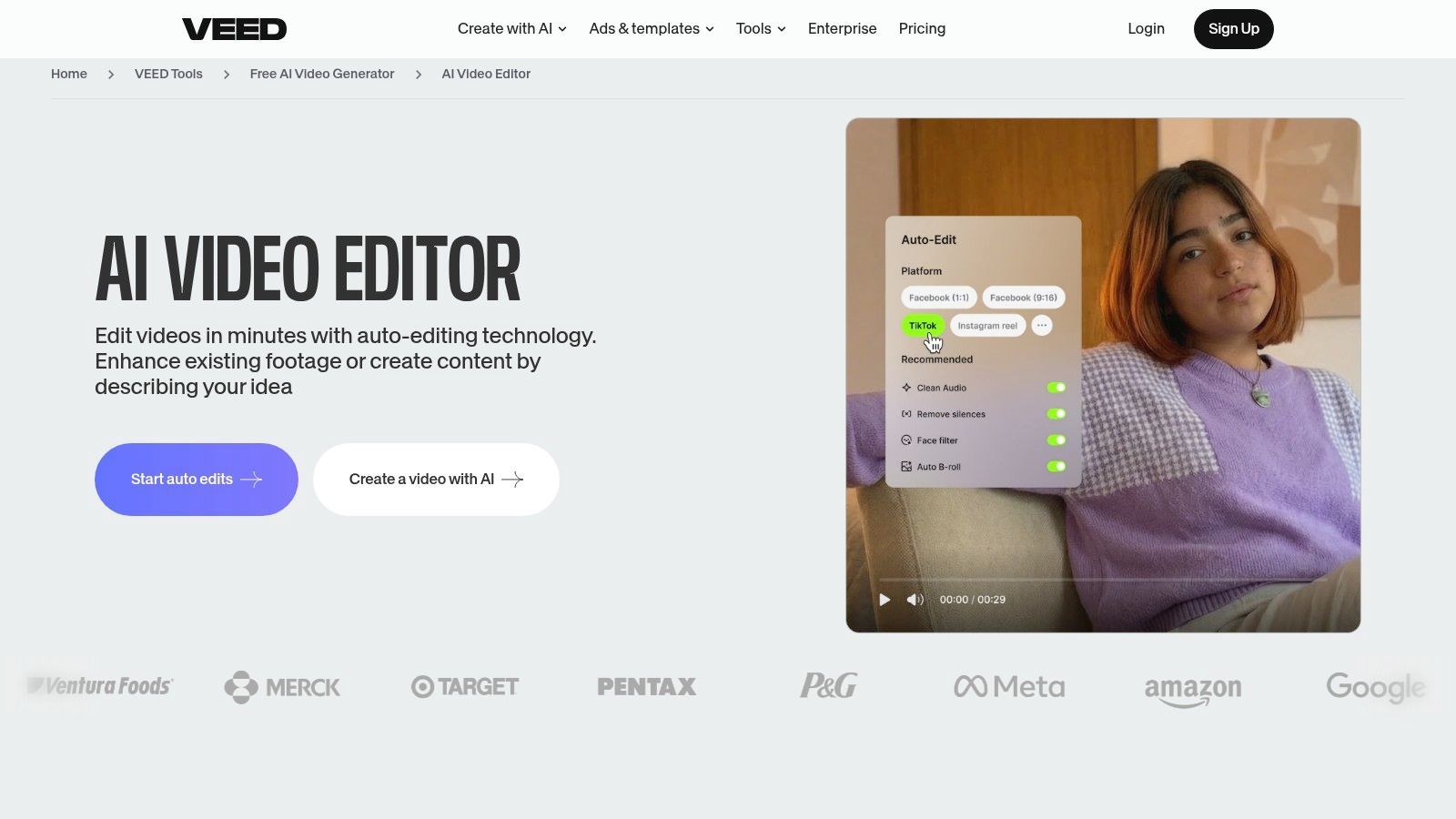
Best for browser-based marketing production
VEED is strong when speed, accessibility, and collaboration matter more than elaborate compositing. A content manager can make a captioned product clip, a translated version, or a branded announcement without involving a specialist editor for every adjustment.
The trade-off appears on more demanding projects. Advanced VFX, detailed compositing, complex multicam edits, and fine color work remain better suited to desktop NLEs. AI dubbing and automatic captions also require a human language and brand review, particularly for names, technical vocabulary, regulated claims, and humor.
Editorial safeguard: Never approve an auto-dubbed or auto-captioned campaign from the preview alone. Listen, read, and compare the output with the approved script.
Pros
- Browser accessibility: Teams can collaborate without installing a heavyweight editor.
- Repurposing tools: Caption, translate, and adapt content in the same workspace.
- Audio cleanup: Clean Audio and silence removal speed up marketing edits.
- Brand consistency: Templates and controls help standardize recurring content.
- Fast learning curve: Useful for marketers who edit occasionally.
Cons
- VFX limitations: Complex effects need a more capable desktop environment.
- Manual review: AI captions, dubbing, and generated scenes can need correction.
- Workflow ceiling: Power users may outgrow the browser timeline.
Explore the platform at VEED.
8. Wondershare Filmora
Filmora occupies the middle ground between a simple social editor and a professional NLE. Its AI toolkit includes AI Copilot assistance, audio denoise, smart cutout, text-to-speech, AI Portrait features, motion tracking, captions, reframing, and a broad collection of templates and effects.
The application works well for YouTubers, educators, small businesses, and creators who want quick wins without committing to the complexity of Resolve or Premiere Pro. One-click tools can remove common obstacles, such as isolating a subject, cleaning a noisy recording, or preparing a talking-head clip for a social format.
Best for approachable desktop editing
Filmora's main advantage is the balance between control and simplicity. You still work in a familiar timeline, but you don't need advanced compositing knowledge to improve a draft. AI Copilot features can help users find an editing path, while templates and integrated assets shorten the time from raw footage to a presentable video.
It's less convincing for projects that demand precise finishing, intricate effects, or extensive multicam management. Asset libraries and effects may also involve additional subscriptions, so production teams should separate the editor's capabilities from the cost of optional content packs.
Creators comparing beginner AI video editing tools should treat Filmora as a practical starting point, not a substitute for learning basic pacing, audio balance, and shot selection.
Pros
- Gentle learning curve: Reach useful results without a professional editing background.
- Broad AI toolkit: Cover denoise, cutout, tracking, captions, and speech generation.
- Desktop control: Keep more timeline control than many browser-first editors.
- Template support: Build repeatable formats for YouTube and social content.
- Cross-platform access: Work across supported desktop environments.
Cons
- Less granular control: Complex projects may expose its limits.
- Optional costs: Effects and asset add-ons can require extra subscriptions.
- AI assistance needs direction: Copilot features don't replace editorial judgment.
See current purchase options for Wondershare Filmora.
9. InVideo
InVideo is designed for the moment when a team has a brief but not yet a finished edit. Its prompt and script-to-video workflow assembles scenes, voiceover, stock media, captions, and templates, then provides an in-browser editor for refining timing, layout, and individual scenes.
That makes it useful for product explainers, social ads, and early campaign variants. A marketer can describe the offer, generate a draft, replace unsuitable stock, adjust the script, and produce a version ready for internal review without handing every first pass to a specialist editor.
Best for fast drafts and explainers
InVideo saves time at the beginning of production, not necessarily at the end. Generated scenes can establish a structure quickly, but the draft often needs manual polish. Stock choices may feel generic, pacing may not match the brand, and a voiceover can sound wrong if the script contains awkward phrasing or specialized terminology.
The tool's credit-based generation model also makes usage accounting part of the workflow. Heavy users should track how many drafts, revisions, and outputs a project consumes before promising a fixed production volume.
Pros
- Prompt-to-video assembly: Convert a script or brief into a structured first draft.
- Stock integration: Fill scenes without sourcing every asset separately.
- Simple refinement: Adjust timing, layout, scenes, and voiceover in the browser.
- Useful for variants: Produce different hooks or product angles for review.
- Accessible to non-editors: Teams can begin without deep timeline expertise.
Cons
- Variable output quality: Prompts and model choices strongly affect the first draft.
- Manual polish required: Stock, pacing, voice, and claims still need review.
- Credit tracking: High-volume workflows need careful usage management.
- Limited finishing: Complex visual storytelling belongs in a full NLE.
Check the current plans for InVideo.
10. Kapwing
Kapwing brings AI generation and social repurposing into a shared browser workspace. It combines AI video and image-to-video tools with text-to-speech, automatic subtitles, translation, resizing, templates, brand workspaces, and exports prepared for major social formats.
The useful distinction is that Kapwing doesn't force a choice between generated content and traditional edits. A team can generate a starting scene, import existing footage, cut it on the timeline, add captions, resize it, and prepare platform versions without moving through multiple applications.
Best for collaborative social pipelines
Kapwing suits marketing teams and creators who need a repeatable route from source material to platform-specific outputs. Brand assets and workspace collaboration can reduce the friction of handing drafts between writers, editors, and approvers. The interface is also approachable enough for occasional contributors.
Power users will find limits in advanced color, VFX, and multicam work. Some AI tools require credits or paid plans, so the platform is best evaluated against the number of edits your team makes, not just the availability of individual features.
Pros
- Balanced workflow: Combine AI creation with ordinary timeline editing.
- Repurposing focus: Subtitle, translate, resize, and adapt source videos.
- Team collaboration: Use shared workspaces, templates, and brand resources.
- Fast onboarding: Suitable for creators and marketers without NLE training.
- Social exports: Prepare variations for different publishing destinations.
Cons
- Advanced limits: Complex color, VFX, and multicam work may require another editor.
- Credit requirements: Some AI functions depend on paid usage.
- Browser constraints: Large or demanding projects may be more comfortable on desktop software.
Try the available tools in Kapwing.
Top 10 AI Video Editors: Quick Feature Comparison
| Tool | Core features | UX & Quality | Price & Value | Target audience | Unique selling point |
|---|---|---|---|---|---|
| ShortGenius (AI Video / AI Ad Generator) 🏆 | Script→image→video→voice in one editor; presets, scheduling | ★★★★★, fast, consistent output | 💰 Check site, enterprise/team plans; high scale value | 👥 Influencers, social teams, agencies, e‑commerce | ✨ End-to-end AI pipeline + multi-channel scheduling |
| Adobe Premiere Pro | Pro NLE, text-based edit, Auto Reframe, CC integration | ★★★★★, broadcast-grade, precise controls | 💰 Subscription (Creative Cloud), pro value | 👥 Agencies, broadcast pros, advanced editors | ✨ Deep pro tooling + After Effects round‑trip |
| DaVinci Resolve | Edit, color, VFX, Fairlight audio, Neural Engine tools | ★★★★☆, industry color/audio quality | 💰 Free tier + paid Studio upgrade | 👥 Colorists, post houses, serious creators | ✨ World‑class color + free professional pipeline |
| CapCut | Mobile/desktop/web editor, templates, auto captions | ★★★★, fast, trendy social edits | 💰 Freemium; Pro/subscription varies by region | 👥 Influencers, short‑form creators, social managers | ✨ One‑click social templates & effects library |
| Descript | Text-first editor, auto-transcript, Studio Sound, AI co-editor | ★★★★☆, fastest for dialogue-driven content | 💰 Tiered plans; credit/minute model | 👥 Podcasters, educators, talk‑driven creators | ✨ Text-based edit + AI co-editor for quick cuts |
| Runway | Browser timeline + text/vid generative models, upscaling | ★★★★, rapid ideation, creative effects | 💰 Credit-based; top models consume credits | 👥 Concept artists, VFX creators, ad teams | ✨ State‑of‑the‑art generative video models in‑browser |
| VEED | Browser editor: auto-subtitles, AI dubbing, prompt→video | ★★★★, efficient for branded shorts | 💰 Freemium + paid teams; easy scaling | 👥 Marketing teams, social publishers | ✨ Prompt-to-video + collaboration & brand controls |
| Wondershare Filmora | Desktop editor, AI Copilot, templates, TTS | ★★★★, easy learning curve, quick results | 💰 One‑time or subscription options | 👥 YouTubers, small teams, beginners | ✨ Gentle learning curve with one‑click AI assists |
| InVideo | Script→video with stock, templates, voiceover | ★★★★, fast first drafts for ads/explainers | 💰 Credit/plans; cost per generation matters | 👥 Small marketing teams, ad creators | ✨ Rapid script-to-draft workflow for ads |
| Kapwing | Web editor, AI generators, auto subtitles & resize | ★★★★, balanced AI + timeline editing | 💰 Freemium + paid plans; some tools need credits | 👥 Social teams, creators needing quick repurposing | ✨ All-in-one web workspace optimized for socials |
Your New Creative Partner
AI video editing isn't about removing creators from the process. It's about giving them better control over where their time goes. AI can transcribe an interview, identify silence, generate captions, remove background noise, suggest a rough cut, resize a sequence, or assemble a first draft. The creator still decides what matters, what feels authentic, and what deserves the audience's attention.
The market signals explain why these tools have moved from novelty to workflow infrastructure. One estimate values the AI video editing tools market at USD 1.6 billion in 2025 and projects USD 9.3 billion by 2030, with a projected 42.19% CAGR from 2025 to 2030. That forecast is reported by Virtue Market Research. Another industry roundup citing Wyzowl findings says 63% of video marketers used AI to help create or edit marketing videos in 2026, up from 51% the year before, while 91% of businesses use video as a marketing tool according to the same roundup, available through VdoBloom's AI video statistics overview.
Those figures describe adoption, not guaranteed quality. A separate industry summary reports that 74.3% of users saved up to three hours per week, while 11.6% saved more than five hours weekly, indicating that current tools mainly reduce repetitive work rather than replace the entire production process. That evidence appears in Ngram's AI video statistics review.
Choose tools according to the bottleneck you have:
- For script-to-post short-form output: ShortGenius offers the broadest single-workspace workflow.
- For professional editing and finishing: Premiere Pro and DaVinci Resolve provide the deepest control.
- For transcript-led production: Descript is the fastest fit for dialogue-heavy material.
- For social-first speed: CapCut, VEED, and Kapwing reduce publishing friction.
- For generated concepts: Runway supports visual experimentation and transformations.
- For approachable desktop editing: Filmora gives beginners useful AI assistance without a highly technical interface.
- For fast drafts: InVideo can turn a brief into a reviewable explainer or ad starting point.
Trust and editorial control deserve equal weight. Coverage often emphasizes whether AI saves time, but creators also need to know how automatic changes affect intent, disclosure, authenticity, and ownership. Reporting on YouTube's testing of AI edits on Shorts shows why undisclosed alterations can create concern even when the stated goal is efficiency.
The best workflow is usually hybrid. Let AI handle transcription, rough assembly, captions, format adaptation, cleanup, and repetitive versioning. Keep human control over the hook, structure, factual claims, visual continuity, emotional timing, rights, and final approval. Start with one representative project, compare the time spent before and after adoption, and check whether the tool improves the complete route from footage to approved publication.
Use a free trial or accessible version of one or two tools that match your bottleneck. Don't choose based on the most impressive demo. Choose the platform that reduces work in the stage your team repeats most often, while preserving enough control to make the finished video yours.
ShortGenius combines scriptwriting, generated scenes, natural voiceovers, editing controls, brand kits, series organization, and multi-platform scheduling in one workflow. If you want to turn ideas into consistent short-form videos and ads without wiring together several separate tools, visit ShortGenius (AI Video / AI Ad Generator) and test whether its script-to-post process fits your production pipeline.