Best AI Social Media Post Generator Free Tools for 2026

Discover the best AI Social Media Post Generator Free tools for 2026. Create engaging captions, ideas, and posts with top AI apps.
Stop Staring at a Blank Content Calendar
That blinking cursor is where a lot of social media plans go to die. You know what you want to say, but turning one product update, one blog post, or one rough idea into a week of platform-ready content is a grind. The hardest part usually isn't publishing. It's getting the first usable draft on the page.
That's why free AI generators have become part of the daily workflow for so many teams. By 2025, over 70% of social media managers reported using at least one free AI post generator to beat writer's block and fill content calendars faster, according to this Reddit SocialMediaManagers discussion. The shift isn't small either. By 2023, over 75% of marketers were already using AI for social media marketing, including content creation and optimization, based on Market.us data on AI in social media.
The good news is you don't need a paid stack to get moving. Free tools now cover ideation, captions, visuals, scheduling, and even short-form video if you stitch the right apps together. Some are better for quick one-off captions. Others work better when you want drafting and publishing in the same place.
Here are the free AI social media post generators I'd personally use, with the trade-offs that matter when you're trying to publish consistently without burning budget.
1. Buffer AI Assistant
Buffer is the safest starting point for anyone who wants one tool to do two jobs well enough. You can draft captions inside the composer, clean them up, and schedule them without jumping between tabs. That matters more than people think. Friction kills consistency.
The free plan is what makes Buffer practical for solo creators. You get support for three social channels, a basic queue, and access to the AI assistant, plus link-in-bio and basic analytics through Buffer. If your goal is to stop overcomplicating your workflow, Buffer keeps the handoff from draft to scheduled post very clean.
Where Buffer works best
Buffer shines when your bottleneck is caption writing, not asset creation. If you already make graphics in Canva, shoot your own reels, or repurpose customer photos, Buffer handles the publishing side nicely.
- Best use case: Drafting post variations while you schedule the week.
- Big advantage: You don't need a separate AI tab open just to get moving.
- Main limitation: Free scheduling limits mean heavy posting calendars hit the ceiling fast.
Practical rule: If you post to a small number of channels and need momentum more than complexity, Buffer is hard to beat on free.
I like Buffer most for recurring formats. Weekly tips, product reminders, customer quotes, event promos. The AI assistant gives you a first draft, and then you shape the voice yourself. That's the right relationship with AI. Let it do the blank-page work. You still do the judgment.
If you need deep reporting, inbox management, or more advanced approval workflows, Buffer's free plan won't carry a team for long. But as an ai social media post generator free option that also schedules, it's one of the most useful starting points on this list.
2. Canva AI Caption Generator and Magic Write
You finish a carousel in Canva, the slides look right, and the caption is the only thing holding up the post. That is the situation where Canva's AI tools earn their keep. If your content process starts with visuals instead of copy, staying in one workspace is faster than exporting the design and opening a separate caption generator.
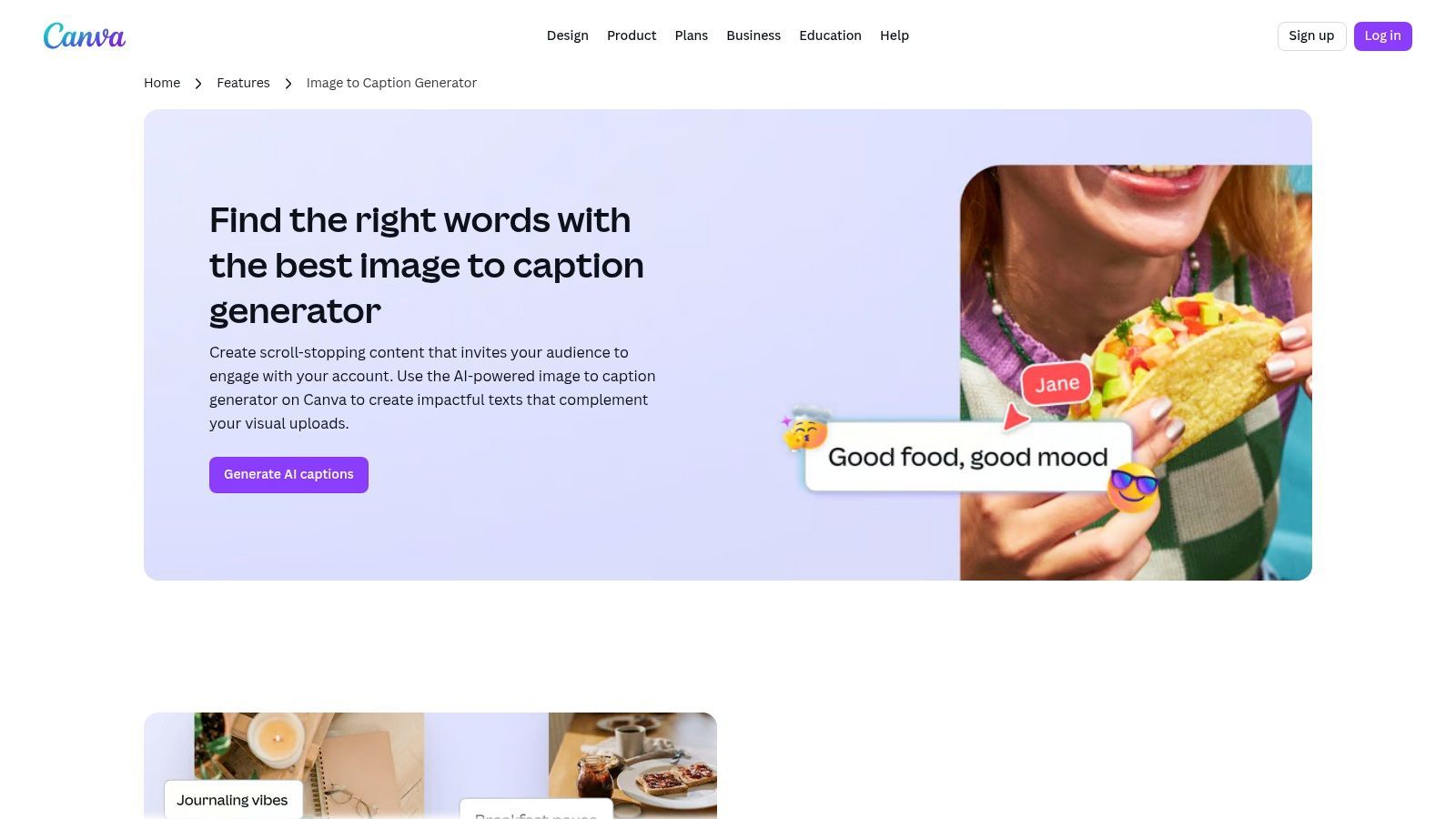
The main advantage is workflow control. Build the post graphic, pull ideas with Magic Write, adjust the caption while looking at the design, then publish or hand the asset off. That sounds small until you are producing a week of posts and every extra tab starts costing time.
Why design-first creators like it
Magic Write works best as a drafting assistant, not a final writer. It is useful for hook options, CTA variations, caption rewrites, and turning one core message into several platform-specific versions. The output is usually good enough to get past the blank page. It still needs editing if your brand voice is specific or if the post has any nuance.
Canva also fits a broader production workflow better than text-only tools. You can create the static post, generate copy, resize for multiple formats, and prep assets for repurposing in one place through Canva AI Caption Generator. If your workflow includes short-form video as well, pair Canva's design and caption layer with an AI video content workflow tool so the text draft does not stop at the graphic stage.
A practical Canva workflow looks like this. Build the visual first. Feed Magic Write a clear prompt based on the finished asset. Ask for three angles, such as educational, promotional, and conversational. Then trim each version to fit the platform instead of asking AI to invent context it cannot see clearly.
The trade-off is consistency. Canva helps you keep fonts, colors, and layouts aligned, but free AI outputs can still drift in tone from post to post. Teams that care about a recognizable voice will need a short caption checklist or a saved prompt structure. Canva saves time on production. It does not replace editorial judgment.
For creators who think in visuals, Canva is one of the better free options in this list because it supports more of the content engine than caption writing alone.
3. HubSpot Free AI Social Caption Generator
HubSpot's free generator is one of the cleanest choices when you want fast copy and nothing else. No complicated setup. No pressure to build an entire content stack around it on day one. You open the tool, pick the angle, and generate a draft.
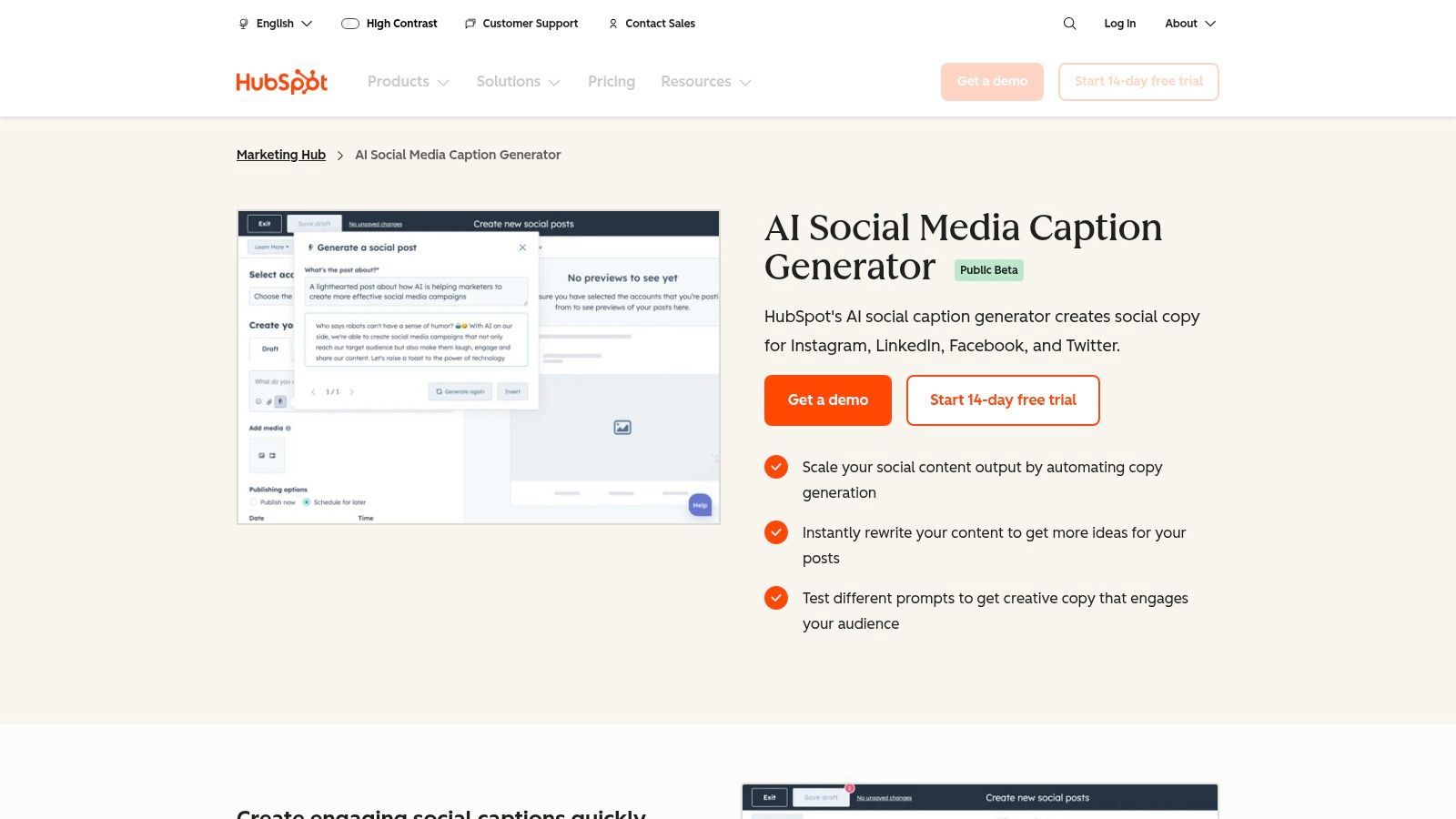
That's exactly why it works. Some tools try to push you into a whole suite before they've earned a place in your workflow. HubSpot's Free AI Social Caption Generator is better treated like a utility knife. Quick draft in, quick caption out.
Best for one-off drafting
This is a strong option when you need copy for a launch post, webinar reminder, promo graphic, or LinkedIn update and don't want to open your scheduler yet. Tone controls help, and the interface doesn't ask much from non-technical users.
What it doesn't do is the rest of the job. There isn't scheduling, asset management, or post approval built into the standalone tool. That's fine if you already use another planner. It's less useful if you're looking for a full free publishing engine.
- Use it for: Fast caption ideas by platform and tone.
- Skip it if: You want built-in scheduling or visual generation.
- Expect to edit: Brand voice still needs human cleanup.
I wouldn't build an entire social workflow around HubSpot's free caption tool alone. I would absolutely keep it bookmarked. That's a different standard, but an important one. Tools don't always need to be all-in-one to be worth using.
For marketers already in HubSpot's ecosystem, it fits naturally. For everyone else, it's still a handy free drafting tool that gets to the point.
4. Ahrefs Free AI Social Media Caption Generator
Ahrefs takes the no-friction approach seriously. You can try it in the browser, generate a few options, and move on. No account wall, no dashboard learning curve, no need to commit before you've seen the output.
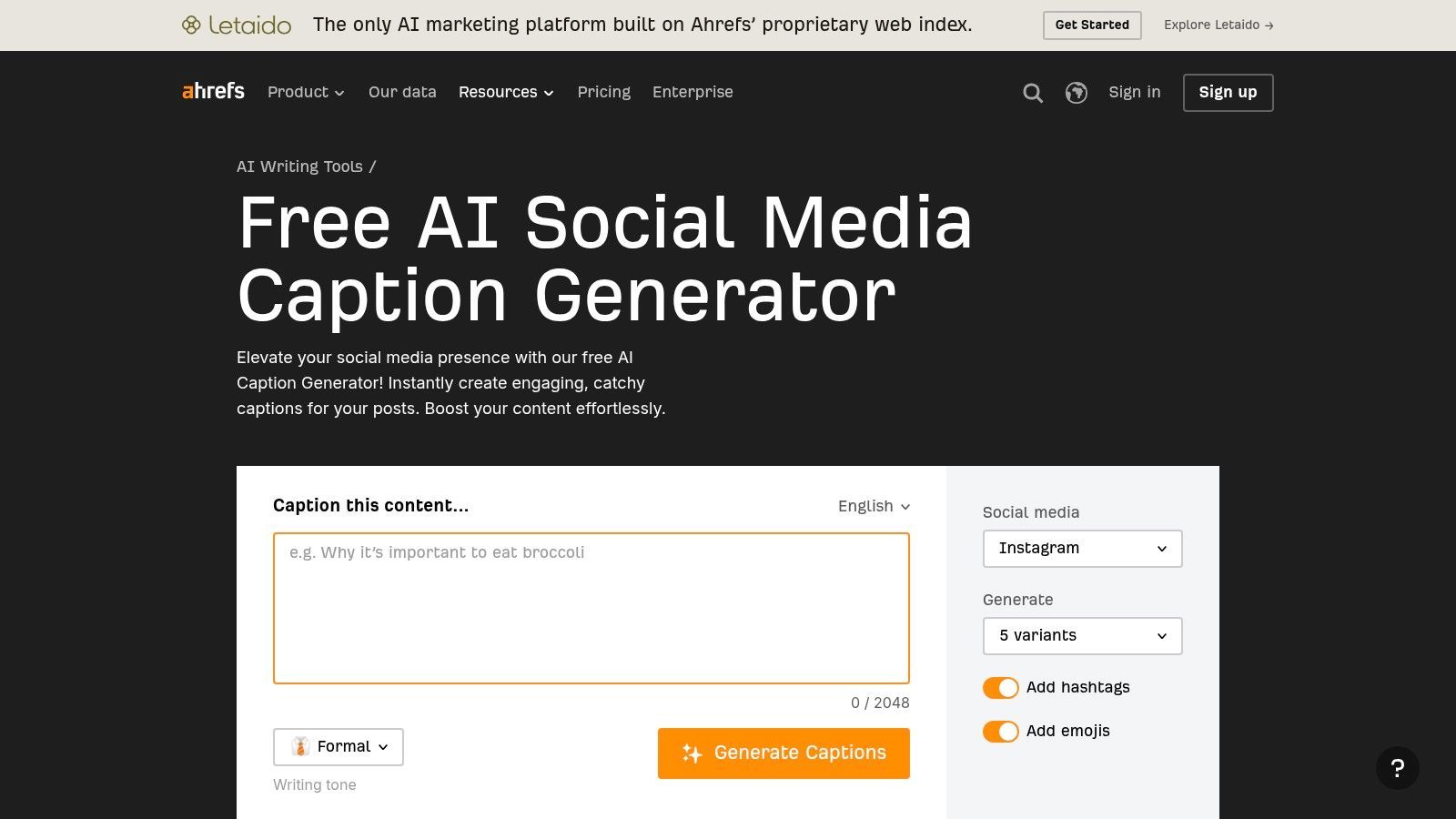
That makes Ahrefs Caption Generator one of the better tools for volume brainstorming. If you're testing several hooks for Instagram, X, or LinkedIn, getting multiple variants quickly is more valuable than deep customization.
What to expect from the output
Ahrefs is useful for roughing out options with emojis and hashtags when you need speed. I wouldn't rely on it for nuanced brand voice or campaign messaging that needs a specific point of view. It's more first-draft machine than strategic writer.
The multilingual support is also handy if you're managing regional pages or experimenting with localized social copy. That's not a rare need anymore, especially for small brands trying to stretch one campaign into more than one market.
Fast browser-based generators are best when you already know the message and just need packaging.
The trade-off is obvious. Ahrefs doesn't handle scheduling, assets, collaboration, or approvals. That's not a flaw if you use it correctly. It's a drafting tool, not a management platform.
If your current process is "open a blank doc and stare at it," Ahrefs is a genuine upgrade. If your current process is "run a team content calendar with approvals and reporting," you'll outgrow it quickly. Used in the right spot, though, it's one of the easier ai social media post generator free tools to keep in rotation.
5. ContentStudio Free AI Social Caption Generator
ContentStudio sits in the middle ground between free utility and full platform. That's useful if you want a simple caption generator now, but you also want a realistic upgrade path later.
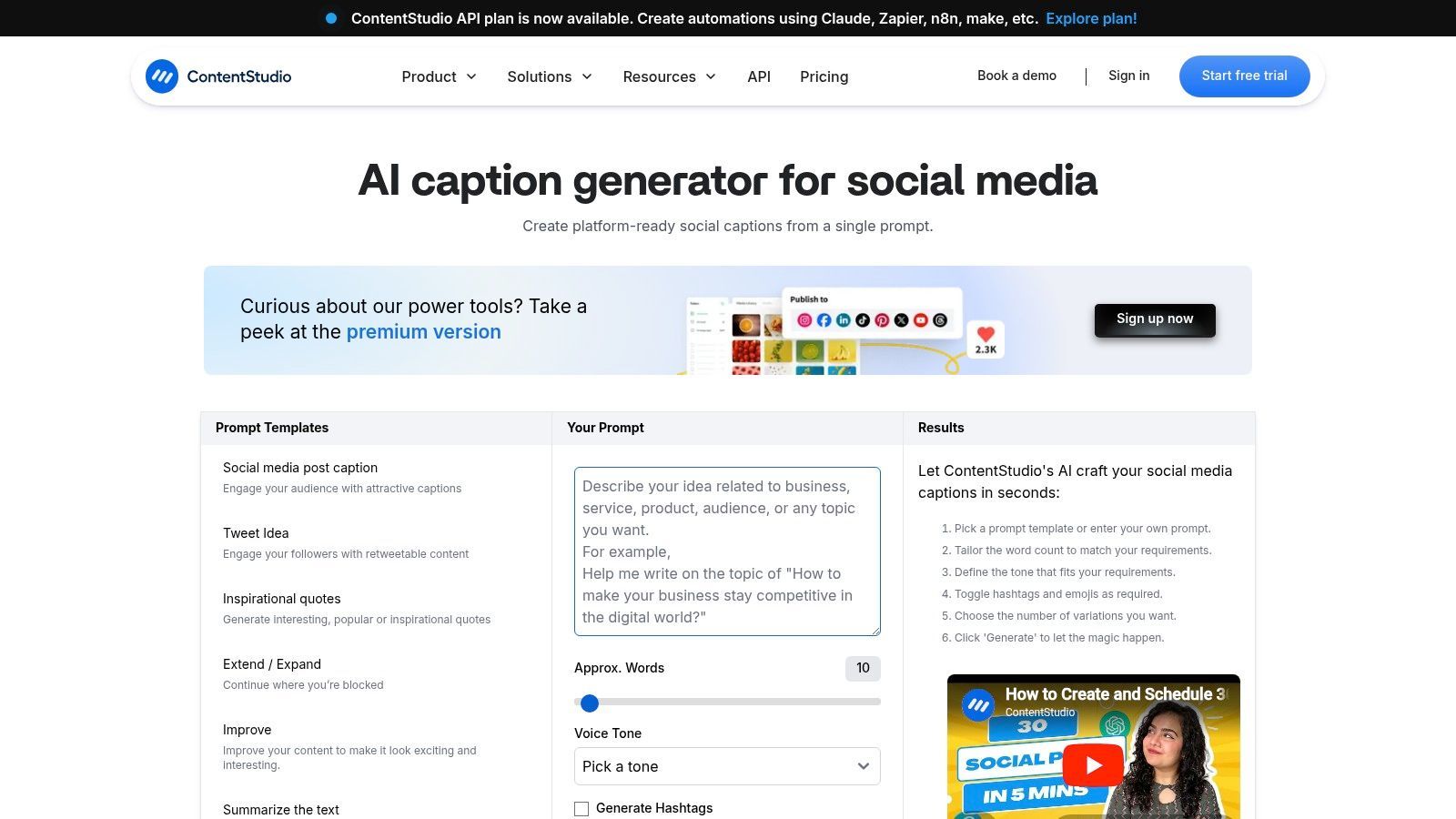
The browser tool gives you quick prompt-based captions without forcing a sign-up through ContentStudio's AI social caption generator. That's already enough to make it usable. But where ContentStudio becomes more interesting is when you need image-aware drafting and scheduling inside a larger platform.
Where it fits in a real workflow
Some free generators are dead ends. They give you text, then leave you to manually move everything into your planner. ContentStudio's paid platform solves that if you eventually need multi-network planning, approvals, and analytics. The free tool gives you a taste of the AI layer before that commitment.
I see ContentStudio as a bridge product. Good for marketers who are still deciding whether they want standalone generators or an actual social management stack.
- Good fit: Agencies, freelancers, or small teams testing process maturity.
- Less ideal: Creators who only need occasional captions and no publishing layer.
- Worth noting: The stronger image-aware AI and platform features live deeper in the paid product.
Adoption isn't purely free-tool driven anymore; the market shows a hybrid pattern, with free tiers pulling users in and paid plans supporting more advanced automation, as described in the earlier Reddit discussion. ContentStudio reflects that reality better than most.
Use the free tool if you want speed without friction. Consider the platform if your caption problem is really a workflow problem in disguise.
6. Predis.ai AI Social Media Post Generator
Predis.ai is one of the few tools on this list that tries to generate an actual post package, not just caption text. That's the appeal. You give it a brief, and it can turn that into visuals, captions, hashtags, and formats like carousels or short videos through Predis.ai.
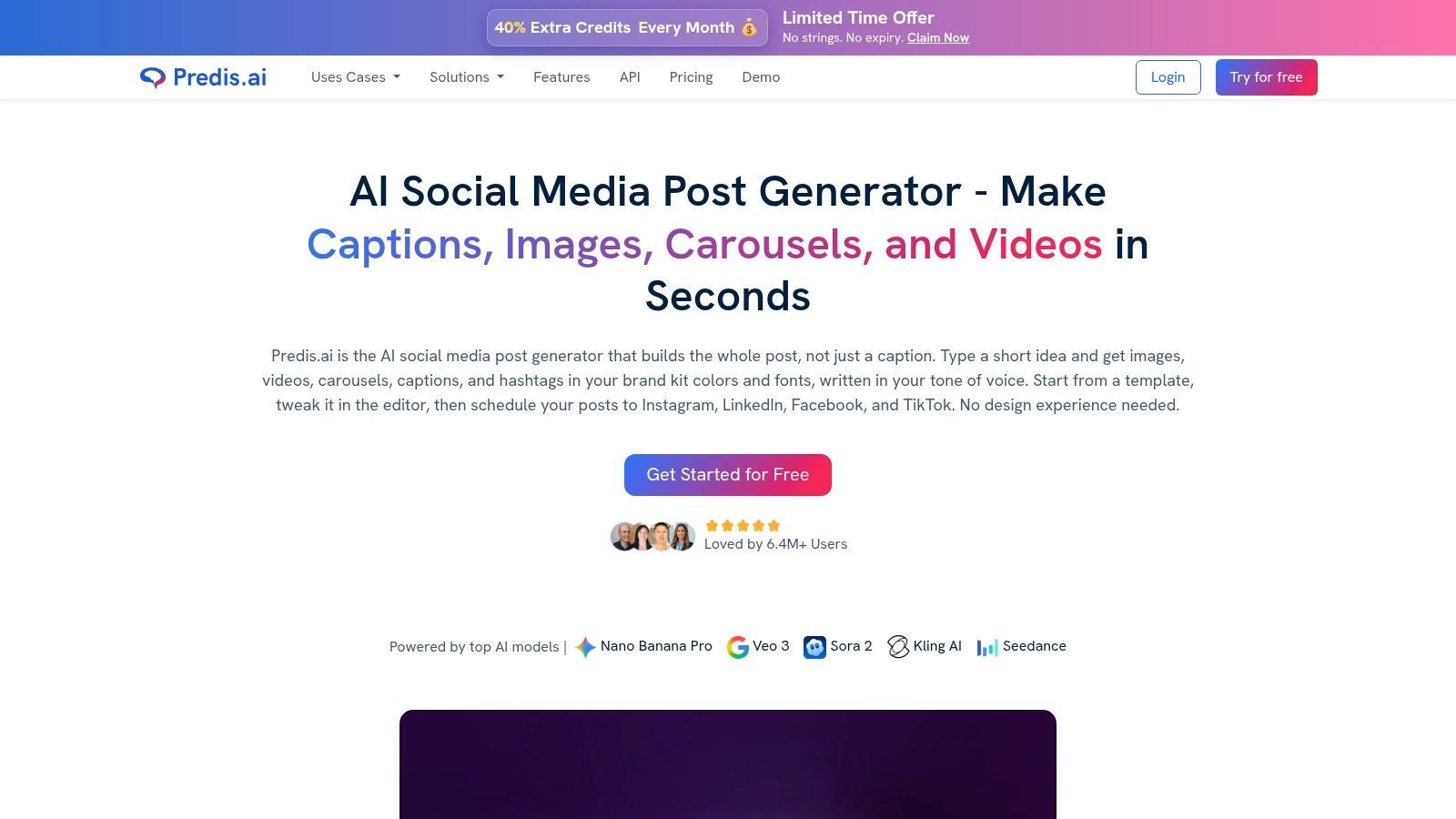
That makes it more ambitious than most free caption generators. It also makes the trade-offs more obvious. When a tool promises end-to-end output, you have to pay attention to consistency, editing time, and format control.
Strong for rapid post assembly
Predis.ai works well when you need to turn one idea into multiple asset types quickly. That's useful for ecommerce promos, product highlights, and recurring educational content. The tool's ability to handle carousels and reels is especially helpful because many free tools stay stuck in single-post text output.
The weak spot is brand control. Free and lower-tier usage is enough to experiment, but the closer you get to polished brand content, the more manual cleanup you usually need. Many users often encounter the broader blind spot in free AI tools. Keeping logos, colors, and fonts consistent across multiple dynamic formats often still takes hands-on correction.
Field note: Predis.ai is best when speed matters more than perfection. Generate the first version there, then refine the final asset in your design or video tool.
I like Predis.ai for campaign ideation and lightweight production. I wouldn't hand it the keys to a premium brand account without review. But if your current alternative is not posting at all, Predis.ai closes that gap fast.
7. Rytr Free AI Writer
You have a post idea, ten minutes before publish, and no need for a full social suite. You need clean copy fast. Rytr fits that job better than broad platforms that split attention across design, scheduling, and approvals.
Its value is focus. Rytr gives you social post and caption templates, tone controls, and quick variations from one core message. The browser extension helps too. I like tools that reduce copy-paste friction, especially when drafting inside a CMS, Google Docs, or a scheduling tool that does not have strong AI built in.
Best when writing is only one step in your workflow
Rytr makes the most sense for consultants, educators, solo operators, and small brands publishing text-led content. LinkedIn posts, X threads, Facebook updates, and caption-first Instagram content are the obvious use cases.
It also fits nicely into a broader free workflow. Draft the post in Rytr, polish the hook and CTA manually, move the final caption into your scheduler, then pair it with a visual from Canva or a short video cut in a tool like ShortGenius. That setup is more practical than chasing one app that claims to do everything but does each part poorly.
The trade-off is clear. Rytr handles writing. It does not handle your content calendar, asset library, approvals, or publishing. For some teams, that is a limitation. For others, it is exactly why the tool stays usable.
- Choose Rytr if: You want fast draft generation and multiple caption angles without adding another bulky platform to your stack.
- Skip Rytr if: You need built-in scheduling, media creation, or collaboration features.
- Expect this: The first draft is often good enough to shape, not good enough to post untouched.
That distinction matters if you're building a full AI-powered content engine for free. Rytr is a writing component, not the whole system. Use it for ideation and copy production, then connect it to the rest of your workflow with your design, video, and publishing tools.
8. Simplified Free AI Content Generator
Simplified is broad. Sometimes too broad. But if you want one free workspace that can touch writing, design, video, and scheduling, that's exactly the point.
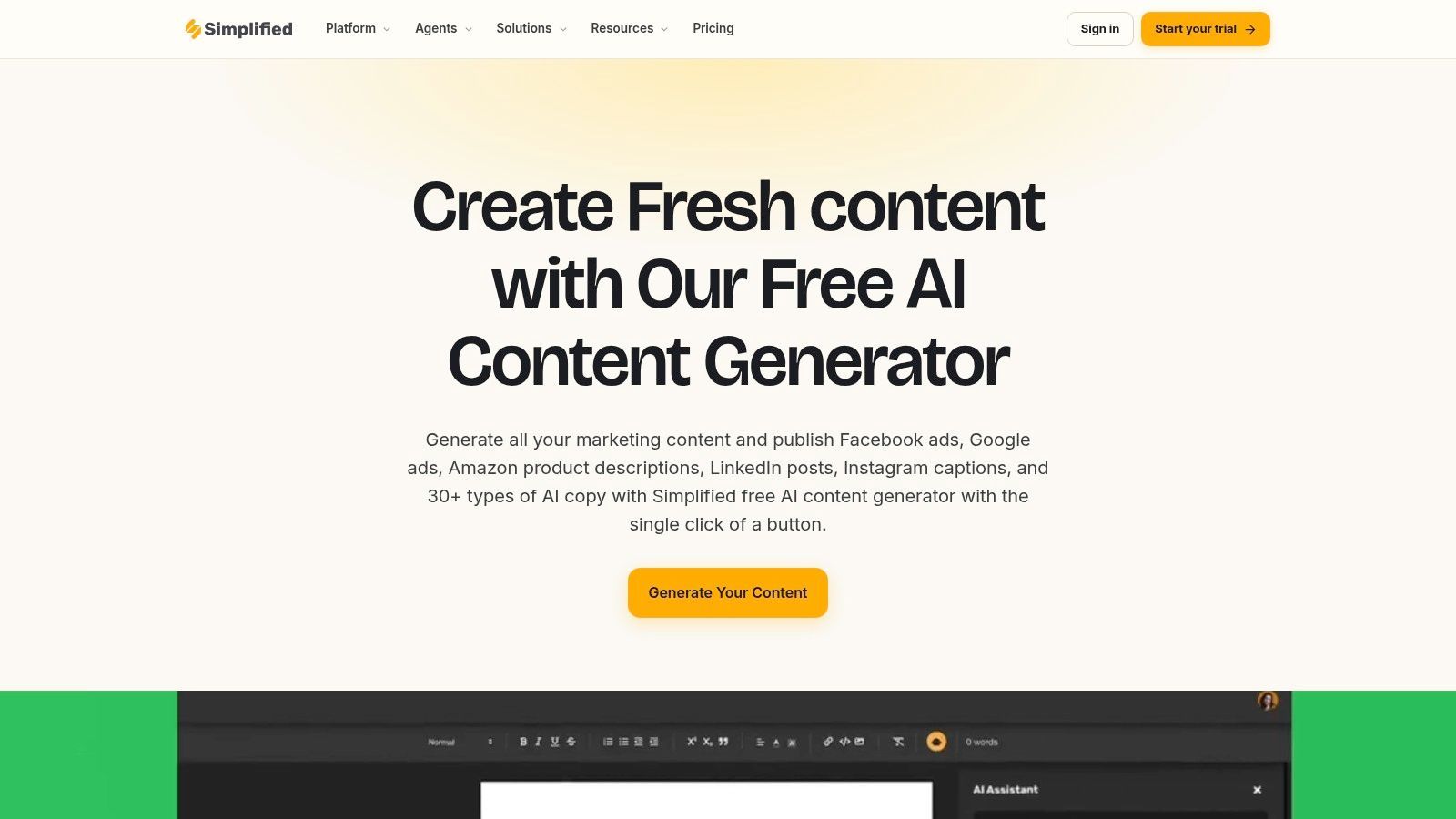
The platform combines short-form AI writing with social composing and lightweight creation tools through Simplified AI Content Generator. For solo creators, that can be enough to test a full workflow before spending money on specialist tools.
The all-in-one trade-off
All-in-one platforms are convenient until they become cluttered. That's a key Simplified trade-off. You can get a lot done in one place, but you may not love every single module equally.
Still, for creators who don't want five tabs open, Simplified does a decent job of connecting text creation with visual production and publishing. It can save time by reducing context switching.
Simplified makes the most sense when your current process is fragmented. If your current process is already sharp, you may prefer specialist tools.
The free plan is fine for testing. The moment you start scaling output or want deeper brand controls, quotas and upgrade prompts become more visible. That's normal for this category. Free gets you moving. It rarely gets you all the way to an advanced production system.
I see Simplified as a practical sandbox. Good for getting a workflow off the ground. Less compelling if you already know exactly which best-in-class tools you want for each step.
9. Hopper HQ Free AI Caption Generator
Hopper HQ's standalone tool is one of those useful side utilities that doesn't ask for much. Open it, enter the prompt, get a few caption directions, and take what you need. For many creators, that's enough.
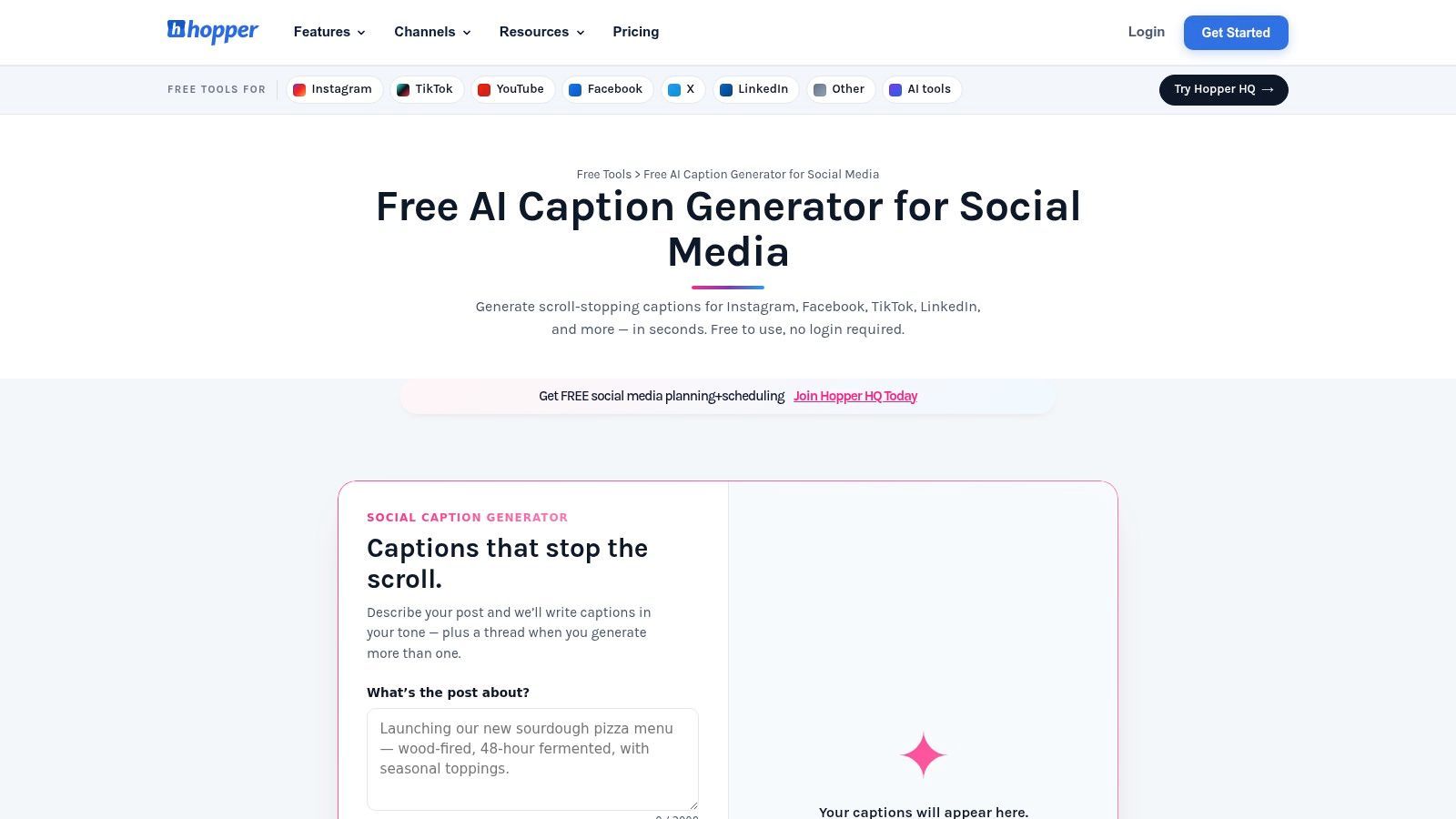
You can use the caption generator without signing up for the scheduler through Hopper HQ's caption generator. That keeps the barrier low and makes it easy to test alongside whatever planner you already use.
Why it stays useful
Not every free tool needs to become your main platform. Hopper HQ works as a complement. If you like your existing scheduler but hate writing first drafts, this kind of standalone generator makes sense.
The output is straightforward. It helps with speed and variation more than voice depth. So I wouldn't use it for thought leadership posts where nuance matters, but I would use it for routine content like event reminders, product highlights, and basic social promos.
- Works well for: Quick drafting before posting elsewhere.
- Less suited for: Teams that need collaboration or rich brand guidance.
- Big plus: No-sign-up access keeps experimentation painless.
There's a reason standalone generators still matter. Plenty of marketers don't need another platform. They just need a better first draft than the one they would've written at midnight.
10. CaptionBloom Free Caption Generator
CaptionBloom feels built for speed. It's browser-based, no-login, and broad enough to cover Instagram, LinkedIn, X, Facebook, YouTube descriptions, and more through CaptionBloom.
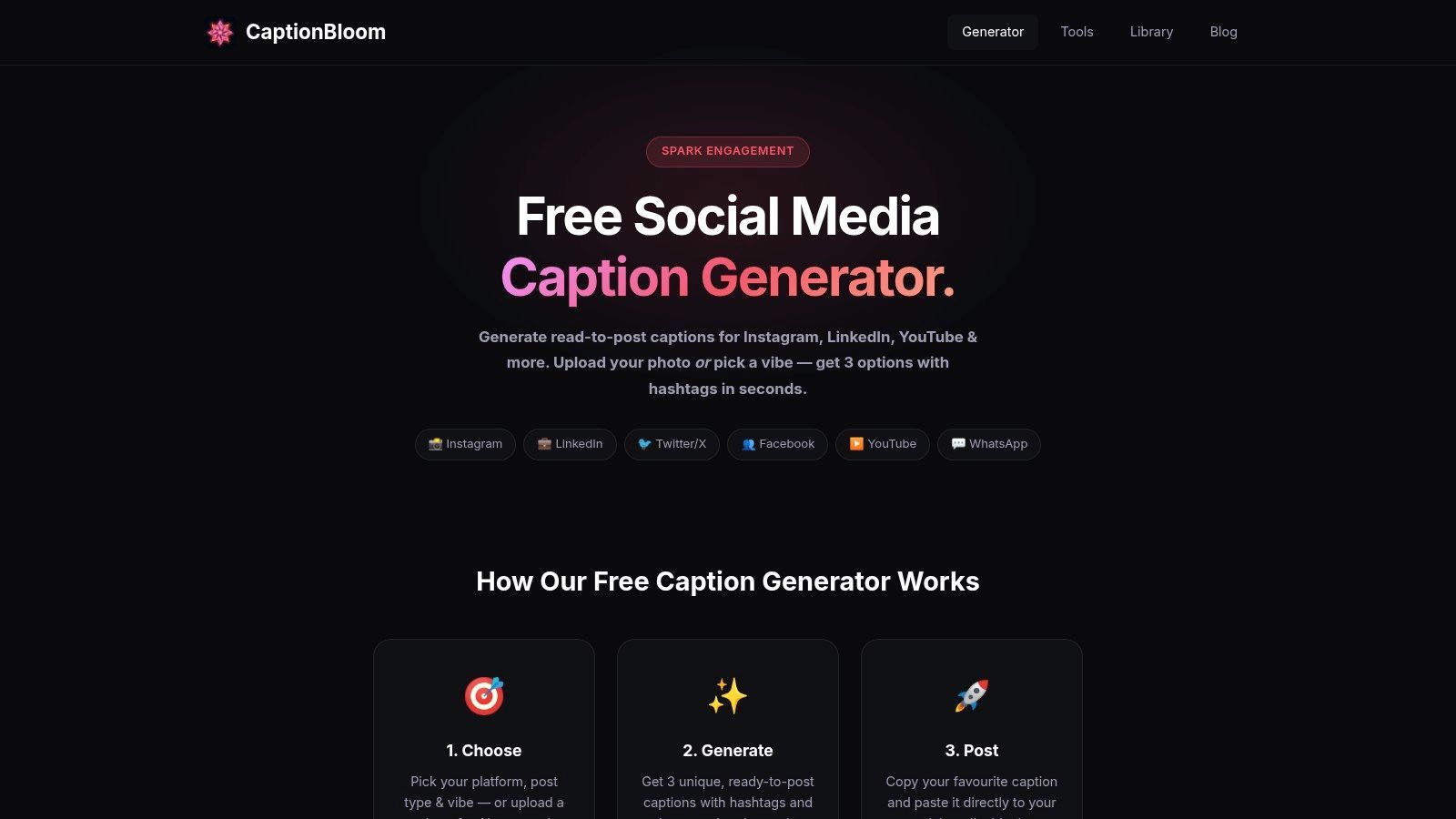
That breadth is useful if you manage several channels and don't want to rethink your workflow every time you change platform. Seasonal and topic-specific generators are also practical when you're filling campaign gaps and need a quick angle.
Fast ideas, limited control
CaptionBloom is strong when you need social copy fast and don't want setup friction. Hook suggestions and hashtag support help turn a vague topic into something postable.
The downside is familiar. No scheduling, no collaboration, no asset handling, and limited brand management. You're still stitching together the rest of the publishing workflow yourself.
The larger market trend holds significance. The AI in social media market was valued at USD 2.96 billion in 2024 and is projected to reach USD 48.18 billion by 2033, with a CAGR of 36.4%, according to Grand View Research on the AI social media market. Content creation is the fastest-growing application segment there, which lines up with why lightweight generators like CaptionBloom keep showing up in real workflows. People need fast starting points.
CaptionBloom isn't a full stack. It doesn't need to be. It's a quick draft engine for marketers who already know how they'll handle the rest.
Top 10 Free AI Social Media Post Generators, Feature Comparison
| Product | Core features | UX & Quality | Pricing & Value | Best for | Unique selling point |
|---|---|---|---|---|---|
| Buffer – AI Assistant | AI caption drafts inside scheduler; queue & basic analytics | ★★★★☆ reliable scheduling; mobile/web 🏆 | 💰 Free plan (3 channels); paid for advanced analytics | 👥 Solo creators needing scheduling + drafting | ✨ Forever‑free AI in composer + native scheduler |
| Canva – AI Caption Generator / Magic Write | AI captions + Magic Write; templates; one‑click resize; publish | ★★★★☆ design-first, intuitive editor | 💰 Free tier; Pro unlocks advanced Magic features | 👥 Creators who design visuals + need copy | ✨ Integrated design + copy + publish workflow |
| HubSpot – Free AI Social Caption Generator | Prompt-based captions with tone controls; multi-platform | ★★★☆☆ clean, simple UX | 💰 100% free tool; broader HubSpot paid suites available | 👥 Marketers wanting quick, no-cost drafts | ✨ Free, CRM-aligned AI content utilities |
| Ahrefs – Free AI Social Media Caption Generator | Multi-variant captions; hashtags & emojis; localized pages | ★★★☆☆ fast, trial-friendly | 💰 Free to use; no scheduling/publishing | 👥 Users needing quick caption ideas without signup | ✨ No account required; strong language localization |
| ContentStudio – Free AI Caption Generator + Platform | Prompt captions + image-aware AI; scheduling & analytics in platform | ★★★☆☆ practical bridge tool | 💰 Free generator; paid platform for full features | 👥 Teams planning to upgrade to full social stack | ✨ Image-aware captioning + clear upgrade path |
| Predis.ai – AI Social Media Post Generator | Text-to-post with visuals, carousels, hashtags; multi-format outputs | ★★★★☆ end-to-end post creation 🏆 | 💰 Free plan w/ limits; paid for higher volume | 👥 Creators wanting complete post generation (visuals+copy) | ✨ Generates visuals + captions + hashtags from a brief |
| Rytr – Free AI Writer | Social templates; tone & creativity controls; browser extension | ★★★☆☆ lightweight & fast | 💰 Free forever tier; paid for higher usage | 👥 Solo creators needing quick short-form copy | ✨ Wide short-form marketing templates + extension |
| Simplified – Free AI Content Generator + Social Suite | AI writing, design, video, scheduler; social composer | ★★★★☆ unified all-in-one UX | 💰 Free tier with quotas; paid for advanced features | 👥 Small teams & solo creators testing multi‑media | ✨ Unified workspace: design + video + scheduling |
| Hopper HQ – Free AI Caption Generator (tool) | Prompt-to-variants for major networks; no signup required | ★★★☆☆ fast, frictionless tool | 💰 Free standalone tool; scheduler separate | 👥 Creators needing quick caption variants | ✨ Tool usable outside main app with no sign-up |
| CaptionBloom – Free Caption Generator | Platform-specific templates; hashtag & hook suggestions; seasonal prompts | ★★★☆☆ simple and speedy | 💰 Free, no-login required | 👥 Users seeking rapid, varied captions for many networks | ✨ Extensive network coverage + seasonal/topic generators |
Which Free Generator Will You Choose?
The best free tool is the one that matches where your workflow breaks. If the problem is the blank page, a browser tool like Ahrefs, HubSpot, Hopper HQ, or CaptionBloom is enough. If the problem is getting drafts into a schedule, Buffer is more practical because writing and publishing happen in the same place.
If you're design-first, Canva is the obvious fit. It keeps your caption writing close to your visuals, which cuts down on sloppy mismatches between what the post looks like and what the caption says. If you need more complete post generation with visuals, carousels, and short-form assets, Predis.ai and Simplified are stronger than plain caption tools, but they also need more review before you publish.
The bigger lesson is that "free" doesn't always mean complete. A lot of free AI social tools are great at the spark and weak at the system. They'll give you a caption, maybe a graphic, maybe a few variations. Then you're still left resizing assets, fixing brand inconsistencies, assembling videos, and scheduling to multiple channels. That's why a practical content engine usually isn't one tool. It's a small stack.
By 2025, creators could produce, edit, and auto-post content across major platforms in under 30 minutes by combining a few free tools like Predis.ai, ChatGPT, and Buffer, as described in the earlier Picmaker overview. That's the model I trust most. Not one miracle app. A lean workflow where each tool does one part well.
The simplest explanation is:
- Choose Buffer if scheduling is your bottleneck.
- Choose Canva if visuals drive your process.
- Choose HubSpot or Ahrefs if you want fast, no-commitment drafting.
- Choose Predis.ai if you want more than captions.
- Choose Simplified if you want one dashboard to test several content steps.
- Choose Rytr if you're mostly writing text-led social content.
And if your real goal is a full AI-powered content engine, don't stop at caption generation. Text alone doesn't fill a modern social calendar. You also need video, versions for different platforms, quick editing, and reliable publishing. That's where your workflow either becomes sustainable or starts falling apart.
Pick one tool from this list today. Use it for a week. Measure one thing that matters to you, whether that's faster drafting, more consistent posting, or less time spent switching tabs. The best ai social media post generator free setup is the one you'll consistently use.
If you want to go beyond captions and build a real content engine, ShortGenius (AI Video / AI Ad Generator) is the next step. It helps turn ideas into finished videos, ads, voiceovers, resized assets, and scheduled posts from one workspace, which is exactly what most free caption tools still can't do on their own.