AI Script Generator Free: 10 Tools Compared for 2026

Explore the best AI Script Generator Free tools for short-form video, ads and social. Compare free limits, sample prompts, pros, cons and upgrade triggers.
You've got a promising hook in seconds. Then production slows down. The voiceover needs recording, the scenes need building, captions need checking, and the final export still has to reach TikTok, YouTube, Instagram, or an ad account. A free script can solve the blank page without solving the publishing problem.
That's the gap this roundup focuses on. The best AI script generator free options depend on where your workflow breaks: copy development, rough-cut production, or distribution. Some tools are excellent for hooks and dialogue but stop at text. Others assemble a usable video quickly, yet restrict exports, voices, credits, or advanced features. An all-in-one platform can close more of the gap, but you'll want to test output quality and plan limits before committing.
AI-assisted writing is now a mainstream business capability. McKinsey reported that 65% of surveyed organizations regularly used generative AI in at least one business function in early 2024, compared with 33% about ten months earlier, while a later 2024 survey reported 78% AI use in at least one business function. The same McKinsey research also makes the practical point that adoption alone doesn't guarantee business value. Human review still matters.
If you're comparing more options, this guide to free AI tools is a useful companion. The list below gets to the workflow trade-offs quickly.
1. ShortGenius
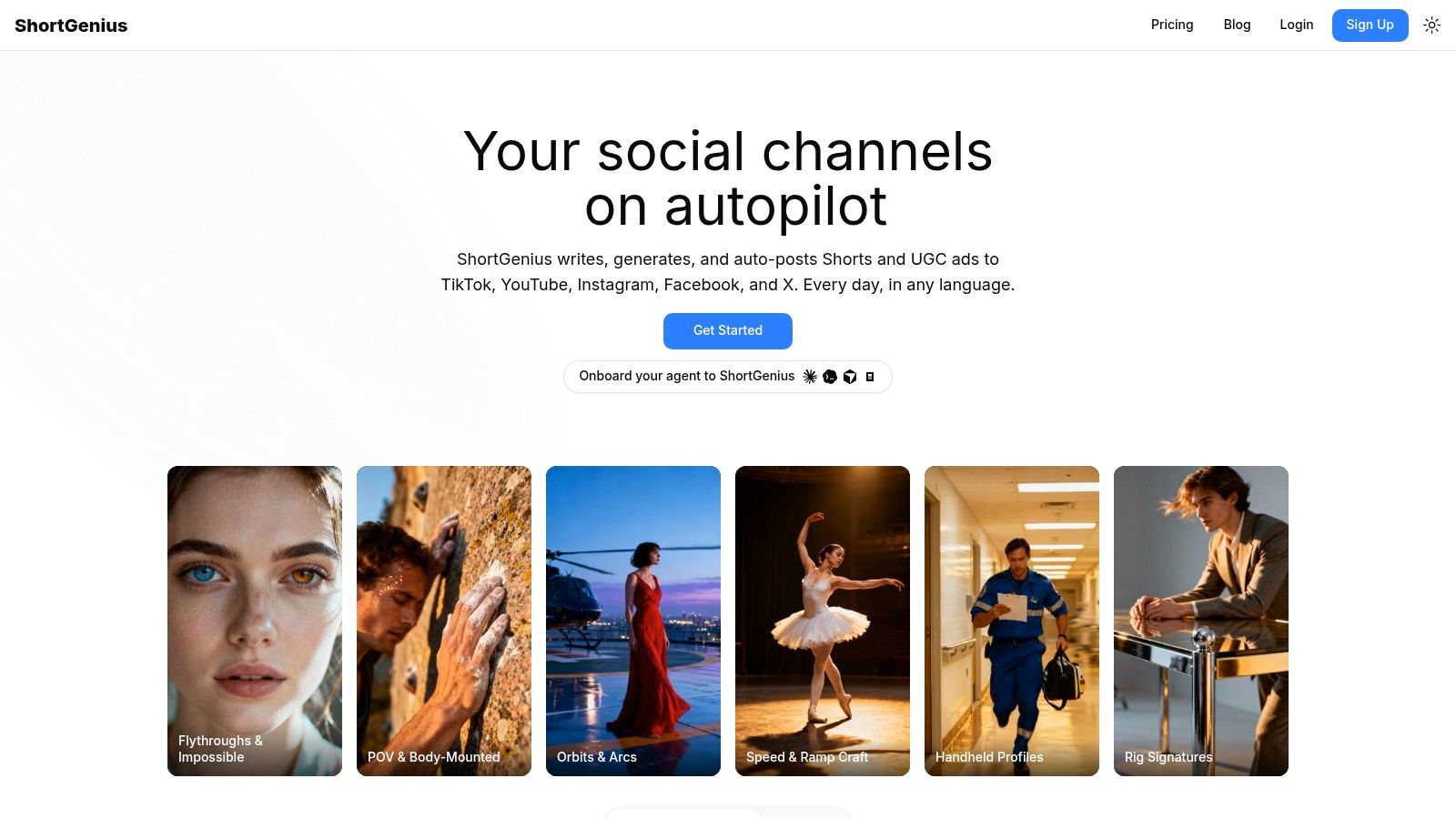
A creator can start with a product idea in the morning and need finished social variations, captions, and scheduled posts by afternoon. ShortGenius suits that workflow because it handles more than script drafting. You can begin with a prompt, script, or blog post, then move through writing, visuals, voiceover, captions, editing, resizing, and scheduling in one editor.
The main benefit is fewer production handoffs. ShortGenius lets you swap scenes and voices, trim clips, apply captions and brand kits, and use presets for camera movement, scroll stoppers, and other creative treatments. It also supports themed series and auto-scheduling for TikTok, YouTube, Instagram, Facebook, and X. The product reports use by 100,000+ creators and teams, and its site displays published videos with substantial engagement.
Best use case and upgrade trigger
Use ShortGenius for creator series, DTC ads, product explainers, educational clips, and multi-channel campaign variations. Its workflow combines language models with image, video, and voice tools, so a team does not need separate subscriptions or API connections for each production stage. The free-to-start workflow includes three videos per month and watermark-free previews, as listed at sign-up.
The practical test is the complete production path. Draft one real concept, generate its scenes, review the voiceover, export the asset, and schedule the post. A strong script alone does not show whether the tool fits your publishing process.
The main trade-off is limited pricing visibility. Public pages do not show full plan details, so you may need to sign up or contact ShortGenius to confirm costs and usage limits. Manual editing can also remain necessary when a campaign requires exact claims, distinctive visual direction, or a highly specific brand voice.
Pros
- End-to-end production: Writing, assets, video assembly, voiceover, editing, and scheduling share one workflow.
- Multi-channel distribution: Prepare series for TikTok, YouTube, Instagram, Facebook, and X.
- Model flexibility: Use multiple writing, image, video, and voice technologies without separate API wiring.
- Fast creative testing: Presets and scene controls speed up hook and visual variations.
- Brand consistency: Brand kits, reusable series, captions, resizing, and a shared library reduce repeated setup.
Cons
- Pricing requires a check: Full plan details are not visible on the public site.
- Human review remains necessary: Bespoke campaigns and sensitive claims may require substantial editing.
Visit ShortGenius if your bottleneck runs from scripting through publishing rather than copy alone.
2. InVideo AI
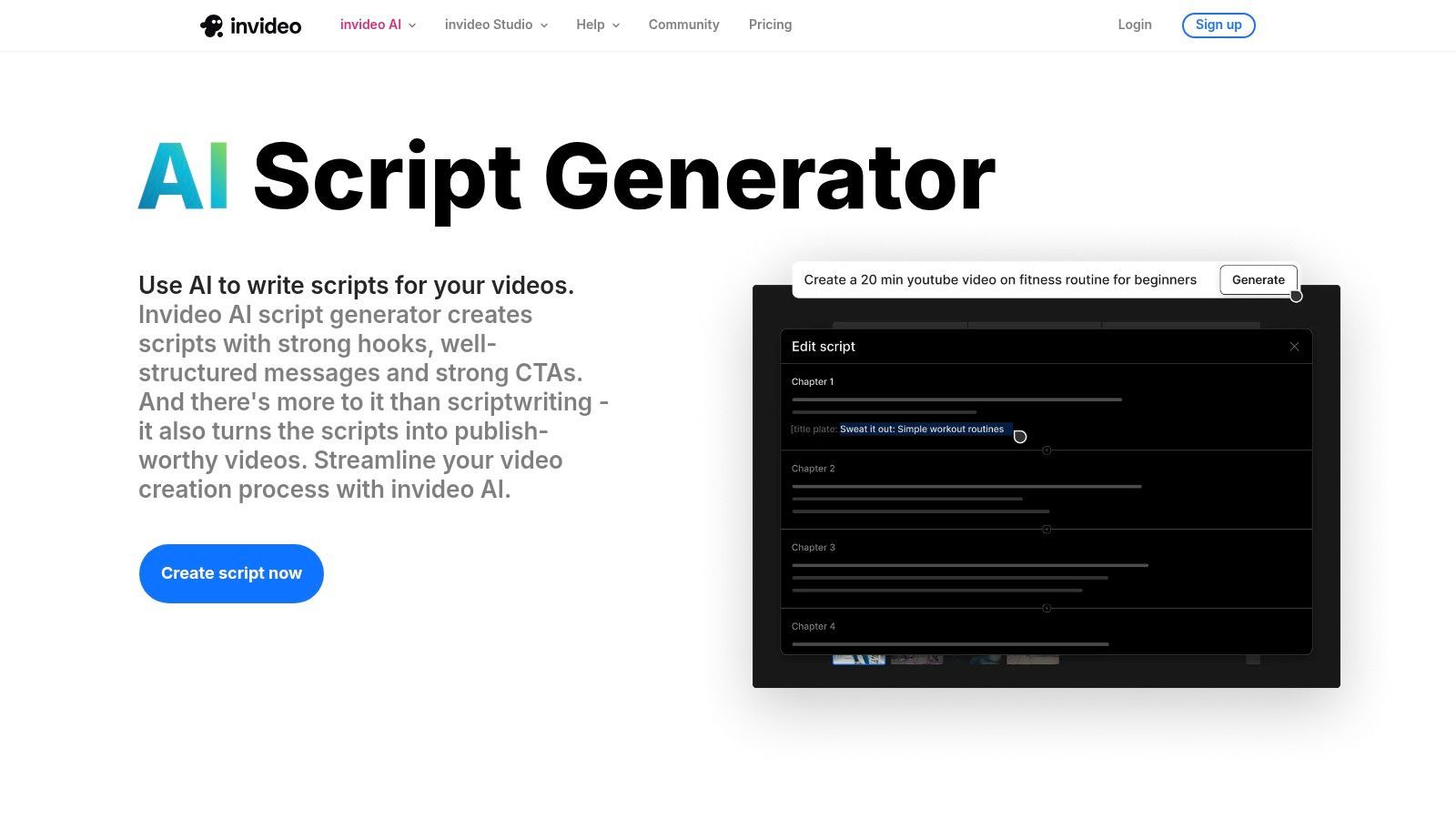
InVideo AI works well for teams that want a script to become a rough video quickly. Its free AI Script Generator can take an idea or partial draft, while the broader workflow can build scenes, select stock footage, add music, generate voiceover, and apply captions. That makes it more useful than a copy-only tool when you're still deciding whether an idea deserves production time.
The standalone script step is helpful for fast iteration. You can test several openings, revise the message, and decide whether to proceed to a full video instead of generating a complete edit every time. For explainers, simple ads, and social videos built around stock footage, that separation saves effort.
Where it fits
Choose InVideo AI when your team needs quick concept validation and a rough cut from one prompt. Stock libraries and social-oriented outputs shorten the route from copy to something stakeholders can review. The system is especially practical when the visual language can rely on b-roll rather than custom footage.
The free tier is best treated as a trial environment. Exports may be limited or watermarked, and voice quality or stock selection can miss the tone required for a specialist niche. Those limitations become more important once you're producing client work or paid ads where the final file must be clean and consistent.
Upgrade when you need: unwatermarked exports, more dependable production volume, stronger asset control, or a voice and stock workflow that doesn't require repeated substitutions.
See the InVideo AI script generator to test whether its prompt-to-rough-cut process matches your production habits.
3. VEED
VEED is a good choice when you want to move from a script idea to a short social edit without creating an account just to test the writing experience. Its AI Script Generator supports free generation, while AI Studio can turn a prompt or existing script into a video with captions, b-roll, dubbing, avatars, or voice options.
The advantage is friction. A creator can test hooks quickly, then decide whether the concept deserves a visual treatment. That's valuable for Reels, TikToks, and ad variations where the first draft often exists to expose weak positioning rather than serve as the final production script.
Free access and limits
VEED communicates free-versus-paid boundaries more clearly than many AI video tools. The free experience can still impose caps on voice generations, avatars, exports, or other AI features, so the script stage may feel more open than the production stage. Check the export requirements early. A tool that generates a strong draft but blocks the format you need isn't free for the workflow that matters.
Use VEED for fast social testing, basic dubbing, and lightweight script-to-video experiments. It's less attractive when your process needs high-volume generation, custom visual direction, or unrestricted access to premium AI features.
Upgrade when you need: more voice capacity, avatar access, fewer export restrictions, or a regular production pipeline rather than occasional experiments.
Start with the VEED AI Script Generator and test one script all the way through the editor.
4. Kapwing
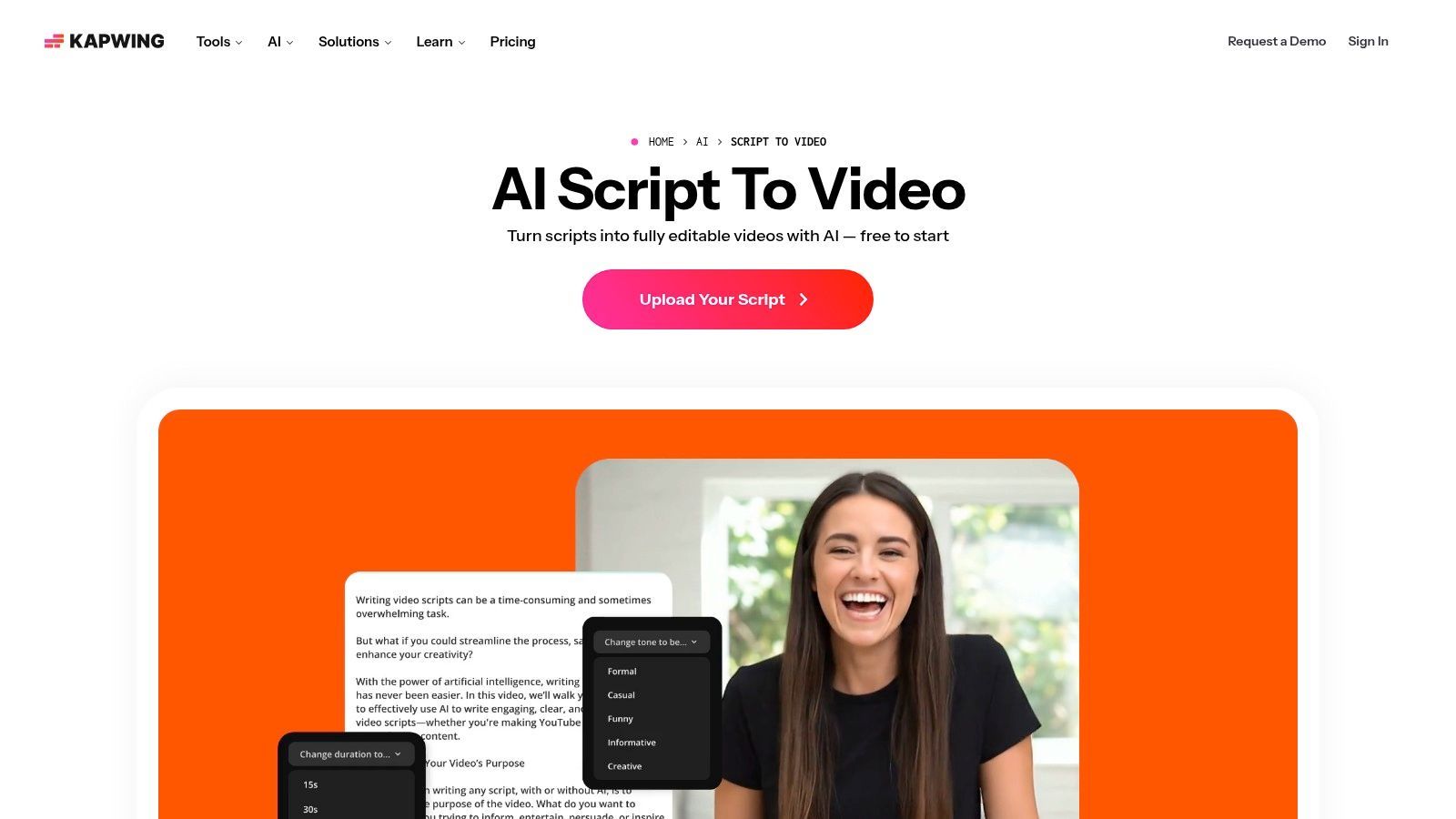
Kapwing makes sense for social teams that want the script and the short-form layout to develop together. Its AI tools can turn a prompt, article, or existing script into scenes with stock visuals and captions, while free AI credits give new users a practical way to test the workflow.
The strongest use case is Shorts and Reels production where speed matters more than cinematic control. Kapwing's onboarding and editing environment are built around social content, so the output is closer to a reviewable post than a bare writing draft. That helps a small team judge pacing, caption density, and visual continuity earlier.
What the free tier really tests
Free AI credits are useful for learning the interface and validating whether Kapwing's scene assembly fits your content. They won't necessarily support an ongoing publishing schedule. Credit and time limits, plus possible watermarks, can turn a promising workflow into a manual export workaround if the team grows.
The platform is a reasonable middle ground between script-only tools and more automated video suites. You retain an accessible editor, but you shouldn't assume the first AI assembly will reflect your brand's exact rhythm or claims. Review captions, stock choices, and scene boundaries before publishing.
Upgrade when you need: more generation capacity, longer or more frequent projects, cleaner exports, or heavier automation.
Try the Kapwing AI script-to-video workflow with a real social concept instead of a generic demo prompt.
5. Canva Magic Write
Canva Magic Write is the practical choice for teams already working in Canva. Its AI Script Generator can draft video, podcast, and presenter scripts inside Canva Docs and presentations, then hand those ideas into visual layouts, slides, or video designs.
That connection is more important than raw script quality for many marketing teams. A social manager can develop talking points, move them into presenter notes, apply brand elements, and share the draft with collaborators without introducing another workspace. Brand voice controls and team collaboration also make it easier to keep recurring content aligned.
Best for designed content
Use Canva for presenter-led videos, educational slides, branded announcements, and content that needs a design handoff. It's less compelling if you need automated scene generation, natural voiceover, or direct multi-platform scheduling from the same production flow.
The free plan includes usage allowances, so heavy users can hit pauses or limits. Script output may also be generic, particularly when the prompt lacks audience, product, proof, tone, and delivery constraints. Canva gets you close to a presentable visual package, but a human still needs to sharpen the hook and make the language sound spoken.
Upgrade when you need: more AI usage, premium design assets, higher-volume collaboration, or broader production access.
Test Canva's AI Script Generator inside the workspace your team already uses.
6. CapCut
CapCut is the easiest recommendation for creators who already edit there. Its free web-based Ad Script Generator can produce copy without requiring a separate writing environment, and its text-to-video tools can suggest ideas, compose visuals, and feed the result into mobile or desktop editing.
The value is workflow continuity. You can draft an ad angle, move into a social-native format, add captions, and finish in the same editor. That makes CapCut useful for UGC-style ads, product clips, trend-responsive posts, and creator content that needs quick mobile finishing.
Why existing CapCut users benefit most
CapCut's built-in captioning and familiar social formats reduce setup. If the team already knows the editor, the script generator becomes an extra starting point rather than a new production system to learn. It's also a sensible first stop when you want to turn a short product brief into an editable social draft.
The limitation is automation depth. CapCut's AI features can change as the product evolves, and the heaviest script-to-video workflows may not match a dedicated end-to-end suite. Review the current experience before designing a larger process around a specific feature.
Upgrade when you need: more advanced AI access, greater automation, or production controls beyond the standard editor workflow.
Try the CapCut Ad Script Generator with a product benefit and a clear audience constraint.
7. vidIQ AI Script Generator
vidIQ is built for a different stage of the workflow. It's strongest when the script must serve a YouTube channel strategy, not just fill a short social slot. Its generator focuses on hooks, retention beats, pacing, and storytelling, while the broader platform connects scripts with title, description, thumbnail, and analytics tools.
That context helps creators make a better distinction between a good line and a useful video concept. A script can sound polished yet fail to support the title or thumbnail that attracted the viewer. vidIQ's YouTube orientation encourages you to think about the full package, including the promise made before the click.
Best use case and limitation
Use it for niche research, YouTube openings, educational explainers, and repeatable channel formats. The free plan includes monthly AI credits, which makes it suitable for testing concepts and learning the interface. It's less suitable when you need unlimited drafts, multi-platform publishing, or a full visual production layer.
Output quality can vary, so don't publish the first draft without checking facts, pacing, and whether the hook matches the video's payoff. The platform can help structure the idea, but it won't replace channel-specific editorial judgment.
Upgrade when you need: more AI credits, deeper optimization access, or a larger YouTube workflow around titles, thumbnails, and analytics.
Explore the vidIQ AI script generator for a channel-focused drafting process.
8. ChatGPT Free
ChatGPT Free remains one of the most flexible options for copy-only scripting. It can generate outlines, scene and shot lists, ad variants, UGC dialogue, presenter notes, educational scripts, and alternate hooks from the same brief. Its biggest advantage is iteration. You can ask for a shorter opening, a more conversational delivery, a stronger objection, or three different calls to action without changing tools.
That flexibility works best when you provide constraints. Specify the audience, platform, duration, claim boundaries, reading level, visual action, and desired delivery style. A vague request produces a vague script, while a structured brief gives the model useful decisions to make.
Strong at drafting, not publishing
ChatGPT is a strong baseline for brainstorming, A/B hook development, scene formatting, and rapid revisions. It doesn't automatically solve voiceover, scene sourcing, editing, export, or scheduling. You'll need to move the copy into a separate video editor or production suite.
The free plan has usage limits, and some advanced research, browsing, or media capabilities may depend on the current plan and access conditions. Treat generated claims as drafts. McKinsey's research found that more than 80% of surveyed organizations had not yet seen tangible enterprise-level EBIT impact from generative AI, which is a useful reminder that usage itself isn't proof of value. The research supports a workflow with review, verification, and clear publishing controls.
Upgrade when you need: higher usage, advanced capabilities, or a more integrated content workflow.
Start with ChatGPT's free plan if you only need a capable script partner.
9. Google Gemini Free
Google Gemini is convenient when your team already works in Google Docs and Slides. It can draft scripts, talking points, presenter notes, and content outlines, then move the material into familiar productivity tools for review and collaboration.
The best use case is presentation-led content, internal explainers, educational videos, and lightweight social drafts. A marketing team can generate an initial script, refine it in a shared document, and prepare supporting slides without adding another specialist writing application.
A practical Google Workspace fit
Gemini's free access is useful for lightweight drafting, but availability and limits can change as Google adjusts entitlements. Some advanced models or features may require a paid plan. That makes it less predictable as the sole engine for a high-volume production schedule.
It also stops short of being a complete video publishing workflow. You'll still need an editor for voiceover, scene assembly, captions, and exports. Use Gemini when document handoff matters more than automated video creation.
Upgrade when you need: higher access limits, advanced models, or capabilities beyond basic drafting and Workspace handoff.
Try Google Gemini with a presenter brief, a target audience, and a defined speaking duration. If you're researching watermark-related workflows, reducing SynthID watermark signals is a separate consideration and doesn't replace rights or originality review.
10. Rytr
Rytr is a straightforward choice when you only need copy. Its templates support video ideas, outlines, pitches, and short scripts, giving beginners a faster path than starting from a blank chat. The interface is lightweight, and its free plan can cover basic drafting before you decide whether the tool deserves a place in the workflow.
That simplicity is also the boundary. Rytr doesn't assemble scenes, generate voiceover, edit footage, or publish video. You'll copy the script into another tool, which is fine for a solo creator with an established editor but less efficient for a team trying to reduce handoffs.
Best for basic repeatable drafts
Use Rytr for social clip concepts, simple promotional scripts, and repeatable copy structures. Template-driven writing can help standardize inputs, but the output still needs a human pass for specificity, spoken rhythm, factual support, and brand voice.
It's a reasonable entry point when the budget is tight and production happens elsewhere. If free limits become restrictive, Rytr's paid tiers are positioned as a capacity step rather than a complete video production upgrade.
Upgrade when you need: more generation capacity, stronger writing controls, or a tool that connects scripting with visual production.
Visit Rytr if a fast copy-only workflow is all you need.
Top 10 Free AI Script Generators Comparison
| Product | Core features ✨ | UX & Quality ★ | Value & Pricing 💰 | Best for 👥 |
|---|---|---|---|---|
| 🏆 ShortGenius (AI Video / AI Ad Generator) | ✨ End‑to‑end script→publish editor; multi‑model (LLM/video/image/voice); presets & series + auto‑scheduling | ★★★★★ Streamlined editor; proven high‑engagement outputs | 💰 Contact sales, unified workflow reduces multiple subscriptions | 👥 Influencers, agencies, social teams, DTC brands, educators |
| InVideo AI | ✨ AI script generator, scene assembly, stock footage, TTS & captions | ★★★★ Fast rough cuts; good for iterations | 💰 Freemium (free trials; limited/watermarked exports) | 👥 Small teams, marketers, explainer & ad creators |
| VEED | ✨ No‑signup script tool, AI Studio, avatars & dubbing | ★★★★ Frictionless drafting; clear free limits | 💰 Freemium (AI/voice caps on free plan) | 👥 Creators testing ideas, quick social videos |
| Kapwing | ✨ Script→video builder, auto captions, free AI credits | ★★★★ Easy onboarding; social‑first tools | 💰 Freemium (credits/time limits; some watermarks) | 👥 Short‑form creators, educators, social editors |
| Canva Magic Write | ✨ Script drafts in Docs/Slides, brand voice & collaboration | ★★★ Seamless handoff to design; outputs need editing | 💰 Freemium (usage allowances; heavy use may require upgrade) | 👥 Teams, designers, marketers needing design integration |
| CapCut | ✨ Free ad script generator, text‑to‑video, mobile/desktop editor | ★★★ 100% free start; UX/features can change | 💰 Free (feature variability) | 👥 Mobile creators & editors already in CapCut |
| vidIQ AI Script Generator | ✨ YouTube‑tuned scripts, hook/retention structure, thumbnail/title integration | ★★★★ Optimized for watchability; occasional output variance | 💰 Freemium (monthly AI credits) | 👥 YouTube creators focused on growth & analytics |
| ChatGPT (Free) | ✨ General LLM for scripts, tone control, scene/shot lists, A/B hooks | ★★★★ Fast iteration; copy‑only (no video assembly) | 💰 Free tier (usage limits) | 👥 Writers, creators needing rapid copy/ideation |
| Google Gemini (Free) | ✨ Script & presenter notes; smooth Docs/Slides handoff | ★★★ Convenient for Google users; rate limits apply | 💰 Free (limits; some advanced features paid) | 👥 Google Workspace users, presenters |
| Rytr | ✨ Template‑driven script templates; quick short‑form copy | ★★★ Simple & fast; copy‑only | 💰 Freemium / low‑cost paid plans | 👥 Budget creators, copy-first workflows |
Pick One Tool, Test One Script, Then Decide
The right choice depends on where your process loses time.
Choose a script-only tool when your bottleneck is ideation, hooks, structure, or revision. ChatGPT Free gives you the broadest control over formats and tone. Rytr is simpler and more template-driven. Canva Magic Write is the better fit when the script immediately becomes a presentation, branded design, or presenter-led video. Google Gemini works well when the team lives in Docs and Slides, while vidIQ is more focused on YouTube storytelling and packaging.
Choose a script-to-video suite when a written draft isn't useful until someone can see and hear it. InVideo AI can move from a prompt into stock footage, scenes, voiceover, captions, and a rough cut. VEED offers a quick route from scripting to short social video, with clear limits around some free AI features. Kapwing focuses on social-ready scene assembly and captions. CapCut is especially practical for teams already editing on its platform.
Choose an all-in-one workflow when scripting, asset creation, editing, and publishing need to stay connected. ShortGenius is the strongest option in this list for that use case. It combines scriptwriting, images, video assembly, natural voiceovers, captions, resizing, brand kits, series organization, and scheduling across TikTok, YouTube, Instagram, Facebook, and X. The free-to-start offering gives you a way to test the workflow with three videos per month and watermark-free previews, while plan details require a sign-up or direct inquiry.
Run one script through the entire chain before paying. Don't test a generic prompt. Use a concept your team would publish, with the audience, claims, visual references, call to action, and target platform. Then check five points:
- Draft quality: Does the opening earn attention, and does the script sound natural aloud?
- Editorial control: Can you revise scenes, timing, tone, claims, captions, and voice without fighting the tool?
- Production fit: Does the output use the visuals, narration, and format your channel needs?
- Export quality: Can you download the file in the required format without a watermark or unexpected restriction?
- Distribution: Can the tool publish, schedule, or hand off the asset without adding another manual step?
The free tier should reveal the limit that will eventually trigger an upgrade. That may be export restrictions, voice capacity, monthly credits, watermarking, editing controls, team collaboration, or distribution. Identify that limit before the team builds habits around the tool.
Human review isn't optional. Professional writers use AI primarily as an iterative ideation and editing system. In one survey of 1,481 working writers, 63% generated text and edited it further, while only 7% published AI-generated text directly. The reported usage patterns support a multi-pass process: generate hooks, choose an angle, expand the outline, adapt the delivery, verify claims, check originality, and approve the final version.
There's also a rights question. The U.S. Copyright Office says AI-assisted work can remain copyrightable when a human contributes perceptible expression, creative arrangement, selection, or modification, while prompts alone generally don't provide sufficient control over the final expressive elements. Its January 2025 report is why teams should add original hooks, examples, claims, structure, and meaningful revisions, then preserve drafts and edit history. Free access reduces software cost, but it doesn't transfer responsibility for accuracy, originality, or brand safety.
Start with the smallest workflow that solves your actual bottleneck. If you only need words, use a script generator. If you need a reviewable rough cut, choose script-to-video. If your team needs recurring content from idea through scheduling, test ShortGenius against one complete production cycle and judge the result by the final post, not the first draft.
If you want to move beyond a free script into finished social content, ShortGenius (AI Video / AI Ad Generator) combines scripting, visuals, voiceovers, editing, captions, brand controls, and multi-channel scheduling in one workflow. Test one real concept from draft through publish, then upgrade only when the free limits become the bottleneck.