Gemini 3.1 Flash Image Preview
Edit photos with a sentence and get 4K results
Ultra-fast Google image editing



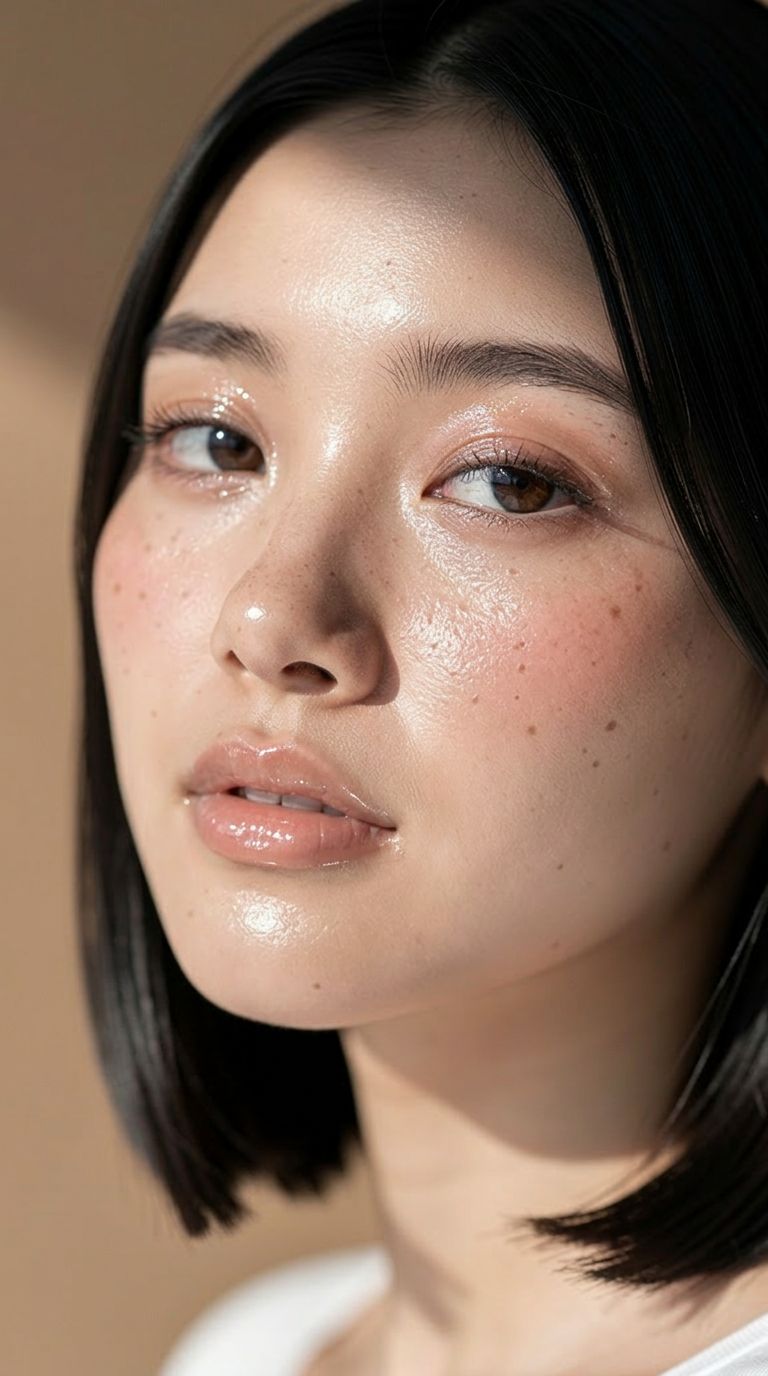
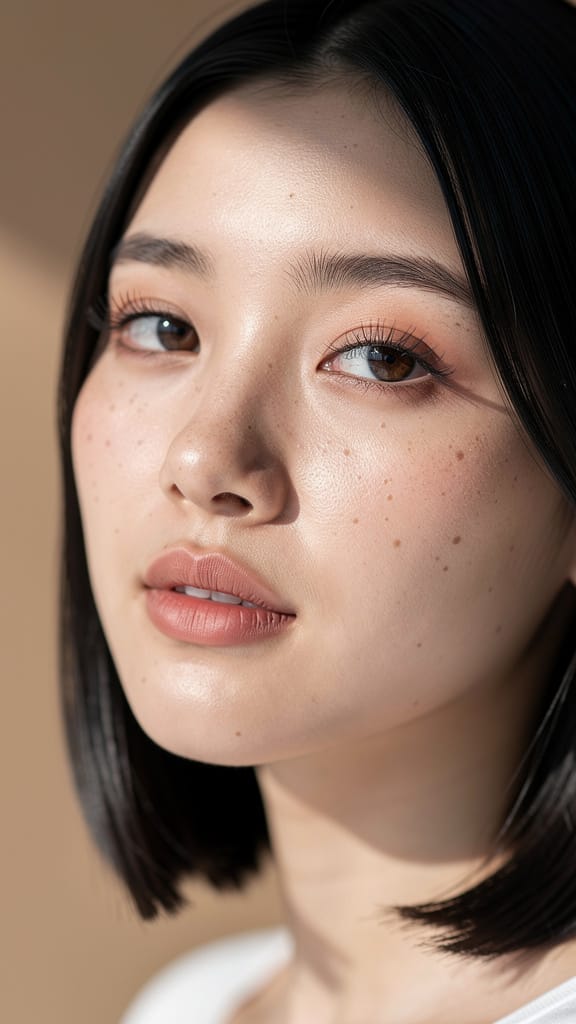
МАКИЯЖ И ТОН КОЖИ

ИЗМЕНЕНИЕ ЦВЕТА ВОЛОС

ЗАМЕНА ОБРАЗА
Gemini 3.1 Flash Image Preview, также известный как Nano Banana 2, — это быстрый инструмент генерации и редактирования изображений от Google, созданный для креаторов, которые хотят трансформировать, совершенствовать и переосмысливать изображения с помощью одних только письменных инструкций. Будь вы дизайнер, дорабатывающий концепт, фотограф, перерабатывающий снимок, или контент-мейкер, создающий визуалы на скорости, эта модель превращает обычные текстовые подсказки в готовые изображения — быстро и с высокой детализацией.
В основе модель особенно хороша в редактировании изображений по текстовому описанию. Вы описываете желаемое изменение — например, «сделать фото мужчины, едущего на машине по побережью Калифорнии» — и модель интерпретирует или редактирует исходное изображение в соответствии с указанием. Вы можете передать одну или несколько референсных картинок, чтобы влиять на результат, что идеально подходит для композитинга, переноса стиля, изменения сцены, размещения персонажей и итеративной доработки. Благодаря поддержке одновременной загрузки нескольких изображений, вы можете комбинировать элементы из разных источников в единую гармоничную картинку — объединяя объекты и окружение так, как это делал бы ретушер, но с помощью простых письменных инструкций.
Одна из сильных сторон этой модели — гибкие варианты вывода. Есть возможность создавать изображения в разных разрешениях: от компактного 0.5K до максимально детализированных 2K и 4K. Это позволяет создавать как быстрые черновики, так и финальные изображения для печати или больших экранов. Контроль над соотношением сторон необычайно широк: помимо стандартных форматов — таких как 16:9, 1:1, 9:16, 4:3 и 3:2 — модель поддерживает экстремальные пропорции, например, 4:1, 1:4, 8:1 и 1:8, что идеально для баннеров, панорам, вертикальных макетов и нестандартных холстов, с которыми большинство инструментов не справляется. Если вы не хотите указывать параметры, автоматический режим выберет наилучшую форму для вашего запроса. Сохранение результата возможно в форматах PNG, JPEG или WebP — в зависимости от ваших нужд.
Помимо изображений и текста, модель принимает дополнительный контекст. Можно загрузить видео (в том числе ссылку на YouTube), аудиофайл или даже PDF, чтобы результат учитывал более богатую исходную информацию при создании изображения. Также предусмотрена опциональная функция поиска в интернете: модель может использовать свежие данные из сети при генерации — это актуально, если вам нужен максимально актуальный, основанный на реальных событиях результат, а не только то, что она уже знает.
Для тех, кто хочет тонко управлять креативным направлением, реализована функция системной инструкции: она задаёт персону и общий стиль вывода для всего запроса. Так можно поддерживать единый творческий тон — фирменный стиль, настроение, визуальный подход — во всех сгенерированных изображениях. Можно создавать до четырёх вариантов одновременно, чтобы выбирать из нескольких опций за один проход. Контроль seed позволяет воспроизводить или закреплять определённый результат, поэтому, найдя удачное решение, вы сможете вернуться к нему или исследовать похожие варианты с постоянством.
В модели есть опциональный режим "мышления" — с минимальным или максимальным уровнем, позволяющий более обстоятельно обрабатывать сложные инструкции и включать размышления в процесс. Это помогает в трудоёмких и тонких задачах редактирования, где требуется более тонкая интерпретация запроса. Можно также задать, сколько изображений будет создаваться за раунд, чтобы фокусироваться на единственном нужном результате. К каждому готовому изображению прилагается текстовое описание, кратко резюмирующее, что было сгенерировано.
Безопасность контента регулируется настройкой терпимости: от самой строгой (блокирует большинство чувствительного контента) до минимально строгой. Это позволяет выбирать подходящий уровень модерации под проект и аудиторию, сохраняя релевантность.
Кому выгоднее всего? Дизайнеры и маркетологи оценят экстремальные пропорции и высокое разрешение — для любых задач, от соцсетей до широкоформатных баннеров и вертикальных экранов. Фотографам и ретушёрам пригодится редактирование по тексту для преобразования сцен, смены окружения или комбинирования референсов без ручной маскировки. Режиссёры и авторы, работающие с видео и звуком, смогут передать атмосферу проекта в концепт-арте. Создатели контента, у кого мало времени, оценят быстрый генератор вариантов, возможность закрепить удачный seed и экспортировать результат в нужном формате.
Есть несколько важных практических моментов. Для видео, аудиофайла или PDF есть ограничения по размеру (кроме ссылок с YouTube, которые проходят напрямую). Управление количеством сгенерированных изображений — экспериментальная функция, и иногда может влиять на качество. А применение поиска в интернете добавляет внешние данные — это мощно для актуальных и точных картинок, но стоит использовать, только если нужен именно реальный свежий контекст.
Вкратце, Gemini 3.1 Flash Image Preview — это быстрый и гибкий инструмент редактирования и генерации, реагирующий на естественный язык, способный смешивать источники, масштабироваться до 4K и работать с широким диапазоном форматов холста — настоящий ежедневный помощник для креативных задач, где важны визуальное качество и скорость.
Генерируйте с помощью самого продвинутого редактора изображений
Add the image that you want change
Загрузить изображение
Добавьте изображение, которое хотите отредактировать или преобразовать
A woman kneeling in darkness, illuminated by a warm, radiant beam of light emerging from her raised hand.
Опишите изменения
Опишите нужные правки: изменение стиля, удаление объектов или улучшения
Начните делиться
Скачайте профессионально отредактированное изображение
Больше, чем промпт: новый уровень контроля
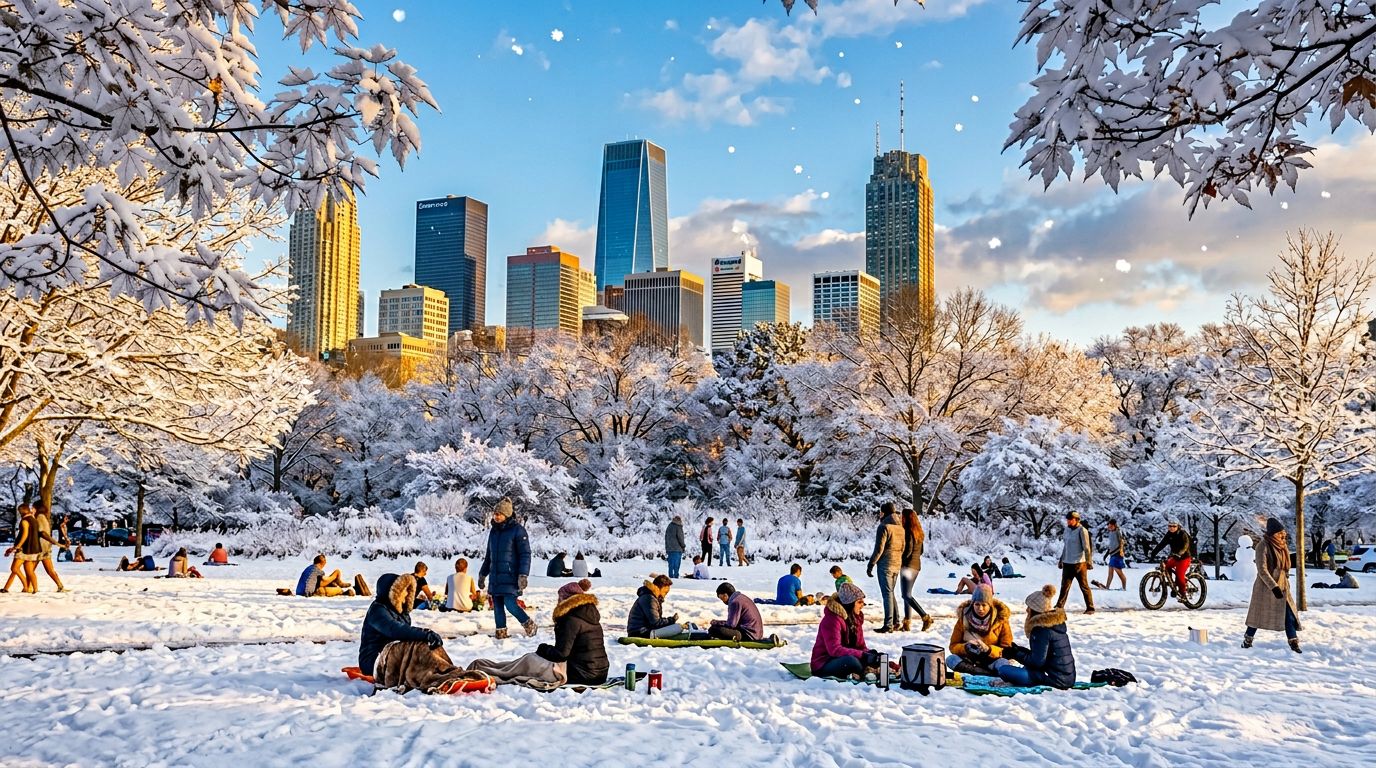
СМЕНА ВРЕМЕНИ ГОДА
Демонстрирует возможности сложного редактирования сцен — преобразуйте окружающую среду и погодные условия. Подходит для маркетинговых визуалов, концепт-арта или промо-материалов по путешествиям.
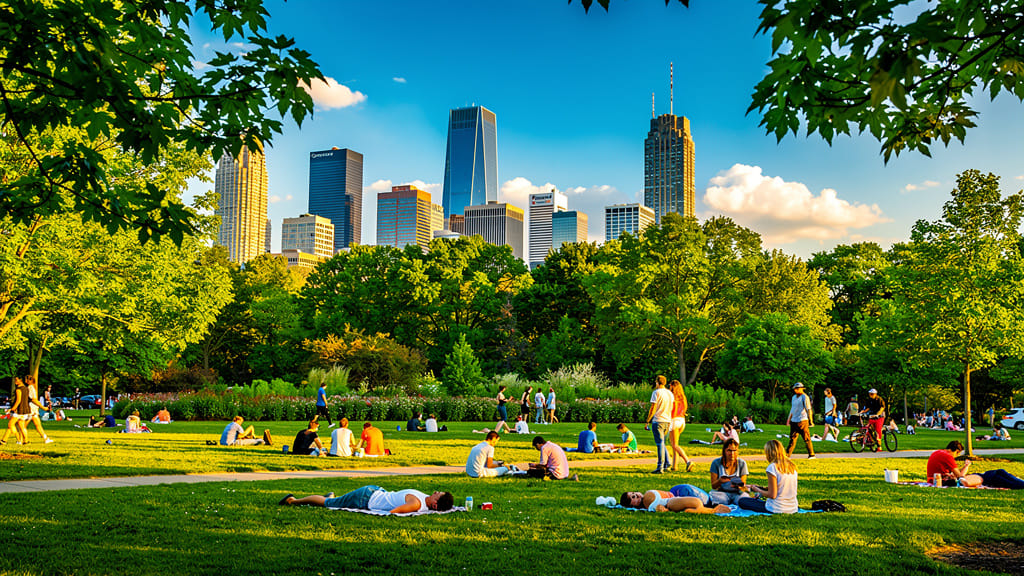
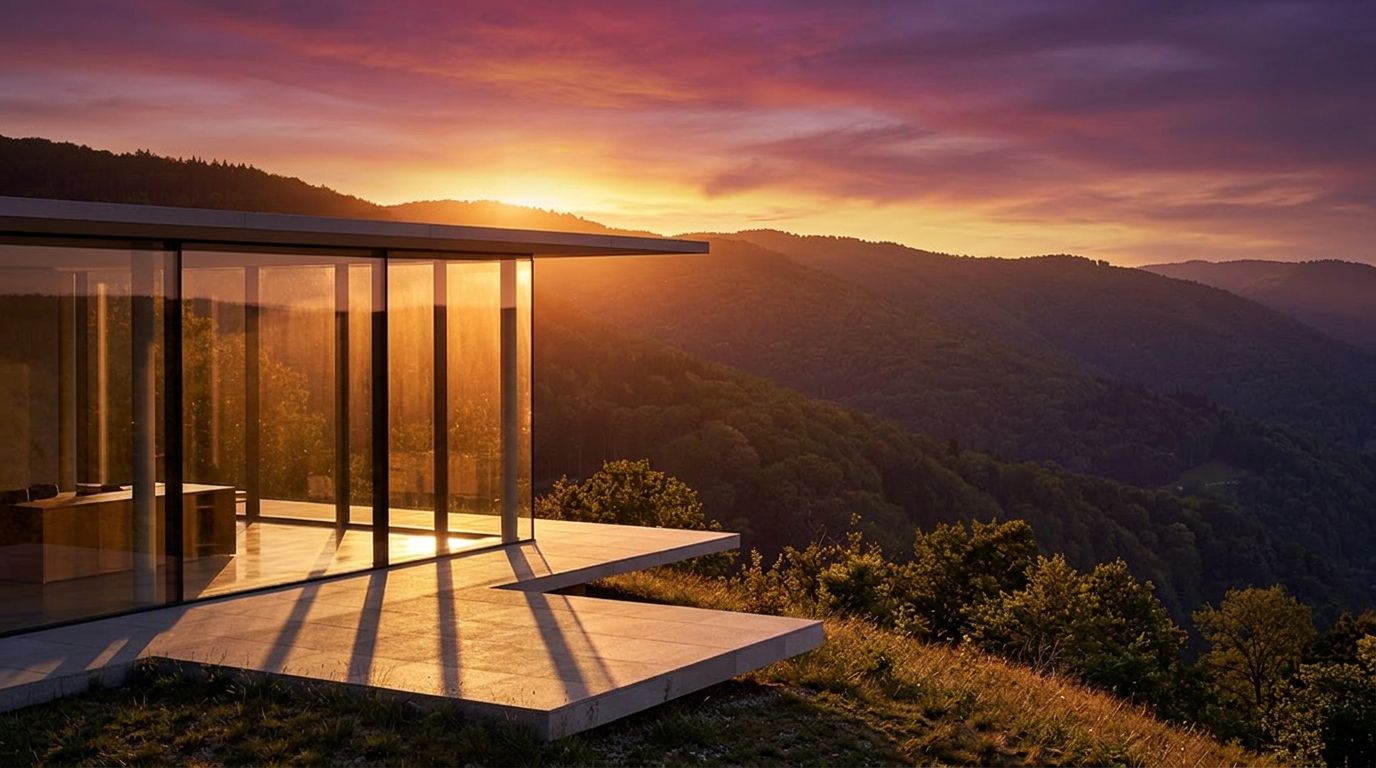
СВЕТ ЗОЛОТОГО ЧАСА
Показывает способность модели имитировать сложное освещение и менять настроение — превращайте любое дневное фото в тёплый кинематографичный снимок в стиле «золотого часа» для соцсетей или портфолио.
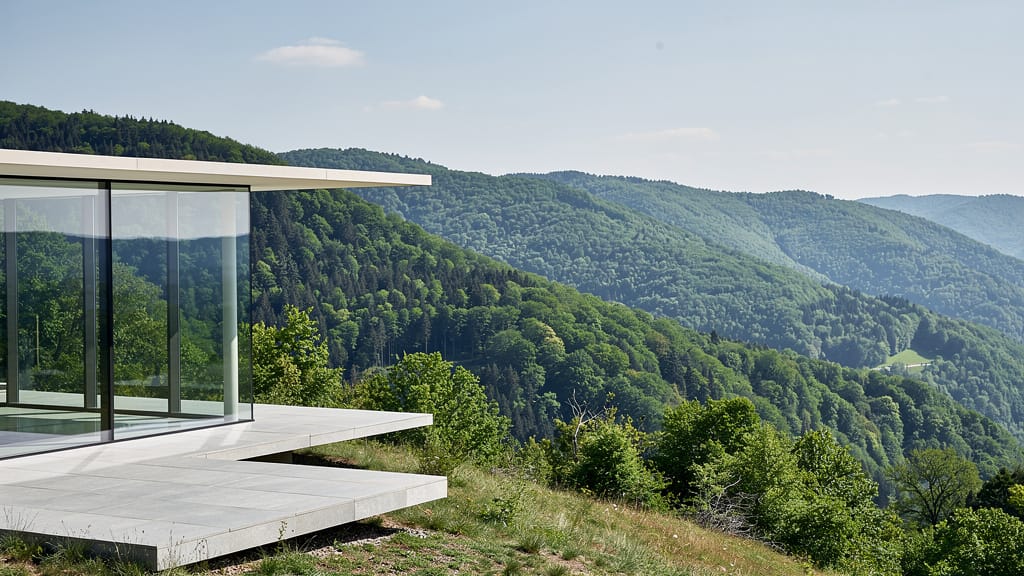
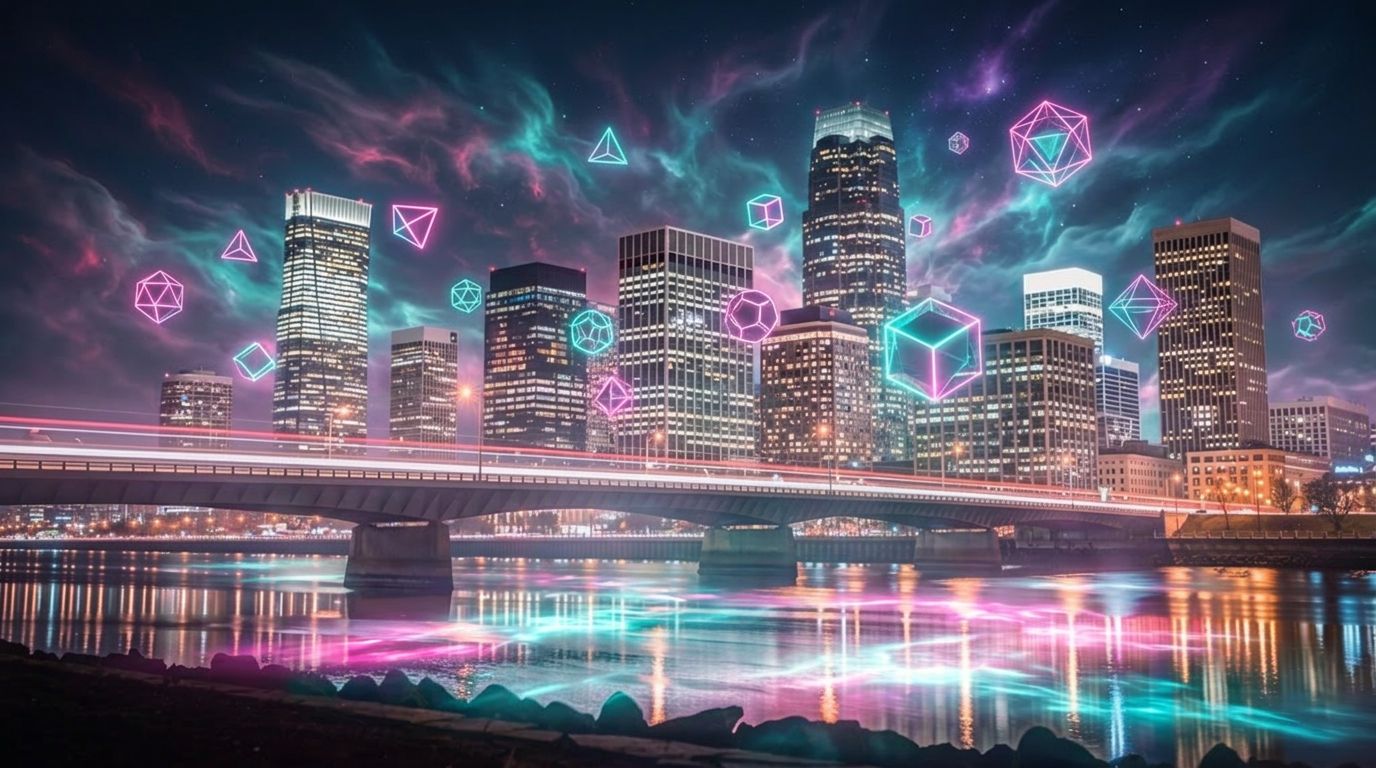
ФАНТАСТИЧЕСКИЕ ОВЕРЛЕИ
Демонстрирует креативные наложения и генерацию фантастических сцен — сочетая фотореализм и воображаемые элементы для обложек альбомов, цифрового арта или фирменных визуалов.
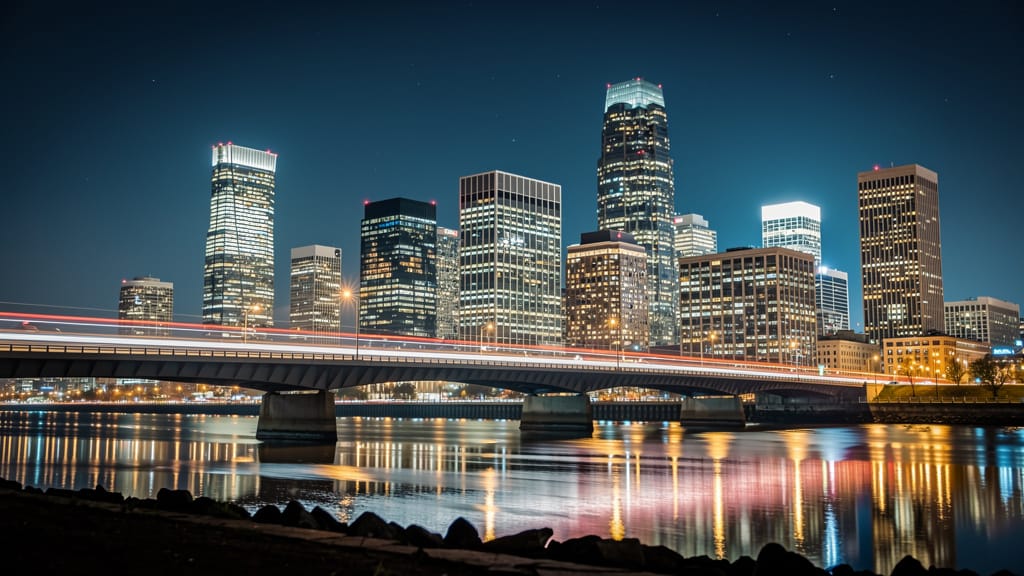
Сравнить с похожими моделями
“Replace the white background with a modern corporate office environment. Add floor-to-ceiling windows with city skyline view in soft focus. Match the lighting to suggest natural window light from the same direction. Maintain the subject's professional appearance and lighting consistency. Add subtle depth of field to the new background.”












Ощутите совершенство с Gemini 3.1 Flash Image Preview
Перейдите на синтез с поддержкой рассуждений уже сегодня
Часто задаваемые вопросы
Похожие модели
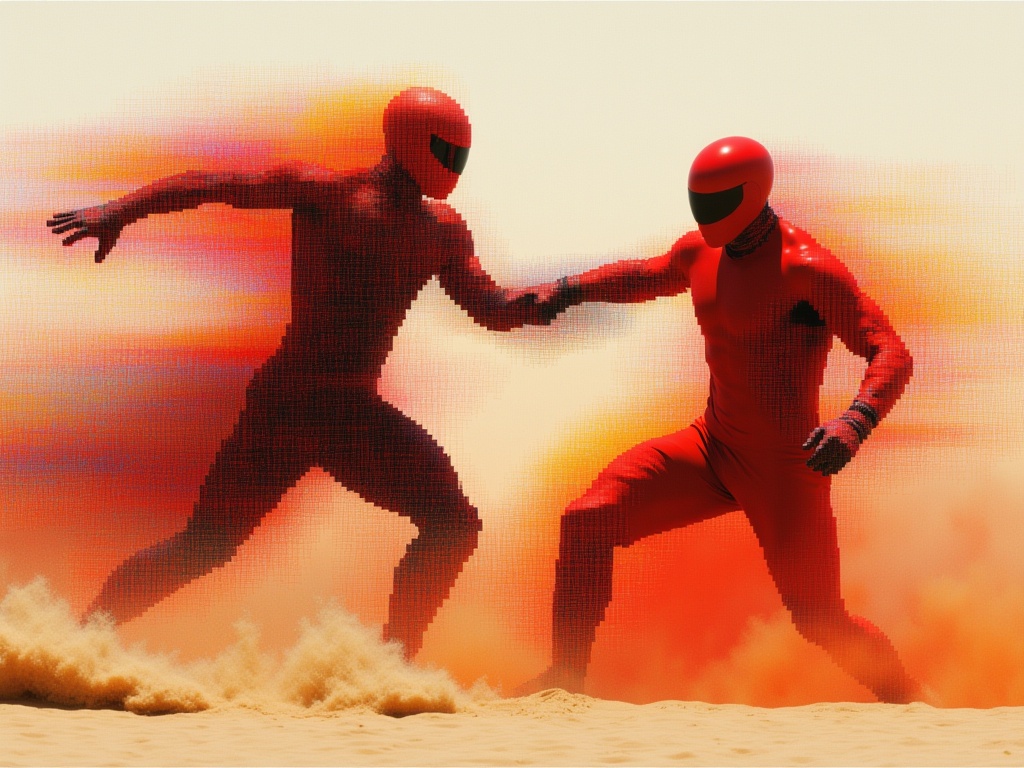
Reve 2.1
Edit images with text prompts
1.3 кредитов
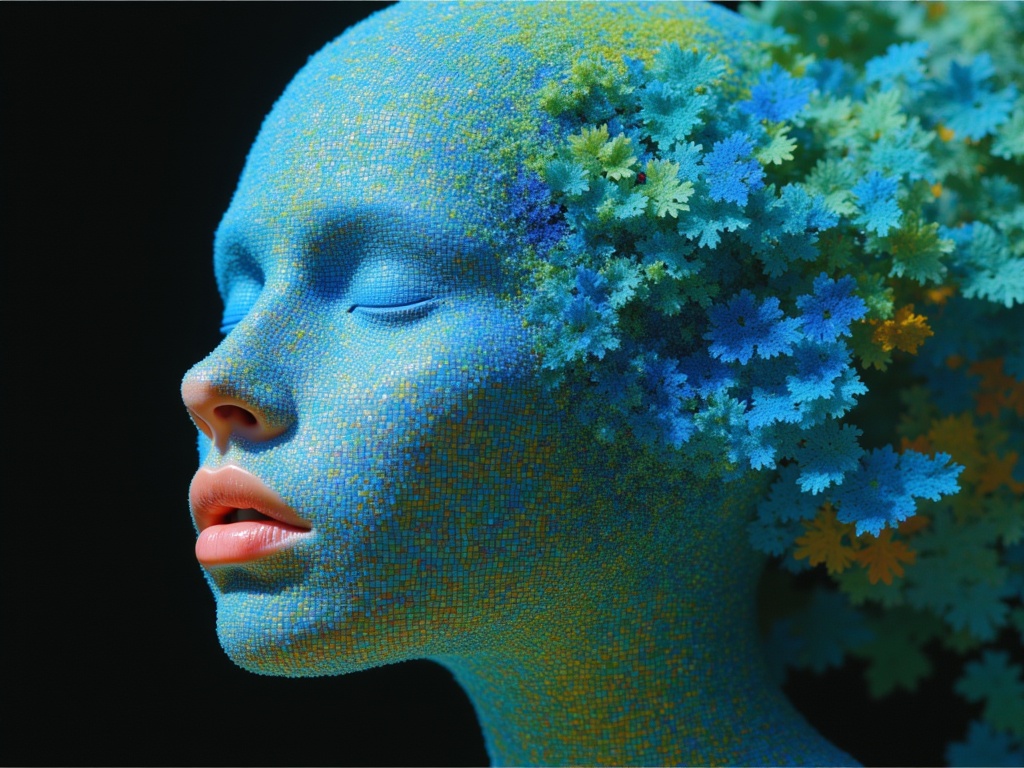
Ideogram V4.0q Image to Image
Prompt-guided image restyling edits
0.1 кредитов
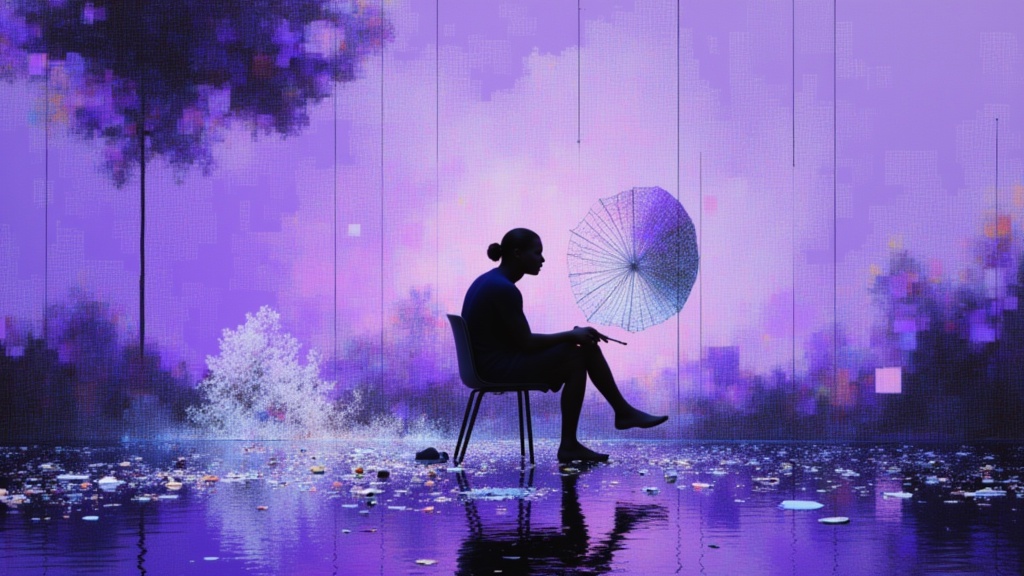
Nano Banana Pro
State-of-the-art image editing
1.2 кредитов
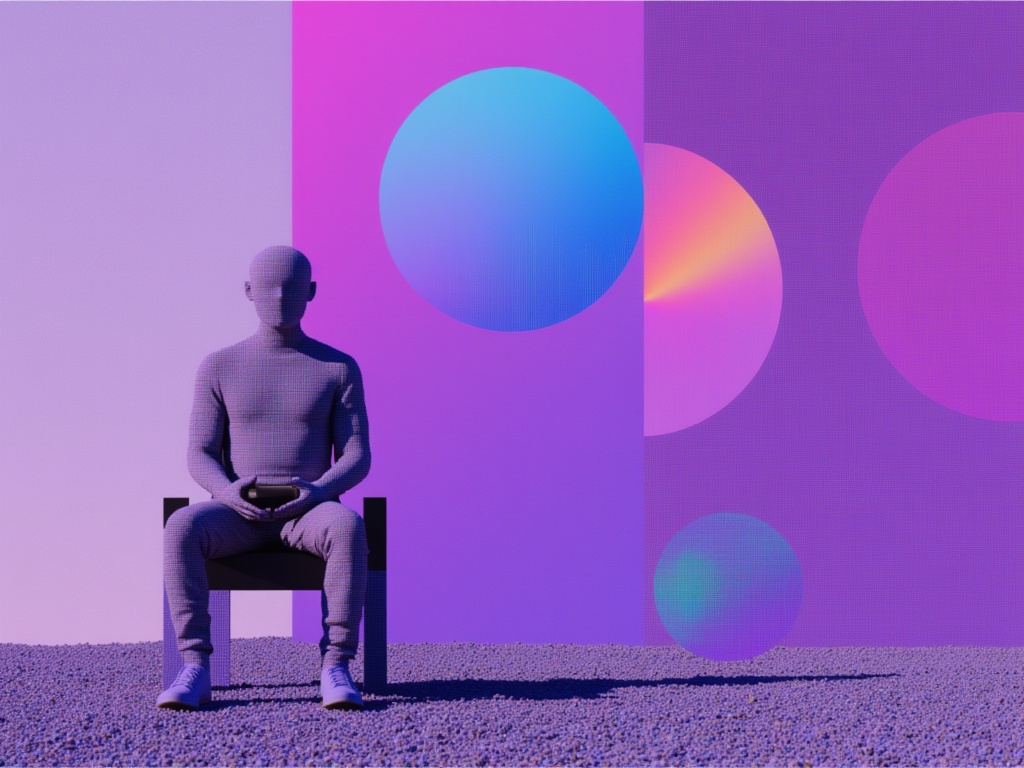
Reve 2.1
Remix images with text prompts
1.5 кредитов
Seedream 5.0 Pro Image Editing
Precise region-based image editing
0.3 кредитов
Grok Imagine Image Editing Quality
High-quality AI image editing
0.1 кредитов
Vidu
Image generation with reference consistency
0.2 кредитов
Nano Banana Lite Edit
Fast efficient image editing
6 кредитов
Seedream
Fast intelligent multi-image editing
0.3 кредитов