Qwen Image Edit 2511
Modifica immagini precisa
Edit images using text prompts
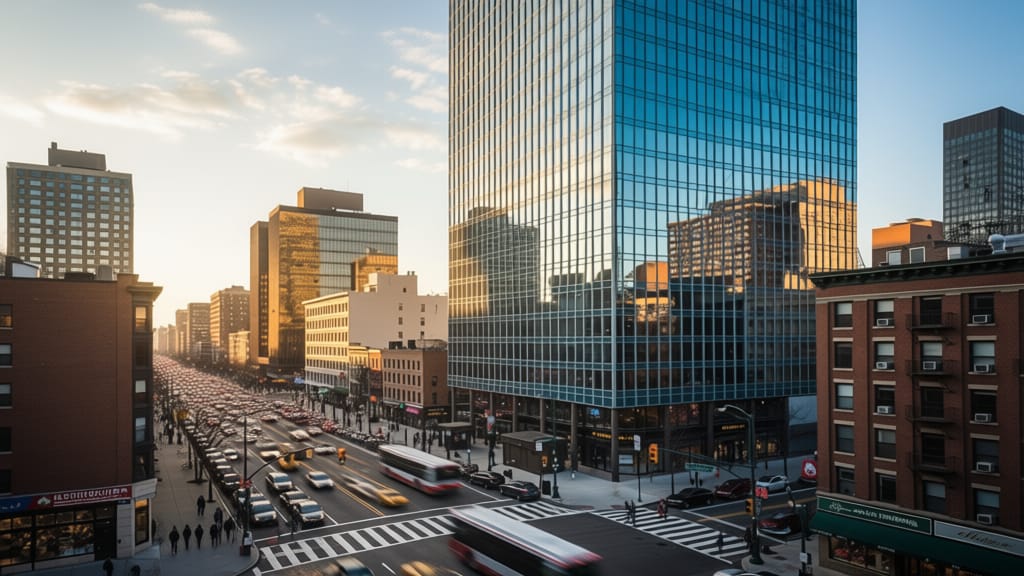
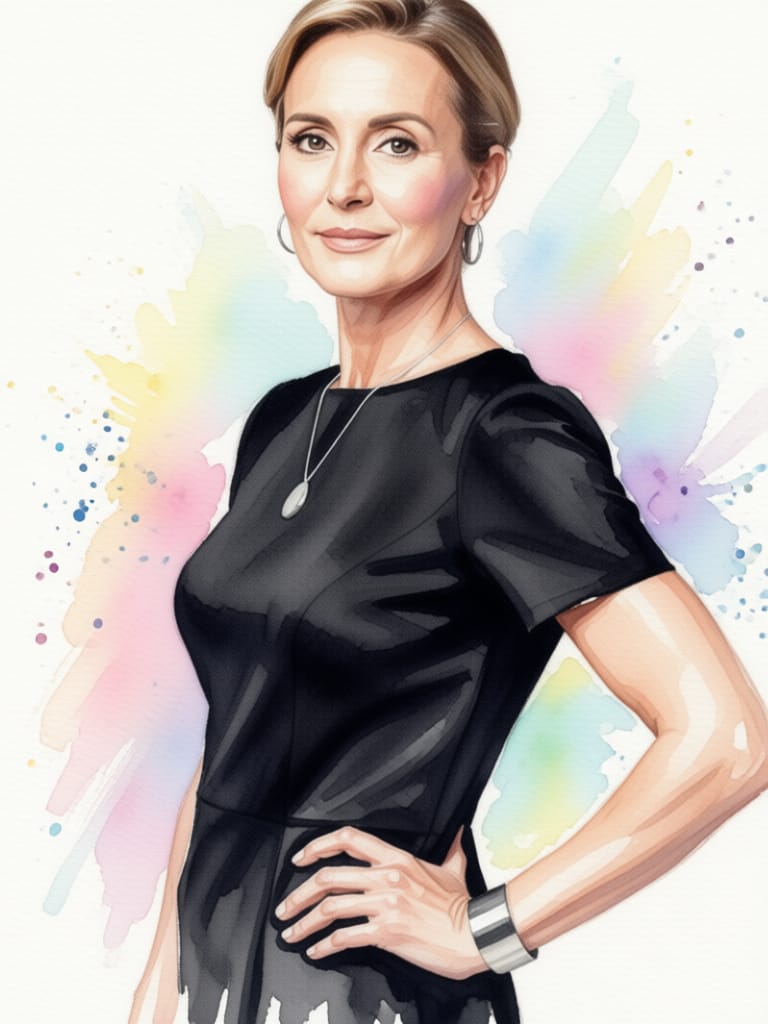
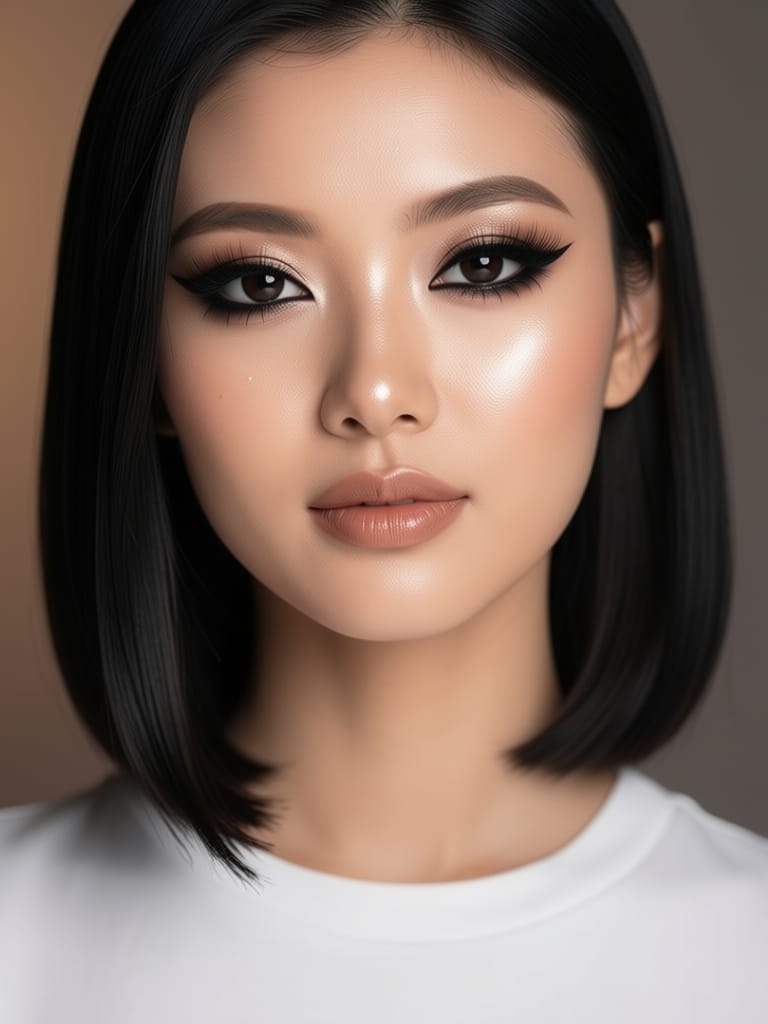
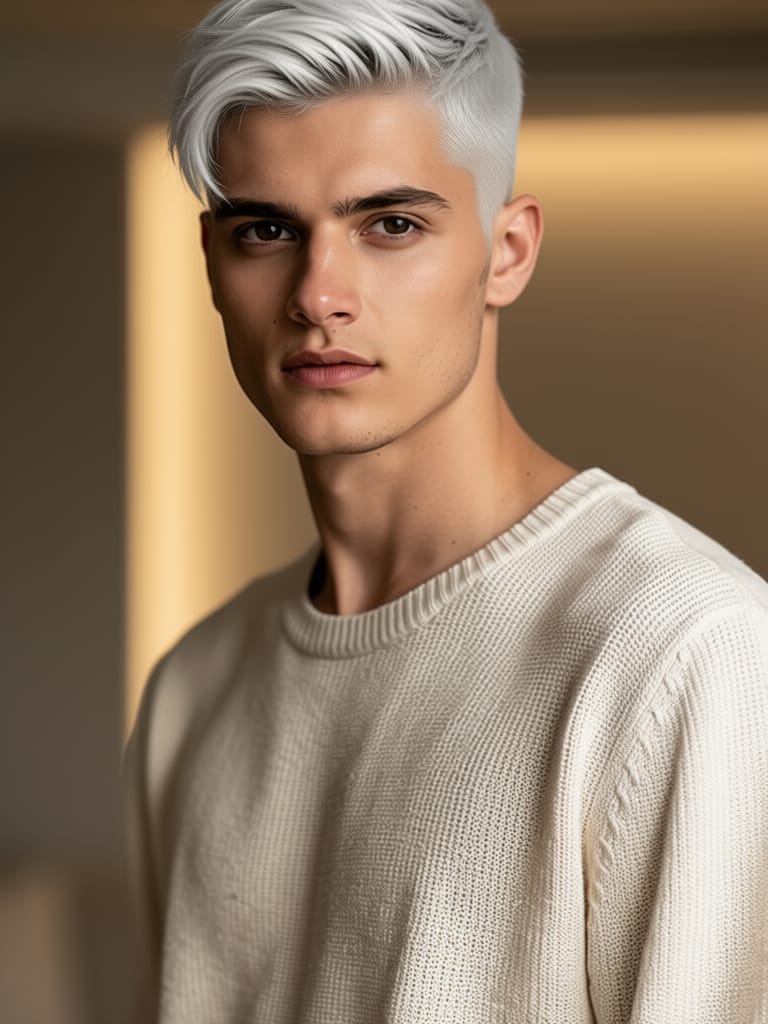
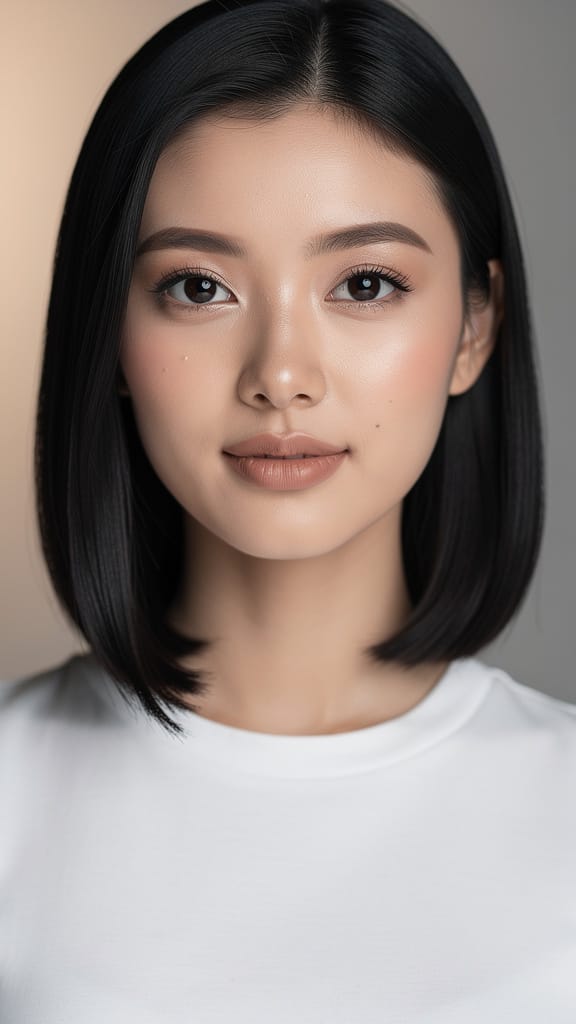
TRASFORMAZIONE TRUCCO
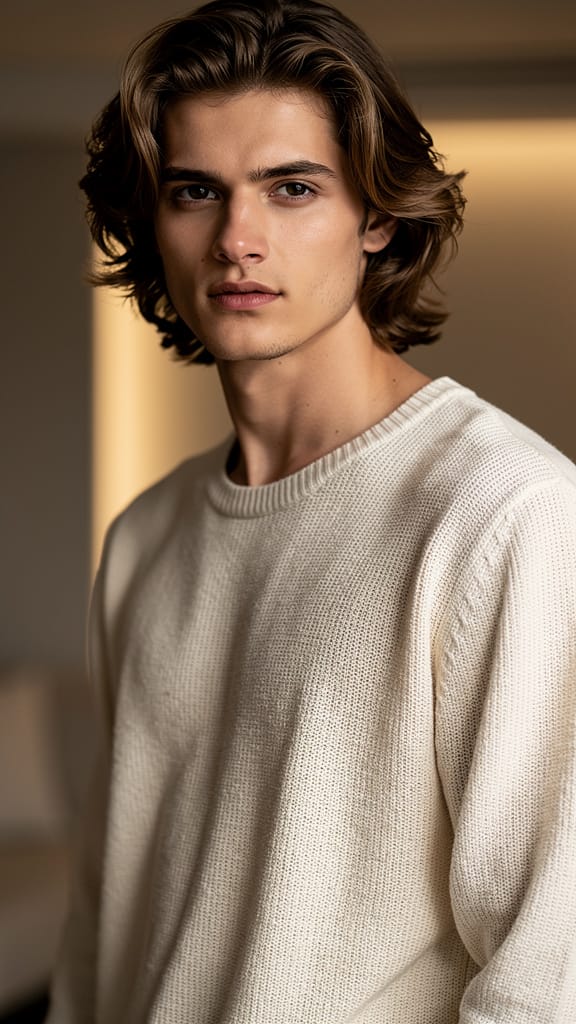
CAMBIO ACConCIATURA
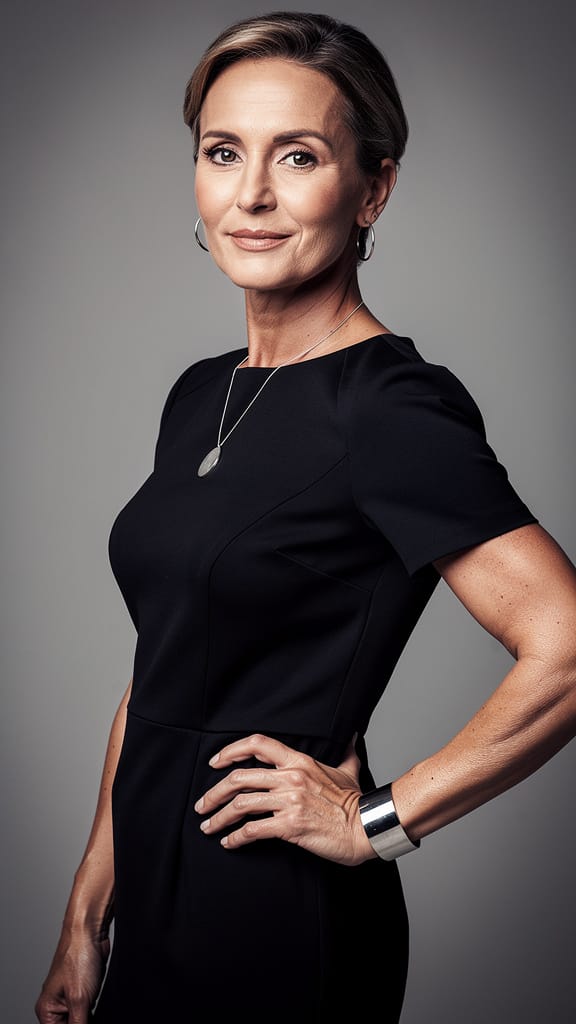
TRASFERIMENTO STILE ARTISTICO
Qwen Image Edit 2511 è un sofisticato modello di editing immagine-da-immagine sviluppato da Black Forest Labs, progettato per professionisti creativi che desiderano trasformare e modificare immagini tramite istruzioni intuitive basate su testo. Che tu sia un artista, designer, filmmaker o content creator, questo strumento ti permette di prendere immagini esistenti e modificarle con indicazioni precise e creative fornite da prompt in linguaggio naturale. Ciò significa che puoi descrivere i cambiamenti desiderati—come 'cambia angolazione in vista frontale'—e il modello interpreterà la tua intenzione e la applicherà direttamente all'immagine caricata.
Ideale per chi cerca un alto grado di libertà creativa, Qwen Image Edit 2511 supporta un'ampia gamma di progetti visivi. Dalle trasformazioni di moodboard, iterazioni di concept art e prototipazione visiva rapida a modifiche editoriali e produzione di contenuti visivi, questo modello può accelerare e migliorare il tuo flusso di lavoro creativo. L'interfaccia utente supporta input da varie fonti di immagini—caricamento dal computer, incolla dagli appunti, trascina da pagine web o inserimento di URL diretti—rendendolo flessibile e facile da integrare in qualsiasi processo creativo.
Qwen Image Edit 2511 offre una suite di controlli creativi per personalizzare la tua esperienza di editing immagini. Puoi regolare il livello di dettaglio (usando impostazioni come l'aderenza al prompt), consentire maggiore o minore libertà creativa al modello e adattare l'impostazione di qualità alle tue esigenze. Il modello ti permette anche di impostare le dimensioni dell'immagine di output o selezionare da rapporti aspetto comuni come quadrato, ritratto (4:3 o 16:9) e paesaggio (4:3 o 16:9), assicurando che l'output corrisponda ai requisiti fisici o digitali del tuo progetto. Se preferisci, puoi mantenere l'immagine di output alla stessa dimensione dell'originale.
I formati di output supportati includono PNG, JPEG e WebP, offrendoti versatilità per la pubblicazione online, ulteriori editing o archiviazione. Puoi anche scegliere di generare da uno fino a quattro variazioni alla volta, rendendo più facile il test A/B e la selezione dello stile all'interno del tuo flusso di lavoro.
Qwen Image Edit 2511 non crea solo una singola trasformazione statica—ti dà spazio per sperimentare. Con la possibilità di impostare un 'seed' fisso, i professionisti creativi possono produrre risultati consistenti tra le iterazioni, facilitando il perfezionamento dei concetti o il mantenimento della continuità visiva. Durante l'editing, puoi specificare stili, prospettive o persino chiedere al modello di evitare certe direzioni creative usando un prompt negativo, che aiuta a filtrare elementi o temi indesiderati dalle tue modifiche.
Il modello supporta una dimensione massima di immagine elevata, con output fino a 14.142 pixel in larghezza o altezza, anche se puoi lavorare con dimensioni molto più piccole per applicazioni web o mobile. I controlli creativi includono anche una funzione di controllo di sicurezza che, quando abilitata, aiuta a garantire che il contenuto generato rimanga sicuro e appropriato per ambienti professionali.
Non è richiesta complessità tecnica—l'attenzione è puramente sulla creatività e sul controllo. Descrivi ciò che vuoi, seleziona la tua immagine, regola i controlli creativi e ricevi immagini pronte all'uso, scaricabili o in un formato adatto per ulteriori elaborazioni nel flusso di lavoro.
Le limitazioni e considerazioni non sono documentate in modo esteso, ma come per qualsiasi strumento di editing immagini automatizzato, i risultati possono variare in base alla specificità del prompt e alla complessità dell'immagine. Per i migliori risultati, usa prompt chiari e descrittivi e presta attenzione alla qualità dell'immagine di input, poiché questi fattori influenzano direttamente la qualità e la rilevanza delle modifiche del modello.
Genera con l'editor di immagini più avanzato
Add the image that you want change
Carica immagine
Aggiungi l'immagine che vuoi modificare o trasformare
A woman kneeling in darkness, illuminated by a warm, radiant beam of light emerging from her raised hand.
Scrivi le modifiche
Descrivi le modifiche desiderate: cambiamenti di stile, rimozione oggetti o miglioramenti
Inizia a condividere
Scarica la tua immagine modificata professionalmente
Oltre il prompt: un nuovo livello di controllo
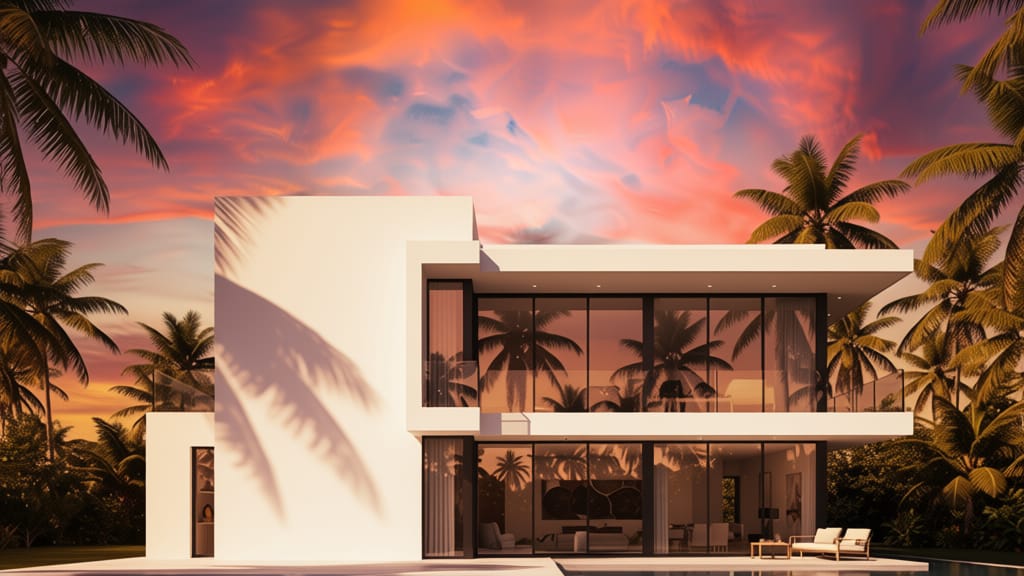
SOSTITUZIONE CIELO DIGITALE
Mostra potente manipolazione di sfondi in scene ampie, ideale per viaggi, immobili o potenziamento paesaggi.
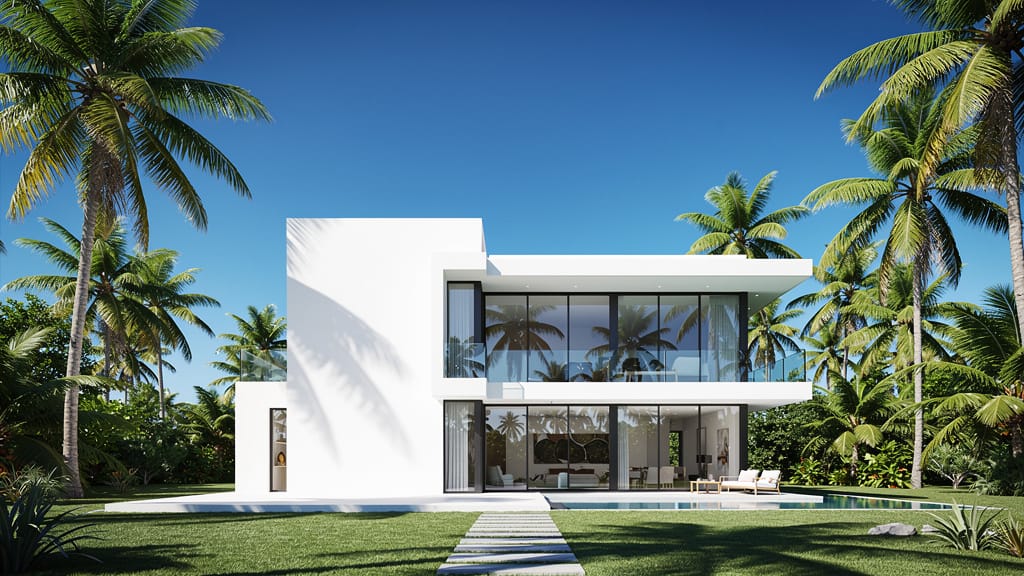
CAMBIO PROSPETTIVA
Dimostra la capacità del modello di reinterpretare scene da nuove angolazioni, ottimo per visualizzazioni architettoniche e storytelling creativo.
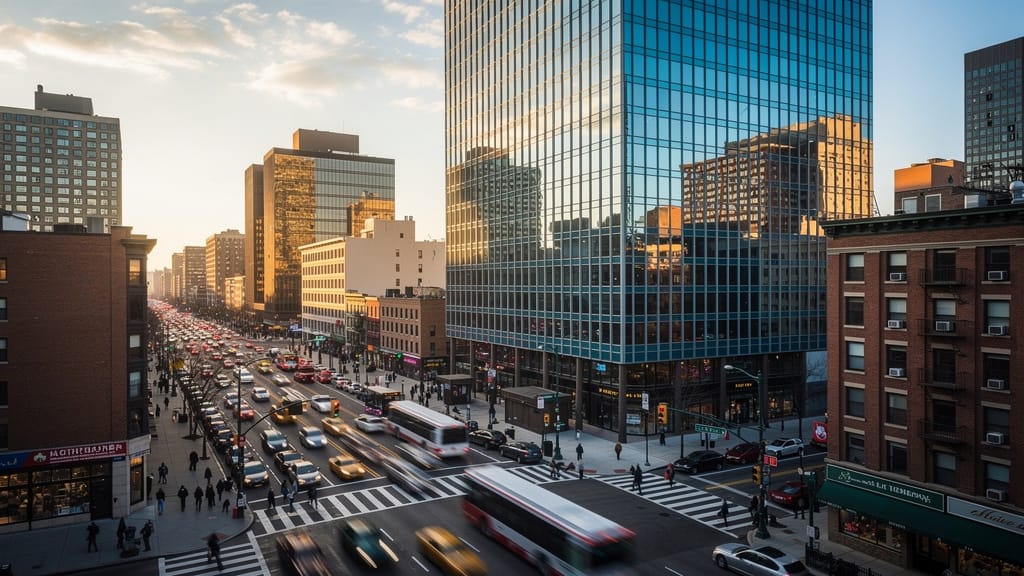
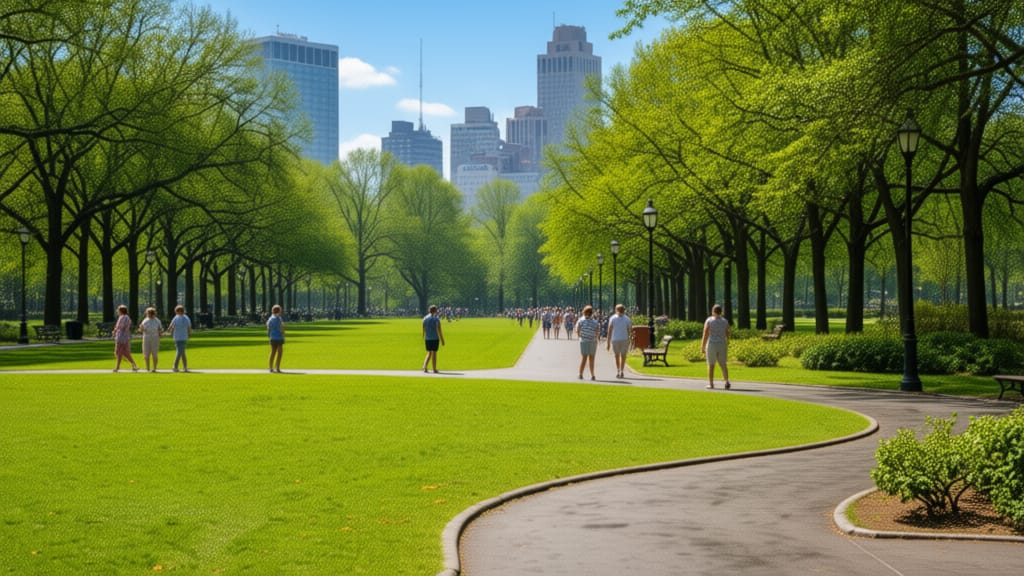
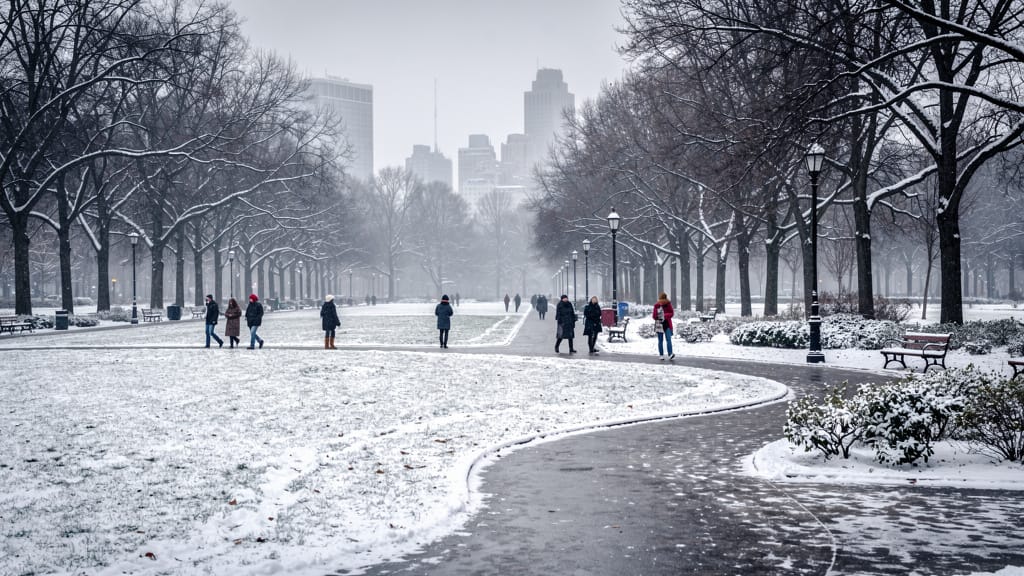
EDITING SCENA STAGIONALE
Abilita cambiamenti ambientali dinamici, trasformando lo stesso luogo attraverso le stagioni per design, marketing o scopi narrativi.
Confronta con modelli simili
“Transform into a classical oil painting in the style of Rembrandt. Add visible impasto brushstrokes with thick paint texture. Apply warm golden undertones and dramatic chiaroscuro lighting with deep shadows. Enhance the dramatic contrast while preserving facial structure and expression. Add subtle canvas texture visible through the paint layers.”
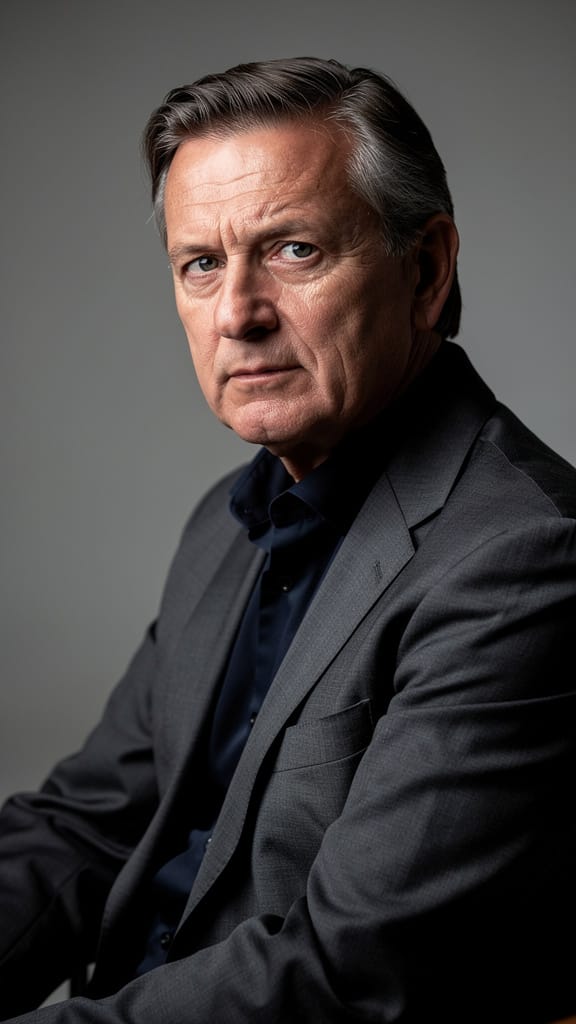
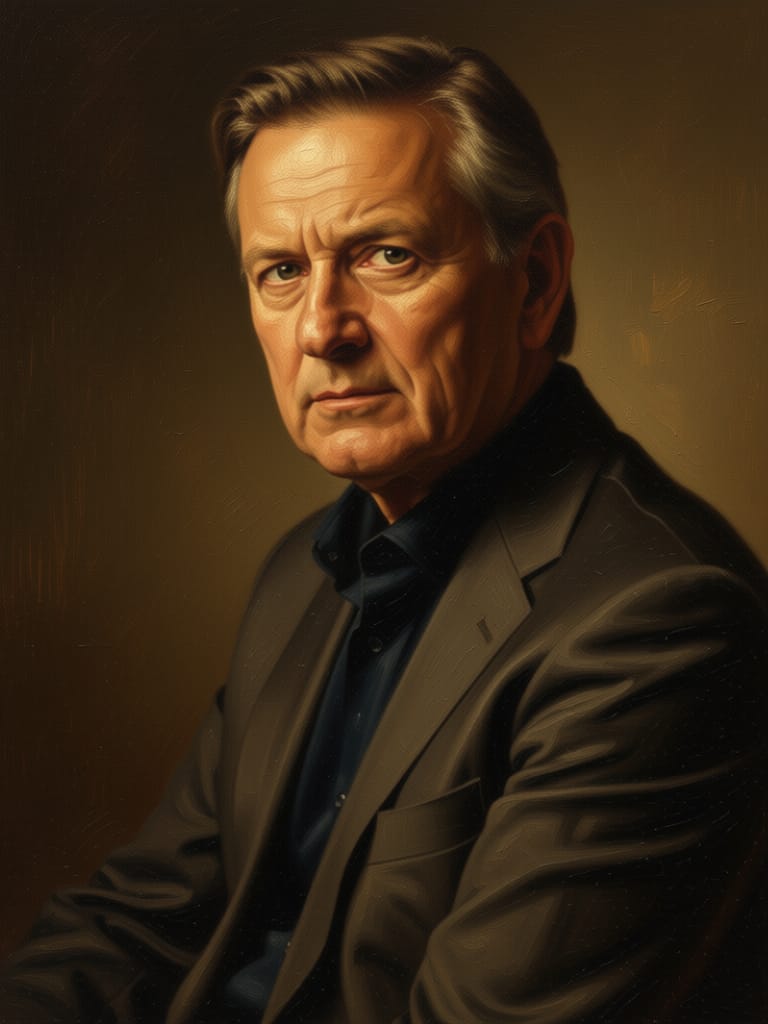


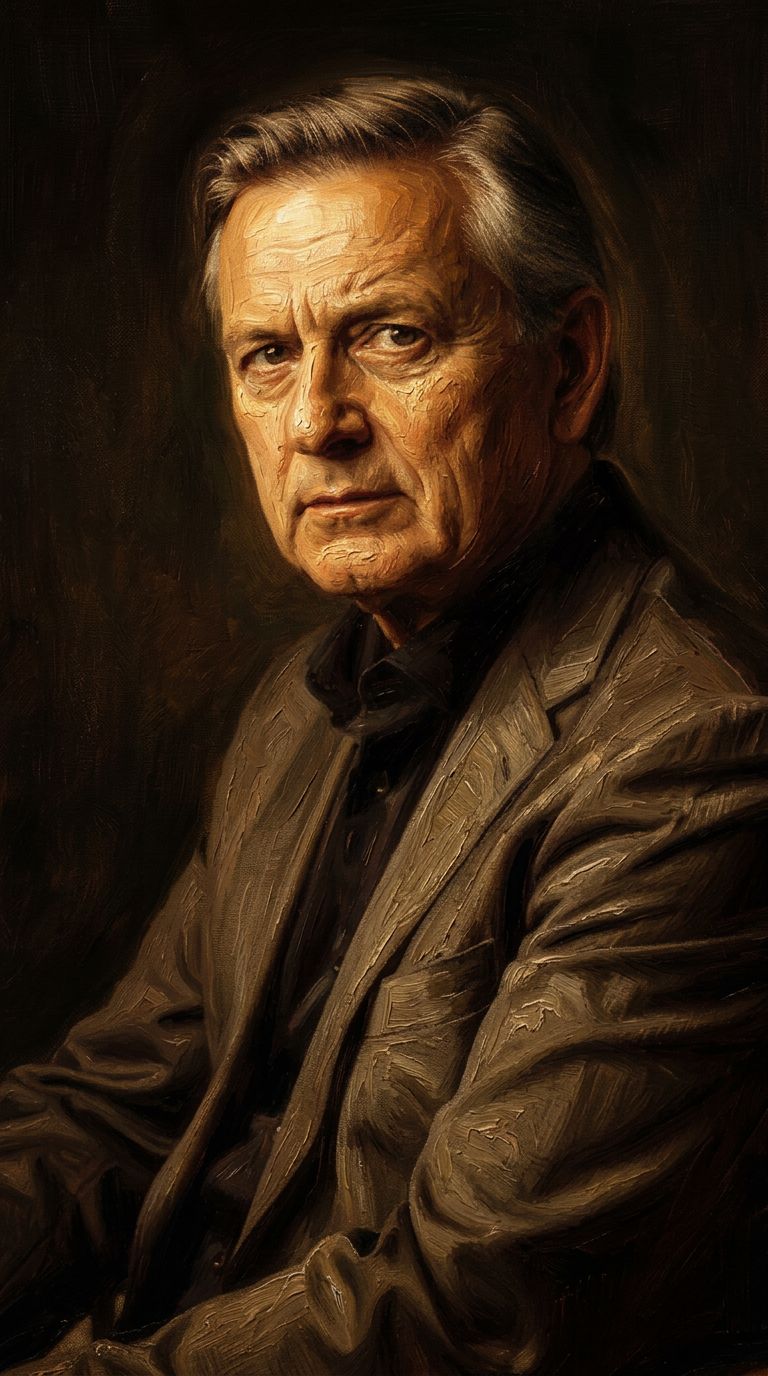
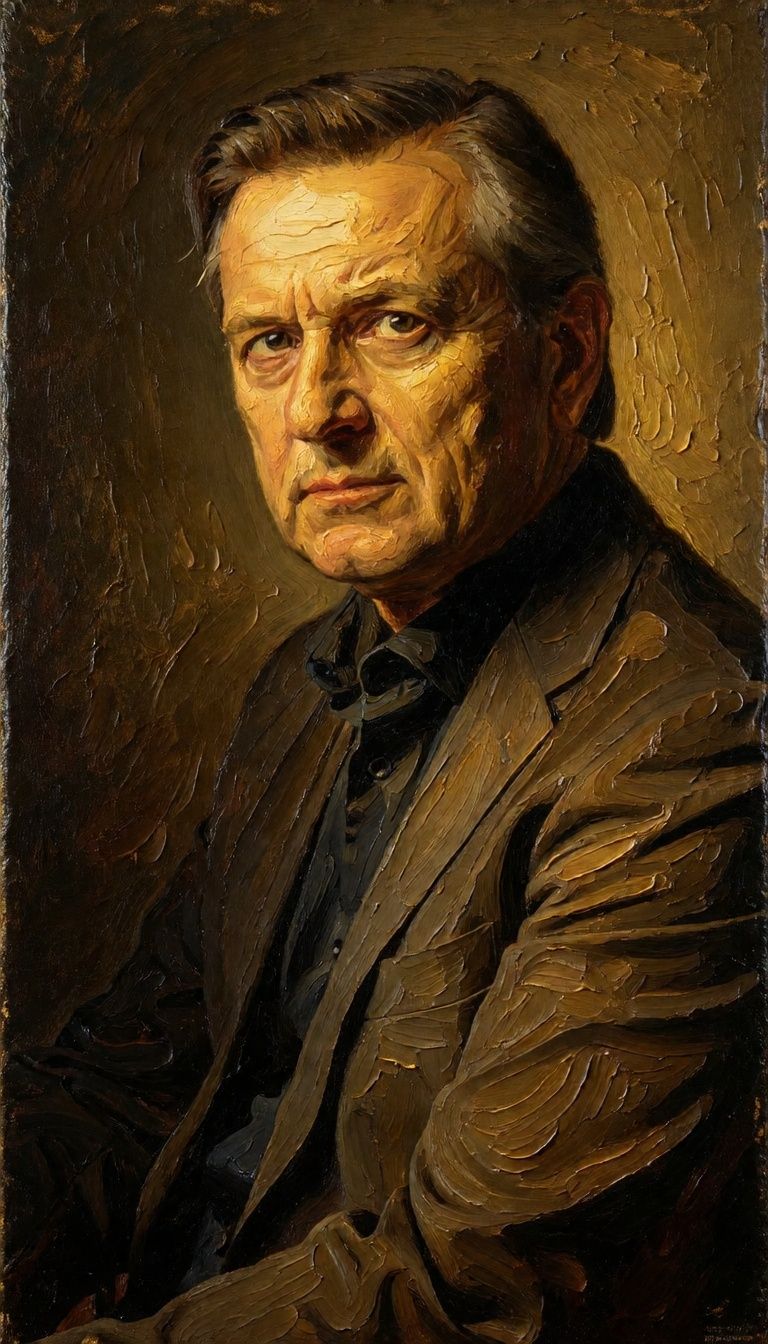
![FLUX.2 [klein] 4B LoRA output](https://shortgenius.com/cdn-cgi/image/width=3840,quality=80,format=auto/https://assets.shortgenius.com/example-model-output/10a63e77-67c3-46e6-83d3-b7b93355e72c.png)
![FLUX.2 [klein] 9B LoRA output](https://shortgenius.com/cdn-cgi/image/width=3840,quality=80,format=auto/https://assets.shortgenius.com/example-model-output/cc1806c8-2af0-47e7-bd34-a95d2d180bfb.png)
![FLUX.2 [klein] 9B LoRA output](https://shortgenius.com/cdn-cgi/image/width=3840,quality=80,format=auto/https://assets.shortgenius.com/example-model-output/cbfd8f70-6bf2-467b-918f-b020118b8db0.png)
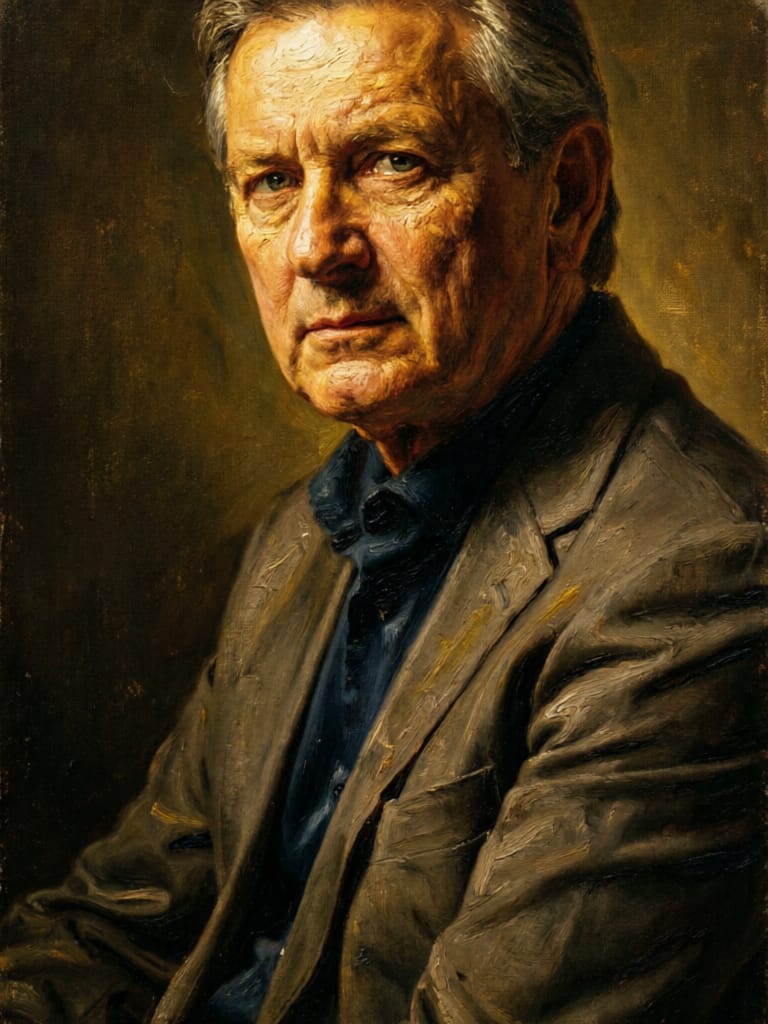
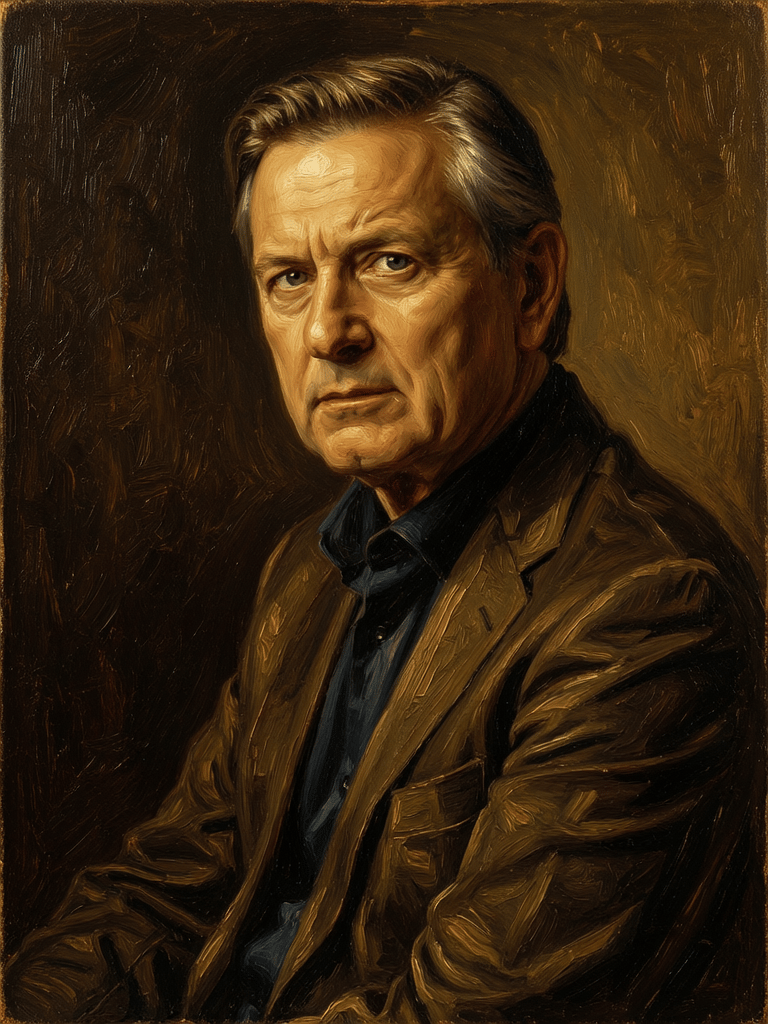

Vivi la perfezione con Qwen Image Edit 2511
Passa oggi alla sintesi guidata dal ragionamento
Domande frequenti
Modelli simili
Firered Image Edit V1.1
Advanced AI-powered image editing
0.4 crediti
![FLUX.2 [klein] 9B LoRA](https://v3b.fal.media/files/b/0a928dd2/yFNW07YLHtp5zuE4eJAW1_e2f89915a1b740559b3c652b0b028296.jpg)
FLUX.2 [klein] 9B LoRA
Precise image edits, color control
0.3 crediti
Qwen Image 2
Unified image editing and generation
0.6 crediti
Wan
Pro text-guided image editing
0.3 crediti
Qwen Image 2
Unified AI image editing model
0.5 crediti
Physic Edit
Realistic physics-based image editing
1.2 crediti
Hy Wu Edit
Edit images with reference photos
0.4 crediti
Phota
Identity-preserving personalized photo editing
0.4 crediti
![FLUX.2 [klein] 4B LoRA](https://v3b.fal.media/files/b/0a928e1f/c62zNs4MhBXgm-5w7n0C5_90bad8837ecc451e96f91da93b78f564.jpg)
FLUX.2 [klein] 4B LoRA
Edit images with text, colors
8 crediti