Wan v2.6 Text to Video
La création vidéo nouvelle génération
Multi-shot cinematic text-to-video
REEL NARRATIF PORTRAIT
PUB RÉVÉLATION PRODUIT
ACTION VERTICALE COURTE
Wan v2.6 Text to Video transforme les descriptions écrites en clips vidéo entièrement réalisés, offrant aux professionnels créatifs un moyen rapide et flexible de donner vie aux idées sans caméras, décors ou équipes de production. Construit comme un modèle text-to-video, il lit votre prompt et génère des séquences en mouvement polies qui peuvent aller d'un seul plan continu à une narration multi-scènes complète avec coupes nettes, mouvements de caméra et environnements changeants. Que vous créiez une mini-bande-annonce cinématographique, un clip social ou une pièce conceptuelle, ce modèle transforme les mots en vidéo regardable.
L'une des fonctionnalités phares de Wan v2.6 est son support de la narration multi-plans. En écrivant votre prompt avec des segments temporels — par exemple, en décrivant ce qui se passe de 0 à 3 secondes, puis de 3 à 6 secondes, et ainsi de suite —, vous pouvez diriger le modèle pour produire une vidéo narrative cohérente qui passe d'une scène distincte à l'autre. La segmentation multi-plans intelligente du modèle maintient le flux de l'histoire à travers ces plans, rendant possible la création de quelque chose qui ressemble à une vraie séquence montée : un gros plan macro, un plan large d'établissement, une caméra avançant à travers une jungle, ou une orbite lente autour de votre sujet. Vous pouvez également désactiver le comportement multi-plans lorsque vous voulez simplement un seul plan continu propre.
Le modèle fonctionne en anglais et en chinois, et les prompts peuvent être très détaillés — jusqu'à 1 500 caractères —, vous laissant de la place pour spécifier l'ambiance, l'éclairage, le comportement de la caméra, le grain de pellicule, les détails du sujet, et même les répliques parlées des personnages. Pour aider les prompts plus courts ou simples à produire des résultats plus riches, Wan v2.6 inclut une fonctionnalité optionnelle d'expansion de prompt qui réécrit et enrichit intelligemment votre description avant la génération. C'est idéal pour les utilisateurs qui veulent des résultats forts sans écrire des instructions exhaustivement détaillées, bien que cela ajoute un peu de temps de traitement. Lorsque vous voulez un contrôle total sur ce qui est généré, vous pouvez le désactiver et vous fier à vos propres mots.
Wan v2.6 produit des vidéos en deux niveaux de qualité — 720p et 1080p — avec 1080p par défaut pour des résultats nets en haute résolution. (Notez que la sortie 480p n'est pas disponible avec ce modèle.) Vous pouvez choisir parmi un ensemble polyvalent de ratios d'aspect pour correspondre à votre plateforme de destination : grand écran 16:9 pour les travaux cinématographiques et paysage, vertical 9:16 pour les flux mobiles et sociaux, carré 1:1 pour les publications adaptées aux grilles, et les formats classiques 4:3 et 3:4 pour un look plus traditionnel ou éditorial. La longueur des clips est tout aussi flexible, avec des options pour des vidéos de 5, 10 ou 15 secondes, vous permettant d'adapter la sortie à tout, d'un accroche rapide à un arc narratif court.
L'audio est une autre dimension créative que vous pouvez ajouter. Wan v2.6 vous permet de fournir votre propre musique de fond ou son pour accompagner la vidéo générée. L'audio que vous fournissez est adapté à la longueur de votre clip : si votre piste est plus longue que la vidéo, elle est coupée pour s'adapter, et si elle est plus courte, la partie restante de la vidéo joue en silence. Les formats pris en charge incluent WAV et MP3, avec un audio entre 3 et 30 secondes et des fichiers jusqu'à 15 MB. Cela facilite l'association d'une visuelle générée avec une musique ou un lit de son que vous avez déjà choisi.
Pour affiner l'apparence et la sensation, le modèle offre quelques contrôles utiles. Un prompt négatif vous permet de описать ce que vous voulez éviter — comme une faible résolution, des erreurs visuelles ou des artefacts indésirables — pour orienter la génération loin des problèmes de qualité courants. L'option seed offre la reproductibilité : en réutilisant la même seed avec les mêmes paramètres, vous pouvez régénérer des résultats cohérents ou itérer intentionnellement sur un look que vous aimez. Le modèle renvoie également le prompt réel utilisé lorsque l'expansion de prompt est activée, afin que vous puissiez voir exactement comment votre description a été interprétée et affinée. Un vérificateur de sécurité intégré est activé par défaut pour aider à maintenir un contenu généré approprié.
Les exemples documentés mettent magnifiquement en valeur la gamme du modèle : scènes photoréalistes style 4K, éclairage cinématographique, grain de pellicule subtil, mouvement de caméra fluide, et sortie propre sans sous-titres, filigranes ou encombrement d'interface. Un seul prompt peut passer d'un petit renard directeur claquant un clapboard, à une rue poussiéreuse de l'Ouest sauvage au coucher du soleil, à une rivière jungle brumeuse, à une orbite lente autour d'une fenêtre de station spatiale — tout dans une seule pièce cohérente. Cela démontre la force du modèle pour livrer des environnements variés, un langage de caméra dynamique et des moments portés par les personnages dans une vidéo unifiée.
Wan v2.6 est idéal pour une large gamme de professionnels créatifs. Les cinéastes et artistes de storyboard peuvent prototyper des scènes et des bandes-annonces ; les créateurs de médias sociaux et marketeurs peuvent rapidement produire des clips verticaux ou carrés accrocheurs ; les designers et artistes conceptuels peuvent visualiser des ambiances, décors et moments produits ; et les créateurs de contenu de tous types peuvent générer des pièces en mouvement courtes et polies avec un minimum de configuration. Comme il parle anglais et chinois et supporte plusieurs cadrages et durées, il s'adapte à une grande variété d'audiences et de plateformes.
Quelques considérations vous aident à obtenir les meilleurs résultats. Des prompts détaillés et bien structurés — surtout ceux qui spécifient les plans, le timing, les mouvements de caméra et l'éclairage — produisent la sortie la plus contrôlée et cinématographique. Si vous préférez écrire moins, appuyez-vous sur l'expansion de prompt pour développer votre idée, en gardant à l'esprit que cela ajoute un peu de temps de traitement. La segmentation multi-plans ne fonctionne que lorsque l'expansion de prompt est active, alors planifiez en conséquence pour les séquences narratives. Et rappelez-vous que tout audio ajouté suivra les règles de timing de coupe ou de silence final pour correspondre à la longueur de clip choisie. Avec ces outils en main, Wan v2.6 Text to Video offre un moyen puissant, expressif et accessible de transformer l'imagination en mouvement.
Générez avec le modèle de vidéo le plus avancé
A woman kneeling in darkness, illuminated by a warm, radiant beam of light emerging from her raised hand.
Rédigez votre scénario
Décrivez votre scène vidéo avec le mouvement, les angles de caméra et l'ambiance
L'IA génère
Le modèle crée un mouvement cinématographique avec une physique et un éclairage naturels
Commencez à partager
Téléchargez et partagez votre vidéo prête à la diffusion
Au-delà du prompt : un nouveau niveau de contrôle
SÉQUENCE NATURE PAYSAGE
Met en valeur des transitions multi-scènes fluides, des dynamiques naturelles et un éclairage environnemental — idéal pour des présentations cinématographiques ou YouTube shorts. Capture le changement temporel fluide et la construction de monde dynamique.
BANDES-ANNONCE SCI-FI CINÉ
Démontre des dynamiques de scènes complexes, un travail de caméra rapide et des effets d'éclairage animés dans un format narratif cinématographique. Parfait pour les bandes-annonces YouTube ou intros de présentations.
EXPLORATEUR ÉDUCATIF
Met en scène la narration de processus scientifiques, avec mouvements de caméra et progression temporelle claire pour expliquer des concepts complexes. Adapté aux vidéos éducatives paysage et présentations.
Comparer avec des modèles similaires
“Cinematic reveal of a sleek black luxury sports car in a dark studio. Camera starts close on the chrome badge, slowly pulling back while orbiting 180 degrees around the vehicle. Dramatic rim lighting gradually intensifies, highlighting the car's sculptural curves and glossy finish. Reflections dance across the body as the camera moves. Dust particles float in volumetric light beams. Final wide shot reveals the full silhouette against a gradient backdrop. 8 seconds, smooth motion, 24fps cinematic quality.”
Découvrez la perfection avec Wan v2.6 Text to Video
Passez dès aujourd'hui à la synthèse guidée par le raisonnement
Foire aux questions
Modèles similaires

LTX-2.3 22B
Text to video with audio
0.7 crédits
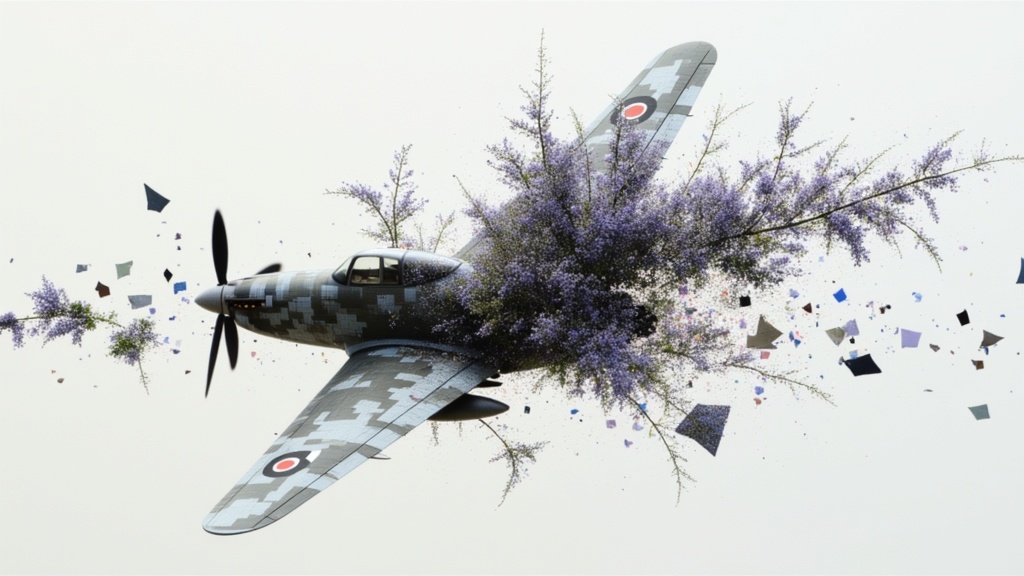
Veo3.1 Lite Text to Video
Fast balanced text-to-video generation
1.6 crédits
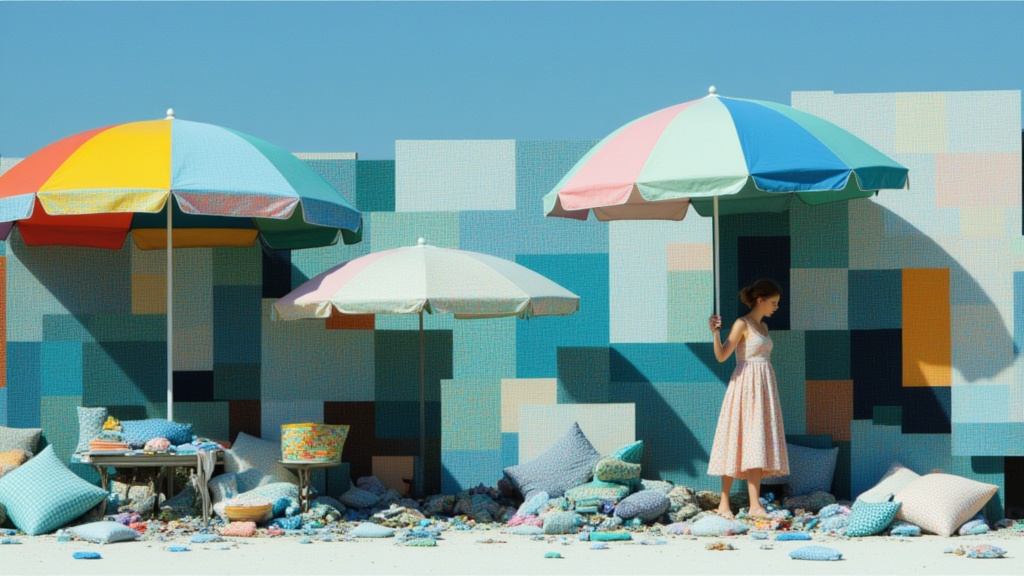
Seedance 2.0 Fast Text to Video
Fast cinematic video with audio
0.1 crédits
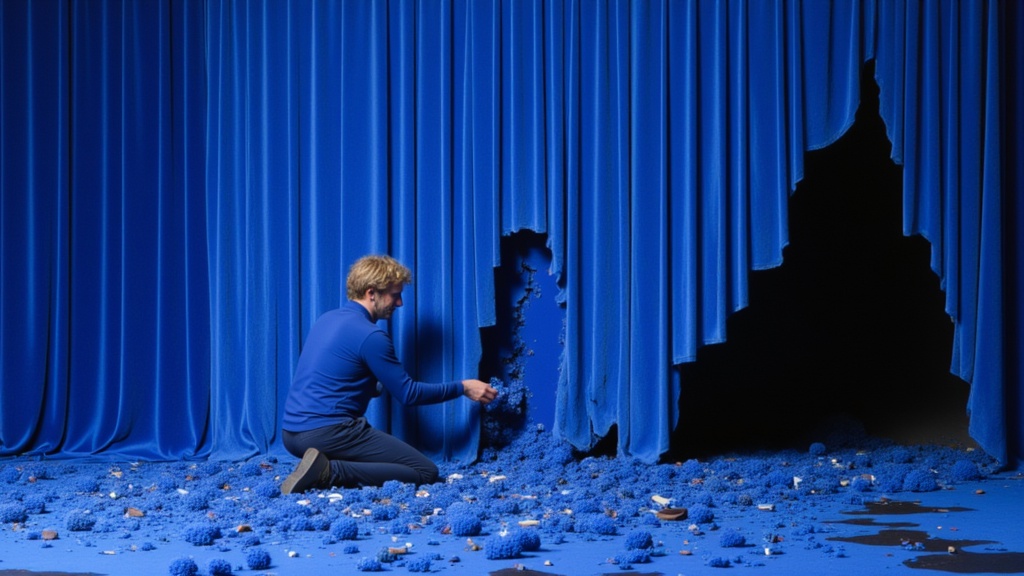
Seedance 2 Reference to Video
Cinematic video from references
10 crédits
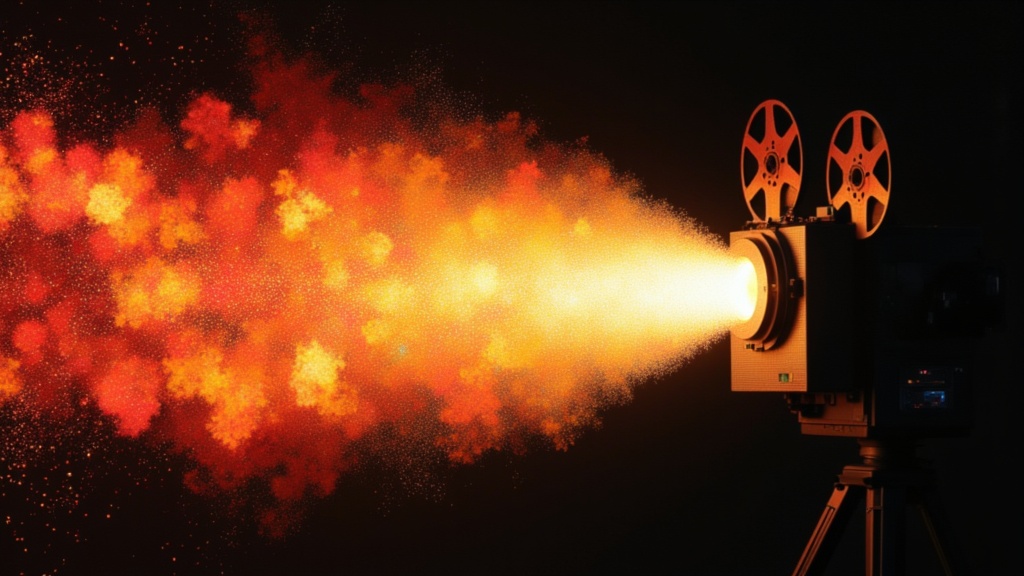
PixVerse C1 Text To Video
Film-grade video with audio
0.1 crédits
Seedance 2.0 Text to Video API
Cinematic video with native audio
1.4 crédits
Seedance 2.0 Fast Reference to Video
Cinematic video from references
0.4 crédits